Categories
Featured Home Appliances

Combat Dry Air: Top Four Air Humidifiers To Buy In India Under Rs. 5,000

Key Highlights

  • An air humidifier is a small but useful device
  • It helps with the common cold, seasonal allergies, dry skin
  • It can help maintain optimal moisture levels in your room

Dry air can be problematic for all ages, causing breathing difficulties and worsening existing respiratory issues. Air humidifiers can help maintain optimal moisture levels in your room, providing relief and promoting a better night’s sleep. Here, we have curated the list of the best four humidifiers can you can consider buying for under Rs. 5,000. Also Read | Need A Budget Air Purifier: List Of Best Air Purifiers For Home Under Rs. 10,000 In India

ModelPrice
Kampes Cool Mist HumidifierRs. 3,499
Bear 5L HumidifierRs. 3,199
AGARO Verge Cool Mist HumidifierRs. 1,799
Deerma F628 Manual Air HumidifierRs. 2,499

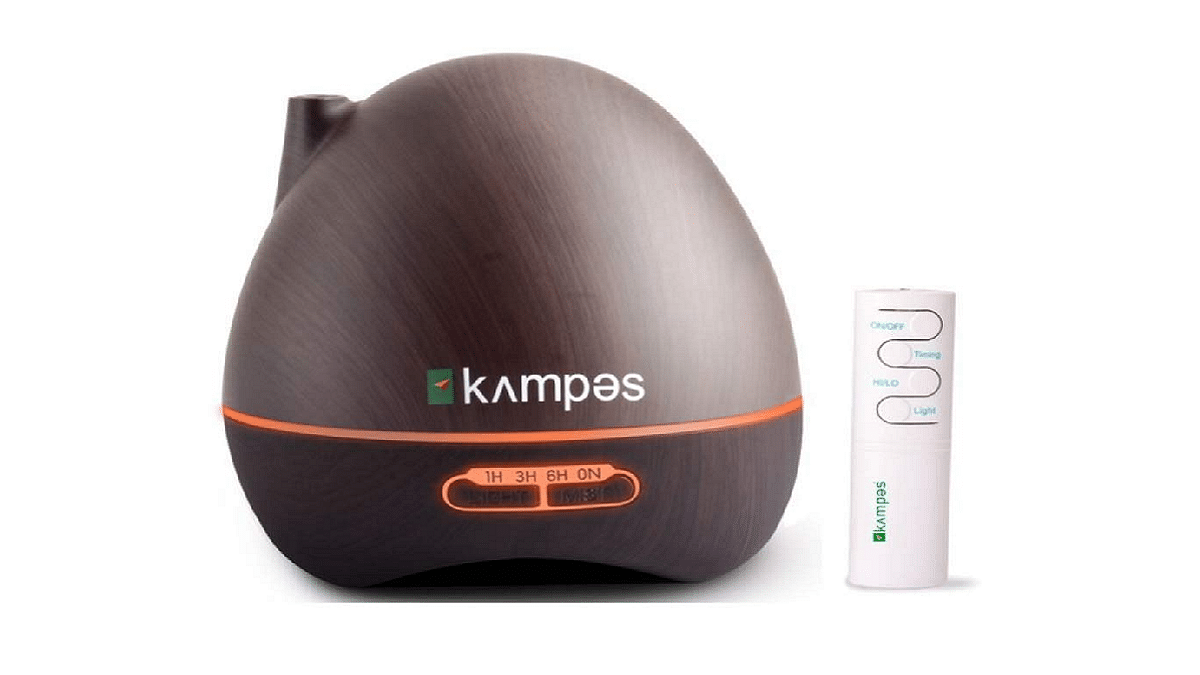
Kampes Cool Mist Humidifier

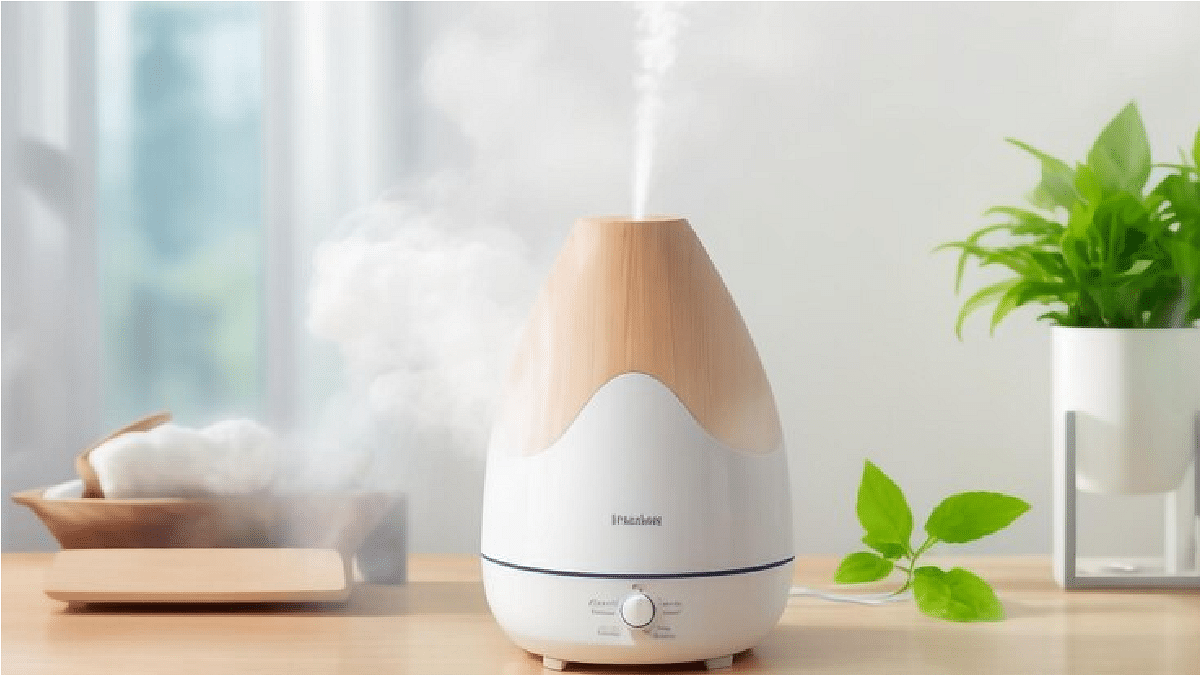
Kampes Cool Mist Humidifier is a compact device that doubles as an essential oil diffuser. With a 300ml water tank and the ability to run continuously for 8-10 hours on two AA batteries, it offers relaxation and improved sleep.

Key Features:

  • Aesthetic wood grain exterior for a natural vibe
  • Environmentally-friendly ABS plastic construction, non-toxic and odor-free
  • Doesn’t release harmful substances into the air, improving air quality
  • Seven colored LEDs for a soothing atmosphere and night light functionality

Bear 5L Humidifier
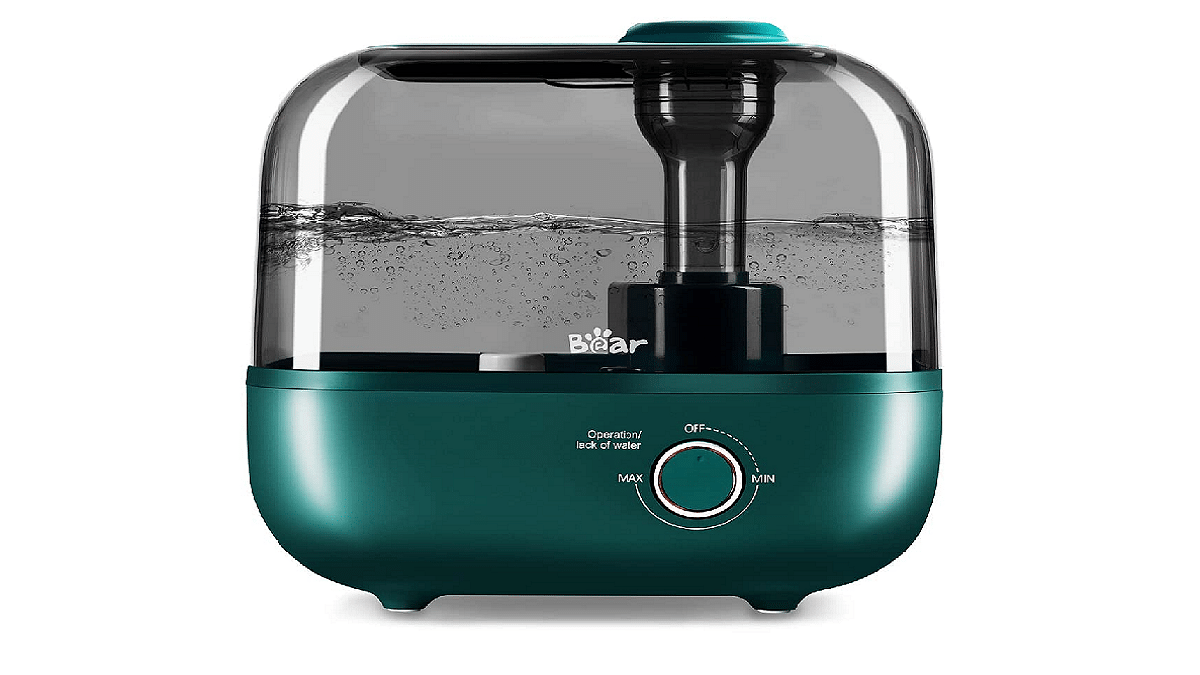
The Bear 5L Humidifier is designed to handle large rooms and provide up to 35 hours of humidification. This top-filling ultrasonic cool mist desktop humidifier offers a range of benefits, from soothing congestion to improving overall health.

Key Features:

  • Separate essential oil case for pleasant aromas without affecting the water tank
  • Easy refilling and cleaning with a top-fill design and wide-opening water tank
  • Whisper-quiet operation at less than 28dB for peaceful sleep
  • Stepless control knob for customized humidity levels and a 360° mist nozzle

Also Read | Best Wi-Fi-Connected Air Purifiers To Buy In India

AGARO Verge Cool Mist Humidifier
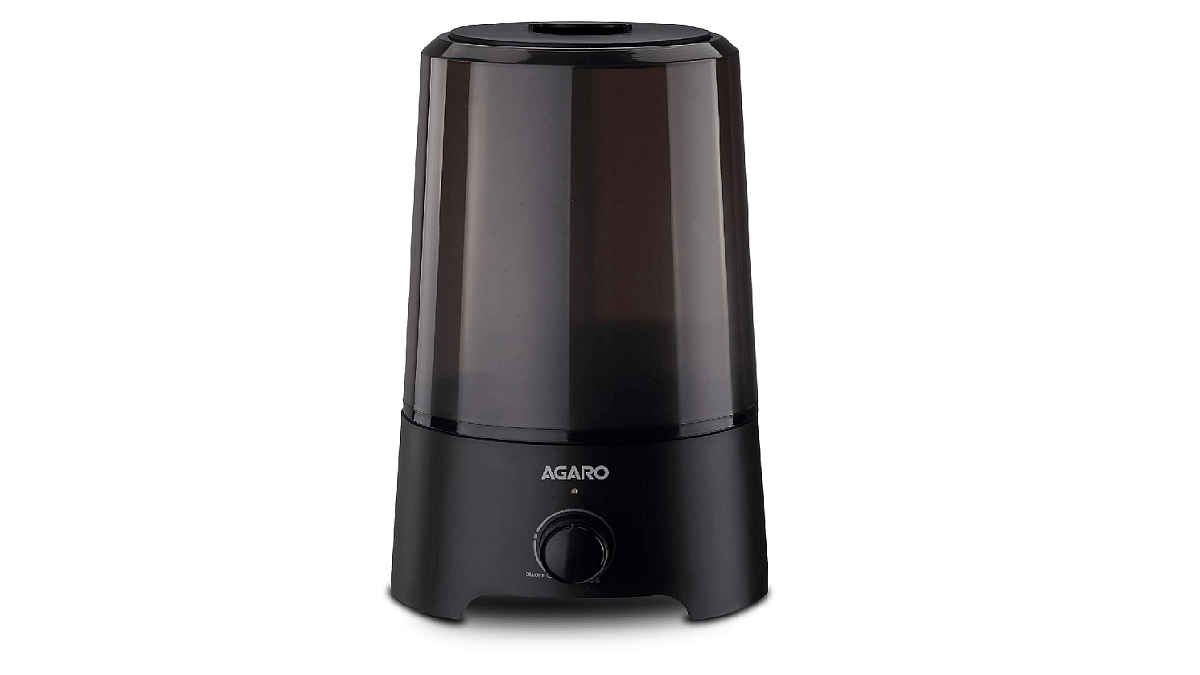
AGARO Verge Cool Mist Humidifier uses electronic frequencies to disperse moisture and combat bacteria in dry air. It alleviates dry skin, cold symptoms, and more, ensuring you get a restful sleep.

Key Features:

  • Provides cool mist without excessive noise, promoting a more restful sleep
  • Increases atmospheric water vapor and alleviates air dryness
  • Ease symptoms such as asthma, itching, cold, dry skin, and throat allergies
  • Supports better skin health, cold relief, and overall comfort by adding moisture to the air

Deerma F628 Manual Air Humidifier
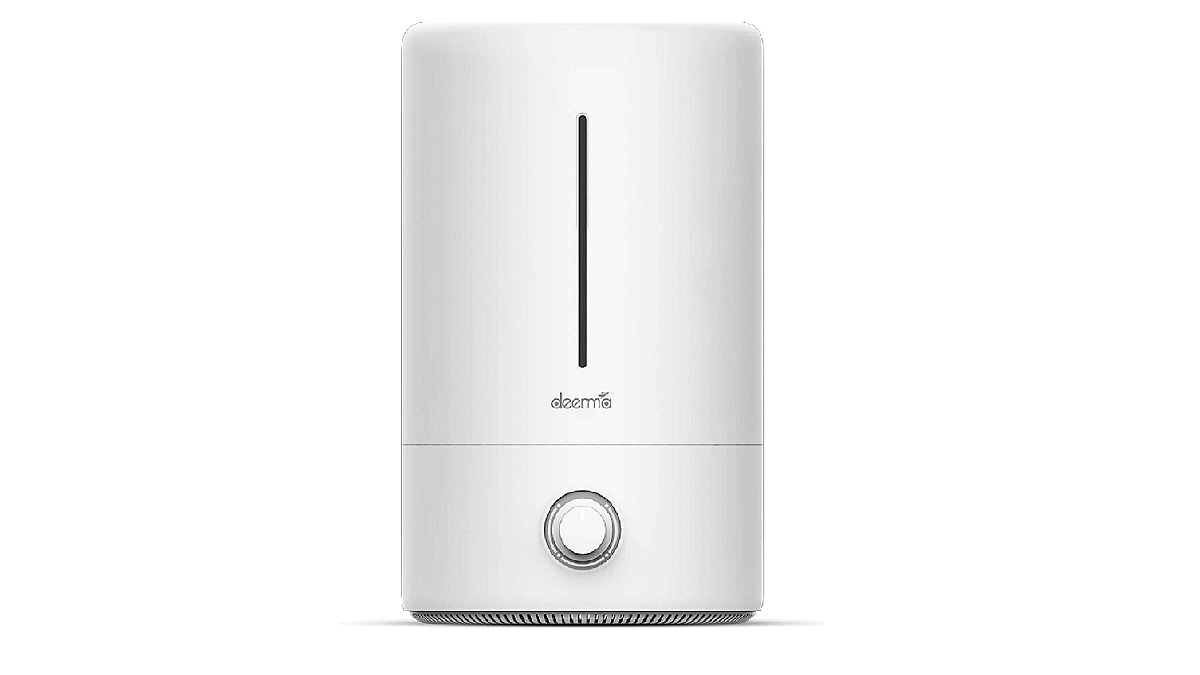
Deerma F628 is a feature-rich humidifier and diffuser with a slim design and a transparent water gauge. It ensures clean, moist air reaches every corner of the room for ultimate comfort.

Key Features:

  • Removes micro dust particles from the water input for clean air
  • Turbofan technology for even air distribution
  • Dial knob control for easy humidity adjustment
  • A substantial 5-liter water tank for all-day humidification.

Also Read | Best Air Fryers With Pre-Set Menus Under Rs. 6,000 In 2022

Categories
Featured Home Appliances

Coffee Lover’s Paradise: Four Must-Have Coffee Makers To Buy For Your Home

Key Highlights

  • Coffee makers bring café quality brews home
  • You can customize the flavor, sweetness, strength, and more
  • They are user-friendly and easy to clean

Indulging in your morning coffee is a delightful experience, and having a quality coffee maker at home can elevate it even further. These compact home coffee makers allow you to enjoy café-style coffee right in your home. You can customize the flavor, sweetness, strength, and milk ratio to your liking. Moreover, they are user-friendly and easy to clean. When choosing a coffee machine, consider factors like its design, capacity, and filtration system. Also Read | Want To Beat Winter Chills? Best Smart Home Appliances You Should Get Right Away For Winters This Year

Top Four Coffee Makers To Consider

Here are some recommendations to help you choose the right coffee maker for your home:

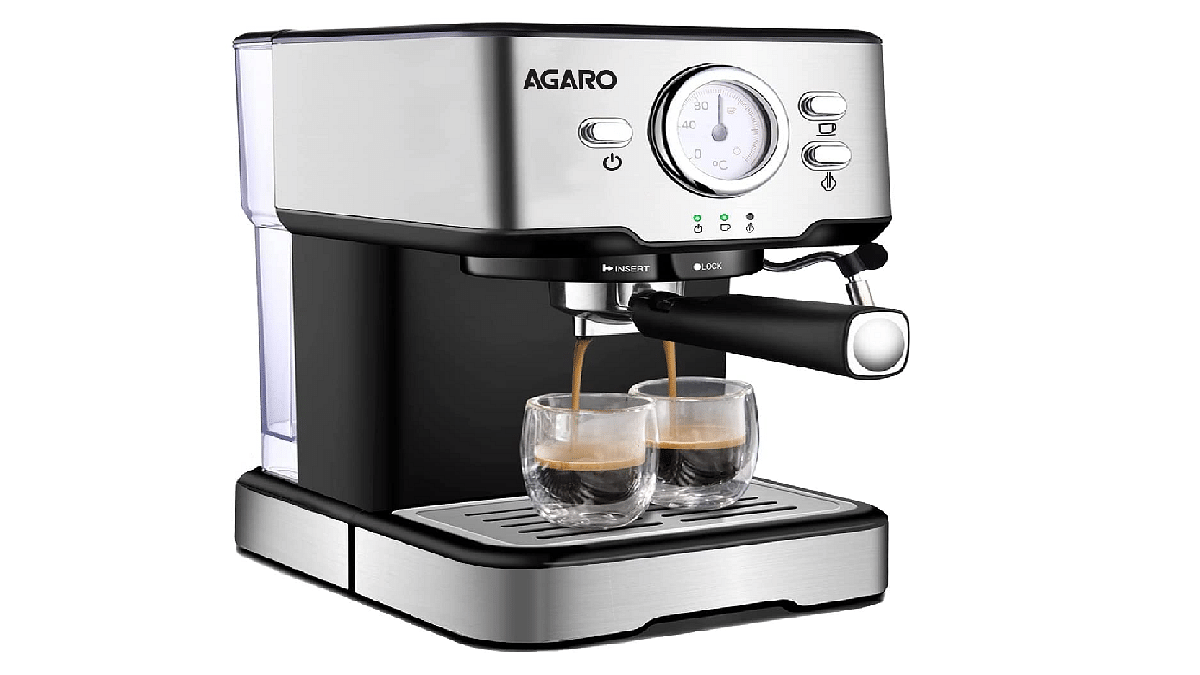
AGARO Imperial Espresso Coffee Maker, Coffee Machine

  • Offers 15 bars of high pressure and 1100 watts for quick and stable extraction, resulting in fragrant and creamy espresso.
  • Features an analog dial thermometer for temperature control, along with separate thermostats for water and milk foam.
  • Allows customization of foam and steam levels for various espresso-based coffees.
  • Promotes consistency with the use of 7g coffee powder per 1 ounce of espresso.
  • Boasts an elegant stainless-steel body that’s easy to clean.
PriceRs. 9,499
Buying LinkAmazon

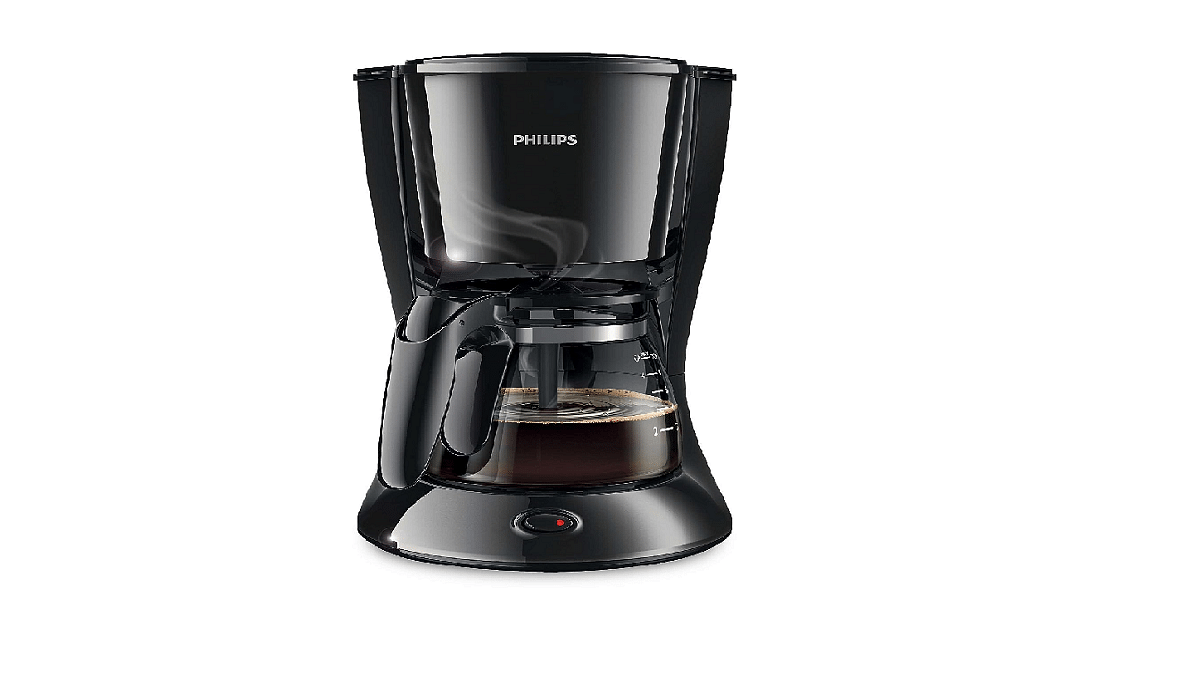
Philips HD7431/20 700-Watt Coffee Maker

  • A 760-watt coffee maker capable of brewing 2-7 cups in one go.
  • Equipped with a drip-stop feature to prevent spills and simplify cleaning.
  • Utilizes an in-built aroma twister to enhance flavor and taste.
  • Features a smart nozzle for even coffee distribution, ensuring an optimal and consistent aroma.
PriceRs. 2,999
Buying LinkAmazon

Also Read | Top Electric Kettle That Should Be On Your Buying List

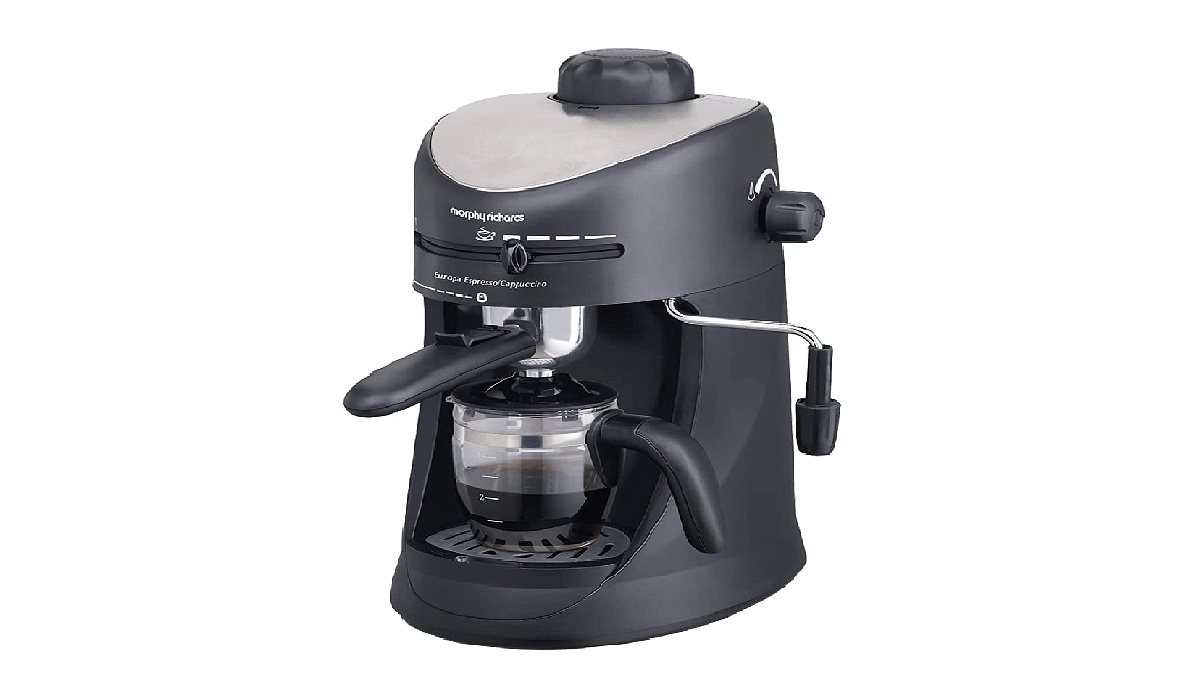
Morphy Richards New Europa 800-Watt Espresso and Cappuccino 4-Cup Coffee Maker

  • Sleek coffee maker offering brewing options for espresso, cappuccino, and latte.
  • Includes two nozzles for milk frothing and turbo cappuccino.
  • Features a heat-resistant glass carafe for coffee measurement and a 2-cup filter for precise extraction.
  • Hassle-free cleaning with a removable drip tray to manage any spillage.
PriceRs. 4,499
Buying LinkAmazon

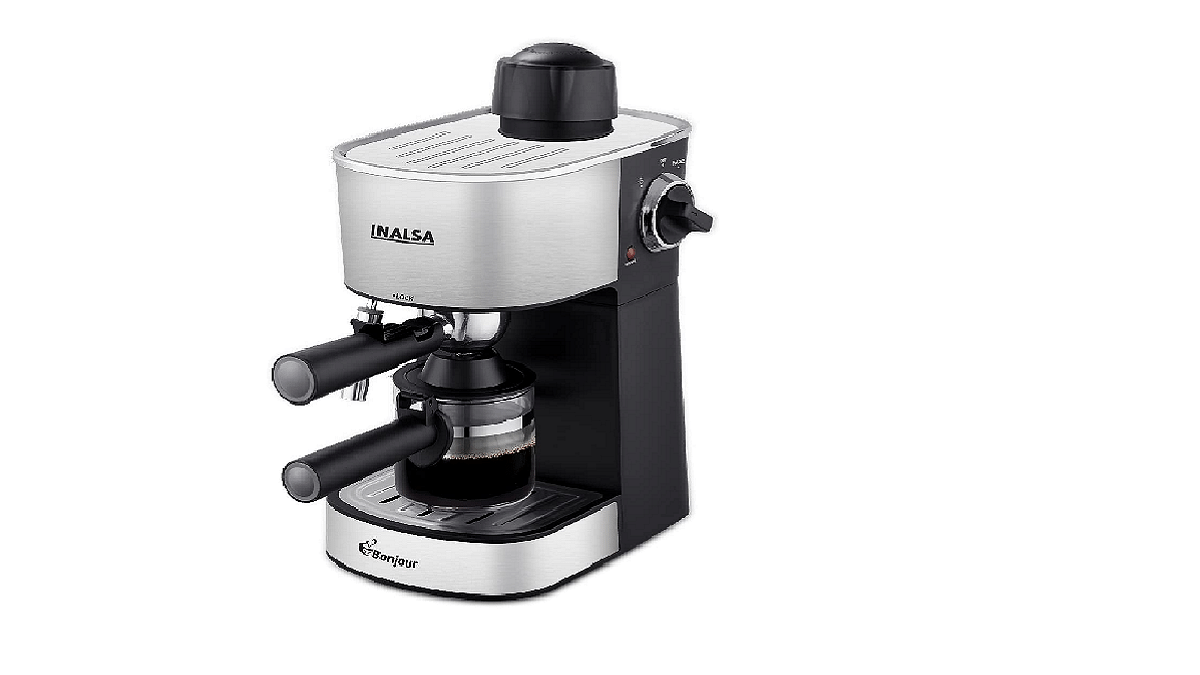
INALSA Espresso/Cappuccino 4Cup Coffee Maker

  • An advanced espresso machine suitable for both home and office use.
  • Equipped with a frothing function and adjustable 4-bar settings through a manual knob.
  • Provides convenience and versatility for coffee lovers.
PriceRs. 3,949
Buying LinkAmazon

Also Read | Best Induction Cooktop Under Rs. 5,000 In India

Categories
Chipset Comparison Featured

Qualcomm Snapdragon 7 Gen 1 Vs MediaTek Dimensity 8050: Latest Mid-Ramge 5G Chipset Battle

Key Highlights

  • Qualcomm has released several new mobile chipsets
  • Snapdragon 7 Gen 1 is a recent mid-range offering
  • Below is its comparison with Dimensity 8050

Qualcomm and MediaTek are competing aggressively in the mobile chipset segment. Both these brands have adapted to the industry change and launched multiple options for advanced 5G smartphones. The Snapdragon 7 Gen 1 comes as Qualcomm’s latest bet in the mid-range 5G category which gets some heat from the rival MediaTek Dimensity 8050 chipset. In this article, we are doing a quick comparison of the CPU, GPU, and other crucial features offered by the Snapdragon 7 Gen 1 and MediaTek Dimensity 8050 chipset.

Qualcomm Snapdragon 7 Gen 1 Vs MediaTek Dimensity 8050: CPU Architecture

ChipsetSnapdragon 7 Gen 1Dimensity 8050
CPUocta-coreocta-core
Fabrication 4nm 6nm
CPU Frequency 2400MHz3000MHz
  • Snapdragon 7 Gen 1 has octa-core CPU
  • Includes single 2.4GHz-Cortex-A710 core, three 2.36GHz Cortex A710 cores, and four Cotex-A510 cores with 1.8GHz clock frequency
  • Fabricated using 4nm process
  • Mediatek Dimenisty 8050 chipset uses slightly thicker 6nm fabrication process
  • Has octa-core CPU but cluster design is different
  • Includes one Cortex-A78 cores with 3GHz clock speed, three 2.6GHz-Cortex-A78 cores, and four Cortex-A55 cores with 2GHz clock speed

Also Read: Snapdragon 8 Gen 2 Vs MediaTek Dimensity 9200 Plus: Which Processor Is Best For Flagship Gaming Phones ?

Snapdragon 7 Gen 1 Vs Dimensity 8050 Chipset: GPU Comparison

ChipsetQualcomm Snapdragon 7 Gen 1MediaTek Dimensity 8050
GPUAdreno 600Valhall 1st Gen
GPU frequency 660MHz850MHz
  • Qualcomm Snapdragon 7 Gen 1 processor comes with Adreno 644 GPU
  • Delivers 660MHz GPU frequency
  • MediaTek Dimensity comes with Mali-G77 MP9 GPU
  • Has Valhall 1st Gen GPU frequency

Also Read: Unisoc T820 Vs MediaTek Dimensity 6100 Plus: Mid-Range Chipset Comparison 2023

Snapdragon 7 Gen 1 MediaTek Dimensity 8050 Processor: Memory, Multimedia Differences

ProcessorSnapdragon 7 Gen 1Dimensity 8050
Memory typeLPDDR5LPDDR4X
Memory Frequency 3200MHz2133MHz
Maximum Memory 16GB16GB
Storage UFS 3.1UFS 3.1
Maximum Display Resolution1600 x 33601080 x 2520
Maximum Camera Resolution 200MP200MP
  • Qualcomm Snapdragon 7 Gen 1 chipset supports LPDDR5 memory type
  • Maximum memory frequency is 3200MHz
  • Compatible with up to 16GB max memory size
  • MediaTek Dimensity 8050 processor uses LPDDR4X RAM
  • Maximum memory frequency is 2133MHz
  • Maximum memory supported is also 16GB
  • Both Snapdragon 7 Gen 1 and Dimensity 8050 chipset supports UFS 3.1 storage
  • Snapdragon 7 Gen 1 supports 1600 x 3360 pixels maximum resolution
  • Dimensity 8050 supports 1080 x 2520 pixels maximum display resolution
  • Both processors have 200MP maximum camera resolution support
  • Snapdragon 7 Gen 1 can record 4K@30fps videos
  • Dimensity 8050 can record 4K@60fps videos

Also Read: Google Tensor Vs Exynos 2200 Chipset Comparison

Categories
Featured How To TV

Want To Connect Your Laptop To Your TV? Here’s How To Do It

If you’re seeking a larger display for your laptop, you don’t necessarily need to invest in a separate monitor. Your TV, which you likely already own, can serve as a great alternative. Connecting your laptop to a TV is a simple process that can transform your small screen into a comprehensive entertainment hub for movies and games. Here’s how to do it, whether through a wired or wireless connection. Also Read | JioTV App On Laptop: Here’s How To Install And Use

How To Connect Laptop To TV

Using HDMI Cable

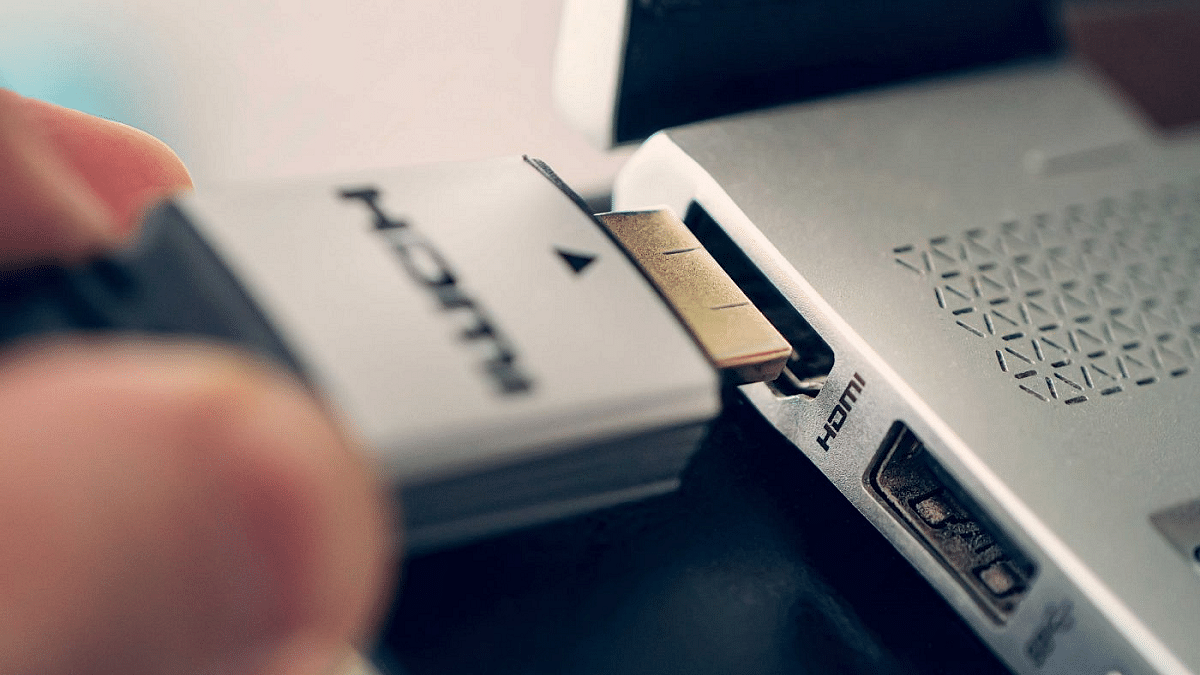
The simplest way to link your laptop to a TV is by using a wired HDMI connection. To achieve this, you’ll require an HDMI cable, which you may already have if you own game consoles or computer monitors. Ensure that the HDMI cable you choose is certified for the necessary bandwidth, depending on your desired resolution and refresh rate. An 18Gbps HDMI cable is suitable for 4K at 60Hz, while 48Gbps is necessary for transmitting 4K at 120Hz.

Step 1: Plug one end of the HDMI cable into your laptop’s HDMI port and the other end into an available HDMI port on your TV. Note that these ports come with specific bandwidth support, so compatibility may vary.

Step 2: Once connected, both audio and video from your laptop should transfer automatically to the TV.

Step 3: For laptops without HDMI ports, such as some MacBooks, a USB-C-to-HDMI adapter can provide a solution.

Step 4: Depending on your intended use for the TV, whether as a second monitor or to mirror your laptop’s screen, you may need to adjust your laptop’s display output settings for resolution and refresh rate.

Also Read | Best 55 Inch TVs Under Rs. 40,000 In India

Using Wireless Chromecast Connection

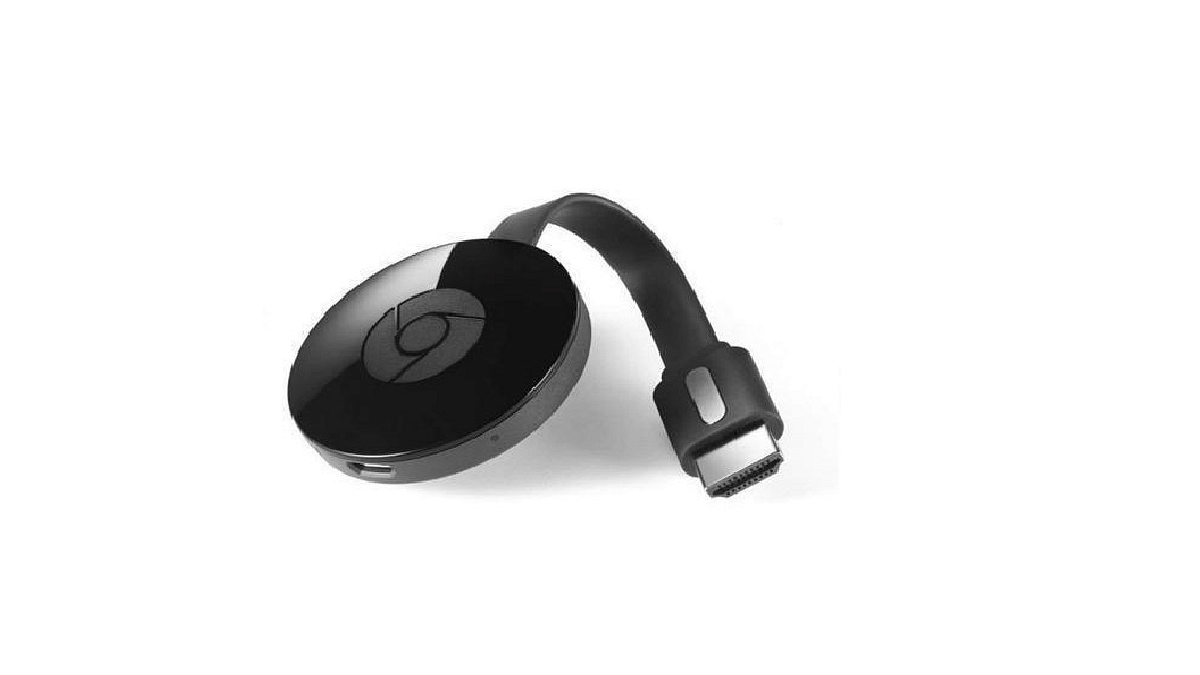
If you prefer a cable-free approach, you can establish a wireless connection between your laptop and the TV. Some TVs offer built-in wireless support for external displays, while others may require an additional device, like a Chromecast. Chromecasts are small streaming dongles that plug into your TV’s HDMI port and enable media streaming from your laptop or mobile device.

Step 1: Connect the Chromecast’s power cable to one of your TV’s HDMI ports, ensuring you’ve set it up using the Google Home app and it’s on the same Wi-Fi network as your laptop.

Step 2: Open Google Chrome on your laptop, click the three dots in the top-right corner, and select “Cast.”

Step 3: Let the browser find your Chromecast in the list of devices and select it.

Your Chrome content will appear on your TV shortly. Remember that this operates over Wi-Fi, so a strong internet connection enhances the connection quality. While casting works well for web browsing, video playback, and certain applications, it may not be ideal for gaming due to potential lag.

Also Read | How To Connect OnePlus Buds True Wireless Earbuds With Smart TVs and Laptops?

Categories
Chipset Featured

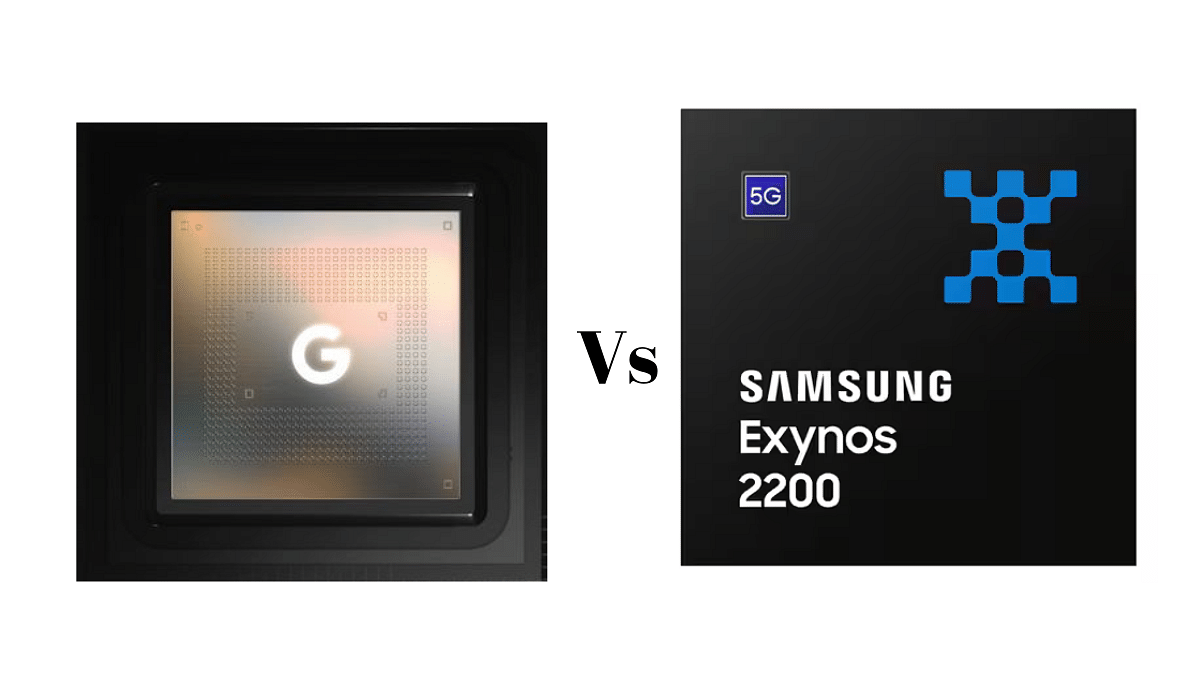
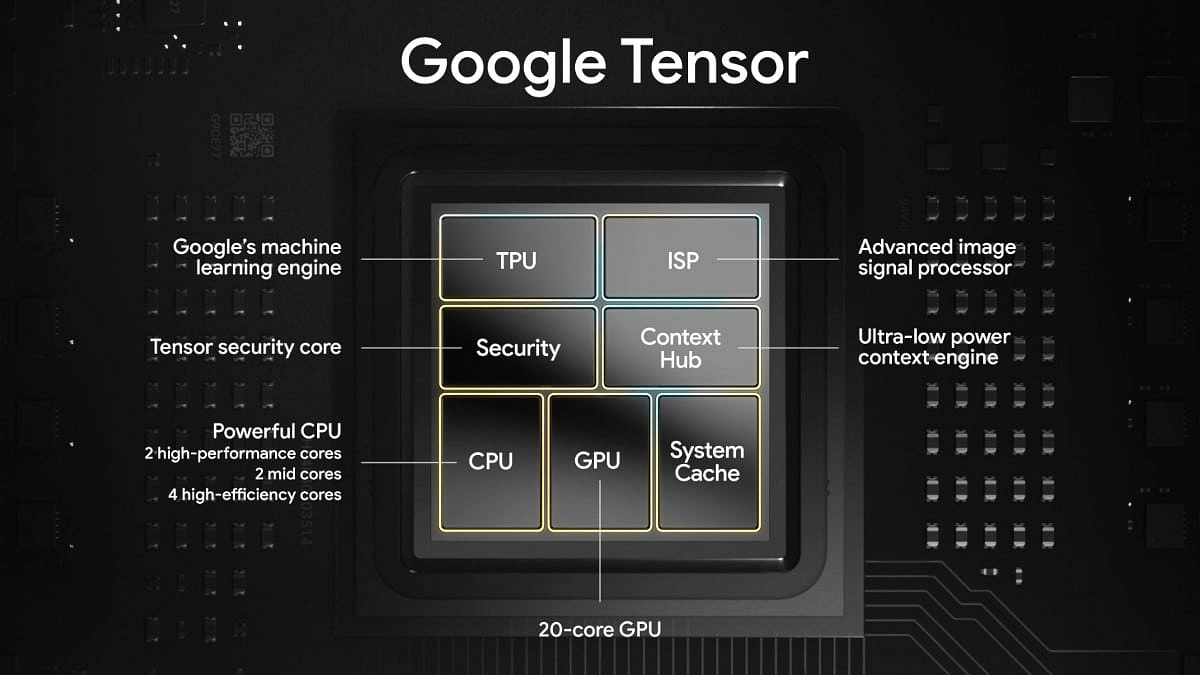
Google Tensor Vs Exynos 2200 Chipset Comparison

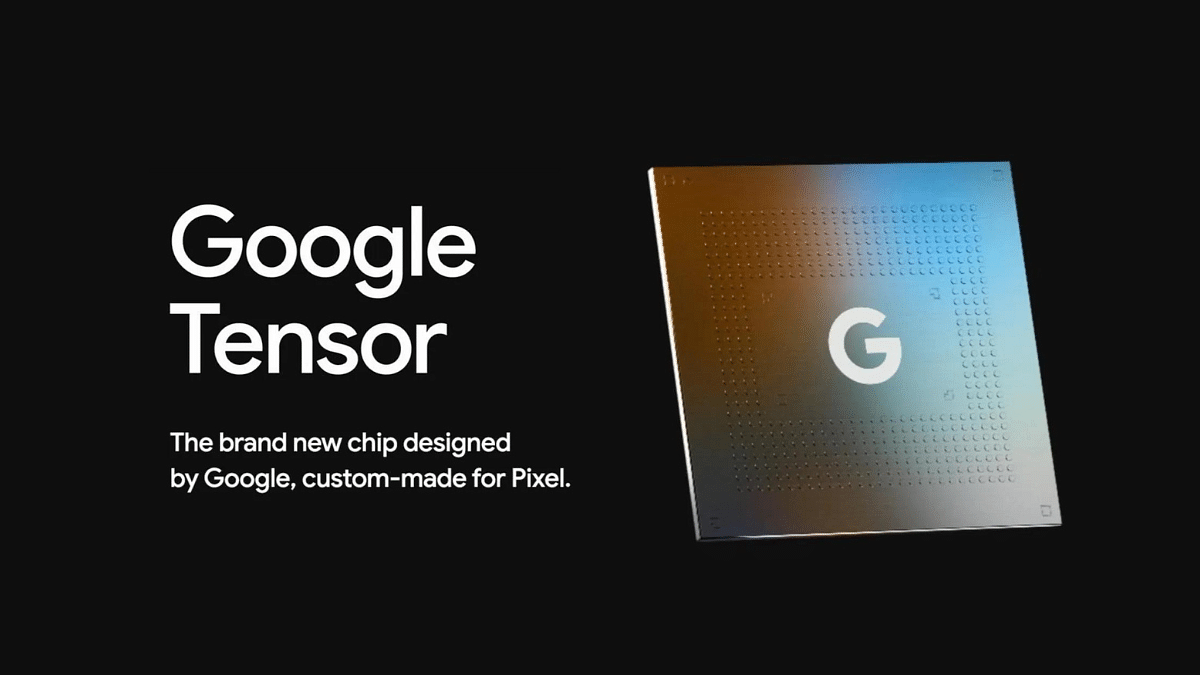
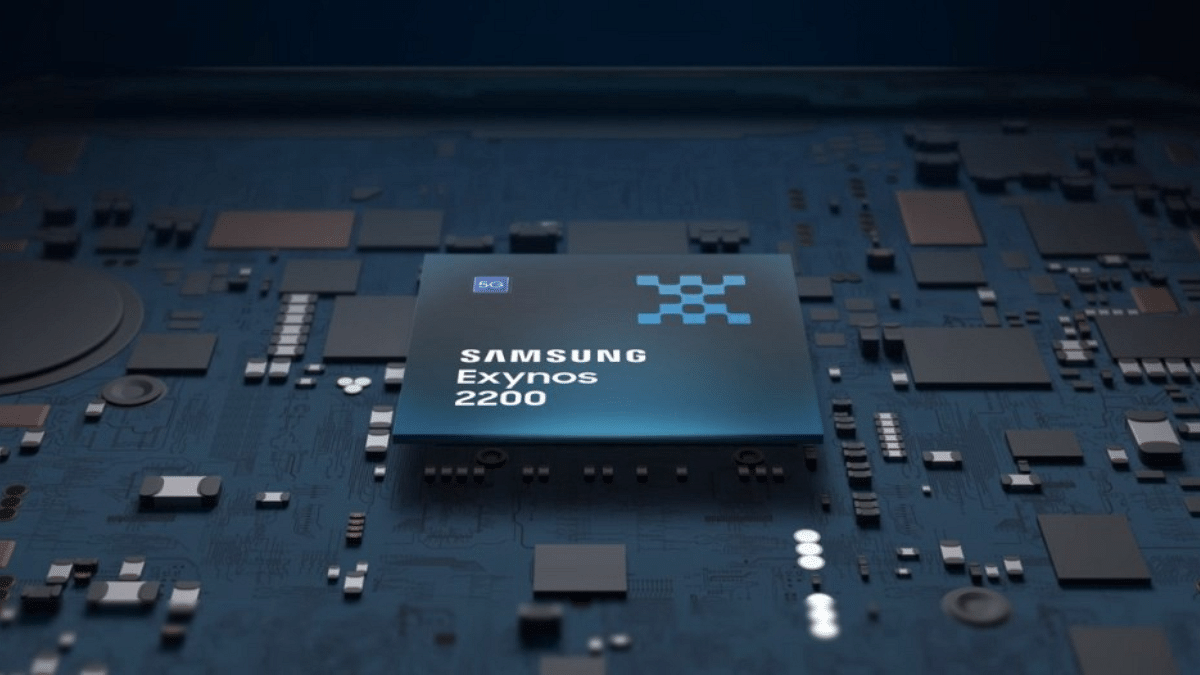
Two prominent contenders are the Google Tensor and the Exynos 2200 chipsets. These chipsets are behind some of the most advanced and feature-packed smartphones on the market.

In this article, we will compare these two chipsets in terms of fabrication, CPU architecture, GPU capabilities, memory, multimedia support, and connectivity.

Also Read: Xiaomi Watch 2 Pro With AMOLED Dial, Snapdragon W5+ Gen 1 Chipset Launched: Full Specs, Price

Google Tensor Vs Exynos 2200: Fabrication, CPU Architecture

FeatureGoogle TensorExynos 2200
Fabrication5 nanometers4 nanometers
CPU Architecture– 2x Cortex-X1 cores at 2.8 GHz– 1x Cortex-X2 core at 2.8 GHz
– 2x Cortex-A76 cores at 2.25 GHz– 3x Cortex-A710 cores at 2.52 GHz
– 4x Cortex-A55 cores at 1.8 GHz– 4x Cortex-A510 cores at 1.82 GHz

The Google Tensor chipset is built on a 5-nanometer process and boasts an impressive CPU architecture. It features a combination of cores, including 2x Cortex-X1 cores clocked at 2.8 GHz, 2x Cortex-A76 cores at 2.25 GHz, and 4x Cortex-A55 cores at 1.8 GHz. This diverse setup ensures excellent performance across various tasks.

On the other hand, the Exynos 2200 is manufactured using a more advanced 4-nanometer process. It comprises 1x Cortex-X2 core at 2.8 GHz, 3x Cortex-A710 cores at 2.52 GHz, and 4x Cortex-A510 cores at 1.82 GHz. The Exynos 2200’s CPU architecture promises a blend of power efficiency and high performance, especially with the introduction of the Cortex-X2 core.

Also Read: Unisoc T820 Vs MediaTek Dimensity 6100 Plus: Mid-Range Chipset Comparison 2023

Google Tensor Vs Exynos 2200: GPU Comparison

FeatureGoogle TensorExynos 2200
GPU NameMali-G78 MP20Samsung Xclipse 920
GPU Frequency848 MHz810 MHz
Execution Units203
Shading Units1280640

The Tensor chipset is equipped with a Mali-G78 MP20 GPU, which operates at a frequency of 848 MHz and has 20 execution units. With 1280 shading units, it delivers a robust performance, making it capable of handling demanding graphics-intensive tasks and gaming with ease.

In contrast, the Exynos 2200 features the Samsung Xclipse 920 GPU. It operates at 810 MHz and has 3 execution units and 640 shading units, providing a significant boost in graphics performance compared to its predecessors.

Also Read: MediaTek Dimensity 7200 Ultra Octa-Core Mobile Chipset For Premium Mid-Range Phones Launched: To Debut With Redmi Note 13 Series

Google Tensor Vs Exynos 2200: Memory, Multimedia (ISP) Comparison

Feature Google TensorExynos 2200
Memory TypeLPDDR5LPDDR5
Memory Frequency3200 MHz3200 MHz
Camera Resolution1x 200MP1x 200MP
Video Capture4K at 60FPS8K at 30FPS, 4K at 120FPS
Video Playback4K at 60FPS8K at 60FPS, 4K at 240FPS
Video CodecsH.264, H.265, AV1, VP9H.264, H.265, AV1, VP9
Audio CodecsAAC, AIFF, CAF, MP3, MP4, WAVAAC, AIFF, CAF, MP3, MP4, WAV

Both chipsets come with LPDDR5 memory technology, operating at a frequency of 3200 MHz, offering excellent multitasking capabilities. However, there are some differences in multimedia processing:

The Google Tensor includes a dedicated Tensor Processing Unit (NPU), enhancing its AI and machine learning capabilities. It supports a maximum camera resolution of 1x 200MP and can capture and playback 4K video at 60FPS. It also supports a variety of video and audio codecs for versatile multimedia experiences.

The Exynos 2200 also incorporates an NPU for AI tasks and offers similar camera capabilities with a maximum resolution of 1x 200MP. However, it stands out with its ability to capture 8K video at 30FPS and playback 8K video at 60FPS, providing a superior multimedia experience.

Also Read: MediaTek Helio G36 Vs Qualcomm Snapdragon 480 Entry-Level Gaming Chipset Comparison

Google Tensor Vs Exynos 2200: Final Verdict

The choice between them depends on your specific needs. If you prioritize AI capabilities and versatile camera performance, the Google Tensor is a good choice. On the other hand, if you’re looking for exceptional graphics and high-quality video playback, the Exynos 2200 with its powerful GPU and 8K video capabilities might be more appealing.

Ultimately, your decision should align with your usage patterns and preferences, as both chipsets promise exceptional performance and a delightful user experience.

Also Read: Qualcomm Snapdragon 732G Vs MediaTek Helio G88 Chipset Comparison: Which One Fairs The Competition?

Categories
Featured Tablet

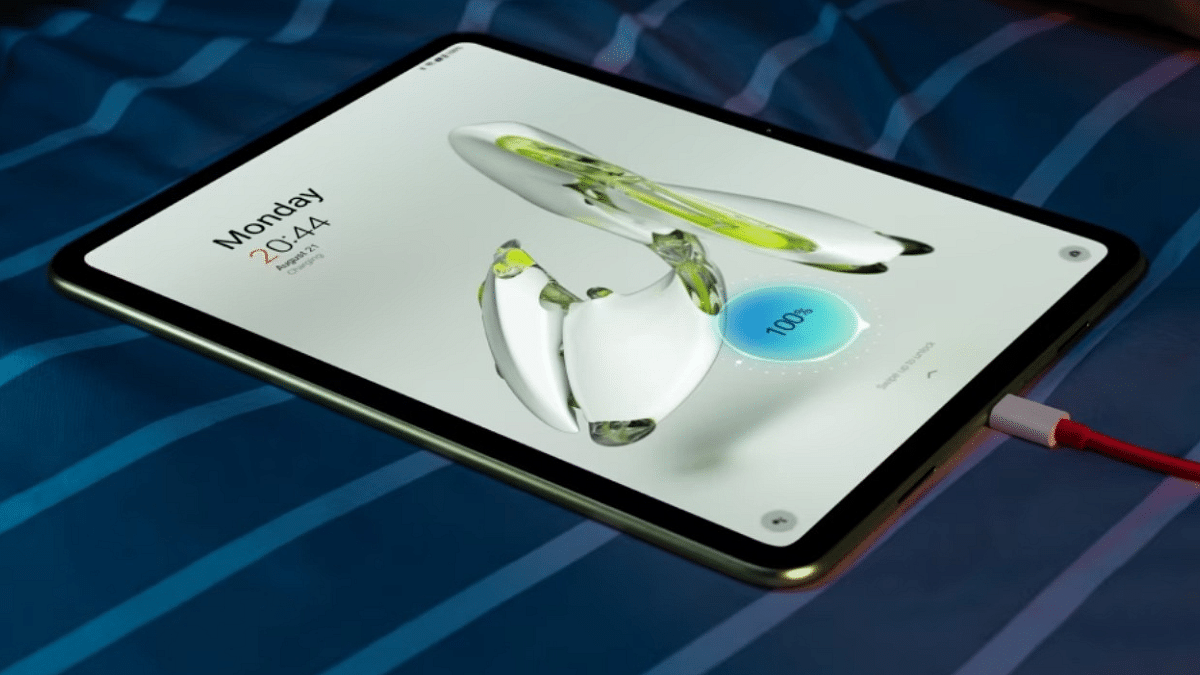
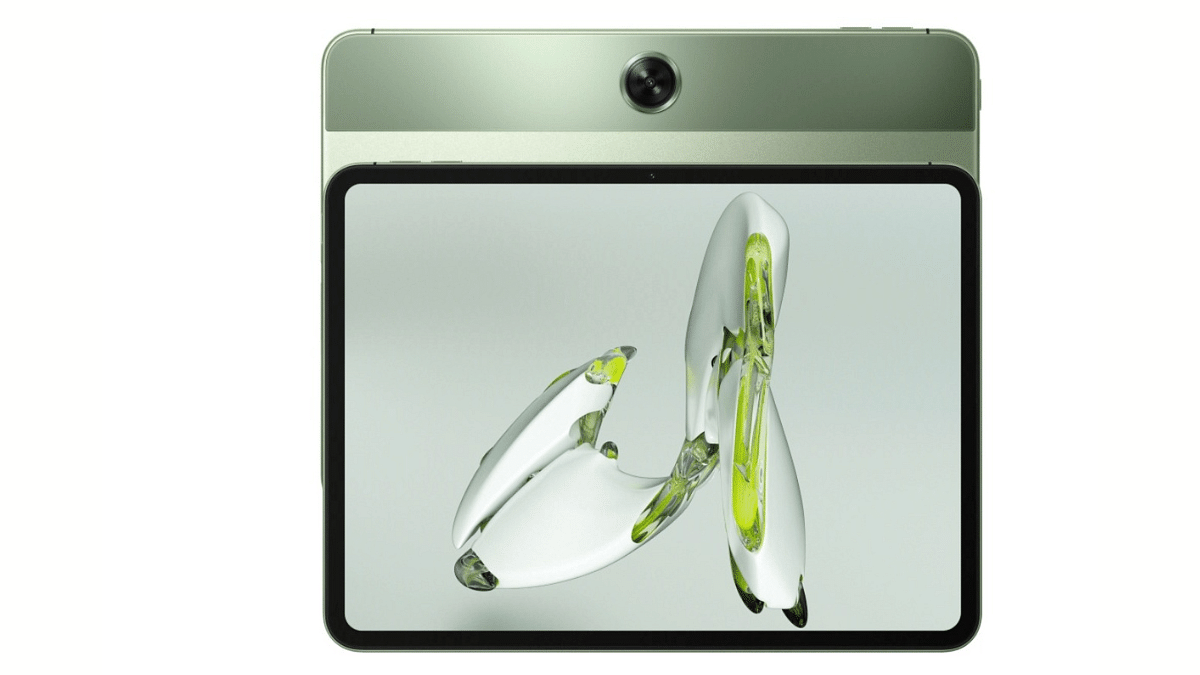
OnePlus Pad Go Affordable Tablet With Helio G99 Chipset Launched In India: Top Highlights, Price

Key Highlights

  • OnePlus Pad Go tablet debuts as affordable variant
  • Runs on MediaTek Helio G99 chipset
  • Flaunts a 90Hz display
  • Priced starts under Rs. 20,000 in India

OnePlus after all the hype has introduced its second Android tablet. This time the company has introduced an option for the mid-range consumers looking to buy an affordable tablet version. Called the OnePlus Pad Go, this new Android tablet from OnePlus comes with mid-tier hardware including a MediTek Helio G series chipset, a 90Hz screen, and more. Below are all the features of the OnePlus Pad Go tablet along with its pricing and availability :

OnePlus Pad Go Tablet Full Features And Specifications

Display

  • New OnePlus Pad Go tablet sports an 11.35-inch display
  • Panel type is LCD supporting a 2.5K resolution and 90Hz refresh rate
  • Display aspect ratio of 7:5 and peak brightness level is 260 PPI

Camera

  • Latest OnePlus Pad tablet employs a single 8MP rear camera for photography
  • For selfies and video calling it sports a smaller 5MP front camera

Processor And Firmware

  • OnePlus Pad Go uses the octa-core Helio G99 chipset as its brain of operations.
  • The mid-range gaming chipset from MediaTek gets accompanies by 8GB RAM for multitasking
  • The budget OnePlus tablet Wi-Fi only variant offers 128GB/256GB storage space
  • OnePlus Pad Go Wi-Fi+ LTE models comes with single 128GB storage option
  • OnePlus Pad Go will boot on Android 13 OS and will feature OxygenOS 13.2 user interface on top

OnePlus Pad Go Connectivity Features

  • Has all standard network features including Wi-Fi, Bluetooth v5.2, GPS, and others
  • LTE connectivity also present with one variant
  • Has a USB Type-C port for charging and data transfers

OnePlus Pad Go Battery

  • OnePlus Pad Go is powered by a 8,000 mAh battery
  • Fast charging of 33W also supported

OnePlus Pad Go Price In India, Sale Details

The OnePlus Pad Go LTE model with 8GB RAM and 128GB storage option is launched at Rs. 21,999 in the country. The OnePlus Pad Go Wi-Fi variant with 128GB storage option is priced at Rs. 19,999 and the high-end variant with 256GB storage space is priced at Rs. 23,999. The company will start taking pre-orders starting October 20, 2023 via brand’s official India website, Flipkart, Amazon, Croma, and Reliance stores online.

Also Read: List Of Best Tablet With Stylus Pen Priced Under Rs. 25,000 In India

Categories
Featured Printers

Top Four Photo Printers Under Rs. 15,000 In India: List Inside

Key Highlights

  • Photo printers deliver quick and immediate photo prints
  • These printers produce high-resolution, vivid, and detailed photos
  • Photo printers are compact and portable

Discover the best photo printers under Rs. 15,000 in India that offer high-quality, instant photo prints. These compact printers are portable and cost-effective, making them ideal for preserving memories and saving money. In this guide, we have curated the list of the top four photo printer options in India, so you can make an informed choice. Also Read | Best Ink-Jet Printers Under Rs.20,000 In 2023

ModelPrice
Kodak Dock Plus Portable Instant Photo PrinterRs. 13,999
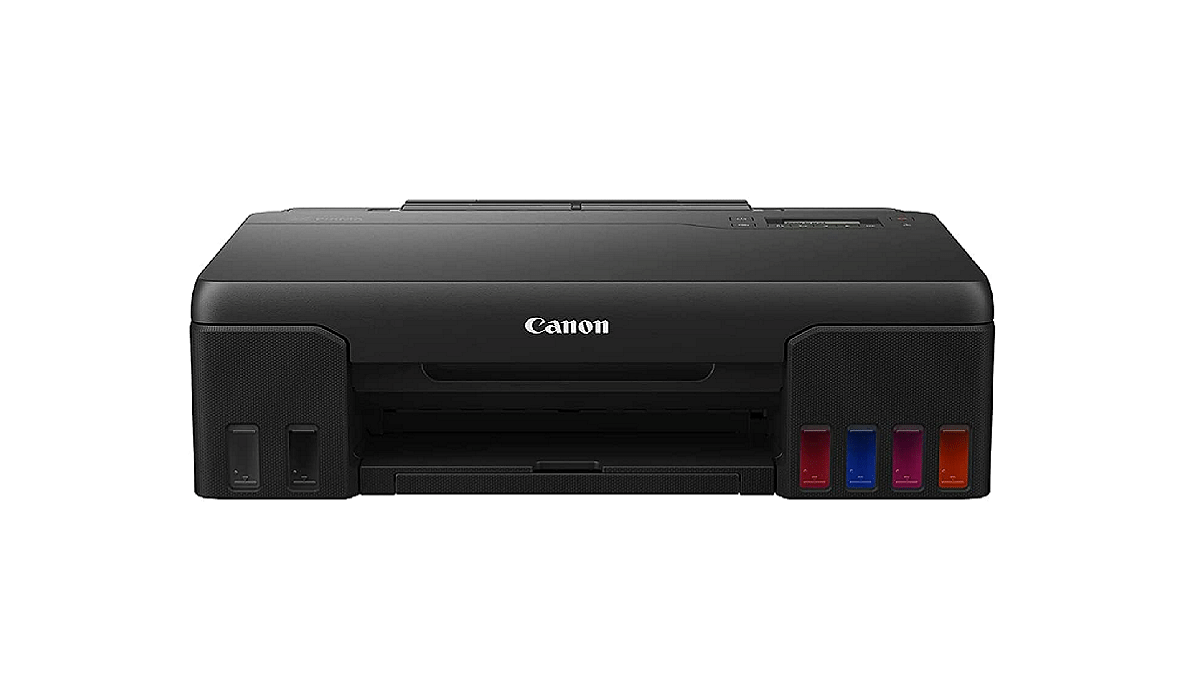
Canon PIXMA G570 6 Color High-Volume Photo PrinterRs. 14,699
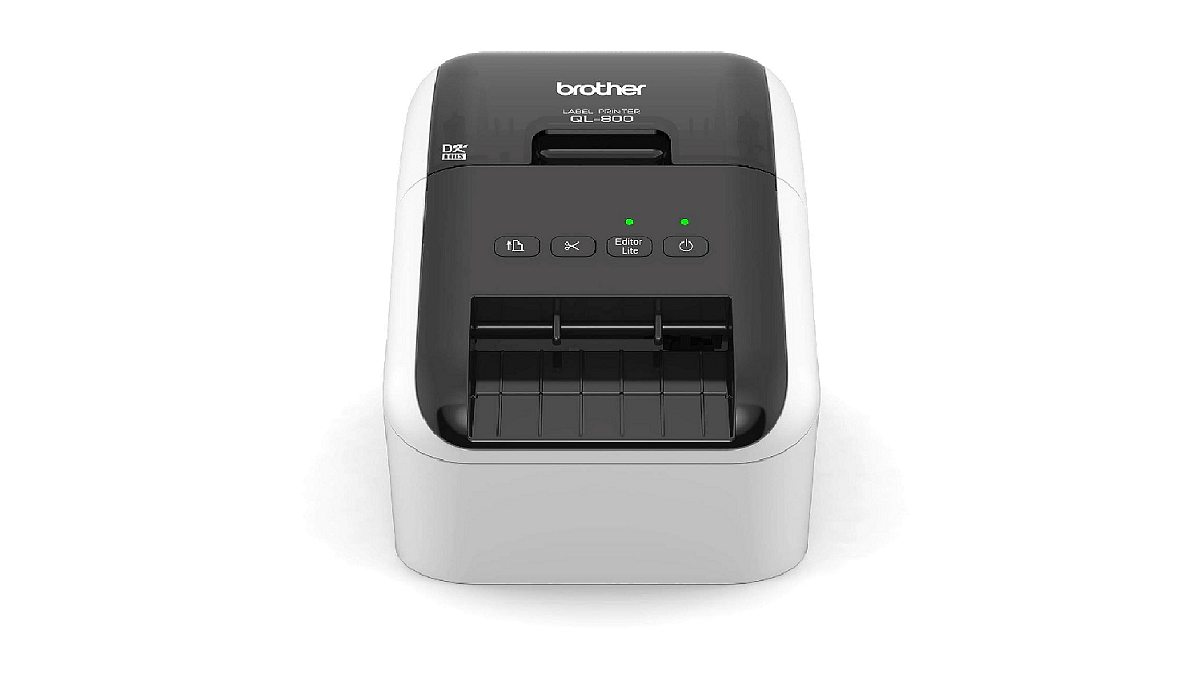
Brother QL-800 Professional Label PrinterRs. 13,770
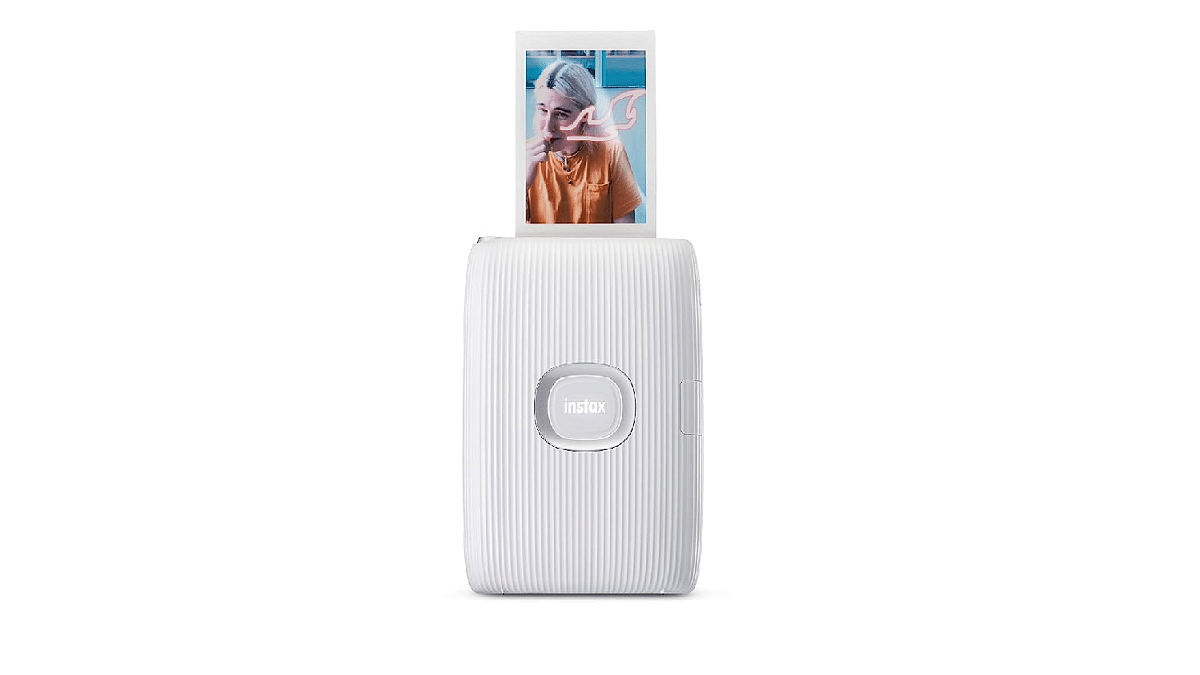
Fujifilm Instax Mini Link 2 Smartphone PrinterRs. 11,499

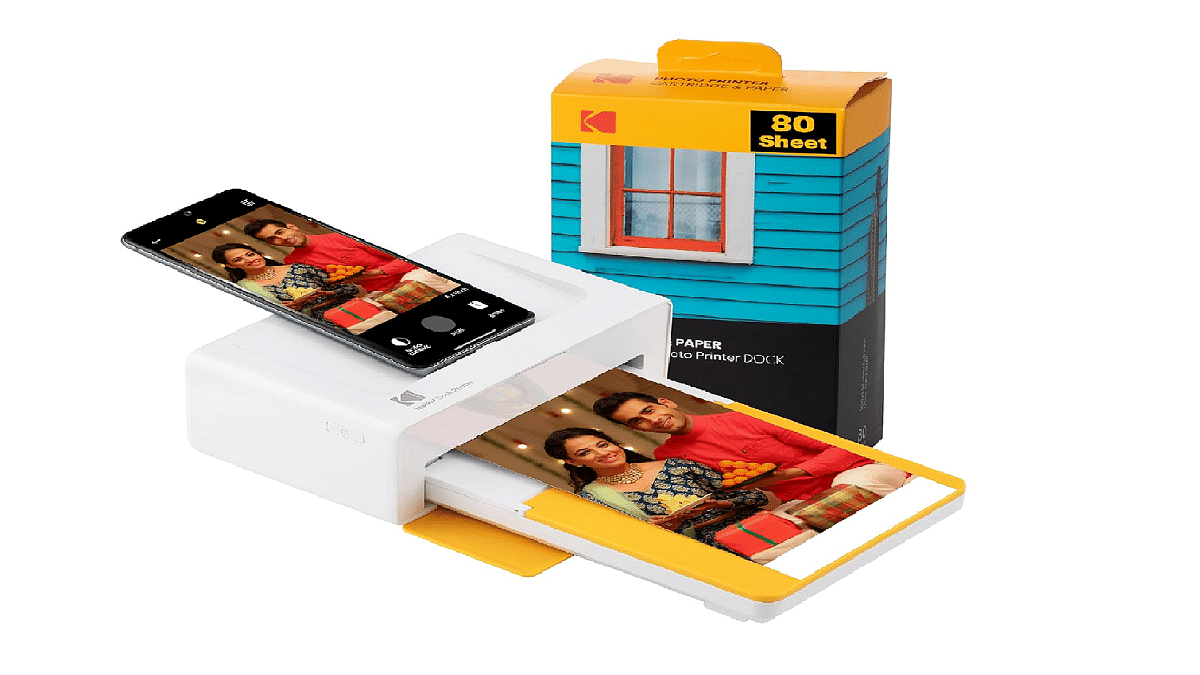
Kodak Dock Plus Portable Instant Photo Printer

  • Immediate Photo Printing: The Kodak Dock Plus delivers instant and convenient photo printing.
  • Compatibility: Compatible with Android and iOS devices, with Bluetooth connectivity.
  • High-Quality Prints: Produces high-quality photos at an affordable cost.
  • Border Options: Choose between bordered or borderless photo prints.
  • Water-resistant: Prints are water-resistant for added durability.
  • Kodak Photo Printer App: Download the Kodak Photo Printer app for on-the-go printing.

Canon PIXMA G570 6 Color High-Volume Photo Printer

  • Wi-Fi Convenience: Convenient Wi-Fi connectivity for easy printing.
  • Paper Variety: Print on glossy or matte paper according to your preferences.
  • Fast Printing: Capable of printing approximately 4 A4 pages per minute.
  • Network Connectivity: Easily connect to your home or office network.
  • Versatile Printing: Print your cherished memories with flexibility.

Also Read | Top Three Printers For Students In India In 2023

Brother QL-800 Professional Label Printer

  • Versatile Label Printing: Create Black/Red labels, paper labels, and more.
  • No Ink or Toner Needed: Uses convenient, drop-in rolls for label printing.
  • High-Resolution Prints: Achieves high-resolution printing for crisp text and graphics.
  • “Plug & Label” Feature: Create and print labels without installing software.
  • Compatibility: Compatible with Windows and Mac, integrates with Microsoft Office.
  • Speedy Printing: Print up to 93 standard address labels per minute.

Fujifilm Instax Mini Link 2 Smartphone Printer

  • Compact and Lightweight: A portable printer connects wirelessly via Bluetooth to your smartphone.
  • INSTAX MINI Film: Prints 2-inch x 3-inch photos using INSTAX MINI instant film (sold separately).
  • Creative Features: Add frames, filters, sketches, stickers, and doodles before printing.
  • INSTAXAiR Function: Record drawings and print a QR code on your image.
  • Included Accessories: Comes with MINI-LINK 2 Printer, USB Cable, and 1-year Limited Product Warranty.

Choose from these top photo printers under Rs. 20,000 in India to enjoy instant, high-quality photo prints and keep your memories alive. Each option offers unique features to suit your printing needs.

Also Read | Best Printers With Scanners Available In India

Categories
Auto Tech Featured Info

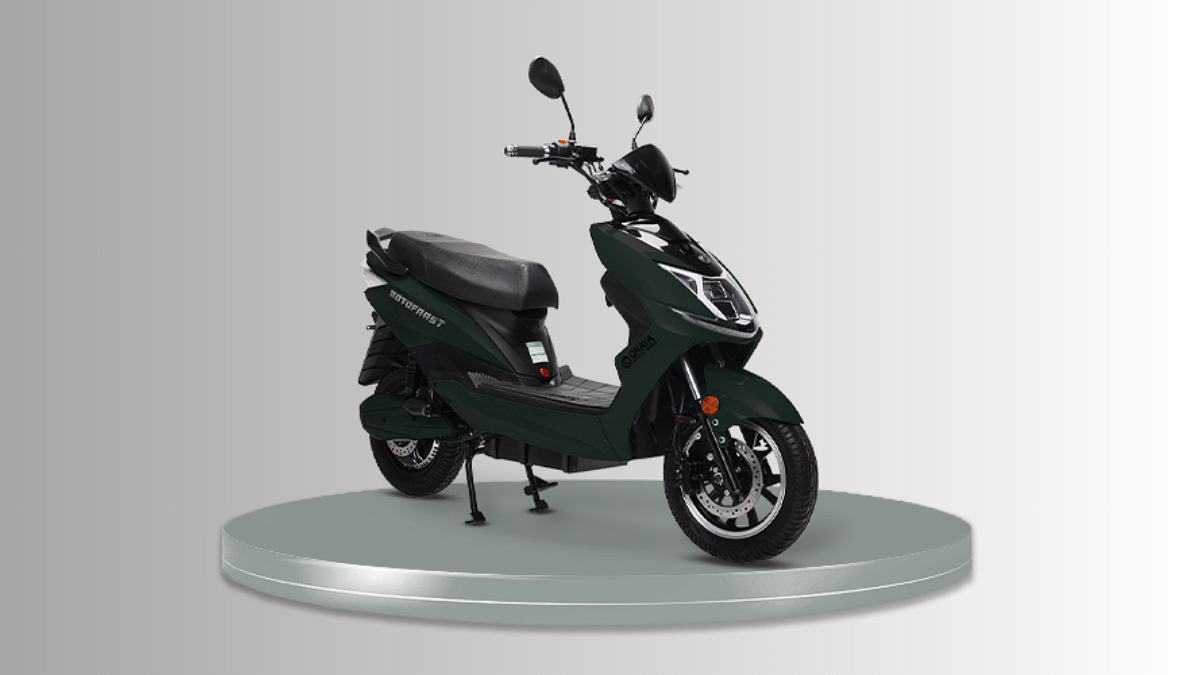
Okaya EV Motofaast Electric Scooter Teased: Coming Soon Under Rs. 1.50 Lakh

Key Highlights

  • Okaya EV teases new upcoming electric scooter
  • Will be called Motofaast electric scooter
  • Will delivery 70kmph top speed and 120km range

Okaya EV is one of the fastest growing brands in the EV segment. The company has launched multiple electric scooters in the Faast series and is now adding up another variant to its portfolio. The electric two-wheeler manufacturer has teased its upcoming affordable electric scooter which will dubbed Motofaast. What all should we expect from the new Okaya two-wheeler electric scooter? Read on below:

Okaya Motofaast Electric Scooter: Expected Powertrain

Okaya MotofaastPowertrain
MotorElectric
Battery typeLFP
Battery capacity Unknown
Range 120 km per charge
Top speed 70 kmph

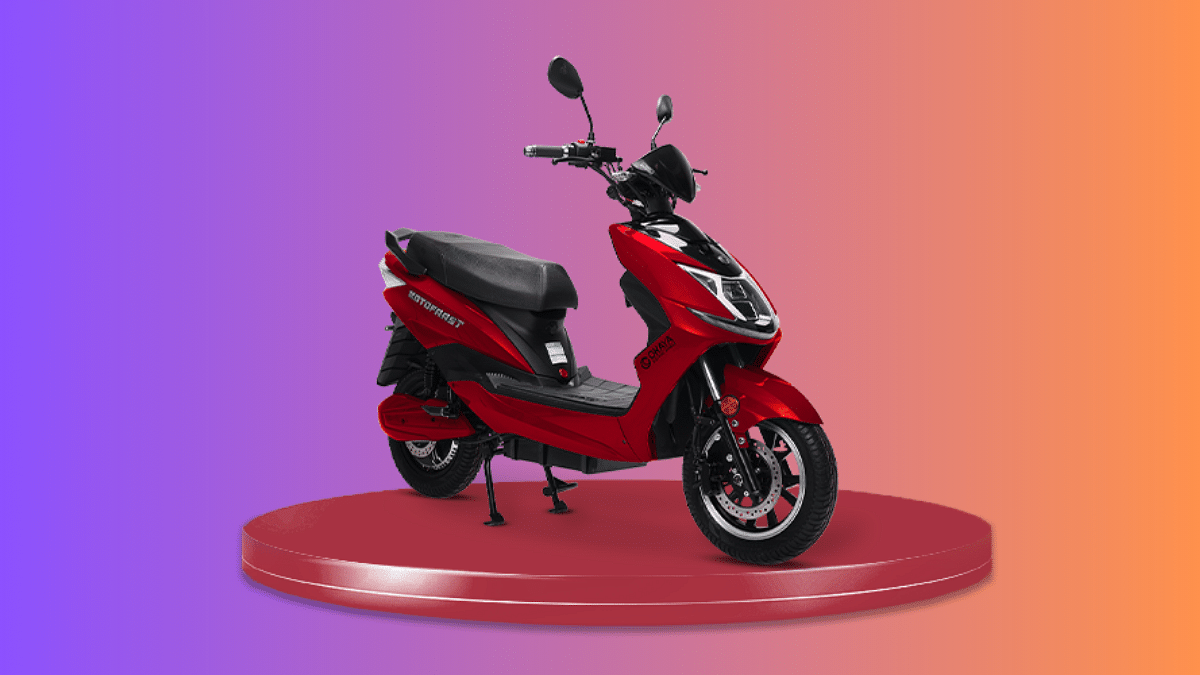
The Okaya Motofaast electric scooter is said to arrive as a city commute vehicle featuring a classic two-wheeler scooter design. Okaya has not revealed the entire powertrain of the upcoming electric scooter. However, the brand has created a dedicated product page for the Motofaast electric scooter where we not only get a good look at the design but also the key features.

While the motor capacity packed inside the Motofaast electric scooter is unknown, the product page listing has hinted the battery type. Okaya will be loading an LFP battery pack inside the Motofaast electric scooter which will deliver a riding range of 120 km with a single charge. This long riding range will make this electric scooter suitable for city commutes as well occasional highway rides.

This new Okaya electric scooter is further said to offer a top speed of 70kmph. The peak power and peak torque capacity generated by the Motofaast electric scooter remains unknown at this point but we will possible get the updates soon.

This new electric scooter from Okaya gets 8-degree gradeability. Furthermore, a 7-inch capacitive touchscreen digital instrument cluster is also added for convenience with ride data stats. The Okaya EV Motofaast electric scooter feature alloy wheels and has disc brakes breaking system.

Also Read: mXmoto mx9 Electric Motorcycle With 120km Range, 80kmph Top Speed Launched: Priced Under Rs. 1.5 Lakh In India

Okaya Motofaast EV Price, Availability

Okaya is yet to announce the pricing of the Motofaast electric scooter model. However, it is expected to retail at around Rs. 1.20 lakh in India. The official website listing has revealed multiple colror variants including white, black, cyan, grey, green, and red.

Also Read: Honda Motocompacto: Unique Foldable Suitcase-Style Mini Electric Scooter Debuts

Categories
Featured How To Info Tech Gadgets

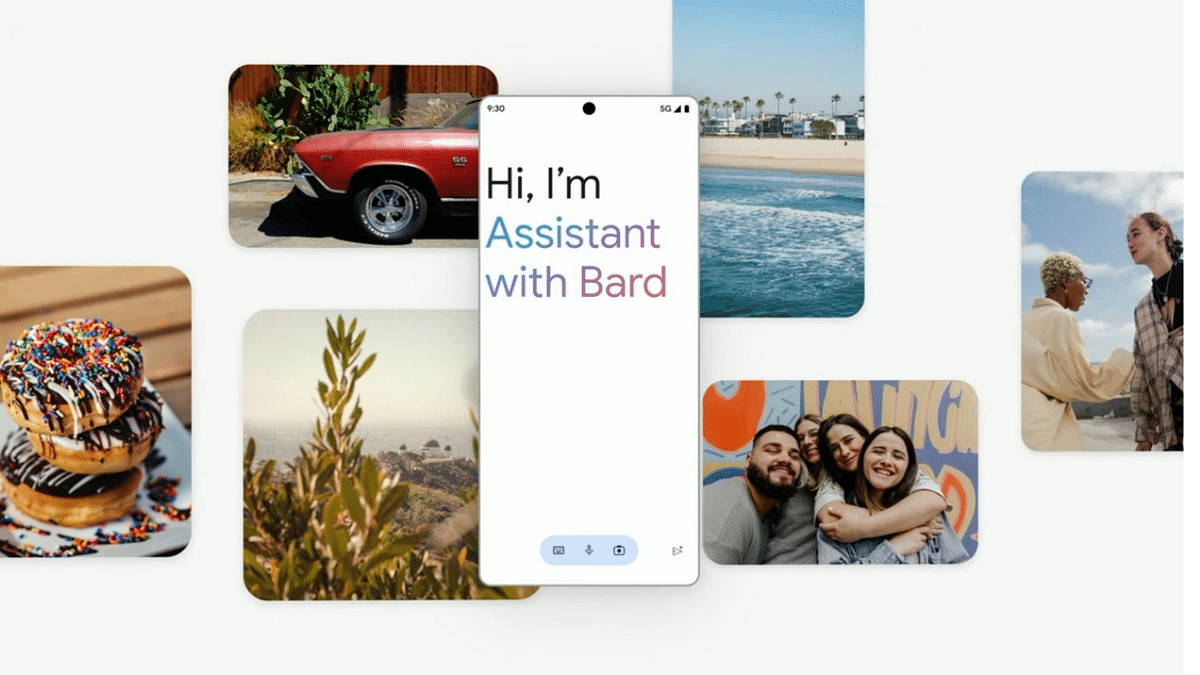
Google Assistant With Bard Comes To Android, iOS: How To Use?

Key Highlights

  • Google Assistant is getting Bard integration
  • Feature available for both Android and iOS users
  • Will boos the AI user experience

Google introduced its own AI-regenerative tool called the Bard to take on Microsoft’s ChatGPT AI tool. Google has been working extensively on developing Bard ecosystem for Google products and is gradually expanding its services to different compatible devices. At the Made By Google event that concluded yesterday, the search engine giant confirmed Bard’s availability for both Android and iOS devices in the coming days via Google Assistant. Google is calling this new feature as ‘Assistant with bard’ and is expected to bring complete a mass rollout soon. What all functionality will this new Assistant With Bard Feature offer and how can one use it? Read on below:

Also Read: ChatGPT Mobile App Finally Launched For Masses: Check Compatible Devices, Features Offered

Google Assistant With Bard Feature: What Is It?

Google Assistant with Bard is debuting as a powerful personal assistant tool combined with generative AI. This new feature is designed to deliver a personalized generative interaction with the digital voice assistant that will further allow users to get done with several complex tasks.

The new Google Assistant with Bard feature is confirmed to be available to all compatible Android and iOS devices in the coming months. According to the search giant, Bard with Assistant is still in the development phase and the brand is working consistently to make it fully functional. But the rollout is expected to bring feedbacks that will help with further improvements.

Also Read: Google Bard CHatGPT Killer Goes Official? What Is It? How To Use?

What All Assistant With Bard Do?

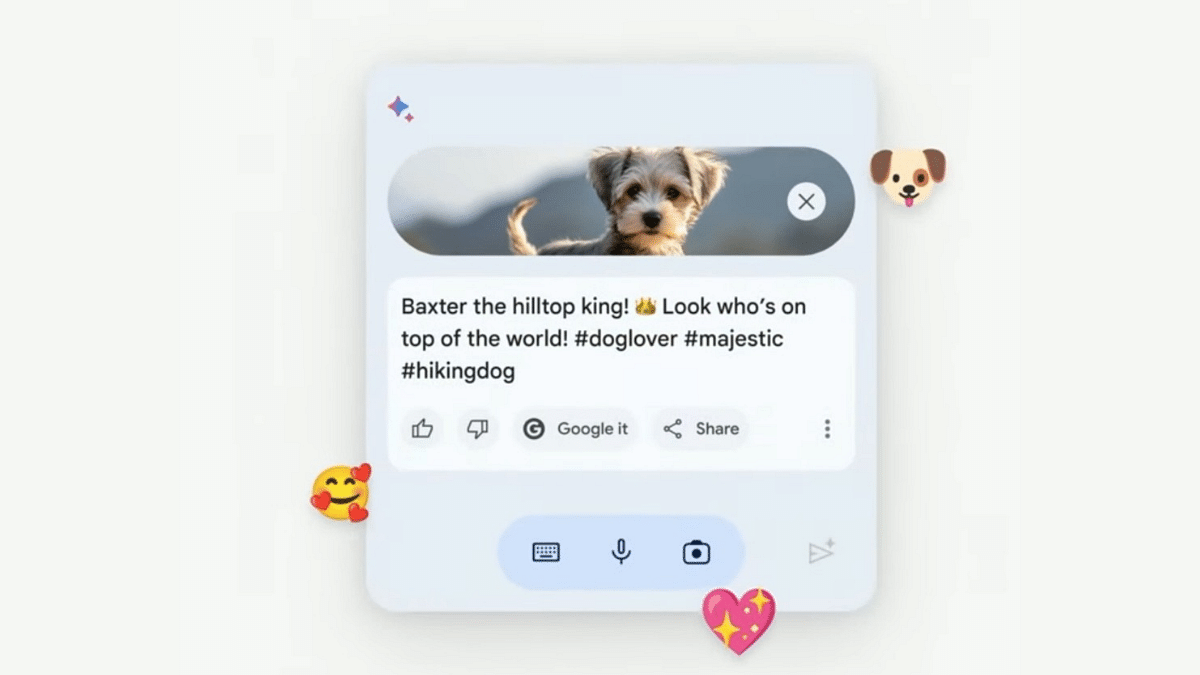
The Google Assistant with Bard is primarily an enhanced version of the existing Google Assistant personal digital assistant. With the Bard integration, Assistant now gets more powerful and has all the latest generative AI features that the former offers. Google Assistant with Bard will be capable of performing various tasks similar to Google Assistant. The results will be improved with the integrated Bard generative AI.

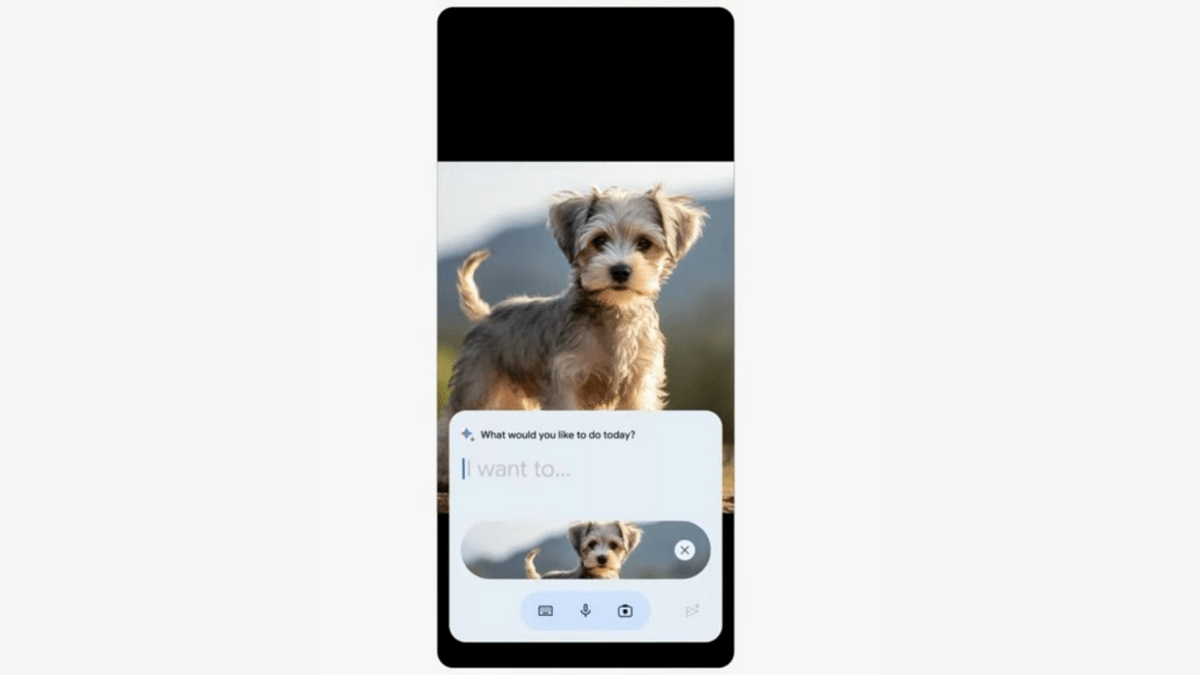
Google is also expanding the Bard generative AI tool’s services to its wide range of existing services including Google Drive, Google Docs, Google Maps, YouTube app, and Gmail email app. All these services will be at command using voice, text, or even images.

Also Read: OpenAI Introduces Dall-E 3: A New AI That Converts Text To Images Using ChatGPT

Google Assistant With Bard: How To Use?

Google hasn’t revealed any specific steps to use the Assistant with Bard feature. However, it is known that an initial setup would be required to access and use Assistant with Bard feature on both Android and iOS devices. After the setup is complete, users would simply need to give voice or text commands to get generative responses from Bard.

Also Read: ChatGPT Is Now Available On Android Starting Next Week

Categories
Apps Featured Info

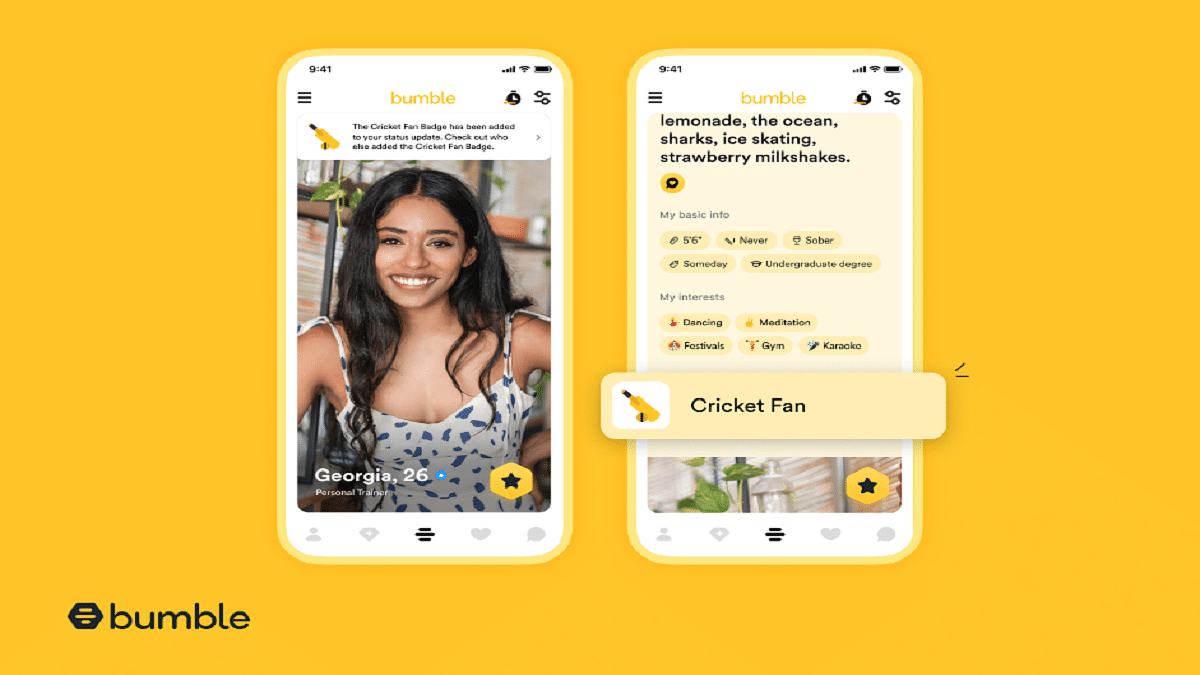
Bumble Introduces Limited-Edition ‘Cricket Fan’ Badge In India For Cricket Enthusiasts

Key Highlights

  • Bumble introduces the ‘Cricket Fan’ Badge
  • The badge is available only in India during October
  • Bumble’s study reveals that 78% of Indians believe cricket matches make excellent dates

Passionate about cricket and in search of a partner who shares your passion? If you’re someone who enjoys cricket dates and seeks a companion to revel in the game’s excitement, Bumble, the renowned dating app, has a special treat for you. In eagerness for the upcoming cricket season, Bumble is set to unveil a limited edition ‘Cricket Fan’ Badge, exclusively available in India throughout October. This feature aims to assist Bumble’s community in expressing their profound affection for the sport while facilitating connections with fellow cricket enthusiasts. Also Read | Best Money-Earning Apps For Android Phones In India

Cricket: A Game Of Love In India

In the Indian dating landscape, sports, and cricket, in particular, have significant influence, especially among Gen Z and Millennials. As the cricket fever builds with the upcoming tournament, a remarkable 78% of surveyed Indians, according to Bumble’s recent study, believe that cricket matches serve as excellent date opportunities. In fact, a substantial 75% of those surveyed actively seek romantic partners who share an interest in sports, considering it a crucial factor before embarking on a deeper connection.

Also Read | Unlock Exclusive Deals: Five Best Coupon Apps For Online Shopping In India

Conversations Through Shared Passions

Bumble is dedicated to empowering its users to spotlight and engage in conversations about their deepest passions. The introduction of the ‘Cricket Fan’ Badge to your profile enables you to proudly display your adoration for cricket. Additionally, it serves as a remarkable ice-breaker, facilitating engaging conversations with potential matches who share your passion for the sport. As you gear up to cheer for and support Team India in the upcoming matches, Bumble hopes that these connections forged through the love of the game will lead to meaningful and lasting relationships.

In conclusion, Bumble’s ‘Cricket Fan’ Badge is poised to bring cricket enthusiasts in India closer together, nurturing connections that extend beyond the boundaries of the game. With its launch in October, this limited-edition badge promises to make the cricket season even more exciting for the app’s users across the nation.

Also Read | Best Matrimonial Apps To Download In India: List Inside