Categories
Apps Featured How To

Want A Male Google Assistant Voice On Android Phone? Here’s How To Enable

Key Highlights

  • From the beginning, Google Assistant defaulted to a female voice
  • Google Assistant also has a male voice that you can set up and use
  • To use Google Assistant male voice, you need to first enable it

On multiple Android devices including Android TV, Chromecast streaming devices, Google’s Nest smart speakers, and more, the voice assistant from Google, also known as Google Assistant, is available. Users can give Google Assistant voice instructions based on their regular activities and the virtual assistant will try to comprehend most of them and respond accordingly.

Google Assistant initially only had a female voice. But in 2017, Google added a male voice and gave it the moniker “second voice.” Google offers a female voice (Voice I) and a male voice (Voice II) for its voice assistant. You must first enable the male voice option in Google Assistant before using it. Follow these steps on your Android phone in order to enable the male voice on Google Assistant.

How To Set Up Male Voice On Google Assistant?

Step 1: You need to open Settings on your Android phone.

Step 2: Scroll down and search for the Google tab. Then, tap on it.

Step 3: After that, scroll down and tap Google App Settings.

Step 4: All of the Google apps’ settings, including those for Google Fit, Play, Contacts, Search, Assistant, and other related apps, should now be visible. Pick ‘Search, Assistant, and Voice’ from the option.

Step 5: Now, continue scrolling until you see Google Assistant at the bottom.

Also Read | Here’s How To Install Google Assistant On JioPhone?

Step 6: Select “Assistant voice & sounds” by tapping on it.

Step 7: You will now see the two available Google Assistant voices. A male voice (in orange) and a female voice (in red).

Step 8: To switch to the male voice, tap the Orange circle. That’s all.

You can change from the default female voice to the male voice just as simply. Changing to the male voice of Google Assistant could provide you with a new experience if you are tired of hearing the female voice.
Categories
Apps Featured How To

Now Hide Your WhatsApp Online Status: Here’s How

Key Highlights

  • You can hide your WhatsApp online status in your Privacy settings
  • Choose to show your Last Seen status only to your contacts or no one
  • You can also prevent certain people from viewing your Last Seen status

WhatsApp has grown to be one of the most widely used forms of communication over time. The platform is used by people all throughout the world, but particularly in India, as their main form of communication. One of the cornerstones on which WhatsApp was built was privacy – end-to-end encryption is one of the first and most important features of the platform it offered. However, WhatsApp has consistently released improvements over the years that increase user security and privacy. The messaging service owned by Meta has a ton of privacy and security-related options.

Previously, WhatsApp had made it possible to disable the “Last Seen” feature. Users can choose to hide from specific contacts or from everyone. And now, with its most recent update, WhatsApp has unveiled a new feature that allows you to hide your online status stamp from contacts. This implies that if you enable it, users of WhatsApp will not be able to see your online status whenever they open the messaging app. This is one of the features that users have been waiting to experience with WhatsApp.

Also Read | WhatsApp Security Code: What Is It? How To Get WhatsApp Security Code Notification On Android, iPhones, And Laptop/ PC?

How To Hide Your WhatsApp Online Status?

Waiting to modify this crucial WhatsApp setting? You can do it right now in a few easy steps. Simply follow these instructions step-by-step to learn how to hide your WhatsApp status:

Step 1: Open WhatsApp on your phone.

Step 2: Click Settings after touching the three dots in the corner to move to the Settings area.

Step 3: After that, tap on Account and select Privacy.

Step 4: Here, you will find the Last Seen and Online.

Step 5: Select the appropriate choice from everyone, my contacts, and my contacts except for nobody under “Who can view my last seen.”

Step 6: Select “Same as last seen” or “everyone” under “Who can see when I’m online.” That’s all.

Categories
Featured TV

Best Smart TVs To Buy On EMI And Zero Down Payment: Samsung, OnePlus, And More

Key Highlights

  • You can buy premium range smart TVs from popular brands at EMI and Zero Down Payment in India
  • Smart TVs with LED and QLED panels make for the best-buy option
  • Features you need to check include display resolution, smart features, and more

There are many different TVs available in the market. You can choose to buy a smart TV, LCD TV, LED TV, Android TV, flat screen, or curved screen. The list of choices continues. Many major brands such as LG, Samsung, and OnePlus offer smart TVs in various sizes and price ranges.

The cost of a good TV might be a constraint for many people. If money is a barrier to your purchase of a smart TV, Bajaj Mall, an online retailer, has you covered. The website provides the best options with special perks along with ZERO down payment, No Cost EMI, and lightning-fast 4-hour delivery. Let’s check out the list.

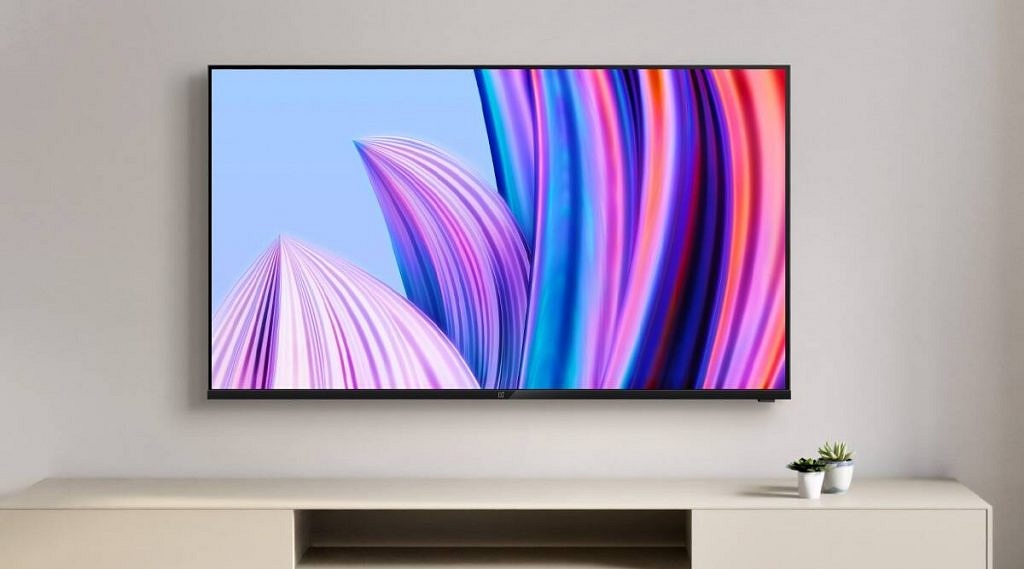
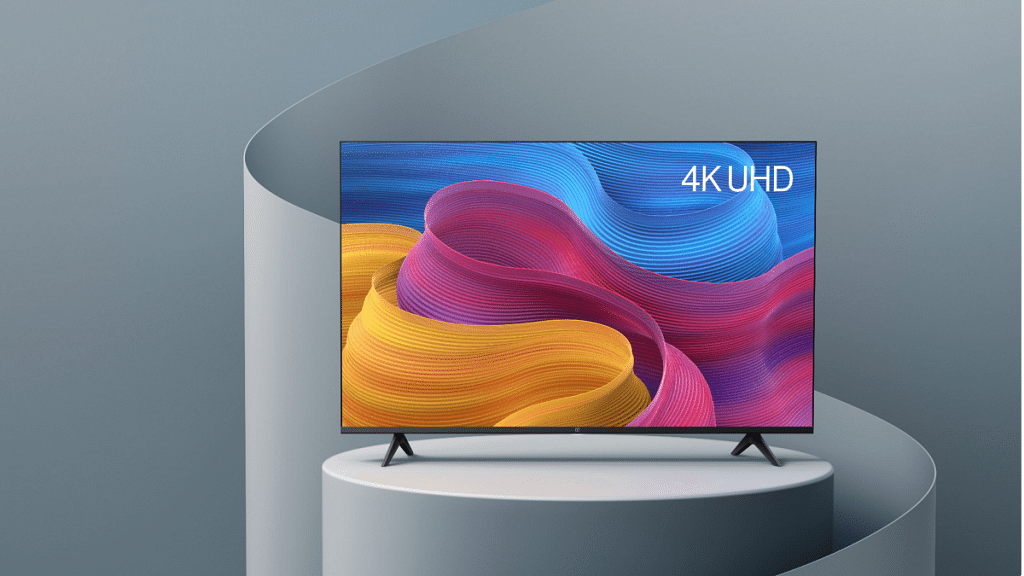
OnePlus 55-inch (4K) Ultra HD LED Smart TV

Along with HDR10 and HLG capabilities, this OnePlus 55-inch Smart TV is HDR10+ certified. The smart TV provides remarkably detailed, dramatic contrast, and ultra-realistic image quality. Dolby Audio sound is included in the OnePlus U series 55-inch Ultra HD 4K LED Android Smart TV for the best surround sound experience. It provides 30W of audio output, resulting in rich, immersive sound that reaches you. As of now, Bajaj Mall is offering this TV at a No Cost EMI of Rs. 4,667 per month for 09 months along with zero down payment.

Pros

  • HDR10, HDR10+ certified
  • Large 55-inch screen size
  • 4k UHD resolution support

Cons

  • Panel could be slightly brighter

Samsung 55-inch (4K) Ultra HD Smart LED TV

The Samsung 55-inch (4K) Ultra HD Smart LED TV is equipped with Quantum Dot technology. Smart illumination helps to produce precise contrast for captivating images. The dynamic tone mapping of Quantum HDR enhances the quality of each image. It is now possible to set up your own home theatre using the 4K visual experience. You can use the soundbar and the TV speakers at the same time thanks to Q-Symphony technology. On Bajaj Mall, the TV can be purchased with a No Cost EMI option for Rs. 7,728 per month over 10 months, saving you Rs. 44,624.

Pros

  • Comes with remote control
  • QLED display technology
  • 4K visual experiences

Cons

  • Little expensive

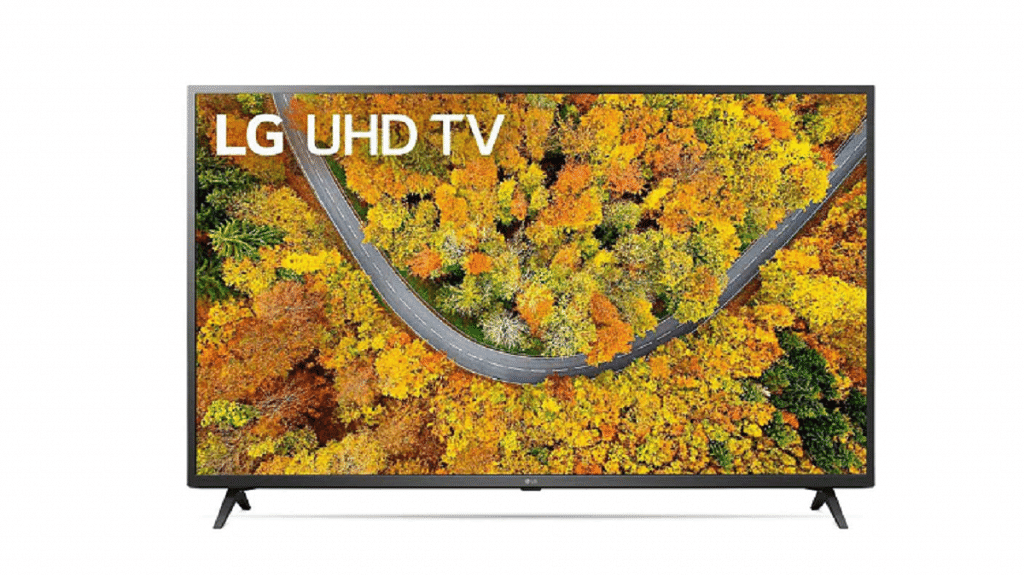
LG 55-inch (4K) Ultra HD Smart LED TV

Different internet services including Netflix, Prime Video, Zee5, Eros Now, Voot, SonyLIV, Discovery+, YouTube, YuppTV, and Apple TV are supported by the LG 55-inch (4K) Ultra HD Smart LED TV. In addition, the offered smart TV has one USB connector and four HDMI ports. This TV, which features a quad-core processor, is available with a 4K ultra HD LED display. There is an interesting sale on TVs being offered by Bajaj Mall, and you may save up to Rs. 20,100. You can also get it with no down payment and a 12-month payment plan of Rs. 4,325 per month.

Pros

  • Supported Apps: Netflix, Prime Video, Voot, and more
  • 4K ultra HD LED display

Cons

  • Colors are inconsistent

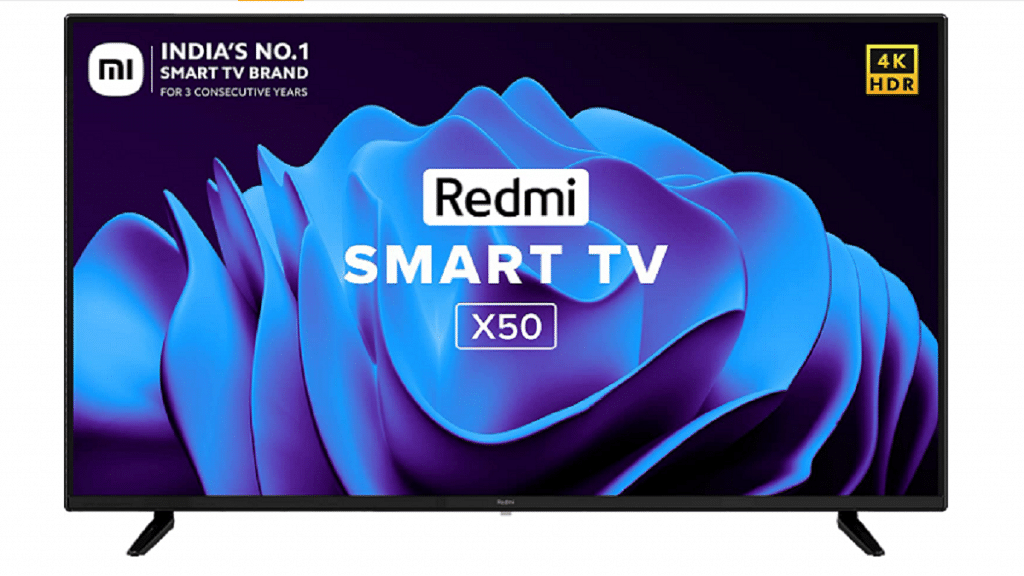
Redmi 50-inch (4K) Ultra HD LED Smart TV

The Redmi 50-inch (4K) Ultra HD LED Smart TV is powered by the Android operating system and is perfect for all your entertainment. The built-in Chromecast feature streams video directly from the cloud to your TV for high-definition video and sound. Use parental controls to filter and ban specific content such as pornography and violence. Just pay Rs. 9,819 as a down payment to bring this TV home. Bajaj Mall offers this TV at No Cost EMI option of Rs. 3,273 per month for 8 months.

Pros

  • Built-in Chromecast
  • Comes with parental controls
  • High-definition video and sound

Cons

  • Average design

Key Specs:

 OnePlus Ultra HD LED Smart TVSamsung 55-inch (4K) Ultra HD Smart LED TVLG 55-inch (4K) Ultra HD Smart LED TVRedmi 50-inch (4K) Ultra HD LED Smart TV
Display TypeLEDQLEDLEDLED
Screen Size55-inch55-inch55-inch50-inch
Refresh Rate60Hz50Hz60Hz60Hz
HDMI Port3 X HDMI LedYes33 X HDMI Led
HD Type(4K) Ultra HD(4K) Ultra HD(4K) Ultra HD(4K) Ultra HD
Viewing Angle178 degree178 degree178 degree178 degree
Offer PriceRs. 42,999Rs. 81,000Rs. 59,480Rs. 35,999
Categories
Featured Leaks mobile

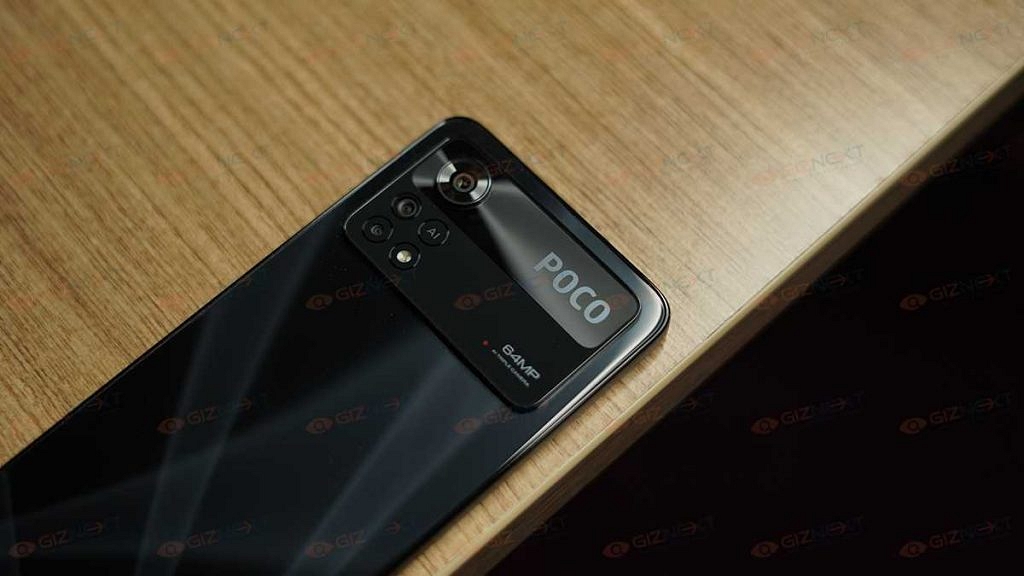
Mystery Poco Phone Clears BIS Certification As Rebranded Redmi Note 12 5G: Is It The Poco M5 5G?

Key Highlights

Poco Phone with 2210316UP model number clears BIS certification

Could be Poco M5 5G model powered by Snapdragon 4 Gen 1 chipset

Will debut as a rebranded Redmi Note 12 5G

Xiaomi has taken the wraps off its affordable Redmi Note 12 smartphone series in its home country China. The Redmi Note 9 series successor has as many as four different models including the Redmi Note 12 Pro, Redmi Note 12 Pro Plus, Redmi Note 12 Explorer Edition, and the vanilla Redmi Note 12 5G. These new Redmi 12 series are all set to make their debut in India and other global markets. Meanwhile, a Poco Phone has cleared its certification that apparently is one of the aforementioned phone’s rebranded model. What is this latest development? Read on below:

New Poco Phone To Be A Rebadged Redmi Note 12 Model?

The latest Poco handset which has been certified by the Bureau Of Indian Standards (BIS) authentication portal bears the 2210316UP model number. The exact moniker of this Poco handset hasn’t been confirmed by the Indian certification website, however, it is likely a rebranded Redmi Note 12 phone.

The possibility of this upcoming Poco phone being the rebadged version of the standard Redmi Note 12 5G is being tipped online. That’s primarily due to the similarities between the model number of both these phones. Just for reference, the Redmi Note 12 in China features the 2210317C model number.

Now, the biggest question remains what will be the exact model of this Poco handset? Well, rumors are rife that Poco might bring the 5G version of the Poco M5. To recap, the Poco M5 4G model has been launched just recently in the Indian market and the 5G model’s launch has been in the pipeline for a while.

And with the alleged Poco handset clearing its certification via BIS, an official launch is also likely just around the corner. We can expect Poco to share some information on this Poco phone’s upcoming launch timeline and sale details. As for the features, the Poco M5 5G as rumored will offer a similar spec sheet as the Redmi Note 12 5G.

Poco M5 Possible Specifications

The alleged Poco M5 5G model will be using the Snapdragon 4 Gen 1 chipset. The Android version will be Android 12 OS topped with an MIUI interface. It could flaunt a 6.67-inch FHD+ display which will be an OLED panel supporting a 120HZ refresh rate. For optics, the Poco M5 5G might offer a 48MP dual rear camera module and an 8MP selfie snapper. A 5,000 mah battery with 33W fast charging will be completing the internals.

Categories
Apps Featured How To

Want To Create A New Group For Google Meet Calls? Here’s How To Do It

Key Highlights

  • You can use Google Meet suite features in the new Meet app on your Android or iOS device
  • Users can make unlimited video calls on their phones with no time limit
  • Google Meet app will be available on several platforms including Zoom

Google Meet is a crucial tool for a wide range of people. A meeting can be scheduled online with up to 100 participants for a maximum of 60 minutes by anybody with a Google Account. Google stated earlier this year that Meet features would be incorporated into the Duo app, allowing users to effortlessly schedule video conferences and video chats with an individual or a group.

Duo and Google Meet have been combined to offer a single, free video-calling tool that works with all Google accounts. With just a few easy steps, Google Meet enables you to start a video call and a new group instantly. Here’s how you can do it.

How To Create A New Google Meet Group?

It goes without saying that most people in 2022—whether they are working or not—are short on time. If you don’t already have a Google Meet Group set in place, creating a Google Meet call with a large number of participants can be challenging. Here’s how to start a video call and quickly create a new group under such circumstances:

Step 1: Launch the Google Meet app on your device.

Step 2: Now, click on the “New” button in the bottom right corner.

Step 3: Tap on “Create Group.” Select the contacts that you want to make a part of your group.

Step 4: Now, click on “Next.”

Step 5: Here, you have the option to rename the group, copy the group link, or add new members.

Step 6: When you are ready to start the meeting, tap “Start.”

According to a recent Google Meet update, the app will be available on a number of platforms, including Zoom. With this upgrade, users of Google Meet and Zoom Rooms will be able to join meetings by entering a meeting code or directly from their calendars.

Categories
Featured How To TV

OnePlus TV Sound Issue: How To Fix No Audio Issue With OnePlus Smart TV Speakers

OnePlus is a popular consumer electronics brand that has a wide catalog of smartphones, digital accessories such as audio and smart wearables, and more. The company has also been showing its expertise with smart TVs and filling in the user’s requirements for premium large-screen LED TVs. OnePlus has multiple smart TV lineups that bring in the latest of technological innovations and smart features for a rich viewing experience.

The OnePlus smart TVs offer Wi-Fi and Bluetooth network connectivity as an advanced set of features that helps users to stream videos via OTT platforms and also pair external accessories such as wireless speakers and more. OnePlus also equips all its smart TV lineups with powerful audio systems so that users get the best viewing experience sitting from the comfort of their homes.

We have been sharing quick hacks and troubleshooting steps to resolve issues with OnePlus gadgets including TWS earbuds, smartphones, and smart TVs. Our previous coverage has been around fixing display-related issues with OnePlus smart TVs. In this article, we are listing out the ways in which you can quickly fix issues with the OnePlus TV sound system.

How To Fix OnePlus TV Sound Issues Without Visiting Service Centres

When there is no audio at all from the speakers.

Step 1: If the no audio issue is with a specific app on your OnePlus smart TV, you need to clear the cache data of the app. To do so, open the Settings menu and select the Apps option. Click on the required app and tap on the “Clear Data” option. Go back and check if the audio issue is fixed.

Step 2: Change the HDMI 2 interface and try HDMI 1 or HDMI 3 interface to check if the audio works.

Step 3: If the audio issue is still there, you need to open the Settings option and tap on the Sound option. Select Audio and then set the output to speaker.

Step 4: Unplug the OnePlus TV’s power cord and re-plug. Power on the TV. This should resolve no audio issue with your speakers.  

If for some reason, the speakers still don’t deliver any audio, there are possibilities of a hardware fault. You might have to contact the service centers to get it fixed.

Categories
Accessories Featured Info

Yale Home India Launches YDM7220 BioSecure Smart Lock: All Details

Key Highlights

  • Yale YDM7220 lock is equipped with BioSecure technology
  • It is formulated using silver ion to inhibit bacteria growth
  • This smart lock reduces the risk of secondary infections

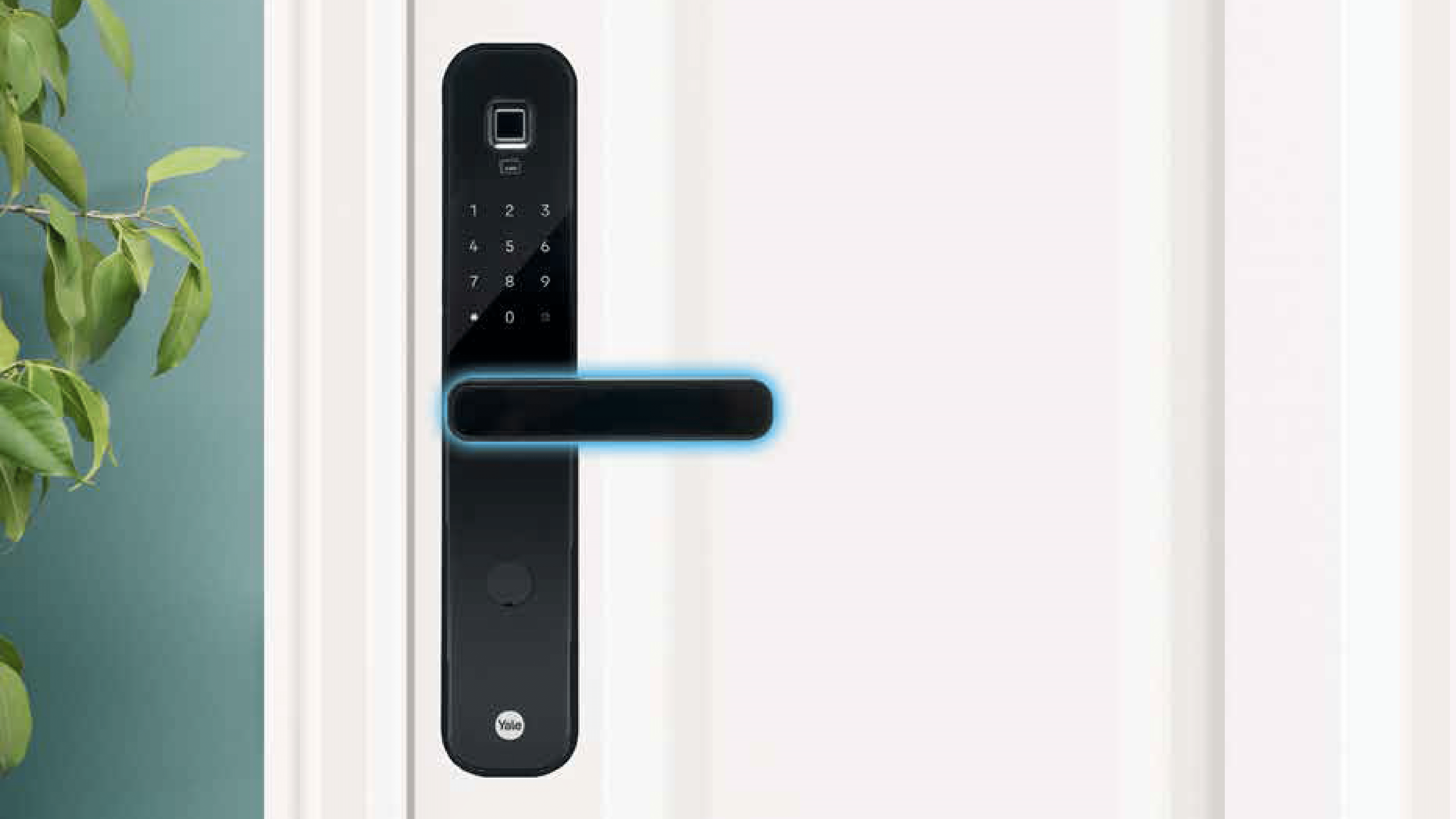
Yale Home India has launched a smarter lock – Yale YDM7220 BioSecure to keep the risk of cross-contamination at home at bay. This smart lock is equipped with BioSecure technology, ensuring that all touchpoints in your home are properly cleaned and sanitized as standard.

Regular home cleaning and disinfection have become a top priority for every household, especially after the COVID-19 outbreak. General household hygiene includes a frequent and thorough cleaning of the home but it is also important to regularly disinfect all major touch points around the home. Here’s all you need to know about the newly launched smart lock:

Yale YDM7220 BioSecure Smart Lock: Features

BioSecure technology is included in the Yale YDM7220 BioSecure Smart Lock. Silver ions are used in the formulation of the safe, non-toxic, and long-lasting BioSecure anti-bacterial solution. It has been proven that BioSecure technology can continually eliminate organisms by targeting the cell walls and preventing energy production as well as the reproduction of bacteria cells. Additionally, this helps prevent the formation of bacteria and lowers the risk of subsequent infections, especially in children and the elderly.

It has been proven that the base substance used in the BioSecure anti-bacterial solution reduces hazardous bacteria by over 80 percent in 15 minutes and by 99 percent in two hours.

No matter where you are, the YDM7220 Smart Lock lets you lock and open your door. Keyless access is made possible by the advanced software and user-friendly Yale Access mobile app. Users can also grant virtual guest keys, see who is visiting and when, and determine if the door is open or closed with the YDM 7220.

All smartphones can access the Yale YDM7220 BioSecure locks’ control panel. You can stop thinking about whether you locked your door before leaving in the morning at this point. Even if you are unsure, you can always use the Yale Access app to verify the condition of the door. The YDM7220 includes DoorSense technology for added convenience.

Yale YDM7220 BioSecure Smart Lock: Availability

The YDM7220 BioSecure Smart Lock is already available in all retail stores pan India.

Categories
Apps Featured How To

WhatsApp Security Code: What Is It? How To Get WhatsApp Security Code Notification On Android, iPhones, And Laptop/ PC?

WhatsApp is a league ahead in the instant messaging application race and has found its way into almost every other iPhone or Android handset. Even for laptop and PC users, the web version comes as an option for private messaging. WhatsApp claims to offer one of the most secure platforms for messaging, video/voice calls, and media transfer. The end-to-end ecosystem is what enhances the privacy aspects of this messenger.

WhatsApp provides a dedicated security code to each user that is used to verify the end-to-end encryption with the sent/received calls and messages. A WhatsApp security code comprises a 60-digit number and a QR code.  If you are unaware, the security code can be easily located within the app itself.

As mentioned above, the security codes are unique for each user and you can check your WhatsApp security code on the contact screen. There are instances when you might receive a security change notification on WhatsApp. This could happen if either your or one of your contacts has changed their phone number. Another reason you receive a  WhatsApp security code change notification is the addition or removal of a paired device.

You can easily toggle on WhatsApp security code notifications using your Android or iOS handset and laptop or PC using the WhatsApp Web version. The steps for the same are mentioned below:

Steps To Enable WhatsApp Security Code Notification On Android Phones

Step 1: Launch WhatsApp application and click on the More (three dots) icon on the home screen.

Step 2: Click on the Settings menu.

Step 3: Now, select the Accounts option.

Step 4: Tap on the Security option.

Step 5: Scroll down to the Show security notification option and toggle it on.

How To Enable WhatsApp Security Code Notification On Apple iPhone (All models)

Step 1: From the WhatsApp app’s home page, go to the Settings menu.

Step 2: Select the Account option.

Step 3: Now, click on the Security tab.

Step 4: Enable the WhatsApp Security notification on iPhone.

How To Activate WhatsApp Security Code Notifications On WhatsApp Web

Step 1: Open any web browser on your laptop or PC.

Step 2: Launch the WhatsApp Web application.

Step 3: Go to the Menu option or tap on the downward arrow icon placed above the chat list.

Step 4: Tap on the Settings menu.

Step 5: Click on Security.

Step 6: Now, enable the Security code option for WhatsApp web.

Categories
Featured Info Telecom

Vi Max Postpaid Plans Launched: Here’s What The New Plans Offer

Key Highlights

  • The base Max 401 has a pricing of Rs. 401 minus taxes
  • It includes 50GB of data and 200GB of roll-over data
  • The top Vi Max RedX 1101 plan offers access to SonyLIV, Amazon Prime, and more

In its new Vi Max lineup, Vodafone Idea has unveiled four new postpaid plans. According to a statement from the company, the Vi Max plans provide greater data allotments, control over monthly costs, priority customer care, a free OTT subscription, and more. Both new and existing subscribers in India can choose from the new plans.

There are four Vi Max plans with prices ranging from Rs. 401 and Rs. 1,101. The plans come in denominations of Rs. 401, Rs. 501, Rs. 701, and Rs. 1,101. All of the plans include 3,000 SMS per month in addition to unlimited voice calls and broadband during the night.

The Rs. 401 package provides free subscriptions to Vi Movies & TV, Hungama Music, SonyLIV, and Vi Games. Plans for Rs. 501 and Rs. 701 include a free year of Amazon Prime, Disney+ Hotstar, Hungama Music, Vi Movies & TV, and Vi Games. Access to SonyLIV, Amazon Prime, Disney+ Hotstar, Hungama Music, Vi Movies & TV, and Vi Games is available with the new REDX 1101 Plan.

Additionally, Vi has enhanced its family plans to include Amazon Prime, Disney+ Hotstar, and four connections for Rs. 999 and five connections for Rs. 1,149, respectively.

Benefits are increased with higher postpaid plans. For instance, a base tier that costs Rs. 401 still includes a 12-month membership to Sony LIV Premium even though it does not include a free subscription to Amazon Prime Video or Disney+ Hotstar. Additionally, it is possible to carry over unused data from one payment cycle to the following.

In addition to the above benefits, users can also get discounts on flight tickets and hotel bookings through Makemytrip. This plan also provides free access to domestic and international airport lounges for Rs. 2,999 plan. The new Vi Max plans are available in all of the company’s telecom circles.

Categories
Featured Info Mobile

Mi Clearance Sale 2022: Grab Redmi Phones At Throwaway Prices

Key Highlights

  • The Smartphone Clearance Sale of Redmi is now live in India
  • The smartphones are available starting at Rs. 3,999
  • Older entry-level Redmi phones are available for under Rs. 5,000

Redmi has discreetly started selling older Redmi phones for less in India as part of its Smartphone Clearance sale. Older entry-level phones can be purchased for under Rs. 5,000.

Many Redmi phones in the Redmi Clearance sale are more than three to four years old. All smartphones including the Redmi Note 3 and the more recent Redmi Note 10, may be found at affordable prices. However, it is important to note that all other phones, with the exception of the Note 10 series, do not support any form of warranty or service.

List Of Redmi Smartphone Clearance Sale

You can purchase these smartphones if you have extra cash and wish to explore some vintage models. All will come with official Redmi packaging. Here is a list of every device that is being sold in the Redmi’s Smartphone Clearance sale.

Redmi SmartphonePrice
Redmi 6ARs. 3,999
Redmi 5ARs. 4,499
Redmi 5Rs. 4,499
Redmi 4Rs. 4,499
Redmi 6 ProRs. 4,499
Redmi 7ARs. 4,499
Redmi 7Rs. 4,999
Redmi 8ARs. 4,999
Redmi Note 3Rs. 4,999
Redmi Note 4Rs. 4,999
Redmi Y1 LiteRs. 4,999
Redmi Y2Rs. 4,999
Redmi 8A DualRs. 5,499
Redmi 6Rs. 5,999
Redmi Y3Rs. 5,999
Redmi Note 7Rs. 5,999
Redmi Note 7 ProRs. 5,999
Redmi Note 8Rs. 6,499
Redmi Note 7SRs. 6,999
Redmi 8Rs. 6,999
Redmi Note 9Rs. 7,499
Redmi Note 5 ProRs. 7,999
Redmi Y1Rs. 8,999
Redmi Note 6 ProRs. 10,999
Redmi Note 9 ProRs. 10,999
Redmi Note 10Rs. 10,999
Redmi Note 9 Pro MaxRs. 11,999
Redmi Note 8 ProRs. 12,999
Redmi K20Rs. 14,999
Redmi K20 ProRs. 17,999