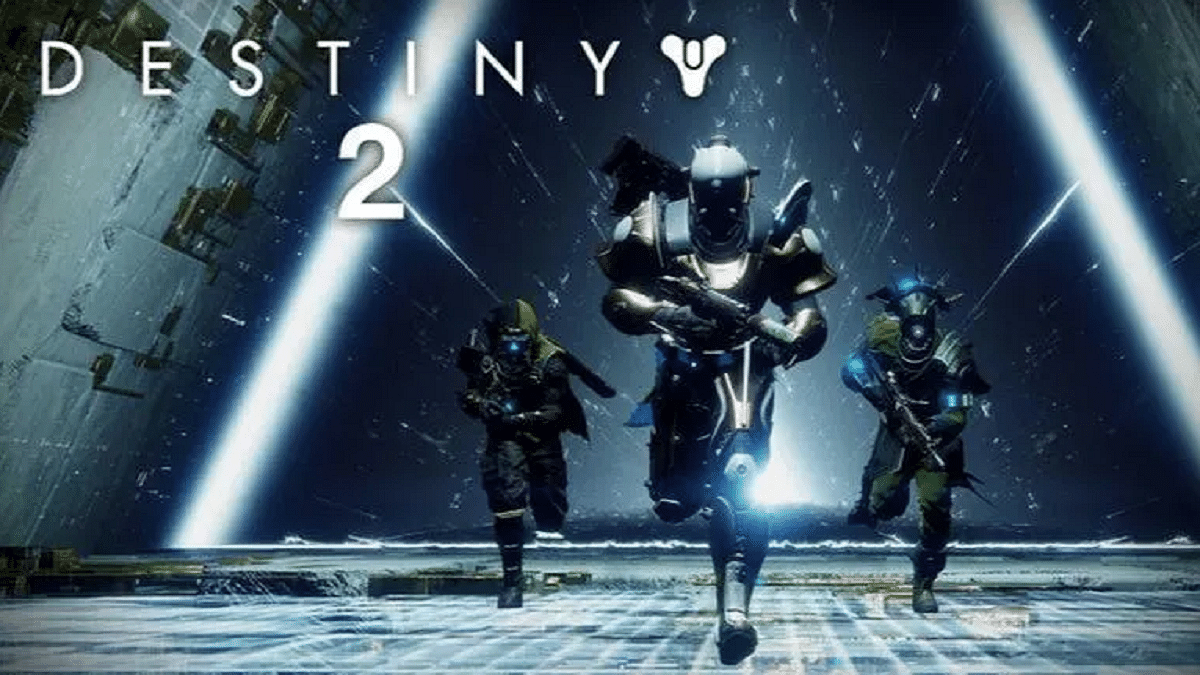
Destiny 2 is a free-to-play online-only multiplayer first-person shooter video game created by Bungie. It was made available on the PlayStation 4, Xbox One, and Windows as a pay-to-play game. The game is a follow-up to Destiny from 2014 and its expansions, although Destiny 2 was commended for having a “more robust story” and a fully developed antagonist.
The storyline of the game is that the alien race Cabal attacks the last secure city on Earth under the direction of warlord Dominus Ghaul. As a result, humanity loses its last haven and the city’s Guardians’ authority is diminished.
In this scenario, the players take on the role of the Guardians and embark on a quest to replenish their strength and discover a method of defeating Ghaul as well as his Red Legion army and take back the Last City.
Destiny 2: System Requirements
Since Destiny 2 can be played on a computer, some users may wonder what the system requirements are and worry that their computers won’t be able to run the game. In this part, we have mentioned the minimum system requirements that are needed to play Destiny 2. Let’s check them out:
OS: Windows 7 / Windows 8.1 / Windows 10 64-bit (latest Service Pack).
GPU: Nvidia GeForce GTX 660 2GB or GTX 1050 2GB / AMD Radeon HD 7850 2GB.
These are only the bare minimum requirements for Destiny 2 that will let you run the game, but the screen settings (such as shadow, lighting, anti-aliasing, motion blur, vertical synchronization, etc.) should be the lowest and the frame rate will hardly exceed 30.
Of course, depending on the game, the specific gaming performance of PCs that have just met the minimal requirements may vary.
How To Download And Play?
As for the download, you can simply visit the official website of Bungie and download the game after carefully following all the instructions.
The fact that Destiny 2 supports up to four people is one of its strongest aspects. Before the combat starts, the other players are typically instructed to walk through an instructional section. The controls are easy and simple, which is good for those who do not want to get too attached to any weapon or fighting scheme.
With a large library and some crazy day-one launches, Xbox Game Pass is a worthwhile investment. When you’re looking for your next fixation, having a subscription comes in handy. There are tons of game collections, indie titles, and classics in the library that you’ve never had a chance to play.
We combed through the Game Pass library and compiled a list of exceptional games we think you’ll appreciate in order to assist you in deciding which ones to download first. From recent releases to fantastic throwbacks, our genre-spanning recommendations for the best Game Pass titles contain something for every gamer. Let’s check them out:
Forza Horizon 5
You can explore the magnificent maps of beautiful Mexico with Forza Horizon 5. The open-world racing game has expanded and improved over previous iterations. Playground games have improved the customizability of maps, cars, and playlists, allowing you to relax and cruise the Mexican coast. This is in keeping with the festival narrative. With this new installment in the series, Forza Horizon maintains its position as one of the top racing games.
Hitman Trilogy
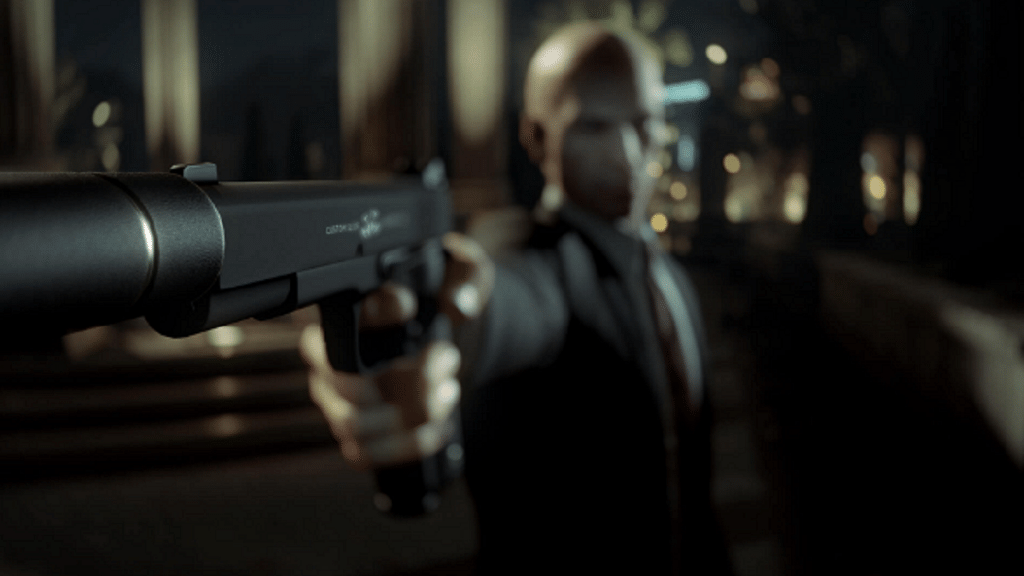
Hitman will appeal to you if you enjoy stealthy missions. Play the role of Agent 47 and carry out assassination missions for a group called ‘the organization’ all over the world. Timing is everything in this series, which moves slowly and covertly. As you complete several tasks, try to enter restricted spaces, put on a disguise, and kill your targets while also uncovering a massive conspiracy, the game plays like an assassin movie.
Halo Infinite
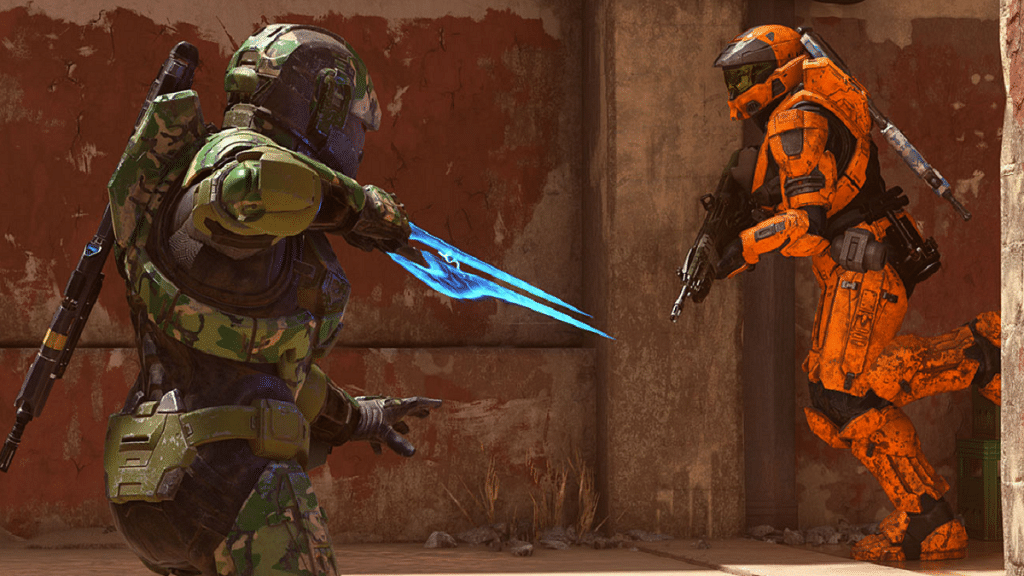
In this installment of the Halo series, Master Chief defends a young AI, battles brand-new and recurring foes, travels through a vast, open world (which allows for much more flexible missions, though they do require a little more concentration to finish), and makes use of new tools like a grappling/grab hook for brand-new combat possibilities. Even while the multiplayer is still fiercely competitive and the gameplay is great, 343’s upgrades are helping it to keep getting better. There is a lot to adore here if you enjoy Halo.
PowerWash Simulator
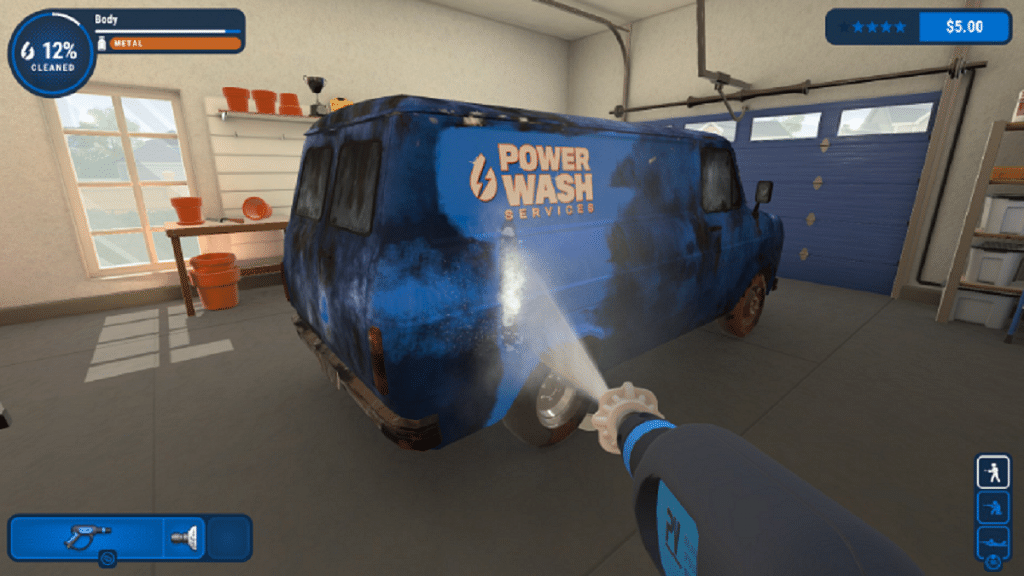
PowerWash Simulator is an ideal game to play while lounging on the couch. As the name implies, you are a professional power washer and it is your responsibility to use your cleaning equipment to remove oil, dirt, and goop off buildings, vehicles, and even entire playgrounds. There are a few small enhancements and currency systems. But PowerWash Simulator generally adopts a basic approach; you power wash things, nothing more, nothing less.
Trek to Yomi
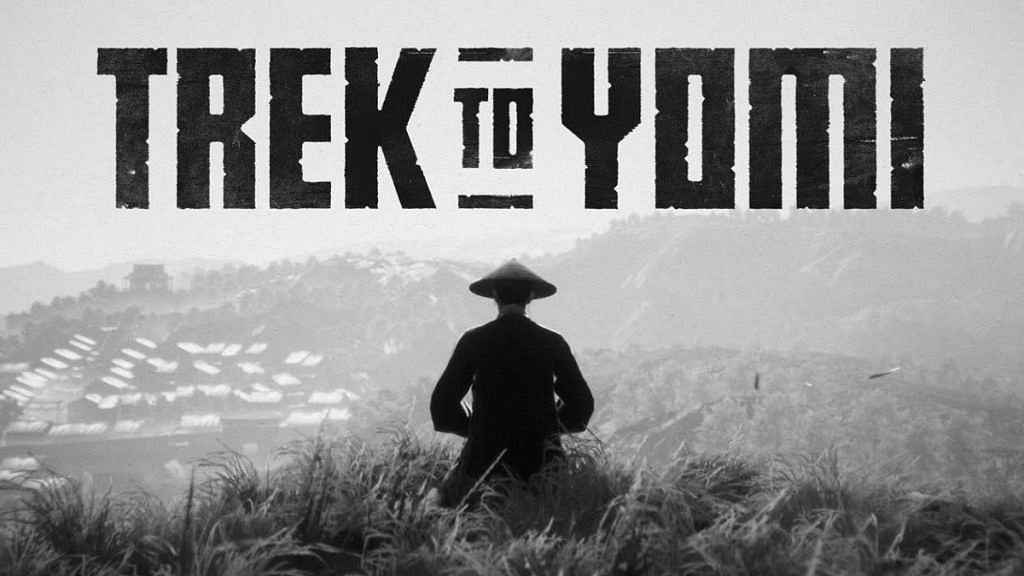
Trek to Yomi is the perfect game for those who enjoy classic samurai movies. This game incorporates the stylized genre of vintage Japanese films into a game that is unquestionably worthwhile. Trek to Yomi plays like an old black and white film, with considerable detail placed on the visual aspects of this game, from the black and white grainy effect to the epic cutscenes. The premise of the novel is a typical revenge tale, but there are some significant plot twists to keep you engaged.
Do you enjoy playing word games? If so, then you must be familiar with the Wordle game that has taken the world by storm. But if you’re not familiar with this intriguing word game, we can explain it to you.
Wordle is one of the most popular word games available online. It has a massive fan base and is owned by The New York Times. Given that it’s free, it’s ideal for those lazy days when you just want to unwind on your couch and play a couple of quick games.
How To Play Wordle?
With its daily puzzle to predict a five-letter word correctly out of six possibilities, Wordle is the world-famous, entertaining, and engaging game. It comes with words on a daily basis. Here’s how to play:
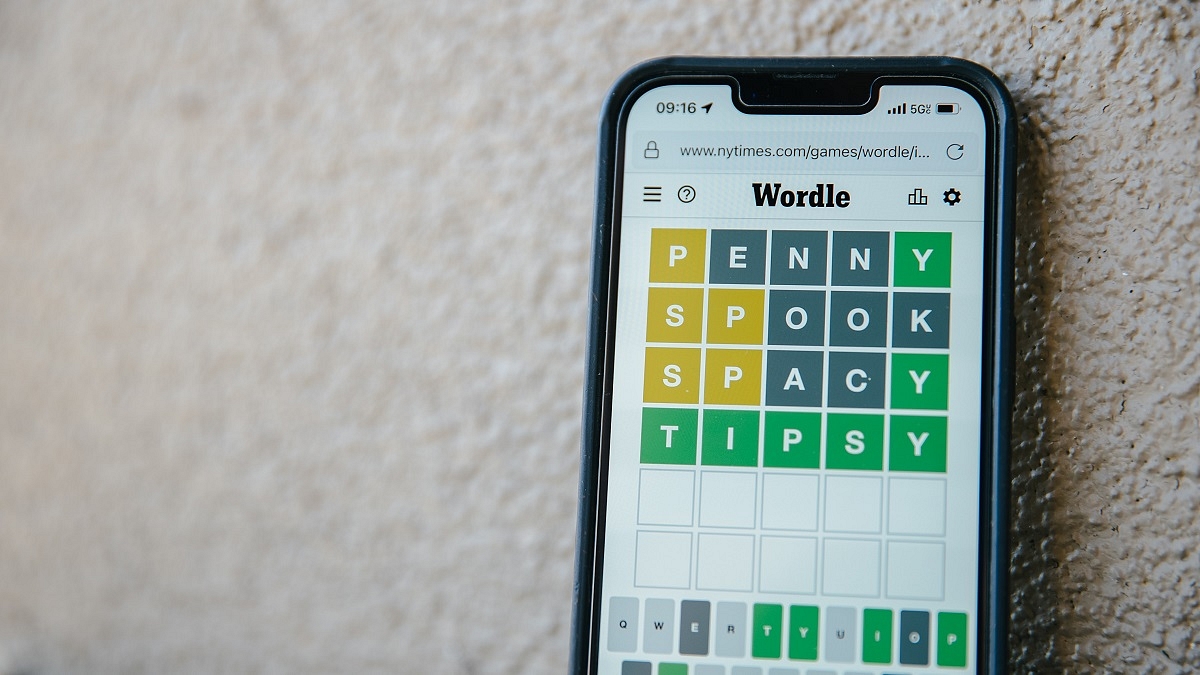
You will have six chances before you succeed or fail to guess a five-letter word that is different every day. You will receive a green-colored hint for each correct guess you make in the word’s right position.
If you guessed a letter correctly but it was positioned incorrectly, it will be indicated in yellow. If you choose the wrong letter, your turn will become grey.
Any alphabet that is missing from the word will be highlighted in black to let you know.
To submit your guess, press the enter key after making your guess. It should be remembered that the tiles’ color will change after each guess to indicate how accurate your prediction was.
Answers will never be plurals and letters can be used twice or thrice in a word.
As the game is becoming incredibly popular for its winning streaks among many users, Wordle maintains track of its players’ playthrough numbers and win or loss percentages.
Where To Play Wordle?
There isn’t a Wordle app. To play it, you need a web browser. One needs to open the New York Times Games site and play the game.
Although the Wordle website originally hosted the game, which was designed by its founder Josh Wordle, the New York Times eventually acquired it in February of this year. The best part about Wordle is that you can completely concentrate on your guessing game without being distracted by any adverts.
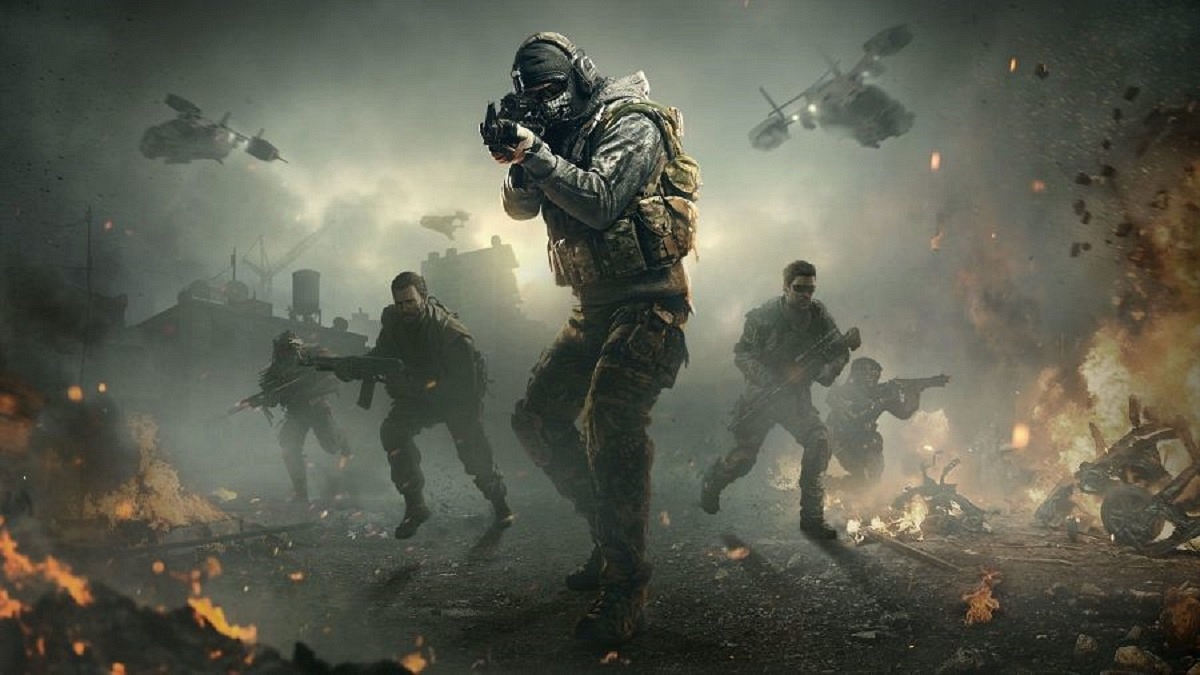
‘Call of Duty’ is one of the most well-known first-person shooter games ever. It can be challenging for COD fans to choose which games rank among the best. Whoever you question about the best Call of Duty games is likely to give you a different response. So, if you’re having trouble choosing which COD game to download and play, don’t worry. In this article, we have listed some of the best Call of Duty games that you should consider playing.
Call of Duty 4: Modern Warfare
Without a doubt, the COD series’ high point is ‘Call of Duty 4: Modern Warfare’. This was a revelation when it came out and is now without a doubt a classic, setting the bar for all new entries. Players are still drawn in by the tempting combination of compulsive unlocks, outstanding map design, and potent feedback. If you only ever play one ‘Call Of Duty’, make sure it is none other than ‘Modern Warfare’.
Call Of Duty: Modern Warfare 2
In addition to having some of the best Call of Duty multiplayer maps, ‘Modern Warfare 2’ also succeeded in keeping gamers interested with a compelling narrative. Building on the success of the original Modern Warfare, MW 2 follows the core characters as they deal with Viktor Makarov, a Russian ultranationalist who wants to start a war between the United States and Russia. Even nearly 13 years after its initial release, Modern Warfare 2 still performs remarkably well overall.
Call of Duty: Black Ops
Without a doubt, ‘Call of Duty: Black Ops’ is the developer’s best in the series. This spy thriller set during the Cold War has high-quality voice acting from Sam Worthington, Gary Oldman, Ed Harris, James C. Burns, and Ice Cube. The Cold War era turns out to be the ideal setting for Call of Duty, with its moral ambiguity having the potential to shock at times and its flawless usage of The Rolling Stones giving it a feel that none of the previous games have.
Call Of Duty (2003)
Sometimes the original manages to surpass much of what came after it. The original ‘Call of Duty’ was a 2003 PC game, therefore its high rating speaks volumes about the original’s quality. Yes, it did give rise to a massive brand, but that franchise later strayed from its original direction. The Call Of Duty 1 stands here in the list on its own merits.
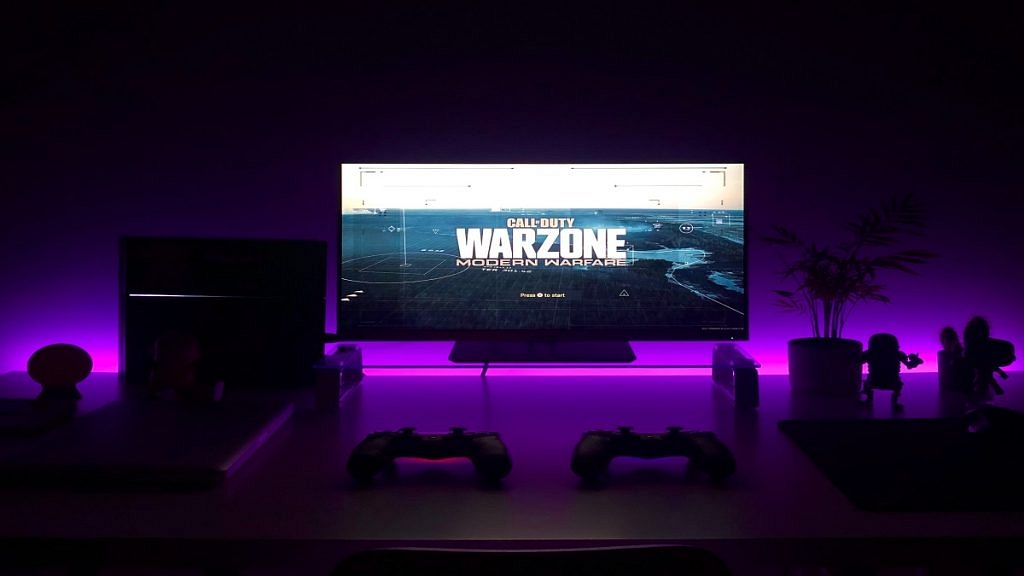
Call of Duty: Warzone
The ‘Call of Duty: Warzone’ has rapidly turned into one of the most popular since its introduction in March 2020, when the pandemic began to impact people everywhere. Proficient in holding 150 players at a time, it’s the home of Call of Duty‘s second attempt to capture the hearts of the Battle Royale crowd.
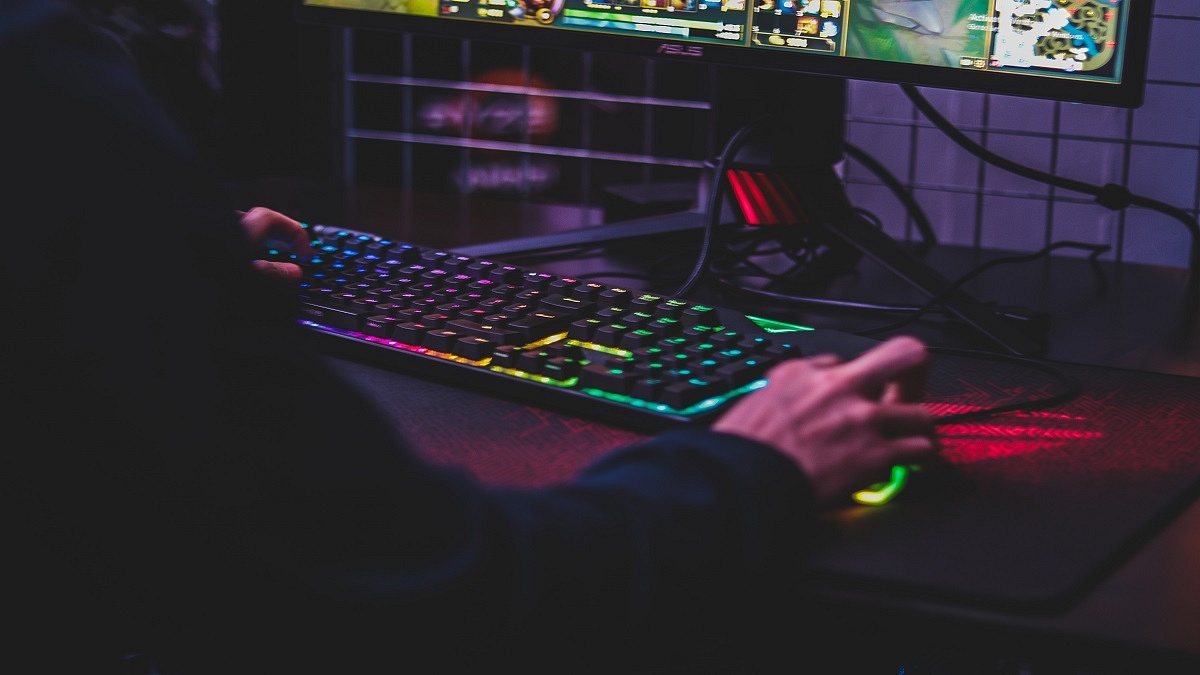
Although a gaming mouse is essential for players to perform at their peak, they frequently overlook the value of a good keyboard as well. The right gaming keyboard can make or break your gaming experience, as any gamer would know. This justifies spending money on a nice gaming keyboard to ensure you have the advantage when it comes to gaming, whether it is competitive or not.
There are countless options available in the market if you’re shopping for a new gaming keyboard. Here, we have compiled a list of some of the best ones to make things simpler for you. Check it out:
Redgear Shadow Blade
The Redgear Shadow Blade is one of the most economical mechanical gaming keyboards with Blue switches that provide tactile feedback. A braided cable, a detachable wrist rest, and a knob in the upper right corner of this full-size keyboard allow you to handle media functions like play/pause and volume. Furthermore, RGB backlighting with up to 22 modes is available. You can purchase the Redgear Shadow Blade at Rs. 2,349 in India.
Asus TUF K1
The Asus TUF K1 is a feature-packed keyboard. It has eight fully-programmable keys, a volume control, additional side lighting in addition to the key illumination, and a removable wrist rest. This gaming keyboard comes with support for the Aura Sync and Armoury Crate software. It is also spill-resistant and features 19-key rollover as well as on-the-go macros. The Asus TUF K1 is available for sale in India at Rs. 3,996 on Amazon.
SteelSeries Apex Pro TKL
The SteelSeries Apex Pro TKL comes with the best set of OmniPoint Adjustable Mechanical Switches. This ensures that during the game, over 100 million keys will be pressed. Additionally, this keyboard has an OLED Smart Display that displays game information, profile information, Discord messages, and other crucial gaming data. Additionally, it offers unparalleled flexibility with 16.8 million illumination colors per key and the ability to alter it based on gameplay. It will cost you Rs. 8,999.
Gamdias Hermes M5
The Gamdias Hermes M5 is a full-size gaming keyboard. It comes with white and blue keycaps with ice-blue lighting. The keyboard has a 32-bit ARM Cortex processor that provides minimal lag and can save up to five profiles, along with blue clicky key switches that provide anti-ghosting and N-Key rollover. Additionally, it has a stable front, an aluminum bezel, and a tough finish. You can buy the Gamdias Hermes M5 for Rs. 3,999.
BGMI has now been removed from the Google Play Store and the Apple App Store
Players who have the game installed already can play it
New players can still download the game without the Play Store
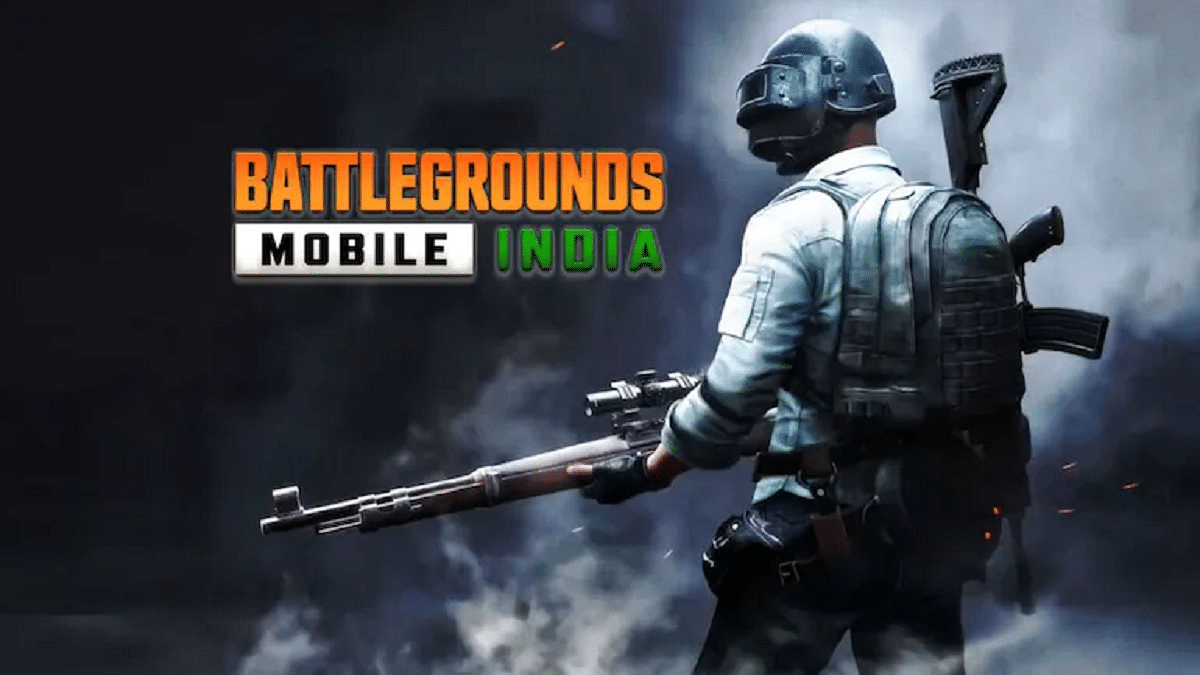
Battlegrounds Mobile India (BGMI) has been banned in India which is a pretty unexpected development. The game has been removed from the Google Play Store and the Apple App Store in the nation. This means neither iOS nor Android users can download it. In an official statement, Google stated that the game’s removal from the Play Store was the result of a direct government order.
Even though BGMI has been taken down from the Apple App Store and Google Play Store, people who already have it installed on their mobile phones can still play it. However, new users are unable to download BGMI to their devices. For the new gamers, there is a workaround, though. They can not only download the game on their device but play it as well.
Yes, you can download the game without using the Play Store. Thanks to a new method that BGMI recently unveiled, players can now also download the game directly from the BGMI website. Here’s how:
Steps To Download BGMI
The alternative method that you can use to download BGMI is via APK files. Note that the BGMI APK download is only available for Android phone users. So, if you are one of them, all you need to do is follow these simple steps:
Step 1: Download the APK file of BGMI and locate the downloaded files on your device.
Step 2: Open the Download folder in File Manager on your devices.
Step 3: Locate the downloaded PUBG Mobile APK file.
Step 4: Then click the install button after opening it. The installation of apps from unknown sources must be permitted by going to Settings > Safety and Privacy > Install Apps from Unknown Sources.
Step 5: Following completion of the download, tap on the APK file and hit ‘Install’.
Step 6: The app will begin installing and you will soon have BGMI installed on your Android phone.
Step 7: You can now log in with Facebook or a guest account and play the game.
For those who don’t know, BGMI was launched specifically for India after the global PUBG Mobile was banned. PUBG Mobile was banned, along with many other apps and games with Chinese roots, as they allegedly sent the user data through Chinese servers and threatened national security. After a series of discussions and negotiations, the developers were able to sneak into the more or less same game albeit with a new name.
Are you having issues with Garena Free Fire and do you consistently lose games? Much of it depends on your sensitivity settings in Garena Free Fire. Battle royale games definitely require a thorough understanding of player positioning and the ability to turn a bad situation to your advantage and win. However, having all of that and being unable to shoot and kill enemies is pointless. We are here to help you, so don’t worry.
You might need to adjust your Free Fire sensitivity settings because gamers use a variety of smartphone models with varying refresh rates and hardware capabilities. Here are some of the sensitivity settings for Free Fire that will enable you to take the best headshots.
Here Are The Free Fire Sensitivity And Game Settings
Sensitivity For Headshots
These levels can be altered by players to fit their individual preferences. Before making any necessary alterations, they can first put them through their paces on the practice range.
Gamers should be aware that altering their sensitivity settings won’t help them aim better for headshots. They would have to work hard to continuously get better.
Sensitivity Options
Default
Recommended
General
65
90-100
Red Dot
85
90
2X Scope
75
85
4X Scope
65
70
Sniper Scope
50
58
Free Look
50
66
How To Change Game Settings In Free Fire
Typically, the player’s device should determine how the game is set up. The best graphics settings are playable on good mid-range or high-end devices.
On the other side, users with lesser requirements can choose “Smooth” for visuals and “High” for FPS. They can also disable Shadow to make sure the gameplay runs smoothly. Simply adhere to the simple instructions. You can instantly change your sensitivity options and start your game. The steps are as follows:
Step 3: The settings tab will show up on your screens. Then, they can go ahead and alter the required one. For instance, to change the sensitivity settings, you would have to visit the “Sensitivity” tab. That’s it.
With smartphones getting all-powerful the gaming industry is also flourishing across the globe. The market today has thousands of mobile game titles that one can download and play on their respective Android and iOS smartphones. We have previously compiled the list of best Android gaming phones under Rs. 30,000 in India powered by a Qualcomm Snapdragon chipset.
Now, we have curated the top gaming phones with a MediaTek processor in the country. These smartphones are packed with a capable gaming chipset, high-capacity RAM and storage, a powerful display, and a beefy battery with faster-charging speeds.
Top Gaming Smartphones With MediaTek Chipsets
OnePlus Nord 2T 5G
The first Android smartphone that serves well for gaming and is powered by a MediaTek chipset is the OnePlus Nord 2T 5G. Announced recently, the OnePlus Nord 2T is among the first gaming phones powered by the MediaTek Dimensity 1300 processor. The device comes with up to 8GB of RAM for multitasking.
It flaunts a 6.43-inch AMOLED display with an FHD+ screen resolution and a 90Hz refresh rate. The panel is perfect for graphic-hungry games. The device flaunts a triple-lens camera system with a 50MP main sensor at the back, while for selfies it features a 32MP lens upfront. A 4,500 mAh battery rounds off the spec-sheet and is aided by a Super VOOC flash charging technology The Nord 2T comes with a starting price tag of Rs. 27,499 in the country.
OPPO Reno8 5G Android Gaming Phone
The OPPO Reno8 5G is another new launch in the Android market which is well-loaded for a rich gaming experience. The OPPO Reno8 5G also uses the same octa-core MediaTek Dimensity 1300 chipset which is combined with up to 8GB RAM for a swift multitasking experience.
The OPPO Reno8 5G’s AMOLED display measures 6.40-inches and supports an FHD+ screen resolution and 90Hz refresh rate. This phone is equipped with a 50MP main camera and a 32MP selfie lens. The battery capacity inside this phone is 4,500 mAh with SuperVOOC flash charge.
Realme 9 Pro Plus Android Gaming Phone
The Realme 9 Pro Plus is also a good gaming Android phone powered by the MediaTek Dimensity 920 chipset. The octa-core processor is aided by up to 8GB RAM and 128GB storage space. This gaming phone has a big 6.44-inch Super AMOLED screen to bring out vibrant action on the screen.
The display supports an FHD+ screen resolution along with a 90Hz refresh rate for smooth frame transitions with high-end gaming. The Realme 9 Pro Plus features a 50MP triple rear camera system along with a 16MP selfie snapper. The device gets a 4,500 mAh battery unit with Super Dart charging technology.
Samsung Galaxy M53 5G Gaming Phone With MediaTek Chipset
The Samsung Galaxy M53 5G makes for a good option if you are looking for a non-Chinese gaming Android phone under Rs. 30,000. The Galaxy M53 uses the MediaTek Dimensity 900 processor under the hood which is combined with 6GB RAM.
The handset flaunts a 6.7-inch Super AMOLED display with a 120Hz refresh rate. It features a 108MP main camera at the rear and a 32MP selfie snapper upfront. The device packs a 5,000 mAh battery unit with fast charging support. The Galaxy M53 5G has an asking price of around Rs. 24,999 in India.
Vivo V23 5G Android Gaming Phone
The Vivo V23 5G also makes for one of the best gaming phones in its segment. The device is packed with the MediaTek Dimensity 920 octa-core chipset combined with up to 12GB RAM and 256GB onboard storage space.
The Vivo V23 5G adorns a 6.44-inch AMOLED display with an FHD+ screen resolution, 90Hz refresh rate, and HDR10+ certification. This Vivo V series phone also features a 64MP triple-lens camera system along with a 50MP dual selfie camera module. It features a 4,200 mAh battery unit with 44W fast charging technology.
India is currently the biggest market for smartphones and related accessories. A large number of players have forayed into the market with user-friendly products at affordable prices. We have done several dedicated listicles to help you decide the best buy for you. Be it smartphones, tablets, laptops, and other consumer electronics gadgets.
We previously shared an updated list of the best Android smartphones with Snapdragon and MediaTek processors for affordable consumers. But if you planning to buy a smartphone that has all the required hardware for high-end gaming performance, this new list will be your guide.
We have curated some of the best smartphones that can deliver an exceptional gaming experience and that too without adding any extra crunch to your budgets. This article has the smartphone models that are game-centric and are priced within Rs. 25,000- Rs. 30,000 price range. The models listed in this article are driven by a Qualcomm Snapdragon chipset. We will also cover the list of best gaming phones under Rs, 30,000 powered by a MediaTek gaming processor. Take a look:
Top Android Gaming Phones With Snapdragon Chipset Priced Between Rs. 25,000- Rs. 30,000 In India
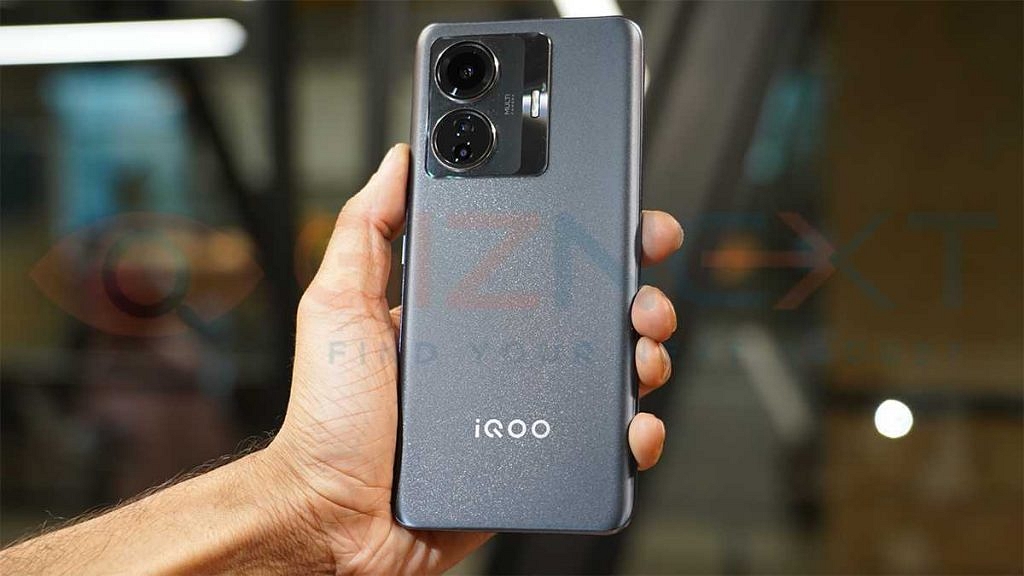
iQOO Z6 Pro 5G Gaming Android Phone
iQOO has created its niece with pocket-friendly Android gaming phones in the market. The iQOO Z6 Pro 5G is one of the most latest gaming handsets by the Chinese tech giant that is priced below Rs. 30,000 in the country. This budget gaming Android phone draws its power from the octa-core Qualcomm Snapdragon 778G chipset with up to 8GB RAM.
The Z6 Pro 5G is packed with a 6.44-inch AMOLED screen which supports 1080p FHD+ screen resolution and 90Hz refresh rate. It offers a 64MP triple rear camera system for primary photography and a 16MP snapper for selfies. The device gets its fuel via a 4,700 mAh battery unit with fast charging support. This handset comes with an asking price of approx. Rs. 23,999 for the base model with 6GB RAM.
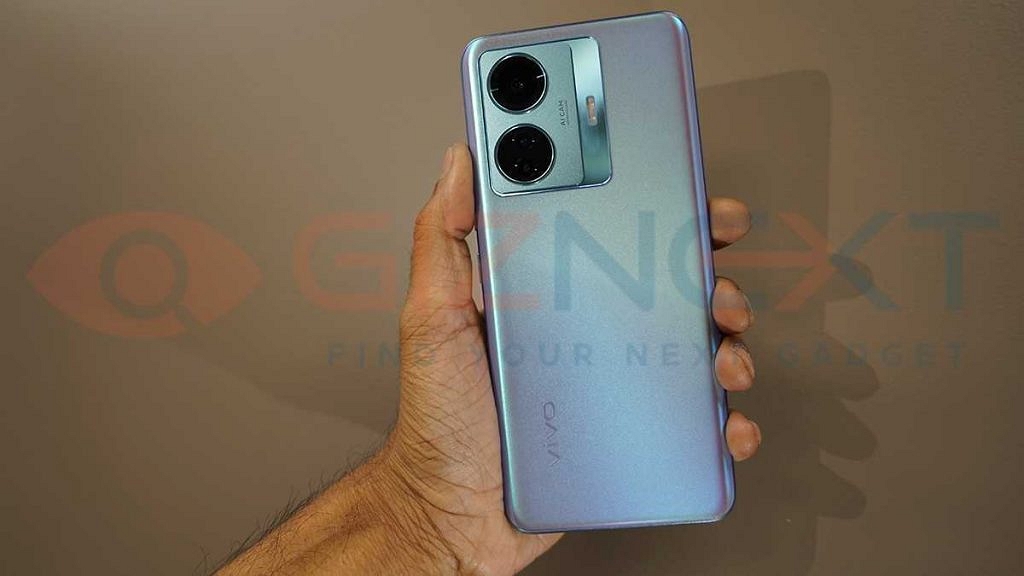
Vivo T1 Pro 5G Android Gaming Phone
The Vivo T1 Pro 5G is also amongst the latest Android gaming phones announced in the Indian market. The device debuted this year itself in the country and is almost identical to the iQOO Z6 Pro 5G in terms of design and hardware. The Vivo T1 Pro 5G takes care of your gaming requirements with the same Snapdragon 778G octa-core processor as the iQOO Z6 Pro combined with 8GB RAM and 128GB storage configuration.
As the name suggests, this handset comes with a 5G network connectivity for faster internet speeds. The remaining specifications of the Vivo T1 Pro 5G are same as the iQOO Z6 Pro including a 6.44-inch FHD+ AMOLED display with a 90Hz refresh rate and a 64MP triple rear camera module. The T1 Pro 5G is also powered by the same 4,700 mAh unit with 67W flash charging support.
Motorola Edge 30 Gaming Phone With Snapdragon Chipset
The Motorola Edge series is also well known for its premium hardware features at affordable pricing. The Motorola Edge 30 is one of the best Android gaming phones that you can buy in India under Rs. 30,000 price bracket. This Motorola gaming phone is also powered by the same Snapdragon 778G octa-core processor with up to 8GB RAM.
The device flaunts a slightly bigger 6.5-inch screen which is a P-OLED display with a massive 144Hz refresh rate. This is one of the only few handsets with such a high refresh rate in its league. The Motorola Moto Edge 30 uses a 50MP triple rear camera system for optics and a 4,020 mAh battery with Tubo charging technology.
POCO F4 5G Gaming Phone With Qualcomm Processor
POCO has also created its expertise with pocket-friendly gaming smartphones. The POCO F4 5G is the newest release from the brand which is also fully loaded with gaming hardware. The POCO F4 5G is driven by the octa-core Snapdragon 870 chipset which is a premium Qualcomm processor that can handle some extreme gaming titles smoothly.
The POCO F4 5G gaming experience is enhanced with the tall 6.67-inch AMOLED display that supports 1080p FHD+ screen resolution and 120Hz refresh rate. It also has dedicated gaming features and a heat dissipation system for an improved gaming experience each time.
The POCO F4 5G uses a 64MP triple rear camera system and a 20MP selfie snapper. It is backed by a 4,500 mAh battery unit combined with fast charging. The POCO F4 5G price starts at Rs. 27,999 in India.
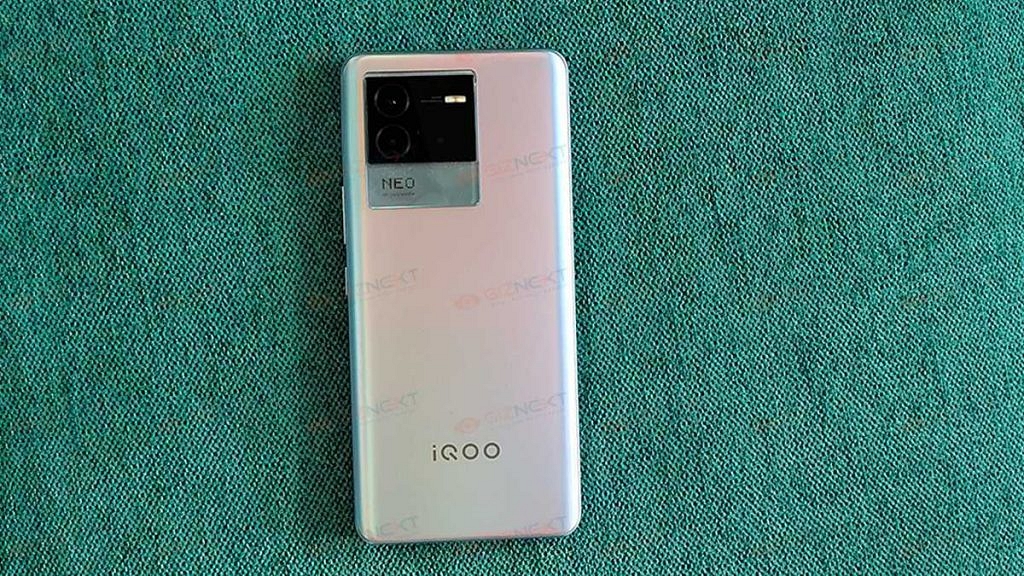
iQOO Neo 6 Premium Gaming Android Phone
This is another latest premium range gaming Android smartphone by iQOO which is powered by the octa-core Snapdragon 870 chipset. The iQOO Neo 6 flaunts a big 6.62-inch AMOLED screen with 120Hz refresh rate and a triple rear camera system with a 64MP main sensor.
The selfie snapper here is smaller compared to the POCO F series phone at 16MP. The battery capacity on this model is 4,700 mAh paired with 67W fast charging. The price of the iQOO Neo 6 starts at Rs. 29,999 in the country.
Realme GT Master Edition
If you wish to buy a funky yet powerful gaming phone under budget, the Realme GT Master Edition makes for a good pick. It is available starting at around Rs. 24,899 and uses the octa-core Snapdragon 778G chipset for power delivery.
This Realme GT series gaming phone has a 6.43-inch Super AMOLED display with 120Hz refresh rate and an FHD+ screen resolution. For optics, the Realme GT Master Edition has a 64MP triple rear camera module and a 32MP selfie snapper. It uses a 4,300 mAh battery for fuel.
Samsung Galaxy A52 Android Gaming Phone
Samsung also has been catering to the budget audience with its Galaxy A and the Galaxy M series. The Galaxy A52 is the model for those looking for a pocket friendly gaming Android phone under Rs. 30,000 and powered by a Qualcomm chipset. The Samsung Galaxy A52 is powered by the octa-core Snapdragon 720G chipset and sports a 6.5-inch Super AMOLED display with 90Hz refresh rate and an FHD+ screen resolution. The optics on the Samsung Galaxy A52 is handled by a 64MP quad-camera module at the back and a 32MP selfie lens upfront. It is backed by a 4,500 mAh battery unit.
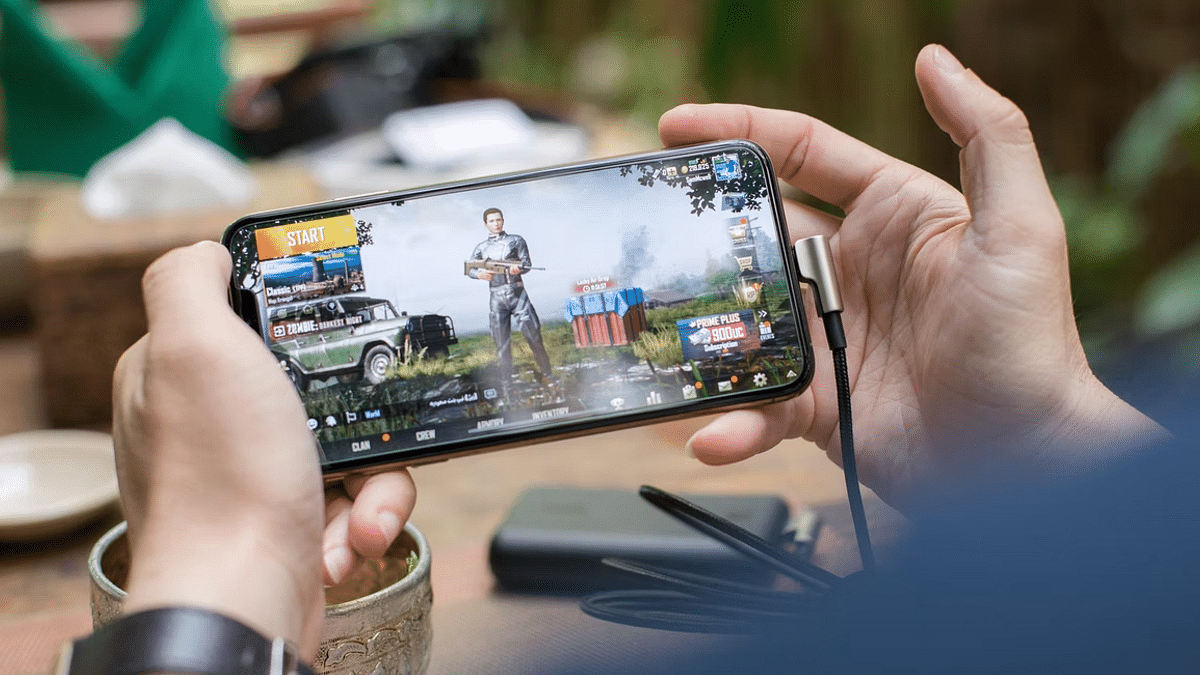
Mobile gaming is at its peak in the modern market; specifically with the smartphone OEMs flooding this market with game-centric devices. You now don’t have to burn a hole in your pockets to buy a dedicated gaming phone that has a premium range display with a high refresh rate, a game-oriented processor and heat dissipation system, and a large battery system. Specifically, in the Android ecosystem, you have quite a vast catalog of gaming phones. You can get a good gaming phone for under Rs. 20,000.
iQOO, Xiaomi, Realme, OPPO, and Samsung are amongst the popular smartphone brands that have multiple options to offer to the masses when it comes to a gaming smartphone. These brands have expertise with value flagships and hence the wider popularity around the globe. No matter what smartphone you own, you must be aware of the hypes created by the FPS shooting games.
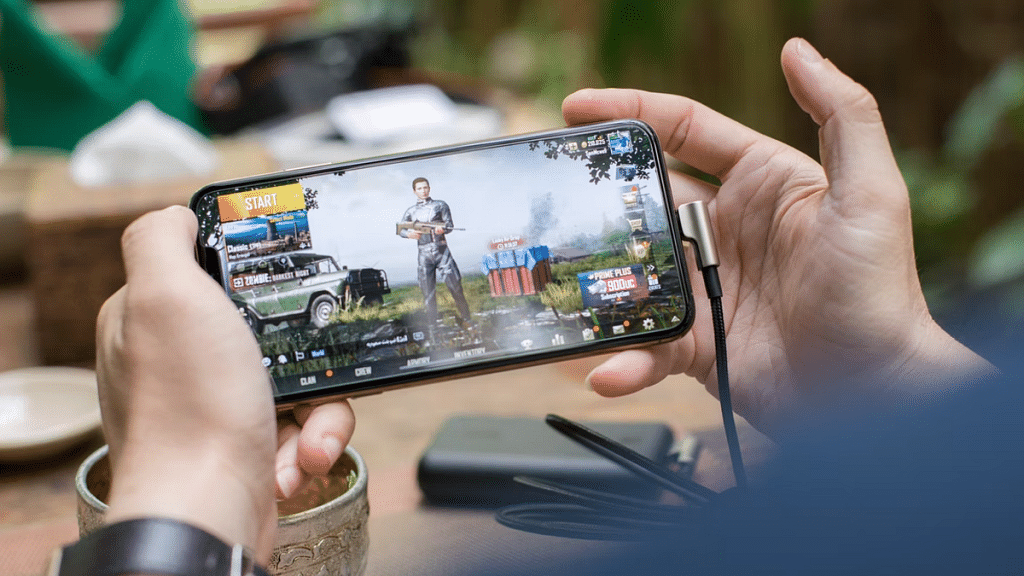
PUBG has been the most noted game in India and the global markets, but since its departure, BGMI took the reigns and is currently the best high-end FPS game on the Android platform. Not just Android, both PUBG and BGMI have a fair share of popularity amongst Apple iOS users as well. Now, you don’t really need a super high-end smartphone to play PUBG or BGMI. But smoother gameplay is always ensured with premium end phones.
But are you aware that you can manually tweak the game settings of both BGMI and PUBG to make sure you get a lag-free gaming experience? Well, if not, you have stopped by the right place. We will be guiding you with the appropriate game settings that you can easily apply on PUBG and BGMI on your Android and iOS smartphones for rich gameplay:
What Are The Best Settings To Apply On PUBG For Lag-Free Gaming
Change Graphics And Frame Rate Settings Accordingly
Graphics Settings: Smooth, Balanced HD, HDR, Ultra HD, UHD (starting from affordable to premium end devices respectively).
Best Frame Rates: Low, Medium, High, Ultra Extreme, 90 fps. Note, select the highest 90fps settings if your display supports a higher refresh rate. Otherwise, keep it to the medium settings. Also, the higher refresh rate option will be available for supported Android and iOS devices.
FPS Settings Change: There are a bunch of combinations that you can try with FPS settings to get the best of the output
20-25 FPS frames with Smooth+ low settings
25-30 FPS frames with Smooth+ Medium settings
30 FPS frames with Smooth+ High settings
40 FPS frames with Smooth+ Ultra settings
60 FPS frames with Smooth+ Extreme settings
90 FPS Frames with Smooth+ 90 FPS settings
Game Style: Classic, Colorful, Realistic, Soft, and Movie.
By applying the aforementioned settings on either BGMI or PUBG, you can get the best gameplay experience. But before you apply the highest of settings, make sure your device’s hardware is capable enough to handle it without any jitters or temperature instability.