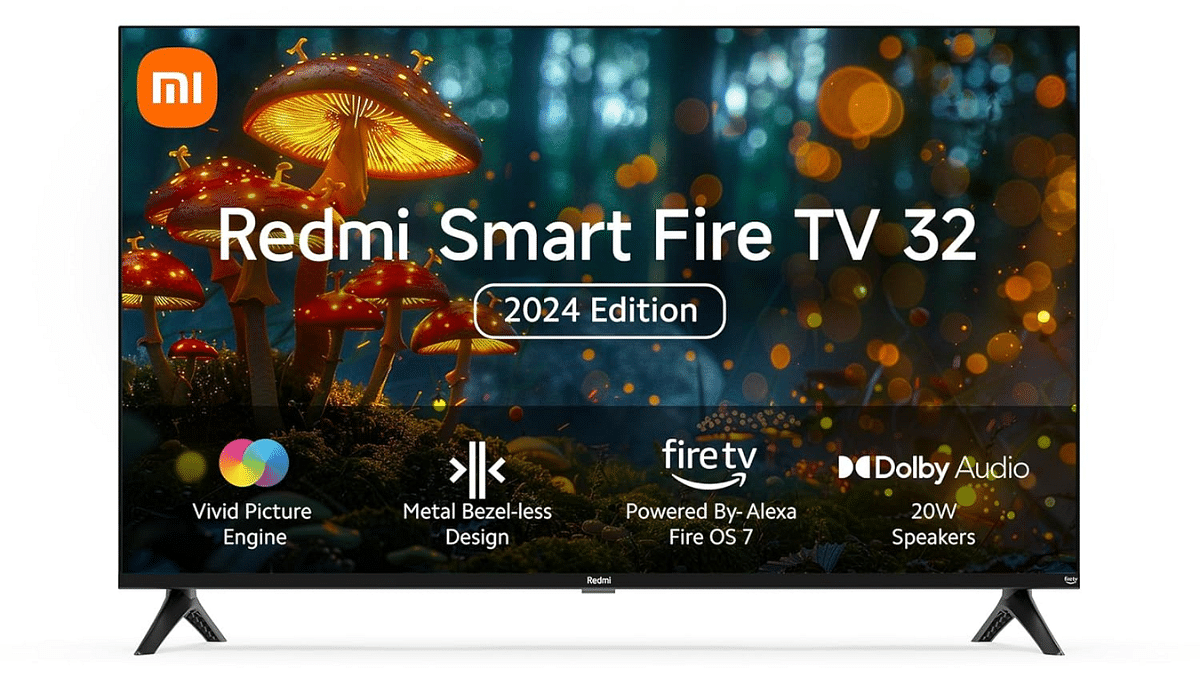
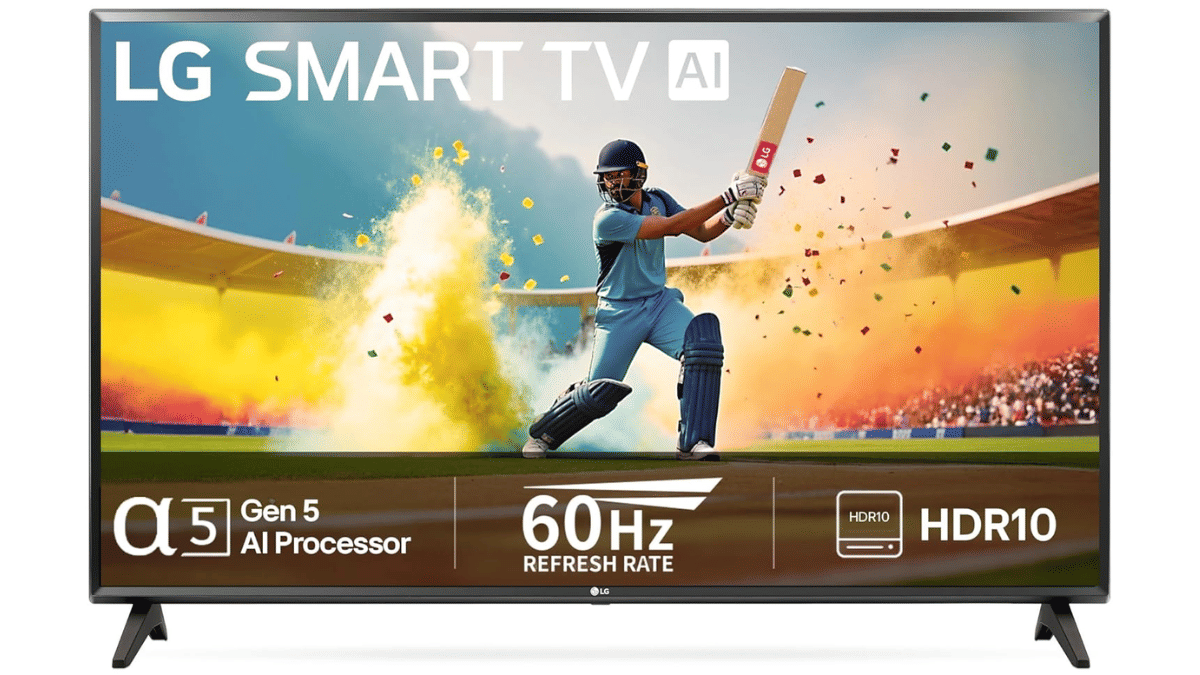
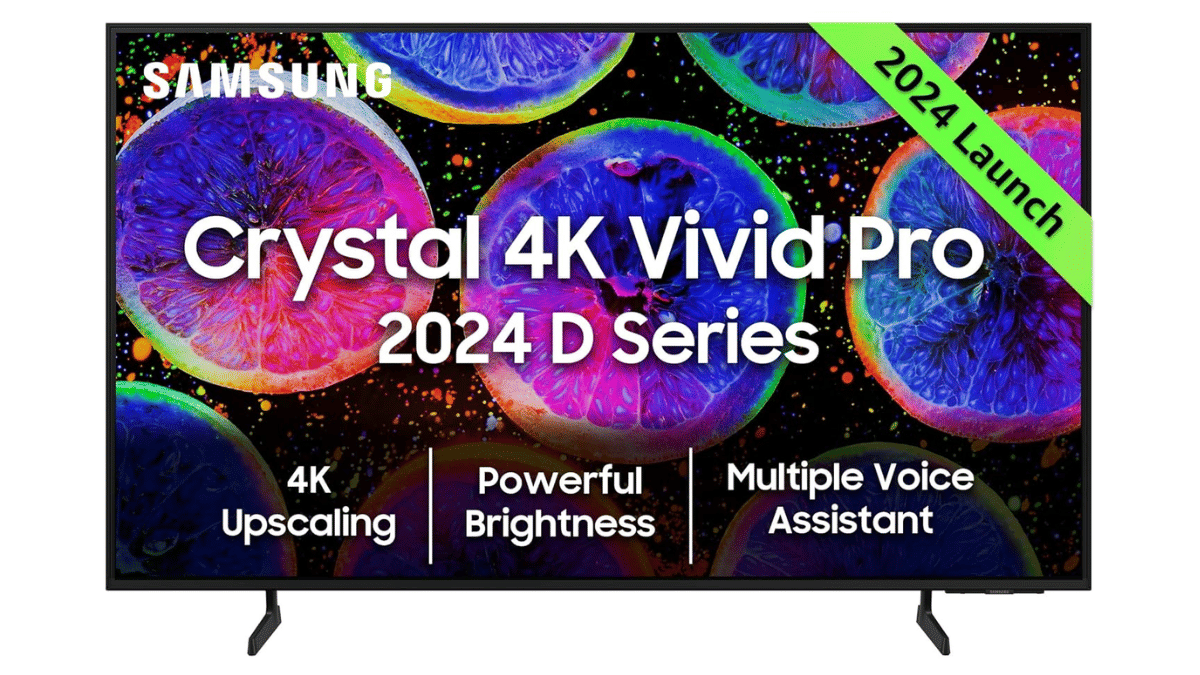
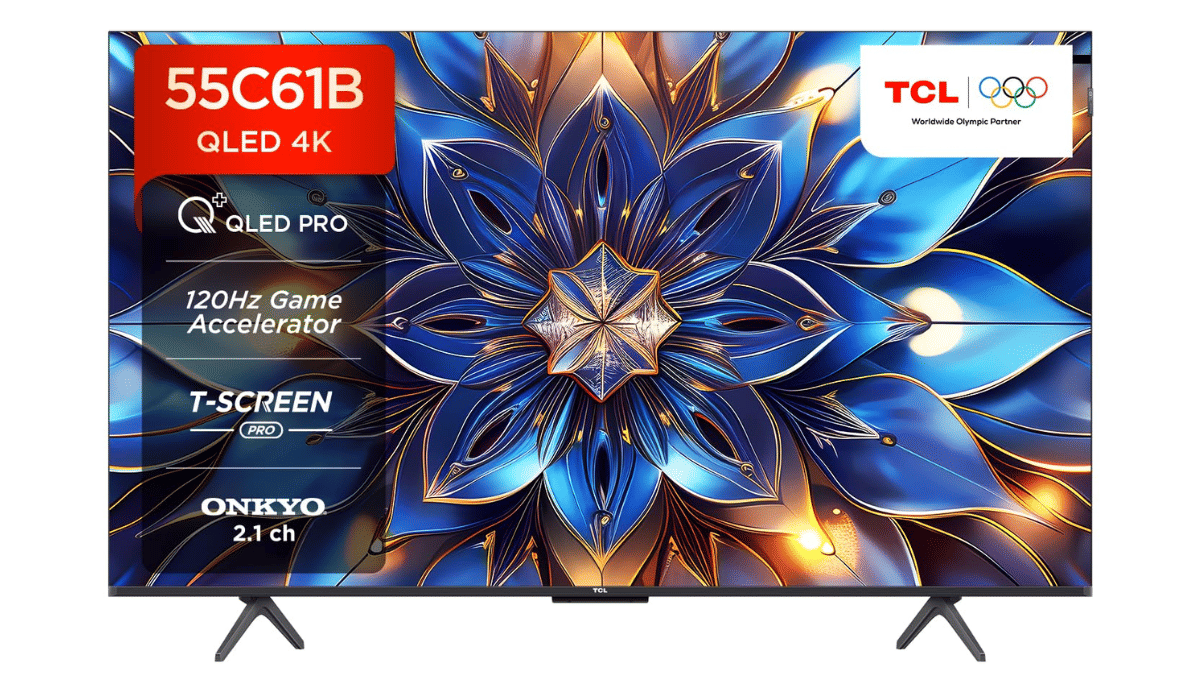
Up to 65 percent off on Smart TVs till March 16, 2025
Extra 10% HDFC Bank discount + Rs. 5,000 coupons
Top brands Hisense, LG, Redmi, Samsung, TCL on sale
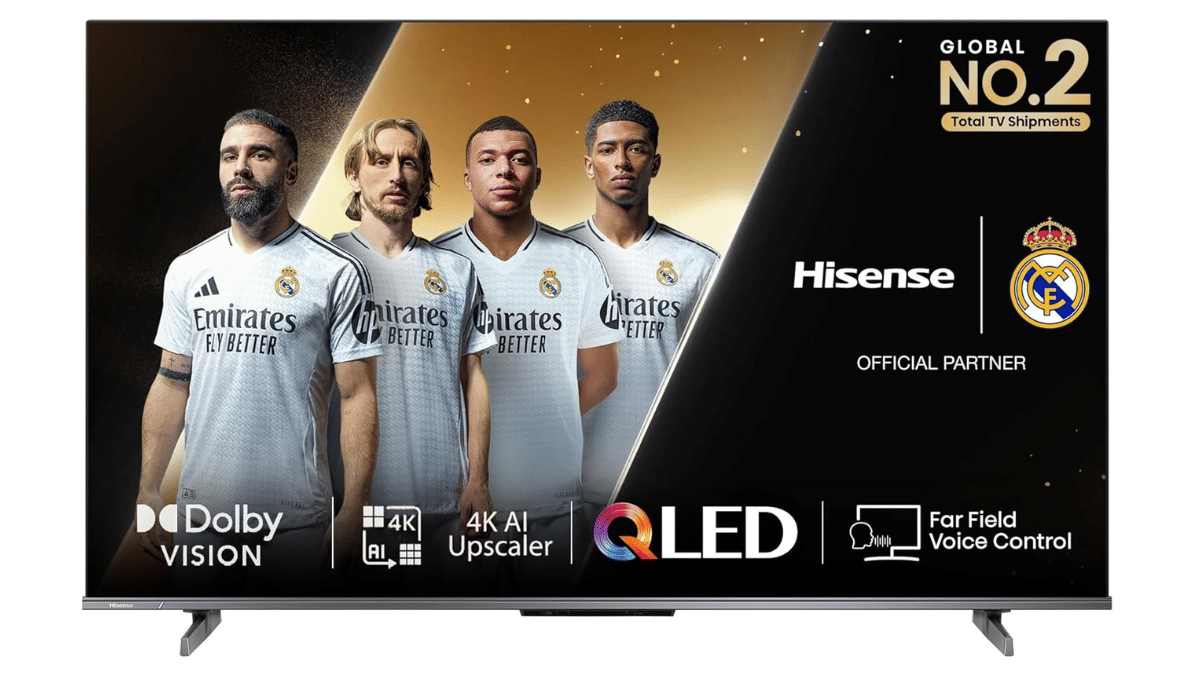
Looking to buy a new Smart TV? Amazon India’s Grand Finale Sale is here with up to 65 percent off on top brands. The sale runs from March 7 to March 16, 2025. One can get 10 percent instant discounts on HDFC Bank credit card EMI transactions and coupon discounts up to Rs. 5,000. Check out these top Smart TV deals and grab the best one before the sale ends.
4K Ultra HD resolution with billion+ shades of vivid color
Dolby Vision Atmos, HDR 10+ for a cinematic experience
4K AI upscaler enhances picture quality
Smart Google TV with easy content access
Whether you need a budget-friendly TV or a high-end entertainment upgrade, these deals offer great value. Shop now before the sale ends on March 16, 2025.
For the tech geeks, stay updated with the latest cutting-edge gadgets in the market, exclusive tech updates, gadget reviews, and more right on your phone’s screen. Join Giznext’s WhatsApp channel and receive the industry-first tech updates.
Smartwatches have become an essential gadget for many. It helps us with fitness tracking, notifications, and even calls. However, battery life remains a common concern. While some smartwatches last a day or two, others drain faster due to high usage. Luckily, you can improve your smartwatch’s battery life by making a few simple changes. Let’s look at five effective ways to extend battery life.
The screen is one of the biggest battery consumers on a smartwatch. Keeping brightness too high drains power quickly. Set it to auto-adjust or manually lower it to a comfortable level. This small change can significantly improve battery performance.
2. Turn Off Always-On Display
Many smartwatches offer an always-on display feature that keeps the screen active at all times. While this is useful, it also uses a lot of battery. Turning it off will help your smartwatch last much longer between charges.
3. Limit Notifications
Every time you receive a notification, your smartwatch vibrates and lights up, consuming battery. Go to settings and disable unnecessary app alerts. Keep only important notifications, such as calls, messages, or reminders, to reduce battery drain.
4. Disable Unused Features
Smartwatches come with features like GPS, Bluetooth, Wi-Fi, and heart rate tracking. If these are running continuously, they consume a lot of power. Turn off GPS when not navigating, disconnect Bluetooth when not needed, and use Wi-Fi only when necessary.
5. Use Power-Saving Mode
Most smartwatches have a battery-saving mode that limits background activities, reduces brightness, and turns off non-essential features. Activate it when you want to extend battery life, especially when traveling or in situations where charging isn’t possible.
Set your screen to turn off quickly after use to save battery.
AMOLED displays use less power with dark or black watch faces.
Software updates often include battery optimizations.
Heat and cold can affect battery life, so keep your smartwatch in moderate conditions.
Don’t let the battery drain completely before charging. Try to keep it between 20-80 percent for better longevity.
By making these small changes, you can improve your smartwatch’s battery life and enjoy longer usage without frequent charging.
For the tech geeks, stay updated with the latest cutting-edge gadgets in the market, exclusive tech updates, gadget reviews, and more right on your phone’s screen. Join Giznext’s WhatsApp channel and receive the industry-first tech updates.
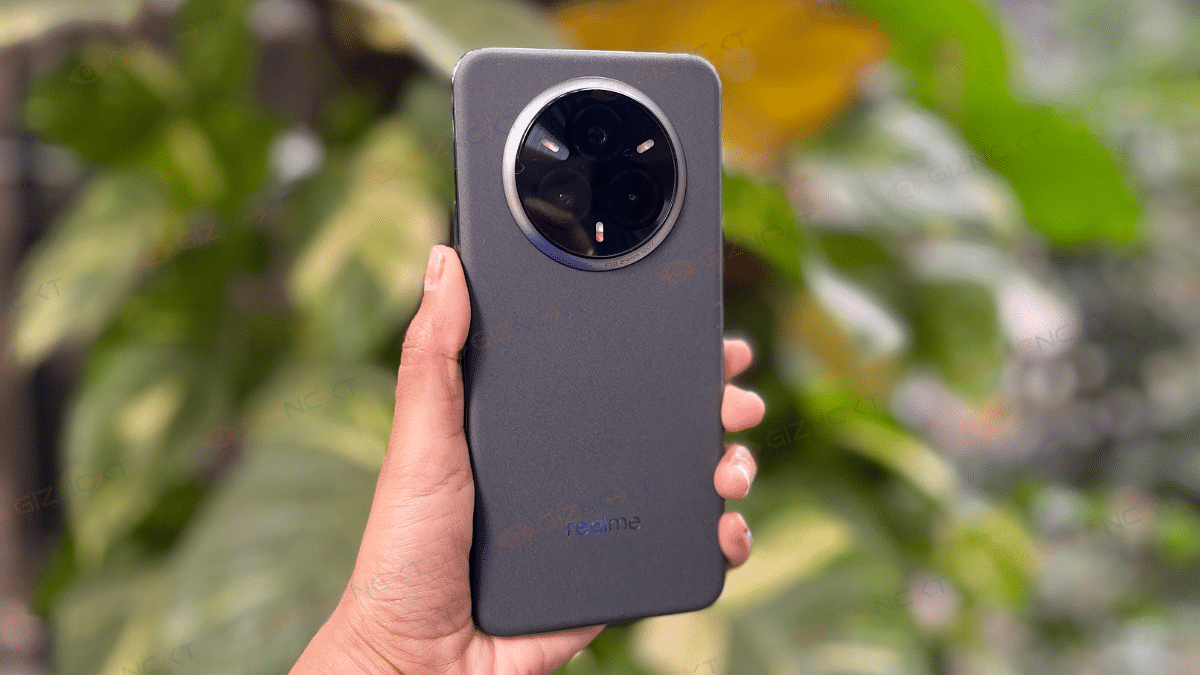
Realme P3 Pro 5G competes in the sub Rs. 25,000 price category
Offers powerful performance and reliable speeds
Efficient with gaming
Top rivals includes recently launched Realme 14 Plus and Vivo T4X
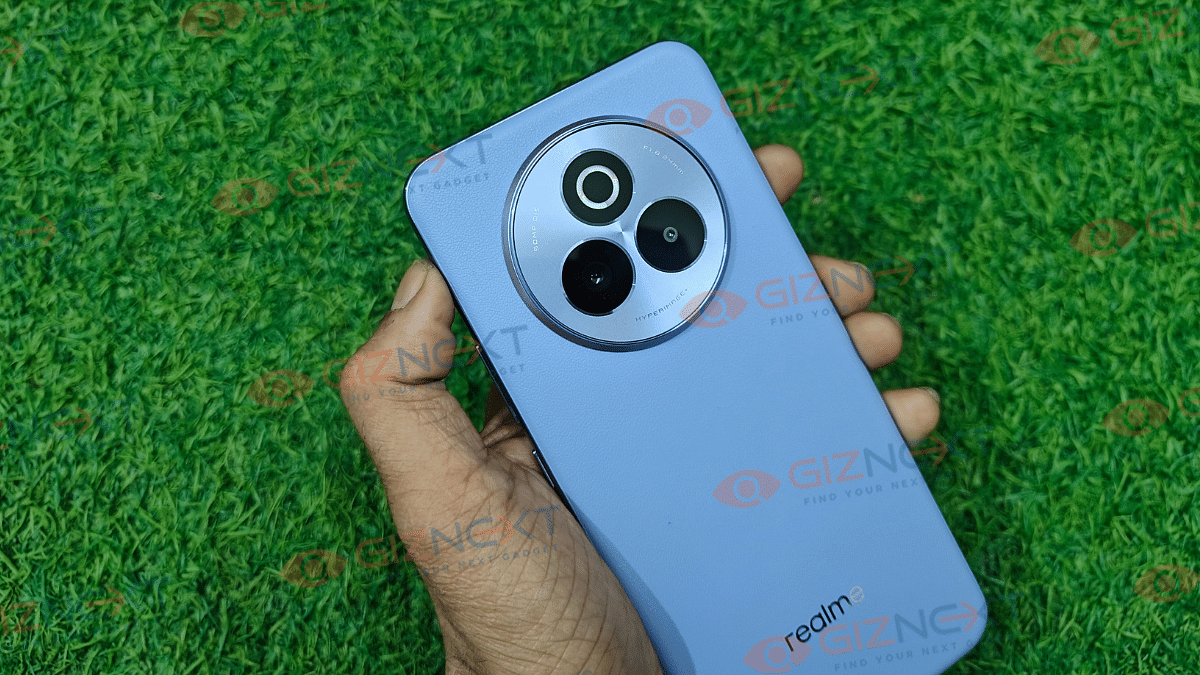
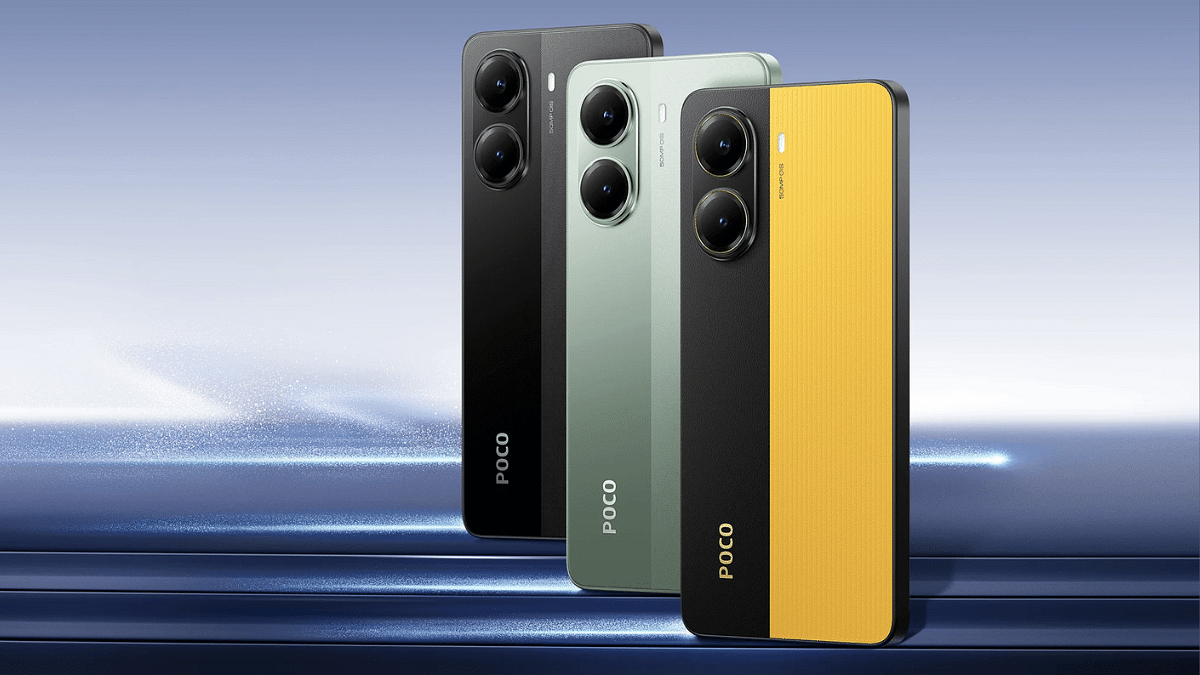
Realme is one of the leading brands in the mid-range Android smartphone market. The brand has been a adding new models to catalogue frequently with the most recent members being the P3X and the P3 Pro 5G. The latter has emerged as one of the best performance-oriented phones retailing under Rs. 25,000. Features like Snapdragon 7s Gen 3 chipset optimised for enhanced speeds, clear and vibrant AMOLED screen, decent 50MP triple-lens camera setup makes helps it steal all the attention. But if you have to consider some alternates? Well, there are a few new phones from popular OEMs such as Vivo, Poco, and iQOO that give a stiff competition to the P3 Pro 5G in real-world scenarios. Here are the top Realme P3 Pro 5G alternates in 2025:
For the tech geeks, stay updated with the latest cutting-edge gadgets in the market, exclusive tech updates, gadget reviews, and more right on your phone’s screen. Join Giznext’s WhatsApp channel and receive the industry-first tech update.
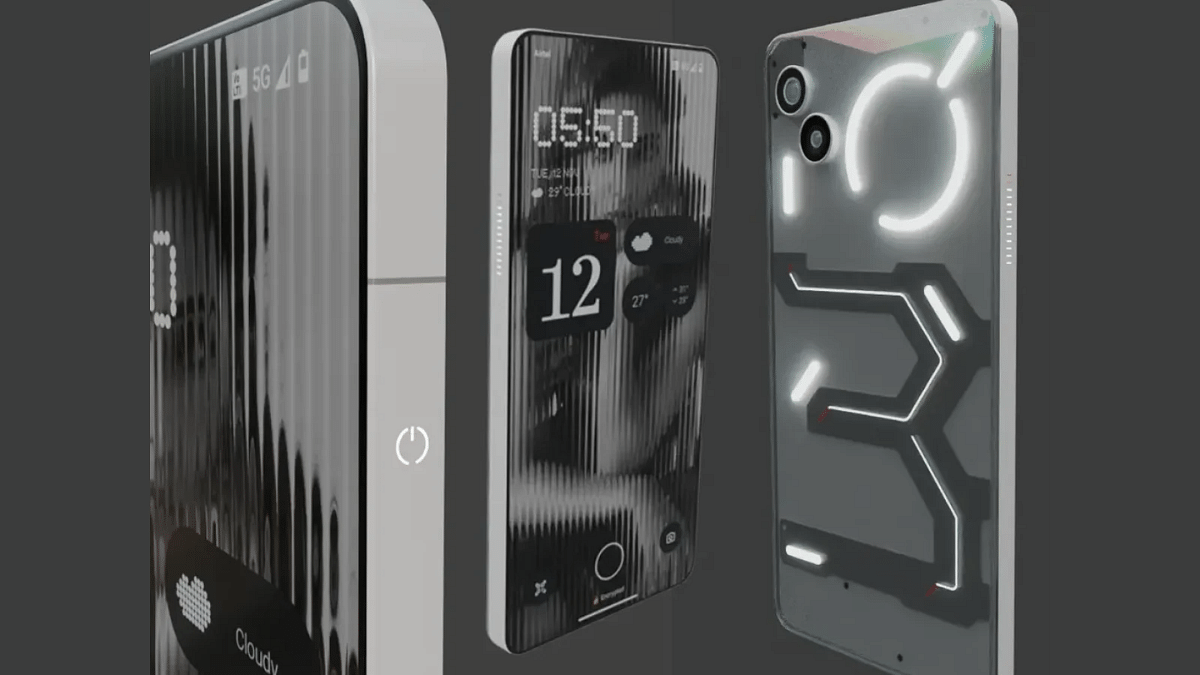
Nothing’s latest Phone (3a) pits itself as the strongest contenders against the Realme P3 Pro 5G. It uses the same Snapdragon 7s Gen 3 processor and has a decent package overall in terms of hardware. The pricing of the Nothing Phone (3a) starting at Rs. 23,999 is also another factor that makes it a suitable but if you are looking for a mid-range phone.
iQOO Z9s Pro 5G
iQOO Z9s Pro
Key Specs
Display size, Type
6.77-inch AMOLED
Resolution, refresh rate
2392×1080, 120 Hz
Rear Camera
50 MP Sony IMX882 OIS (main) + 8MP (Ultra wide)
Front Camera
16 MP with an f/2.45 aperture
Chipset
Snapdragon 7 Gen 3 5G
RAM
8GB, 12GB
Storage
128GB, 256GB
Battery
5500 mAh
Fast Charging
80W
Price
Rs. 22,999 starting
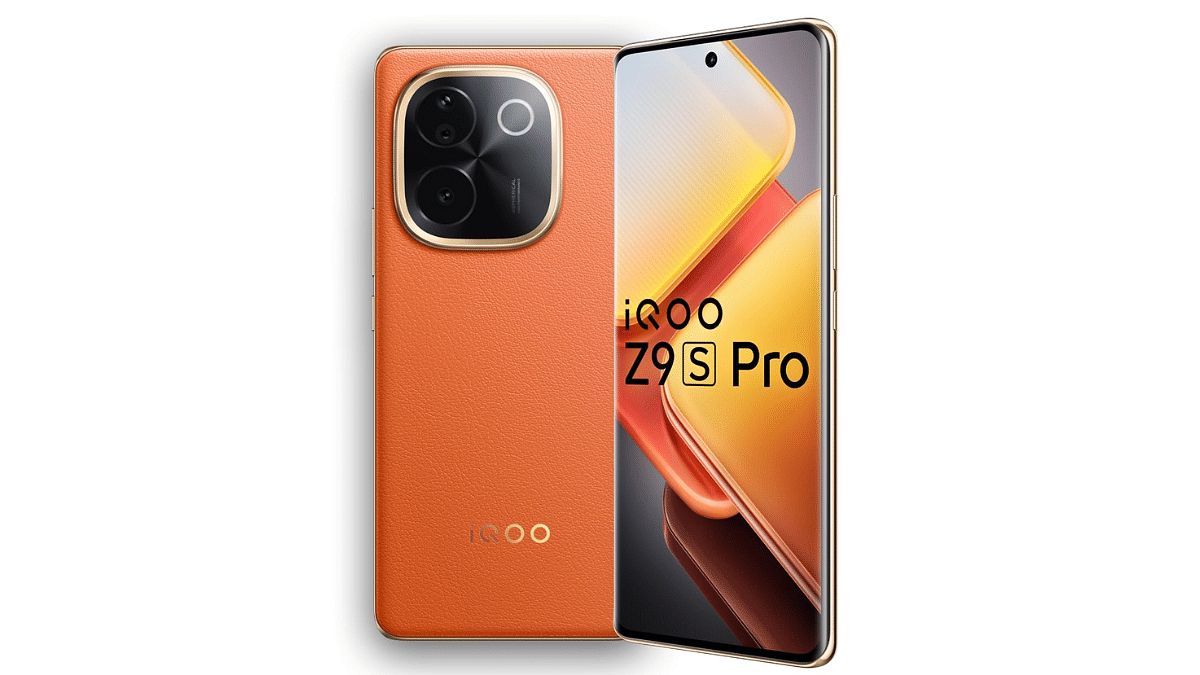
With the mid-range Snapdragon 7 Gen 3 chipset combined with up to 12GB RAM option, the iQOO Z9s Pro is another solid performance Android phone which competes against the Realme P3 Pro 5G. Besides it’s price range starting at Rs. 22,999 takes care of the affordability factor.
50MP Sony IMX89 with OIS+ 8MP ultra-wide Camera+ 50MP Sony IMX882
Front Camera
32MP with an f/2.0 aperture
Chipset
Snapdragon 7s Gen 3
RAM
8GB, 12GB
Storage
128GB, 256GB
Battery
6000mAh
Fast Charging
80W
Price
Rs. 29,999 starting
Almost a similar yet better package specifically when we speak of cameras, the Realme 14 Pro+ 5G is also a better alternative to the Realme P3 Pro 5G. It uses the same Snapdragon 7s Gen 3 chipset for performance delivery clubbed with up to 12GB and 128GB RAM, storage configuration options respectively. But for the better cameras, you’ll have to shell out some extra bucks as well as this handset comes with an asking price of Rs. 29,999.
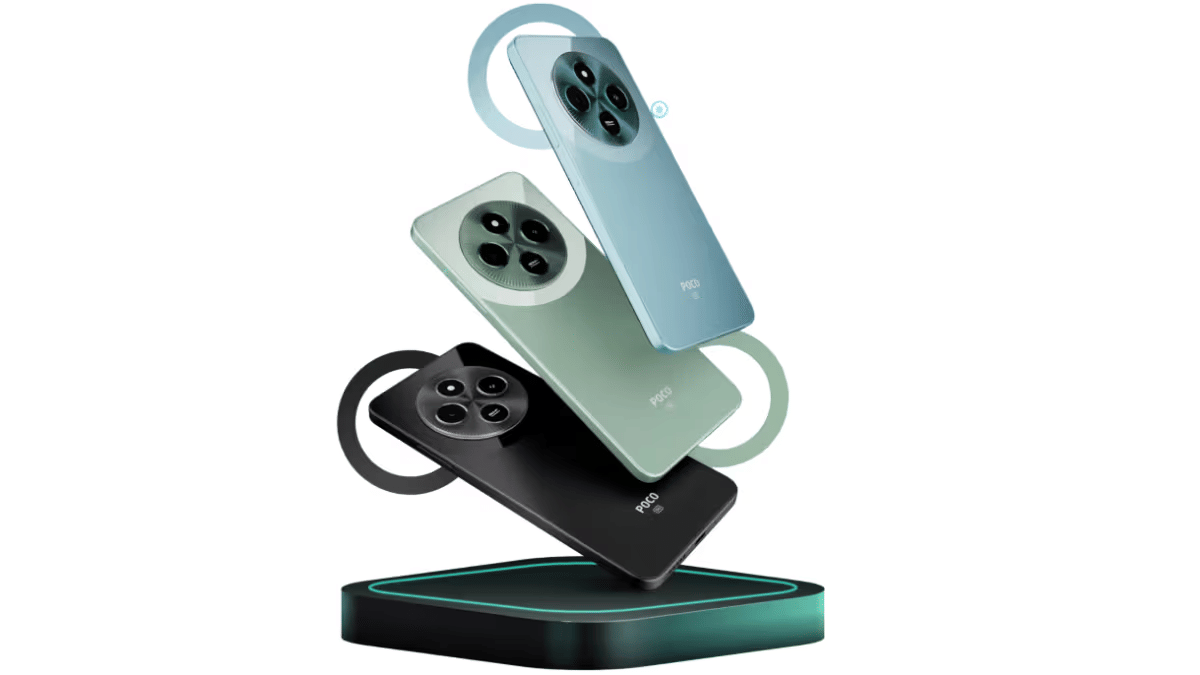
Poco X7 Pro 5G equipped with the premium mid-range MediaTek Dimensity 8400 chipset is another alternate to the Realme P3 Pro 5G in India. Like the Realme 14 Pro+ 15G, this handset also is priced slightly on the higher side starting at Rs. 27,999. Better deal with this one of the sole 256GB storage variant, slightly faster charging speeds, and a bigger camera when compared to the Realme P3 Pro 5G.
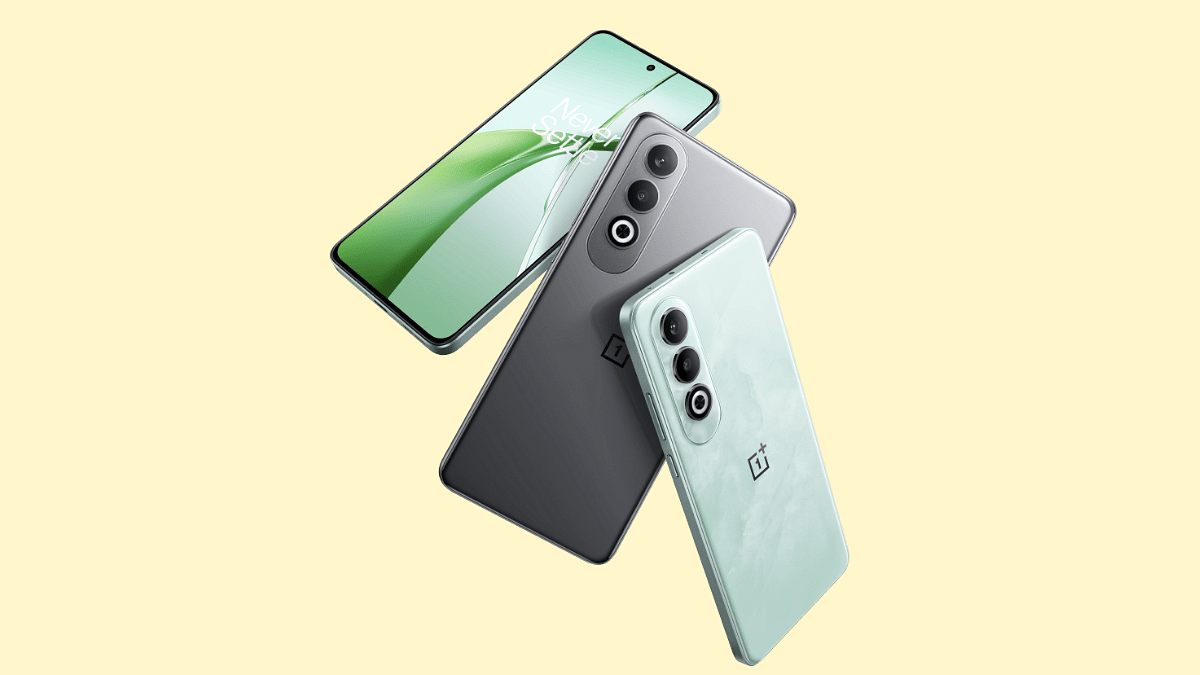
OnePlus Nord has been amongst the top contending mid-range Android smartphone lineups. The Nord CE4 variant powered by the Snapdragon 7 Gen 3 chipset comes as an reliable alternate to the Realme P3 Pro 5G in India. The price range starting at Rs. 23,999 doesn’t really burn a hole in the pockets too.
Realme P3 Pro 5G while being a solid package gets a strong competition from all the models listed above. For better cameras, you can look out for the Nothing Phone (3a) and the Realme 14 Pro+ 5G. But if performance remains your key preference then the iQOO Z9s and the Poco X7 Pro makes up for good buying options.
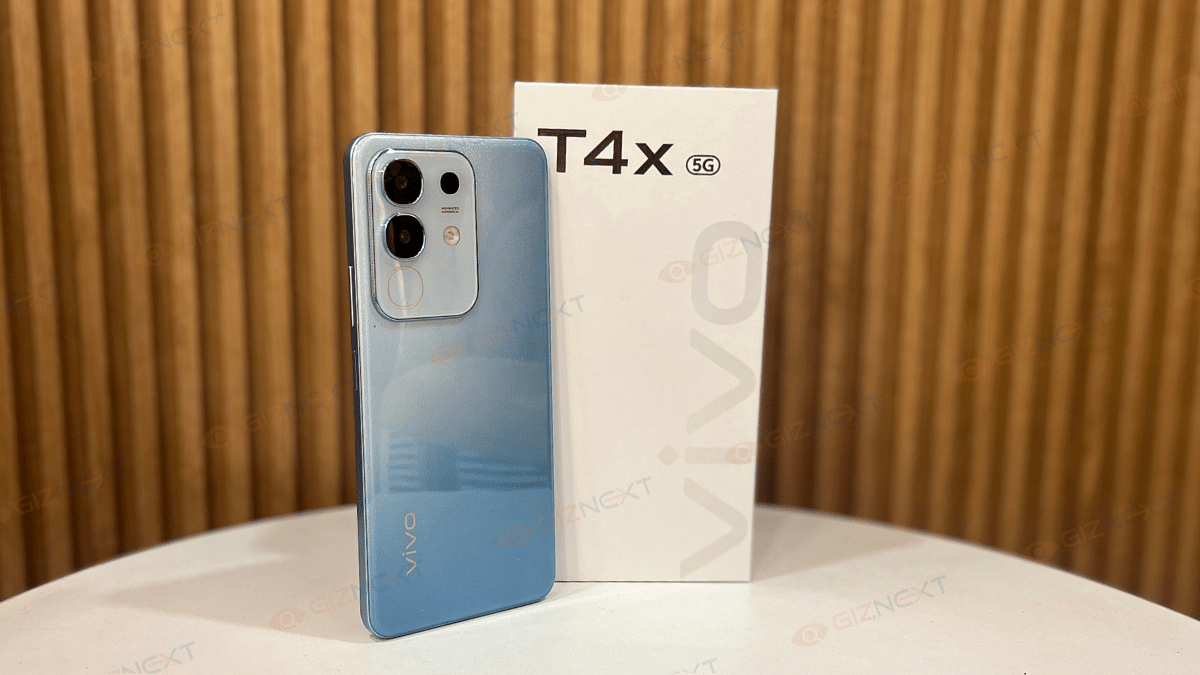
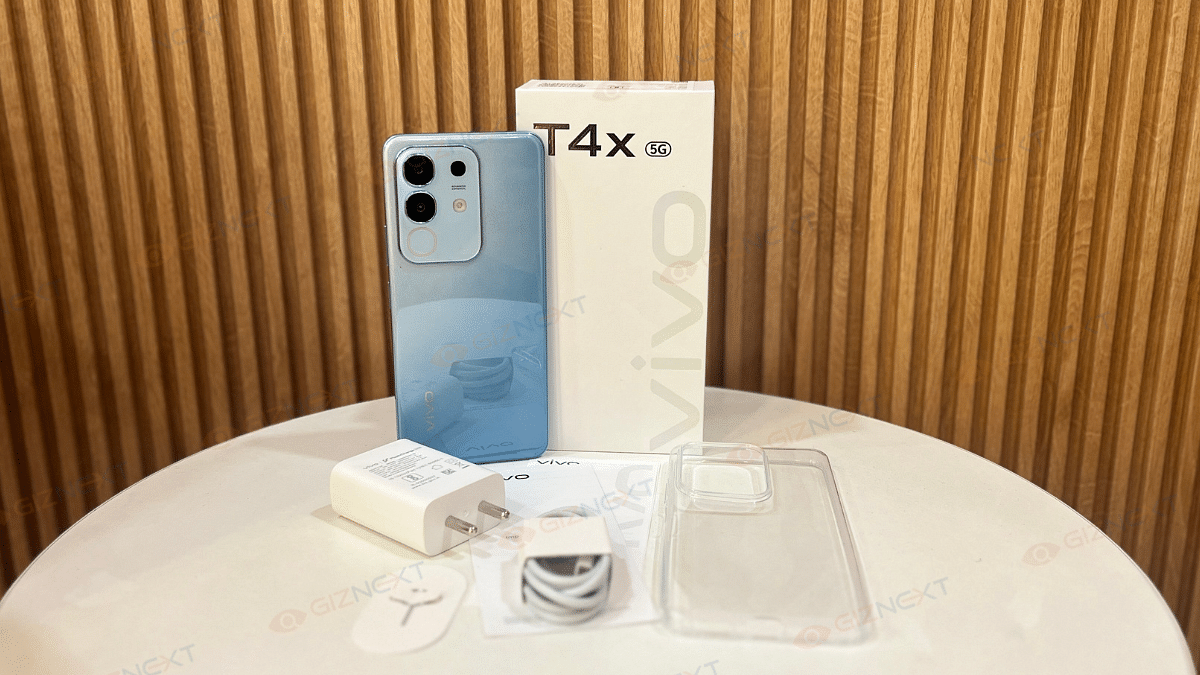
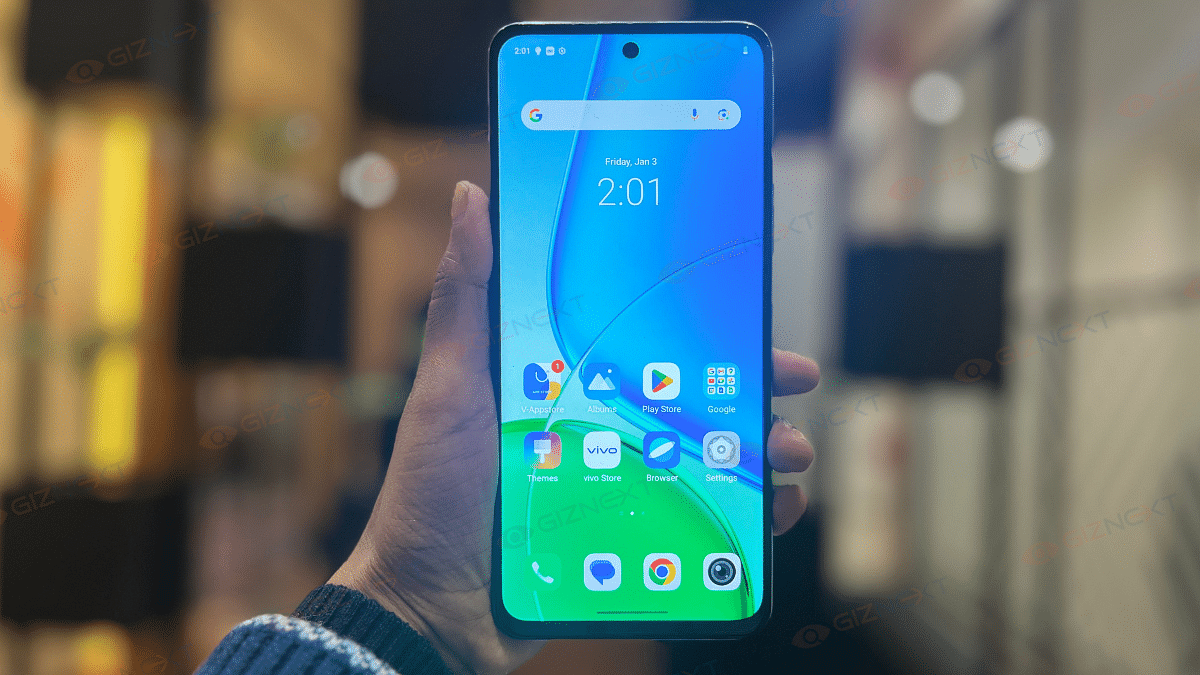
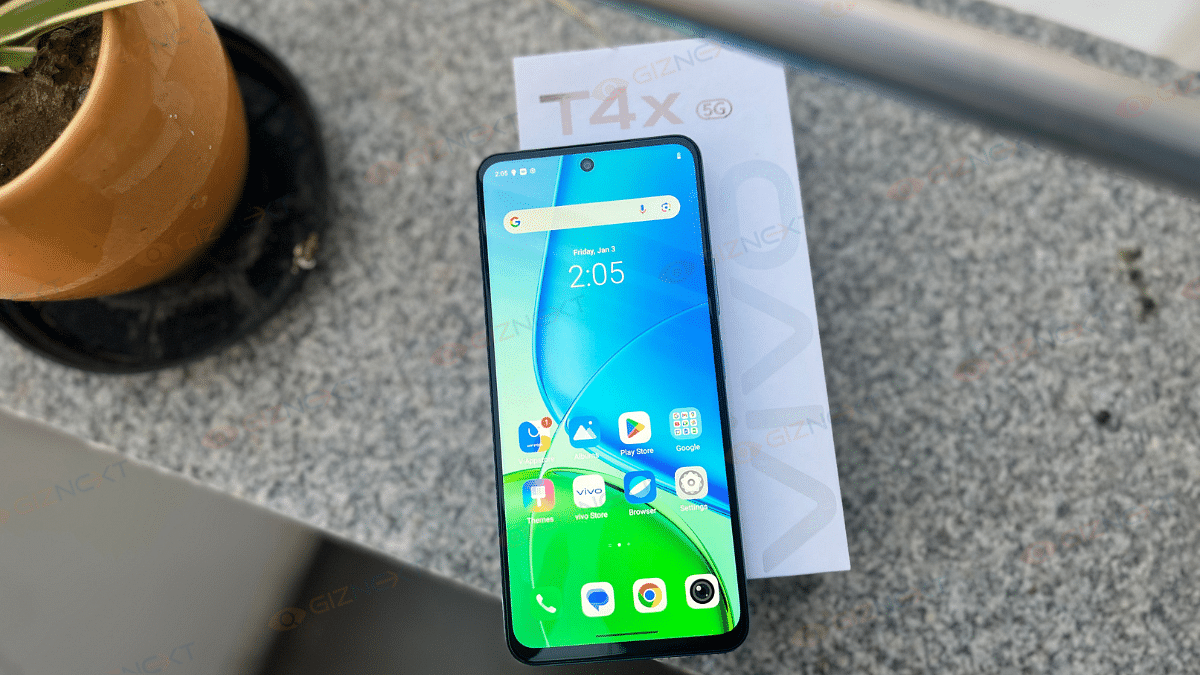
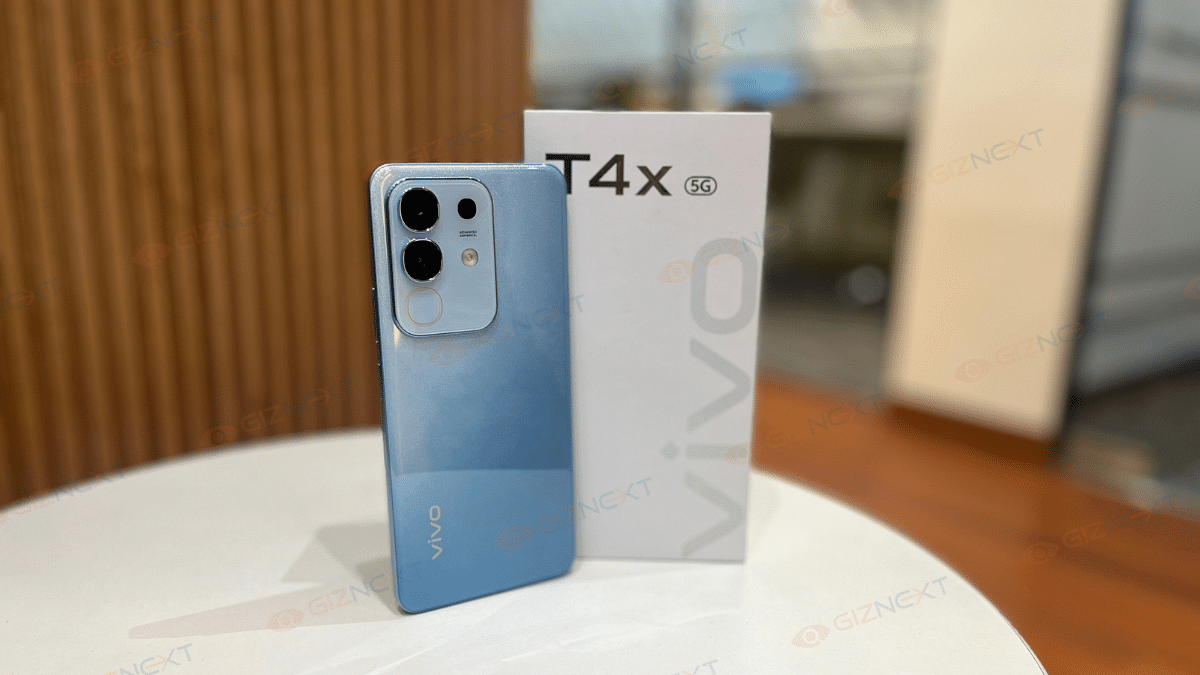
The Vivo T4x 5G is here, and I finally got my hands on it. Now, if you are wondering whether this phone is worth every rupee or just another flashy device, let me take you through my experience. I’ve tested its performance, battery life, camera, and display to see if it’s truly worth your hard-earned money. So, is the Vivo T4x 5G a steal or just style without substance? Let’s dive in and find out in the review.
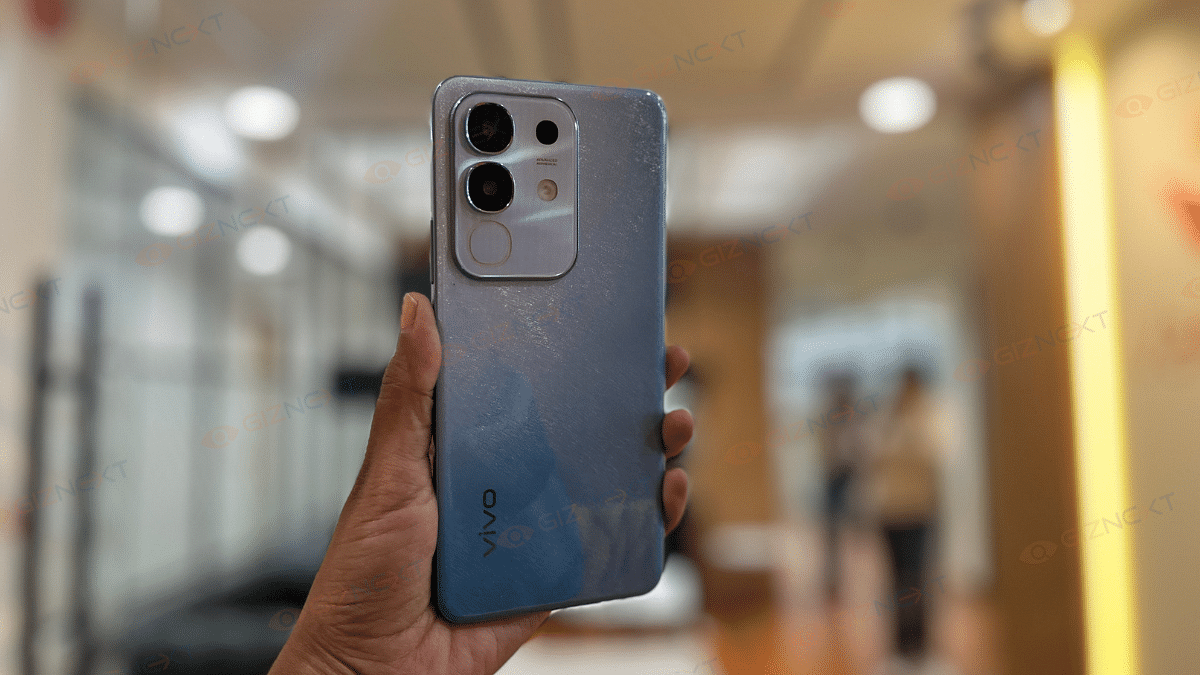
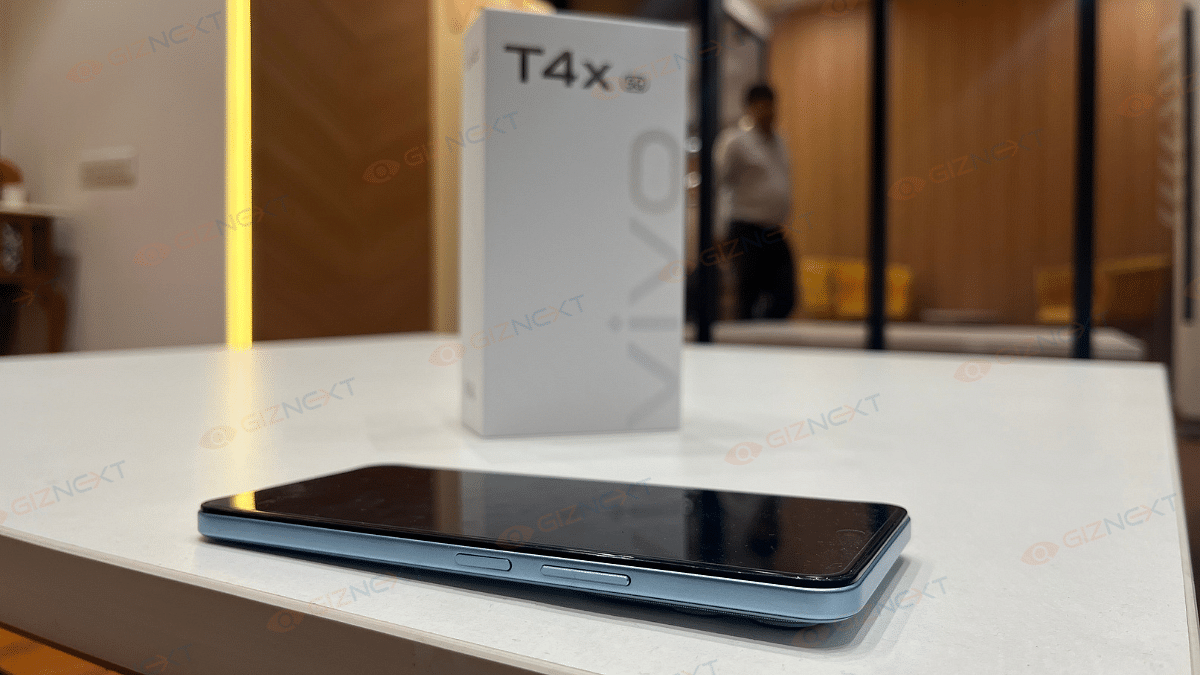
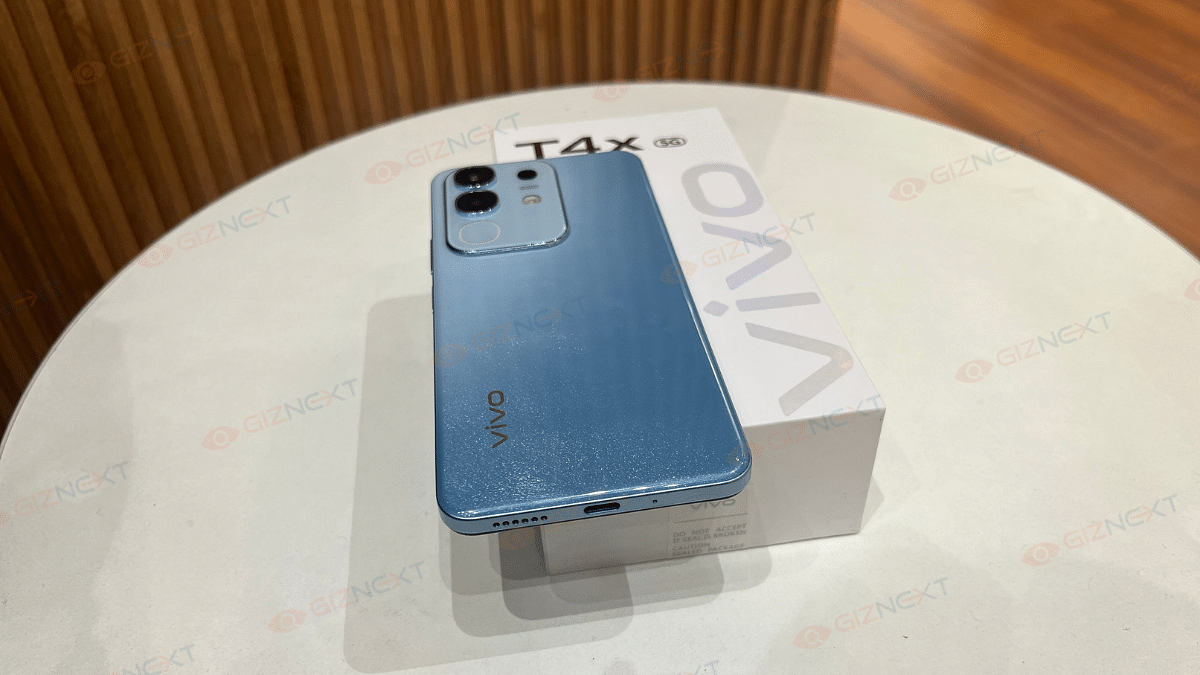
The Vivo T4x 5G comes in two eye-catching shades, that is, Marine Blue and Proton Purple. For this review, I got my hands on the Marine Blue variant, which features a glittery effect on the back. Now, whether you like this design or not is subjective. Some might find it flashy, while others, like me, will appreciate its unique pattern.
When you turn the phone backwards, you’ll find a camera module. There’s also a ring light around the camera module which goes by the name the Dynamic Light. But don’t mistake it for a flashlight. This Dynamic Light is purely for notifications, alerts, incoming calls, and charging indications. And yes, there’s also a regular flashlight on the back for when you actually need it.
In terms of build, the phone has a plastic composite back, which doesn’t feel ultra-premium but still looks stylish. At 208 grams, it’s slightly on the heavier side but the IP64 rating ensures protection against dust and splashes.
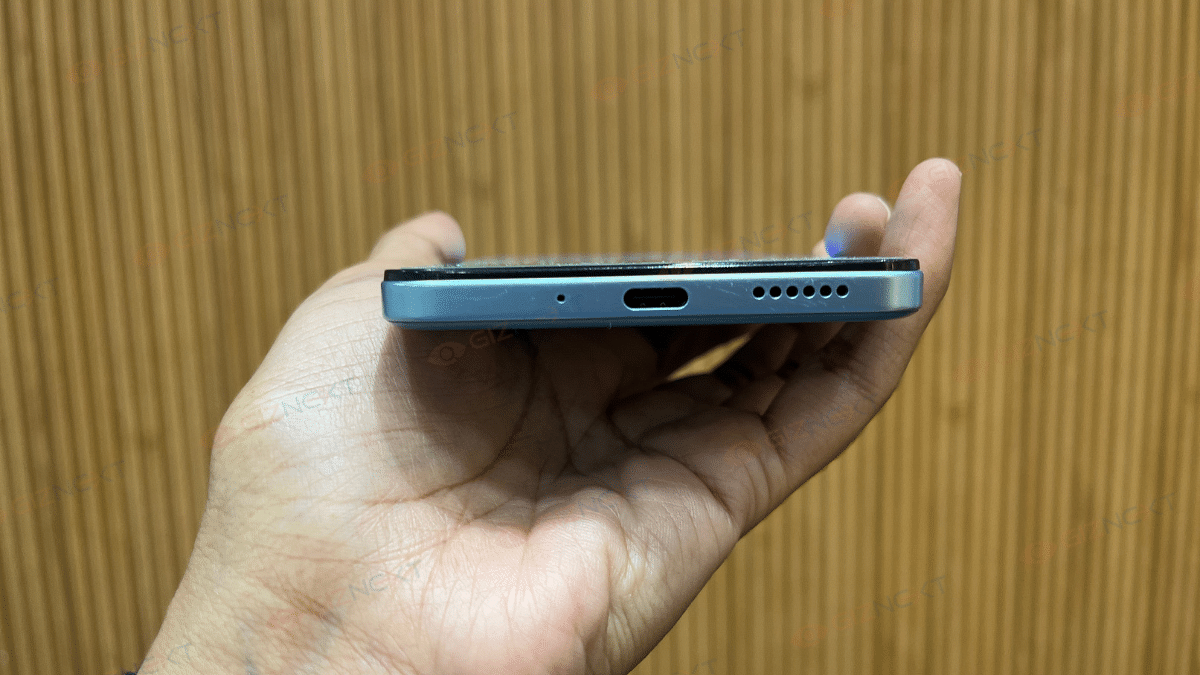
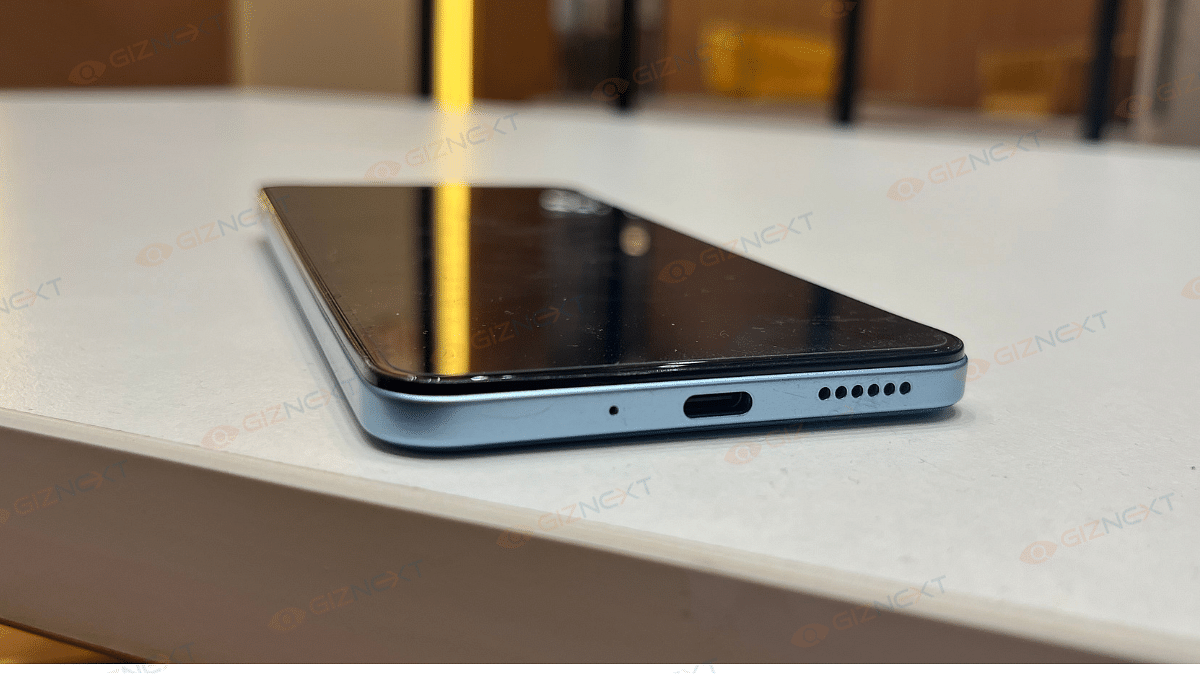
As for the button and port placement, the right side houses the volume rocker and power button, which are easy to access. The left side is home to the SIM tray, while the bottom features the charging port, microphone, and speaker grille. Everything is well-placed, and I didn’t face any issues with accessibility.
Display
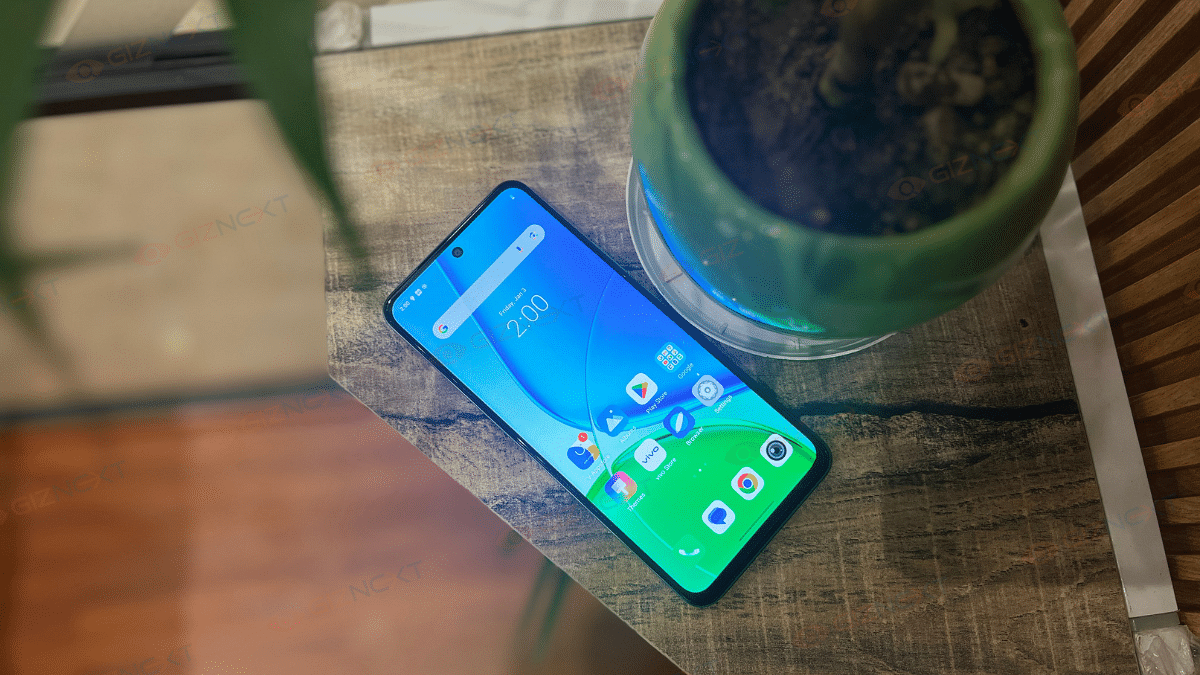
The Vivo T4x 5G sports a 6.72-inch LCD display with a 2408 × 1080 resolution. While I would have loved an AMOLED panel for deeper blacks and punchier colors, the 120Hz refresh rate makes up for it by delivering smooth scrolling and a fluid experience.
With a peak brightness of 1050 nits (HBM), outdoor visibility is decent. During my usage, I had no trouble using it under direct sunlight. The colors look vibrant enough, thanks to the 83 percent NTSC color gamut and the 393 pixel density ensures sharp visuals.
Touch response is snappy, and since it’s a capacitive multi-touch panel, interactions feel smooth whether you are gaming or just browsing. However, if you are someone who prefers deep contrast and rich colors, you might miss having an AMOLED display here. Overall, it’s a solid display for the price, but an AMOLED panel would have made it even better.
Under the hood, the Vivo T4x 5G is powered by the MediaTek Dimensity 7300 chipset (built on a 4nm process). Paired with 8GB of RAM and 256GB onboard storage, the phone handles everyday tasks with ease. Apps open quickly, multitasking is smooth, and even with multiple apps running in the background, I didn’t experience any major slowdowns.
Now when it comes to gaming, the Dimensity 7300 does a decent job. I played BGMI and Call of Duty: Mobile at high settings, and the gameplay was smooth with minimal frame drops. The 120Hz refresh rate does make animations and touch response feel smooth. However, after extended gaming sessions of around 45 minutes to an hour, the device starts to heat up slightly, nothing extreme, but noticeable.
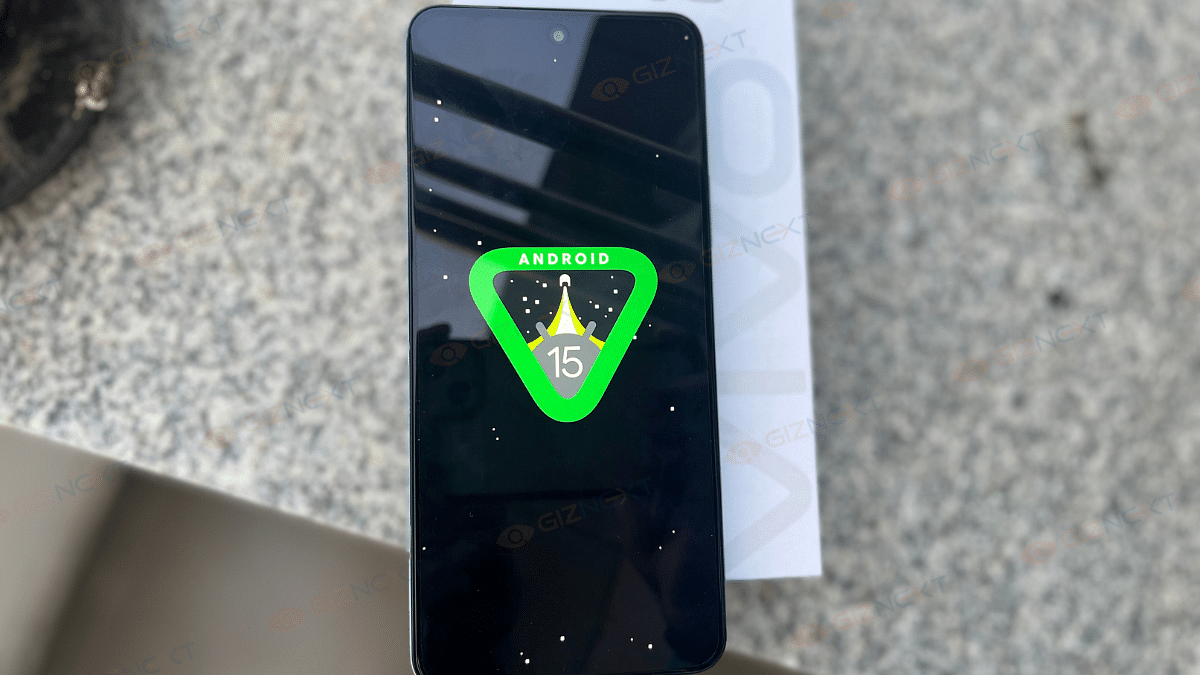
Now, here’s where things take a hit. The Vivo T4x 5G runs on Funtouch OS 15, based on Android 15. While it’s feature-packed and smooth in terms of performance, the cluttered UI and excessive bloatware kill the vibe. Pre-installed apps make the interface feel messy and cleaning them up takes effort. Vivo really needs to tone down the bloatware to make the software experience more enjoyable.
Overall, for everyday tasks and gaming, the Vivo T4x 5G performs well. If you can get past the bloatware, this phone delivers great performance for its price.
Camera
The Vivo T4x 5G features a dual-camera setup with a 50MP primary sensor and a 2MP depth sensor. For selfies, it comes with an 8MP front camera.
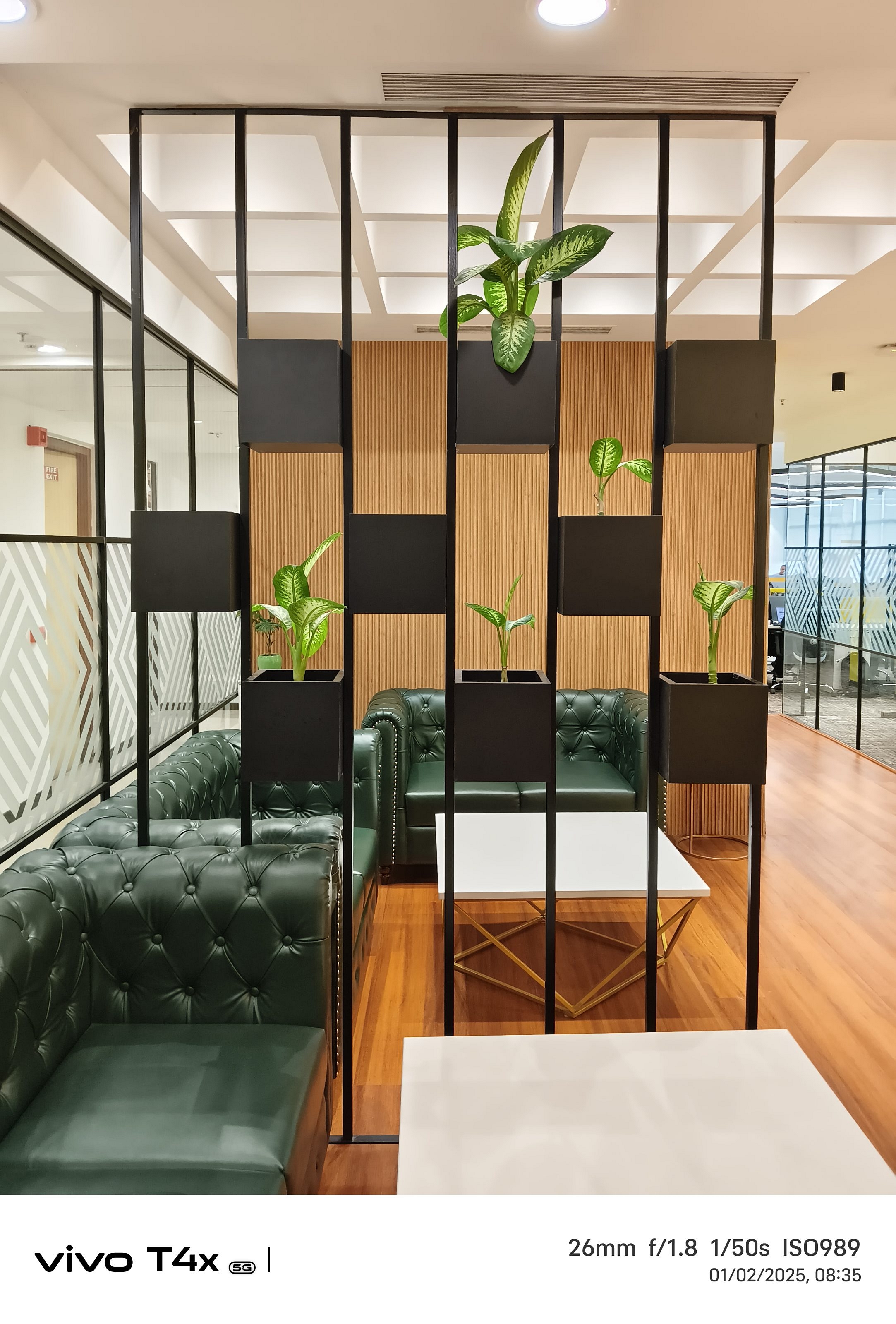
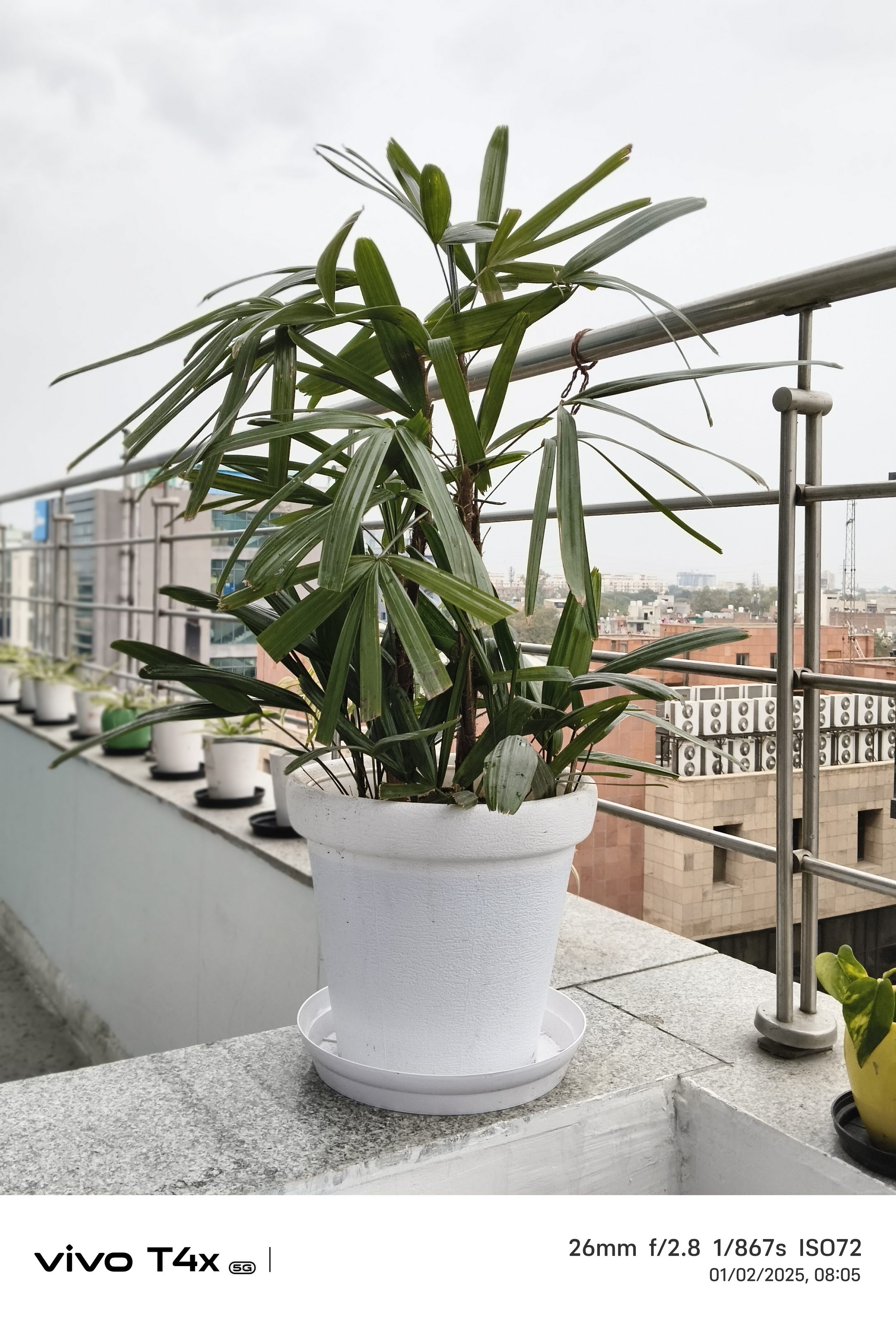
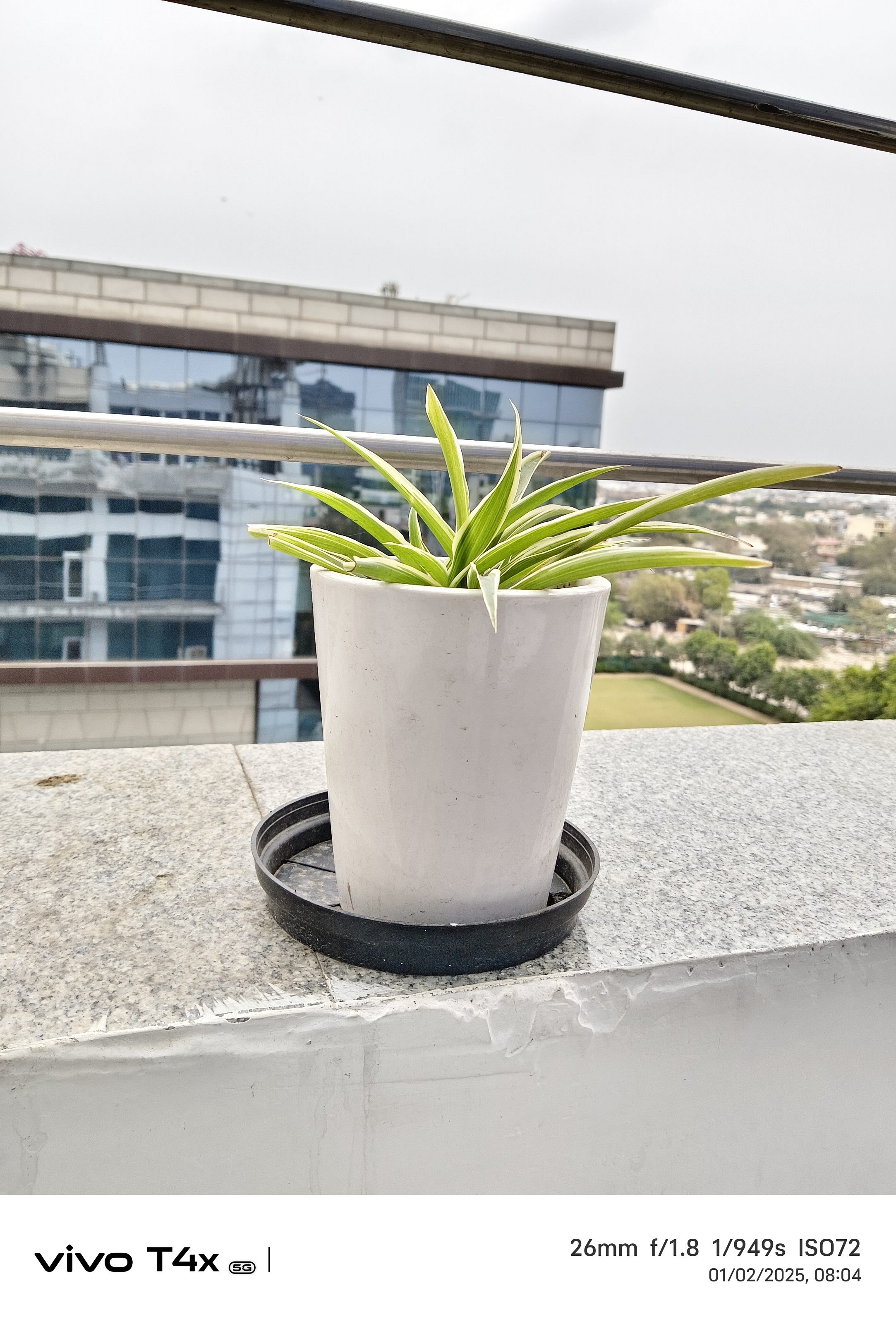
The 50MP main camera on the Vivo T4x 5G delivers vibrant and bright photos. But if you prefer more natural tones, you might find the color processing a bit aggressive. Details are decent, though not flagship-level, and in good lighting conditions, the camera captures some really nice-looking shots.
When the sun goes down, the camera performance takes a slight hit. While the Night Mode helps in improving brightness and details, the images still have noticeable noise. You can get usable shots, but don’t expect it to work wonders in low-light conditions.
Now if we talk about selfies and video calls, the 8MP front camera is good. It captures sharp images with accurate skin tones, and I like that it doesn’t go overboard with beauty filters.
Also, there’s no ultra-wide lens which might be a dealbreaker for some. But considering the Rs. 16,999 price tag, we really can’t complain too much. The 2MP bokeh sensor does a fair job at background blur, but it’s not something that will blow you away.
If you love vibrant, colorful photos, the Vivo T4x 5G’s camera won’t disappoint. It’s great for daylight shots and decent for selfies, but low-light photography isn’t its strong suit.
Battery And Charging
The 6,500mAh battery on the Vivo T4x 5G is an absolute powerhouse. Whether you are scrolling endlessly through Instagram, binge-watching your favorite series, or playing games, this phone just keeps going.
On moderate usage, I easily got a day and a half without reaching for the charger. Even with heavy gaming, 5G usage, and streaming, it comfortably lasted a full day.
When it comes to charging, the 44W fast charging isn’t the fastest in the segment, but it gets the job done. In about 1 hour and 20 minutes, the phone goes from 0 to 100 percent, which is pretty decent for such a massive battery. While I would have loved faster charging speeds, the battery life itself more than makes up for it. If you’re someone who hates carrying a charger all the time, this phone is a lifesaver.
Giznext’s Final Verdict: Should You Buy Vivo T4x 5G?
If you are in the market for a budget-friendly 5G smartphone that excels in battery life and offers smooth performance for everyday tasks, the Vivo T4x 5G is a worthy consideration. However, if premium build quality, advanced camera capabilities, or features like NFC are high on your priority list, you might want to explore other options. In conclusion, the Vivo T4x 5G provides considerable value for its price, making it a solid choice for users seeking essential features without breaking the bank.
For the tech geeks, stay updated with the latest cutting-edge gadgets in the market, exclusive tech updates, gadget reviews, and more right on your phone’s screen. Join Giznext’s WhatsApp channel and receive the industry-first tech updates.
Windows 11 keyboard shortcuts helps boost productivity
Multiple tasks can be done with just a few key taps
Shortcuts can be applied in apps and softwares
Multimedia, text editing, settings app, and other shortcuts supported via keyboard
If you are using a laptop or a PC, there is a high probability of it being a Windows-powered machine. Microsoft’s PC operating system, Windows has been evolving with a steady pace bringing in host of friendly features. Windows OS over the year has also become more reliable and fast. Thanks to the updated keyboard shortcuts getting some of the complex tasks done has become as easy as a few key taps.
You all must be aware of the basic keyboard shortcuts such as undo, redo, and copy/ paste texts, documents. But that’s just the tip of the iceberg. You can perform a plethora of tasks typing in keys collectively. Here in this article, we have listed over 30 essential Windows 11 keyboard shortcuts that will help speed up your workflow while boosting your overall productivity. Let’s take a look:
For the tech geeks, stay updated with the latest cutting-edge gadgets in the market, exclusive tech updates, gadget reviews, and more right on your phone’s screen. Join Giznext’s WhatsApp channel and receive the industry-first tech updates.
Windows 11 Quick Keyboard Shortcuts For Music And Videoplayback in Apps
You can use Windows 11 keyboard shortcuts to manage your media play back as well. This can be done in any of the apps including Windows media player on which you are watching movies or shows.
Windows 11 Keyboard shortcuts for Movies and TV
Actions
Press Alt + Enter
Play videos in full-screen
Press Esc
To exit full-screen
Press Enter
To select the object in focus
Press Spacebar/Ctrl + P
To Play or pause videos ( works only when a video is in focus)
Press Alt + Left arrow key or Windows logo key + Backspace
Snapdragon 7s Gen 3 drives both Nothing Phone (3a) models
Nothing Phone (3a) price starts at Rs. 24,999
Nothing Phone (3a Pro) price starts at Rs. Rs. 29,999
Nothing, the Carl Pei-led OEM has launched its latest smartphone lineup, the Nothing Phone (3a). The succesor to the Nothing Phone (2a) series comes with two new models called the Nothing Phone (3a) and the Nothing Phone (3a Pro). The succeeding lineup is upgraded with larger AMOLED displays, Snapdragon 7s Gen 3 chipset, and more. Nothing Phone (3a) series is priced starting at Rs. 24,999 in India and will be available in multiple configurations. Let’s take a quick look at the specs highlights of both Nothing Phone (3a) and the Nothing Phone (3a Pro).
For the tech geeks, stay updated with the latest cutting-edge gadgets in the market, exclusive tech updates, gadget reviews, and more right on your phone’s screen. Join Giznext’s WhatsApp channel and receive the industry-first tech updates.
Both Nothing Phone (3a) models feature the same large AMOLED screen with an FHD+ resolution and 120Hz refresh rate. The big screen will be suitable for all high-res video playback and gaming.
Nothing Phone (3a), Nothing Phone (3a Pro): Camera Specs
Model
Nothing Phone (3a)
Nothing Phone (3a Pro)
Main camera
50MP main sensor with f/1.88 aperture and OIS
50MP main sensor with f/1.88 aperture and OIS
Secondary camera
8MP ultra-wide camera with f/2.2 aperture and 114° FoV
8MP ultra-wide camera with f/2.2 aperture and 114° FoV
Third camera
50MP Samsung telephoto with 2x zoom
50MP Sony LYT-600 3x periscope telephoto with 3x zoom
Selfie camera
32MP with f/2.2 aperture
50MP with f/2.2 aperture
Camera hardware is also similar on both Nothing Phone (3a) models. While the primary and secondary sensor remains the same, the third camera is different on the Phone (3a) and the Phone (3a Pro). Selfie snapper packed inside the vanilla unit is a 32MP lens, while the Pro model gets a bigger 50MP selfie lens.
Nothing Phone (3a) series gets Qualcomm’s latest mid-range 5G chipset under the hood. Both Nothing Phone (3a) and the Nothing Phone (3a Pro) features the Snapdragon 7s Gen 3 chipset that will allow swift gaming and multitasking experience.
Nothing Phone 3a has been launched at MWC 2025 in Barcelona, Spain
OnePlus Nord CE 4, Vivo T3 Pro, and iQOO Z9s Pro are great alternatives
The price of Nothing Phone 3a starts at Rs. 24,999
The Nothing Phone 3a has just been launched. The smartphone brings its signature transparent design, Glyph LED system, and AI-powered features. But if you are looking for a smartphone with similar specs at a competitive price, there are several great alternatives to consider. Whether it’s battery life, camera capabilities, or performance, these options offer a solid experience. Let’s take a look at the best alternatives to the Nothing Phone 3a.
With a slightly larger battery and expandable storage, the Nord CE 4 5G is a solid alternative to the Nothing Phone 3a, especially for users who want a near-stock Android experience.
Vivo T3 Pro
Vivo’s T3 Pro is another decent alternative. The device offers a large AMOLED display and a capable camera setup.
Processor: Snapdragon 7 Gen 3
Display: 6.77-inch AMOLED, 120Hz refresh rate
Cameras: 50MP main + 8MP ultrawide, 16MP front camera
While the Nothing Phone 3a offers a unique transparent design and Glyph interface, these alternatives provide similar specs at competitive prices. Whether you prioritize battery life, gaming, or camera performance, there’s a great option to fit your needs.
For the tech geeks, stay updated with the latest cutting-edge gadgets in the market, exclusive tech updates, gadget reviews, and more right on your phone’s screen. Join Giznext’s WhatsApp channel and receive the industry-first tech updates.
Poco M7 5G packs a big display, long battery, more
Realme C65, Infinix Hot 50, Moto G35 are top alternatives
Pick based on display, performance, and software
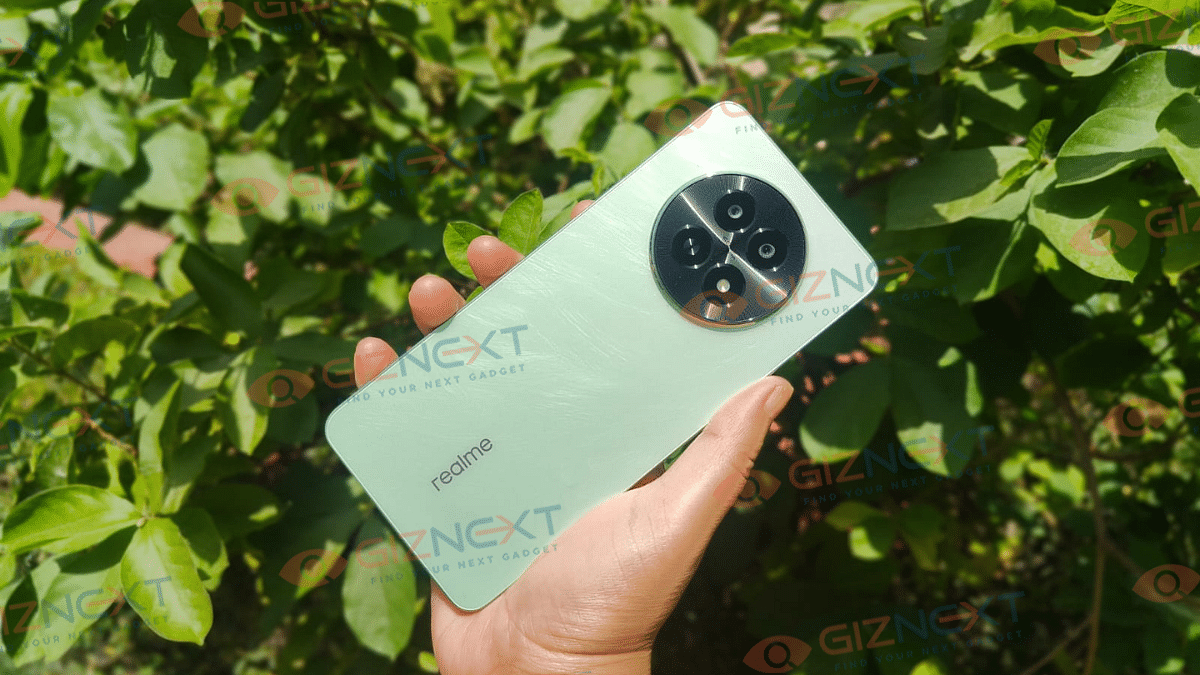
Poco has introduced the Poco M7 5G in India. The smartphone offers great features at an affordable price. Starting at Rs. 9,999, this smartphone comes with a 6.88-inch LCD display with 120Hz adaptive refresh rate, a Snapdragon 4 Gen 2 processor, and a 50MP primary camera. With a 5,160mAh battery and 18W fast charging, it is a great option for budget-conscious buyers. However, if you are looking for alternatives in a similar price range, here are some good options to consider.
If you want a stylish design and unique features, go for the Realme C65 5G
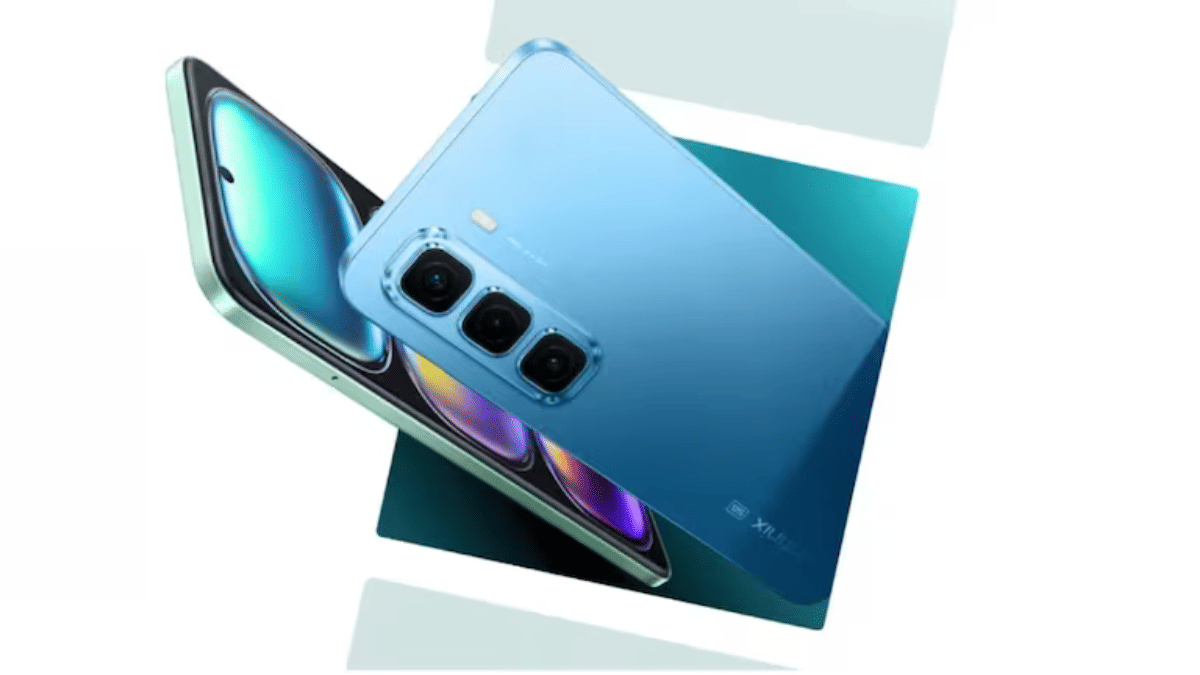
If you prefer a lightweight phone with clean software, Infinix Hot 50 5G is a good choice
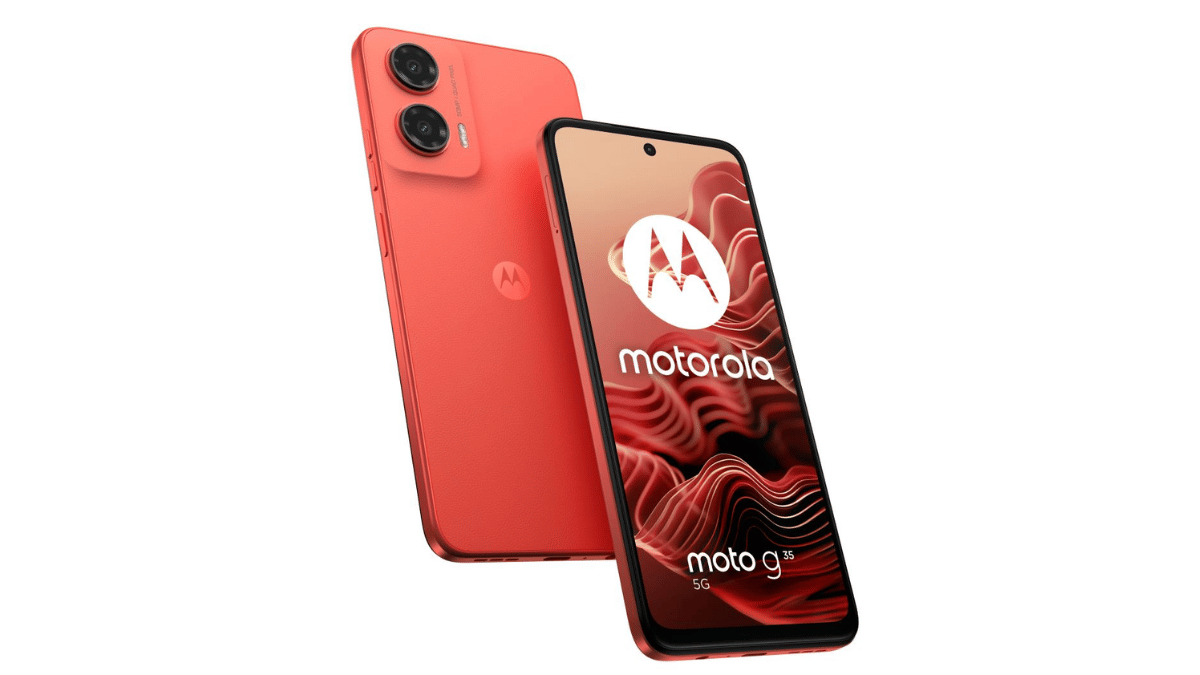
If a high refresh rate display and good performance matter most, the Moto G35 5G is worth considering.
Choose based on your preference for design, software, or performance. Each of these alternatives brings something unique to the table, making them great choices in the under Rs. 10,000 price segment.
For the tech geeks, stay updated with the latest cutting-edge gadgets in the market, exclusive tech updates, gadget reviews, and more right on your phone’s screen. Join Giznext’s WhatsApp channel and receive the industry-first tech updates.
Major launches include Xiaomi 15 Series, Nothing Phone 3a, more
The Mobile World Congress (MWC) 2025 is set to take place in Barcelona from March 3 to March 6. This global event will highlight innovations in mobile technology, artificial intelligence (AI), and next-generation devices. With over 2,700 exhibitors and 1,200 speakers, MWC 2025 is expected to be a hotspot for groundbreaking announcements and industry-shaping discussions.
Timings: March 3-5: 8:30 AM – 7:00 PM CET | March 6: 8:30 AM – 2:00 PM CET
Those who cannot attend in person can watch keynote sessions and major announcements live on the MWC website and YouTube channel. Additionally, brands such as Xiaomi, Nothing, Honor, and many more popular brands will be streaming their product launches on their official platforms.
Google, Samsung, and Honor are expected to announce major AI advancements
Lenovo may introduce a solar-powered laptop, a foldable OLED laptop, and new robotic innovations
Qualcomm could unveil its 6G vision, outlining the future of connectivity and user experience improvements
MWC 2025 will provide an in-depth look at the future of mobile and AI technology. From smartphone innovations to cutting-edge computing, the event will highlight new possibilities in the tech industry. Whether attending in person or watching online, MWC 2025 is a must-watch for tech enthusiasts worldwide.
For the tech geeks, stay updated with the latest cutting-edge gadgets in the market, exclusive tech updates, gadget reviews, and more right on your phone’s screen. Join Giznext’s WhatsApp channel and receive the industry-first tech updates.
Asus surely has pioneered all the tech with portable notebooks and laptops and have been designing some of the powerful computing devices for all segments. For every user category be it professionals, gamers, or even students, the company has a dedicated series handling all demanding tasks as directed. A new offering that comes as an all-in-one package for creators and productive masses is the ZenBook S 14 OLED (UX5406S). Priced starting at Rs. 1.34 lakh, the ZenBook S 14 OLED stands out as a Copilot+AI powered laptop topped up with ultra-premium features such as K 120 Hz ASUS Lumina OLED touch display, all-metal ceramic-infused sleek body, latest Intel Core Ultra 7 258V chipset, and more.
For the tech geeks, stay updated with the latest cutting-edge gadgets in the market, exclusive tech updates, gadget reviews, and more right on your phone’s screen. Join Giznext’s WhatsApp channel and receive the industry-first tech updates.
2. Large and vivid OLED panel with 3K resolution and 120Hz refresh rate
2. Outdoor screen visibility is lower
3. Loud and clear audio output
3. Multi-core performance could have been better
4. Solid battery backup even with extensive usage
Asus ZenBook S 14 OLED Design Review: Ultra-Slim, Sturdy
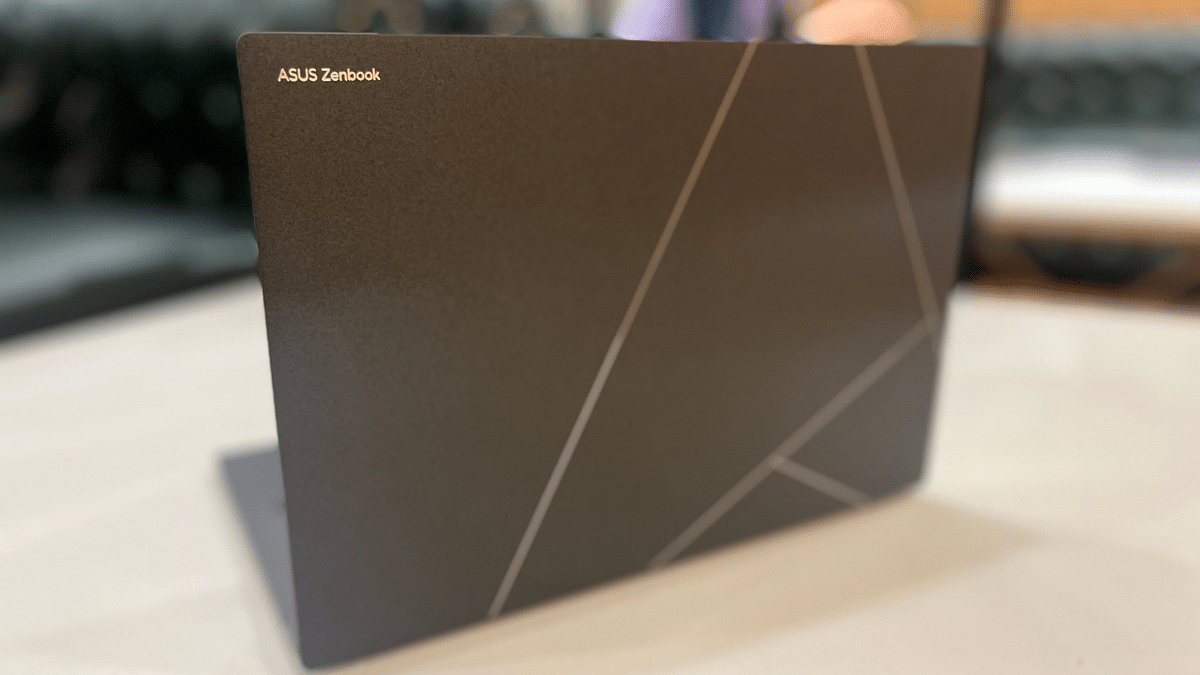
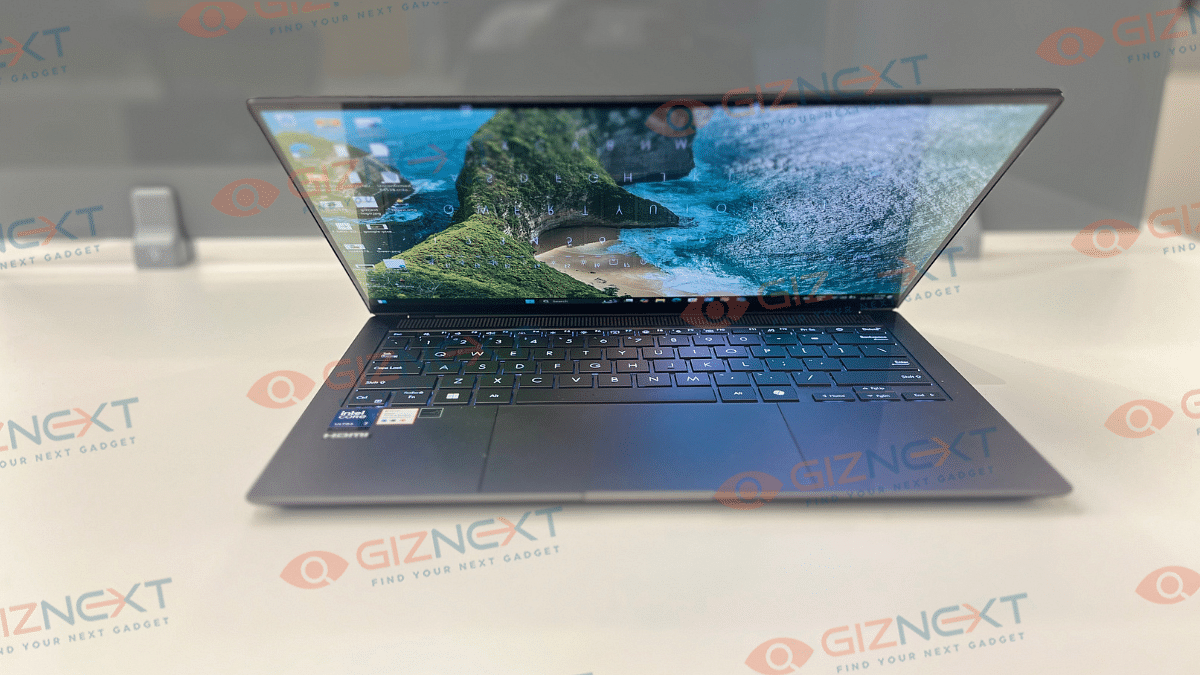
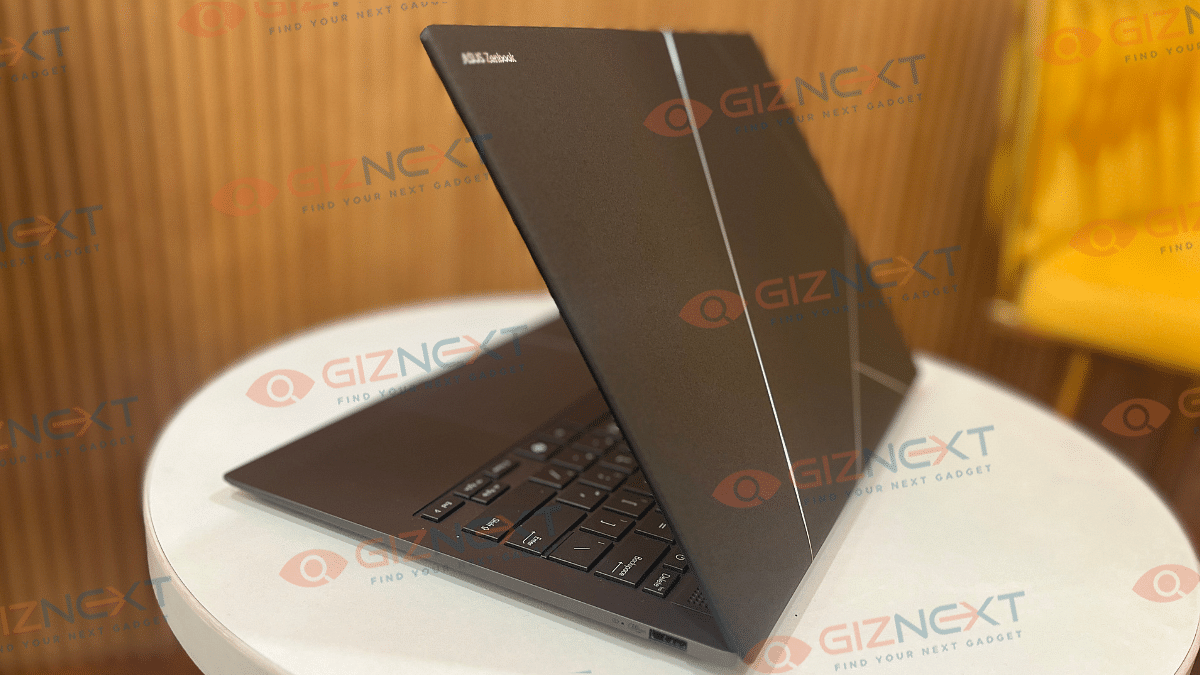
At the first look, you might find the ZenBook S 14 OLED wearing a familiar attire. While it resembles closely to its predecessor, the ZenBook S 13 OLED, it’s Ceraluminum construction (ceramic aluminum) combined with CNC etched silver geometric design on the lid adds to its luxurious appeal. This design stands out in a way that you won’t need additional skins which is the case with usual boring solid laptop lids. Besides, this material isn’t prone to pick up fingerprints or smudges which makes it ideal for extensive daily usage.
And it’s not just the good looks where the ZenBook S 14 OLED’s design stands out. The ultra slim profile of this notebook where the 1.2cm thickness along with just 1.2 kg of weight makes it portable too. Asus has used an all-metal construction for the rest of the ZenBook S 14 OLED which combined with the US MIL-STD 810H certification makes it rugged and durable. This notebook’s hinge is designed to operate smoothly and you wouldn’t find it wobbly at any point. But unlike the S 13 OLED which came with a 180° folding hinge, this one doesn’t lay flat on the table.
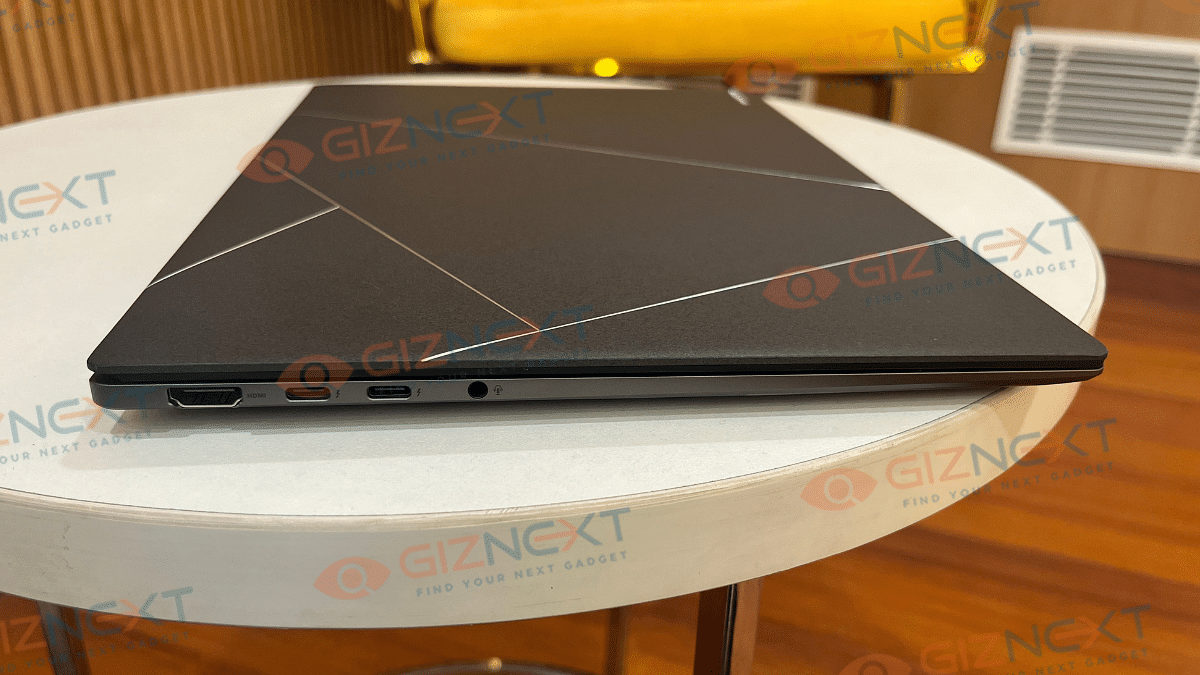
Moving on to the ports and keys selection, the ZenBook S14 OLED comes with one HDMI 2.1 port, two USB Type-C port, one USB Type-A port, and one 3.5mm audio jack. All the ports and keys are neatly distributed across the side and rear panel keeping the overall design minimalistic and clean.
Asus ZenBook S 14 OLED Keyboard And Trackpad User Experience
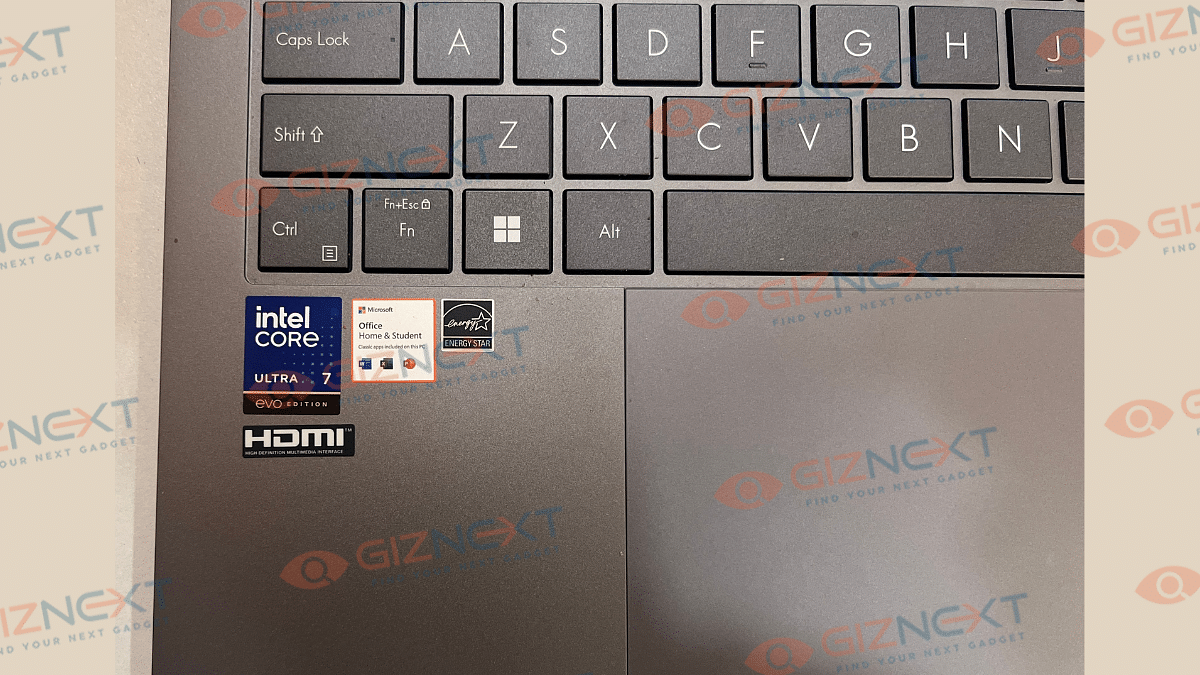
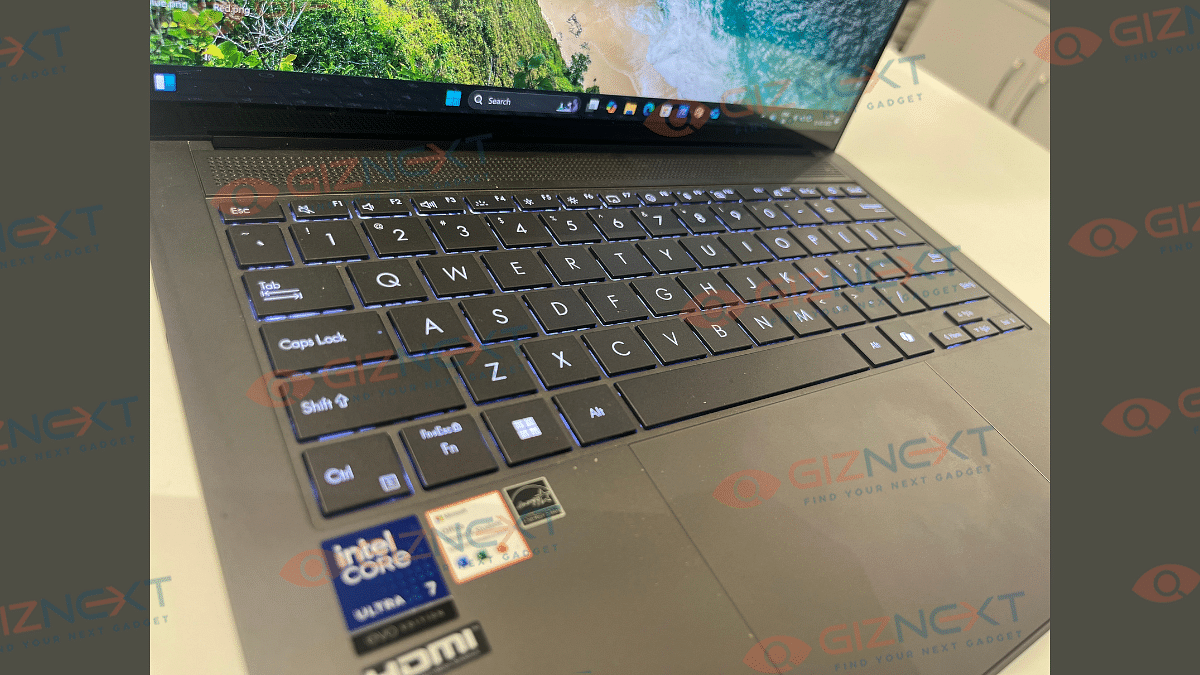
Asus ZenBook S 14 OLED’s keyboard is smooth with the clicks being nimble in operations. While the chiclet keyboard is good to use, an improved key travel would have made it much better. It’s only the slightly lower key cap distance which makes the user experience average. However, we still are impressed how Asus managed to fit this functional keyboard with dedicated Copilot key into an ultra-slim laptop chasis. The keyboard is backlit which allows you to continue with typing in dark light settings.
Coming to the touchpad, the ZenBook S14 OLED integrates a smooth touchpad. It is fast and accurate and also comes with multi-gesture support. You can configure the touchpad settings as well instead of using the default window settings.
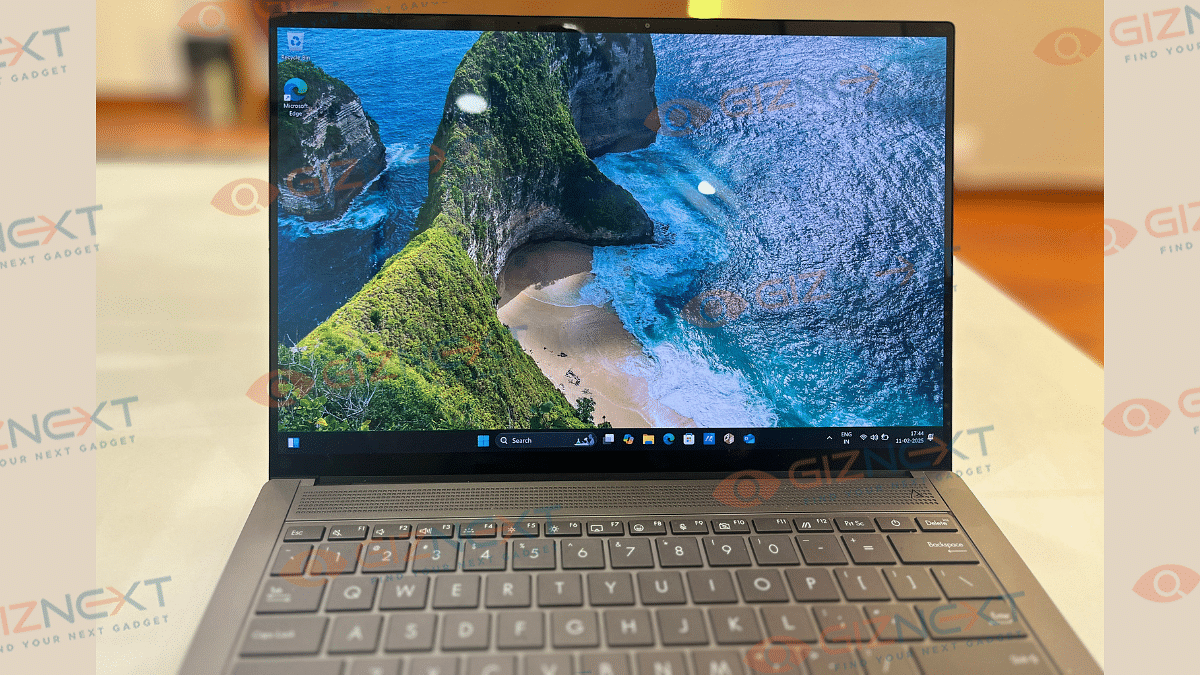
Asus ZenBook S 14 OLED as the name hints packs a 14-inch screen. The OLED panel comes with both touch and non-touch options. Our review unit comes with touchscreen compatibility which is fun to use. The touch response is smooth and accurate. But the use case scenarios might vary considering the overall laptop design is conventional and creative designing could be a task.
That said, the OLED panel supporting 3k resolution of 2880 x 1800 pixels is genuinely vibrant. It produces real-life like colors with 100 percent DCI-P3 color gamut coverage and Pantone Validation. With the 120Hz refresh rate the frame transitions are smooth too and you won’t notice any screen lags while playing graphic-extensive games.
The S 14 OLED’s display comes with 500 nits rated peak brightness which we found to be decent for indoor usage. But the brightness levels might not suffice for outdoor usage and you’ll probably struggle viewing content. Dolby Vision and HDR compatibility refines the overall screen output and you’ll enjoy video streaming online.
Asus ZenBook S 14 OLED: Performance Handling, Benchmark Scores
Asus ZenBook S 14 OLED has the powerful Intel Core Ultra 7 258V chipset under its hood. And as you would expect with a top-end Asus notebook, it delivers an exceptional performance even if you through some complicated tasks at it. The integrated LPDDR5X RAM of up to 32GB into the SoC allows enhanced multitasking speeds with its improved CPU, NPU, and GPU simultaneous communications. It has the Intel Arc GPU and comes with up to 1TV M.2 NVMe onboard storage. You can easily toggle between the Balanced and Full Performance modes from the Settings which not only will help with the optimized battery usage but also improve the performance as required.
You will find this notebook perform basic tasks quickly with no lags. And it doesn’t disappoint while handling complicated and extensive tasks. While you get the best-in-class experience with basic software usage and web browsing etc., it operates smoothly with heavy apps as well as games. Thankfully, enabling Full Performance mode when the notebook is plugged in to the charger is an option. You can easily install an play some of the best gaming titles and can see this notebook unleash its potential there. At some point you might listen the fan running at top speed to lower down the device thermals. This is only when the usage is heavy and the laptop’s plugged in to a charger.
We also ran some benchmark tests on the ZenBook S 14 OLED to asses its performance metrics. Starting with the PC Mark benchmark test, this ultra-slim notebook logged a total of 6021 points. Remaining breakup of the test results are below:
PC Mark Total Score: 6021 points
Essentials: 8036 points
Productivity- 8786 points
Digital Content Creation: 8118 points
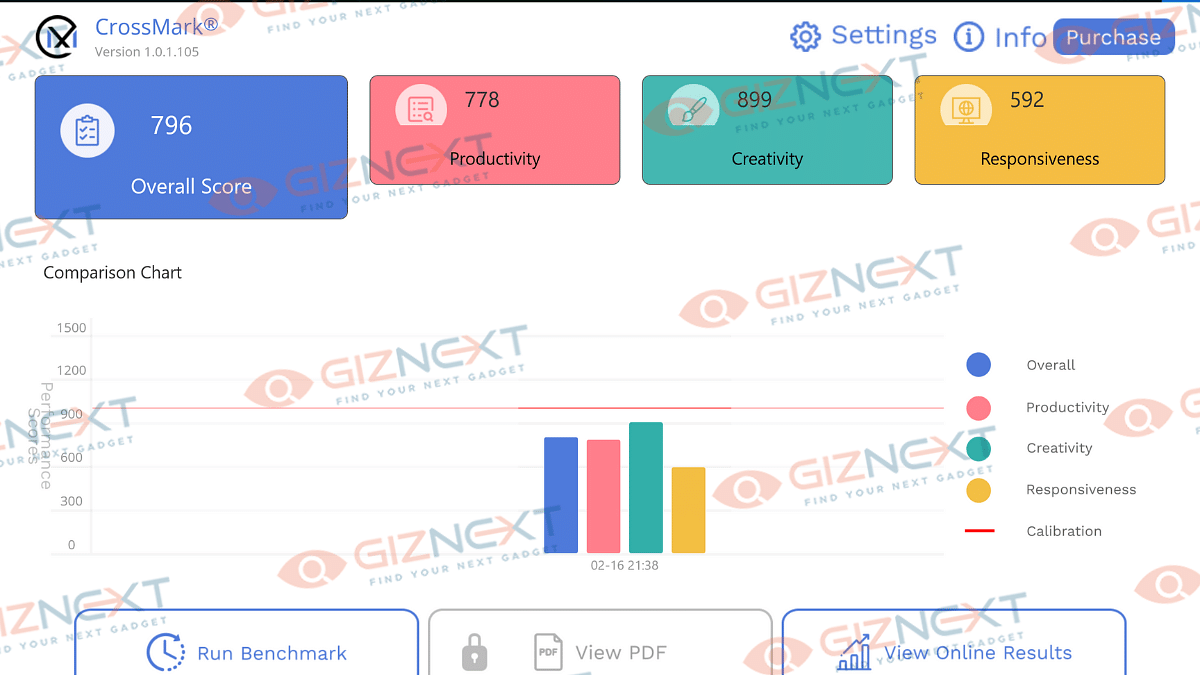
In the CrossMark benchmark test, the ZenBook S 14 OLED logged an overall score of 796 points and performed fairly well in productivity, creativity, and responsiveness measures.
Intel chipset-backed laptops are well known for their performance handling but battery backup has been a slight challenge. Seems like, Asus has cracked the code here and used a larger 72 kWh battery to drive the ZenBook S 14 OLED notebook. With general and basic usage, this laptop lasts easily between 10- 12 hours without the requirement of a second plug-in. But extensive software applications and games can drop down the backup significantly. Asus ships a 65W fast charger with the ZenBook S 14 OLED. This charger quickly refuels the notebook and adds charge from 20- 80 percent in less than an hour. This makes it handy for travel.
Asus has once again set up a new benchmark in the ultra-notebook segment with the ZenBook S 14 OLED. This laptop ticks most the boxes and emerges to be a potent option for the productive and creative masses. It’s new-age processor combined with vibrant display, Copilot AI, and a powerful battery pack which gives it an edge. Besides, you can’t really overlook its ultra-slim design which is also durable and rugged at the same time.