Categories
Featured Reviews Smart Watch

Urban Genesis Smartwatch Review: Premium Feel, Pocket-Friendly Price

Key Highlights

  • 1.45-inch Super AMOLED display
  • Always-On display
  • One-tap voice assistant
  • Multi-functional rotating crown
  • Stainless steel strap

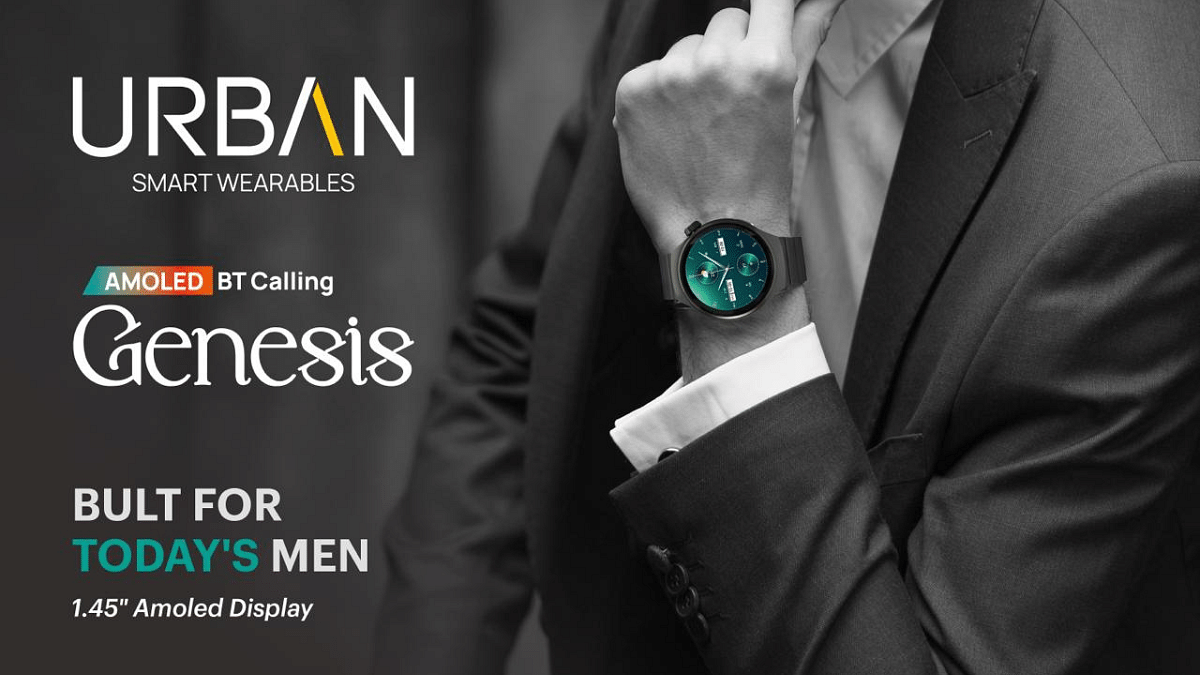
If you’re like me and always on the lookout for a smartwatch that looks stylish, feels solid, and doesn’t cost a bomb, then the Urban Genesis might just catch your eye. Priced at Rs. 3,999, this watch promises a vibrant AMOLED display, health tracking, Bluetooth calling, and a metal build that screams premium. But here’s the real question, is it all just good looks or does it actually deliver on performance too? I’ve been using it for a few days now, and here’s everything you need to know before adding it to your cart.

Also Read | Urban Zippy Smartwatch Review: Your Wrist’s New BFF Or Just Another Device?

ProsCons
AMOLED display with Always-On modeNo built-in GPS
Stylish design with premium materialsWorkout modes are limited
Bluetooth calling with AI voice assistant access 

What’s Inside The Box?

  • Urban Genesis Smartwatch (main unit)
  • Charging dock
  • QR card
  • Warranty card

First Look: Premium Design That Grabs Attention

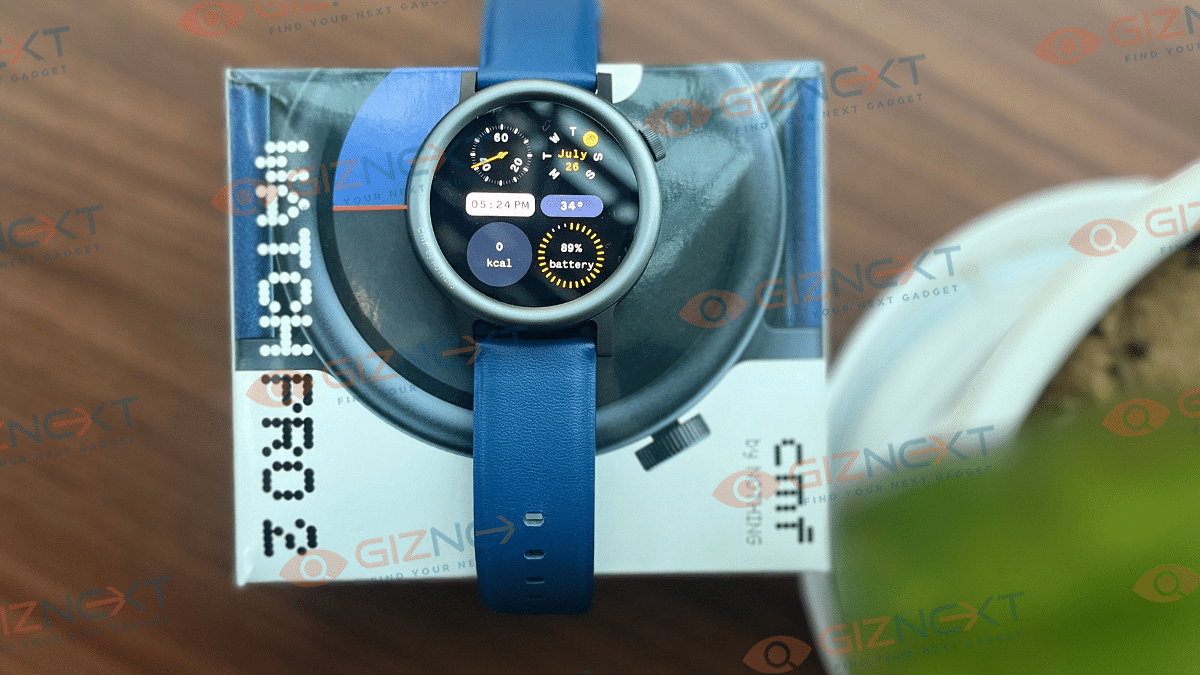
The first thing you’ll notice about the Urban Genesis is its sleek circular dial with a 1.45-inch Super AMOLED display. It’s bright, colorful, and supports always-on display, something you rarely get in this price range. The screen also features a Dynamic Island-style notification bar, which gives it a trendy and modern vibe.

Made with a metal chassis and a stainless steel block strap, this smartwatch looks and feels a lot more expensive than it actually is. It even has two functional buttons, including a rotating crown, which feels tactile and useful when scrolling or switching menus.

Also, I’ve been out with the Urban Genesis during light rain and even wore it while washing dishes, no issues at all. With its IP67 rating, the watch handled dust and splashes like a champ. It’s reassuring to know I don’t have to keep taking it off for everyday tasks. So yeah, whether it’s a dusty day or a sudden drizzle, my Urban Genesis has held up just fine.

Health Tracking: Tried And Tested

After using the Urban Genesis for a few days, I can say it’s packed with quite a few health features that are surprisingly good for the price. Here’s what I personally tested:

  • Heart Rate Monitoring: It gave me consistent readings throughout the day, especially during walks or while working.
  • Blood Oxygen (SpO2) Tracking: Handy when I wanted to check oxygen levels after workouts or during long work hours.
  • Blood Pressure Monitoring: While I wouldn’t rely on it as a medical device, it does offer a quick check when you’re feeling off.
  • Sleep Tracking: It gave a decent breakdown of my light and deep sleep cycles.
  • Stress Level Monitoring: This was interesting. It actually buzzed me to take a breather during a long meeting.
  • Breathe Mode: A simple guided breathing session that genuinely helped me calm down after a busy day.
  • Hydration Alerts: Loved this little nudge every few hours to drink water. Small but super useful.

Overall, while I wouldn’t replace professional health gadgets with this, it definitely gives a helpful snapshot of my daily wellness. For someone looking to build healthier habits, these features are genuinely useful.

Smart Features: Calls, Assistant And More

Now, this is where things got even more fun for me.

  • Bluetooth Calling: I was honestly surprised by how clear the calls were. I took a few calls straight from the watch using Bluetooth 5.3, and the connection was strong without any annoying dropouts.
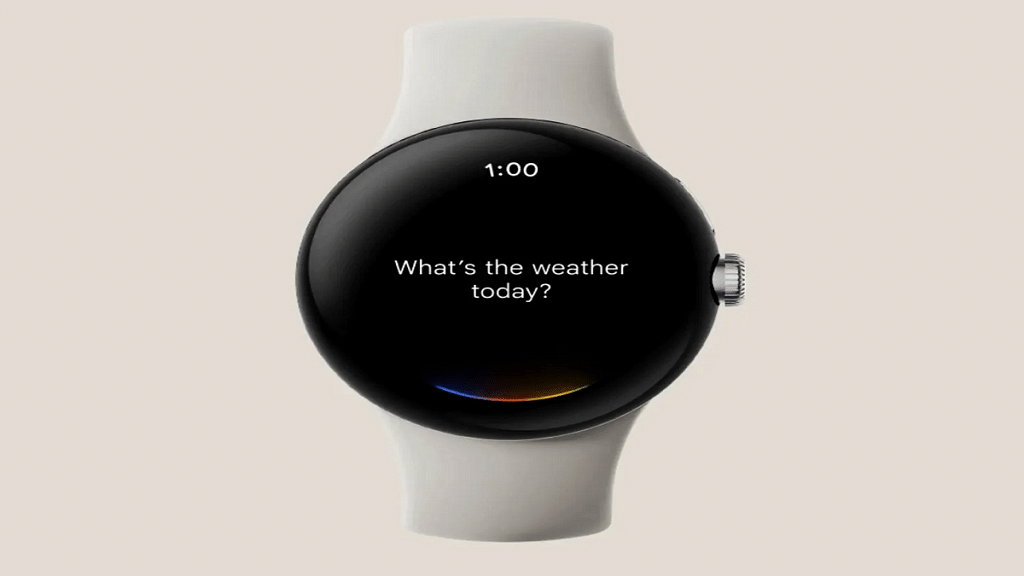
  • AI Voice Assistants: Whether it was setting reminders or checking the weather, I just held the button and asked Google Assistant. It felt super handy when I was cooking or had my hands full.
  • Over 100 Watch Faces: This was one of my favorite parts. I’ve been switching up watch faces almost daily, there’s so much variety to match different moods and outfits.

It’s the little things like these that made using the Urban Genesis feel genuinely smart in day-to-day life.

Battery Life: Seven Days Of Smartness

When I first read that the Urban Genesis could last up to seven days on a single charge, I wasn’t sure what to expect. But after using it for almost a week, checking notifications, tracking sleep, using Bluetooth calls here and there, it actually held up pretty well. I didn’t have to reach for the charger every other day, which was a nice change. For regular day-to-day use, the battery life definitely impressed me.

The smartwatch charges via magnetic wireless charging, making it convenient to snap on and juice up without any hassle.

Also Read | Noise NoiseFit Crew Pro Bluetooth Calling Smartwatch Review: Ideal Feature-Packed Daily Wear

Giznext’s Final Verdict: Should You Buy It?

If you’re looking for a smartwatch that looks great, does all the basic health tracking, supports Bluetooth calling, and gives you a bit of everything, all under Rs. 4,000, then Urban Genesis is absolutely worth considering.

It’s ideal for students, working professionals, fitness beginners, or anyone wanting to try smartwatches for the first time. However, if you’re a serious athlete or tech enthusiast looking for advanced features like GPS or ECG, you might want to stretch your budget a little more.

For the tech geeks, stay updated with the latest cutting-edge gadgets in the market, exclusive tech updates, gadget reviews, and more right on your phone’s screen. Join Giznext’s WhatsApp channel and receive the industry-first tech updates.
Categories
Featured Info Smart Watch

WatchOS 11.4 Update: Apple Watch Alarms Can Now Ring In Silent Mode

Key Highlights

  • Users can allow alarms to play sound even when Silent Mode is on
  • Each alarm has a Break Through Silent Mode option for customization
  • Ensures alarms are heard with both sound and vibration

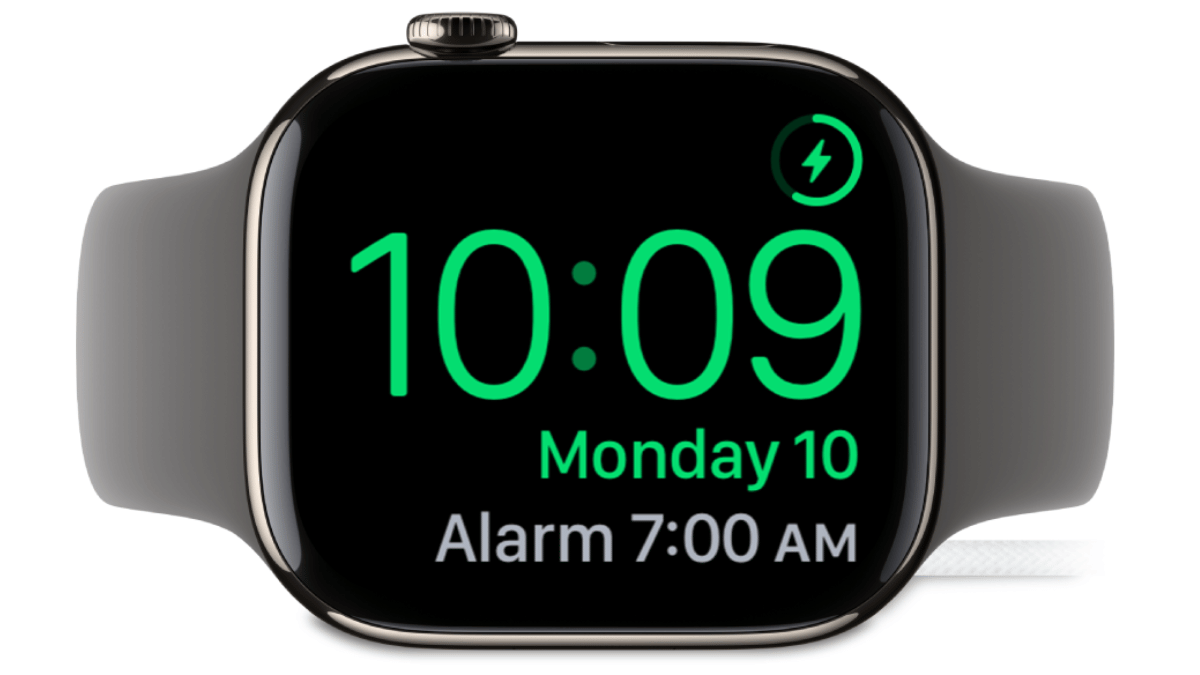
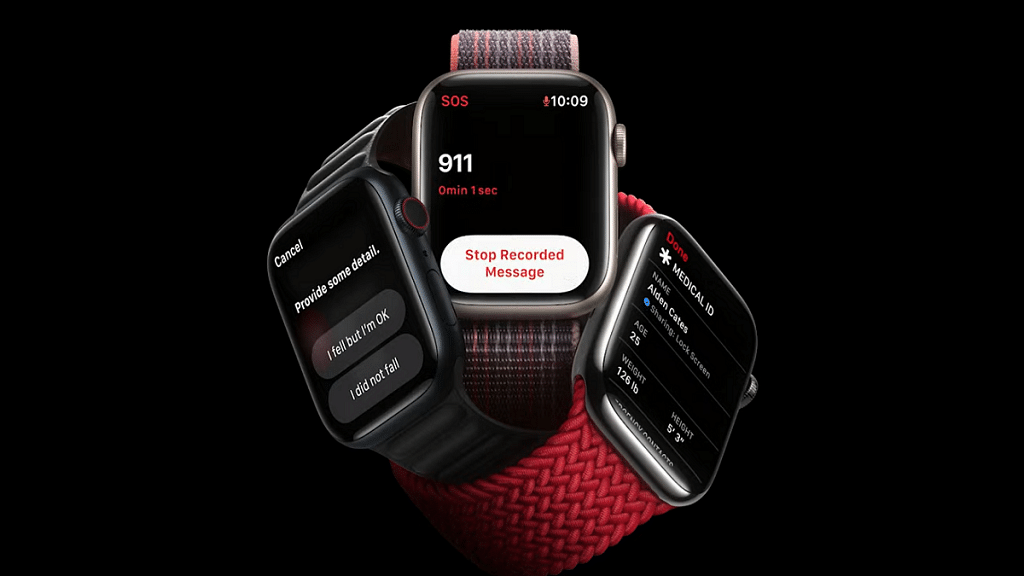
Apple is rolling out a significant update with watchOS 11.4. It introducing an interesting change to Silent Mode on the Apple Watch. Previously, when Silent Mode was activated, all notifications, including alarms, were muted, allowing users to rely only on haptic vibrations for alerts. However, with this update, Apple is now giving users the option to let alarms break through Silent Mode and play sound.

Also Read | Apple Watch Tips And Tricks: How To Use Maps And Find Emergency Services On Apple Watch

What’s Changing In WatchOS 11.4?

This new feature addresses a common issue for Apple Watch users, missing alarms because vibrations alone weren’t enough to wake them up. Let’s take a closer look at what this update means for Apple Watch users.

Alarms Can Now Play Sound In Silent Mode

With the new update, users will have an option to allow certain alarms. For instance, their Sleep Wake Up alarm, to ring even when Silent Mode is on. This means that while other notifications will remain muted, alarms can still make noise.

Individual Alarm Settings

Instead of a blanket setting, Apple is introducing a per-alarm toggle. Each alarm, including the one set for waking up in the morning, will have an option to ‘Break Through Silent Mode.’ When enabled, both sound and haptic vibrations will be triggered when the alarm goes off.

Fixing A Common Problem For Deep Sleepers

Many users rely on their Apple Watch for alarms but even with the strongest vibration setting, some people still sleep through them. This new feature ensures that those who need an audio alert in addition to haptics won’t miss important alarms anymore.

Also Read | Smartwatch Battery Draining Fast? Here’s Five Quick And Simple Fixes

Why This Feature Matters

  • Users can now decide which alarms should be heard, rather than having to disable Silent Mode entirely.
  • Those who struggle to wake up with vibrations alone can now rely on sound without worrying about other notifications disturbing them.
  • The rest of the notifications, like messages and app alerts, will still remain silent.

The new update in watchOS 11.4 brings a small but meaningful improvement to the Apple Watch experience. For those who use their watch for alarms but don’t want constant notifications disturbing them, this change offers the best of both worlds.

For the tech geeks, stay updated with the latest cutting-edge gadgets in the market, exclusive tech updates, gadget reviews, and more right on your phone’s screen. Join Giznext’s WhatsApp channel and receive the industry-first tech updates.
Categories
Featured Info Smart Watch

G-SHOCK G-STEEL Fine Metallic Series: What’s New? Here Are The Top Highlights

Key Highlights

  • Tough Silicone Band for comfort and strength
  • Bold metallic silver and gold colorways
  • Prices starting at Rs. 19,995
  • Available both offline and online

G-SHOCK has launched its latest collection in India, the G-STEEL Fine Metallic Series. This new range features three premium timepieces that bring together metallic elegance and advanced durability. The highlight of this series is the newly developed Tough Silicone band, a first in G-SHOCK’s shock-resistant watches. Designed for comfort, durability, and modern appeal, these watches offer a stylish twist to the classic G-SHOCK toughness.

Also Read | Smartwatch Battery Draining Fast? Here’s Five Quick And Simple Fixes

G-STEEL Fine Metallic Series: Top Features

  • New Tough Silicone Band: For the first time, G-SHOCK introduces the Tough Silicone band that provides better flexibility and a more comfortable wrist fit. This band also has high abrasion resistance thanks to a dual-layer structure with a urethane resin top layer.
  • Stylish Metallic Design: The collection reimagines the classic GM5600 and GM2100 models in sleek silver and bold gold finishes. Whether you prefer a digital or analog look, these timepieces cater to both styles with a fresh, modern twist.

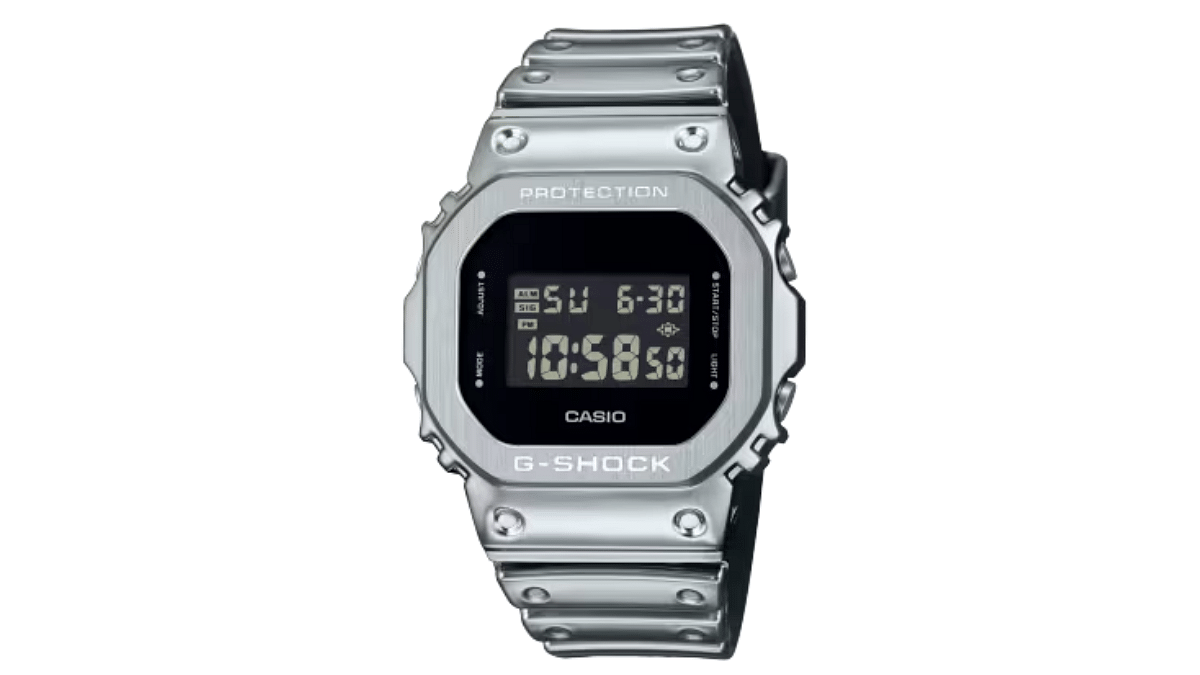
G-SHOCK G-STEEL GM-5600YM

  • Color: Silver
  • Design: Sleek and minimal with a monochrome finish
  • Suitable for both casual and formal wear
  • Price: Rs. 19,995

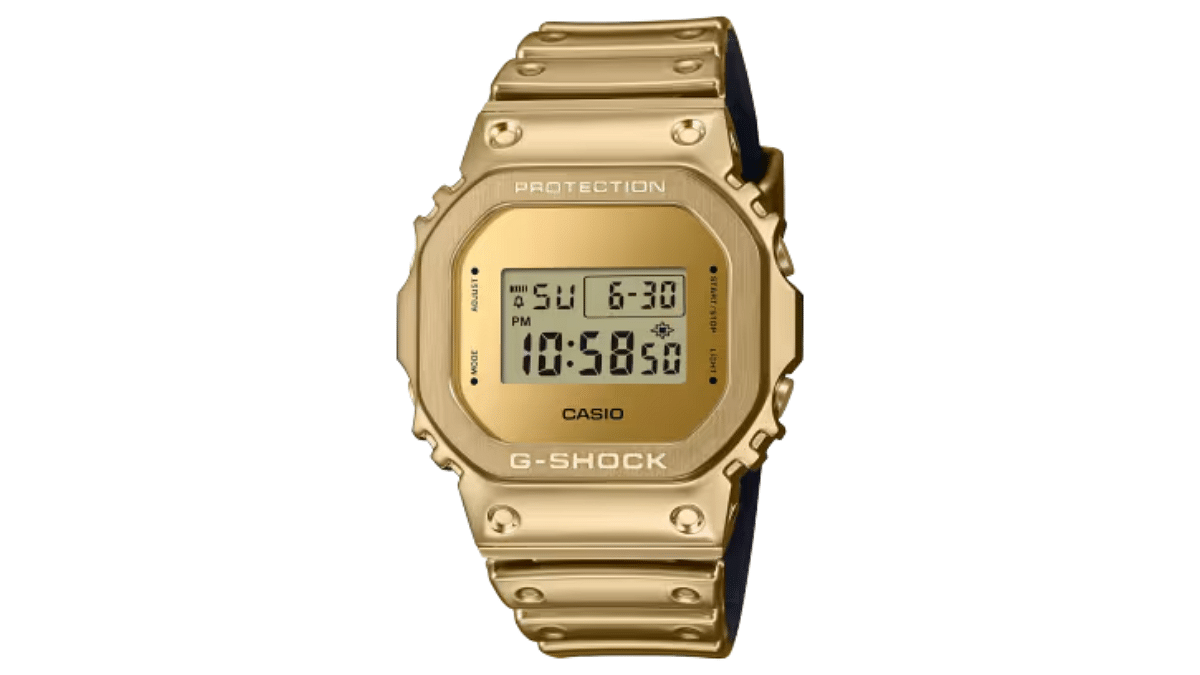
G-SHOCK G-STEEL GM-5600YMG-9DR

  • Color: Gold
  • Design: Luxurious yet tough, ideal for bold fashion lovers
  • Perfect match for leather jackets or all-black outfits
  • Price: Rs. 22,995

Also Read | Apple Watch Tips And Tricks: How To Use Maps And Find Emergency Services On Apple Watch

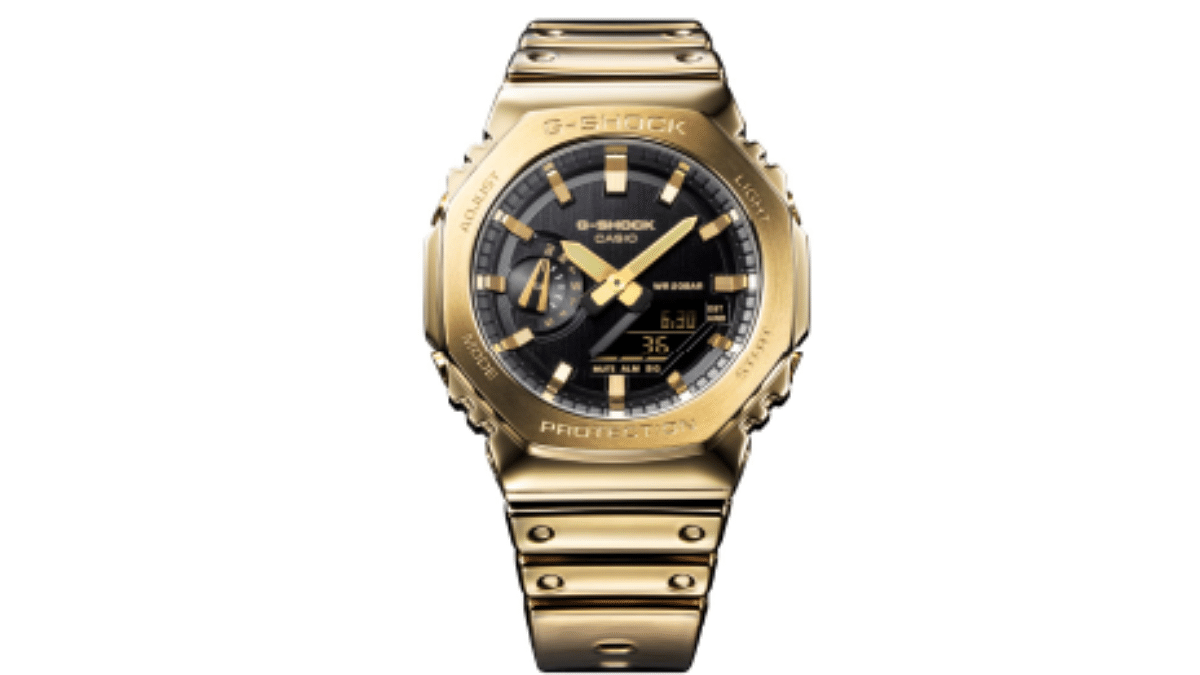
G-SHOCK G-STEEL GM-2100YMG

  • Color: Radiant Gold
  • Design: Analog watch with gold metal bezel and Tough Silicone band
  • Versatile for day-to-night wear, from work to party
  • Price: Rs. 24,995

Available Now

All three watches from the Fine Metallic Series are available at select Casio and G-SHOCK exclusive stores across India, as well as online via Casio’s official website.

For the tech geeks, stay updated with the latest cutting-edge gadgets in the market, exclusive tech updates, gadget reviews, and more right on your phone’s screen. Join Giznext’s WhatsApp channel and receive the industry-first tech updates.
Categories
Featured Smart Watch

Smartwatch Battery Draining Fast? Here’s Five Quick And Simple Fixes

Key Highlights

  • Lower brightness and turn off always-on display
  • Disable unused features and limit notifications
  • Use power-saving mode and charge wisely

Smartwatches have become an essential gadget for many. It helps us with fitness tracking, notifications, and even calls. However, battery life remains a common concern. While some smartwatches last a day or two, others drain faster due to high usage. Luckily, you can improve your smartwatch’s battery life by making a few simple changes. Let’s look at five effective ways to extend battery life.

Also Read | Top 5 Bluetooth Calling Smartwatch Under Rs.3000

1. Lower Screen Brightness

The screen is one of the biggest battery consumers on a smartwatch. Keeping brightness too high drains power quickly. Set it to auto-adjust or manually lower it to a comfortable level. This small change can significantly improve battery performance.

2. Turn Off Always-On Display

Many smartwatches offer an always-on display feature that keeps the screen active at all times. While this is useful, it also uses a lot of battery. Turning it off will help your smartwatch last much longer between charges.

3. Limit Notifications

Every time you receive a notification, your smartwatch vibrates and lights up, consuming battery. Go to settings and disable unnecessary app alerts. Keep only important notifications, such as calls, messages, or reminders, to reduce battery drain.

4. Disable Unused Features

Smartwatches come with features like GPS, Bluetooth, Wi-Fi, and heart rate tracking. If these are running continuously, they consume a lot of power. Turn off GPS when not navigating, disconnect Bluetooth when not needed, and use Wi-Fi only when necessary.

5. Use Power-Saving Mode

Most smartwatches have a battery-saving mode that limits background activities, reduces brightness, and turns off non-essential features. Activate it when you want to extend battery life, especially when traveling or in situations where charging isn’t possible.

Also Read | Want To Use Your Photos As Smartwatch Face? Here’s How To

Bonus Tips

  • Set your screen to turn off quickly after use to save battery.
  • AMOLED displays use less power with dark or black watch faces.
  • Software updates often include battery optimizations.
  • Heat and cold can affect battery life, so keep your smartwatch in moderate conditions.
  • Don’t let the battery drain completely before charging. Try to keep it between 20-80 percent for better longevity.

By making these small changes, you can improve your smartwatch’s battery life and enjoy longer usage without frequent charging.

For the tech geeks, stay updated with the latest cutting-edge gadgets in the market, exclusive tech updates, gadget reviews, and more right on your phone’s screen. Join Giznext’s WhatsApp channel and receive the industry-first tech updates.

Categories
Featured Info Smart Watch

Pebble Smartwatches Are Making A Comeback, This Time With Google’s Support

Key Highlights

  • Pebble is making a comeback with Google’s support
  • Its software will be open-sourced for developers
  • PebbleOS will include notifications, fitness tracking, custom apps

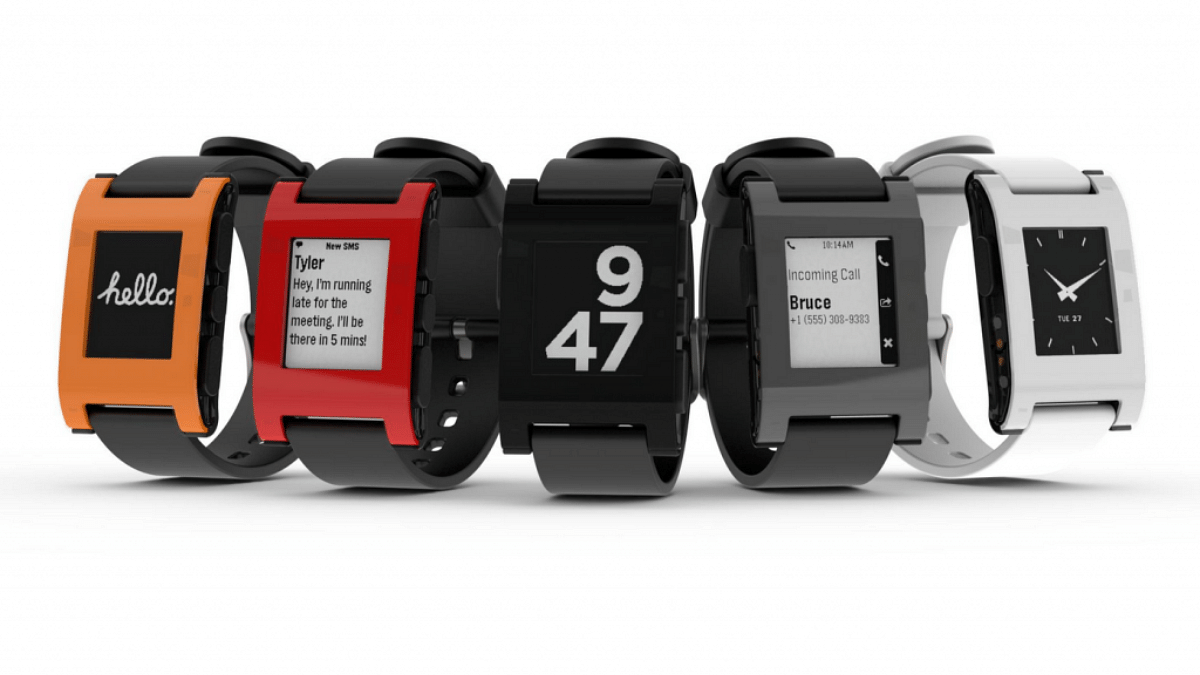
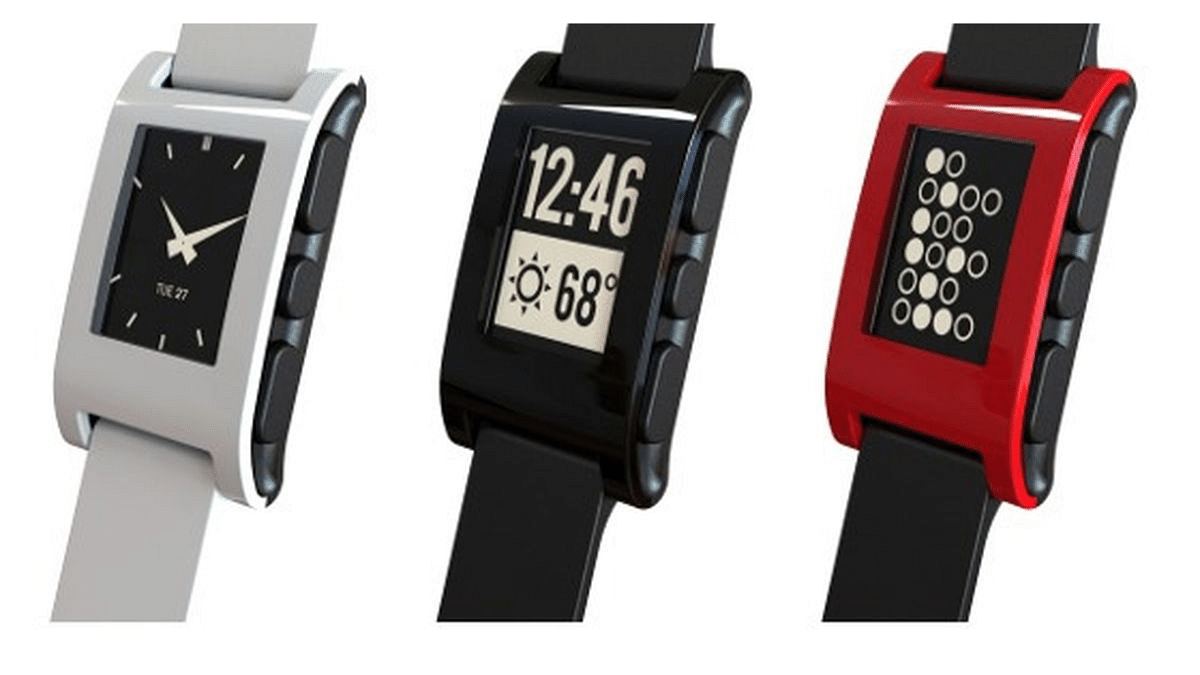
The Pebble smartwatch, a pioneer in wearables from 2013 to 2016, was admired for its long-lasting battery and advanced features. Though the company shut down in 2016, it’s now set to make a comeback with Google’s backing.

Also Read | Fireboltt Artillery Vs Armour Dive Smartwatch: Best Budget Outdoor Smartwatch In India

Pebble’s Journey

Pebble smartwatches were the brainchild of Eric Migicovsky, launched through a record-breaking Kickstarter campaign in 2013. Over two million smartwatches were sold that helped earn Pebble a place in the wearables industry. Despite its success, the company struggled to maintain its vision and officially shut down in 2016.

In 2016, Fitbit acquired Pebble’s intellectual property (IP), and later, Google acquired Fitbit in 2021. This marked a turning point for Pebble as Google now owns all of its IP and is gearing up for its revival.

What’s New For Pebble?

Google plans to release Pebble’s software stack as open source. The source code will retain all smartwatch functionality, such as:

  • Notifications and media controls
  • Fitness tracking
  • Support for custom apps and watchfaces

The revamped OS will run on ARM Cortex-M microcontrollers, allowing Pebble’s functionality to thrive in today’s tech landscape.

Google’s Role In The Revival

Google’s support has been pivotal in Pebble’s comeback. By providing access to Pebble’s source code, Google aims to help volunteers maintain and enhance the watch’s functionality. This collaborative approach could redefine Pebble as a strong contender in the wearables market.

Also Read | Best Smartwatches You Can Buy Under Rs. 500

What’s Next?

Migicovsky has hinted at renaming the Pebble brand to better align with its fresh vision. While the project is still in its early stages, the future looks promising for the iconic smartwatch. If all goes as planned, Pebble could soon reclaim its spot in the ever-evolving wearable industry.

For the tech geeks, stay updated with the latest cutting-edge gadgets in the market, exclusive tech updates, gadget reviews, and more right on your phone’s screen. Join Giznext’s WhatsApp channel and receive the industry-first tech updates.
Categories
Featured How To Smart Watch

Huawei GT5 Smartwatch Pre-Booking Opens On Flipkart: Here’s How To Get It

Key Highlights

  • Huawei GT5 smartwatch comes with advanced fitness tracking
  • Available in 46mm and 41mm variants
  • Pre-book on Flipkart with up to Rs. 4,500 off

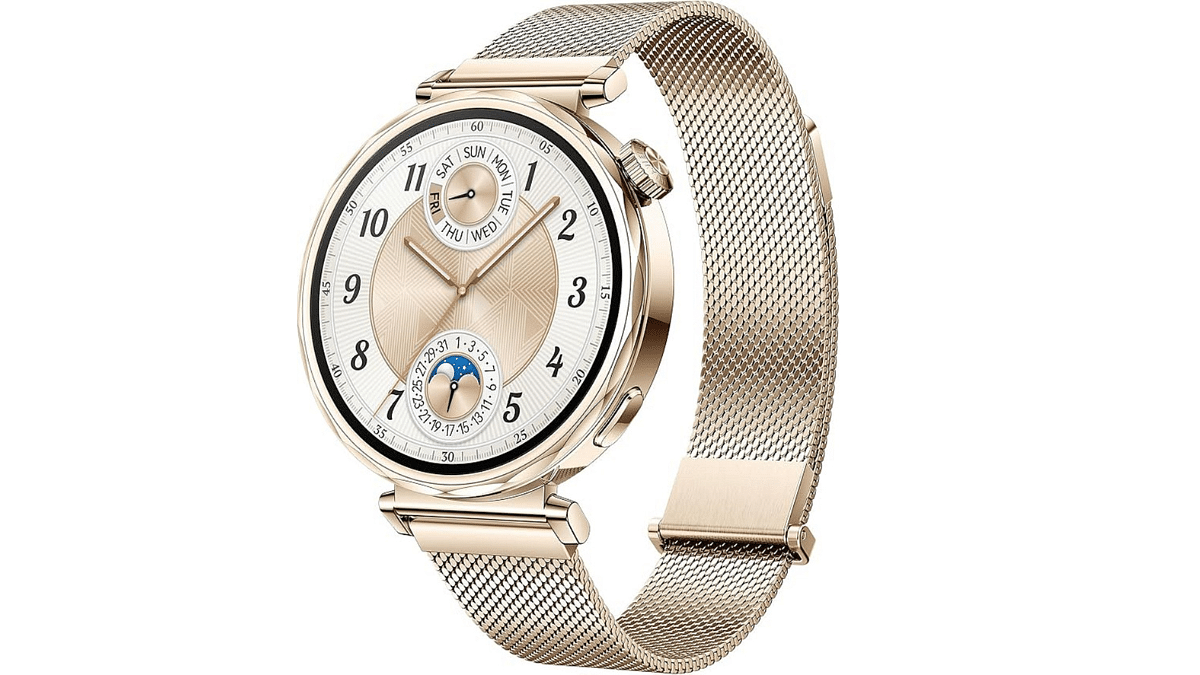
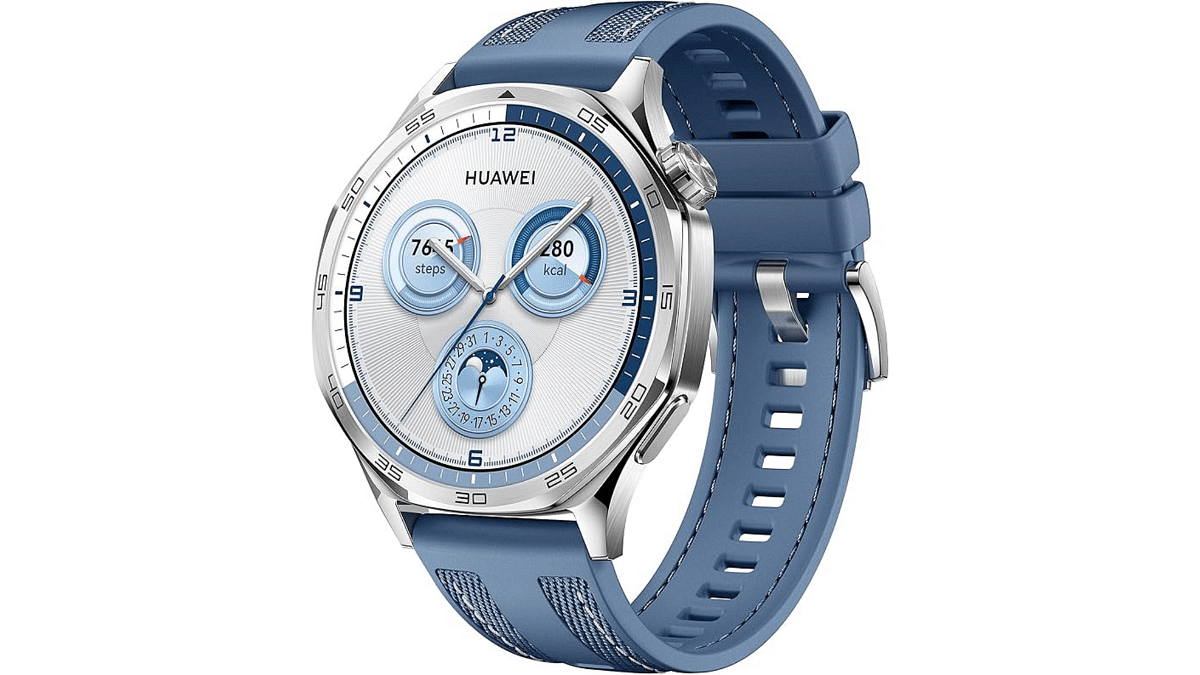
The ultra-premium GT5 smartwatch from Huawei is currently available for pre-order on Flipkart. This luxurious watch combines a sleek design and advanced features like pro-level sports modes, accurate fitness tracking, and emotional wellbeing tracking.

Also Read | Best Smartwatches With Bluetooth Calling, Fitness Features Under Rs. 5,000

Huawei GT5 Smartwatch: Features

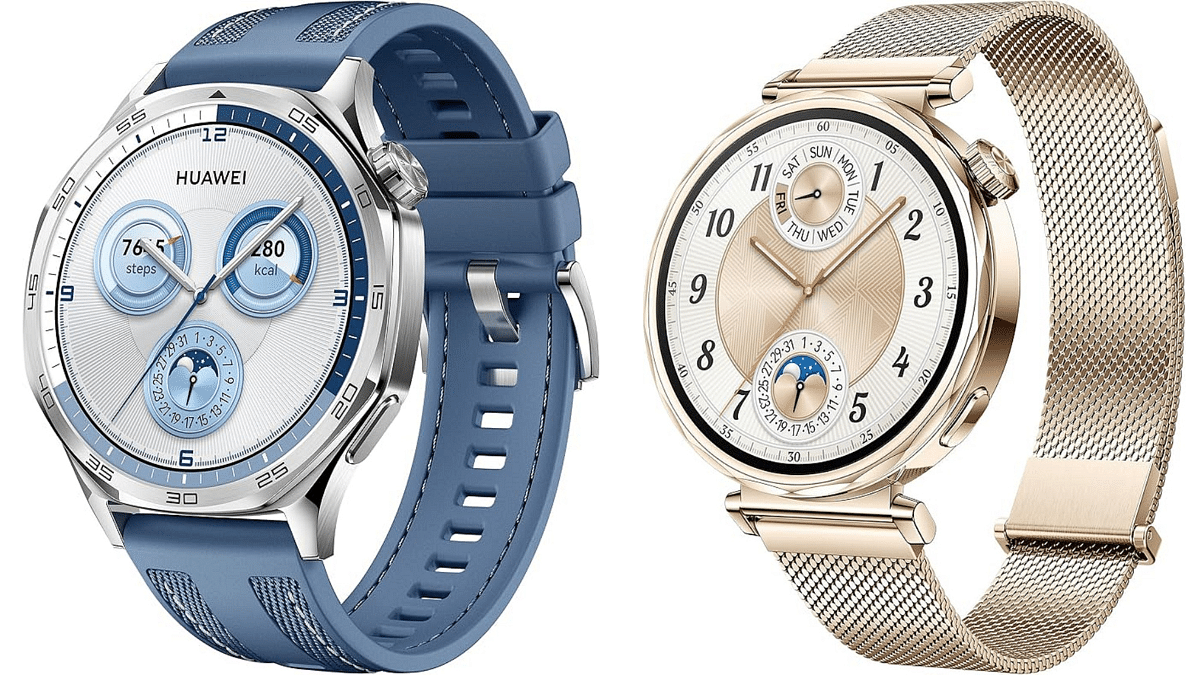
  • With stylish color options and prism straps, it is available in 46mm for men and 41mm for ladies
  • Both versions offer a sharp 466 x 466-pixel resolution
  • Powered by Huawei’s TruSense technology, the GT5 tracks your health accurately, including heart rate, sleep, and stress monitoring
  • One of the distinctive features of the GT5 wristwatch is its ability to adjust 11 new dynamic watch faces based on your emotional condition
  • It is perfect for swimming and diving because it has a 50-meter water resistance rating
  • Features more than 100 exercise options, including sports-specific activities like trail running and golf. It also provides offline maps so you can navigate easily.
  • Long-lasting battery life with real-time Bluetooth calls and notifications.

How To Pre-Book Huawei GT5 Smartwatch On Flipkart

Follow these simple steps to pre-book your GT5 smartwatch and enjoy exclusive discounts:

Step 1: Visit the Flipkart website or open the Flipkart app on your mobile device.

Step 2: Use the search bar at the top of the page to look for ‘Huawei GT5 Smartwatch.’

Step 3: Choose between the 46mm (for men) or 41mm (for women) variant.

Also Read | List Of Best Smartwatches You Can Buy Under Rs. 500 In India

Step 4: Select from available colors like Black, Blue, Brown, White, and Gold.

Step 5: Once you’ve selected the variant of your choice, click the ‘Pre-Book Now’ button.

Step 6: During pre-booking, you can apply any available bank offers or coupons to get up to Rs. 4,500 off.

Step 7: Proceed to checkout and complete your payment using your preferred method. After the payment, you will receive a confirmation message for your pre-booking.

These simple instructions can help you protect your GT5 smartwatch before it’s available to the general public.

For the tech geeks, stay updated with the latest cutting-edge gadgets in the market, exclusive tech updates, gadget reviews, and more right on your phone’s screen. Join Giznext’s WhatsApp channel and receive the industry-first tech updates.
Categories
Featured How To Smart Watch

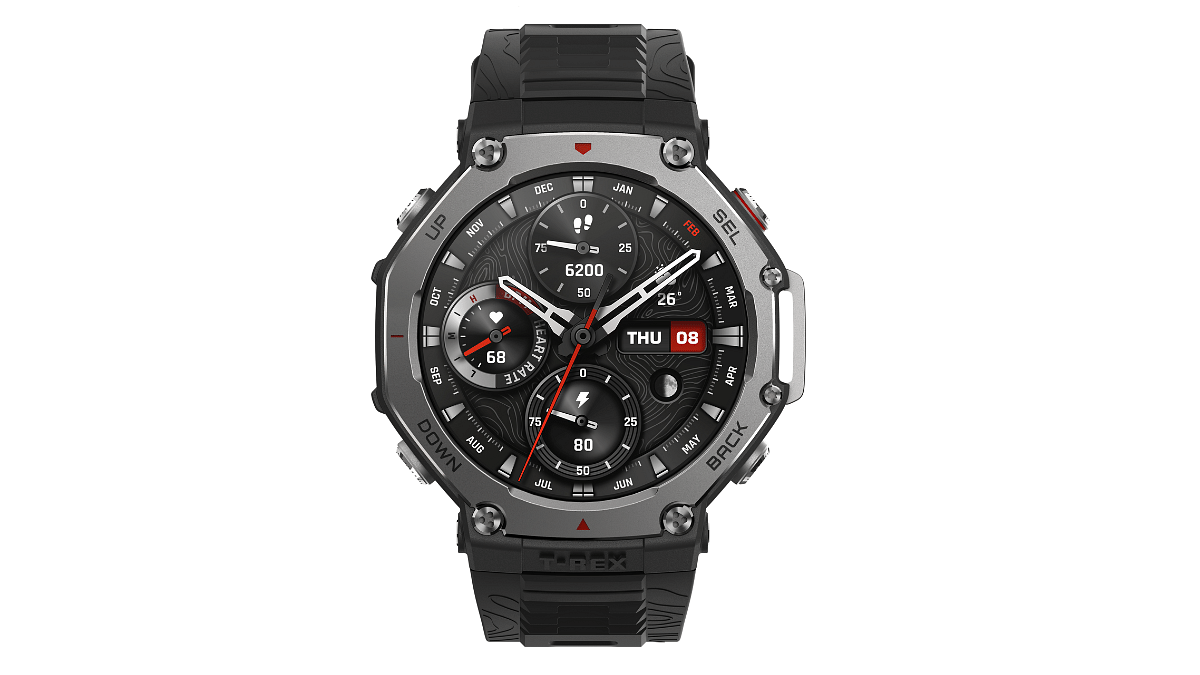
Amazfit T-Rex 3 Smartwatch Pre-Orders Begin In India: Here’s How To Book Yours

Key Highlights

  • Amazfit T-Rex 3 is priced at Rs. 19,999 in India
  • The smartwatch features 27days battery life, 2000nits brightness
  • It is powered by Zepp OS 4, Chat GPT 4, Zeep coach

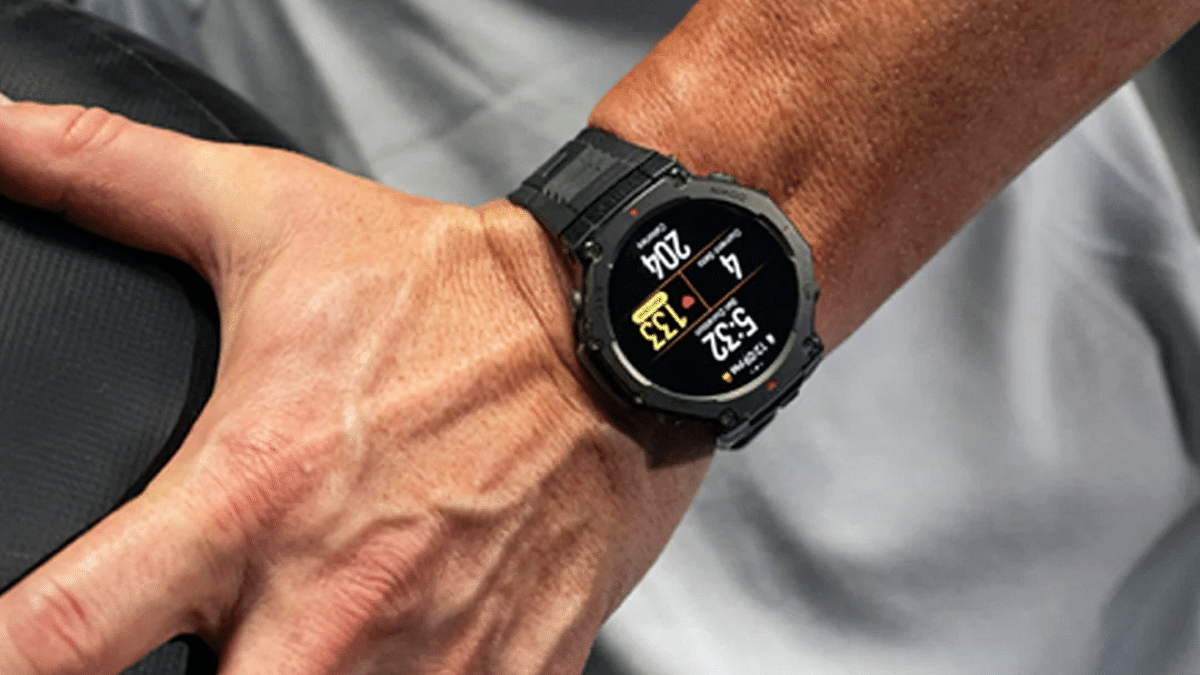
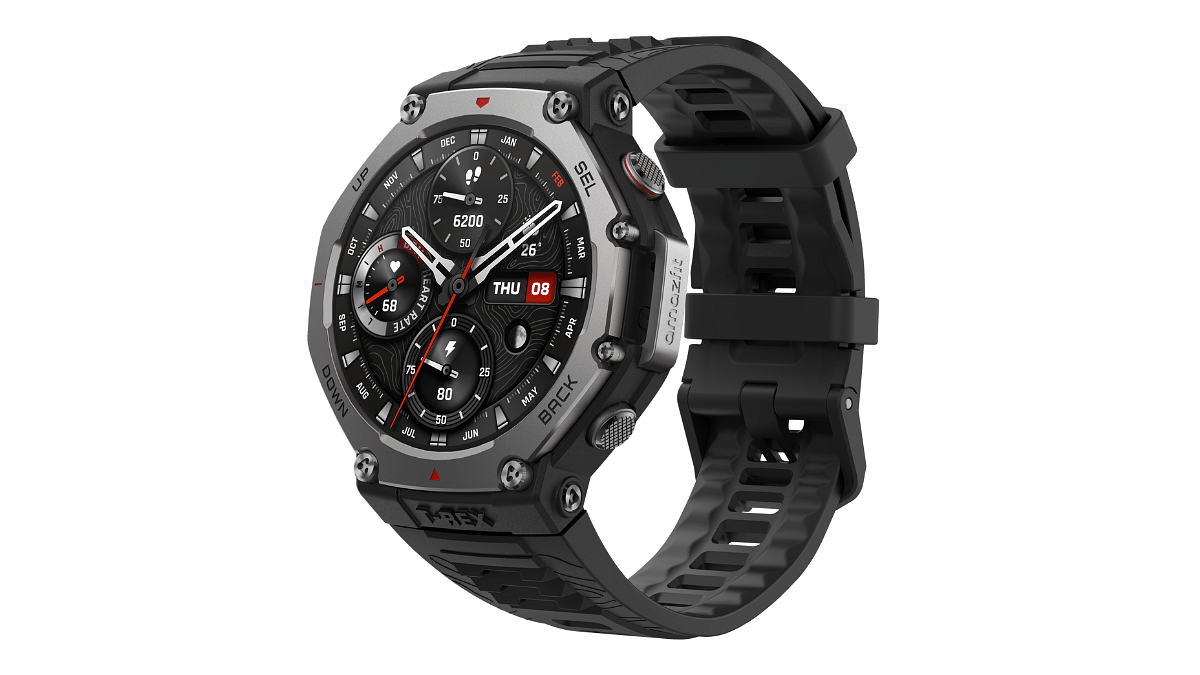
The Amazfit T-Rex 3 has officially made its debut in India. This adventure-friendly smartwatch offers outdoor enthusiasts and fitness lovers a durable, feature-packed experience. The T-Rex 3 will be released on September 26, 2024. With pre-booking now open, here’s everything you need to know about this smartwatch. Also, learn how you can secure one for yourself.

Also Read | Urban Zippy Smartwatch Review: Your Wrist’s New BFF Or Just Another Device?

Amazfit T-Rex 3: Key Features

  • Display: It offers 1.5-inch AMOLED display along with bright 2,000nits peak brightness.
  • Military-Grade Durability: It can withstand extreme environments, including water, dust, shock, and temperature resistance.
  • Privacy Options: Flexible GPS data storage with choices for permanent, temporary, or no cloud upload. Users can also disable GPS tracking.
  • Battery: Lasts up to 27 days with typical use or up to 180 hours when using GPS for tracking long adventures like hikes or climbs.
  • Over 170 Workout Modes: The watch includes unique modes like Hyrox Race, Ultramarathon, Freediving, and an upgraded Strength Training mode.
  • AI-Powered Features: First smartwatch OS with fully integrated AI and an AI assistant powered by OpenAI’s GPT-4o technology.
  • Customizable Strength Training Mode: You can create your own training templates in the Zepp app and sync them with the watch to follow workout routines directly from your wrist.

How To Pre-book The Amazfit T-Rex 3

The Amazfit T-Rex 3 smartwatch is now available for pre-order on Amazon. Here’s a step-by-step guide on how to pre-book it:

Step 1: Go to Amazon India and search for the “Amazfit T-Rex 3” in the search bar.

Step 2: Make sure that the delivery location is correct. Currently, Amazon offers FREE delivery between September 27 till October 5. Update your location if necessary.

Step 3: Click on the “Pre-order now” button to reserve your smartwatch.

Step 4: Choose your payment option and proceed to the checkout.

Step 5: Your Amazfit T-Rex 3 will be sent to your address once your order has been placed, and you will receive a confirmation.

Also Read | Noise NoiseFit Crew Pro Bluetooth Calling Smartwatch Review: Ideal Feature-Packed Daily Wear

Price In India

The Amazfit T-Rex 3 is priced at Rs. 19,999 in India. The price in India is lower than its global price of $279.99 (approx. Rs. 23,515) or €299.90 (approx. Rs. 27,820). The smartwatch comes in Onyx color. Pre-orders are available starting September 18, 2024, on Amazon.

For the tech geeks, stay updated with the latest cutting-edge gadgets in the market, exclusive tech updates, gadget reviews, and more right on your phone’s screen. Join Giznext’s WhatsApp channel and receive the industry-first tech updates.
Categories
Featured How To Smart Watch

Apple Watch Tips And Tricks: How To Use Maps And Find Emergency Services On Apple Watch

Key Highlights

  • Navigation services can be used on Apple Maps
  • One can locate nearby services including emergency
  • Locations can be searched manually as well as via voice commands

Apple is not just known for its flagship grade iPhone smartphone series but also other consumer tech gadgets such as tablets, laptops, TVs. The company has also curated a strong portfolio with the smart wearables in the last few years. Apple Watch is amongst the top selling smart watch lineup which also happens to be most tech-advanced.

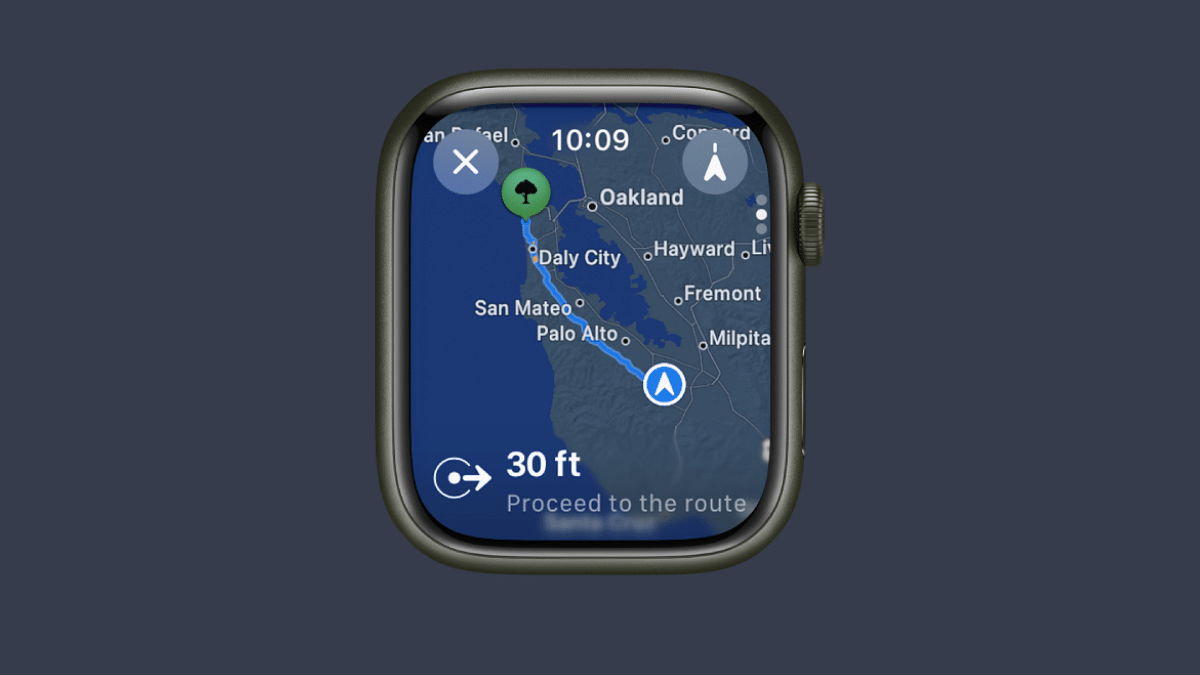
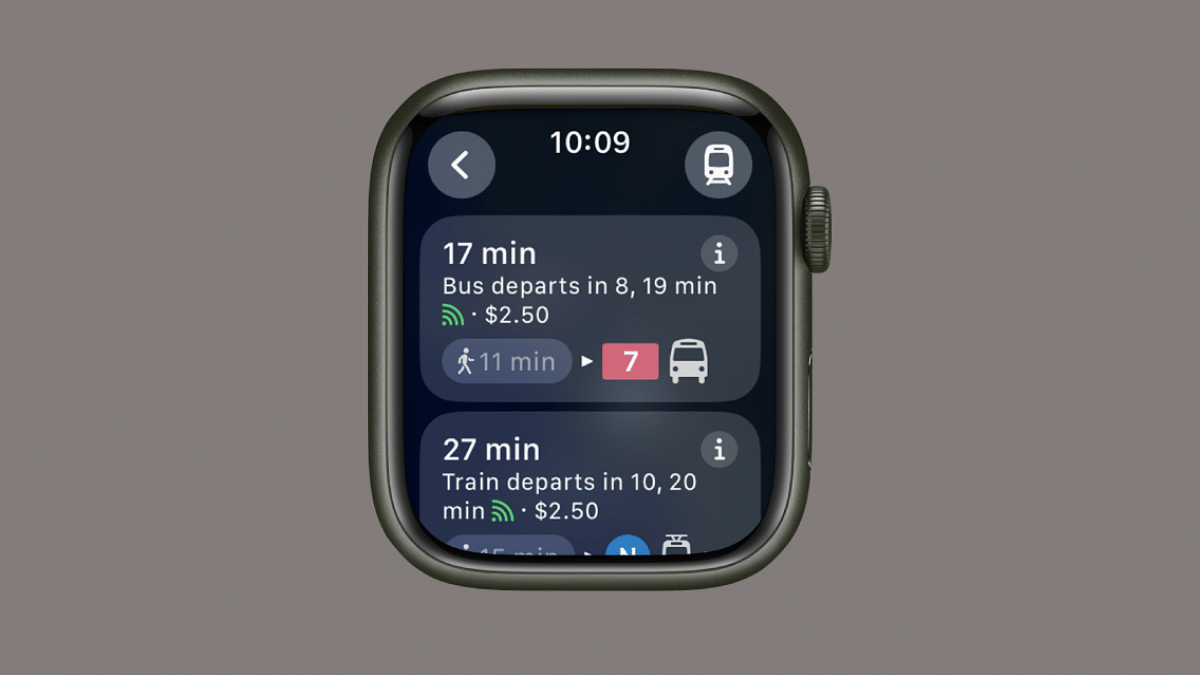
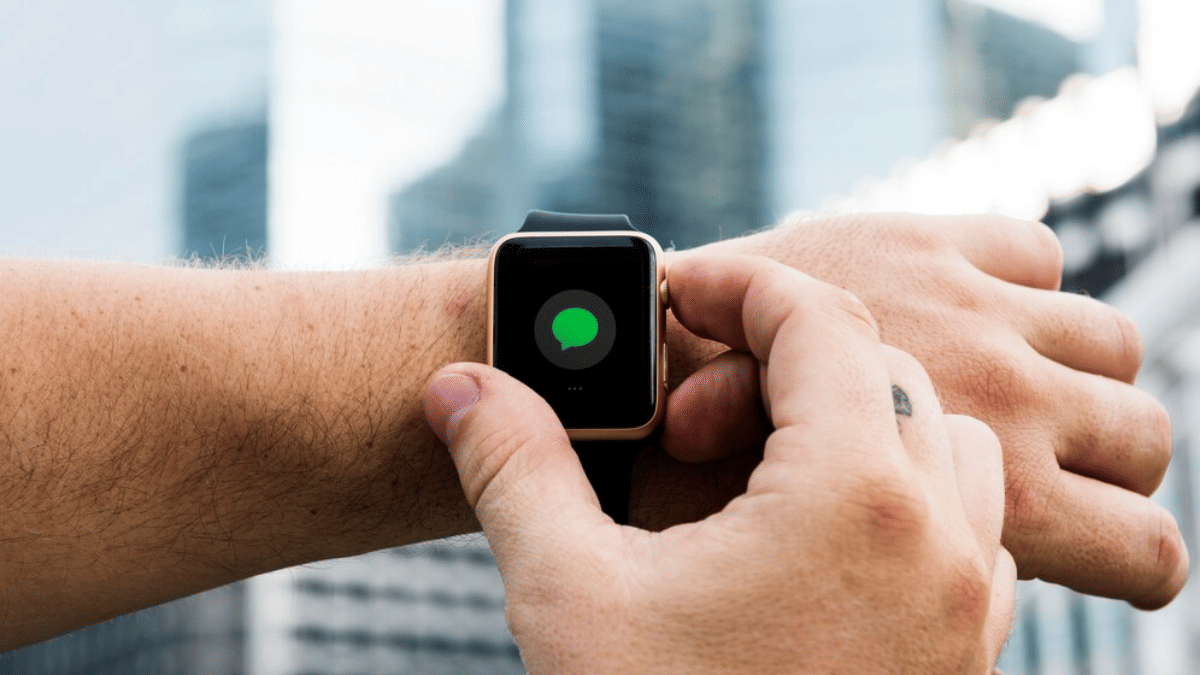
With Apple Watch series smartwatches, you can keep a tab of time and also health on-the-go. Apart from this, Apple Watch series has also become capable of providing navigational services at a glance and with just a few taps, you can find nearby locations including emergency services using Apple Watch. What’s the trick to setup and use navigational services or Maps app on Apple Watch? Take a look at the steps below:

For the tech geeks, stay updated with the latest cutting-edge gadgets in the market, exclusive tech updates, gadget reviews, and more right on your phone’s screen. Join Giznext’s WhatsApp channel and receive the industry-first tech updates.
Also Read: MacBook Performance Boost: How To Use High Power Mode On Apple MacBook

Steps To Use Maps App On Apple Smartwatch

Step 1: On your Apple Watch, scroll through the list of available apps and select Maps app.

Step 2: Click on the Search menu (Viewfinder icon)

Step 3: Now, either tap on the Audio (microphone) icon or the scribble to enter the destination

Step 4: The directions will be then displayed on your Apple smartwatch

Also Read: Want To Use Your Photos As Smartwatch Face? Here’s How To

How To Use Apple Smartwatch To Find Nearby And Emergency Services

Step 1: Launch the Maps application once again on your Apple Watch smartwatch

Step 2: Hit the search tab and select the Search places icon

Step 3: Now, select the location category that you wish to find such as nearby restaurants, parking, and emergency services.

Step 4: Now, use the Digital Crown on your Apple smartwatch to scroll through the list of available options.

Step 5: You cab also tap on one of the options that pop up on the screen. To get its information, just rotate the digital crown.

Categories
Featured How To Smart Watch

Want To Use Your Photos As Smartwatch Face? Here’s How To

Key Highlights

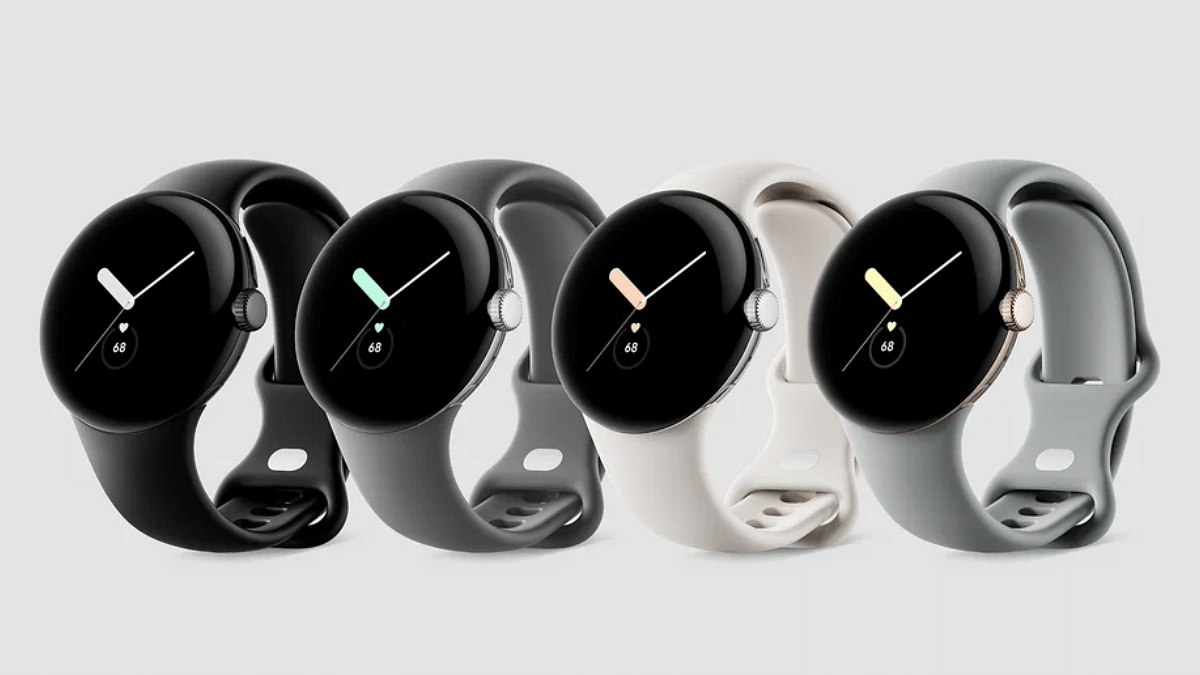
  • Most of smartwatch including Pixel watch comes with own set of watch faces
  • One can use photos as watch face on smartwatch
  • Option available with certain limitations

Android ecosystem has evolved extensively over the last decade. Now, this OS offers compatibility with devices beyond smartphones and tablets. Google has also developed an OS for smartwatches allowing a swift pairing and seamless user experience when connected with smartphones. The smart wearable technology has also witnessed huge advancements in regards to tech and integration of health and safety features. Certainly, smart wearables are the best solution for health monitoring today; specifically for the individuals with a fast paced lifestyle.

Options for customizations with integrated watch faces is one of the best smartwatch features offered across almost every model from different brands. However, you only get to select the built-in watch faces with your smartwatch. While there could be options ranging from 100 watch faces irrespective of the models, it surely is a fun idea to upload your own photos as watch face on your smartwatch.

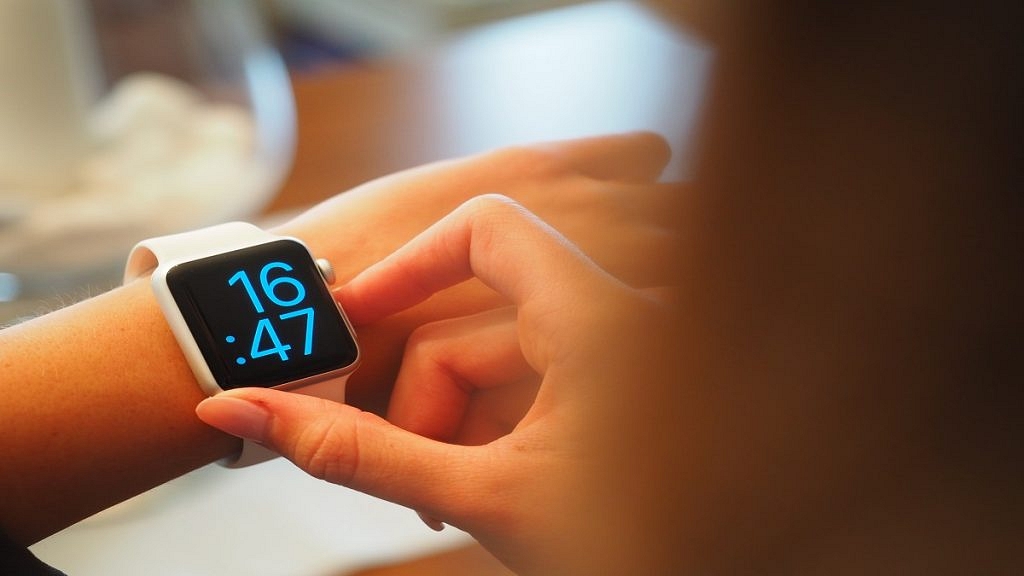
Thankfully, Google has a solution for the same where in it allows smartwatch users to use photos as watch face. But there’s a small catch to it. What is the catch and the steps to use photos as smartwatch face? Read on below:

For the tech geeks, stay updated with the latest cutting-edge gadgets in the market, exclusive tech updates, gadget reviews, and more right on your phone’s screen. Join Giznext’s WhatsApp channel and receive the industry-first tech updates.
Also Read: Celebrate Independence Day: Here’s How To Join ‘Har Ghar Tiranga’ Campaign

The Catch

Google has made it possible for all smartphone users to set up photos as watch face on smartwatch. But the catch here is this feature is currently available for Google Pixel Watch smartwatch users. Users who own a Pixel Watch can setup photos as watch face. Also, it would be required for the Pixel Watch owners to install the latest version of Pixel Watch app as well as Photos on their smartphones.

Also Read: Emergency Calls Only Error On Your Android Smartphone? How To Fix?

Steps To Add Photos As Watch Face On Google Pixel Smartwatch Using Smartphone

Step 1: Unlock your smartphone and launch the Pixel Watch mobile application

Step 2: Select the ‘Watch Faces’ option

Step 3: Tap on ‘Add new’ option

Step 4: Click on the ‘Photos’ option

Step 5: Now, select the watch face using the photos app.

Step 6: You will get an option to add up to 30 photos. Once all selected tap on the ‘Add’ option.

Step 7: Now, click on the Save option

Also Read: Annoying TV Ads? How To Stop Unwanted Ads On Your Smart TV?

Steps To Add Photos As Watch Face Using Your Smartwatch

Step 1: On your Pixel smartwatch, press and hold the Watch Face option

Step 2: Swipe left on the screen to get more options

Step 3: Click on the ‘Add new’ option

Step 4: Select the ‘Photos’ option

Step 5: Now, click on Edit tab

Step 6: You will get a pop up on the screen with a poropt to launch the Google Photos app on your smartwatch. Tap on it.

Step 7: Now, on the paired smartphone, select all the photos ( up to 30) that you want to add as a watch face.

Step 8: Tap on the Add option on your smartwatch.

Categories
Featured Reviews Smart Watch

CMF By Nothing Watch Pro 2 Review: A Stylish And Capable Companion For Your Wrist

Key Highlights

  • 1.32-inch AMOLED display
  • Interchangeable bezels
  • 100+ Signature watch faces
  • 120 Sports mode
  • Gesture control
  • Versatile straps

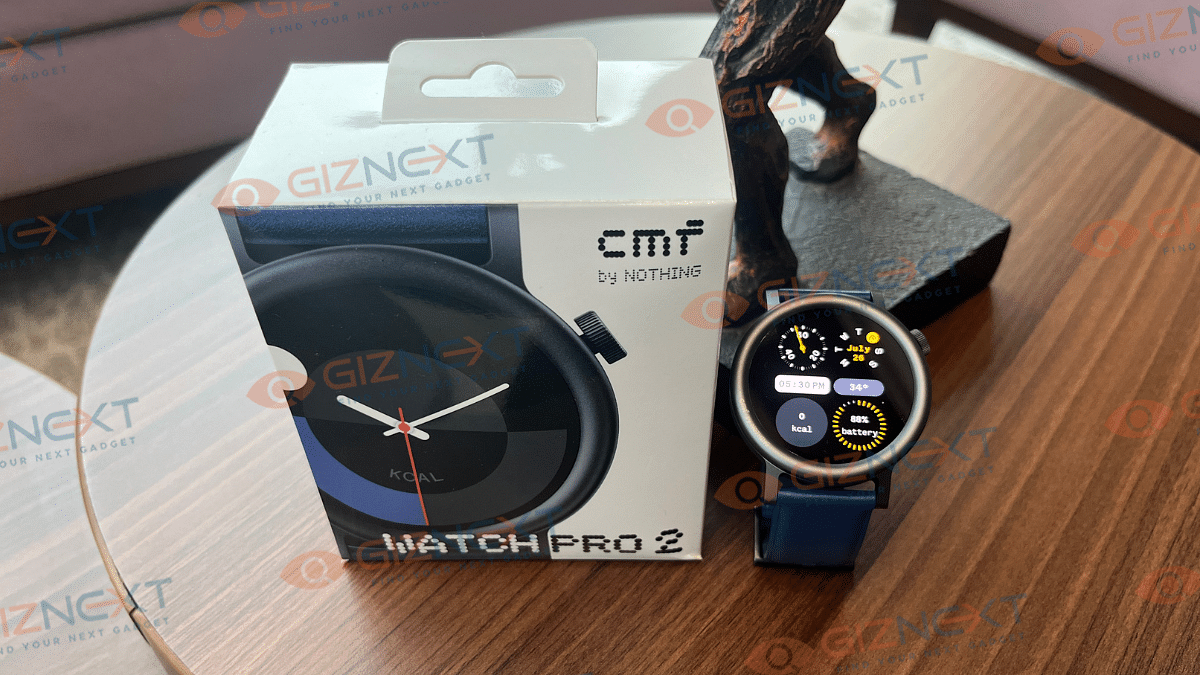
As a watch lover, I’ve always been fascinated by the elegance of classic timepieces and the innovation of modern smartwatches. My collection ranges from vintage pieces with intricate mechanical movements to the latest tech-savvy gadgets that can do everything except make my morning tea. So, you can imagine my excitement when CMF by Nothing sent me their latest unit, the CMF Watch Pro 2, for review.

The moment I unboxed it, I felt like a kid on Christmas morning. The sleek design, the promise of cutting-edge features, and the interesting branding of CMF all hinted at an exciting adventure ahead. Join me as I dive into this experience, exploring every tick and tock of the CMF Watch Pro 2, and discover if this watch is truly worth adding to your collection.

Also Read | Noise NoiseFit Crew Pro Bluetooth Calling Smartwatch Review: Ideal Feature-Packed Daily Wear

ProsCons
Stylish and customizable designLimited customization in UI
High-quality displayAverage leather strap
Comprehensive health and fitness features 
Good battery life 

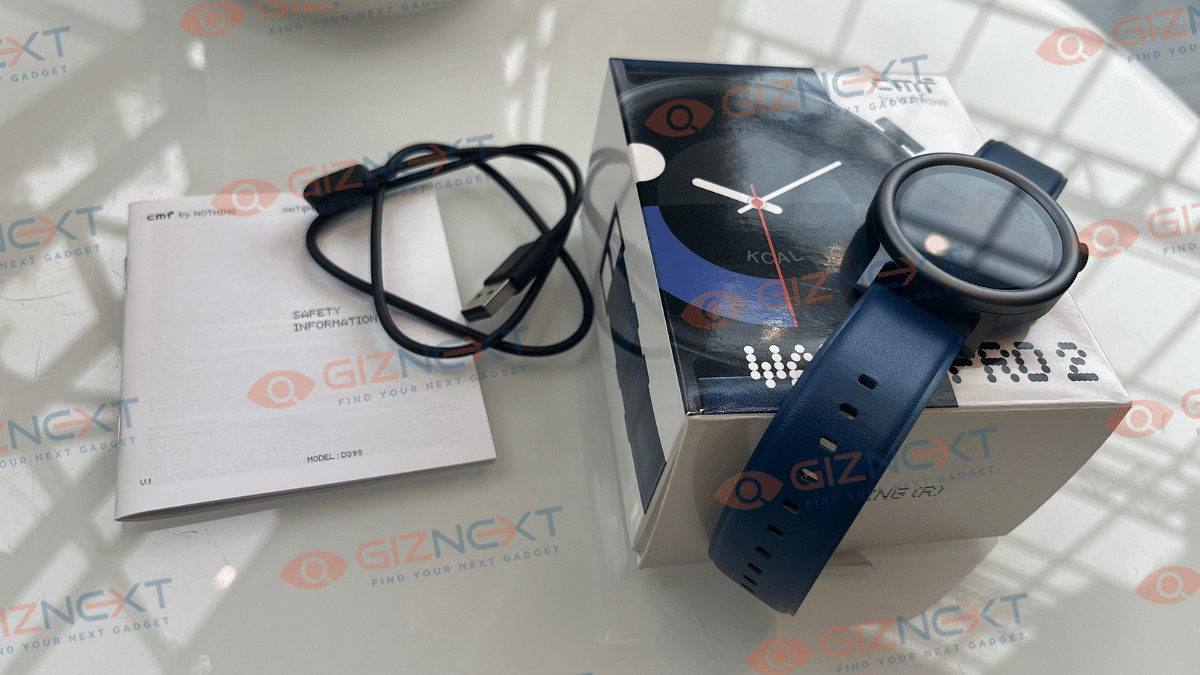
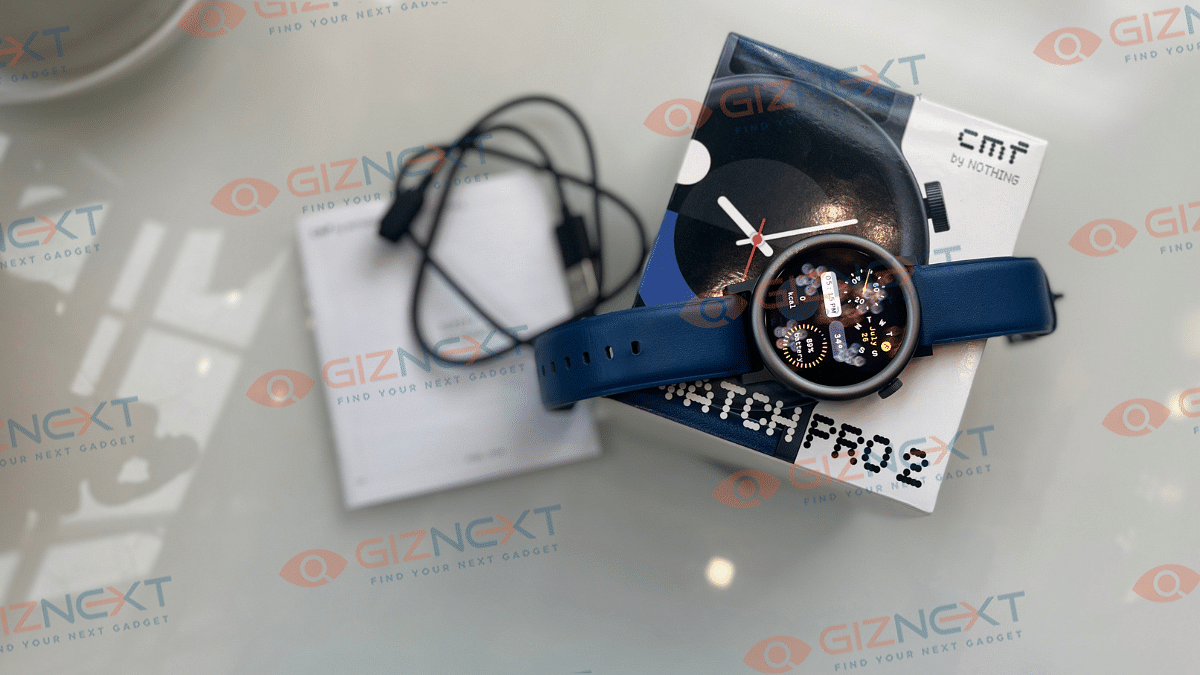
Unboxing The CMF Watch Pro 2

  • CMF Watch Pro 2 (Blue)
  • Charging cable
  • User Guide

Sleek Design With A Twist

The CMF Watch Pro 2 isn’t just another smartwatch, it’s a bold statement of style, thanks to Nothing’s unique touch. If you’re tired of the usual square smartwatches under Rs. 5,000, this one will catch your eye with its cool circular face. It’s like a breath of fresh air in a sea of boring designs.

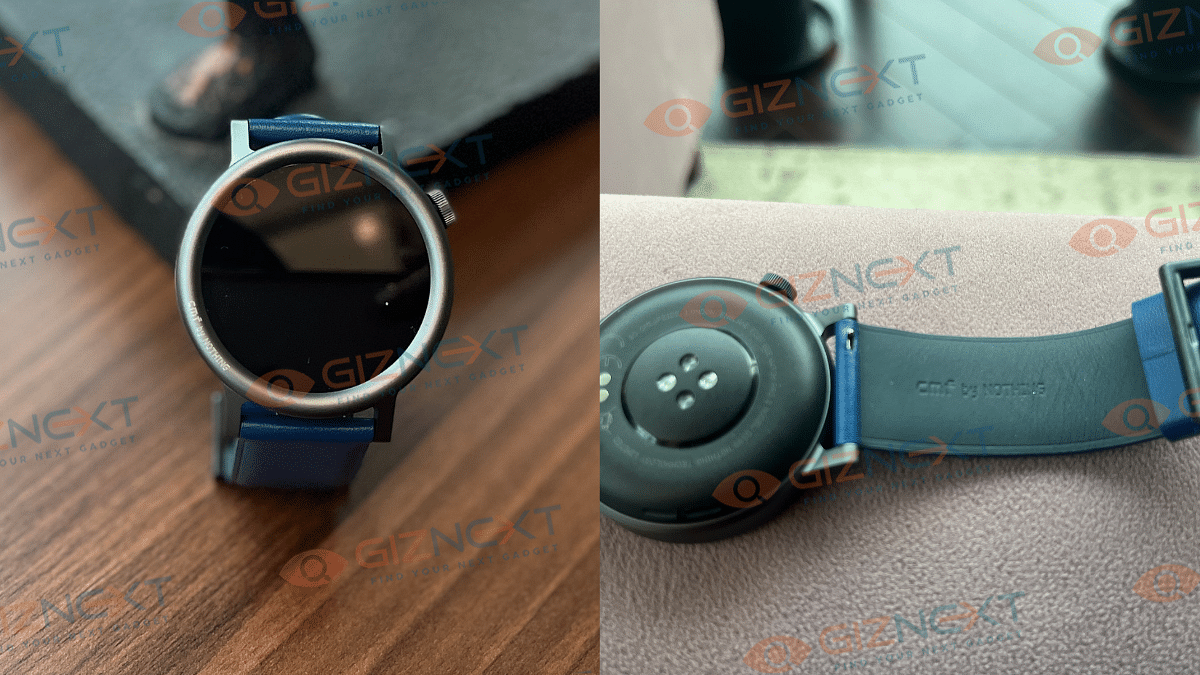
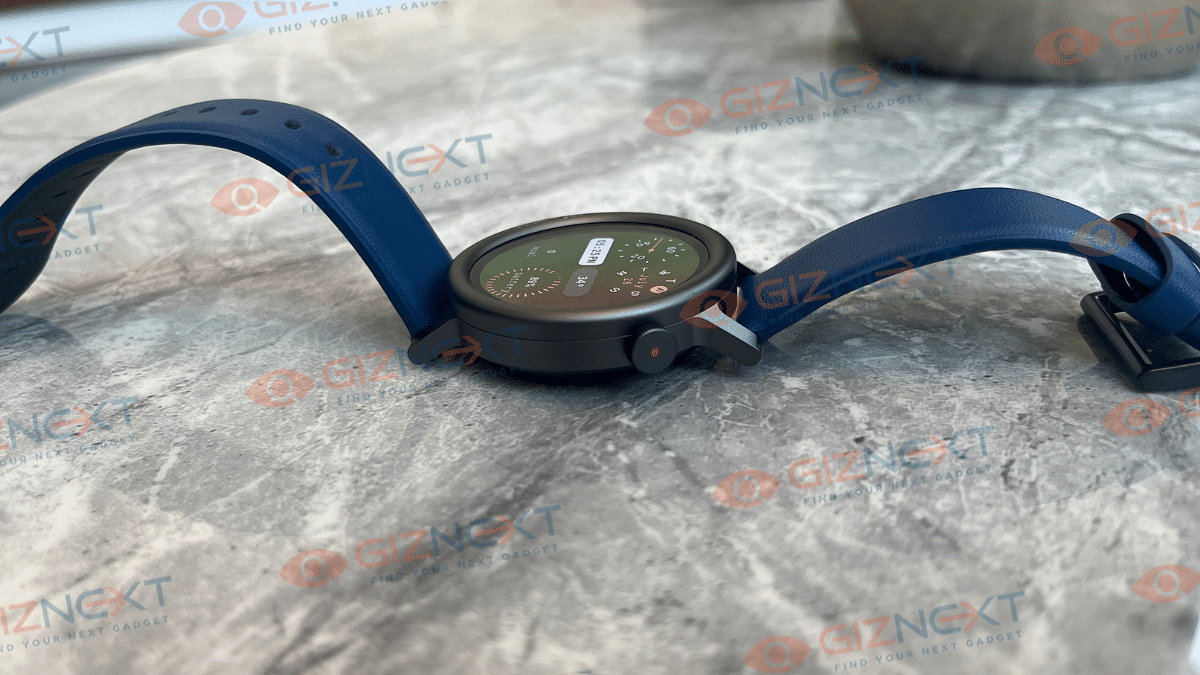
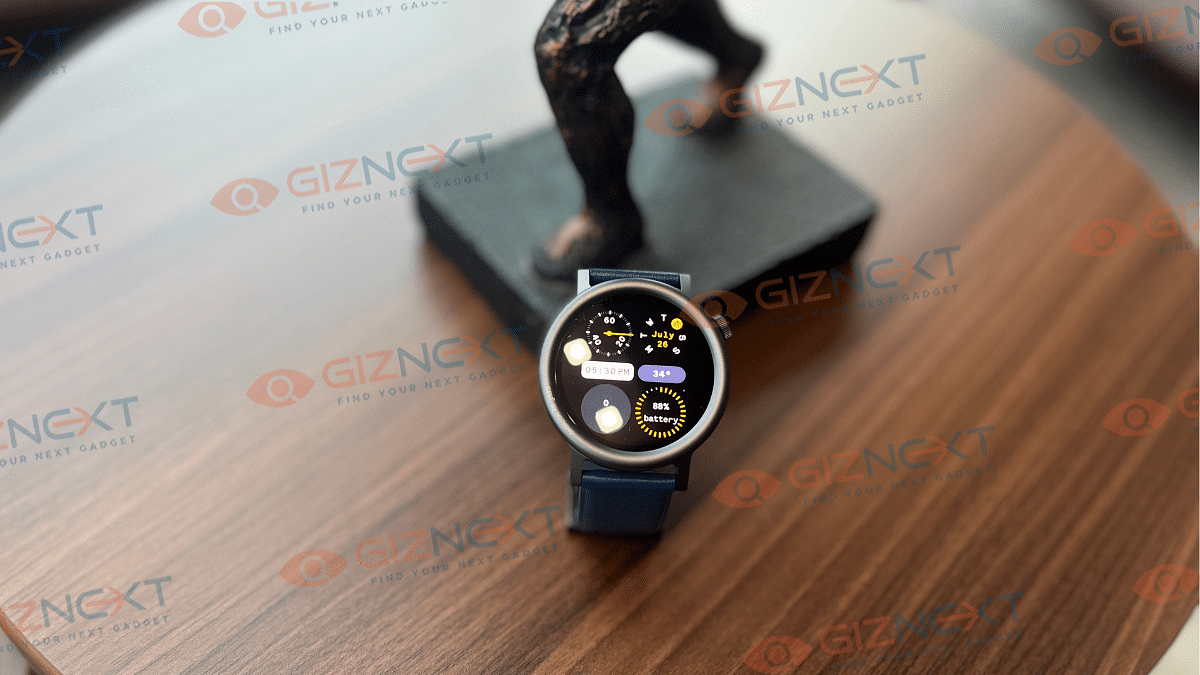
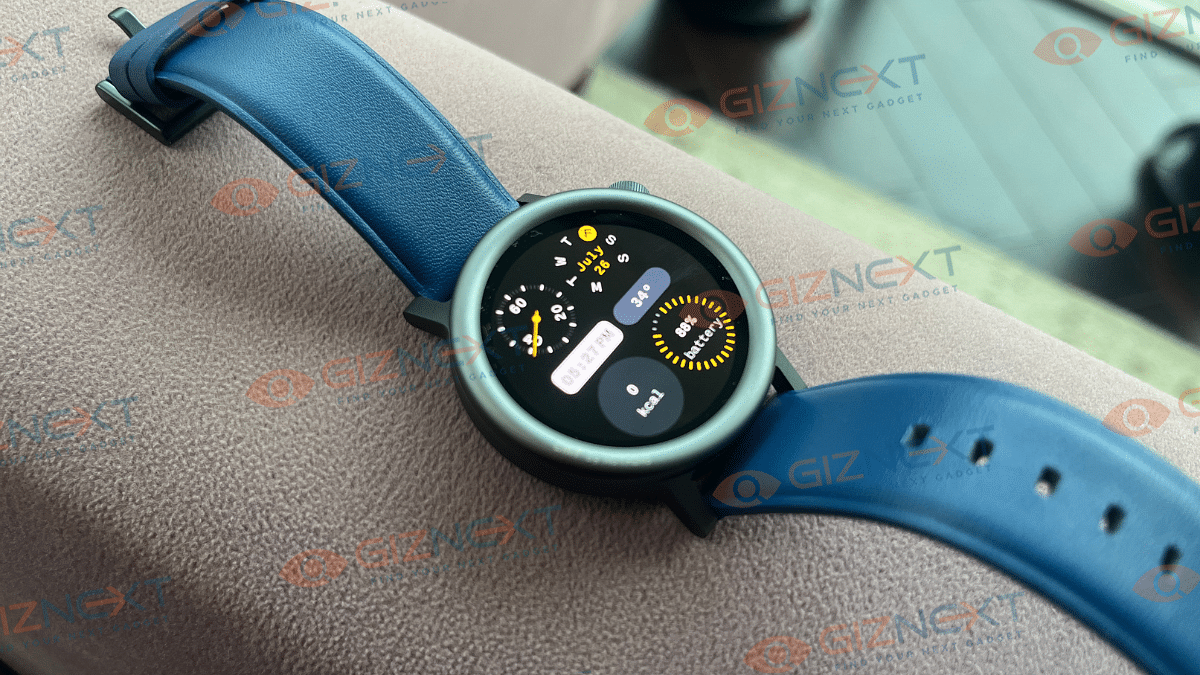
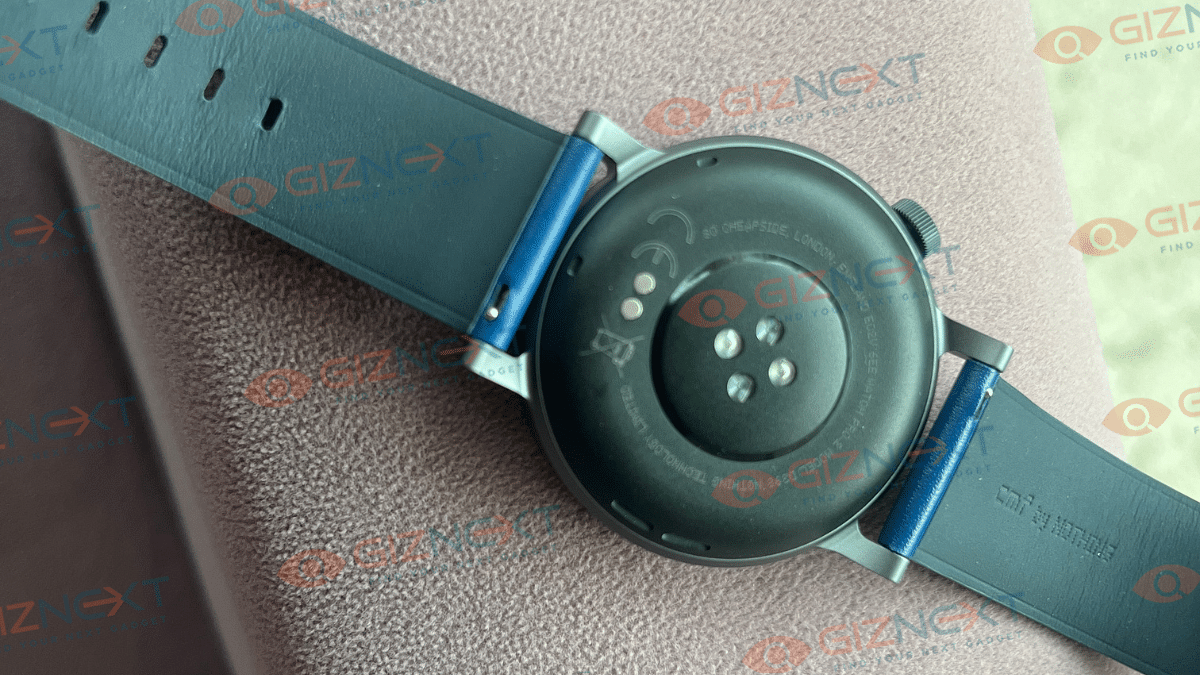
With its aluminum alloy body, sleek dimensions (255 x 45 x 13.6mm), and interchangeable bezels, this watch looks super stylish. The case with a raised border around the screen doesn’t just look sharp, it also keeps the screen safe from everyday bumps and scratches.

One of the coolest things about the CMF Watch Pro 2 is how customizable it is. You can swap out the bezels to match your mood or outfit. Feeling bold? Go for a dark bezel. In the mood for something lighter? Try the silver one. The vegan leather strap is comfortable, but looks average.

Weighing just 44 grams, this watch is as light as a feather, perfect for average to small wrists. It’s also got an IP68 water resistance rating, so it can handle splashes and sweat without breaking a sweat. The leather straps add a touch of elegance, although they aren’t waterproof.

Changing the straps and bezels is a breeze. The watch uses a simple pin buckle, so you don’t need any special tools. Right now, the bezels come in dark grey and silver, but imagine future versions with more styles, maybe something with a vintage military vibe. That would be awesome!

Display Quality

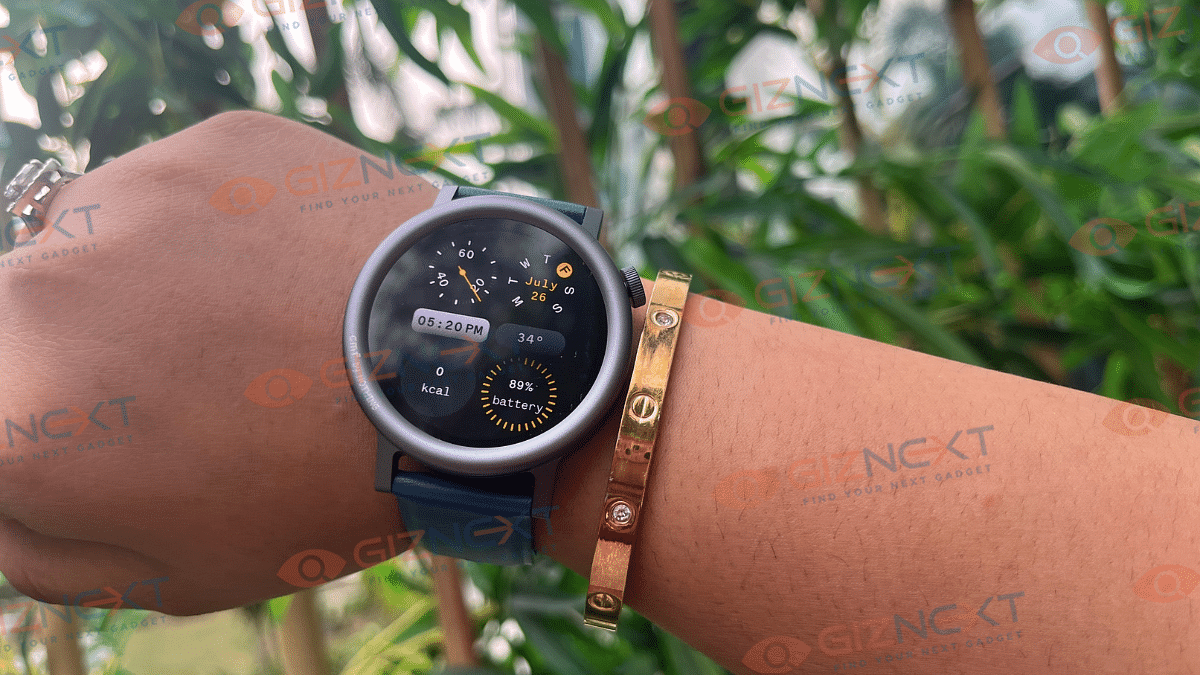
With a resolution of 466 x 466 pixels, the 1.32-inch AMOLED display on the CMF Watch Pro 2 is great. This indicates that everything is clear and crisp. It also features a peak brightness of 650 nits and supports a refresh rate of 60Hz. That means, even in bright sunshine, the screen is completely visible. For outdoor activities like walking or cycling, it is quite useful.

The brightness can be changed, and doing so is easy. To access quick settings, simply swipe down from the top. In addition to adjusting the brightness from 1 to 5, you can also increase the screen timeout to 20 seconds. The watch’s ambient light sensor allows it to automatically change its brightness on your behalf.

The watch also features an always-on display, but it’s not turned on by default, which is a smart move because it saves battery life. If you do turn it on, just know it might use up more juice. Besides, you can swipe down from the top to access quick settings like DND mode, Power Saver, Raise to Wake toggle, Brightness adjustment, Flashlight, and more. Everything you need is right there.

Overall, the CMF Watch Pro 2 has an awesome display, especially for the price. You’ll love how easy it is to see everything clearly.

User Interface

Navigating the CMF Watch Pro 2 is simple. You can press the digital crown on the right or use the touchscreen. Swipe up for notifications, down for quick settings, and left or right for your “cards” like weather and sleep. It’s easy to press the side button to quickly access settings and view all menus in one list.

The watch works with the CMF Watch app on both Android and iPhone. The app has a chic, Nothing-like vibe to it and offers a good selection of watch faces. All the relevant data, including steps, minutes, calories, distance, and more, is displayed on its health tab. Additionally, there are tabs for blood oxygen, exercise, stress, heart rate, sleep, activity score, and training load.

Handy Features

  • Contacts: Add up to 30 contacts for quick dialing, with a search option for easy addition.
  • Sports and Monitoring: Manage your sports list, toggle 24/7 heart rate or blood oxygen monitoring, and enable auto stress monitoring.
  • Notifications: Enable notifications for any app and incoming calls.
  • Reminders and Alarms: Set up standup reminders, water reminders, alarms, DND mode, edit quick replies, and more.

Smooth Performance And Great Call Quality

One of the best things about the CMF Watch Pro 2 is that it’s almost bug-free. Taking calls on the smartwatch is simple, thanks to its microphone quality and AI Noise Cancellation. I even took a call in heavy traffic, and the person on the other end didn’t hear any background noise. The speaker is loud and clear too, making it easy to take calls directly from the watch. The watch also includes handy features like Water Reminders and stand-up warnings to keep you healthy and active.

While there are some minor software issues, they don’t get in the way of the overall experience. All in all, there’s barely any room for complaints on this front.

Packed With Health Features

You get 120 Sports Modes in the CMF Watch Pro 2. While I didn’t test all of them, I did try out the walking modes. It showed total steps, average stride, and step rate. Sleep tracking is another strong point. The companion app gives detailed sleep data, from sleep duration to detailed sleep graphs.

The watch includes blood oxygen monitoring, 24×7 heart rate monitoring, and stress reminders. For women, there’s menstrual cycle tracking. You also get Active Score and Training Load. Active Score rates your weekly fitness out of 100, while Training Load analyzes your workout intensity.

To avoid having to manually select the training mode, you can use workout detection. For thorough fitness tracking, the watch also syncs with Strava, Google Health Connect, and Apple Health.

Battery Life That Goes The Distance

The battery of the CMF Watch Pro 2 is 305mAh. Nothing states that it can last 11 days with “typical use,” but I discovered that it lasts about four to five days with the always-on display turned on, receiving notifications, and workout tracking during the day. Not bad, right? If you turn off the always-on display, you might get even more days out of a single charge, depending on your activity level.

Charging is simple with the magnetic charging dock. You can plug it into a USB port on your PC or laptop, or even use a power bank in low-power mode. It takes about two hours to go from 0 percent to a full charge. But don’t worry about the charging time too much as this watch lasts for over a week, so you won’t be charging it often.

Also Read | Urban Zippy Smartwatch Review: Your Wrist’s New BFF Or Just Another Device?

Giznext’s Final Verdict

The CMF Watch Pro 2 dazzles with its stylish, adaptable design, vivid display, and additional features. Despite a few small software bugs and a limited amount of UI customization, the watch is a great buy at Rs. 5,499. It is a good option for people looking for a flexible and reasonably priced smartwatch because it combines design and functionality with ease.

The CMF Watch Pro 2 is a wonderful investment because of its dependable performance and abundance of health and fitness tracking possibilities. It’s especially worth it for people who want to stand out with a stylish and useful accessory.

For the tech geeks, stay updated with the latest cutting-edge gadgets in the market, exclusive tech updates, gadget reviews, and more right on your phone’s screen. Join Giznext’s WhatsApp channel and receive the industry-first tech updates.