Aditi Verma is a skilled tech content writer with a talent for making complex ideas easy to understand. She crafts engaging articles, breaking down intricate tech topics into simple words that anyone can grasp. Aditi is your go-to writer for all things tech.
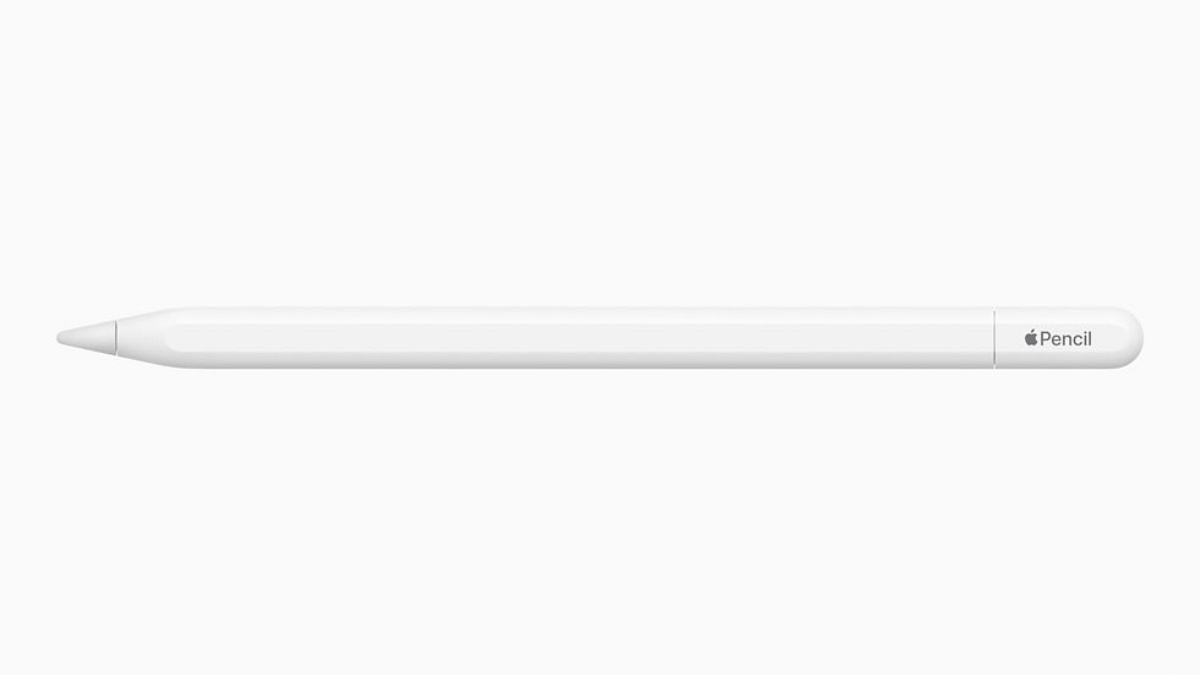
Apple has unveiled a new budget-friendly Apple Pencil (2023), designed as a more cost-effective option when compared to the second-generation Apple Pencil model. Let’s take a closer look at what this stylus has to offer.
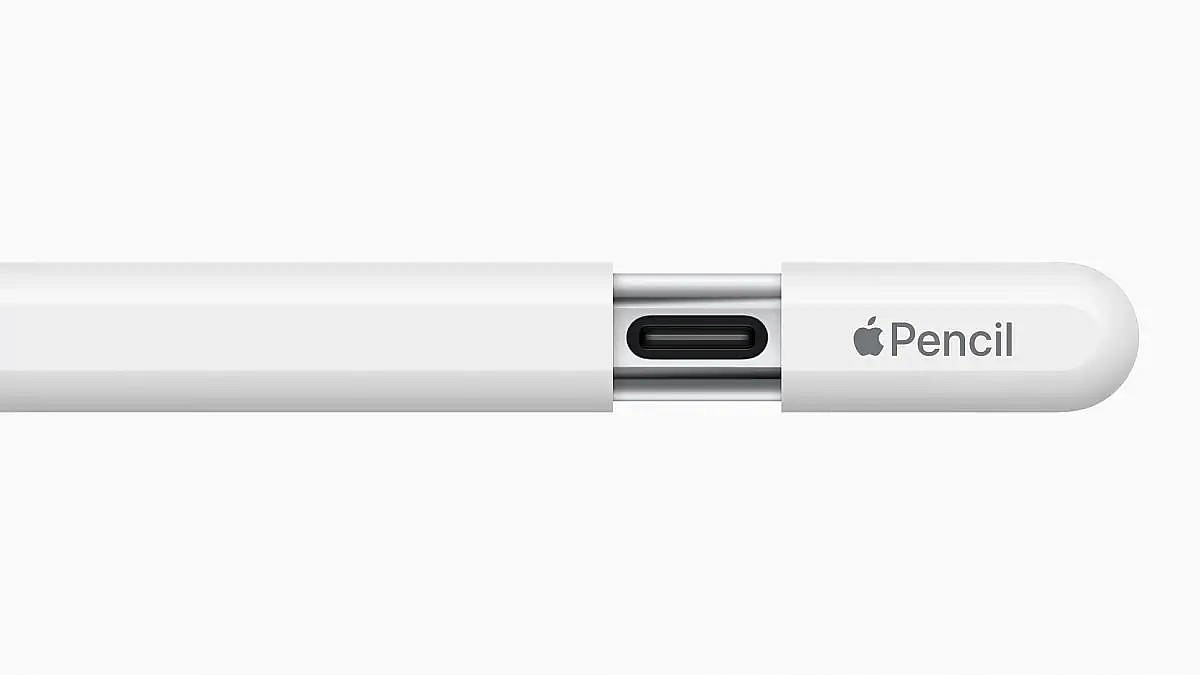
The Apple Pencil (2023) has a sleek matte finish, and it comes with a unique flat edge. This flat edge serves a practical purpose – it allows the pencil to magnetically attach to the side of compatible iPads. These iPads include the 10th-generation iPad released last year, the iPad Pro, iPad Air, and the iPad mini. All these devices have one thing in common: a USB Type-C port, which is what the new Apple Pencil (2023) uses to connect. However, it won’t work with older iPads.
One thing to note is that the Apple Pencil (2023) doesn’t support wireless charging, unlike the Apple Pencil (2nd generation). This means you’ll have to use a cable to charge it. Also, a few advanced features found in the more expensive model, such as pressure sensitivity and tool-switching by double-tapping, are not present in the 2023 version.
While the Apple Pencil (2023) may not magnetically attach to the 10th-generation iPad due to the camera placement on the right side, it is still fully compatible and functional with the device. Additionally, it doesn’t offer free engraving, a feature available with the more expensive model.
The Apple Pencil (2023) is priced at Rs. 7,990 in India. However, students get a special deal, with the option to buy it for Rs. 6,990. The stylus will be available for purchase starting early November.
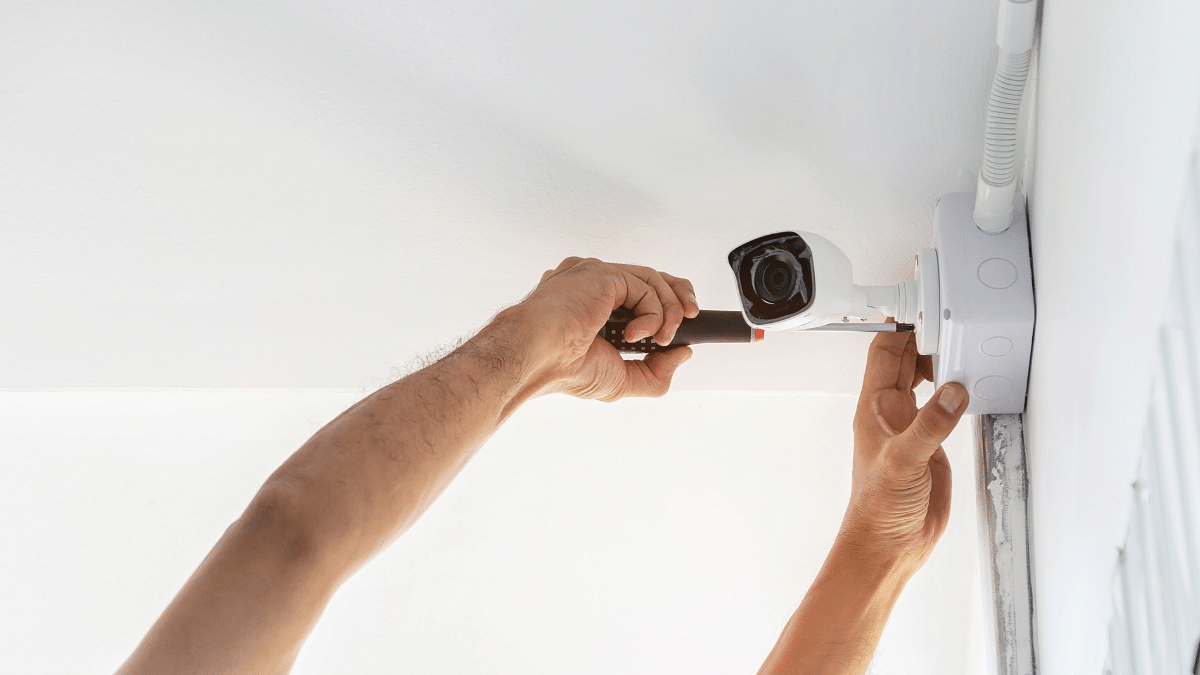
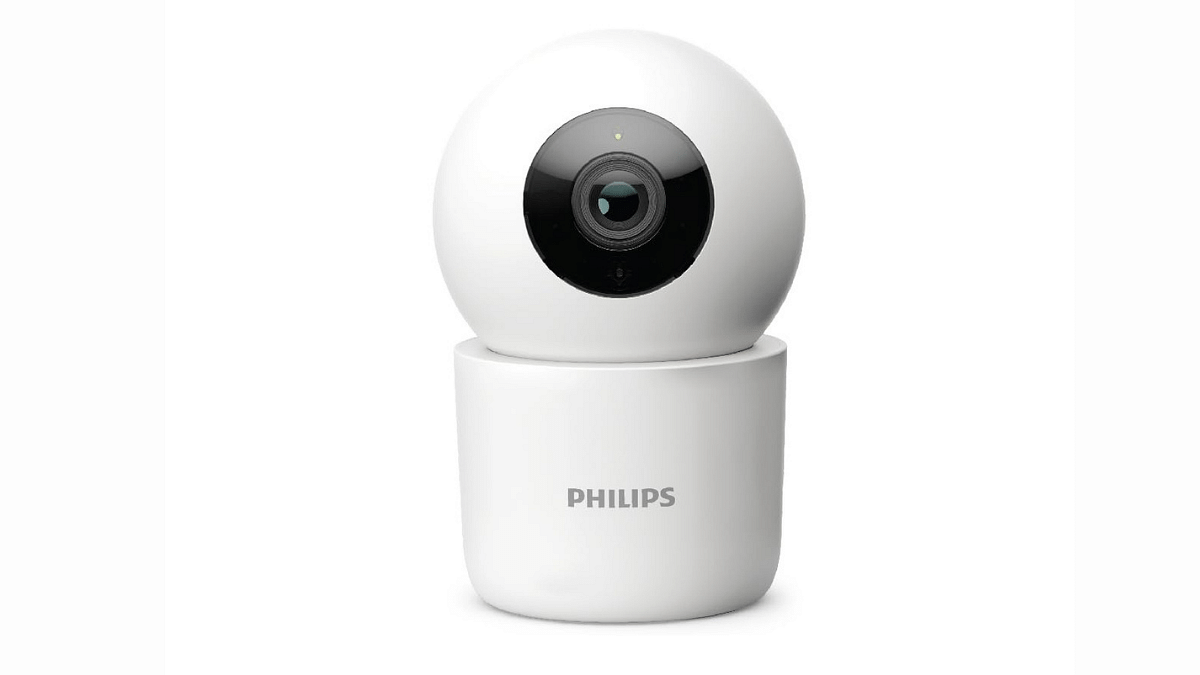
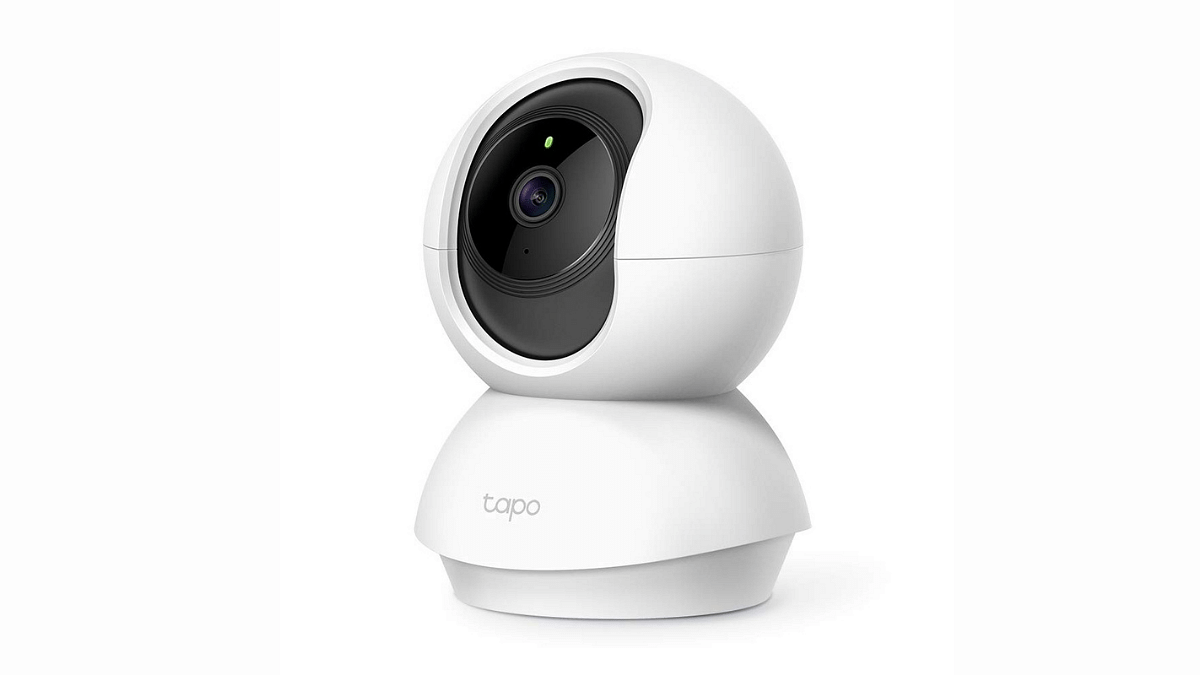
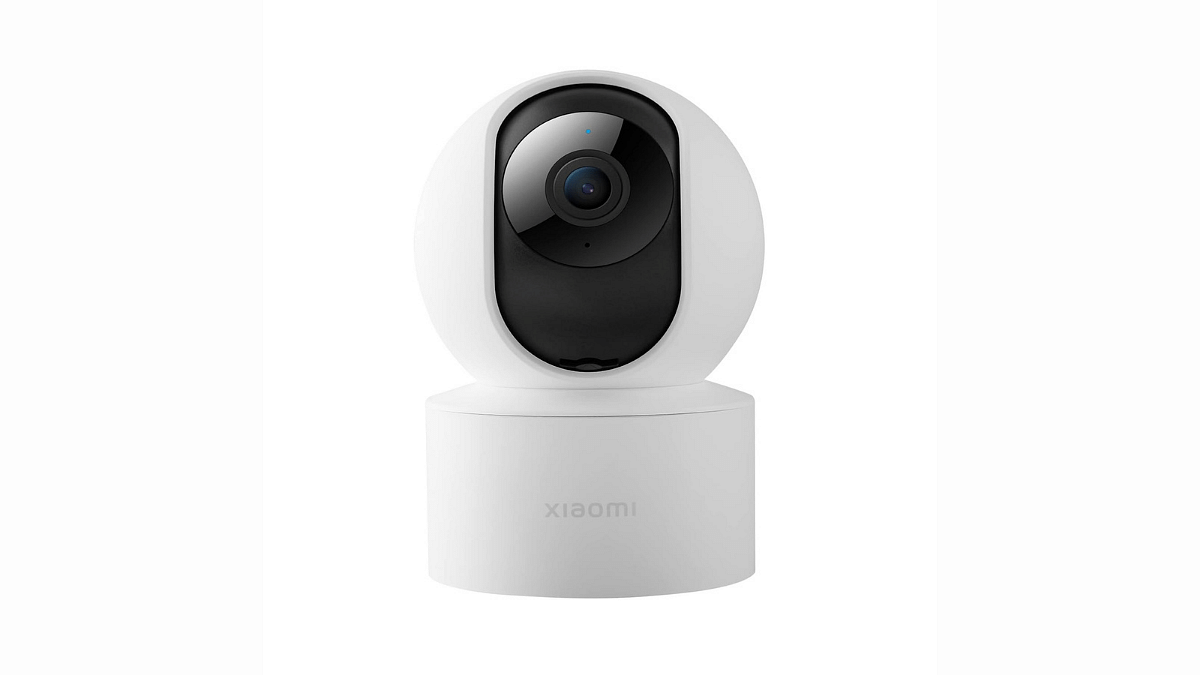
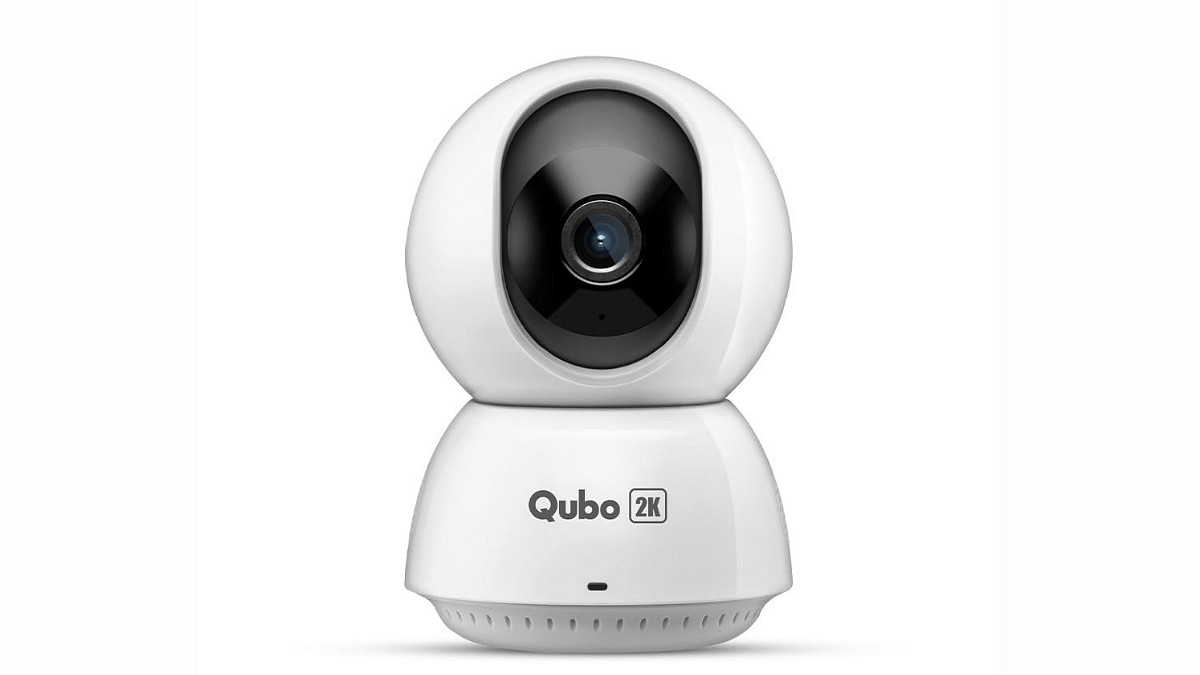
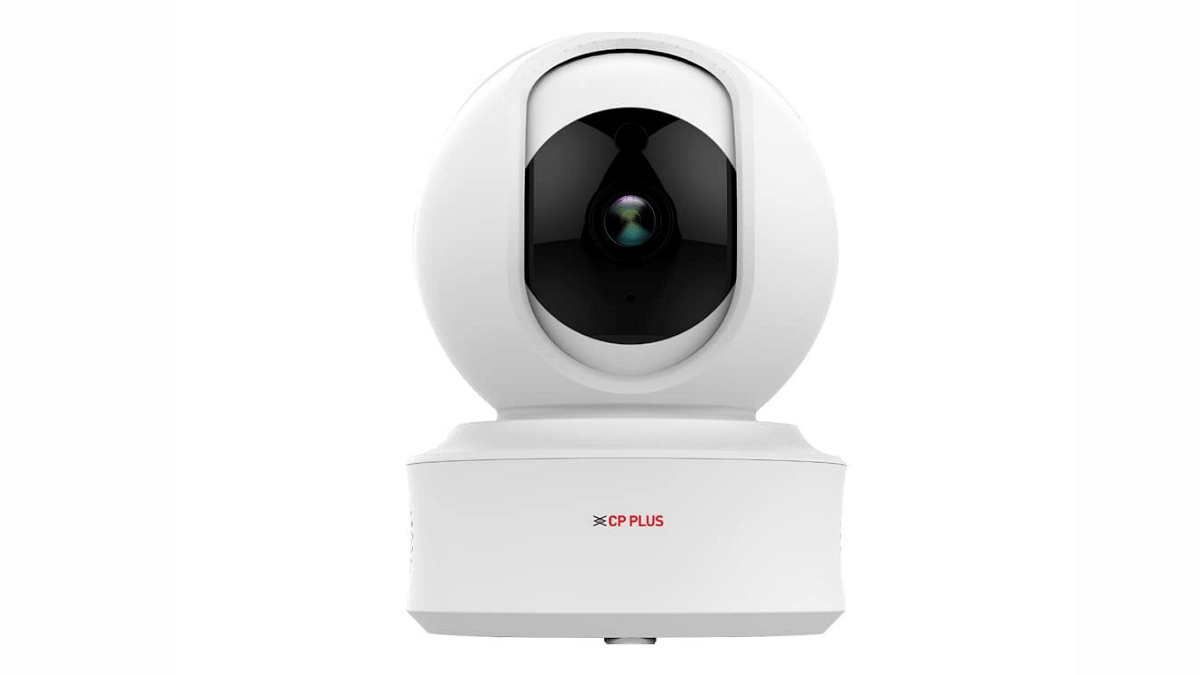
When it comes to ensuring the safety and security of your home or office, finding a reliable and affordable CCTV camera is essential. Under the budget of Rs. 3000, there are various options available, each with its own set of features and capabilities.
In this guide, we will explore some of the best CCTV cameras in this price range, helping you make an informed choice to protect your property.
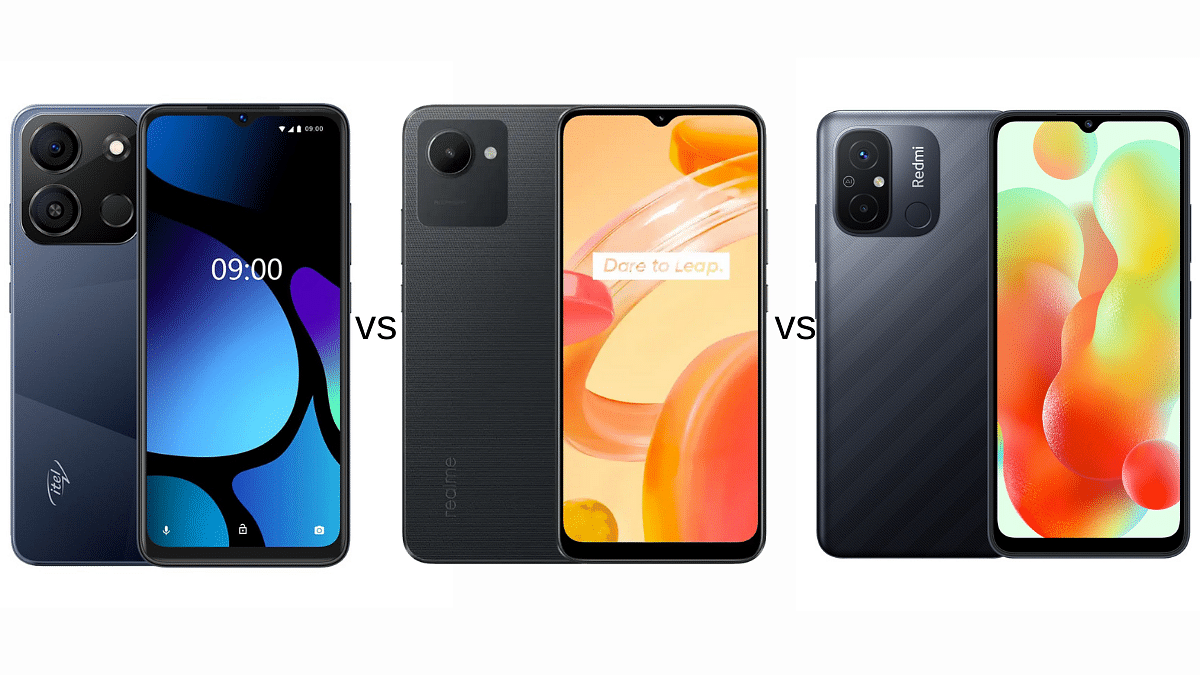
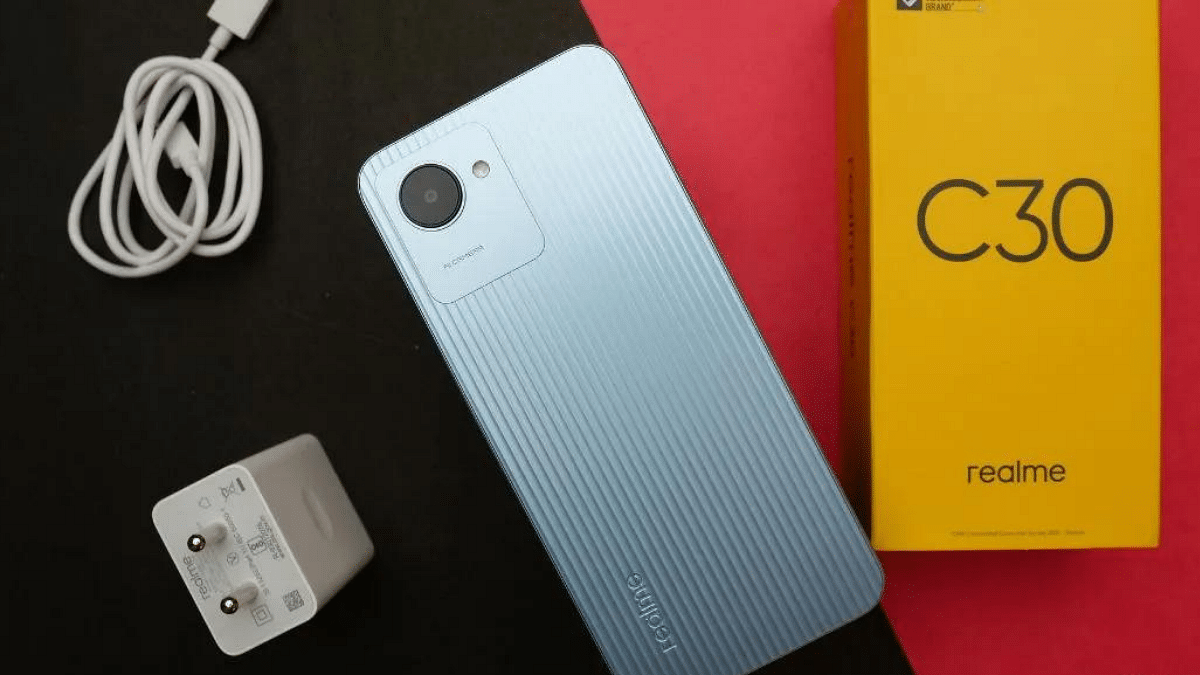
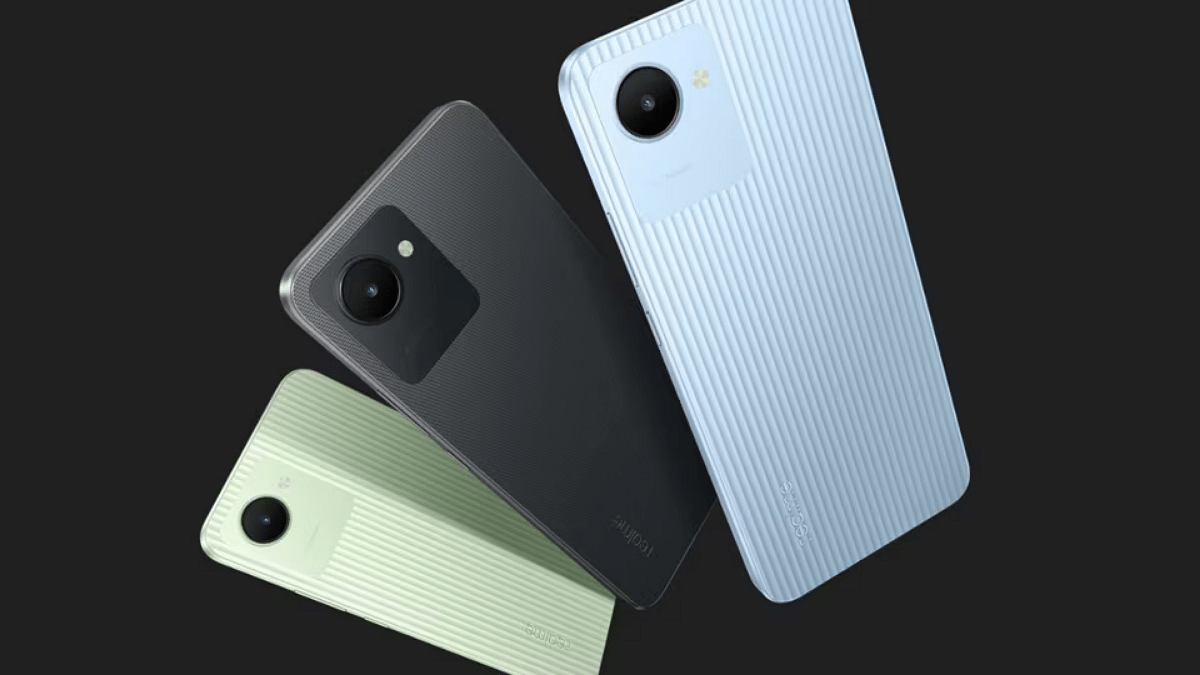
In this article, we will compare three budget-friendly Android phones under Rs. 7,000: itel A05s, Realme C30, and Xiaomi Redmi 12C. We will look at their key specifications, performance, display, design, camera capabilities, battery life, and storage options to help you make an informed decision.
Here’s a table summarizing the key specifications of the itel A05s, Realme C30, and Xiaomi Redmi 12C:
itel A05s Vs Realme C30 Vs Xiaomi Redmi 12C: Design
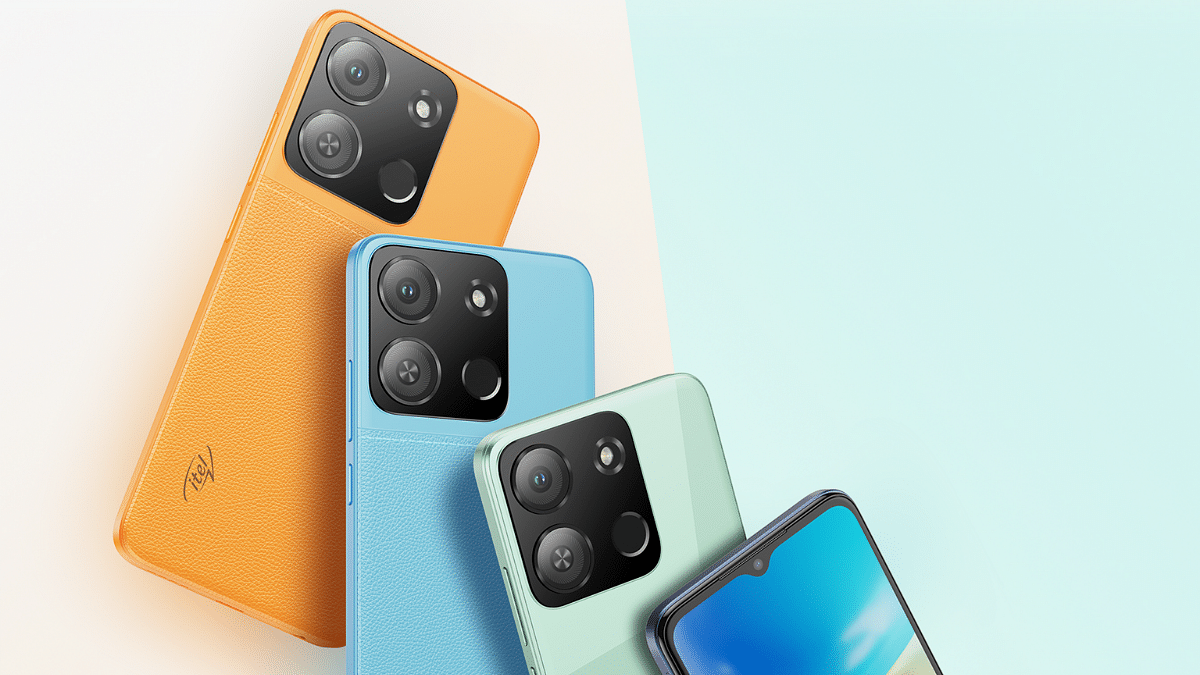
The itel A05s features a sleek design with a waterdrop notch and is available in various color options. It’s relatively slim and lightweight, making it easy to handle.
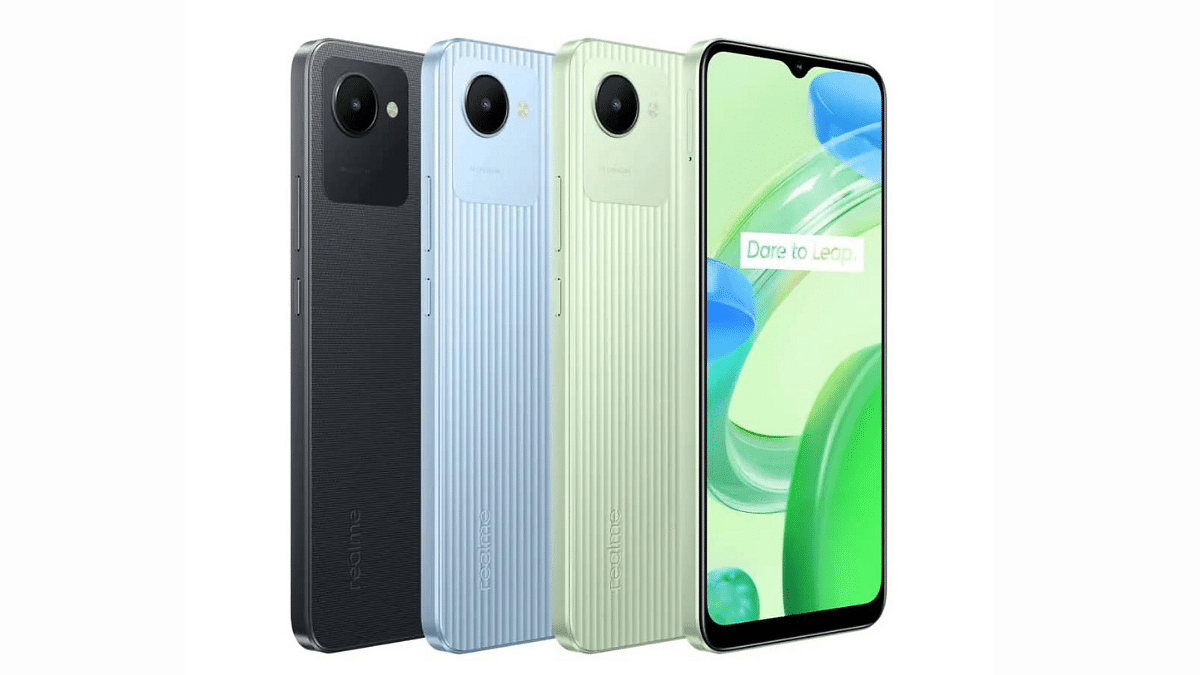
Realme C30 boasts a glass front with a plastic frame and back. Its design is clean and elegant. However, it is slightly heavier than the itel A05s.
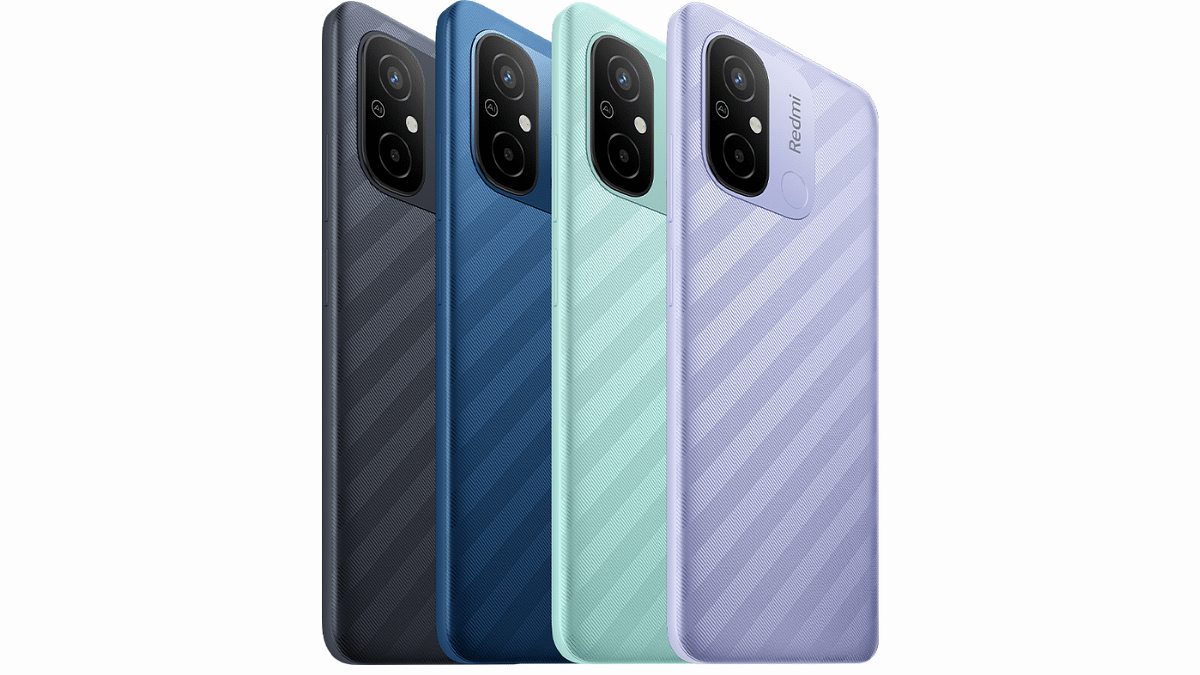
Xiaomi Redmi 12C also offers a glass front and is available in multiple color options. It’s slightly larger and heavier compared to the other two.
Winner: Design preferences are subjective, but if you prioritize lightweight phones, the itel A05s may be your best choice.
itel A05s Vs Realme C30 Vs Xiaomi Redmi 12C: Display
The itel A05s comes with a 6.6-inch IPS LCD display with a resolution of 720 x 1612 pixels and a waterdrop notch. The display is decent for everyday tasks and media consumption.
Realme C30 features a 6.5-inch IPS LCD display with a resolution of 720 x 1600 pixels. While it’s slightly smaller, the display quality is good and suitable for most tasks.
Xiaomi Redmi 12C sports a 6.71-inch IPS LCD with a 720 x 1650 pixel resolution. It provides a larger screen for content consumption.
Winner: The Xiaomi Redmi 12C offers a larger display, making it ideal for those who enjoy a bigger screen.
itel A05s Vs Realme C30 Vs Xiaomi Redmi 12C: Performance
The itel A05s is powered by the Unisoc SC9863A chipset with 2 GB of RAM. While it’s sufficient for basic tasks, it may struggle with demanding applications and games.
Realme C30 features the Unisoc Tiger T612 chipset with 2GB or 3GB of RAM, offering better performance for multitasking and gaming compared to the itel A05s.
Xiaomi Redmi 12C comes equipped with the Mediatek Helio G85 chipset and 3GB or 4GB of RAM, providing the best performance among the three.
Winner: The Xiaomi Redmi 12C takes the lead in terms of performance with its more powerful chipset and RAM options.
itel A05s Vs Realme C30 Vs Xiaomi Redmi 12C: Price, Final Verdict
The itel A05s is priced at Rs. 6,499.
The Realme C30 is available for Rs. 6,999.
Xiaomi Redmi 12C is also priced at Rs. 6,999.
Winner: All three phones are competitively priced, so this category results in a tie.
The best choice among the itel A05s, Realme C30, and Xiaomi Redmi 12C depends on your specific requirements. If you prioritize camera performance, the Xiaomi Redmi 12C is the clear winner. For a balance of performance and affordability, the Realme C30 is an excellent choice. If you seek a budget-friendly option, the itel A05s is worth considering.
Fashion constantly pushes boundaries, from daring latex pants to extravagant fur ensembles. In an unexpected twist, Adobe, the software giant, unveiled “Project Primrose” at Adobe Max 2023, redefining fashion. It’s not a designer’s creation but a unique dress.
Project Primrose is a revolutionary dress that can instantly change its shape and design. What’s unique is that it’s not made of typical fabric; it’s a flexible textile display. Imagine wearing a dress that can showcase patterns and images like a screen.
Adobe has already shown this technology on small things like handbags and canvases, but now they’ve taken it to a whole new level with a dress covered in tiny, scale-like displays.
What sets Project Primrose apart is its technology. It employs wearable, flexible, non-emissive textiles, allowing the dress’s entire surface to display content created with Adobe’s tools. This includes Adobe Firefly, Adobe After Effects, Adobe Stock, and Adobe Illustrator. Recent advancements in smart materials have opened new possibilities for displays, expanding beyond flat surfaces.
Designers can integrate this technology into clothing, furniture, and various surfaces, offering endless style possibilities. You could even download and wear the latest designer creations instantly.
While the Project Primrose dress may not be your everyday attire, it symbolizes the future of fashion. As technology and fashion continue to merge, this creation demonstrates how our clothing can become dynamic canvases for self-expression and creativity. Adobe’s innovation might be the first step in revolutionizing the fashion industry and how we engage with it.
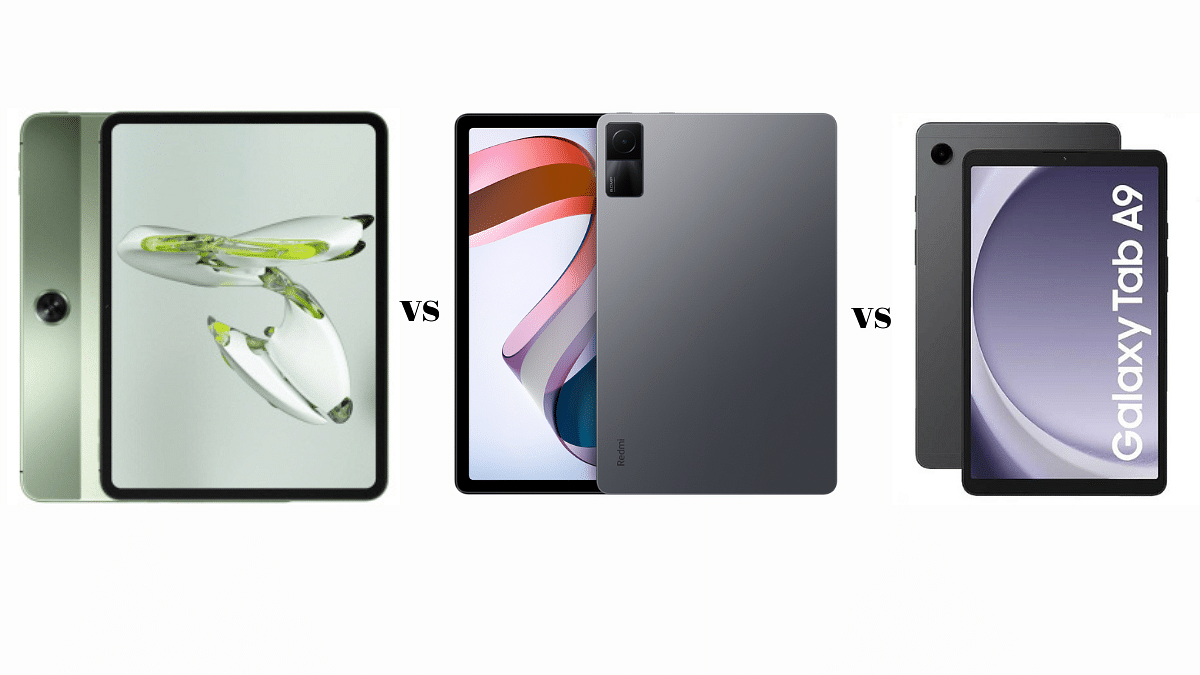
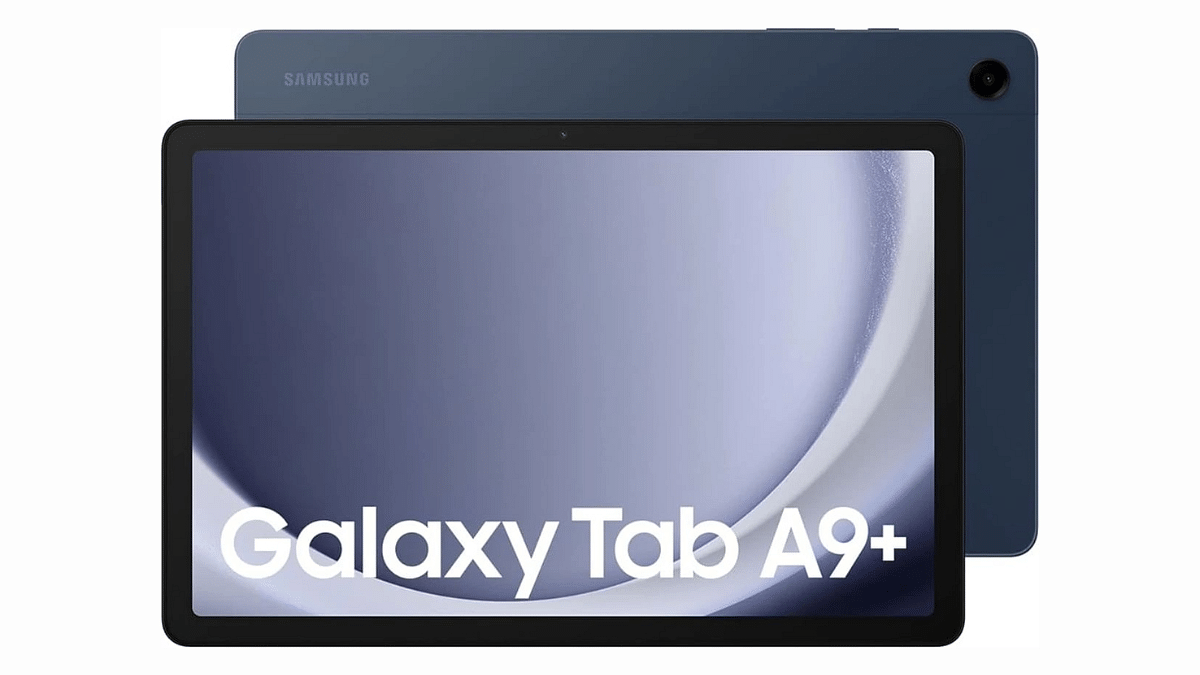
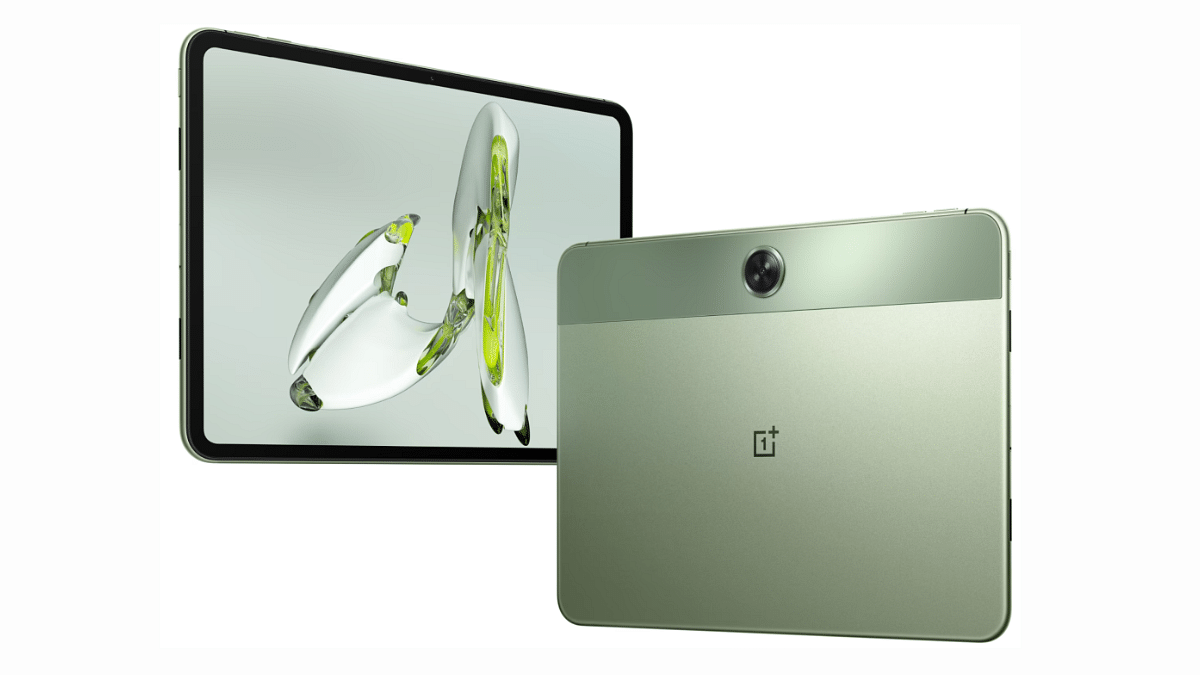
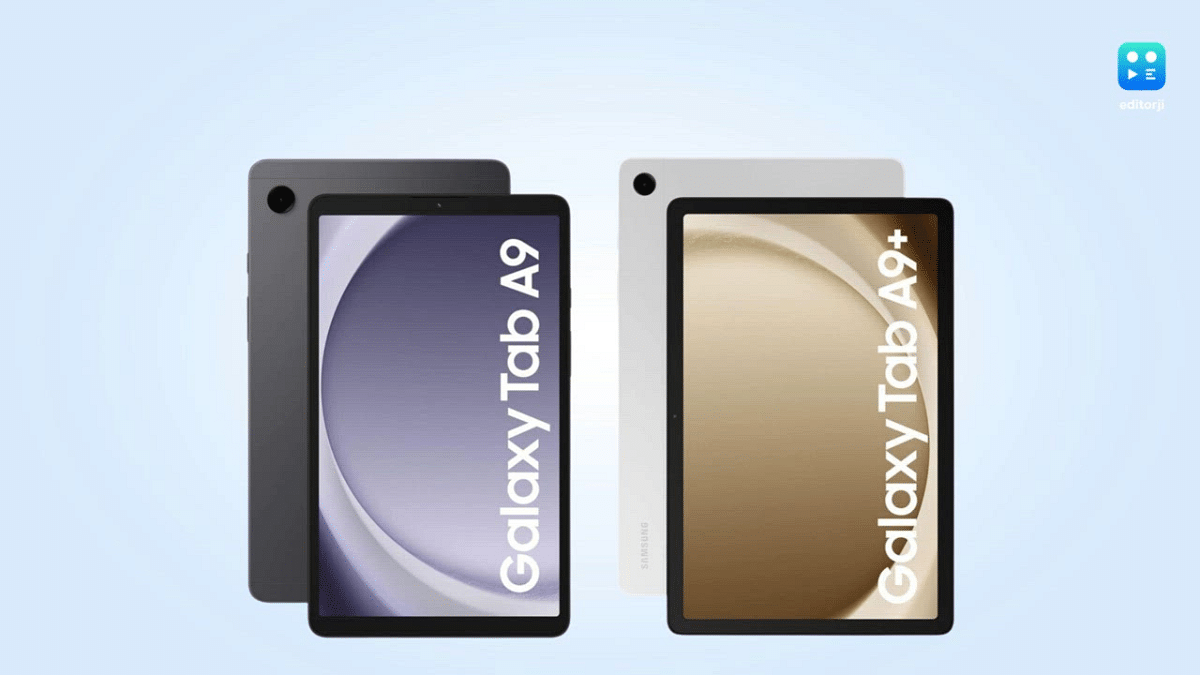
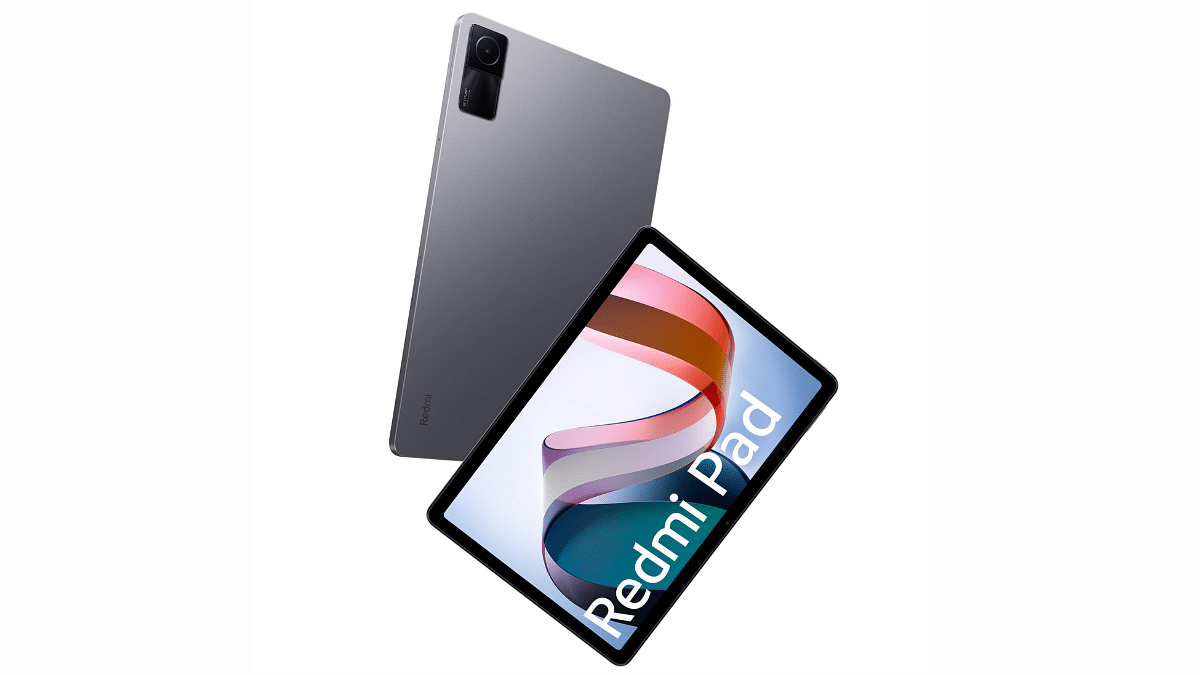
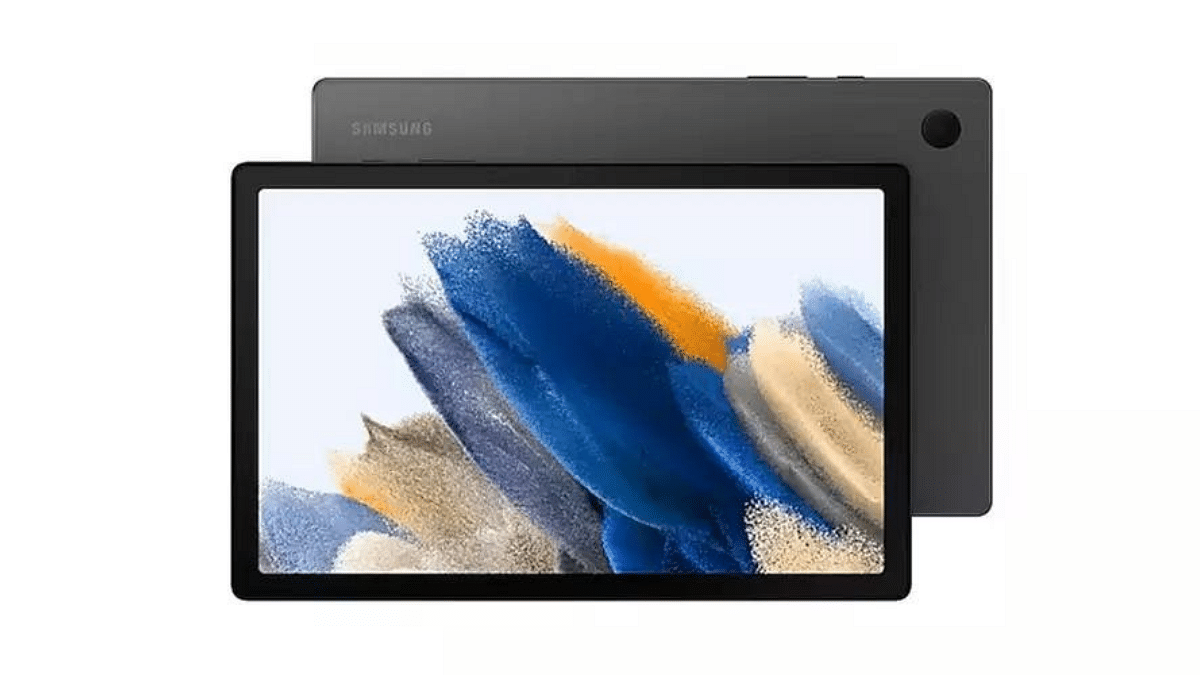
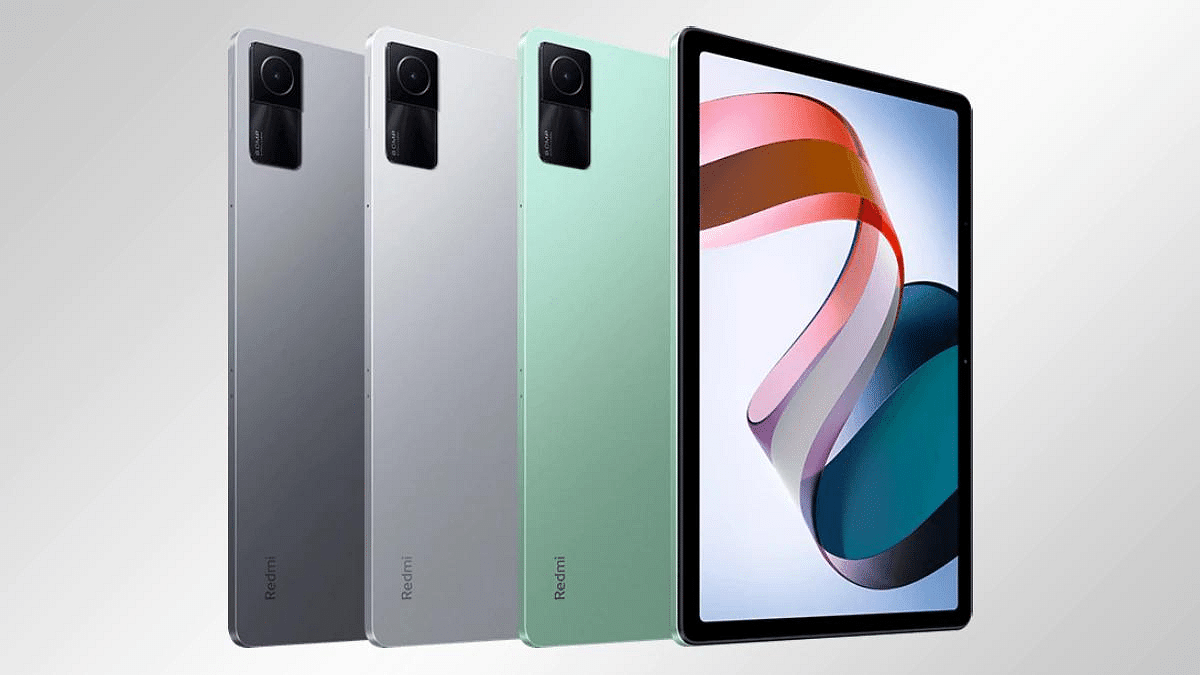
In this comparison, we will explore three Android tablets, the OnePlus Pad Go, Redmi Pad, and Galaxy Tab A9, to help you make an informed decision when choosing your next tablet.
OnePlus Pad Go Vs Redmi Pad Vs Galaxy Tab A9: Design And Build
Specification
OnePlus Pad Go
Redmi Pad
Galaxy Tab A9
Dimensions (mm)
255.1 x 188 x 6.9
250.5 x 158.1 x 7.1
211 x 124.7 x 8
Weight (g)
532
465
366
SIM
Yes
No
Nano-SIM, eSIM
Build
Aluminum frame
Glass front, aluminium frame
Aluminum frame
Colour Options
Twin Mint
Graphite Gray, Moonlight Silver, Mint Green
Graphite, Silver, Navy
This table provides a quick comparison of the dimensions, weight, SIM card support, build materials, stylus support, and available color options for each of the three tablets.
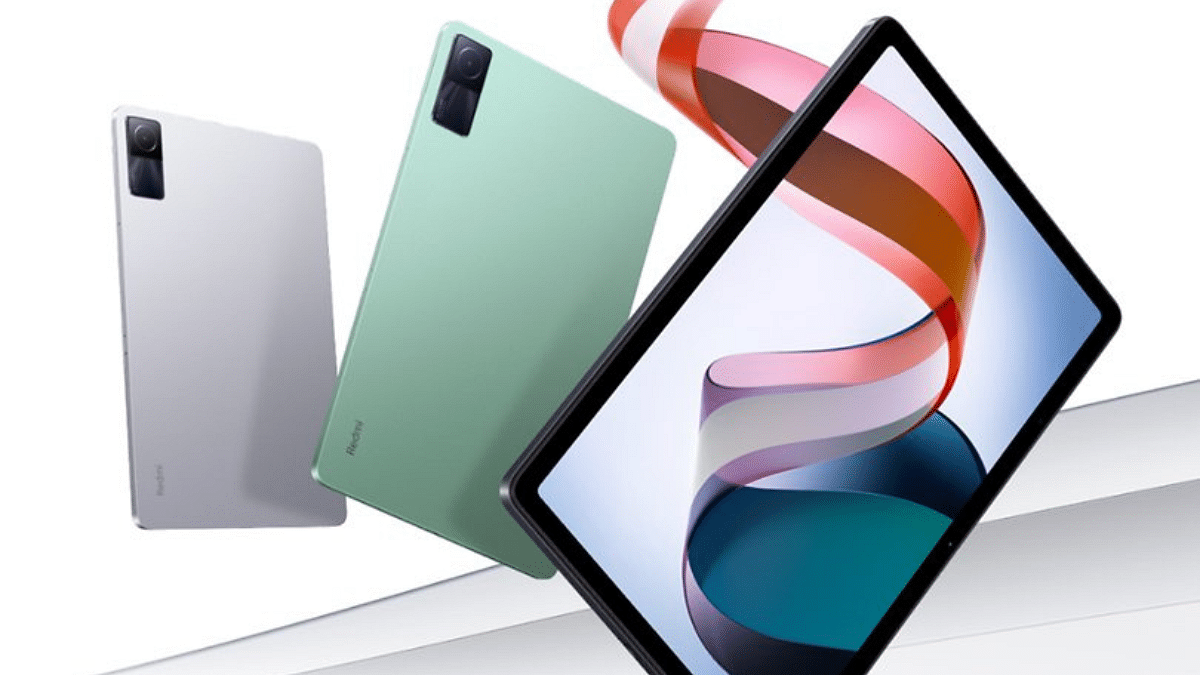
The OnePlus Pad Go and Redmi Pad both offer slim and lightweight designs, with the Redmi Pad featuring a glass front and aluminium frame. In contrast, the Galaxy Tab A9 is more compact and comes with eSIM support.
OnePlus Pad Go Vs Redmi Pad Vs Galaxy Tab A9: Display
Specification
OnePlus Pad Go
Redmi Pad
Galaxy Tab A9
Type
IPS LCD, 90Hz, 400 nits
IPS LCD, 1B colors, 90Hz, 400 nits
TFT LCD
Size (inches)
11.35
10.61
8.7
Resolution
1720 x 2408 pixels
1200 x 2000 pixels
800 x 1340 pixels
The OnePlus Pad Go boasts a larger and higher-resolution display with a 90Hz refresh rate, offering a more immersive viewing experience. The Redmi Pad also features a high refresh rate, while the Galaxy Tab A9 offers a more compact display.
OnePlus Pad Go Vs Redmi Pad Vs Galaxy Tab A9: Performance
Specification
OnePlus Pad Go
Redmi Pad
Galaxy Tab A9
Operating System
Android 13, OxygenOS 13.2
Android 12, upgradable to Android 13, MIUI 14
Android 13, One UI 5.1
Chipset
Mediatek MT8781 Helio G99
Mediatek MT8781 Helio G99
Mediatek MT8781V/CA Helio G99
CPU
Octa-core
Octa-core
Octa-core
GPU
Mali-G57 MC2
Mali-G57 MC2
Mali-G57 MC2
Memory
8GB RAM
Up to 6GB RAM
Up to 8GB RAM
All three tablets offer similar performance with Mediatek Helio G99 chipsets. The OnePlus Pad Go and Redmi Pad have slightly different RAM options, while the Galaxy Tab A9 offers the most memory.
OnePlus Pad Go Vs Redmi Pad Vs Galaxy Tab A9: Camera
Camera Specification
OnePlus Pad Go
Redmi Pad
Galaxy Tab A9
Main Camera
8 MP
8 MP
8 MP
Selfie Camera
8 MP
8 MP (ultrawide)
2 MP
The camera capabilities are similar among the three tablets, with 8 MP main cameras. The Redmi Pad stands out with an additional ultrawide selfie camera.
OnePlus Pad Go Vs Redmi Pad Vs Galaxy Tab A9: Connectivity And Features
Connectivity and Features
OnePlus Pad Go
Redmi Pad
Galaxy Tab A9
Wi-Fi
Yes
Yes
Yes
Bluetooth
5.2
5.2
Yes
USB
USB Type-C 2.0
USB Type-C with OTG support
USB Type-C 2.0
The OnePlus Pad Go offers Stylus support, providing additional functionality for creative tasks. The Redmi Pad features OTG support for added versatility, while the Galaxy Tab A9 offers GPS for location-based services.
OnePlus Pad Go Vs Redmi Pad Vs Galaxy Tab A9: Price
Tablet
Price
OnePlus Pad Go
Rs. 17,999
Redmi Pad
Rs. 14,999
Galaxy Tab A9
Rs. 12,999 (Wi-Fi only)
Rs. 15,999 (Wi-Fi + 5G)
In terms of pricing, the Galaxy Tab A9 is the most budget-friendly option, while the OnePlus Pad Go is the most expensive.
When choosing between these tablets, consider your priorities in terms of display size, performance, camera capabilities, and pricing, to find the tablet that best suits your needs.
Both models come with good cameras but diverse chipset choices.
Oppo’s vibrant LTPO AMOLED vs. Z Flip’s Dynamic AMOLED 2X.
Oppo’s Triple lens vs. Z Flip’s dual setup.
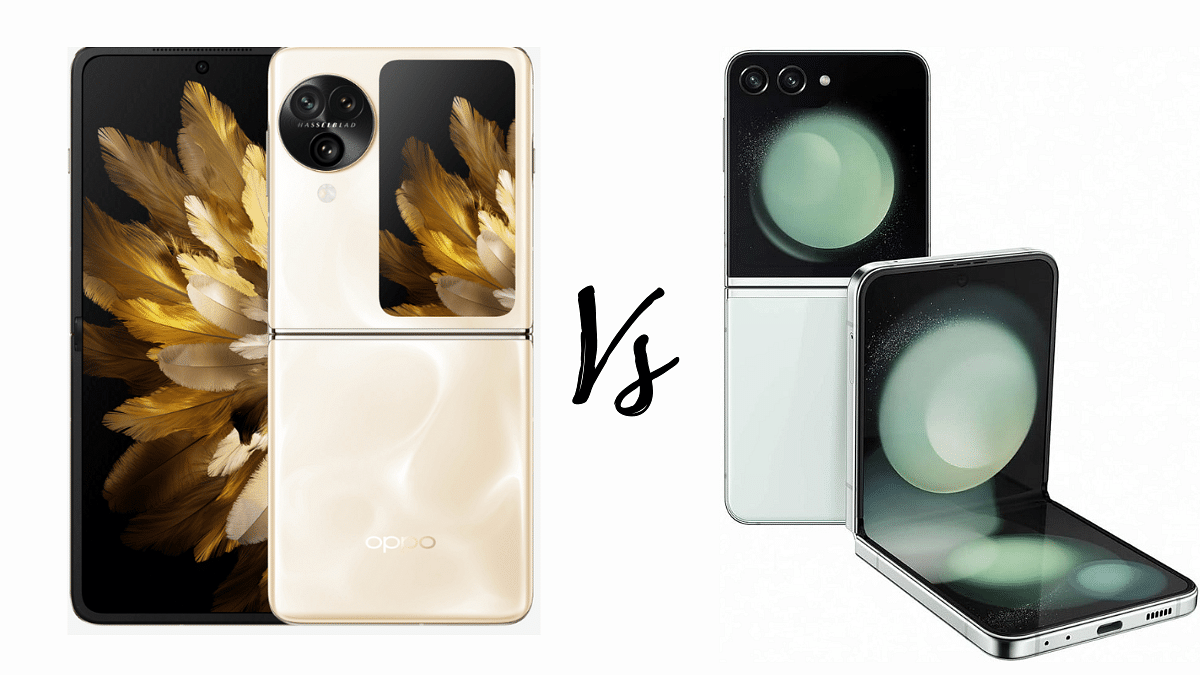
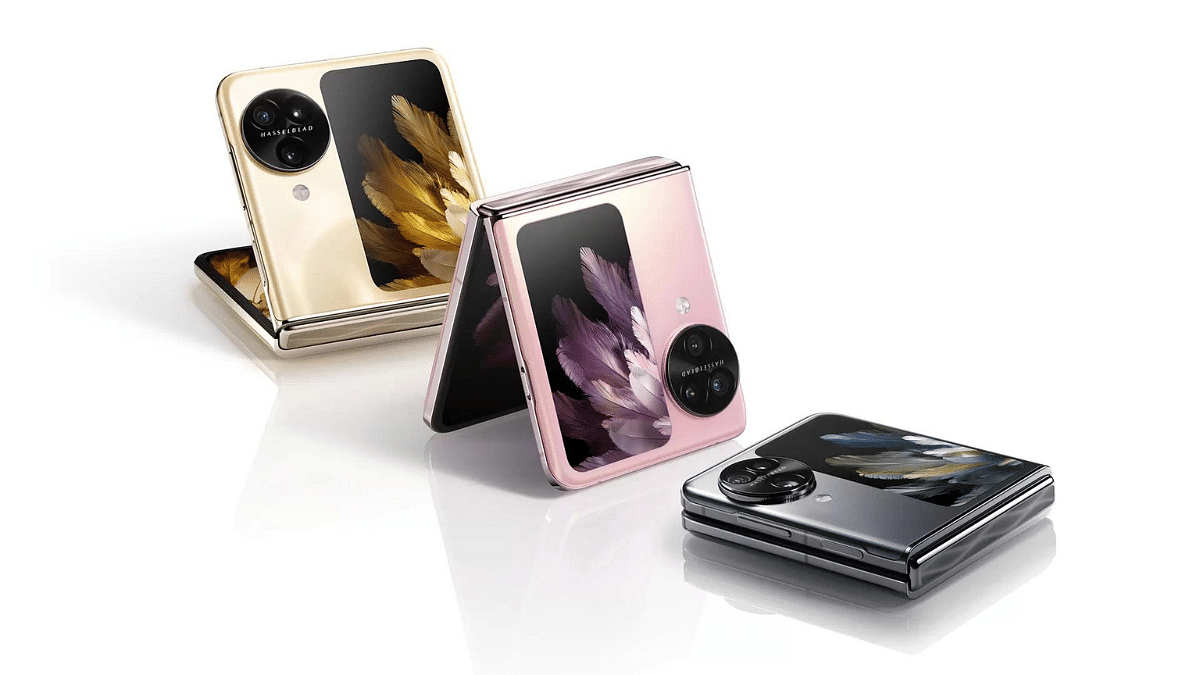
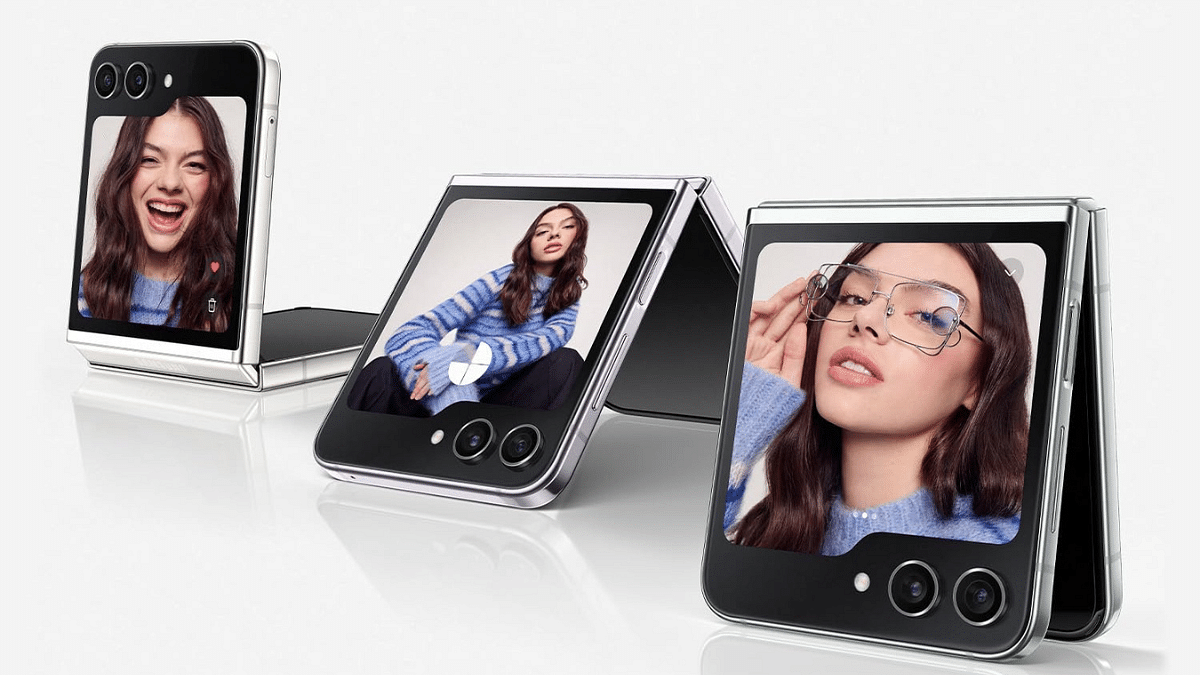
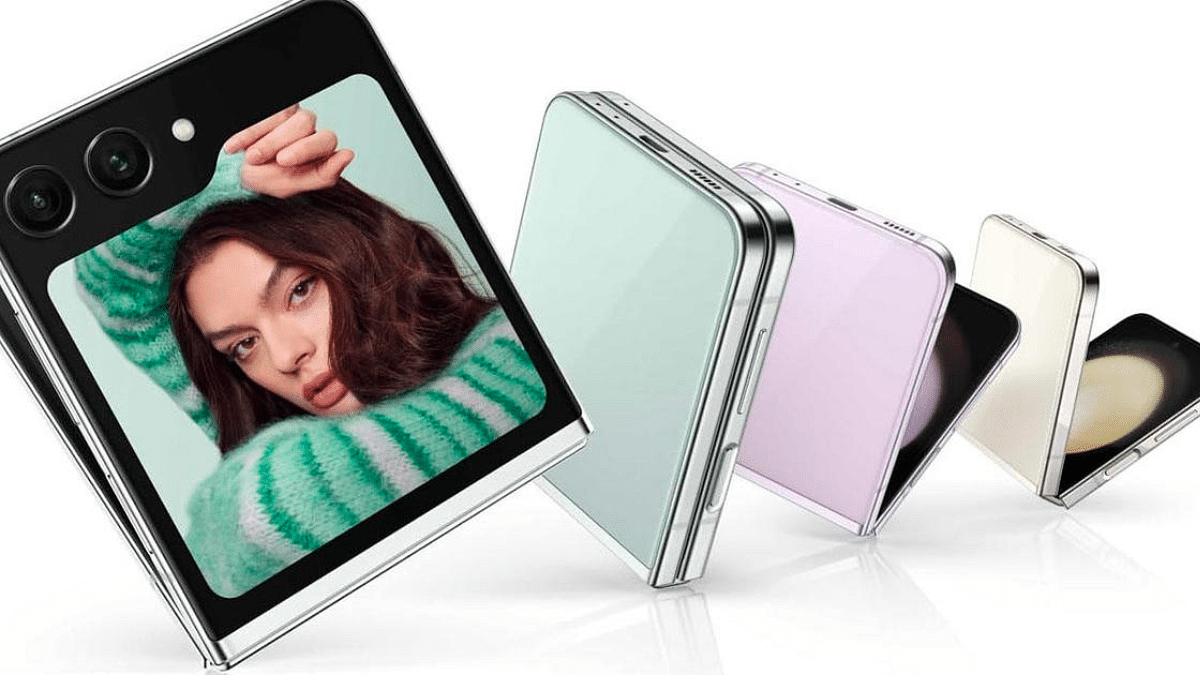
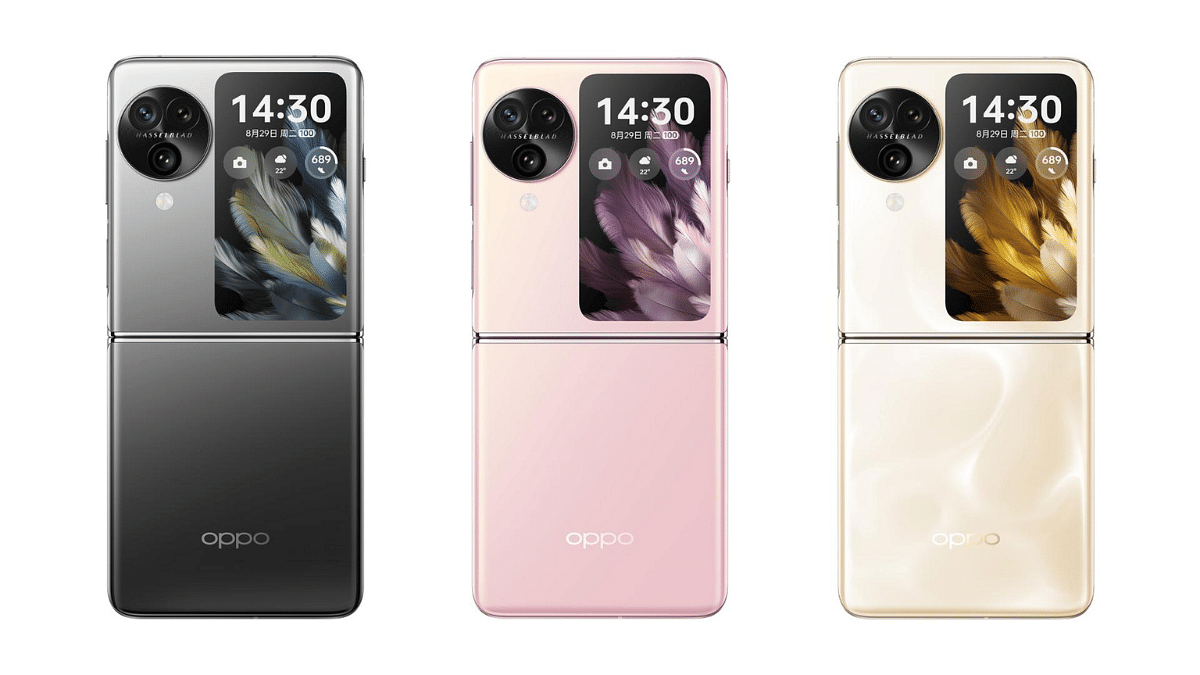
The Oppo Find N3 Flip and the Galaxy Z Flip 5 offer a glimpse into the future of smartphone design and functionality. In this article, we will compare these two devices across various aspects to help you make an informed choice.
Oppo Find N3 Flip vs. Galaxy Z Flip 5: Design And Build Quality
Aspect
Oppo Find N3 Flip
Galaxy Z Flip 5
Dimensions (Unfolded)
166.4 x 75.8 x 7.8 mm
165.1 x 71.9 x 6.9 mm
Dimensions (Folded)
85.5 x 75.8 x 16.5 mm
85.1 x 71.9 x 15.1 mm
Weight
198 g
187 g
Build
Plastic front (unfolded), plastic back (unfolded), aluminium frame
Plastic front (unfolded), glass back (Gorilla Glass Victus 2), aluminium frame
The Oppo Find N3 Flip sports a modern and sleek design with unfolded dimensions of 166.4 x 75.8 x 7.8 mm and a weight of 198 g. Its build consists of a plastic front and back when unfolded, with an aluminium frame. The device has a dual SIM setup, adding versatility to its usage.
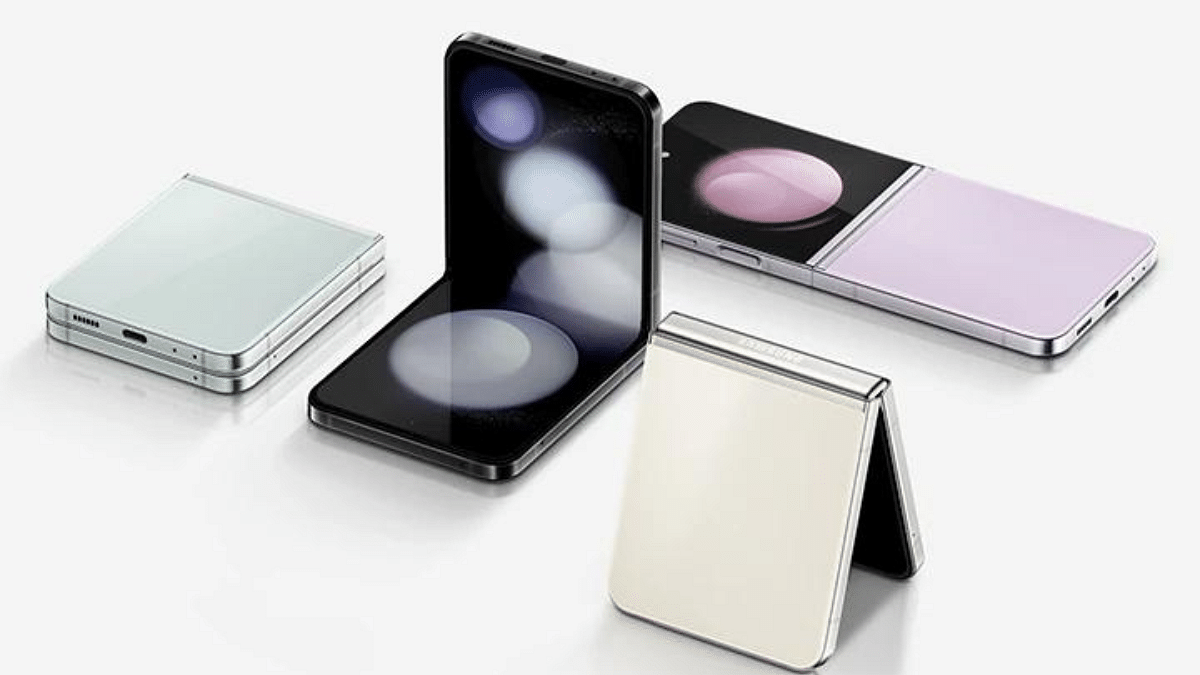
The Galaxy Z Flip 5 is equally impressive in design, measuring 165.1 x 71.9 x 6.9 mm when unfolded and weighing 187 g. It features a plastic front, a Gorilla Glass Victus 2 back, and an aluminium frame, with IPX8 water resistance and enhanced durability.
Winner: The Galaxy Z Flip 5 takes the lead in design and build quality with its IPX8 water resistance and tougher construction.
The Oppo Find N3 Flip comes with a Foldable LTPO AMOLED display featuring a 120Hz refresh rate, HDR10+ support, and impressive brightness levels, reaching up to 1600 nits peak brightness. The main screen is 6.8 inches with a 1080 x 2520 resolution, while the cover display is a 3.26-inch AMOLED panel.
The Galaxy Z Flip 5 features a Foldable Dynamic AMOLED 2X display with a 120Hz refresh rate and HDR10+ support. It boasts a peak brightness of 1750 nits. The main display measures 6.7 inches with a resolution of 1080 x 2640 pixels, while the cover display is a Super AMOLED 3.4-inch panel.
Winner: The Galaxy Z Flip 5’s slightly brighter and more vibrant display gives it an edge in this category.
Oppo Find N3 Flip vs. Galaxy Z Flip 5: Performance And Hardware
Aspect
Oppo Find N3 Flip
Galaxy Z Flip 5
OS
Android 13, ColorOS 13.2
Android 13, One UI 5.1.1
Chipset
Mediatek Dimensity 9200 (4 nm)
Qualcomm Snapdragon 8 Gen 2 (4 nm)
CPU
Octa-core
Octa-core
GPU
Immortalis-G715 MC11
Adreno 740
Memory
256GB 12GB RAM, 512GB 12GB RAM
256GB 8GB RAM, 512GB 8GB RAM
The Oppo Find N3 Flip is powered by the Mediatek Dimensity 9200 chipset, featuring an octa-core CPU and Immortalis-G715 MC11 GPU. It offers two variants: 256GB storage with 12GB of RAM and 512GB storage with 12GB of RAM.
The Galaxy Z Flip 5 relies on the Qualcomm Snapdragon 8 Gen 2 chipset, with an octa-core CPU and Adreno 740 GPU. It offers similar storage options, with 256GB and 512GB variants, both equipped with 8GB of RAM.
Winner: While both devices provide robust performance, the Galaxy Z Flip 5’s Snapdragon chipset has a slight advantage in this comparison.
The Oppo Find N3 Flip features a versatile camera setup, including a 50 MP wide, 32 MP telephoto, and 48 MP ultrawide lens. The selfie camera is 32 MP, capable of capturing stunning self-portraits.
The Galaxy Z Flip 5 opts for a dual-camera setup with 12 MP wide and 12 MP ultrawide lenses. Its front-facing camera is a 10 MP shooter.
Winner: The Oppo Find N3 Flip’s camera setup offers more versatility and higher megapixels.
Oppo Find N3 Flip vs. Galaxy Z Flip 5: Battery And Charging
Aspect
Oppo Find N3 Flip
Galaxy Z Flip 5
Battery
Li-Po 4300 mAh
Li-Po 3700 mAh
Charging
44W wired, 50% in 23 min (advertised)
25W wired, 50% in 30 min (advertised)
The Oppo Find N3 Flip is equipped with a 4300 mAh battery and supports 44W wired charging, claiming to charge up to 50% in just 23 minutes.
The Galaxy Z Flip 5 has a 3700 mAh battery and supports 25W wired charging, offering 50% charge in 30 minutes. It also supports 15W wireless and 4.5W reverse wireless charging.
Winner: The Oppo Find N3 Flip’s larger battery and faster wired charging give it an edge in this category.
Oppo Find N3 Flip vs. Galaxy Z Flip 5: Final Verdict
The Oppo Find N3 Flip is priced at Rs 94,999, while the Galaxy Z Flip 5 comes in at ₹79,998. Both the Oppo Find N3 Flip and the Galaxy Z Flip 5 are excellent foldable smartphones, each with its own set of advantages.
The Oppo Find N3 Flip excels in display quality, camera capabilities, and battery life, making it a great choice for users who prioritize these features. On the other hand, the Galaxy Z Flip 5 impresses with its design, build quality, and overall performance.
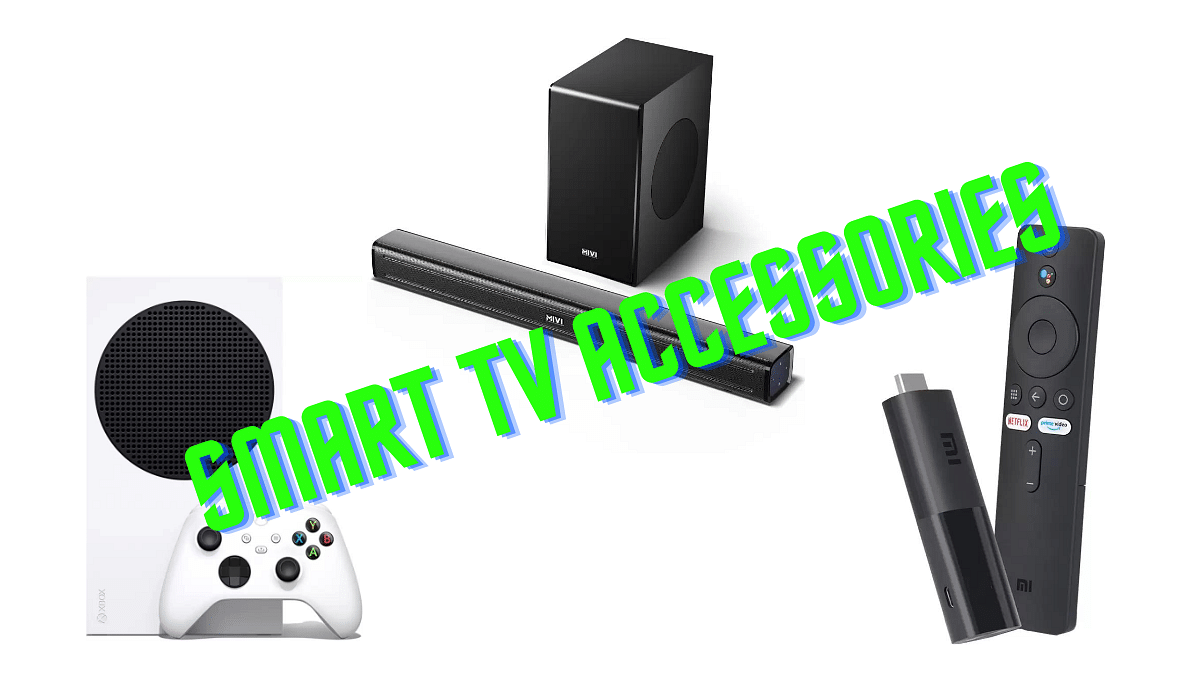
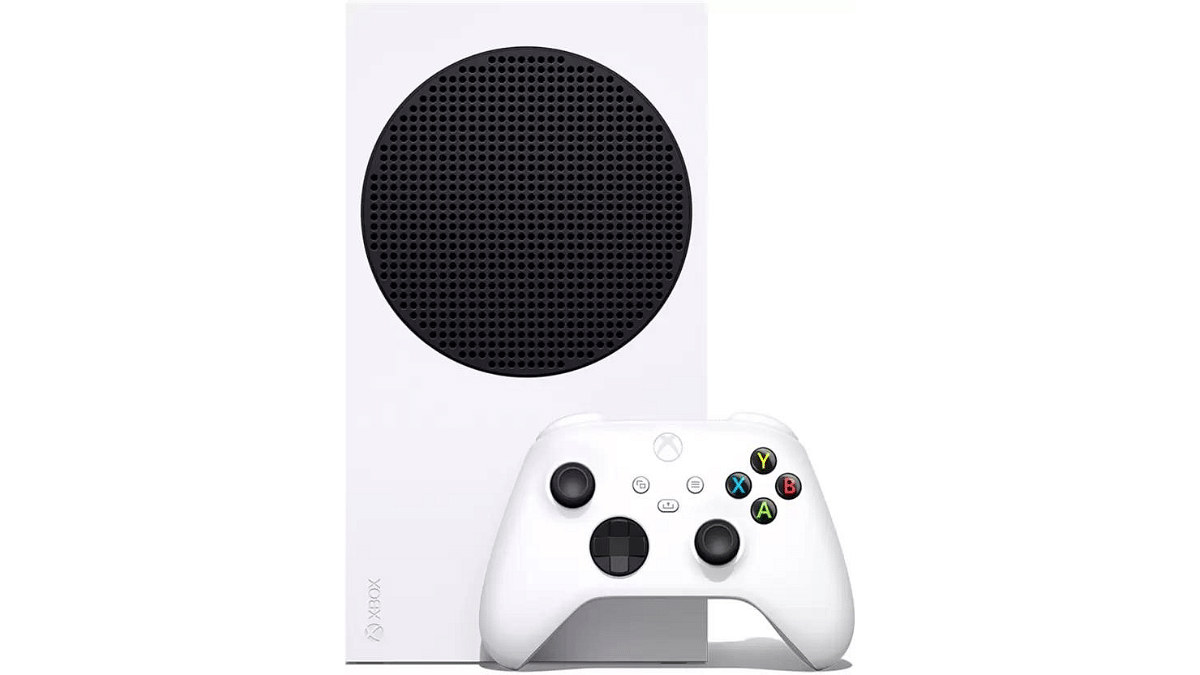
The Flipkart Big Billion Days Sale is here, and it has amazing deals on smart TV accessories. As smart TVs continue to redefine home entertainment, this sale is the perfect opportunity to enhance your viewing experience.
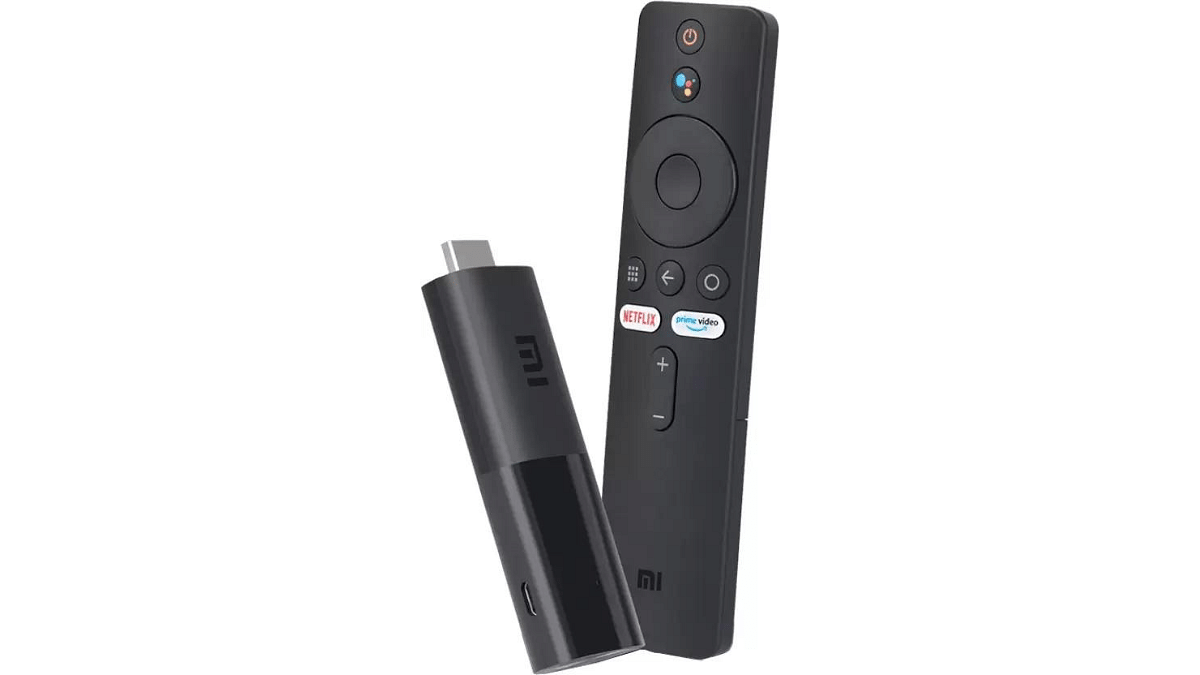
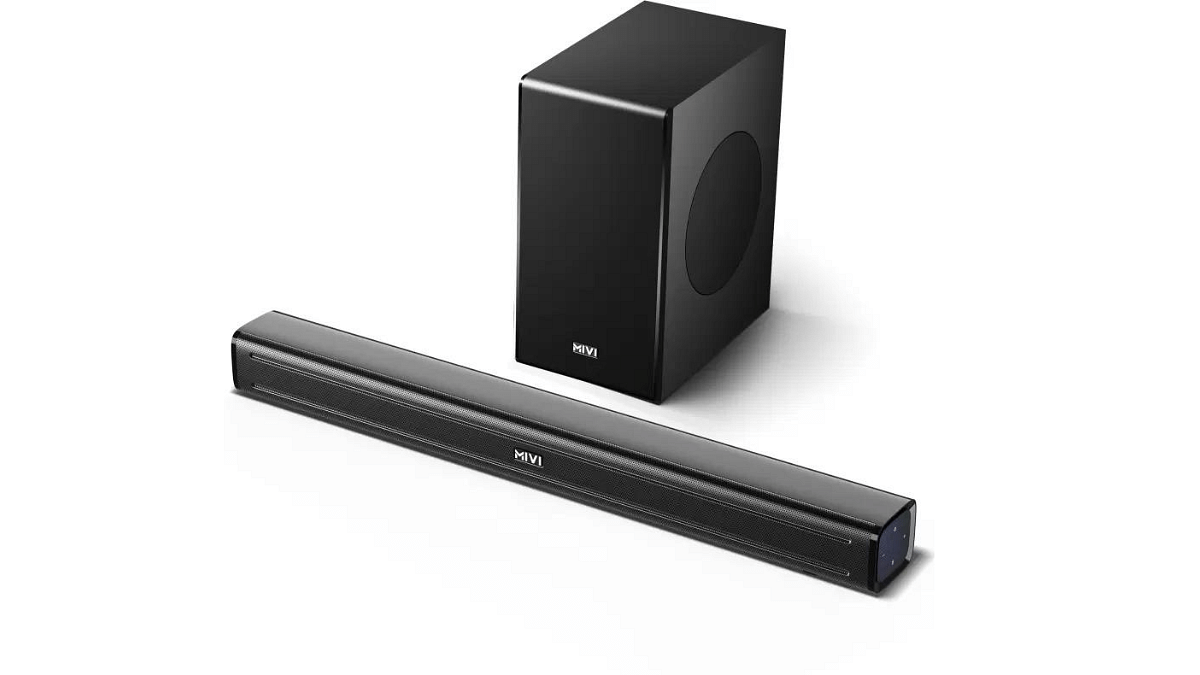
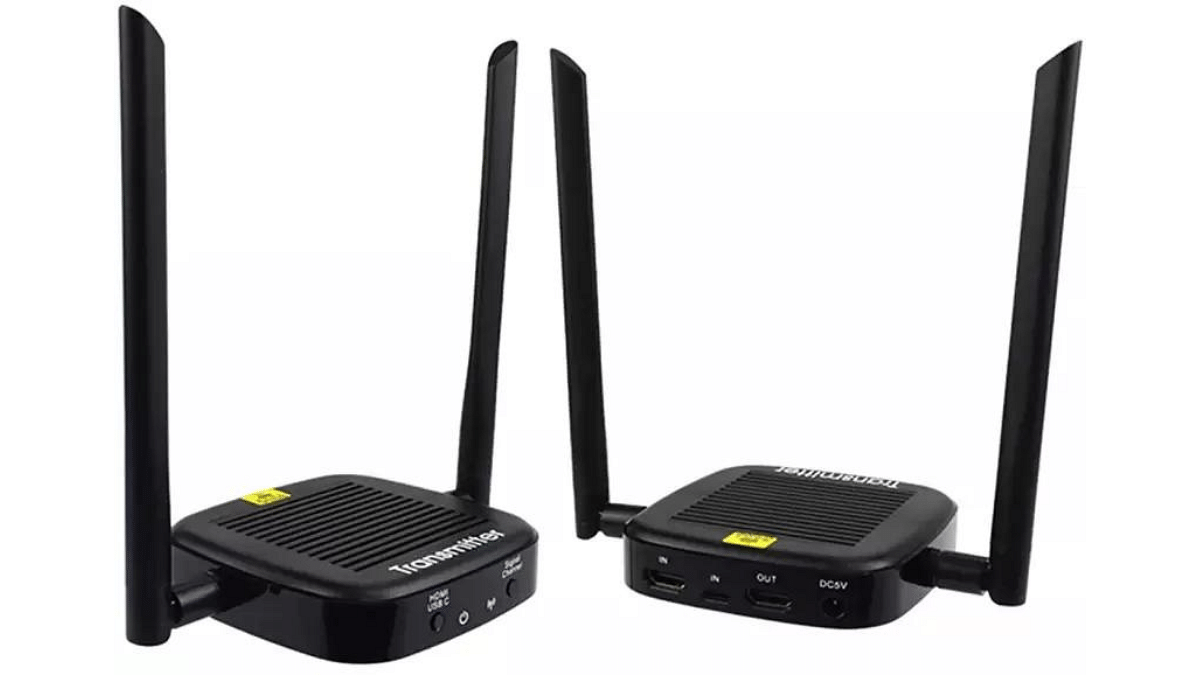
From streaming devices and soundbars to gaming controllers and universal remotes, discover the top deals on smart TV accessories to elevate your entertainment setup at unbeatable prices.
Google recently declared that passkeys would be the main way to log into Google Accounts. They shared that a lot of people find it much easier than the old password way. They also pointed out that using passkeys is 40% quicker than using a password.
Let’s dive into what these passkeys are and how you can use them.
What Are Passkeys?
Passkeys are like digital keys that unlock your online accounts. Instead of passwords, you can use something like your fingerprint, your face, a PIN, or a pattern. Passkeys are designed to replace the old-fashioned ways of logging in, like using usernames and passwords.
How to Use Passkeys
To get started with Passkeys, you need to follow these simple steps:
Sign in to the app or website using your old login method.
Look for the “Create a Passkey” button and click on it.
Check the information related to your new Passkey.
Use your device’s screen lock, like your fingerprint sensor, to create your Passkey.
That’s it! You’ve now got a Passkey, and you can use it to sign in.
How Passkeys Work
Passkeys are designed to work with your device’s operating system. They’re securely stored in the Google Password Manager on Android, which syncs them between your Android devices. Passkeys are encrypted on your device before syncing and require decryption on new devices. Users with Android OS 14 or later can also use compatible third-party password managers.
Google’s passkeys make logging in easier, faster, and more secure. They’re the future of online authentication, replacing the troublesome password with a user-friendly alternative.
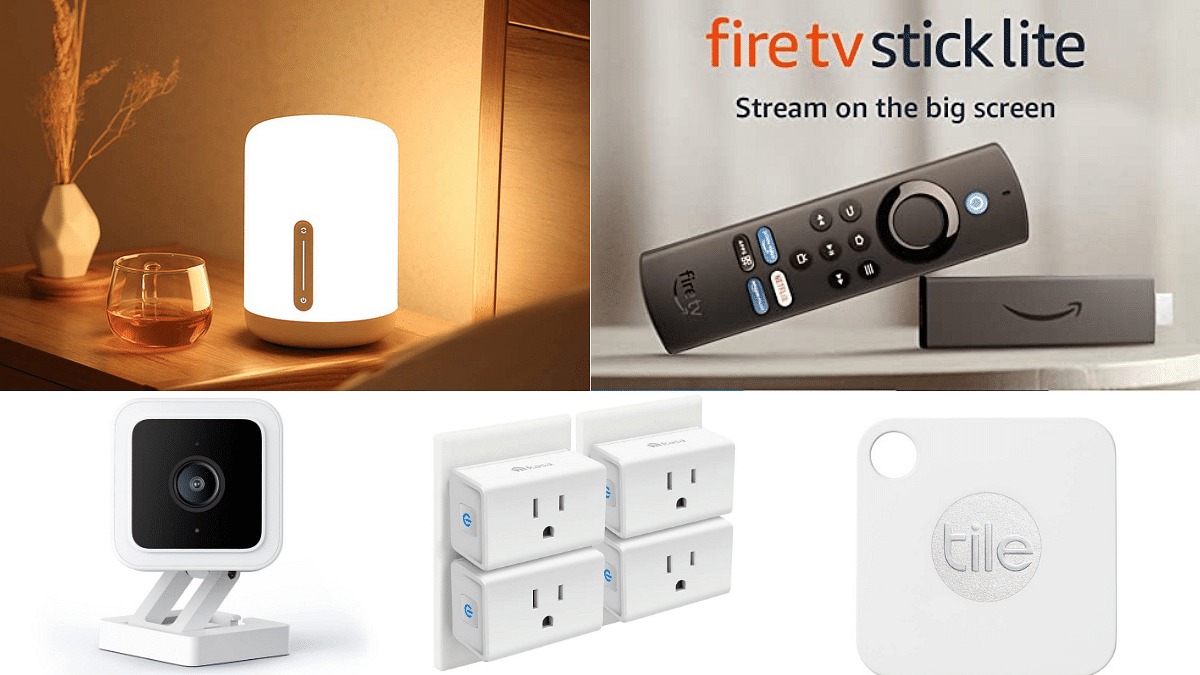
With a budget of under Rs. 5,000, smart gadgets open up to offer you convenience, entertainment, and security. In this article, we’ve combined a list of five smart devices, ranging from clever lamps to advanced security cameras, that are both affordable and sure to enhance your daily life. Let’s look into it.
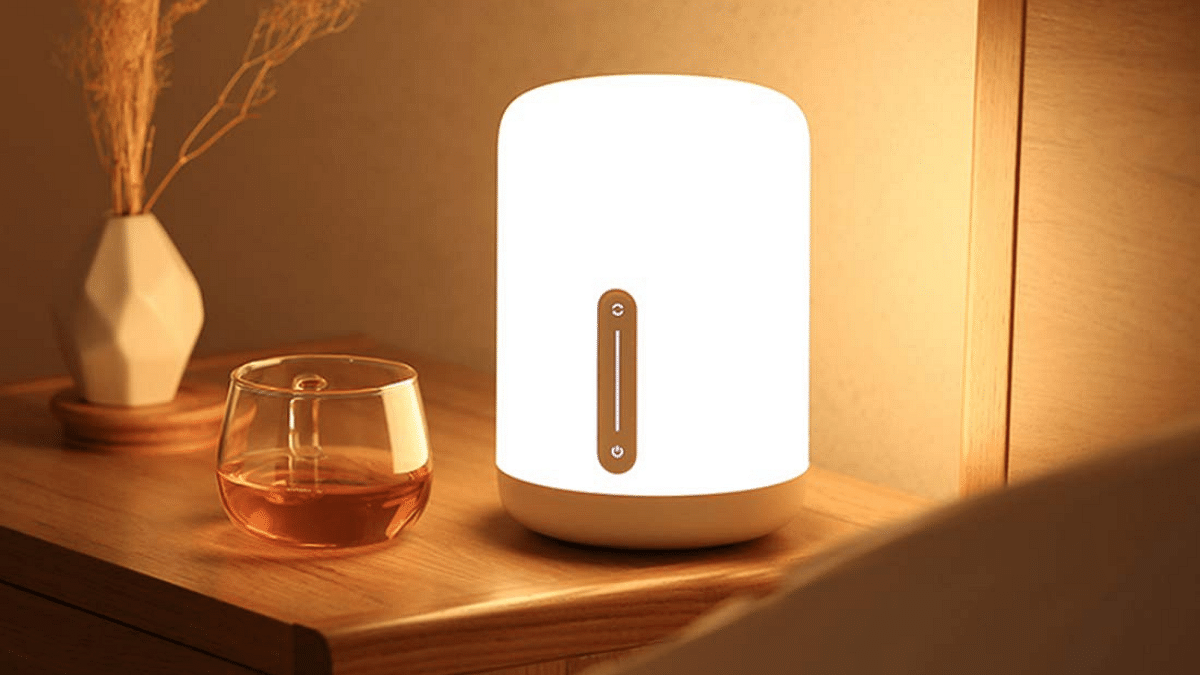
The Mi Smart Bedside Lamp 2 offers a spectrum of 16 million colours to suit any mood or occasion. With Bluetooth 4.2 connectivity and a mobile app, you can control it from your phone. It comes with an 11-year lifespan, a smooth touch panel, and Voice control compatibility with Amazon Alexa and Google Assistant which makes it user-friendly.
You can create various moods and scenes by grouping them with other Mi Smart Lights. Originally priced at Rs. 2,999, it’s now available at a discounted price of Rs. 2,599 on Amazon.
The Fire TV Stick Lite is an affordable way to upgrade your TV. You can stream your favourite shows and movies in high quality. It comes with a new Alexa Voice Remote Lite, which you can also control with an app. You’ll have access to tons of content from services like Prime Video, Netflix, Disney+, and more (subscription fees may apply). Some apps, like YouTube and MXPlayer, are free.
It’s easy to set up – just plug it in, connect to the internet, and start watching. Plus, it has parental controls for family-friendly viewing. It is priced at Rs.3,999 but you can get it for Rs.1,799 on Amazon Sale.
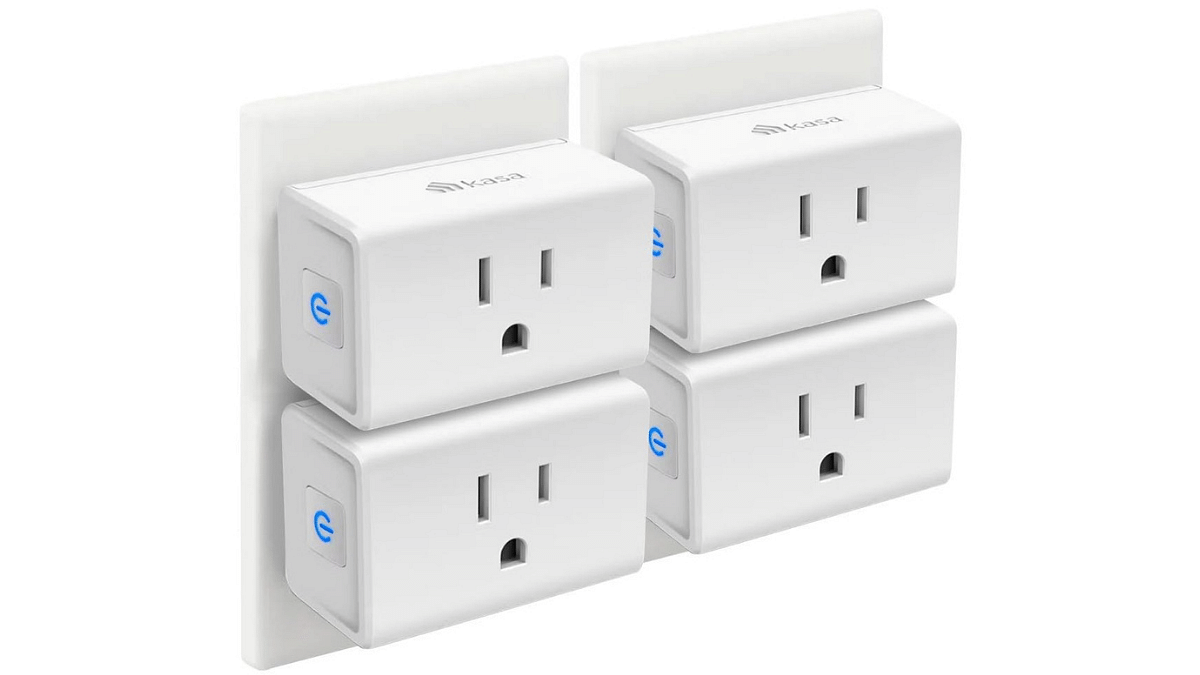
You can use them with Alexa and Google Assistant to control your home devices using just your voice. Setting them up is easy – all you need is a 2.4GHz Wi-Fi connection and the Kasa app. You can schedule when your devices turn on and off, like lamps or fans. Plus, you can control everything from your smartphone, no matter where you are. It is priced at Rs.4,803
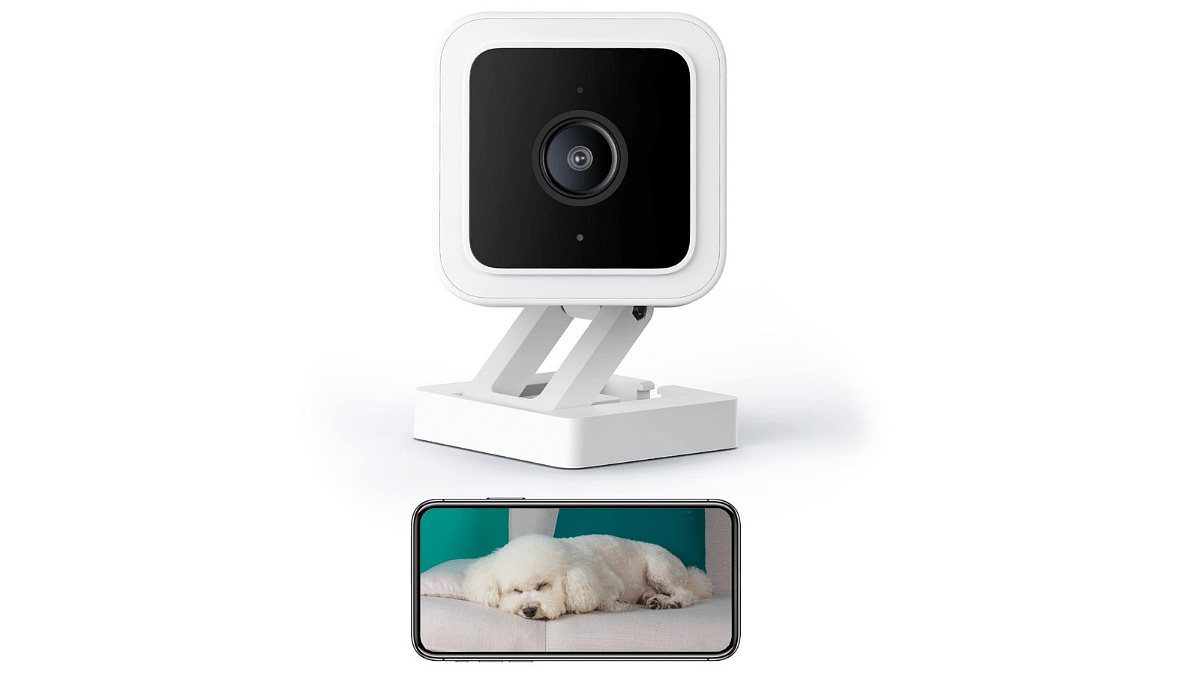
4. WYZE Cam v3 Indoor/Outdoor Smart Security Camera
The Wyze Cam offers features for home monitoring. Its motion and sound detection capabilities notify you instantly when your baby cries. With 24/7 continuous video recording using a 32GB MicroSD card (sold separately), you can maintain constant home security vigilance. This wired camera has an IP65 rating and has 2-way talk functionality for instant communication.
Additionally, its colour night vision ensures vivid video even in extremely low-light conditions. It’s compatible with Alexa and Google Assistant.
The Wyze Cam, originally priced at Rs.11,133, is frequently available at a discounted price on platforms like Amazon, making it easily affordable at under Rs.5000 during sales.
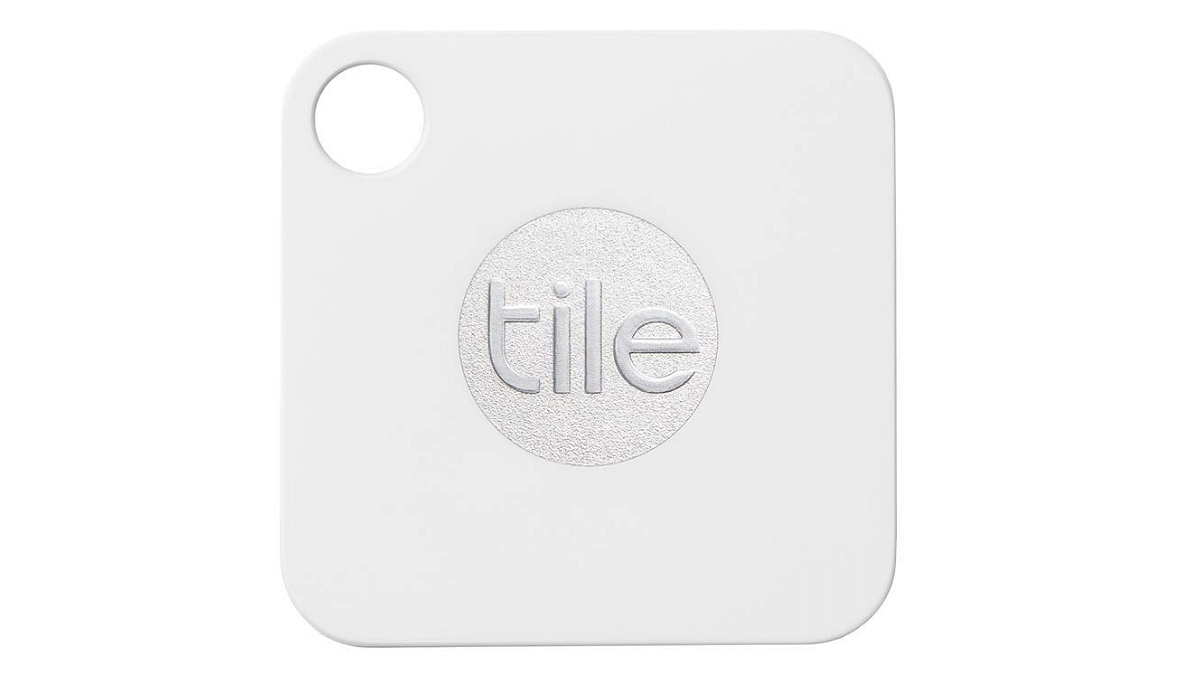
The Tile Mate Bluetooth tracker easily attaches to keychains or anything you want to keep track of, ensuring you can locate them quickly. You can ring your misplaced items from your smartphone, find your phone with a double press of the Tile Mate, and see its last known location in the Tile app.
The Tile Mate Bluetooth tracker, originally priced at Rs.5,106, is often available at a significantly reduced price of Rs.3,174 during sales and discount offers.
Ideal for health-conscious foodies and budget shoppers.
Smart Savings through Amazon’s Great Indian Sale
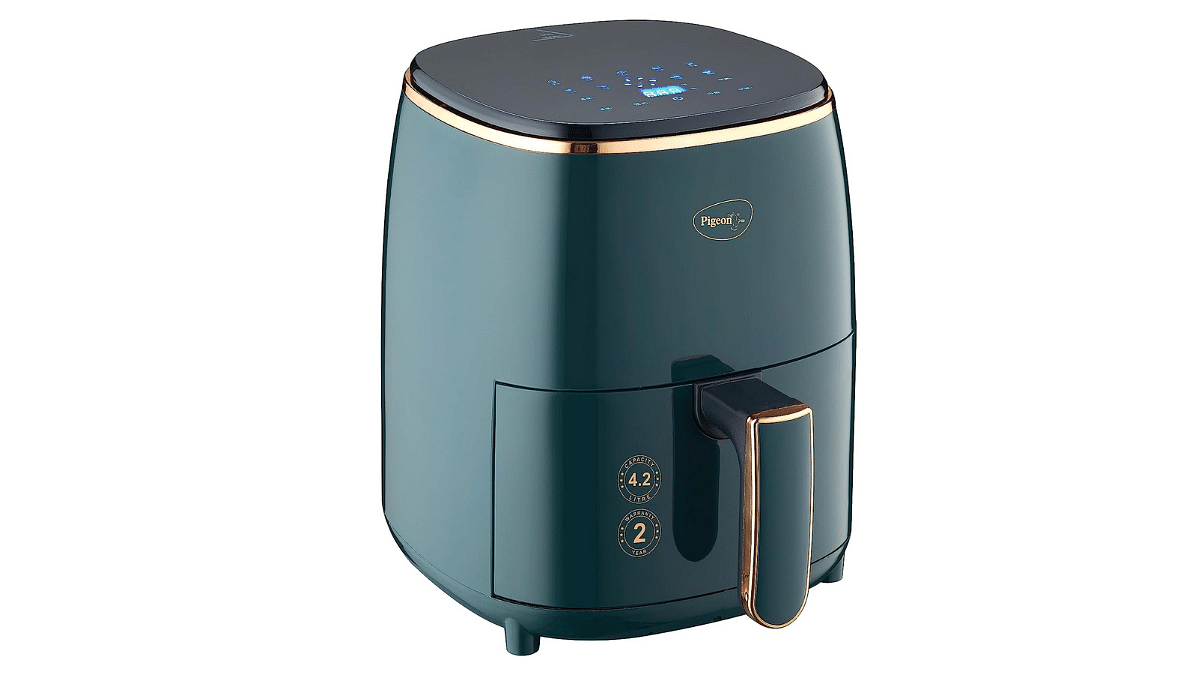
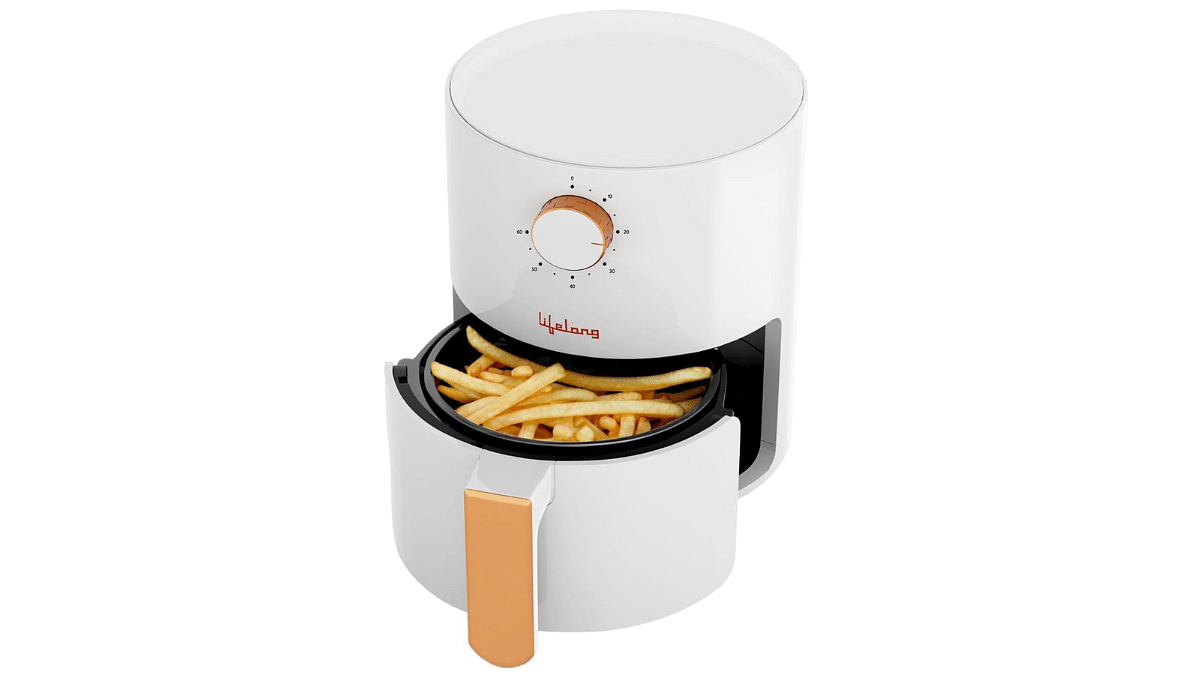
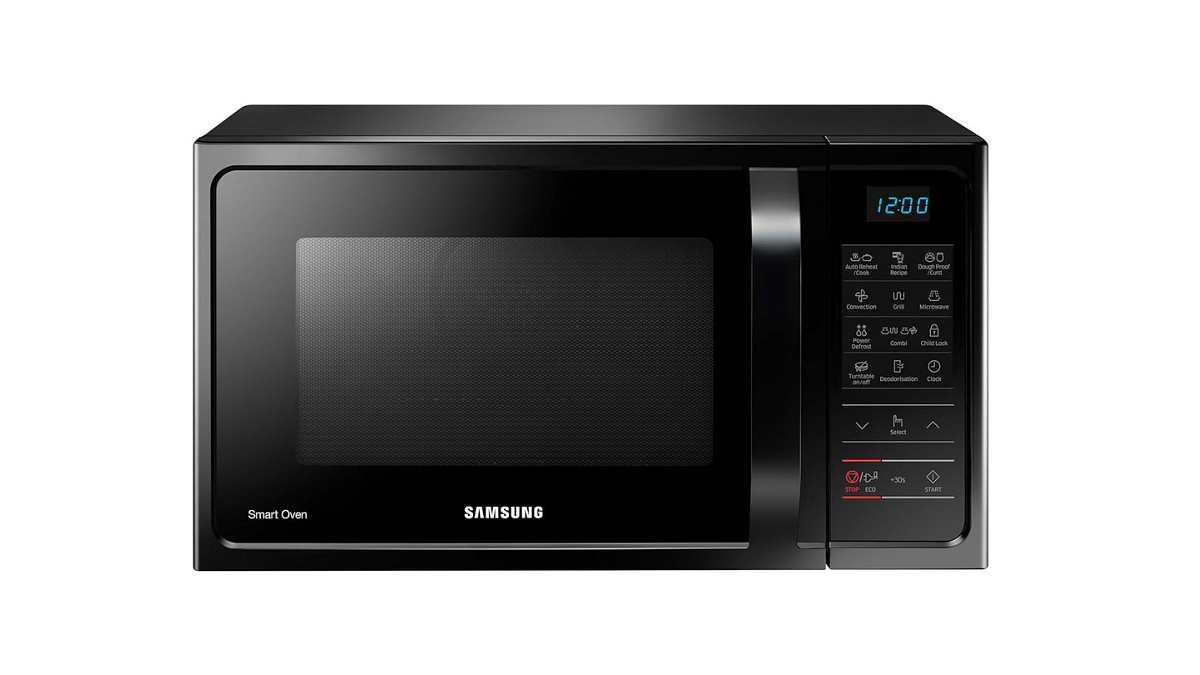
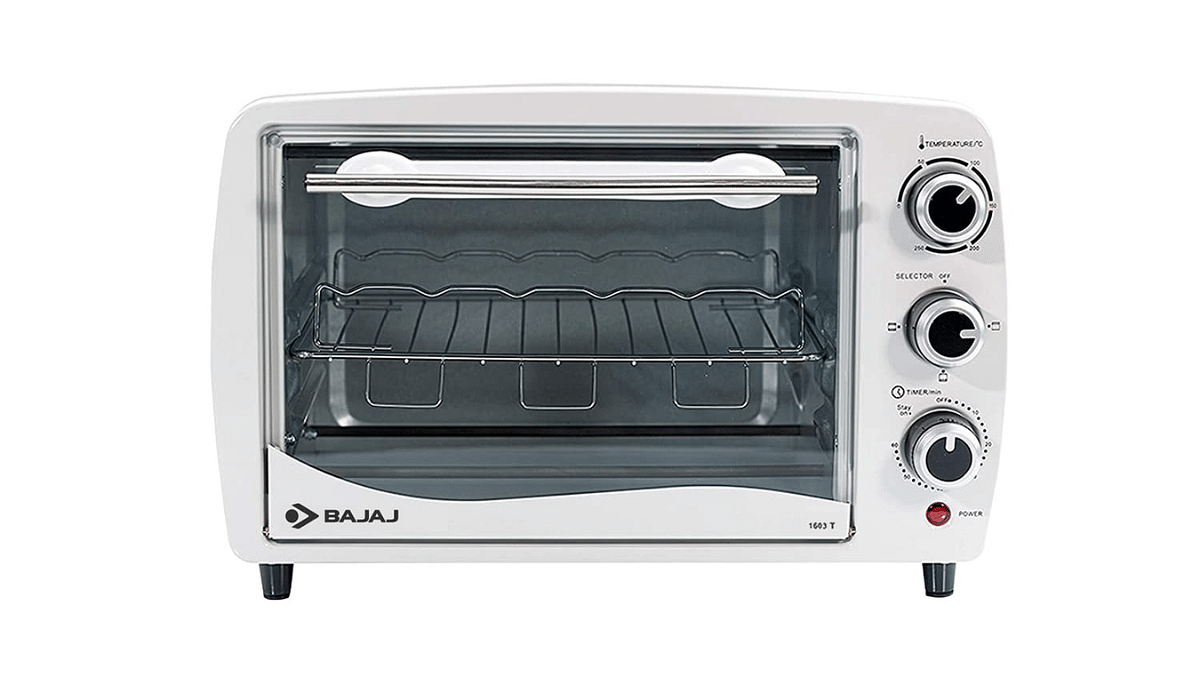
We have rounded up the top 5 air fryers and ovens which are now available at amazing discounts on Amazon Great Indian Sale. Whether you’re a health-conscious foodie or a budget-conscious shopper looking for air fryers and ovens, we’ve got you covered.
Let’s look into the five best air fryers, and ovens available on Amazon at massive discounts.