Categories
Apps Featured How To

Here’s How To Send Dussehra Wishes On Snapchat And WhatsApp

Key Highlights

  • Dussehra will be observed on Oct. 12, 2024
  • Wish your loved ones via Snapchat and WhatsApp stickers
  • Here’s a quick look at how you can share Dussehra stickers on Snapchat and WhatsApp

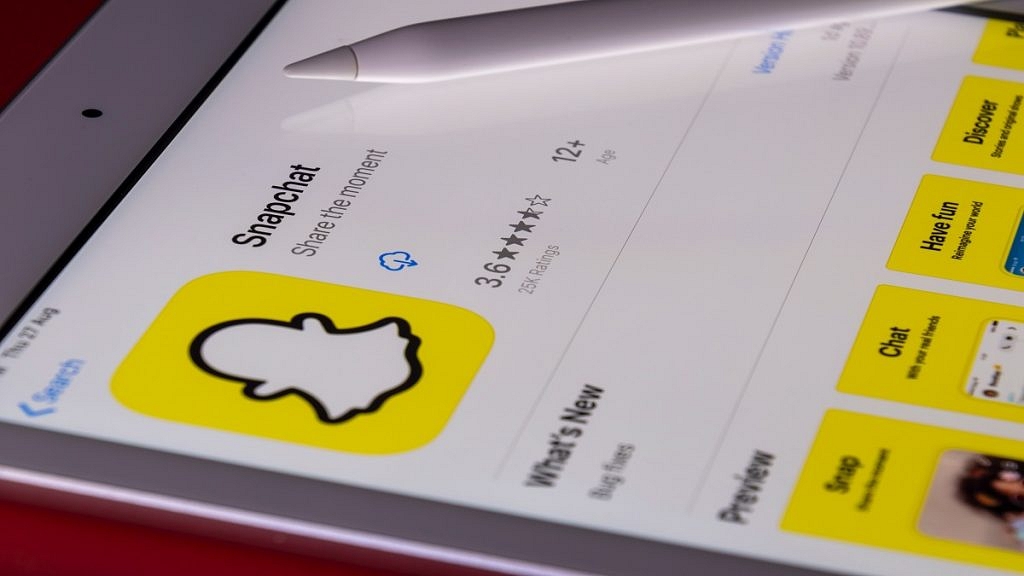
Most Indians are currently celebrating Dussehra, an auspicious festival that commemorates good triumphing over evil, whether it be goddess Durga’s victory over Mahishasura or Lord Ram’s victory over Ravana. To celebrate the festival with friends and family, Snapchat and WhatsApp users have the option of using various lenses, effects, and stickers. If you want to know how to download and share Dussehra stickers on WhatsApp and Snapchat, then you are at the right place.

Also Read | Instagram AI Tips And Tricks: How To Create And Share AI-Generated Stickers For Stories Chats

How To Send Dussehra Wishes On Snapchat?

Dussehra lenses can be used on Snapchat, and users can upload them to their stories. Here’s how to do it:

Step 1: Open Snapchat on your mobile.

Step 2: Swipe left after tapping the emoji icon until you see “Explore” as an option.

Step 3: After that, just tap on the search icon and type Dussehra.

Step 4: Then, Snapchat will show you a variety of lenses and effects that you can use to wish your pals.

You can save Snapchat Stories to your camera roll. After you do that, you can use the same images or clips on Instagram or WhatsApp as well.

How To Send Dussehra Wishes On WhatsApp?

Step 1: Open Google Play Store and type WhatsApp Dussehra stickers into the search field. You’ll receive several apps. Choose whichever one you want, then choose “install.” We downloaded RP Developer Labs.

Step 2: Open the app and select “start” once it has been downloaded to your phone.

Step 3: There will be a few sticker packs displayed. Here, one can discover stickers for Dussehra. Tap on any of the sticker packs.

Step 4: By selecting the “Add to WhatsApp” button, you can now include the desired sticker pack in the messaging application. The app will prompt you to touch the “ADD” button once more.

Also Read | Android Cool Tips And Tricks: How To Customize Google Chrome Themes With Generative AI

Step 5: Now, simply launch WhatsApp and navigate to the stickers section to access the new Dussehra stickers. You can always remove any sticker pack in the messaging app’s Stickers section. That’s all.

For the tech geeks, stay updated with the latest cutting-edge gadgets in the market, exclusive tech updates, gadget reviews, and more right on your phone’s screen. Join Giznext’s WhatsApp channel and receive the industry-first tech updates.
Categories
Apps Featured How To

Instagram Notes: What Is It And How To Use This New Feature

Key Highlights

  • Instagram introduces its new feature ‘Notes’
  • Users can only post one note at a time
  • If users publish another note before the prior note’s 24 hours have passed, the first note will be automatically erased

Users now have access to a new 60-character limit short message feature on Instagram. The user-created messages will reportedly display in the DM section and vanish after 24 hours, much like Stories. However, users cannot keep track of a note’s views. The most recent version of Instagram must be downloaded in order for users to use the feature.

What Is The Notes Feature?

According to Instagram, the new “Notes” feature provides you a private area to share updates as brief text messages with certain people, who can subsequently reply to them using Instagram messaging. One note can only be shared at a time, and the preceding note will be removed if you frequently share more than one note.

Steps To Share A Note On Instagram

You can read and share notes from your friends and followers in the DM section. To share your note, follow these steps:

Step 1: On your iOS or Android device, launch Instagram.

Step 2: To access the chat page, swipe from left to right or hit the chat button in the upper right corner.

Step 3: Now, if you have this feature, you can find it on the chat page’s top, just below the search bar. Click the ‘Your Note’ button to create a new note.

Step 4: There is a 60-character restriction, so write what you want to say.

Step 5: Tap the Share icon in the top right corner once you’re done writing. You can tap on the Close Friends option and then tap on the Share button to send a note to them personally.

That’s it, that’s how you can try Instagram’s new feature. For 24 hours, everyone will be able to see your note at the top of the chat list. You can always delete your note by selecting the Delete note option after giving it one tap. There will be a private chat between you and the individual who answers to your note.

Categories
Featured How To Mobile

iOS 16 Tips And Tricks: Here’s How To Use Focus Mode On iPhone

With iOS 16, Focus mode receives some useful updates that make it simpler to set up, more adaptable, and more powerful. This is in addition to the option to create custom Lock Screens for iPhones. Focus filters, the ability to link various Focus modes to Lock Screens, the ability to define a custom Home Page, and other features are among the new additions. Here’s how to use iOS 16‘s new Focus mode.

Steps To Create A Custom Focus In iOS 16

Step 1: On your iPhone, go to the Settings app.

Step 2: Go to the Focus option and tap it.

Step 3: After that, click on the ‘Add’ button at the top right corner and then select the ‘Custom’ option.

Step 4: Give your Focus a name, then hit Return.

Step 5: Tap ‘Next’ after selecting a color and an icon to symbolize your Focus.

Step 6: To customize it, select ‘Customize Focus’. Next, configure the parameters for your custom Focus.

Steps To Connect Lock Screen To Focus

Step 1: Go to the Settings app and then go Focus settings.

Step 2: Select the Focus that you want to customize, then choose the Lock Screen option.

Step 3: Create a new Lock Screen. Then select an existing Lock Screen. You can also select multiple Lock Screens that you want to connect to this Focus.

Step 4: Tap Done.

Steps To Add Focus Filters In iOS 16

Step 1: Navigate to the Settings app. Then, go to Focus settings.

Step 2: Select ‘Add Filter’ from the Focus filters menu by scrolling down.

Step 3: When this Focus is turned on, tap an app, then choose the data you wish to use from that app.

Step 4: Tap Add to add the filter to the Focus.

In iOS 15 last year, Apple included Focus settings to help you stay focused. Filtering away apps or notifications that you don’t want to appear at particular times was intended to keep you “in the moment.”

You can still configure Smart Activation (automation) for Focus modes, just like in iOS 15. The quickest method for manually turning on or off a Focus mode is still to open Control Center and hit the circle symbol next to the Focus mode.

Categories
Accessories Featured

Amazon Great Indian Festival 2022: Best Offers Under Rs. 5,000

The much-awaited Amazon Great Indian Festival Sale 2022 is currently live. The world’s largest online retailer has revealed a number of intriguing deals on various goods. Bank discounts make it possible to buy these items for significantly lower prices.

In order to save your valuable time during this week’s Amazon Great Indian Festival sale, we have hand-selected some of the top deals and offers under Rs. 5,000 that you may want to check out. During the festive season, Amazon is giving you the opportunity to get the most out of your purchase with exchange and/or payment offers. Here are some of the products that you can grab under Rs. 5,000:

Fire TV Stick 4K

The Fire TV Stick 4K that comes with Alexa Voice Remote supports Dolby Vision and offers TV and app controls. In addition to receiving it at the already discounted price of 50 percent, you can apply for an Amazon Pay ICICI Credit Card and receive Rs. 300 cashback as well as Rs. 2,200 welcome rewards. You can buy the Fire TV Stick for Rs. 2,999.

Echo Dot With Clock

The Echo Dot (4th Gen, 2020 release) with clock is discounted by 46 percent. On Amazon Pay with an ICICI Credit Card, you can get Rs. 300 in cashback and Rs. 2,200 in welcome rewards. The Echo Dot With Clock is available for Rs. 2,949, down from its original price of Rs. 5,499.

Toshiba Canvio Basics

The Toshiba Canvio Basics 1TB external HDD, which is the most affordable and with a maximum savings of 36 percent, is available with No Cost EMI on select cards for orders over Rs. 3,000. The Amazon Pay ICICI Credit Card also offers Rs. 300 in cashback and Rs. 2,200 in welcome reward. The Toshiba Canvio Basics can be purchased for Rs. 3,599 during the sale.

Noise ColorFit Ultra 2 Buzz

After a discount of 54 percent, the Noise ColorFit Ultra 2 Buzz is offered for sale at a cost of Rs. 3,198. On select cards for orders above Rs. 3,000, there is No Cost EMI available. You can also get Rs. 300 cashback and Rs. 2,200 welcome rewards on Amazon Pay ICICI Credit Card.

Realme Buds Air 3S

True wireless stereo earphones from Realme are the Buds Air 3S and they can be purchased for Rs. 1,899 with a 62 percent discount. Additionally, you can receive Rs. 300 in cashback and Rs. 2,200 in welcome rewards when using your Amazon Pay ICICI Credit Card.

JBL Go 2

The JBL Go 2 should be on your list if you’re seeking a portable Bluetooth speaker that is both compact and powerful. It has a powerful battery that should provide five hours of playback time. It is now available for Rs. 1,699, a reduction from its original price of Rs. 2,999.

Categories
Accessories Featured

Flipkart Big Billion Days Sale 2022: Top Deals You Can Grab Under Rs. 5,000

The Flipkart Big Billion Days 2022 Sale concludes on Friday this week. However, there are still many great deals and offers available including electrical goods priced under Rs. 5,000. Further reducing the cost of these products are the various bank discounts, which include a 10 percent instant discount for ICICI Bank and Axis Bank clients.

If you’re looking for an affordable option during a sale, we’ve compiled a list of the best deals currently available under Rs. 5,000 on Flipkart. Let’s have a look:

Boat Stone 350

The Boat Stone 350 is currently on sale for just Rs. 1,299 after a significant 62 percent price reduction. This portable speaker can produce 10W of audio output. According to claims, the 2,200mAh battery can support up to 12 hours of listening time. It is supposed to have a wireless range of up to 10 meters and supports Bluetooth v5.0.

Fire-Boltt Atom

A 1.3-inch AMOLED touch screen is featured on the Fire-Boltt Atom smartwatch. It has an integrated speaker and microphone to facilitate Bluetooth calling. A voice assistant can also be controlled via the watch. In addition, it is equipped with more than 150 sports modes. There is a whopping 76 percent discount on it right now. The smartwatch is available for Rs. 3,799 during the sale.

Seagate Ultra Touch 1TB

The Seagate Ultra Touch has received a 31 percent price cut which has brought its price down to Rs. 4,099. This external hard drive offers USB Type-C connectivity and compatibility with the USB 3.0 standard. Claimed to offer transfer speeds of up to 120MBps, the hard drive also features 256-bit AES encryption to protect your data. You can get this hard drive for Rs. 4,099.

TP-Link Archer C6

The TP-Link Archer C6 is a wireless router with a dual-band Wi-Fi connection in the 2.4GHz and 5GHz range. There are four RJ-45 Gigabit LAN ports and one RJ-45 Gigabit WAN port on the router. Four antennae are also included for easy wireless connectivity with a variety of devices. For network security, this router includes the WPA3 security protocol. During the sale, the price was reduced by 54 percent. Further, the available exchange offer can reduce its cost by up to Rs. 200. You can buy it for Rs. 2,299.

Western Digital (WD) My Passport 1TB

Due to a 51 percent discount, Flipkart is currently offering the Western Digital My Passport 1TB for Rs. 3,899. For data security, this external hard drive has 256-bit AES hardware encryption built in, as well as password protection. A USB 3.2 Gen 1 interface is available for quick data transfers. It is 11.15mm thin and weighs about 120g, the company claims. Buy it now for Rs. 3,899.

Categories
Accessories Featured

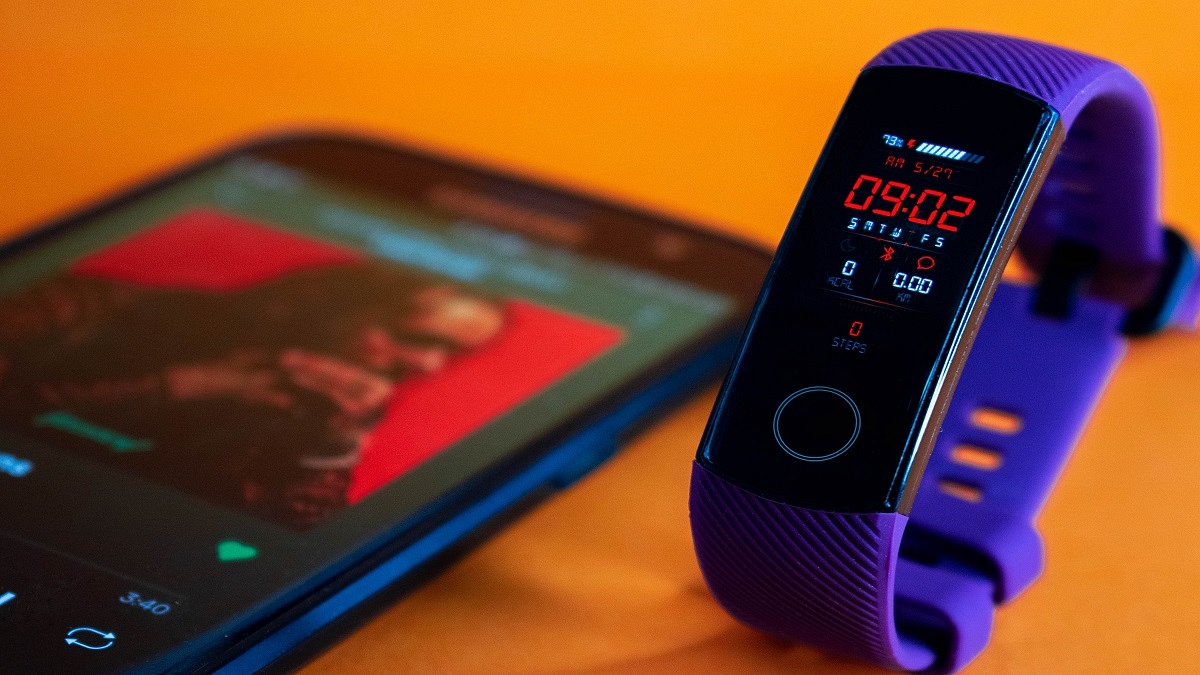
Best Fitness Bands To Buy In India To Stay Healthy

Wearable technology has evolved from being a novelty to being truly useful. While there are step-counting fitness tracking apps in smartphones, they lack the precision and feature-richness of fitness trackers. As people become more aware of the importance of being active and exercising, fitness trackers are becoming more popular.

We have put up a list of the best fitness trackers in India to assist anyone considering buying a fitness band but unsure of which product to choose. Let’s have a look.

Xiaomi Mi Smart Band 6

The Mi Smart Band 6 from Xiaomi has a battery life of up to 14 days, a 1.56-inch AMOLED display with a maximum brightness of 450 nits, a PPG heart rate sensor, SpO2 tracking, and many more features. The band connects to a special app that you can use to configure the gadget, personalize it, and keep track of your health information. The Mi Smart Band 6 is our choice for the best affordable fitness band and is quite feature-rich for something that costs Rs. 3,500.

Fitbit Charge 4 Fitness and Activity Tracker

The Fitbit Charge 4 Fitness & Activity Tracker has decent Bluetooth technology and an OLED screen, as well as a built-in GPS. It also comes with an Active Zone Minutes tracker and seven days of battery life when fully charged. Additionally, it has the amazing feature of being water-resistant up to 50 meters, and you can quickly reply to texts with this band. It is available for purchase for Rs. 7,999.

Huawei Band 6

The Huawei Band 6 has a large 1.47-inch AMOLED display with lots of information available at a glance. It allows users to track their heart rate, blood oxygen levels, stress levels, sleep patterns, and other things. It has 96 distinct workout modes that let you keep track of different workouts. It also has a tracking feature for menstrual cycles. The Huawei Band 6 will cost you Rs. 4,490.

OnePlus Smart Band

The OnePlus Smart Band has a dual-tone finish and a 1.1-inch AMOLED display. Along with 13 activity modes, it includes heart rate and SpO2 sensors. Additionally, it provides smart software that provides a thorough study of each night’s smarter sleep. Also, it silently alerts the user of any unusual activity within the body. It features 5ATM IP68 ratings for water and dust protection. The price of the OnePlus Band in India is Rs. 2,499.

Categories
Accessories Featured

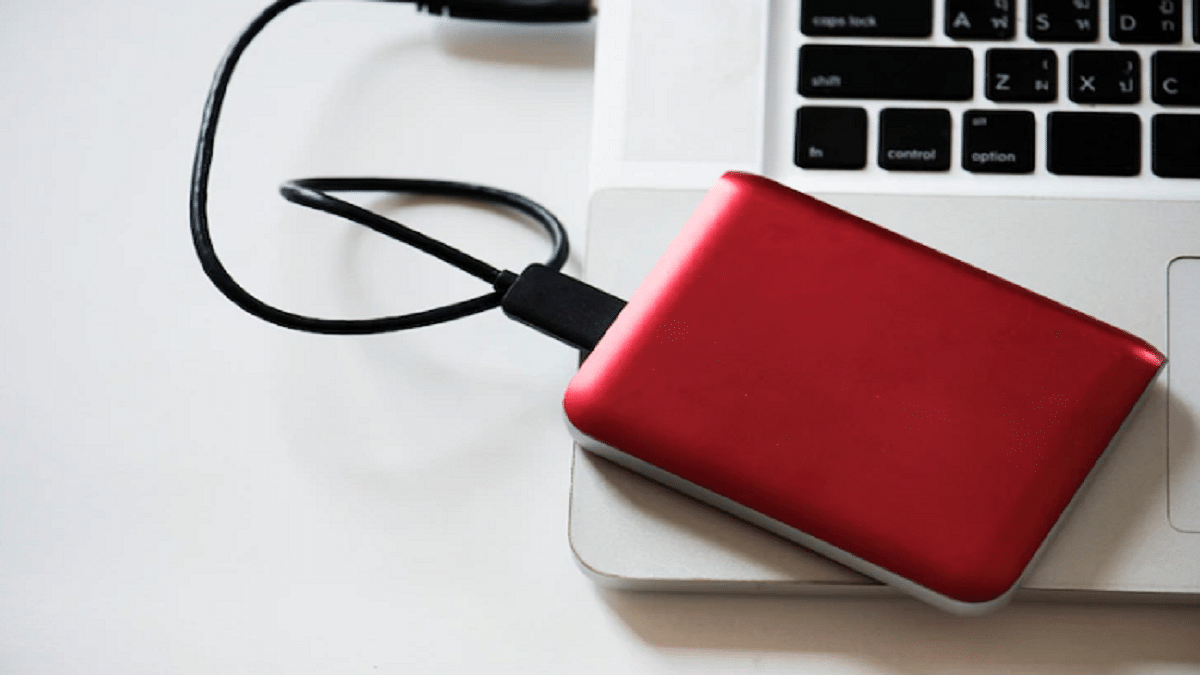
Need More Storage? Check Out The Best External Hard Drives You Can Buy

Hard drives are useful for everyone, whether you are a student or a professional. We often look for external storage when the internal storage provided by our device is insufficient. If you’re looking for an external hard drive, you must have looked at the thousands of options available. So, how do you know which one is the best? Well, this post lists the best storage devices you can consider buying. Let’s check them out.

SanDisk Ultra Dual Drive Go Type C Pendrive

The SanDisk Ultra Dual Drive Go is a 2-in-1 flash drive that makes it simple to transfer files across Macs, USB Type-A laptops, USB Type-C smartphones, and tablets. Simply plugging in the drive will instantly release space on your smartphone or do an automatic backup of your files. The SanDisk Ultra Dual Drive Go Type C Pendrive is available in 32GB, 64, 128GB, and 256GB storage variants.

Toshiba Canvio Ready 1TB USB 3.0 Portable External HDD

With its “Canvio Ready External HDD,” Toshiba offers a reasonably priced option with a stylish, black appearance. With transfer rates up to 5.0 GB/s, the hard disc not only ranks in affordability but also in quality. The HDD’s USB 3.0 connectivity makes it hassle-free. There is no software required; simply plug it in and you’re ready to go. Both versions of Windows work well with both Windows and Mac.

Transcend StoreJet 25H3 4TB USB 3.1 Gen 1 Portable Hard Drive

A sturdy, shock-resistant silicone outer casing and a cutting-edge internal hard drive suspension system are used to build the Transcend StoreJet 25H3 4TB USB 3.1 Gen 1 Portable Hard Drive. This safeguards data in the event of drops and collisions. It is compatible with PC and Mac computers. A one-touch auto-backup button is included with the StoreJet 25H3 to quickly back up your data with just one press.

Lenovo Portable 1TB External Hard Disk Drive HDD

The Portable HDD from Lenovo is one of the best external hard drives. The hard disc, which offers 1TB of capacity, offers quick speed at reasonable prices. Because it is so small and light, you can carry this hard drive everywhere with you. Additionally, it protects your data by withstanding pressure and shock. The hard drive has a decent grey color that raises the bar for quality.

Categories
Featured Home Appliances

Need A Smart Bulb? Here’re The Best Smart Bulbs With Google Assistant And Alexa Support

In recent years, light bulbs have become immensely smarter. And today, you can choose from a number of connected alternatives to replace your regular bulb and even manage it with just a few touches on your smartphone or tablet. Some are also compatible with smartwatches and virtual assistants, allowing you to control them with your wrist or only your voice.

Therefore, if you are thinking about purchasing an LED smart bulb, the variety of smart bulbs on the market may overwhelm you. As a result, we present to you in this post the best smart bulbs for upgrading your homes.

Wipro Smart LED Bulb

The Wipro WiFi Enabled Smart LED Bulb B22 9W can be controlled with voice commands using Google Assistant and Amazon Alexa. It can be customized with 16 million different colors using the Wipro Next Smart app. The app can also be used to choose themes, schedule turns on, and create scenarios and routines. You can give the bulbs different names and ask Alexa to alter a specific light to the desired color. You can buy this smart bulb for Rs. 664.

Halonix Wi-Fi Enabled Smart LED Bulb

The Halonix Wi-Fi Enabled Smart LED Bulb promises a total of 16 million colors with just the touch of a button. You can speak out the orders if you have a Google Home or Alexa system. This is one of the smartest LED bulbs since it allows presets, routines, and timers. The Halonix Wi-Fi Enabled Smart LED Bulb will cost you Rs. 449 in India.

Syska 7-Watt Smart LED Bulb

The Syska 7W Smart LED Bulb comes in three million different shades and tones that you can choose using the app or Google Assistant and Alexa. This allows you to control your home lighting from anywhere in the world. It can connect to WiFi and control every aspect of your lighting from your smartphone or tablet. You can purchase the Syska 7-Watt Smart LED Bulb for Rs. 996 on Amazon.

Mi LED Smart Color Bulb

Mi claims its LED Smart Bulb has a lifespan of 12 years. It is easy to set up and fits into a traditional B22 bulb socket. This application allows you to adjust various parameters of your light, such as tone, brightness, and color. Its integration with Home Assistant also lets you control your lights with your voice. The Mi LED Smart Color Bulb is available for sale for Rs. 649.

Categories
Apps Featured How To

Want To Set Up UPI Lite In BHIM App? Here’s How To Do It

Key Highlights

  • UPI Lite feature is allowed in the BHIM app
  • It has a daily transaction limit of Rs. 200
  • Users can save up to Rs. 2,000 in the UPI Lite e-wallet

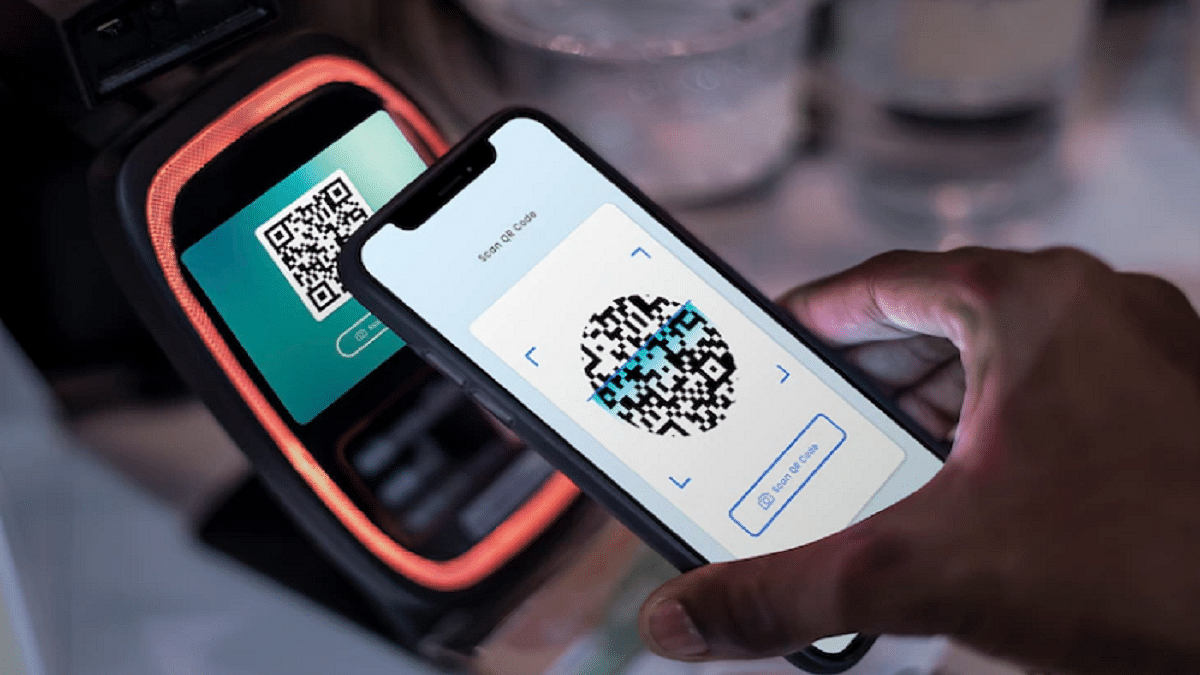
UPI Lite could be your savior if you’re tired of repeatedly entering your UPI pin for insignificant payments. Shaktikanta Das, governor of the Reserve Bank of India, has introduced a new service for citizens named “UPI Lite.” Users can conduct small transactions up to Rs. 200 in a nearly offline mode without using their UPI pin.

An “on-device” wallet can be used to conduct low-value transactions after this feature is enabled on the BHIM App. It might resemble other wallets that are available in the market. A maximum of Rs. 2,000 can be stored in the wallet at any given time.

It is easy to use UPI Lite. You must first create an e-wallet in the BHIM app. This UPI Lite e-wallet is connected to your bank account. Then you send money to your UPI Lite e-wallet from your associated bank account. Contrary to how things operate in the case of standard UPI transactions, this balance is then used to make transactions without the need for a UPI. Here’s a step-by-step guide for configuring UPI Lite in the BHIM app.

Also Read | Replacing Paytm FasTag? Steps To Get Instant FasTag For Your Car

How To Set Up UPI Lite In BHIM App?

Step 1: On your Android phone or iPhone, download and install the BHIM app.

Step 2: For UPI transactions, sign in to the app and add your bank account.

Step 3: Next, scroll down and click on the UPI Lite banner.

Step 4: Now, click on the ‘Enable Now’ button.

Step 5: Then tap the ‘Enable Now’ option after reading all the details.

Step 6: Here you will be asked to add Rs. 2,000 to your UPI Lite e-wallet. Enter the amount you want to send.

Step 7: Select the bank account to transfer the amount. Then, click the ‘Enable UPI Lite’ button.

Step 8: Type in your UPI PIN. Your UPI Lite e-wallet will be enabled once the amount has been sent.

Also Read | Traveling To India? Here’s How To Pay Like A Local Using UPI One World

As of now, customers of the State Bank of India (SBI), Union Bank of India, Utkarsh Small Finance Bank, Canara Bank, HDFC Bank, Indian Bank, Kotak Mahindra Bank, and Punjab National Bank will only be able to use the UPI Lite payment system.

For the tech geeks, stay updated with the latest cutting-edge gadgets in the market, exclusive tech updates, gadget reviews, and more right on your phone’s screen. Join Giznext’s WhatsApp channel and receive the industry-first tech updates.

Categories
Featured Info TV

Amazon Great Indian Festival Sale 2022: Get Exciting Offers On Smart TVs

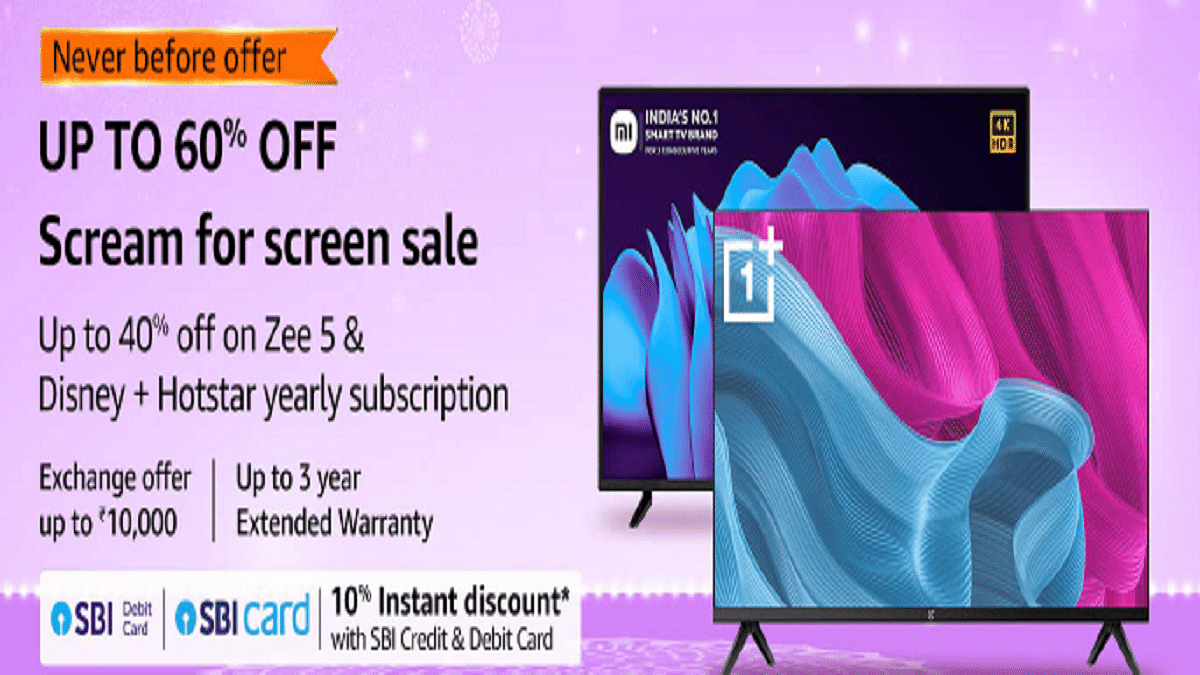
During the Great Indian Festival, Amazon India is hosting a special sale named “Scream for Screen” for Smart TVs. The e-commerce site will offer televisions with screens as large as 32, 43, and 50 (inches) under this promotion from manufacturers including Samsung, Redmi, Xiaomi, LG, and OnePlus. In addition to this, during the sale, the usual bank offers will continue to be offered. On their SBI Credit & Debit Cards & EMI Transactions, customers can receive bank discounts.

The following latest televisions are available on Amazon.in with incentives and discounts from merchants during the Amazon Great Indian Festival 2022:

OnePlus Y Series 32-inch HD Ready LED Smart Android TV

The OnePlus 32-inch Y Series HD Ready LED Smart Android TV also has an HD-Ready display. For improved sound transmission, it has Dolby Audio and 20W box speakers. Additionally, it has a bezel-free design, several ports, Android TV, and compatibility with OnePlus connect app. The OnePlus smart TV will cost you Rs. 11,499.

Samsung 43-inch Crystal 4K Neo Series

Featuring a 4K display, the Samsung Crystal 4K Series is a mid-range premium TV. A greater variety of colors can be seen on TV thanks to PurColor technology. In order to improve the sound based on the viewing environment, it also supports adaptive sound technology. You can get the Samsung 43-inch Crystal 4K Neo Series TV for as low as Rs. 30,980.

Sony Bravia 65-inch 4K Ultra HD Smart LED Google TV

The Sony Bravia 65-inch 4K Ultra HD Smart LED Google TV has a resolution of 4K Ultra HD and a refresh rate of 60Hz. Along with two USB ports for connecting hard drives and other USB devices, it also has three HDMI ports for connecting the set-top box, Blu-ray players, and game consoles. It has an Open Baffle Speaker with Dolby Audio and a 20W sound output. You can buy the Sony Bravia Smart TV for as low as Rs. 80,000.

Redmi 50-inch 4K Ultra HD Android Smart LED TV

The Redmi 50-inch 4K Ultra HD Android Smart LED TV has more than 8 million pixels and 4K HDR. The 15W X 2 Speakers provide a 30W output with a stereo sound. With the Language Universe feature, you can access content in more than 16 languages across more than 25 OTT apps. This TV can be purchased for as low as Rs. 27,990.