Categories
Accessories Featured

Best Dual-Band Wi-Fi Routers In India: Popular Options From Netgear, TP-Link, And More

Key Highlights

  • A good router will let you enjoy high-speeded internet at your home or work
  • Features like the design, speed, and bands supported should be considered before buying a router
  • Go with a dual-band router if you are looking for a high-speed router

Along with the rise in the number of internet-connected phones in Indian homes, broadband internet usage is rising. It is crucial that you have a fast internet connection because of this. More significantly, in order to use those speeds, you also need a reliable Wi-Fi router. The typical budget Wi-Fi router will function in many situations, but if you have several devices and a high-speed connection, you should invest in the best dual-band router for your homes and workplaces.

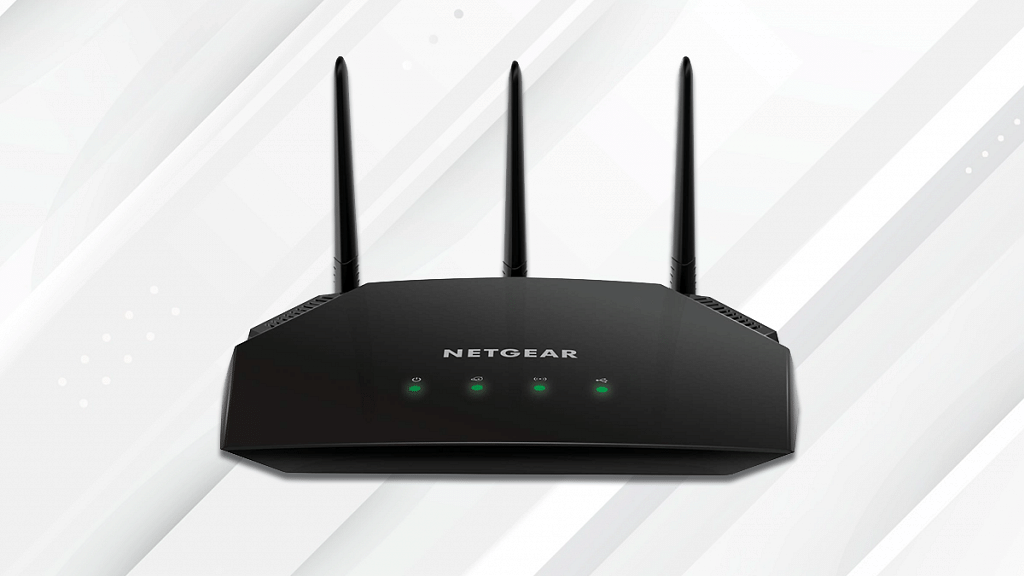
Netgear R6850 AC2000 Dual Band Gigabit Router

The Netgear R6850 AC2000 is a dual-band Gigabit Wi-Fi router with several functions like the ability to remotely share a USB hard drive. It has three external antennas and can support up to 2,000 Mbps of throughput, making it the perfect fit for homes and offices. You can get this router for Rs. 4,649 from Amazon.

Special FeatureAccess Point Mode
Frequency Band ClassDual-Band
Wireless Type802.11abg

TP-Link Archer A5 AC1200 Dual Band Router
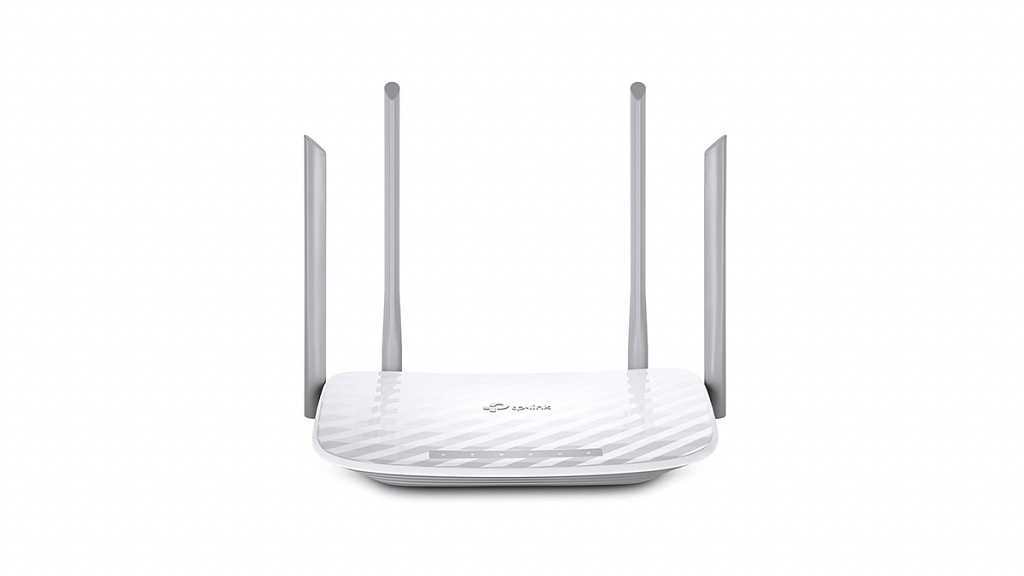
The TP-Link Archer A5 AC1200 is a slightly less expensive dual-band router that supports Gigabit seeds. It provides rates of up to 1,200 Mbps and includes four external antennae. When you have numerous devices connected to the router, this is useful. It supports 2.4GHz band speeds of up to 300 Mbps and 5GHz band rates of up to 867 Mbps. This TP-Link router can be purchased from Amazon for Rs. 1,999.

Special FeatureAccess Point Mode
Frequency Band ClassDual-Band
Wireless Type802.11ac

Tenda AC5 AC1200 Smart Dual-Band WiFi Router

The Tenda AC5 Wi-Fi router is well-liked by users and is renowned for its performance. It features four external antennas and can operate up to 1,167 Mbps. When compared to other routers, it uses MU-MIMO technology to give up to 20 percent faster internet connections. This Tenda router is available for sale on Amazon for Rs. 2,099.

Special FeatureWPS, Remote Access
Frequency Band ClassDual-Band
Wireless Type802.11ac

Netgear R6350 AC1750

The Netgear R6350 AC1750 Wi-Fi Router supports speeds up to 1,750 Mbps (up to 300 Mbps on the 2.4 GHz band and 1,450 Mbps on the 5 GHz band). It offers a simple setup interface and the Netgear Nighthawk app to help manage router settings. The router promises reliable performance, making it an ideal choice for streamers and gamers. The Netgear R6350 AC1750 can be purchased for Rs. 7,290 on Amazon.

Special FeatureAccess Point Mode
Frequency Band ClassDual-Band
Wireless Type802.11n

Also Read | Best Data Booster Plans From Airtel, Reliance Jio, And Vi
Categories
Accessories Featured Reviews

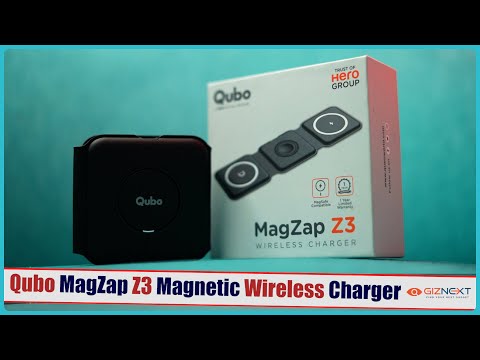
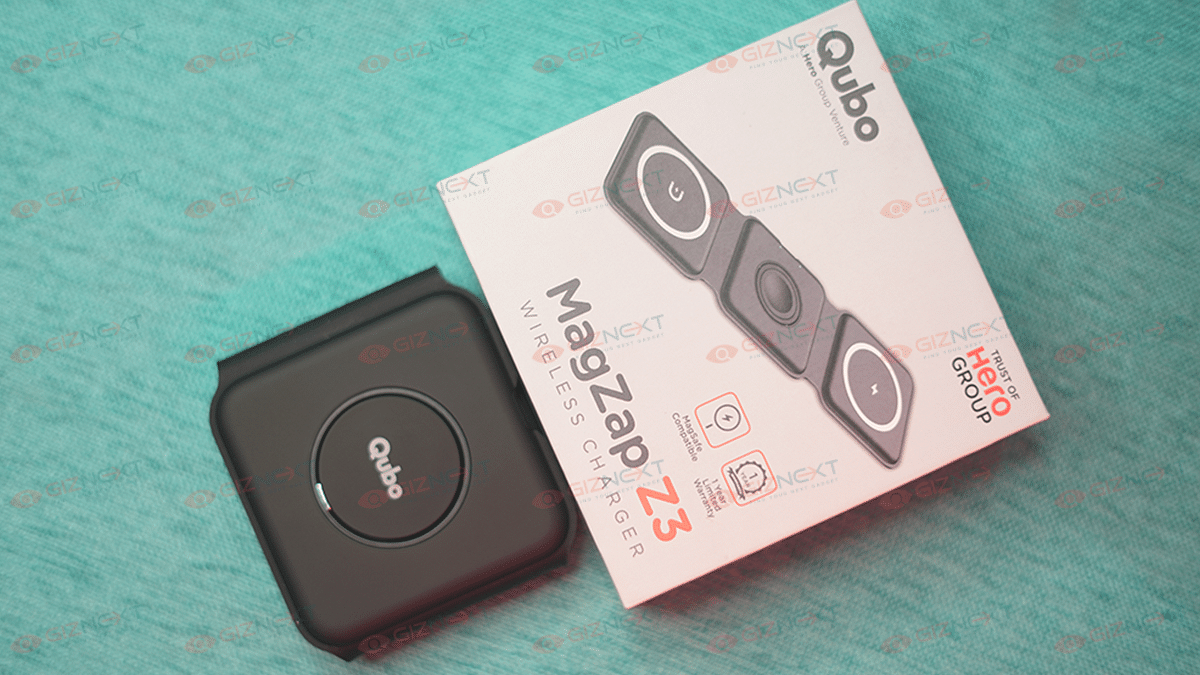
Qubo MagZap Z3 Wireless Charger Review: Functional And Affordable

Pros

  • Easy-to-carry
  • Built-in safe charging mechanisms
  • Can charge three Apple devices simultaneously

Cons

  • Charges devices slowly

Although wireless charging has been available for a while, it has only just begun to gain popularity. The global Qi wireless charging standard has been adopted by an increasing number of manufacturers and it is currently present in almost all flagship phones.

Companies are removing charging bricks from their packaging, forcing users to hunt for alternative or more suitable solutions. A recent line of wireless chargers from Qubo can help you swiftly refuel your Apple gadgets. Here is a review of the Qubo MagZap Z3, one of such options which costs Rs. 4,990. Also Read | Oppo Reno 10 5G Review: A Stylish And Feature-Packed Smartphone

What’s Inside The Box?

  • MagZap Z2 Wireless Charger
  • USB Type-C cable
  • A circular ring that you can stick on the back of your phone
  • Warranty Card

Design

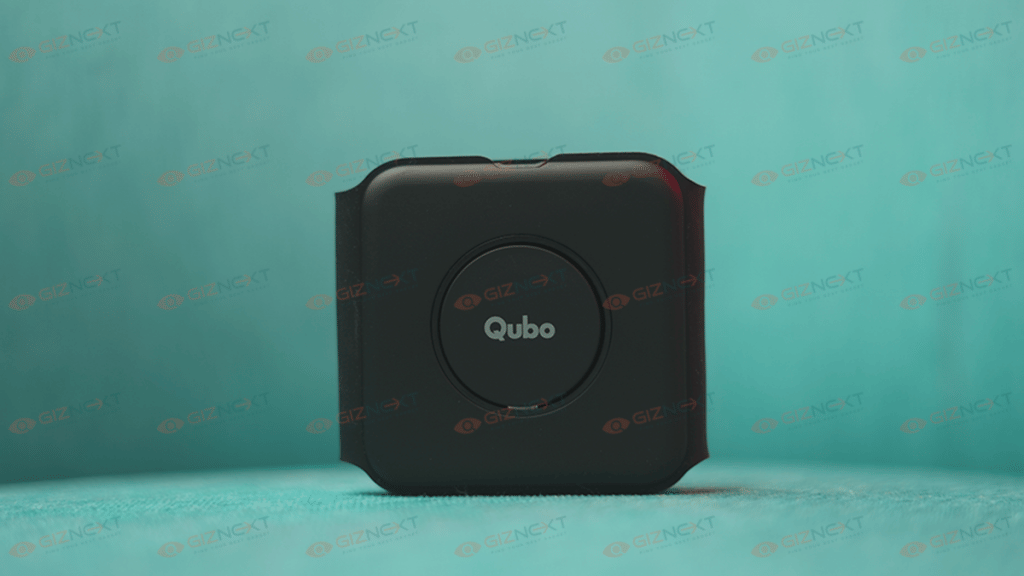
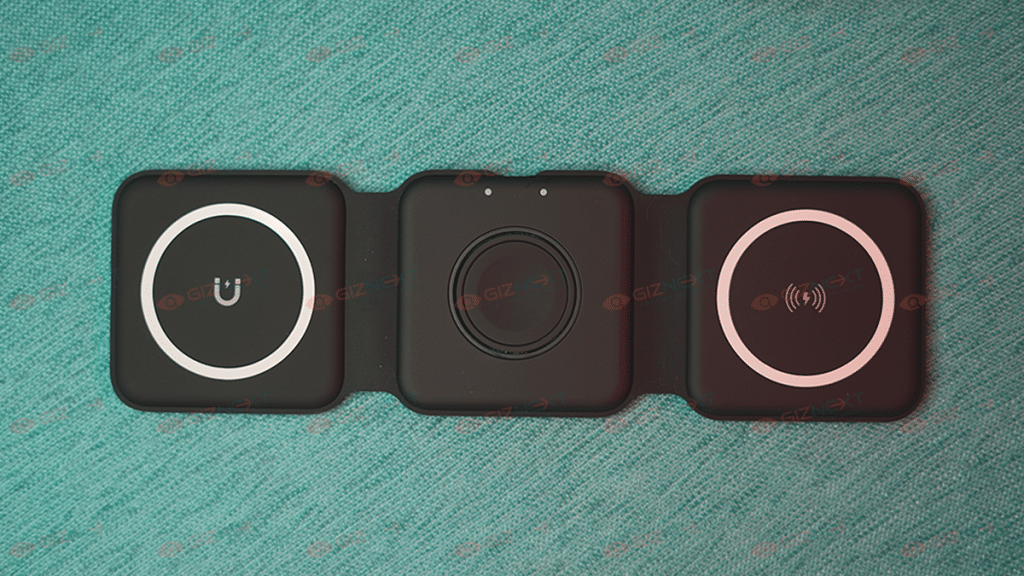
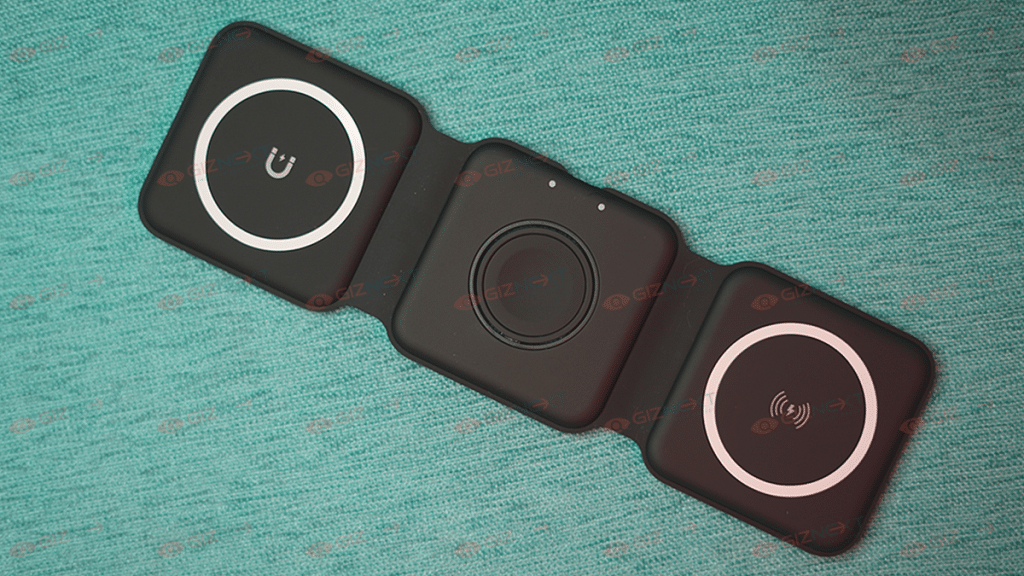
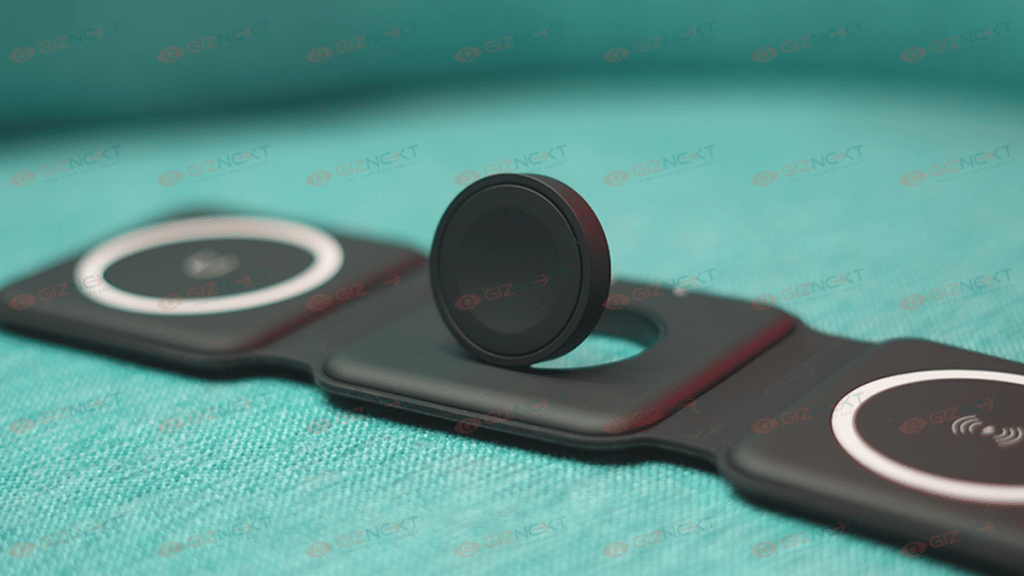
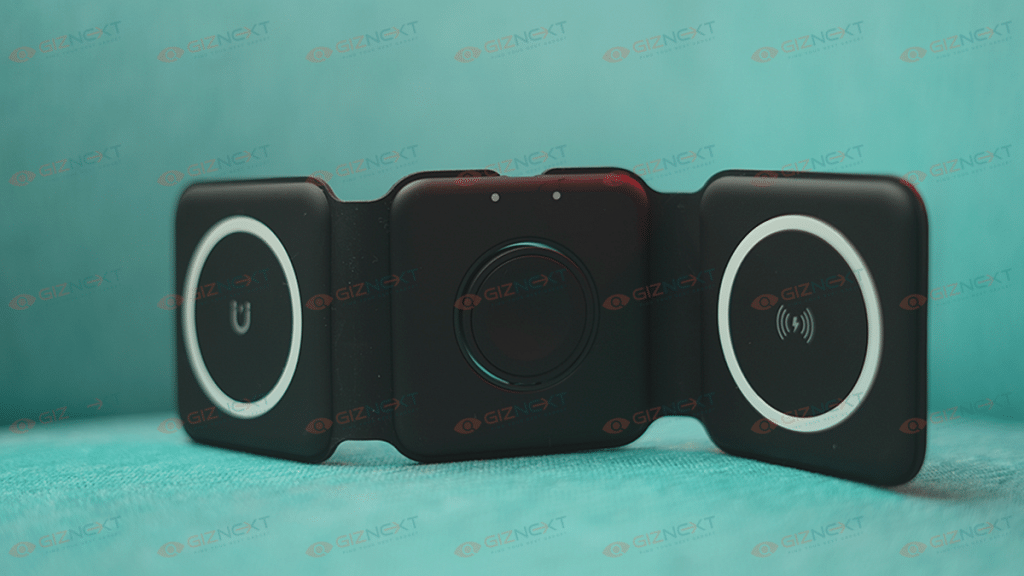
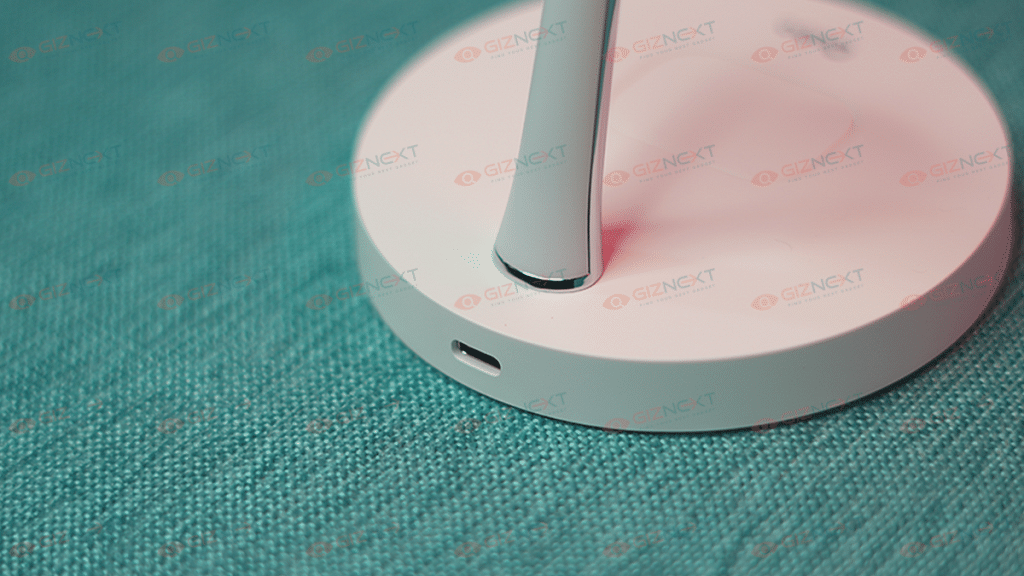
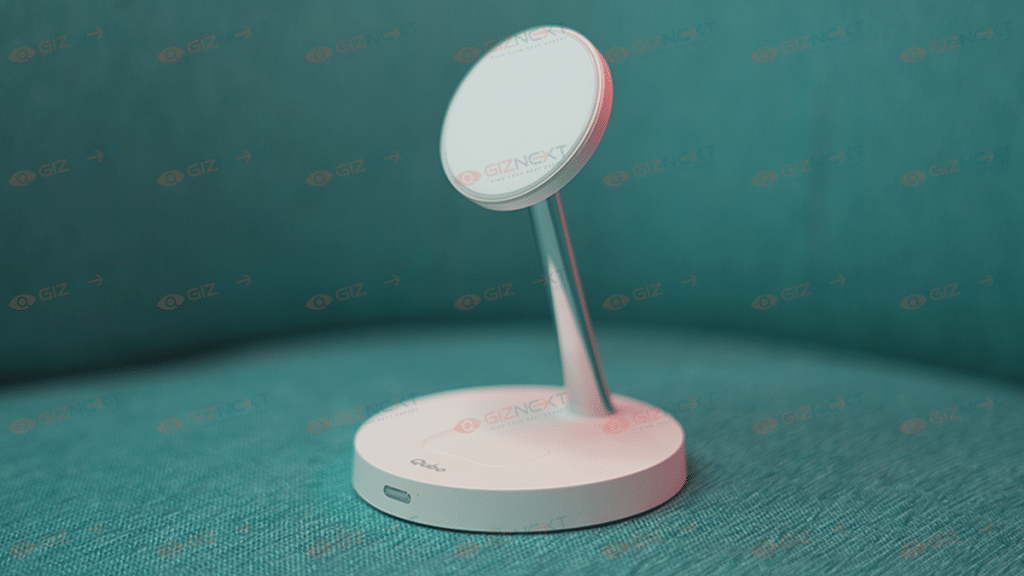
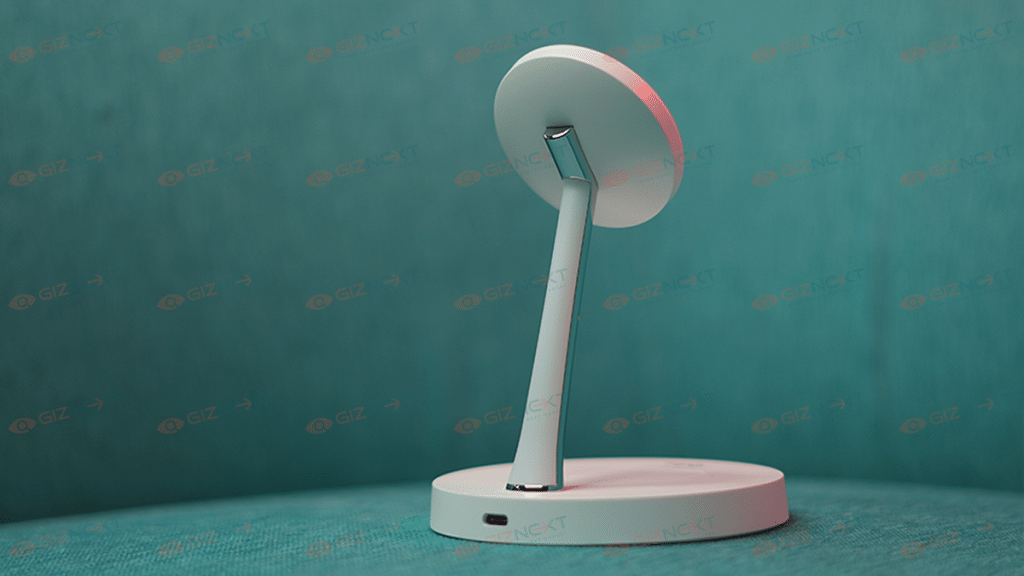
The Qubo MagZap Z3 gets a foldable 3-in-1 magnetic design. It can simultaneously charge an iPhone, Apple Watch, and your AirPods at the same time. The magnets enable the devices to sit securely in a place. I kind of like the stack design where the charging pads attach and sit on top of one another with the help of magnets.

Performance

The Qubo MagZap Z3 wireless charger is compatible with Apple’s Magsafe technology. The charging pad can charge three devices at a time. The devices will start charging the moment the MagSafe magnets are latched to the iPhone’s back panel.

You can charge your iPhone with a MagSafe charger with a 15W capacity. Using the MagZap Z3, it takes about an hour to charge your iPhone to 50 percent battery capacity. This is slow considering that a 20W adapter plugged into a Lightning cable can charge an iPhone to 50 percent in about 30 minutes. Thus, I still choose the Lightning cable when I need to fast charge my iPhone.

Also Read | Crossbeats Armour Dive Smartwatch Review: An Ideal Pick Under Rs. 4,000?

Charging And Connectivity

The Qubo MagZap Z3 wireless charger is MagSafe and Qi-compatible. It provides 15W of charging. The company says that it provides protection against overvoltage, overcurrent, and overheating. Besides, the setup process is quite simple. You just got to connect the cable to the charging pad and place your iPhone, Airpods, and your Apple watch to charge them.

Final Verdict

Honestly, I think the charger is worth buying for people who have a lot of devices that need to be charged wirelessly, especially for Apple users who have more than two units. However, it is not recommended to buy Qubo MagZap Z3 wireless charger if you are looking for fast charging.

Also Read | Qubo MagZap Z2 Magnetic Wireless Charger Review: A Cool Accessory For Your Apple Devices

Categories
Accessories Featured

Jabra Evolve2 Premium TWS For Business Professionals Launched In India: Why Should You Buy?

Key Highlights

  • Jabra launches new Evolve2 earbuds in its Evolve series
  • It features Jabra MultiSensor Voice and Advanced Bluetooth multipoint connectivity
  • Jabra offers many devices to ease the hybrid working experience

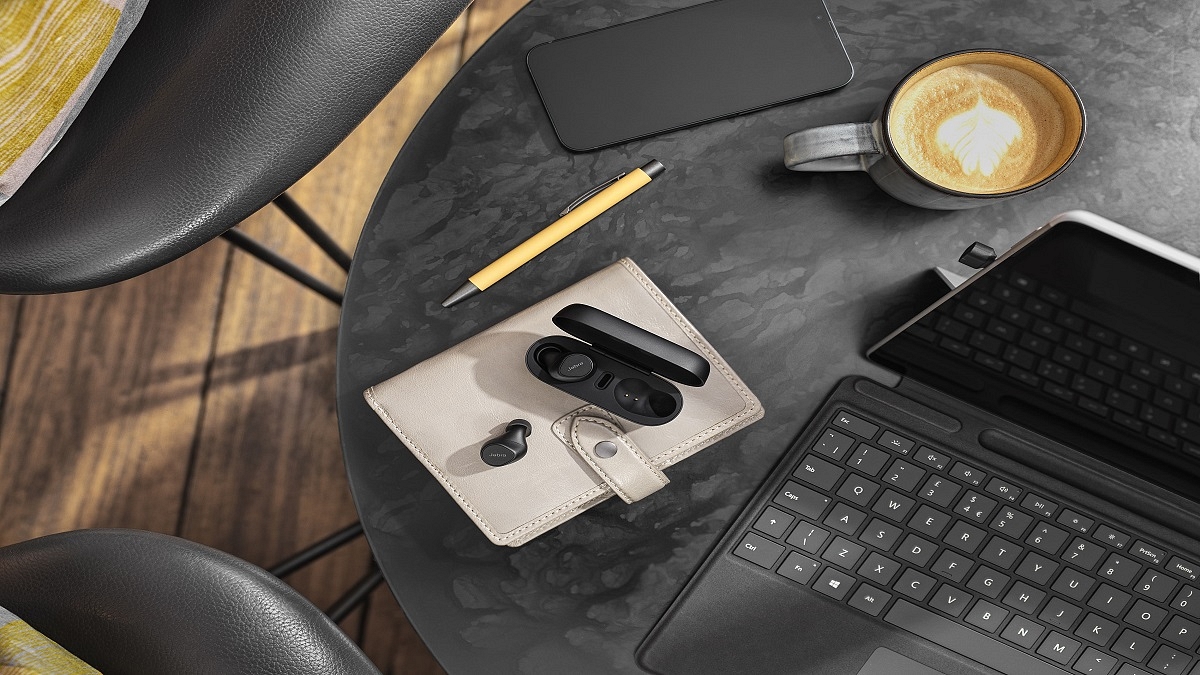
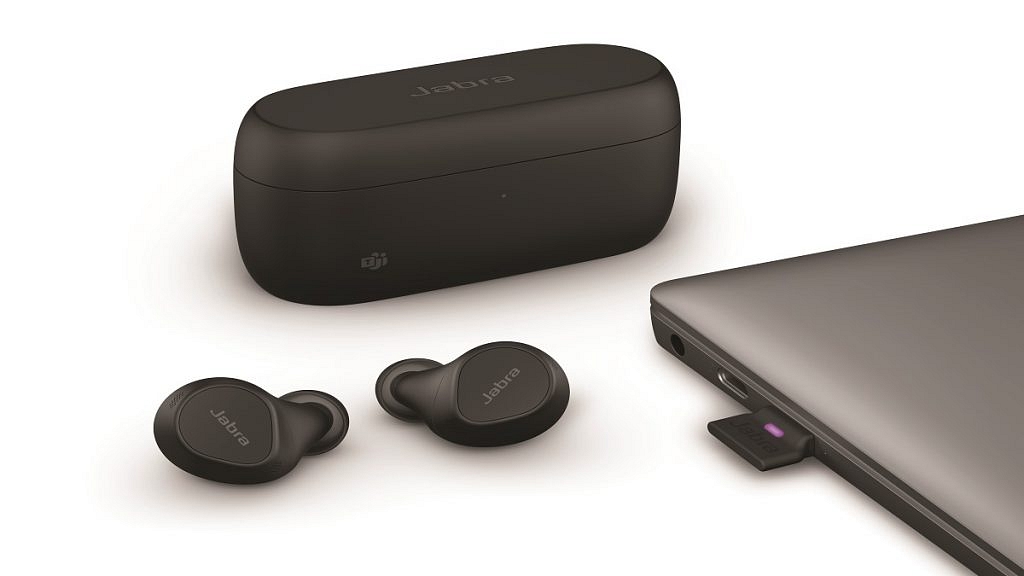
The newest product in Jabra’s Evolve series, the Jabra Evolve2 Buds, has been released. For professionals working on the go, the new Evolve2 Buds are designed to increase concentration and foster better teamwork. The Evolve2 Buds use cutting-edge technology to decrease distracting background noise and enable better calls. They are certified for popular virtual conference platforms like Microsoft Teams and Zoom. Let’s look at the key features the new Evolve2 Buds has to offer.

Minimized Distractions

Active Noise Cancellation technology is one of the key features of the Jabra Evolve2 earbuds. Distractions are reduced and all outside sounds are muted. MyFit, SafeTone with PeakStop, and a sealing test feature are additional features included with the Evolve2 Buds. This ensures improved hearing protection and the great seal for a unique, top-notch ANC experience.

Great Call Quality

To give users access to Jabra MultiSensor Voice and high-quality conversations, Jabra created the Evolve2 Buds. It employs a novel combination of four microphones, bone conduction sensors, and advanced algorithms to reduce background noise as much as possible. This allows the user to be clearly heard by those participating in the call and fosters more focused conversation experiences.

Extensive Range And Connectivity

The Jabra Evolve2 Buds feature a long wireless range, owing to the unique, in-case dongle that can be plugged into your PC. It allows workers to wander around their homes or hybrid/remote work locations without sacrificing call quality thanks to a wireless range of up to 20 meters/65 feet.

Jabra Evolve2 Buds: Battery

The Jabra Evolve2 Buds have five hours of talk time and 33 hours of battery life overall, including the charging case, so you won’t have to worry about them dying in the middle of a meeting.

Jabra Evolve2 Buds: Price And Availability

The Jabra Evolve2 Buds will be available at all Jabra authorized resellers from the end of November at Rs. 39,122.

Also Read | Five Best Wireless Earbuds Under Rs. 2,000 You Can Buy In India

Categories
Accessories Featured Reviews

Qubo MagZap Z2 Magnetic Wireless Charger Review: A Cool Accessory For Your Apple Devices

Pros

  • Easy and convenient
  • Snaps into the perfect charging position
  • Can charge an iPhone and a pair of Airpods simultaneously

Cons

  • May fall off while using iPhone
  • Charges slower than the lighting cable

Nowadays, wireless chargers are a simple way to charge your phone without having to plug it in. And the best chargers are stand-style ones because you can use your phone while charging, unlike horizontal pads.

The latest technological developments were recently made available to Indian customers by Hero Group’s Qubo, giving them an advantage and an additional level of ease. The Qubo MagZap Z2 Magnetic wireless charger for Apple devices is the latest product the company is offering. It can charge an iPhone and a pair of AirPods simultaneously. In this review, I am going to tell you how it works and whether or not it’s a wise investment. Let’s dive in. Also Read | Qubo MagZap Z3 Wireless Charger Review: Functional And Affordable

What’s Inside The Box?

  • MagZap Z2 Wireless Charger
  • Charging Cable 1M Type C
  • Warranty Card

Design

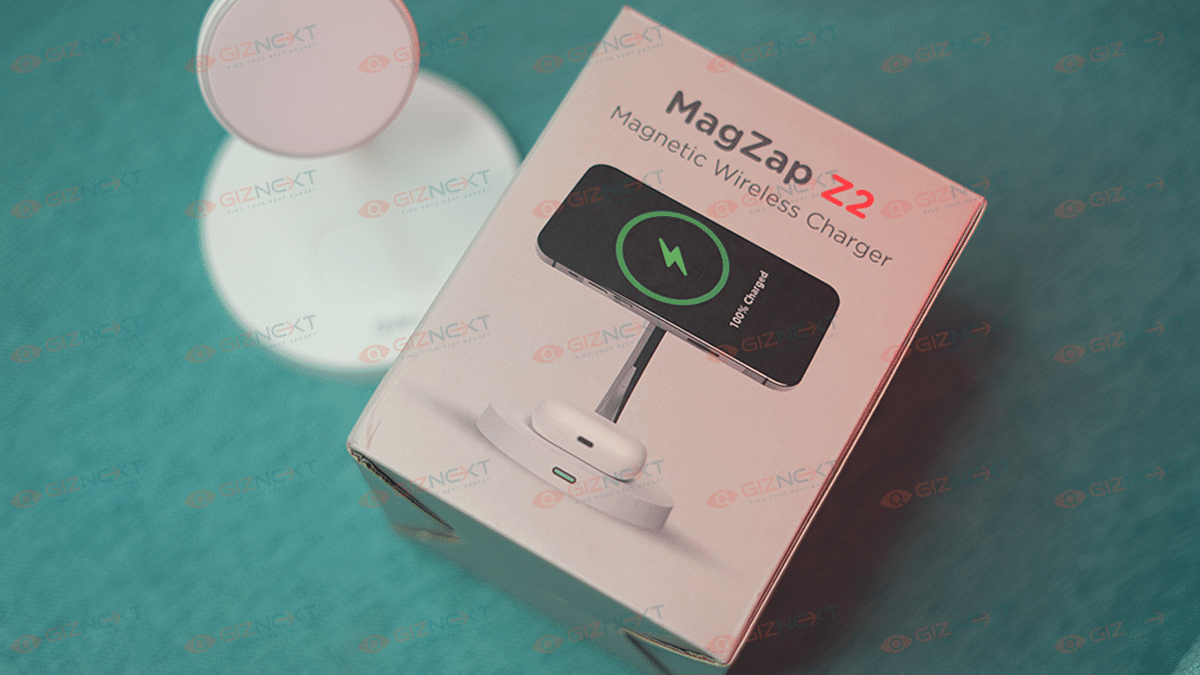
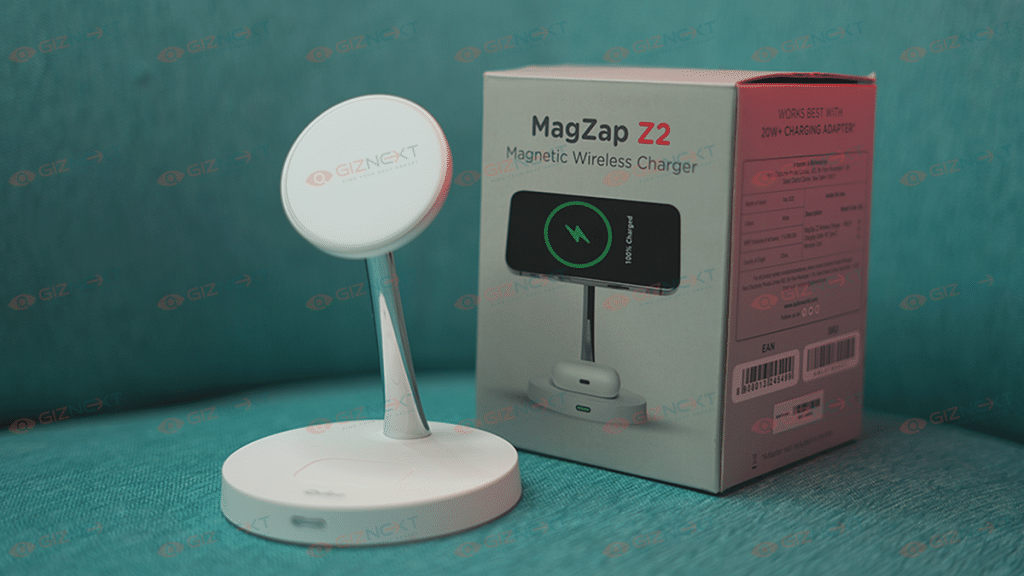
Like most wireless charger designs, the MagZap Z2 is minimal, simple, and easy to use. Designed with care for Apple users, Qubo MagZap chargers have a built-in safe charging mechanism to safeguard your Apple devices. Qubo has designed this range with the highest quality standards followed by multiple levels of reliability testing. It features a stand-form factor with two circular magnetic holders that supports more than one Apple product simultaneously.  

Also Read | Mivi Duopods K7 True Wireless Earphones Review: Balanced Sound On A Budget

Performance

I enjoyed the convenience of using the Qubo MagZap Z2 wireless charger. All you have to do is stick it onto the back of any iPhone, and it will automatically snap into the correct position. The iPhone will start charging the moment the MagSafe magnets are latched to the iPhone’s back panel. I don’t have to wonder if it’s positioned properly for the best charging.

One thing I would highlight is that the MagSafe Charger charges significantly slower than a lightning connection. It doesn’t quite charge as quickly as expected because of the magnetic alignment but does its job well. The iPhone can be charged with 15W capacity using the MagSafe Charger. It takes an hour to charge an iPhone to 50 percent battery capacity using the MagZap Z2. That’s slower when considering a lightning-connected 20W adapter can charge an iPhone to 50 percent in just 28 minutes. When I work from home, this is not a big concern, but if I need to charge my iPhone quickly, I still choose the lightning cord.

Additionally, this magnetic wireless charger has multiple protection features including overheating, overcurrent, over-voltage, and short circuit protection.

Final Verdict

The Qubo MagZap Z2 Magnetic Wireless Charger offers the convenience of charging two Apple devices at once. This eliminates the mess created with multiple wires required to charge iPhone, iWatch, or Airpods separately.  

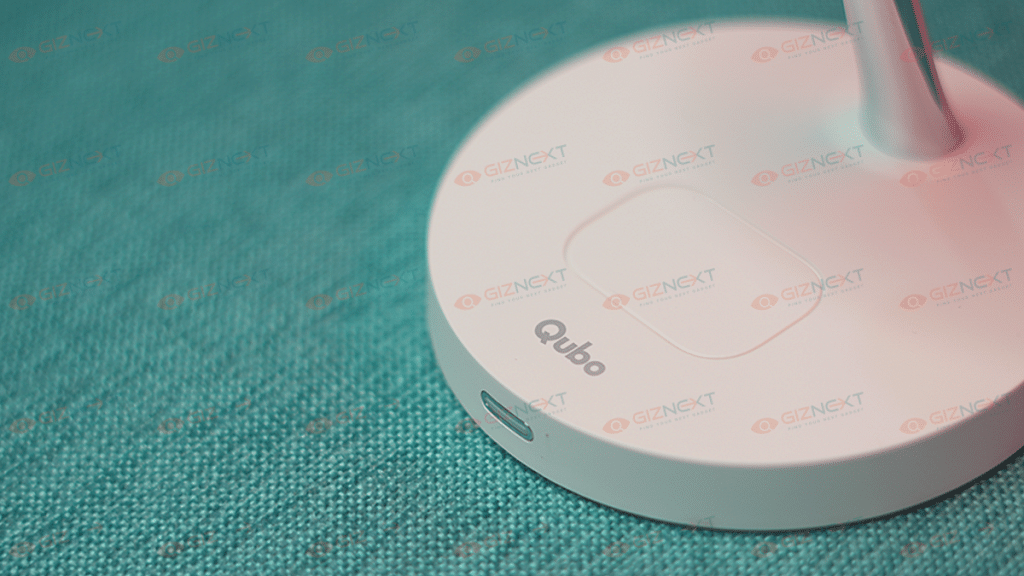
There are a few things that I truly wish it offers to improve the user experience. A slightly stickier base is one of them. It simply has four rubber feet on the bottom that could have offered better gripping. It moves about rather freely, which is nice, but the stationery form factor would have been appreciated. There is already a significant amount of weight in the base. It’s not just empty plastic, but to actually hold it in place, it may be a little heavier. As per my experience, I’ve found that it is a decent device that works efficiently. It is definitely a good wireless charger.

Also Read | Wings Phantom 345 TWS Gaming Earbuds Review: Trendy And Affordable

Categories
Accessories Featured Leaks

OnePlus Buds Pro 2 Renders Leaked Revealing Full Design: All You Need To Know

Key Highlights

  • A rendering of the OnePlus Buds Pro 2 shows the earbuds in an olive green color option
  • The Buds Pro 2 to share a similar design to the Buds Pro
  • The release date for OnePlus Buds Pro 2 has not yet been announced

There are rumors that OnePlus will introduce a new set of truly wireless earbuds. The company released the OnePlus Buds Pro last year, and it’s time to update the premium TWS earbuds. Online rumors concerning the premium OnePlus earbuds have started to surface as the OnePlus Buds Pro 2 launch may be just around the corner. The most recent one reveals the OnePlus Buds Pro 2’s design.

The 91mobiles, in association with tipster Kuba Wojciechowski, has shared the Buds Pro 2’s high-quality renders. The TWS earbuds will feature the same style as the original Buds Pro. Let’s look at the OnePlus Buds Pro 2 design renderings and information that is currently available.

OnePlus Buds Pro 2 Design Revealed

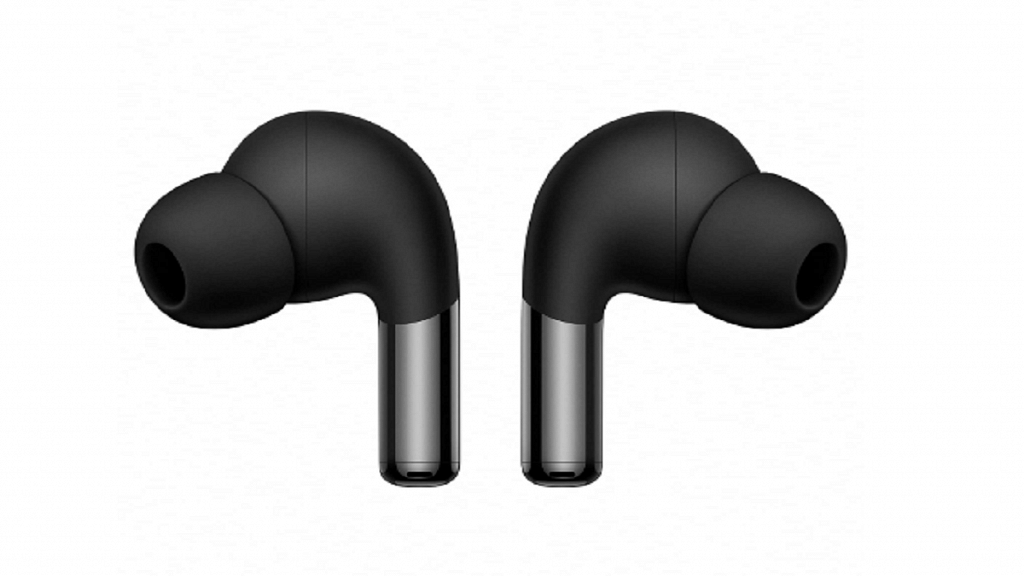
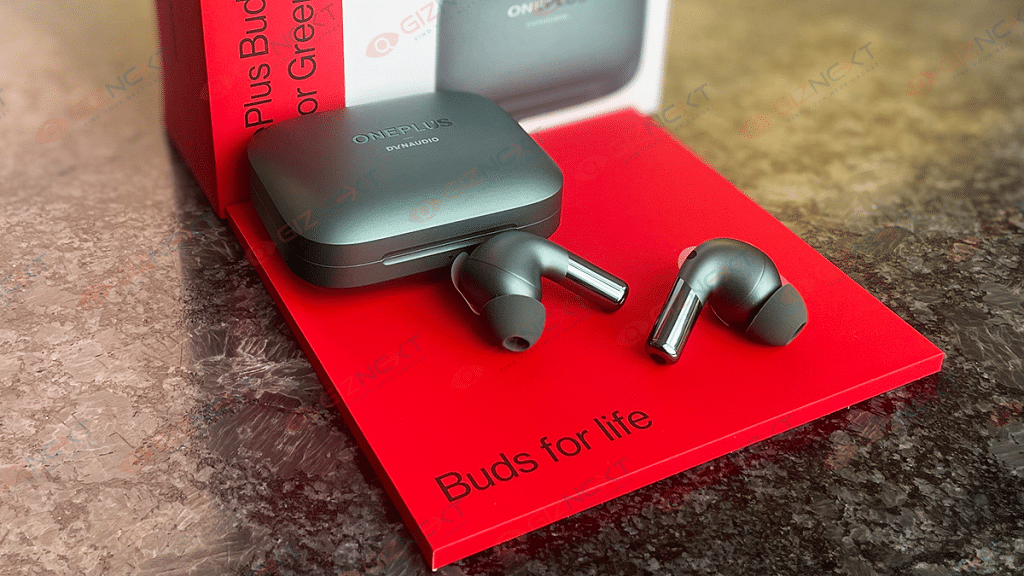
Online leaks of the TWS’s design renderings have surfaced. According to the report, the earbuds will have identical look to the original Buds Pro, which was introduced last year. The Buds Pro 2 with its Olive Green shown is shown in the report.

For a better fit, the earbuds will have angled ear tips. The device has a glossy paint job on the bottom half and a matte finish on the top half. Each earbud will have a microphone on the outside.

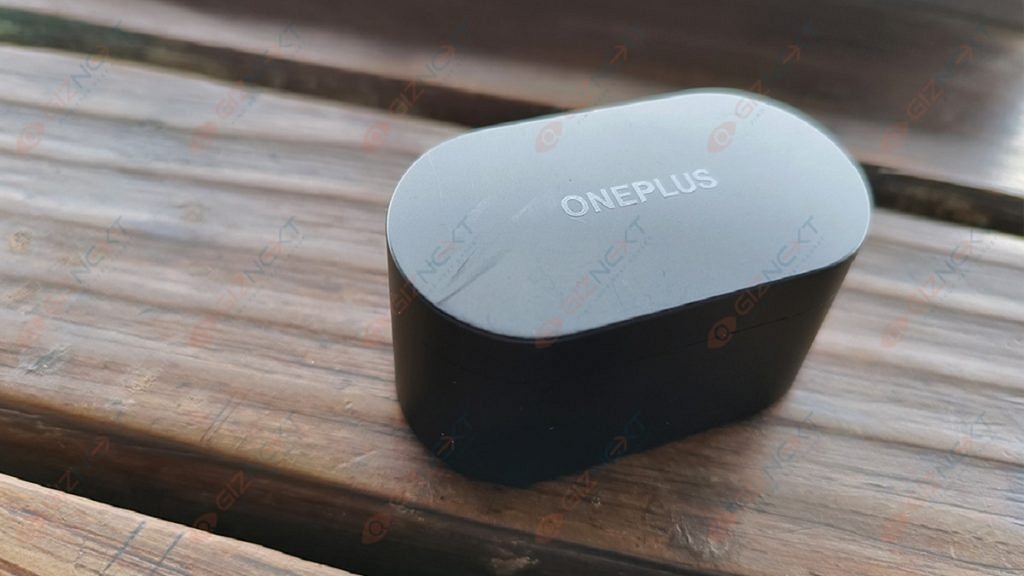
The charging case’s design is also disclosed in the report, which is identical to the original model’s pebble-shaped case. It will come with a matte finish along with the OnePlus and Dynaudio branding.

OnePlus Buds Pro 2’s Leaked Specifications

The TWS earbuds’ specifications have also surfaced. According to reports, the Buds Pro 2 will come with 11mm and 6mm dual drivers. Additionally, the earbuds will support Active Noise Cancellation for up to 45db.

Further information reveals that the earbuds will support LHDC 4.0 codec and have three microphones. According to certain leaks, spatial audio will also be supported. In addition, adaptive ANC is stated to be supported by earphones, which will automatically select the level of noise canceling.

Headphone TypeIn-Ear
Driver Size (mm)11mm and 6mm
Driver TypeDynamic
Charging PortUSB Type-C
Battery Life22 hours
ColorOlive Green

Also Read | How To Connect OnePlus Buds True Wireless Earbuds With Smart TVs and Laptops?

Categories
Accessories Featured

Best 500GB Hard Disks Under Rs. 5,000: From Toshiba, Samsung, And More

Key Highlights

  • You can buy Hard Disks from popular brands under Rs. 5,000
  • 500GB external hard discs can store a significant amount of your information
  • Features you need to check include storage capacity, disk interface, and more

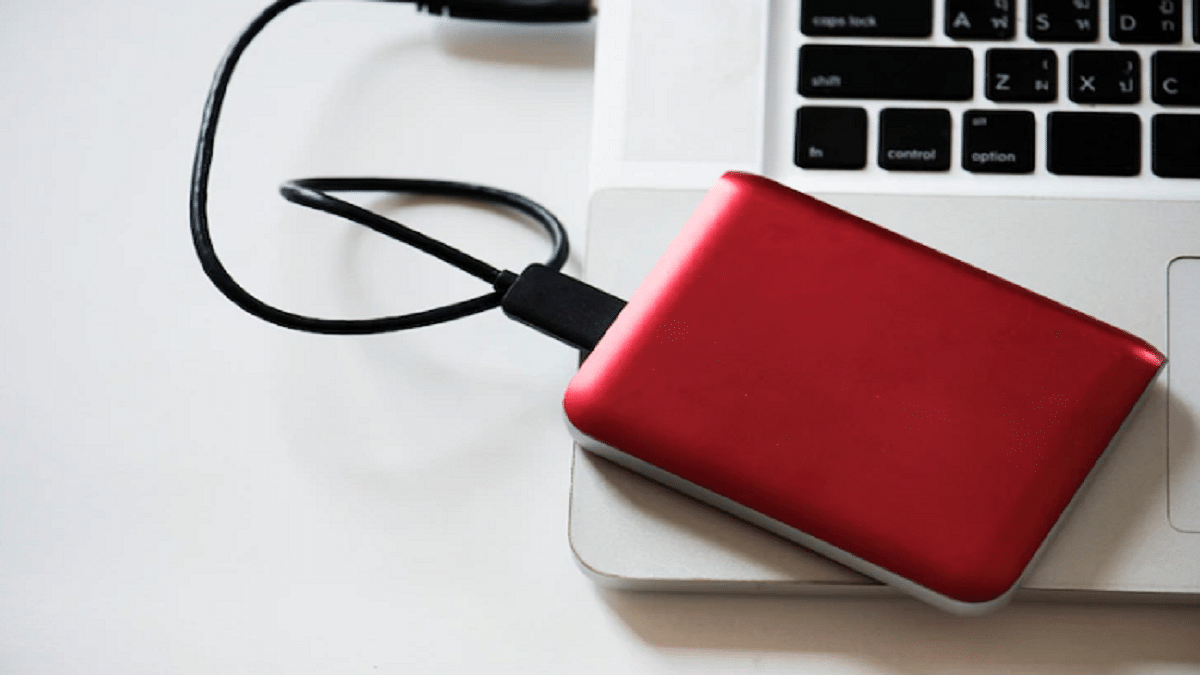
Cloud storage is the ideal way to store your large chunk of information. It cannot, however, be destined to be available anytime, wherever. Therefore, external hard discs can not only store a significant amount of your information but you can also take it along anywhere you choose in a backpack or even a purse.

You can choose from some of the best 500GB hard disks featured in this post if you want to purchase them to safely store your files and vital data.

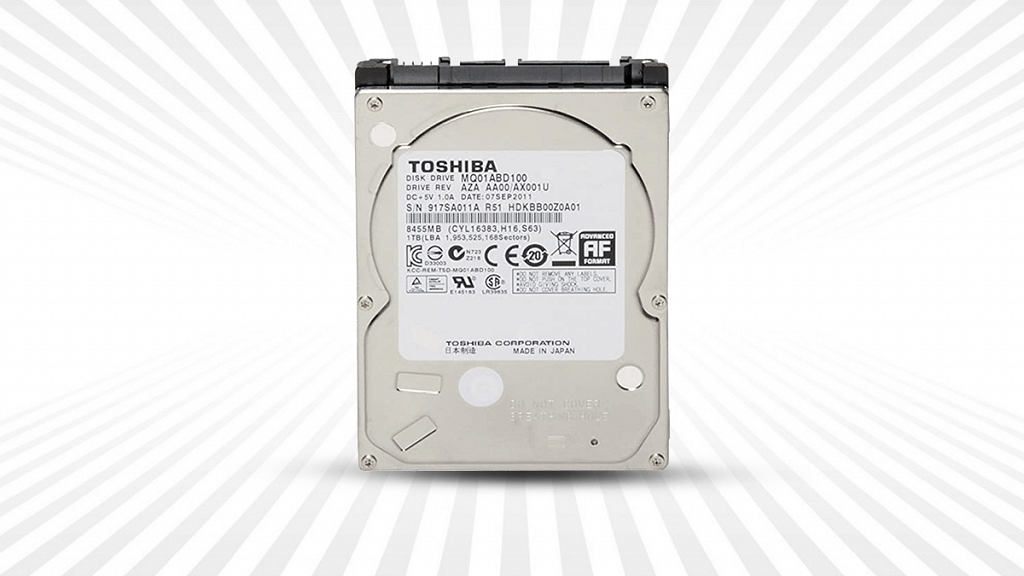
Toshiba Notebook Hard Disk SATA 500GB

The 5,400 RPM journal series hard drives with SATA interface are designed for standard applications that demand a capacity solution with uncompromising quality and power productivity. A sequential point of interaction that operates at speeds of up to 6Gb/s is known as a Serial ATA (SATA). It is flexible and enables simple combinations, excellent execution, and effective framework designs. SATA is the development trade for the Parallel ATA (PATA) stockpiling point of interaction.

Pros

  • Large storage space
  • High portability

Cons

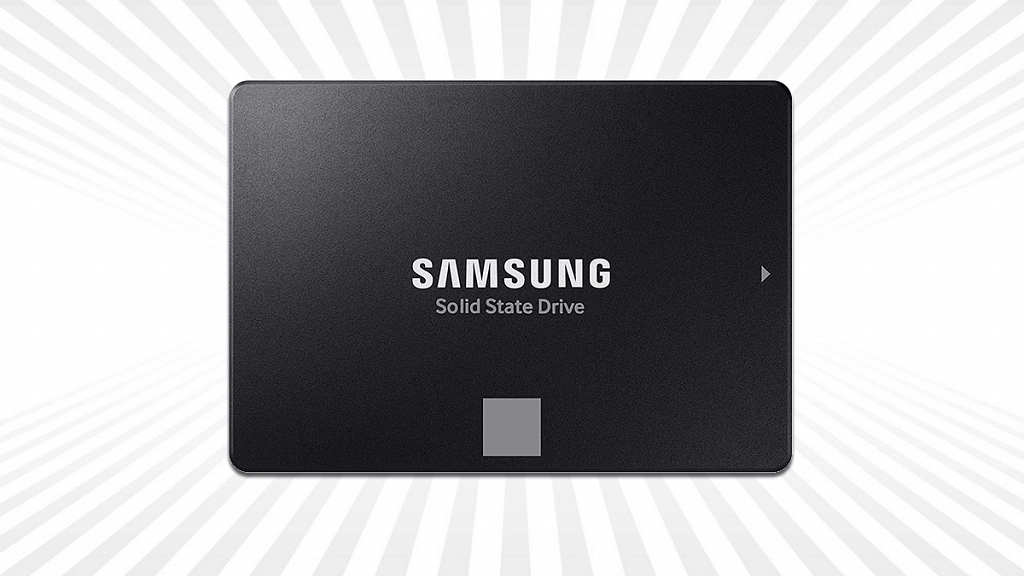
Samsung 870 EVO 500GB SATA 6.35 cm

The 870 EVO expands upon Samsung’s industry-leading SSD technology. It boasts improved performance, unwavering quality, and compatibility to meet the needs of everyone from content creators and IT professionals to ordinary users. With successive speeds of 560/530 MB/s, the Samsung 870 EVO 500GB SATA 6.35 cm achieves the highest SATA interface cutoff. With a larger variable cradle, shrewd TurboWrite keeps up with long-term elite execution.

Pros

  • Fast connectivity
  • Lightweight

Cons

  • Little expensive

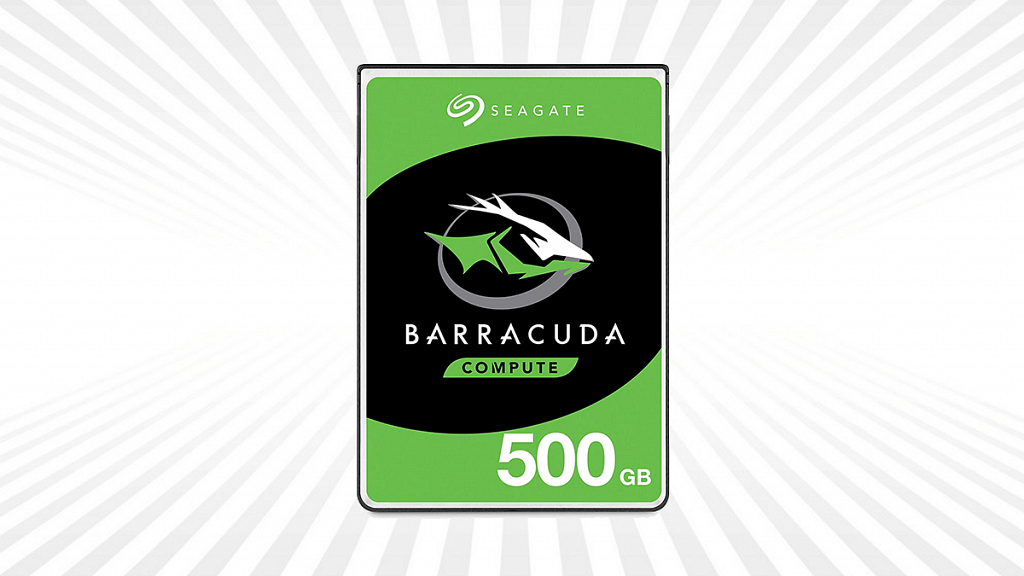
Seagate Barracuda 500GB Internal Hard Drive

BarraCuda 2.5-inch drives, available in 7mm and 15mm z-levels, are an economical solution for all of your PC needs. Barracuda leads the market with the broadest range of storage options that anyone could hope to discover, with limits of up to 5TB. Customers can easily redesign their PC, portable, external, or across-the-board PC frameworks with a 2.5-inch structure factor.

Pros

  • Available in 7mm and 15mm z-levels
  • Limits of up to 5TB

Cons

  • Expensive

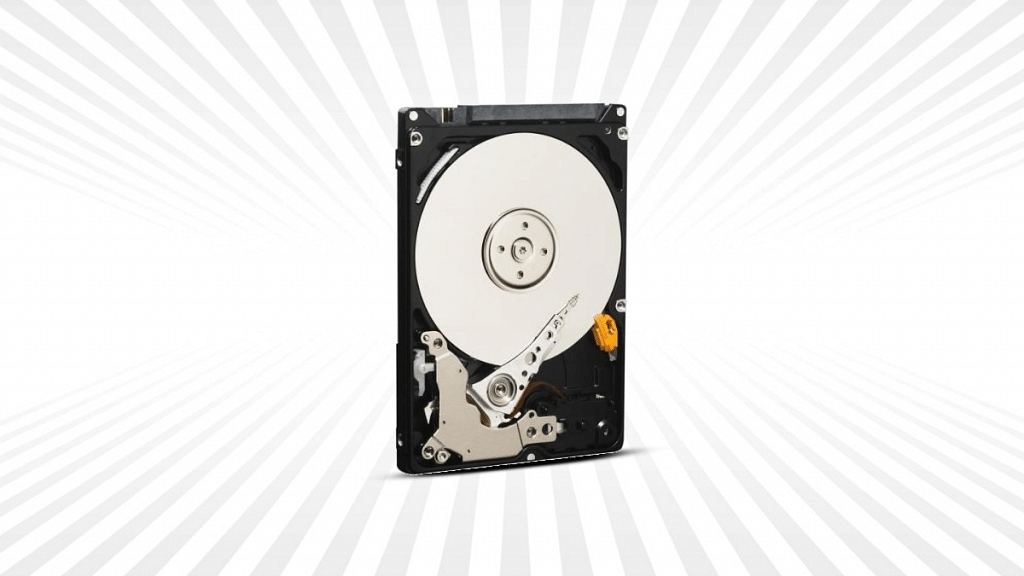
Western Digital Blue WD5000LPVT 500GB Internal Hard Drive

The Western Digital Blue hard drive is created using cutting-edge technology that has been found in WD’s distinctive, award-winning workspace and portable storage. This 500GB hard disc has a 5,400 rpm speed. The hard drive is 2.5 inches in size. It gives you a lot of storage space and is accessible to practically everyone.

Key Specs:

 Toshiba Notebook Hard DiskSamsung 870 EVO 500GB SATASeagate Barracuda 500GB Internal Hard DriveWestern Digital Blue WD5000LPVT 500GB Internal Hard Drive
Digital Storage Capacity500GB500GB500GB500GB
Hard Disk InterfaceSerial ATASolid State2.5 Inches –
Special Feature –Fast SpeedIntegrated Data Security –
PriceRs. 1,922Rs. 4,400Rs. 3,399Rs. 1,150
Categories
Accessories Featured Info

Yale Home India Launches YDM7220 BioSecure Smart Lock: All Details

Key Highlights

  • Yale YDM7220 lock is equipped with BioSecure technology
  • It is formulated using silver ion to inhibit bacteria growth
  • This smart lock reduces the risk of secondary infections

Yale Home India has launched a smarter lock – Yale YDM7220 BioSecure to keep the risk of cross-contamination at home at bay. This smart lock is equipped with BioSecure technology, ensuring that all touchpoints in your home are properly cleaned and sanitized as standard.

Regular home cleaning and disinfection have become a top priority for every household, especially after the COVID-19 outbreak. General household hygiene includes a frequent and thorough cleaning of the home but it is also important to regularly disinfect all major touch points around the home. Here’s all you need to know about the newly launched smart lock:

Yale YDM7220 BioSecure Smart Lock: Features

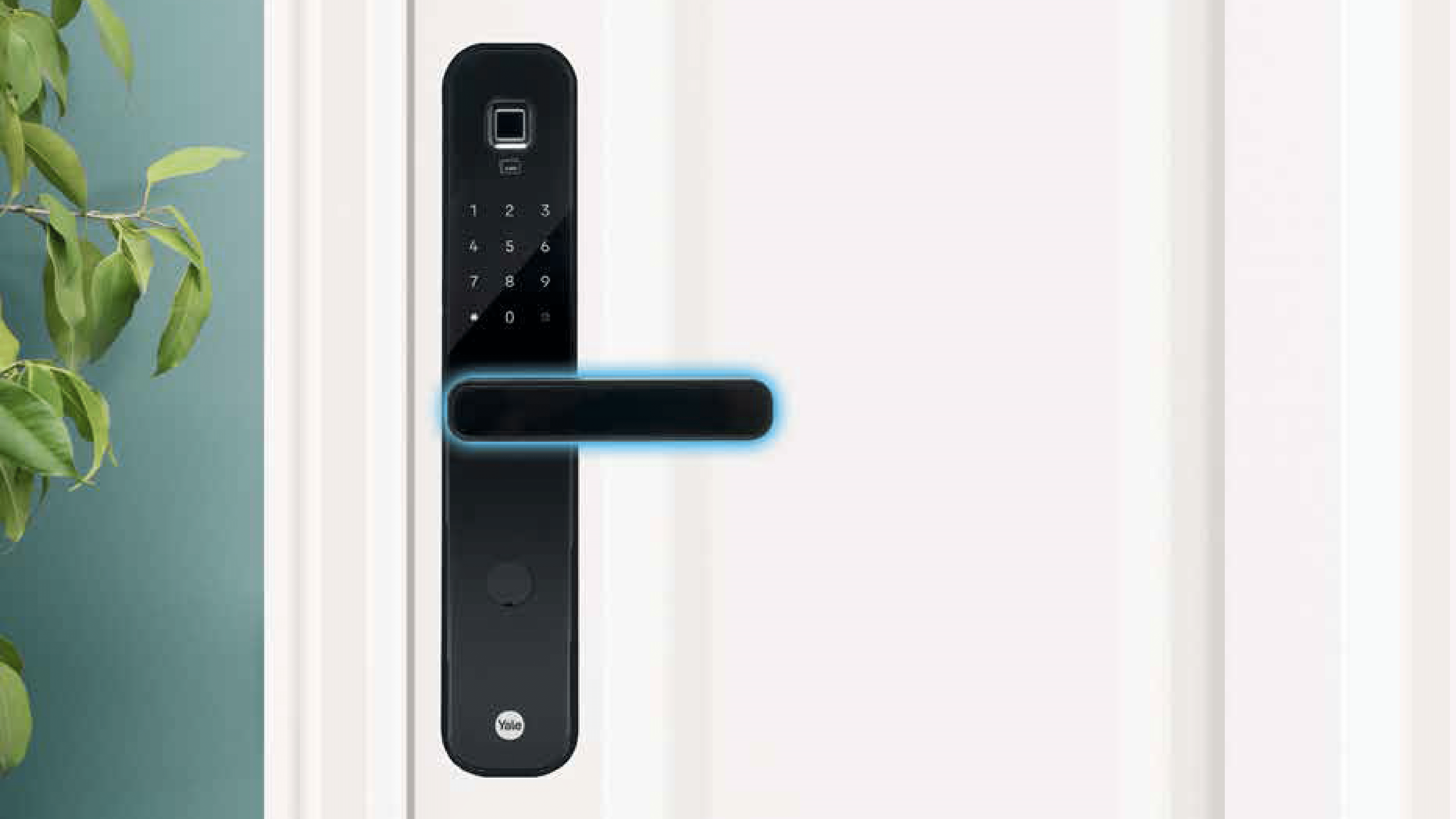
BioSecure technology is included in the Yale YDM7220 BioSecure Smart Lock. Silver ions are used in the formulation of the safe, non-toxic, and long-lasting BioSecure anti-bacterial solution. It has been proven that BioSecure technology can continually eliminate organisms by targeting the cell walls and preventing energy production as well as the reproduction of bacteria cells. Additionally, this helps prevent the formation of bacteria and lowers the risk of subsequent infections, especially in children and the elderly.

It has been proven that the base substance used in the BioSecure anti-bacterial solution reduces hazardous bacteria by over 80 percent in 15 minutes and by 99 percent in two hours.

No matter where you are, the YDM7220 Smart Lock lets you lock and open your door. Keyless access is made possible by the advanced software and user-friendly Yale Access mobile app. Users can also grant virtual guest keys, see who is visiting and when, and determine if the door is open or closed with the YDM 7220.

All smartphones can access the Yale YDM7220 BioSecure locks’ control panel. You can stop thinking about whether you locked your door before leaving in the morning at this point. Even if you are unsure, you can always use the Yale Access app to verify the condition of the door. The YDM7220 includes DoorSense technology for added convenience.

Yale YDM7220 BioSecure Smart Lock: Availability

The YDM7220 BioSecure Smart Lock is already available in all retail stores pan India.

Categories
Accessories Featured How To

How To Connect OnePlus Buds True Wireless Earbuds With Smart TVs and Laptops?

Key Highlights

  • OnePlus Buds uses latest Bluetooth technology for quick connectivity
  • To connect your OnePlus Buds earbuds to your smart TV, read more.
  • You have to turn on Bluetooth on both devices for pairing

OnePlus has been growing its consumer gadgets portfolio with new products proactively. We see new Android smartphones, TWS earbuds, and smart TV launches from the Chinese tech OEM in the global regions and India frequently. OnePlus Buds is the brand’s bet in the affordable TWS earbuds segment.

OnePlus has been leading this race with pocket-friendly yet performance-oriented truly wireless earbuds. All the OnePlus Buds earbuds including the Buds Pro, Buds Z/Z2, and the vanilla Buds offer a rich listening experience. OnePlus has also made numerous upgrades with the new OnePlus Buds models to offer a wider range of connectivity as well as a better soundstage.

Also Read | How To Enable Multipoint And Audio Switch Feature In Pixel Buds TWS Earbuds

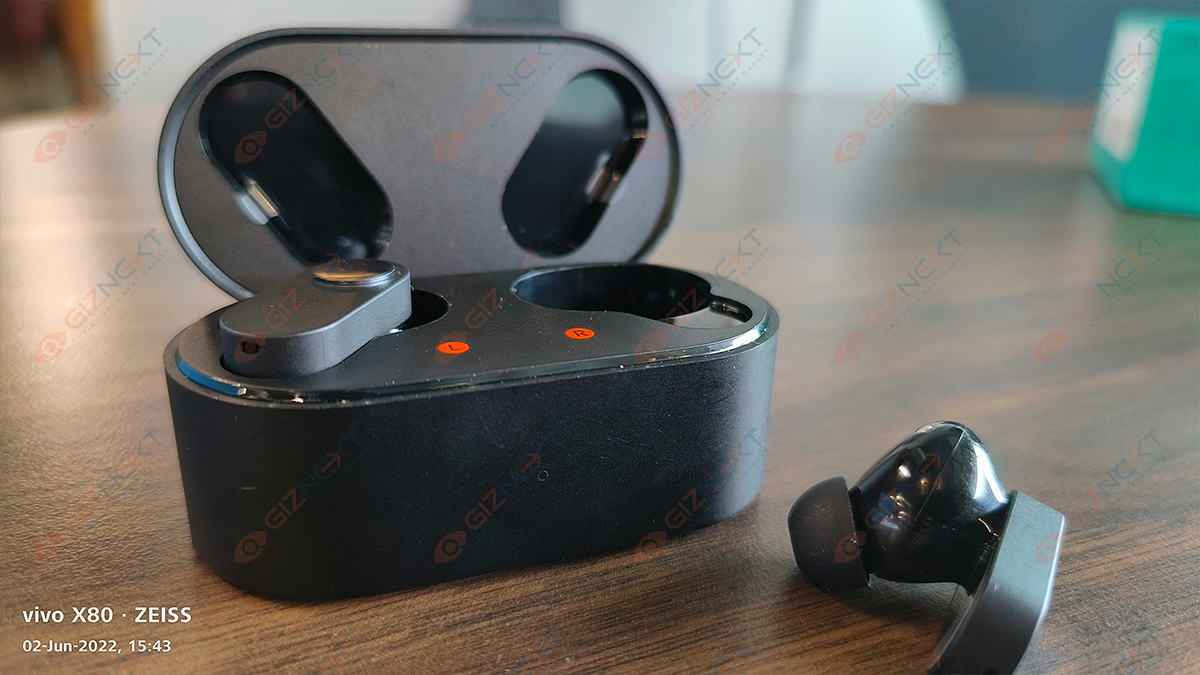
All OnePlus Buds variants are equipped with Bluetooth technology for quick connectivity with compatible smartphones and tablets. The OnePlus Buds TWS earbuds can also be paired with laptops and smart TVs. What all steps would you need to perform to connect the OnePlus Buds earbuds with any laptop or smart TV? The steps are listed here:

How To Connect OnePlus Buds Earbuds With Laptops

Step 1: To pair the OnePlus Buds TWS with laptops, go to the control panel first.

Step 2: Scroll to the Bluetooth and other devices options.

Step 3: Tap on the + icon or the Add Bluetooth device option.

Step 4: Now, you would need to put the OnePlus buds earbuds into pairing mode. To do so, press and hold the setup/pairing key. You can locate this key on the charging case.

Step 5: Once the earbuds are in pairing mode, you will see it in the list of available devices on your laptop. Click on the device name to initiate the pairing process.

Step 6: The OnePlus Buds will now be connected to the laptop. You can start playing videos or games and listen to the audio on the OnePlus Buds earbuds.

Also Read | OnePlus Buds Failed To Discover Or Identify? How To Resolve Pairing Issues With OnePlus Buds TWS Earbuds

How To Pair OnePlus Buds TWS with Smart TVs

Step 1: You can connect OnePlus Buds TWS earbuds with TVs that have Bluetooth support.

Step 2: Go to the Settings menu on your respective smart TVs.

Step 3: Go to the pair new device option.

Step 4: Press and hold the pairing key on the OnePlus Buds earbuds.

Step 5: Tap on the earbuds name listed on the TV screen.

Step 6: Accept all permissions on the screen and you are good to go.

Also Read | Five Best Wireless Earbuds Under Rs. 2,000

Categories
Accessories Featured

Nothing Ear (Stick) Competitions: Best Alternatives To Consider Under Budget

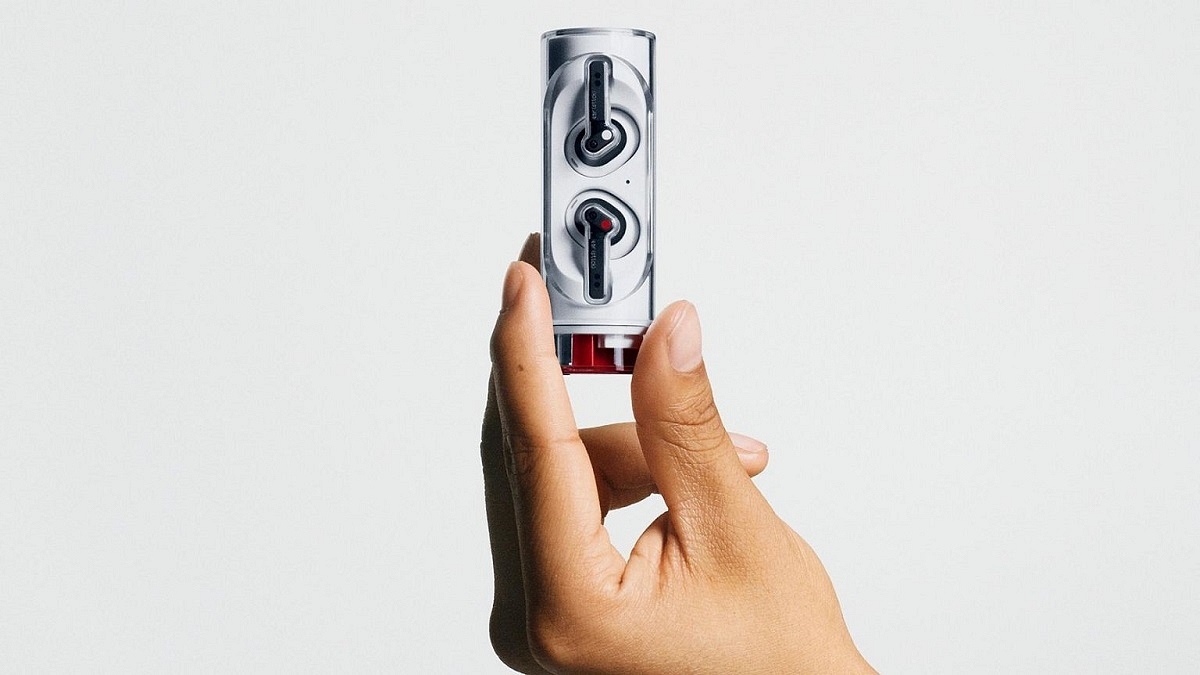
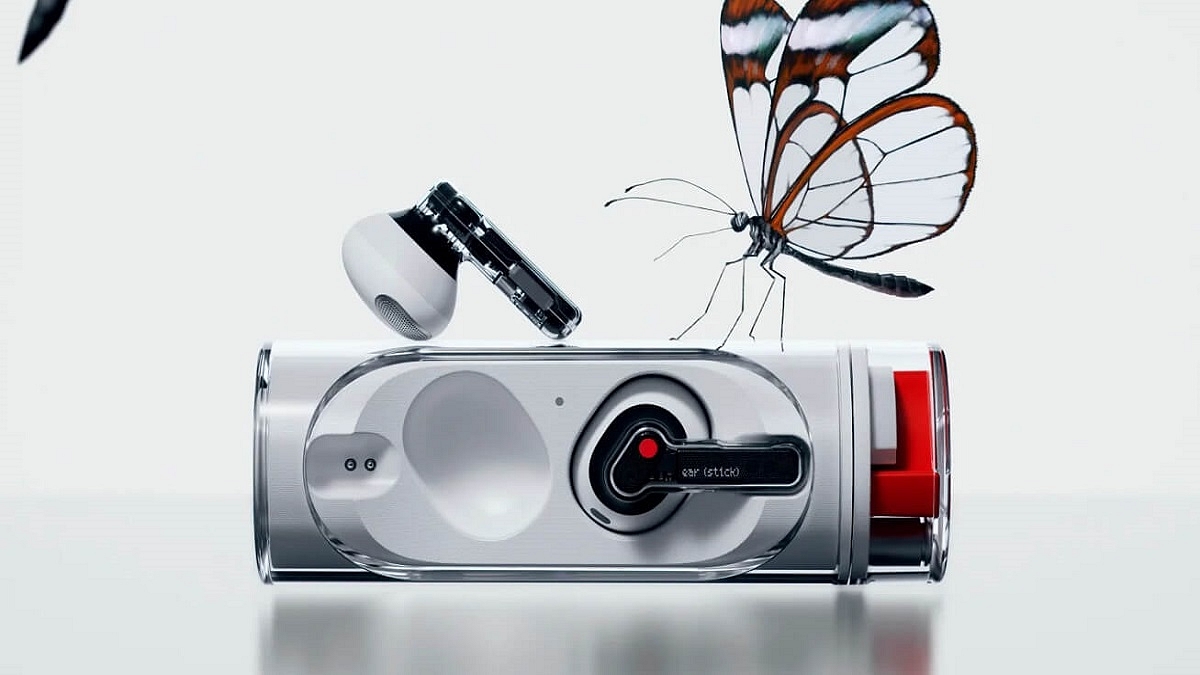
The Nothing Ear (Stick) TWS earbuds are now official and cost Rs. 8,499. It comes in a distinctive twist-to-open see-through housing, keeping with Nothing’s transparent design philosophy. A single charge of the Nothing Ear (Stick) can provide up to seven hours of audio playback and up to three hours of talk time. The audio is powered by 12.6mm dynamic speakers. Beginning November 4, the new earbuds will be available for purchase.

If you were waiting for the Nothing Ear (stick) and there may have been a number of factors that prevented you from purchasing it, here are some of the options that you can check out within a similar price range:

OnePlus Buds Pro

With its adaptive noise cancellation, the OnePlus Buds Pro can block up to 40dB of background noise. Three microphones are set up to enable ANC when calling. The Audio is handled by 11mm dynamic drivers. The wireless connection is handled via Bluetooth 5.2. The OnePlus Buds Pro was launched at a higher price but is currently available for a discounted price of Rs. 7,990 on Amazon India.

Pros

  • Comfortable, all-day wear design
  • Powerful ANC
  • Solid battery backup

Cons

  • The case’s hinge mechanism feels loose
  • It doesn’t support Google Fast Pair

Samsung Galaxy Buds 2

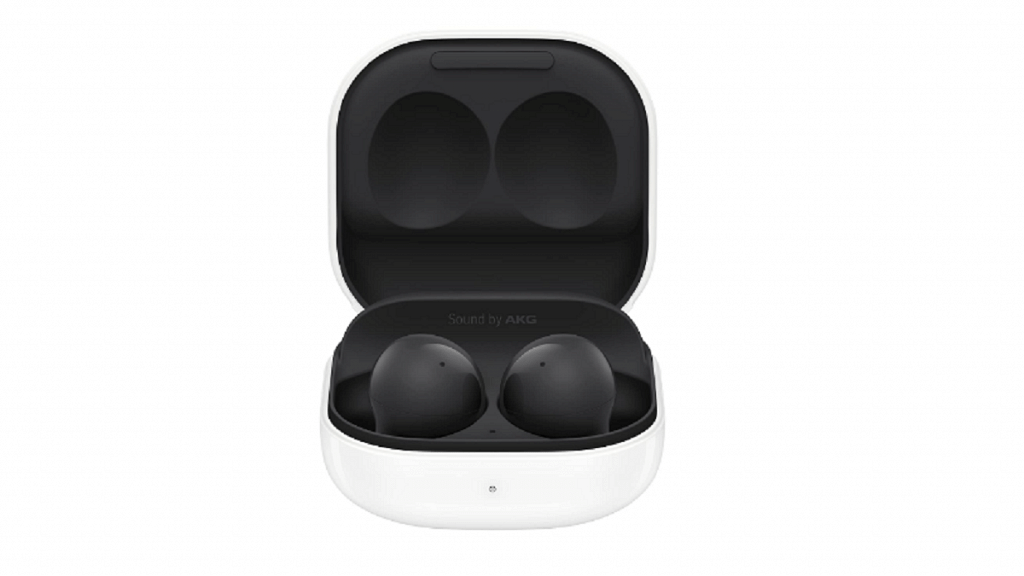
The Samsung Galaxy Buds 2 provide great connectivity capabilities with Samsung devices, ANC, a stem-less design, and two color options. The case in which the earbuds charge packs a 472mAh battery. The audio is tuned by AKG. The two drivers in each earbud are an 11mm woofer and a 6.5mm tweeter. Currently, the Samsung Galaxy Buds 2 are available for under Rs. 7,574 on Amazon India.

Pros

  • Decent active noise canceling
  • Qi wireless charging support
  • Transparency Mode

Cons

  • No iOS integration
  • No auto-pause when removing earbuds

Jabra Elite 4 Active

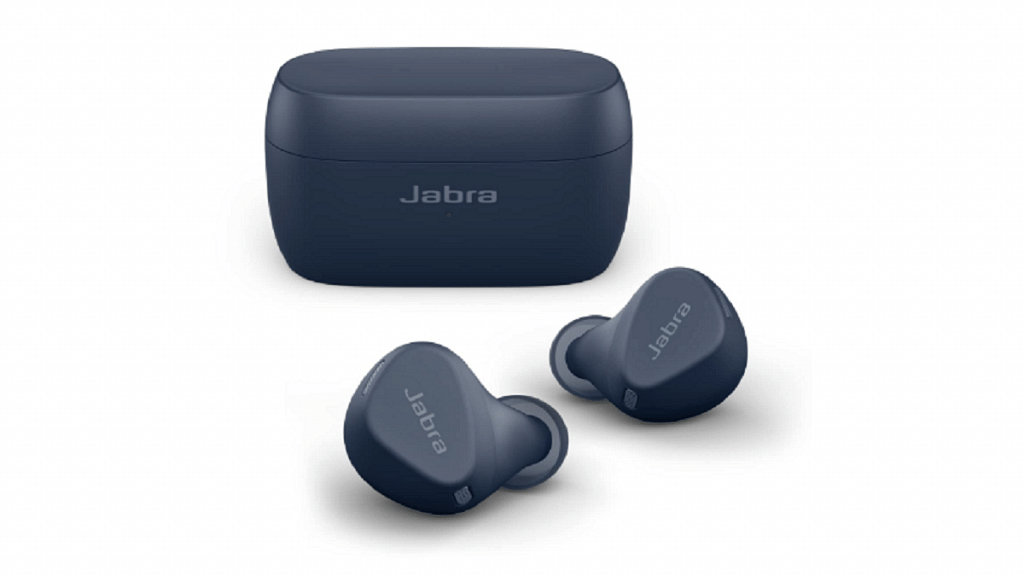
The Jabra Elite 4 Active has a Secure Active Fit ergonomic wing-free design for a noise-isolating fit as well as Active Noise Cancellation. Additionally, it supports Siri and Google Assistant in addition to Alexa. The 6mm drivers and Qualcomm aptX and SBC audio codecs are supported by the Elite 4 Active TWS earbuds. The Jabra Elite 4 Active is currently selling for Rs. 5,000 on Amazon.

Pros

  • Effective ANC
  • Waterproof and dust-resistant build
  • Good sound quality

Cons

  • No wear sensors
  • No AAC codec support
Categories
Accessories Featured Info

Nothing Ear (Stick) Unveiled In India: Know Specs, Price, And More

Key Highlights

  • The Nothing Ear (Stick) has been launched in India
  • The earbuds come at a price of Rs. 8,499
  • It will be available for sale from Nov 17 via Myntra and Flipkart

Nothing has added another device to its ever-growing portfolio of devices. The company held a special event to unveil Nothing Ear (Stick). This is the third device in Nothing’s portfolio and second wearable launched by the company after Nothing Ear (1) which was launched for Rs. 5,999 in July this year. Here’s all you need to know about the newly launched Nothing Ear (Stick).

Nothing Ear (Stick) Specifications

The 12.6 mm drivers of the Nothing Ear (Stick) are designed to produce deep, clear highs and bold details. According to the company, the sound quality is constant throughout a range of frequencies.

Although these earbuds don’t have active noise cancellation, they do include bass lock technology which detects how much bass is lost when wearing them based on the user’s particular ear canal shape and how well they fit.

The Nothing Ear (Stick) has three high-definition microphones that boost the voice while amplifying stronger background noises to provide crowd and wind resistance calls. Additionally, users can press buttons on each earbud even with wet fingertips thanks to their location on each earpiece. To control the volume, activate voice assistance, play, pause, or skip music, users can press the earphone stem.

In terms of the Ear Stick’s battery, the earbuds can be used for up to seven hours of listening and three hours of talking. For speedier charging, the case contains an additional 22 hours of charge. The user can plug in the charger for 10 minutes and up to two hours of listening time.

The company claims that each bud weighs only 4.4g making the device “featherlight.” However, it does not include silicone tips like the Ear (1), thus background sounds will not be completely muffled.

Nothing Ear (Stick) Price In India

The Nothing Ear (Stick) has just been released in India at a cost of Rs. 8,499. From November 17, 2022, these earbuds will be sold on Myntra and Flipkart. The earbuds will be available across 40 countries and regions including US UK, and Europe at select retailers and nothing.tech.