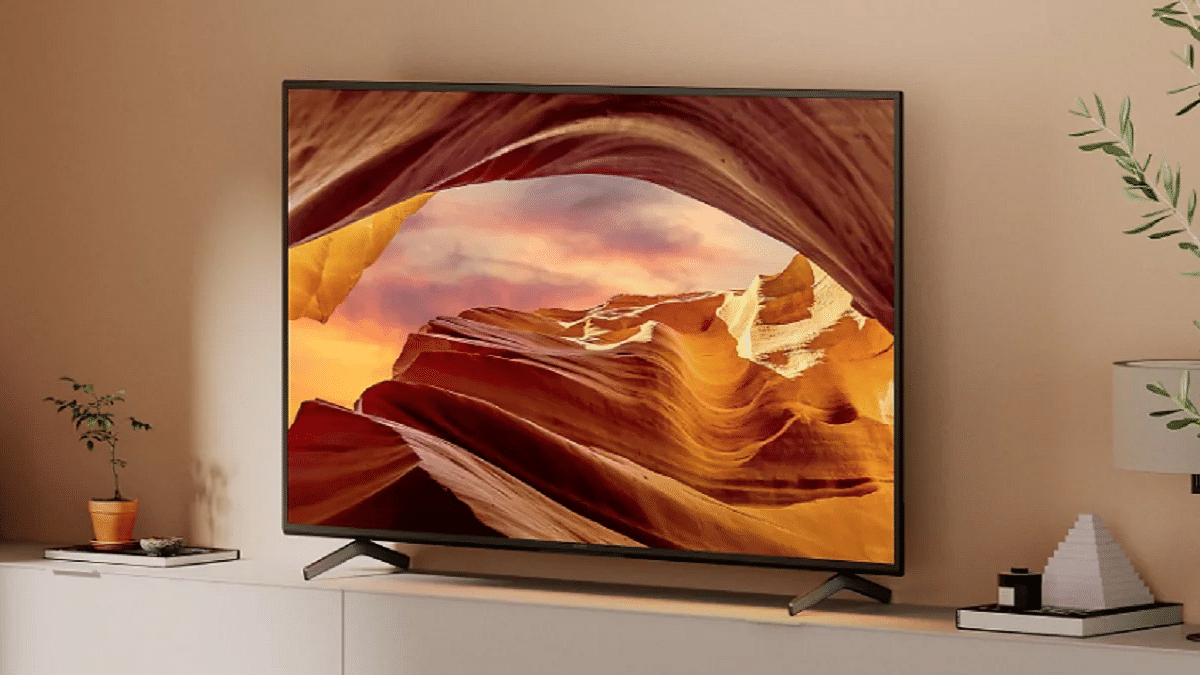
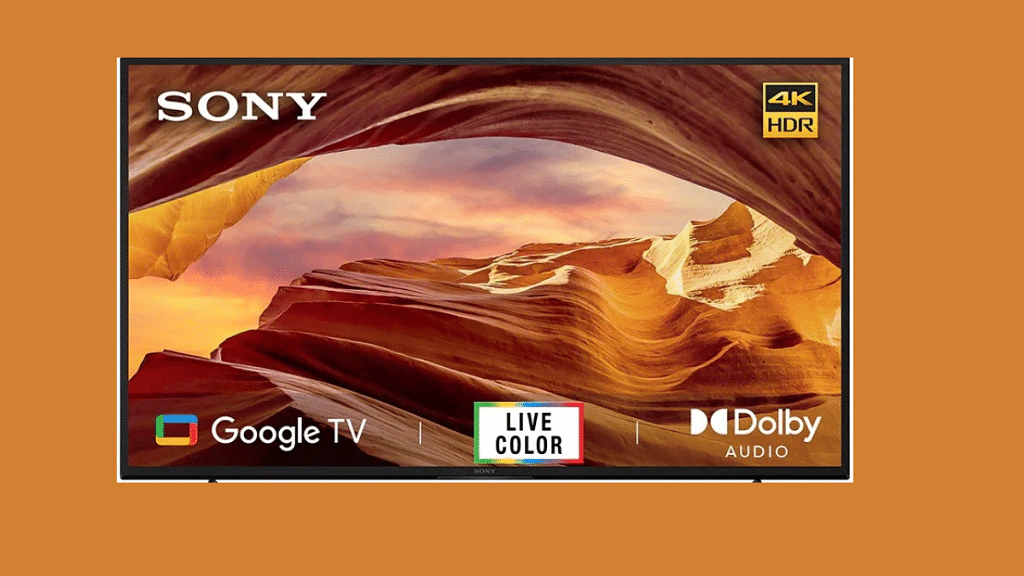
Sony has expanded its portfolio in the smart TV space with the launch of a new high-end big screen TV called the Bravia X70L. The latest model adds up to the existing Bravia X series TVs which were introduced earlier this month itself in the country. The latest Sony Bravia X70L series smart TVs comes in multiple screen sizes, supports X1 HDR picture engine and is available starting at Rs. 59,900 in the country. Take a look at the details:
Sony Bravia X70L Series Smart TV Full Features, Specs
Sony Bravia X70L
Key Specs
Display Size
43-inch, 50-inch
Resolution
4K
OS
Google TV OS
Audio
20W
Digital Voice assistant support
Yes
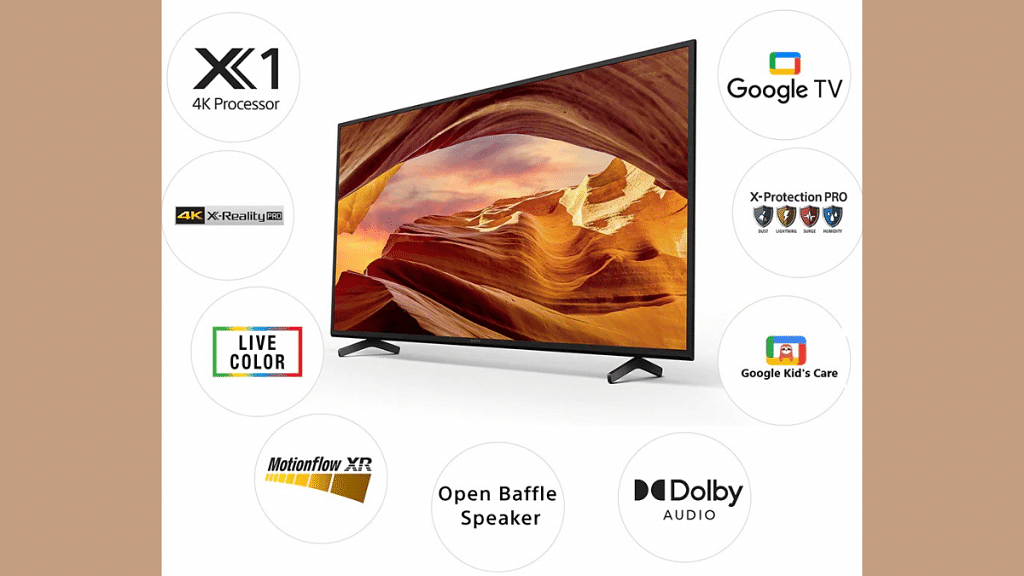
The Sony Bravia X70L smart TV has been launched in dual-screen options. The latest Bravia X series TV can be purchased in 43-inch and 50-inch screen sizes. The panel on both Bravia X70L smart TVs support a 4K screen resolution. Additionally, Sony has used the in-house X-Reality PRO tech which helps the TV to upscale low-res graphics in FHD, 2K, or 4K.
Both Sony Bravia X70L 43-inch and 50-inch smart TVs use X1 4K HDR picture engine which enhances visual clarity by cutting down on noise and reducing grains using advanced AI algorithms. The new range of Bravia X70L smart TV further refines the imaging sharpness and picture quality using the Motinflow XR technology.
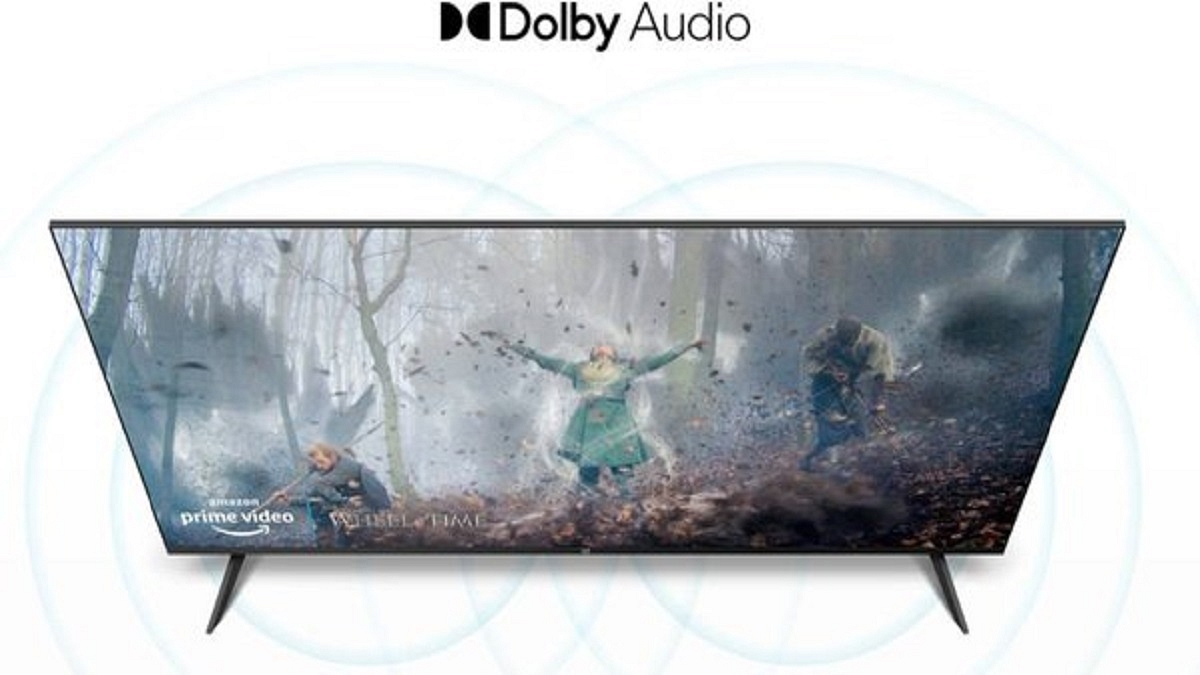
Speaking of the audio performance, the Sony Bravia X70L 43-inch and 50-inch smart TV are packed with open bottom-firing speakers. Sony has used a dual-speaker module that collectively delivers 20W output. To further improve the audio output, the Bravia X70L smart TVs come with Dolby Audio technology.
The Sony Bravia X70L smart TVs also integrate a bunch of user-oriented smart features including support for third-party apps and games, and digital voice assistant support. The latest smart TVs run on Google TV OS and also have compatibility with Apple AirPlay and Apple Homekit. The remote also has dedicated hotkeys (up to 6) for popular online streaming platforms including Netflix, Amazon Prime Videos, Disney+ Hotstar, YouTube, Music, and Sony LIV.
Sony Bravia X70L 43-inch, 50-inch Smart TVs Price In India, Specifications
The Sony Bravia X70L 43-inch smart TV has been announced at Rs. 59,900, while the bigger 50-inch model is priced at Rs. 70,900. The new range of premium smart TV is made available for purchase via all primary online and offline retail partners along with Sony centers.
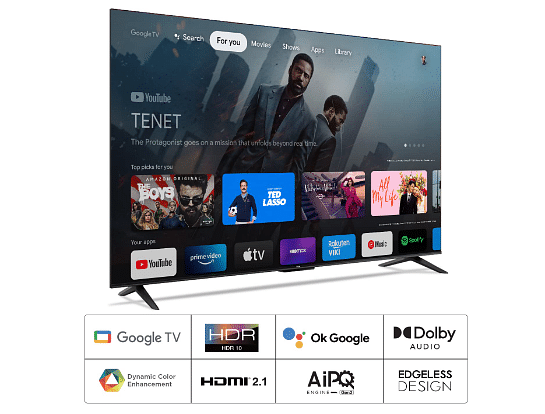
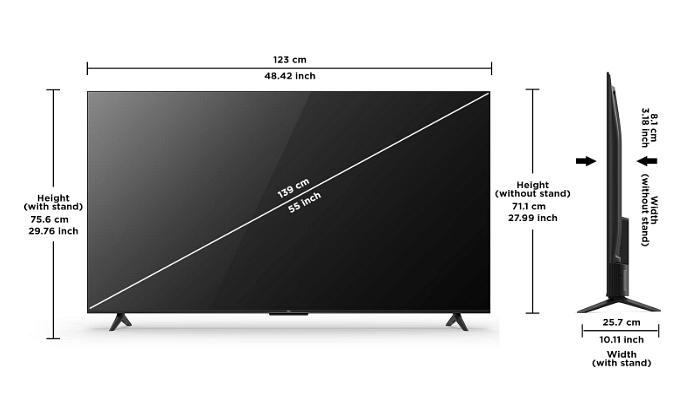
The advent of technology has led to a transformation of television sets, from conventional analog models to modern-day high-resolution smart TVs. The latter allows you to stream your favorite shows, connect to the internet, and even browse the web. If you are looking for a 55-inch high-res smart TV, you don’t have to break the bank. Here is a list of the best 55-inch high-res smart TVs under Rs. 40,000 in 2023.
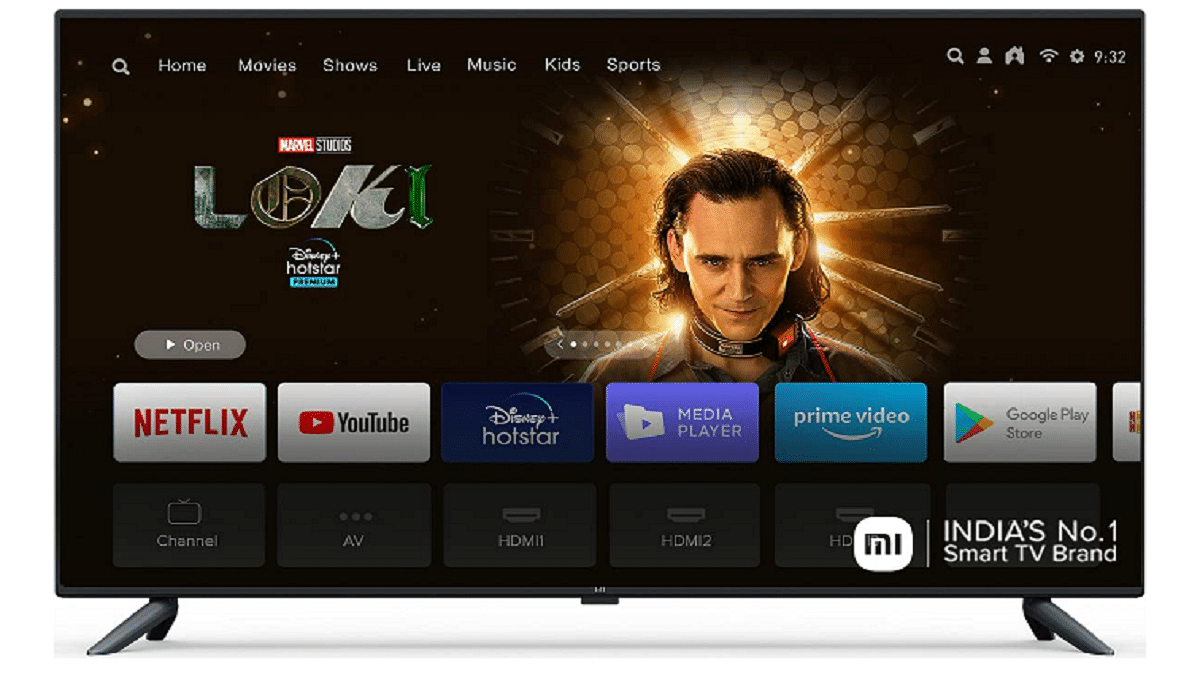
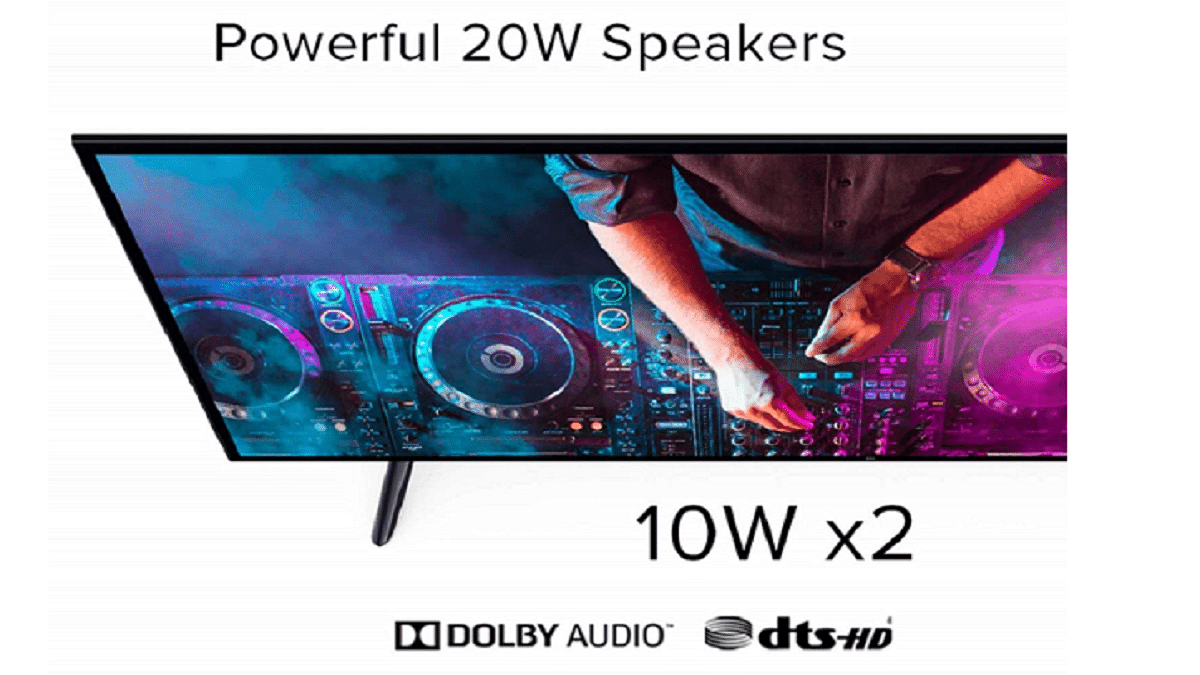
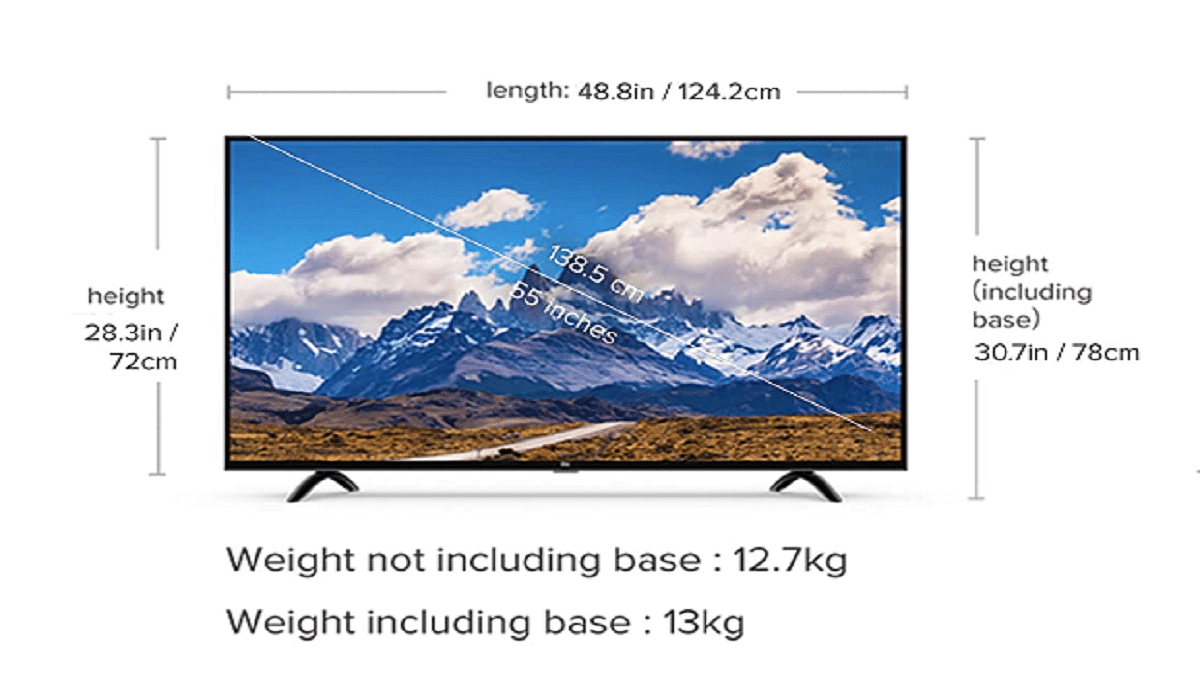
Mi TV 4X is one of the best 55-inch high-resolution smart TVs in 2023. It comes with an ultra-high definition (UHD) display, which offers crystal-clear images. Besides, it has a quad-core processor that ensures quick response and seamless multitasking. Additionally, it has a built-in Chromecast and runs on the Android operating system.
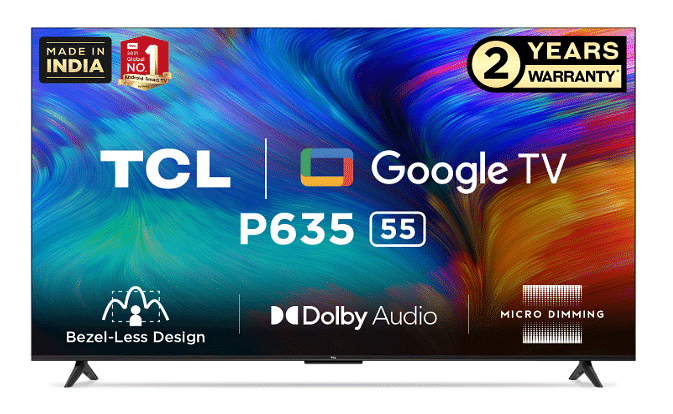
TCL 55-Inch 4K UHD Smart LED TV
TCL 55-Inch 4K UHD Smart LED TV offers a 4K UHD display with HDR 10 technology. This ensures an immersive viewing experience with vivid colors and exceptional detail. Additionally, it has a dual-core processor that ensures smooth operation and quick response. The TV runs on the Android operating system and supports Google Assistant.
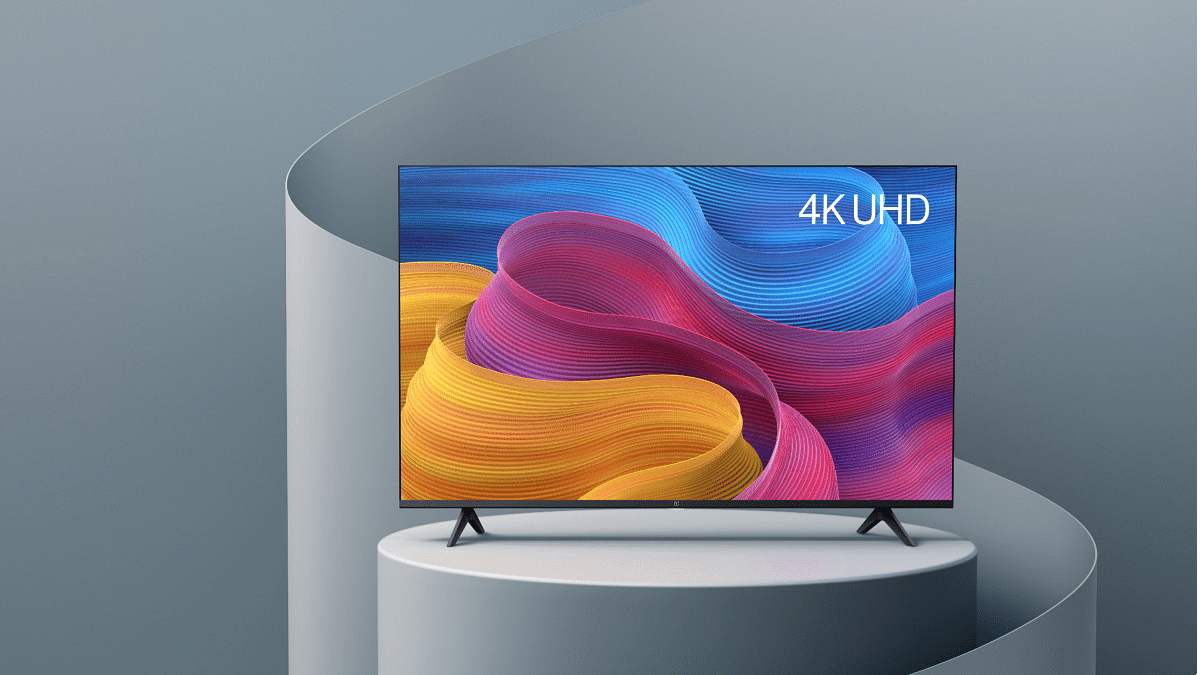
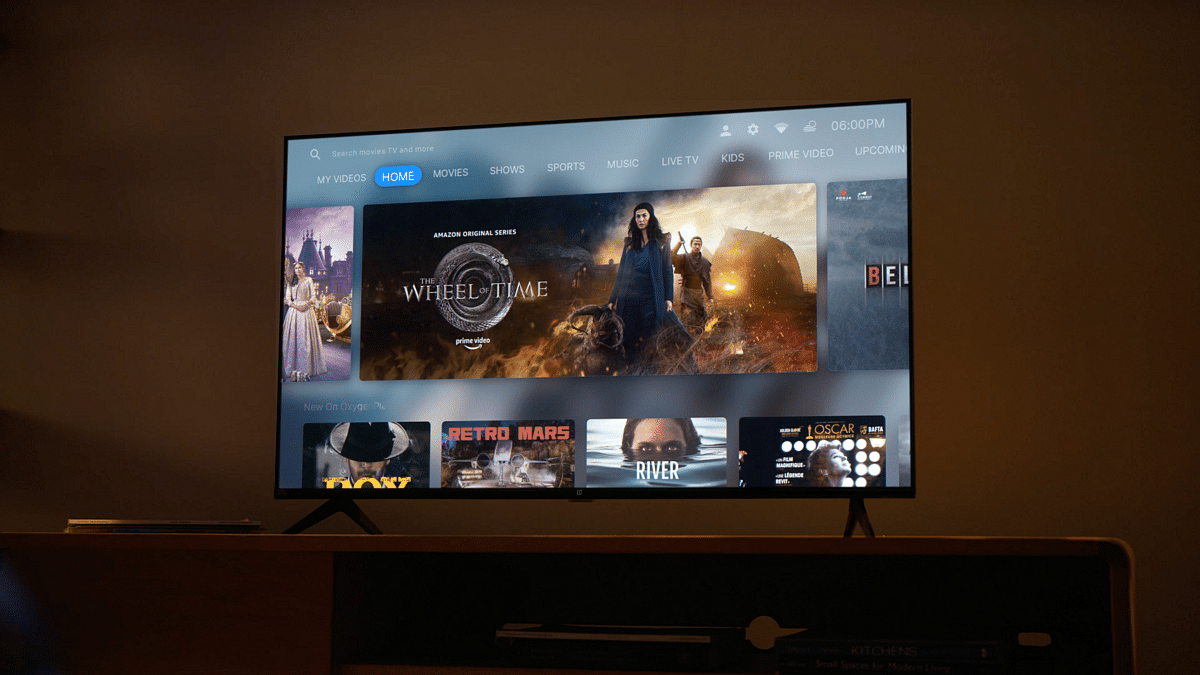
The OnePlus Y1S Pro is a 55-inch LED 4K TV that offers decent visuals with a resolution of 3840 x 2160 pixels. It features Dolby Audio for a great audio experience and runs on Android TV 9.0. The TV has a bezel-less design and offers multiple connectivity options, including HDMI and USB ports. It is a great option for those looking for a high-quality smart TV with advanced features.
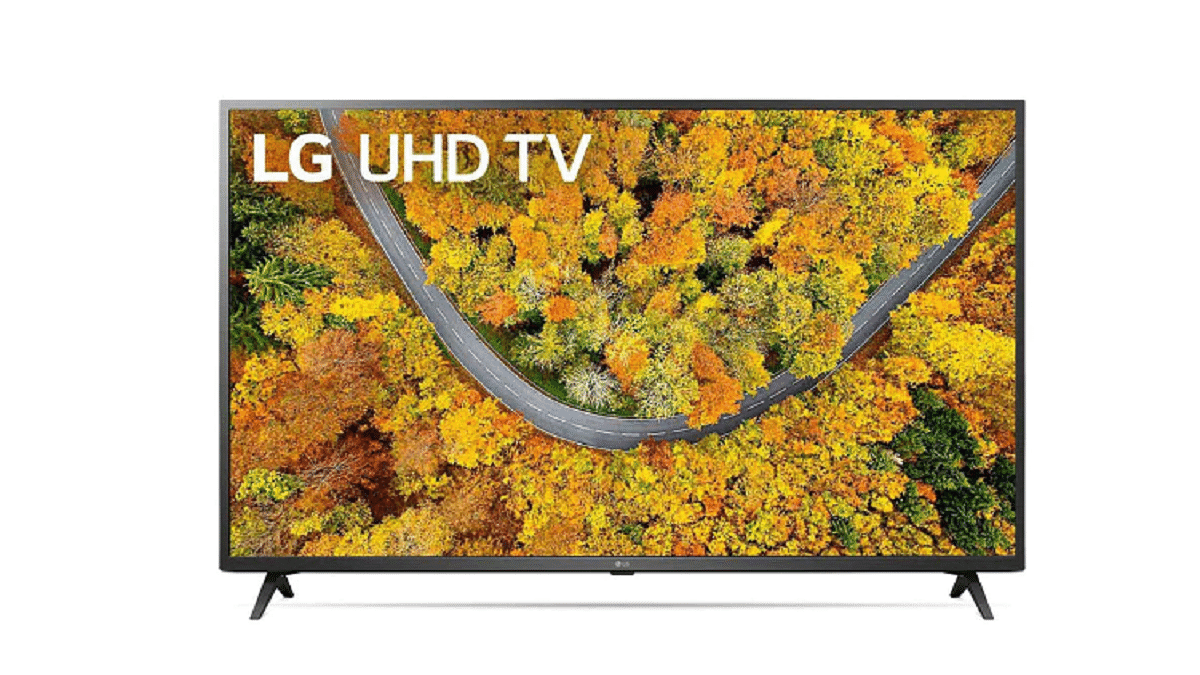
LG 55-Inch 4K UHD Smart LED TV
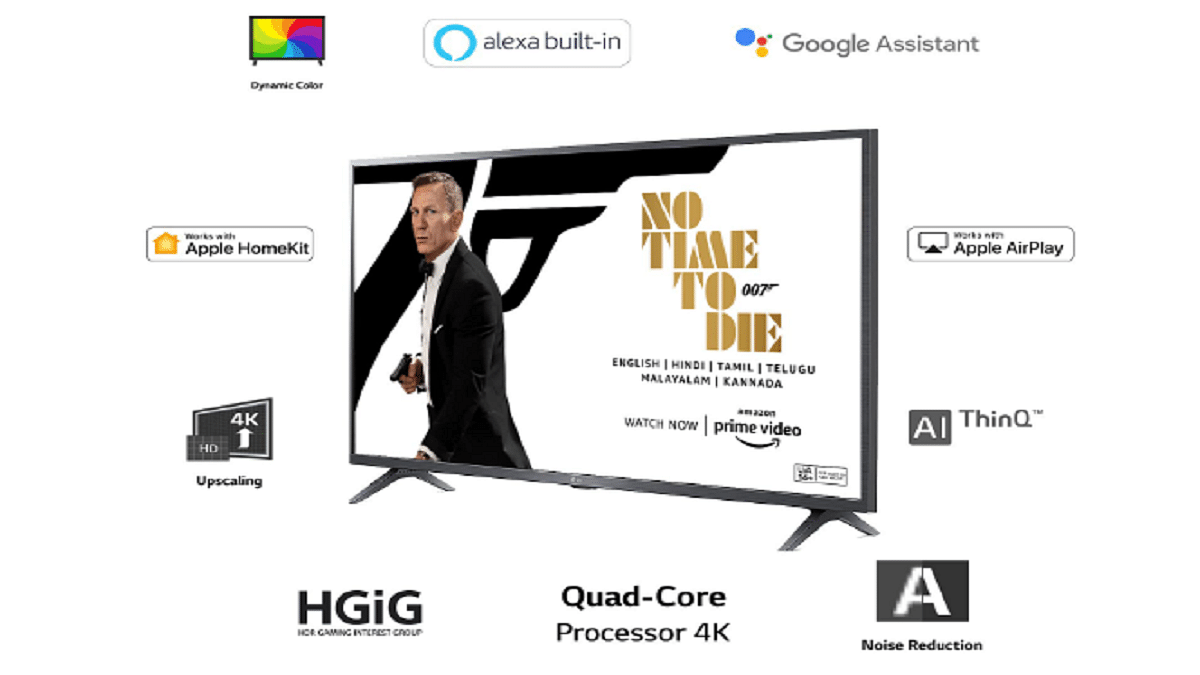
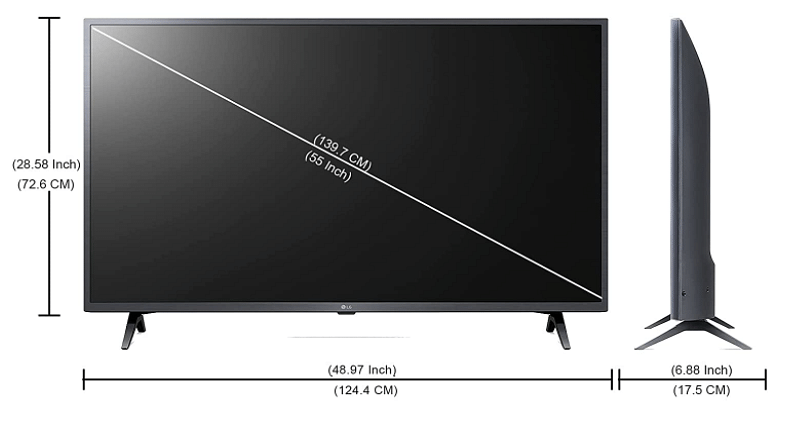
LG 55-Inch 4K UHD Smart LED TV is another great option for anyone looking for a 55-inch high-resolution smart TV. It offers a 4K UHD display with HDR technology, which ensures an immersive viewing experience. Additionally, it has a quad-core processor that ensures smooth operation and quick response. The TV runs on the webOS operating system and supports Amazon Alexa and Google Assistant.
These are some of the best 55-inch high-res smart TVs under Rs. 40,000 in 2023. They offer great features such as high-resolution displays, quick response, and seamless operation. Additionally, they run on popular operating systems such as Android and webOS and support smart features such as Google Assistant and Amazon Alexa. Therefore, if you are looking for a high-quality 55-inch smart TV, these options will not disappoint.
Microsoft Teams lets users get their messages noticed among others
They have the choice of delivery options for Urgent and Important
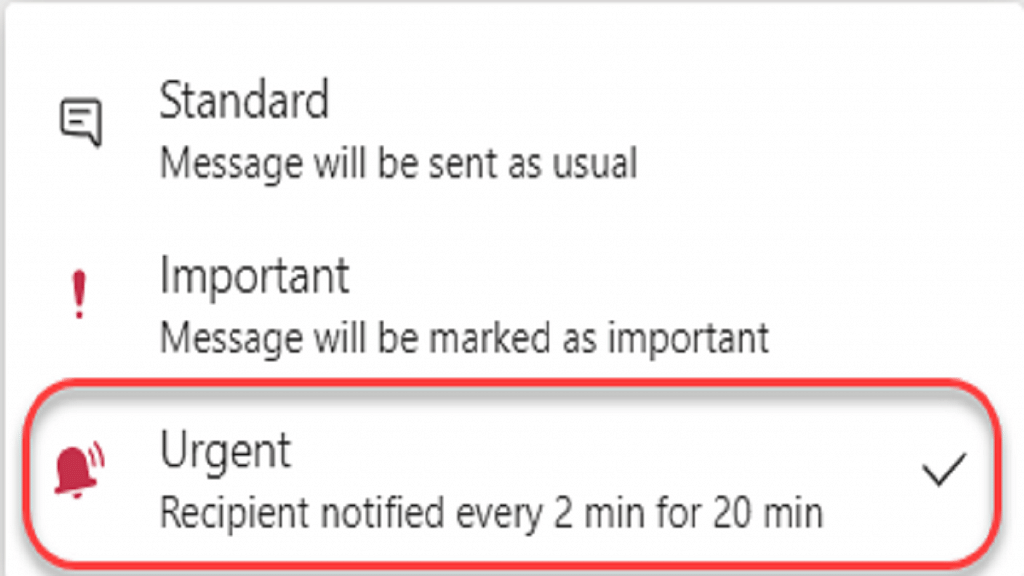
Urgent messages get highlighted every two minutes and 20 seconds
Microsoft Teams is a powerful communication tool that allows users to collaborate and communicate effectively. One of the features of this app is the ability to set a message as urgent, which helps to draw the attention of the recipient to the message. In this article, we will discuss how to set a message as urgent on Microsoft Teams.
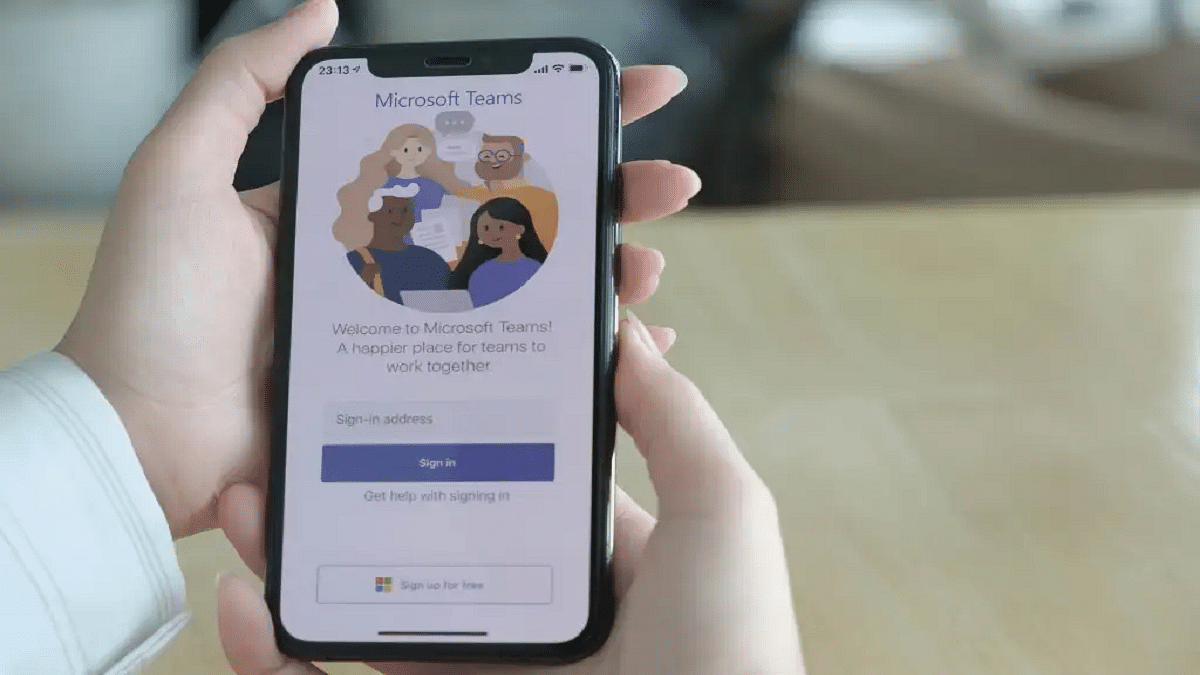
The first step to set a message as urgent on Microsoft Teams is to open the app on your mobile or laptop. You can do this by clicking on the icon on your desktop or by navigating to the website and logging in.
Step 2: Select the chat or channel
Once you have opened the app, you need to select the chat or channel where you want to send the message. You can do this by clicking on the chat or channel from the left-hand panel.
Step 3: Type your message
After selecting the chat or channel, you can type your message in the text box at the bottom of the screen. It is important to ensure that your message is clear and concise.
To set the message as urgent, you need to click on the exclamation mark icon next to the text box. This will open a menu where you can select the level of urgency for your message.
Step 5: Choose the level of urgency
In the menu that appears, you will see three levels of urgency: standard, important, and urgent. Standard is the default level, while important and urgent are used to draw the attention of the recipient to the message. To set your message as urgent, you need to click on the urgent option.
Step 6: Send the message
After choosing the level of urgency, you can click on the send button to send your message. The recipient will receive a notification that the message is urgent, and the message will be highlighted in red in the chat or channel.
Overall, setting a message as urgent on Microsoft Teams is a simple process that can help to draw the attention of the recipient to the message. By following the steps outlined in this article, you can ensure that your message is seen and acted upon quickly. Remember to use this feature only when it is necessary, as overuse can lead to a decrease in its effectiveness.
Simple One electric scooter India launch on May 23
Price starts at Rs. 1.09 lakh
Up to 236 per charge range
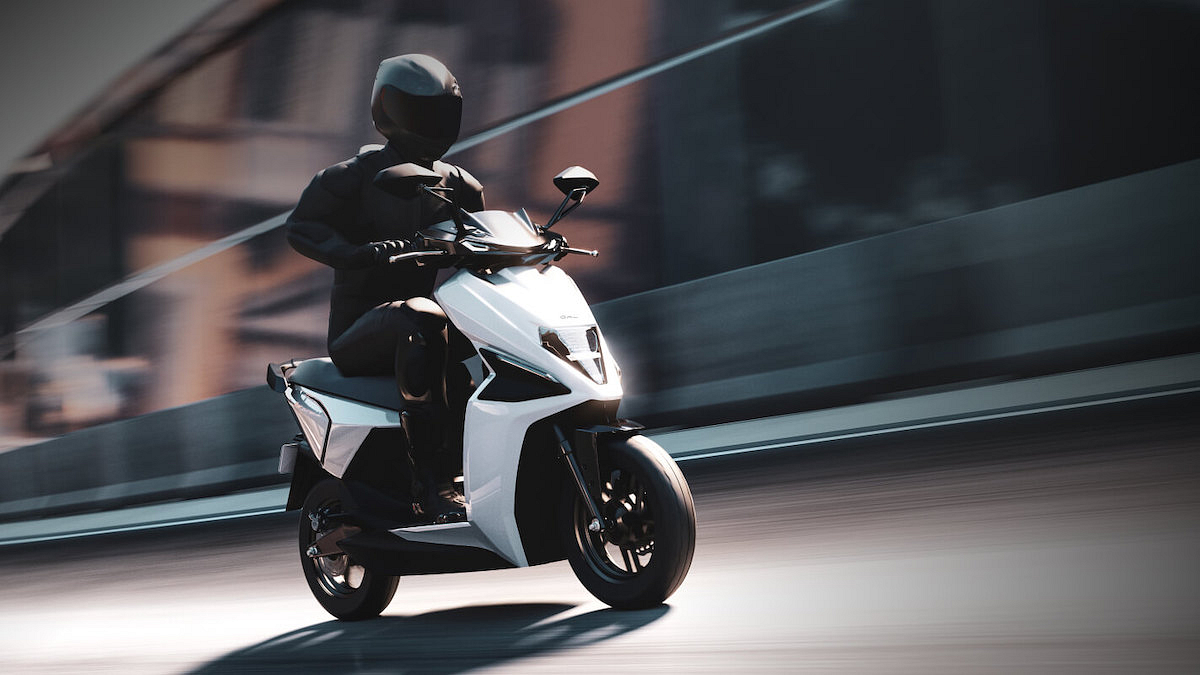
Simple Energy showcased its first premium electric scooter for the Indian market called the Simple One earlier in 2021. Since then, the brand kept a mystery around its availability in the country. Now, almost two years since the official unveiling, Simple has announced the launch date of the Simple One electric scooter in India along with its production details.
Simple One Premium Electric Scooter Official India Launch, Price
Simple One Electric Scooter
Price
Base variant
Rs. 1.09 lakh
Top variant
Rs. 1.44 lakh
The Simple One electric scooter is set to be launched officially on May 23, 2023, in India. Simple Energy has itself revealed the launch date for its first premium electric scooter for Indian consumers.
The brand further confirmed that the deliveries of the Simple One electric scooter will start in Q1 of 2023 in the country. Furthermore, the Simple One electric scooter’s production will commence in the company’s Hosur facility soon to fulfill all the demands.
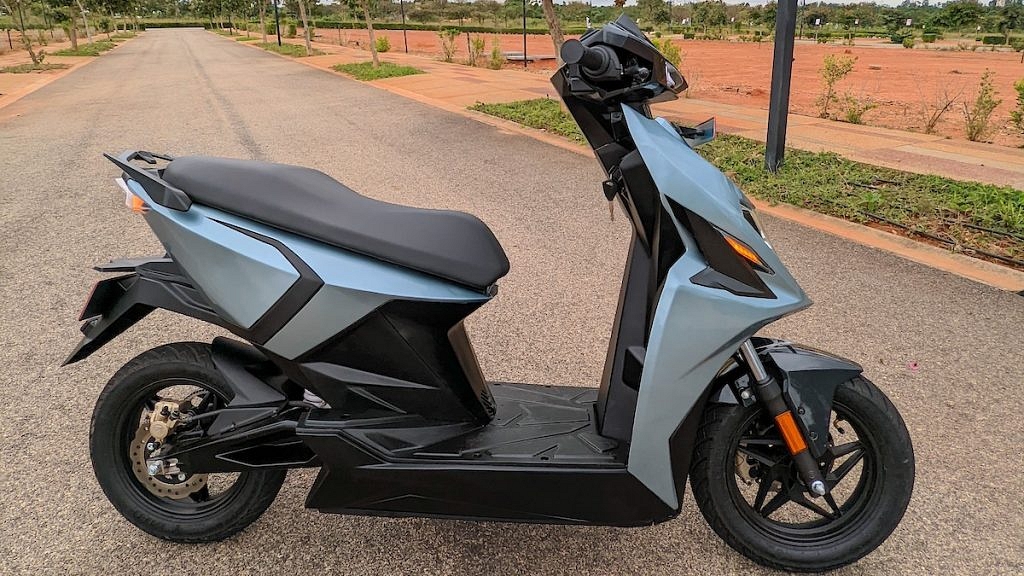
In terms of pricing, the Simple One electric scooter will be available starting at Rs. 1.09 lakh in India. Notably, the company shared the pricing details during the electric scooter’s official unveiling back in 2021. Also, a high-end variant with a price label of Rs. 1.44 lakh was also revealed by the brand which could possibly be introduced on the aforementioned date. This latest electric scooter will come in a variety of color options including Brazen Black, Azure Blue, Namma Red, and Grace White.
Rumors are rife, the Simple One electric scooter will go head-on against the likes of TVS iQube, Bajaj Chetak Premium, and Ather 450X in the country. It would be interesting to see if it witnesses the same high demand amongst the consumers as its rivals post the launch.
Simple One Electric Scooter Powertrain And Features
Simple One Electric Scooter
Powertrain
Battery
4.8 kWh
Motor
8.5 kWh
Torque
72Nm
Range
236 km per charge
Talking about the powertrain, the Simple One electric scooter will run on a 4.8 kWh Li-ion battery module. The battery pack will deliver 236 km per charge range. The high-end variant could offer up to 300 km range. The electric motor powering the Simple One electric scooter is 8.5 kW which churns out 72 Nm torque. Additional features will include a connected tech system, fast charging support, combi braking, and more.
Finding the best smartwatch with Bluetooth calling and fitness features under Rs. 5,000 can be a challenge
They offer a range of features such as heart rate monitoring, step tracking, and more
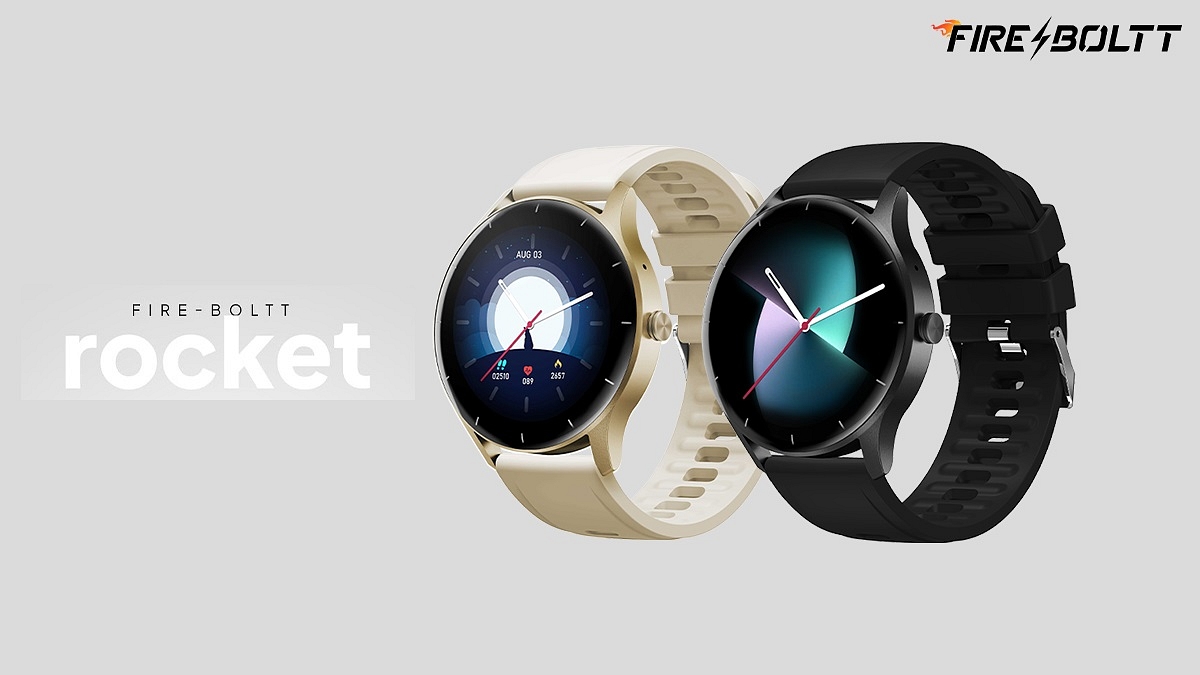
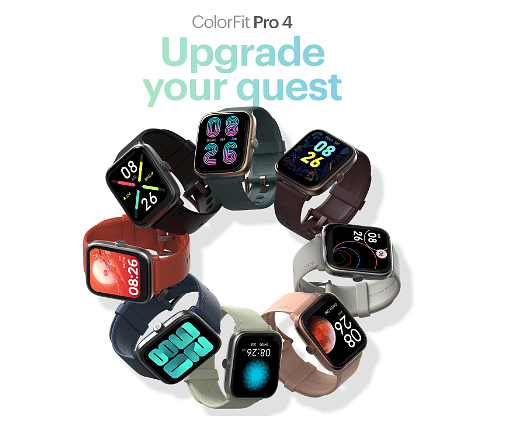
Some of the best options in this price range include the Noise ColorFit Pro 4, Fire-Boltt Rocket, and more
Smartwatches have become popular for people who want to stay connected on the go while keeping track of their fitness goals. With the rise of Bluetooth calling, smartwatches have become even more useful for those who want to make and receive calls without having to take out their phones. In this article, we will take a look at some of the best smartwatches with Bluetooth calling and fitness features available in India for under Rs. 5,000. These watches offer a range of features such as heart rate monitoring, step tracking, and GPS, making them a great investment for anyone looking to stay active and connected. Also Read | List Of Best Smartwatches You Can Buy Under Rs. 500 In India
Boat Wave Force Smartwatch
The Boat Wave Force smartwatch is a great option for those looking for an affordable smartwatch with Bluetooth calling and fitness features. It comes with a 1.83-inch HD display and allows users to make and receive phone calls via Bluetooth connection. Additionally, it offers a range of fitness features such as heart rate monitoring, blood oxygen saturation monitoring, sleep tracking, and more. The smartwatch also has a long battery life of up to seven days and is water-resistant with an IP68 rating.
Fire-Boltt Rocket Smartwatch
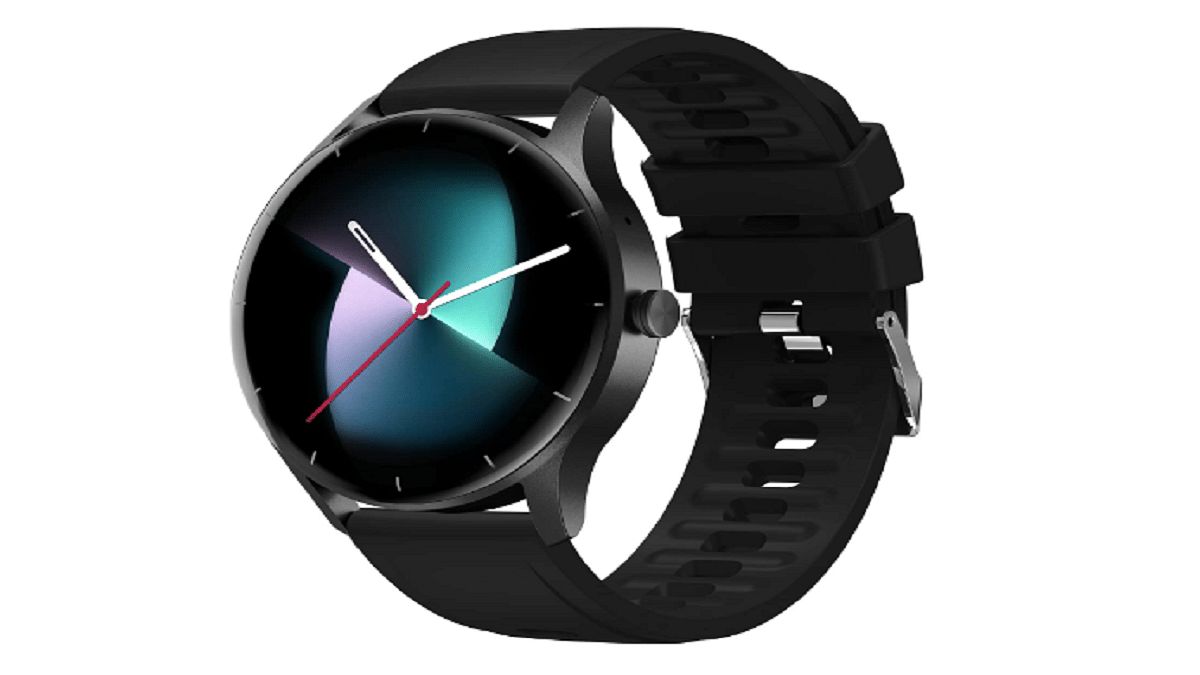
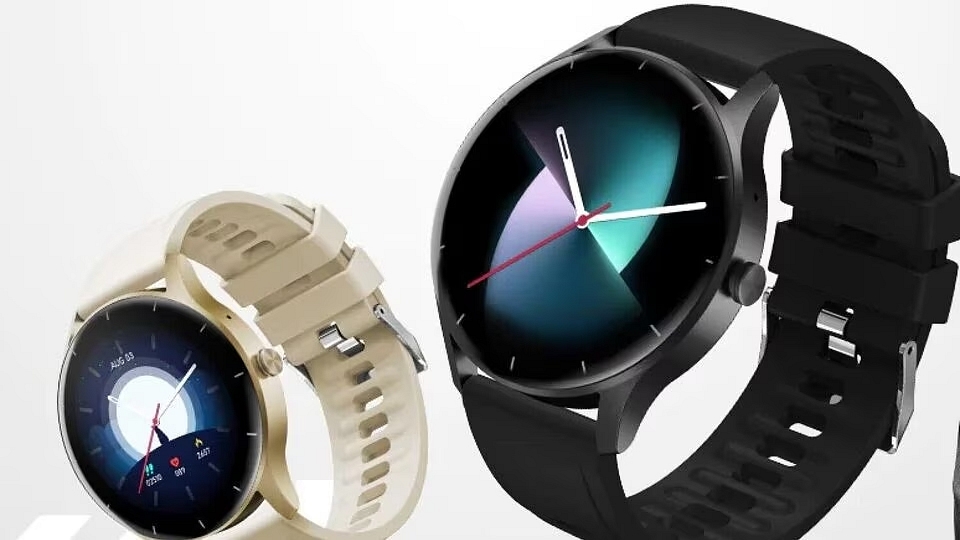
The Fire-Boltt Rocket is one of the best options for a smartwatch with Bluetooth calling and fitness features under Rs. 5,000. This watch boasts a 1.3-inch HD display, a round dial, and the ability to make and receive phone calls via Bluetooth connection, thanks to its built-in microphone and speaker. Additionally, it is compatible with virtual assistants like Siri and Google Assistant. The Fire-Boltt Rocket includes SpO2 monitoring, heart rate tracking, sleep analysis, menstrual cycle tracking, and over 100 sports modes, making it a versatile option for monitoring fitness goals. It can also measure calories burned, steps taken, and distance covered.
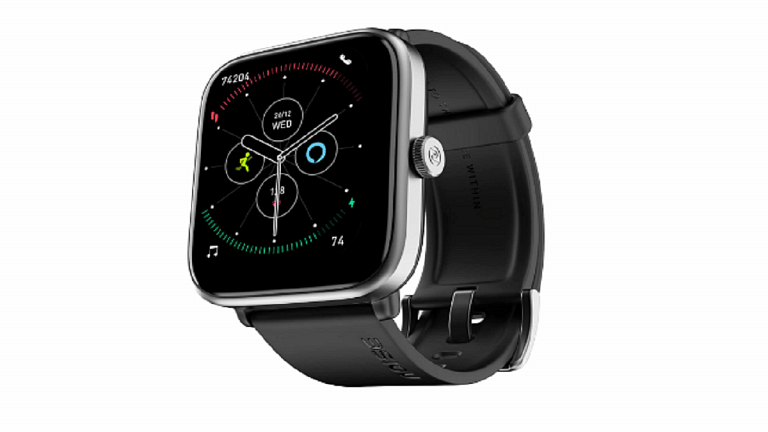
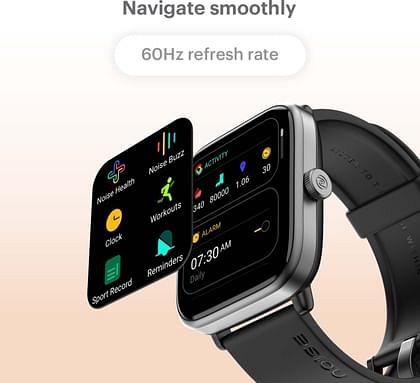
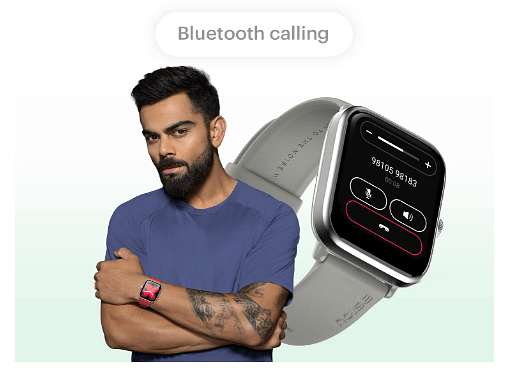
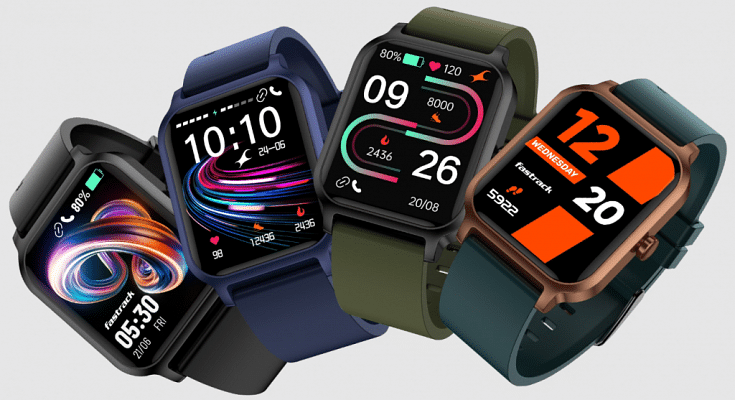
The Noise Colorfit Pro 4 is a great option under Rs. 5,000. Boasting a 1.85-inch TFT display with 600 nits of brightness, it is also water and dust resistant with an IP68 rating. With 100 sports modes and over 150 watch faces, this smartwatch is designed for fitness enthusiasts. The TrueSync-powered BT Calling Tru feature makes it easy to use and pair with other devices. The Noise Health Suite allows users to track vital signs such as SPO2 levels, heart rate, sleep, breathing patterns, activity levels, and female cycle tracking, making it a great choice for anyone serious about their health and fitness.
Fastrack Revoltt FS1 Pro Smartwatch
Fastrack’s latest release, the Revoltt FS1 Pro, boasts a 1.96-inch super AMOLED Arched Display with 410 X 502 pixels resolution, making it a great option for anyone looking for a high-quality display. With over 110+ sports modes and smart health monitoring sensors like stress monitoring, auto sleep tracking, and 24×7 heart rate monitoring, this smartwatch is designed to help users achieve their fitness goals. The Fastrack Revoltt FS1 Pro also supports SingleSync Bluetooth calling, which ensures seamless connectivity. Additionally, it has an IP68 dust and water resistance rating, making it a durable option for everyday use.
In conclusion, finding the best smartwatch with Bluetooth calling and fitness features under Rs. 5,000 can be a challenge, but there are some great options available. The above top picks offer a range of fitness tracking features, including heart rate monitoring, step tracking, and sleep tracking, as well as the ability to make and receive calls directly from the watch.
Amazon has silently increased the prices of its Prime Membership in India.
The monthly and quarterly plans have seen a significant price hike.
Existing Prime members can continue with their old subscription prices.
Amazon has quietly increased the price of its Prime membership in India. The price hike comes amid news of Amazon Prime Video getting renamed to Amazon TV. However, those who have already subscribed to Prime memberships can keep their subscriptions at the old prices. The last time Amazon raised the price of Prime membership in India was in December 2021.
To sign up for Amazon Prime membership, visit Amazon Prime and select the sign-up button. Follow the on-screen instructions to complete the transaction and join Prime.
The increase in the price of Amazon Prime membership in India is significant, especially for monthly and quarterly subscribers. However, the annual plan price remains the same. Amazon Prime members in India will continue to enjoy access to several benefits and perks, making the service a value proposition. It is essential to note that the price hike applies only to new subscribers, and existing members can continue to enjoy the service at the old prices.
WhatsApp finally introduces support for multi-device sign-in on multiple phones
Meta CEO Mark Zuckerberg announced the launch of the feature on Facebook and Instagram
Linking phones as companion devices can make messaging much easier for users
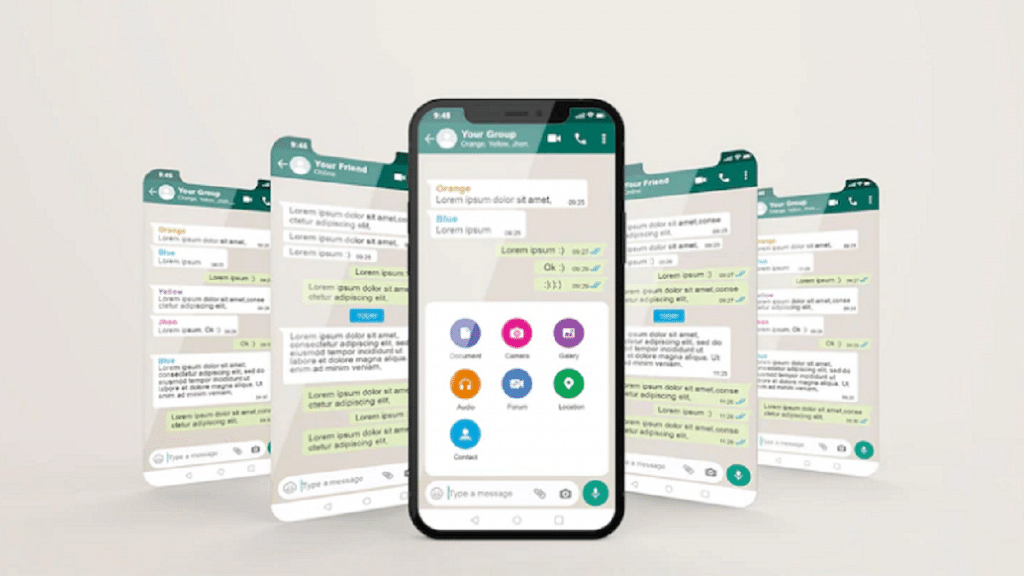
In an effort to improve its multi-device offering, WhatsApp has announced that users will now be able to run the same account on multiple phones. This means that users can link their account on up to four additional devices, just like they can on web browsers, tablets, and desktops. The update has started rolling out globally and will be available to all users in the coming weeks. Also Read | WhatsApp Emoji Meanings: Know What You Are Expressing With These WhatsApp Emojis
Benefits Of Multi-Device Support
Linking phones as companion devices can make messaging much easier for users. With this new feature, users can switch between phones without having to sign out and can pick up their chats right where they left off. This can be especially useful for small business owners who want their employees to be able to respond directly to customers from their phones under the same WhatsApp Business account. By linking the account on their devices simultaneously, there is no need for employees to sign in every time they need to use the app.
Alternative And Accessible Way To Link Devices
WhatsApp also announced that it will roll out alternative, more accessible ways to link companion devices in the coming weeks. Instead of having to scan a QR code, users will be able to enter their phone number on WhatsApp web to receive a one-time code. This code can then be used on their phone to enable device linking.
To link your WhatsApp account on multiple devices, follow these simple steps:
Step 1: Ensure you have the latest version of WhatsApp installed on your mobile.
Step 2: Open WhatsApp and go to Settings.
Step 3: Tap on Linked Devices.
Step 4: Select Link a Device.
Step 5: Follow the on-screen instructions to link your account on additional devices.
It’s important to note that your phone must be connected to the internet in order to use WhatsApp on linked devices. Also, if you choose to unlink a device, all of your messages and media from that device will be removed from your phone.
Conclusion
WhatsApp’s new multi-device support feature is a major relief for users who need to use several devices at once for personal or professional use. With this new feature, users can link their accounts on up to four additional devices and switch between them seamlessly without having to sign out. The upcoming alternative, more accessible way to link companion devices is also a welcome change.
Is cheapest yet electric car in India at Rs. 7.98 lakh
Offers 230 km range per charge
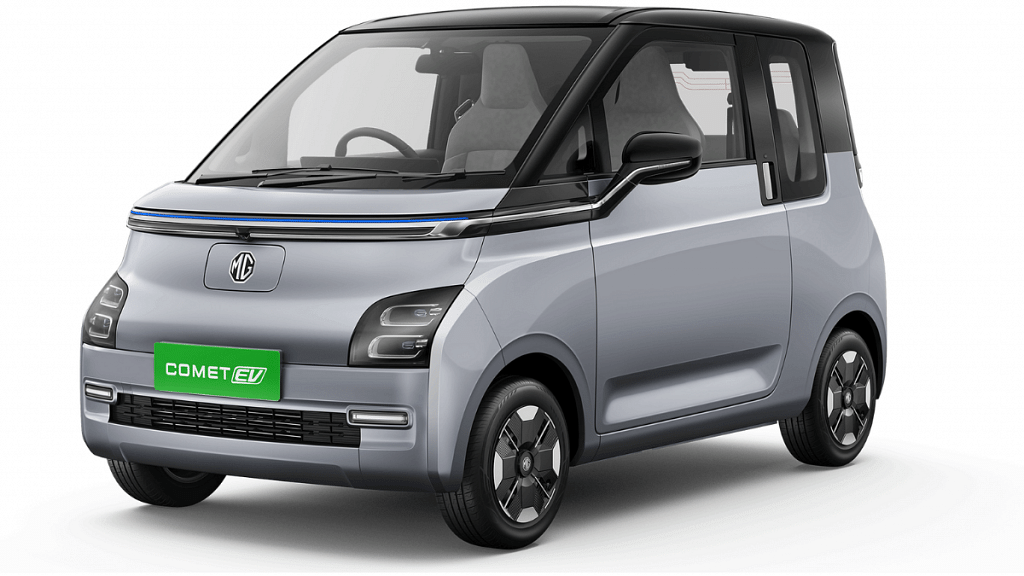
MG unveiled its highly awaited budget electric car called the Comet EV last week in India but had kept the pricing and availability details under wraps. Now, resting all the hype and rumors is the MG Comet’s official launch in India where the brand has finally announced the prices, full features, and color options. Does the MG Comet EV grab the crown of being the cheapest electric car in India? Let’s find out:
MG Comet EV Official Price In India, Color Options
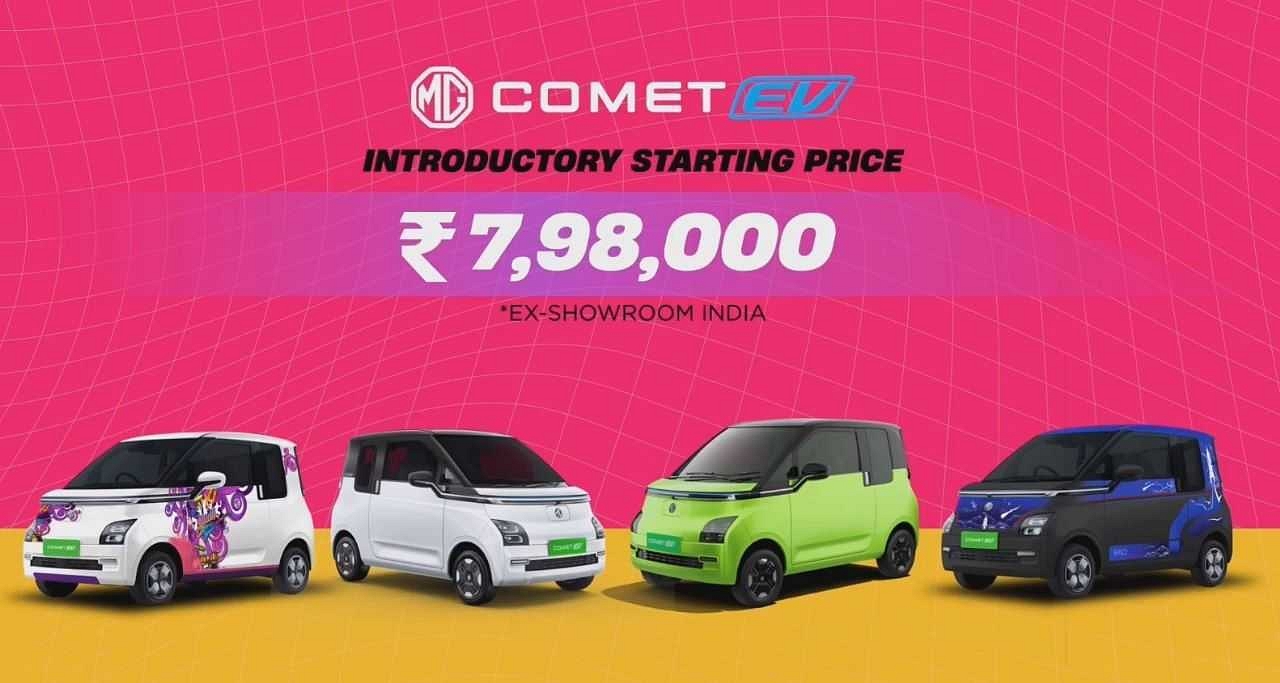
The MG Comet EV city electric car has finally been launched with a budget price label of Rs. 7.98 lakhs in India (ex-showroom). As expected, the Comet EV will be going up against the likes of the Tata Tiago EV and the Citroen eC3 with a lower price tag. In fact, MG Comet EV is cheaper compared to these two models.
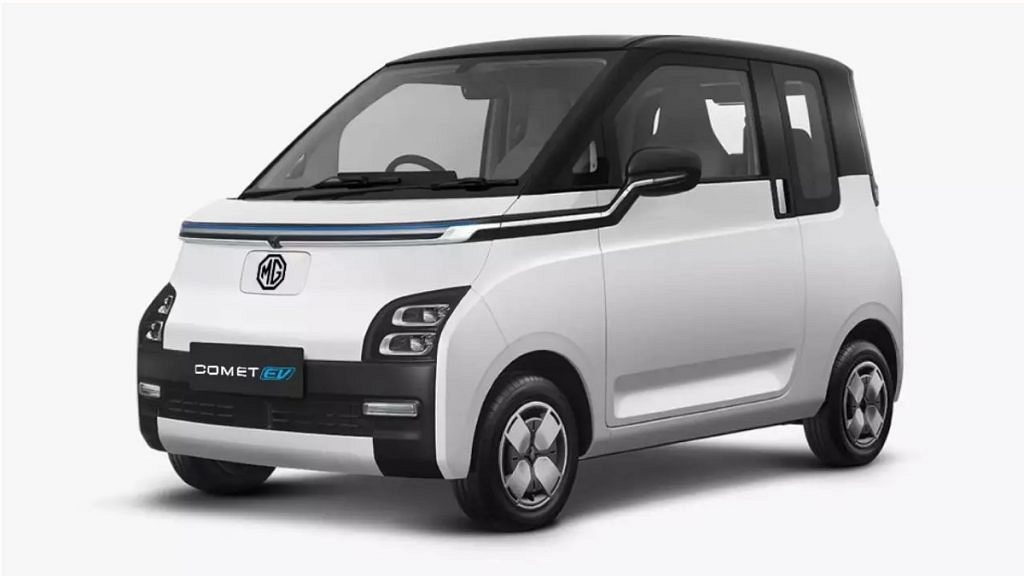
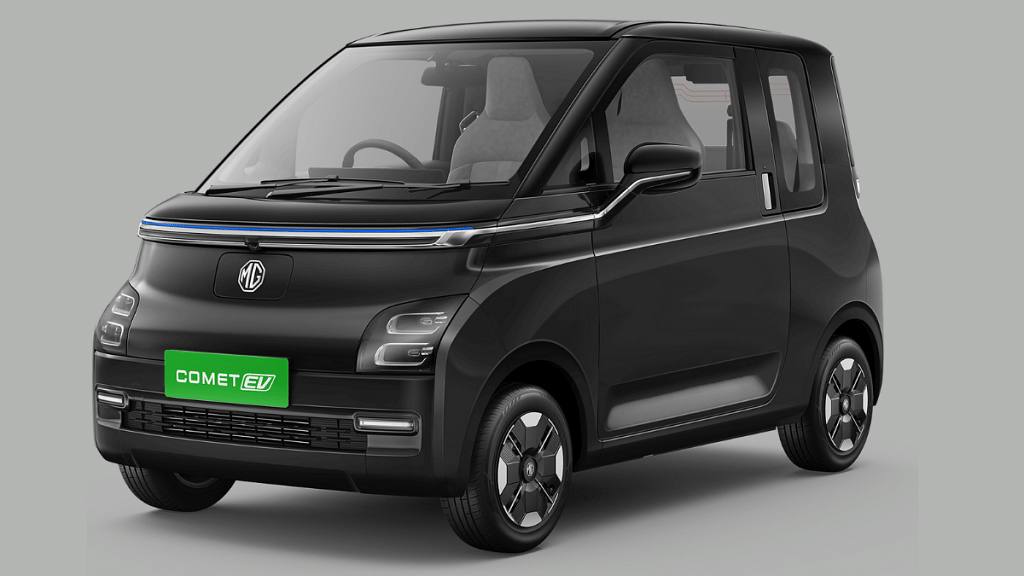
The affordable electric car is made available in five different color options which include Starry Black, Aurora Silver, Candy White, dual-tone Starry Black, dual-tone Aurora Black, and dual-tone Candy White color options. Additionally, MG Motors is also offering over 250 possible customization options for the Comet EV using different skins and wraps.
The MG Comet EV is packed with a single electric motor that churns out 42 bhp of peak power. The compact electric car further produces a peak torque of 110 NM. Speaking of the battery capacity, the Comet EV gets a 17.3 kWh battery pack. According to MG, the Comet EV can easily deliver around 230 km range with a single charge. The battery is sourced from Tata AutoComp and is IP67 certified for water and dust resistance.
However, this is a claimed range and the actual average could vary. As for the charging speeds, the Comet EV gets a fill charge from zero to 100 percent within seven hours. The rated capacity of the Comet EV’s charger is 3.3 kW.
2,974 mm (length), 1,505mm (width), and 2,010mm (wheelbase)
Android Auto
Yes
Apple Car Play
Yes
Parking Camera, Sensors
Yes
Power Windows
Yes
The MG Comet EV measures 2,974 mm in length, 1,505mm in width, and 2,010mm wheelbase. Despite the compact form factor, MG claims no space crunch even for up to four adults. The inside cabin of the MG Comet EV features a dual 10.25-inch screen and steering-mounted controls which the brand showcased earlier.
The Comet EV also features parking cameras and sensors, Android Auto, Apple Car Play, connected car tech, and power windows. It has ABS+ EBD breaking mechanism, while the suspension is handled by a McPherson Strut and a Multi-Link coil suspension at the front and rear respectively.
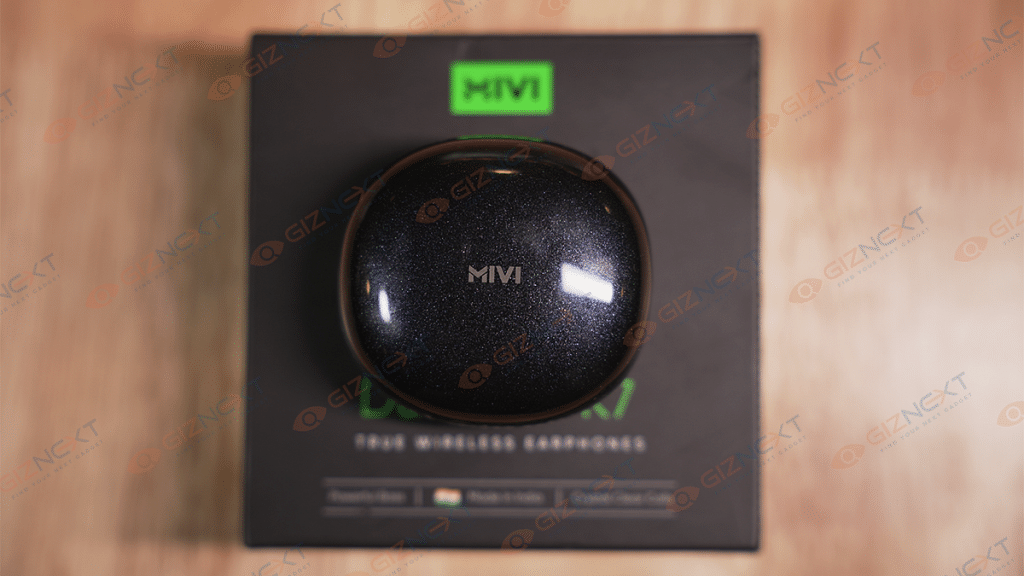
Apple’s Airpods are widely favored as truly wireless earbuds, but other brands, particularly local ones, have begun to compete with Apple in recent years. The audio market in the country is booming, with a new pair of truly wireless earbuds being introduced almost every week. Despite this, Mivi, an Indian brand, has managed to establish itself in the market.
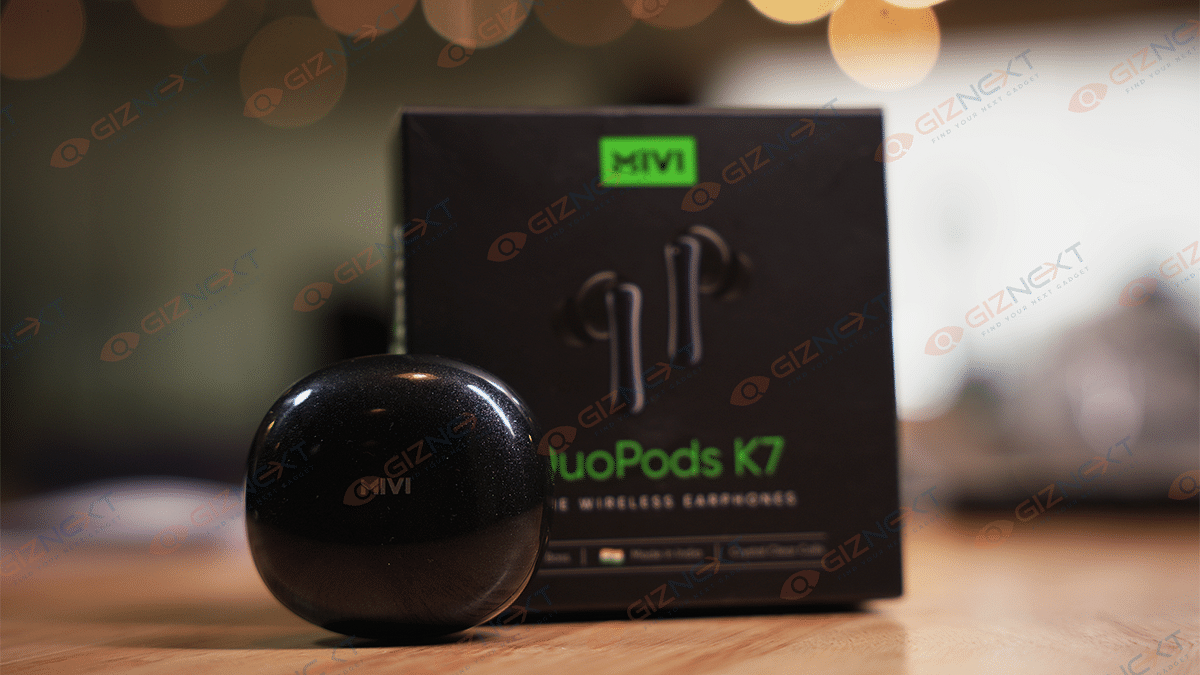
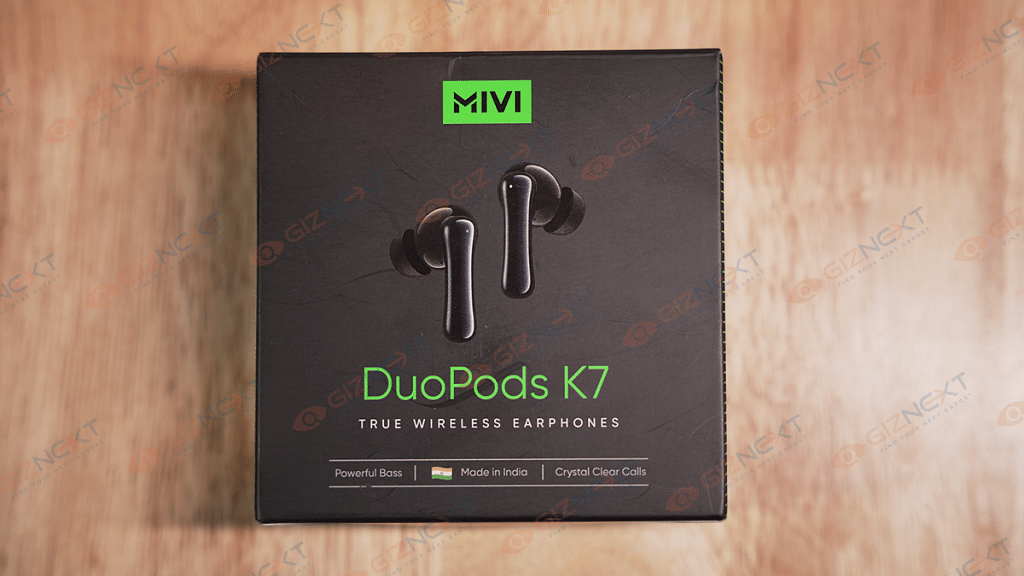
We have received a pair of TWS buds from Mivi for review – the Mivi Duopods K7. These earphones have a retail price of Rs. 1,499 and offer decent features such as dual microphones, fast charging, and 13mm dynamic drivers on each side. In this review, we will delve into whether the Mivi Duopods K7 is a worthy contender for your next TWS earphone purchase, considering the growing number of options in the audio market. Let’s find out. Also Read | OPPO Enco Buds2 Budget TWS Earbuds Review: Is It The Perfect Buy?
What’s Inside The Box?
Mivi DuoPods K7 earbuds
Charging case
Charging cable
Silicone gel tips
User manual
Warranty card
Design
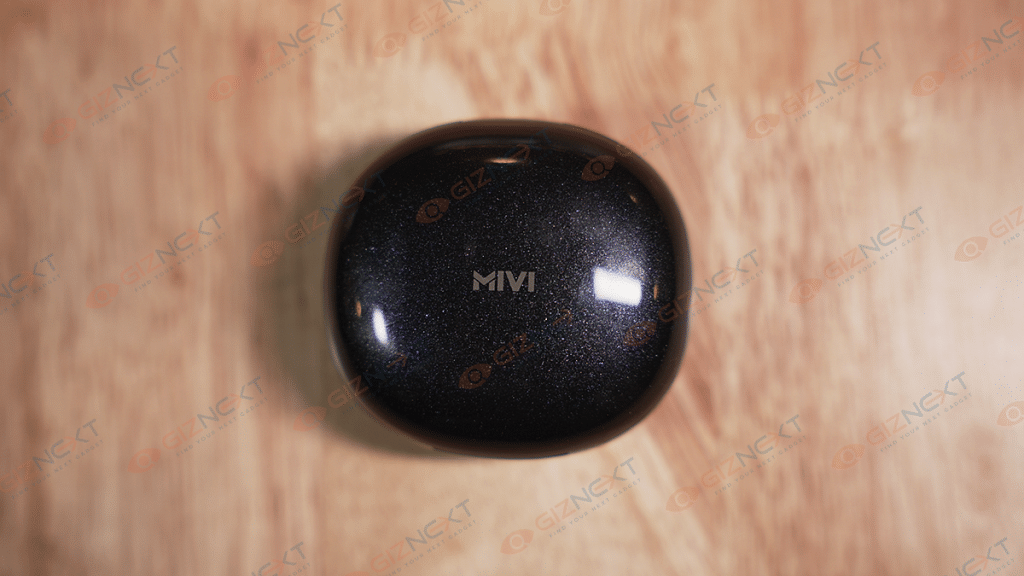
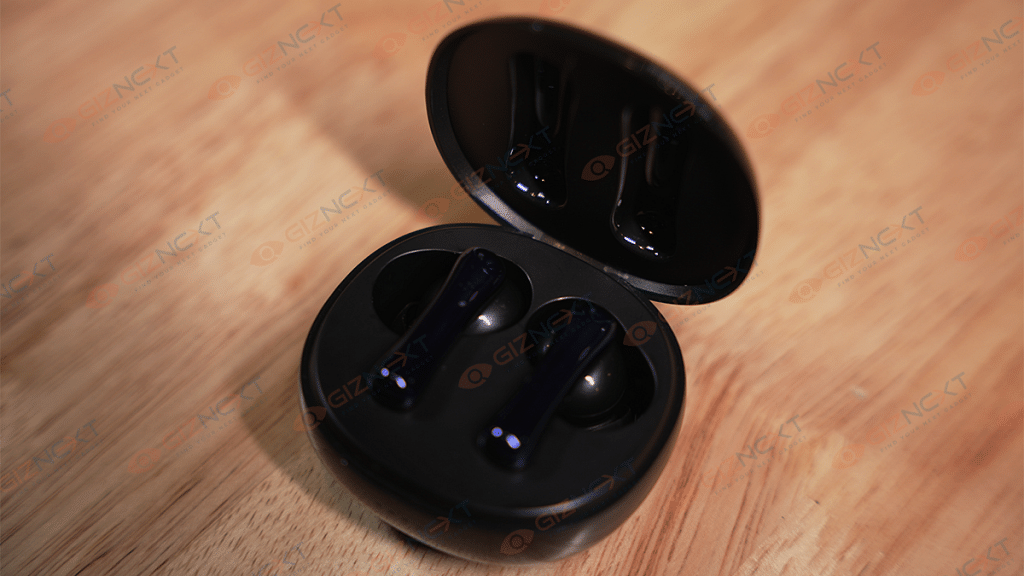
The Mivi Duopods K7 charging case boasts a “Starry Night Effect” and has a sleek metallic finish with contoured corners. It comes in a traditional pebble design. These earbuds come in five different colors: Coral, Galaxy Black, Ivory, Jazzy Blue, and Mint Green. I received the Galaxy Black variant which features the Mivi branding in the center of the case. Despite being lightweight and small, the case feels sturdy and well-constructed. It has a USB-C charging port located at the back and four LEDs on the bottom indicating the case’s charge level. While the case design is decent, I personally didn’t like the glittery effect.
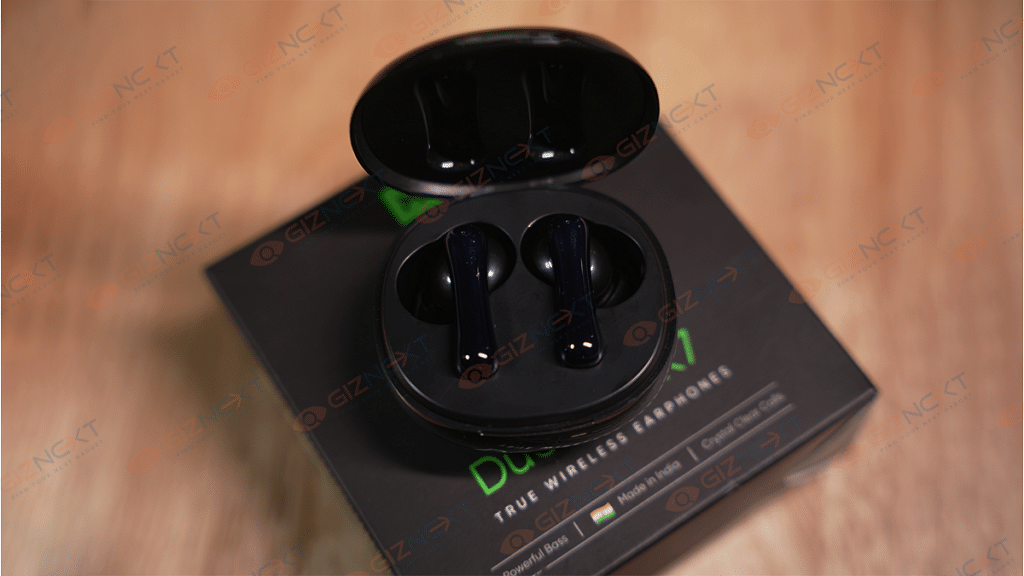
The earbuds are secured by magnetic pins inside the case, and even when held upside down, they remain firmly in place. Mivi Duopods K7 has an in-ear design and comes with two extra ear tips of different sizes. For me, the medium-sized ear tip fit comfortably, and I could wear them for hours without feeling any discomfort. The earbuds have blue and red LED lights, while the case light only glows blue. Furthermore, with an IPX4 rating, the Mivi Duopods K7 are sweatproof and can be used while running or working out in the gym without any worries.
Audio Quality And Call Performance
The Mivi Duopods K7 delivers impressive sound quality, with powerful deep bass audio produced by its 13mm dynamic driver. The mids are good, while the highs and lows are satisfactory, although the Mivi DuoPods K7 may miss some low and high frequencies. At its price point, noise cancellation is also decent, allowing for an immersive music experience.
The device’s voice call quality is decent, with microphones that are capable of picking up your voice even in a slightly crowded place. During my usage, there was no voice lag, and the person on the other end did not report any issues with voice quality. However, outside noise, especially wind when walking or biking, can be picked up by microphones despite the device’s artificial intelligence in HDCall technology. The Mivi DuoPods also support call waiting and enable you to answer third-party calls directly from the earbuds while on another call. Moreover, the Mivi DuoPods supports both Google Assistant and Apple’s Siri voice assistant, and a gaming mode is also available.
The Mivi Duopods K7 can be easily paired with your phone through a simple process, which automatically initiates pairing mode upon opening the lid. All you have to do is go to your phone’s Bluetooth settings, look for the Mivi Duopods K7, and pair them. Once paired, you will hear a sound confirming the connection. The earbuds use the latest Bluetooth 5.3 technology and can transmit up to 10 meters as per the company’s claims. We found the connection range to be consistent and never experienced any drop in connectivity. However, it is worth noting that the earbuds can only be connected to one device at a time.
The earbuds have a touch-sensitive area on the top that allows for various functions, such as adjusting volume and skipping songs. While this feature is convenient, I personally found the implementation of the touchpad on the earbuds to be a bit problematic. There is a high chance of accidentally hitting the touchpad while putting the earbuds in or taking them out of your ear. Despite this, adjusting the volume without having to reach for your phone was a useful feature. The different controls are listed below:
Function
Left Earbud (L)
Right Earbud (R)
Play/Pause
Single tap
Single tap
Previous Track
Double tap
Next Track
Double Tap
Decrease Volume
Press and hold
Increase Volume
Press and hold
Answer/End Call
Single tap
Single tap
Reject Call
Touch and hold for 2 seconds
Touch and hold for 2 seconds
Activate Gaming Mode
Triple tap
Voice Assistant
Triple tap
Answer Third-Party Call
Double tap
Double tap
Battery
According to Mivi, the earbuds, along with the charging case, provide roughly 50 hours of music playback time. The charging case requires around 60 minutes to charge, while the earbuds need about 45 minutes for a full charge, and they charge automatically when placed inside the case.
The battery life is impressive, with up to 30-32 hours of music playback even at over 80 percent volume. By keeping the volume a bit lower, you can further prolong the battery life by an additional three to five hours.
Final Thoughts
To conclude the Mivi Duopods K7 review, these earphones offer many features at an affordable price point. They are lightweight and come equipped with significant 13mm drivers. The sound quality is impressive, with a mostly balanced soundstage and a touch of bass. Additionally, the earbuds are comfortable to wear for extended periods. Most notably, they have a great battery life that easily lasted me days.
Priced at Rs. 84,999 for the single 12GB RAM+ 256GB storage model
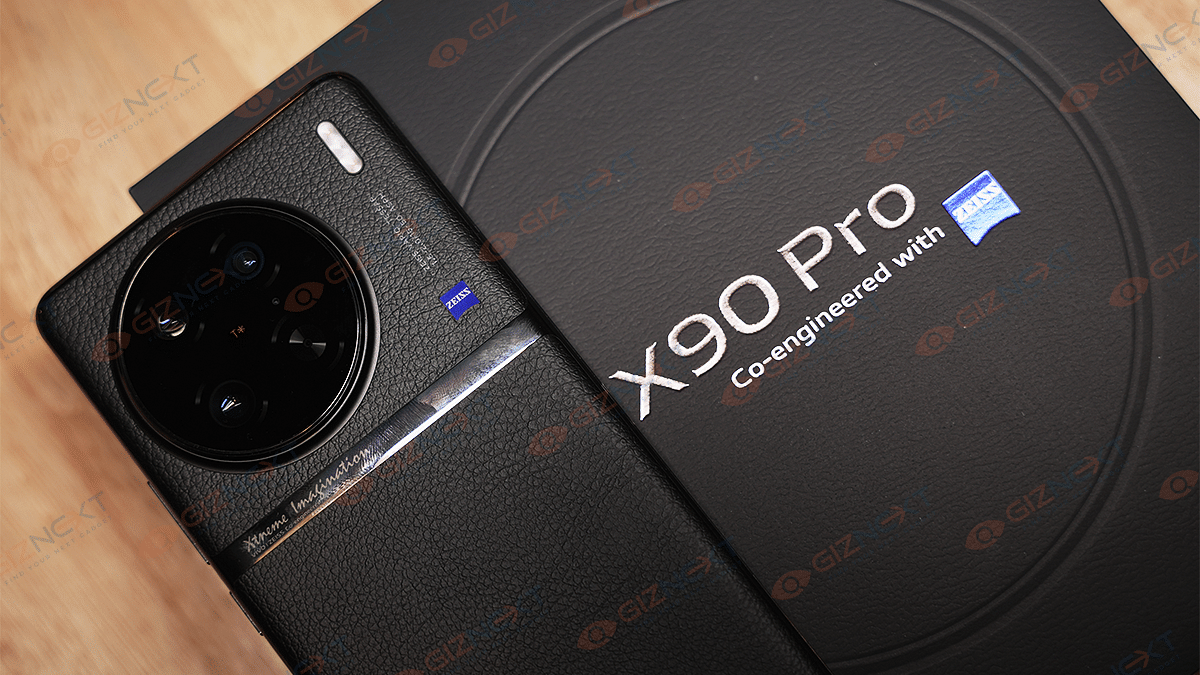
Vivo has officially announced its latest camera flagship for the Indian market called the X90 Pro. The high-end X series Vivo phone comes with an upgraded design, improved Zeiss co-engineered cameras, and a premium MediaTek Dimensity series chipset accompanied by a custom V2 chip.
This time, Vivo has priced the new X series phones starting at Rs. 59,999. However, The Vivo X90 Pro comes in a single RAM and storage option (12GB+ 256GB) costing Rs. 84,999 in India. Vivo has been betting high in the camera race with its X series phones. Has the new variant done justice in carrying forward the legacy?
Well, at Giznext, we have received the Vivo X90 Pro for review and got a chance to experience the unit firsthand. In this article, we are doing the first impressions of the Vivo X90 Pro and will be sharing our feedback whether it’s a hit or miss this time.
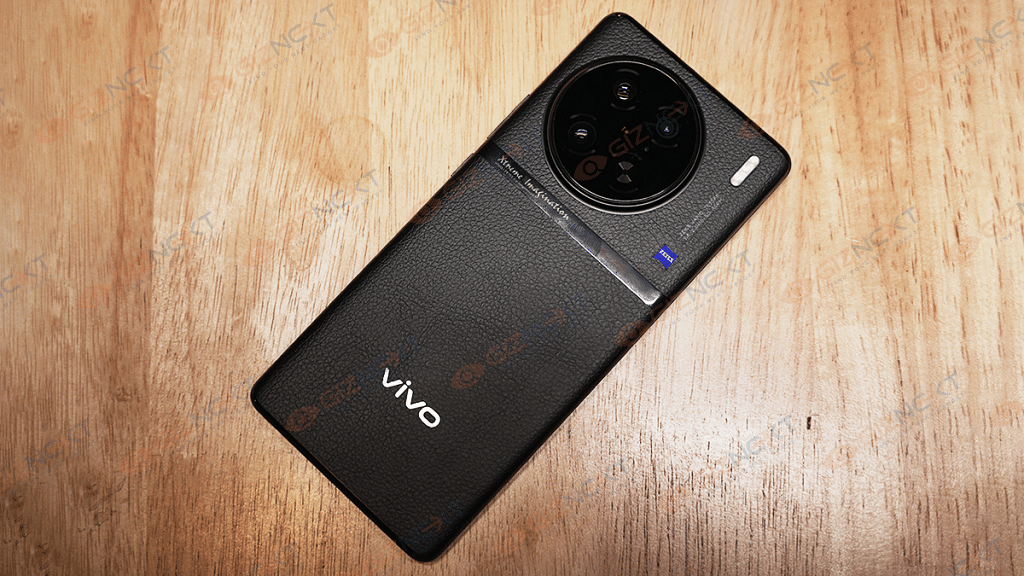
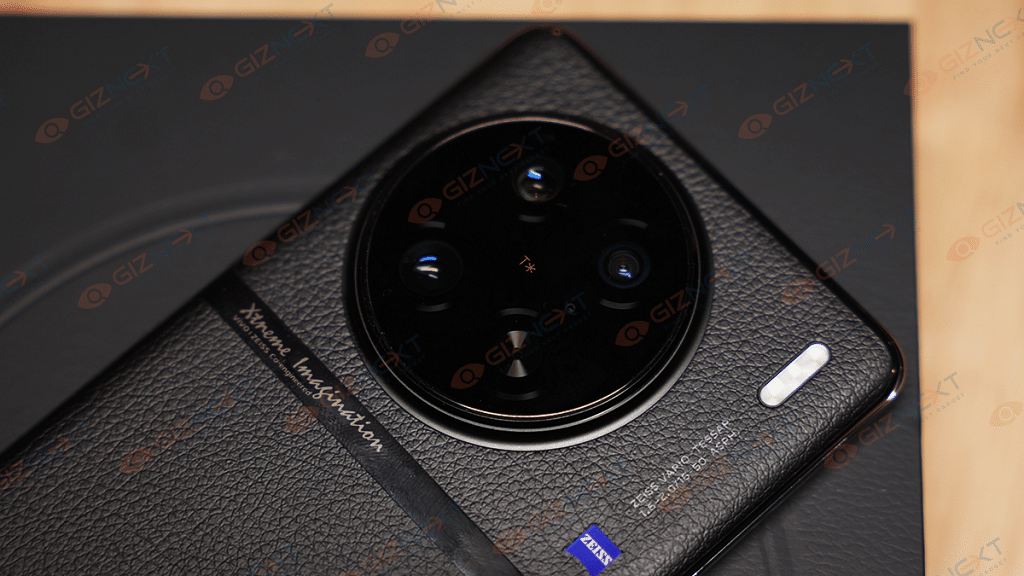
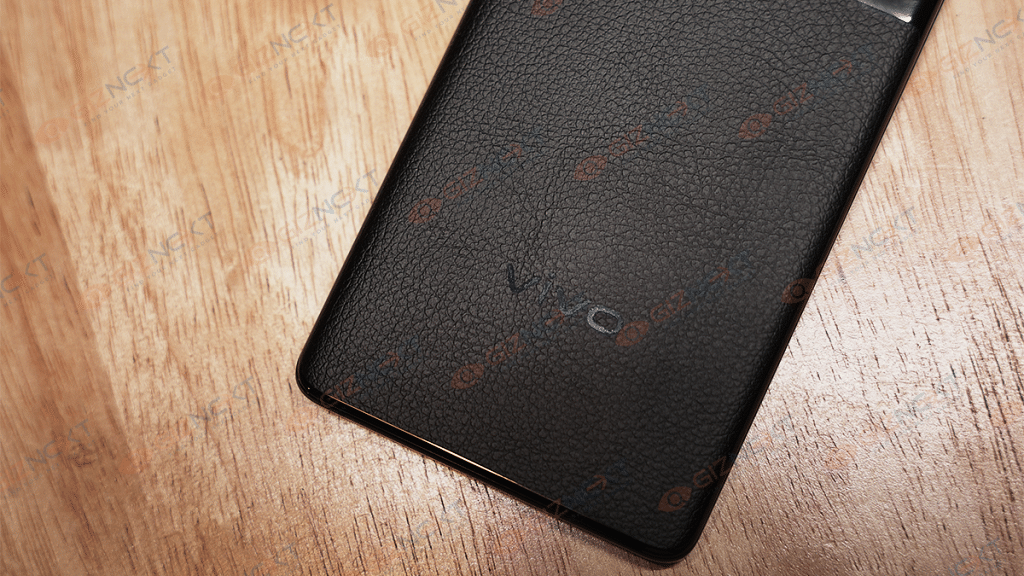
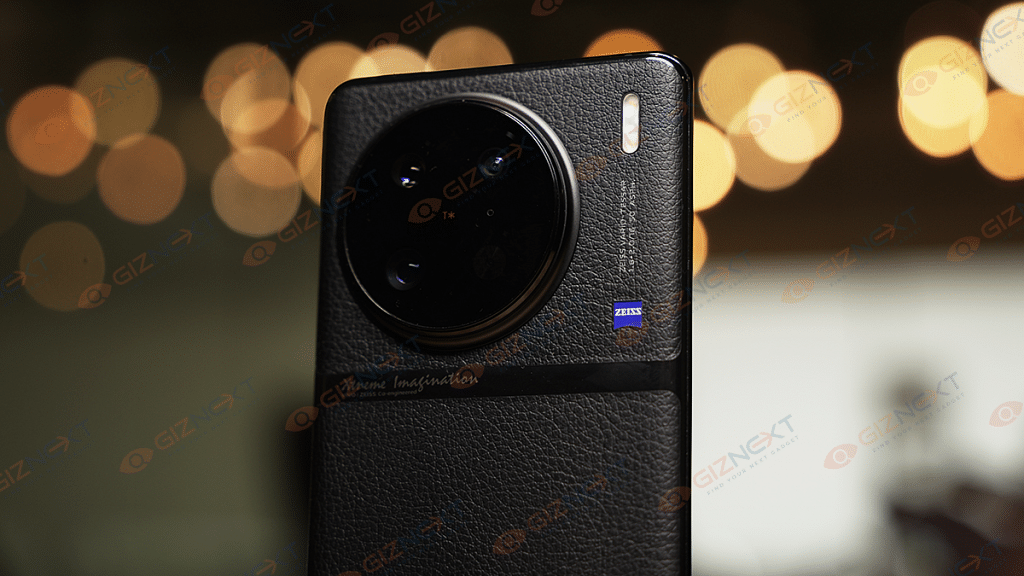
The Vivo X90 Pro wears the same premium leatherette finish at the back which we saw with the previous-gen Vivo X80 Pro. This combined with the curved display edges neatly merged with the metallic frame not just improves the appeal but also the grip. Speaking of the ports and key placement, they are also tactile for daily usage.
Both volume and power keys are positioned on the left spine, while the right frame is kept barren. The USB charging port gets the usual placement at the bottom alongside the hybrid SIM card tray and the speaker grille. The non-slippery and smudge-resistant design definitely clicks for the users who love flaunting their handsets without any case or cover wrapping on top.
Besides, the large circular camera module protruding prominently on the back gives this phone a real-life camera-like appearance which surely will grab some attention at first look. But if you still wish to use a case for additional protection you can use the soft TPU case that ships with the retail box. That said, the overall form factor of the Vivo X90 Pro is premium and despite being large it can be easily used as a daily driver.
Vivo X90 Pro Display First Impressions: Got The Colors Accurate?
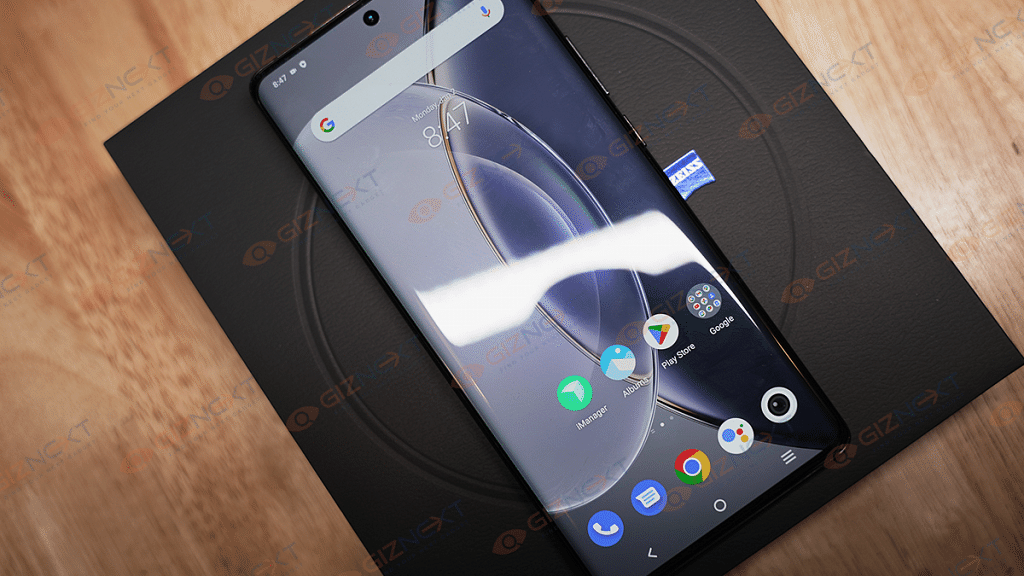
The Vivo X90 Pro has been packed with a massive 6.78-inch screen. As mentioned above, the panel has a symmetrical curve which is one of the biggest USPs of the X90 Pro’s design. The AMOLED screen supports a 1260 x 2800 pixels resolution. Now, this upgraded screen resolution allows the unit to deliver crisp and clear content.
Additionally, the panel also has a 120Hz refresh rate and 1300 nits which allows for a smoother touch response and frame transition along with clear visibility outdoors under direct sunlight. Vivo hasn’t upgraded the refresh rate with the new-gen X90 series phone which we have been anticipating before its official launch. But the overall experience isn’t hampered and is rather smooth as expected.
The X90 Pro’s screen also has HDR10+ certification which further gives an immersive viewing experience with content streaming online. During our brief testing, the Vivo X90 Pro’s screen performed well with both video playback and gaming. The clarity levels are high and the frame transitions are lag-free with extensive graphics.
Also, the color production is good with the X90 Pro’s screen. We are yet to do a thorough screen testing of the latest X90 series high-end model and will share the user experience in the comprehensive review.
The Vivo X90 Pro 5G’s style statement isn’t solely the curved display and the leatherette back, but also the big circular camera array that jets out of the back frame. Vivo has collaborated with Zeiss this time too to design the high-end camera hardware of the X90 Pro 5G. The triple-lens stacked inside the circular array at the back on the X90 Pro comprises a 50MP Sony IMX989 main camera with a large 1-inch pixel sensor, an f/1.8 aperture, Dual Pixel PDAF, and OIS.
Aiding the primary lens is another large 50MP Sony IMX758 portrait lens which supports 2X optical zoom and a 12MP ultra-wide-angle sensor with a telephoto lens. Up front, a big 32MP camera is neatly accommodated inside the punch-hole cutout. To recap, the previous-gen model, i.e., the Vivo X80 Pro featured a quad-lens camera module.
While Vivo has chucked an additional sensor from the new-gen model, it still is betting high on the imaging quality offered by the new unit. The latest variant has several integrated camera modes designed to improve the image as well as video quality. Vivo also has done optimizations with the camera hardware on the latest X90 Pro 5G model to make up for the missing additional sensor. The custom V2 imaging sensor’s presence further boosts the camera performance.
We tested the camera performance briefly and the X90 Pro seems to live up to the expectations as its predecessors. The output comes refined even with the default settings when you have ample lighting in the background. No evident blurs or grains are visible. High-resolution, Zeiss Landscape$ archit., AI Group portrait, Dual View, and Ultra HD document are some of the advanced cameras features that are offered by the X90 Pro.
This time Vivo has also added dedicated night and Astrophotography modes including Astro and Supermoon modes. Our experience with night photography has also been satisfactory during the initial testing phase. But we will put the X90 Pro’s cameras through extreme testing during both day and night and will share detailed feedback in the comprehensive review.
The selfie lens also delivers optimum performance. The clicks are good for social media uploads. Also, if you are frequent with online video conferencing then the large 32MP sensor will help you with clear audio/video experience with video calling.
Vivo X90 Pro First Impressions: Performance Delivery, Battery Backup
Performance delivery on the latest Vivo X90 Pro model is handled by the MediaTek Dimensity 9000 octa-core mobile chipset. Vivo might have switched to a MediaTek Dimensity series processor instead of a Qualcomm Snapdragon flagship processor like the previous-gen model but the compromises with the performance is deliver is least. Atleast, that’s what we experienced with the initial usage.
Our review unit packs 12GB RAM which combined with the virtual RAM feature sources an additional 8GB RAM for flawless multitasking and overall usage. The storage capacity available with our review unit is 256GB. Since there is a hybrid SIM slot, you can either use two SIM cards or one SIM card and one microSD card simultaneously.
Therefore, it would be better to select the high-storage variant if you use your phone for data storage. The gameplay experience has been fair all this while. We were able to play a bunch of graphic-hungry games at the highest settings with almost no visible lags or frame drops. No evident heating issue is to be highlighted as of now.
Moving on to the battery capacity and fast charging speeds, the X90 Pro is integrated with a 4,870 mAh battery unit. The latest flagship Vivo handset gets 120W fast wired and 50W wireless charging support. This is the fastest charging speed that is offered by the Vivo X series handset. The charging time is below 30 minutes which is handy for quick refuels. We still have to test the device to its full potential to give a final verdict on its reliability with extreme apps and tasks.
The Vivo X90 Pro 5G is launched as one of the most advanced camera phones in India. The spec sheet is overall a complete package and the handset definitely gets some extra pointers in the looks department. The Vivo X90 Pro in our opinion packs ample punch to be a power performer with normal as well as extensive usage. And if you are a photography enthusiast, then you are in for a treat with the Zeiss co-engineered premium camera hardware.