Vivo V50 Elite series launching this week in India
Is expected to placed above V50
Features not revealed officially yet
To feature Zeiss-co-engineered camera setup
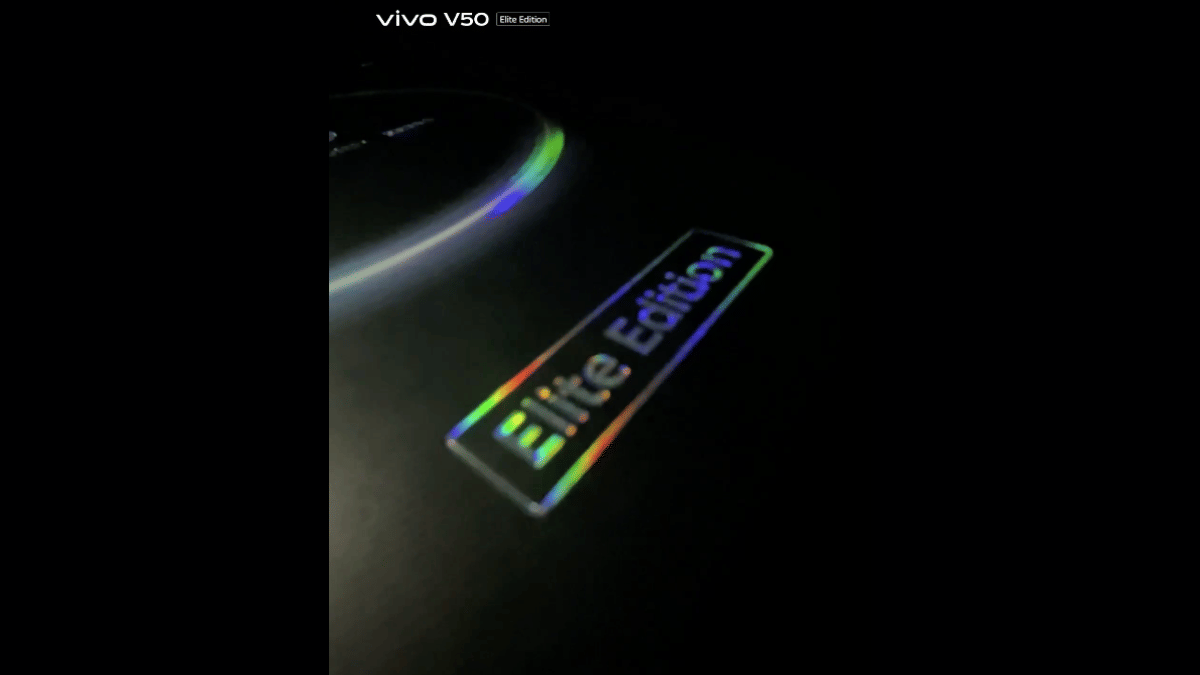
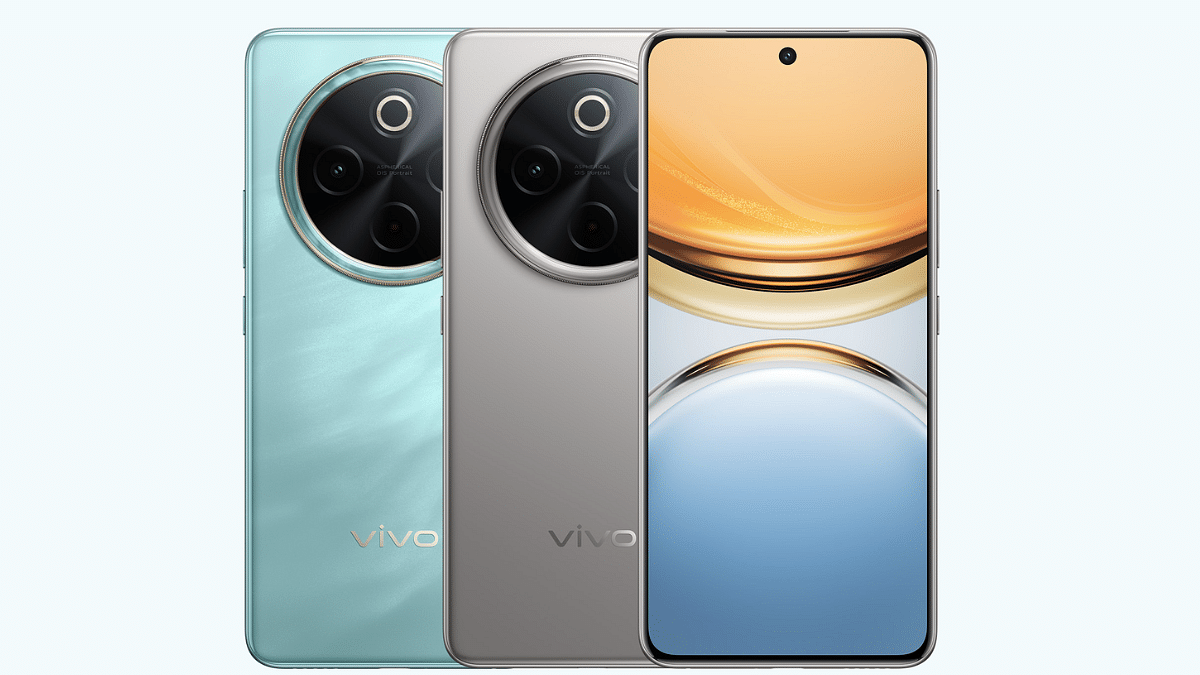
Vivo has just announced a new smartphone launch in India. The V50 series is getting a special Edition model called the Vivo V50 Elite. Launching as the third variant in the V50 series, the Vivo V50 Elite is expected to be positioned above the vanilla V50. Zeiss co-engineered cameras is likely to be the highlight besides the new design with the new V50 Elite variant. Here’s what all we know:
For the tech geeks, stay updated with the latest cutting-edge gadgets in the market, exclusive tech updates, gadget reviews, and more right on your phone’s screen. Join Giznext’s WhatsApp channel and receive the industry-first tech updates.
Vivo V50 Elite will be launched this week itself in India. The brand has scheduled its launch on May 15, 2025, i.e., Thursday. The announcement has been made officially at Vivo’s X handle (previously Twitter) that reads, “Elite. Enigmatic. Arriving soon. With sound that surrounds and portraits that captivate — this is more than just a phone.”
The Vivo V50 Elite’s launch timing is scheduled for 12 PM ISTVivo is possibly hinting the powerful portrait imaging experience offered by the V50 Elite along with the powerful surround sound capabilities. At this moment, no hardware or key feature has been teased. However, the details will be clear within a few days.
Vivo V50 Elite Features And Specs: Upgrades Expected Over V50 And V50e?
While Vivo is tight lipped related to the V50 Elite’s hardware features, it is said to share features with its remaining siblings. The major upgrades could be in the design department apart from some other minor tweaks. That said, the V50 (standard variant) has a 6.77-inch FHD+ curved AMOLED display that supports 120Hz refresh rate and HDR10+.
This same panel can be used for the V50 Elite along with the in-display fingerprint scanner for safety. Camera island unlike pill-shaped found on the remaining V50 series models will be updated to a round module on the V50 Elite. But the sensor details are at large. Whether Vivo uses a Qualcomm Snapdragon or MediaTek Dimensity series chipset is something that remains to be seen.
First Moto clamshell foldable phone with 50MP triple rear cameras
To be sold in India via Amazon
Expected to be powered by the flagship Snapdragon 8 Elite processor
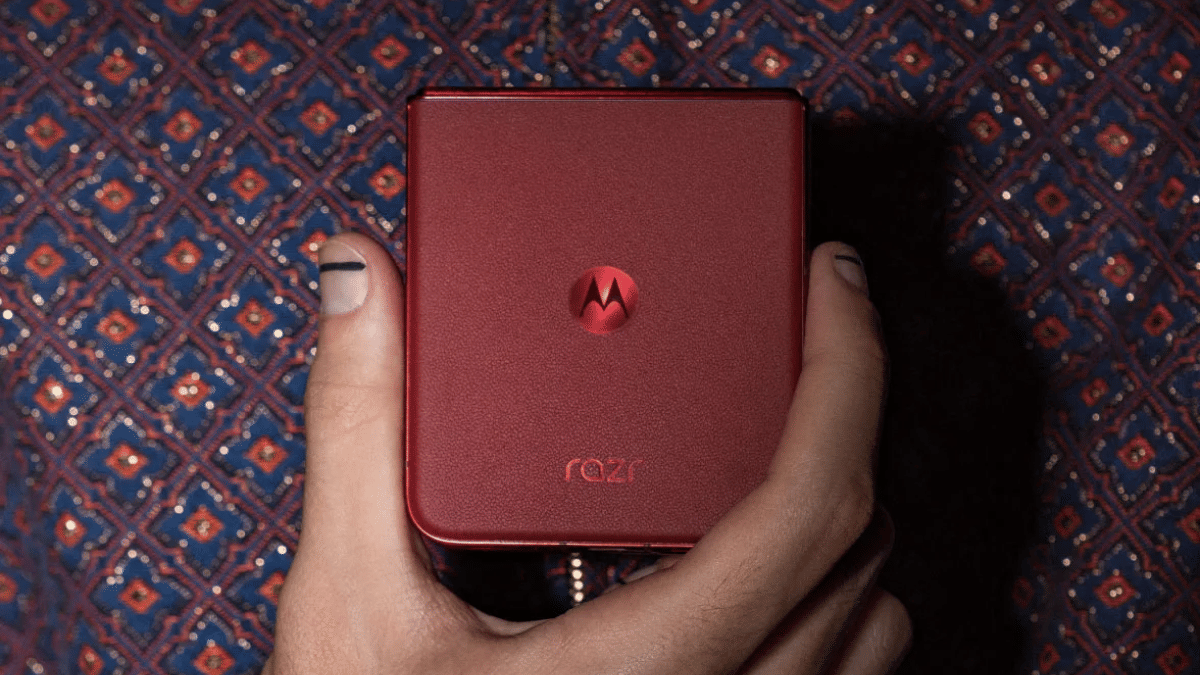
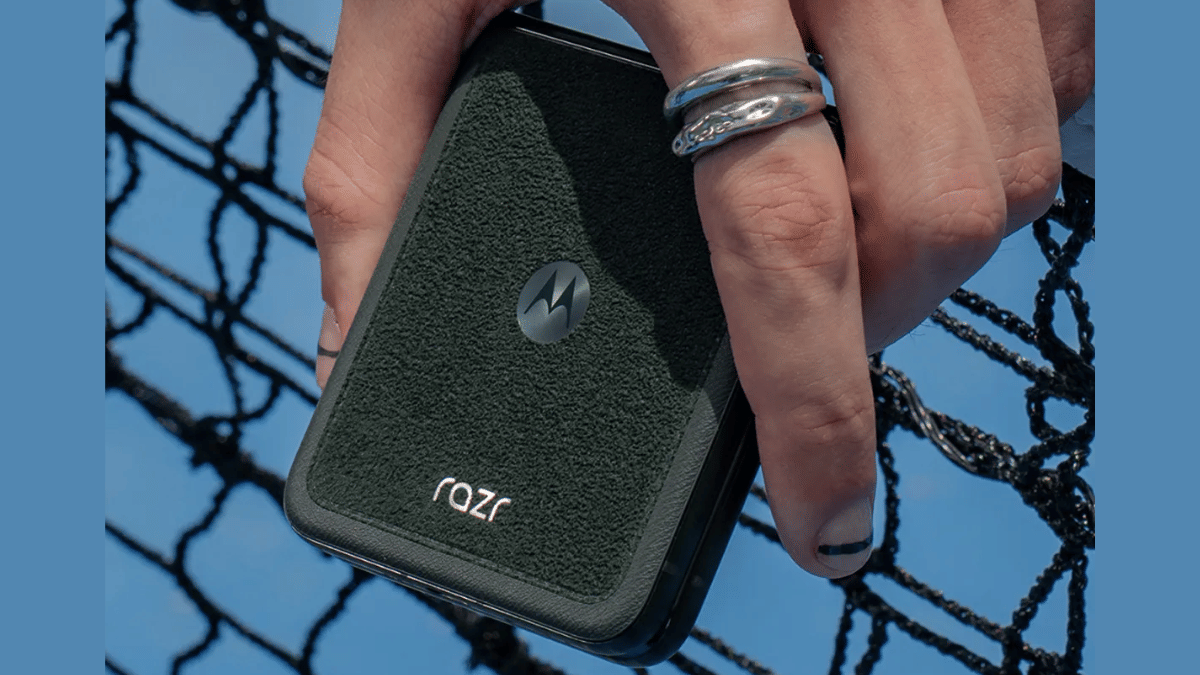
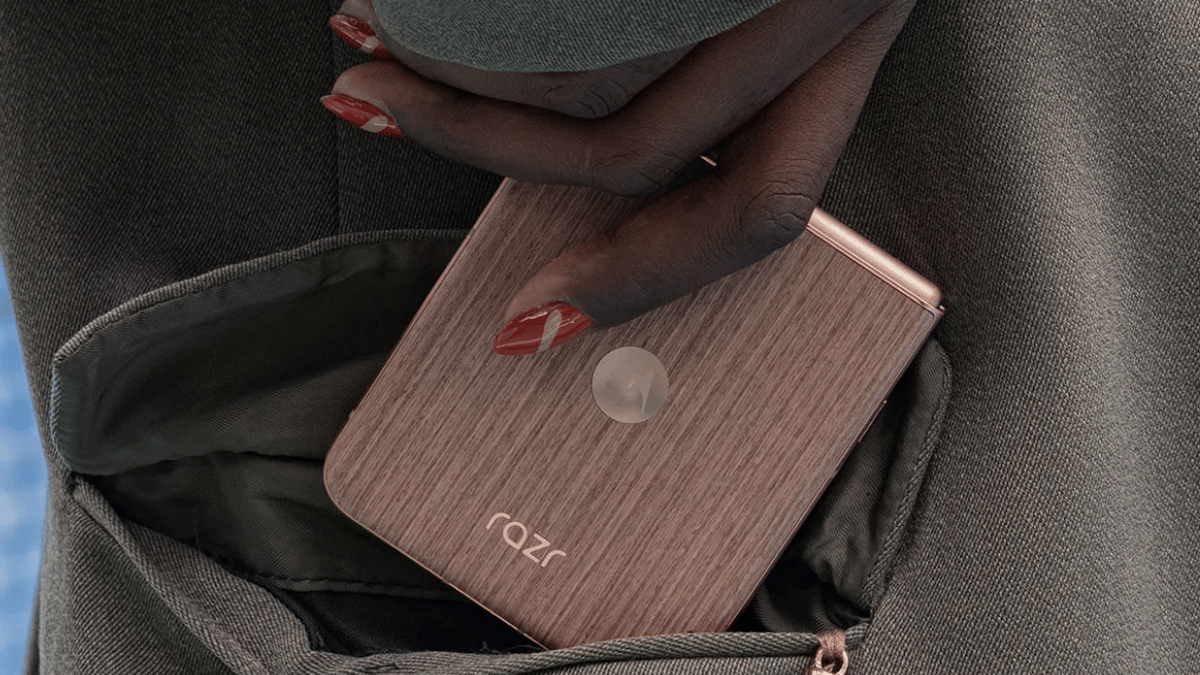
Motorola’s next flagship foldable clamshell is heading to India in the coming week. The Moto Razr 60 Ultra which is touted as the most powerful and the fastest flip phone and also the first to sport a 50MP triple lens optics hardware is slated for launch next week in the country. Official confirmation reveals the date and its availability. Read below to know what to expect from the upcoming ultra-premium Moto foldable flip handset:
For the tech geeks, stay updated with the latest cutting-edge gadgets in the market, exclusive tech updates, gadget reviews, and more right on your phone’s screen. Join Giznext’s WhatsApp channel and receive the industry-first tech updates.
Moto Razr 60 Ultra: India Launch Date, Live Stream Details
Motorola has announced the Moto Razr 60 Ultra’s official launch will be taking place on May 13, 2025. The company has currently not shared the live stream details and has also not created the live event page on YouTube (at the time of writing this article). However, if the details are shared anytime soon, we’ll ensure to update this section.
Moto Razr 60 Ultra is expected to an ultra-premium foldable handset from Motorola getting introduced this year. To recap, its predecessor, i.e., the Edge 50 Ultra arrived with a price label of Rs. 99,999. Moto could be launching the new variant with a slightly higher price tag over the last-gen version. While Motorola hasn’t hinted the pricing, around Rs. 1.10 lakh cost is being speculated.
Operation Sindoor conducted to strike down terror organisations and infrastructure
Mock drills conducted across the country on May 7, 2025
Fresh attacks shatters Poonch in Jammu & Kashmir
High-time to enable emergency alerts on smartphones
Can help receiving wireless emergency alerts shared by the government
Can be activated on both Android and iOS devices
Indo-Pak border tensions are certainly escalating and seems like there could be some real emergency-like situations soon. After 26 tourists lost their life in the heinous terror attack carried out in Pahalgam Kashmir, Pakistan army now carried out shell attacks claiming life of 15 innocent civilians and one army personnel. This cowardice move apparently comes after the Operation Sindoor carried out by the Indian army in retaliation to the Pahalgam attack striking down terror organisations and infrastructure in the nearby region.
Indian government also seem to be taking swift actions countering all such terror attacks. Following Operation Sindoor, Operation Abhyaas was carried out on May 7, 2025 which was essentially a nation safety mock drill bolstering preparedness for war-like emergency scenarios. This is the high time when staying alert related to the current-affairs, specifically Indo-Pak tensions is a necessity. So is enabling the government emergency alerts on your smartphones.
For the tech geeks, stay updated with the latest cutting-edge gadgets in the market, exclusive tech updates, gadget reviews, and more right on your phone’s screen. Join Giznext’s WhatsApp channel and receive the industry-first tech updates.
Government Emergency Alerts On Your Smartphones: Saviour Feature In Case Of War-Like Emergencies
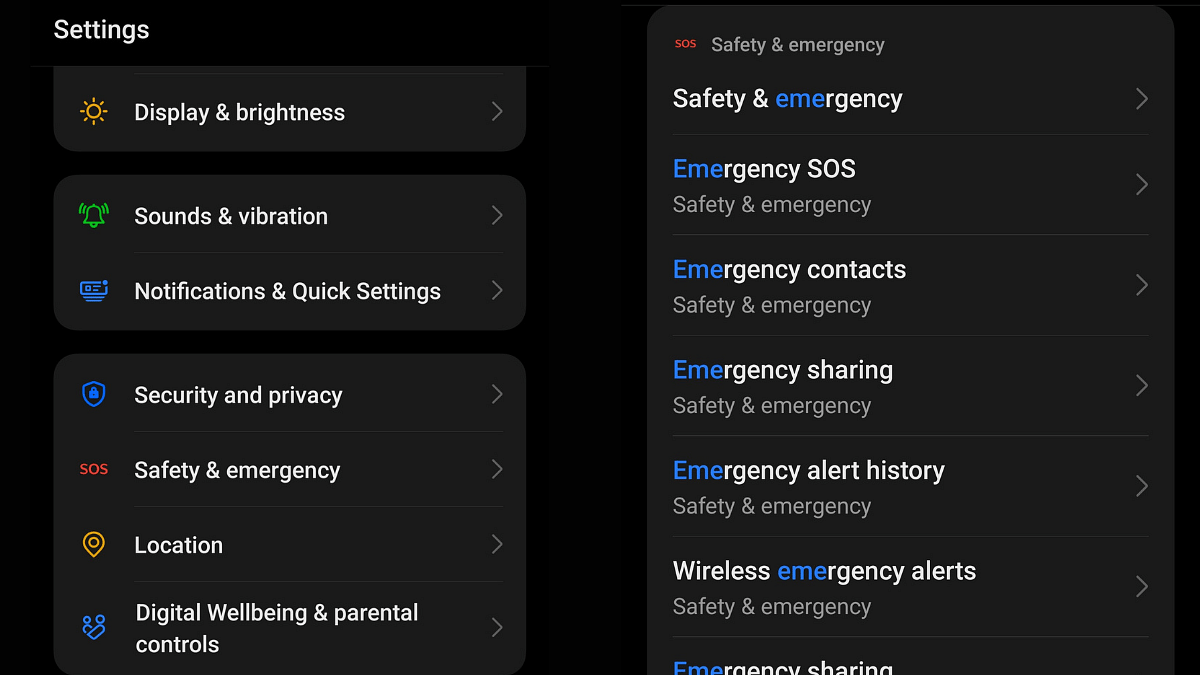
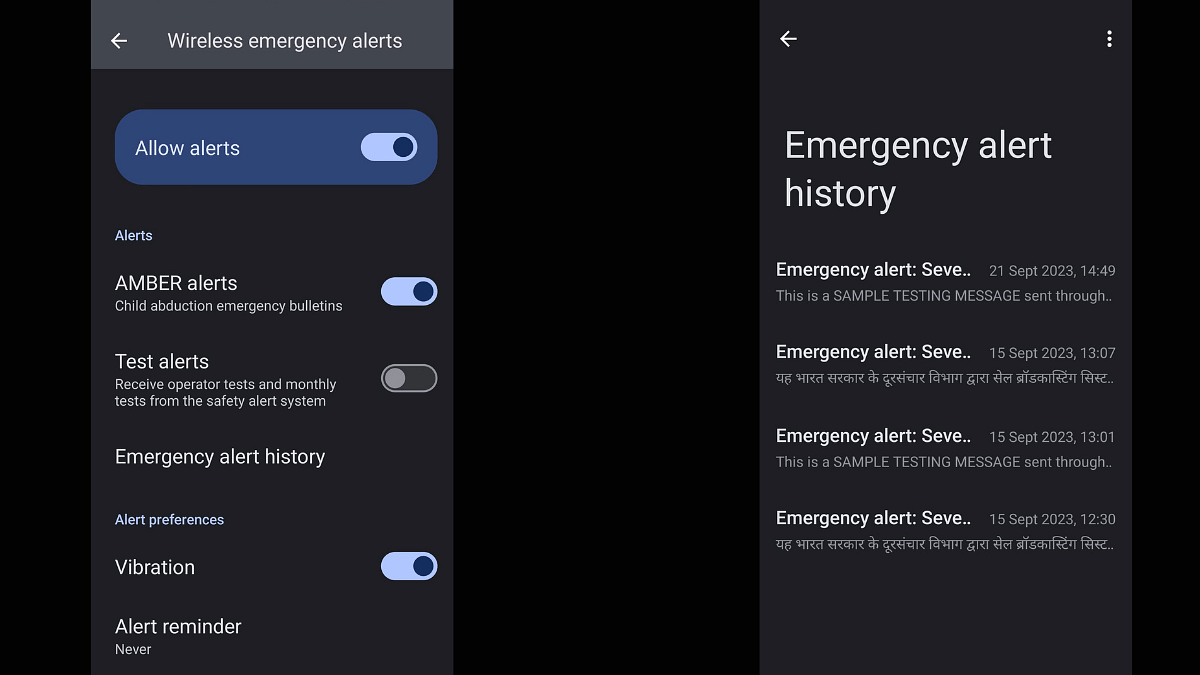
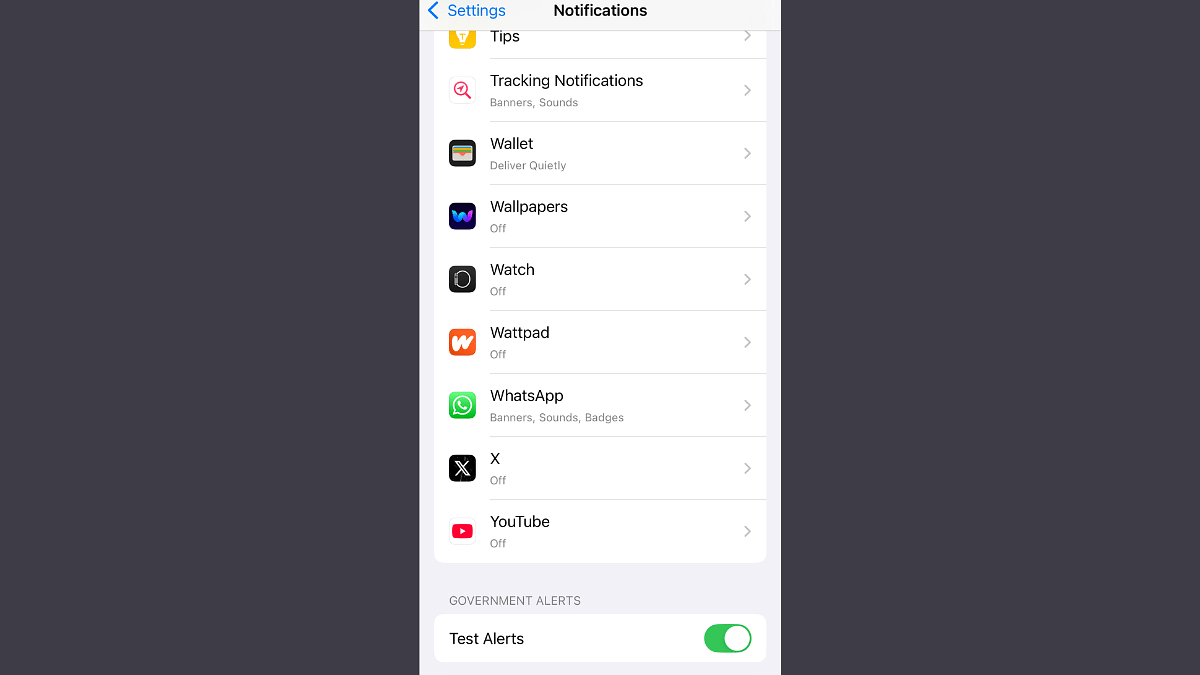
All the modern smartphones are integrated with emergency alert feature that can keep a user updated with any emergency. This feature is available across Android and iOS ecosystems; specifically the latest firmware builds. For Android, the Android v11 and above comes with Emergency Alerts feature. On the other hand, Apple provides emergency alerts feature with iOS 17 and above.
These wireless alerts can notify users of current emergencies even without active mobile connections. This makes them extra handy in emergency situations. So, how do you enable them? Find out the steps to activate wireless emergency alert feature on both Android and iOS platforms:
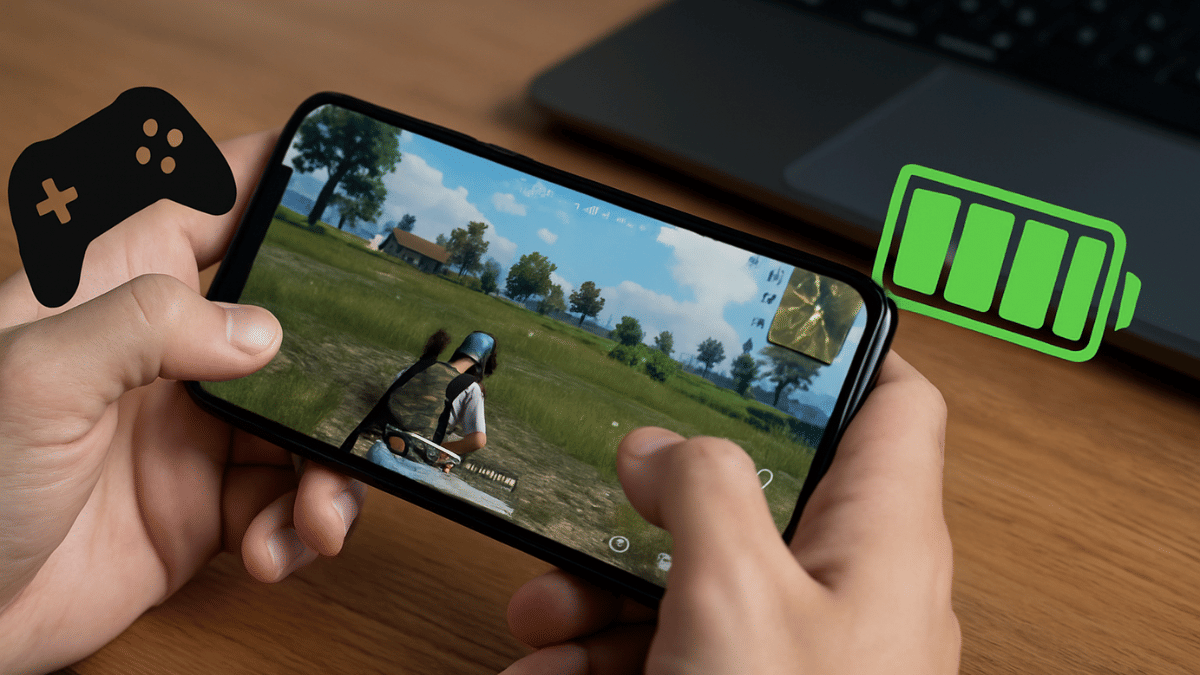
Smartphone battery can deplete fast with prolonged gaming
Smart management helps improving battery life
Basic tweaks can help with battery management in smartphones
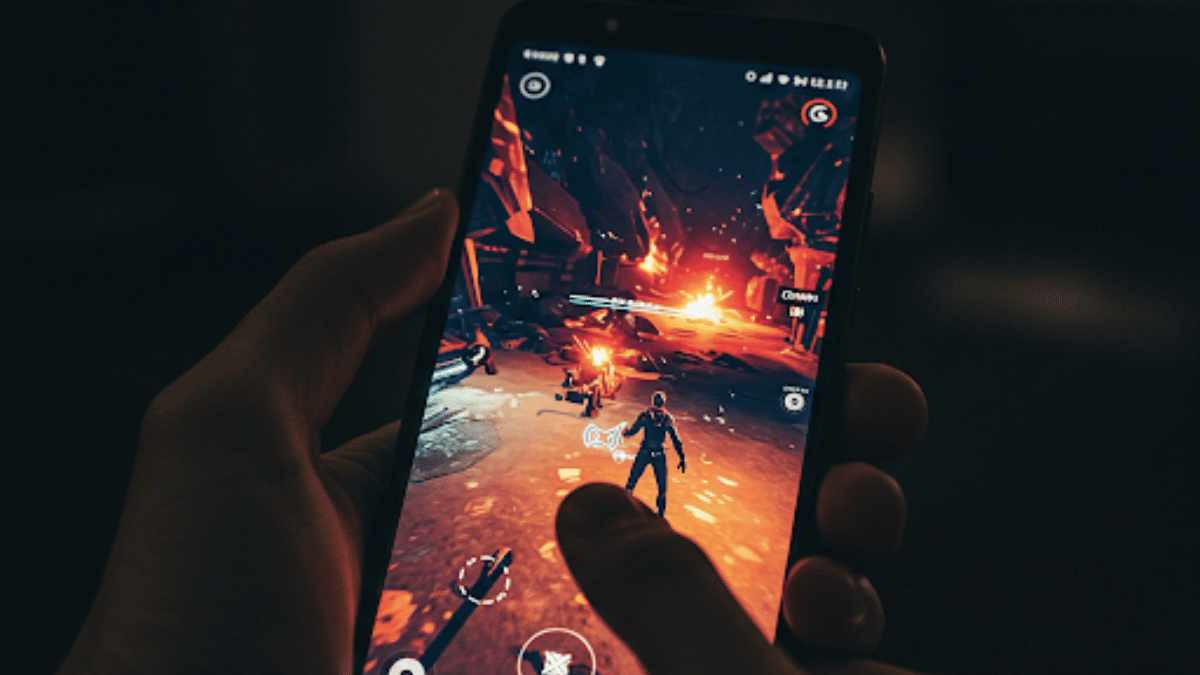
Mobile gaming has a set a new benchmark and now OEMs are coming in with highly potent gaming smartphones. The craze is real with mobile gaming and its not stopping anytime soon. Mobile gamers are known to push their smartphone’s hardware to the extreme limits while engaged in prolonged gaming sessions. This makes it necessary to look out for ways to optimise a smartphone’s battery life for a steady and stable performance. If you are into extreme mobile gaming and are worried about your smartphones battery life, this guide will be your saviour. Take a look below at the top 5 efficient ways to optimize your smartphone’s battery performance and its overall life.
For the tech geeks, stay updated with the latest cutting-edge gadgets in the market, exclusive tech updates, gadget reviews, and more right on your phone’s screen. Join Giznext’s WhatsApp channel and receive the industry-first tech updates.
1. Keep A Check For Smartphone/ Battery Overheating
Frequent smartphone overheating can lead to depleted battery health. If your smartphone is overheated, try to stop your gaming session and wait for the device to cool down. Simple tricks such as avoiding charging while gaming or using a case while gaming can also help with heat management.
When you play a mobile game in high resolution or using 5G network, expect a faster drainage rate. Tweaking these settings can help with battery management and its overall performance.
Screen Brightness: Switch to lower screen brightness and disable the auto brightness mode. It is an efficient trick to cut down on excessive battery drain.
Screen Resolution Settings: Try playing FPS and other graphic-extensive games at a lower screen resolution of UHD or FHD.
Screen Refresh Rate Settings: Switch down to 60Hz instead of 90Hz or higher refresh rate
Haptics Feedback Settings: Helps with lower battery consumption when disabled.
Network/ Connectivity Settings: Use Wi-Fi instead of mobile data for stable connections and lower battery drainage.
If you have one of those gaming Android smartphones chances are there will be a built-in gaming or performance modes. Tuning these integrated gaming engines can help with boosting battery life and health collectively.
Performance Mode: Instead of enabling the High-performance mode, stick to medium or low settings. This can be done occasionally to maintain an optimum battery health.
This is one of the best tricks to get the maximum juice out of your smartphone’s battery be it while gaming or general usage. Besides enhancing the battery life, limiting background apps will ensure smoother gameplay and better performance delivery. Close any unused app before starting your next game and feel the difference.
Power Settings: Some of the high-res gaming titles comes with a Balanced or Battery saver mode. Switching these settings on ensures battery life remains unaffected despite heavy game play.
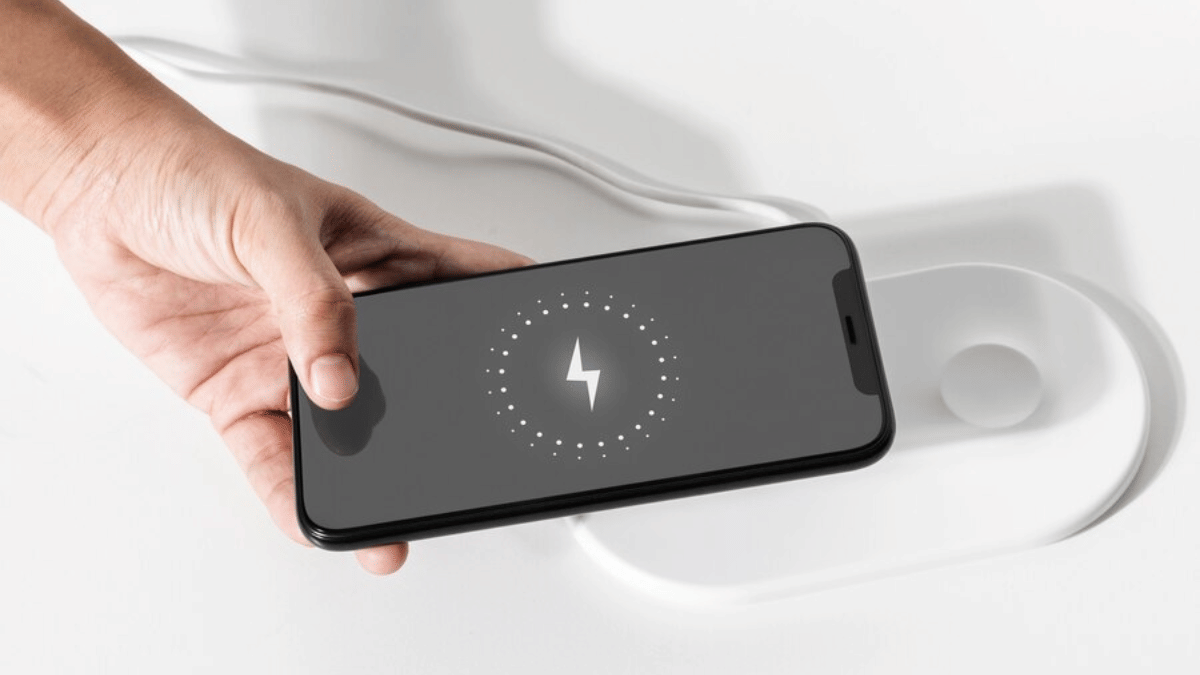
Charging Percentage: Another crucial factor determining smartphone battery life. Charging and draining battery from 100 to 0 can have an impact in a longer run. Instead stick to the 20- 80 percent charging range for your smartphone in daily run.
Smartphones with multi-camera sensors are standard in the market
Dedicated modes available for low-light photography using smartphones
More steps listed below
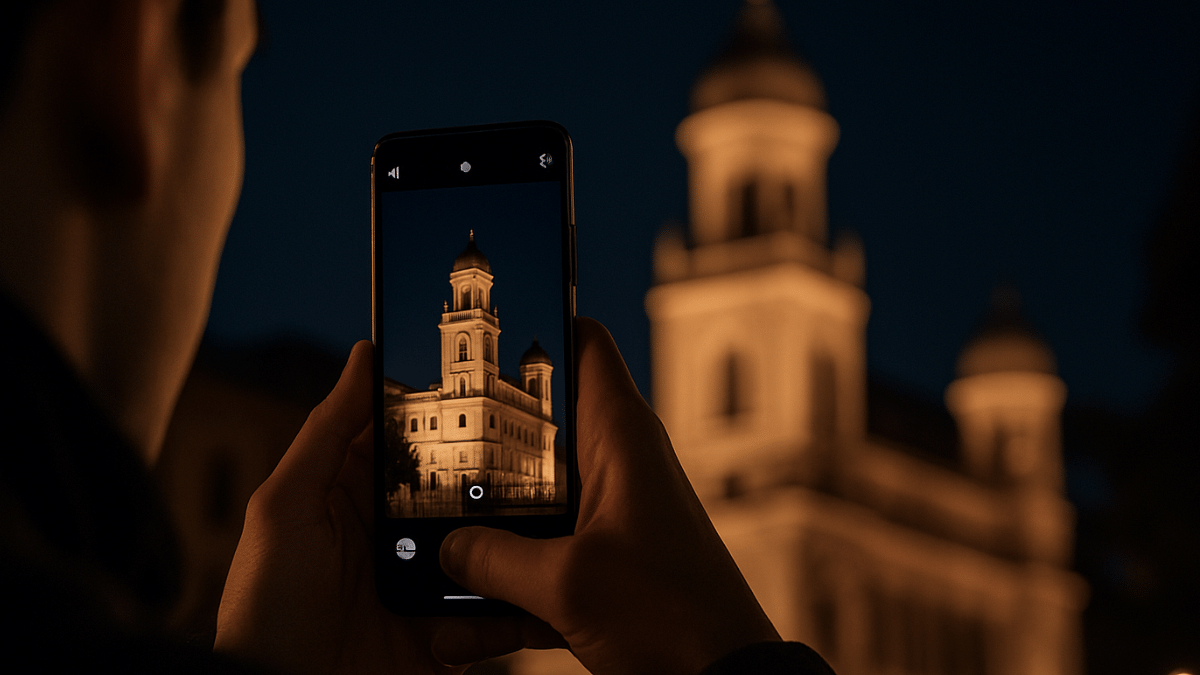
Mobile cameras over the years have evolved drastically. With multiple sensors combined in a smartphone, the point-and-shoot photography experience has reached a whole new dimension. No complicated manual camera settings is now required to get that perfect click if you are using a modern-age smartphone. Most of the modern day mobile cameras are well equipped to handle daylight and night scenes. But for the latter, default settings might not always do the trick. If you too have been struggling to get that perfect low-light clicks then you have stopped by the right place. Here in this guide, we are helping you to make the most out of your smartphone camera and capture high-resolution photos in low-light conditions.
For the tech geeks, stay updated with the latest cutting-edge gadgets in the market, exclusive tech updates, gadget reviews, and more right on your phone’s screen. Join Giznext’s WhatsApp channel and receive the industry-first tech updates.
Night Mode is a dedicated mode available commonly in smartphone’s default camera app. It’s functionality is to make use of computational photography to process high-quality low light images. It does so by merging multiple frames while making the final output brighter than the default settings in low-light conditions.
Reduces grains and noise in the final output
Might require a tirpod or stable surface to keep the phone still during image processing
One of the common issues that you will experience while capturing a low-light shot is the focus loosing out. You should consider adjusting the focus manually instead os using the auto focus mode. Also, lock the focus on the subject to get that perfect frame during night photography.
Tip 3: Consider Switching To Pro Mode And Adjust Exposure/ ISO/ Shutter Settings Manually
Pro mode helps you capture that perfect night shot. You can manually adjust the exposure settings and shutter speeds for the high-res output. Just for reference, lower ISO levels and slower shutter speeds generally gives better output with low-light shots.
ISO Range: Set it between 200- 400 initially. Check the output and increase if required.
Shutter Speed: Should be lower ranging between 1/4 to 1/2 seconds.
A common mistake that stops us from getting better quality images. While the camera lens might look clean, it could have a fine layer of dust or fingerprint that can easily ruin the image/ video quality. Ensuring camera lens is clean will definitely improve the image quality overall. Only use a soft cloth that too gently to clean the camera lens. Make it a practice every-time before you capture a shot.
If you can edit photos, then clicking any photo in low-light in RAW format will make it easier to edit later. Overall details retention is higher in the RAW format as compared to JPEG or any other format. Besides, you can later use dedicated editing tools such as Adobe Lightroom, Snapseed, Canva etc., to further refine the quality.
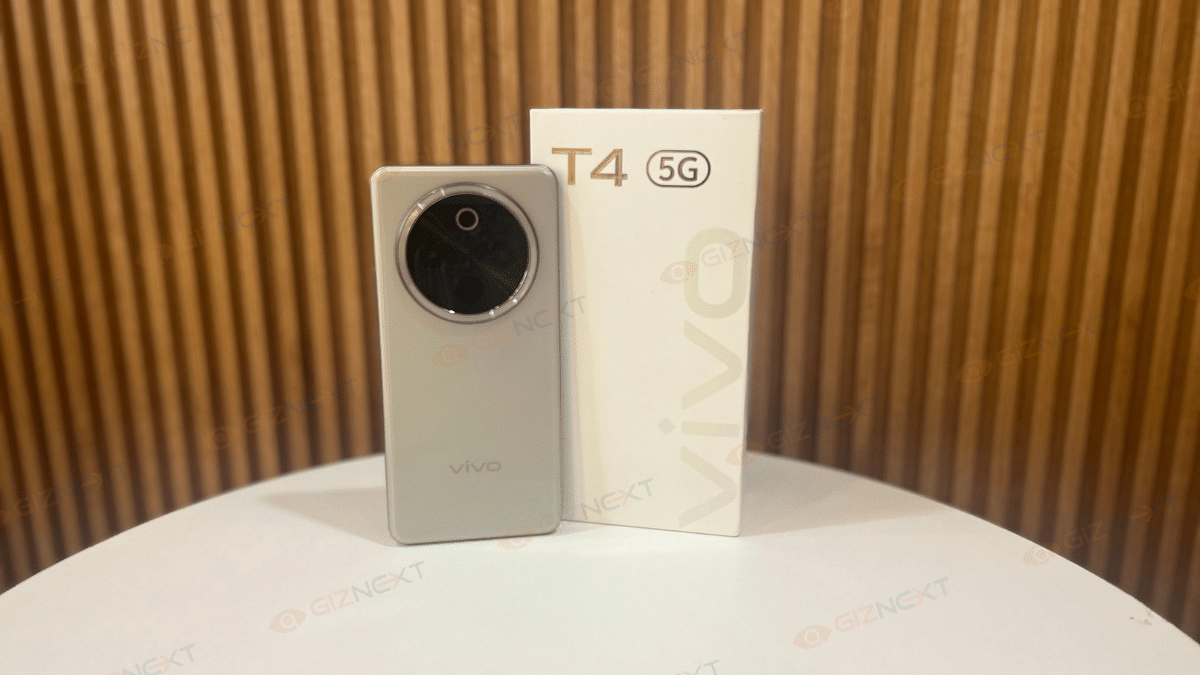
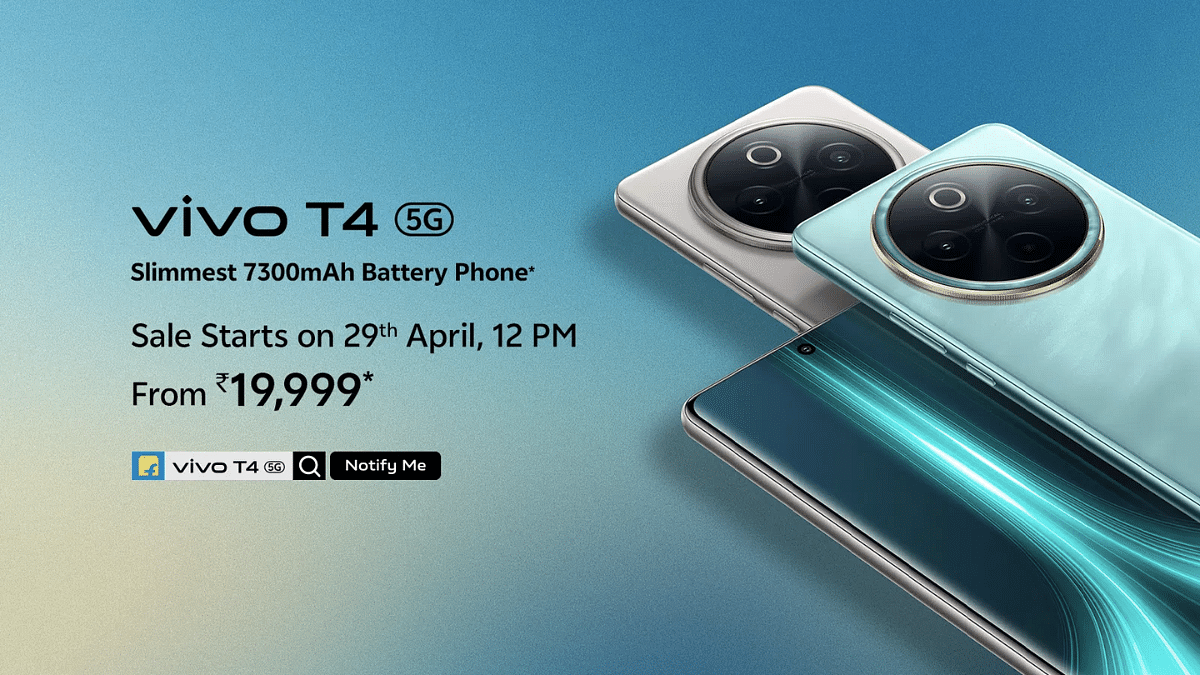
If you think big batteries mean bulky phones, the Vivo T4 5G is here to prove you wrong. Yes, I’ve got my hands on it to tell you how. With a massive 7,300mAh battery packed inside a surprisingly slim and stylish body, this phone instantly caught my attention. I’ve been testing it out, scrolling endlessly, binging shows, and clipping photos to see if it really lives up to the hype. Is the Vivo T4 5G just another mid-range phone with flashy specs, or does it actually deliver where it counts? Stick around because this one might just surprise you.
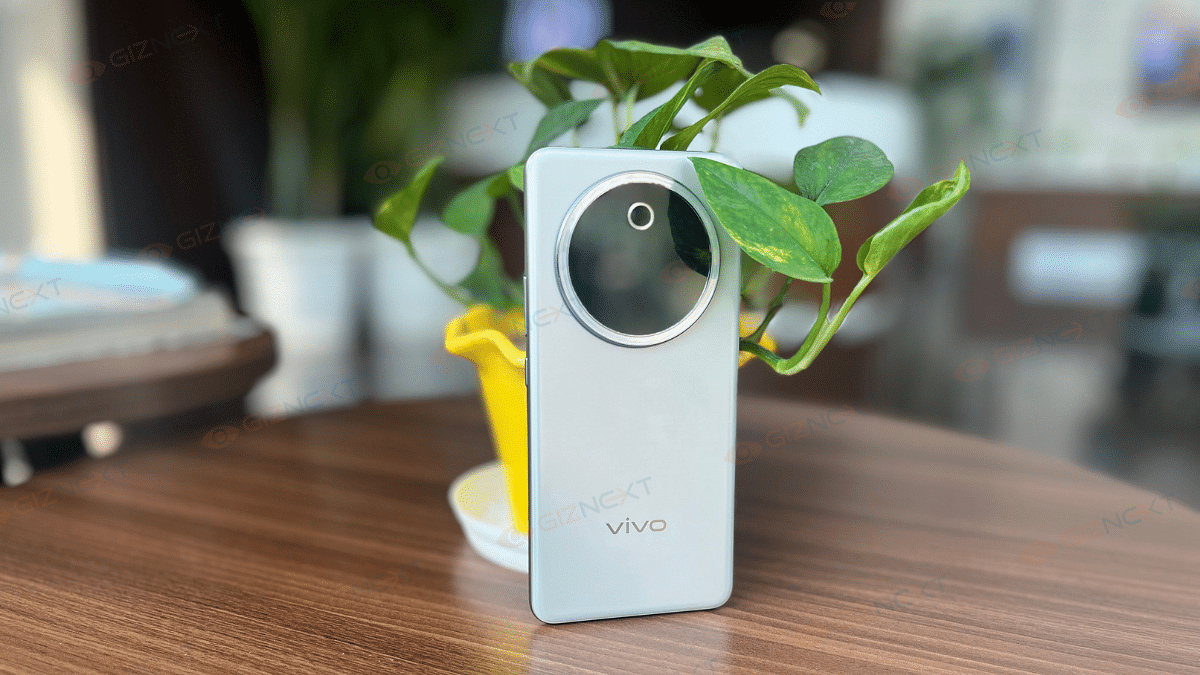
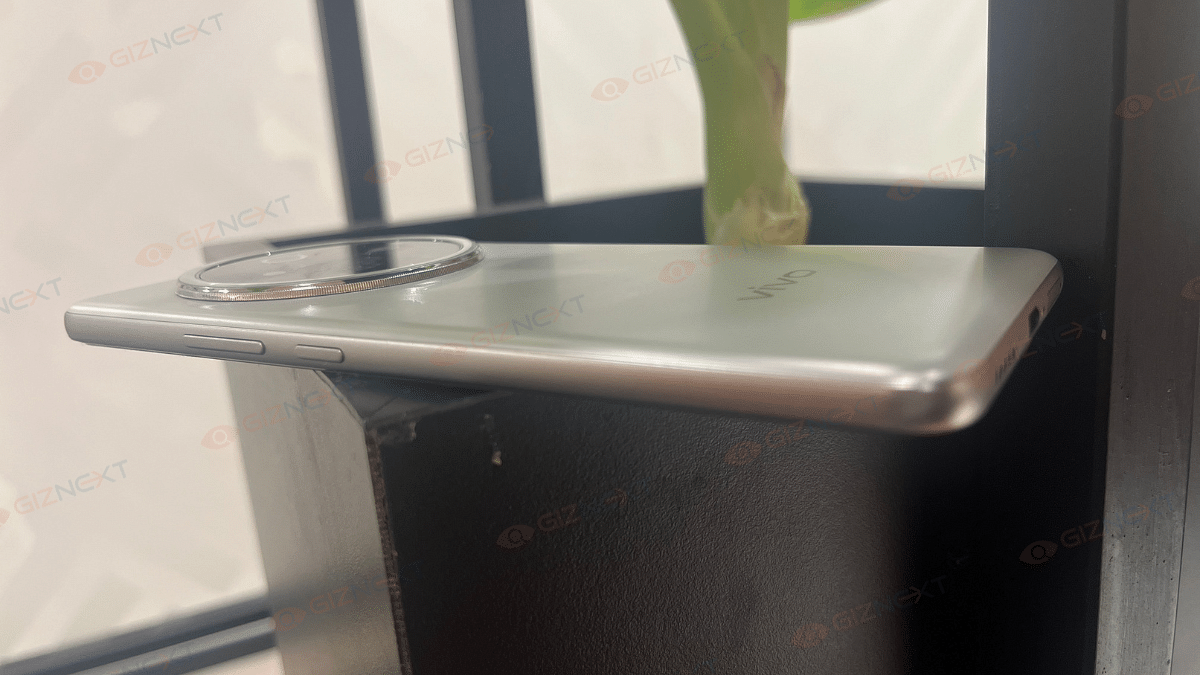
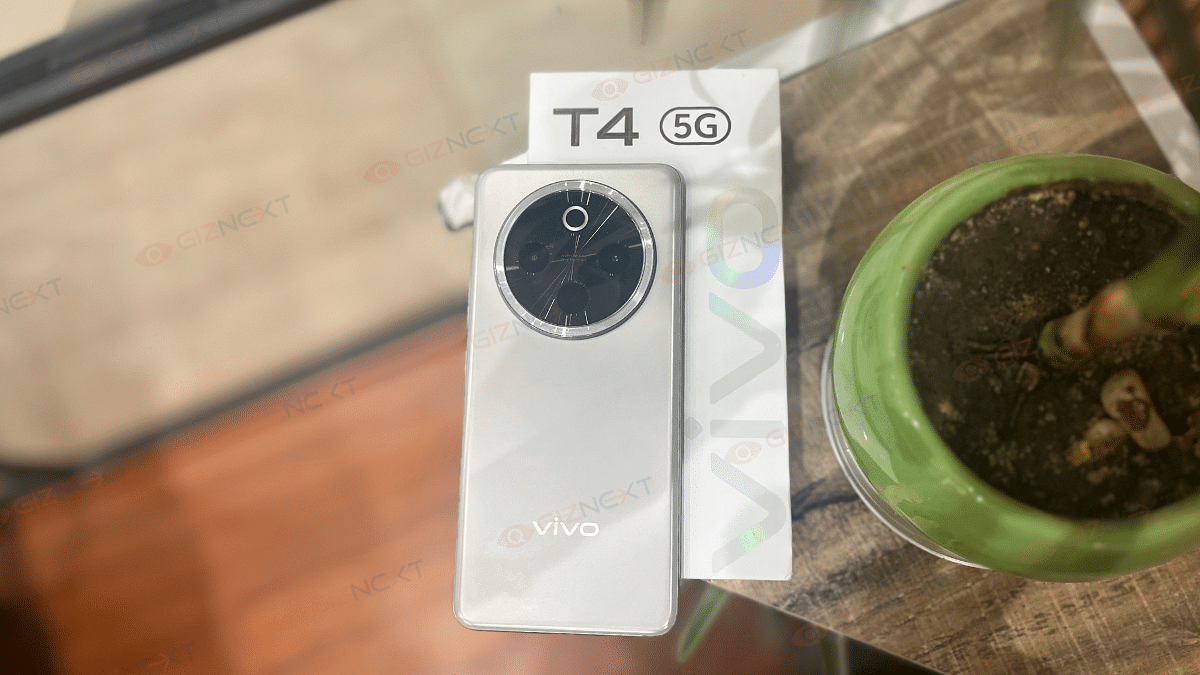
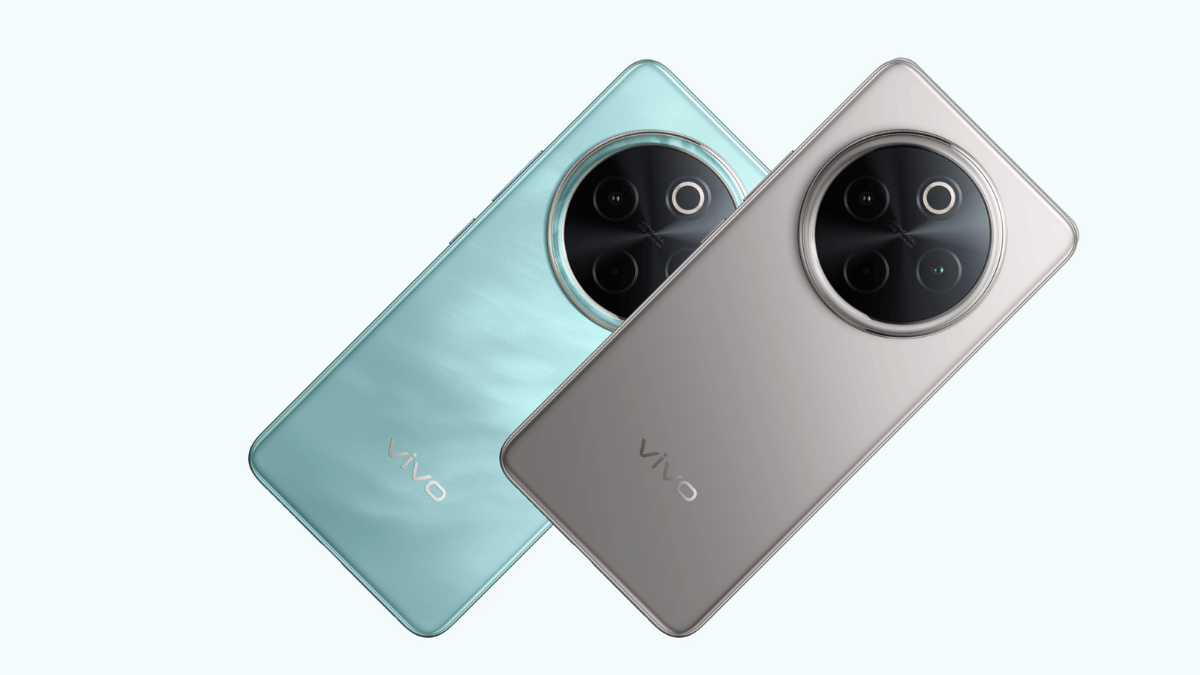
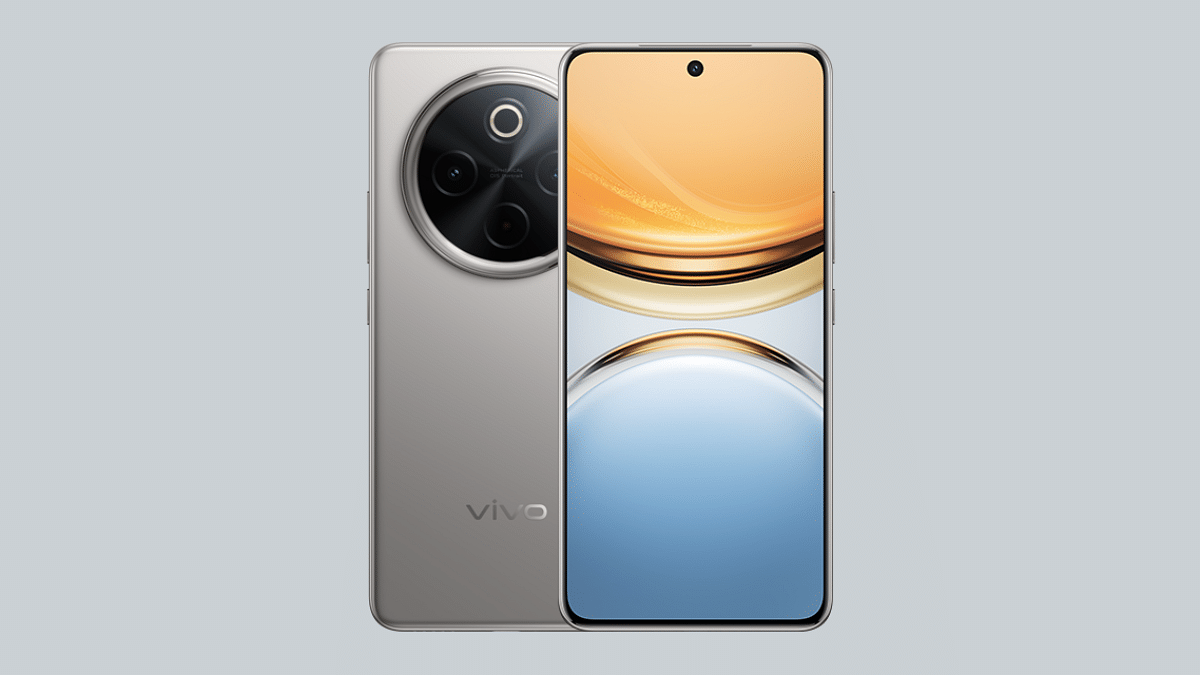
When I first held the Vivo T4 5G, I was surprised. The phone feels quite light and thin for a device with a massive 7,300mAh battery. It doesn’t feel heavy in the hand at all, even if you use it for long hours. The phone has smooth curved edges on the front and back which makes it easy to hold and gives it a nice, premium feel.
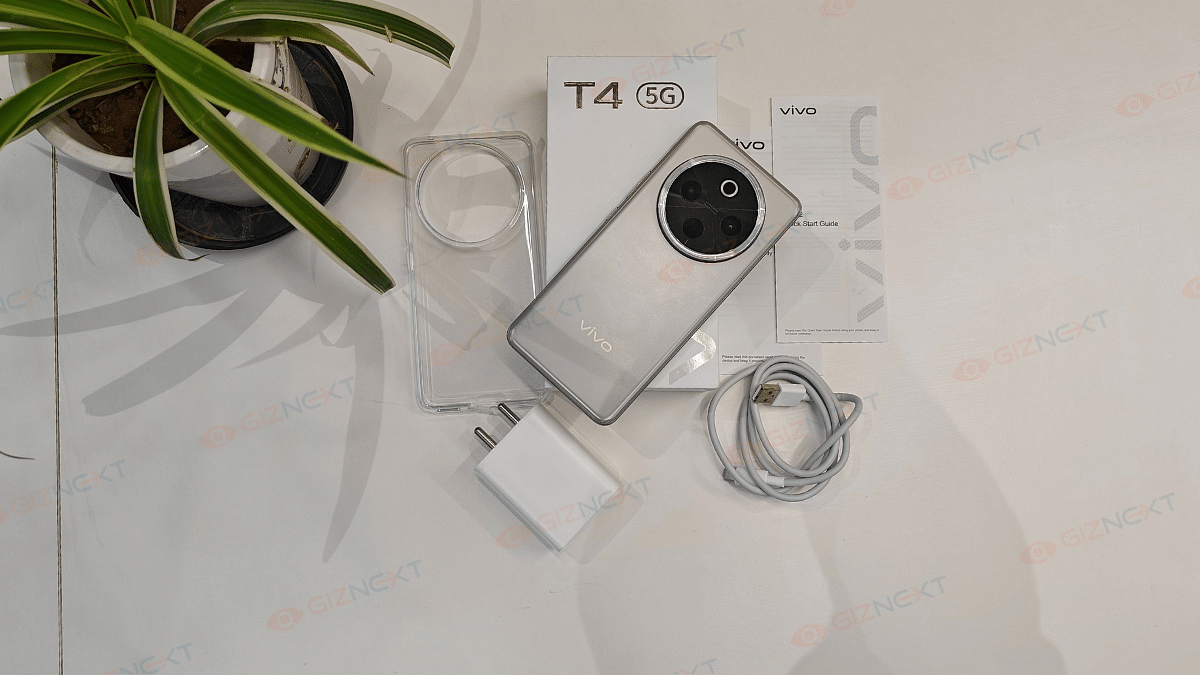
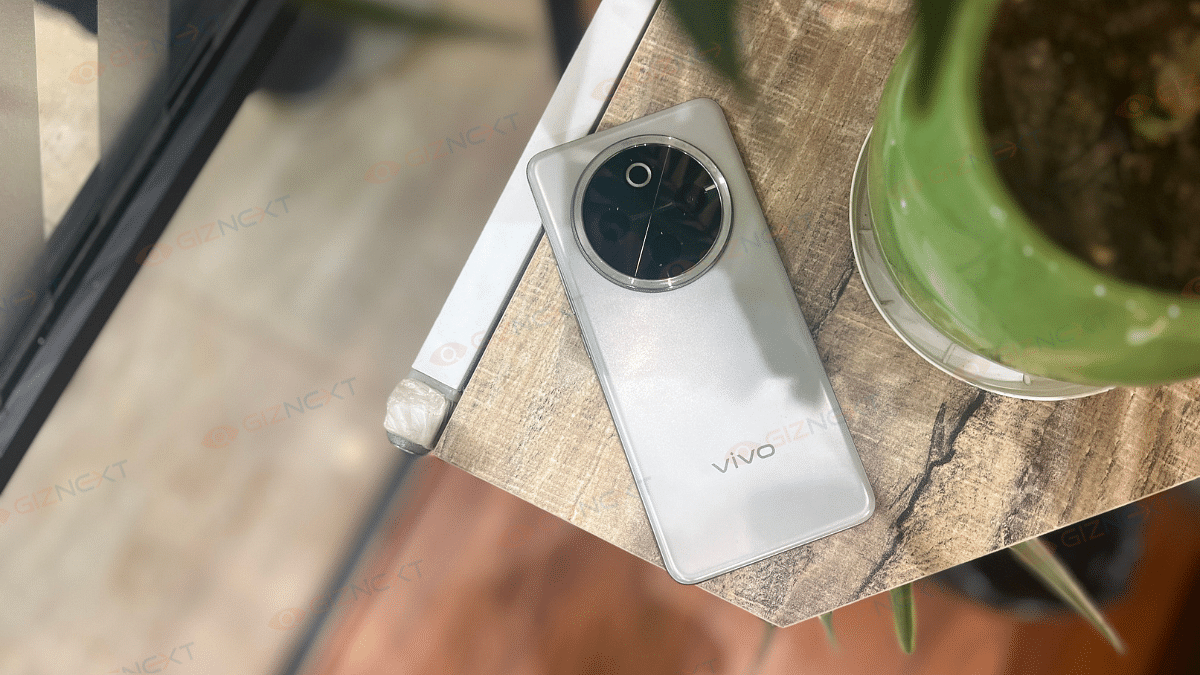
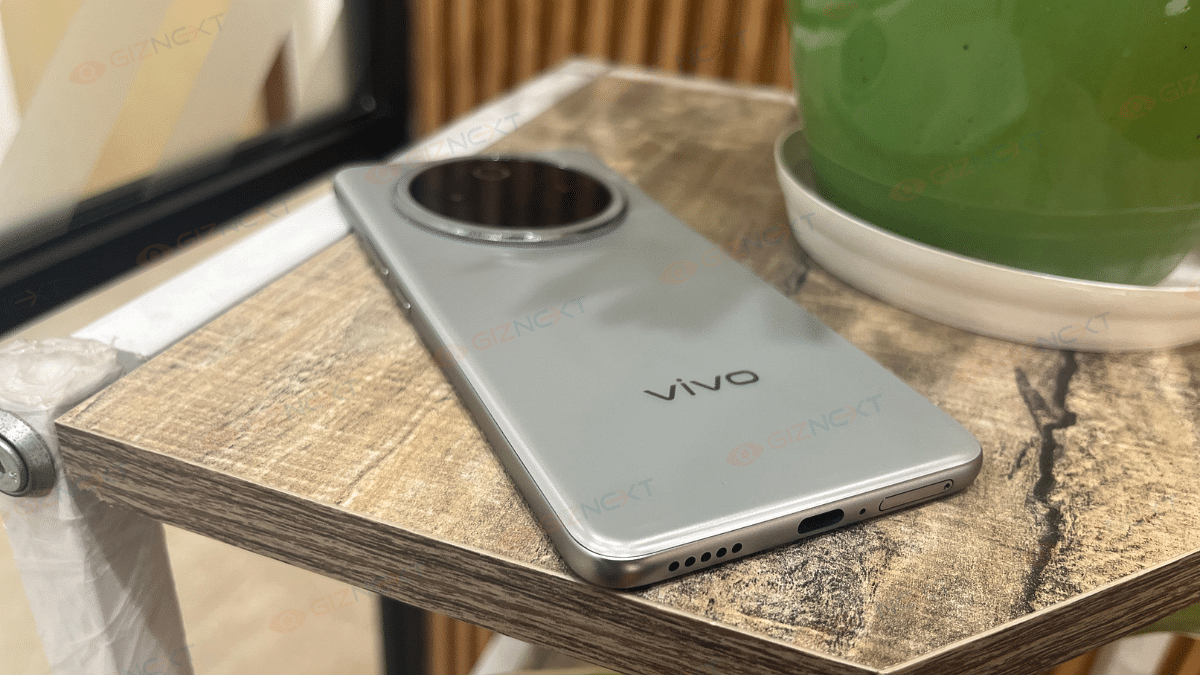
I’m using the Phantom Grey variant, and it looks classy. It has a soft metallic shine, not too bright, but stylish. The back is made of plastic, but it doesn’t get smudgy with fingerprints, which is great. The camera ring at the back adds a nice touch, though it sticks out just a little which is again great.
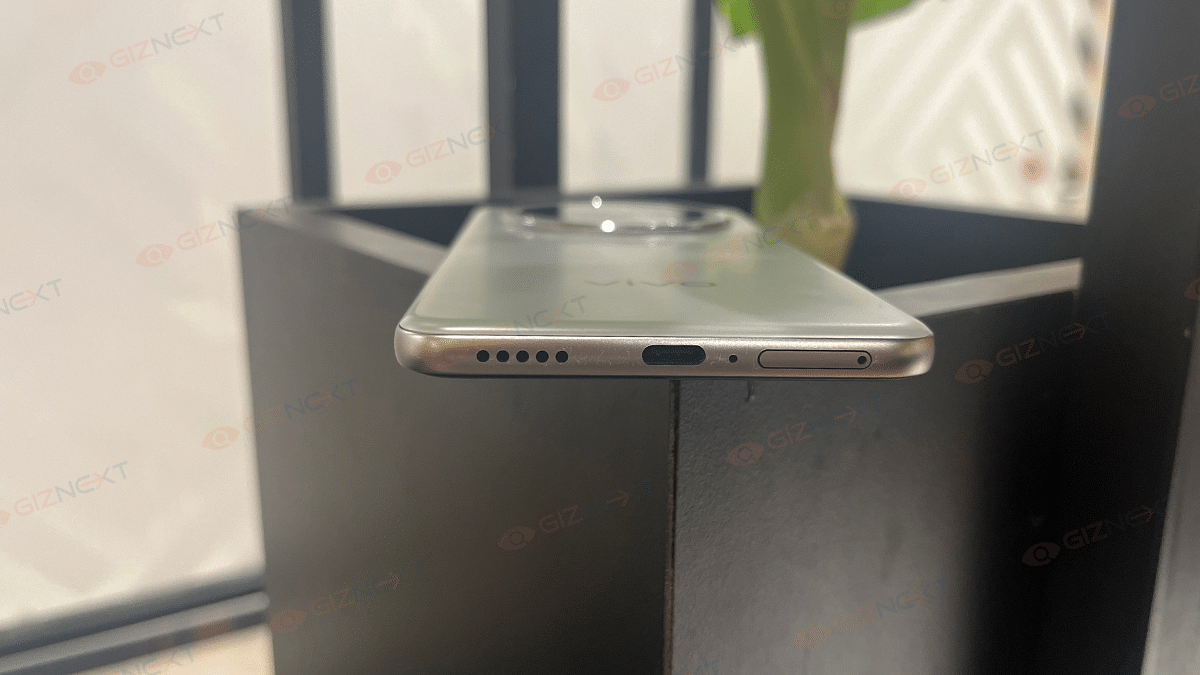
The buttons are placed well, easy to reach, and it even has an IR blaster in the camera area, which is useful for controlling your TV or AC. At the bottom, you get the SIM tray, speaker, and charging port. The left side is clean.
Furthermore, the smartphone comes with an IP65 rating, so it can easily handle dust and small water splashes, perfect for everyday use. On top of that, Vivo has tested it with military-level checks for drops and heat, which makes it build quality tougher.
Overall, the Vivo T4 5G looks nice, feels good in the hand, and is built to last. For a mid-range phone, Vivo has done a great job with the design.
Display
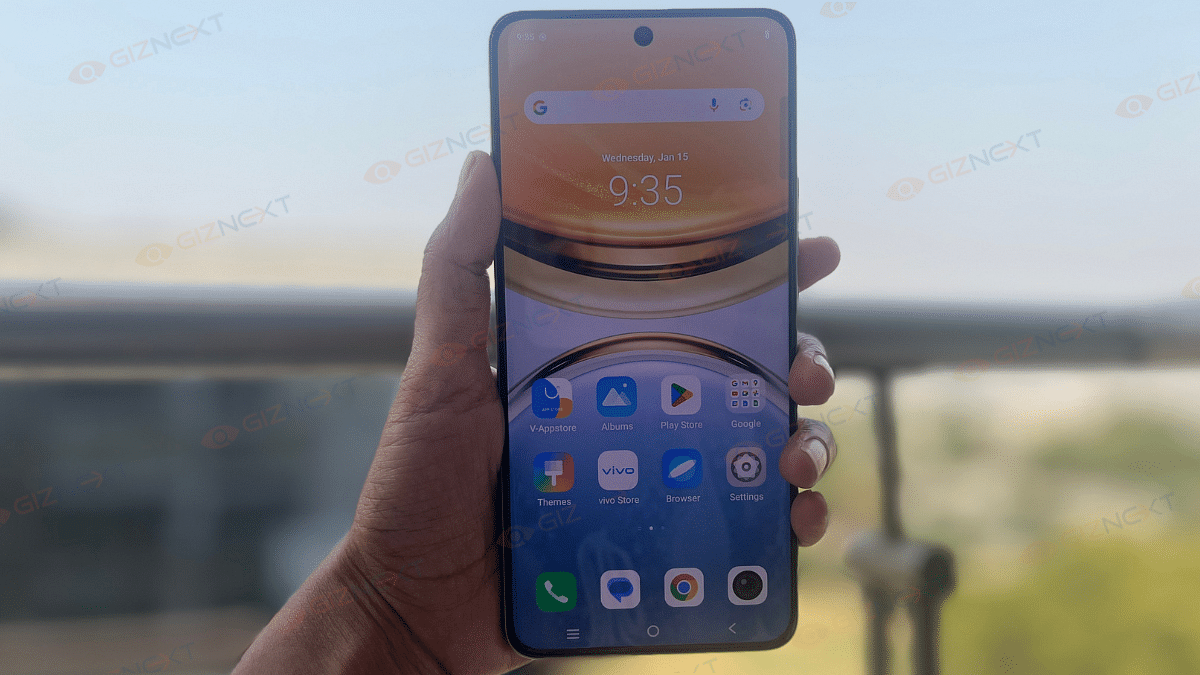
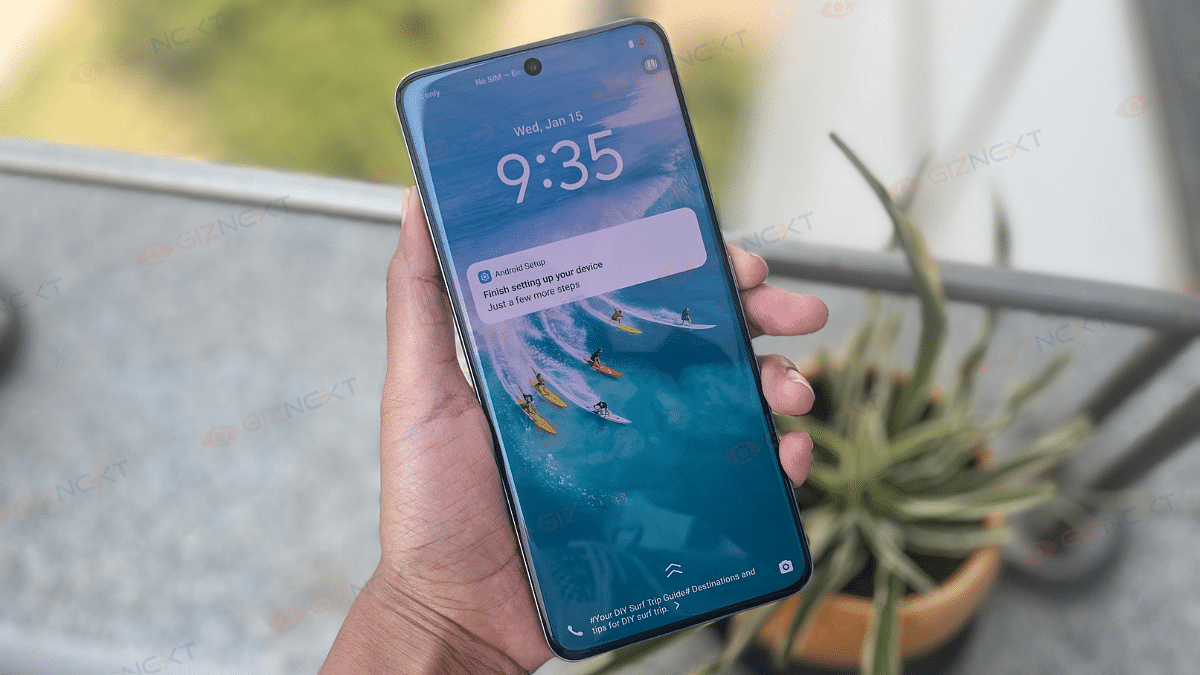
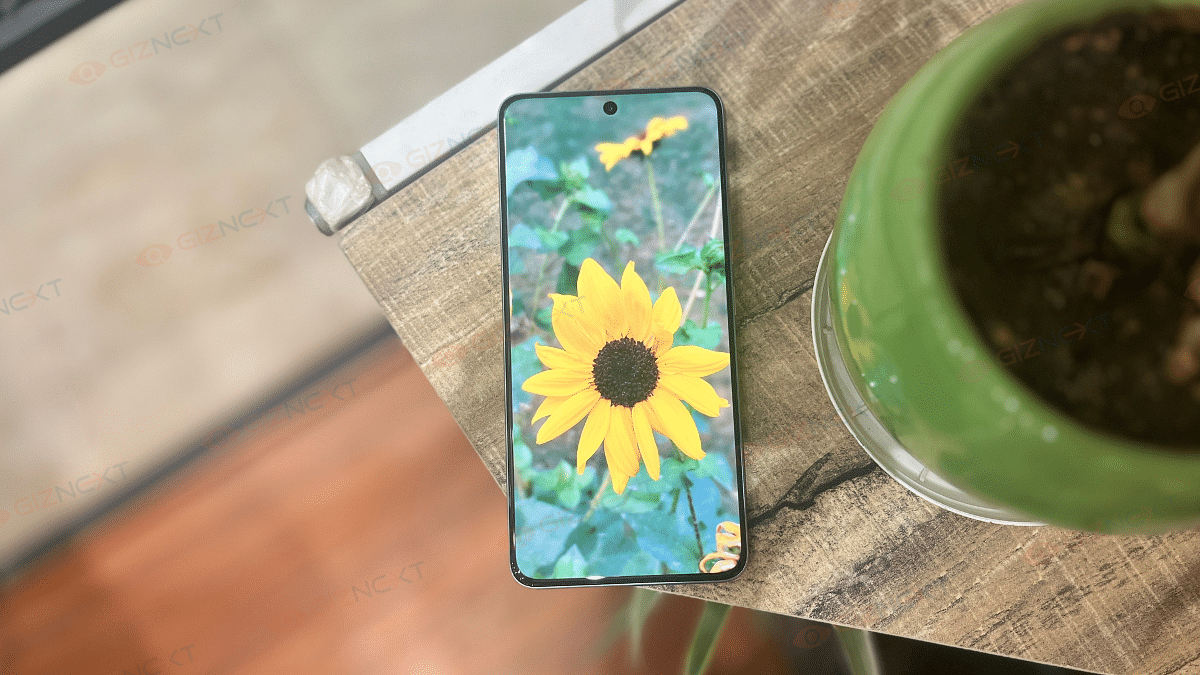
The Vivo T4 5G has a big 6.77-inch AMOLED screen with curved edges that looks and feels premium. It offers rich colors and smooth visuals, thanks to its 120Hz refresh rate. I watched YouTube and even IPL matches on it and the colors were bright, clear, and sharp. With a peak brightness of 5000 nits, it’s one of the brightest displays you’ll find in this price range.
Even outdoors under Delhi’s harsh summer sun, I had no trouble seeing the screen clearly. Vivo claims it can reach up to 5000 nits brightness, and honestly, outdoor visibility was excellent. Touch response was smooth too, and the in-display fingerprint sensor worked fine most of the time.
Though, streaming is limited to Full HD for now, but the display quality overall is top-notch for its price.
Performance
Under the hood, the Vivo T4 5G runs on the Snapdragon 7s Gen 3 processor. This is something we have already seen in many phones around this price. In daily use, it works really well. I had no issues switching between apps, scrolling through social media, or multitasking. The phone also comes with up to 12GB RAM and 512GB storage, which is great.
However, if you are into gaming, this phone might not be the best pick. I played BGMI on Smooth + Extreme settings, and while it ran okay, it was limited to 60FPS. There were noticeable frame drops during longer gaming sessions, which made the experience a bit frustrating. So, if you are a serious gamer, this might be a letdown.
Coming to the sound quality, it is just average. The Vivo T4 only has a single speaker at the bottom, no stereo setup like the previous Vivo T3. It’s loud enough for casual use, but don’t expect deep or rich sound.
On the software side, it runs on FunTouch OS 15 based on Android 15. It feels smoother than before, and Vivo has added some useful features like AI Erase and Note Assist. You will still find a few pre-installed apps, though. Vivo promises two years of major updates and three years of security updates.
Camera
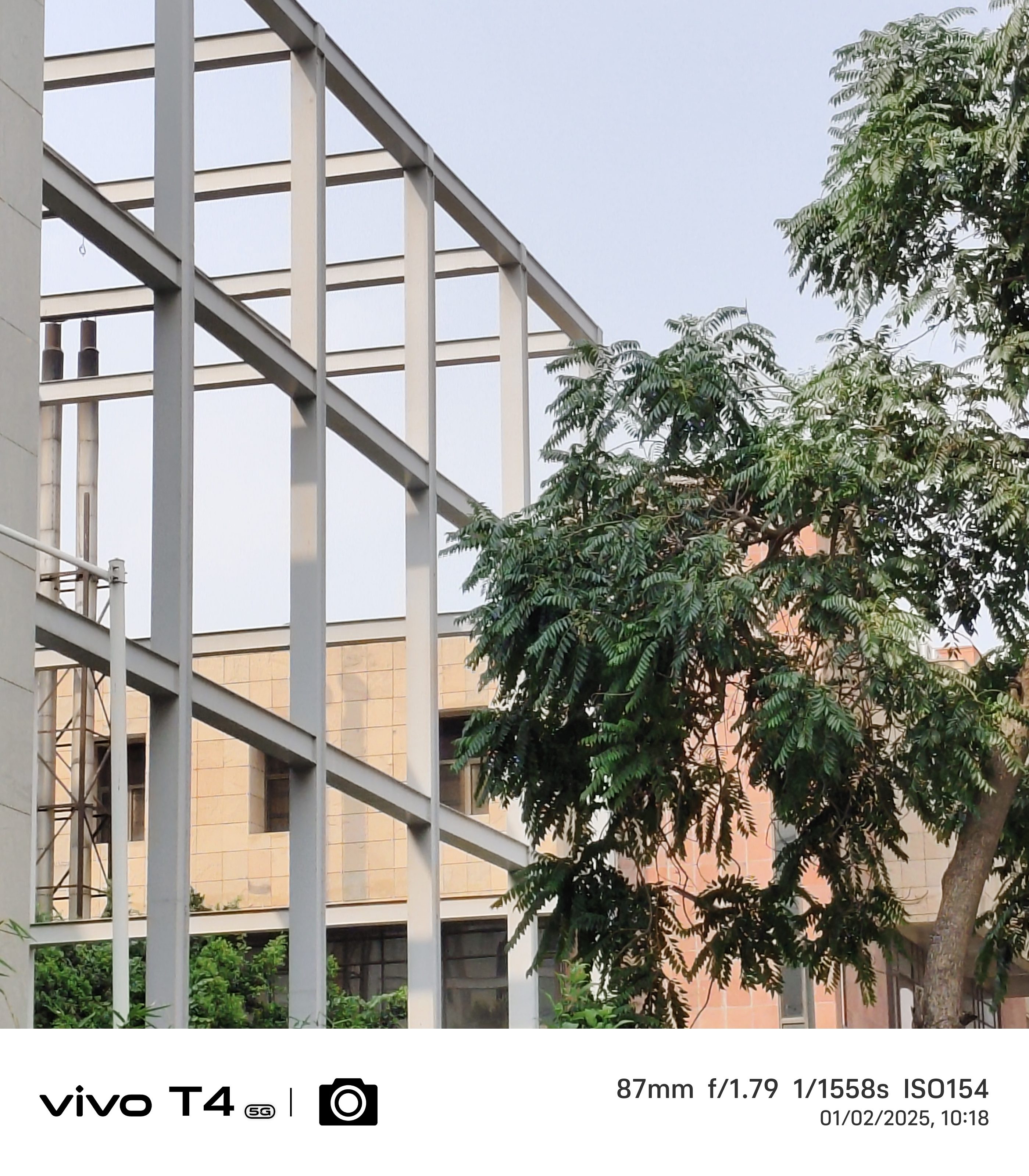
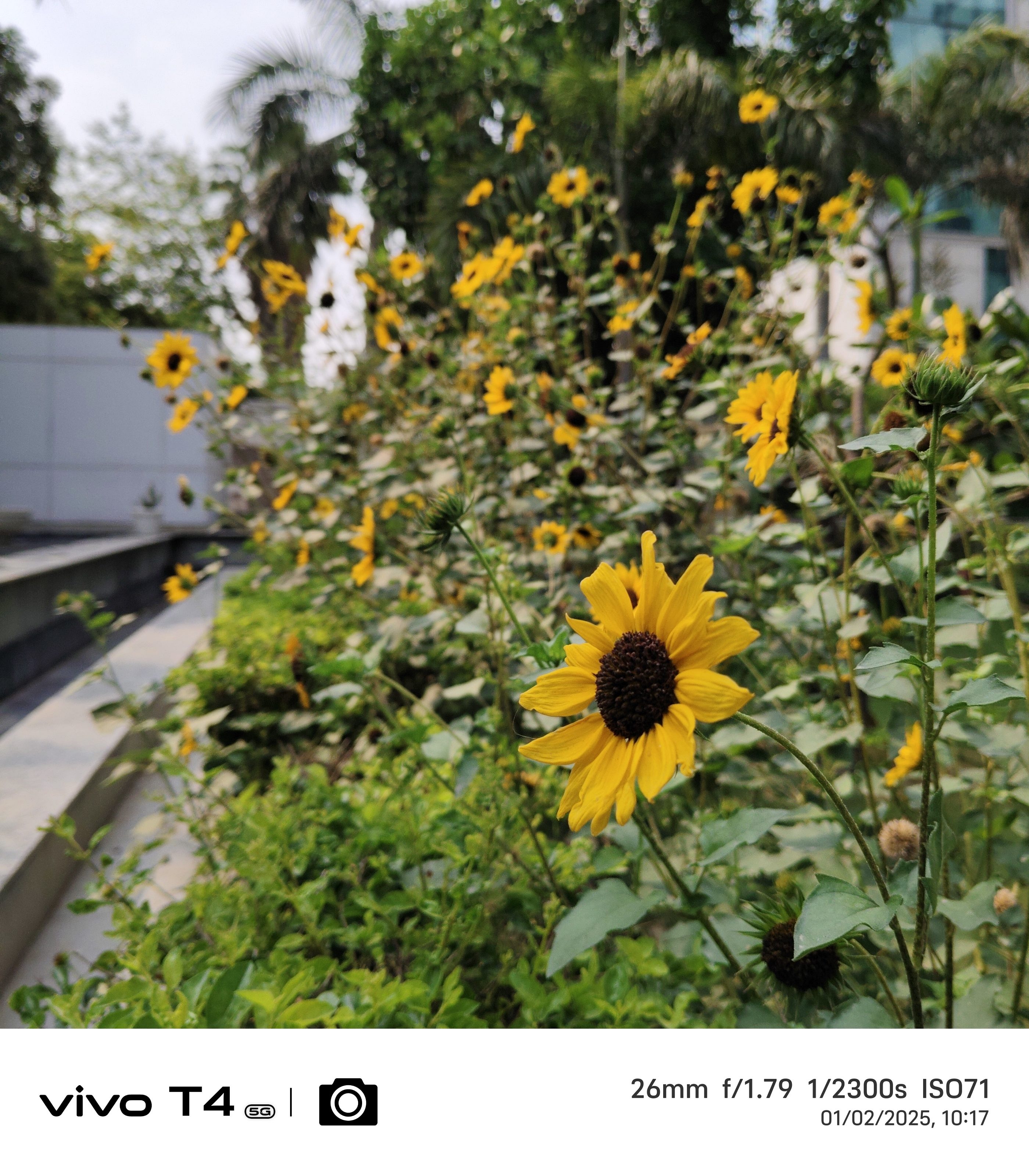
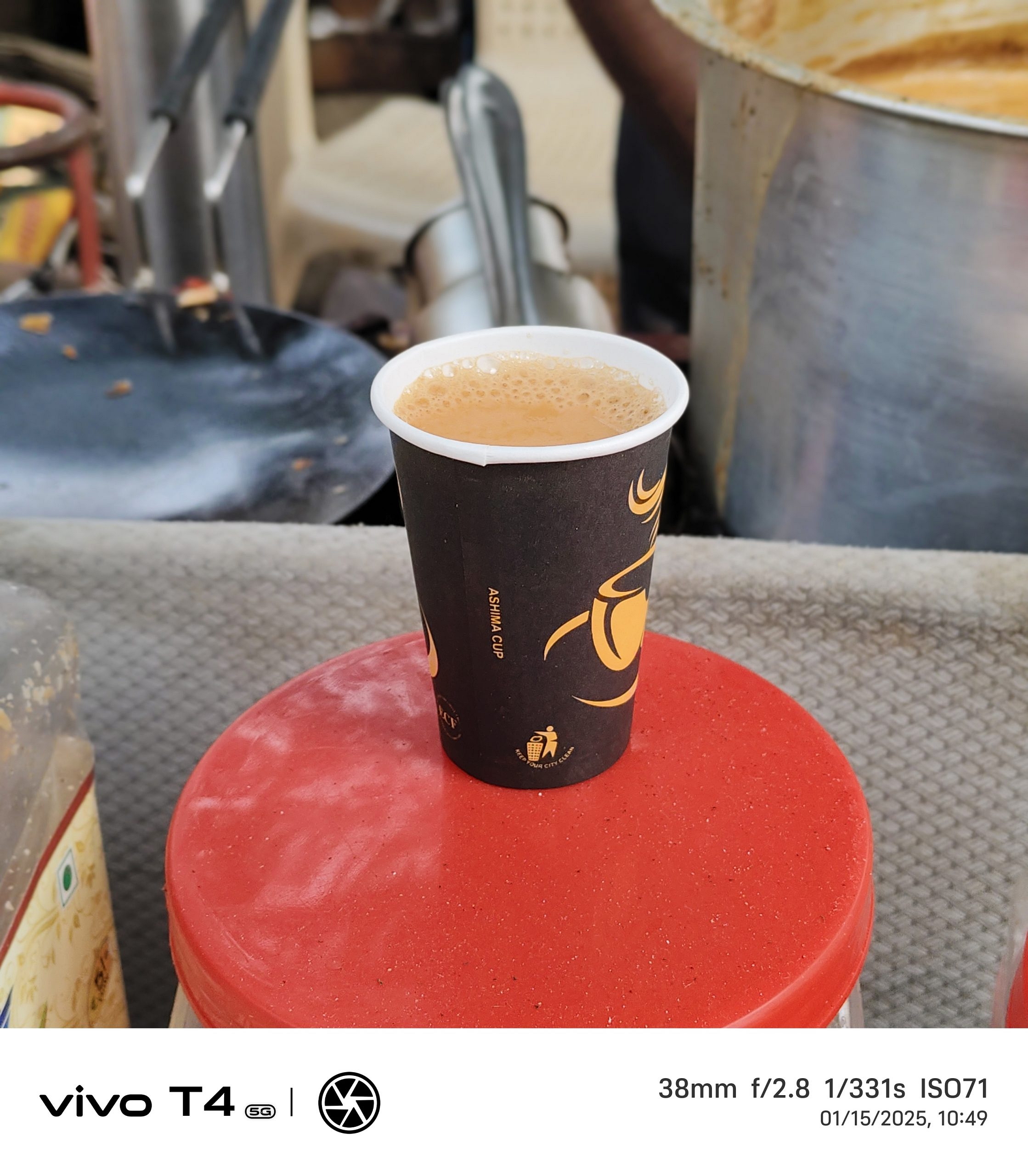
The camera setup of the Vivo T4 5G is good. A 50MP Sony IMX882 main camera with OIS is included. It captures decent shots in daylight with good details and a fairly wide dynamic range. However, the colors can be a bit off at times with skin tones sometimes looking unnaturally saturated. The portrait shots are better, thanks to good edge detection and a nice blur effect in the background.
Low-light performance, though, isn’t as strong. Without Night Mode, the images turn out soft and lack detail, especially when zoomed in. The noise reduction sometimes goes overboard, making the photos look washed out. Unfortunately, there’s no ultrawide lens, which is something many phones in this price range offer.
The Vivo T4’s 32MP selfie camera is a significant improvement over the T3’s 16MP model. The result? Great selfies! While the preview may not always show accurate colors, the final photos are clear, sharp, and definitely one of the best in this segment.
For those who want extra detail, the 50MP high-resolution mode is there, though it takes a bit longer to process. The Supermoon mode lets you zoom up to 20X, though I found anything beyond 10X to be too soft.
In short, the Vivo T4 5G’s camera does a good job for casual photography and selfies. But it could use some improvements, especially for low-light shots and color accuracy. If you’re not expecting top-tier camera performance, it’s still a solid choice.
Battery
If there’s one thing that makes the Vivo T4 5G stand out, it’s the massive 7,300mAh battery. This is the biggest you’ll find in any phone in this price range right now. I’ve been using it for a while, and honestly, the battery life is incredible.
With regular use like calling, browsing, social media, and a bit of video watching, the phone easily lasted me two full days. If you are someone who uses the phone lightly, you can even stretch it to three days without needing to charge.
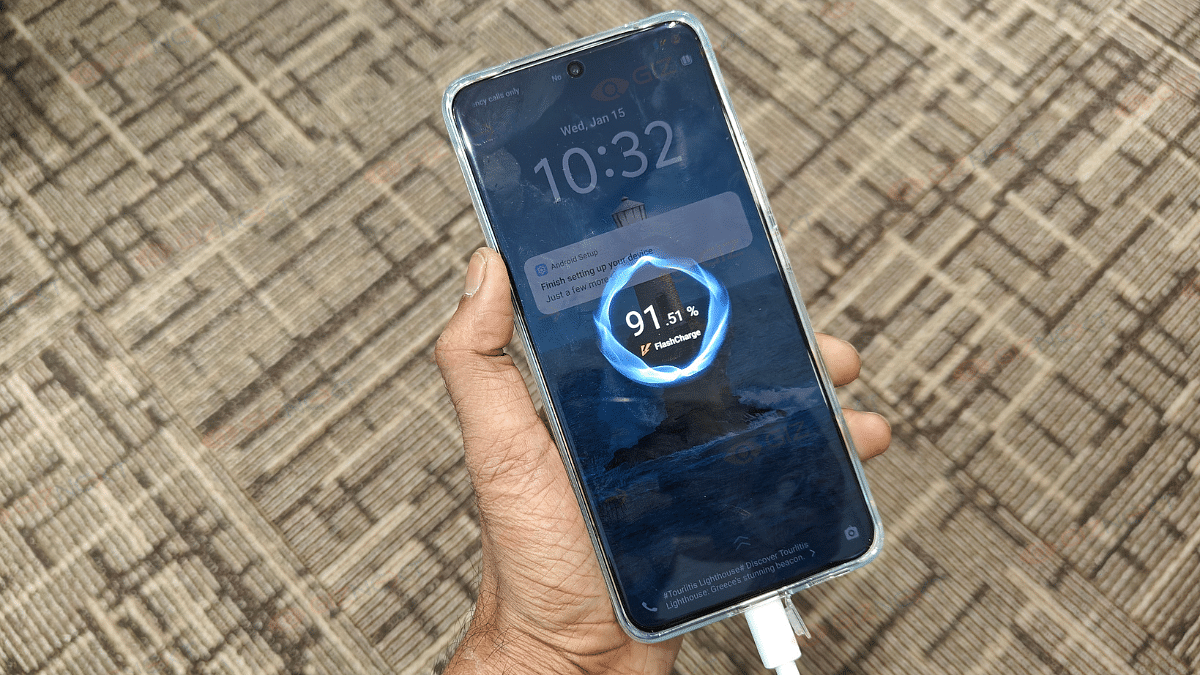
Charging is also fast, thanks to 90W FlashCharge support. It takes a little over an hour to fully charge, which is great considering how big the battery is. If long battery life is a top priority for you, the Vivo T4 5G won’t disappoint.
The Vivo T4 5G is a solid mid-range phone. It offers an impressive 7,300mAh battery, sleek design, and decent camera performance for Rs. 21,999. Its large battery life, good display, and fast charging are standout features. However, gaming performance could be better, and the camera struggles in low-light conditions. Overall, it’s a good purchase for everyday users but not ideal for gamers or camera enthusiasts.
For the tech geeks, stay updated with the latest cutting-edge gadgets in the market, exclusive tech updates, gadget reviews, and more right on your phone’s screen. Join Giznext’s WhatsApp channel and receive the industry-first tech updates.
Features 50MP dual rear cameras and 16MP front camera
Price in India starts at Rs. 17,999
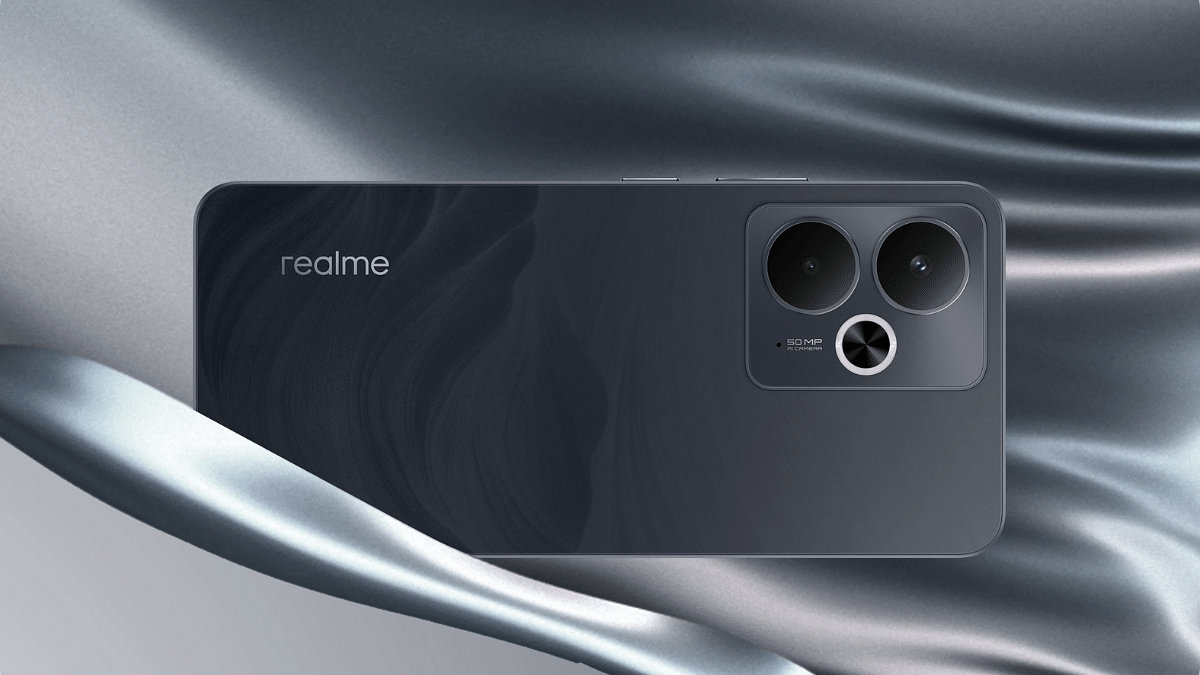
Realme has launched another new number series handset for the mid-range consumers in India. The latest member added to the Realme 14 series is the Realme 14T which is also a 5G-enabled handset with a starting price under Rs. 20,000. Realme 14T 5G is introduced with features like the Dimensity 6300 chipset, a 120Hz AMOLED display, 50MP dual rear cameras, and a massive 6,000 mAh battery combined with 45W fast charging. Here are the top highlights of the Realme 14T 5G in India:
For the tech geeks, stay updated with the latest cutting-edge gadgets in the market, exclusive tech updates, gadget reviews, and more right on your phone’s screen. Join Giznext’s WhatsApp channel and receive the industry-first tech updates.
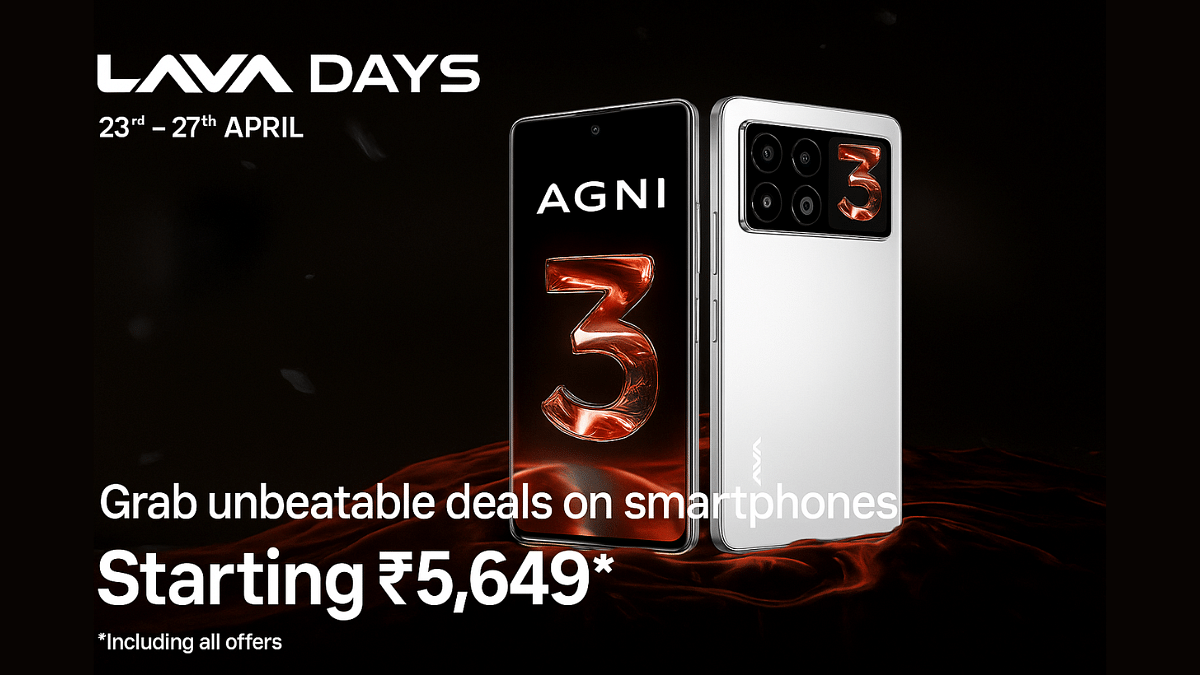
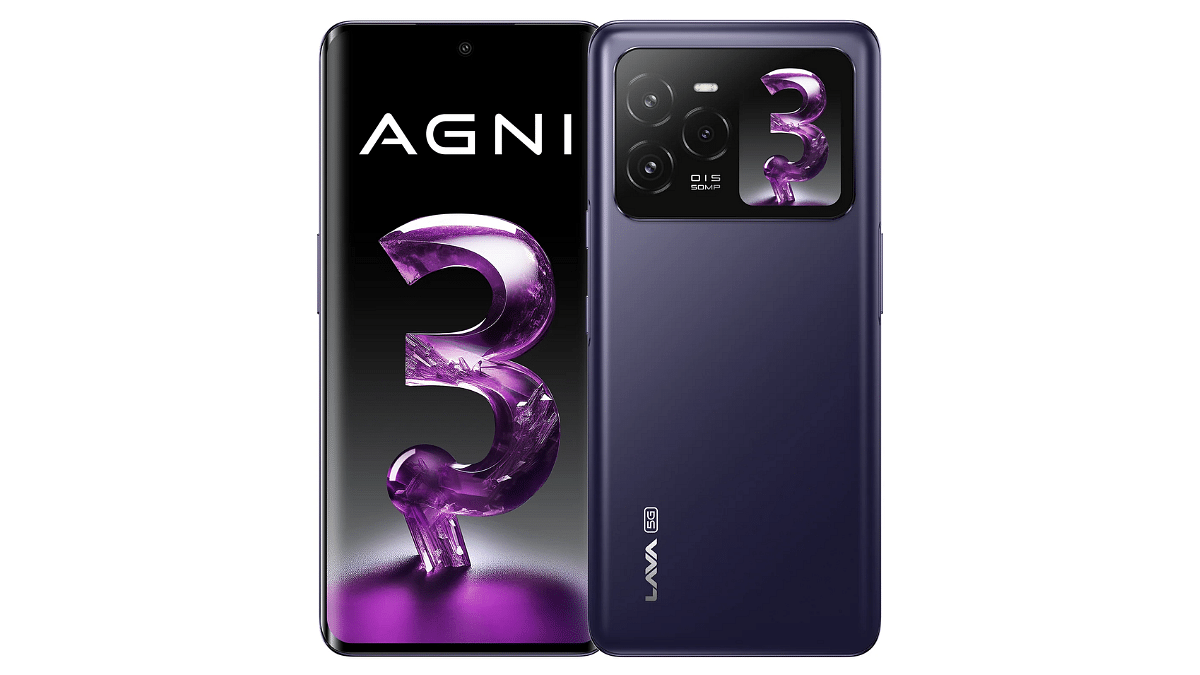
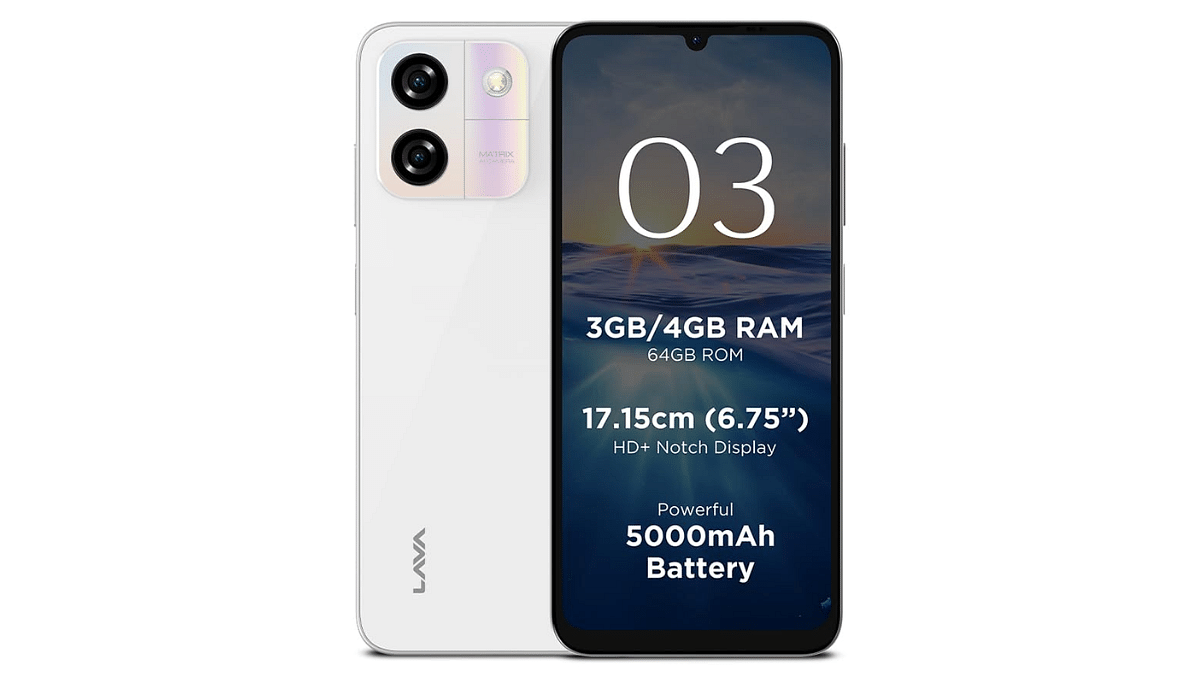
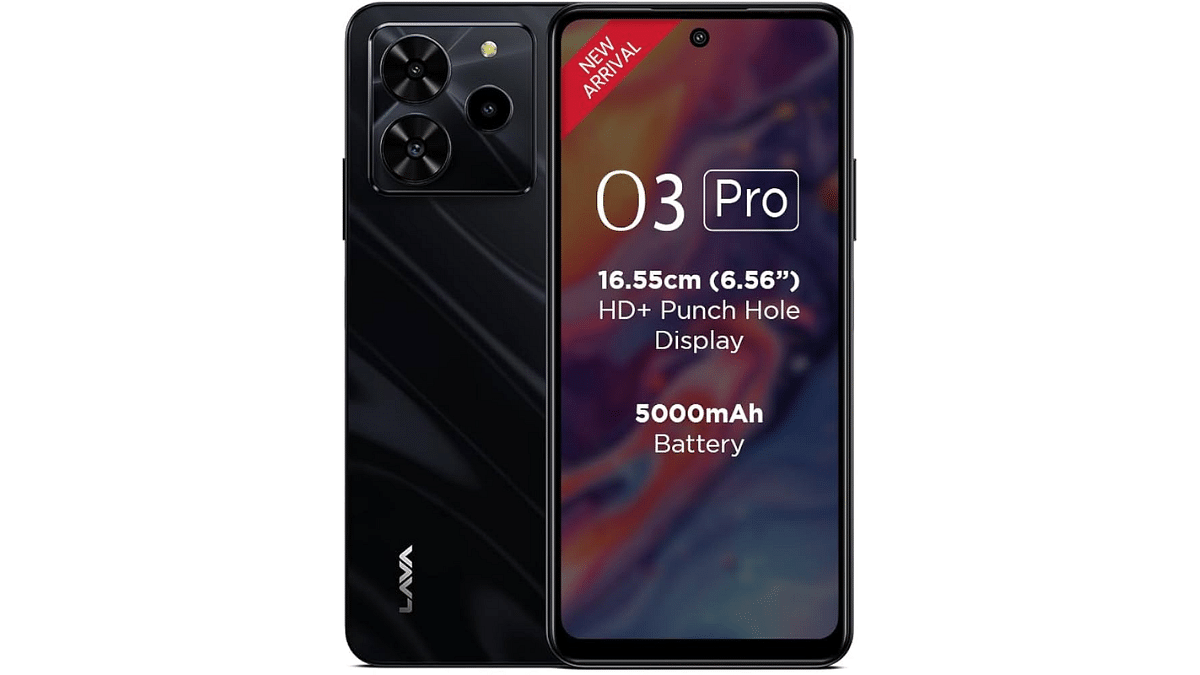
If you’re planning to upgrade your smartphone, now’s the perfect time. Lava has kicked off its festive Lava Days Sale from April 23 to 27, 2025, exclusively on Amazon India. This exciting sale brings massive savings across both flagship and budget segments, including popular models like the Lava Agni 3, Lava O3, and Lava O3 Pro. Let’s explore the best deals on offer.
All deals are live exclusively on Amazon India, with bank offers available on HDFC and Axis Bank credit cards and EMIs (only on April 26–27).
For the tech geeks, stay updated with the latest cutting-edge gadgets in the market, exclusive tech updates, gadget reviews, and more right on your phone’s screen. Join Giznext’s WhatsApp channel and receive the industry-first tech updates.
Vivo T4 5G debuts with Snapdragon 7s Gen 3 5G chipset
Packs segment’s largest 7,300 mAh battery pack
Equipped with quad-curved AMOLED display
Price in India starts at Rs. 21,999
Vivo today has set a new standard in the mid-tier Android smartphone segment. The company has launched the T4 5G which comes as the first handset to feature a massive 7,000 mAh battery pack. Priced starting at Rs. 21,999, the T4 5G gets some other premium-range features such as a large quad-curved AMOLED screen, a 50MP primary Sony IMX882 lens, and also smart AI features such as AI Erase, Note Assist, Live Text & Super Documents, etc. Here are the top highlights of the Vivo T4 5G:
For the tech geeks, stay updated with the latest cutting-edge gadgets in the market, exclusive tech updates, gadget reviews, and more right on your phone’s screen. Join Giznext’s WhatsApp channel and receive the industry-first tech update.
In a move to boost smartphone security, Google has introduced a new feature that will automatically restart your Android phone if it remains locked for three consecutive days. This feature quietly rolled out through an update to Google Play services which powers key functions on Android devices. While the update might seem small, it carries significant security benefits, especially in keeping your private data safer from unauthorized access. Here’s everything you need to know about this latest Android update.
No setup is required, this feature is part of a silent background update to Google Play services.
Once your device gets the update, the automatic reboot will work without any action needed from you.
For the tech geeks, stay updated with the latest cutting-edge gadgets in the market, exclusive tech updates, gadget reviews, and more right on your phone’s screen. Join Giznext’s WhatsApp channel and receive the industry-first tech updates.