Categories
Featured Info Mobile

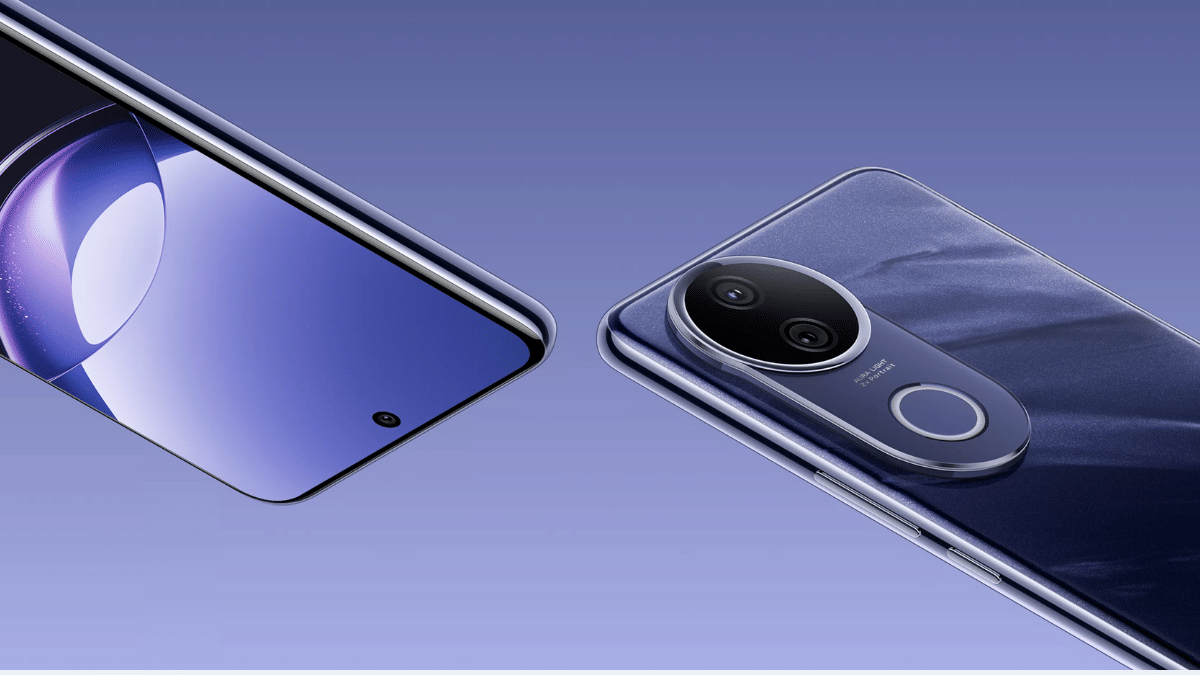
Vivo V50e Launched: Top Highlights, Price In India

Key Highlights

  • Vivo V50e arrives in India
  • Is the low-end model in the V50 series
  • Equipped with Dimensity 7300 chipset
  • Single RAM and dual storage variants
  • Has a dual rear camera setup featuring 50MP main lens
  • Price starts at Rs. Rs. 28,999

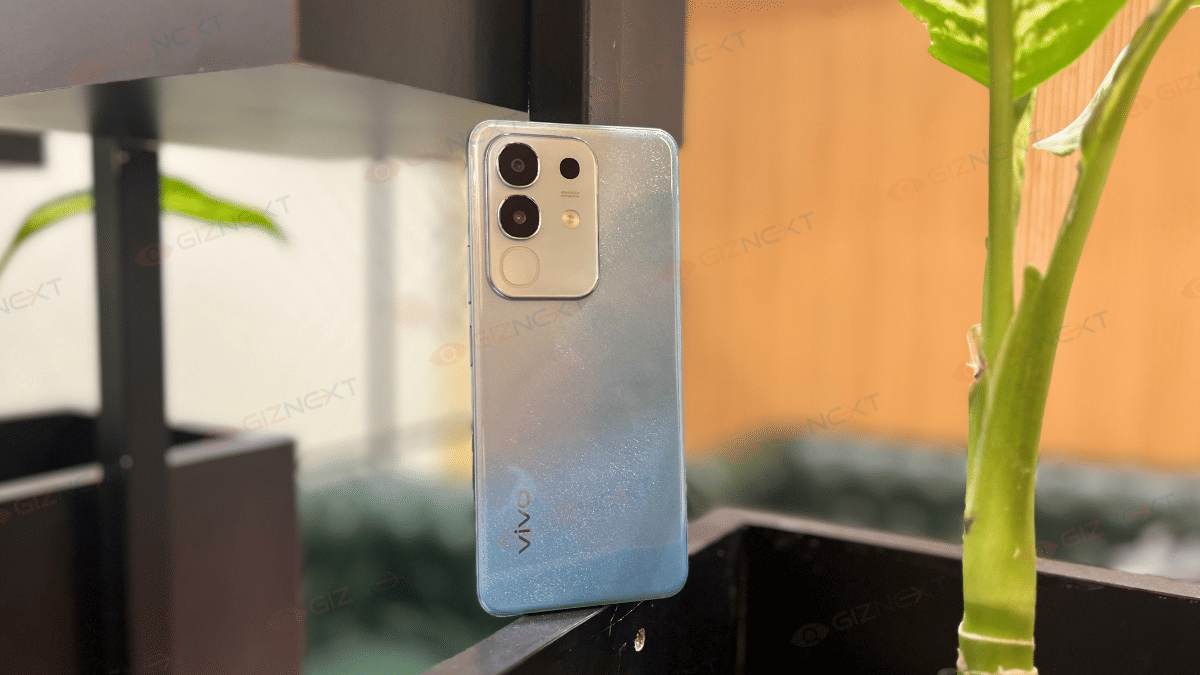
Vivo has launched a new V series phone in India expanding the V50 lineup. The V50e is the latest entrant in this lineup targeted at the content creators just like its siblings. Amongst the top highlights of the newly launched V50e is the 50MP selfie snapper, 50MP dual rear cameras, a vibrant 120Hz AMOLED display, Dimensity 7300 chipset, and more.As the remaining V50 series models, the V50 is also loaded with smart AI features such as Circle to search, AI translation, AI Note Assist, AI Transcript, etc. Here are the top highlights of the Vivo V50e and its pricing, availability in India:

For the tech geeks, stay updated with the latest cutting-edge gadgets in the market, exclusive tech updates, gadget reviews, and more right on your phone’s screen. Join Giznext’s WhatsApp channel and receive the industry-first tech update.

Also Read: Instagram Reels In WhatsApp? Here’s How To Watch Them Using Meta AI

Vivo V50e Display Highlights

Vivo V50eDisplay Specs
Size6.77-inch
Panel typeAMOLED
Resolution2392 x 1080 FHD+ pixels
Refresh rate 120 Hz
Peak brightness 1800 nits
Vivo V50e Display Features

Vivo has used a vibrant display setup for the V50e where it features a larger AMOLED panel for binging on shows and videos. The high refresh rate of 120Hz is as per the industry standards, so is the peak brightness of 1800 nits.

Also Read: Audio Technica ATH-TWX7 TWS Review: Masterpiece For Audiophiles Or A Letdown?

Vivo V50e Camera Highlights

Vivo V50eOptics
Selfie camera 50MP
Font camera aperture f/2.0
Rear camera (primary)50MP Sony IMX882 lens
Rear camera (secondary) 8MP
OIS Yes (with primary rear sensor)
Vivo V50e Imaging Hardware

Vivo’s V series has been designed to please the shutterbugs specifically the content creators. Its massive 50MP selfie camera with an f/2.0 is apt for social media creators, whereas, the dual 50MP lens with exclusive portrait studio modes will further refine its photography capabilities.

Also Read: Dreame H12 Dual Wet And Dry Vacuum Review: A Cleaning Dream Come True?

Vivo V50e: Chipset, Configuration

Vivo V50ePerformance
ChipsetMediaTek Dimensity 7300
CPUocta-core
RAM8GB
RAM TypeLPDDR4X
Storage128GB/ 256GB
Vivo V50e Hardware

For performance delivery, Vivo continues sticking to MediaTek Dimensity series chipset for the V50e. It is equipped with the Dimensity 7300 chipset which is 5G ready and offers decent performance with gaming and multitasking. RAM option is single, i.e., 8GB, whereas, the storage options are dual, i.e., 128GB and 256GB.

Also Read: ASUS ZenBook S 14 OLED Laptop Review: Efficient Productive Notebook

Vivo V50e: Battery, Fast Charging

Vivo V50eBattery
Battery size5,600 mAh
Fast Charging 90W
Wireless Charging Not supported
Vivo V50e Battery and Fast Charging

Vivo V50e is backed by a 5,600 mAh battery which is expected to last long despite heavy usage. We can only confirm the real-life backup once we review this unit. Coming to the quick charging, it supports 90W fast wired charging but misses out on wireless charging support.

Also Read: Vivo T4x 5G Review: Is This The Best Budget 5G Smartphone?

Vivo V50e: Price In India
Vivo V50e 8GB RAM+ 128GB Storage: Rs. 28,999

Vivo V50e 8GB RAM+ 256GB Storage: Rs. 30,999

Color Options: Pearl White, Sapphire Blue
Categories
Featured Info Mobile

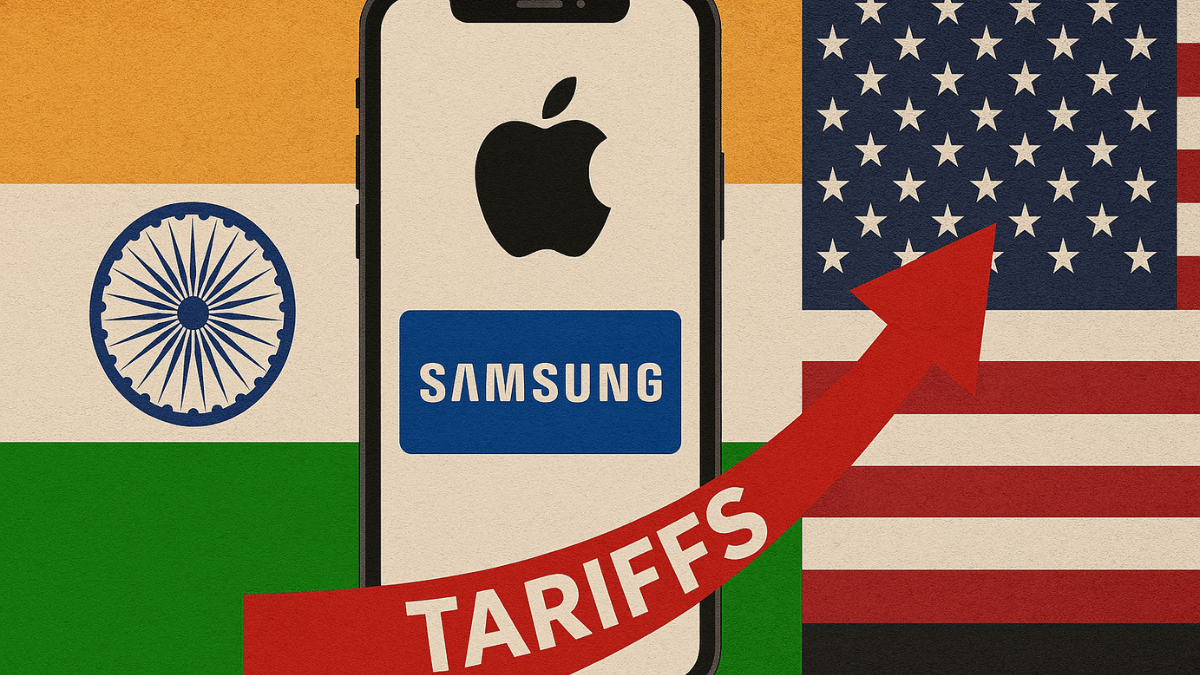
Apple And Samsung Eye India For Smartphone Exports To The US Amid Tariff Surge

Key Highlights

  • Apple, Samsung shift exports to India
  • India offers lower US tariff rates
  • Smartphone production in India to rise

Rising US tariffs on China and Vietnam are pushing Apple and Samsung to shift manufacturing to India. The ‘Make in India’ initiative is gaining momentum as companies look to avoid steep import duties while boosting supply chain resilience for the US market.

Also Read | How to export WhatsApp chat as pdf

India Emerges As A Strategic Export Hub

Both Apple and Samsung are now looking at India not just for local sales but as a major production and export base for the US, a move triggered by new tariffs announced by the Trump administration.

  • Apple Prioritizes India For US Shipments

Apple has already begun using its Indian production facilities to ship iPhones to the United States. The goal is to sharply reduce dependence on China, which now faces a 54 percent tariff on exports to the US. India, by comparison, faces a relatively lower tariff of 26 percent, making it a more attractive option.

  • Foxconn And Tata Driving Local iPhone Production

Apple’s Indian manufacturing is being handled by Foxconn and the Tata Group. Tata recently acquired production assets from Taiwanese firms Wistron and Pegatron, strengthening its role in Apple’s supply chain. Industry insiders say this could lead to a significant expansion in Apple’s Indian operations, especially if the brand avoids setting up new plants in other low-tariff countries like UAE, Saudi Arabia, or Brazil.

  • Potential Surge In iPhone Exports From India

iPhone shipments to the US from India are expected to surge past the current $10 billion estimate. A lot will depend on how the geopolitical trade negotiations evolve, but Apple appears committed to leveraging India’s manufacturing ecosystem for future growth.

  • Samsung May Shift Exports From Vietnam To India

For Samsung, the scenario is equally urgent. Its Vietnamese factories currently export around $55 billion worth of goods, but a 46 percent tariff may push the company to pivot to India’s Noida plant, which already produces flagship models like the Galaxy S25 and Fold.

  • India’s Global Manufacturing Role Strengthens

Trade negotiators are closely monitoring these changes. With countries like Vietnam proposing zero-duty exports, India is using the opportunity to push its global manufacturing ambitions and strengthen bilateral trade negotiations with the US.

Also Read | iPhone 15 Pro Max Vs Samsung Galaxy S23 Ultra: Comparison

As tariff dynamics continue to evolve, India’s role as a global smartphone manufacturing hub is set to grow, potentially redefining the future of tech exports.

For the tech geeks, stay updated with the latest cutting-edge gadgets in the market, exclusive tech updates, gadget reviews, and more right on your phone’s screen. Join Giznext’s WhatsApp channel and receive the industry-first tech updates.

Categories
Featured How To Mobile

Call Merge Scam Alert: Here’s How To Stay Safe From OTP Fraud

Key Highlights

  • Scammers trick people into merging calls to steal OTPs and money
  • Never merge calls with unknown numbers or share OTPs
  • Report suspicious calls to your bank and the cybercrime helpline (1930)

A new scam is on the rise in India. The fraudsters are tricking people into merging calls and unknowingly sharing their OTPs. This allows scammers to complete unauthorized transactions and steal money. Authorities have warned users to be extra cautious and avoid merging calls with unknown numbers. Let’s get to know more.

Also Read | Scammed On The Internet? Here’s How To Report Online Scams Via India’s Cyber Crime Portal

How The Scam Works

  • A scammer calls, pretending to be a friend or someone who got your number from a known contact.
  • They ask you to merge the call with another number, claiming it’s your friend or a bank representative.
  • The second call is actually an OTP verification call from your bank and the scammer tricks you into sharing the OTP.
  • Once the OTP is shared, the fraudster completes the transaction and steals money from your account.

How To Protect Yourself

  • Never merge calls with unknown numbers: Be cautious when someone asks you to add another caller.
  • Verify the caller’s identity: If someone claims to be your friend or a bank official, call them back on a trusted number to confirm.
  • Report suspicious OTP requests: If you receive an OTP for a transaction you didn’t request, call 1930 (cybercrime helpline) and notify your bank immediately.

Why You Should Be Concerned

A recent survey found that over one-third of people in India have been victims of online scams. According to a report by global analytics firm FICO:

  • 60 percent of people received scam messages.
  • 54 percent knew someone who had been scammed.
  • The number of people losing more than Rs. 8 lakh doubled in 2024 compared to 2023.

What To Do If You Merged A Call With A Scammer?

  • Don’t share any OTPs or personal details.
  • Hang up immediately and contact your bank.
  • Call 1930 to report the scam.
  • Monitor your bank account for suspicious transactions.

Also Read | Fed Up With Scam Calls? Here’s How To Use Chakshu Portal For Reporting Fraud

Stay Safe from Scams

Scammers are finding new ways to trick people, but awareness is the best protection. Never share OTPs over the phone, and always verify calls before taking action.

For the tech geeks, stay updated with the latest cutting-edge gadgets in the market, exclusive tech updates, gadget reviews, and more right on your phone’s screen. Join Giznext’s WhatsApp channel and receive the industry-first tech updates.

Categories
Featured Info Mobile

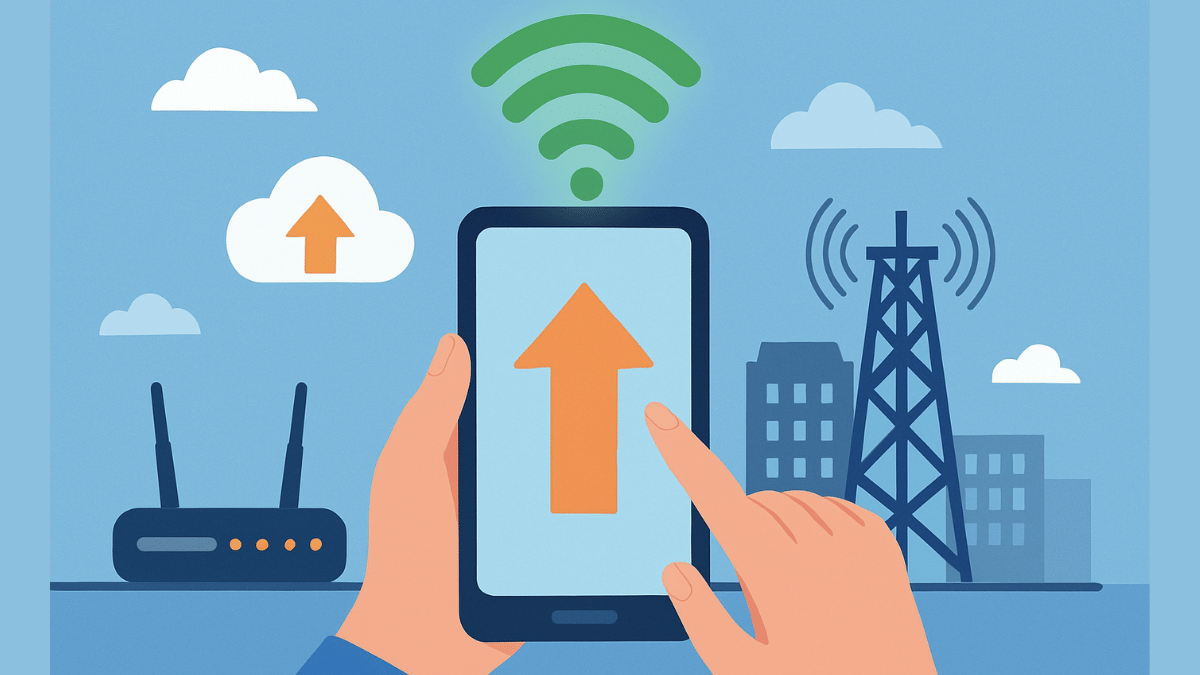
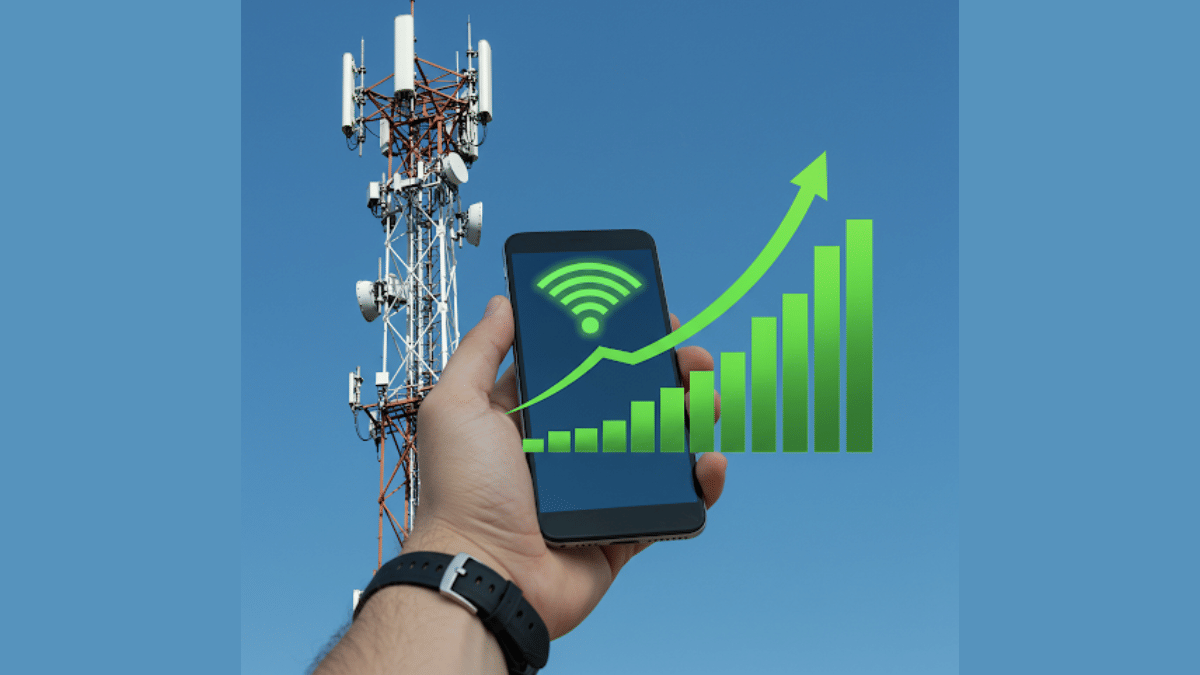
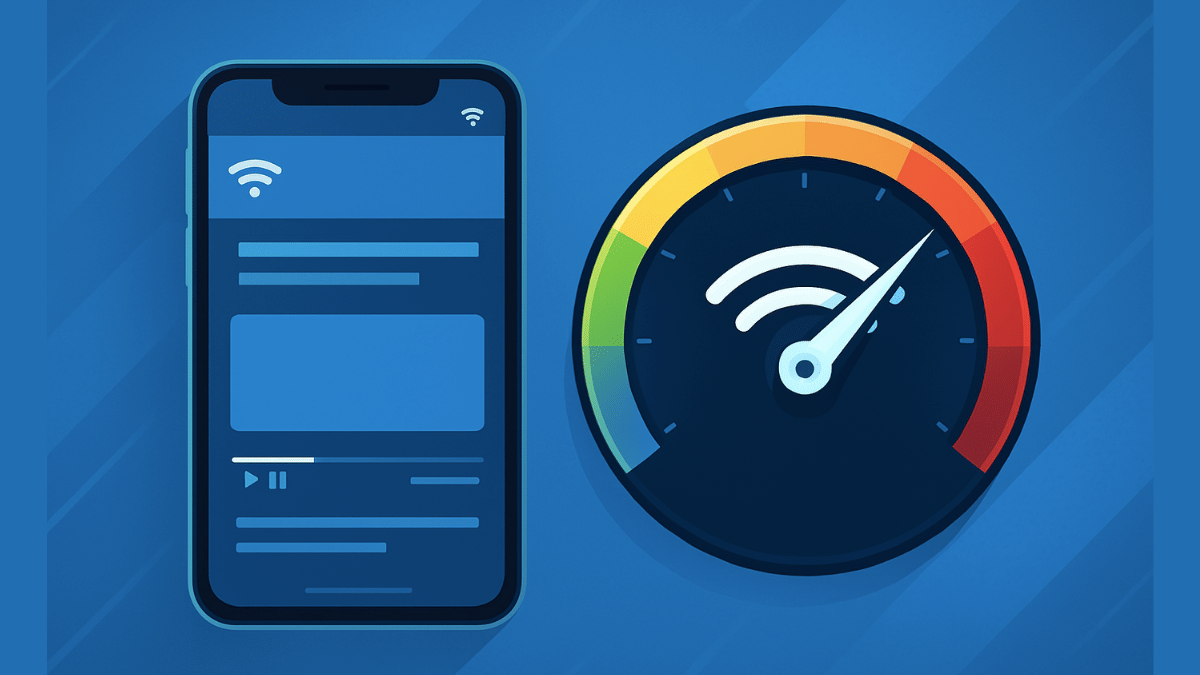
Fed Up With Slow Internet Speeds? 5 Effective Ways To Boost Your Mobile Internet Speeds (FAQs)

Key Highlights

  • Internet speeds with 5G and 4G networks are the fastest
  • Wi-Fi networks offer stable high speed internet
  • Slow data speeds hampers browsing and streaming experience
  • Resetting network settings can allow improved speeds
  • More steps below

Internet connection today has become more of a necessity than a luxury simplifying our complicated and fast paced lifestyle. It’s impossible to imagine our lives with Wi-Fi or mobile internet, specifically when the digital era is at its boom. And thanks to smartphones, internet is now readily accessible to the masses. High speed internet is also now a reality with faster networks such as 5G and 4G and fibre-optics Wi-Fi connections. But slow internet connection can be frustrating specifically if your are in need of emergency services, or are working remotely, or are in a middle of making a digital payment. What can you do in such situations? Are there any workarounds that can help with enhanced internet speeds? Let’s explore 10 quick ways that can help you fix slow internet speeds.

For the tech geeks, stay updated with the latest cutting-edge gadgets in the market, exclusive tech updates, gadget reviews, and more right on your phone’s screen. Join Giznext’s WhatsApp channel and receive the industry-first tech updates.

Also Read: Forgot Your ATM Card? Don’t Worry! Here’s How To Withdraw Cash From ATM Using Smartphone

Key Reasons For Slow Internet Speeds

General issues such low network coverage, dated firmware and others can slow down the internet speeds.

  • Low Network Coverage: When there is low network reception on your device, it could lead to slow data speeds.
  • Network Congestion: Another common reason for slow internet where number of users increases on a same tower at a given point of time.
  • Multiple Background Apps: If there are multiple apps running in the background, your internet speeds can be affected.
  • Data Throttle/ Pack Expiry: If your mobile data pack is over you might experience slower speeds or no internet connection. Likewise, data throttle which is activated after exceeding the data limit provided by the carrier can also lead to slower speeds.
  • Outdated/ Wrong Network Settings: In case of wrong APN or network settings, data speeds can slow down.

Also Read: Want To Transfer Ola Money Cash To Bank Account? Here’s How To Do It

1. Restart Your Phone

This the classic old method to get back the internet speeds. Switching off and restarting often clears of unused apps and caches and refreshes networks for better internet connectivity and speeds.

2. Upgrade To Faster Network (5G or 4G LTE)

If you still are using older 3G or 2G networks then it’s the time to switch to the latest high-speed 4G or 5G networks. Most of the telecom providers are offering high-speed data packs with 5G and 4G speeds at affordable costs hence switching to a faster network will resolve all the speed-related issues. And if you already have a 5G or 4G SIM just enable the settings on your device.

  • Open settings on your smartphone
  • Go to Mobile Network option
  • Navigate to the Preferred Network Type option
  • Toggle on 5G/ 4G network option

3. Check Network Signal Strength

Low network coverage is another factor for slowing down internet speeds. Check the network status on your devices and move to a different area for better signal reception.

4. Clear Cache & Unnecessary Apps

When your device’s memory gets clogged, it can slow down your phone’s performance and also internet speeds. Hence, it’s advised to clear cache memory to boost phone’s and internet speed.

  • Open Settings menu
  • Navigate to Apps section
  • Click on Storage
  • Tap on Clear Cache

5. Restrict Background App Data

Disabling or restricting background app data helps with restoring high speed internet. You can directly close the apps running in the background that are consuming data. Otherwise, enable the background data restriction.

  • Head to the Settings menu
  • Open Network And Internet
  • Tap on Data Usage setting
  • Enable Restrict Background Data

FAQs

Why is my mobile internet slow even when signal/ network coverage is full?

As mentioned above, general reasons for slow internet speeds despite full networks can vary from congestion on cell towers, expired data backs, data throttles, etc.

Can a VPN connections slow down internet speeds?

Not all VPNs slow down internet speeds. You might experience slower internet speeds if you are using a free VPN service. However, premium VPN services are known to provide faster and secure network connections.

Will Upgrading To 5G Network Help?

Definitely. 5G mobile networks are the fastest and you’ll see noticeable improvements with web browsing and streaming speeds online.

How often should I clear my cache for better speed?

Frequently cleaning cached memory will ensure your device performance remains stable. It will also help with better speeds.

Categories
Featured Info Mobile

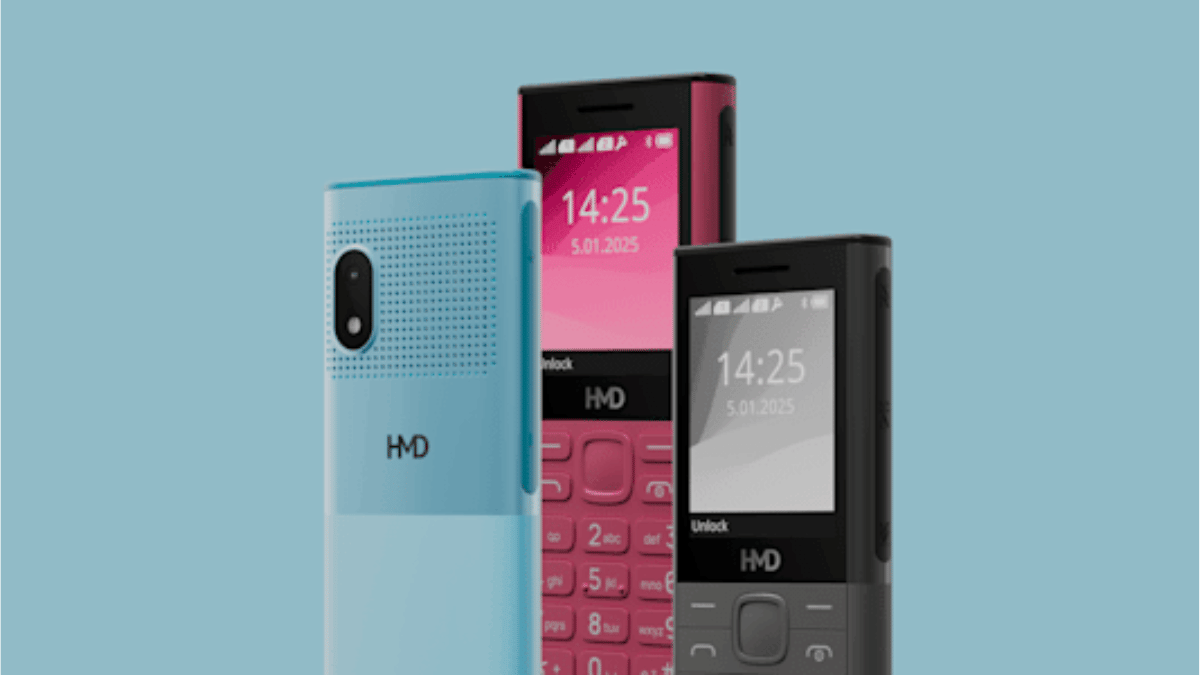
HMD 130 And 150 Music Phones Launched With Loud Audio And Music Controls

Key Highlights

  • HMD launches 130 & 150 Music phones with loud audio and music controls
  • Offers 50-hour playback, fast charging, and UPI support
  • Priced at Rs. 1,899 and Rs. 2,399, available online and offline

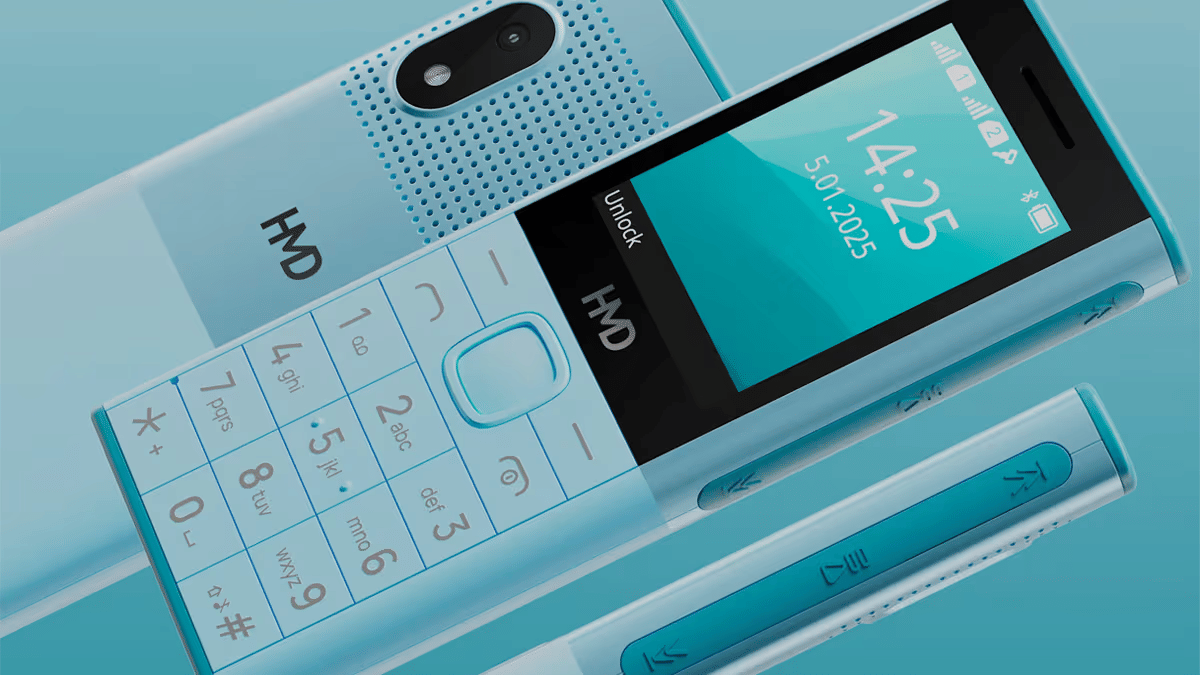
HMD Global has introduced two new feature phones, HMD 130 Music and HMD 150 Music. these phones are specifically designed for music lovers. They come with powerful speakers, long battery life, and dedicated music controls. Additionally, HMD is offering a one-year replacement guarantee.

Also Read | Barbie Flip Phone: A Retro Revival In HMD’s Latest Rebranding Move: Details

HMD 130 Music And HMD 150 Music: Features

Durable And Stylish Design

Designed for rugged use, HMD 130 Music And HMD 150 Music feature phone boast reinforced corners and scratch-resistant screens. The HMD 130 Music also includes a dual flashlight for added convenience.

Loudest Audio Experience

Featuring a large rear speaker, these phones provide crystal-clear sound for both music and hands-free calls. The phone come along with dedicated music buttons and inbox earphones.

Massive Battery With Fast Charging

Equipped with a 2,500mAh removable battery and Type-C fast charging, the phones offer up to 50 hours of music playback and 36-day standby time.

Multiple Entertainment Options

These phones come with wireless and wired FM radio, FM recording, Bluetooth 5.0, and expandable storage which is up to 32GB.

UPI Payment Integration

The HMD 130 Music comes with built-in UPI payment support, while the HMD 150 Music offers a scan-and-pay feature for seamless transactions.

Phone Talker Feature

A text-to-speech solution in Hindi and English enhances accessibility, ensuring ease of use for all consumers.

Strengthening Ties With Cricket

Furthering its connection with the cricketing world, HMD has extended its partnership with Rajasthan Royals as their official smartphone partner for IPL 2025. This partnership underscores HMD’s strategy to engage with Indian consumers through their passion for cricket.

Also Read | Vivo T3 Ultra 5G Smartphone Review: A Flagship Experience For Less?

Pricing And Availability

The HMD 130 Music and HMD 150 Music are available at an affordable price of Rs. 1,899 and Rs. 2,399, respectively. Interested buyers can purchase them via leading retail stores, HMD.com, and various e-commerce platforms.

For the tech geeks, stay updated with the latest cutting-edge gadgets in the market, exclusive tech updates, gadget reviews, and more right on your phone’s screen. Join Giznext’s WhatsApp channel and receive the industry-first tech updates.

Categories
Apps Featured How To Mobile

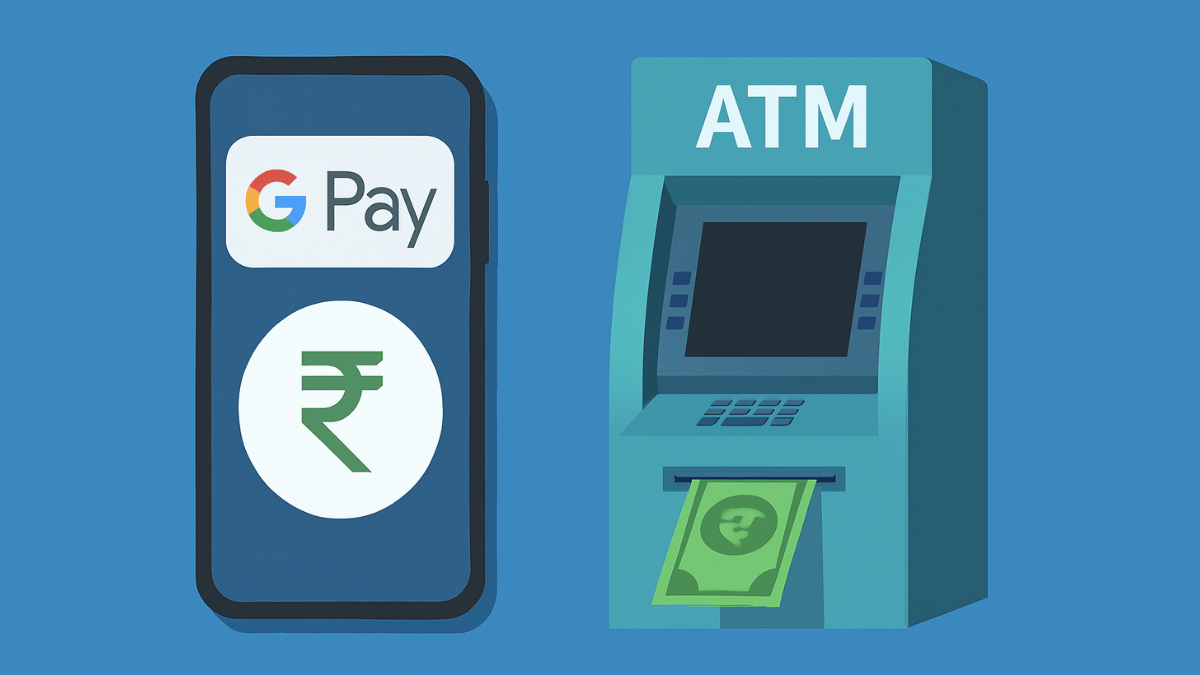
Forgot Your ATM Card? Don’t Worry! Here’s How To Withdraw Cash From ATM Using Smartphone

Key Highlights

  • Cash withdrawal possible without physical cards at ATM
  • Smartphones comes to the rescue here
  • UPI and bank apps used for card-less withdrawals at ATM

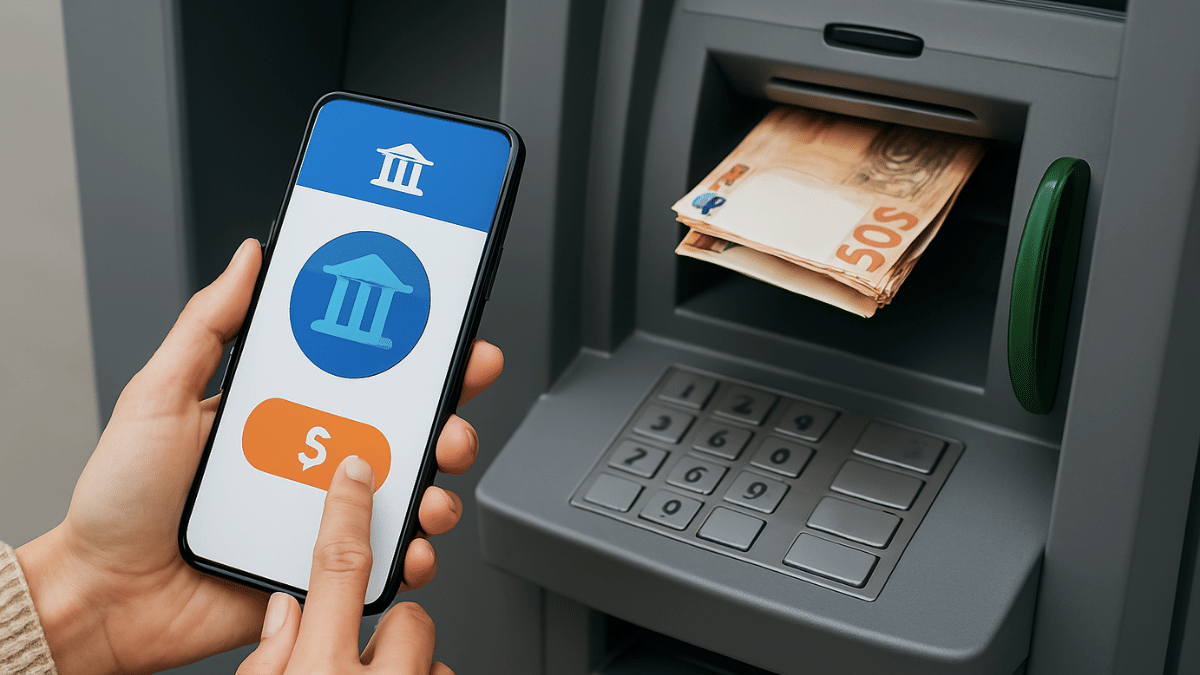
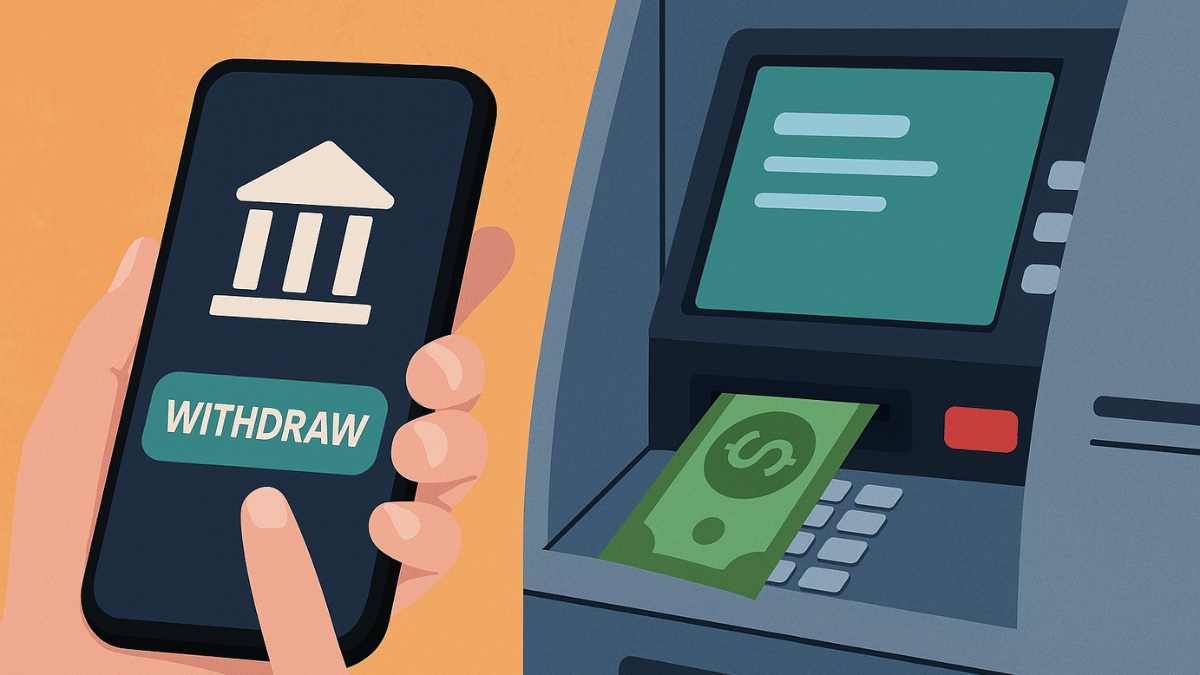
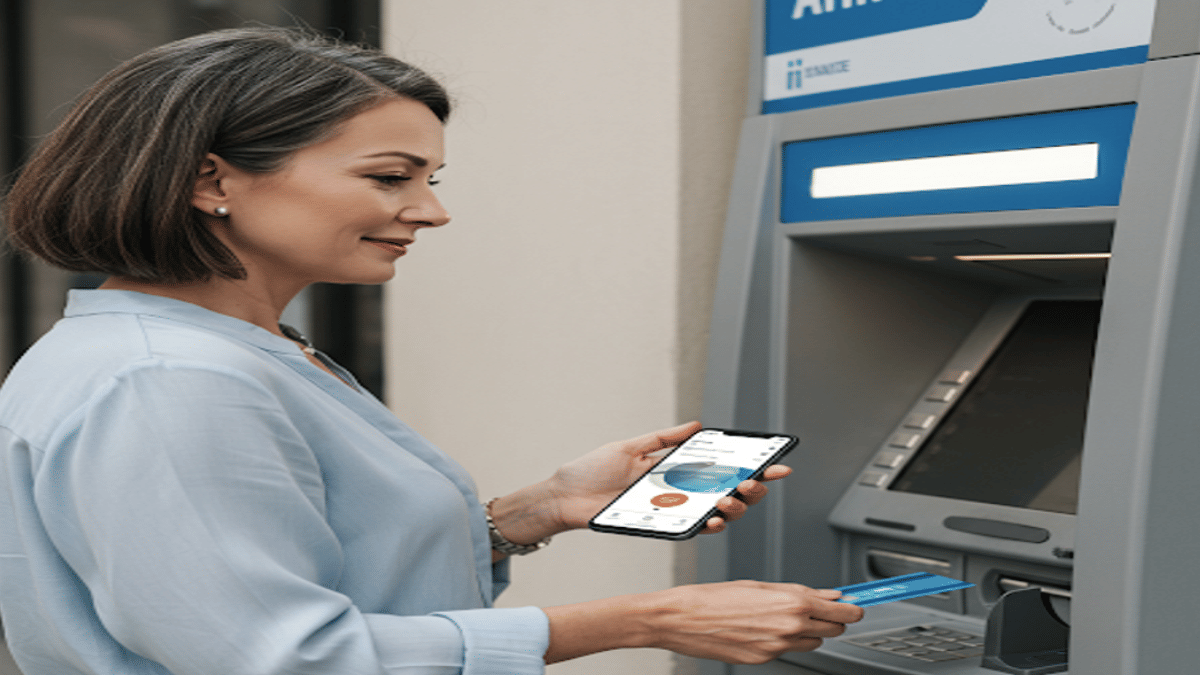
Ever been in a situation where you need to withdraw cash for emergencies and don’t have the ATM card? It’s definitely one of those scary situations that you would wish to avoid. Not any more? Modern day banking have made it easy for account holders to withdraw money from ATM machines without any physical ATM card. All you need now is a smartphone with working internet connection. Here in this guide, we’ll take you through the process of withdrawing money from ATMs with just your smartphones.

Also Read: Ghibli Studio Art Viral Social Media Trend: How To Create Your Own Ghibli Art For Free Without ChatGPT+


Cardless Cash Withdrawal At ATM? Is It Possible?

The answer is yes. You can now easily withdraw cash from any ATM even if you aren’t carrying a physical debit or credit card. All thanks to the digital banking which now is more secure and making lives easier for the masses. By downloading the bank’s mobile app or via UPI apps, cardless cash withdrawals can be done at the ATMs.

Also Read: Want To Transfer Ola Money Cash To Bank Account? Here’s How To Do It

How To Withdraw Money Without ATM Card Using Smartphone

Method 1: Via Dedicated Bank’s Mobile App

Step 1: Download And Install Your Bank’s Mobile App

  • Open PlayStore or App Store on Android and iOS devices respectively
  • Download and install the bank’s mobile app (HDFC, SBI Yono, Axis, ICICI, etc)
  • Log in to your banking account

Step 2: Select ‘Cardless Withdrawal’ Option

  • Go to the menu section
  • Scroll to the cardless cash withdrawal option and tap on it.

Step 3: Enter the Amount That You Need To Withdaw

  • Enter the amount that you want to withdraw as cash from the ATM.

Step 4: Generate OTP/ Transaction Code

  • Wait for the app to generate an OTP which you need at the ATM.

Step 5: Visit an ATM

  • Go to the nearest ATM
  • Ensure the ATM machine supports cardless transaction option

Step 6: Enter the OTP Withdraw Cash Without ATM Card

  • Go to the ‘Cardless Cash Withdrawal’ on the ATM machine’s screen.
  • You need to enter your registered mobile number
  • Enter the OTP/Transaction code generated earlier
  • After confirming the transaction, you can collect the cash

Method 2: Via UPI (Google Pay, PhonePe, Paytm, etc.)

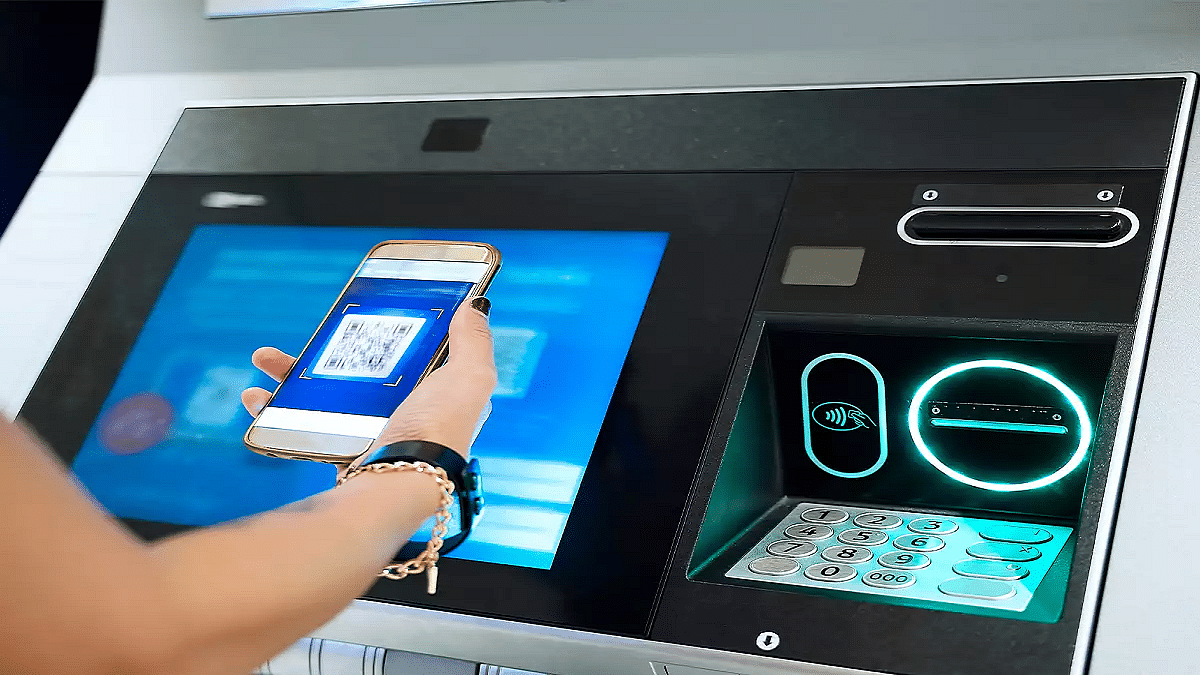
Step 1: Go to a UPI-Enabled ATM

  • Visit a nearby ATM that supports UPI-withdrawal option
  • These ATM machines will display a QR code scanner on the screen

Step 2: Select ‘UPI Cash Withdrawal’ Option

  • On the screen, locate and select the UPI Cash Withdrawal option.

Step 3: Scan the QR Code

  • A new QR code will be displayed on the ATM screen after performing the above step.
  • Unlock your smartphones and launch the desired UPI app (PhonePe, GPay, Paytm)
  • Navigate to the Scan QR code option
  • Scan the QR code using your smartphone shown on the ATM screen

Step 4: Enter & UPI PIN

  • Enter the amount that you need to withdraw from the ATM
  • Now, enter your UPI PIN to process the transaction.

Step 5: Collect Cash

  • Collect the cash dispensed from the ATM machine.

Also Read: Make WhatsApp Video Calls More Fun: How To Add Filters, Change Backgrounds

What Makes Cardless Cash Withdrawal Practical?

  • Safety From Scams and Card Thefts – Helps with enhanced safety while money withdrawal by ruling out possibilities of card skimming or thefts at the ATM.
  • Hassle Free Cash Withdrawal– Cuts down on hassle of carrying physical ATM cards everywhere and helps with withdrawal even if there is no card.
Categories
Featured Mobile

Protect Your Smartphone’s Battery From Summer Heat: Five Must-Know Tips

Key Highlights

  • Keep your phone cool by avoiding heat and direct sunlight
  • Adjust settings like brightness and turn off unused features
  • Charge smartly and close background apps to save battery

In hot weather, smartphone batteries drain faster that makes it challenging for us to stay connected. Excessive heat can degrade battery health, reduce efficiency, and even cause overheating issues. So, if you are struggling with battery life this summer, here are five practical ways to extend it. Let’s check them out.

Also Read | Four Must-Have Travel Gadgets For A Hassle-Free Summer Vacation

Avoid Direct Sunlight And Heat Exposure

Heat is the worst enemy of your smartphone’s battery. Keeping your device cool can significantly improve battery longevity.

  • Avoid placing your smartphone in direct sunlight or near heat sources like car dashboards.
  • Use special cooling cases or heat-resistant covers that help prevent overheating.
  • Turn off unused apps as running multiple apps generates extra heat and drains the battery faster.
  • Avoid gaming or streaming for long periods under direct sunlight.
  • Charging your phone in high temperatures can lead to battery swelling and long-term damage. Charge in a cool environment.

Optimize Display And Brightness Settings

Your screen is one of the biggest power consumers, especially in bright conditions. Adjusting these settings can help save battery.

  • Lower the screen brightness of your smartphone. Manually reduce brightness instead of using auto-brightness.
  • Enable dark mode as it consumes less power, especially on OLED screens.
  • Reduce screen timeout and set the screen timeout to 15-30 seconds to save power.
  • Disable live wallpapers. Animated wallpapers consume more battery.
  • On AMOLED screens, black pixels use less power compared to bright colors. Use a black wallpaper.

Manage Connectivity And Background Apps

Your phone constantly searches for networks and runs background processes. This leads to unnecessary battery drain.

  • When not in use, turn off Bluetooth and Wi-Fi. Keeping these on drains battery even when idle.
  • In poor network areas, use Airplane Mode. A weak signal forces your phone to use more power.
  • Restrict background apps. Disable auto-refresh for apps like social media and email.
  • Disable location services. GPS tracking consumes a significant amount of power.
  • Use battery saver mode. It limits background activity and optimizes performance.

Charge Smartly And Use The Right Accessories

Improper charging habits can shorten your phone’s battery lifespan. Follow these tips for better battery health.

  • Use original or certified chargers. Low-quality chargers can overheat and damage your battery.
  • Keep your battery between 20 – 80 percent for longer lifespan.
  • Don’t overcharge overnight.
  • Frequent partial charging is better than draining the battery completely. It’s better to charge in short bursts.
  • Some smartphones have features that slow charging at night to protect battery health.

Also Read | Stay Cool On A Budget: Four Best Coolers Under Rs. 15,000 For Summer

Reduce Processor Load And Close Unused Features

Your phone works harder in summer due to heat, affecting performance and battery life.

  • Close unnecessary apps. Apps running in the background drain battery even when not in use.
  • Disable 5G if not needed. 5G consumes more power than 4G and Wi-Fi.
  • Lighter versions of apps like Facebook Lite or YouTube Go use less power.
  • Reduce refresh rates. High refresh rate displays drain more battery, switch to 60Hz when possible.
  • Apps that run in the background without use should be removed.

By following these simple yet effective tips, you can keep your smartphone’s battery running longer, even in the scorching summer heat.

For the tech geeks, stay updated with the latest cutting-edge gadgets in the market, exclusive tech updates, gadget reviews, and more right on your phone’s screen. Join Giznext’s WhatsApp channel and receive the industry-first tech updates.

Categories
Apps Featured Info Mobile

New Smartphone? Swiggy Instamart Brings It Home In Just 10 Minutes

Key Highlights

  • Smartphones now delivered in 10 minutes via Swiggy Instamart
  • Available in 10 major cities with more coming soon
  • Wide range of top-brand phones and exciting discounts available

Swiggy Instamart has taken convenience to a whole new level by introducing smartphone deliveries within 10 minutes. Now, getting your hands on the latest mobile phone is as easy and fast as ordering groceries. Here’s everything you need to know about this exciting launch.

Also Read | Top 5 Alternatives To Blinkit For 10-Min Delivery In India

Smartphones Delivered In 10 Minutes

Swiggy Instamart has started delivering a wide range of smartphones from top brands across 10 major cities, including:

  • Bangalore
  • Delhi
  • Noida
  • Gurgaon
  • Faridabad
  • Mumbai
  • Chennai
  • Hyderabad
  • Pune
  • Kolkata

More cities will be added soon as part of the platform’s ongoing expansion.

Popular Models Available Now

Customers can now order some of the most in-demand smartphones, such as:

  • iPhone 16e
  • Samsung M35
  • OnePlus Nord CE Series
  • Redmi 14C
  • OnePlus Nord CE4 Lite

You will also find options from trusted brands like Motorola, Vivo, Oppo, and Realme, covering both mid-range and premium categories.

Fast, Easy, And Seamless Shopping Experience

Swiggy Instamart makes smartphone shopping effortless:

  • Browse easily via the app
  • Choose your preferred model
  • Get it delivered in just 10 minutes

Whether it’s an emergency need or a last-minute gift, this service is designed for ultimate convenience.

Exciting Offers On Mobile Purchases

To make things even better, Swiggy Instamart is offering an exclusive discount:

  • Get 5 percent off (up to Rs. 4000) on smartphone orders above Rs. 11,499
  • Offer applicable on payments made with ICICI Bank Credit Cards

Also Read | Ready To Float And Feast? Swiggy Now Delivering To Dal Lake Houseboats

With this smartphone delivery launch, Swiggy Instamart continues to push boundaries in the quick commerce space. After recently expanding to 100 cities (32 new ones in 2025 alone), this new service adds even more value for millions of users.
For the tech geeks, stay updated with the latest cutting-edge gadgets in the market, exclusive tech updates, gadget reviews, and more right on your phone’s screen. Join Giznext’s WhatsApp channel and receive the industry-first tech updates.

Categories
Featured Mobile

Top Water And Dust Resistant Smartphones Under Rs. 20,000

Key Highlights

  • These smartphones are great picks for summer outdoor use
  • All come with water and dust resistance under Rs. 20,000.
  • Choose based on performance, display, or camera preference

Summer is the season of travel, trekking, beaches, and spontaneous adventures. But your smartphone should be ready to handle it all, be it a sudden splash of water, dusty trails, or a rough day outdoors. Luckily, you don’t need to spend a fortune for a sturdy and adventure-ready phone. Here are some of the best water and dust resistant smartphones under Rs. 20,000 in India that are perfect companions for your summer outings. Let’s check them out.

Also Read | Upgrade To A Curved Display: Four Best Smartphones To Buy

Top Water And Dust Resistant Smartphones

ModelPrice
Vivo T4X 5GRs. 13,999
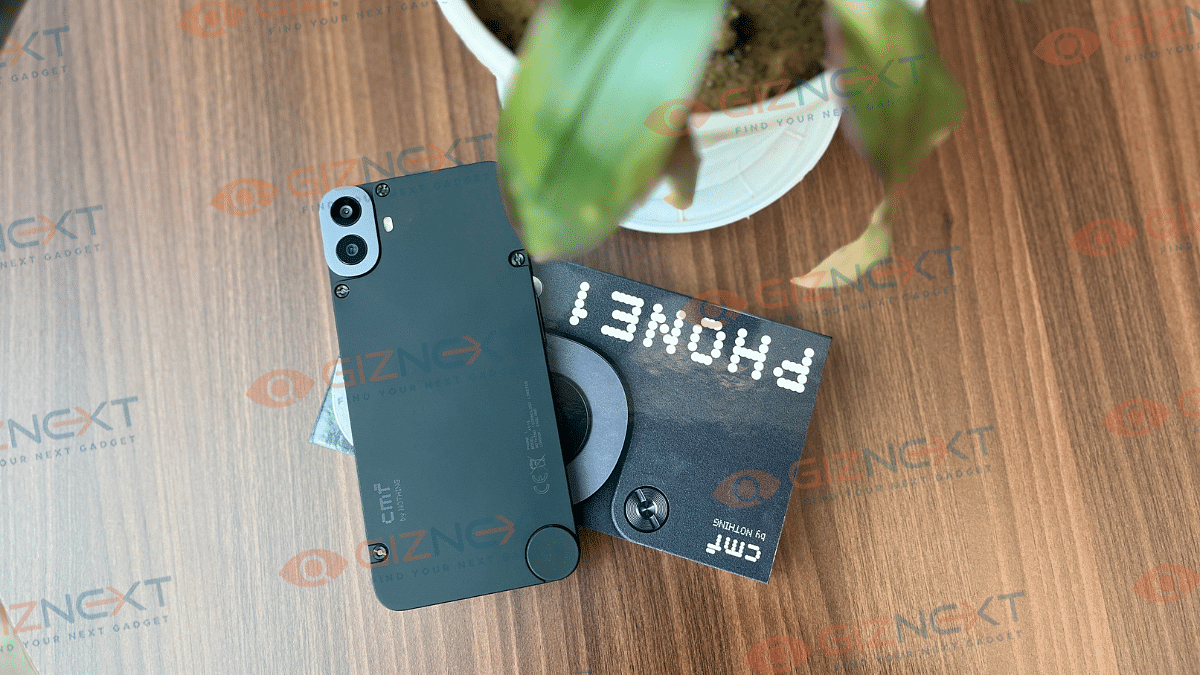
CMF Phone 1Rs. 14,999
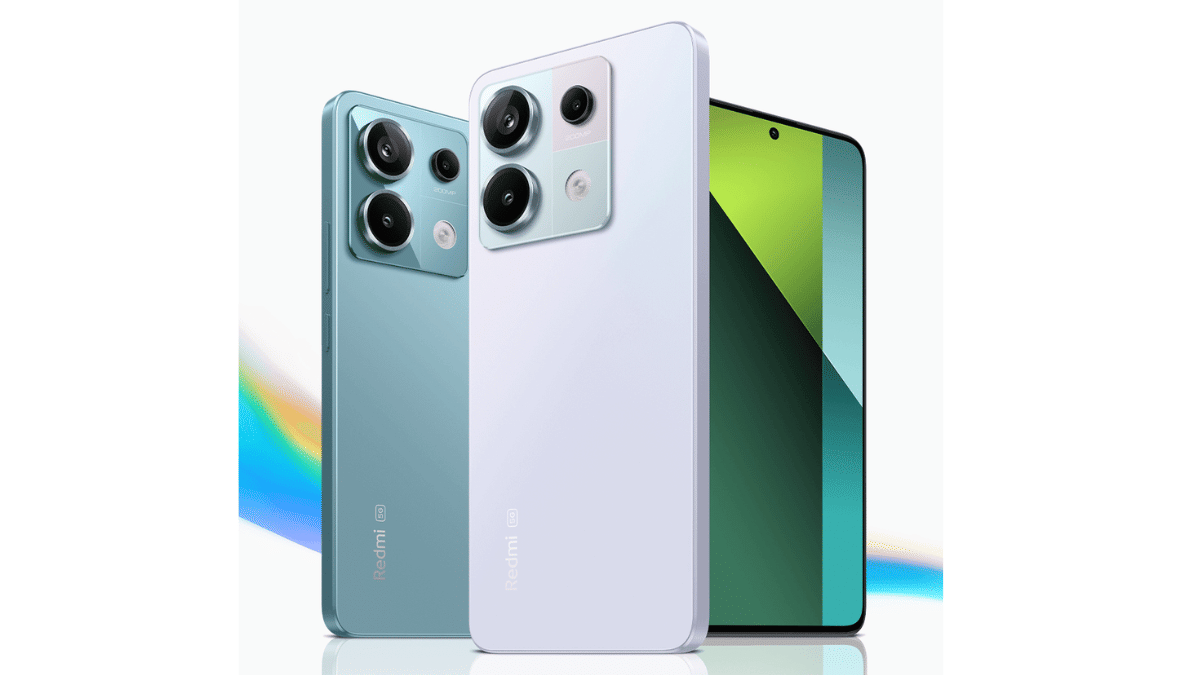
Xiaomi Redmi Note 13 Pro 5GRs. 19,999
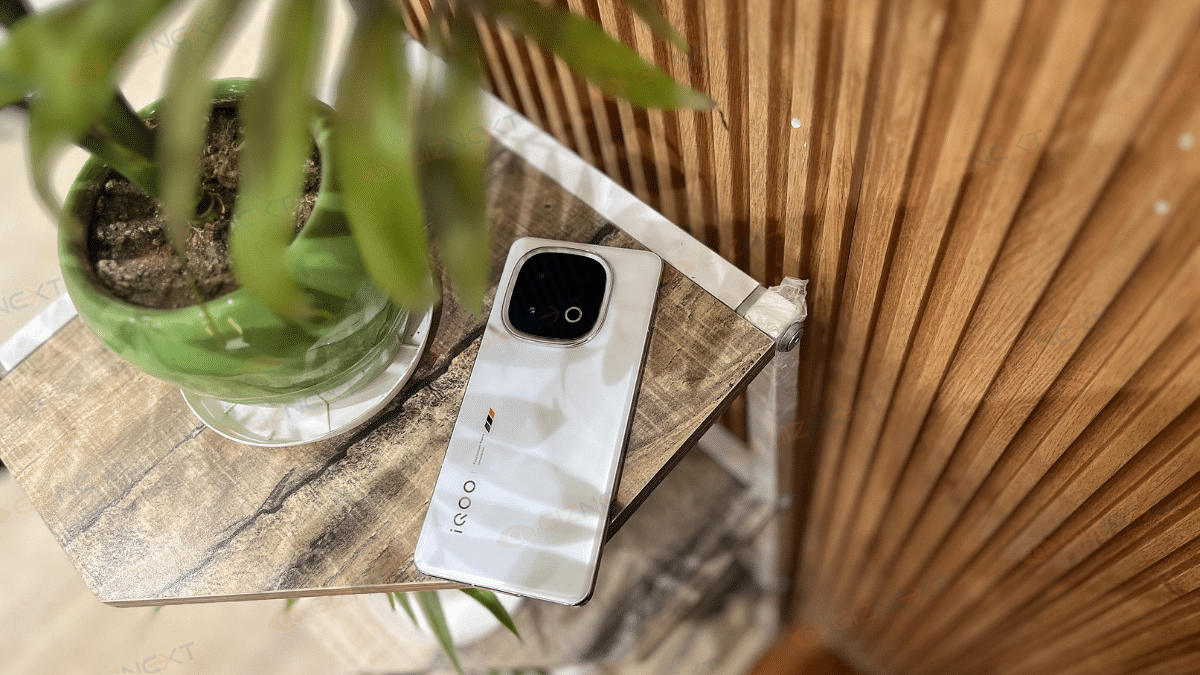
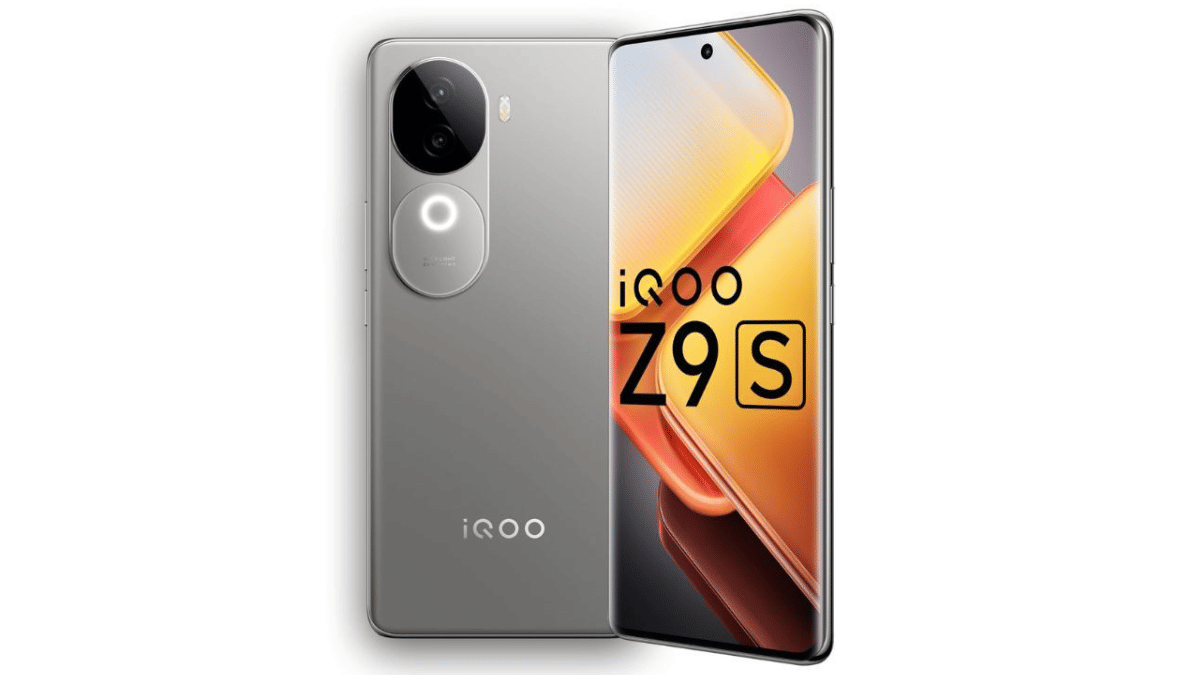
iQOO Z9s 5GRs. 20,999

Vivo T4X 5G

Vivo’s T4X 5G is a powerful budget option that also handles everyday dust and water exposure well.

Display6.72-inch IPS LCD, 120Hz Refresh Rate
ProcessorMediatek Dimensity 7300
RAM + StorageUp to 8GB + Up to 256GB
Rear Camera50MP + 2MP
Front Camera8MP
Battery6,500mAh
OSAndroid 15
DurabilityIP64 dust tight and water resistant

CMF Phone 1

Nothing’s sub-brand CMF has brought style and protection together with this modular smartphone.

Display6.67-inch AMOLED
ProcessorMediatek Dimensity 7300
RAM + StorageUp to 8GB + Up to 256GB
Rear Camera50MP + 2MP
Front Camera16MP
Battery5,000mAh
OSAndroid 14
DurabilityDust and splash resistant

Xiaomi Redmi Note 13 Pro 5G

A solid all-rounder with an IP rating and flagship-like display at an affordable price.

Display6.67-inch AMOLED
ProcessorSnapdragon 7s Gen 2
RAM + StorageUp to 16GB + Up to 512GB
Rear Camera200MP + 8MP + 2MP
Front Camera16MP
Battery5,100mAh
OSAndroid 13
DurabilityIP54 dust protected and water resistant

Also Read | Still Love Small Phones? Here Are The Best Smartphones With 5-Inch Display

iQOO Z9s 5G

iQOO Z9s is one of the few in the segment offering a certified IP rating for water and dust protection.

Display6.77-inch AMOLED, 120Hz Refresh Rate
ProcessorMediatek Dimensity 7300
RAM + StorageUp to 12GB + Up to 256GB
Rear Camera50MP + 2MP
Front Camera16MP
Battery5,500mAh
OSAndroid 14
DurabilityIP64 dust tight and water resistant

For the tech geeks, stay updated with the latest cutting-edge gadgets in the market, exclusive tech updates, gadget reviews, and more right on your phone’s screen. Join Giznext’s WhatsApp channel and receive the industry-first tech updates.

Categories
Featured Mobile

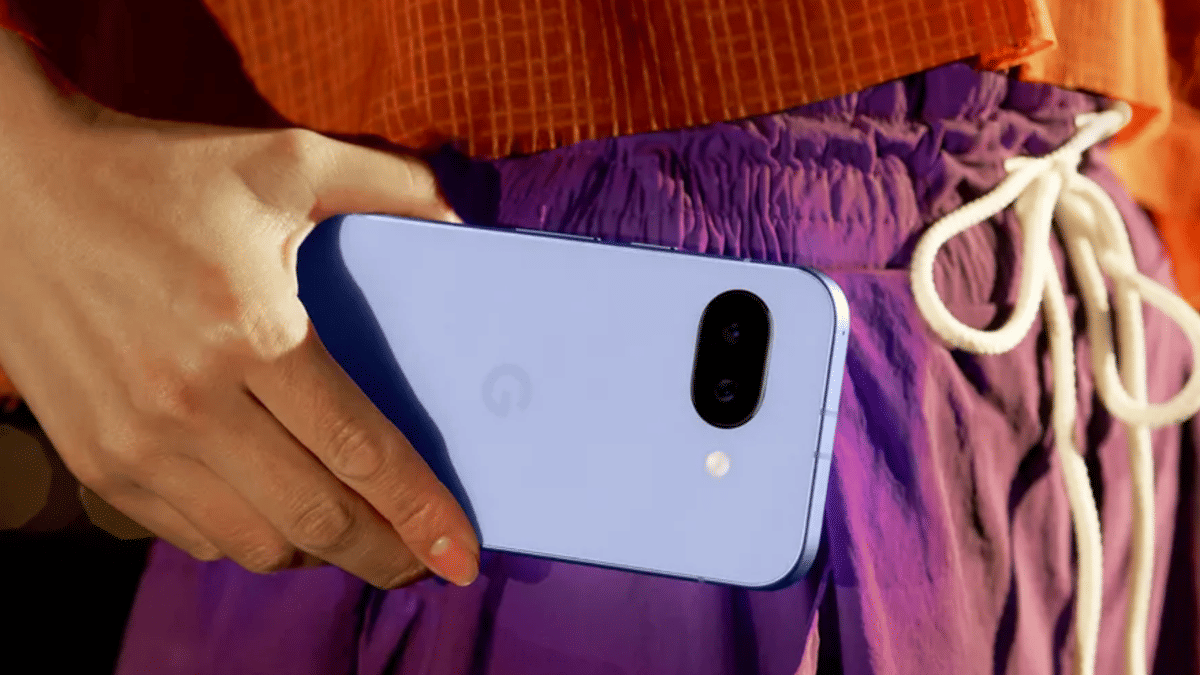
Google Pixel 9a Not Your Pick? Here Are The Best Alternatives To Buy In 2025

Key Highlights

  • Google Pixel 9a has strong rivals
  • Others offer better speed, camera, or charging
  • Pick what suits your need best

The Google Pixel 9a is here and it brings flagship-level features at a more affordable price. With a powerful Tensor G4 chip, clean Android 15, and a compact design, it ticks a lot of boxes. But priced at Rs. 49,999, it still faces stiff competition from other premium mid-range phones in the market. If you are looking for something equally powerful (or even better in some areas), here are four solid alternatives to the Pixel 9a.

Also Read | OnePlus 12 vs Google Pixel 8: A Detailed Comparison of Specs, Features, and Price

Google Pixel 9a: Specifications

Display6.3-inch Actua pOLED
ProcessorGoogle Tensor G4
RAM + Storage8GB + Up to 256GB
Rear Camera48MP + 13MP
Front Camera13MP
Battery5,100mAh
OSAndroid 15
Starting PriceRs. 49,999

OnePlus 13R: Balanced Performance with Style

The OnePlus 13R brings a great blend of design, performance, and software. It offers flagship-grade features at a price similar to the Pixel 9a.

Display6.78-inch AMOLED
ProcessorSnapdragon 8 Gen 3
RAM + StorageUp to 16GB + Up to 512GB
Rear Camera50MP + 50MP + 8MP
Front Camera16MP
Battery6,000mAh
OSAndroid 15
Starting PriceRs. 42,999

iQOO 13: For Power and Speed Lovers

iQOO phones are known for performance, and the iQOO 13 deliver just that. With a top-tier processor and blazing-fast charging, it’s made for gamers and heavy users.

Display6.82-inch AMOLED
ProcessorSnapdragon 8 Elite
RAM + StorageUp to 16GB + Up to 512GB
Rear Camera50MP + 50MP + 50MP
Front Camera32MP
Battery6,000mAh
OSAndroid 15
Starting PriceRs. 54,999

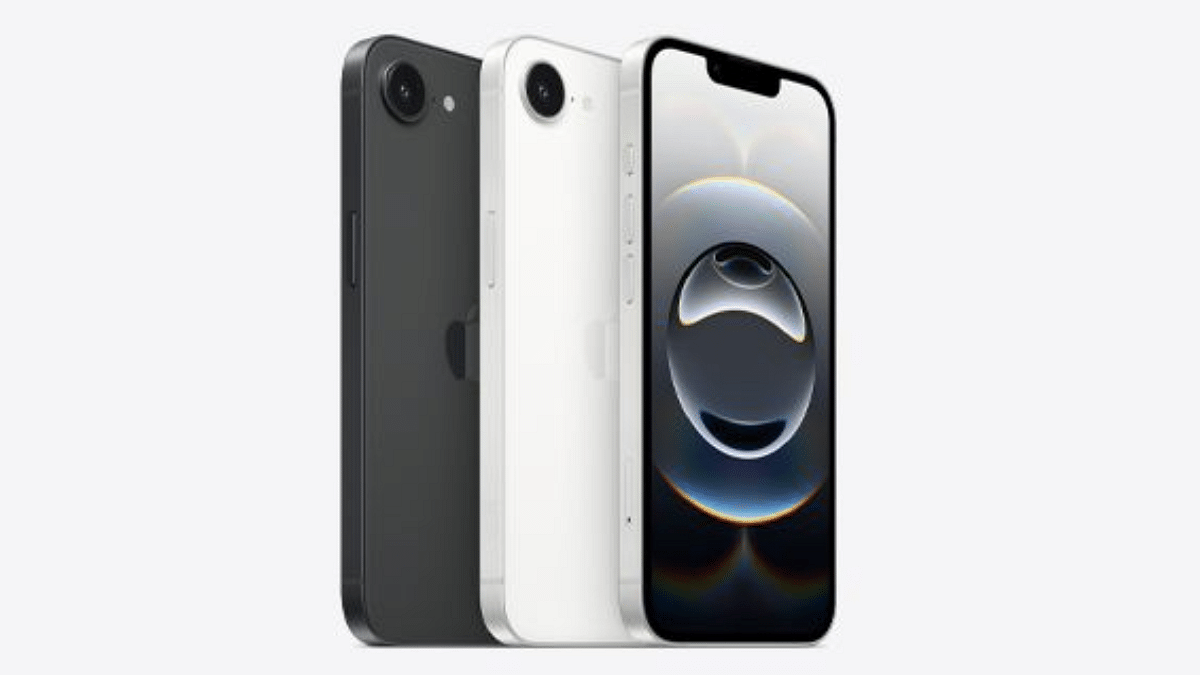
iPhone 16e: The Apple Option

If you are someone who prefers iOS over Android, the iPhone 16e is a great pick. It brings the Apple ecosystem at a relatively lower price and offers a compact yet premium design.

Display6.1-inch Super Retina XDR
ProcessorA18 Chip, 6 Core Processor
RAM + Storage8GB + 512GB
Rear Camera48MP
Front Camera12MP
Battery4,005mAh
OSiOS 18.3.1
Starting PriceRs. 59,900

Also Read | Vivo X200 Detailed Review In Points: It’s All About The Cameras!

Vivo X200: The Camera Powerhouse

If camera quality is your top priority, the Vivo X200 might just be the right alternative. Vivo’s camera tuning and Zeiss partnership often deliver stunning results.

Display6.67-inch AMOLED
ProcessorMediatek Dimensity 9400
RAM + StorageUp to 16GB + Up to 512GB
Rear Camera50MP + 50MP + 50MP
Front Camera32MP
Battery5,800mAh
OSAndroid 15
Starting PriceRs. 65,999

The Pixel 9a may be compact and powerful, but these alternatives offer their own unique strengths, whether it is performance, design, charging speed, or photography. Choose what matters most to you.

For the tech geeks, stay updated with the latest cutting-edge gadgets in the market, exclusive tech updates, gadget reviews, and more right on your phone’s screen. Join Giznext’s WhatsApp channel and receive the industry-first tech updates.