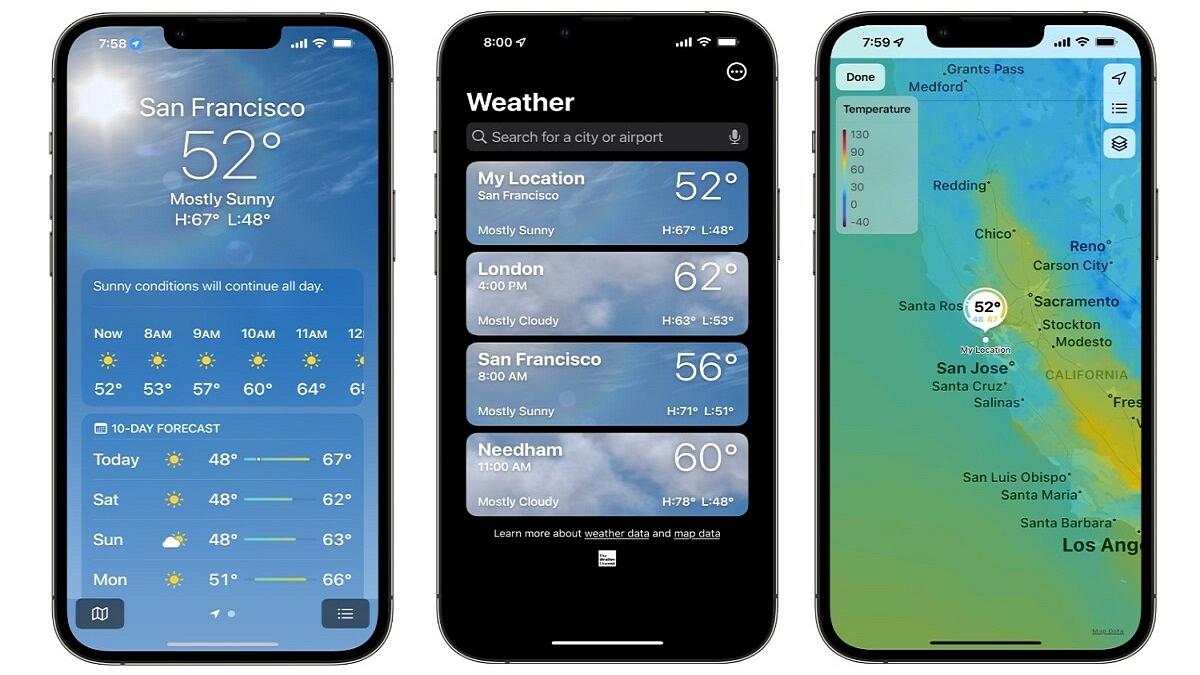
Obtaining alerts on rain, snow, and other weather conditions is now easy
Users need to individually enable the feature in every city they visit
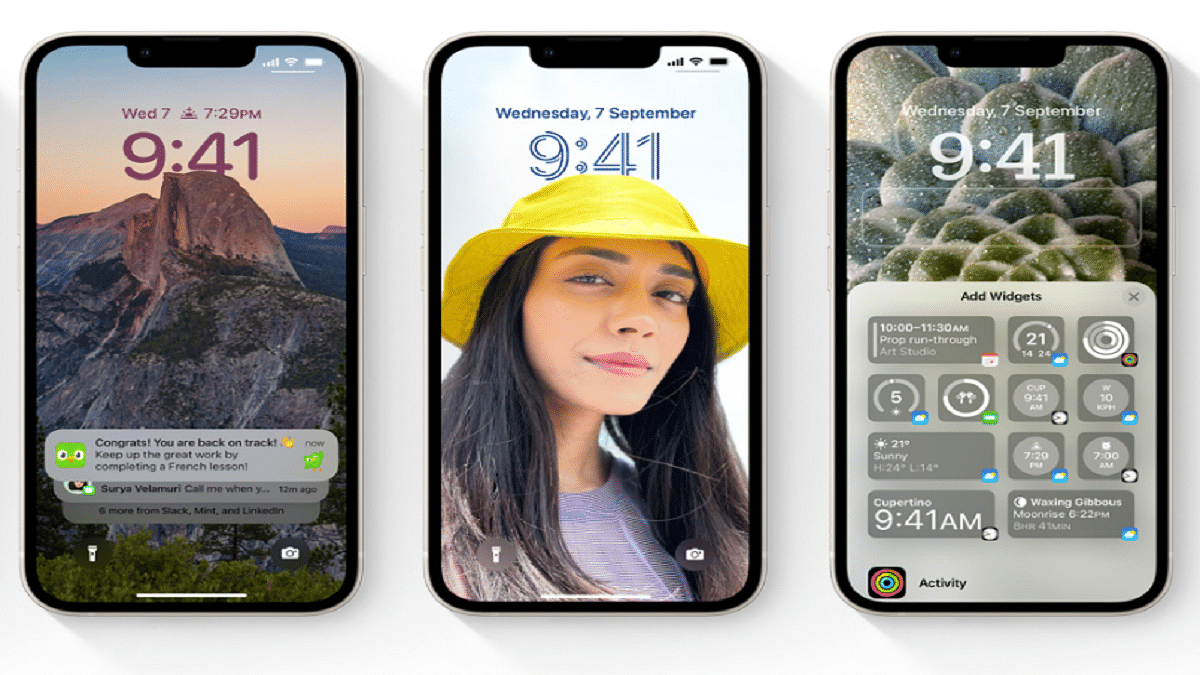
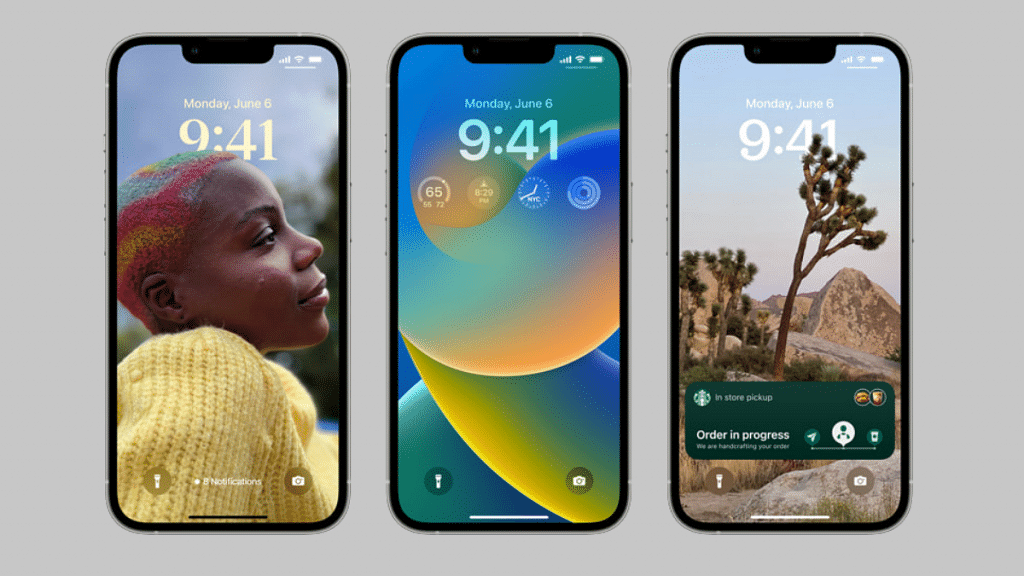
iPhones have had the weather app for a while. Apple has, however, only recently made available a feature that notifies users of weather conditions, particularly bad weather. The feature was previously only accessible in select regions including the US and the UK. The functionality was found in India and seems to be available in some regions.
If you frequently travel outside and are unsure of whether it will rain or not, this feature is great. Additionally, if the weather is bad, you can use this feature to be alert and stay indoors.
Steps To Get Weather Alerts On iPhone
Do note that this feature is only available in a few areas before we continue. Now, let’s see how to get weather alerts on your iPhone by following these simple steps:
Step 1: Launch the Weather app on your iPhone. Make sure you are using the most recent version of iOS since if there is a flaw in an older version, it might not function.
Step 2: Tap the hamburger/three vertical dots icon located in the bottom right corner of the app once it has been opened.
Step 3: You must now enable notifications if you want to get weather and rain alerts. Hit the Enable Notifications button.
Step 4: Tap on Next-Hour Precipitation.
Step 5: You must authorize the Weather app to ‘Always’ use location services after turning on Next-hour precipitation. The Weather app will notify you once you’ve done this for your region.
Step 6: To receive severe weather warnings for rain, snow, and other severe weather situations, you can also turn on Severe alerts.
Also, do note that the app only sends the weather forecast for your current location. So, if you travel to another city, you will need to configure that city in the app.
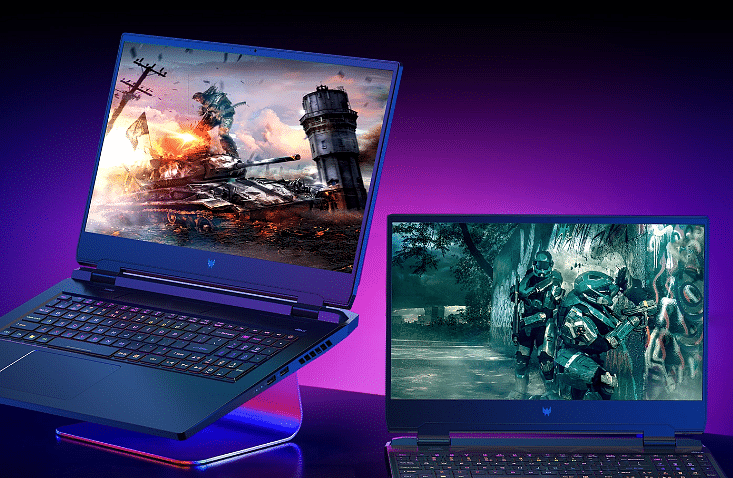
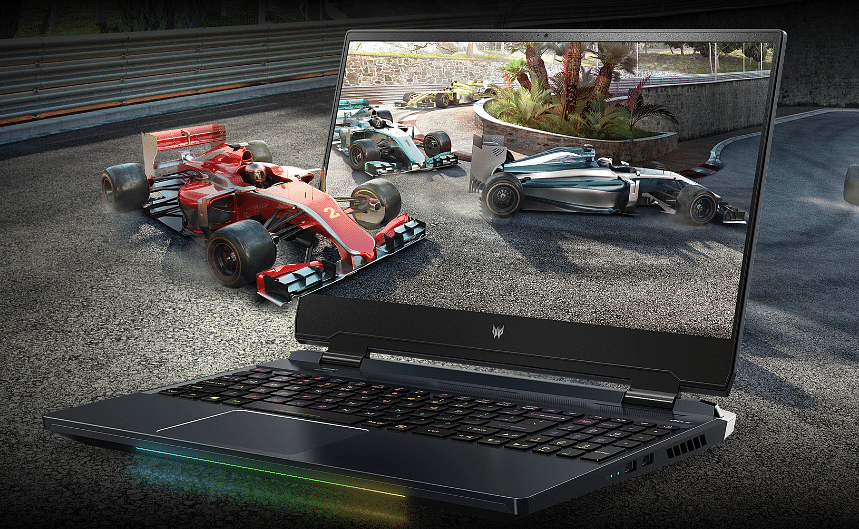
Acer has announced the launch of a new laptop in India. The Acer Predator Helios 300 SpatialLabs Edition laptop has joined the lineup of the Predator gaming laptop; however, the Acer Predator Helios 300 SpatialLabs Edition has 12th Gen Intel Core processor, stereoscopic 3D, and Nvidia GeForce RTX 3080 GPU.
The Acer Predator Helios 300 SpatialLabs edition features 15.6-inch IPS LED-backlit TFT LCD display along with a resolution of 3840 x 2160 in 2D mode. The company said that the newly launched laptop allows users to alternate between 3D in 2K and 2D in 4K at a screen refresh rate of 60Hz.
The Acer Predator Helios 300 SpatialLabs Edition laptop comes with a PCIe Gen4 SSD storage in Raid 0 configuration, 32GB of DDR5 4800Mhz RAM, and Nvidia GeForce RTX 3080 GPU. Besides, the newly launched laptop comes with a 5th generation automated CoolBoost, Liquid Metal thermal grease ( Which keeps the laptop cool during extensive usage), and AeroBlade 3D Fan Technology.
In addition, the laptop comes with a per-key RGB backlit keyboard shine with Mini LED backlights. Meanwhile, the company said that the backlights do not require more power and are uniform in color. Besides, the laptop allows users to use or adjust the RGB through Pulsar lighting for different themes, max out fan speeds, and manage to overclock.
On the connectivity front, the company said the laptop has Intel Killer E2600 Ethernet, Wi-Fi 6E, and Controller, Wi-Fi 6E. In addition, the company said that the laptop also has USB 3.2 Gen1, HDMI 2.1, MiniDP, and USB 3.2 Gen2 ports. Besides, the company said that the laptop support Thunderbolt 4, Power Delivery, and DisplayPort.
Acer Predator Helios 300 SpatialLabs Edition Laptop: Price And Availability
The newly launched Acer Predator Helios 300 SpatialLabs Edition laptop is priced at Rs. 3,19,999. It is available for sale on Amazon, Croma, Vijay Sales, store.acer.com, and Acer Exclusive Stores.
iOS 16.0.3 is eligible for iPhone 8 and later devices
It brings improvements to the iPhone 14 Pro and iPhone 14 Pro Max
Apple has started rolling out the iOS 16.0.3 update in order to fix bugs in the iPhone 14 Pro and iPhone 14 Pro Max. Since the release of the iOS 16 operating system, there have been three updates. This update is available for iPhones running iOS 16 including the iPhone 8 and later models.
The update resolves issues with the Mail application. Notably, it also resolves a few issues users of the new iPhone 14 series reported. For instance, it fixes a voice call-related delayed notification issue on the iPhone 14 Pro and iPhone 14 Pro Max. Apple is also fixing the low volume issue that some CarPlay users had with the iPhone 14 series.
Most significantly, the camera app on the iPhone 14 was problematic for certain customers. According to the official changelog, the iPhone 14 Pro and iPhone 14 Pro Max‘s cameras “may be slow to launch or switch between modes.” Other iPhone users can notice that the Mail app is inconsistent. Security-wise, the changelog reveals that it fixes the “CVE-2022-22658” zero-day issue. The latest iOS 16.0.3 update is available for iPhones 8 and above.
iOS 16.0.3: Steps To Download The New Update
Users can check availability and download the iOS 16.0.3 update by following these simple steps:
Step 1: Open your iPhone and head to Settings.
Step 2: There, click on General.
Step 3: After that, tap on Software Update. Then, click on Download and Install.
Step 4: Your device will be upgraded to the most recent iOS version after accepting the Terms of Service.
Apart from this, Apple has not yet released an update to give Indian-specific iPhone 5G support. According to Airtel, iPhones won’t be able to use its 5G services until Apple releases an over-the-air (OTA) update for its mobile devices. With iOS 16.1, Apple may unlock 5G on iPhones in India which is already available to users on the beta channel.
HMD Global has been fairly active this year in India and has launched several new Nokia phones. The Finnish giant has also released its first lot of budget Android tablets in the country including the Nokia T20 and the T10. The latter marked its entry last month in the country, while the former has been around for the last few months. Now, another new variant of the entry-level tablet (Nokia T10) has been launched in the country. Below are the pricing details:
Nokia T10 New Model Brings This Hardware Change
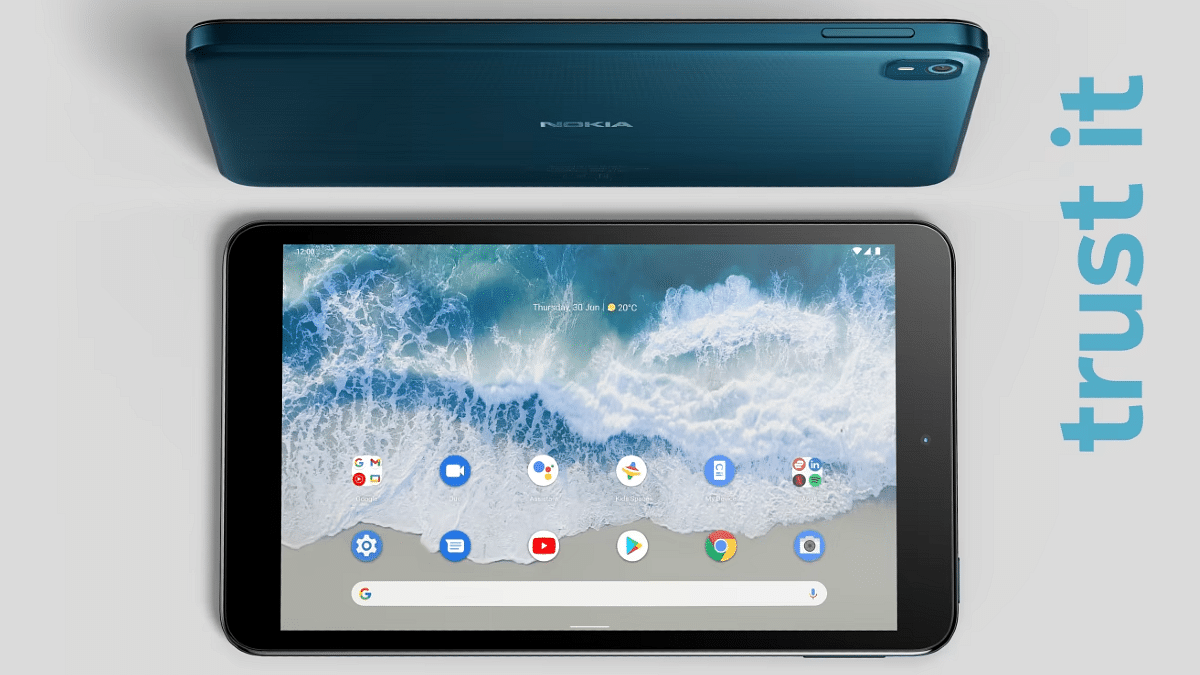
The Nokia T10 was launched last month in India. However, the company had launched just the Wi-Fi variant of the budget Android tablet in the country. Now, the Finnish giant has released the LTE variant of the Nokia T10 in the country. The latest Nokia T10 will support SIM cards, unlike the previous model which only supports Wi-Fi.
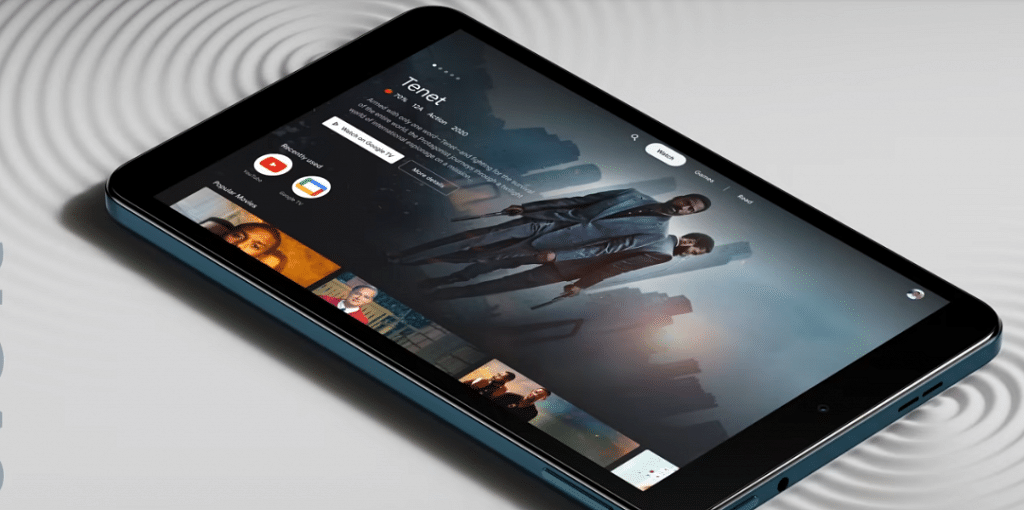
The Nokia T10 comes as HMD Global’s prime contender against the likes of Redmi Pad and Realme Pad Mini which are amongst the popular pocket-friendly Android tablets in the country. Moving on to the spec sheet, the Nokia T10 uses the octa-core Unisoc T606 entry-level chipset.
The processor on the Nokia T10 has Mali G57 MP1 GPU support to handle all the graphics. The firmware pre-installed on this tablet is Android 12 OS with a stock UI on top. The imaging setup of the latest budget Nokia tablet features a single 8MP rear camera along with an LED flash.
Nokia has used a smaller 2MP selfie snapper on the T10 tablet which will help with basic video calling. The display panel used is a standard IPS LCD which we have seen across a wide range of tablets including the mid-range segment. This tablet features an 8-inch screen size and supports a 720P HD+ resolution.
In terms of connectivity, the Nokia T10 comes equipped with 4G LTE, Wi-Fi (dual band), Bluetooth, and GPS. The tablet also has a USB Type-C port and a 3.5mm headphone jack. Rounding off its spec-sheet is a compact 5,250 mAh battery unit along with 10W charging support.
Nokia T10 Wi-Fi+ LTE Model Price In India
The Nokia T10 LTE model is priced slightly higher compared to the standard Wi-Fi model. The base model of this tablet has 3GB RAM+ 32GB storage configuration and a price tag of Rs. 12,799. On the other hand, the T10 tablet with 4GB RAM and 64GB storage costs Rs. 13,799. Nokia will be hosting the T10’s first sale on October 15 via Nokia India official website and Amazon.
Programming can be a much easier process if you have the right laptop
Not every laptop can be used for programming
Smooth functioning, a comfortable keyboard, and more should be considered when buying a laptop
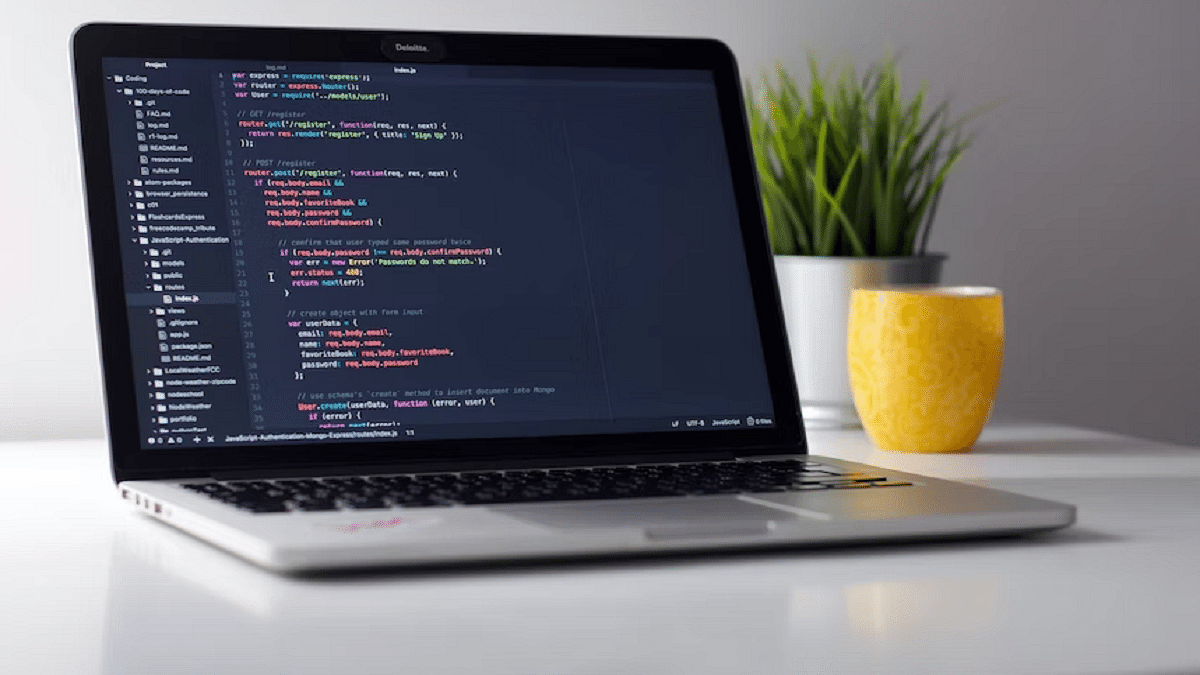
Are you trying to find the top programming laptops? This has always been a challenge for many tech fanatics. Nobody likes to skimp on quality and technology, so you should be aware of your options, especially if you’re ready to make a significant purchase.
Not all laptops can be effectively used for programming. Any budget laptop you choose for programming can be detrimental to your work. In this article, we’ve compiled a list of some of the best laptops for programming available in India.
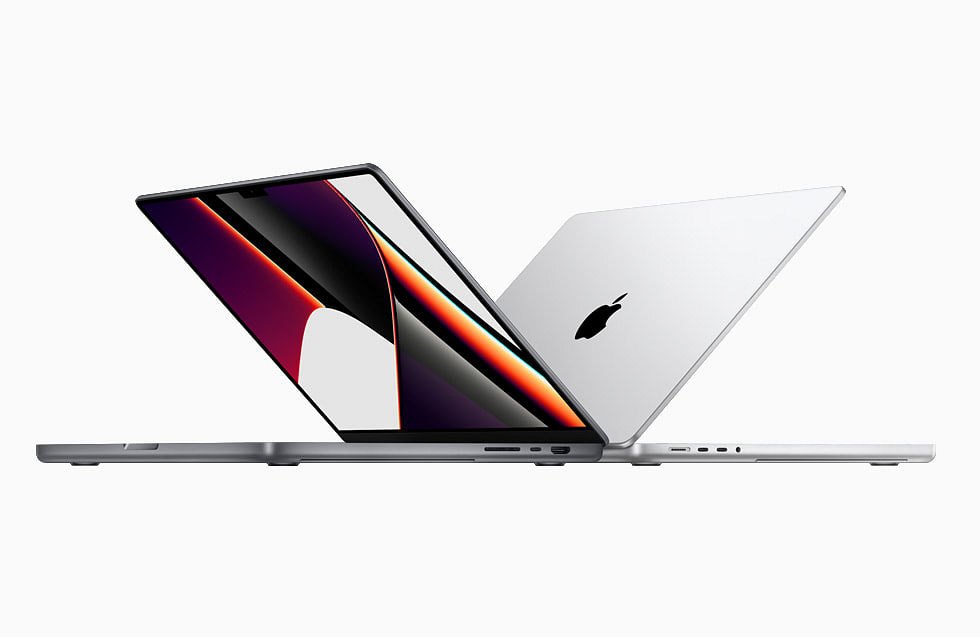
Apple MacBook Air M1
Powered by Apple’s new M1 SoC, the new 13-inch MacBook Air redefines what people can expect from a modern laptop. The M1 processor provides uncompromising power which is perfect for a developer. The laptop runs on iOS 10.14 Mojave. Further, it comes with 8GB DDR4 RAM and 256GB SSD. The Apple MacBook Air M1 is available for purchase for Rs. 92,900.
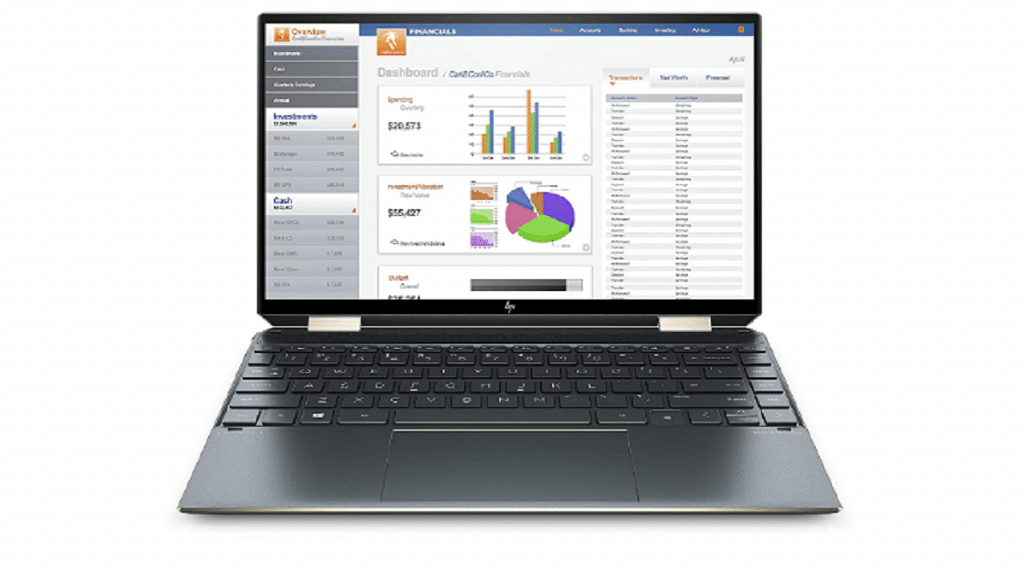
HP Spectre x360 11th Gen Touchscreen Laptop
The HP Spectre x360 Touchscreen Laptop comes with the latest 11th Gen Intel’s i5 processor. It is equipped with a decent 16GB RAM, 512GB of SSD, and 32GB of Intel’s iconic Optane Storage system. This lets the computer store typically used data and programs closer to the processor. It also comes with a full rotational 360-degree folding screen and has biometric security like the fingerprint scanner. This laptop will cost you Rs. 1,07,500.
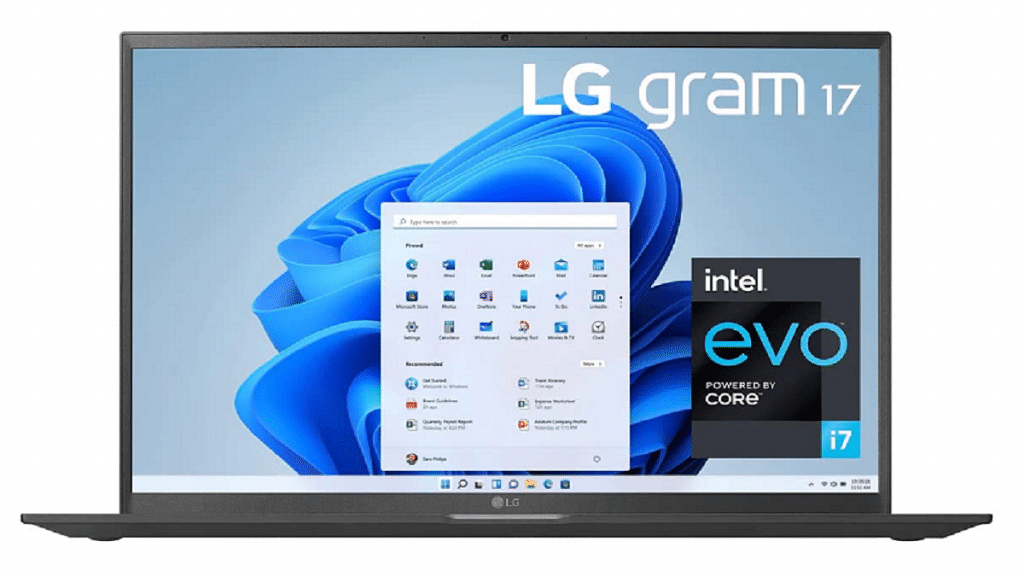
LG Gram Intel Evo 11th Gen Core i7
The LG Gram Intel Evo 11th Gen Core i7 is one of the best laptops for programming. It has a 17-inch 2K resolution display with a unique Thunderbolt port 4 that lets you have a 5K resolution display connection. The device comes with the latest 11th Gen i7 Processor. It further has 16GB DDR4 along with 512GB SSD. You can buy the LG Gram Intel Evo 11th Gen Core i7 for Rs. 93,999.
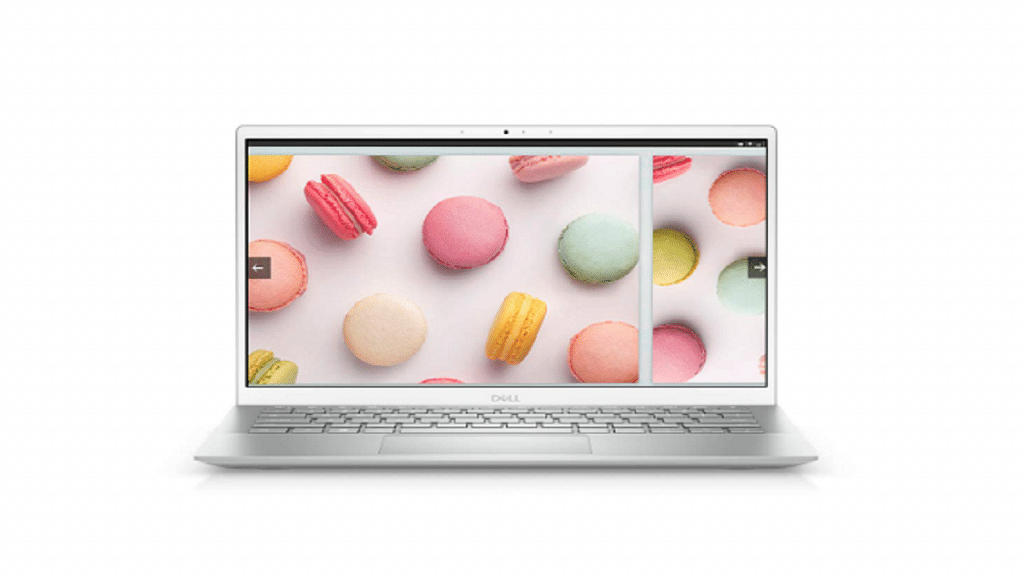
Dell Inspiron 5301 11th Gen Laptop
The Dell Inspiron 5301 11th Gen Laptop is a no-nonsense compact laptop with a 13.3-inch full HD IPS anti-glare display. The laptop comes with an 11th-generation Intel Core i5 processor. It has an SSD capacity of 512GB and 8GB RAM. The backlit keyboard, Windows 10 and MSO-enabled operating system, and lightweight nature of the laptop make it a great buy. It will cost you Rs. 69,999.
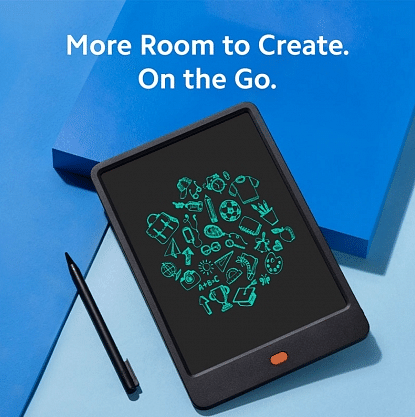
After launching smartphones in India, Xiaomi-owned Redmi has launched a writing pad in the country. The Redmi Writing Pad is priced under the affordable segment and is not a full-fledged Android tablet. The newly launched Writing Pad is an ideal choice for notes and comes with a sleek design along with a pressure-sensitive stylus.
Redmi Writing Pad: Availability And Price
Notably, the company has also listed the product on its website and is available on Mi Home Stores. The Writing Pad is expected to be available in authorized partner stores. The Pad is priced at Rs. 599; however, there is an early bird, which can be changed in the coming days. So, let’s have a look at the details of the Redmi Writing Pad.
Redmi Writing Pad: Specifications
The Redmi Writing Pad comes with an 8.5-inch screen size that is expected to allow kids to draw and sketch. In addition, the Redmi Writing Pad has Polymer Liquid Crystal Display (LCD) and will be available in Black color options.
Redmi Writing Pad
The company said that if a kid wants to clean the scribbled content, then they have to click on the button on the home screen. In addition, the Writing Pad features a Lock Switch that will access the user to the drawing experience for the kids.
In addition, the company has used button cells in the writing post that are replaceable. Besides, users can write 20,000 pages on the newly launched pad before the battery dies.
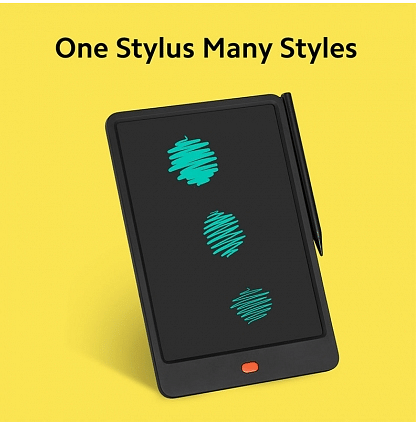
Moreover, the Writing Pad is designed for six years and has a stylus. The stylus comes with styles like writing, drawing, and sketching. Besides, the Pad can be used to create doodles, make a to- do list, and take notes.
Android ecosystem isn’t just smartphones. Google has expanded Android services to tablets and smart TVs. Multiple TV and smartphone OEMs associated with the smart TV business utilize Google Android services for operations. If you own a new-generation Android smartphone, you probably are accustomed to using Google and third-party apps. The same goes for smart TVs running on Android OS. You get the provision to download and use compatible third-party apps and games on smart TVs just as you do on Android phones.
And you don’t have to worry about any privacy-related aspects as well when with the latest smart TVs. You might have some apps or games pre-installed on Android smart TVs that you would wish to monitor when someone else is using it. Specifically, any game you wouldn’t want your kids to waste time on in your absence.
Also, any age-restricted app or streaming service that you wouldn’t want anyone to have access to at your home. This is also security from unwanted purchases made via Google Play and other paid services.
Is there any way out with which you can restrict people from using a specific app on your TV? The answer is yes and the steps aren’t much complicated either. We have listed the steps with which you can block people from using third-party or specific apps on your Android TV. Take a look:
How To Block People From Using Specific Third-party Apps On TV
Using Restricted Profile Mode
By enabling the Restricted profile mode, you can easily block people from using a bunch of apps that you have restricted. The steps to activate this profile are below:
Step 1: Power on your Android TV and from the Home screen, go to the Settings menu.
Step 2: Scroll to the Personal option.
Step 3: Tap on the Security and Restrictions menu.
Step 4: Select the Create restricted profile.
Step 5: Now, set the desired PIN to activate the restricted profile option.
Step 6: You can now select the apps that you wish to block from unauthorized access. You can add the apps that will work in the restricted mode.
Smartphone manufacturers have unveiled many phones with Dolby Atmos.
Dolby Atmos Sound improves the sound of games and music.
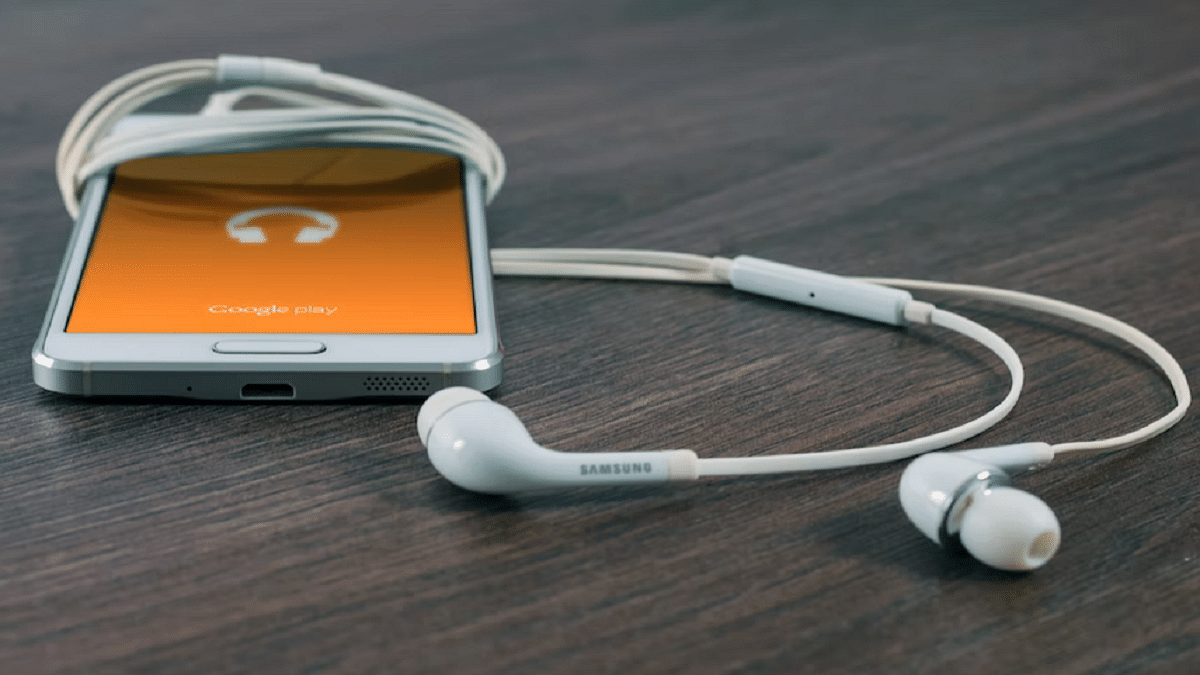
Many Android handsets have been released by smartphone manufacturers that feature Dolby Atmos audio. Your mobile phone’s speakers are enhanced with Dolby sound to create an immersive audio-visual experience. Mobile phones with Dolby Atmos make it possible to enjoy great content viewing and surround sound. In this post, we’ve chosen some of the best Android smartphones featuring Dolby Atmos audio. Let’s check them out:
Smartphones
Price (in Rs)
Xiaomi 11i 5G
23,980
Realme 9 Pro +
24,999
OPPO Reno 3 Pro
22,878
OnePlus 10 Pro 5G
59,000
Xiaomi 11i 5G
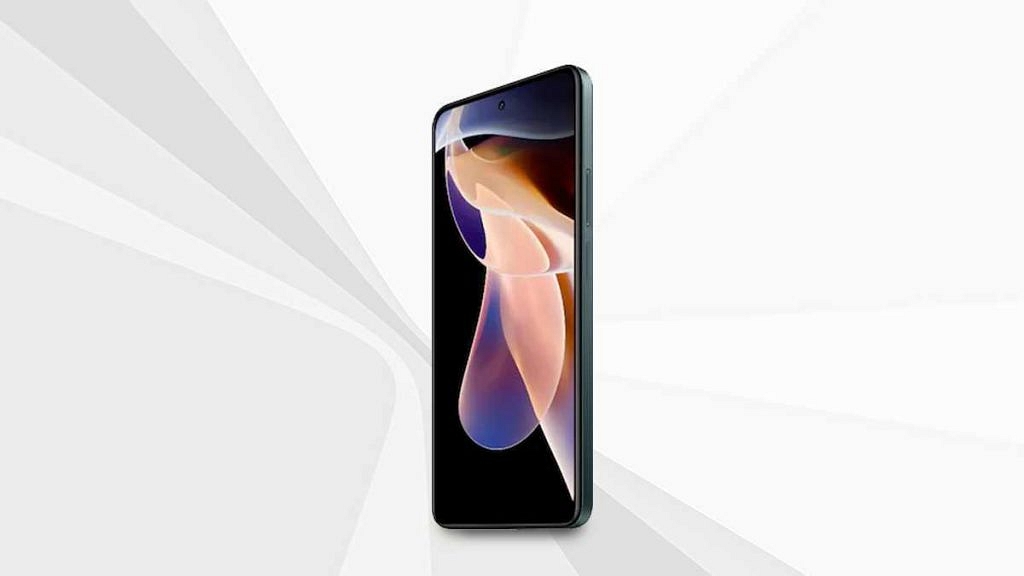
Dolby Atmos and Hi-Res Audio Certification are included with the Xiaomi 11i 5G for wired and wireless devices. It has a 120Hz refresh rate and an FHD+ AMOLED Display with Dolby Vision. The Mediatek Dimensity 920 processor powers the smartphone. Additionally, it includes 128GB of internal storage and 6GB of RAM. The Xiaomi 11i 5G is available for sale for Rs. 23,980.
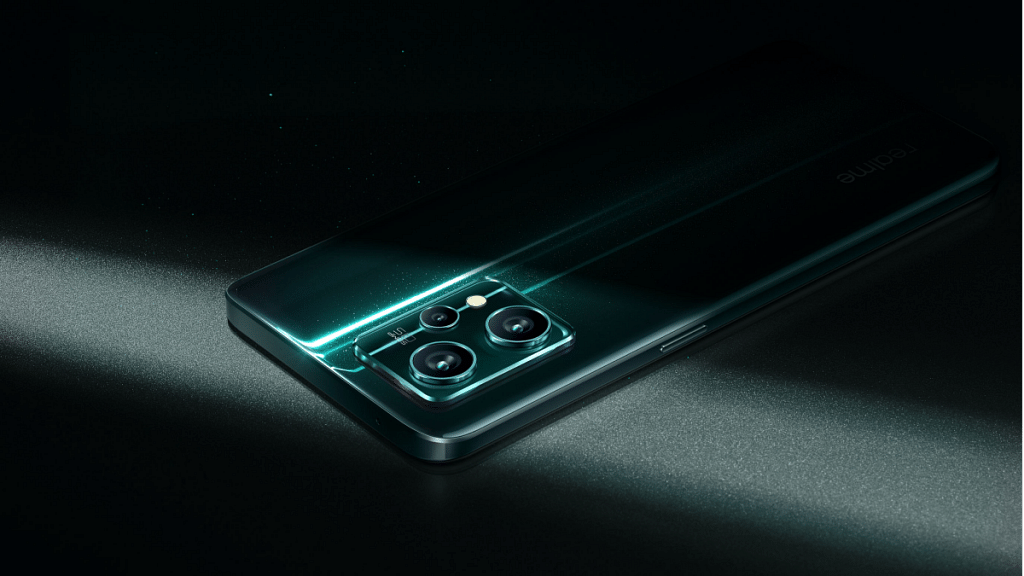
Dolby Atmos-enabled dual speakers are included in the Realme 9 Pro+. It has a Corning Gorilla Glass 5 screen protector and a 6.4-inch Super AMOLED display. The MediaTek Dimensity 920 chipset powers the gadget. The smartphone is available in storage configurations of 6GB + 128GB, 8GB + 128GB, and 8GB + 256GB. The Realme 9 Pro+ price in India starts at Rs. 24,999.
OPPO Reno3 Pro
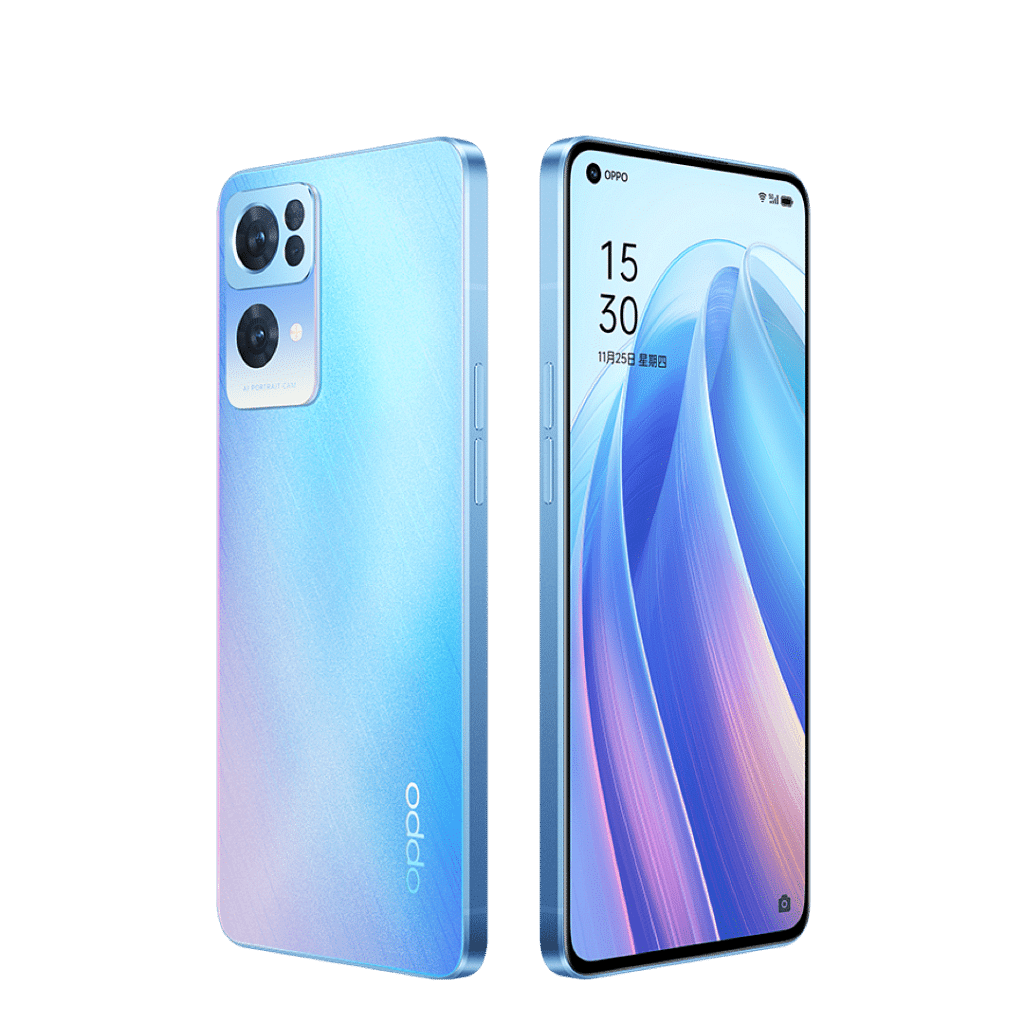
Dolby Atmos sound is supported with the OPPO Reno3 Pro. The AMOLED screen on this smartphone is 6.4-inch. It is driven by the MediaTek Helio P95 SoC. The smartphone also includes two storage options, i.e., 128GB and 256GB, and 8GB of RAM. Additionally, it runs Android 10 on top of ColourOS 7. The Oppo Reno3 Pro price in India starts from Rs. 22,898.
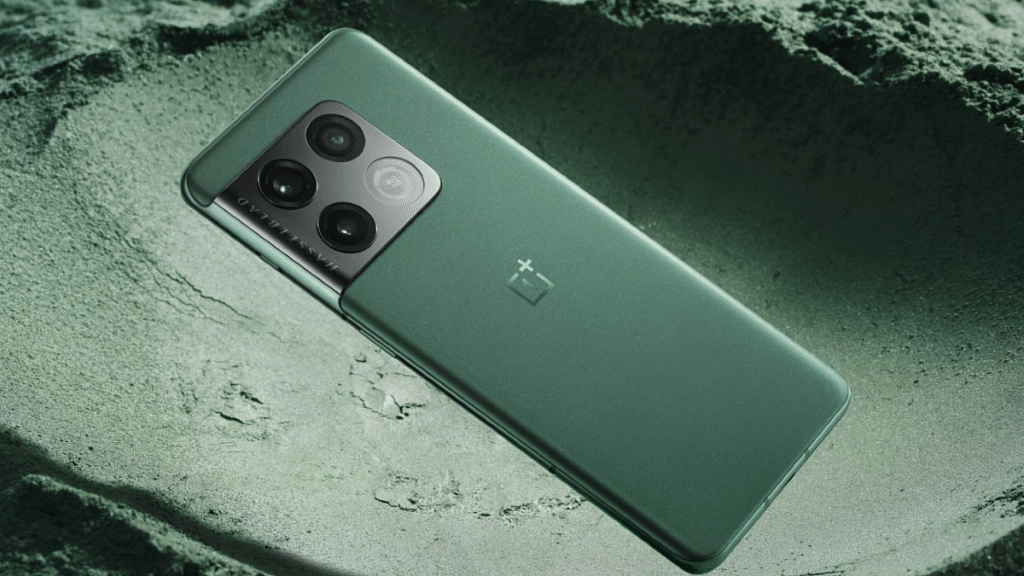
The OnePlus 10 Pro 5G is one of the most popular devices that support Dolby Atmos. It features a 6.7-inch LTPO Fluid2 AMOLED display with a 120Hz refresh rate and a resolution of 1440 x 3216 pixels. Powered by the Qualcomm SM8450 Snapdragon 8 Gen 1 (4 nm) processor, it comes with up to 12GB of RAM and 256GB of internal storage. You can purchase the OnePlus 10 Pro 5G for Rs. 59,000.
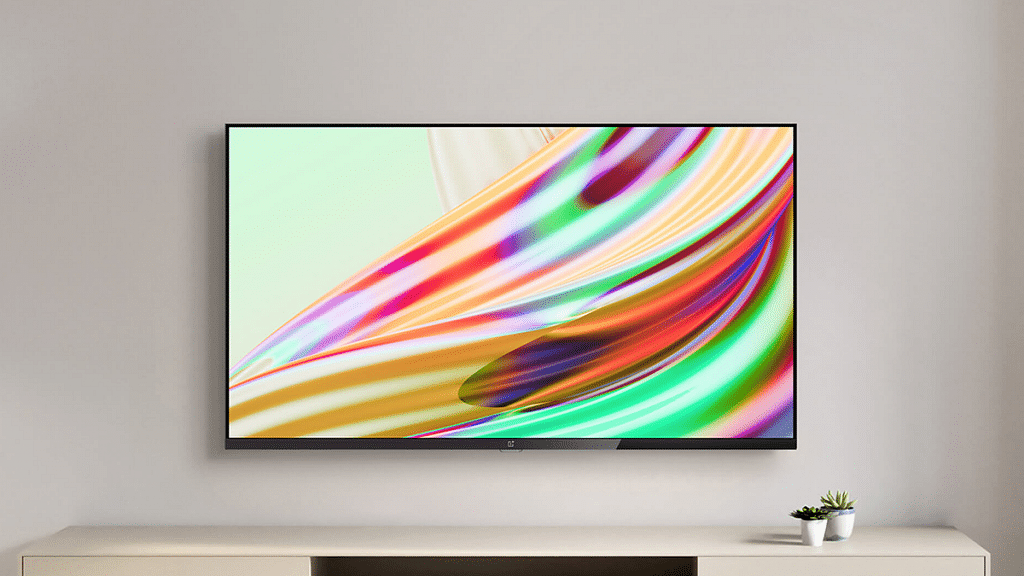
OnePlus is quite a popular brand for Android smartphones. However, the Chinese firm has gradually established itself as one of the prime players in the digital accessories and consumer goods market such as smart TVs. OnePlus has introduced multiple new smart TVs in recent years. The trend is the same with OnePlus smartphones and its other range of consumer durables. We are speaking of reasonable price tags and feature-loaded products.
The OnePlus TV Y and U series are the best examples of modern days big screens with user advanced features including wireless network controls and third-party app support. Also, OnePlus TVs are embedded with smart control options such as voice-based digital assistant support (Google Assistant, Alexa, or Siri) and screencast.
OnePlus also rolls out timely firmware updates to its smart TV lineups similar to its smartphone series for a consistently improved user experience while watching shows or even hooking up an external gaming console. As mentioned above, third-party app usage is a key feature of OnePlus TVs.
You can download and use multiple apps from Google Play Store on your OnePlus TV. And OnePlus TVs are embedded with best-in-class hardware to make sure performance with both pre-installed and third-party apps is good. Despite this, users often experience app crashes or lagging. This at times hampers the user experience with premium OnePlus smart TVs.
Since this is a common issue that OnePlus TV users have to deal with at some given point in time, it isn’t something permanent and can be resolved easily by performing some general fixes. If you are experiencing app crash or hanging issues with your OnePlus smart TV, here is what you can do.
How To Resolve Third Party App Crash Issue With OnePlus Smart TVs
You need to first check if the app crash issue on your OnePlus smart TV is with a single third-party app or multiple apps.
Step 1: If the app crash issue persists with a single app, it could likely be a compatibility issue. The app you are trying to install might not be supported by your OnePlus TV. But still, you can try clearing the caches and also re-installing the latest version of the app. If that also doesn’t work, you might have to consider using a different app.
Step 2: If all third-party apps are crashing, you need to check if there is any update for the TV is available. Download and install the latest firmware update for the OnePlus TV and reboot. Once you have updated the TV firmware, retry downloading the third-party apps.
Step 3: If none of the above steps work, the last resort would be resetting the TV. To do so, tap on the Settings menu and select More Settings.
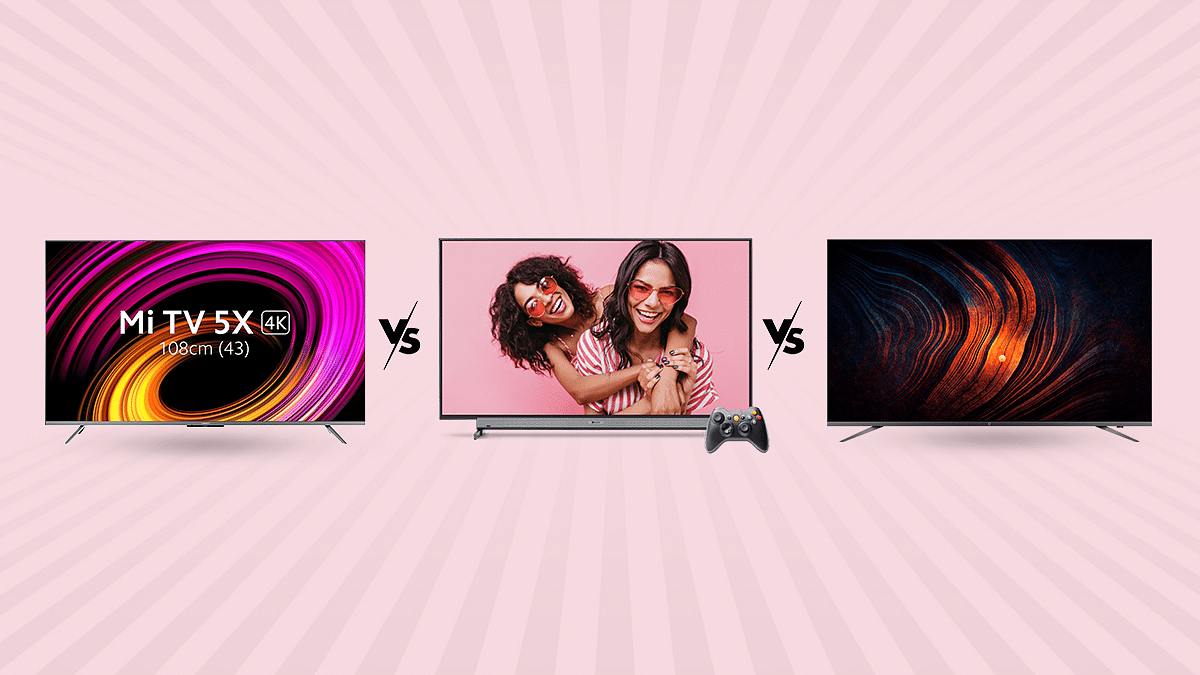
We just went on a TV testing binge to identify the top 55-inch TVs within our price range. Xiaomi’s TVs seem to be among the safest alternatives for anyone with a budget around 50,000. Particularly if you choose the cheapest model of the new Mi TV 5X, which costs only 31,999. The business has recently released the OnePlus TV U series and Y series, the latter being the most affordable and aimed at consumers looking for inexpensive smart TVs. Today, we’re examining the former. The OnePlus TV 55U1 4K LED Android TV is the only 55-inch model currently available in this series. The Motorola 55 UHD beats out lower-end TVs from higher-end brands as well as being the best in its price range for picture quality. Even though the on-paper spec list of these TV’s appears promising, we will check how everything actually works and whether any corners have been made that you should be aware of.
Design and Display
The Xiaomi TV 5X has a 55-inch Ultra-HD (3840×2160-pixel) LED-backlit screen with support for Dolby Vision and HDR10+ high dynamic range codecs. A 10-bit color depth with a 94% DCI-P3 color gamut is supported by this 55-inch IPS LCD screen, which also sports Vivid Picture Engine 2. The HDR standards Dolby Vision, HDR10, and HDR10+ are all supported, and it has a 4K resolution. A screen-to-body ratio of 96.6 percent is achieved by the thin bezels. Additionally, the TV has 178° of viewing angles.
The Motorola 55 UHD is equipped with 4K, 3840 x 2160 pixels and a refresh rate of 60Hz. The smart TV features 400 nits along with 178 degree viewing experience. Whether the screen is on or off, the bezels effortlessly blend into the 4K panel, creating an aesthetically pleasing effect.
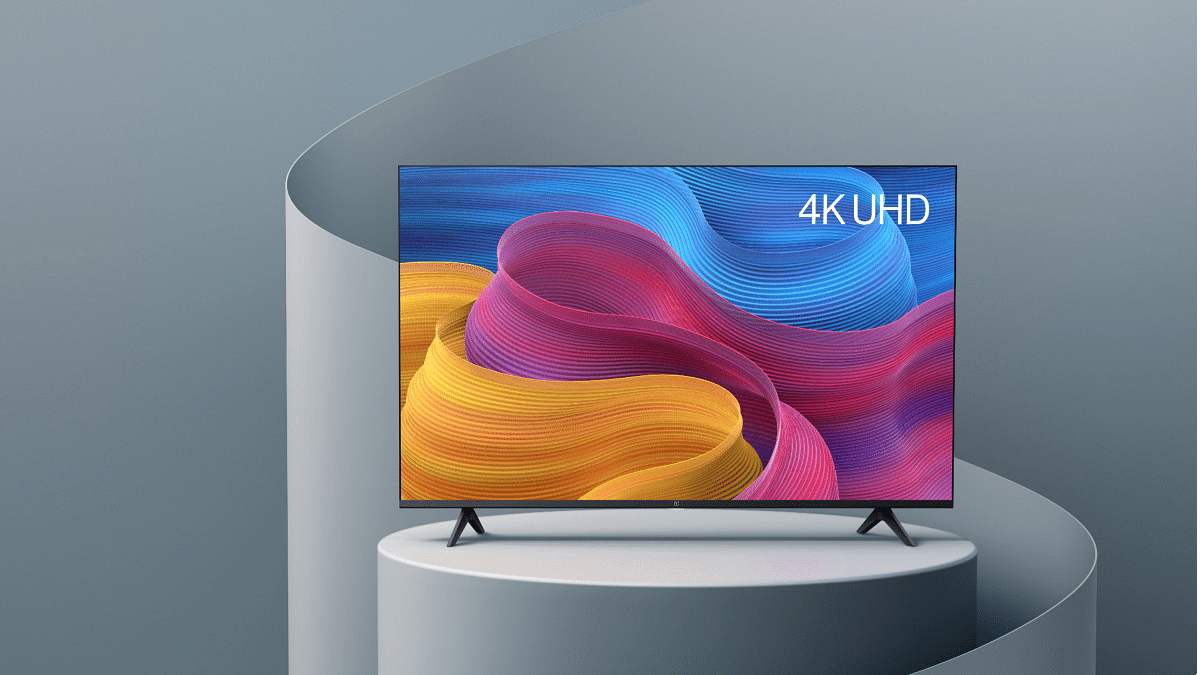
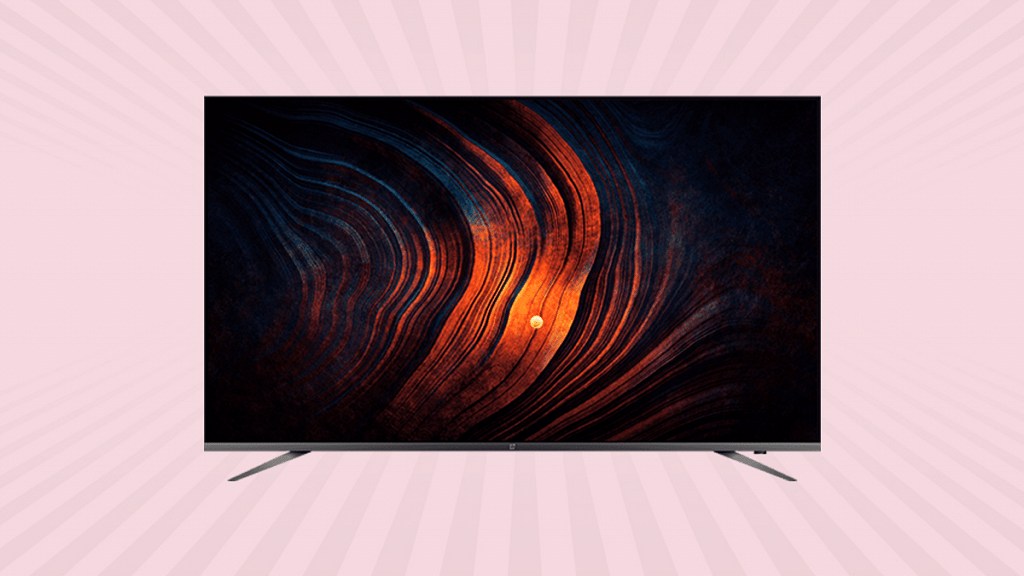
The 55-inch screen on the OnePlus TV U1 model is quite large and most clearly intended for a large hallway rather than your bedroom. The 55-inch 4K UHD LED display and a bevy of other features on the OnePlus TV U1 combine to produce a fantastic viewing experience. Dolby Vision and HDR10+ are supported by the display. Additionally, it boasts capabilities including the MEMC technology, Gamma Engine, and a 93 percent DCI-P3 color gamut. There is also an Eye Protection setting that colors the display a cozier color to calm the eyes.
OS and Features
The Xiaomi TV 5X comes with a quad-core A55 CPU, a Mali G52 MP22 GPU, 2GB of RAM, and 16GB of storage are what power everything else. As an alternate launcher, Xiaomi has included Android TV version 10 with its own Patchwall UI. The latter can be made the default home screen.
The Motorola 55 UHD runs on Android and is powered by a CA53 quad-core Mali 450 processor. This Motorola 55 UHD TV has 2.25 GB RAM and 16 GB internal storage. With this Android Smart TV, you may play practically all of your favorite programmes in addition to having a nice browsing experience. The Google Playstore is accessible on the TV, and the Google Assistant responds quickly to your voice instructions. The casting on this TV is flawless. You may connect your gaming pad, keyboard, mouse, and headphones to it via Bluetooth.
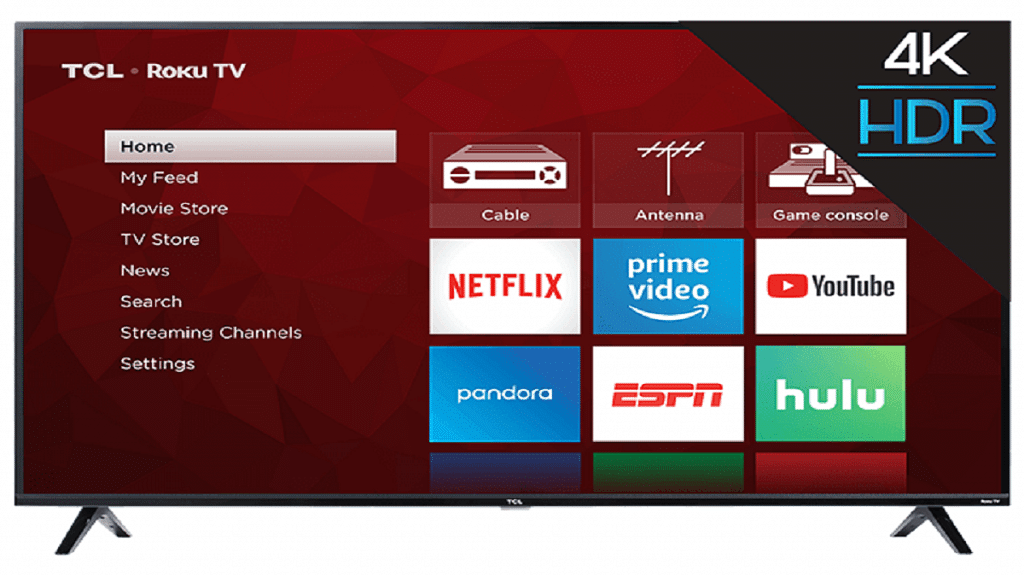
The OnePlus TV U1 uses an extremely thin OnePlus skin on top of Android TV 9.0. A quad-core MediaTek CPU, 3GB of RAM, and 16GB of internal storage power the TV. Many popular apps are preloaded, including Netflix, Prime Video, Hotstar, YouTube, Zee5, Google Play Movies, Eros Now, and Hungama Play. To access the Play Store, where you can download more OTT services and other third-party apps, you must login in using your Google account.
GizNext’s Expert Opinion
The smart TV industry in India is now booming. There are many excellent options to think about. And unlike in the past, buying a good smart TV doesn’t even need breaking the bank. Xiaomi performs its strengths. This entails providing a competing good at a reasonable cost. With better specs and features, this new 4K Mi TV from its 2021 collection seems and feels updated. This is a good option if you’re seeking for a new 4K smart TV for under Rs. 50,000. Xiaomi has a stronger brand cache and a wide network of customer service representatives than its rivals. One of those smart televisions that blurs the boundary between expensive and affordable is the OnePlus TV U1. The U1’s ability to accomplish this across the board is a plus. The U1 excels in all the important areas and then some, regardless of the design and construction components, specifications, or experience. When it come to The Motorola 55 UHD, this model is an affordable TV with faultless picture quality, acoustics, viewing angles, and Android compatibility.