Key Highlights
- Ghibli Studio art is the latest viral trend on social media
- Is legendary Japanese animation studio art introduced by ChatGPT
- Available for ChatGPT+ and ChatGPT teams users for free
- Third party apps and tools can be used to create Ghibli Style Studio art
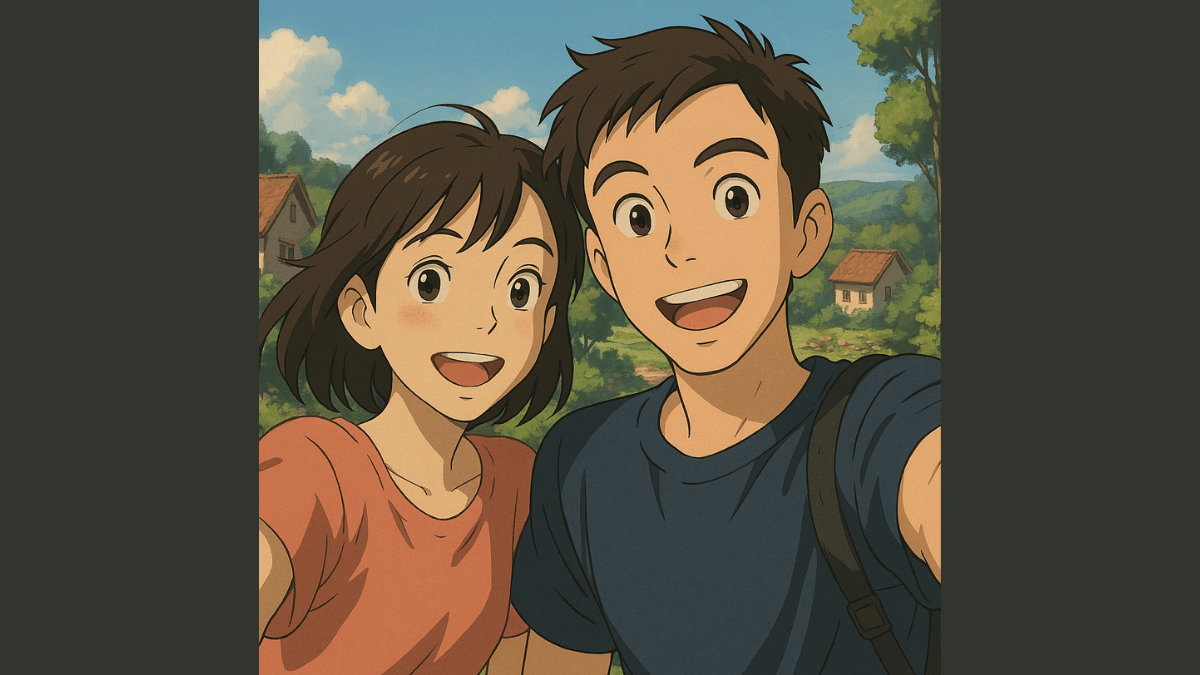
We bet, your social media feed must have been flooded with animated images and posts from your friends and contacts. Called, Ghibli Art, it’s the latest sensation on the internet. OpenAI introduced this feature where users can generate the legendary Japanese animation studio-style images of their photos. Studio Ghibli is grabbing all the attention by providing hand-drawn-like visuals and whimsical storytelling of an image. But why has this art form suddenly gone viral online and do you really need ChatGPT to create your own Ghibli studio style art? In this article, we are helping you explore the easiest way with which you can create Ghibli arty style image for free without buying ChatGPT+ or ChatGPT Teams subscriptions.
Also Read: How To Download Google Meet On Laptop
Why Is Ghibli Art Trending on Social Media?

Ghibli Art has recently gained a massive popularity amongst users on almost every social media platform including Instagram and X (formerly Twitter). The reason this studio art has become popular all of a sudden is the fun way it transforms images to animations. Besides making the images more aesthetically pleasing this feature further brings back nostalgia which is why the sudden rise in its trend
- AI Art Generators Takes The Credit: OpenAI made this feature more popular by integrating it into ChatGPT. Users with paid subscription of ChatGPT can access this feature for free. Besides, other AI image generator tools that can create Ghibli-style images have helped with its popularity.
- Nostalgia & Aesthetic Appeal: It’s the classic, hand-painted -like re-construction of the scenes which is making masses resonate deeply with childhood memories. The nostalgic appeals is the added bonus for its trend.
- Social Media Trens: All of the major social media platforms like Twitter, Instagram, and TikTok are known for pushing the latest trends. The same has been the case with Ghibli Studio art which instantly became the viral trend.
How Can You Create Ghibli Art For Free Using X (Twitter)?
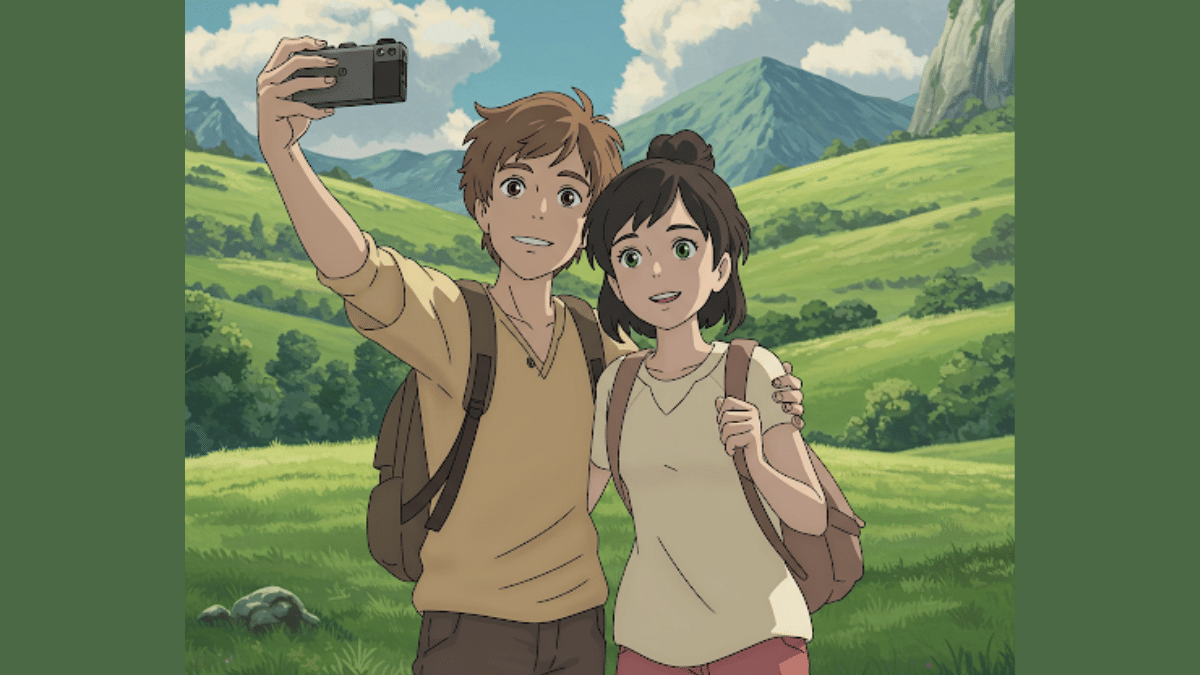
You can easily transform your pictures into stylish Ghibli Style Studio art. You don’t need the paid subscriptions for ChatGPT. Using X (formerly Twitter), you can create Ghibli Style images for free. Read the steps below:
Step 1: Launch X mobile app on
Step 2: From the bottom of the app’s homepage, click on Grok
Step 3: Do note that Grok 3 active model is selected for further process
Step 4: Use the attachment icon (paperclip icon) and upload the image that you want to transform to Studio Ghibli style art.
Step 5: Now, type the command, “Show this image in Ghibli Studio Style Art”.
Step 6: Press enter
Step 7: Wait for the image generation. Once generated, save to to your device gallery or post it on your feed.
Step 8: You can also give further commands to make any adjustments or modifications to the image, background, or overall scenario setting.