


Key Highlights
- Platform ticket is required for station visits
- Digital platform ticket booking process avoids long queues hassles
- Dedicated mobile app available to book platform tickets online
Digitisation saw its peak in the country in the recent times. From paperless documentations to dedicated mobile apps for all kinds of services, India’s digital revolution has been massive. Indian Railways has also on-boarded this move making travel easier and more comfortable for the masses. Booking railways tickets and meals enroute can be done within a few minutes if you have a smartphone with an active internet connection. The same goes for platform ticket which is required when you go to see of or receive your loved ones at the station. While booking a train ticket is something you all might be aware of, but what about the procedure to purchase platform tickets online and avoid heavy penalties from the TTE avoiding long queues at the same time? Well, we have brought you the step-by-step guide to book a platform ticket online.
Also Read: Instagram Tips And Tricks: How To Share Music/ Songs As DMs With Friends On Instagram
How To Book Indian Railways Platform Ticket Online On Android And iOS
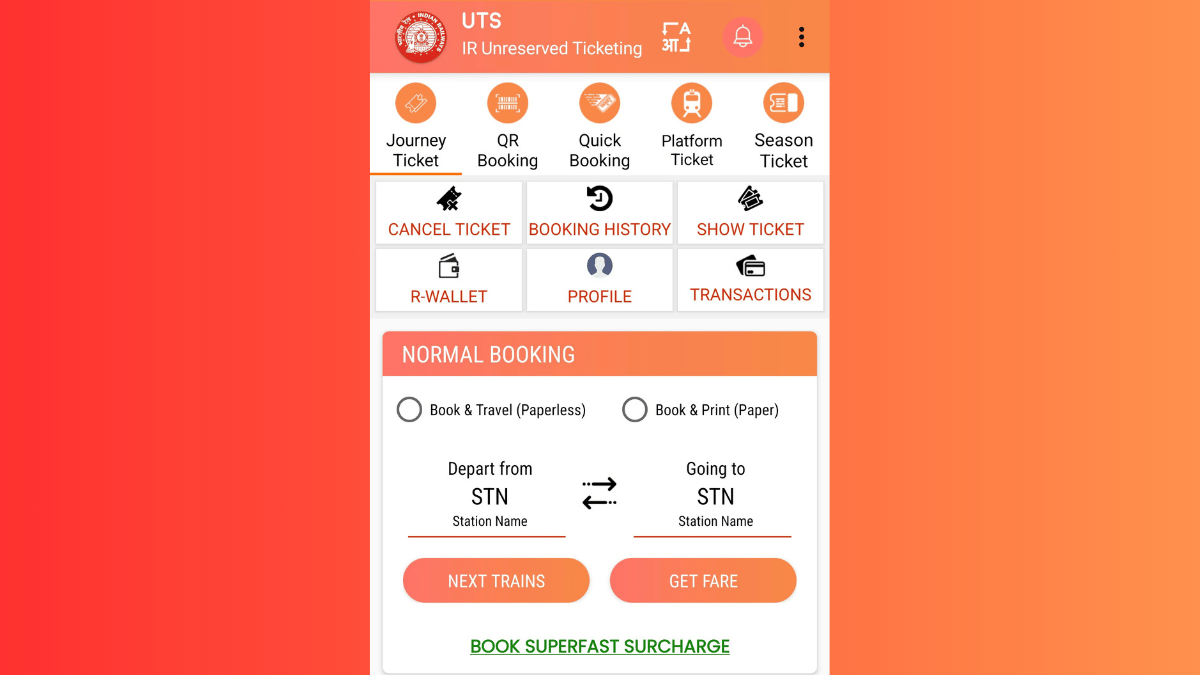
In order to book a platform ticket for your next railway station visit, you’ll need the dedicated mobile app called UTS. The Unreserved Ticketing System (UTS) can be downloaded on both Android and iOS devices via the Play Store and App Store respectively. Introduced by the government of India, the UTS mobile app integrates of host of features for convenient ticket bookings. For the unreserved travellers, this app offers the option to book platform tickets, journey tickets, season tickets, and more. Read the detailed steps to book a platform ticket using the UTS mobile app on your Android or iOS smartphone:
Step 1. Download the UTS Mobile App (Works On Both Android and iOS)
- Search UTS app on Android Play Store and iOS App Store.
- Download and install the app.
- Allow all necessary permissions.
Step 2. Register (New Users) Or Log In (Old Users)
- Launch the UTS mobile app after the installation
- Tap on ‘Register’ if you are using the app for the first time
- Enter the credentials including your mobile number.
- If you already have an account, log in using your credentials.
Step 3. Navigate To Platform Ticket Section
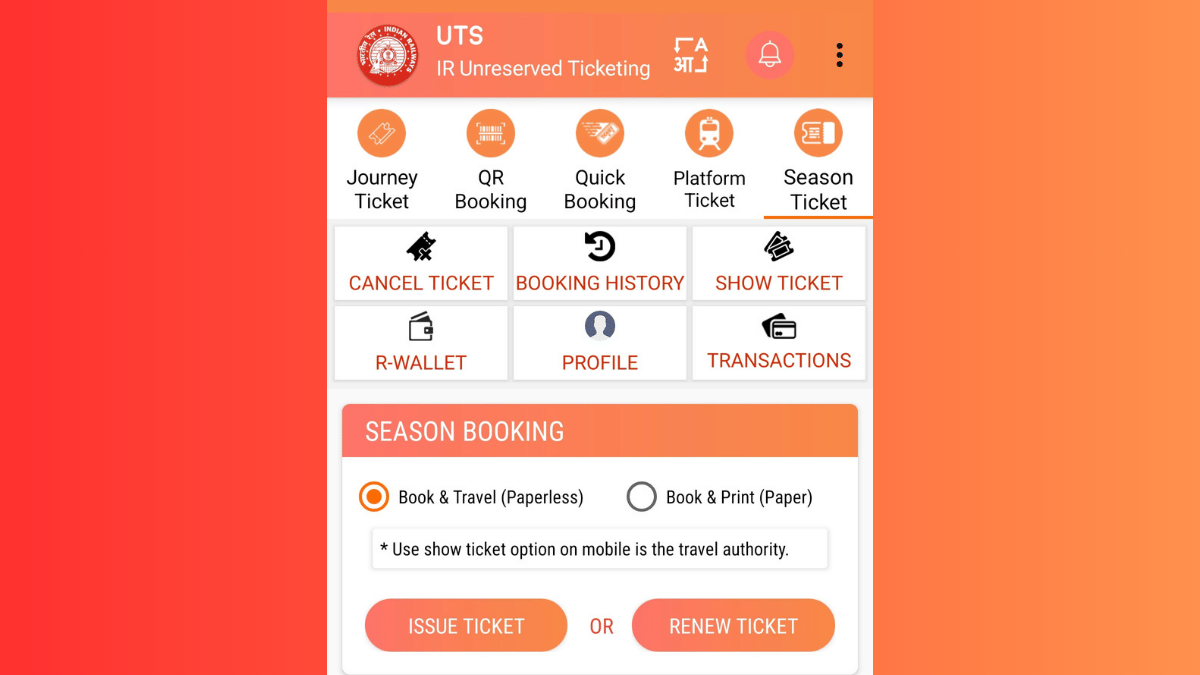
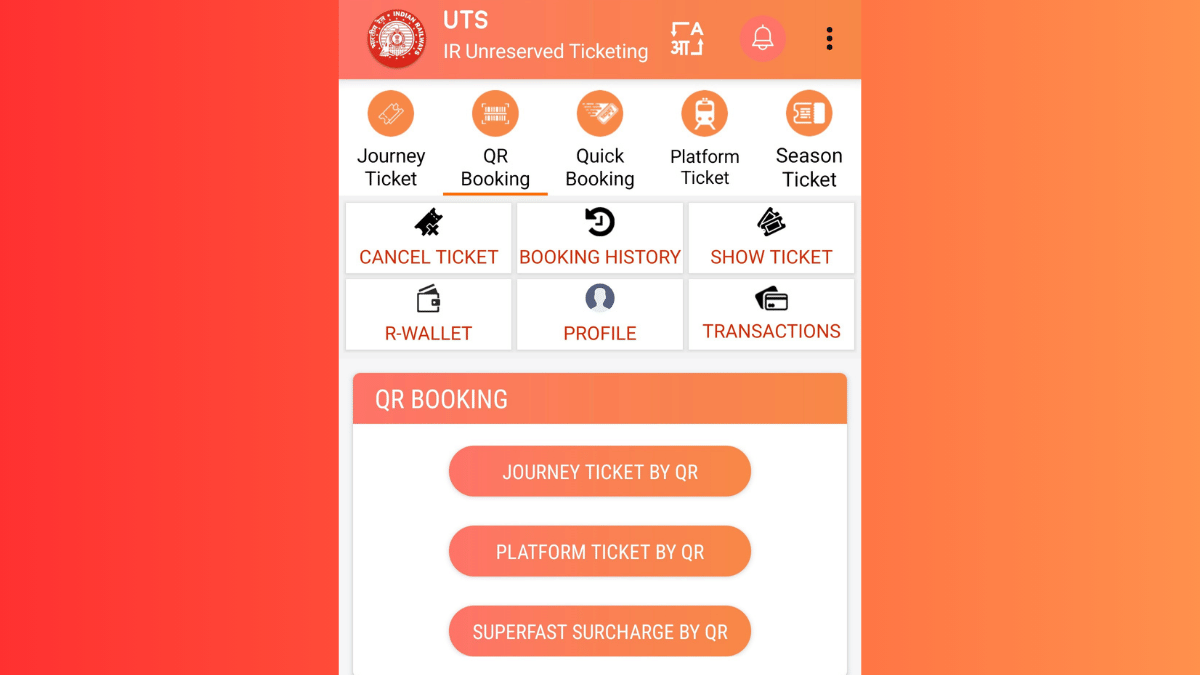
- Once you are logged in, you’ll see the Platform ticket on the top. Tap on it.
- You’ll see two Booking type options ‘Book & Travel (Paperless) and (Book & Print (Paper). Select the former for digital platform ticket booking.
- Enter the railway station code or select the railway station from the available list whose platform ticket you require.
Step 4. Complete Payment
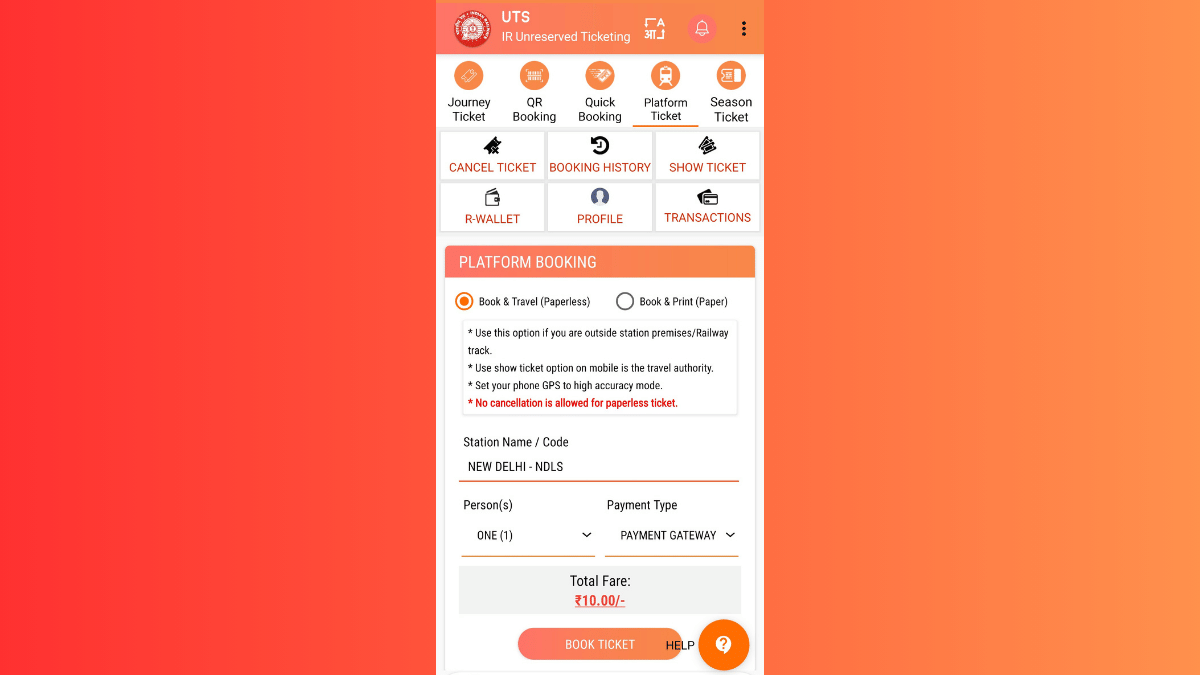
- You can choose your preferred payment method. Options include UPI, Debit/Credit Card Net Banking, or Digital Wallet (RWALLET)
- Make the payment and complete the transaction process
- Ticket booking will be done once the payment is complete
Step 5. Download Platform Ticket For Quick Access
- Go back to the app’s homepage
- Navigate to the ‘My Bookings’ section.
- Download or take a screenshot of the platform ticket.
How to Show Online Platform Ticket to a TTE
- If a TTE asks you to show your platform ticket, simply launch the UTS app on your smartphone
- Open ‘My Bookings. option’
- Show the digital platform ticket on your smartphone.

