How often have you tried to free up storage on your iPhone or PC, only to find that you’ve filled it up again within a week? It seems we’re all constantly battling to overcome the limitations of built-in storage in our mobile devices in today’s digital age. The truth is, there’s seemingly no way out—we’re perpetually adding more documents, photos, videos, and other files to our devices, always searching for ways to manage these growing digital libraries.
Typically, there are three solutions to this problem: you can purchase devices with the largest available storage capacity, though this often comes at a prohibitive cost; you can pay for cloud storage services like iCloud or Google One; or you can continue to invest in external hard drives, which are themselves expensive and cumbersome.
However, there’s a lesser-known yet highly effective alternative: Network Attached Storage, or NAS. These centralized storage hubs not only store all your digital data but also make it accessible from anywhere in the world, just like cloud servers. You can have your own NAS right at your workstation, configured to store all your pictures, videos, documents, and more, with minimal fuss.
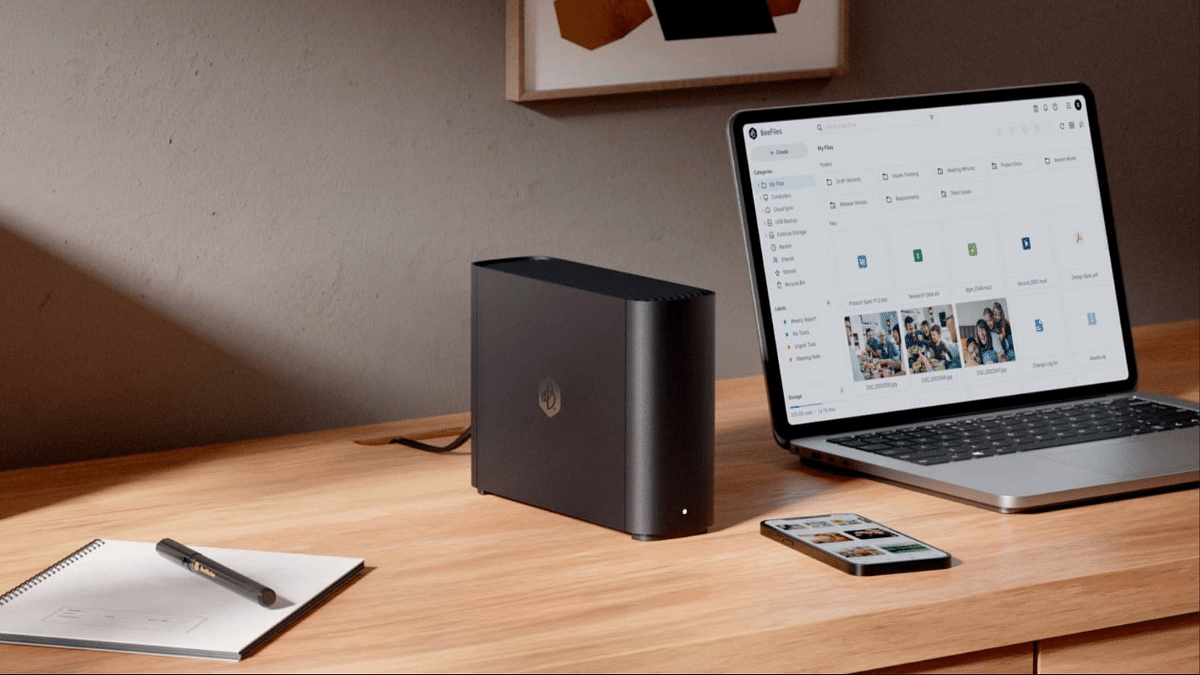
Synology’s latest offering, the BeeStation 4TB is one of the ideal solution addressing data storage needs. The compact and silent entry-level NAS can replace your Dropbox and Google Photos subscriptions by letting you remotely access pictures, videos, and other files from any smart device with an active internet connection. Let’s take a closer look.
For the tech geeks, stay updated with the latest cutting-edge gadgets in the market, exclusive tech updates, gadget reviews, and more right on your phone’s screen. Join Giznext’s WhatsApp channel and receive the industry-first tech update.
Also Read: Realme 14 Pro Plus Review: Redefining Midrange Smartphone Luxury?
Simple Setup Procedure
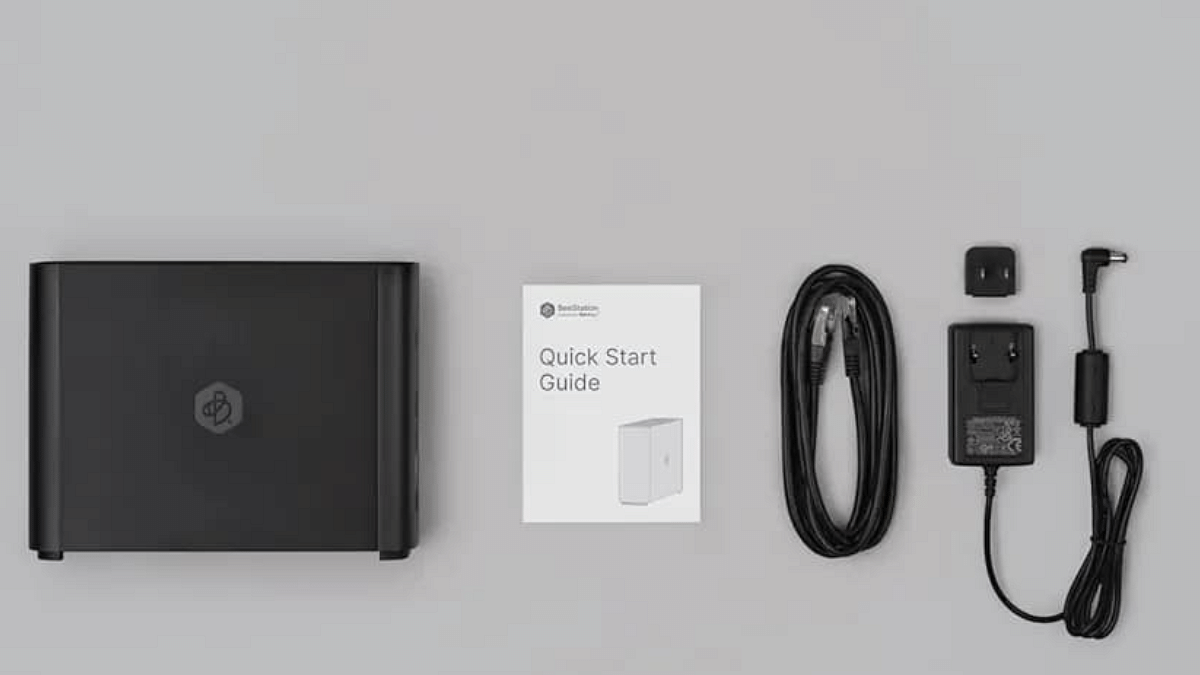
Setting up the Synology BeeStation 4TB is remarkably straightforward. Though you can find the configuration steps in the bundled Quick Start Guide or on Synology’s website, the below steps will quickly help you get going with the file backup process.
- Plug in the cables and power on the BeeStation.
- Wait for the LED on the front to turn solid orange. If it blinks white, the device is in hibernation but still ready for setup.
- Press and hold the power button until you hear a beep or see a confirmation on the screen, then release. This step verifies you as the owner.
- Ensure your BeeStation is connected to your Wi-Fi router through an Ethernet cable.
- Sign in using your Google Account or Apple ID, which lets you manage the NAS without extra passwords. You can also log in to your Synology account on the portal.bee.synology.com website.
- The device might update its software automatically during setup. If it starts updating, wait about 15 minutes for it to finish.
Once the updates finish, the NAS will be ready for file uploads. You will be prompted to import pictures/videos from an external drive, Google Drive or iCloud, and that’s about it. You need to download the BeeFiles and BeePhotos apps from your phone’s app store using the QR code provided, to manage your files and photos.
The apps are available for both iOS and Android, and there’s a web version if you want to upload files directly from your PC. You can also enable the automatic backup option for folders to keep the things in motion.
Also Read: OnePlus TV Sound Issue: How To Fix No Audio Issue With OnePlus Smart TV Speakers
Mini PC Form-Factor
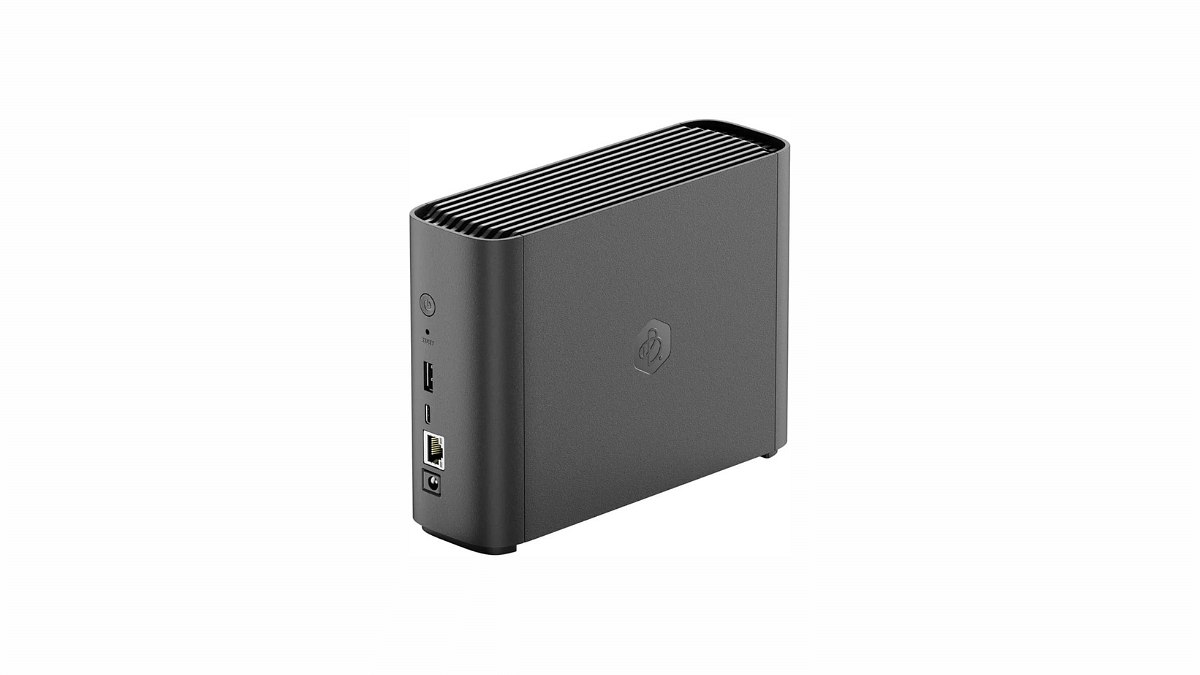
The BeeStation looks like a mini PC, carrying inside a 3.5-inch 4TB HDD that connects with your router via an Ethernet cable and stores all your files. It’s compact and sleek design fits well within both home and small office environments. The build quality is robust, giving the device a sturdy feel that promises durability. And since it’s not a full-fled NAS device, it runs silently and power consumption is rather very minimal.
Performance and Features
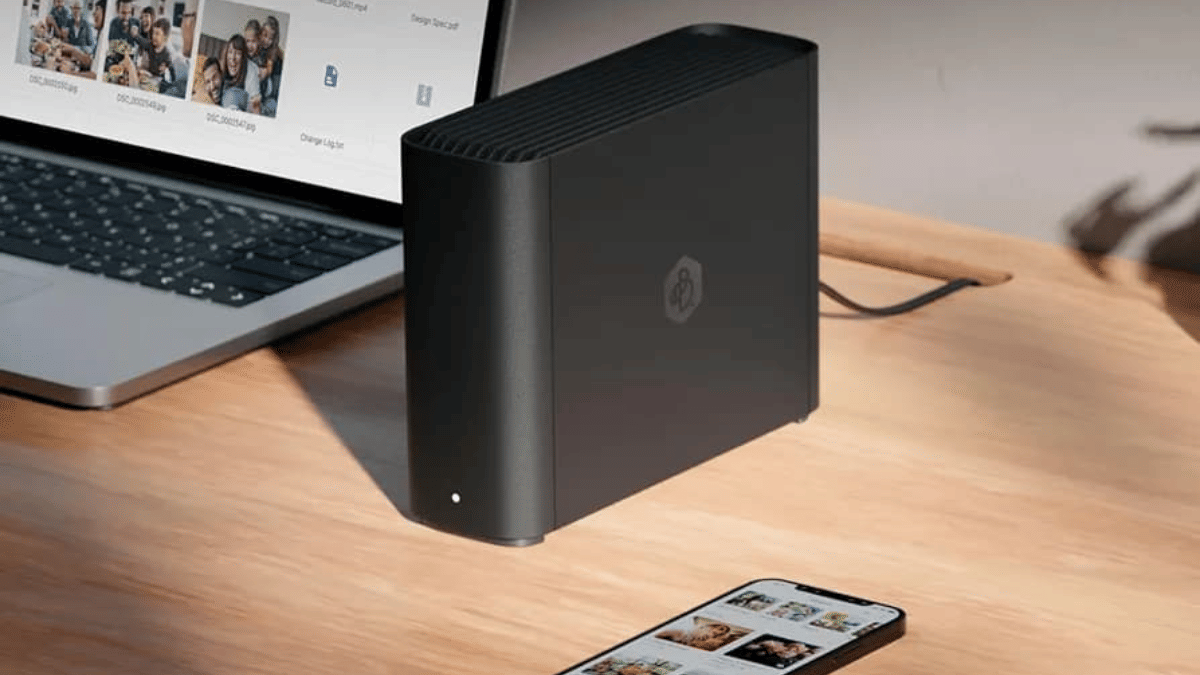
For its price, the BeeStation 4TB is equipped with a fairly capable processor and sufficient RAM to handle file backup, retrieving and management tasks. Its 4TB capacity, expandable through additional drives, provides ample space for backing up pictures, videos and other data files. The best part about the BeeStation is its remote backing and access capabilities.
You can retrieve and manage data from anywhere in the world across multiple devices and operating system with just an internet connection. This is particularly useful for those who travel frequently or need to access work files from multiple locations. Additionally, the integration with cloud services like Google Drive and iCloud simplifies data management across platforms, providing a seamless user experience.
Also Read: Oppo Find X8 Pro Smartphone Review
Software, Apps and Security
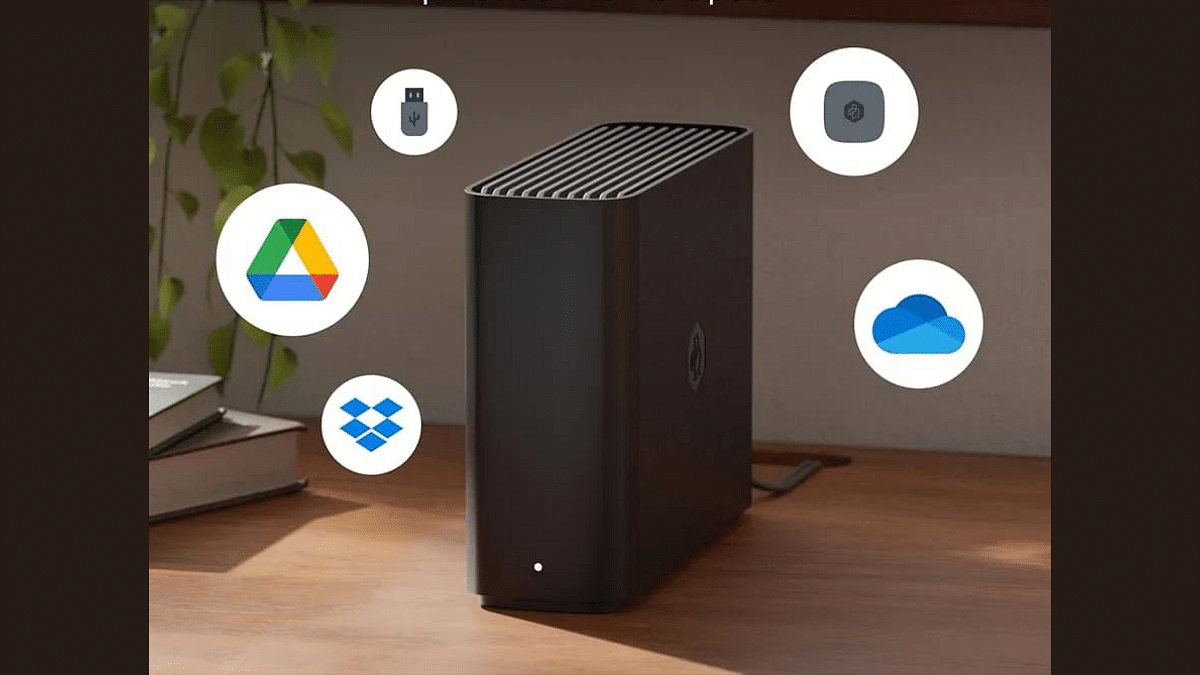
Software has always been Synology’s strength. For BeeStation, Synology offers two apps- BeeFiles and BeePhotos, which are very intuitive and offer features comparable to popular cloud services, but with the privacy and security benefits of localized storage. The ability to label and categorize files easily, alongside efficient search functions, makes data retrieval straightforward.
The NAS supports end-to-end encryption, ensuring that data remains secure from unauthorized access. Although this level of security is impressive, it requires users to manage their encryption keys carefully—as losing them can render the data inaccessible.
Potential Drawbacks
Despite its many strengths, the BeeStation 4TB is not without its challenges. Since this is an entry-level NAS designed specifically for users who are just starting with the centralized storage ecosystem, the limited features can be disappointing. Synology’s extensive app support- DSM platform and its customization is missing. The storage system only comes in a single-bay 4TB configuration and the processing speed can feel limiting during demanding tasks.
Overall, the Synology BeeStation 4TB is primarily suitable to individuals looking to replace their monthly daya storage subscriptions with a physical storage device that can be accessed remotely. The benefits of having a personal, centralized, and secure data hub make it a worthwhile investment for those who value privacy and data accessibility.