Key Highlights
- Use the right camera settings to capture vibrant, colorful Holi photos
- Try modes like HDR, Burst, and Portrait for better results
- Clean your lens and adjust brightness for clear, sharp shots
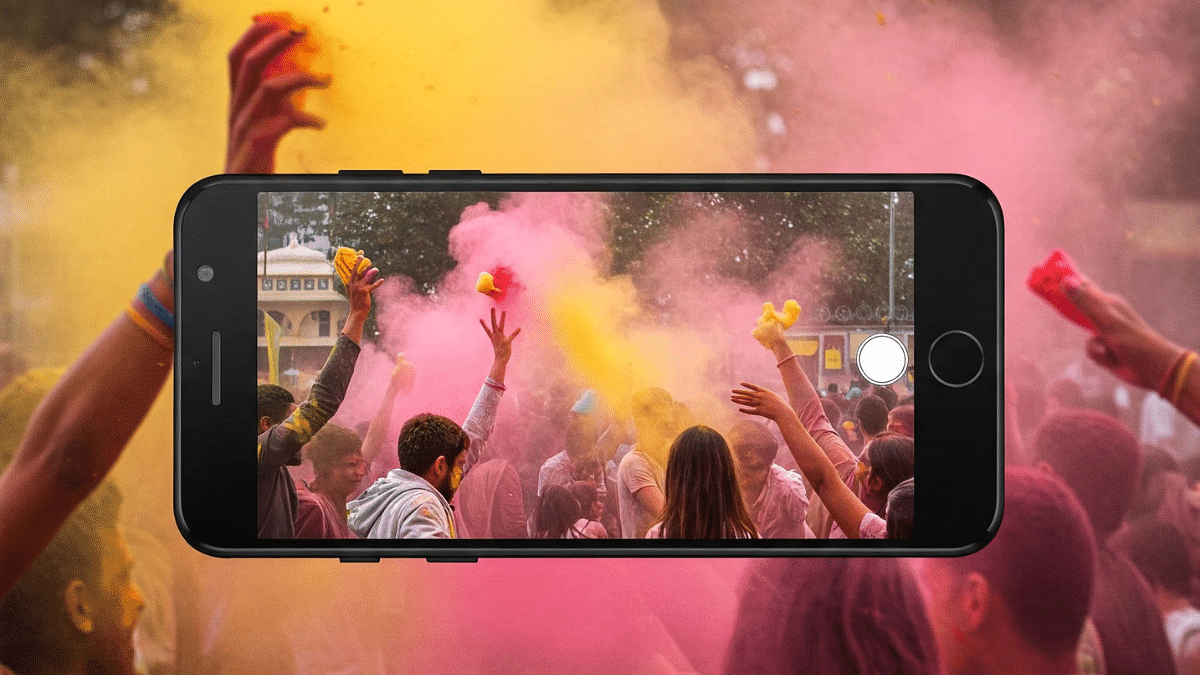
Holi is the festival of colors, joy, and fun moments with friends and family. Whether you are capturing playful gulal splashes or candid smiles, your smartphone camera can do wonders. Only if you know how to use the right settings. Yes, you don’t need a fancy DSLR. Just a few tweaks in your phone’s camera settings can help you click bright and vibrant Holi photos. Let’s explore five simple settings that can make your Holi pictures stand out.
Also Read | Celebrate Holi 2025 The Smart Way: Four Fun Tech Ideas To Try This Year
1. Use HDR Mode For Better Contrast
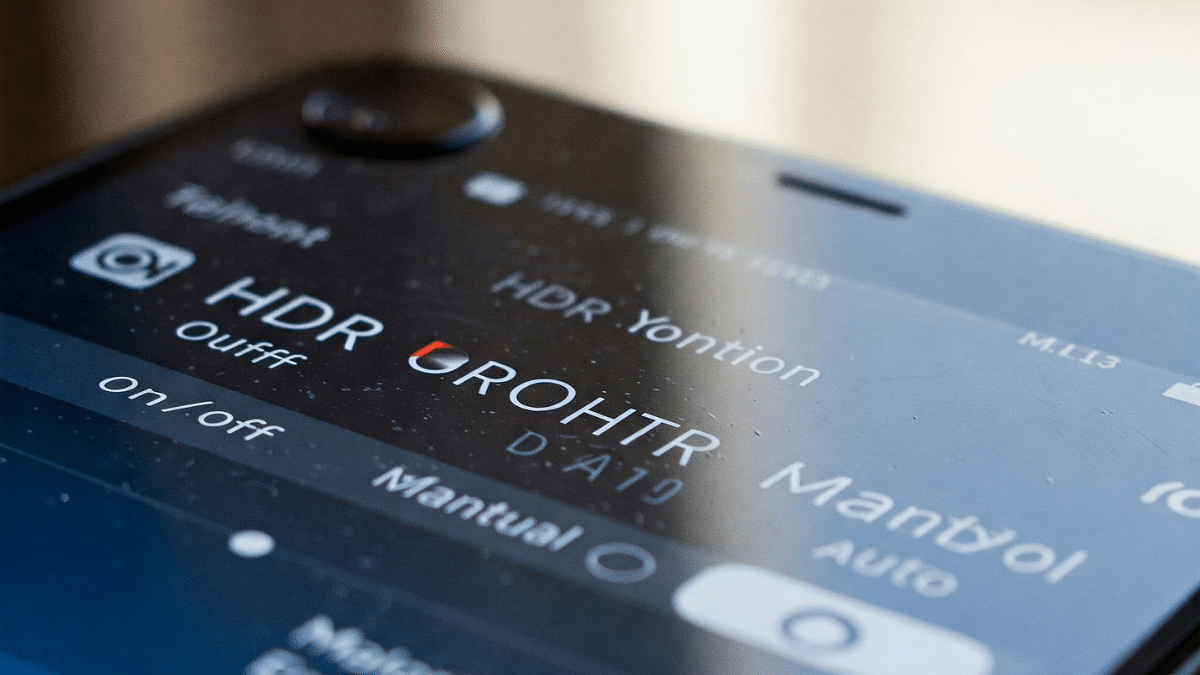
HDR helps balance the brightness and shadows in your photos. During Holi, there are a lot of colors, sunlight, and movement. Turning on HDR mode captures all details clearly, whether it is the bright colors or faces in shadow. It adds depth and richness to your pictures.
2. Increase Saturation Or Use Vivid Mode
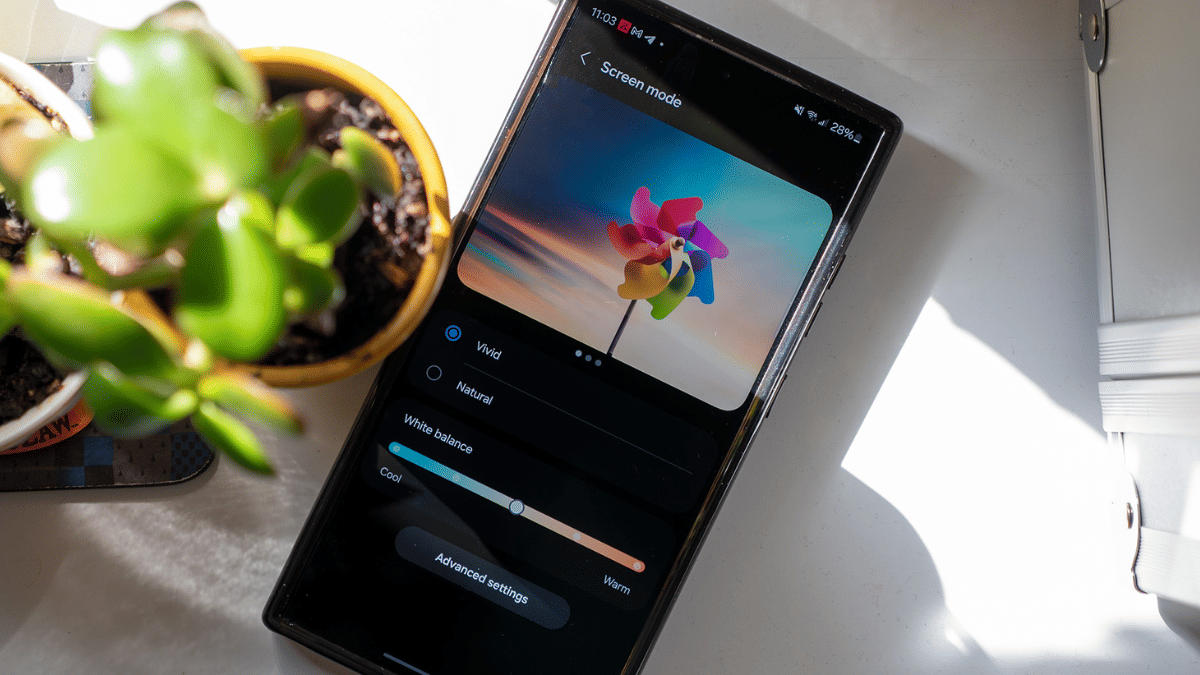
Many phones have a ‘Vivid’ or ‘AI Color’ mode in their camera settings. This setting boosts the color tones, making your photos look brighter and more eye-catching. If your phone allows manual adjustment, increase the saturation a little, this will make the pinks, yellows, blues, and greens pop on screen.
3. Turn On Burst Mode For Action Shots
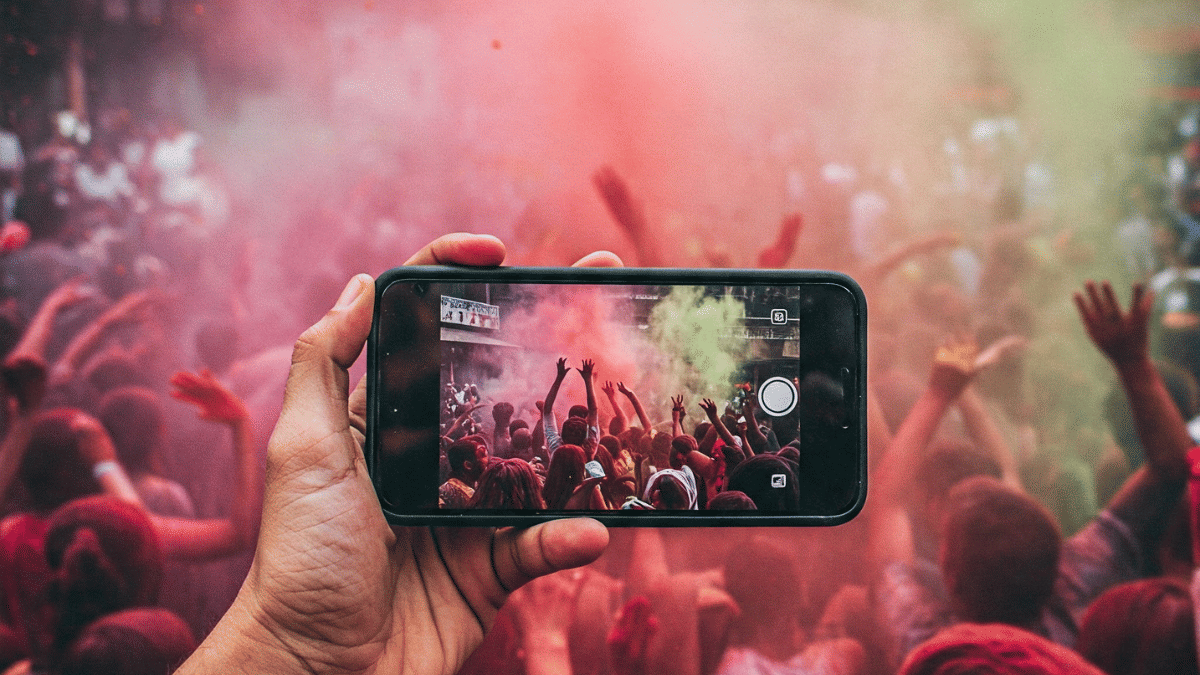
Holi is full of fast movement, throwing colors, dancing, and water splashes. To capture the perfect moment, use burst mode. Just press and hold the shutter button, and your phone will take multiple photos quickly. Later, you can pick the best one from the series.
4. Enable Portrait Mode For Stunning Background Blur
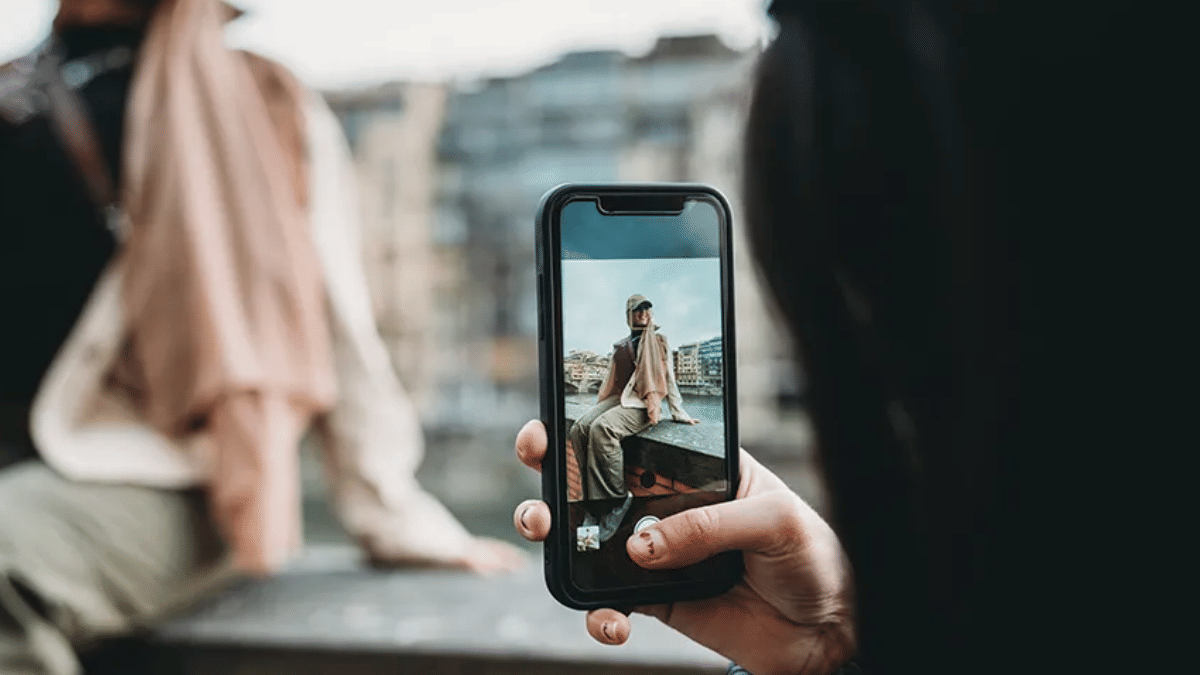
Want to highlight a person while keeping the colorful background soft? Use portrait mode. This creates a beautiful blur (also called bokeh effect) behind the subject. It will make the person stand out while still showing off the festive vibes.
Also Read | Capture Every Splash: Top Waterproof Smartphones For Holi 2025
5. Adjust Exposure For Bright Yet Clear Shots
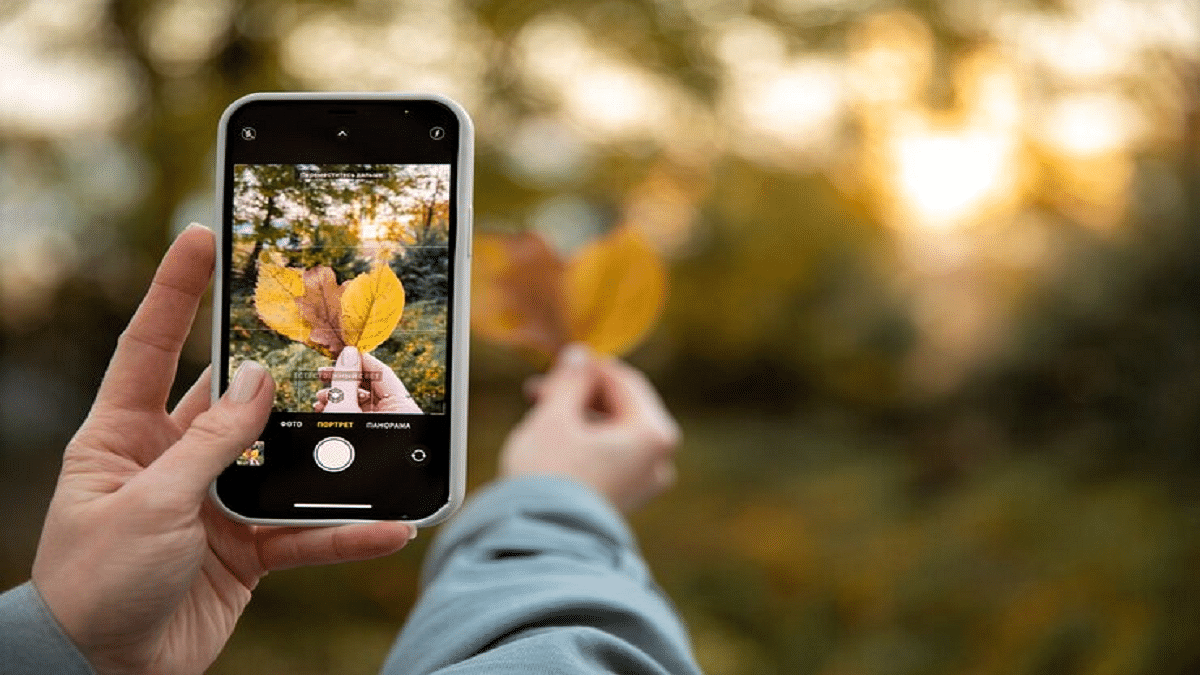
Sometimes Holi photos get too bright or too dark. You can manually control exposure by tapping on the screen and sliding the brightness level up or down. Keep it slightly lower than normal. This prevents color blowout and helps keep details sharp and vivid.
So, try these simple settings and click colorful, joyful Holi memories that truly shine. Also, don’t forget to clean your camera lens before shooting. Color powder or water can blur the lens and spoil your perfect click. Happy Holi and happy clicking.
For the tech geeks, stay updated with the latest cutting-edge gadgets in the market, exclusive tech updates, gadget reviews, and more right on your phone’s screen. Join Giznext’s WhatsApp channel and receive the industry-first tech updates.