


Key Highlights
- UPI apps have simplified digital money transactions
- International payments now allowed via UPI apps
- Steps listed below to activate international UPI
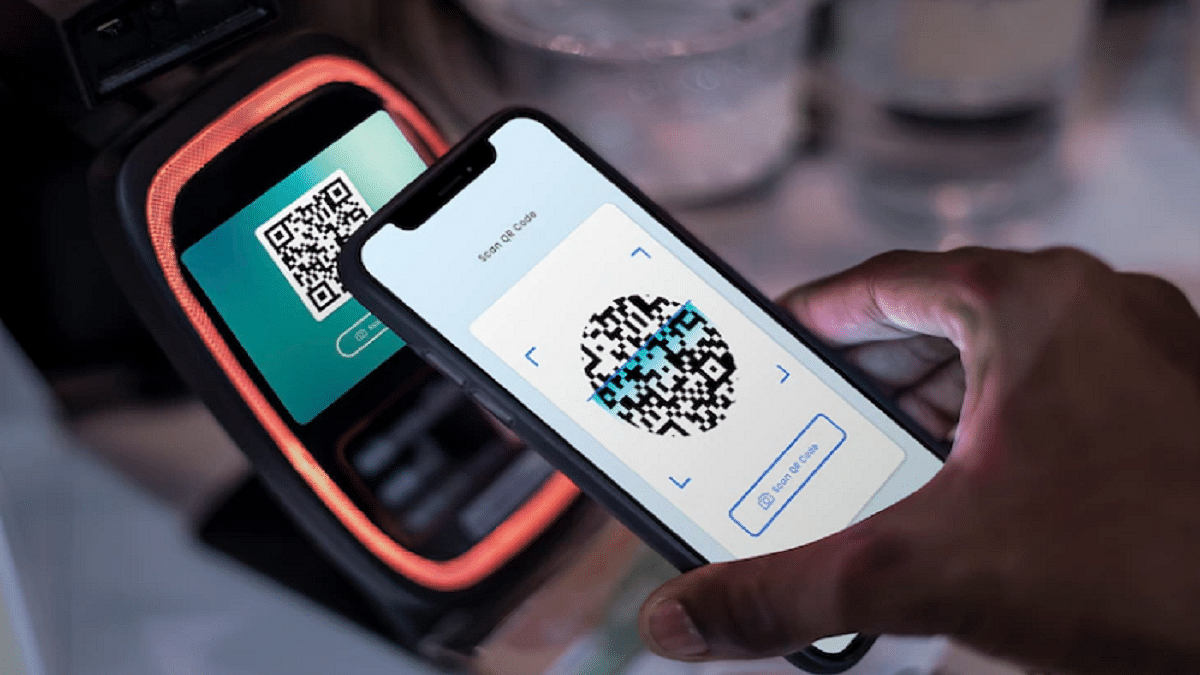
UPI (Unified Payments Interface) has been the game changer for the Indian citizens. The digital money transaction platform have simplified making/ receiving payments with bank linked phone number and dedicated apps. UPI services have been active in India for long now with frequent improvements enhancing the payment interface and overall security with digital money transactions. It’s even possible now to use popular UPI apps such as Google Pay and PhonePe overseas for payments. So, if you are travelling abroad and have to make some emergency payments, international UPI comes to your rescue. But how do you activate it? Well, in this guide we have shared the steps with which you can easily activate international UPI on Google Pay and PhonePe.
For the tech geeks, stay updated with the latest cutting-edge gadgets in the market, exclusive tech updates, gadget reviews, and more right on your phone’s screen. Join Giznext’s WhatsApp channel and receive the industry-first tech updates.
Also Read: Instagram Account Hacked? Immediate Steps To Take If Instagram Account Is Compromised
How To Activate International UPI On PhonePe

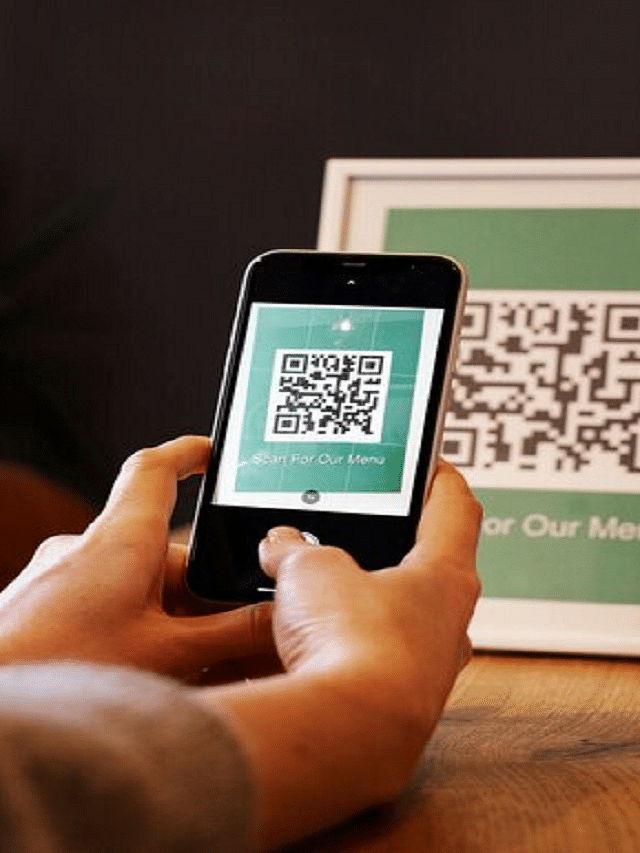
Step 1: Open PhonePe mobile app
Step 2: Tap on your profile icon placed on the top of the app’s homepage
Step 3: Scroll down and find the ‘Manage Payments’ option. Click it.
Step 4: Now, navigate to the ‘International’ option and tap on it.
Step 5: Select the ‘UPI International’ option. Currently, it is available for over 6 countries.
Step 6: Tap on the ‘Activate’ button in front of the bank account that you wish to activate for international payments.
How To Activate International UPI In Google Pay
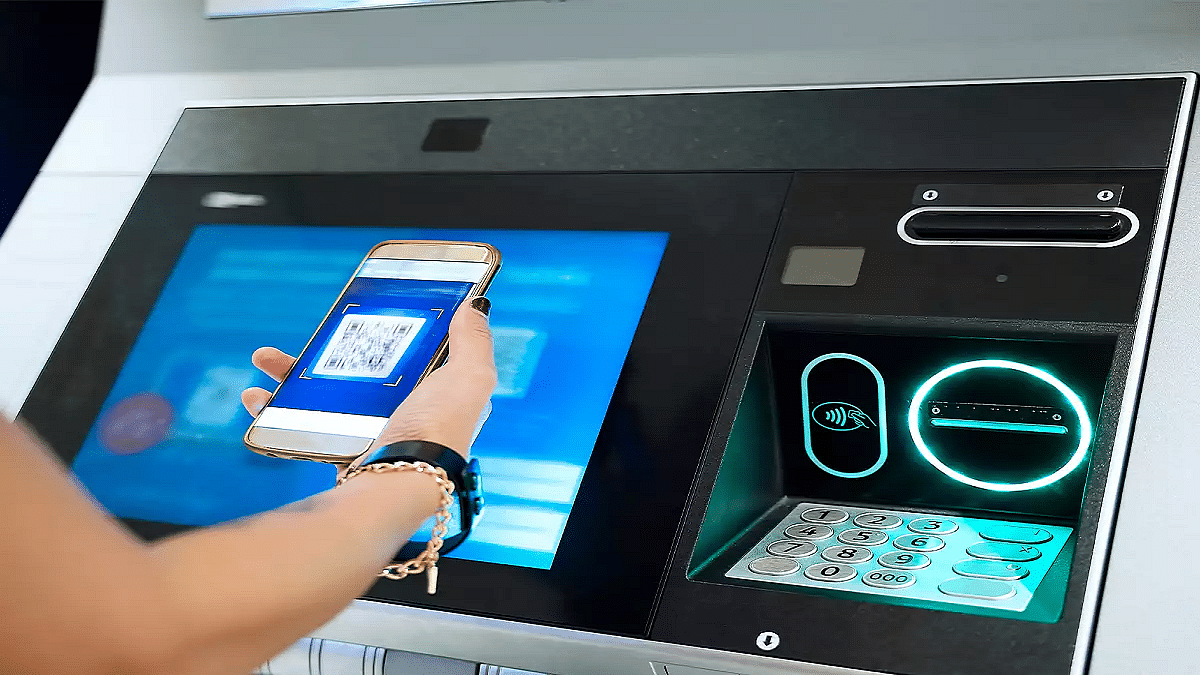
Step 1: Open Google Pay app on your smartphones
Step 2: Tap on the QR code scanner
Step 3: Scan the QR code of the international merchant
Step 4: You’ll get an option to enable international UPI. Activate it.
Step 5: Enter the amount you want to make as a payment. You will be shown the currency conversion rate as per the current date.
Step 6: Simply complete the payment by entering your UPI pin.

