


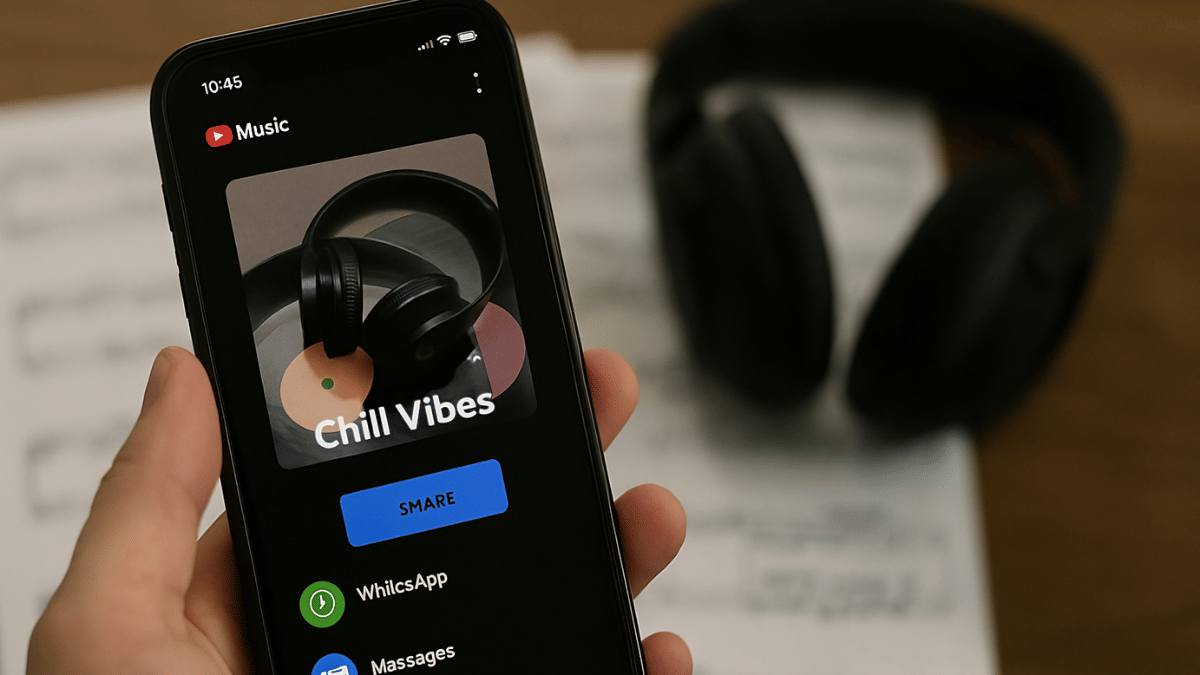
Key Highlights
- YouTube music is widely used online music player app
- Allows saving public playlists
- Playlists can be shared with others via WhatsApp and emails
YouTube has become more than just a standard streaming platform. Over the years, it has evolved as a hub for entertainment and a steady source of income for the masses as well as professionals. For all melomaniacs, YouTube Music is the dedicated space to groove into your favorite music track. With one of the biggest music libraries, YT Music is essentially rising to the top spot competing against the likes of Spotify and Apple Music. We bet, if you are a frequent YT Music user, you would have created your personal library containing all your favorite hits. What better it could be sharing your music with your friends and family. Here in this article, we guide you with the steps to share your favourite YT Music playlist via WhatsApp and email with your loved ones.
For the tech geeks, stay updated with the latest cutting-edge gadgets in the market, exclusive tech updates, gadget reviews, and more right on your phone’s screen. Join Giznext’s WhatsApp channel and receive the industry-first tech updates.
Also Read: Windows PC Getting Unresponsive? Here’s How To Emergency Restart Windows Laptops/ PCs
How To Share YT Music Playlist Via WhatsApp, Emails (For Android And iOS )

Step 1: Launch the YouTube Music app
Step 2: You can also launch the YouTube Music website on a web browser on your Android device (Chrome, Opera, etc)
Step 3: Go to the Library option (at the bottom right)
Step 4: Tap on the three dots (menu) in front of the play list that you want to share. Or press and hold the playlist that you want to share.
Step 5: Click on Share option
Step 6: Select WhatsApp, Facebook, or X (previously twitter) to share the playlist. You can also share it via Bluetooth, SMS, Instagram DM, Gmail, etc.
Step 7: You can also copy the playlist link and share as per convenience.

