As the Assistant Editor, Sandeep is generating tech-oriented content and also monitoring the content published on the website. He has over six years of experience in tech journalism and has expertise in product reviews, news articles, listicles, and media campaigns.
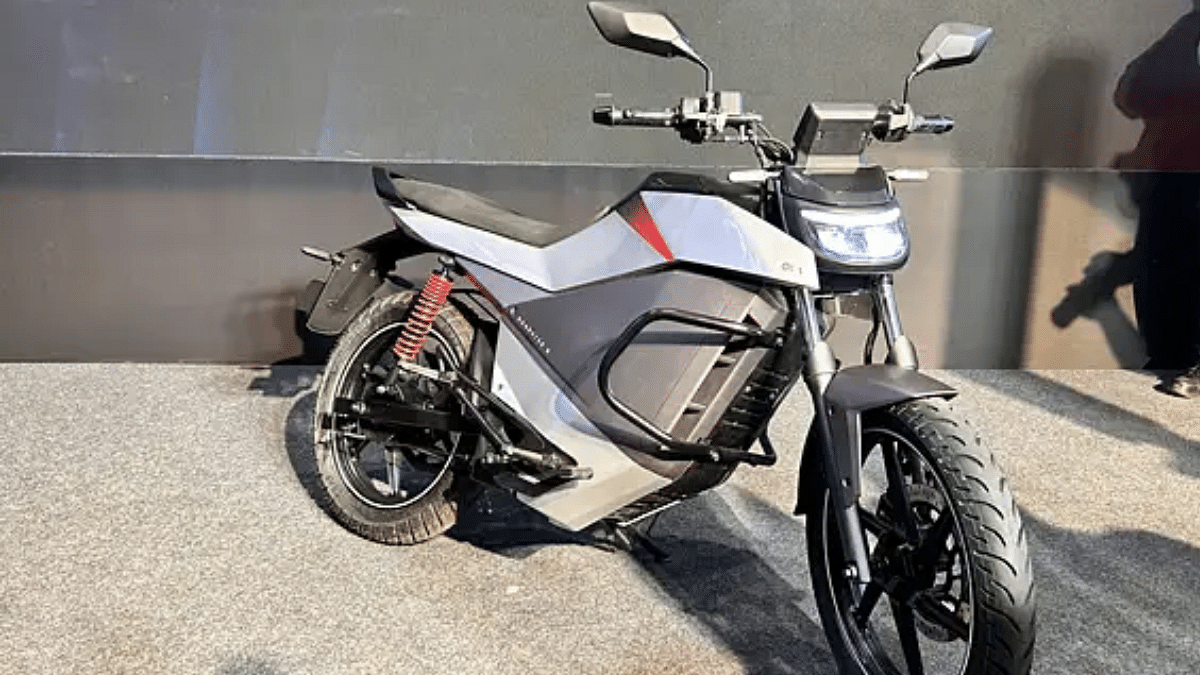
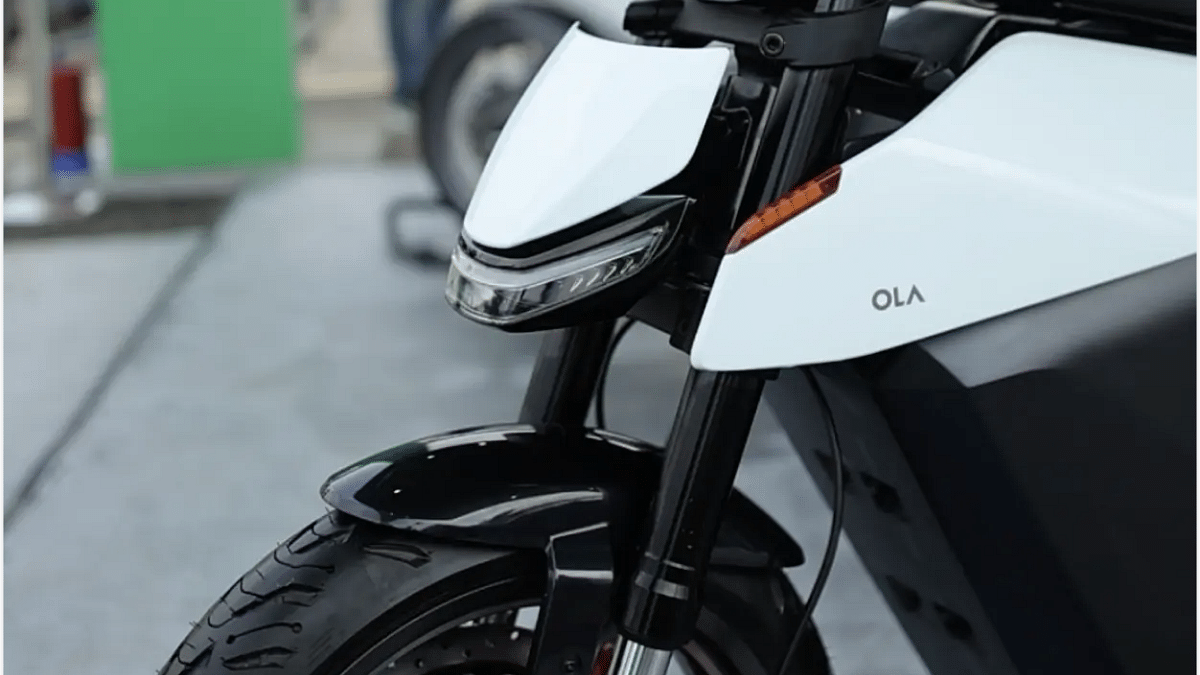
Ola Roadster X electric motorcycle launched in February 2025
Previous delivery timeline was mid-March 2025
Deliveries now getting delayed
Multiple issues with mechanics and powertrain cited the reason
Ola Electric might be facing fresh troubles. However, this time it’s not something related to the consumer complaints. Instead, the E2W startup is going through a hiccup which eventually might lead to delayed deliveries of the Roadster X electric motorcycle. Here’s why:
For the tech geeks, stay updated with the latest cutting-edge gadgets in the market, exclusive tech updates, gadget reviews, and more right on your phone’s screen. Join Giznext’s WhatsApp channel and receive the industry-first tech updates.
Why Ola Roadster X Electric Motorcycle’s Deliveries Are Getting Delayed?
Ola Roadster X electric motorcycle made its debut last month in India and its deliveries were to commence starting this month itself (mid-March 2025). But now the company is said to push the deliveries for a later date due to issue with its powertrain.
As per the reports, Ola Electric has come across multiple issues with the Roadster X electric motorcycle. The primary issues have been noticed with the powertrain. Affected parts are said to be the battery pack, thermal management and battery management system (BMS). Even the Roadster X’s electric motor is said to be showing troubles which adds the the delayed deliveries.
This essentially means the company could face difficulties getting the Roadster X homologated. This is considering the homologation is a lengthy process that can range somewhere between three to siz months. Unless the Roadster X gets homologation, it wouldn’t be completely road ready as per the standards. The Roadster X will have to clear all the road safety tests in order to clear homologation.
So What’s The New Timeline For Roadster X Deliveries In India?
There is no confirmed status for the same. As mentioned above, there are a series of tests that the Roadster X needs to clear ranging from acceleration, top speed, battery, electrical system safety, structure stability, braking, etc.
Both ChatGPT and Microsoft Copilot are generative AI tools
Both can be used to complete different set of computational and creative tasks
Paid and free versions available
Artificial Intelligence has been a game changer in the modern era. This advanced tech has transformed our professional as well as personal lifestyle by allowing us to interact and make the most out of today’s technologies. One of such revolutionary products have been Open AI’s ChatGPT. It’s an AI chatbot with which you can do conversations and get responses for different queries. Another contender in this space is the Microsoft’s Copilot which is competing against ChatGPT as an AI assistant tool. Both ChatGPT and Microsoft Copilot leverages advanced AI models to help users with different complex tasks. With the AI adaption witnessing a peak across industries, which one you believe should be your bet? This quick comparison will help you decide:
For the tech geeks, stay updated with the latest cutting-edge gadgets in the market, exclusive tech updates, gadget reviews, and more right on your phone’s screen. Join Giznext’s WhatsApp channel and receive the industry-first tech updates.
ChatGPT Vs Microsoft Copilot: Version, Subscription Cost Comparison
ChatGPT AI Version
Subscription Type
Features
ChatGPT Free
Free
Limited access to features and new GPT models
ChatGPT Plus
Paid
Faster response time, image generation with DALL-E, and access to advanced GPT versions including GPT-4 and GPT-4o
ChatGPT Team
Paid
Includes all GPT Plus features along with unlimited access to advanced GPT models and tools. Additional admin console control allowed for teams
ChatGPT Enterprise
Paid
Most advanced ChatGPT version including all ChatGPT Team’s premium and advanced features combined with domain verification, account management support, etc.
ChatGPT Version, Subscription Cost
Copilot Version
Subscription Type
Features
Copilot
Free
Free access to standard generative AI
Copilot Pro
Paid
Added access for multiple Microsoft tools such as MS Word, MS Excel, Ms Outlook, Powerpoint, etc. Offers better results than standard Copilort version.
Copilot for Microsoft 365
Paid
Suitable for professional organisations as it allows teams to leverage Microsoft 365 app suite. This version additionally brings advanced features like Copilot Studio, and more.
Copilot Version, Subscription Plans
Both ChatGPT and Copilot AI tools can be used for free with the standard version. However, there are several restrictions on the features as well as responses that you’ll get with the free version. Advanced versions of both Chatgpt and Copilot while being available with an added cost helps users to leverage advanced functionalities and features.
ChatGPT: Primarily and AI chatbot that is designed as a generative AI allowing users to chat and get response on their queries. User can give several commands for content creation, laguage coding and programming, general research, and even image generation. For speedy response and more accurate results ChatGPT’s advanced versions work better.
Microsoft Copilot: Isn’t a separate AI chatbot tool like ChatGPT. It rather comes as an integrated AI assistant tool that can complete different set of given tasks leveraging artificial intelligence. Copilot is integrated with Microsoft’s 365 suite apps including MS Windows, MS Office, Edge web browser, and Microsoft Outlook, etc. It essentially automates work flow using the MS 365 Suite apps speeding up workflow while boosting overall user productivity.
ChatGPT will be suitable for you if you need a reliable tool for general AI assistance with daily tasks. For content creation, programming, and researching topics, ChatGPT is a ideal tool that you can use on your respective computing and mobile devices. However, if you frequently use Microsoft apps, specifically, the 365 app suite, using Copilot will offer you a better experience overall. The Copilot AI will be a better pick if your daily work requirements is related to MS Word, Office, Outlook, Teams, and other Microsoft apps.
Realme P3 Pro 5G competes in the sub Rs. 25,000 price category
Offers powerful performance and reliable speeds
Efficient with gaming
Top rivals includes recently launched Realme 14 Plus and Vivo T4X
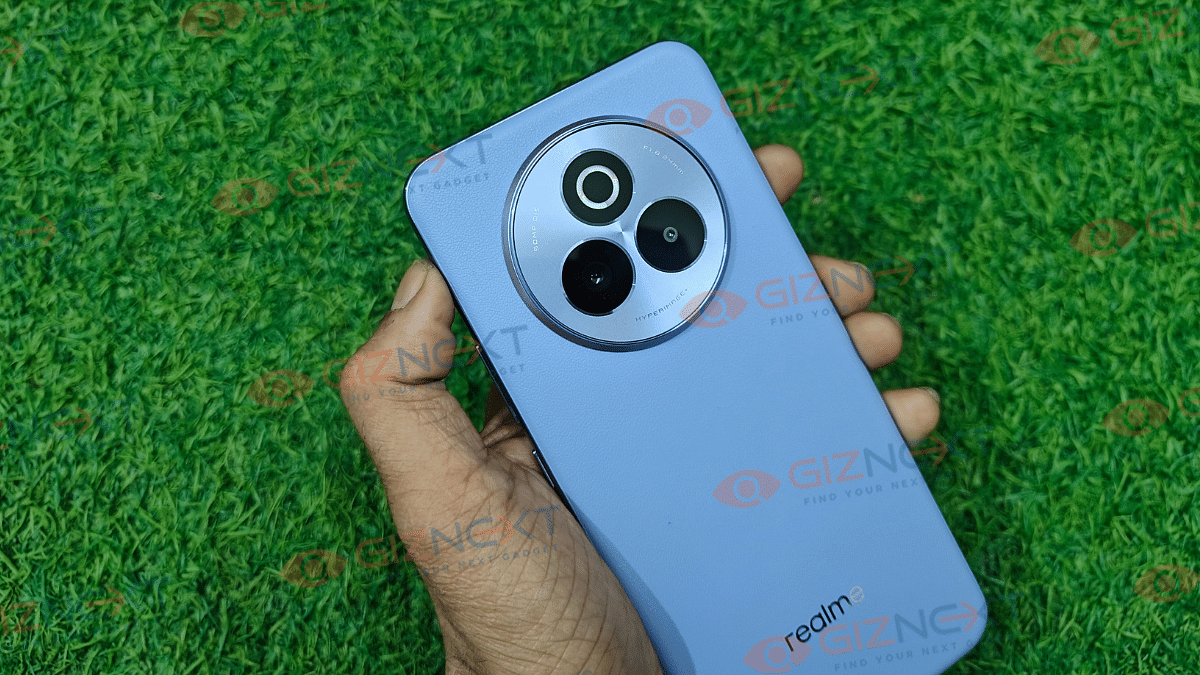
Realme is one of the leading brands in the mid-range Android smartphone market. The brand has been a adding new models to catalogue frequently with the most recent members being the P3X and the P3 Pro 5G. The latter has emerged as one of the best performance-oriented phones retailing under Rs. 25,000. Features like Snapdragon 7s Gen 3 chipset optimised for enhanced speeds, clear and vibrant AMOLED screen, decent 50MP triple-lens camera setup makes helps it steal all the attention. But if you have to consider some alternates? Well, there are a few new phones from popular OEMs such as Vivo, Poco, and iQOO that give a stiff competition to the P3 Pro 5G in real-world scenarios. Here are the top Realme P3 Pro 5G alternates in 2025:
For the tech geeks, stay updated with the latest cutting-edge gadgets in the market, exclusive tech updates, gadget reviews, and more right on your phone’s screen. Join Giznext’s WhatsApp channel and receive the industry-first tech update.
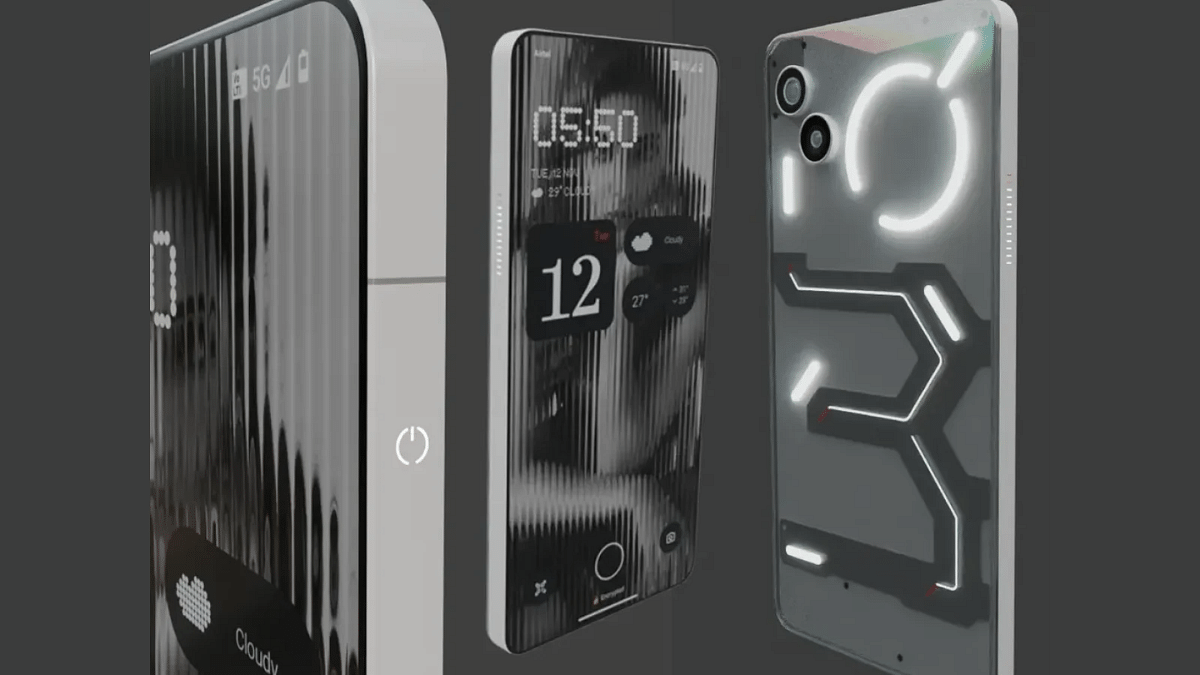
Nothing’s latest Phone (3a) pits itself as the strongest contenders against the Realme P3 Pro 5G. It uses the same Snapdragon 7s Gen 3 processor and has a decent package overall in terms of hardware. The pricing of the Nothing Phone (3a) starting at Rs. 23,999 is also another factor that makes it a suitable but if you are looking for a mid-range phone.
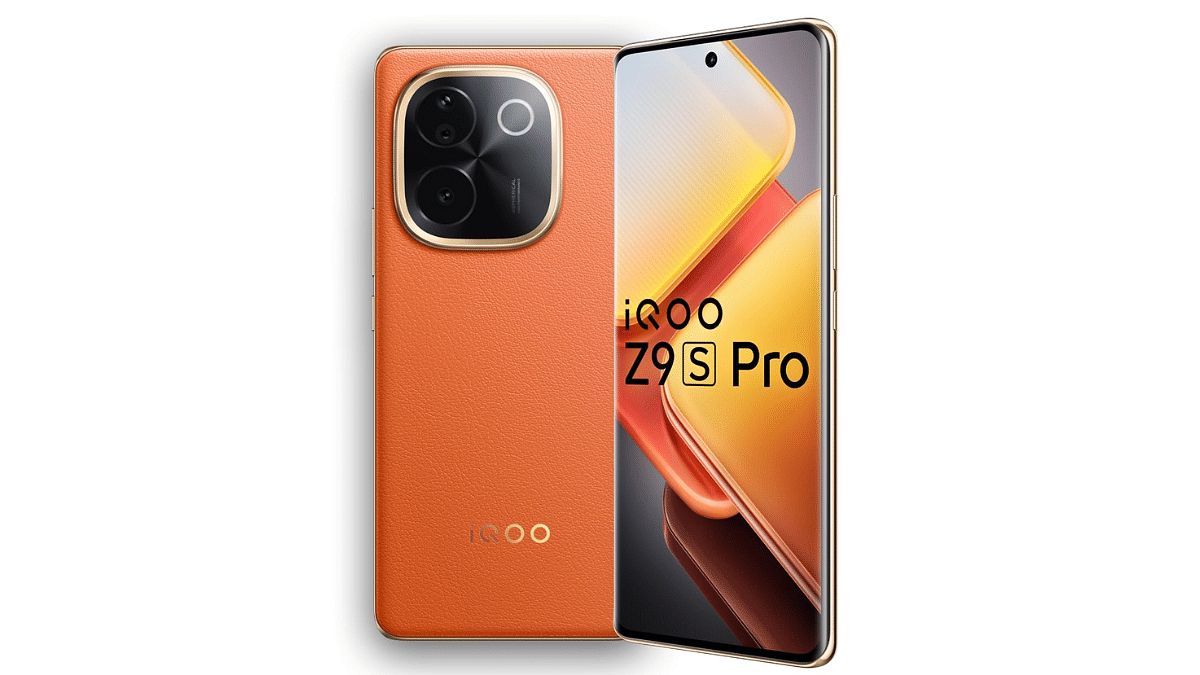
iQOO Z9s Pro 5G
iQOO Z9s Pro
Key Specs
Display size, Type
6.77-inch AMOLED
Resolution, refresh rate
2392×1080, 120 Hz
Rear Camera
50 MP Sony IMX882 OIS (main) + 8MP (Ultra wide)
Front Camera
16 MP with an f/2.45 aperture
Chipset
Snapdragon 7 Gen 3 5G
RAM
8GB, 12GB
Storage
128GB, 256GB
Battery
5500 mAh
Fast Charging
80W
Price
Rs. 22,999 starting
With the mid-range Snapdragon 7 Gen 3 chipset combined with up to 12GB RAM option, the iQOO Z9s Pro is another solid performance Android phone which competes against the Realme P3 Pro 5G. Besides it’s price range starting at Rs. 22,999 takes care of the affordability factor.
50MP Sony IMX89 with OIS+ 8MP ultra-wide Camera+ 50MP Sony IMX882
Front Camera
32MP with an f/2.0 aperture
Chipset
Snapdragon 7s Gen 3
RAM
8GB, 12GB
Storage
128GB, 256GB
Battery
6000mAh
Fast Charging
80W
Price
Rs. 29,999 starting
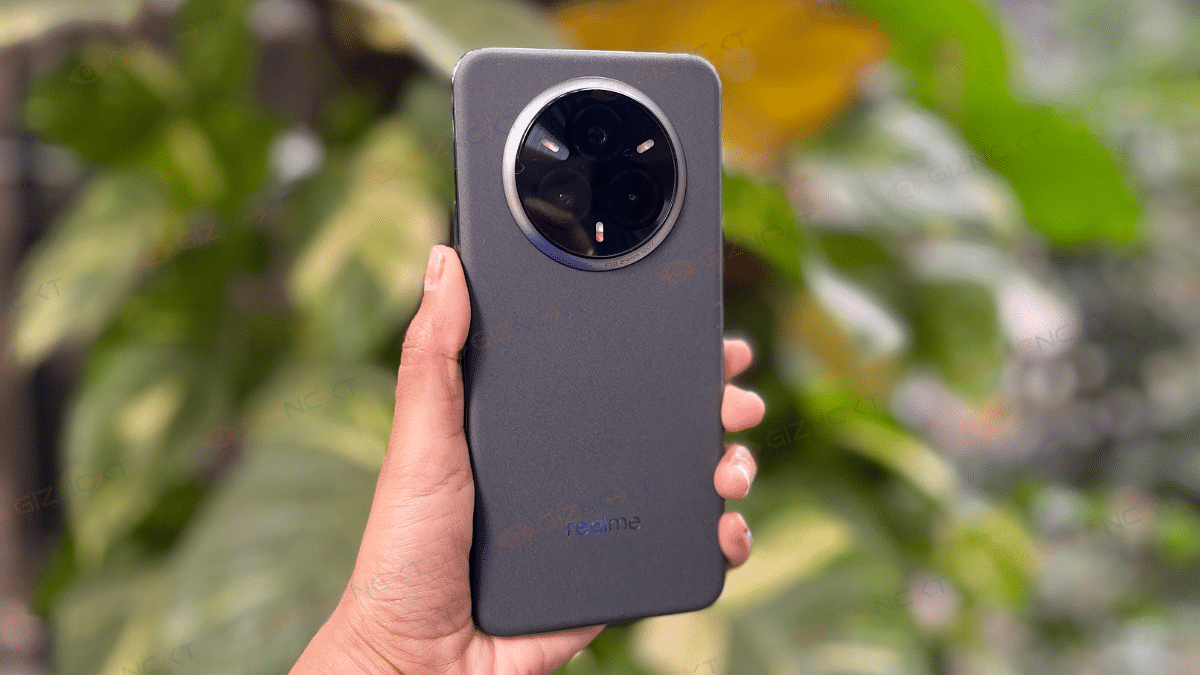
Almost a similar yet better package specifically when we speak of cameras, the Realme 14 Pro+ 5G is also a better alternative to the Realme P3 Pro 5G. It uses the same Snapdragon 7s Gen 3 chipset for performance delivery clubbed with up to 12GB and 128GB RAM, storage configuration options respectively. But for the better cameras, you’ll have to shell out some extra bucks as well as this handset comes with an asking price of Rs. 29,999.
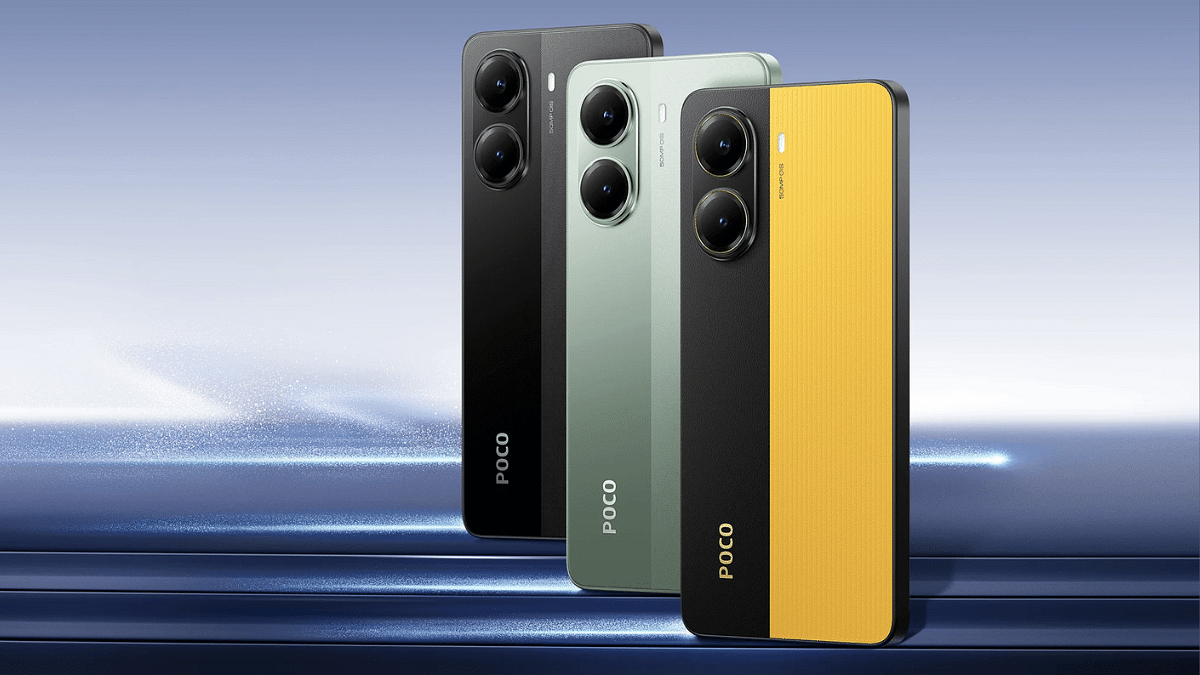
Poco X7 Pro 5G equipped with the premium mid-range MediaTek Dimensity 8400 chipset is another alternate to the Realme P3 Pro 5G in India. Like the Realme 14 Pro+ 15G, this handset also is priced slightly on the higher side starting at Rs. 27,999. Better deal with this one of the sole 256GB storage variant, slightly faster charging speeds, and a bigger camera when compared to the Realme P3 Pro 5G.
OnePlus Nord has been amongst the top contending mid-range Android smartphone lineups. The Nord CE4 variant powered by the Snapdragon 7 Gen 3 chipset comes as an reliable alternate to the Realme P3 Pro 5G in India. The price range starting at Rs. 23,999 doesn’t really burn a hole in the pockets too.
Realme P3 Pro 5G while being a solid package gets a strong competition from all the models listed above. For better cameras, you can look out for the Nothing Phone (3a) and the Realme 14 Pro+ 5G. But if performance remains your key preference then the iQOO Z9s and the Poco X7 Pro makes up for good buying options.
Ultraviolette introduces first off-road electric bike called Shockwave
Comes with a 14.5 bhp electric motor
Can offer an IDC range of up to 156 km per charge
Price starts at Rs. 1.50 lakh
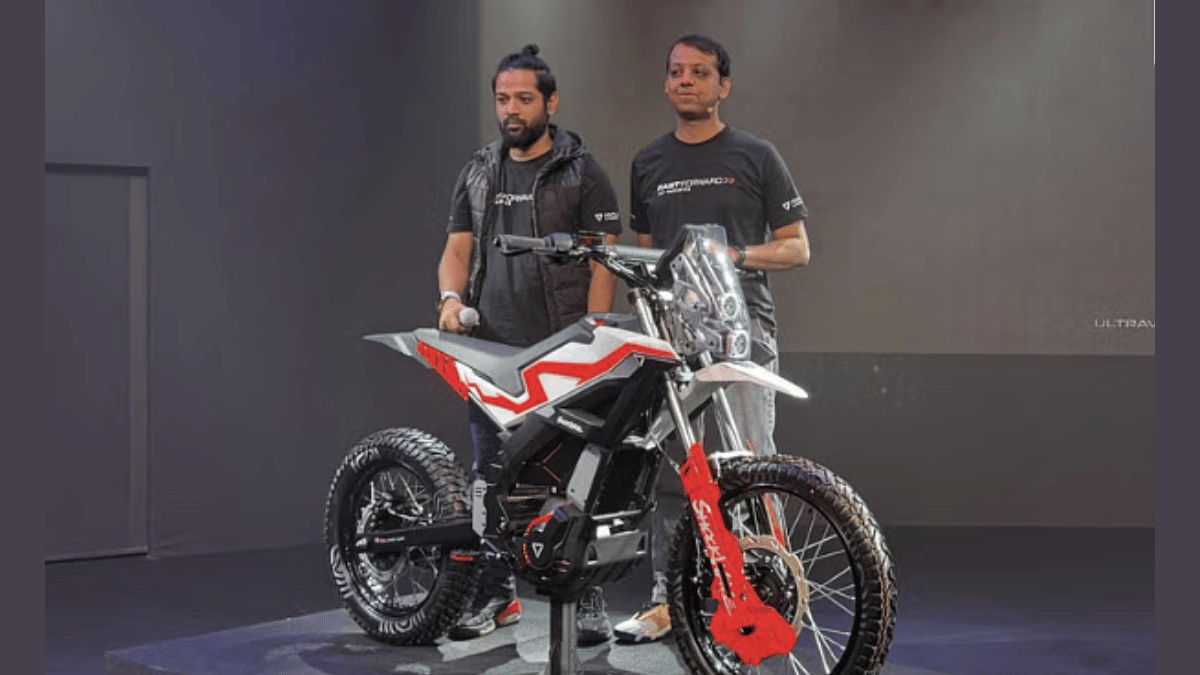
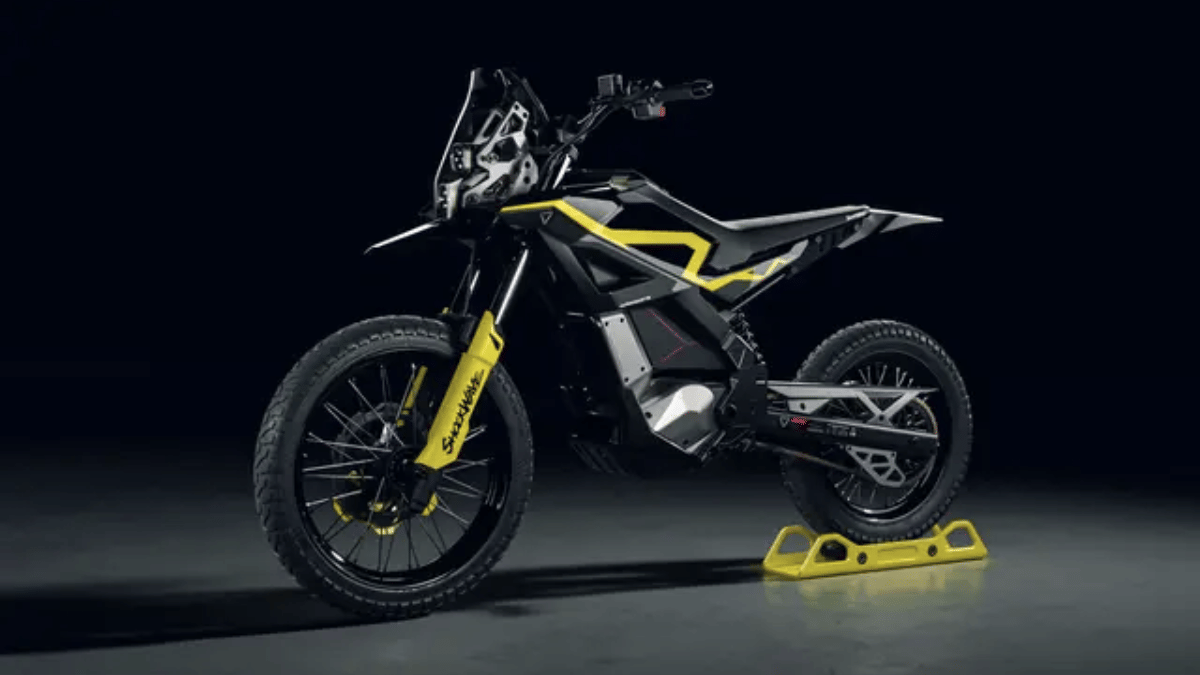
Bengaluru-based EV startup Ultraviolette is gradually diversifying its portfolio. The company specialising in high-speed electric motorcycle category has now ventured into the electric scooter as well as off-road enduro e-motorcycle segmenet. First off-roading all-electric motorcycle from Ultraviolette is the Shockwave which is introduced with a price tag of Rs. 1.75 lakh (ex showroom) loaded with a powerful electric motor, dedicated traction control modes, and more.
For the tech geeks, stay updated with the latest cutting-edge gadgets in the market, exclusive tech updates, gadget reviews, and more right on your phone’s screen. Join Giznext’s WhatsApp channel and receive the industry-first tech updates.
Ultraviolette Shockwave Off-Road E-Dirt Bike Design Highlights
Ultraviolette has created a new platform for roadster and off-road electric motorcycle. What makes this platform special is its lightweight form factor and its street-legal off-roading capabilities. The lightweight design will allow the riders to manoeuver this bike with ease on difficult terrains.
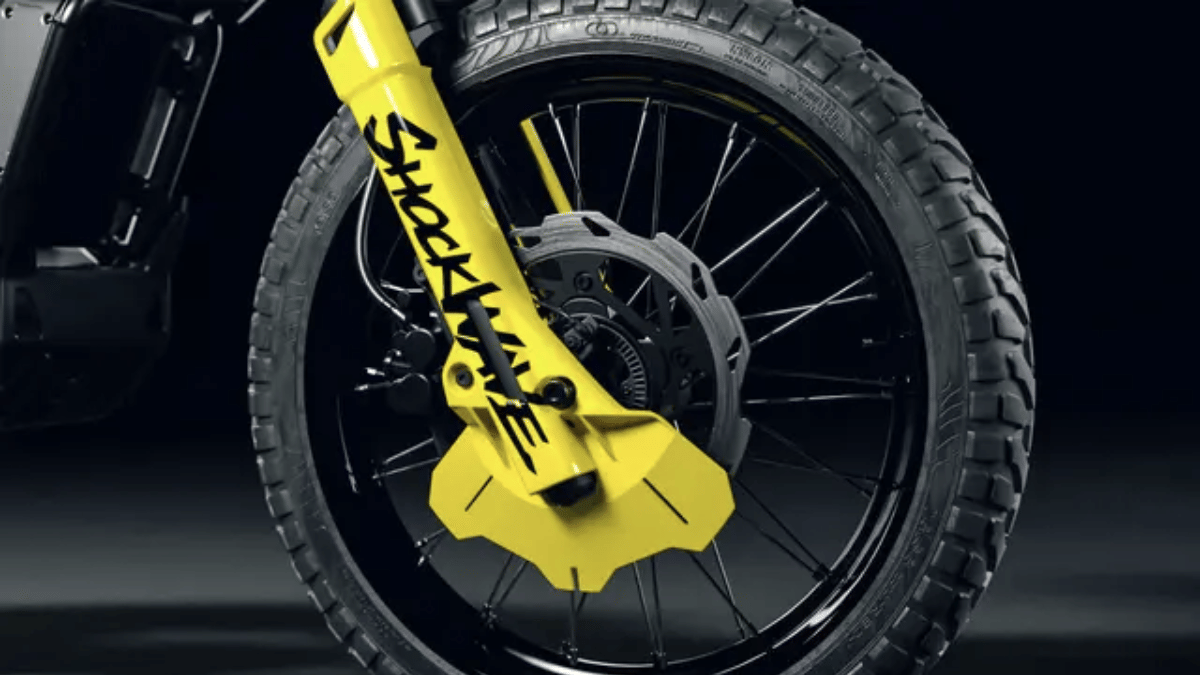
It equips large tyre profiles that further make it a capable off-roader. Speaking of which, the Ultraviolette Shockwave features 19/ 17 inch spoke wire wheels wrapped with 90/90 R19 and 110/ 90 R17 dual purpose tyres. It has a kerb weight of 120 kg.
Ultraviolette Shockwave Off-Road E-Motorcycle Powertrain And Features
Ultraviolette Shockwave
Powertrain
Motor power
14.5 bhp
Torque
505 Nm
Battery
4 kWh
Range
165 km on a full charge
Top Speed
120 kmph
Acceleration
0- 60 kmph in 2.9 seconds
Ultraviolette Shockwave electric dirt bike comes equipped with a 4 kWh battery pack which is linked with a 14.5 bhp electric motor. This first Ultraviolette off-roader enduro electric motorcycle produces a peak torque of 505 Nm and can push from 0- 60 kmph within 2.9 seconds. It can reach a maximum speed of 120 kmph and offer a claimed IDC range of up to 165 km on a full battery charge.
Ultraviolette Shockwave off-road electric motorcycle is launched at Rs. 1.75 lakh (ex showroom). However, for the first 1,000 customers, the company has announced a special introductory price of Rs. 1.50 lakh (ex showroom). The bookings have commenced on Ultraviolette’s official India website as well authorized dealerships across India with the deliveries set for Q1 2026.
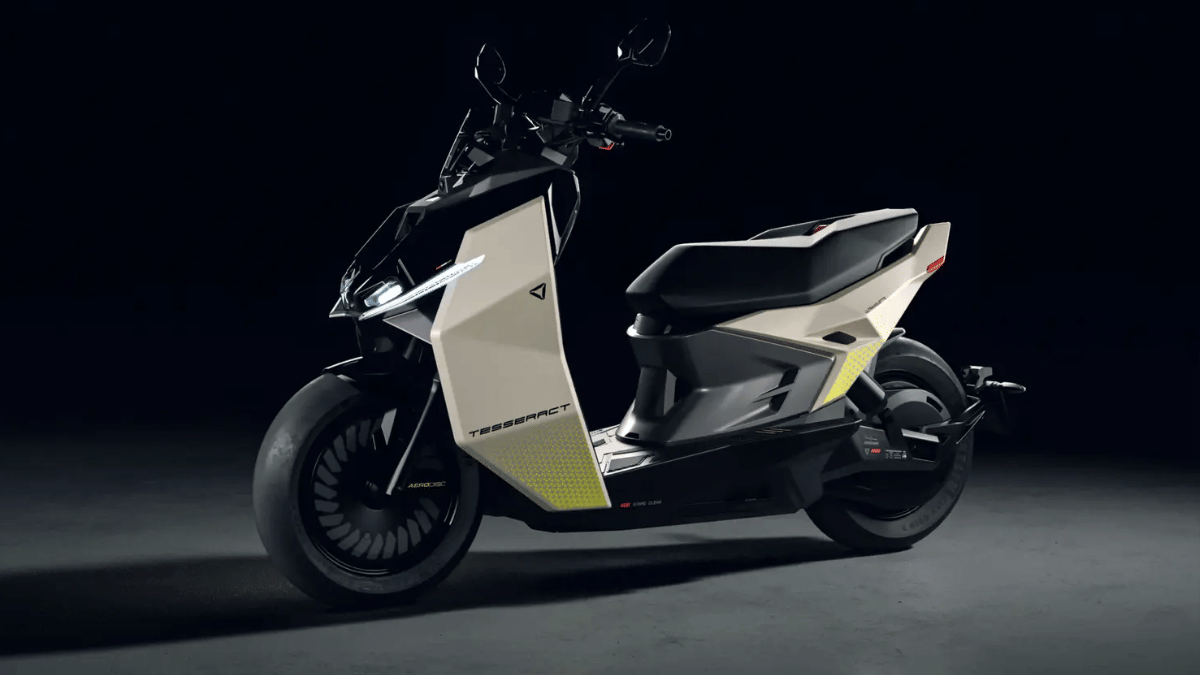
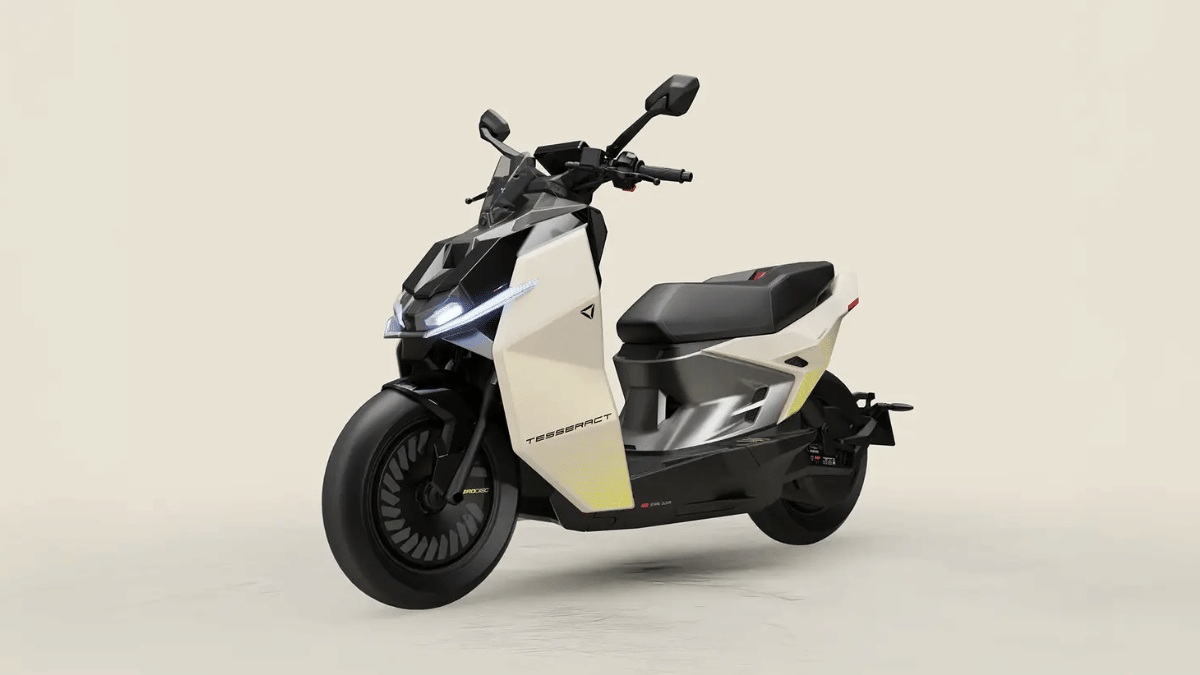
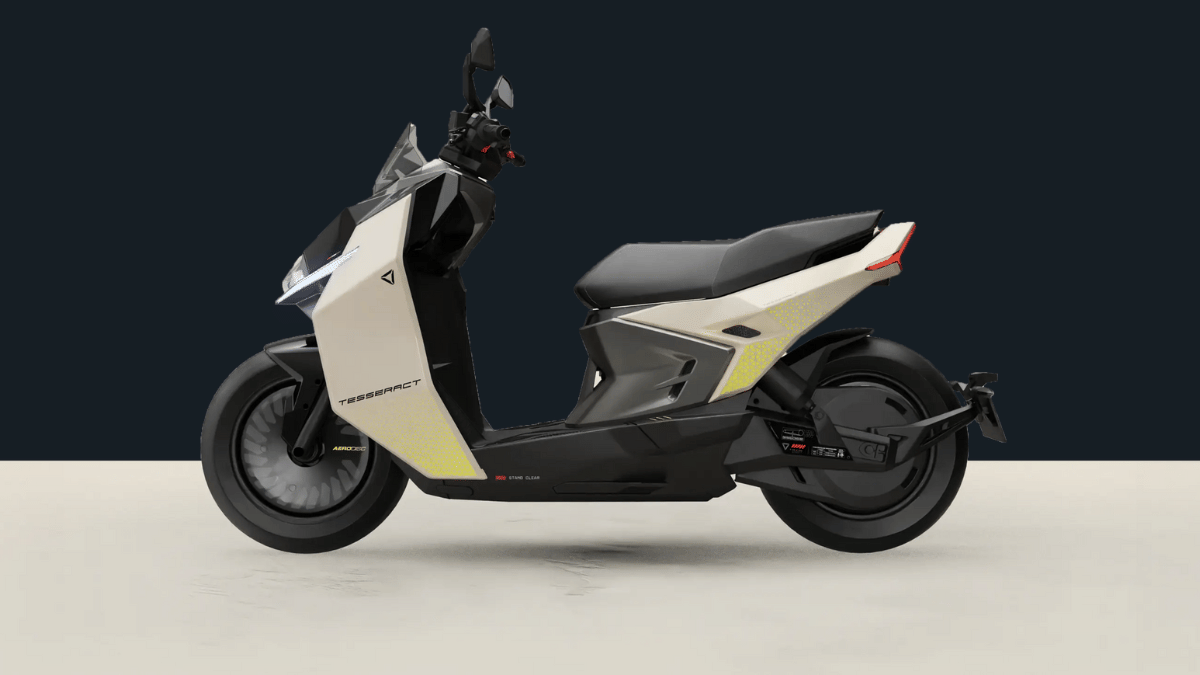
Ultraviolette Automotive, the Bengaluru-based E2W manufacturer known for its high-speed e-motorcycle portfolio has launched its first electric scooter in India. Called Tesseract, the debutant e-motorcycle from Ultraviolette promises a powerful performance and high riding range of up to 261 km per charge. What else this first Ultraviolette electric motorcycle offers? Read on below:
Ultraviolette Tesseract Electric Scooter: Top Features
Sticking to Ultraviolette’s futuristic and modern design approach, the Tesseract electric scooter offers practical and comfortable ergonomics. Its design highlights include dual LED-projector headlamp setup combined with floating DRLs. This electric scoter sits on big 14-inch alloy wheels and uses disc brakes both at the front and rear with dual-channel ABS making rides more secure. Adding on to its design practicality is the 34 litre under seat storage capacity which will allow storing full size helmets besides general goods.
Ultraviolette has went a step ahead in desigining its first electric scooter. It is one of the only e-scooters to be equipped with dual radar module along with dedicated front and rear cameras that allows leveraging features including collision alert, blind spot detection, overtaking alert, etc.
Ultraviolette has also equipped the Tesseract electric scooter with a large TFT instrument cluster which has touchscreen compatibility and can display important ride statistics via Violette AI connectivity suite. Riders will be able to access several advanced safety features such as park assist, hill hold, music playback, cruise control, navigation, and keyless ignition.
Ultraviolette Tesseract Electric Scooter: Performance
Ultraviolette Tesseract electric scooter
Powertrain
Motor output
20.1 bhp
Battery option
3.5 kWh, 5 kWh, and 6 kWh
Range
Up to 261 km per charge
Acceleration
0- 60 kmph in 2.9 seconds
The Ultraviolette Tesseract electric scooter has been built using the company’s new next-generation platform. This electric scooter employs a powerful electric motor offering 20.1 bhp of output. It is introduced in three different battery capacities including 3.5 kWh, 5 kWh, and 6 kWh. Range varies depending on the battery capacity with the biggest battery pack offering up to 261 km range on a single charge. The Ultraviolette Tesseract electric scooter can make a sprint from 0- 60 kmph in 2.9 seconds.
Windows 11 keyboard shortcuts helps boost productivity
Multiple tasks can be done with just a few key taps
Shortcuts can be applied in apps and softwares
Multimedia, text editing, settings app, and other shortcuts supported via keyboard
If you are using a laptop or a PC, there is a high probability of it being a Windows-powered machine. Microsoft’s PC operating system, Windows has been evolving with a steady pace bringing in host of friendly features. Windows OS over the year has also become more reliable and fast. Thanks to the updated keyboard shortcuts getting some of the complex tasks done has become as easy as a few key taps.
You all must be aware of the basic keyboard shortcuts such as undo, redo, and copy/ paste texts, documents. But that’s just the tip of the iceberg. You can perform a plethora of tasks typing in keys collectively. Here in this article, we have listed over 30 essential Windows 11 keyboard shortcuts that will help speed up your workflow while boosting your overall productivity. Let’s take a look:
For the tech geeks, stay updated with the latest cutting-edge gadgets in the market, exclusive tech updates, gadget reviews, and more right on your phone’s screen. Join Giznext’s WhatsApp channel and receive the industry-first tech updates.
Windows 11 Quick Keyboard Shortcuts For Music And Videoplayback in Apps
You can use Windows 11 keyboard shortcuts to manage your media play back as well. This can be done in any of the apps including Windows media player on which you are watching movies or shows.
Windows 11 Keyboard shortcuts for Movies and TV
Actions
Press Alt + Enter
Play videos in full-screen
Press Esc
To exit full-screen
Press Enter
To select the object in focus
Press Spacebar/Ctrl + P
To Play or pause videos ( works only when a video is in focus)
Press Alt + Left arrow key or Windows logo key + Backspace
Snapdragon 7s Gen 3 drives both Nothing Phone (3a) models
Nothing Phone (3a) price starts at Rs. 24,999
Nothing Phone (3a Pro) price starts at Rs. Rs. 29,999
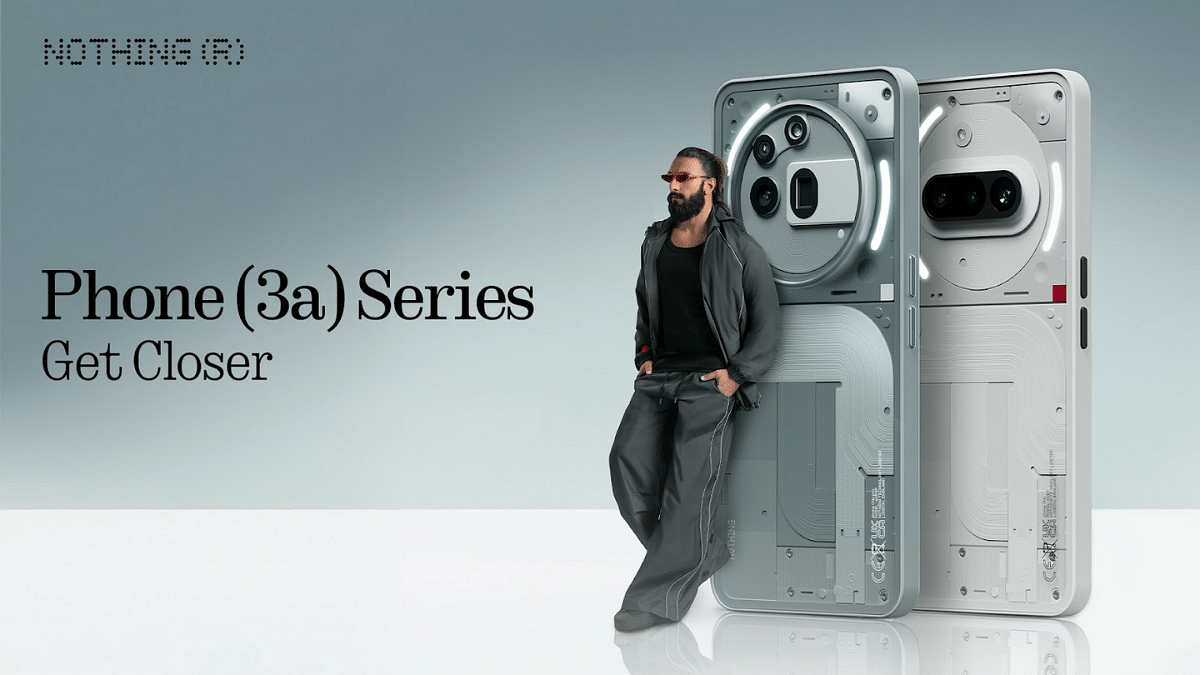
Nothing, the Carl Pei-led OEM has launched its latest smartphone lineup, the Nothing Phone (3a). The succesor to the Nothing Phone (2a) series comes with two new models called the Nothing Phone (3a) and the Nothing Phone (3a Pro). The succeeding lineup is upgraded with larger AMOLED displays, Snapdragon 7s Gen 3 chipset, and more. Nothing Phone (3a) series is priced starting at Rs. 24,999 in India and will be available in multiple configurations. Let’s take a quick look at the specs highlights of both Nothing Phone (3a) and the Nothing Phone (3a Pro).
For the tech geeks, stay updated with the latest cutting-edge gadgets in the market, exclusive tech updates, gadget reviews, and more right on your phone’s screen. Join Giznext’s WhatsApp channel and receive the industry-first tech updates.
Both Nothing Phone (3a) models feature the same large AMOLED screen with an FHD+ resolution and 120Hz refresh rate. The big screen will be suitable for all high-res video playback and gaming.
Nothing Phone (3a), Nothing Phone (3a Pro): Camera Specs
Model
Nothing Phone (3a)
Nothing Phone (3a Pro)
Main camera
50MP main sensor with f/1.88 aperture and OIS
50MP main sensor with f/1.88 aperture and OIS
Secondary camera
8MP ultra-wide camera with f/2.2 aperture and 114° FoV
8MP ultra-wide camera with f/2.2 aperture and 114° FoV
Third camera
50MP Samsung telephoto with 2x zoom
50MP Sony LYT-600 3x periscope telephoto with 3x zoom
Selfie camera
32MP with f/2.2 aperture
50MP with f/2.2 aperture
Camera hardware is also similar on both Nothing Phone (3a) models. While the primary and secondary sensor remains the same, the third camera is different on the Phone (3a) and the Phone (3a Pro). Selfie snapper packed inside the vanilla unit is a 32MP lens, while the Pro model gets a bigger 50MP selfie lens.
Nothing Phone (3a) series gets Qualcomm’s latest mid-range 5G chipset under the hood. Both Nothing Phone (3a) and the Nothing Phone (3a Pro) features the Snapdragon 7s Gen 3 chipset that will allow swift gaming and multitasking experience.
Apple CarPlay allows seamless pairing between iPhone and car infotainment system
SharePlay an CarPlay can be clubbed for music playback
Pairing allowed via QR code
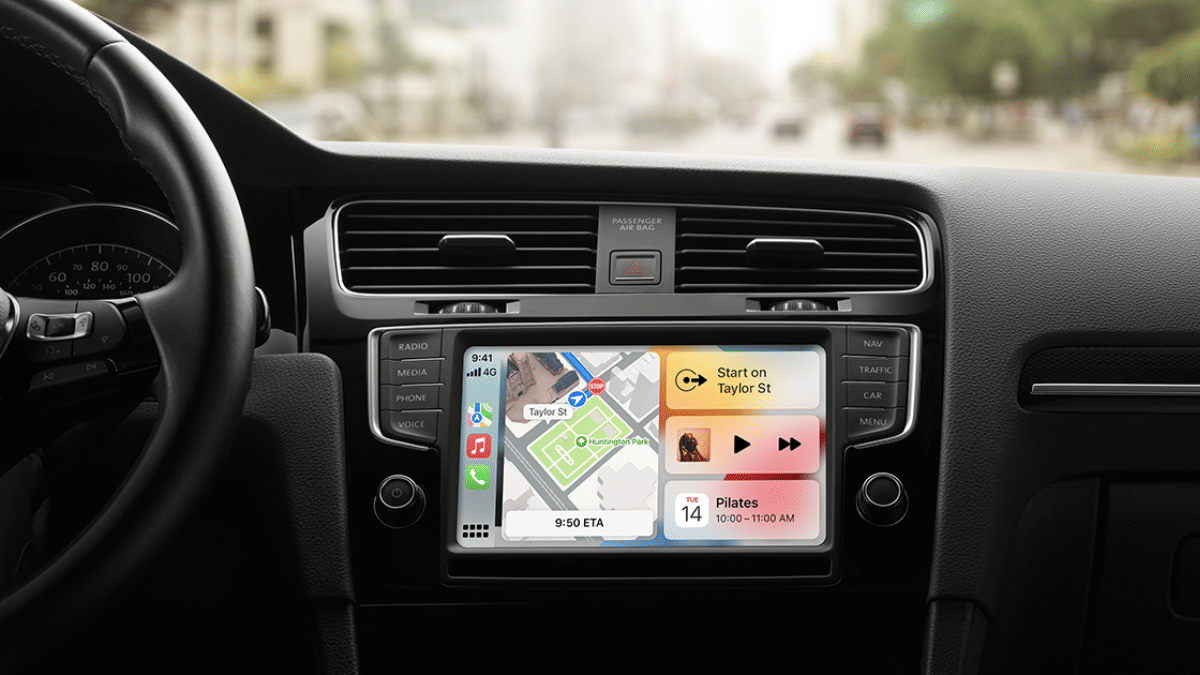
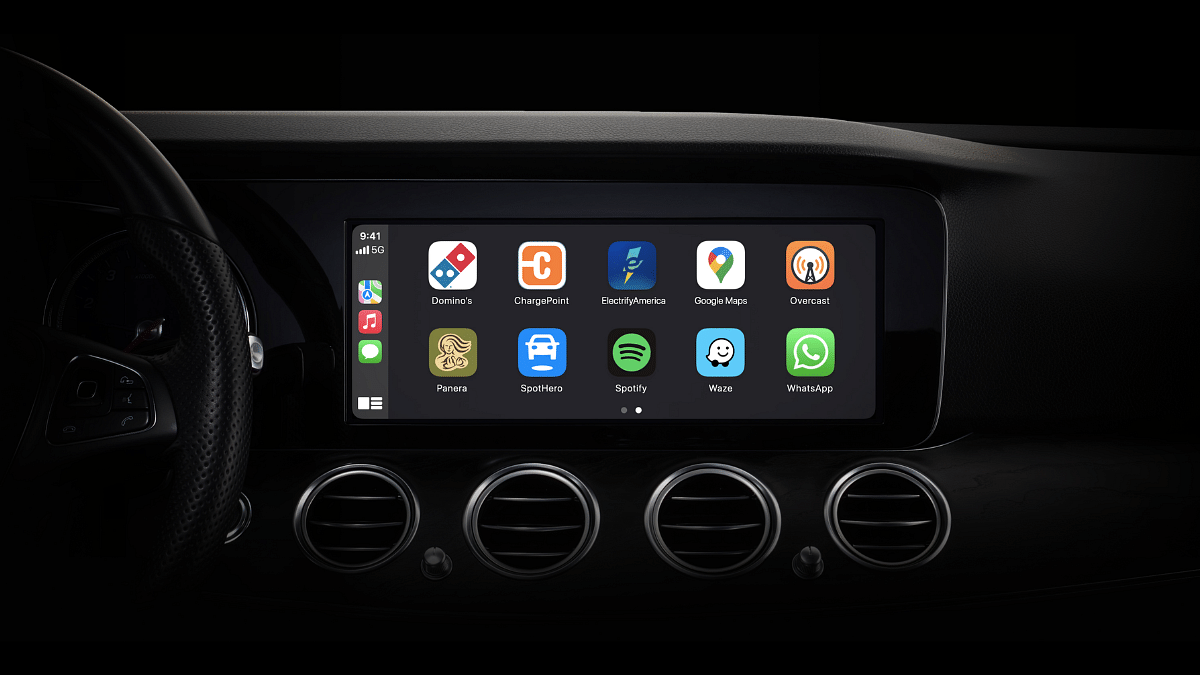
Apple Car Play is definitely an advanced ecosystem designed for the connected car technology allowing us to mirror iPhone application on the car’s infotainment system. With Apple Car Play we can make use of advanced navigational features and also entertainment on-the-go with just a few taps. Apple has also made SharePlat compatible with CarPlay giving passengers an exclusive music playback control during their car rides. This is one of those features that will surely make your road trip memorable. Let your friends and family control and queue songs together and get the road trip rolling. But before that, take a quick look at the specs and see how this feature can be enabled using your iPhone.
For the tech geeks, stay updated with the latest cutting-edge gadgets in the market, exclusive tech updates, gadget reviews, and more right on your phone’s screen. Join Giznext’s WhatsApp channel and receive the industry-first tech updates.
Everyone using the iPhone in the car should make their contacts discoverable which will allow easy pairing and sync between SharePlay, CarPlay, and he infotainment module of the car. To make the contacts discoverable the steps should be followed on all the iPhones that are being used for the simultaneous music playback
Step 1: Open Settings menu on your iPhones.
Step 2: Go to the Apps sections.
Step 3: Scroll to the Music option and enable Discoverable by Nearby Contacts option.
Step 4: A notification will pop up on the respective iPhones’ Lock Screen. Hit the ‘Connect’ option.
Step 5: Click on the passenger’s device name and hit the Okay icon. Once this step is completed, the passenger will be able to synch and queue songs using their iPhones.
Was showcased at Bharat Mobility Global Expo this year
Launch likely preponed for festive season
Will come with a 3.07 kWh LFP battery
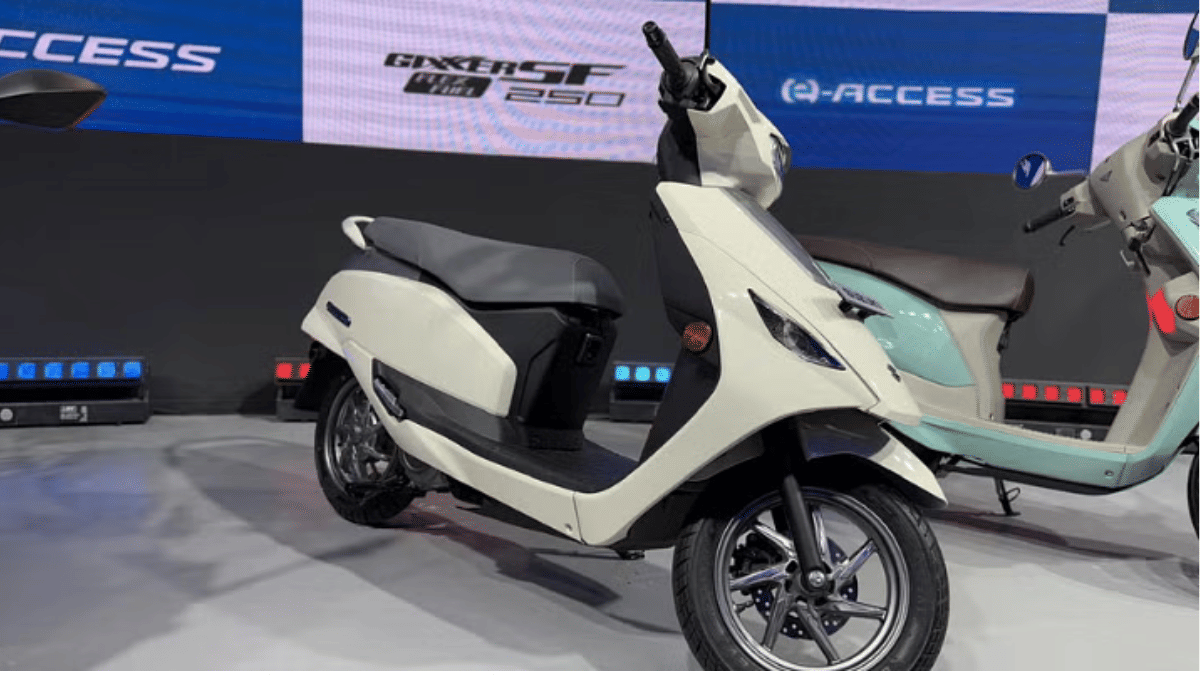
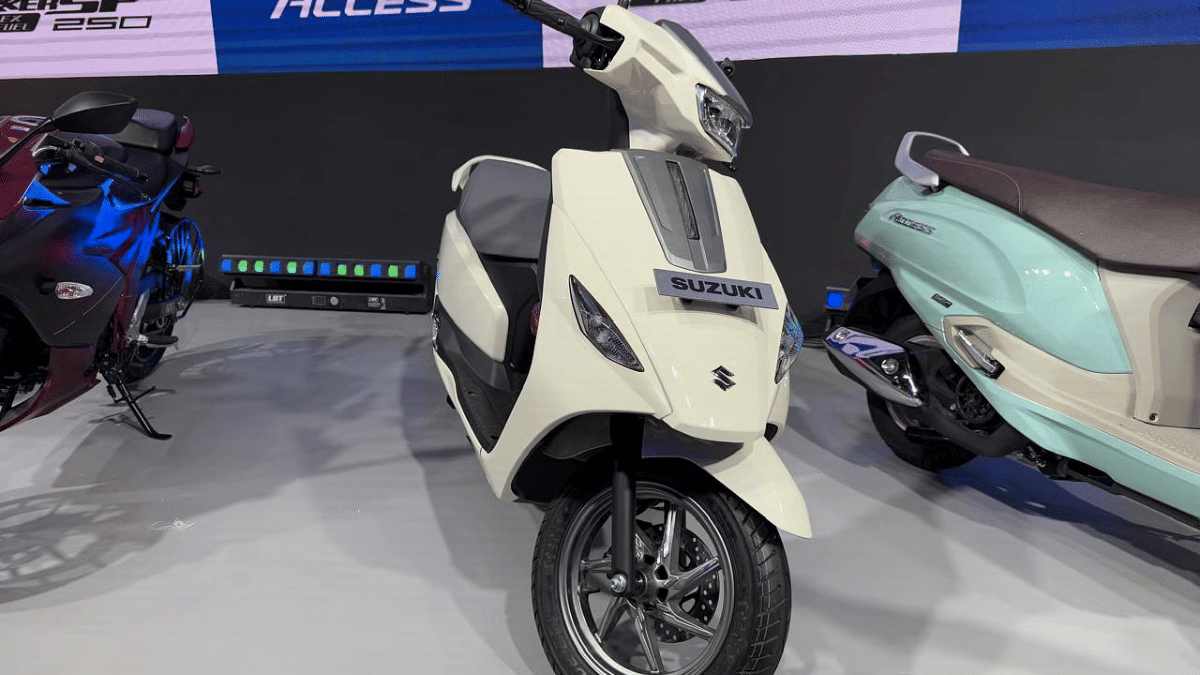
Bharat Mobility Global Expo 2025 was the centerstage for all newly released and upcoming EVs this year. Suzuki e-Access has been one of the anticipated electric scooters which finally broke covers in its production-spec avatar at the Auto Expo with the brand hinting its official debut later this year. But seems like the company is instead planning an early launch of its first electric scooter. What is the timeline being tipped for Suzuki e-Access India launch? Find out the details below:
For the tech geeks, stay updated with the latest cutting-edge gadgets in the market, exclusive tech updates, gadget reviews, and more right on your phone’s screen. Join Giznext’s WhatsApp channel and receive the industry-first tech updates.
Suzuki e-Access Electric Scooter Launch During Festive Season
Suzuki e-Access electric scooter is making its official sometime during the festive season this year. As per the information available, the e-Access will be launched between August to September 2025. The exact date still remains at large. The Japanese two auto maker is expected to pit its first electric scooter against some of thee popular offerings such as the Bajaj Chetak, Ola S1 Gen 3, and Ather Rizta in the Indian market.
In addition to the e-Access, Suzuki is also rumored to launch the Burgman electric scooter in India. There have been several reports indicating its arrival. However, no official timeline has been shared yet.
The Suzuki e-Access electric scooter will offer a practical and comfortable design with decent storage space. It will be featuring a 3.07 kWh LFP battery pack using which it is said to deliver up to 95 km range on a full charge. The e-Access electric scooter will further be backed by a 4.1 kW electric motor which will produce a peak torque of up to 15 Nm.
Appl 16 series leverages AI features for enhanced experience
CharGPT and Apple Intelligence can be integrated together
Features can be accessed via Siri
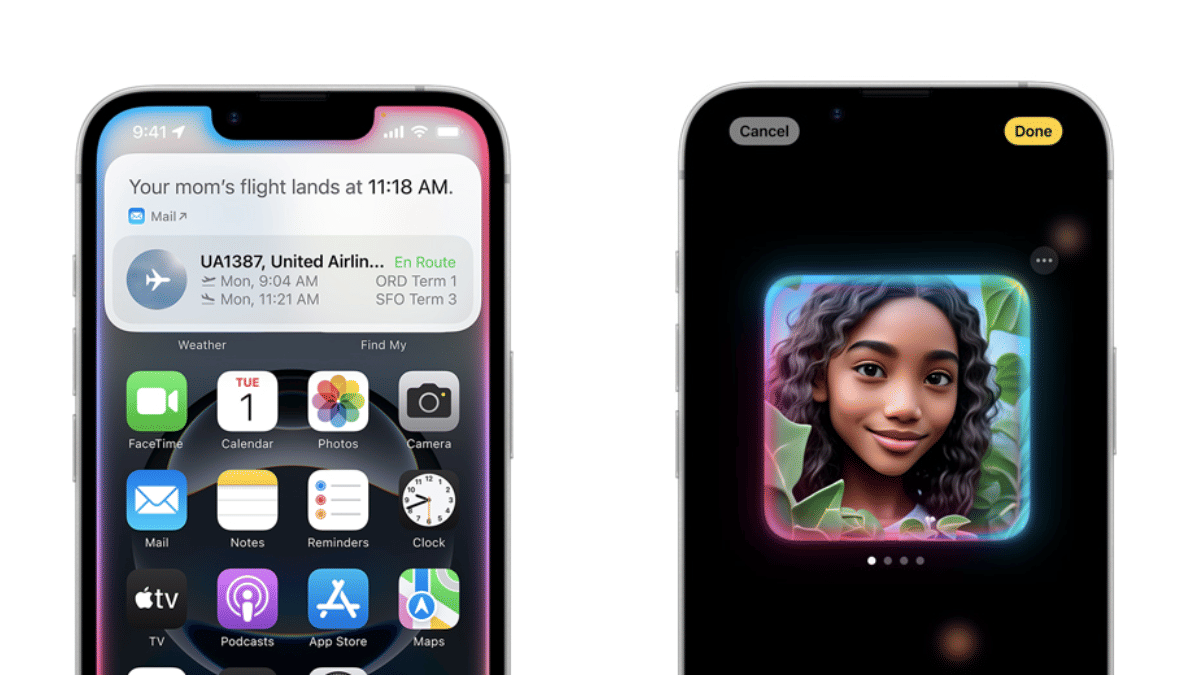
Apple’s iPhone 16 series has been groundbreaking in terms of tech advancements. And the new premium Apple smartphone lineup is in-line with the latest trends, i.e., AI integration. Apple is redefining its enitre ecosystem by leveraging artificial intelligence. Surely, the Cupertino giant doesn’t want to left behind in this race and have integrating OpenAI’s ChatGPT with its Apple Intelligence platform.
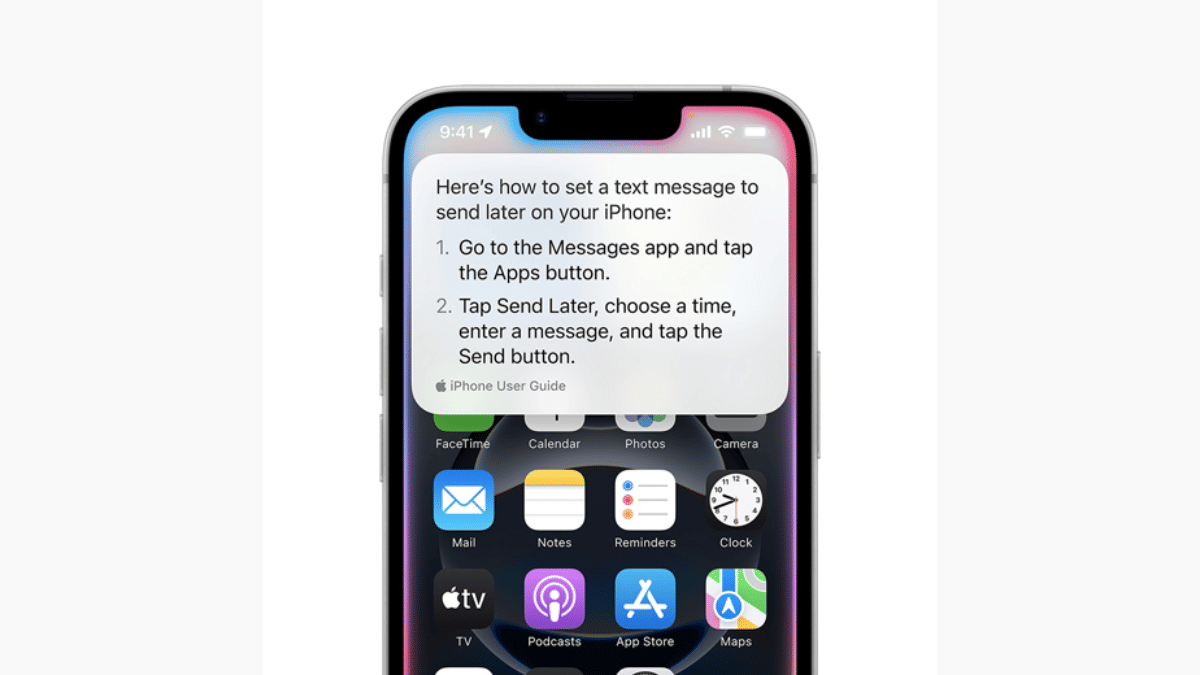
Apple is promising a whole new user experience with AI-backed Siri. Now, users can get better personalised experience with AI-enabled productivity tools such as Notes and Mail, while receiving contextual responses across compatible iOS devices such as iPhones, iPads, and MacBooks. What are the steps that you need to follow to integrate ChatGPT with Apple Intelligence to make Siri more smarter? We have made it easier for you by listing the step-by-step guide here: Take a look:
For the tech geeks, stay updated with the latest cutting-edge gadgets in the market, exclusive tech updates, gadget reviews, and more right on your phone’s screen. Join Giznext’s WhatsApp channel and receive the industry-first tech updates.
Step 1: Unlock your iPhone 16 handset and head to the Settings menu.
Step 2: Scroll down to the Apple Intelligence section and tap on it.
Step 3: Now, clock on the Siri icon.
Step 4: Select the ChatGPT option
Step 5: Tap on the Set up icon
Step 5: Select the desired usage option. If you have an existing ChatGPT account then select “Use ChatGPT with an existing account”. If you are using ChatGPT for the first time or don’t wish to use it with any account, select, use “ChatGPT without an account option”.