Say hello to Shweta, a tech fan who's hooked on keeping up with all things tech. When she's not exploring the latest gadgets, she's diving into a good book, clicking photos as an amateur photographer, or enjoying classic movies and music. With her love for both tech and creativity, Shweta adds her own touch to tech news in a way that's easy to understand and enjoy.
Recordings are encrypted and accessible only if reported
Whether going for a first date or getting home after a night out with friends, women often have to consider their safety. It should be fun and safe to go out at night. Unfortunately, there are many women who feel unsafe even when walking alone within a mile of their homes. Well, Uber’s safety feature addresses this concern by allowing them to choose up to four safety features. We are here to discuss its one of the four features, that is, Audio Recording. Let’s dive in.
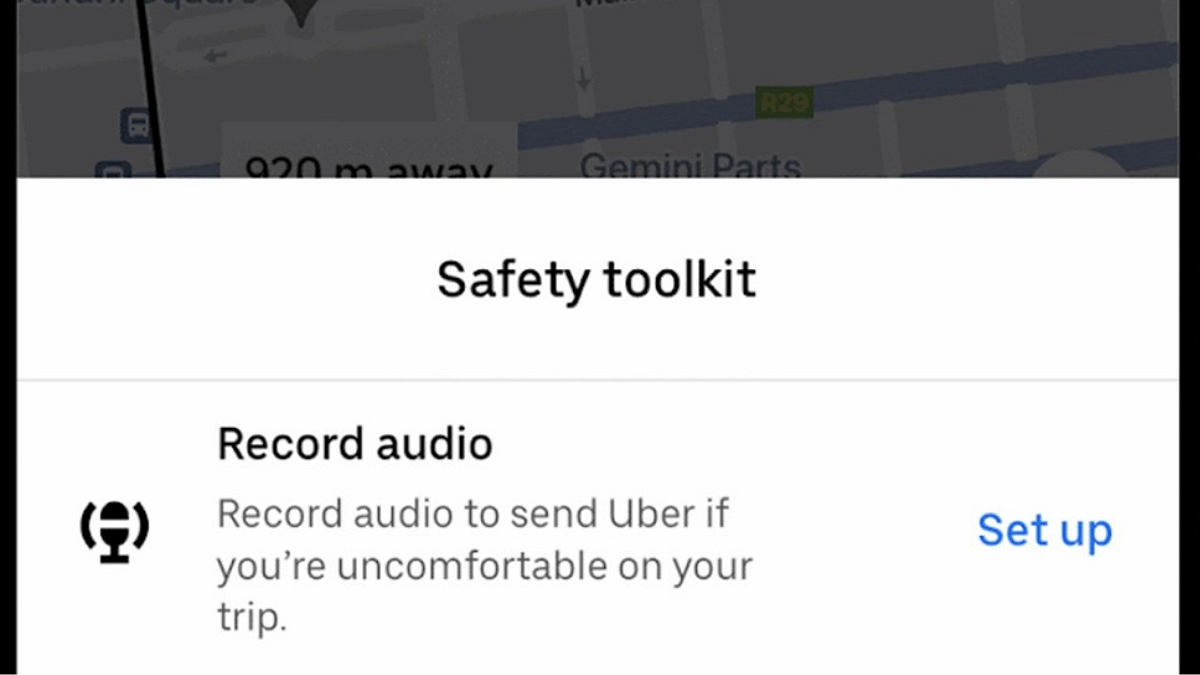
Uber’s audio recording safety feature allows users to record their trips from pickup to drop-off with just a tap. This feature is quite useful in situations where something might go wrong during a trip. If you feel unsafe, you can access the recording and share it with Uber as part of the incident report. The audio recording feature provides an added layer of security. This offers riders some confidence that they have a record of their journey.
Uber Audio Recording: How To Use
Uber’s audio recording feature is user-friendly and can be set up easily for every trip. Here’s how to enable and use the feature:
Step 1: Once your Uber trip starts, click on the blue shield on the map to access the Safety Toolkit.
Step 2: From the safety toolkit, you have to select the audio recording option.
Step 3: You have to make sure that microphone permissions are granted.
Step 4: Tap start to begin recording your trip.
For future trips, users can simply go into their Safety Toolkit and tap start to record audio.
Uber promises that every audio recording is safely and encrypted saved on the user’s device. These recordings are locked that means that neither the driver nor Uber, nor even the passenger, can access them unless an incident is reported. Only then can the user choose to share the recording with Uber. The company also confirmed that these recordings are not shared with third parties and are used solely in order to resolve safety concerns. During a trip, Uber drivers can also choose to record audio.
For the tech geeks, stay updated with the latest cutting-edge gadgets in the market, exclusive tech updates, gadget reviews, and more right on your phone’s screen. Join Giznext’s WhatsApp channel and receive the industry-first tech updates.
This includes facial filters, background editing, low-light mode
It is currently available to some beta testers
WhatsApp is looking forward to transform its video call experience with the introduction of Augmented Reality. The feature aim to bring a higher level of personalization and interactivity to video calls. This will definitely make them more engaging and pleasant. These AR features were initially available to Android beta users. But, according to the latest reports, iOS users will now also be able to experience them. While the feature is currently available to some beta testers on iOS, a wider rollout is expected in the coming weeks. Here’s all that you need to know.
WhatsApp’s latest update introduces several AR features designed to improve your video call experience:
Dynamic Facial Filters
One of the standout features is the dynamic facial filters. This allows users to personalize their video call appearance in real-time. It enables users to adjust their video feed’s color tone on the go. This will ultimately provide them greater control over how they look during calls.
Background Editing
The background editing feature allows to either blur their surroundings or replace them with pre-designed backgrounds offered by WhatsApp. This feature can help users make video calls more fun and visually appealing.
Low-Light Mode
WhatsApp has also introduced a convenient low-light mode toggle. This means you can get improved visibility in poorly lit environments. With a simple switch, users can improve the lighting quality of their video feed. This feature is quite useful for evening calls or for those who often find themselves in low-light settings.
Touch-Up Mode
Another significant addition is WhatsApp’s touch-up mode. This offers a subtle, natural-looking filter that helps to smooths out skin imperfections. It is perfect for both professional discussions and casual chats.
WhatsApp has made the user experience even more convenient by automatically remembering the last configuration settings for video calls. This means that once users select a background or color filter, they don’t have to adjust these settings for each new call.
For the tech geeks, stay updated with the latest cutting-edge gadgets in the market, exclusive tech updates, gadget reviews, and more right on your phone’s screen. Join Giznext’s WhatsApp channel and receive the industry-first tech updates.
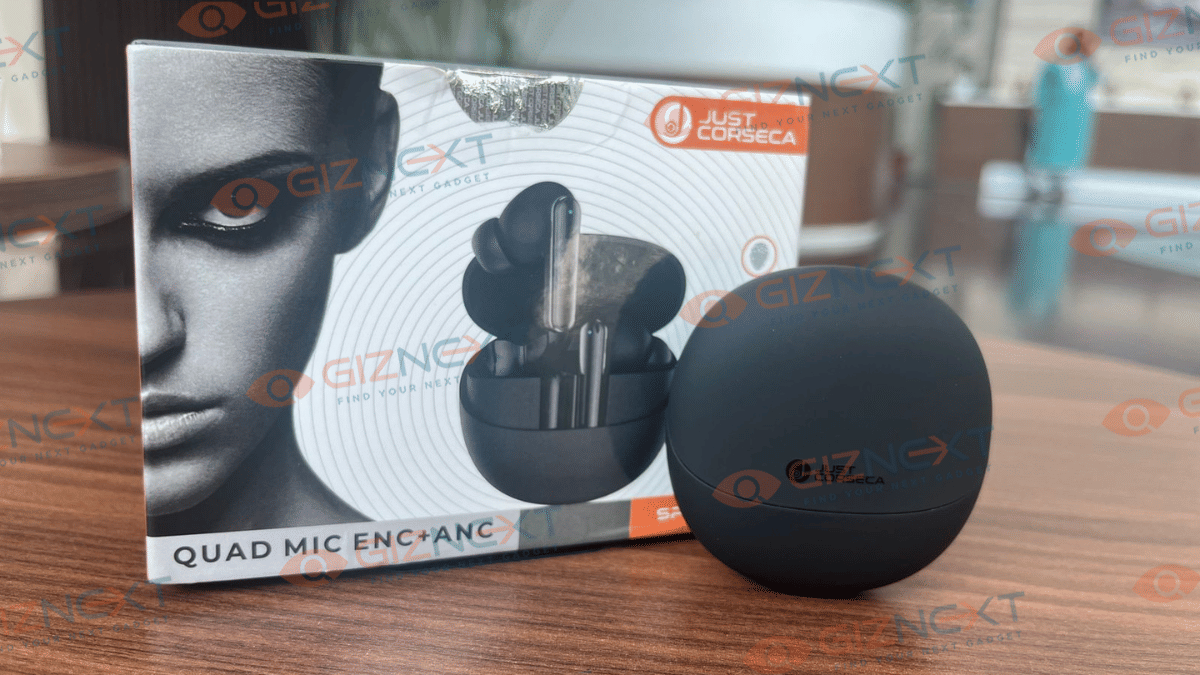
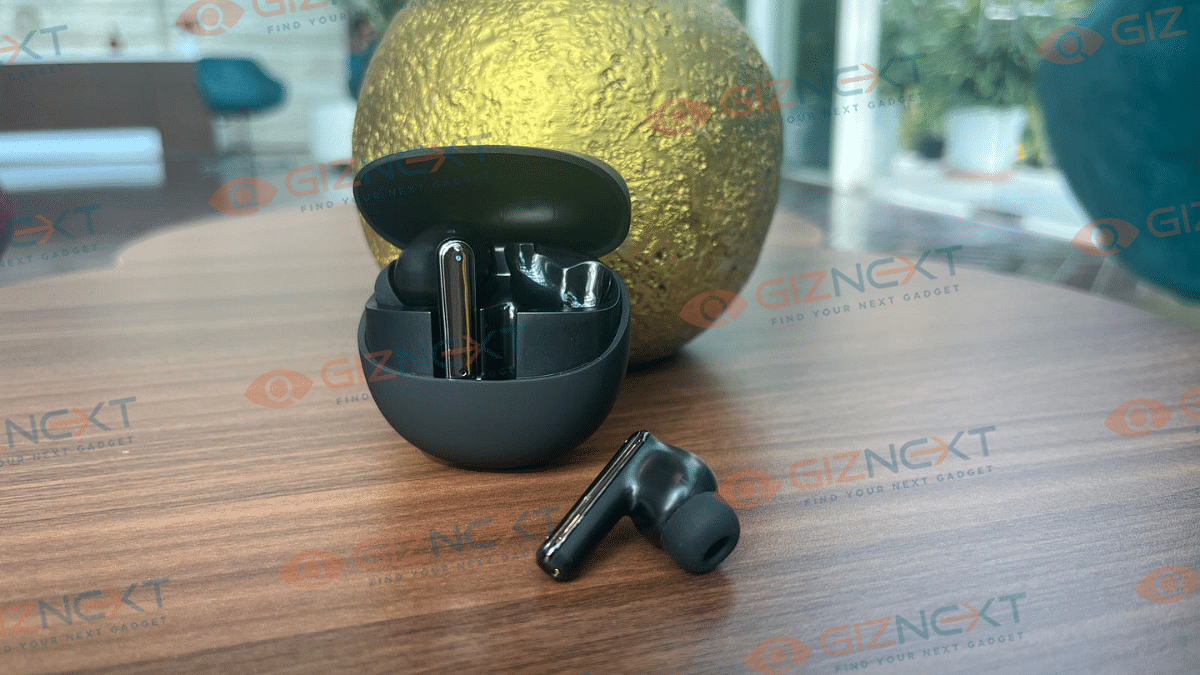
I recently got my hands on the Spectre TWS from the house of Just Corseca. And, I must say that these earbuds had me curious from the get-go. Available in sleek Black and Silver, they looked pretty promising right out of the box. But let’s just be real as it is all about that sound quality and comfort, right? Well, after putting them to the test during my daily routines, I have got some thoughts to share. Let’s review them and see what these earbuds have to offer.
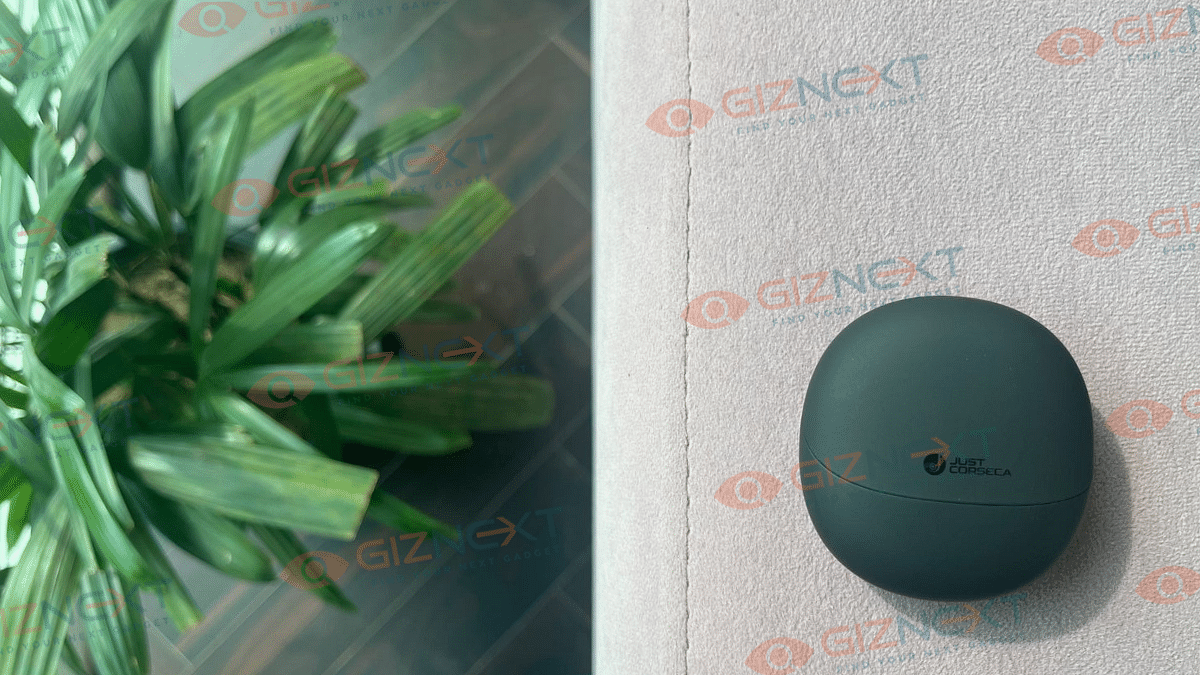
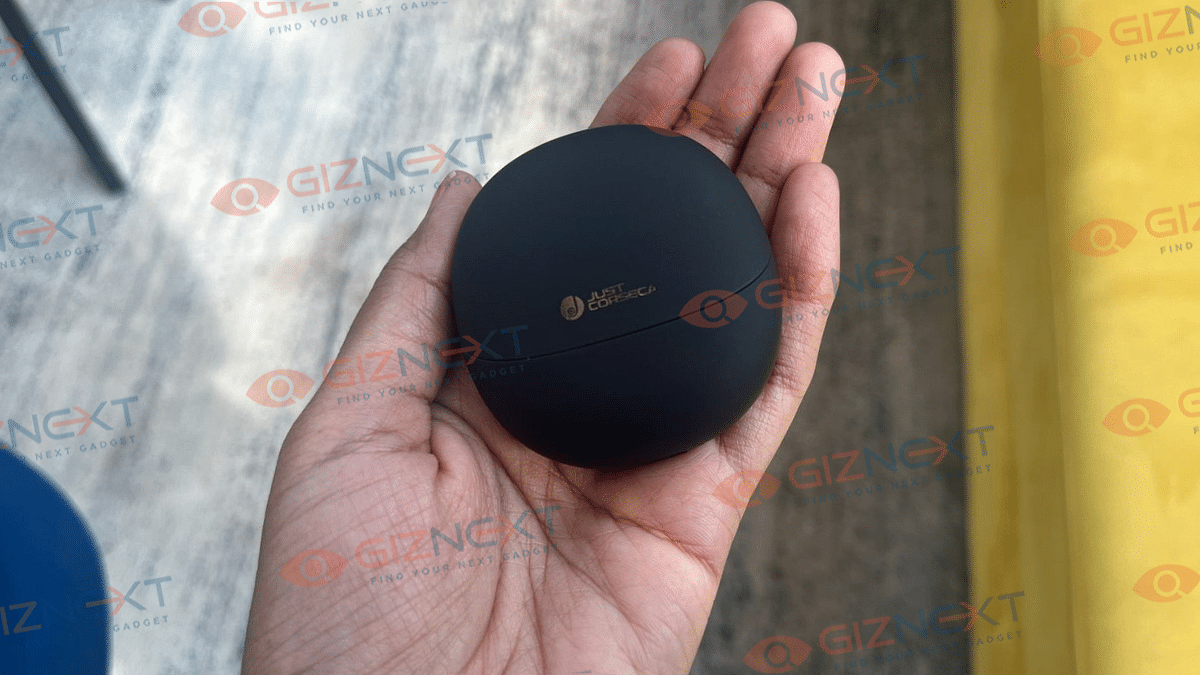
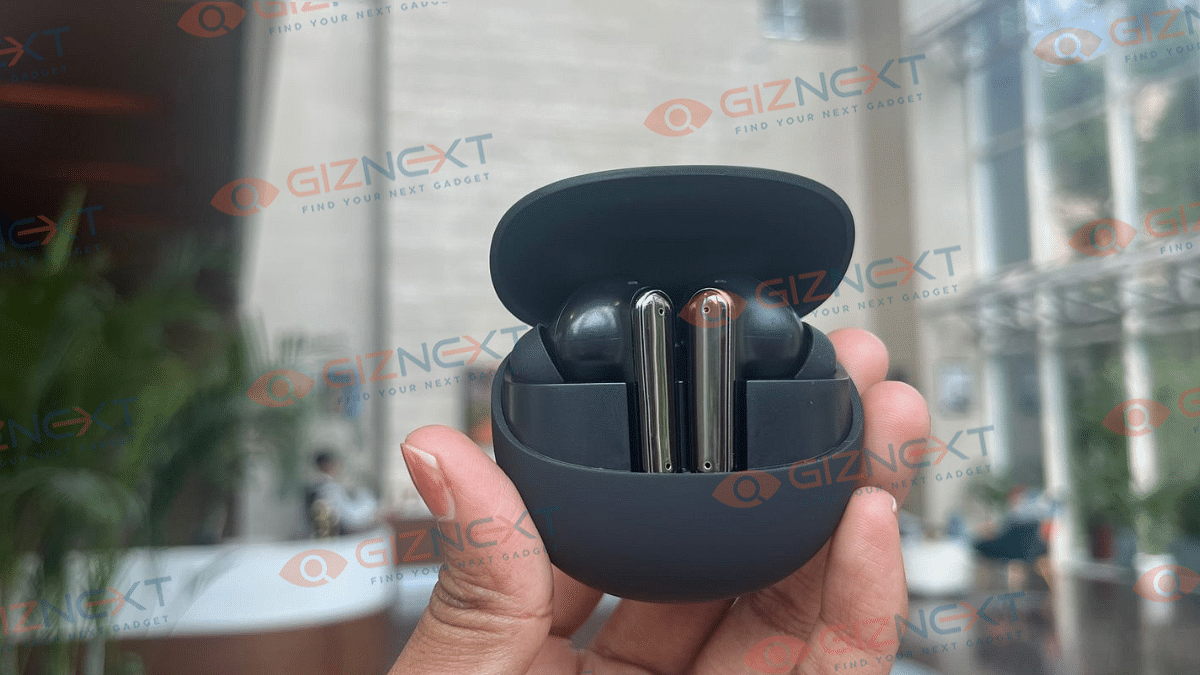
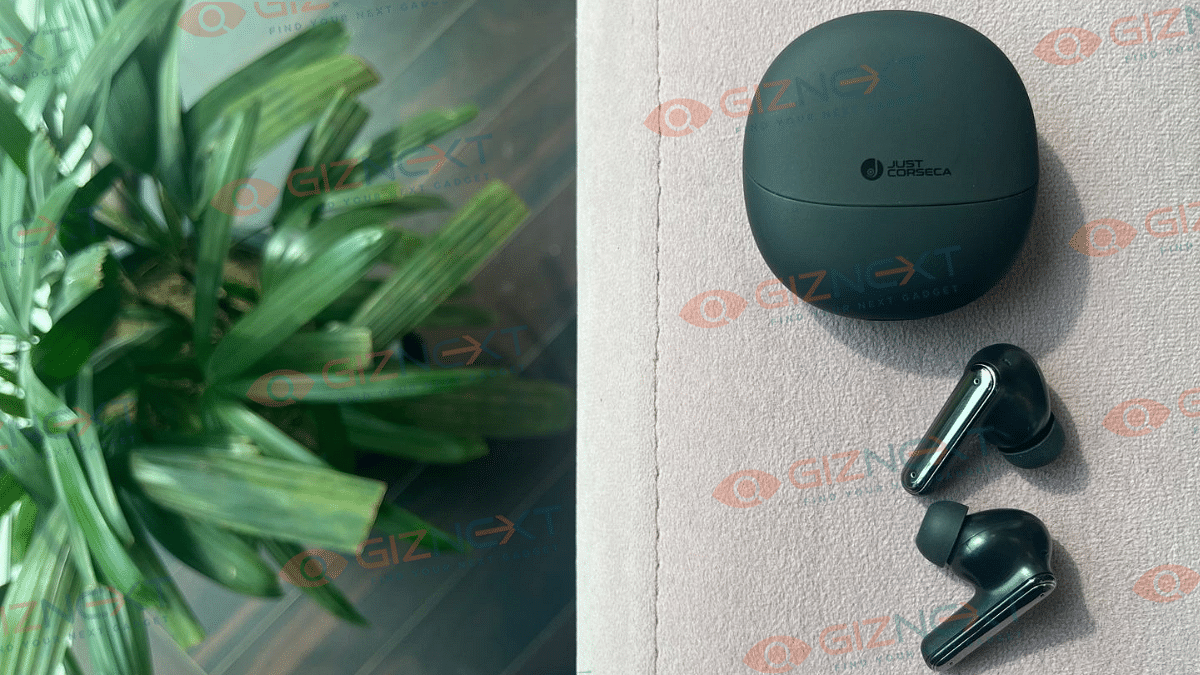
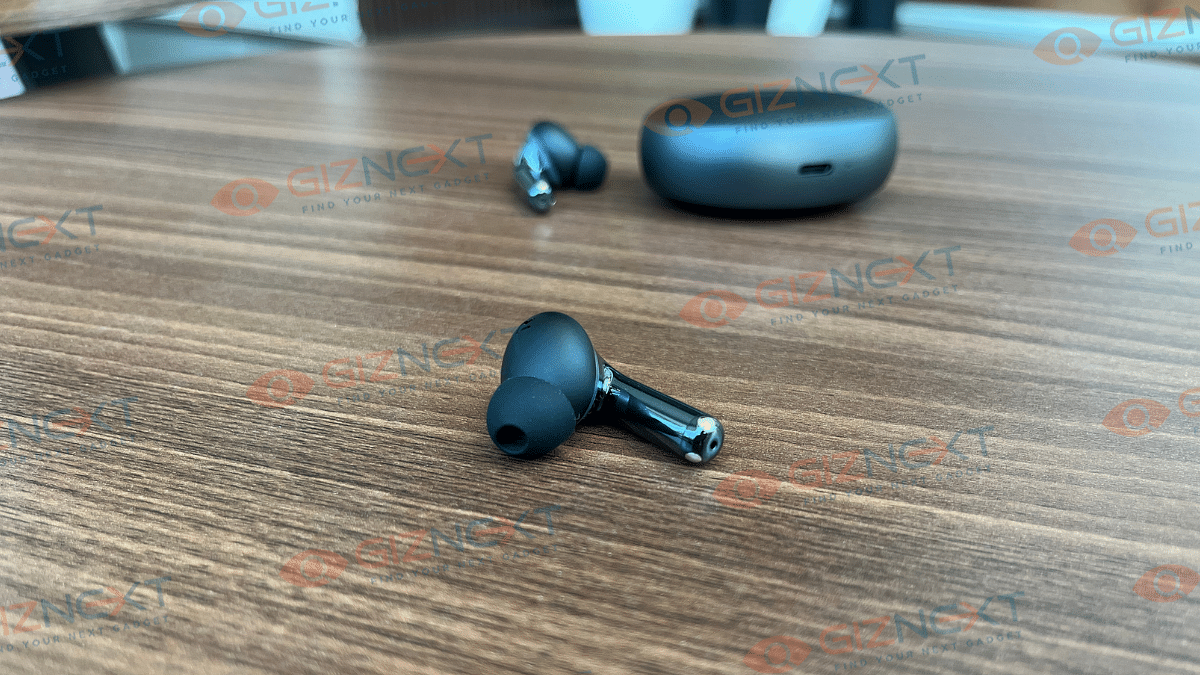
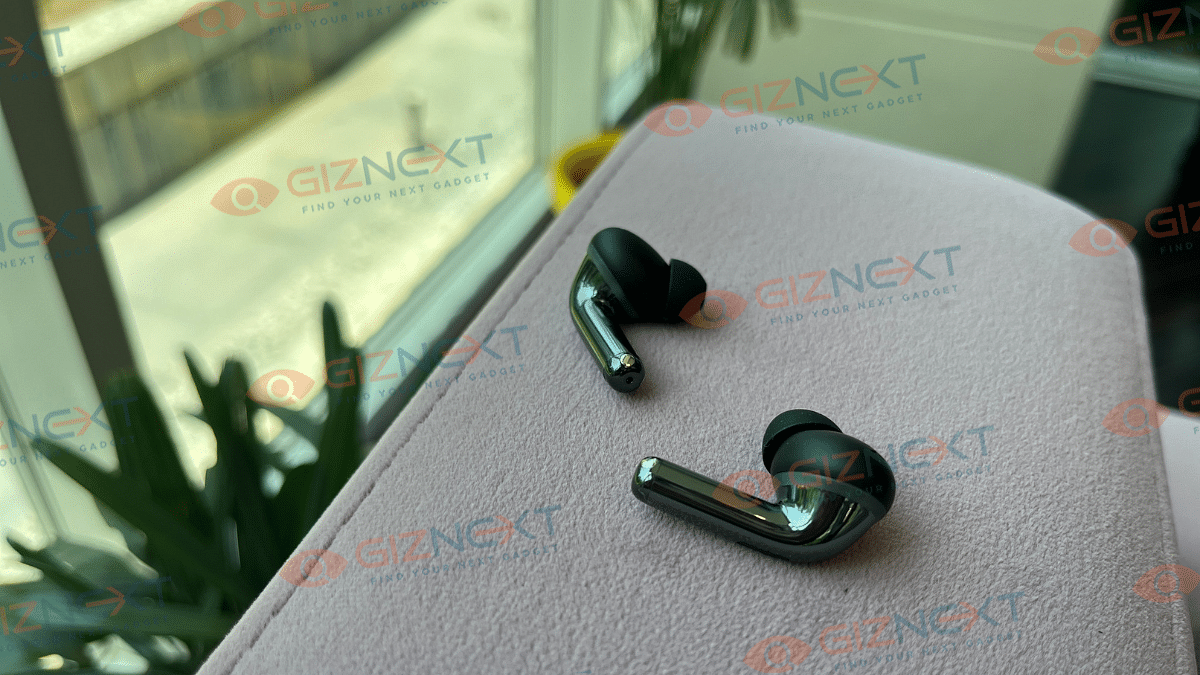
Let’s be honest. First impressions matter, right? And to be honest, the Just Corseca Spectre TWS doesn’t disappoint me at all. The earbuds come with an all-plastic build. They are lightweight at just 4.3g each and I was able to use them for more than a couple of hours at a stretch, without irritation. It has an ergonomic design and can stay comfortably in place whether you are on a jog or just lounging around. For review, I have got the Black color variant which looks premium and elegant.
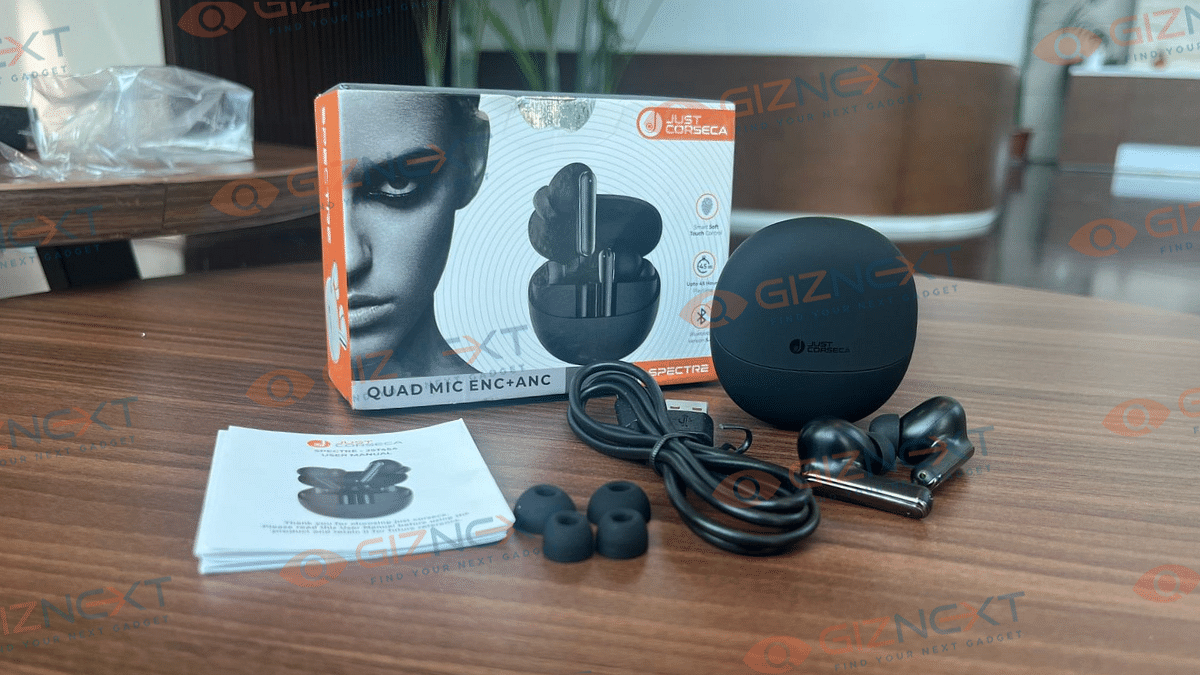
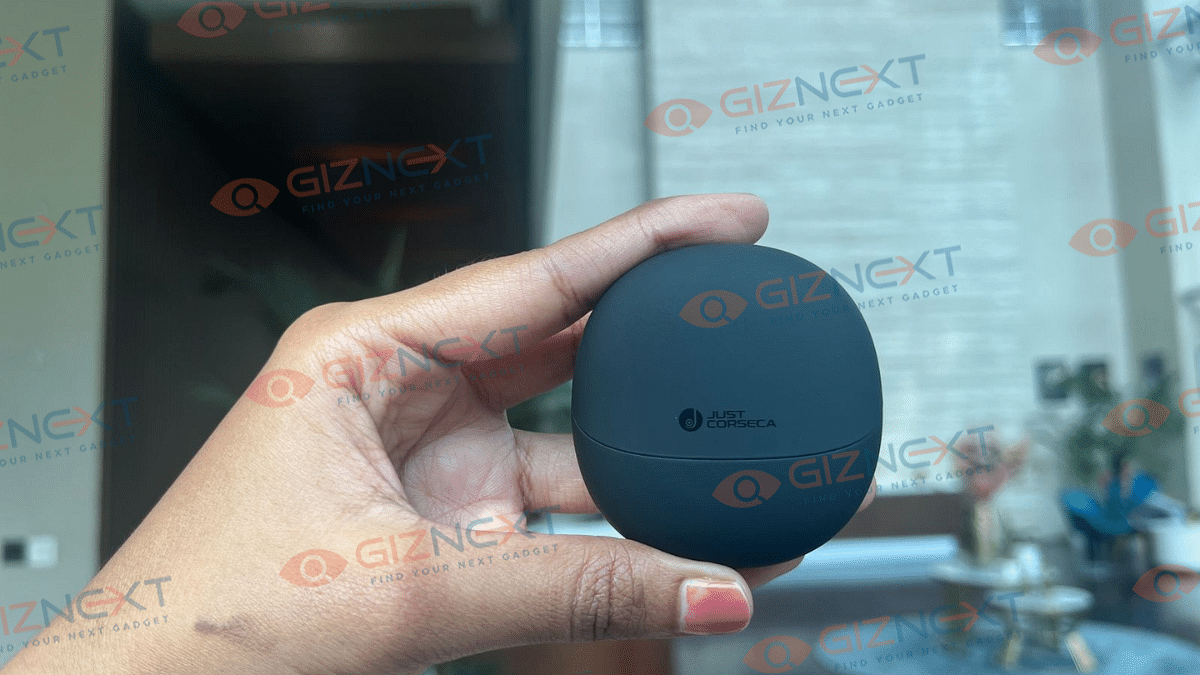
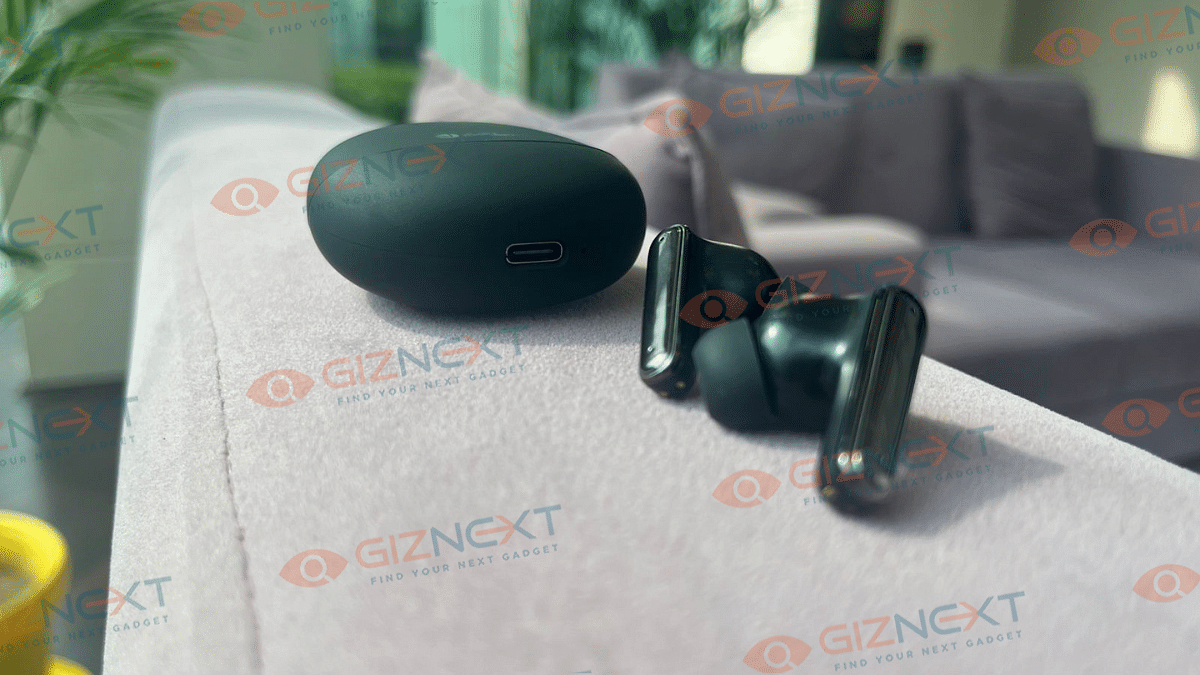
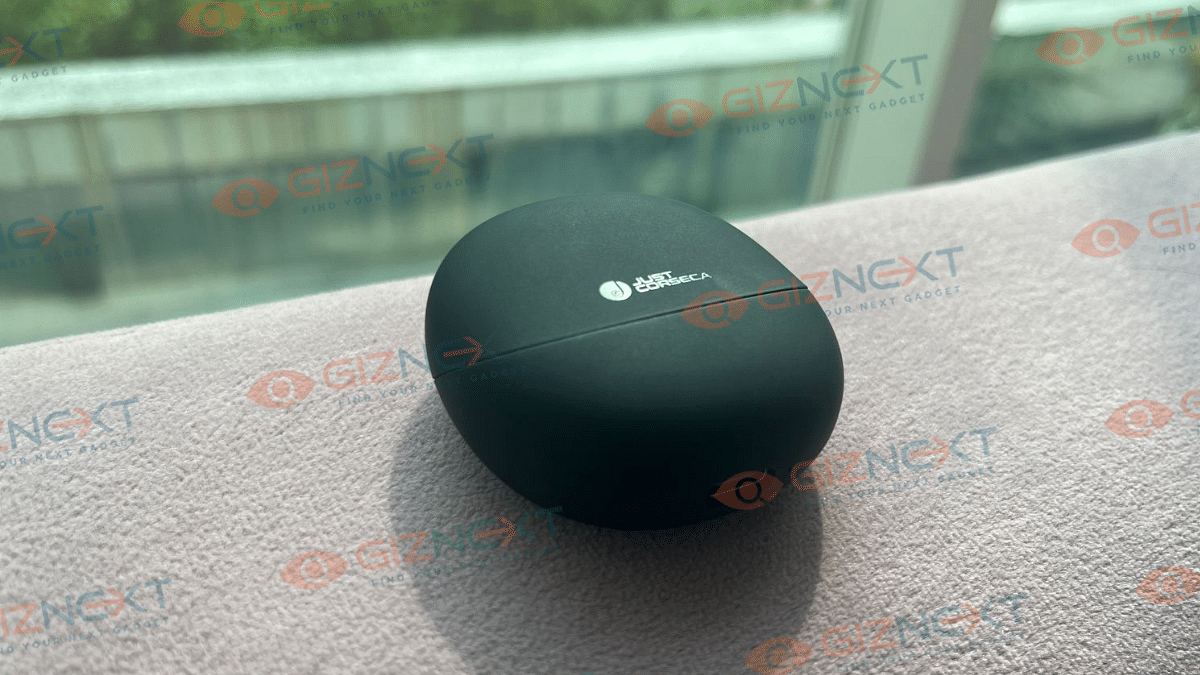
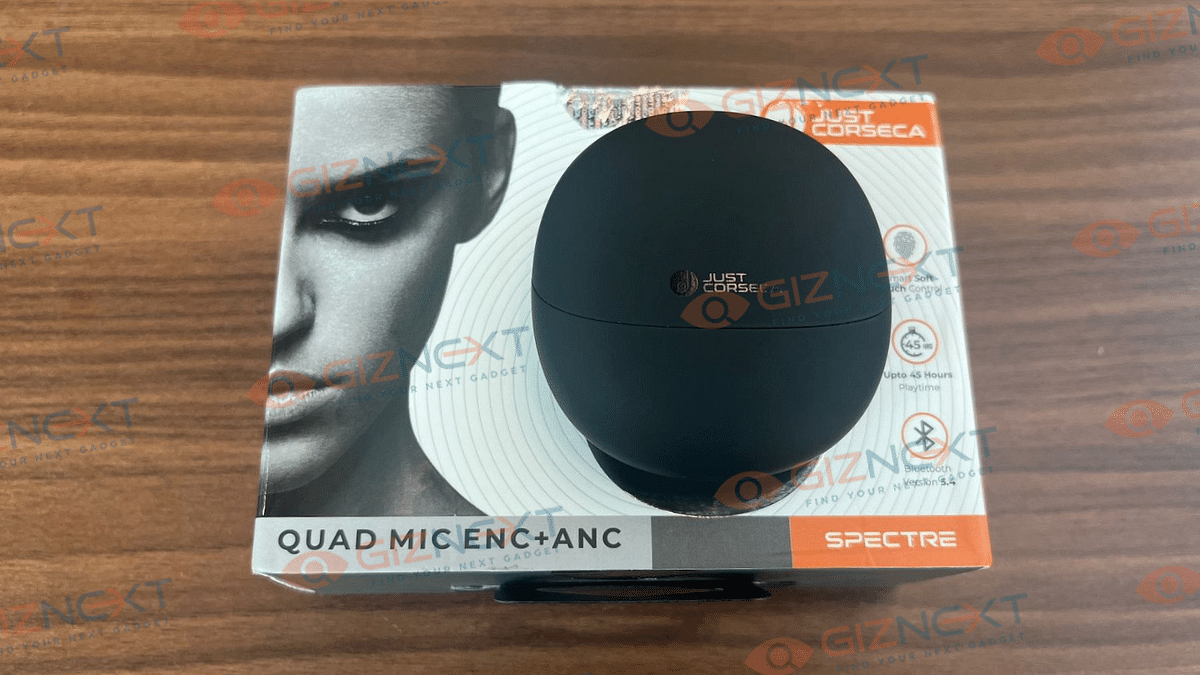
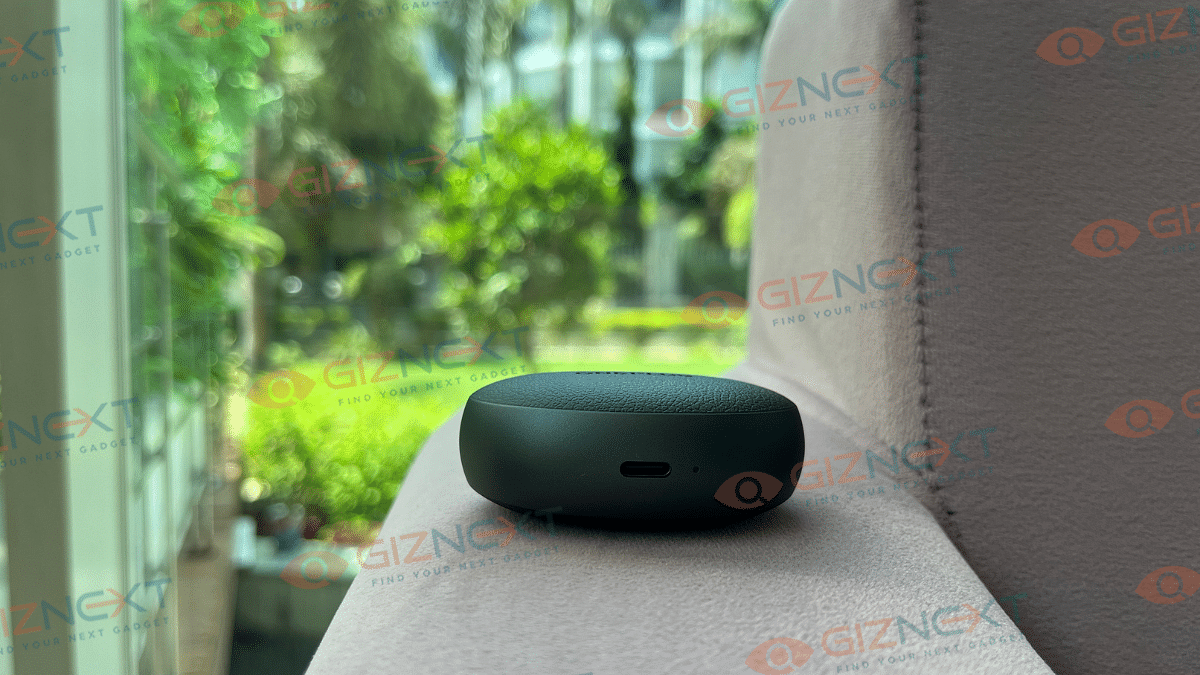
On the Spectre TWS, the USB Type-C charging connector is placed at the bottom of the charging case. The case bears the logo of the brand. Along with the earbuds and additional ear tips, the package also includes a USB Type-A to Type-C cable. In order to learn the control commands, you will first need to refer to the instruction booklet that is included.
Sound Performance
Now, let’s come to the part that truly matters, the sound. The earbuds support SBC and AAC codecs, so you are guaranteed high-quality audio streaming. The Spectre TWS is powered by a 13mm dynamic driver and is tuned for bass. If you enjoy heavy bass, you might be disappointed with these earbuds. Although the audio from the earbuds is average, vocals are sometimes overpowered by bass, and the treble is decent enough. The bass is underpowered compared to the mids and I think this is what many Indian customers like me like to hear. Nevertheless, the overall sound quality is still very good, with the majority of genres finding their sweet spot in the mid-volume level.
The combination of ANC and ENC ensures that you are completely immersed in your music without being distracted by the outside world. And with four microphones, voice clarity was good for calls indoors and below average outdoors. For the price, these feature medium call quality and decent audio overall.
Connectivity And Pairing
The pairing process in Spectre TWS is simple and easy, thanks to Bluetooth 5.4. All you need to do is turn on Bluetooth on your device, choose ‘Spectre,’ and establish a connection.
When you lift the top cover, the TWS is prepared for pairing. The JL7003D8 chipset that they include guarantees dependable connectivity. If you ask me, I haven’t had any problems with my iPhone’s connectivity thus far. However, you can only link it with one device at a time because it lacks dual-mode connectivity.
The touch controls are hit or miss and do not respond half the time. Unlike a few other buds, you cannot customize the settings. This bud only allows you to answer calls, change the music’s volume, play or pause the tracks, and control the voice assistant.
Battery
When it comes to TWS earbuds, battery life is often a deal-breaker. However, the Spectre TWS nails in this. You can listen to music continuously for up to 7-8 hours on a single charge, which I think is great. When you combine that with the charging case, you can expect a whopping 45 hours of playback. Additionally, the Type-C interface allows you to recharge your device in less than 1.5 hours when it needs it. I personally didn’t need to charge the device once during my testing week, and that’s great.
At the price of Rs. 2,999, the Just Corseca Spectre TWS earbuds deliver solid comfort and impressive battery life. While the sound quality is decent, the bass can sometimes overpower vocals. With easy connectivity and reliable ANC, they are a decent pick, though bass lovers might want to explore other options.
For the tech geeks, stay updated with the latest cutting-edge gadgets in the market, exclusive tech updates, gadget reviews, and more right on your phone’s screen. Join Giznext’s WhatsApp channel and receive the industry-first tech updates.
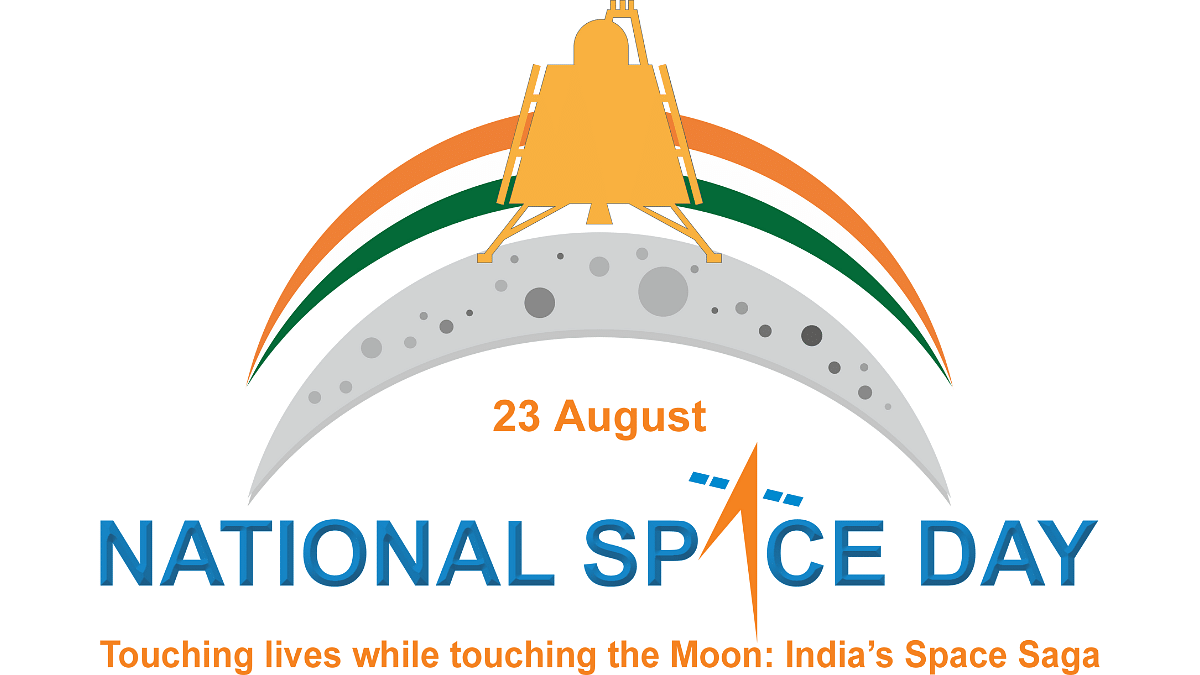
India celebrates its first National Space Day on August 23
The day honors India’s space achievements and inspires future STEM talent
ISRO will live-stream the event with discussions and educational sessions
India is all set to celebrate its first-ever National Space Day today at Bharat Mandapam in Delhi. On this day, India became the first country to land on the south polar region of the Moon. The nation also joined the exclusive group of nations that have successfully landed on the Moon. This undoubtedly marks a great achievement in the field of space exploration.
India is now definitely on the map of countries engaged in space exploration, thanks to the success of Chandrayaan-3. India’s mission not only proved its technological prowess but also gave the nation newfound inspiration and hope. India has demonstrated to the world that it is a major player in the global space competition and has demonstrated its capabilities in space research by reaching this milestone.
National Space Day Significance
The declaration of National Space Day is a celebration of India’s advancements in space research and exploration. Chandrayaan-3’s success is not just a scientific achievement but a symbol of the dedication and hard work of the scientists and engineers at the ISRO. This day serves as a reminder of India’s ability to achieve what was once considered impossible in space exploration. It highlights the nation’s commitment to innovation, precision, and perseverance in the field of space science.
Moreover, National Space Day is not just about celebrating past achievements. It also aims to inspire the youth of India to pursue careers in science, technology, engineering, and mathematics (STEM). By doing so, the day hopes to nurture the next generation of scientists and engineers who will contribute to the country’s future space missions. This celebration is a call to the youth to dream big and work hard to achieve their goals, just as the scientists at ISRO have done.
National Space Day 2024 will be live streamed on multiple platforms for all who wish to participate in this historic occasion. The activities, which will include panel discussions with space experts and educational sessions targeted at motivating both space enthusiasts and students, will be televised by ISRO. We have also embedded the video for your comfort.
For the tech geeks, stay updated with the latest cutting-edge gadgets in the market, exclusive tech updates, gadget reviews, and more right on your phone’s screen. Join Giznext’s WhatsApp channel and receive the industry-first tech updates.
Features include powerful suction and smart navigation
Available from August 22, starting at Rs. 7,999
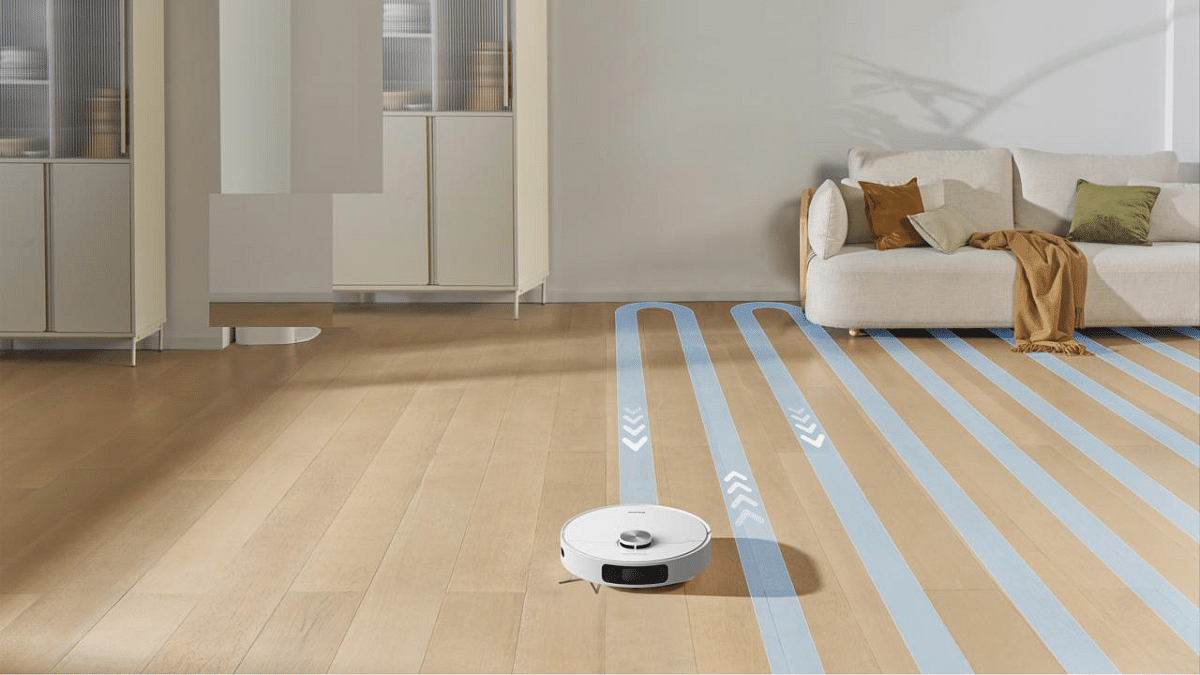
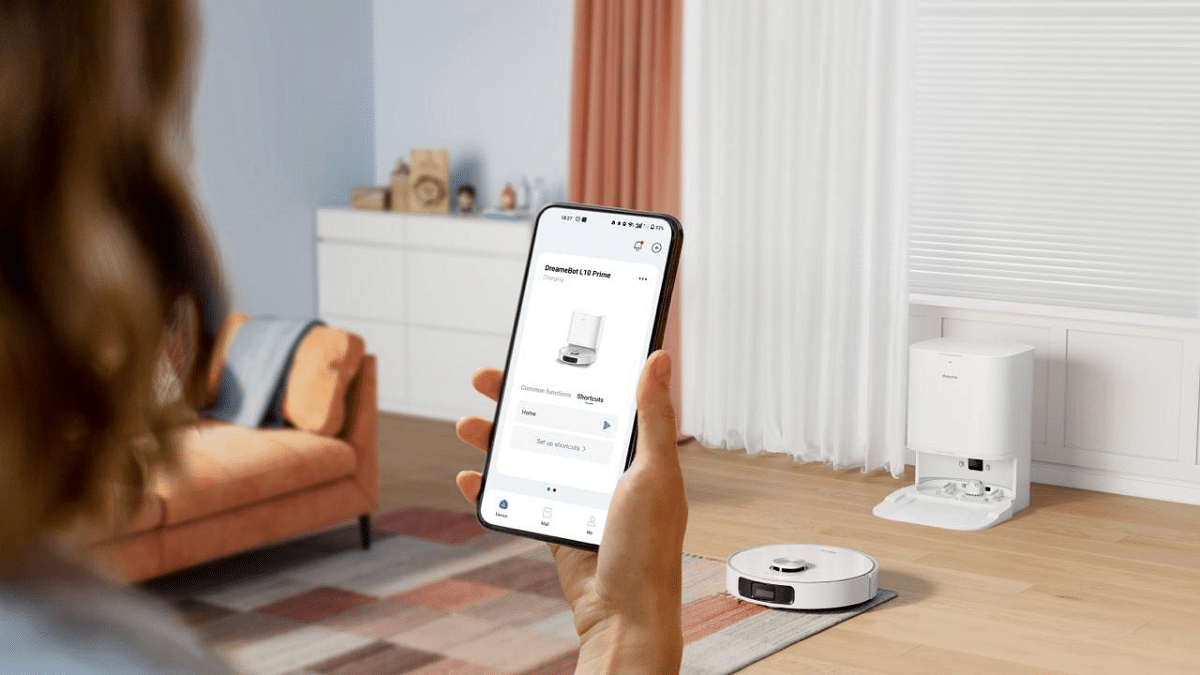
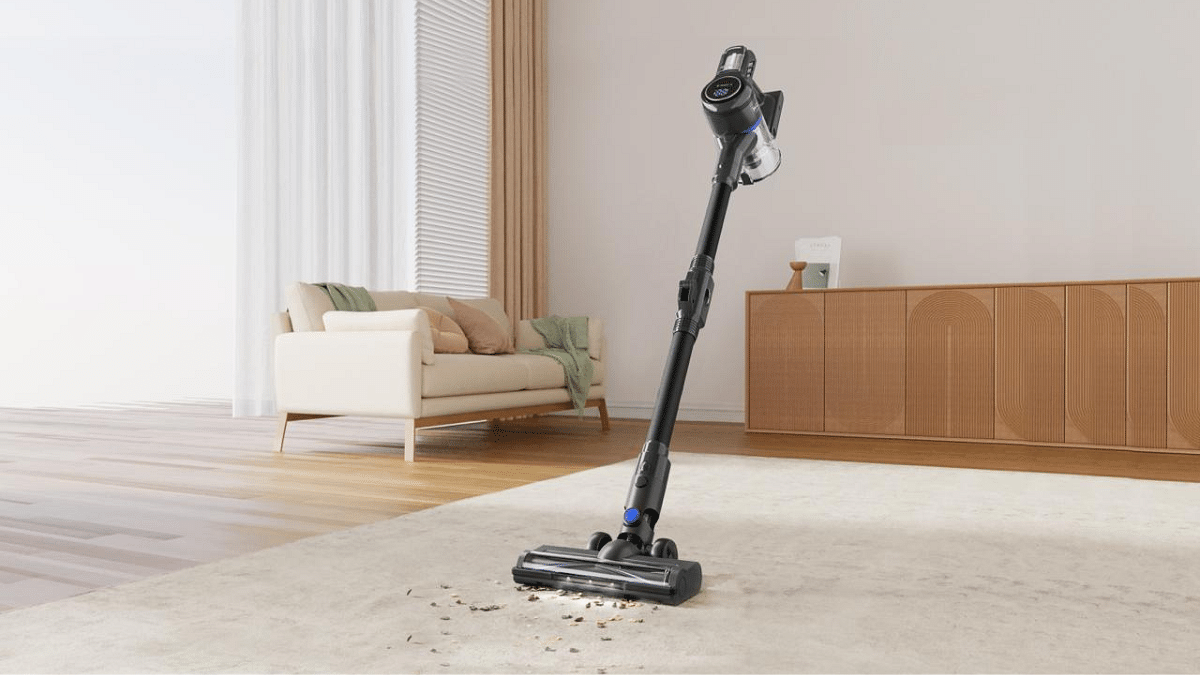
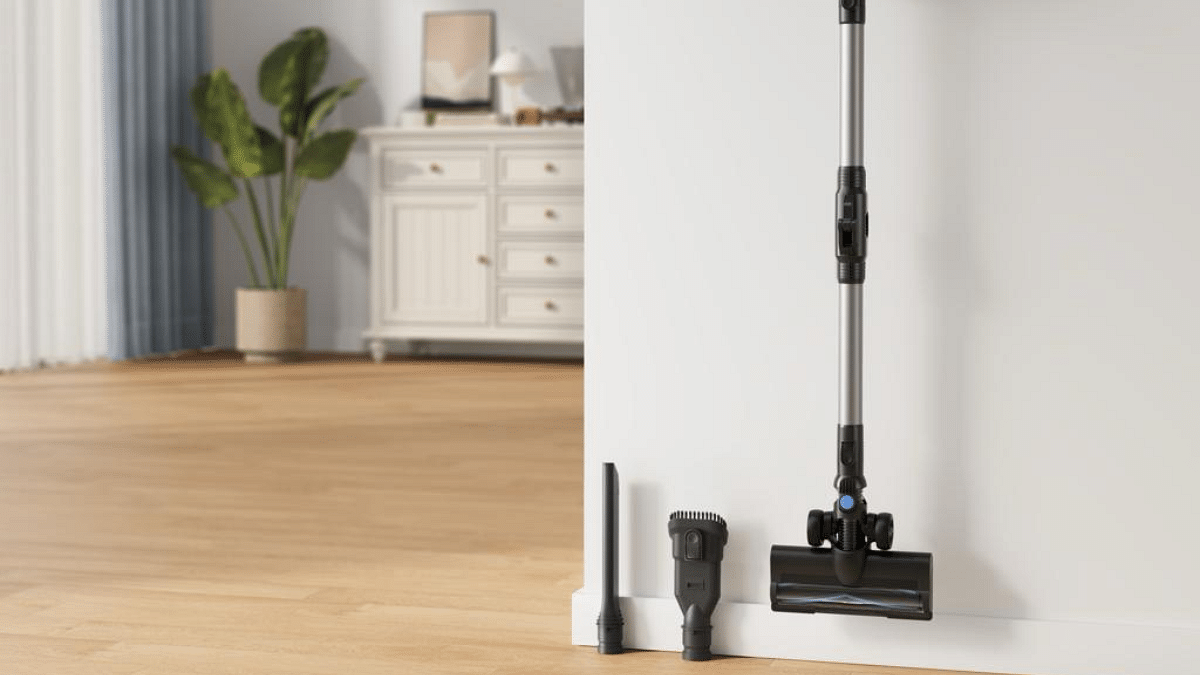
Dreame Technology has launched the latest range of their home cleaning products. The new offerings feature intelligent robot vacuum, mop trio, and cordless stick vacuums. These products promise to deliver advanced cleaning performance, combining power, intelligence, and convenience for various cleaning needs. Here are the features.
These products will be available on Amazon India starting August 22.
Products
Price
L10 Prime
Rs. 45,999
D10 Plus Gen 2
Rs. 39,999
H12 Dual
Rs. 36,999
D9 Max Gen 2
Rs. 29,999
Mova J30
Rs. 13,999
Mova J20
Rs. 10,999
Mova J10
Rs. 7,999
For the tech geeks, stay updated with the latest cutting-edge gadgets in the market, exclusive tech updates, gadget reviews, and more right on your phone’s screen. Join Giznext’s WhatsApp channel and receive the industry-first tech updates.
Women face daily safety risks that often lead to restrictions
Safety apps help women move confidently and securely
Check out the top five must-have safety apps for women in India
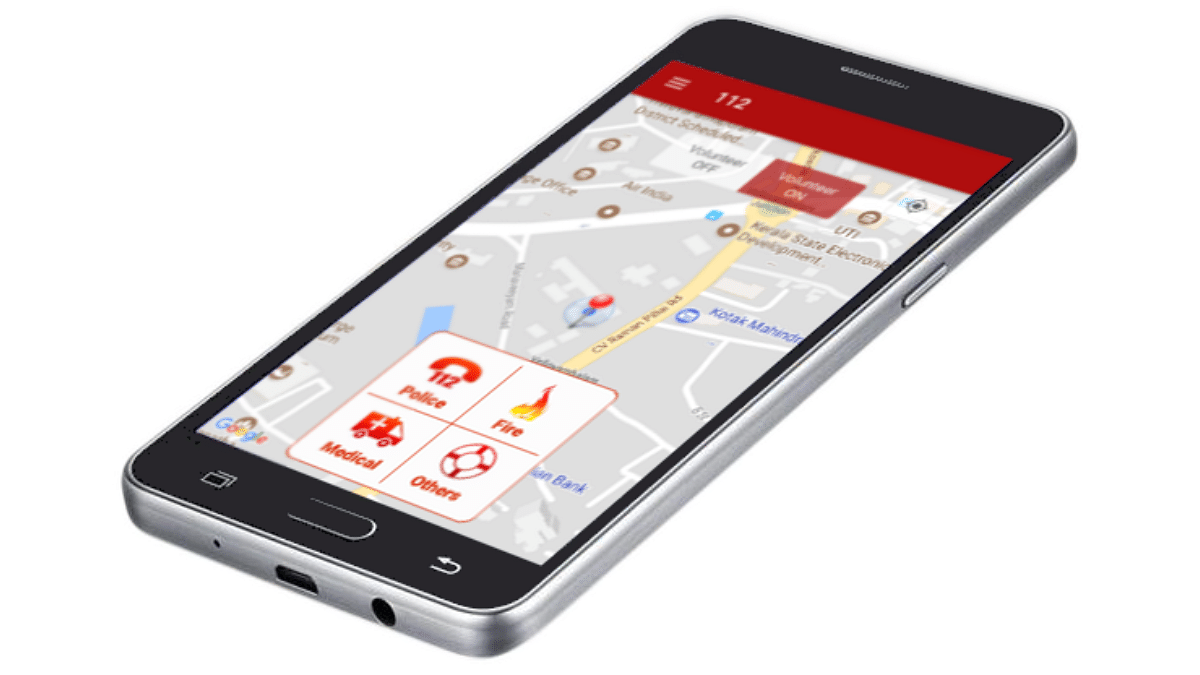
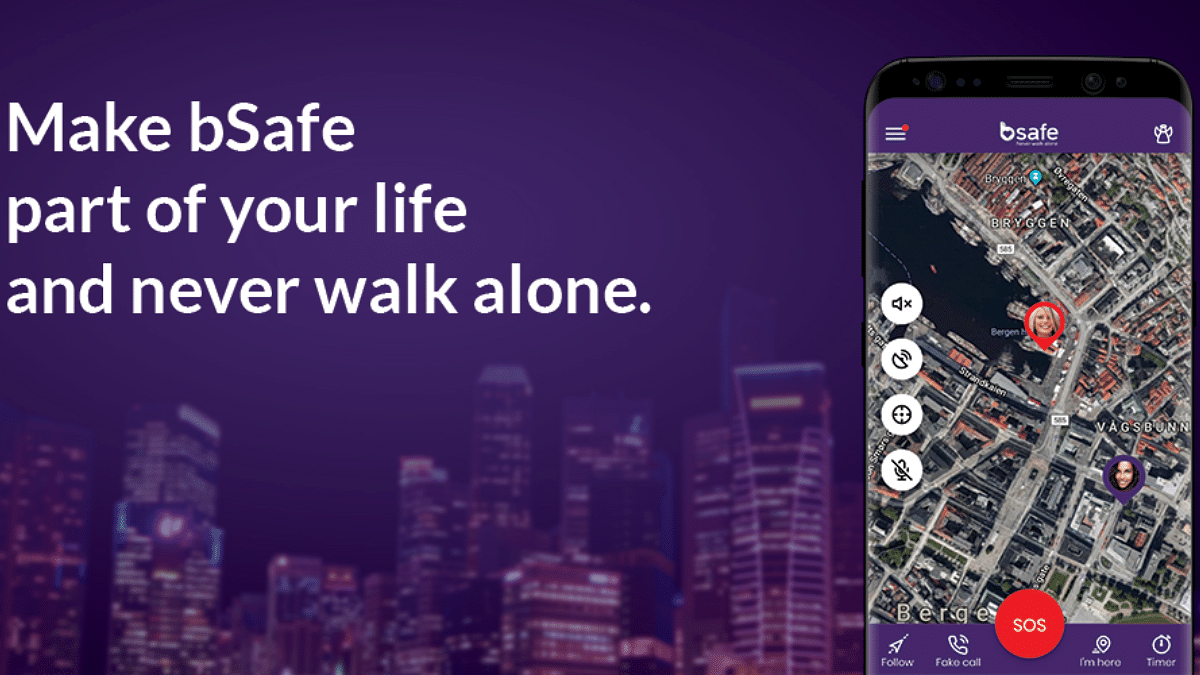
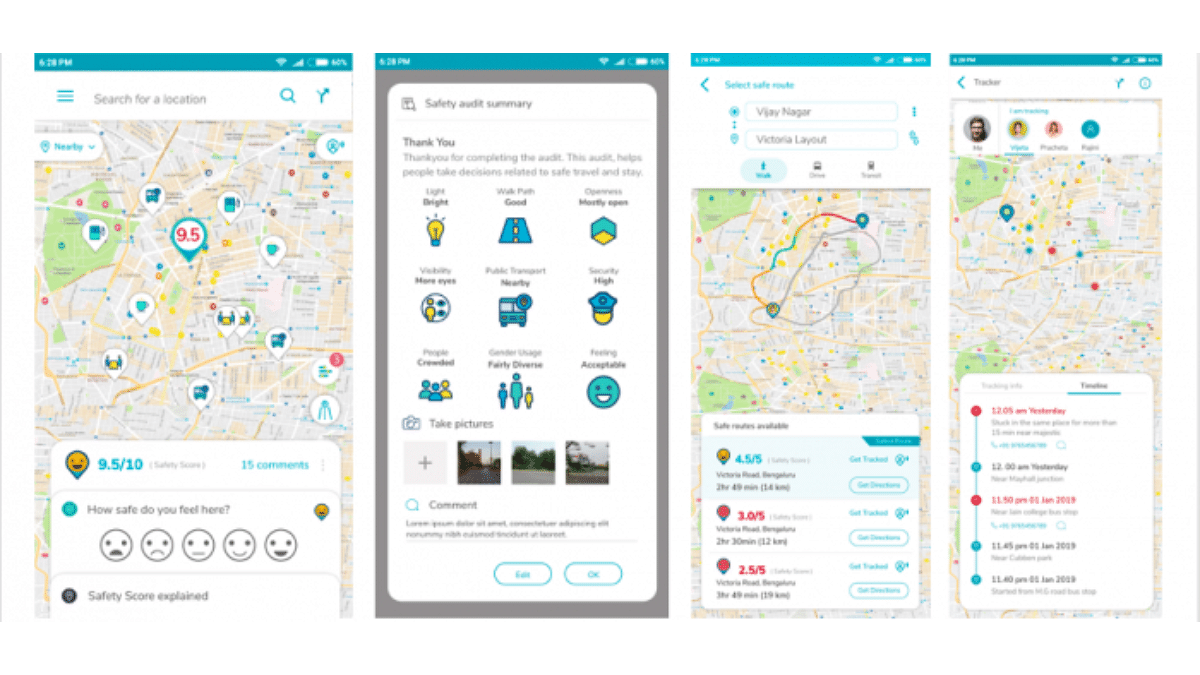
These days, women’s safety is more serious than ever, especially in a country like India. From sexual assault to domestic abuse and robbery, the risks women face on a daily basis have imparted a deep sense of fear in many. Ultimately, this fear often leads to restrictive rules and time bounding which every woman has to comply with, whether they want to or not. Rather than empowering them, these things make women feel even more vulnerable and dependent. To combat these fears and allow them to move freely and confidently, we have curated a list of best apps that one must have in their devices. Here’s a look at the best five safety apps available for women in India.
In order to improve women’s safety and confidence, these apps can serve as a powerful tool. With the help of technology, women in India can now navigate their world with greater assurance and safety.
For the tech geeks, stay updated with the latest cutting-edge gadgets in the market, exclusive tech updates, gadget reviews, and more right on your phone’s screen. Join Giznext’s WhatsApp channel and receive the industry-first tech updates.
Picture this: you are getting ready for a morning walk. Your favorite songs are lined up. But something is missing. That’s right, your earbuds. Well for me, earbuds are more than just an accessory. They are an essential part of my daily routine. Whether I am travelling through the crowded metro, taking an evening stroll, or simply tuning out the world, a good pair of earbuds are non-negotiable. And to be honest, when it comes to selecting the right pair, I am quite picky. However, there is one brand that never fails to catch my attention, and that is OnePlus.
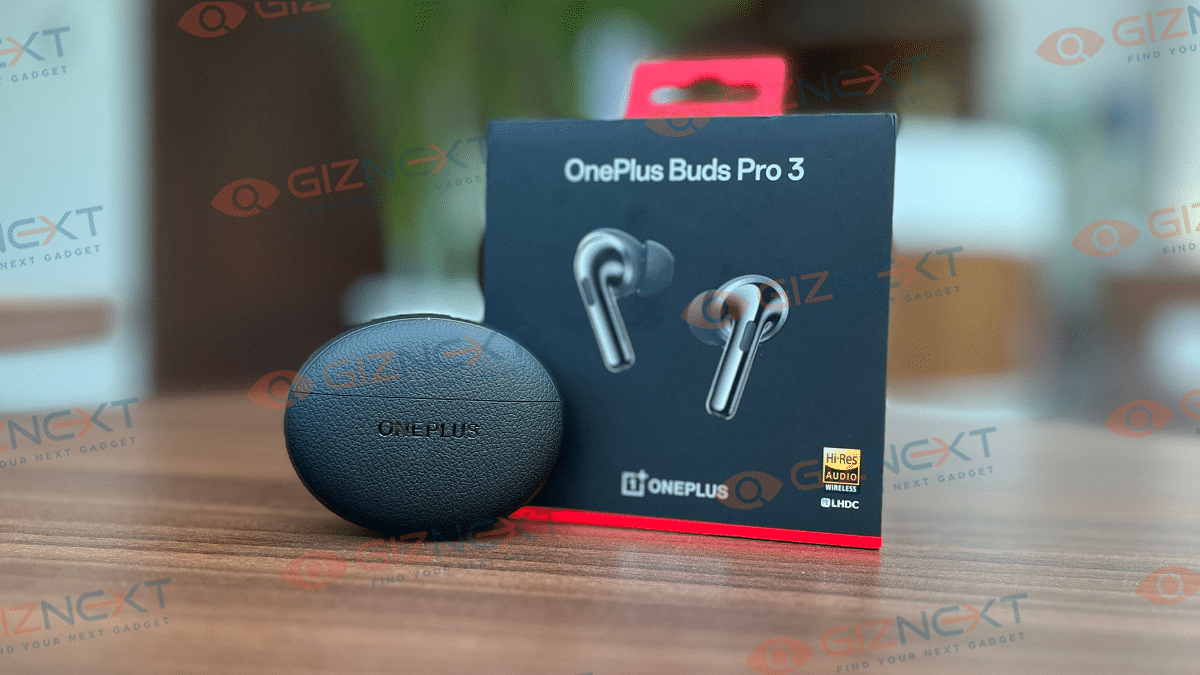
OnePlus have consistently impressed me with their devices, especially in the audio segment. So, when the recently launched OnePlus Buds Pro 3 dropped, I couldn’t wait to get my hands on them. After using them for few weeks, I am here to share my experience. Let’s just know if its all about the hype or have joined my new favorite list.
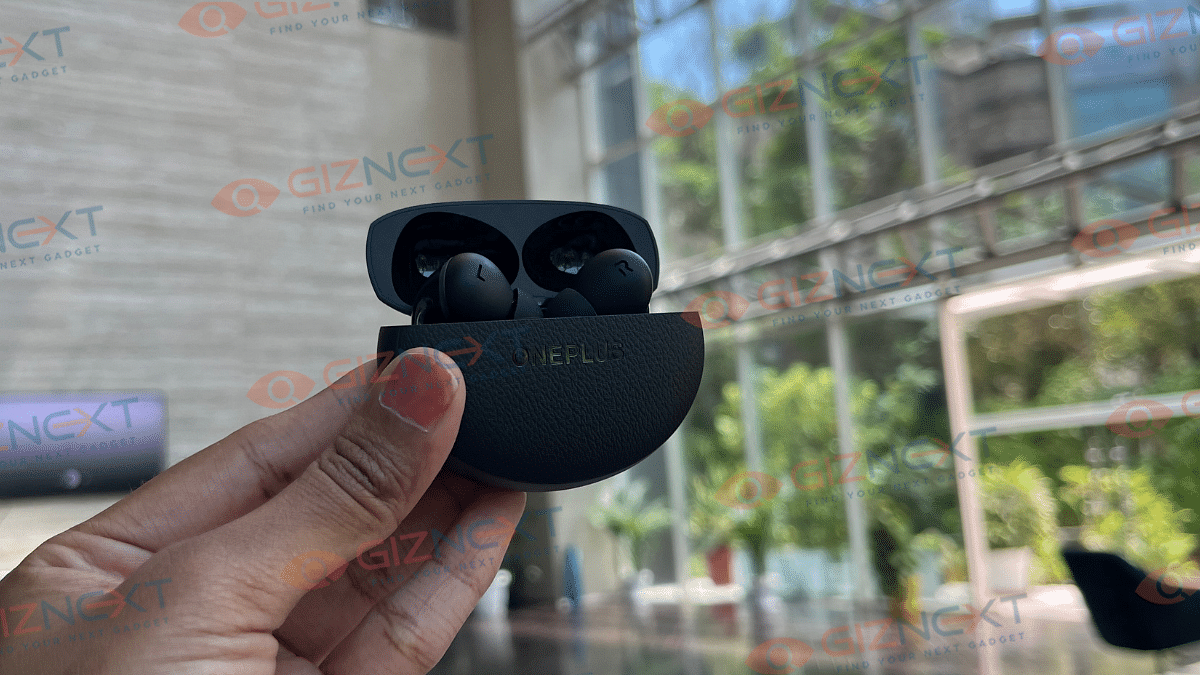
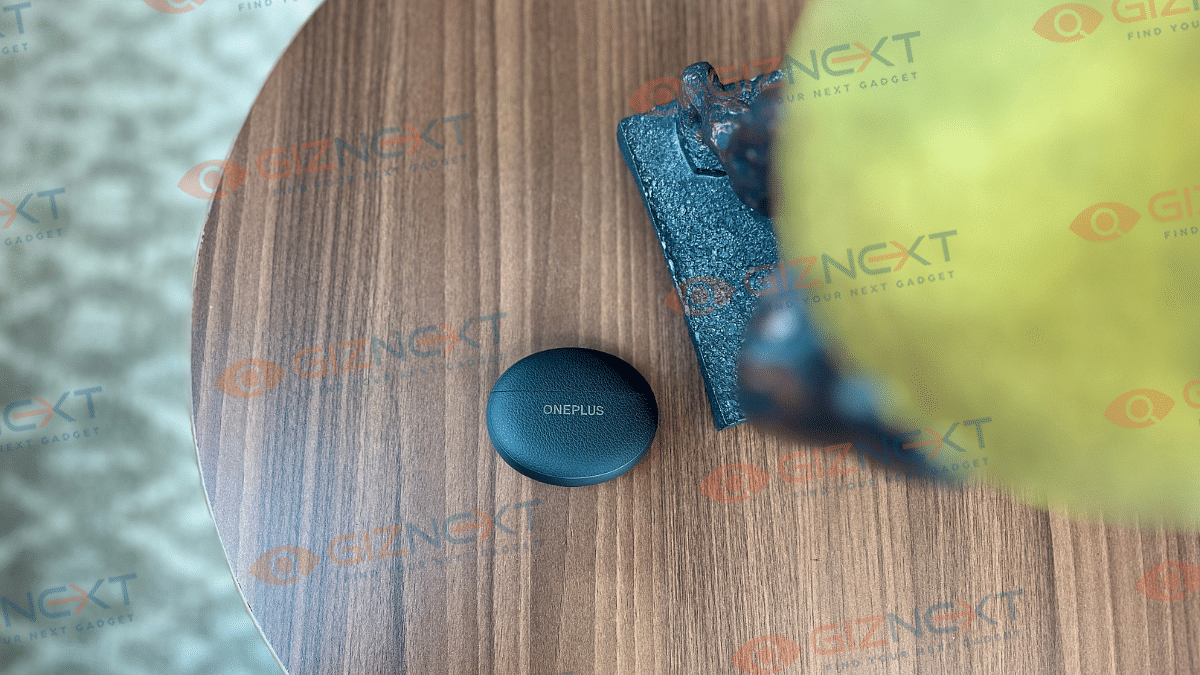
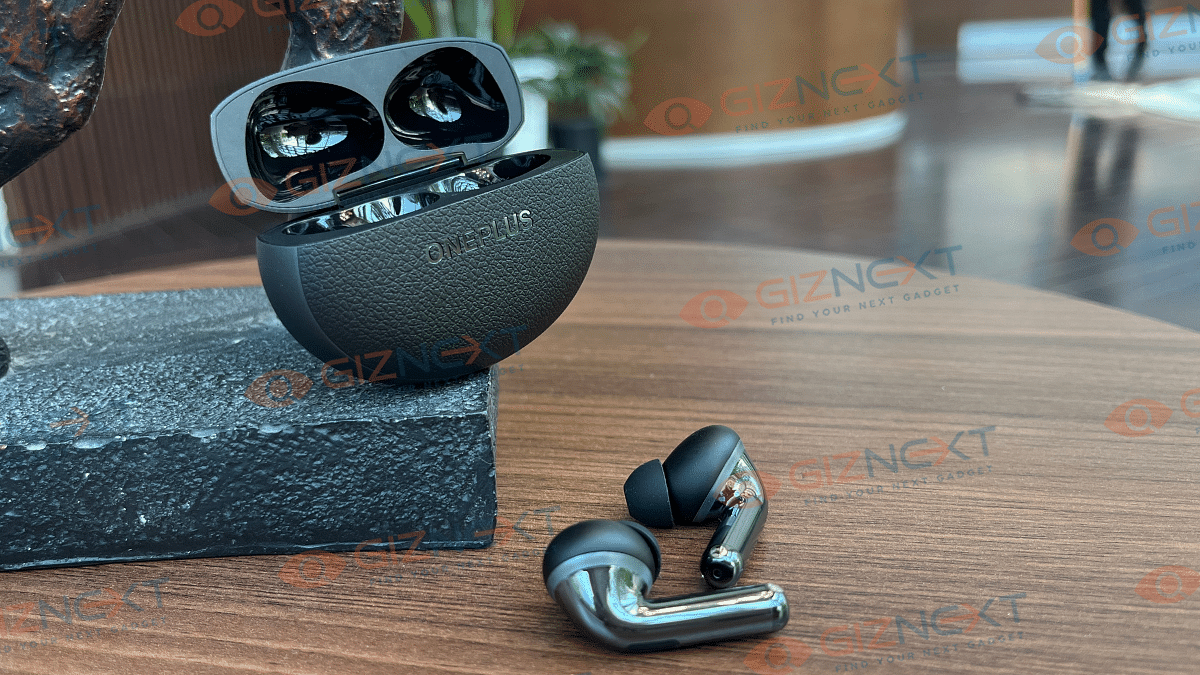
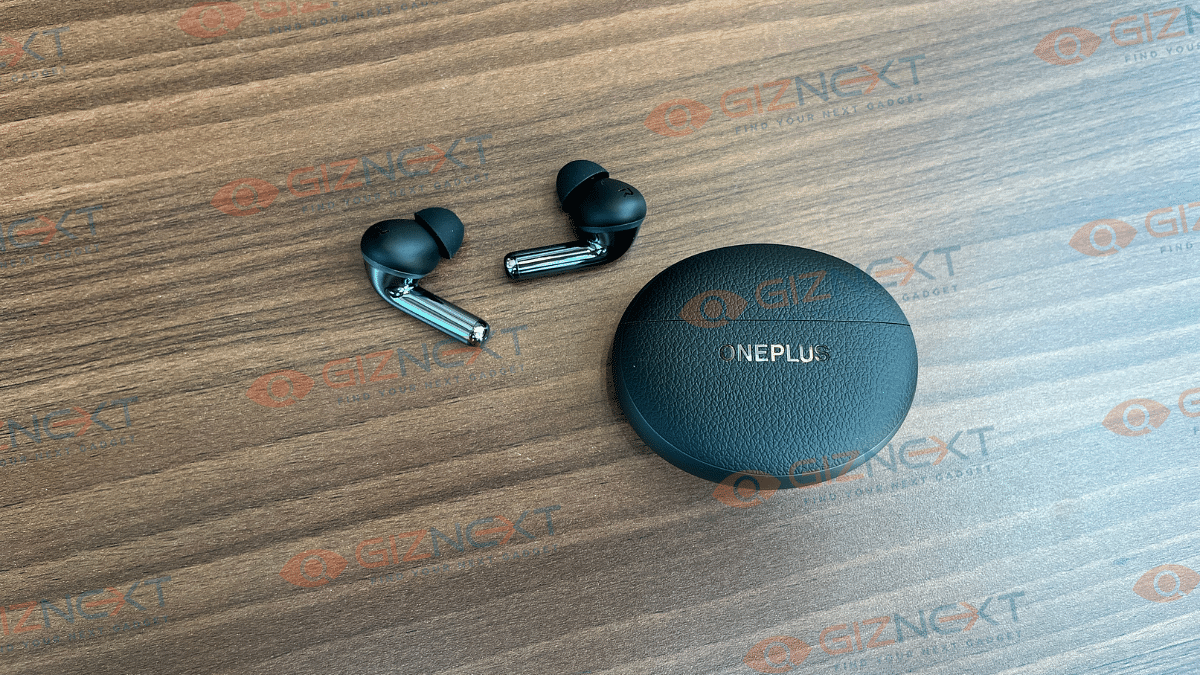
The OnePlus Buds Pro 3 features a design that is both luxurious and minimalist. They have a pebble stone form factor and a two-tone design. It combines a leathery texture on the front and back along with a metallic finish on the sides. However, the case is not made from real vegan leather but rather hard plastic textured just to mimic the appearance of leather. Once you hold the case, you will get to realize it’s just a plastic.
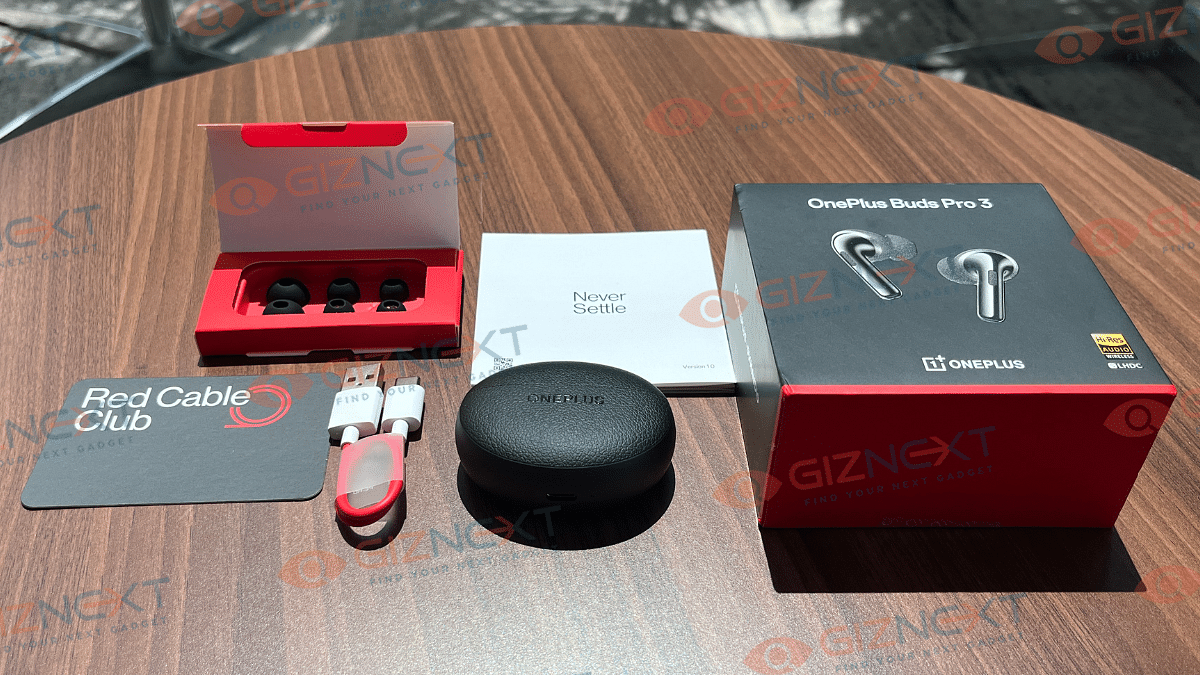
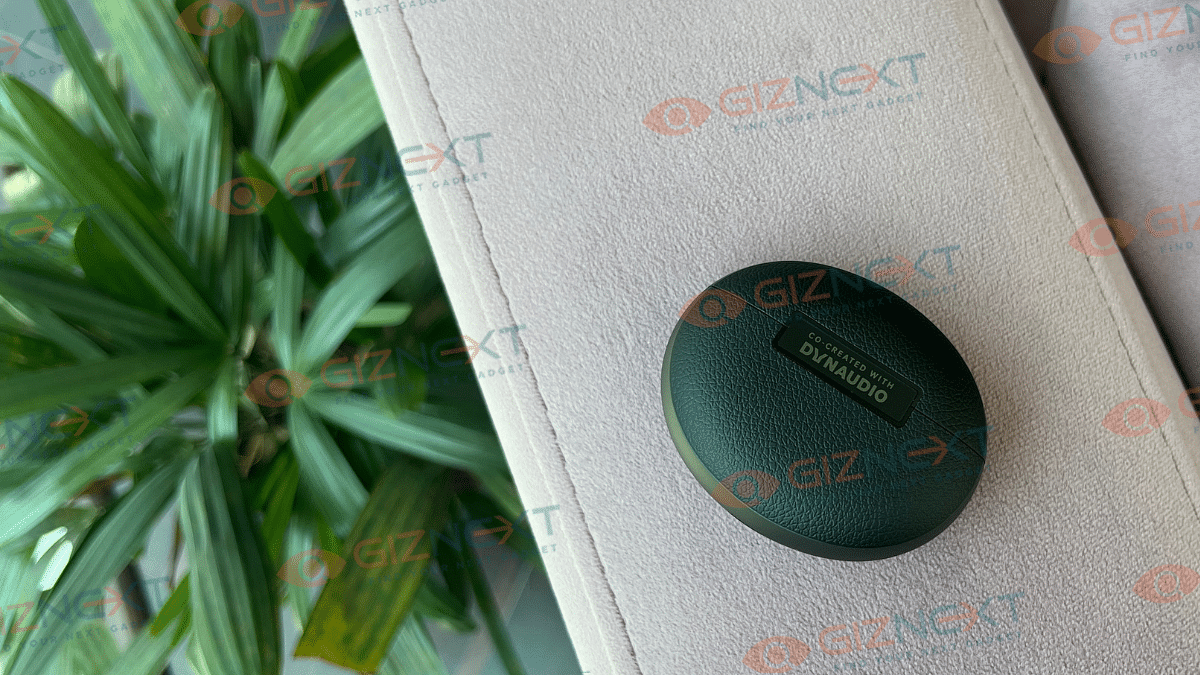
The front and back of the case have the logos of OnePlus and Dynaudio, respectively. On the bottom, there is a charging port accompanied by an LED light for charging status. On the right, you will see the pairing button. Once you open the case, there’s two earbuds and another LED for pairing status.
The earbuds are compact yet spacious enough to fit-in serious drivers. They come pre-fitted with medium-sized silicone tips. Personally, I found the fit perfect, and the earbuds didn’t cause any discomfort, even after extended use. But for those who find the earbuds too big or too small, OnePlus includes three additional pairs of ear tips in the retail box, i.e., extra small, small, and large.
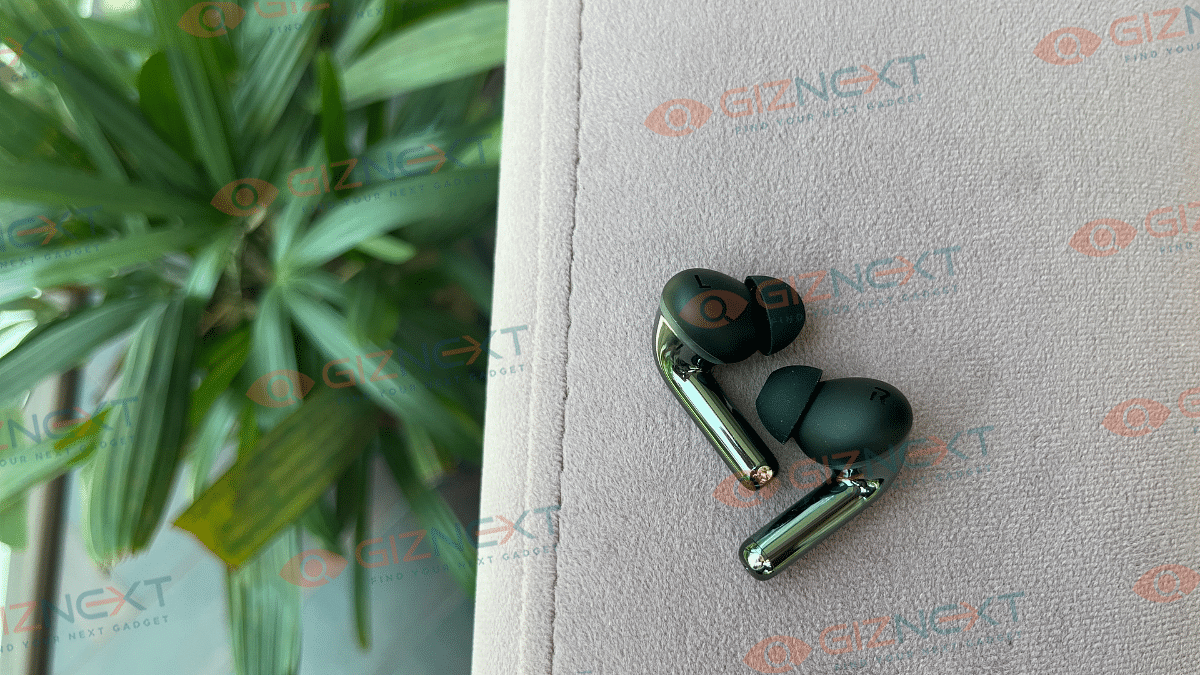
Each earbud has a rounded stem and a dual-tone finish. The stem features a unique slide function, with the designated slide area marked by tiny horizontal lines towards the front of the stem. I must say it is really a thoughtful design so that you can easily locate the slide area without fumbling.
The device is available in two classic shades: Lunar Radiance and Midnight Opus. I have got the latter one for the review, which looks elegant. Additionally, the earbuds come with an IP55 rating. This makes them resistant to heavy sweating during workouts or outdoor activities. The case does not carry an IP rating.
OnePlus has continued its collaboration with Danish audio company Dynaudio for a rich and immersive audio experience. The OnePlus Buds Pro 3 is equipped with an 11mm woofer and a 6mm tweeter setup. The ANC on these buds reaches a depth of 50dB, and it does effectively block out unwanted noise.
These buds are made for audio lovers, and they did not disappoint me at all. I really enjoyed the Spatial Audio feature while streaming my favorite songs on various music apps. The balance between highs and lows is well-managed. The bass is punchy and delivers a solid output with great clarity. However, the mid-range sound can sometimes lack clarity.
The ANC is particularly impressive as it adjusts automatically based on your surroundings. Whether you are stuck in noisy traffic or trying to focus in a lively office, the ANC adapts seamlessly.
Each earbud features three microphones and a Voice Pickup sensor that enhances the call quality. This uplifts the clarity of your voice during calls. The voice is clear and loud enough for the receiver to hear with decent clarity.
However, there are a couple of drawbacks. The Buds Pro 3 lacks support for high-res codecs like AptX or LDAC. And it is a letdown for audiophiles. Additionally, there’s no support for Bluetooth LE audio or LC3.
Overall, the sound experience I got on the OnePlus Buds Pro 3 is balanced and detailed. Through the HeyMelody app, you can access a six-band customizable equalizer. This allows you to fine-tune the sound to your preference. The earbuds also come with five Dynaudio-backed EQ presets, that is, Balanced, Bold, Serenade, Bass, and Dynaudio featured. The last preset aims to reproduce the sound of Dynaudio speakers for balanced bass, mids, and treble. While I am not completely sure if it achieves that or not, the sound is nonetheless pleasant and enjoyable.
Connectivity And Pairing
The OnePlus Buds Pro 3 comes with Bluetooth 5.4 and support Google Fast Pairing. One standout feature is its dual connectivity. It allows you to pair the earbuds with two devices simultaneously. I personally found this feature super convenient as I keep switching between my phone and laptop.
On a positive note, pairing the earbuds was super easy. I paired them with my iPhone without a struggle, and the process was smooth and quick. You can also pair the earbuds using the HeyMelody app, available on both Android and iOS. The app provides a lot of control and customization options as well. During my usage, the connection remained stable even as I walked around the room. This stability is a definite plus.
Function
Left
Right
Play/Pause, Answer/End calls
Press
Press
Next track/Reject call
Double-press
Double-press
Previous track
Three-press
Three-press
ANC/Transparent mode
Press and hold for 1 second
Press and hold for 1 second
Increase Volume
Slide up
Slide up
Decrease Volume
Slide down
Slide down
Battery Life
When it comes to battery life, each bud houses a 58mAh cell and the case has a 566mAh battery capacity. One can easily get up to 10 hours of playtime with full charge.
In my experience, I managed to get over 40 hours of total playback time from the earbuds without ANC, which is quite impressive. And with ANC turned on, the playback time reached about 25 hours. But I was still very pleased with the performance. When using the lossless LHDC codec with Smart ANC mode enabled and the volume set to over 60-70 percent, the earbuds, along with the case, provided a runtime of over 20 hours.
Now coming to the charging part, it takes over one hour to completely charge from 0 to 100 percent through wired charging process. Beside that, the device also supports wireless charging.
At Rs. 11,999, the OnePlus Buds Pro 3 stands out as one of the best earphones you can buy if you are looking to up your audio experience. It has an elegant design, comfortable fit, and a great battery life. The ANC, good microphone quality, and great latency performance make it a well-rounded package. For the price, the OnePlus Buds Pro 3 delivers all the key features that make it a winner.
For the tech geeks, stay updated with the latest cutting-edge gadgets in the market, exclusive tech updates, gadget reviews, and more right on your phone’s screen. Join Giznext’s WhatsApp channel and receive the industry-first tech updates.
Instagram has logged the top spot in the social media space
Instagram user base is expanding rapidly each year
User names are a must to increase any account’s reach
You probably already know how crucial it is for businesses to be active on social media today, both to increase sales and to build their brands or companies in the market. For this reason, you cannot leave the Instagram name, username, and phrases to luck. Here are our selections of the best 100 gardening-related Instagram usernames that you can use to gain more followers on the platform.
For the tech geeks, stay updated with the latest cutting-edge gadgets in the market, exclusive tech updates, gadget reviews, and more right on your phone’s screen. Join Giznext’s WhatsApp channel and receive the industry-first tech updates.
WhatsApp is testing a feature to block unknown numbers’ messages
The feature is currently in beta testing
Users can now create custom stickers and access more GIFs
WhatsApp is one of the most crucial communication apps for billions of people globally. But it allows anyone to message or call you with your phone number. Its open nature made it a platform for spam and unwanted attention. Users who value their safety and privacy, this is a concerning issue. But there’s good news! WhatsApp is testing a feature that will give users more control over who can message or call them.
Recently, the feature, called Block Unknown Account Messages, was spotted by WABetaInfo. This is a reliable source for WhatsApp updates. At present, this new tool is being tested in the Android beta version 2.24.17.24, which is still in the development stage. While we might have to wait a few months for its public release, the outlook of this feature is already creating a buzz.
With this feature, users will be able to block texts from unknown numbers or strangers. It is a simple but effective tool that is meant to improve privacy, particularly for women who frequently receive unsolicited messages on the network. When the feature becomes available, it will be found in WhatsApp’s Privacy section under Settings. You can use a toggle button to activate it in the Advanced section of that page.
How It Works
WhatsApp claims that turning on this block option could improve device performance. While the exact process is not clear, the primary benefit is obvious, that is, better privacy from strangers. Another aspect of this feature is that it appears to work only if an unknown account exceeds a certain volume of messages. This approach could help filter out spam without blocking genuine messages from new contacts.
While this block feature is still in the testing phase, there’s something new that all WhatsApp users can enjoy right now. And that is, the ability to create custom stickers via Meta AI. Also, with its integration with GIPHY, the app has expanded its range of stickers and GIFs. These new features add a fun element to your chats, making WhatsApp not just a secure platform, but also an enjoyable one.
For the tech geeks, stay updated with the latest cutting-edge gadgets in the market, exclusive tech updates, gadget reviews, and more right on your phone’s screen. Join Giznext’s WhatsApp channel and receive the industry-first tech updates.
Blinkit delivers passport photos in 10 minutes in Delhi and Gurugram
Upload a photo, choose prints, and get them at your door
Expansion to other cities planned soon
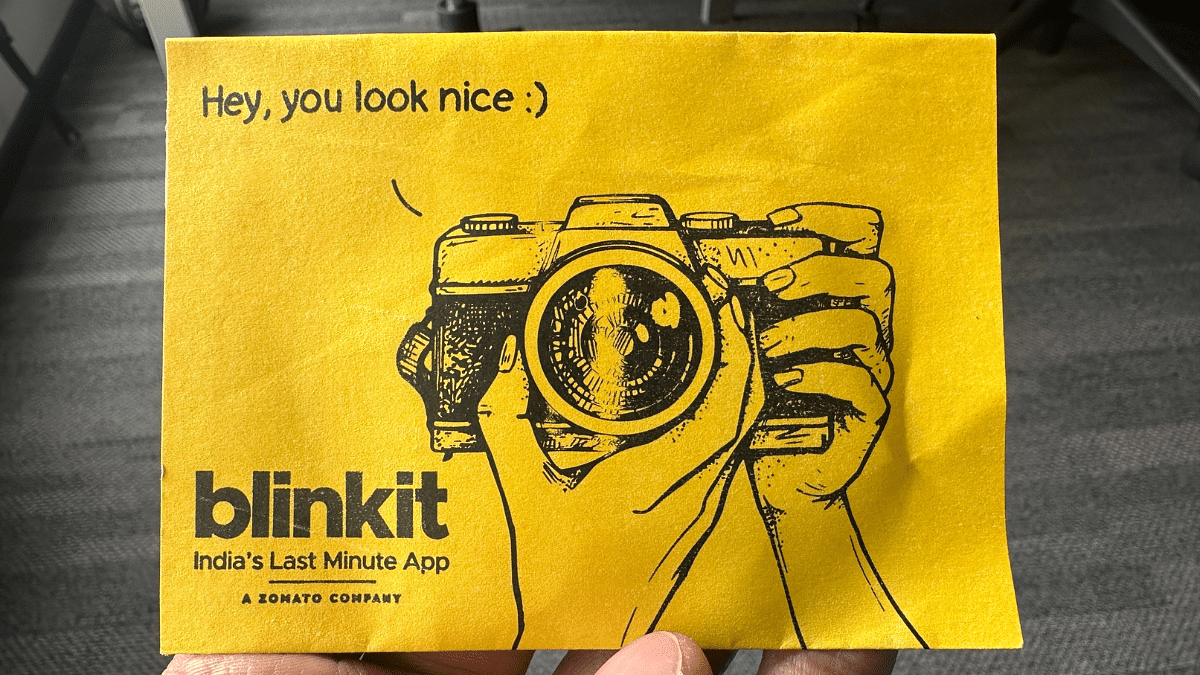
Rushing towards the photo studio at the last moment before your visa appointment is a thing of a past. Now, you can get your passport-sized photos delivered at your doorstep in just 10 minutes. You heard absolutely right! Blinkit, the popular grocery delivery app, has released a new service that could save you time and stress, of course.
At this time, the service is only available in Delhi and Gurugram. However, Blinkit has plans to expand it to other cities across India. The platform is eager to gather customer feedback, which will help improve the service before it rolls out more widely. Keep reading and let’s get to know more.
Much like Blinkit’s grocery delivery service, the process of getting the photos delivered at your home is quick and simple. Here are the steps that can help you get your passport photos without stepping out of your home:
Step 1: Open the Blinkit app on your device, and go to the Print Store section.
Step 2: there, you either upload an existing photo or click a new one using your phone.
Step 3: Blinkit will then automatically remove the background and crop your image to the correct passport photo size.
Step 4: Now, you have to choose the number of prints you need, i.e., 8, 16, or 32.
Step 5: After that, place your order. The photos will be delivered to you in a neat and secure envelope.
What makes Blinkit’s new service stand out is its affordability. Traditional photo studios often charge a premium for passport photos, especially when you need them urgently. Blinkit offers this service at a much more reasonable price, ensuring that you don’t have to break the bank for something as simple as passport photos.
Not just delivering passport-sized photos, Blinkit has already been providing another handy service: printing documents on demand. This addition of passport photos to their offerings is a natural extension, catering to the needs of today’s fast-paced, digital lifestyle.
For the tech geeks, stay updated with the latest cutting-edge gadgets in the market, exclusive tech updates, gadget reviews, and more right on your phone’s screen. Join Giznext’s WhatsApp channel and receive the industry-first tech updates.