Categories
Apps Featured Info

EPFO Quick PF Withdrawal Via UPI Apps, ATMs Becoming Reality Soon? Transaction Limit, Eligibility Criteria

Key Highlights

  • EPFO to soon make changes to PF withdrawal process
  • Quick PF withdraw option coming soon
  • Transactions to be made possible via UPI apps and bank ATMs
  • Limit set for quick PF withdrawal
  • Changes could be implemented by May-end or June this year

EPFO (Employee’s Provident Fund Organisation) is all set to go a major transformation with its PF withdrawals procedures and schemes. The national organisation handling the backed by Ministry of Labour and employment has apparently established a dedicated centralised agency that will enable the quick PF withdrawal option via UPI apps and ATMs making transactions more simplified and hassle free for the working class.

For the tech geeks, stay updated with the latest cutting-edge gadgets in the market, exclusive tech updates, gadget reviews, and more right on your phone’s screen. Join Giznext’s WhatsApp channel and receive the industry-first tech update.

Also Read: Enhance Your Daily Productivity: How To Pair Android Smartphones With Windows 11 PC, Laptop Without USB Cable

EPFO PF Withdrawals Via UPI and ATM: When And How?

EPFO have received approval from the National Payments Corporation to introduce the option for its active members to withdraw PF funds directly via UPI apps and bank ATMs. The centralised agency specially to handle this entire process for a smoother fund transactions have been established by EPFO.

As of now, EPFO members don’t have any provision to withdraw their PF funds using any UPI app. But with the implementation of new policies and after getting a nod from NPCI, the same will be possible soon. This brings us to the timeline. As per a top official from the Ministry of Labour and Employment, this process will begin by May-end of June 2025.

Sumita Dawra, Secretary, Ministry of Labour and Employment, said “By May-end or June, members will experience a transformative change in accessing their provident funds.

Also Read: Worried About Heat And Water Damage? Here’s How To Protect Your Gadgets

Transaction Limit And Eligibility Criteria For Quick PF Withdrawal
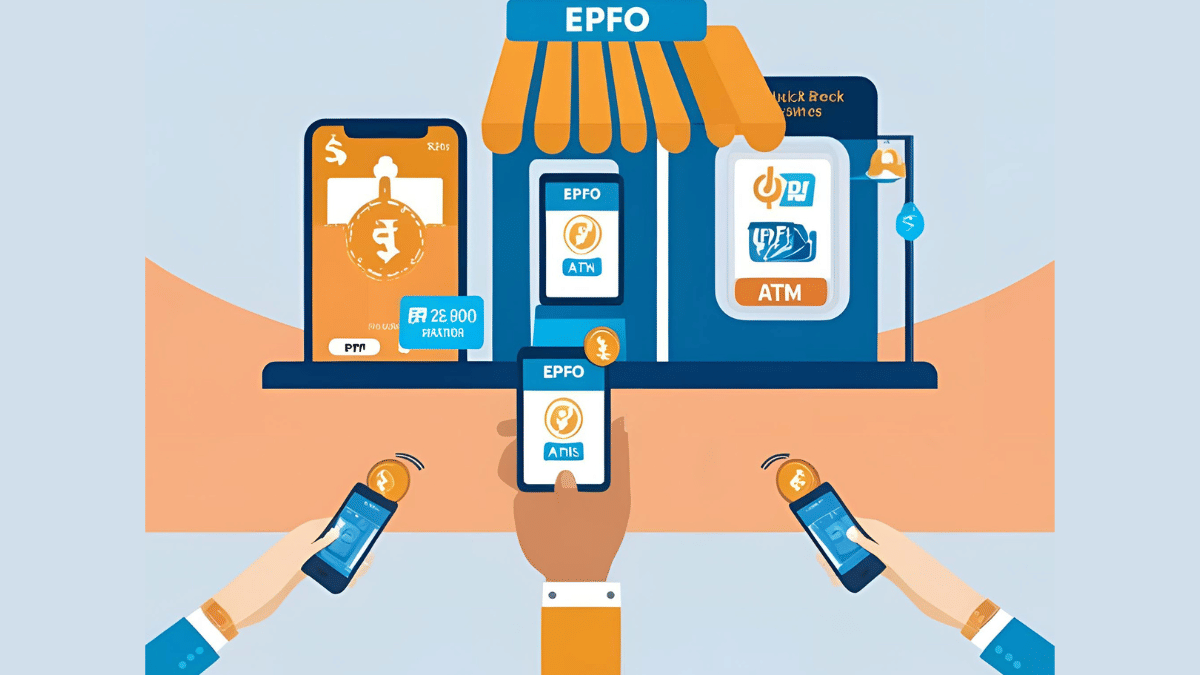
Once this new change is implemented, EPFO account members will also get the provision to check their PF account balance directly via UPI apps. As for the transaction limit, a cap of Rs. 1 lakh is set for money withdrawal using the Quick PF withdraw option.

Adding on Dawra said, “They will be able to view their PF account balance directly on UPI, instantly withdraw up to Rs 1 lakh through an automated system, and choose their preferred bank account for transfers.”

Eligibility criteria for quick PF withdrwal has also been expanded beyond medical emergencies. PF account members will now be able to use their PF funds for housing, marriage, and education expenses while withdrawing it via UPI apps and ATM.
Categories
Featured Laptop

Best Laptops Under Rs. 80,000 For Designers And Creators In India (2025)

Key Highlights

  • Powerful processor and good graphics are key
  • High-quality display and long battery life matter
  • Pick based on your needs, design, editing, or 3D work

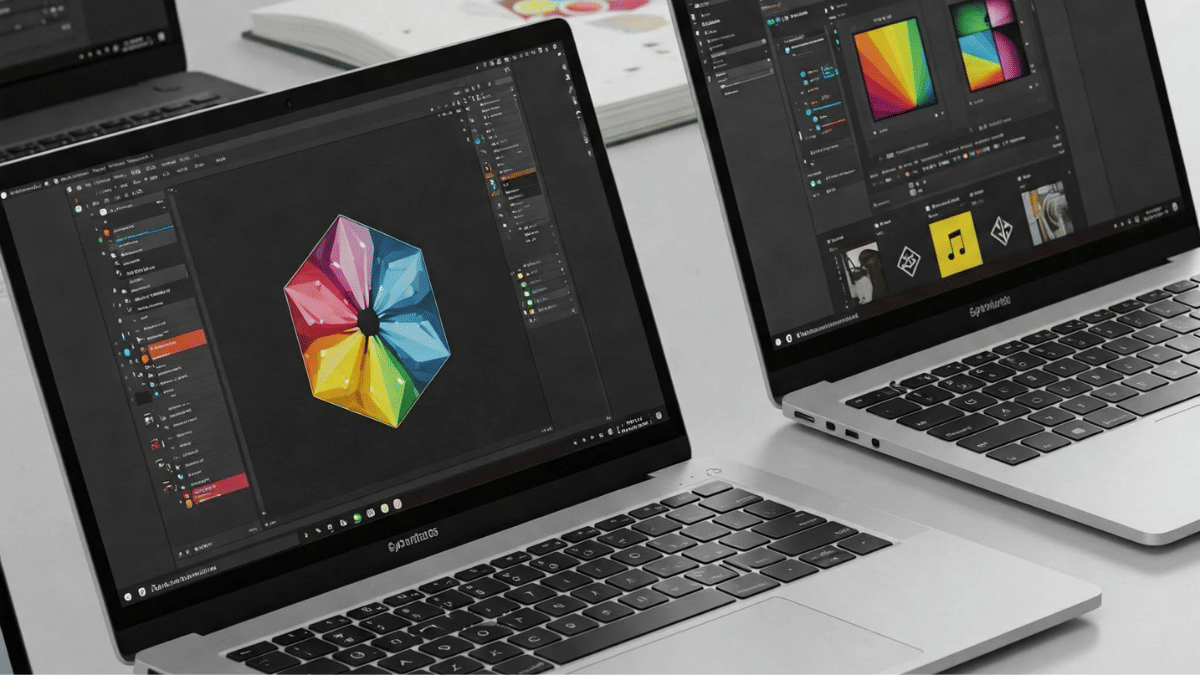
If you are a creative professional or an aspiring artist, a powerful laptop is a must for tasks like graphic design, video editing, and digital art. Under Rs. 80,000, you can find decent laptops with high-performance processors, great displays, and strong graphics. Here are four of the best laptops for creativity in India.

Also Read | Best Laptops For Online Learning In India

Top Laptops For Creativity

LaptopsPrice
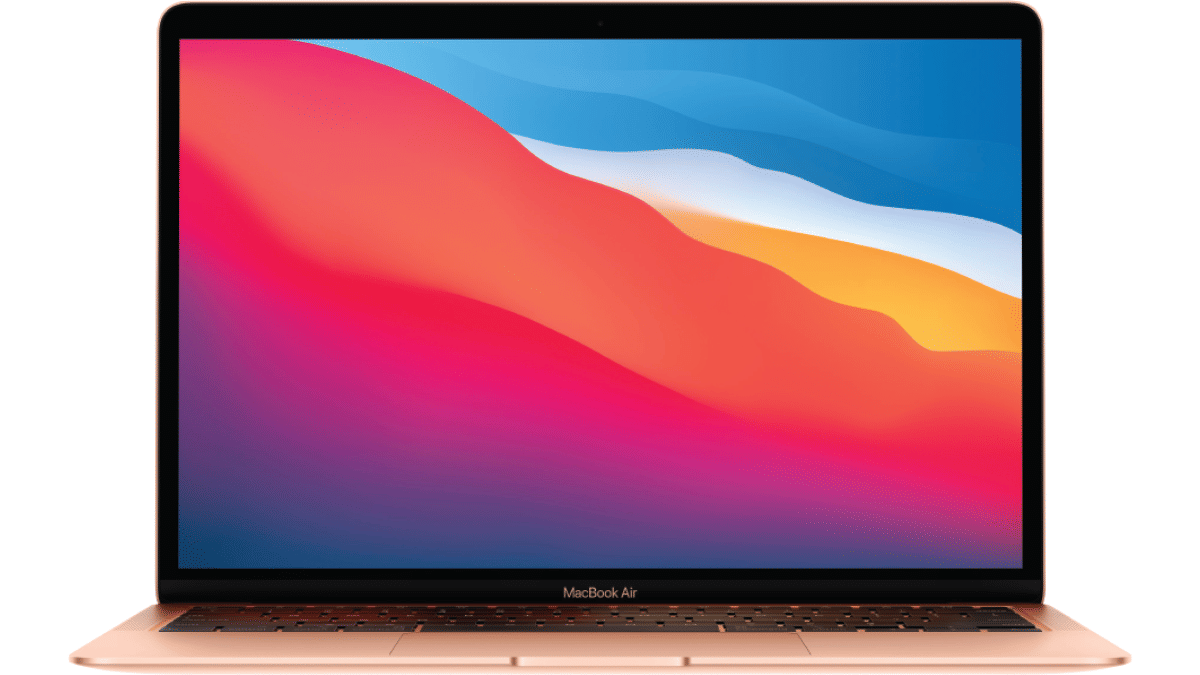
Apple MacBook Air M1Rs. 62,990
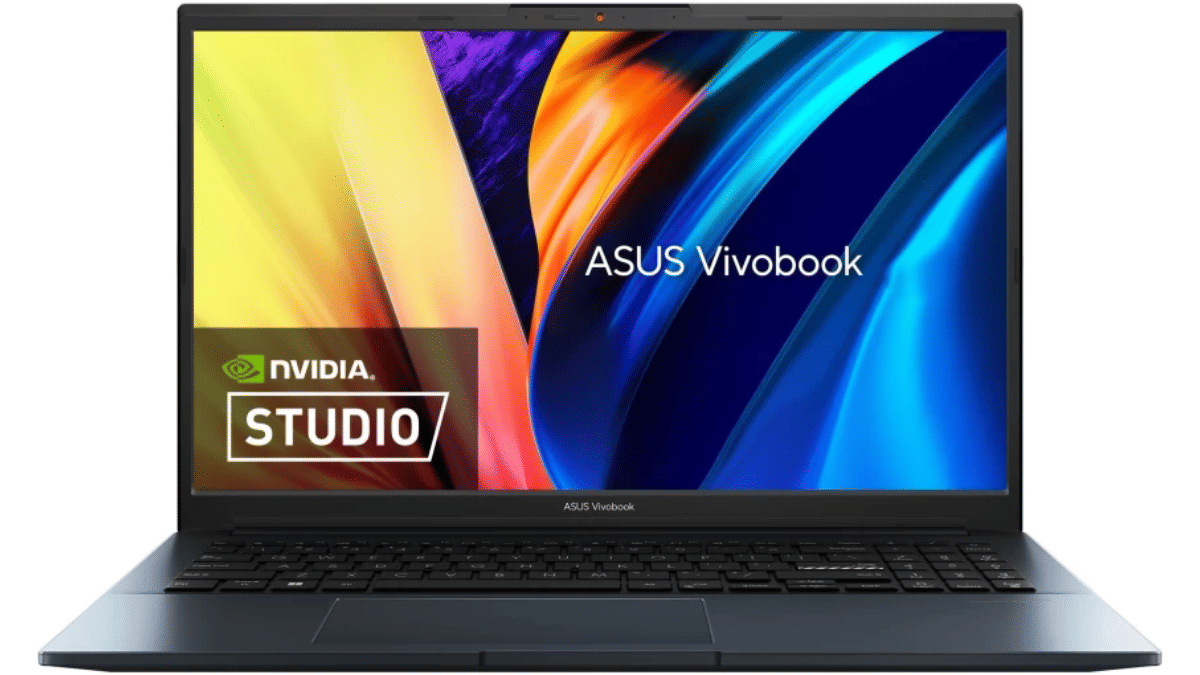
ASUS Vivobook Pro 15Rs. 66,990
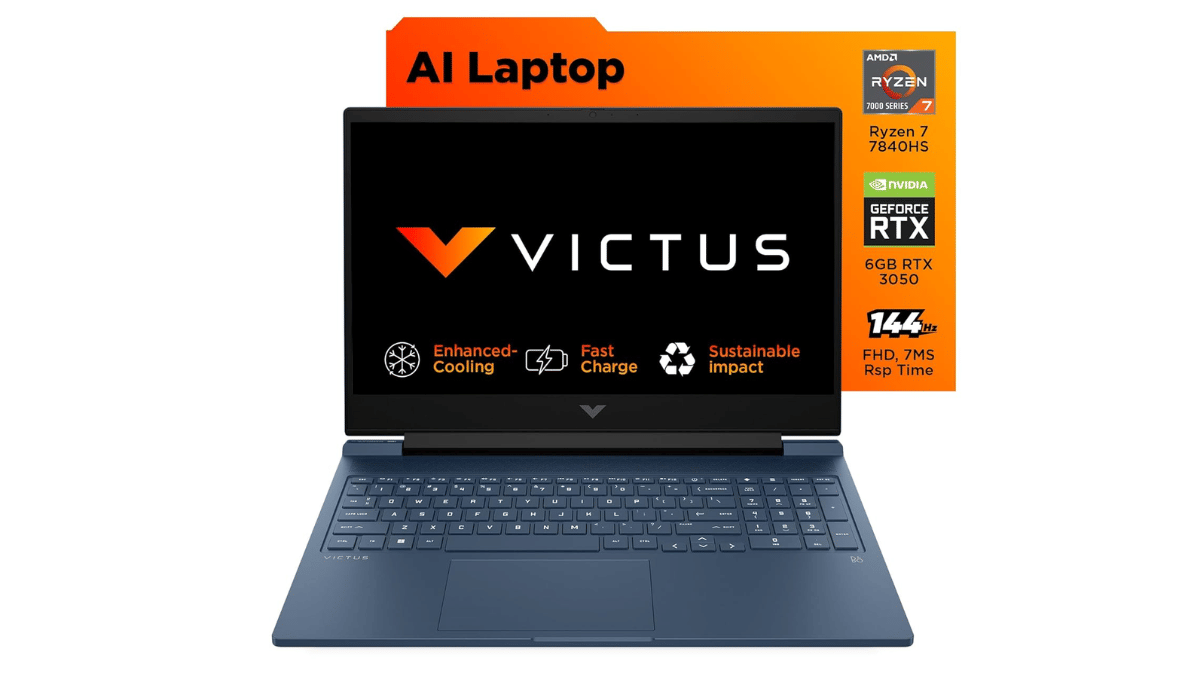
HP VictusRs. 78,490
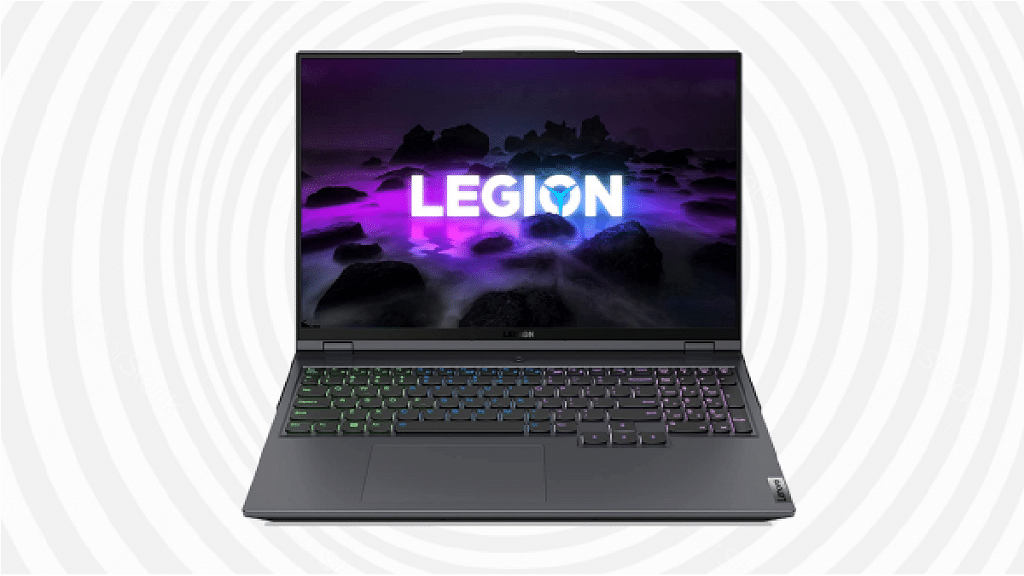
Lenovo Legion 5Rs. 79,990

Apple MacBook Air M1: Best For Designers

If you want a smooth experience with macOS and great battery life, this is a top choice.

  • Display: 13.3-inch Retina display with vibrant colors and sharp details.
  • Processor: Apple M1 chip for fast and efficient performance.
  • Battery Life: Up to 18 hours on a single charge.
  • Build & Portability: Lightweight and premium design, easy to carry.

MacBook Air M1 is ideal for graphic designers, illustrators, and video editors using software like Adobe Photoshop, Premiere Pro, and Final Cut Pro.

ASUS Vivobook Pro 15: Best For Video Editing

A powerful option for creatives who need high performance and good display quality.

  • Display: 15.6-inch Full HD IPS-level Panel with 144Hz refresh rate, 250nits, 45 percent NTSC color gamut.
  • Processor: AMD Ryzen 7 4800H for smooth multitasking.
  • Graphics: NVIDIA GeForce GTX 1650 Max Q, great for video editing and 3D work.
  • Cooling System: Efficient thermal management for long creative sessions.

The Full HD display ensures deep blacks and rich colors, making it a great choice for video editors and photographers.

HP Victus S0089Ax: Best For Heavy Graphics And 3D Work

A gaming laptop that doubles as a creative powerhouse.

  • Display: 16.1-inch large screen for better workspace.
  • Processor: AMD Ryzen 7 7840HS for powerful multitasking.
  • Graphics: NVIDIA GeForce RTX 3050 with 6GB VRAM for 3D modeling.
  • Memory & Storage: 16GB DDR5 RAM and 1TB SSD for fast performance.

Great for 3D artists, animators, and those working on heavy creative projects.

Lenovo Legion 5: Best For 3D Artists And Gamers

A high-performance laptop with strong graphics for 3D modeling and animation.

  • Display: 15.6-inch FHD screen with up to 165Hz refresh rate.
  • Processor: AMD Ryzen 5 5600H for high-speed computing.
  • Graphics: NVIDIA GTX 1650 for handling creative software.
  • Cooling System: Advanced cooling to prevent overheating.

This laptop is perfect for 3D modeling, rendering, and even gaming when you need a break.

Also Read | Best Laptops To Buy For Programming In India

Choosing the right laptop depends on your creative needs. Pick the one that suits you best and unleash your creativity.

For the tech geeks, stay updated with the latest cutting-edge gadgets in the market, exclusive tech updates, gadget reviews, and more right on your phone’s screen. Join Giznext’s WhatsApp channel and receive the industry-first tech updates.

Categories
Featured How To Laptop

Enhance Your Daily Productivity: How To Pair Android Smartphones With Windows 11 PC, Laptop Without USB Cable

Key Highlights

  • Pairing PC with smartphones can be done via USB cable and wirelessly
  • Wireless pairing requires both smartphone and laptop on the same Wi-Fi network
  • Helps with productivity boost

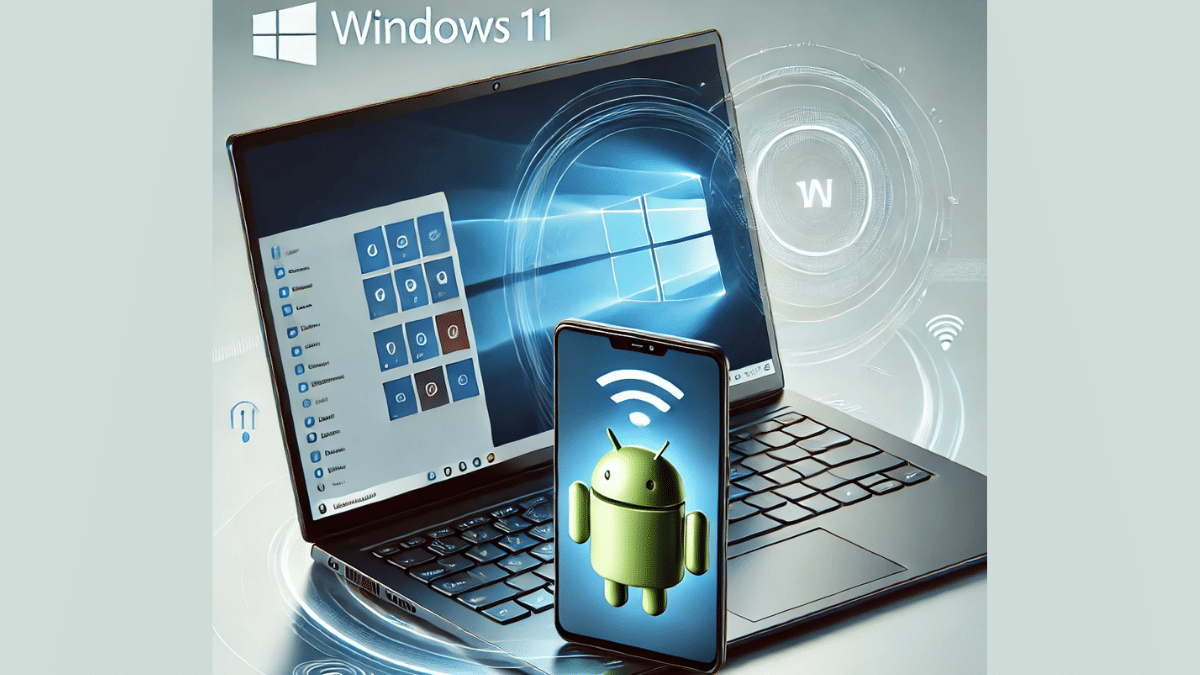
Smartphones have emerged as the most powerful handheld gadgets. Option to call, text, web browse, gaming, and photography all at once is what makes smartphones more of a necessity these days. These handheld gadgets have also helped us to carry on with the tasks that earlier required a full size PC or a laptop. Still, you can pair an Android smartphone to a Windows 11 PC if you wish to boost your productivity. Pairing Windows and Android device is not just restricted to USB wired connections anymore. A simplified process is now available using which you can connect your Windows machine and smartphone in case of a missing USB cable. Interested in knowing the steps. Read on to find out:

Also Read: Hate Standing In Long Queues: Here’s How To Book Indian Railways Platform Ticket Online

What Is Required?

  1. If you want to transfer documents or media files from your smartphone to Windows 11 PC or vice versa, you can use the standard USB cable connection method.
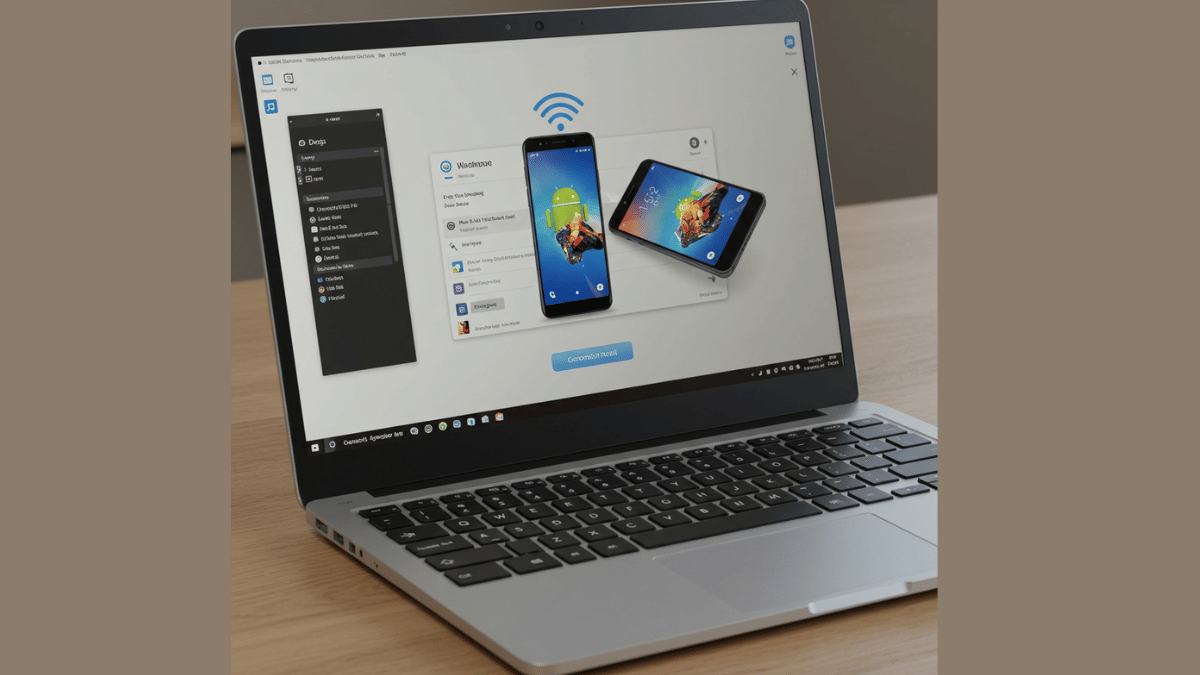
  2. There is a wireless option available for same that can be accessed using the Phone Link application on Windows 11 OS

Also Read: Worried About Heat And Water Damage? Here’s How To Protect Your Gadgets

Steps To Link Android Smartphone And Windows 11 Laptop Or PC

Step 1: Power on your Windows 11 PC or laptop and connect it to the same Wi-Fi network as your smartphone. (Note, only Android 7 or above devices can be paired with this method).

Step 2: On your Windows 11 laptop/ PC go to the taskbar and type “Phone Link”. Once the application pops up on the window, open it.

Step 3: Select the device type as “Android”

Step 4: Click on the Send notification option. This process will enable the sign-in process for Microsoft account.

Step 5: You will receive a verification prompt on your Android smartphone. Approve it to move to the next step.

Step 6: On your Windows 11 PC/ laptop, you’ll receive a new two digit code. You need to select these two digits on your Android smartphone for further approval.

Step 7: A QR will also be displayed on the Windows 11 device. Scan it using the QR code scanner on your Android phone.

Step 8: A new prompt stating “Link to Windows” will show up followed by another set of code that will be displayed on the laptop/ PC’s screen.

Step 9: Now, allow permission requests from the “Link To Windows” app and set the access permissions as required.

Step 10: Tap “Done” on the paired Android smartphone.

Step 11: Start accessing on your paired devices after clicking the “Continue” option.

Categories
Apps Featured How To

Hate Standing In Long Queues: Here’s How To Book Indian Railways Platform Ticket Online

Key Highlights

  • Platform ticket is required for station visits
  • Digital platform ticket booking process avoids long queues hassles
  • Dedicated mobile app available to book platform tickets online

Digitisation saw its peak in the country in the recent times. From paperless documentations to dedicated mobile apps for all kinds of services, India’s digital revolution has been massive. Indian Railways has also on-boarded this move making travel easier and more comfortable for the masses. Booking railways tickets and meals enroute can be done within a few minutes if you have a smartphone with an active internet connection. The same goes for platform ticket which is required when you go to see of or receive your loved ones at the station. While booking a train ticket is something you all might be aware of, but what about the procedure to purchase platform tickets online and avoid heavy penalties from the TTE avoiding long queues at the same time? Well, we have brought you the step-by-step guide to book a platform ticket online.

Also Read: Instagram Tips And Tricks: How To Share Music/ Songs As DMs With Friends On Instagram

How To Book Indian Railways Platform Ticket Online On Android And iOS

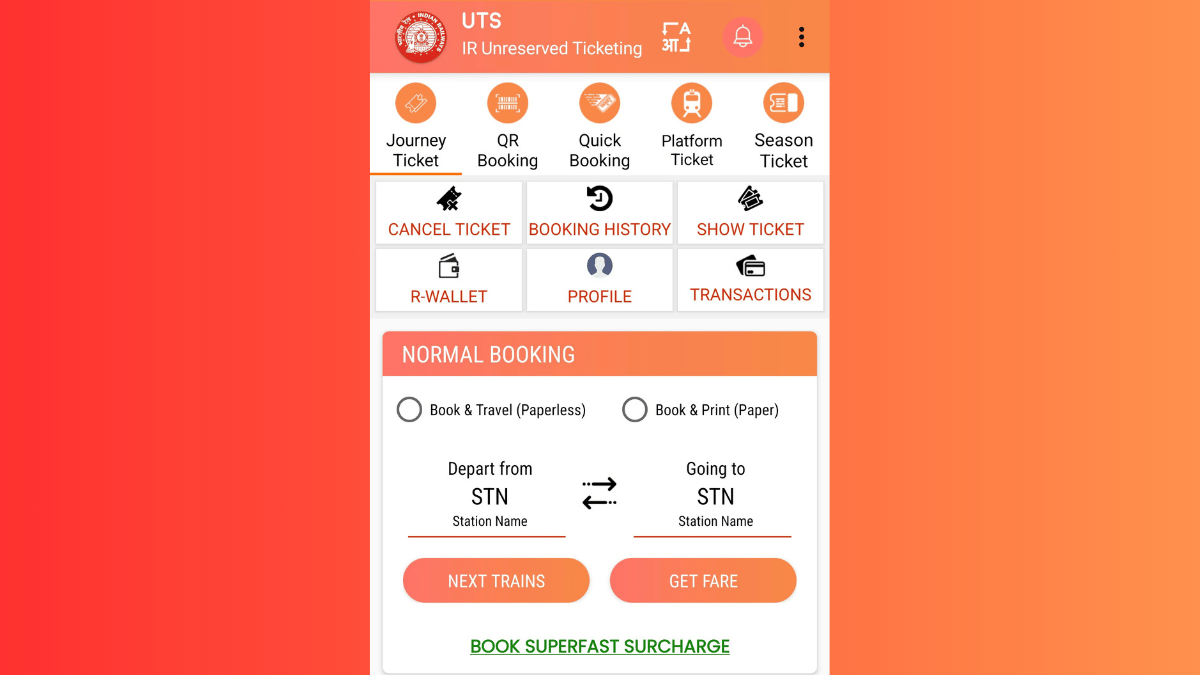
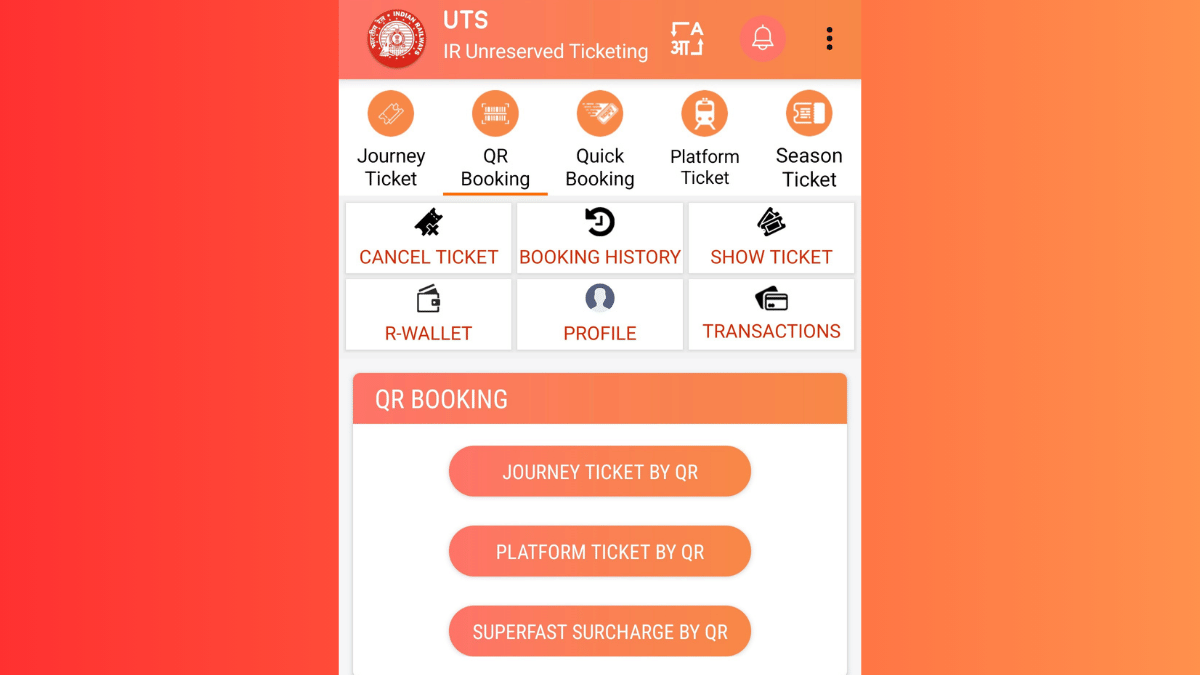
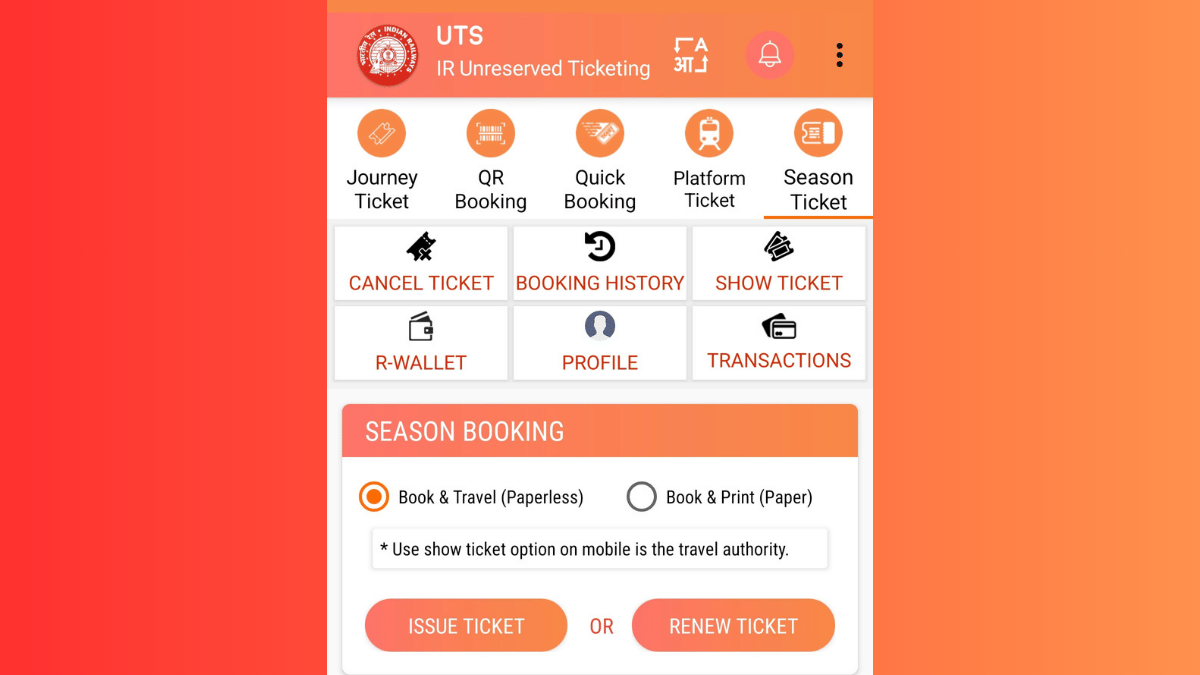
In order to book a platform ticket for your next railway station visit, you’ll need the dedicated mobile app called UTS. The Unreserved Ticketing System (UTS) can be downloaded on both Android and iOS devices via the Play Store and App Store respectively. Introduced by the government of India, the UTS mobile app integrates of host of features for convenient ticket bookings. For the unreserved travellers, this app offers the option to book platform tickets, journey tickets, season tickets, and more. Read the detailed steps to book a platform ticket using the UTS mobile app on your Android or iOS smartphone:

Step 1. Download the UTS Mobile App (Works On Both Android and iOS)

  • Search UTS app on Android Play Store and iOS App Store.
  • Download and install the app.
  • Allow all necessary permissions.

Step 2. Register (New Users) Or Log In (Old Users)

  • Launch the UTS mobile app after the installation
  • Tap on ‘Register’ if you are using the app for the first time
  • Enter the credentials including your mobile number.
  • If you already have an account, log in using your credentials.

Step 3. Navigate To Platform Ticket Section

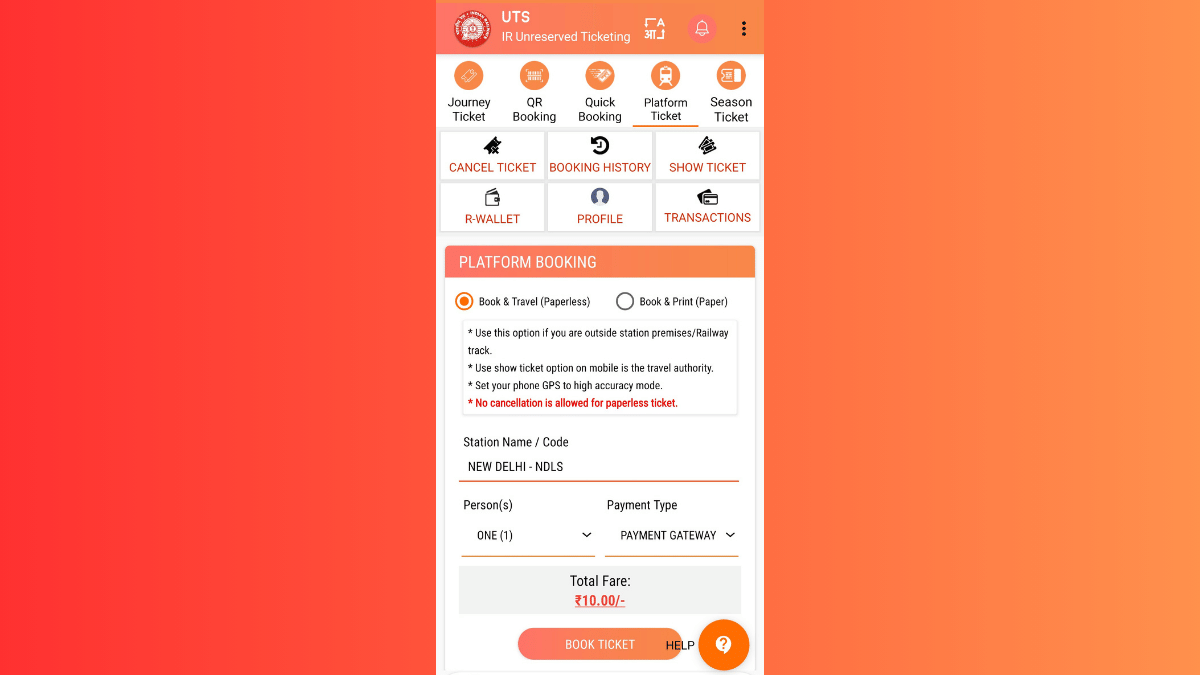
  • Once you are logged in, you’ll see the Platform ticket on the top. Tap on it.
  • You’ll see two Booking type options ‘Book & Travel (Paperless) and (Book & Print (Paper). Select the former for digital platform ticket booking.
  • Enter the railway station code or select the railway station from the available list whose platform ticket you require.

Step 4. Complete Payment

  • You can choose your preferred payment method. Options include UPI, Debit/Credit Card Net Banking, or Digital Wallet (RWALLET)
  • Make the payment and complete the transaction process
  • Ticket booking will be done once the payment is complete

Step 5. Download Platform Ticket For Quick Access

  • Go back to the app’s homepage
  • Navigate to the ‘My Bookings’ section.
  • Download or take a screenshot of the platform ticket.

How to Show Online Platform Ticket to a TTE

  • If a TTE asks you to show your platform ticket, simply launch the UTS app on your smartphone
  • Open ‘My Bookings. option’
  • Show the digital platform ticket on your smartphone.
Categories
Featured Info Smart Watch

WatchOS 11.4 Update: Apple Watch Alarms Can Now Ring In Silent Mode

Key Highlights

  • Users can allow alarms to play sound even when Silent Mode is on
  • Each alarm has a Break Through Silent Mode option for customization
  • Ensures alarms are heard with both sound and vibration

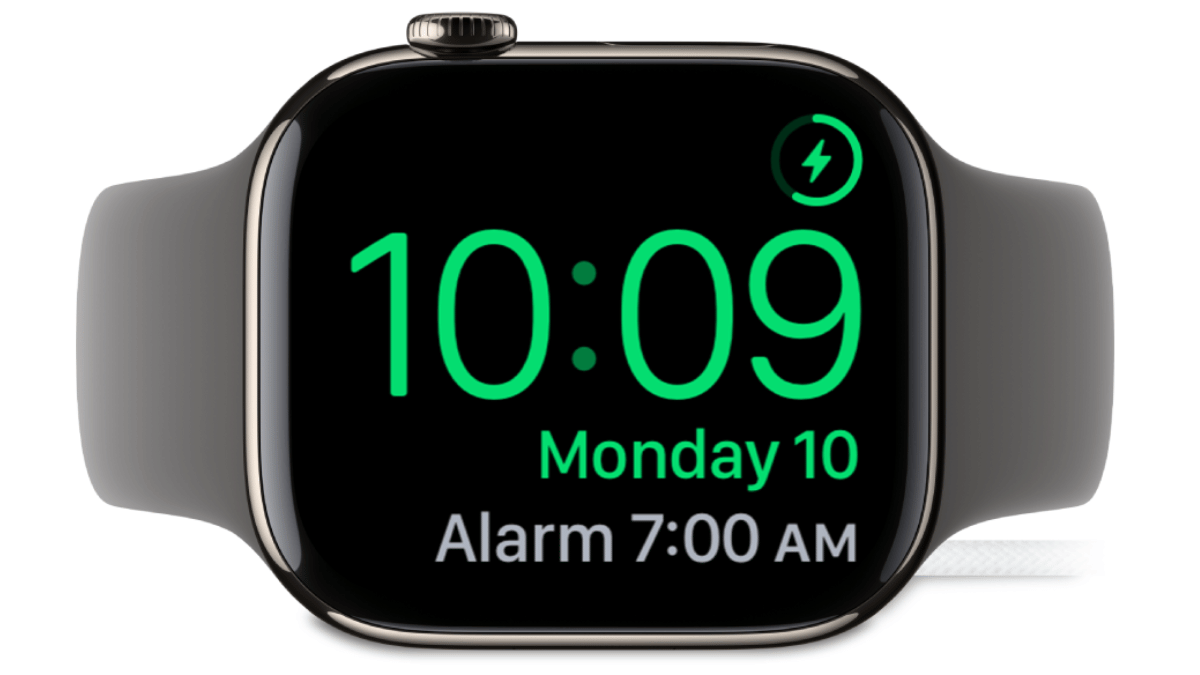
Apple is rolling out a significant update with watchOS 11.4. It introducing an interesting change to Silent Mode on the Apple Watch. Previously, when Silent Mode was activated, all notifications, including alarms, were muted, allowing users to rely only on haptic vibrations for alerts. However, with this update, Apple is now giving users the option to let alarms break through Silent Mode and play sound.

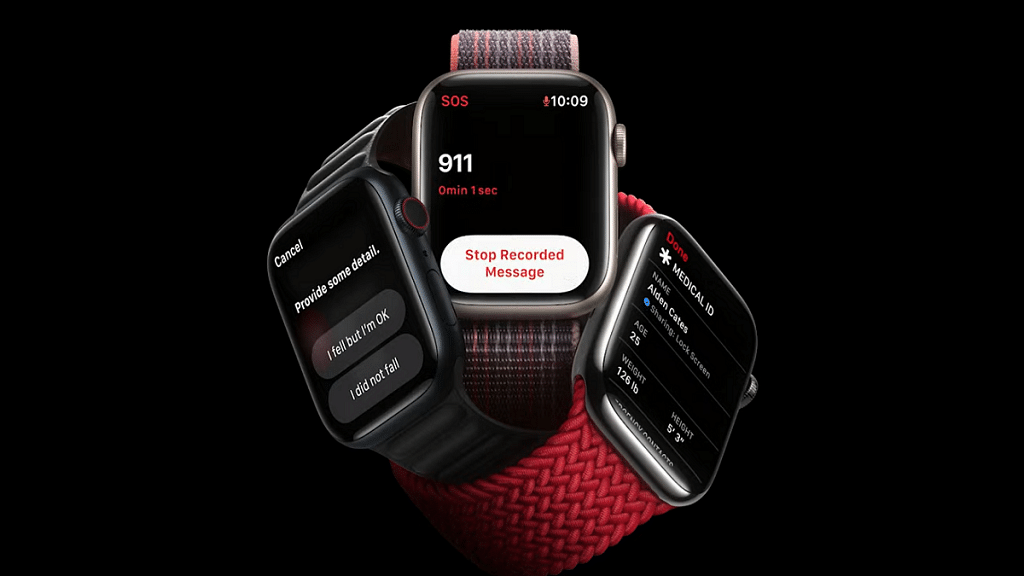
Also Read | Apple Watch Tips And Tricks: How To Use Maps And Find Emergency Services On Apple Watch

What’s Changing In WatchOS 11.4?

This new feature addresses a common issue for Apple Watch users, missing alarms because vibrations alone weren’t enough to wake them up. Let’s take a closer look at what this update means for Apple Watch users.

Alarms Can Now Play Sound In Silent Mode

With the new update, users will have an option to allow certain alarms. For instance, their Sleep Wake Up alarm, to ring even when Silent Mode is on. This means that while other notifications will remain muted, alarms can still make noise.

Individual Alarm Settings

Instead of a blanket setting, Apple is introducing a per-alarm toggle. Each alarm, including the one set for waking up in the morning, will have an option to ‘Break Through Silent Mode.’ When enabled, both sound and haptic vibrations will be triggered when the alarm goes off.

Fixing A Common Problem For Deep Sleepers

Many users rely on their Apple Watch for alarms but even with the strongest vibration setting, some people still sleep through them. This new feature ensures that those who need an audio alert in addition to haptics won’t miss important alarms anymore.

Also Read | Smartwatch Battery Draining Fast? Here’s Five Quick And Simple Fixes

Why This Feature Matters

  • Users can now decide which alarms should be heard, rather than having to disable Silent Mode entirely.
  • Those who struggle to wake up with vibrations alone can now rely on sound without worrying about other notifications disturbing them.
  • The rest of the notifications, like messages and app alerts, will still remain silent.

The new update in watchOS 11.4 brings a small but meaningful improvement to the Apple Watch experience. For those who use their watch for alarms but don’t want constant notifications disturbing them, this change offers the best of both worlds.

For the tech geeks, stay updated with the latest cutting-edge gadgets in the market, exclusive tech updates, gadget reviews, and more right on your phone’s screen. Join Giznext’s WhatsApp channel and receive the industry-first tech updates.

Categories
Auto Tech Featured

Tata Sierra EV Snapped Again During Ongoing Testing: Details Revealed So Far

Key Highlights

  • Tata Sierra EV’s testing continues in India ahead of launch
  • Snapshots captured revealing fresh details
  • Near-production version was showcased at Bharat Mobility Global Expo 2025
  • Expected launch in 2025 itself

Tata Motors at the Bharat Mobility Global Expo 2025 revealed the face of its next EV offering- the Sierra EV. And now, the auto manufacturer has started testing the Sierra EVs real life road endurance. During one of such ongoing testing, the Sierra EV has been snapped revealing some more details of the upcoming e-SUV.

For the tech geeks, stay updated with the latest cutting-edge gadgets in the market, exclusive tech updates, gadget reviews, and more right on your phone’s screen. Join Giznext’s WhatsApp channel and receive the industry-first tech update.

Also Read: Drive Smart And Safe: List Of Top Electric SUVs With Advanced Safety Features In India In 2025

Tata Sierra EV Spy Shots Emerge

Tata Sierra EV’s latest spy shots clicked during its testing shows the familiar design as the concept previewed last year and the production-spec unit revealed during the Auto Expo 2025 event. Tata has opted for a bold boxy design approach for the Sierra EV with the fascia integrating big square-shaped LED headlamps. The leaked images also reveals the wider air dam which will likely be accommodating the RADAR/ LiDAR sensors.

Sierra EV’s snapshots further also gives a subtle hint of the side profile where we can see the flush-fitted door handles. This test mule snapshots of the Sierra EV shows the e-SUV wrapped heavily in camouflage, hence only the glimpse of the door handle type is captured. Additionally, we can see it sitting on large tyre profiles featuring new alloy wheels set.

Additional insight revealed by the new test mule leak of the Sierra EV is the shark fin antenna integrated on the rear spoiler. The LED tail lamps are also visible along with the licence plate mounted on the rear bumper. The overall bulky and bold stance of the Sierra EV seems to be the major design highlight.

Also Read: Upcoming Bajaj Chetak Electric Scooter’s Spy Shots Leak

Tata Sierra EV Interiors And Performance

Tata is currently tight lipped regarding the Sierra EV’s performance and feature details. But the brand is expected to introduce this mid-size EV with several advanced features including a big infotainment display with touchscreen compatibility, new full-digital driver display, and several security features including Level 2 ADAS suite, 360° parking camera, and more. It is also expected to include large batter pack with single motor and dual motor AWD options and over 500 km range efficiency.

Categories
Accessories Featured How To

Worried About Heat And Water Damage? Here’s How To Protect Your Gadgets

Key Highlights

  • Keep gadgets away from heat and water
  • Use protective covers for extra safety
  • Dry devices properly if they get wet

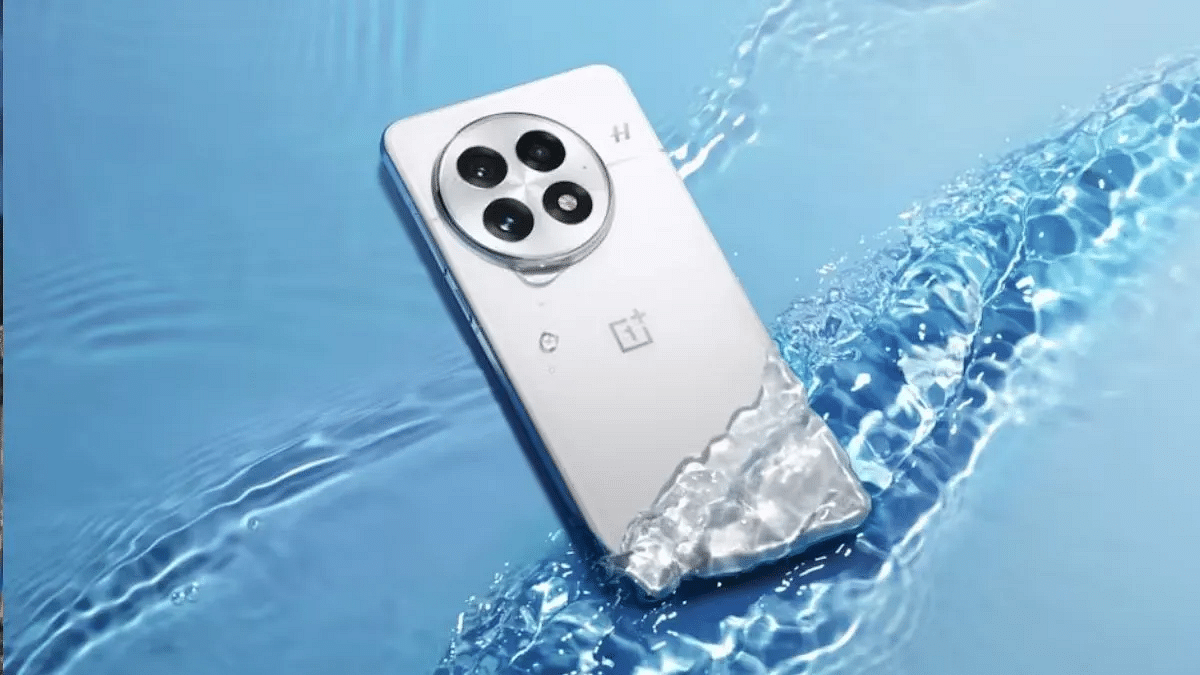
Our gadgets are an essential part of our daily lives. But they are also delicate and prone to damage from extreme heat and water exposure. Whether it’s the scorching summer sun or sudden rain showers, keeping your devices safe requires extra care. Here are some simple and effective ways to protect your gadgets from heat and water damage.

Also Read | Worried About Lost Bags? Vodafone Idea Offers Baggage Protection For Just Rs. 99

Keep Gadgets Away From Direct Sunlight

Leaving your smartphone, laptop, or tablet in direct sunlight for too long can cause overheating. This can lead to battery damage, slower performance, and even permanent hardware issues. Always store your devices in a cool place and avoid keeping them inside a parked car, as the temperature inside can rise quickly.

Use Protective Covers

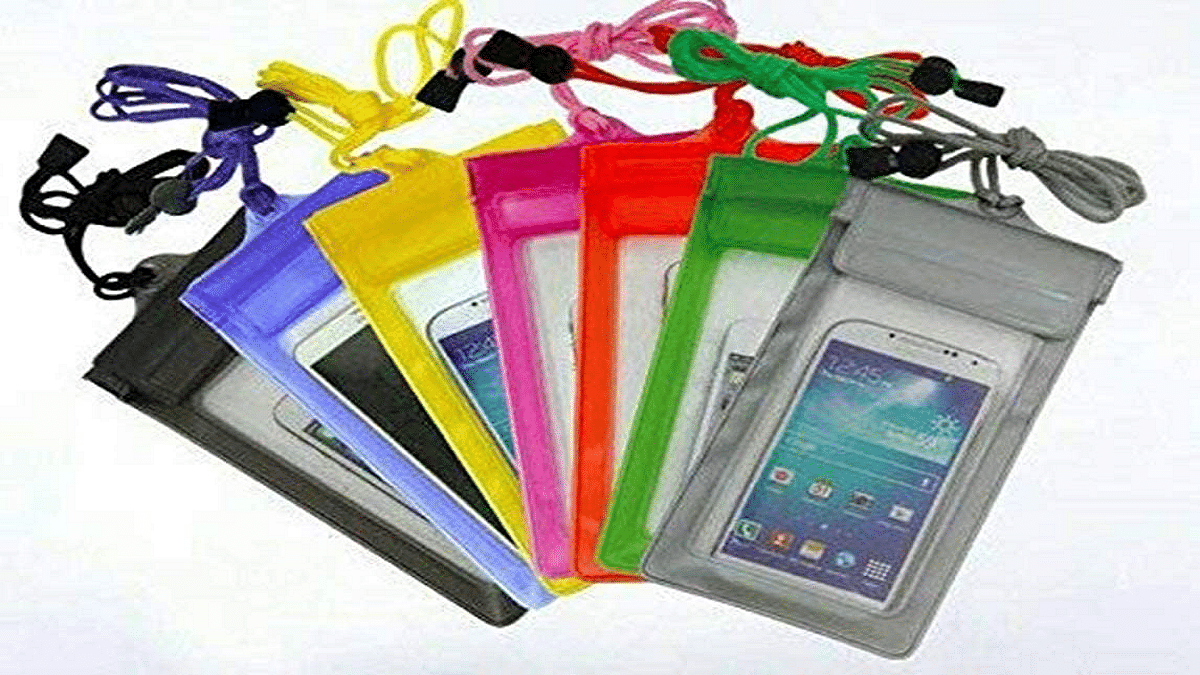
Invest in heat-resistant and waterproof cases for your devices. These cases provide a shield against extreme temperatures and accidental water splashes. For extra protection, you can also use screen protectors that prevent moisture from seeping into the display.

Avoid Charging In Hot Environments

Charging your devices in high temperatures can overheat the battery, reducing its lifespan. Try to charge your devices in a well-ventilated area and avoid covering them while they are plugged in. If your phone feels too hot while charging, unplug it and let it cool down before using it again.

Keep Gadgets Away From Water Sources

Water and electronics don’t mix well. Avoid using your phone near pools, sinks, or during heavy rain. If you must use your device in a humid environment, consider using a waterproof pouch. This is especially useful during monsoons or beach vacations.

Also Read | How To Activate Spam Protection In Google Messages: Guide

Dry Your Device Properly If It Gets Wet

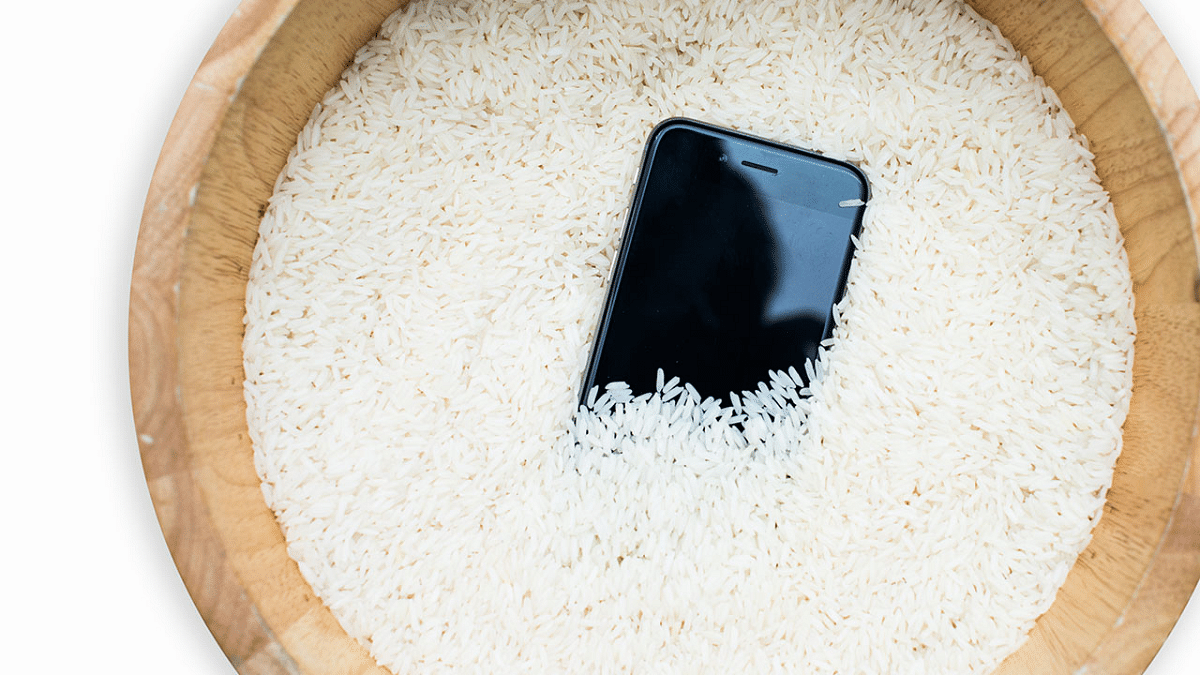
If your gadget accidentally gets wet, turn it off immediately. Wipe it dry with a soft cloth and place it in a bag of uncooked rice or silica gel packets to absorb moisture. Avoid using a hairdryer, as the heat can cause internal damage.

By following these simple steps, you can keep your gadgets safe from heat and water damage. Taking preventive measures today can save you from expensive repairs or replacements in the future.

For the tech geeks, stay updated with the latest cutting-edge gadgets in the market, exclusive tech updates, gadget reviews, and more right on your phone’s screen. Join Giznext’s WhatsApp channel and receive the industry-first tech updates.

Categories
Apps Featured How To

Instagram Tips And Tricks: How To Share Music/ Songs As DMs With Friends On Instagram

Key Highlights

  • Instagram allows music sharing to contacts
  • Feature available on Android and iOS apps
  • Music and songs can be shared as DMs (Direct Messages)

Instagram is definitely a pandora’s box when it comes to features and tools. Started as a photo sharing app, it has evolved as one of the most popular social media platforms offering option to share short videos (Reels) and more. Even a simple post upload is more intuitive and engaging on Instagram which can be downloaded and installed across Android and iOS platforms. You all must be aware that Instagram has a vast music library that one uses for Reels and even standard posts. Selecting your favorite song for your Instagram post is a process of just a few taps. But do you know that instead of uploading a song as a Reel or post, you can share it with your friends too? Interested in knowing the steps? Read on below:

For the tech geeks, stay updated with the latest cutting-edge gadgets in the market, exclusive tech updates, gadget reviews, and more right on your phone’s screen. Join Giznext’s WhatsApp channel and receive the industry-first tech updates.

Also Read: Incognito Browsing Not So Private! Steps To Check Incognito Mode Browsing History And How To Delete

Steps To Share Songs/ Music As DMs On Instagram

Step 1: On your smartphones launch the Instagram mobile app. Make sure you are logged in to your profile

Step 2: Go to the DM (Direct Messaging section)

Step 3: Open the chat window where you want to send the song

Step 4: In the message type section tap on Sticker icon

Step 5: Now, click on the Music feature (Note, this a new feature addition)

Step 6: Search for the song or music that you wish to send to this contact as a DM

Step 7: If the song shows up in the music library, just tap on it to send to the contact

Categories
Apps Featured How To

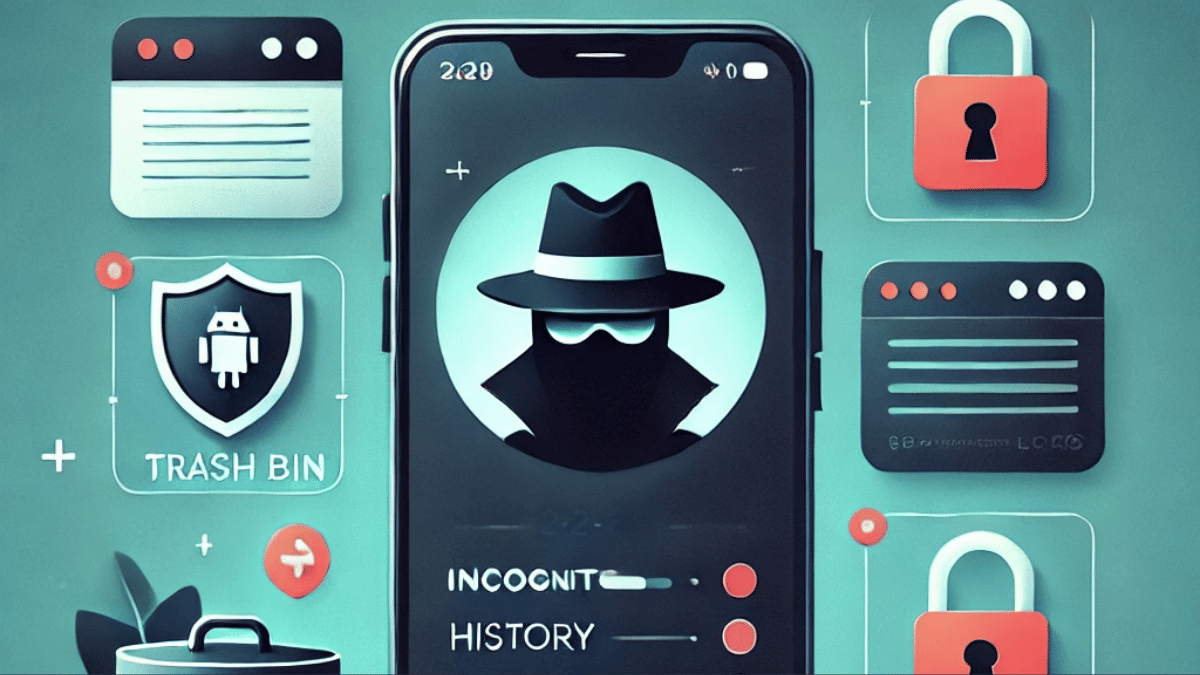
Incognito Browsing Not So Private! Steps To Check Incognito Mode Browsing History And How To Delete

Key Highlights

  • Incognito Mode offers extra privacy during wen browsing
  • Using Incognito mode search history is hidden from local directory
  • Search history is stored in Google account or network admin
  • Using Incognito mode in Google as guest provides maximum privacy

Incognito Mode aka the Private Browser is a saviour when you want to do discrete web browsing. Available as a built-in feature in most of web browsers such as Google Chrome, Opera, and others, this privacy feature has also made its way to the Android and iOS platforms. But if you believe that browsing anything in Incognito mode is as private as claimed? Well, here’s a reality check. While the search history remains invisible from the local directory, it does get saved on your Google Account. So, you aren’t entirely invisible when you are browsing privately in Incognito mode. Surprised right? Read on here to know how can you look at your Incognito Mode’s search history and how can you delete it:

Also Read: Merge Two Different PF Accounts Into One: How To Guide

What Is Incognito Mode?

Incognito Mode is a safe browsing option where one can search one’s keen interest privately. A new private window is initiated where users can search the required topics without the history getting saved locally. While the browsing date is private from the public devices or users, website and Internet Service Providers, and the network admins will still be able to access all the information. Below is the list of information that is kept private in the Incognito mode.

  • Search and browsing history
  • Cookies and site data from any website
  • Data filled in any form or application

Is There Any Way Check Search History in Incognito Mode?

If we speak of Android smartphones, there isn’t any direct way that allows one to view Incognito mode’s search history. But that doesn’t mean there isn’t any other way to do so. The activity log is stored in Google account or network admins. The traceable activities in Incognito mode includes:

  • Via Google Account Activity (if a user is signed in while browsing in Incognito mode)
  • In the Wi-Fi/network logs of the device
  • If there’s any third-party monitoring app installed on the device

Also Read: Printer Not Working Right? Here’s Top Five Printing Issues And How To Solve Them

How To View Google Activity History (If Logged In):

  1. Open Google My Activity in a browser.
  2. You can also open the Google mobile app and go to My Activity option
  3. Head to the “Web & App Activity” section to see the detailed timeline of searches
  4. Note, the search history will only be visible of the above option is enabled

Also Read: DigiYatra Tips And Tricks: How To Add Flight Boarding Pass For Hassle Free Travel

How To Delete Incognito History On Android

While there is no direct method to view and delete Incognoto mode’s search history, you can follow the steps below to disable web activity tracing and deleting any saved history from Google Account.

Step 1: On your Android phone launch the Settings menu

Step 2: Navigate to Privacy And Setting tab

Step 3: Scroll down to the Privacy Controls settings and tap on it

Step 4: Head to the Activity Controls option

Step 5: Select the Google Account that you have been using for private browsing/ Incognito mode

Step 6: Disable Web & App Activity option

Step 7: Set the Auto Delete duration as per your preference


Categories
Accessories Featured

Four Must-Have Travel Gadgets For A Hassle-Free Summer Vacation

Key Highlights

  • Keep your phone charged with a power bank
  • Stay connected worldwide using a travel adapter
  • Track your bags easily with a luggage tracker

Summer vacations are the perfect time to relax, explore new places, and make lasting memories. But let’s be honest, travel can get stressful without the right essentials. Whether you are heading to the mountains, beaches, or a foreign city, having a few smart gadgets can make your journey smoother and more enjoyable. Here are four must-have travel gadgets to make your summer vacation truly hassle-free.

Also Read | Best Smart Gadgets Under Rs. 5,000

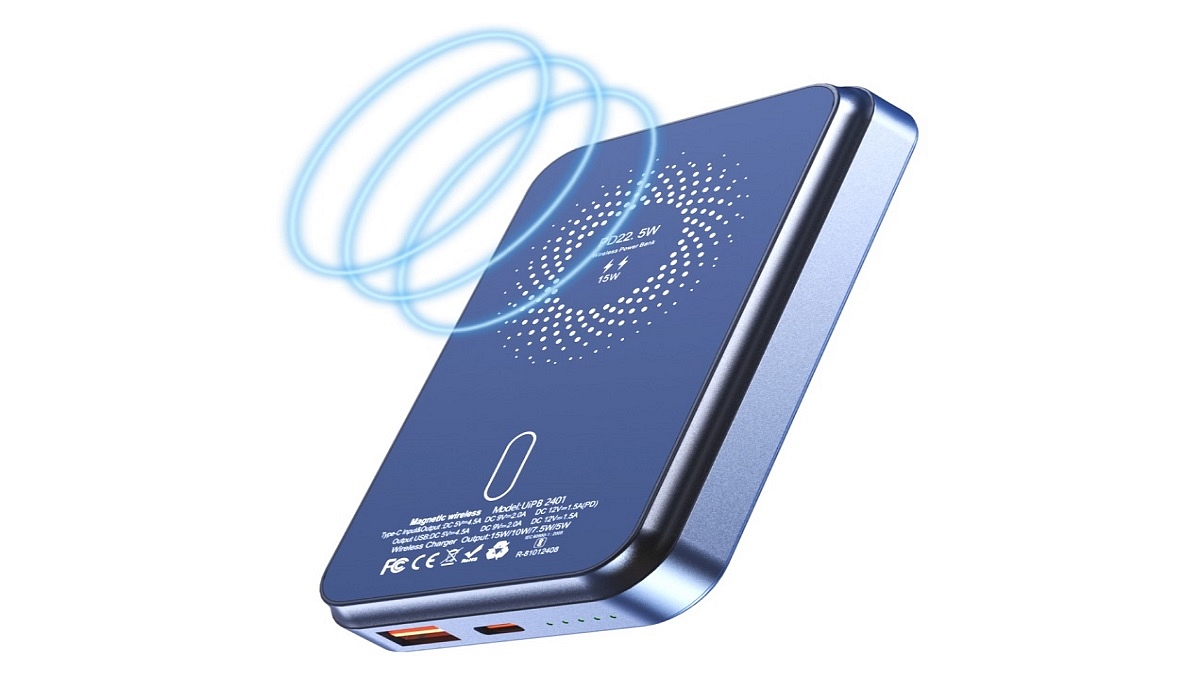
Portable Power Bank

One of the worst things that can happen during a trip is your phone running out of battery, especially when you are using it for maps, bookings, or clicking photos.

Why you need it:

  • Keeps your devices charged on the go
  • Lightweight and easy to carry in your backpack or pocket
  • Many power banks now come with fast charging and multiple ports

Choose a power bank with at least 10,000mAh capacity so you can charge your phone more than once during the day.

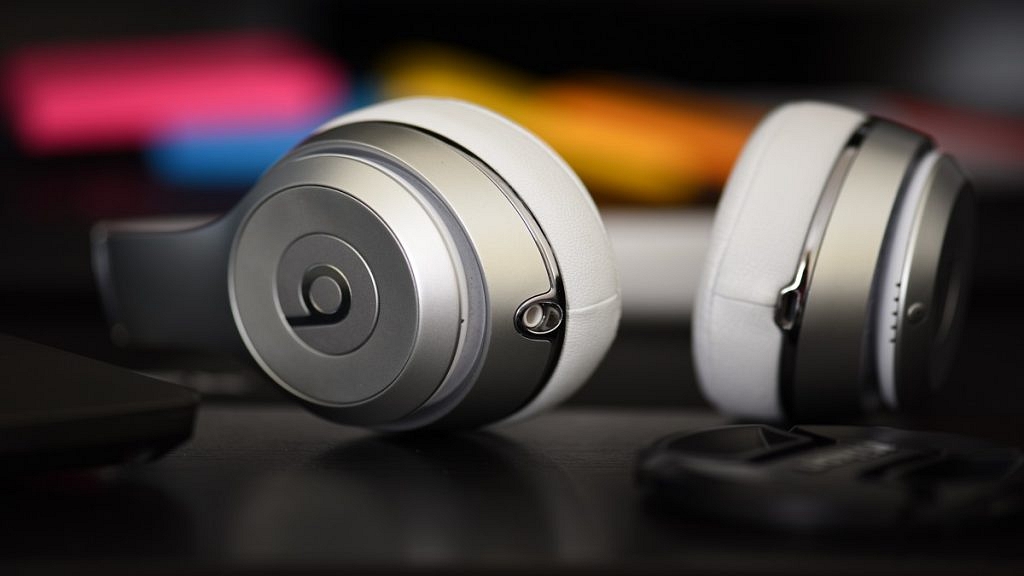
Noise-Cancelling Headphones Or Earbuds

Whether you are on a long flight or stuck in a noisy bus, noise-cancelling headphones can make a huge difference.

Why you need it:

  • Blocks out unwanted background noise
  • Ideal for relaxing with music, movies, or podcasts
  • Helps you rest better during travel

Compact wireless earbuds with active noise cancellation are a great pick for travel comfort.

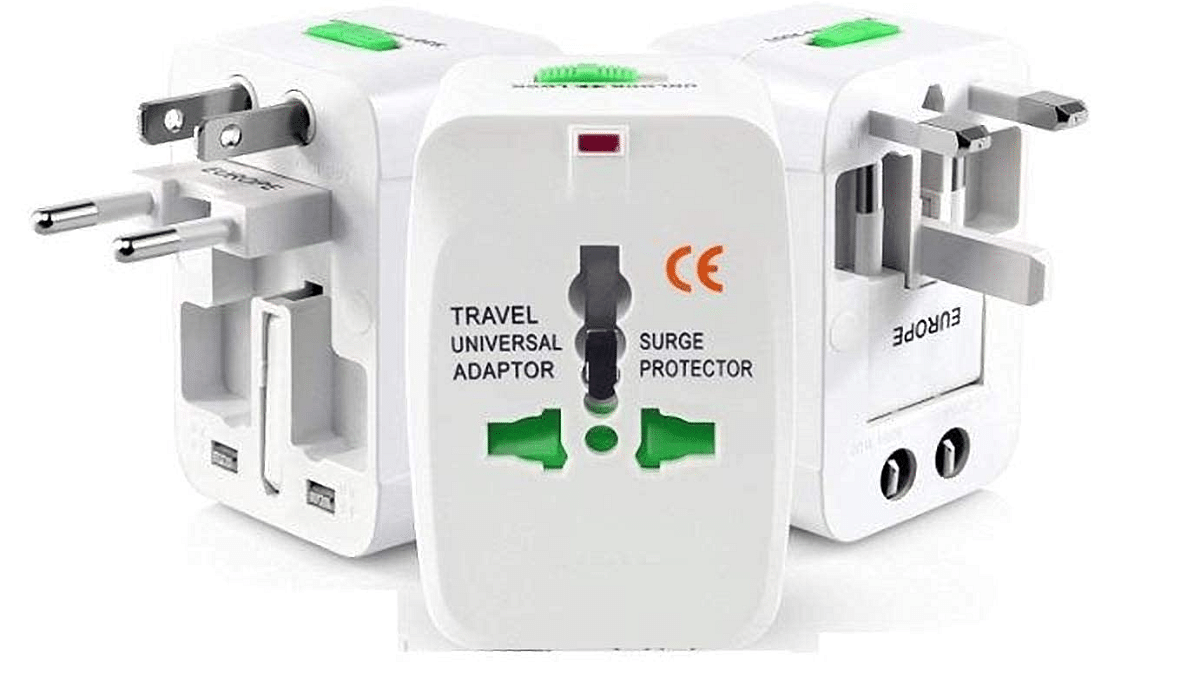
Universal Travel Adapter

Different countries have different plug types, and forgetting this can be a major headache.

Why you need it:

  • Compatible with sockets worldwide
  • Some adapters come with USB ports for added convenience
  • Compact and easy to pack

A multi-port universal adapter ensures you can charge all your gadgets without carrying multiple plugs.

Also Read | Work Smarter, Not Harder: Four Must-Have Gadgets For A Productive Workspace

Smart Luggage Tracker

Worried about losing your luggage? A smart tracker can help you locate your bag anytime.

Why you need it:

  • Tracks your luggage location via your phone
  • Useful in case your bag is delayed or misplaced
  • Easy to set up and fits inside any bag

Popular options use Bluetooth or GPS tracking and are compatible with most smartphones.

For the tech geeks, stay updated with the latest cutting-edge gadgets in the market, exclusive tech updates, gadget reviews, and more right on your phone’s screen. Join Giznext’s WhatsApp channel and receive the industry-first tech updates.