Categories
Featured How To Mobile

Want To Get Weather Alerts On Your iPhone? Here’s How To Do It

Key Highlights

  • Apple iPhone can send you severe weather alerts
  • Obtaining alerts on rain, snow, and other weather conditions is now easy
  • Users need to individually enable the feature in every city they visit

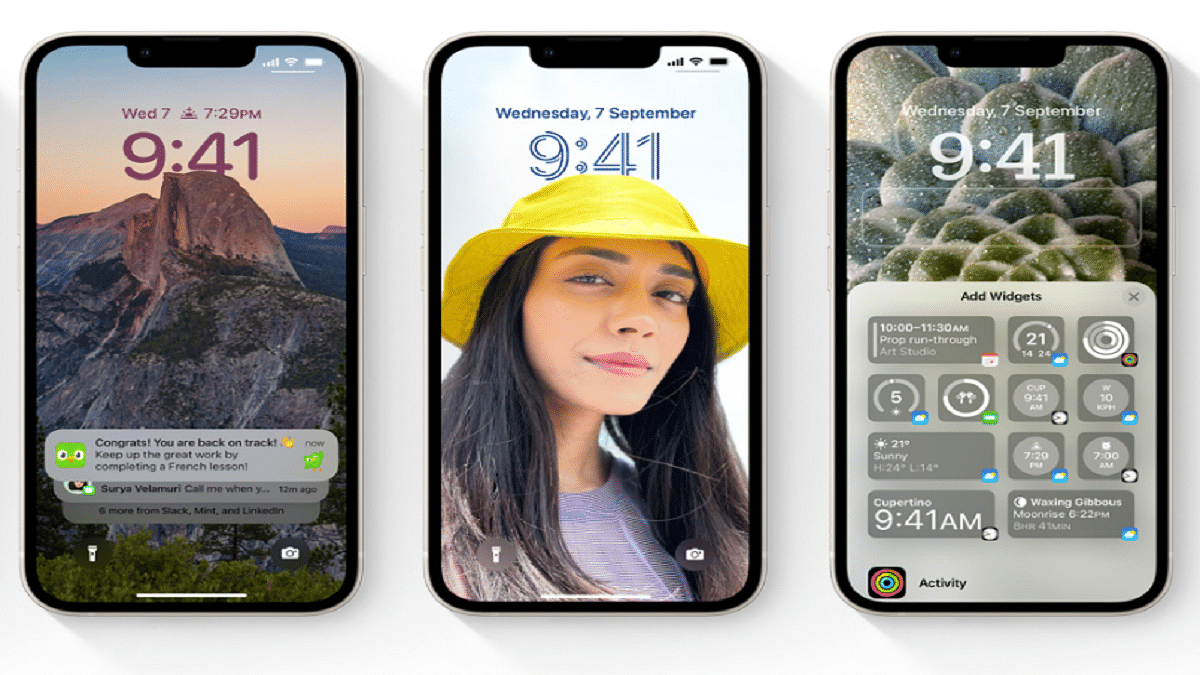
iPhones have had the weather app for a while. Apple has, however, only recently made available a feature that notifies users of weather conditions, particularly bad weather. The feature was previously only accessible in select regions including the US and the UK. The functionality was found in India and seems to be available in some regions.

If you frequently travel outside and are unsure of whether it will rain or not, this feature is great. Additionally, if the weather is bad, you can use this feature to be alert and stay indoors.

Steps To Get Weather Alerts On iPhone

Do note that this feature is only available in a few areas before we continue. Now, let’s see how to get weather alerts on your iPhone by following these simple steps:

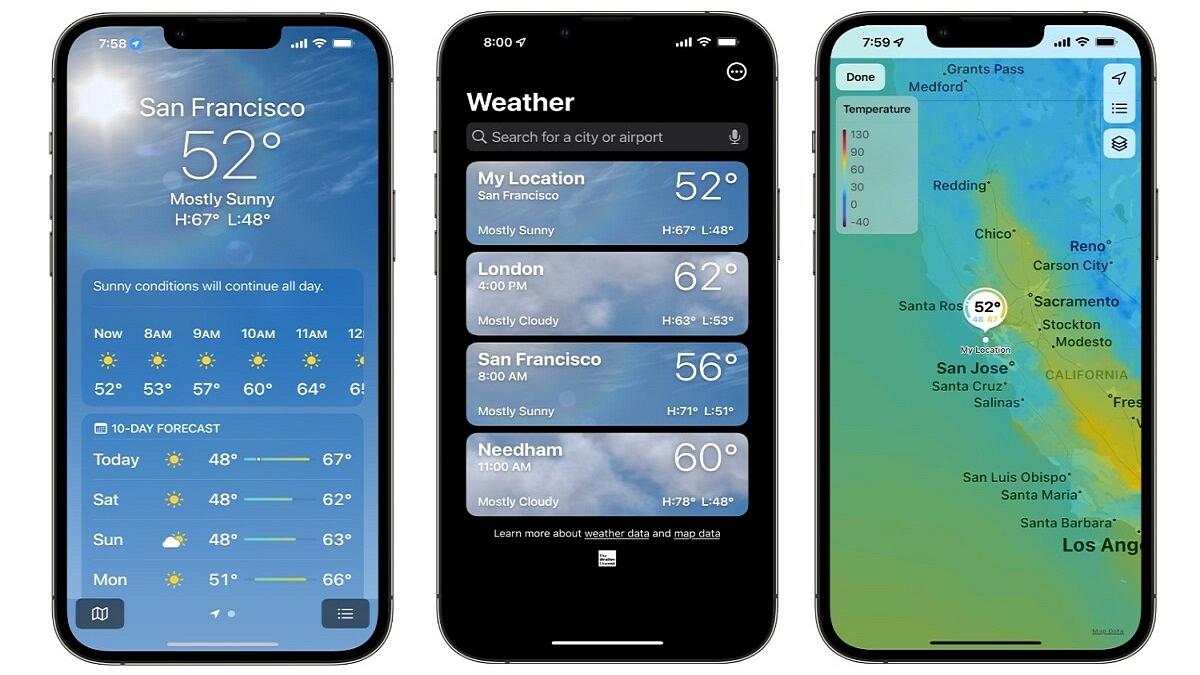
Step 1: Launch the Weather app on your iPhone. Make sure you are using the most recent version of iOS since if there is a flaw in an older version, it might not function.

Step 2: Tap the hamburger/three vertical dots icon located in the bottom right corner of the app once it has been opened.

Step 3: You must now enable notifications if you want to get weather and rain alerts. Hit the Enable Notifications button.

Step 4: Tap on Next-Hour Precipitation.

Step 5: You must authorize the Weather app to ‘Always’ use location services after turning on Next-hour precipitation. The Weather app will notify you once you’ve done this for your region.

Step 6: To receive severe weather warnings for rain, snow, and other severe weather situations, you can also turn on Severe alerts.

Also, do note that the app only sends the weather forecast for your current location. So, if you travel to another city, you will need to configure that city in the app.
Categories
Chipset Featured Leaks

MediaTek Dimensity 9000+ Premium Chipset Fuelled iQOO Neo 7’s Geekebench Scores Out

Key Highlights

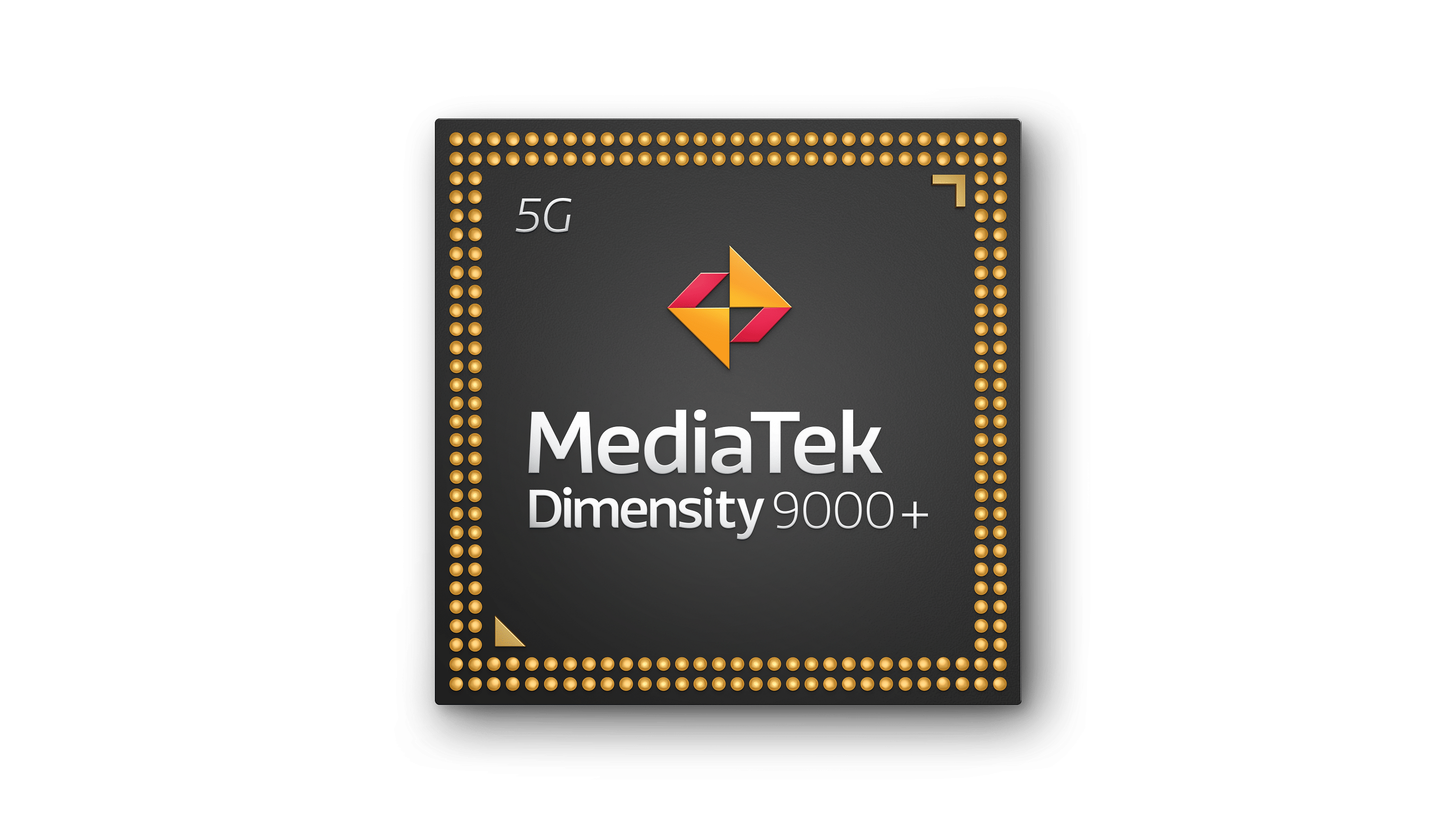
MediaTek Dimensity 9000+ will power iQOO Neo 7

Geekbench benchmark scores and features leaked

12GB RAM, Android 13 OS Confirmed

MediaTek is unleashing its flagship range of mobile chipsets to take on Qualcomm’s top-of-the-line Snapdragon 8 Gen 1 series chipsets. The Dimensity 9000 series comprising the Dimenisty 9000+ chipset is an example. We already have seen the powerful performance offered by the Dimensity 9000+ chipset driving the Asus ROG Phone 6D. Once again, MediaTek’s latest flagship mobile chipset is making all rattles with the performance delivery churned out by the upcoming iQOO Neo 7.

The benchmark scores of the Dimensity 9000+ chipset have been shared once again on Geekbench. The listing has also given insight into the hardware features of the iQOO’s next Neo series phone, i.e., the Neo 7. Here are all the details:

MediaTek Dimensity 9000+ Benchmark Scores, iQOO Neo 7 Key Features Leaked

Just for reference, iQOO is gearing up to launch the successor of the iQOO Neo 6 soon. The iQOO Neo 7 has been listed on the Geekbench website with the vivo V22313A model number. Since the model number has appeared on a couple of other certification portals as well, we know, it’s related to the iQOO Neo 7.

Let’s first speak of the iQOO Neo 7 features revealed by the Geekbench listing. The next gaming flagship will run on the octa-core MediaTek Dimensity 9000+ chipset which is evident with the k6983v1_64 motherboard mentioned in the listing. In addition to the top-of-the-line MediaTek Dimensity 9000 series chipset, the iQOO Neo 7 will offer a 12GB RAM option as per the benchmark website.

iQOO’s next flagship gaming phone will also boot on the latest Android 13 OS. Nothing is mentioned about the storage capacity, but we expect up to 256GB of built-in memory. Like most of the premium iQOO phones, the Neo 7 is also expected to feature a hybrid SIM slot.

Now moving on to the Dimensity 9000+ chipset integrated iQOO Neo 7 benchmark scores, the handset achieved 1231 points in the single-core and 4251 points in the multi-core test on Geekbench. That’s all the crucial details we have got to know about the iQOO Neo 7.  But thanks to the recent leaks, we know a few other hardware details.

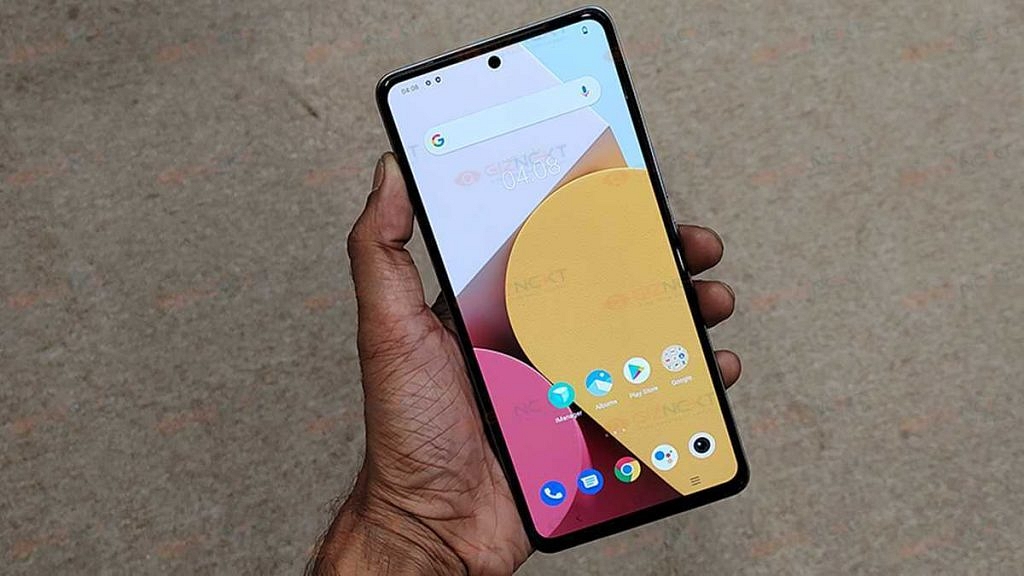
Going by the recent leaks, the iQOO Neo 7 might flaunt an AMOLED screen measuring 6.78-inches in size. It is expected to offer an FHD+ resolution, and 120Hz refresh rate, and flaunt a punch-hole cutout for the selfie snapper. A 120W Super fast charging, 5,000 mAh battery, and a 50MP triple rear camera setup is tipped additionally.

Categories
Featured Info Mobile

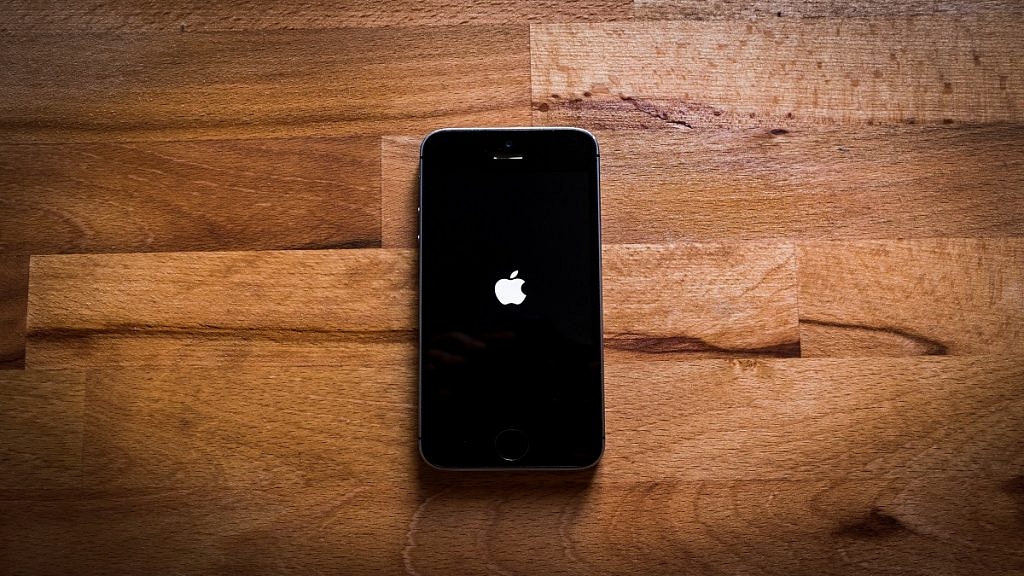
Apple Rolls Out iOS 16.0.3 Update: Here’s What’s New

Key Highlights

  • iOS 16.0.3 update is now available to download
  • iOS 16.0.3 is eligible for iPhone 8 and later devices
  • It brings improvements to the iPhone 14 Pro and iPhone 14 Pro Max

Apple has started rolling out the iOS 16.0.3 update in order to fix bugs in the iPhone 14 Pro and iPhone 14 Pro Max. Since the release of the iOS 16 operating system, there have been three updates. This update is available for iPhones running iOS 16 including the iPhone 8 and later models.

The update resolves issues with the Mail application. Notably, it also resolves a few issues users of the new iPhone 14 series reported. For instance, it fixes a voice call-related delayed notification issue on the iPhone 14 Pro and iPhone 14 Pro Max. Apple is also fixing the low volume issue that some CarPlay users had with the iPhone 14 series.

Most significantly, the camera app on the iPhone 14 was problematic for certain customers. According to the official changelog, the iPhone 14 Pro and iPhone 14 Pro Max‘s cameras “may be slow to launch or switch between modes.” Other iPhone users can notice that the Mail app is inconsistent. Security-wise, the changelog reveals that it fixes the “CVE-2022-22658” zero-day issue. The latest iOS 16.0.3 update is available for iPhones 8 and above.

iOS 16.0.3: Steps To Download The New Update

Users can check availability and download the iOS 16.0.3 update by following these simple steps:

Step 1: Open your iPhone and head to Settings.

Step 2: There, click on General.

Step 3: After that, tap on Software Update. Then, click on Download and Install.

Step 4: Your device will be upgraded to the most recent iOS version after accepting the Terms of Service.

Apart from this, Apple has not yet released an update to give Indian-specific iPhone 5G support. According to Airtel, iPhones won’t be able to use its 5G services until Apple releases an over-the-air (OTA) update for its mobile devices. With iOS 16.1, Apple may unlock 5G on iPhones in India which is already available to users on the beta channel.

Categories
Featured Info Tablet

Nokia T10 New Model Costs A Bit Higher In India: Here’s Why

Key Highlights

Nokia T10 new variant with LTE launched

Runs on Unisoc T606 octa-core chipset

8-inch LCD Display

8MP single rear camera

2MP selfie snapper

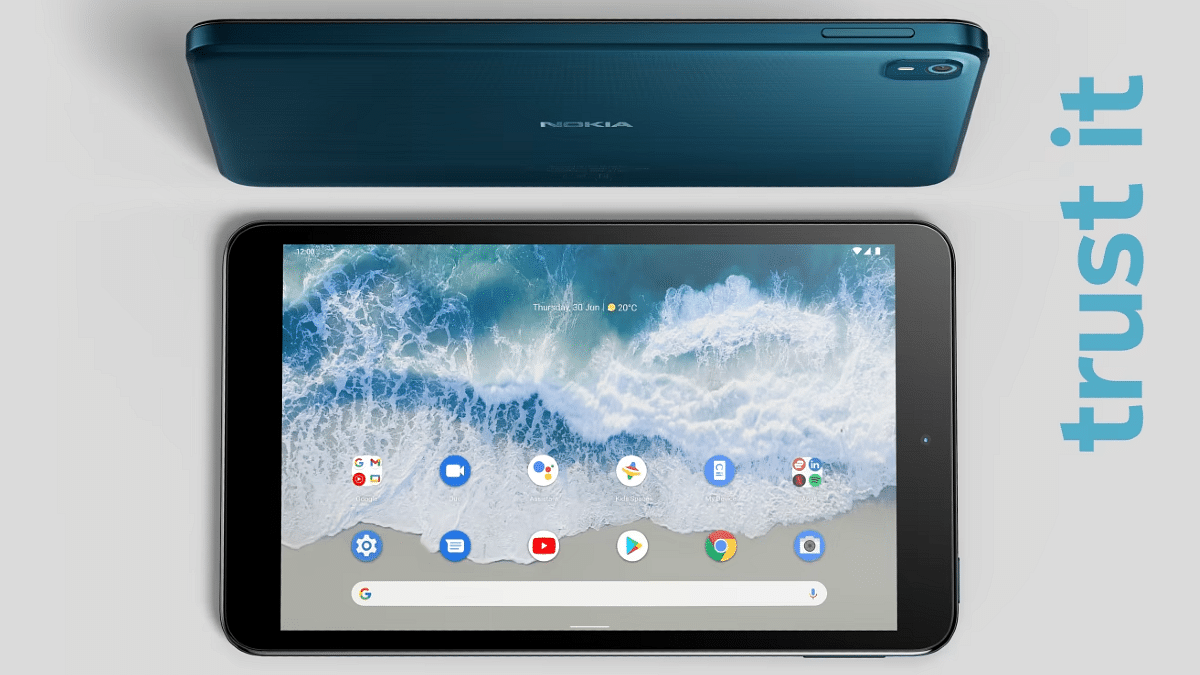
HMD Global has been fairly active this year in India and has launched several new Nokia phones. The Finnish giant has also released its first lot of budget Android tablets in the country including the Nokia T20 and the T10. The latter marked its entry last month in the country, while the former has been around for the last few months. Now, another new variant of the entry-level tablet (Nokia T10) has been launched in the country. Below are the pricing details:

Nokia T10 New Model Brings This Hardware Change

The Nokia T10 was launched last month in India. However, the company had launched just the Wi-Fi variant of the budget Android tablet in the country. Now, the Finnish giant has released the LTE variant of the Nokia T10 in the country.  The latest Nokia T10 will support SIM cards, unlike the previous model which only supports Wi-Fi.

The Nokia T10 comes as HMD Global’s prime contender against the likes of Redmi Pad and Realme Pad Mini which are amongst the popular pocket-friendly Android tablets in the country. Moving on to the spec sheet, the Nokia T10 uses the octa-core Unisoc T606 entry-level chipset.

The processor on the Nokia T10 has Mali G57 MP1 GPU support to handle all the graphics. The firmware pre-installed on this tablet is Android 12 OS with a stock UI on top. The imaging setup of the latest budget Nokia tablet features a single 8MP rear camera along with an LED flash.

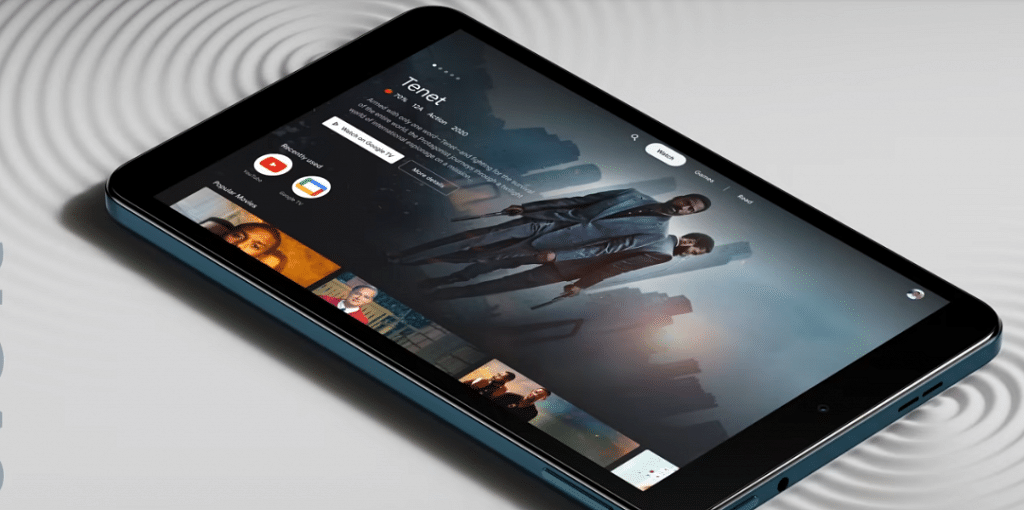
Nokia has used a smaller 2MP selfie snapper on the T10 tablet which will help with basic video calling. The display panel used is a standard IPS LCD which we have seen across a wide range of tablets including the mid-range segment. This tablet features an 8-inch screen size and supports a 720P HD+ resolution.

In terms of connectivity, the Nokia T10 comes equipped with 4G LTE, Wi-Fi (dual band), Bluetooth, and GPS. The tablet also has a USB Type-C port and a 3.5mm headphone jack. Rounding off its spec-sheet is a compact 5,250 mAh battery unit along with 10W charging support.

Nokia T10 Wi-Fi+ LTE Model Price In India

The Nokia T10 LTE model is priced slightly higher compared to the standard Wi-Fi model. The base model of this tablet has 3GB RAM+ 32GB storage configuration and a price tag of Rs. 12,799. On the other hand, the T10 tablet with 4GB RAM and 64GB storage costs Rs. 13,799. Nokia will be hosting the T10’s first sale on October 15 via Nokia India official website and Amazon.

Categories
Featured Laptop

Best Laptops To Buy For Programming In India

Key Highlights

  • Programming can be a much easier process if you have the right laptop
  • Not every laptop can be used for programming
  • Smooth functioning, a comfortable keyboard, and more should be considered when buying a laptop

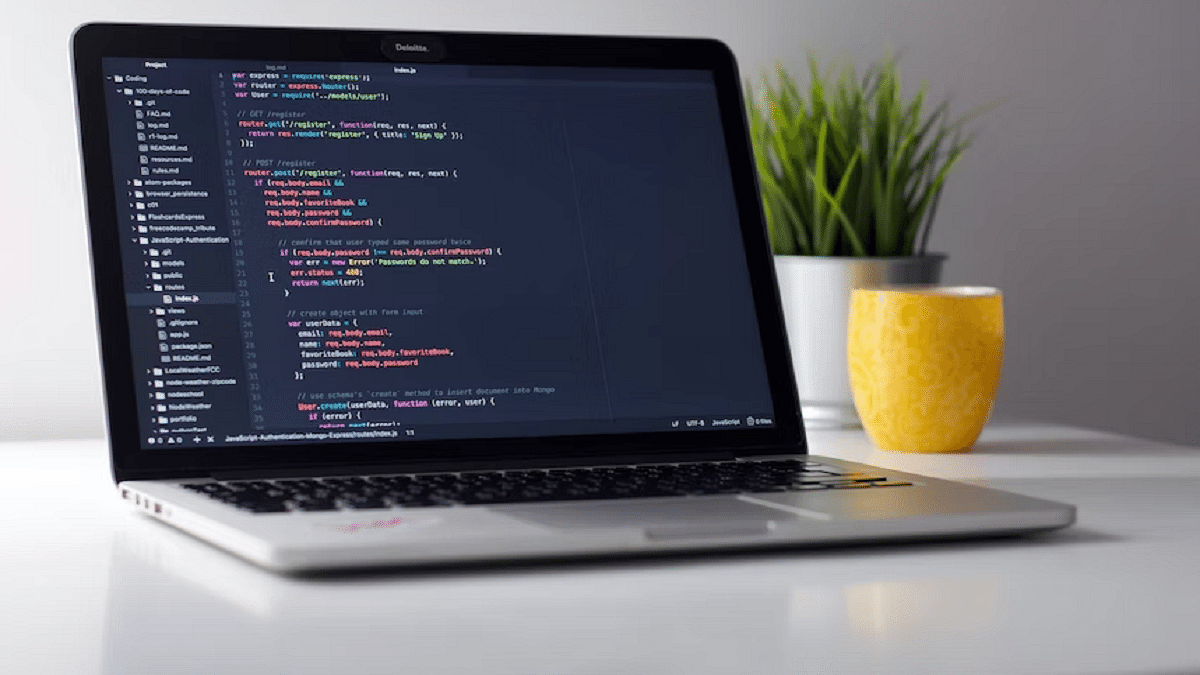
Are you trying to find the top programming laptops? This has always been a challenge for many tech fanatics. Nobody likes to skimp on quality and technology, so you should be aware of your options, especially if you’re ready to make a significant purchase.

Not all laptops can be effectively used for programming. Any budget laptop you choose for programming can be detrimental to your work. In this article, we’ve compiled a list of some of the best laptops for programming available in India.

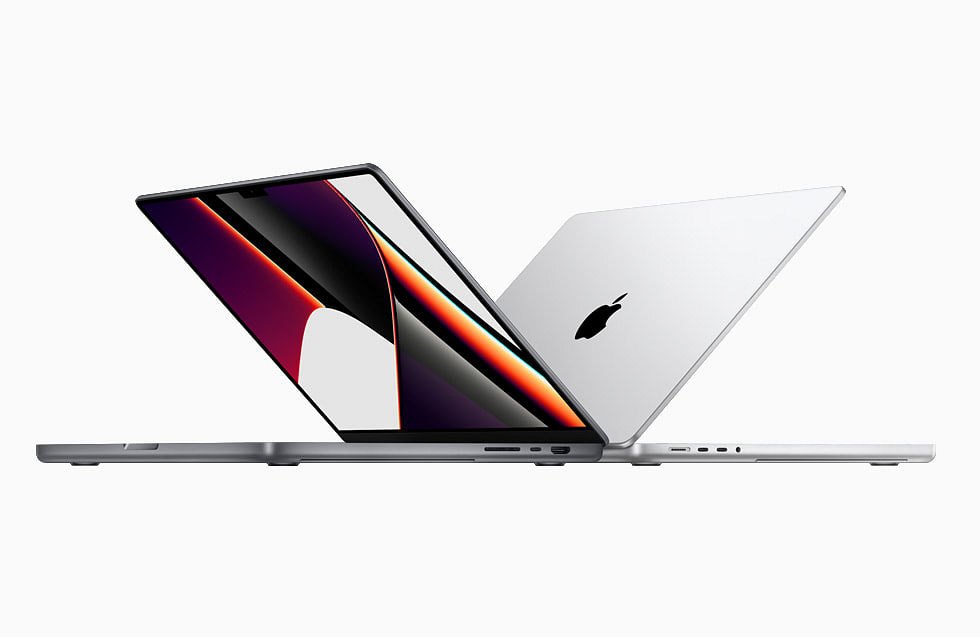
Apple MacBook Air M1

Powered by Apple’s new M1 SoC, the new 13-inch MacBook Air redefines what people can expect from a modern laptop. The M1 processor provides uncompromising power which is perfect for a developer. The laptop runs on iOS 10.14 Mojave. Further, it comes with 8GB DDR4 RAM and 256GB SSD. The Apple MacBook Air M1 is available for purchase for Rs. 92,900.

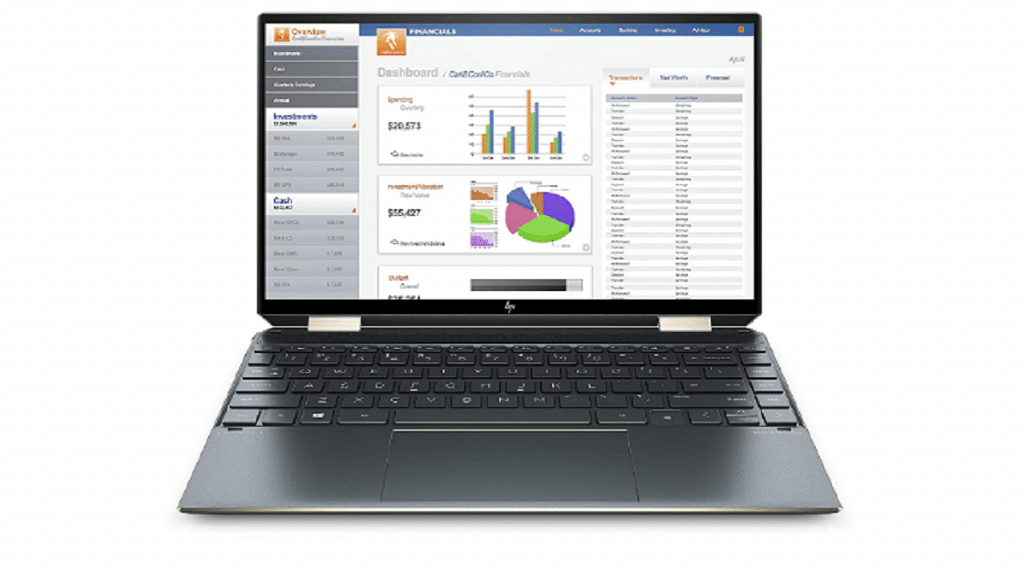
HP Spectre x360 11th Gen Touchscreen Laptop

The HP Spectre x360 Touchscreen Laptop comes with the latest 11th Gen Intel’s i5 processor. It is equipped with a decent 16GB RAM, 512GB of SSD, and 32GB of Intel’s iconic Optane Storage system. This lets the computer store typically used data and programs closer to the processor. It also comes with a full rotational 360-degree folding screen and has biometric security like the fingerprint scanner. This laptop will cost you Rs. 1,07,500.

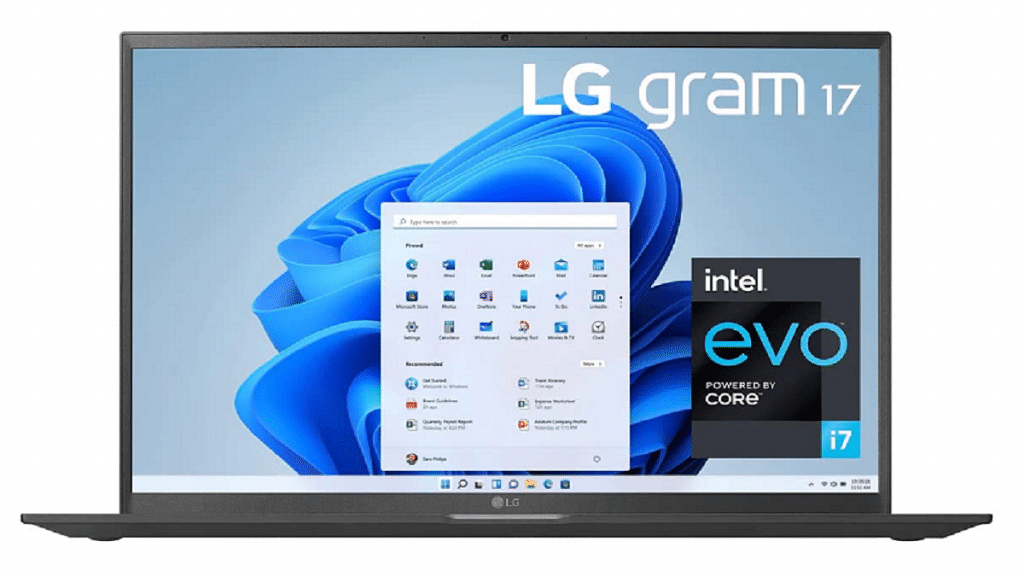
LG Gram Intel Evo 11th Gen Core i7

The LG Gram Intel Evo 11th Gen Core i7 is one of the best laptops for programming. It has a 17-inch 2K resolution display with a unique Thunderbolt port 4 that lets you have a 5K resolution display connection. The device comes with the latest 11th Gen i7 Processor. It further has 16GB DDR4 along with 512GB SSD. You can buy the LG Gram Intel Evo 11th Gen Core i7 for Rs. 93,999.

Dell Inspiron 5301 11th Gen Laptop

The Dell Inspiron 5301 11th Gen Laptop is a no-nonsense compact laptop with a 13.3-inch full HD IPS anti-glare display. The laptop comes with an 11th-generation Intel Core i5 processor. It has an SSD capacity of 512GB and 8GB RAM. The backlit keyboard, Windows 10 and MSO-enabled operating system, and lightweight nature of the laptop make it a great buy. It will cost you Rs. 69,999.

Categories
Accessories Featured Info

Apple Watch’s Heart Rate Monitoring Detects Woman’s Pregnancy

Key Highlights

  • Apple Watch reportedly detects woman’s pregnancy
  • A 34-year-old shared a post on Reddit about how the Watch helped her discover pregnancy
  • Apple Watch repetitively alerted her increase in her heart rate

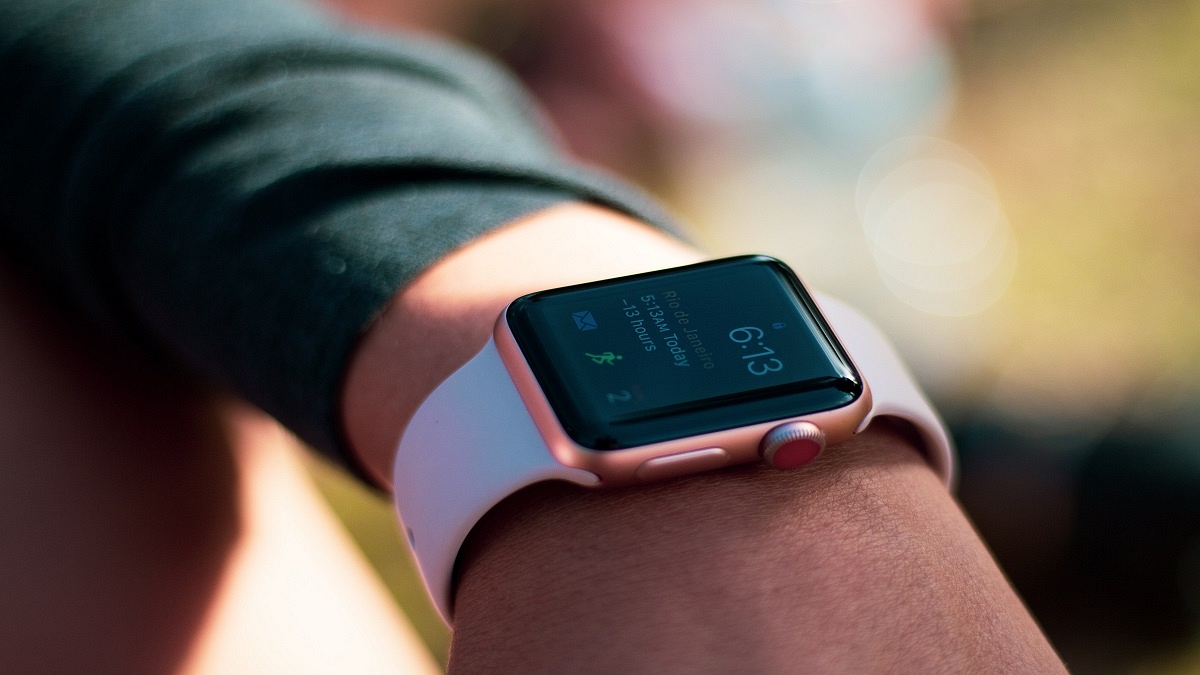
One of the most popular companion health devices is undoubtedly the Apple Watch which has a number of useful features like an oximeter, ECG, heart rate monitor, and more. We have read numerous articles in the past claiming how the Apple Watch identifies cancer, heart attacks, and other medical conditions. This time, though, it has reportedly been credited with detecting a woman’s pregnancy before she was aware of it. In fact, pregnancy was discovered by Apple Watch before clinical testing.

The Apple Watch reportedly picked up on the pregnancy symptoms before the woman even realized that she was expecting, leading to the discovery. While the watch didn’t outright deduce that the woman was pregnant but it did report the heart rate data accurately enough to alarm her of the change.

Lady Credits Apple Watch Identify Pregnancy

According to a Reddit post, a 34-year-old lady found that her Apple Watch pointed out a considerable increase in her average resting heart rate in a matter of days. She said, “Usually, my resting heart rate is about 57 and my heart rate has increased to 72. It’s not a big jump, but it showed up on an alert that it’s been higher for 15 days. I started trying to figure out why.”

She started to be skeptical because there are many causes for someone to experience a significant increase in heart rate. She initially believed she might have Covid-19 because one of the symptoms for some people with the condition is a fast heartbeat, but the Covid test came negative.

Later, she saw internet articles claiming that a pregnant woman can experience an increased heart rate as early as the first few weeks of pregnancy. “I read sometimes this happens with early pregnancy and sure enough instantly the test was positive,” she wrote. “The watch knew I was pregnant before I knew it! I would have never ever tested without wearing my watch because I have not had a period to be late on one,” she added.

She then visited a clinic for a pregnancy test, where it was determined that she was four weeks pregnant. Though Apple Watch has no official feature to detect pregnancy, it can detect unusual things going on in the body just by the change in average heart rate.

Categories
Chipset Comparison Featured

MediaTek Dimensity 700 Vs Qualcomm Snapdragon 750G Budget 5G Chipset Comparison

Snapdragon mobile chipsets are common across Android smartphones. Qualcomm has made available Snapdragon chipsets for all categories of smartphones. The company has even released a dedicated game-centric chipset lineup for premium and mid-range phones. The Snapdragon 750G is one of the variants that is driving handsets such as the Galaxy A52 5G, Xiaomi Mi 10i, and others.

Similarly, MediaTek also has a competitive mobile chipset for budget 5G Android phones called the Dimensity 700. It is one of the most capable mobile processors fabricated using a 7nm process. A quick comparison between both these mobile chipsets is below:

MediaTek Dimensity 700 Vs Qualcomm Snapdragon 750G: CPU Performance

Both MediaTek Dimensity 700 and the Qualcomm Snapdragon 750G have an octa-core CPU cluster. However, the fabrication process is different. Out of the two, the MediaTek Dimenisty 700 has the thinner 7nm fabrication. The CPU cluster comprises dual Cortex-A77 cores with 2.2GHz clock speed and six Cortex-A55 cores with 1.8GHz clock speed.

Qualcomm has used an 8nm process for the Snapdragon 750G where the octa-core CPU cluster features two Cortex-A76 cores with 2.2GHz clock speed and six Cortex-A55 cores with 2GHz clock speed and 2200MHz CPU frequency. The cluster design is almost similar, but the thinner fabrication design of the Dimensity 700 gives it an edge over the Snapdragon 750G mobile processor.

Dimensity 700 Vs Snapdragon 750G: GPU Performance

Coming to the GPU architecture, the Snapdragon 750G processor embeds Adreno 619 GPU to render graphics. This octa-core gaming chipset’s GPU churns out around 825 MHz frequency with two execution units and 128 shading units. MediaTek’s Dimensity 700 octa-core processor has the Mali-G57 MC2 GPU that delivers 950MHz frequency with two execution units and 32 shading units. The power capacity is equivalent on both these chipsets’ GPUs.  

MediaTek Dimensity 700 Vs Snapdragon 750G: Memory, Multimedia (ISP)

MediaTek Dimensity 700 mobile chipset supports LPDDR4X memory type. Qualcomm has also added the same LPDDR4X memory support with the Snapdragon 750G mobile chipset. The remaining aspects including the memory frequency and max memory size are identical, i.e., 2133MHz and 12GB respectively.

Speaking of storage compatibility, it’s UFS 2.2 with the Dimensity 700 and UFS 2.1, UFS 2.2, and UFS 3.0 storage app. Apart from this, the maximum display resolution is 1080 x 2520 (Dimensity 700 and Snapdragon 750G).

The maximum camera resolution is higher with the SD 750G at 1 x 192MP and 2x 32MP, whereas the Dimensity 700 offers 1 x 64MP and 2 x 16MP max camera resolution. The Snapdragon 750G supports 4K@30fps video recording which is lower at 2K@30fps with the Dimensity 700. The Qualcomm Snapdragon 750G mobile chipset offers better multimedia opportunities over the Dimensity 700 despite featuring a better CPU architecture.

Categories
Featured Home Appliances Info

Amazon Great Indian Festival 2022: Grab Up To 70% Off On Home Appliances

Key Highlights

  • Amazon sale is offering great discounts on home appliances
  • Customers can avail of up to 70% off on brands like LG, Samsung, etc.
  • You can get an additional discount of 10% from YY banks

Get ready to upgrade your kitchen and house with new appliances during the ongoing Amazon Great Indian Festival 2022. Customers have a large range of high-end appliances to pick from including washing machines, air conditioners, and dishwashers, among others, based on their needs and convenience. These products are available with discounts of up to 70 percent from popular brands like Samsung, LG, Whirlpool, Bosch, IFB, etc.

Customers can also take advantage of exchange deals, planned deliveries, no-cost EMIs, and much more from YY banks in addition to a further discount of 10 percent. Here are some of the top sellers on Amazon India with exciting deals and offers.

LG 1.5 Ton 5 Star AI DUAL Inverter Split AC

Get your hands on the LG Split AC with an inverter compressor that adjusts power depending on heat load. It is the most energy efficient and the quietest to operate. You can get the LG 1.5 Ton 5 Star AI DUAL Inverter Split AC on Amazon for Rs. 43,490.

IFB 6.5 Kg Fully-Automatic Front Loading Washing Machine

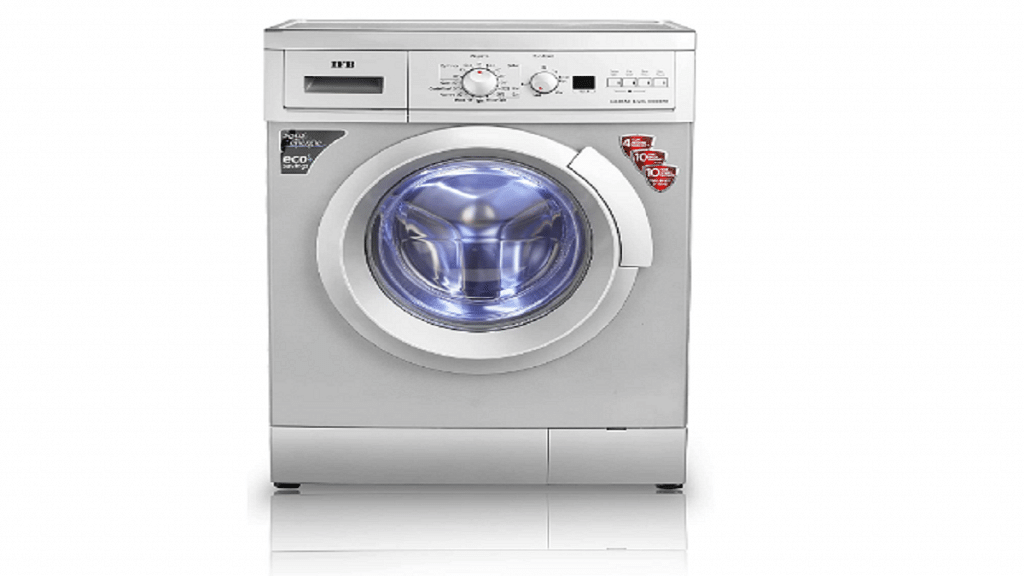
The IFB Washing Machine’s 3D wash technology with dynamic water jets and showers from paddles that completely soak clothes and optimally dissolve detergent for the most complete wash. During the Amazon sale, you can get the IFB 6.5 Kg Fully-Automatic Front Loading Washing Machine for Rs. 24,490.

Samsung 6.5 kg Fully-Automatic Top Loading Washing Machine

The Diamond Drum’s distinctive “soft curl” design gives clothes a thorough wash while still being gentle on them. For your hectic life, its rapid wash schedule is the ideal option. The Samsung 6.5 kg Fully-Automatic Top Loading Washing Machine will cost you Rs. 13,990 during the sale.

LG 260L 3 Star Smart Inverter Frost-Free Double Door Refrigerator

The LG Refrigerator with Smart Inverter Compressor is built to provide energy efficiency, greater freshness retention, and less noise. You can buy the LG 260L 3 Star Smart Inverter Frost-Free Double Door Refrigerator on Amazon sale for Rs. 24,490.

Deals On New Launches

Amazon Basics 6 Kg Fully Automatic Top Loading Washing Machine

Fully-automatic top load washing machine for best wash quality along with energy and water saving; features waterfall technology for effective cleaning and extra care of fabrics. You can get the Amazon Basics 6 Kg Fully Automatic Top Loading Washing Machine on Amazon for Rs. 12,490.

Electrolux 7.5kg 5 Star EcoInverter Fully Automatic Front Load Washing Machine

In addition to thoroughly cleaning your clothes, the Electrolux washing machine also ends the wash cycle with a gentle vapor spray at 40°C that kills up to 99.9 percent of germs and allergens. At only 40°C, its hygienic care feature generates vapor making it kinder to your clothes so they last longer. Get the Electrolux 7.5kg 5 Star EcoInverter Fully Automatic Front Load Washing Machine on Amazon for Rs. 34,990.

Samsung 394 L 2 Star (2019) Frost Free Double Door Refrigerator

With five conversion modes and twin cooling plus technology, this Samsung double-door refrigerator can handle all of your refrigeration requirements. During the sale on Amazon, you can purchase the Samsung 394 L 2 Star (2019) Frost Free Double Door Refrigerator for Rs. 38,800.

Categories
Featured Mobile

Best Smartphones With Dolby Atmos To Buy In India

Key Highlights

  • Smartphone manufacturers have unveiled many phones with Dolby Atmos.
  • Dolby Atmos Sound improves the sound of games and music.

Many Android handsets have been released by smartphone manufacturers that feature Dolby Atmos audio. Your mobile phone’s speakers are enhanced with Dolby sound to create an immersive audio-visual experience. Mobile phones with Dolby Atmos make it possible to enjoy great content viewing and surround sound. In this post, we’ve chosen some of the best Android smartphones featuring Dolby Atmos audio. Let’s check them out:

Smartphones Price (in Rs)
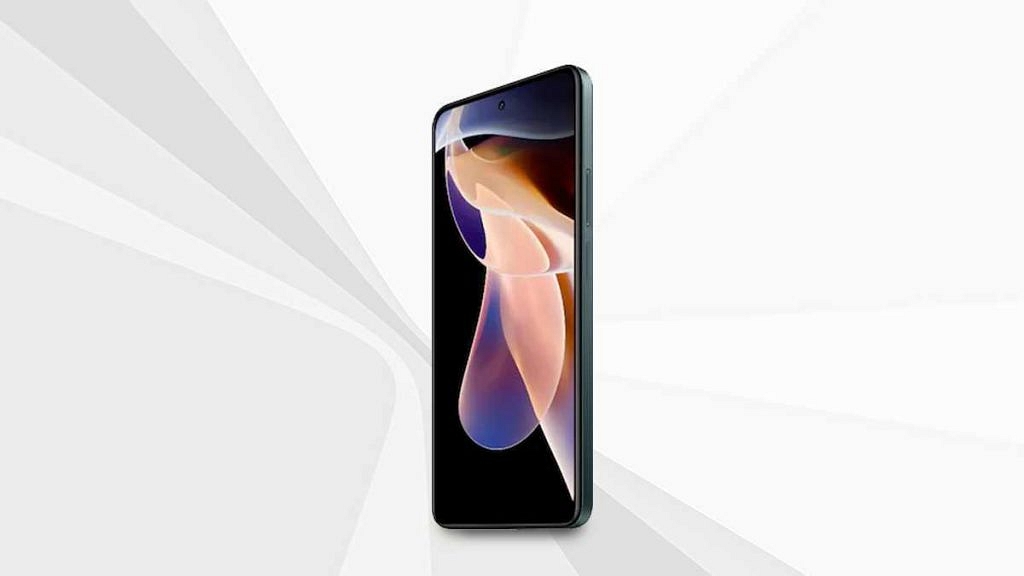
Xiaomi 11i 5G23,980
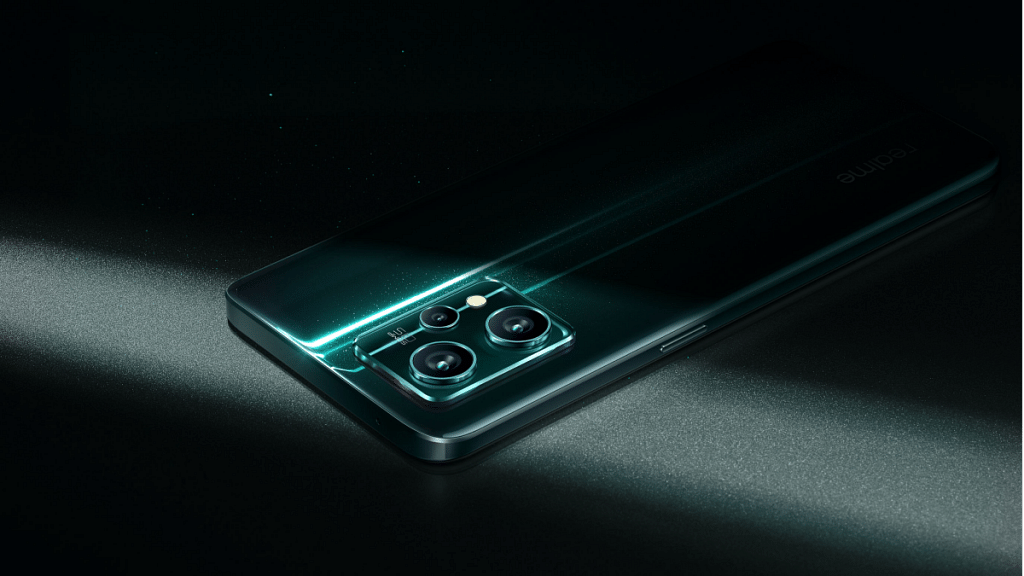
Realme 9 Pro +24,999
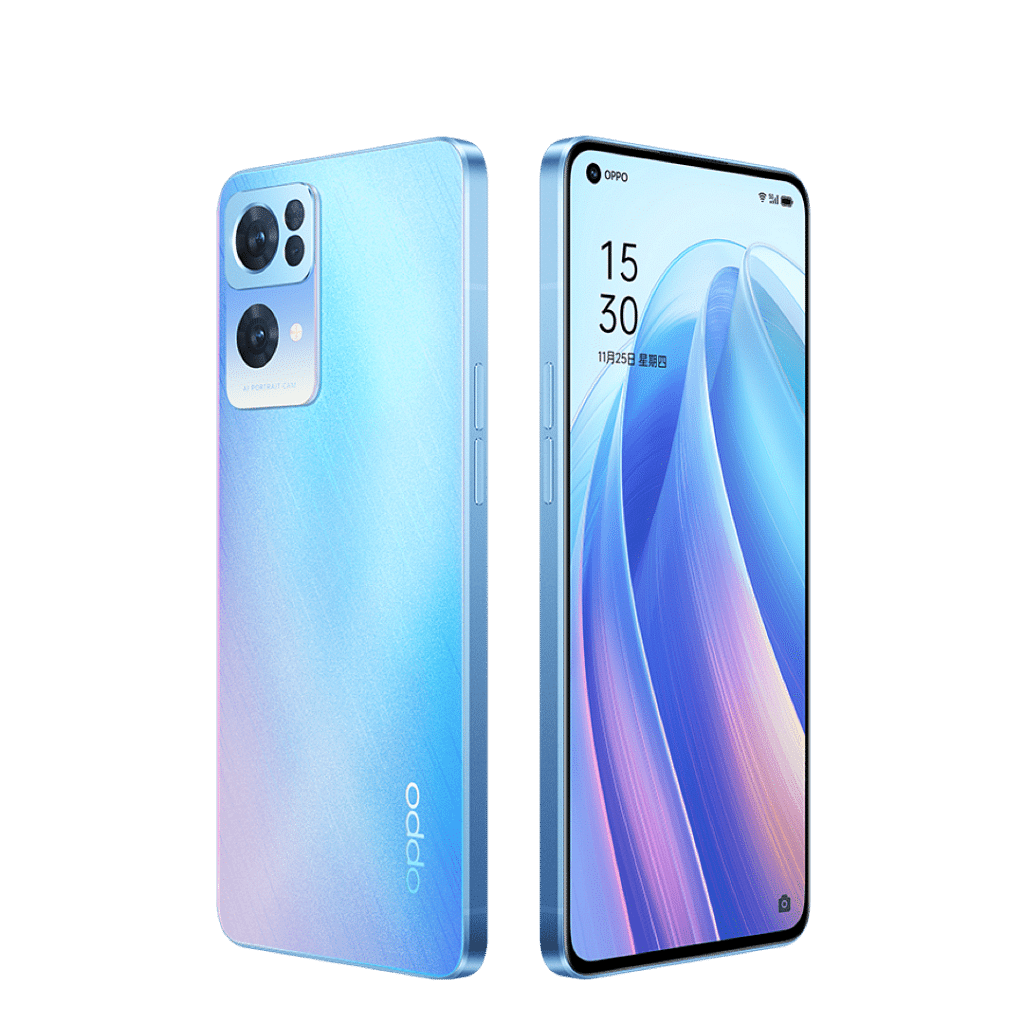
OPPO Reno 3 Pro22,878
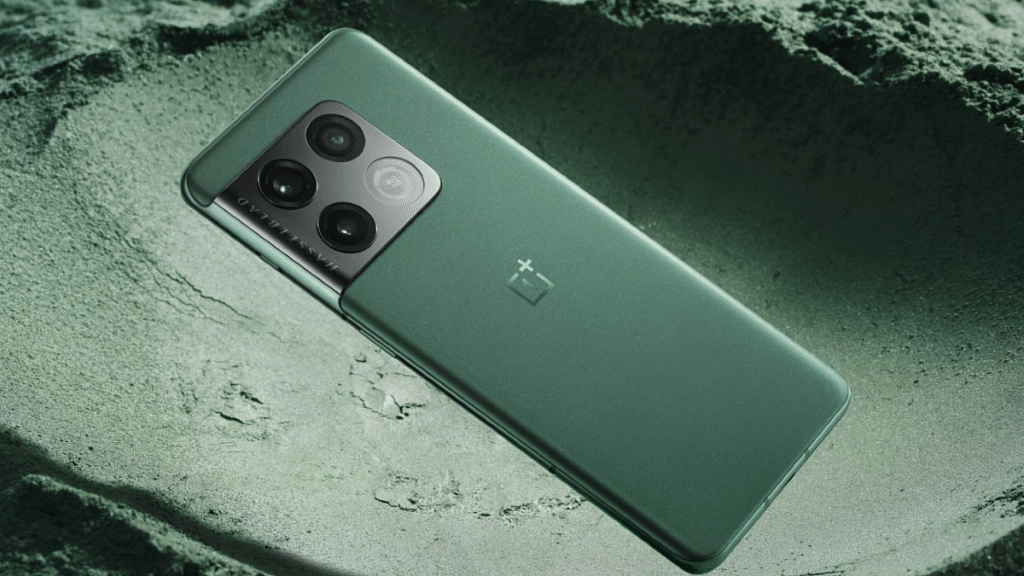
OnePlus 10 Pro 5G59,000

Xiaomi 11i 5G

Dolby Atmos and Hi-Res Audio Certification are included with the Xiaomi 11i 5G for wired and wireless devices. It has a 120Hz refresh rate and an FHD+ AMOLED Display with Dolby Vision. The Mediatek Dimensity 920 processor powers the smartphone. Additionally, it includes 128GB of internal storage and 6GB of RAM. The Xiaomi 11i 5G is available for sale for Rs. 23,980.

Also Read : Xiaomi Launches Live Video Support For All Products; See List Here

Realme 9 Pro+

Dolby Atmos-enabled dual speakers are included in the Realme 9 Pro+. It has a Corning Gorilla Glass 5 screen protector and a 6.4-inch Super AMOLED display. The MediaTek Dimensity 920 chipset powers the gadget. The smartphone is available in storage configurations of 6GB + 128GB, 8GB + 128GB, and 8GB + 256GB. The Realme 9 Pro+ price in India starts at Rs. 24,999.

OPPO Reno3 Pro

Dolby Atmos sound is supported with the OPPO Reno3 Pro. The AMOLED screen on this smartphone is 6.4-inch. It is driven by the MediaTek Helio P95 SoC. The smartphone also includes two storage options, i.e., 128GB and 256GB, and 8GB of RAM. Additionally, it runs Android 10 on top of ColourOS 7. The Oppo Reno3 Pro price in India starts from Rs. 22,898.

Also Read: Best Smartphones With The MediaTek Dimensity 700 Processor To Buy In India

OnePlus 10 Pro 5G

The OnePlus 10 Pro 5G is one of the most popular devices that support Dolby Atmos. It features a 6.7-inch LTPO Fluid2 AMOLED display with a 120Hz refresh rate and a resolution of 1440 x 3216 pixels. Powered by the Qualcomm SM8450 Snapdragon 8 Gen 1 (4 nm) processor, it comes with up to 12GB of RAM and 256GB of internal storage. You can purchase the OnePlus 10 Pro 5G for Rs. 59,000.

Categories
Accessories Featured How To

OnePlus Buds Failed To Discover Or Identify? How To Resolve Pairing Issues With OnePlus Buds TWS Earbuds

Key Highlights

  • OnePlus Buds pairing issue is quite common
  • Often a quick fix resolves pairing issue with OnePlus Buds TWS

Majority of the smartphone OEMs are now expanding their businesses to digital accessories and other consumer electronics gadgets. OnePlus is amongst those popular Chinese smartphone OEMs that gradually became famous with audio accessories and smart TVs in addition to Android smartphones. OnePlus is known for launching a premium range of devices for Indian as well as global audiences.

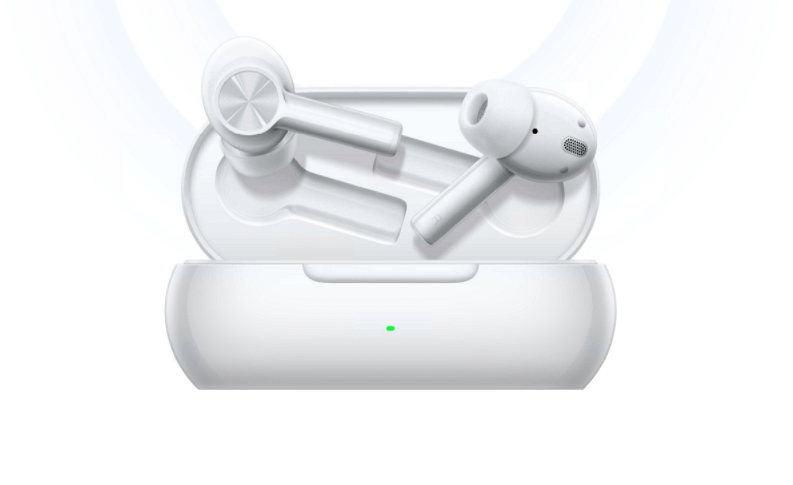
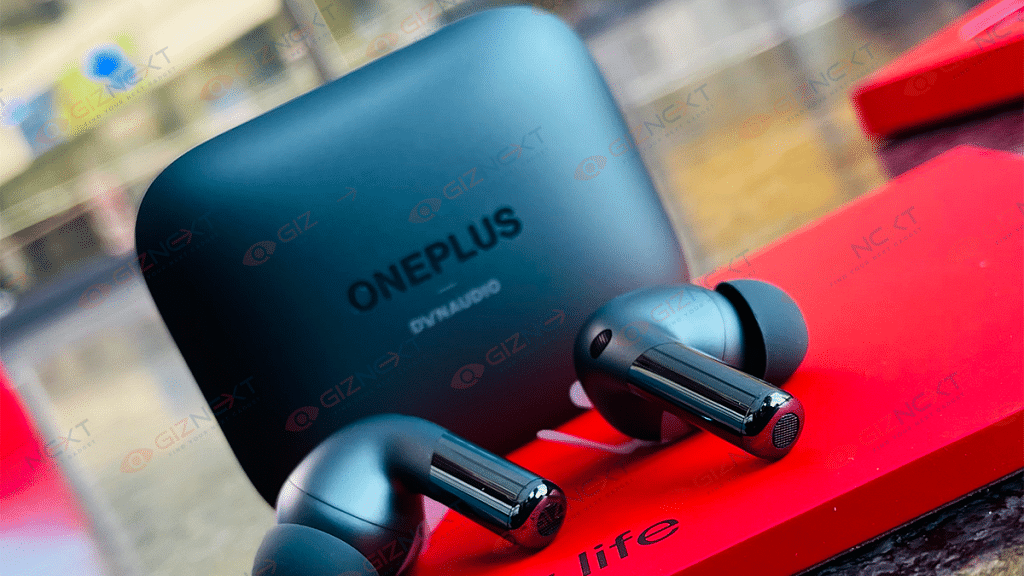
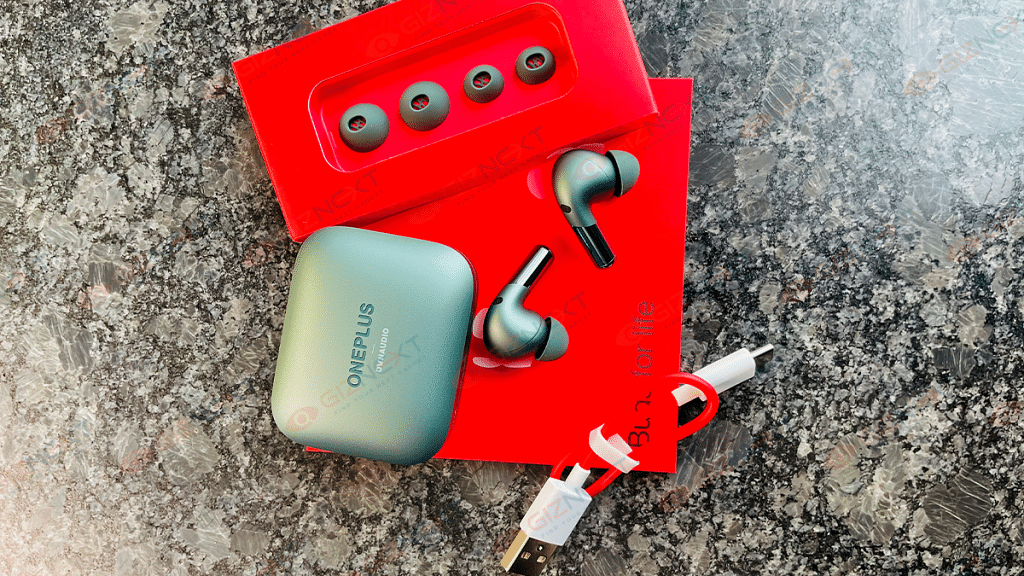
For audiophiles, OnePlus is currently catering with its Buds and Buds Z series of TWS earbuds. You get the latest of hardware technologies with the OnePlus Buds TWS earbuds along with a refined audio output. Of course, the affordable price tag has favored OnePlus audio products specifically, the Buds and Buds Z series of truly wireless earbuds. You can buy the latest generation of OnePlus Buds TWS earbuds for under Rs. 5,000 and get a premium listening experience on the go.

Also Read: How Can You Pair OnePlus Buds, Nord Buds TWS With Apple Macbook Laptops (All Models)

OnePlus Buds and Buds Z series TWS earbuds have a wide range of compatibility with new-generation smartphones, laptops, tablets, and other supported devices. You aren’t restricted to simply using OnePlus TWS earbuds with OnePlus handsets only. Any Android phone or tablet with Bluetooth support is compatible with OnePlus Buds TWS earbuds. You can even pair your OnePlus truly wireless earbuds with new-age smart TVs.

The pairing process is quite simple with OnePlus Buds TWS earbuds thanks to the latest hardware and firmware integration. But in some scenarios, users have reported pairing issues. One of the most common pairing issues is the failed to discover or identify OnePlus earbuds. What can you do when you get an error message stating “failed to identify or discover” OnePlus Buds? We have listed the quick fix below:

Also Read: OnePlus Call Being Recorded Notification: How To Stop ‘Call Is Now Recording’ Message On OnePlus 10T, 10 Pro, OnePlus 9, 8 Series

How To Resolve OnePlus Buds Failed To Discover Or Identify Issue?

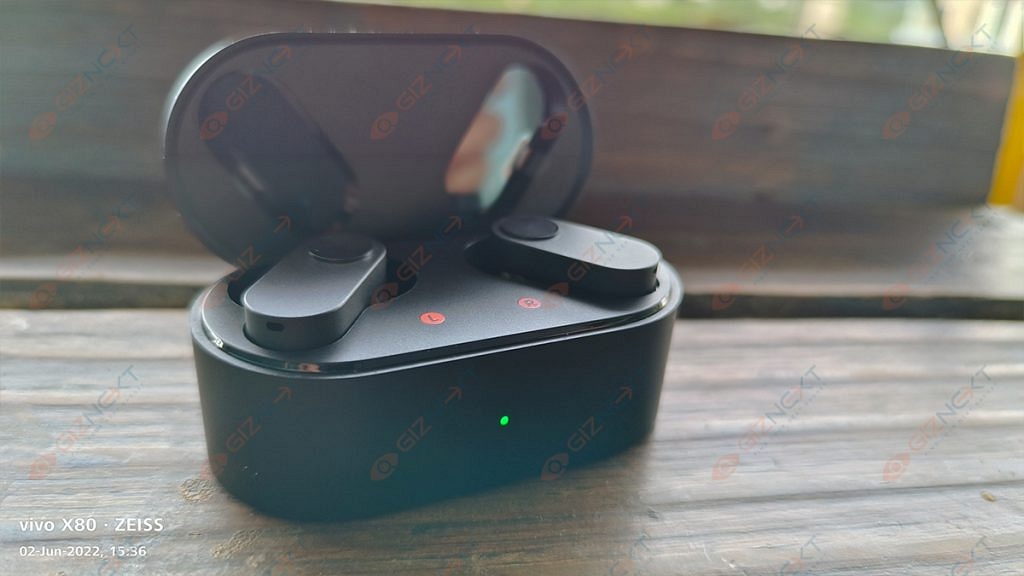
Step 1: Make sure your OnePlus Buds earbuds have sufficient power. You can check that by opening the charging case of the TWS earbuds and see if the indicator is steady. If you see fluctuating LEDs, it could be ab indication the earbuds are not completely charged or are running out of fuel. Plug in the charger and keep the lid of the charging case open. This will reset the earbuds and resolve any pairing issues.

Also Read: OnePlus Buds Pro 2 Review: Hitting The Right Notes?

Step 2: To reset, open the charging case’s lid and simultaneously press and hold the setup button on the charging case for at least two seconds. Once the LED starts blinking, the earbuds go into pairing mode. Follow the standard pairing process to get the connection done.

Step 3: If the issue persists and you aren’t able to pair your OnePlus Buds earbuds with a compatible device, try a factory reset. Keep the OnePlus Buds inside the charging case and keep the lid open. At the same time, press and hold the pairing button on the charging case for at least 10 seconds. Once the LED starts flickering the earbuds settings are restored to default. This method should instantly resolve any pairing issue.

For the tech geeks, stay updated with the latest cutting-edge gadgets in the market, exclusive tech updates, gadget reviews, and more right on your phone’s screen. Join Giznext’s WhatsApp channel and receive the industry-first tech updates.