Categories
Featured How To TV

OnePlus Smart TV Third Party App Crash: How To Resolve App Crash Issues With OnePlus TVs

OnePlus is quite a popular brand for Android smartphones. However, the Chinese firm has gradually established itself as one of the prime players in the digital accessories and consumer goods market such as smart TVs. OnePlus has introduced multiple new smart TVs in recent years. The trend is the same with OnePlus smartphones and its other range of consumer durables. We are speaking of reasonable price tags and feature-loaded products.

The OnePlus TV Y and U series are the best examples of modern days big screens with user advanced features including wireless network controls and third-party app support. Also, OnePlus TVs are embedded with smart control options such as voice-based digital assistant support (Google Assistant, Alexa, or Siri) and screencast.

OnePlus also rolls out timely firmware updates to its smart TV lineups similar to its smartphone series for a consistently improved user experience while watching shows or even hooking up an external gaming console. As mentioned above, third-party app usage is a key feature of OnePlus TVs.

You can download and use multiple apps from Google Play Store on your OnePlus TV. And OnePlus TVs are embedded with best-in-class hardware to make sure performance with both pre-installed and third-party apps is good. Despite this, users often experience app crashes or lagging. This at times hampers the user experience with premium OnePlus smart TVs.

 Since this is a common issue that OnePlus TV users have to deal with at some given point in time, it isn’t something permanent and can be resolved easily by performing some general fixes. If you are experiencing app crash or hanging issues with your OnePlus smart TV, here is what you can do.

How To Resolve Third Party App Crash Issue With OnePlus Smart TVs

You need to first check if the app crash issue on your OnePlus smart TV is with a single third-party app or multiple apps.

Step 1: If the app crash issue persists with a single app, it could likely be a compatibility issue. The app you are trying to install might not be supported by your OnePlus TV. But still, you can try clearing the caches and also re-installing the latest version of the app. If that also doesn’t work, you might have to consider using a different app.

Step 2: If all third-party apps are crashing, you need to check if there is any update for the TV is available. Download and install the latest firmware update for the OnePlus TV and reboot. Once you have updated the TV firmware, retry downloading the third-party apps.

Step 3: If none of the above steps work, the last resort would be resetting the TV. To do so, tap on the Settings menu and select More Settings.

Step 4: Tap on Reset.
Categories
Comparison Featured TV

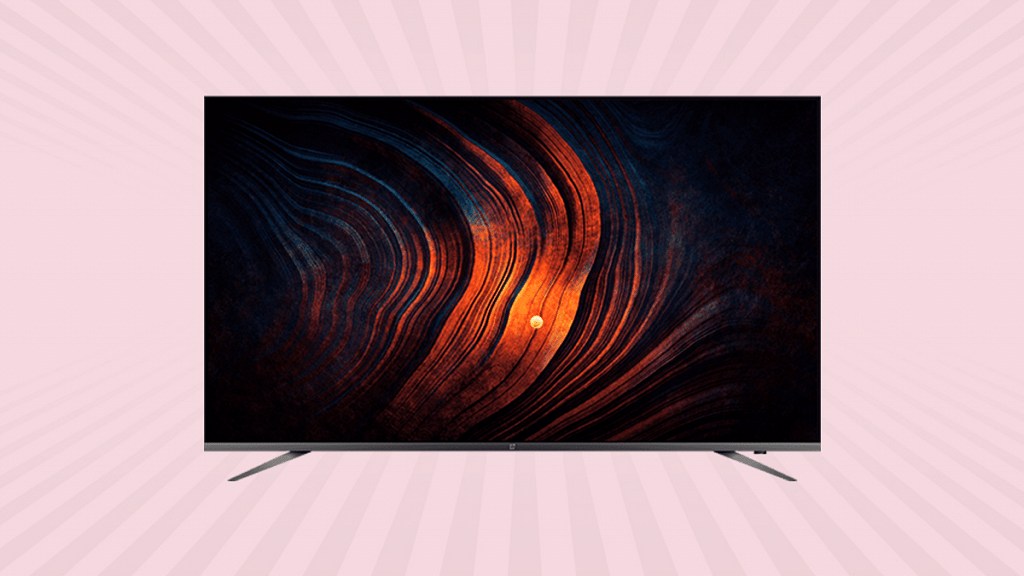
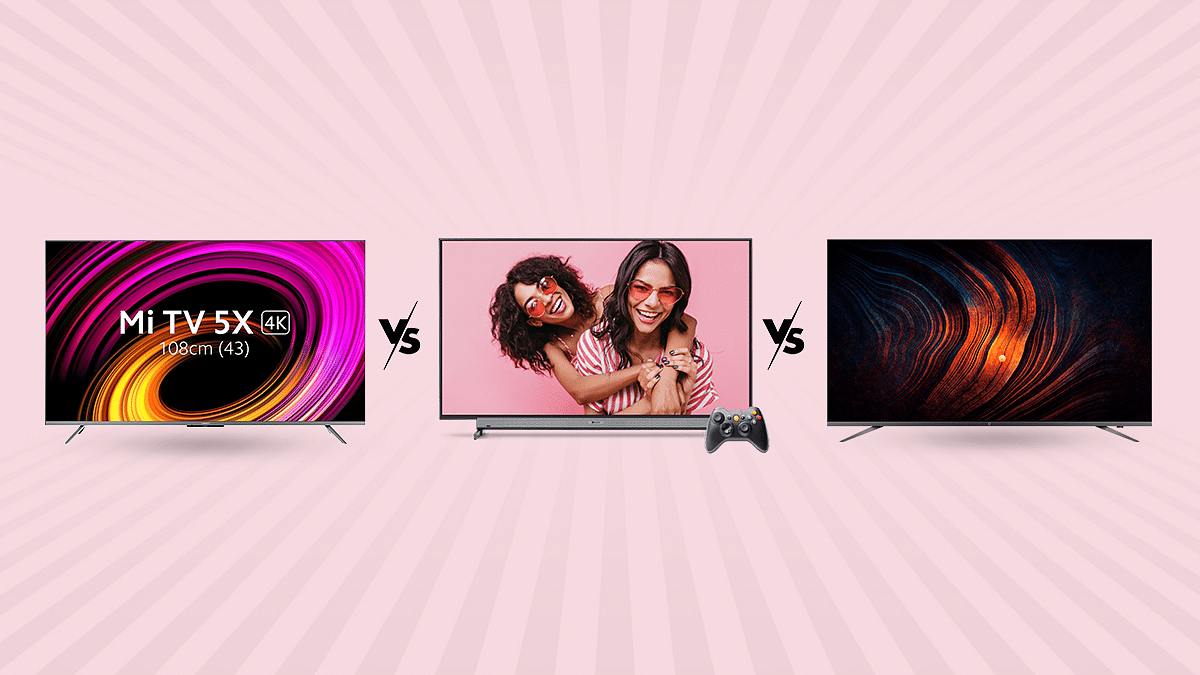
Xiaomi TV 5X Vs Motorola 55 UHD Vs OnePlus TV U Series 55-inch: Best Affordable Smart TV’s Under Rs. 40,000

We just went on a TV testing binge to identify the top 55-inch TVs within our price range.  Xiaomi’s TVs seem to be among the safest alternatives for anyone with a budget around 50,000. Particularly if you choose the cheapest model of the new Mi TV 5X, which costs only 31,999. The business has recently released the OnePlus TV U series and Y series, the latter being the most affordable and aimed at consumers looking for inexpensive smart TVs. Today, we’re examining the former. The OnePlus TV 55U1 4K LED Android TV is the only 55-inch model currently available in this series. The Motorola 55 UHD beats out lower-end TVs from higher-end brands as well as being the best in its price range for picture quality. Even though the on-paper spec list of these TV’s appears promising, we will check how everything actually works and whether any corners have been made that you should be aware of.

Design and Display

The Xiaomi TV 5X has a 55-inch Ultra-HD (3840×2160-pixel) LED-backlit screen with support for Dolby Vision and HDR10+ high dynamic range codecs. A 10-bit color depth with a 94% DCI-P3 color gamut is supported by this 55-inch IPS LCD screen, which also sports Vivid Picture Engine 2. The HDR standards Dolby Vision, HDR10, and HDR10+ are all supported, and it has a 4K resolution. A screen-to-body ratio of 96.6 percent is achieved by the thin bezels. Additionally, the TV has 178° of viewing angles.

The Motorola 55 UHD is equipped with 4K, 3840 x 2160 pixels and a refresh rate of 60Hz. The smart TV features 400 nits along with 178 degree viewing experience. Whether the screen is on or off, the bezels effortlessly blend into the 4K panel, creating an aesthetically pleasing effect.

The 55-inch screen on the OnePlus TV U1 model is quite large and most clearly intended for a large hallway rather than your bedroom. The 55-inch 4K UHD LED display and a bevy of other features on the OnePlus TV U1 combine to produce a fantastic viewing experience. Dolby Vision and HDR10+ are supported by the display. Additionally, it boasts capabilities including the MEMC technology, Gamma Engine, and a 93 percent DCI-P3 color gamut. There is also an Eye Protection setting that colors the display a cozier color to calm the eyes.

OS and Features

The Xiaomi TV 5X comes with a quad-core A55 CPU, a Mali G52 MP22 GPU, 2GB of RAM, and 16GB of storage are what power everything else. As an alternate launcher, Xiaomi has included Android TV version 10 with its own Patchwall UI. The latter can be made the default home screen.

The Motorola 55 UHD runs on Android and is powered by a CA53 quad-core Mali 450 processor. This Motorola 55 UHD TV  has 2.25 GB RAM and 16 GB internal storage. With this Android Smart TV, you may play practically all of your favorite programmes in addition to having a nice browsing experience. The Google Playstore is accessible on the TV, and the Google Assistant responds quickly to your voice instructions. The casting on this TV is flawless. You may connect your gaming pad, keyboard, mouse, and headphones to it via Bluetooth.

The OnePlus TV U1 uses an extremely thin OnePlus skin on top of Android TV 9.0. A quad-core MediaTek CPU, 3GB of RAM, and 16GB of internal storage power the TV. Many popular apps are preloaded, including Netflix, Prime Video, Hotstar, YouTube, Zee5, Google Play Movies, Eros Now, and Hungama Play. To access the Play Store, where you can download more OTT services and other third-party apps, you must login in using your Google account.

GizNext’s Expert Opinion

The smart TV industry in India is now booming. There are many excellent options to think about. And unlike in the past, buying a good smart TV doesn’t even need breaking the bank. Xiaomi performs its strengths. This entails providing a competing good at a reasonable cost. With better specs and features, this new 4K Mi TV from its 2021 collection seems and feels updated. This is a good option if you’re seeking for a new 4K smart TV for under Rs. 50,000. Xiaomi has a stronger brand cache and a wide network of customer service representatives than its rivals. One of those smart televisions that blurs the boundary between expensive and affordable is the OnePlus TV U1. The U1’s ability to accomplish this across the board is a plus. The U1 excels in all the important areas and then some, regardless of the design and construction components, specifications, or experience. When it come to The Motorola 55 UHD, this model is an affordable TV with faultless picture quality, acoustics, viewing angles, and Android compatibility.

Categories
Featured Mobile

Best OnePlus Smartphones With Snapdragon Chipsets In India

Key Highlights

  • Snapdragon continues to be a striking proposition for a mid-range OnePlus phone buyer
  • The best Snapdragon chipset offers the right balance between build quality and performance
  • It is still one of the most advanced processors of the Android industry

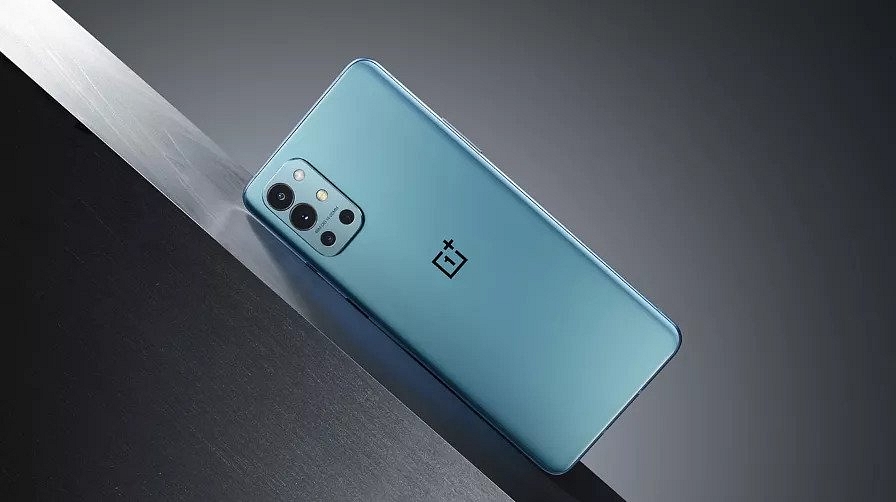
We believe the majority of you have already purchased one of the OnePlus phones with the most recent Snapdragon processors. OnePlus smartphones with the Snapdragon processor seem to be the upgrade of the year. Here are your options, though, if you’re still seeking for OnePlus phones with Snapdragon chipsets and are having trouble choosing. The top OnePlus smartphones in India with Snapdragon processors that offer the ideal balance of performance and connectivity are listed below.

OnePlus 9 Pro

The Oneplus 9 Pro comes with a 6.7-inch display and a resolution of 1440 x 3216 pixels. The smartphone is powered by an Octa-core Qualcomm SM8350 Snapdragon 888 processor and runs on 12 GB of RAM. As for power, the phone houses a 4,500mAh battery with fast charging and a USB Type-C port. The OnePlus 9 Pro is available for sale for Rs. 54,999 in India.

OnePlus 9R

The OnePlus 9R is powered by an Octa-core Qualcomm SM8250-AC Snapdragon 870 5G processor. It has 8GB of RAM as well as 128GB of internal storage. The smartphone comes with a 6.55-inch display along with a resolution of 1080 x 2400 pixels. The device further packs a 4,500mAh battery with fast charging and a USB Type-C port. You can purchase the OnePlus 9R for Rs. 36,999.

OnePlus Nord CE

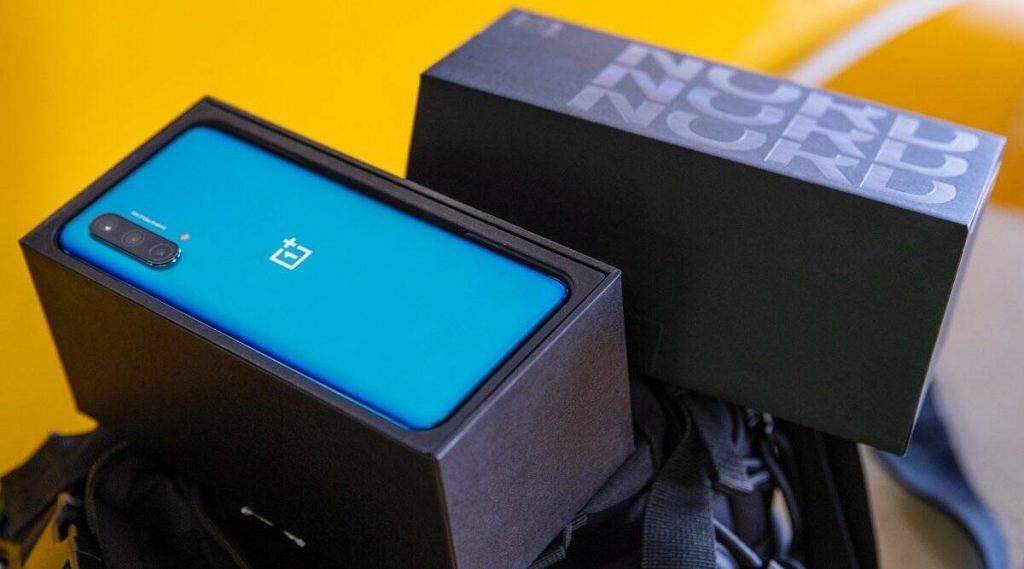
The OnePlus Nord CE 5G comes equipped with the Qualcomm Snapdragon 750G 5G processor. The smartphone sports a 6.43-inch display along with a resolution of 1080 x 2400 pixels. The device has 6GB of RAM and 128GB of internal storage. Besides this, the mobile phone is powered by a 4,500mAh battery capacity. The OnePlus Nord CE is priced for Rs. 22,999 in India.

OnePlus Nord CE 2 Lite 5G

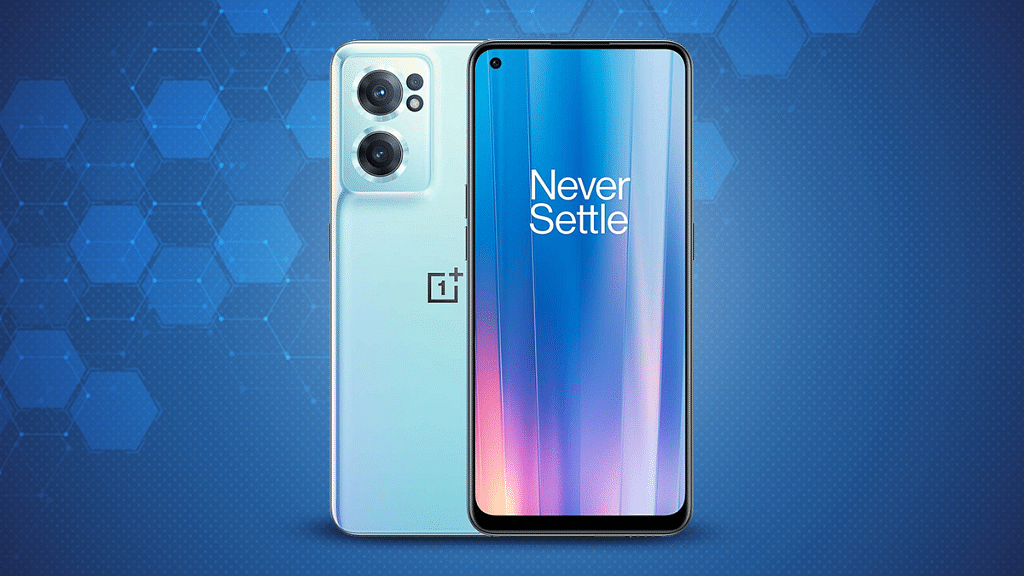
The OnePlus Nord CE 2 Lite 5G offers a screen size of 6.59-inches and a resolution of 1080 x 2412 pixels. The smartphone is equipped with the Qualcomm Snapdragon 695 chipset. It is accompanied by 6GB of RAM, 128GB of internal storage, and an Adreno 619 GPU. As for power, the device boasts a battery capacity of 5,000mAh. The OnePlus Nord CE 2 Lite 5G in India will cost you Rs. 18,999.

Categories
Comparison Featured Laptop

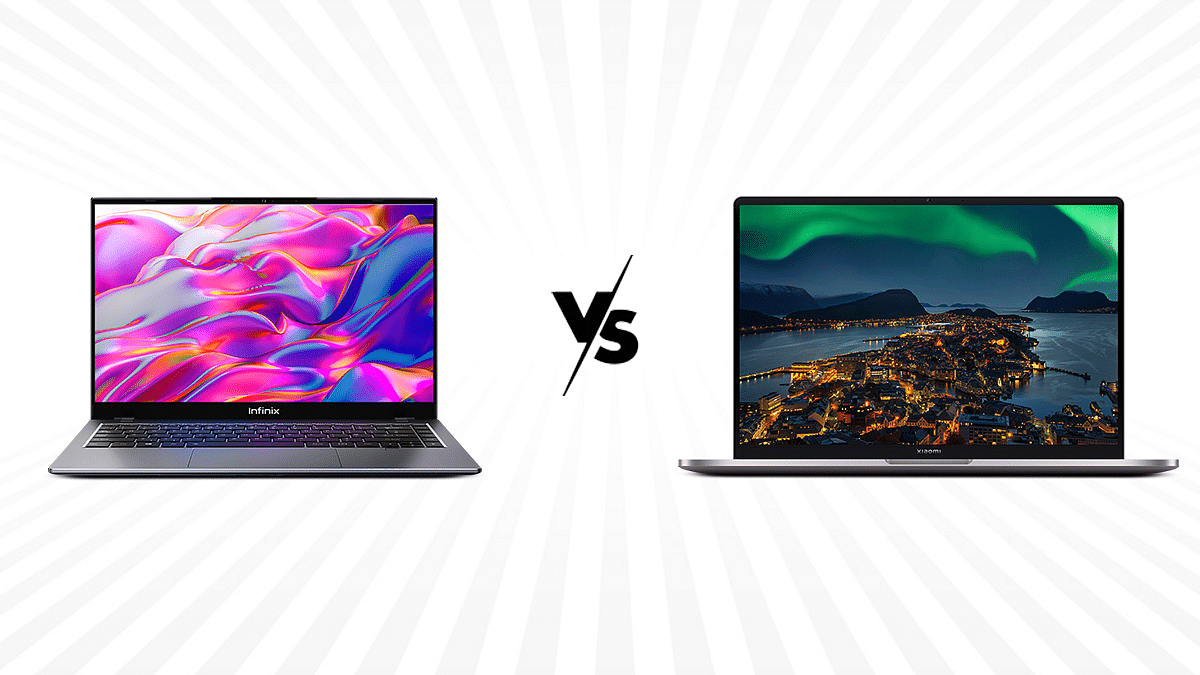
Infinix InBook Vs Mi NoteBook Pro: Best Pocket-Friendly Yet Powerful Laptop In India

With its affordable smartphones, Infinix has steadily climbed the smartphone industry’s ladder. The InBook X1 series of notebooks marked the company’s recent entry into the laptop market. On the other hand, Since the 2020 release of the Mi NoteBook 14 Horizon Edition, Xiaomi has been attempting to establish itself in the market for mid-range laptops.

In this review, we put the Mi NoteBook Pro and Infinix InBook X1 Pro through its paces to determine if these brands have discovered the best recipe for its lineup of laptops? Or is there still more work to be done for these companies in this industry?

Design and Display

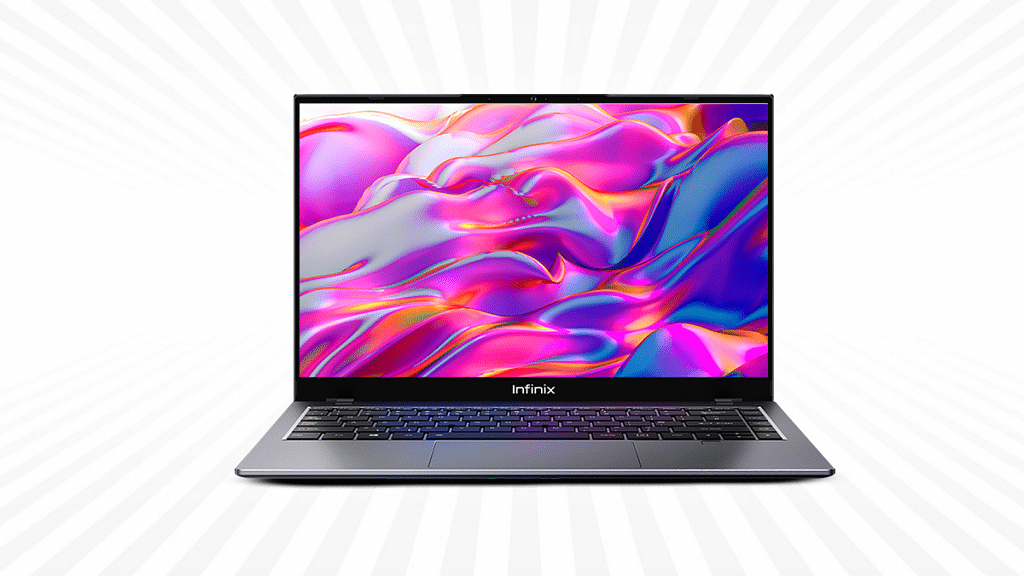
Along with the other laptops in the InBook line, the Infinix InBook X1 Pro flaunts a striking skin that is sure to turn heads. The metal body of the InBook X1 Pro makes it durable. The Infinix InBook has crammed a 14-inch display. The Infinix laptop’s IPS panel, features a screen resolution of 1080 x 1920 pixels FHD+. The InBook X1 laptop features a standard 60Hz refresh rate and a 72 percent NTSC color gamut.

With one small distinction, Xiaomi maintains its metal-clad, sleek, and minimalist design aesthetic from the previous year with the Mi Notebook Pro. The Xiaomi logo can be seen on top of the lid this time. The Mi NoteBook Pro has a 14-inch LCD panel with QHD+ (2.5K) resolution and a 16:10 aspect ratio serves as the Mi Notebook Pro’s screen. It supports brightness levels of up to 300 nits and fully complies with the sRGB color gamut. The display has excellent viewing angles and provides accurate color reproduction. Additionally, it features DC Dimming, which offers a flicker-free experience for less eye strain.

Processor and Hardware

The hardware performance of the InBook X1 laptop will provide a generally positive user experience. Based on a 10nm manufacturing process, the Intel Core i7 processor powers the InBook X1 Pro. For smooth rendering of all high-end graphics, the quad-core i7 chipset is additionally paired with the Intel Iris Plus GPU. The laptop is able to multitask at a high level without stuttering when performing general tasks. The whole performance is flawless, with no stutters or problems. The large 16GB LPDDR4 RAM ensures flawless performance in all circumstances.

Moving on to the hardware, the Mi NoteBook Pro is powered by an Intel Core i7-11370H processor, the top model of which has 12M Cache and a maximum Turbo Boost frequency of 4.8 GHz. Furthermore, it includes a 512 GB NVMe type SSD and up to 16 GB of DDR4 RAM running at 3,200 MHz.

Battery and Connectivity

The InBook X1 series laptop has a 55Wh battery. A fast 65W USB Type-C connector charger is included with the laptop. Infinix claims that the InBook X1 Pro’s laptop can provide up to 13 hours of continuous backup on a single charge. The Infinix InBook X1 Pro has numerous ports and connectivity options. The laptop has two USB 3.0 ports, two USB Type-C connectors, and one HDMI 1.4 port. The laptop also has one DC power charging connector, one 3.5mm headphone jack, and one microSD card slot.

The Mi NoteBook Pro has an 11-hour all-day battery life, which is far greater than a number of Windows laptops. What’s surprising about it is its battery life and fast charging features. The Mi NoteBook Pro includes a 65 W power adapter to charge the battery on the charging side. The battery charges from 0% to 50% in around 34 minutes; you can anticipate that it will finish charging in about an hour.

The Mi NoteBook Pro has Wi-Fi 6 dual-band (802.11ax) 2.4 GHz and 5 GHz frequencies, more recent Bluetooth version 5.1, multiple ports, including 1 Type-C USB for charging and data transfer, 1 Thunderbolt 4 for the same, 2 Type-A USB ports, one with 3.2 Gen 1 and another with 2.0 version, 1 HDMI v1.4, and a 3.5 mm combo audio jack. Right next to it is a webcam with a microphone built in.

GizNext’s Expert Opinion

For the Indian market’s consumers who are price concerned, The Infinix InBook X1 Pro is a comprehensive package. It has a high-end appearance and enough power to compete successfully in the inexpensive laptop market. With features like its lightweight and small size, all-metal construction, 2.5K display, superior performance, powerful specifications, and excellent battery life. The Mi Notebook Pro has everything it needs to compete with other upper mid-range laptops in its class.

Categories
Chipset Comparison Featured

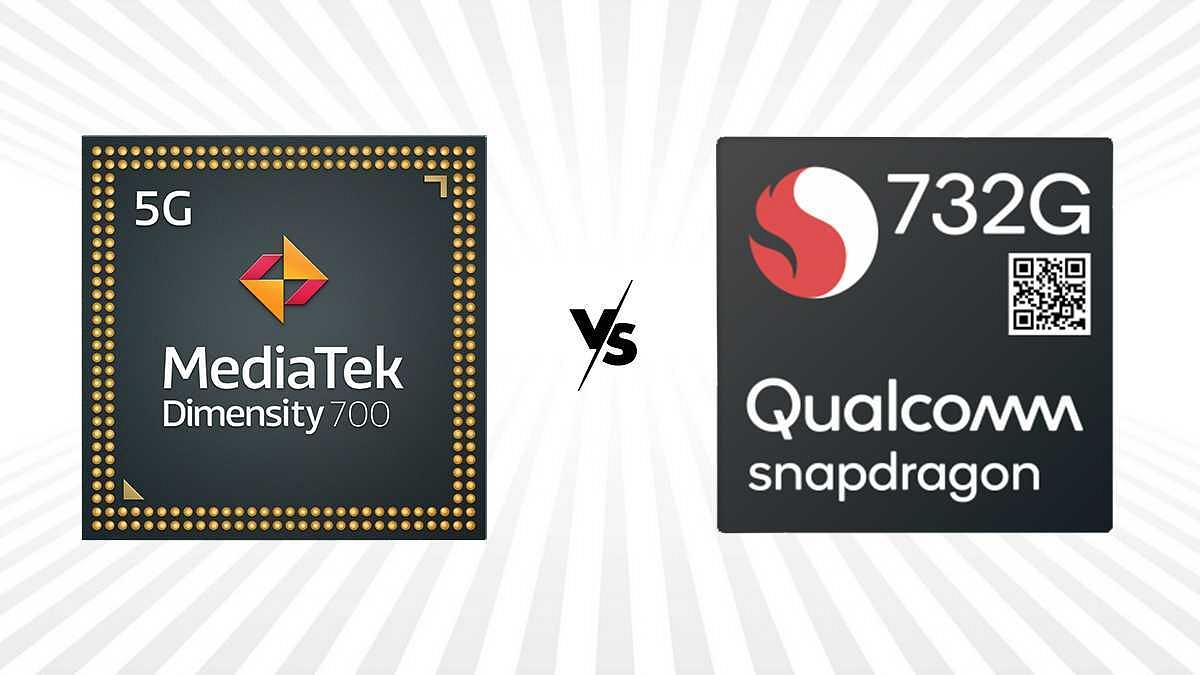
MediaTek Dimensity 700 Vs Qualcomm Snapdragon 732G Chipset: Budget Android Mobile Processor Comparison

Key Highlights

MediaTek Dimensity 700 chipset is fabricated with 8nm process

Snapdragon 732G chipset is fabricated using 7nm process

Qualcomm Snapdragon 732G GPU is Adreno 618

MediaTek Dimensity 700 chipset integrates Mali-G57 MC2 GPU

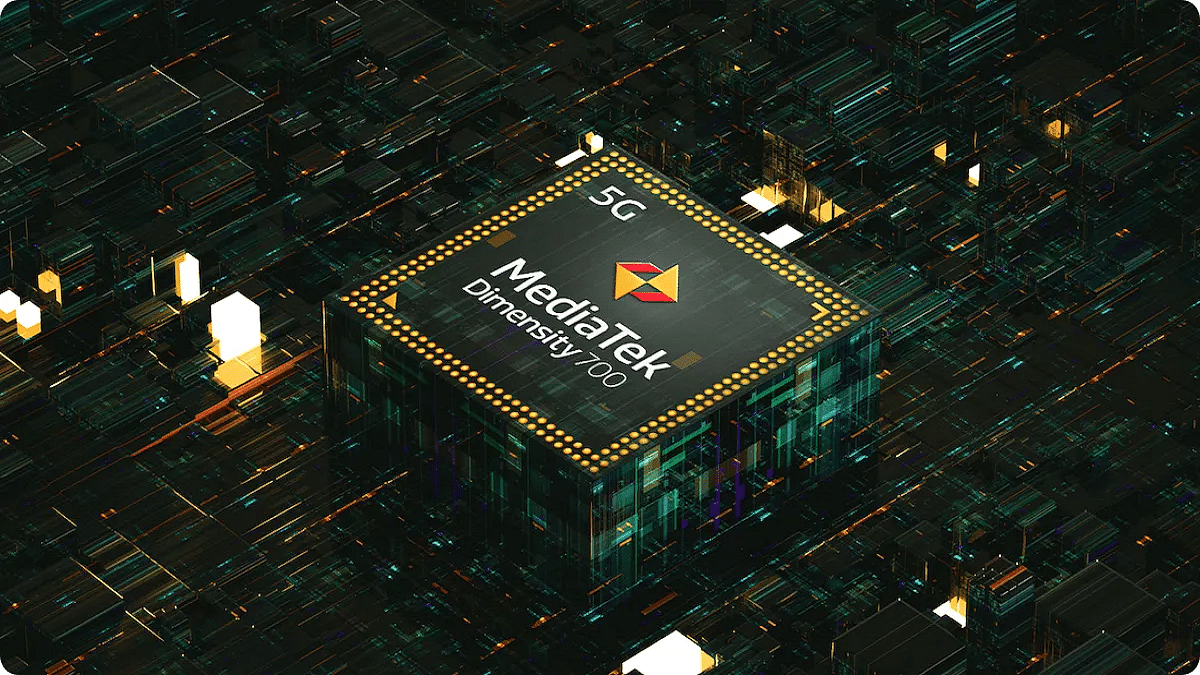
MediaTek made it possible for smartphone OEMs to launch super pocket-friendly Android phones with 5G network support. Poco, Realme, Oppo, and other major tech brands are using Dimensity series chipsets for their affordable phones. The Dimensity 700 SoC is the most reliable budget 5G chipset by MediaTek used by multiple 5G Android phones under Rs. 15,000.

On the other hand, the Snapdragon 732G is another preferred budget Android mobile processor by Qualcomm, ensuring an optimum gaming experience. The Qualcomm Snapdragon 732G competes against the Dimensity 700 head on in terms of CPU and GPU performance. But which one outperforms the other? Read on here:

MediaTek Dimensity 700 Vs Qualcomm Snapdragon 732G: CPU Performance, Architecture

The MediaTek Dimenisty 700 is an octa-core chipset that is designed using a thinner 7nm process. The CPU cluster of this chipset comprises six Cortex-A55 cores clocked at 2.2GHz and six Cortex-A55 cores clocked at 2GHz. The overall frequency range with this chipset is 2200Mhz and the instruction set is ARMv8.2-A.

Qualcomm has used a thicker 8nm fabrication process to design the Snapdragon 732G gaming chipset which has two Cortex-A76 cores with 2.3GHz clock speed and six Cortex-A75 cores clocked at 1.8GHz. The CPU frequency with this chipset is 2300MHz and the instruction set used is ARMv8-A. Performance is almost equivalent when we compare the CPU cluster. You can expect smartphones powered by both these chipsets to perform well with moderate as well as extensive tasks.

MediaTek Dimenisty 700 Vs Qualcomm Snapdragon 732G: GPU Performance

The MediaTek Dimensity 700 processor in the GPU department has a Valhall-architecture-based Mali-G57 MC2 GPU support. The GOU frequency delivered by this processor is 950MHz with two execution units. The GPU integrated churns out power efficiently for fluid graphics rendering.

Qualcomm has used an Adreno 618 GPU inside the Snapdragon 732G gaming chipset. The GPU frequency produced by this budget chipset is 810MHz which is slightly lower compared to the Dimensity 700. But the GPU integrated between both these processors is capable of offering detailed graphics without any lags.

MediaTek Dimensity 700 Vs Qualcomm Snapdragon 732G: Memory, Multimedia (ISP)

The MediaTek Dimensity 700 chipset comes with LPDDR4X RAM compatibility so does the Snapdragon 732G. The memory frequency varies. The former offers around 2133 MHz memory, while the latter supports a 1866MHz frequency range which is higher than the Snapdragon chipset. Also, the maximum memory support offered by the Dimensity 700 chipset is higher at 12GB compared to 8GB supported by the Snapdragon 732G. The Dimensity 700 chipset takes the lead here.

 Additionally, the MediaTek Dimensity chipset comes with solo UFS 2.2 storage support, while the Snapdragon 732G has both eMMC 5.1 and UFS 21. Storage type compatibility. The maximum camera resolution is 1 x 192MP and 2x 22MP with the Snapdragon 732G and 1 x 64MP and 2x16MP with the Dimensity 700 chipset. The video recording is 4K@60fps with the Snapdragon 732G and 2K@30fps with the Dimensity 700. The Snapdragon 732G is slightly better in terms of multimedia and memory features.

Which One Offers Better Performance?

There isn’t much of a difference when we compare the Dimensity 700 with the Snapdragon 732G. Both are capable chipsets and can easily handle daily tasks that require moderate to extensive processing.

Categories
Featured mobile

Best Smartphones To Purchase In India With The MediaTek Dimensity 700 Processor

Key Highlights

  • MediaTek Dimensity 700 is a 5G chipset that has Arm Cortex-A76
  • It is mainly used in Rs. 15,000 to 25,000 phones
  • The first phone with Dimensity 700 was Realme 8 5G

MediaTek is known for its best mid-range smartphone chipsets. To provide 5G to all price ranges, they launched the Dimensity series. Their flagship Dimensity 1200, 1100, and 1000 chipsets for high-end 5G handsets have been seen. Furthermore, Dimensity 900, 800U, and 800 are made for mid-range 5G mobile devices. Additionally, the most affordable 5G smartphones primarily feature the MediaTek Dimensity 700 SoC. This article will help you find some of the best smartphones that use the Dimensity 700 chipset.

ModelPrice
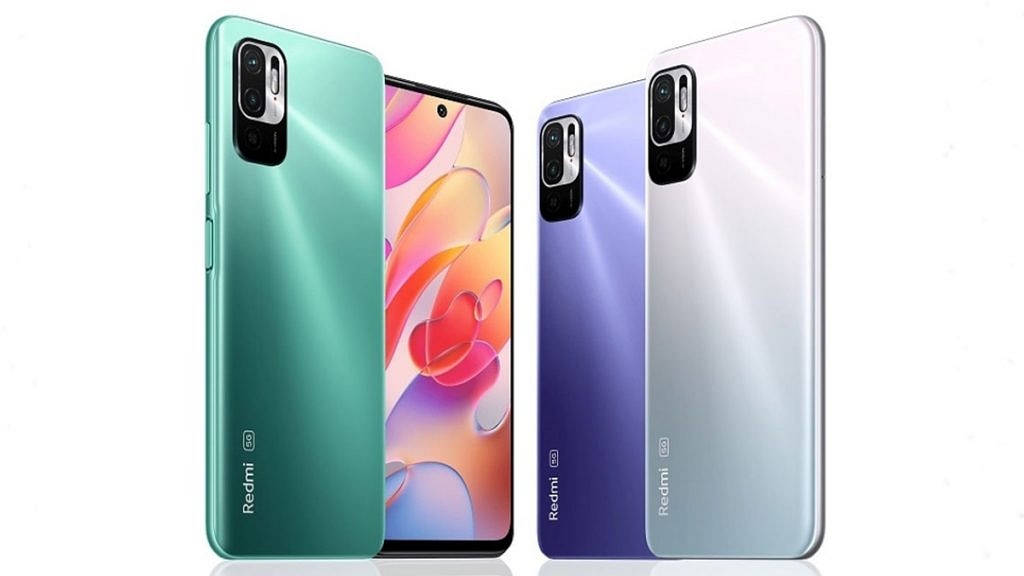
Redmi Note 10T 5GRs. 14,999
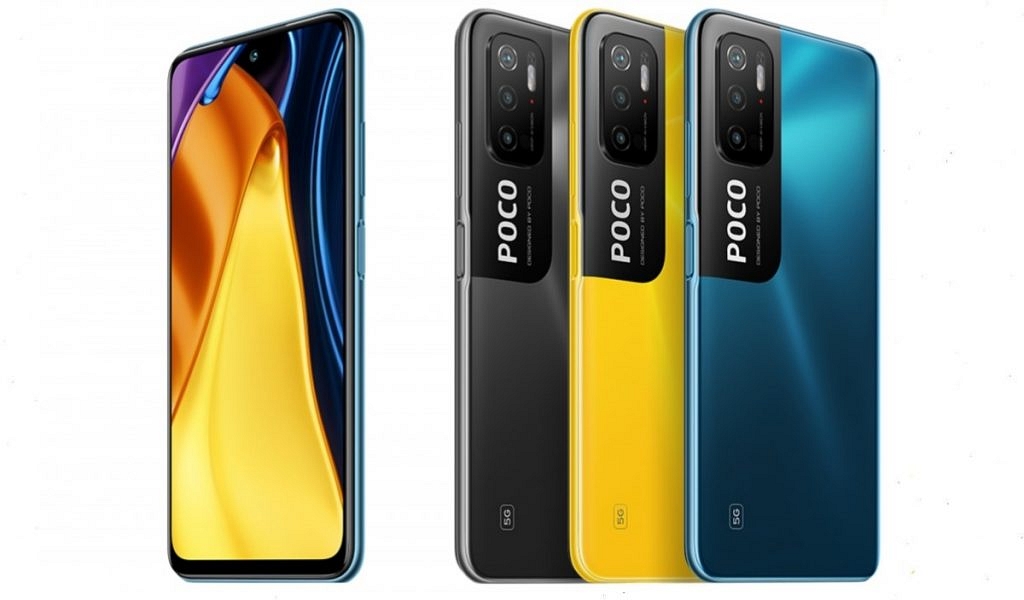
Poco M3 Pro 5GRs. 14,999
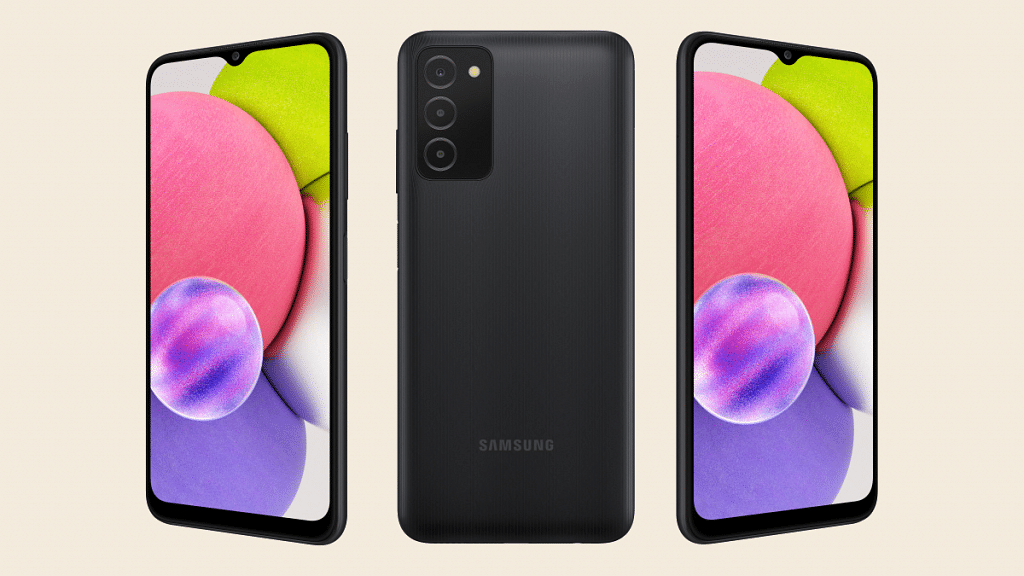
Samsung Galaxy A13 Rs. 16,499
OPPO A53sRs. 17,990

Redmi Note 10T 5G

Given that the Mediatek Dimensity 700 processor is built on 7nm fabrication technology and 64-bit Architecture, the Redmi Note 10T 5G is one of the best smartphones with this processor. It boasts an IPS LCD display with a 90Hz refresh rate and 500nits peak brightness. Also, it has a Li-Polymer 5000mAh of battery capacity. The Redmi Note 10T 5G is available for sale for Rs. 14,999.

Also Read: Galaxy F23 5G Vs Redmi Note 11 Pro Plus Vs Poco X4 Pro 5G: This Should Be Your Pick Under Rs. 20,000

Poco M3 Pro 5G

The MediaTek Dimensity 700 in the Poco M3 Pro 5G allows it to multitask and play games. A Full HD plus display with a 90Hz refresh rate is installed by Poco, and Corning Gorilla Glass v3 is used to protect the phone’s screen. The smartphone’s battery has a 5,00mAh capacity. The device comes in two variants in India. You can buy the Poco M3 Pro 5G for Rs. 14,499.

Also Read: Poco X3 Pro Pros and Cons; 5 Positives and 5 Negatives – Should You Buy It?

Samsung Galaxy A13

The Galaxy A13 smartphone from Samsung features the MediaTek Dimensity 700 processor. This phone boasts a full HD plus display with a 90Hz refresh rate. Its back camera configuration includes a 50MP primary camera, a 5MP ultra-wide camera, and a 2MP depth camera. The smartphone’s battery has a 5,00mAh capacity. The Samsung Galaxy A13 will cost you Rs. 16,499 in India.

Also Read: Samsung Galaxy A14 Vs Galaxy A34 Vs Galaxy A54: Upcoming Samsung Galaxy A Series Phones Comparison

OPPO A53s 5G

The OPPO A53s 5G was launched in India at the price of Rs. 14,990 for 6GB / 128GB and Rs. 16,990 for 8GB / 128GB. It is powered by the MediaTek Dimensity 700 chipset and runs ColorOS 11.1 based on Android 11. As for power, the device houses a 5,000mAh battery capacity. You can purchase the OPPO A53s 5G for Rs. 17,990 in India.

Also Read: Vivo Y12 Vs OPPO A57 Vs Realme Narzo 50i Prime: Cheap And Best Android Phones Under Rs. 15,000

Categories
Featured Tablet

Best Graphics Drawing Tablets To Buy For The Artist In You

Key Highlights

  • Graphics drawing tablets are a great way to get creative
  • Users can draw images and graphics in a breeze

Do you think you are an artist? Are you among the most creative people with ideas that come to them too swiftly to record? Or do you have a creative side? Keep it there, then! Because we have you covered.

Drawing on tablets now feels very similar to drawing on paper thanks to significant advancements over the years. The tablets have the added benefits of electronic tablets, making your life easier. Since even art these days must be digital, we’ve put together a list of some of the best graphics drawing tablets that you can consider buying.

Apple iPad Pro

Pros

  • Apple’s M1 chip
  • Center stage feature

Cons

  • Front camera placement
  • Slight heating issue

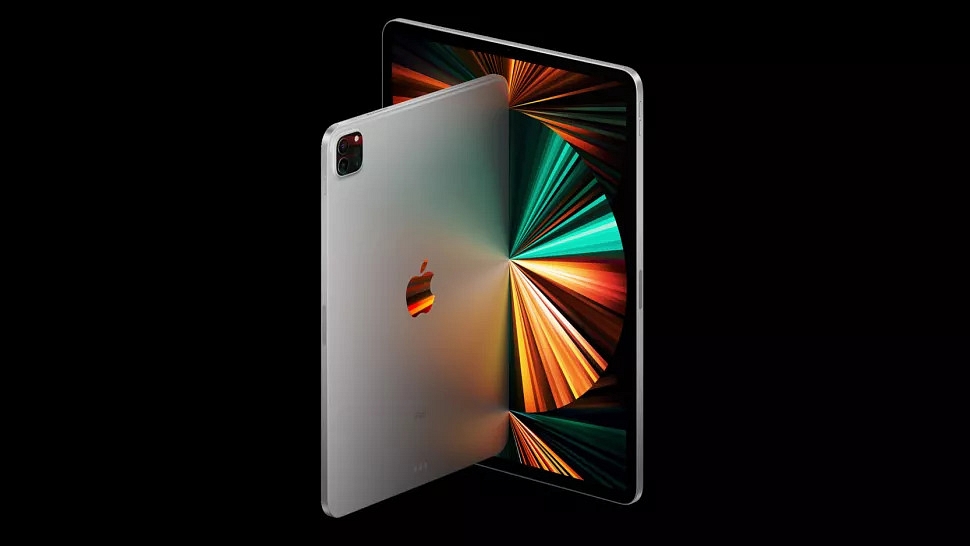
The Apple iPad Pro has a stylish body and a wealth of powerful functions. It has an M1 processor chip in it. Apps can now run much more quickly thanks to this. Together with the brand-new mini-LED-powered XDR display, it creates an unmatched solution for creating and showcasing digital art. The new screen provides better local dimming control in addition to having a higher overall brightness. Know about the price details of the iPod Pro series on Giznext.

XP-Pen Deco01 V2

Pros

  • Slim design
  • Lightweight
  • Affordable price

Cons

  • Pen body
  • Some lagging issue

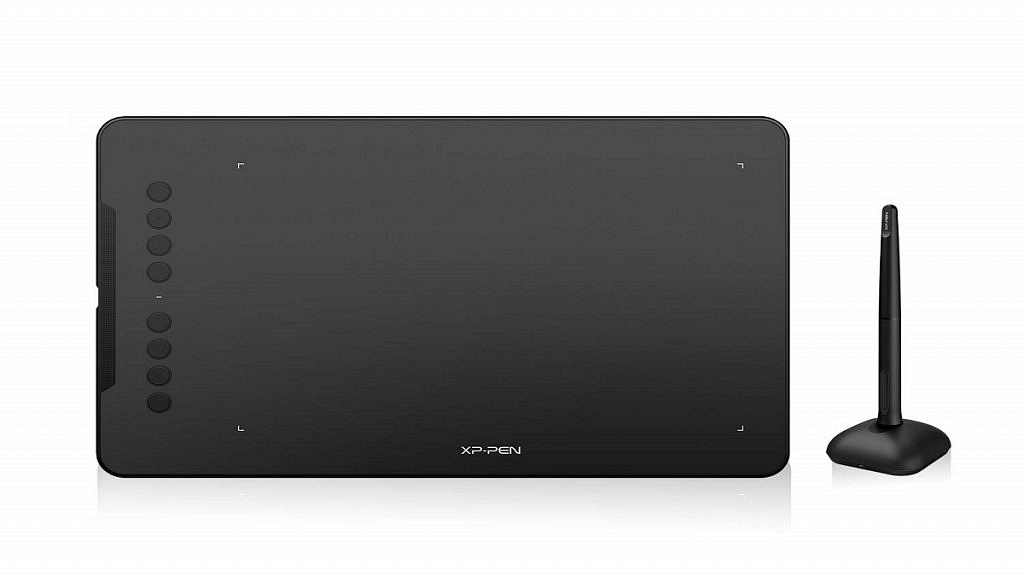
The XP-Pen Deco01 V2 offers 8192 levels of pressure sensitivity and the best resolution available. Navigation is quick due to the eight adjustable express keys and blind-spot reduction design. Along with the XP Pen Deco 1 V2 tablet, a passive stylus with eight additional nibs is offered. It is compatible with programs like Photoshop, SAI, Painter, Illustrator, and others. It also functions with applications like Zoom, Microsoft Teams, WebEx, and others. Know how much it costs on Amazon.

Wacom One By CTL-672 Graphics Tablet

Pros

  • Pen doesn’t need batteries
  • Simple and affordable
  • Portable

Cons

  • Cables negate portability

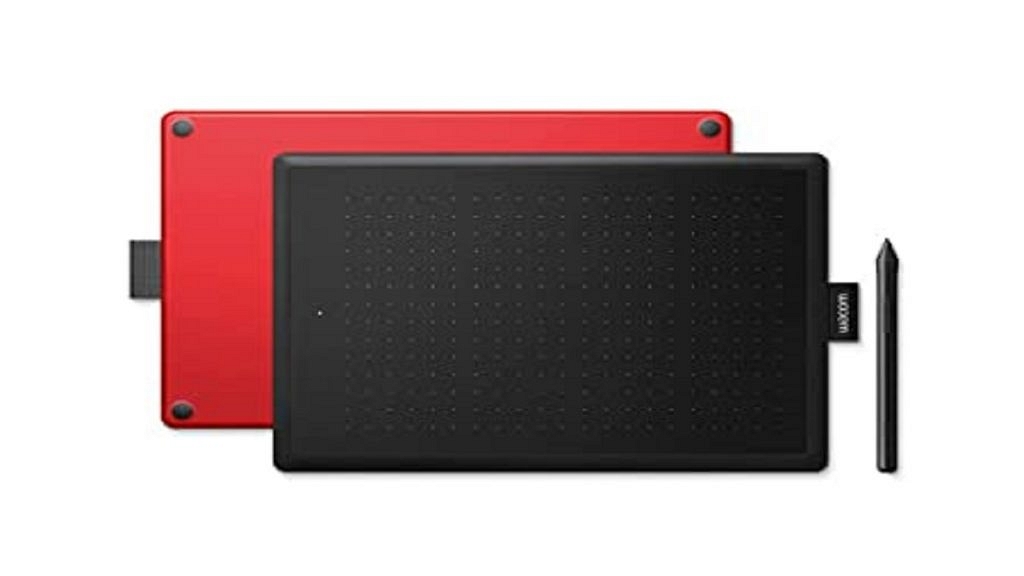
The screen size of the Wacom One by CTL-672 graphics tablet is 8.5 x 5.3-inch. A pen that can withstand up to 2,048 pressure points is included. In addition, as it is a battery-free pen, you won’t need to worry about charging it or changing the batteries. Both Windows and macOS are compatible with this tablet. If you’re looking for a high-end graphics tablet with a large display, this Wacom tablet is one to take into consideration. For price details, click here.

VEIKK A15 PRO Graphic Drawing Tablet

Pros

  • Easy install process
  • Smooth and lightweight
  • Budget tablet

Cons

  • Pen is made of plastic

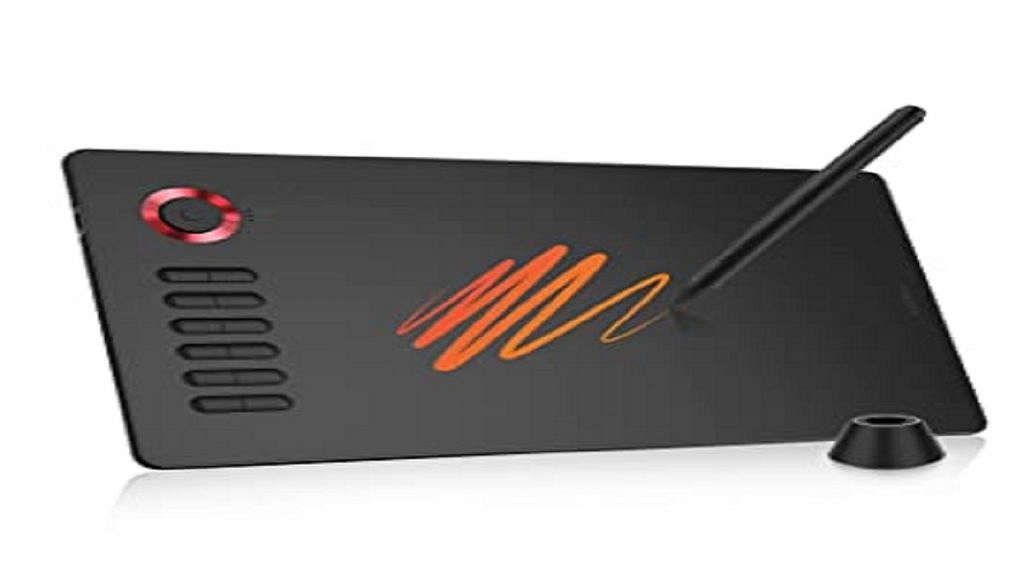
To help you create the best graphics, the VEIKK A15 Pro graphics tablet offers a wealth of capabilities and customization choices. To improve your drawing experience, it has a surface feel resembling that of paper. Twelve shortcut keys are available, and you can modify them to meet your needs. Also, it has a quick dial that lets you quickly zoom in and out of your graphics. Visit Amazon for its price details.

Categories
Comparison Featured Tablet

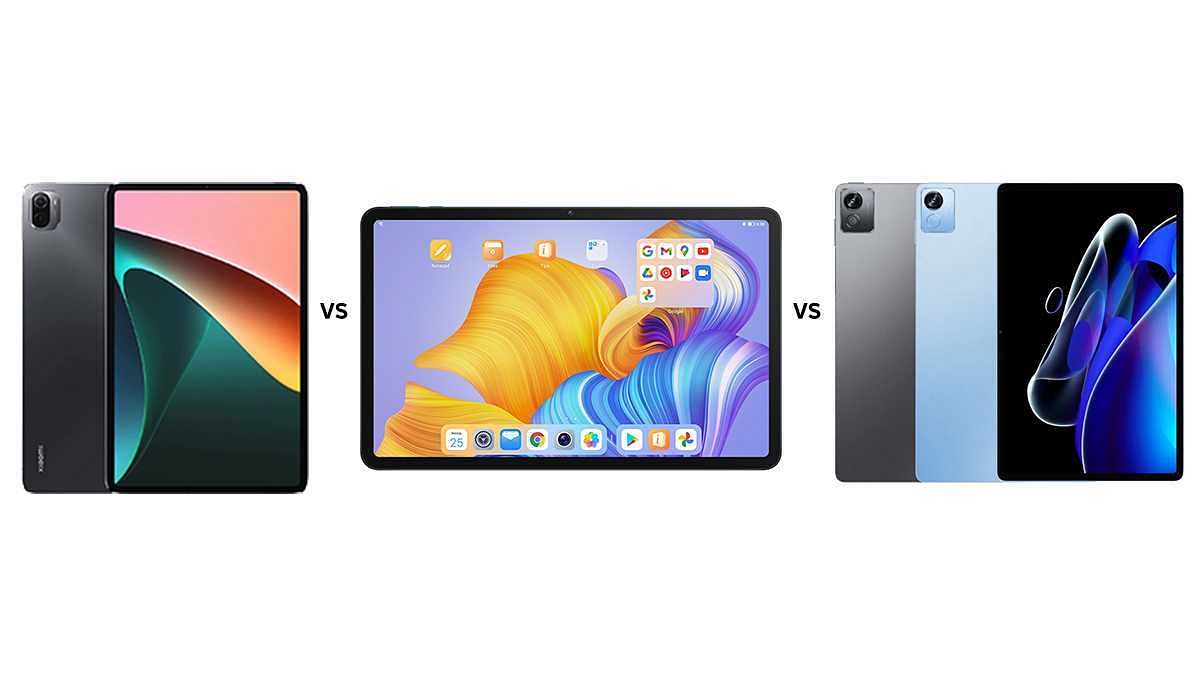
Xiaomi Pad 5 Vs Honor Pad 8 Vs Realme Pad X: Best Premium Mid-Range Tablet

Android tablet industry is witnessing a major spike in new launches and sales. Smartphone OEMs are contributing fairly to the business and are flooding the market with products in different segments. In the premium mid-tier league, the Xiaomi Pad 5 is one of the best models that cater to students and working professionals with its powerful internals and a high-resolution display.

The Realme Pad X also brings in some heat with an affordable price tag and 5G network support. Both these tablets get a new rival in the Indian market in the Honor Pad 8. We have compared all these three tablets to see which one has a better price-to-specs ratio.

Xiaomi Pad 5 Vs Honor Pad 8 Vs Realme Pad X: Display Specifications

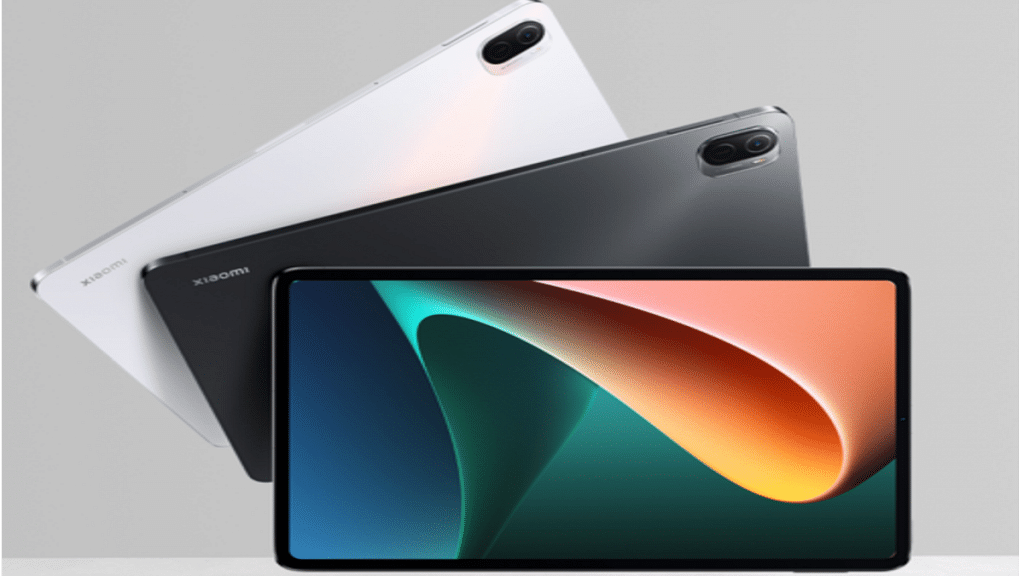
The Xiaomi Pad 5 flaunts an 11-inch display which is an IPS LCD panel supporting a 1600 x 2560 pixels resolution. The additional 120Hz refresh rate and HDR10 Dolby certification make it perfect for consuming high-res videos via online streaming platforms and also fluid gaming visuals.

The Honor Pad 8 competes fairly with its bigger 12-inch display which is also an IPS LCD panel with 350 nits peak brightness level. The display has a 1200 x 2000 pixels screen resolution which is also suitable for binge-watching content on the go.

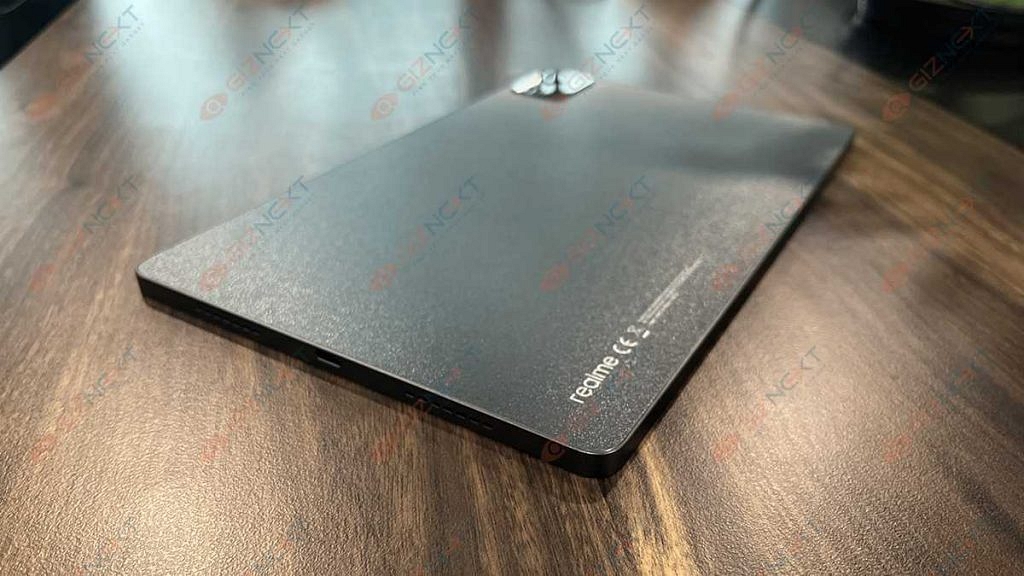
The Realme Pad X’s 10.95-inch IPS LCD screen also delivers an immersive visual experience with a 1200×2000 pixels screen resolution. The brightness levels are better on this model comparatively with 450 nits peak brightness.

Xiaomi Pad 5 Vs Honor Pad 8 Vs Realme Pad X: Hardware Performance

The Xiaomi Pad 5 runs on the Qualcomm Snapdragon 860 7nm processor. The octa-core CPU has Adreno 640GPU support which can render some of the extensive graphics with ease. RAM capacity is up to 6GB which is ample for multitasking, while up to 256GB storage is sufficient for storing daily files and media.

The Honor Pad 8 is also driven by a mid-range Qualcomm Snapdragon processor. However, Honor has used a Snapdragon 600 series chipset. The Snapdragon 680 chipset powers this tablet which is a standard 4G chipset, unlike the remaining two models. The Honor Pad 8’s octa-core chipset gets Adreno 640 GPU support for graphics and up to 6GB RAM and 128GB storage configuration.

The Realme Pad X is powered by the Snapdragon 695 5G octa-core processor. The device churns out a good amount of power for daily tasks and gaming. This tablet also comes with up to 6GB RAM and 128GB storage configuration.

Xiaomi Pad 5 Vs Honor Pad 8 Vs Realme Pad X: Camera Specification

If a better camera is your preference for frequent online conferencing, the Xiaomi Pad 5 and the Realme Pad X will make the best fit in this list. Both these 5G tablets feature a 13MP main camera lens and an 8MP selfie sensor. On the contrary, the Honor Pad 8 has a set of 5MP sensors for selfies as well as primary imaging.

Xiaomi pad 5 Vs Honor Pad 8 vs Realme Pad X: Battery, Fast Charging Support

The Xiaomi Pad 5 has an 8,720 mAh battery unit with 33W fast charging support, while the Honor Pad 8 has a relatively smaller 7,250 mAh battery unit with 22.5W fast charging. The Realme Pad X gets its juice via an 8340 mAh battery unit that is aided by 33W fast charging. A bigger battery and faster charging support is an advantage with the Xiaomi Pad 5 and the Honor Pad 8.

Which Tablet To Consider?

If budget constraints isn’t an issue, the Xiaomi Pad 5 is the best in the lot considering faster performance speeds. The Realme Pad X makes for an equally good companion with the affordable price tag premium mid-range Snapdragon 695 chipset.

Categories
Chipset Comparison Featured

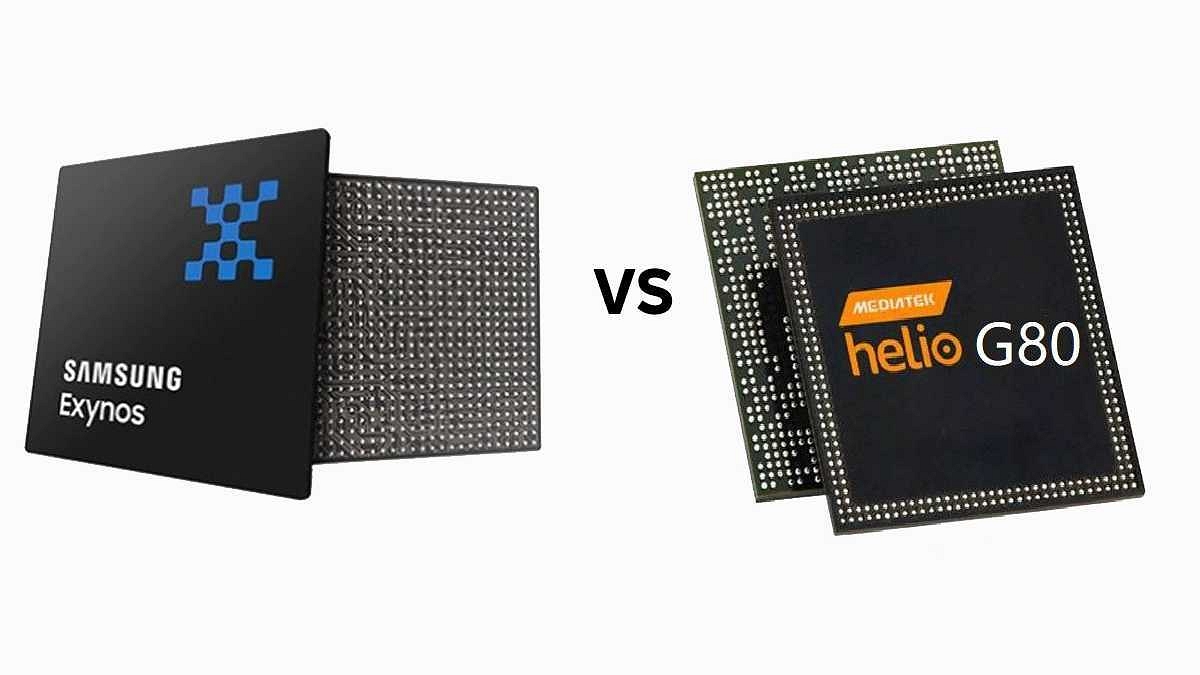
Samsung Exynos 850 Vs MediaTek Helio G80 SoC: Budget Mobile Chipset Comparison

Samsung has launched numerous budget smartphones in the last few years and is giving Chinese brands a hard time with its value-for-money products. Samsung uses Exynos series chipsets for all its smartphones including affordable, mid-range, and premium models. The Exynos 850 is one of the most capable mobile processors from the South Korean tech giant. Samsung is taking on MediaTek Helio processors with its affordable Exynos processors. The Helio G80 for instance. The comparison between these two chipsets is listed here. Take a look:

Samsung Exynos 850 Vs MediaTek Helio G80 Chipset: CPU Comparison

Samsung Exynos 850 chipset has an octa-core CPU cluster with all eight cores clocking at 2GHz speed. This chipset is made using an 8nm process and has a 2000MHz frequency. The octa-core Helio G80 chipset also comes with an octa-core CPU cluster and has two Cortex-A75 cores with 2GHz clock speed and six Cortex-A55 cores with 1.8GHz clock speed.

However, MediaTek has designed it using a thicker 12nm fabrication process. This processor is also able to achieve around 2000MHz of frequency. CPU processing capabilities are equivalent on both of these processors, but the Exynos 850 gets an advantage with its thinner fabrication process.

Exynos 850 Vs MediaTe Helio G80 SoC: GPU Comparison

GPU integrated inside the Exynos 850 is Mali-G52 MP1 which is the same as the MediaTek Helio G80 processor. The Bifrost architecture is used to design this GPU. While the GPU is the same with both these chipsets the frequency range differs.

The Exynos 850 GPU frequency is 820MHz, while the Heli G80 churns out around 950MHz frequency. The graphics rendering capability is decent with both of these budget mobile chipsets.

Exynos 850 Vs Helio G80: Memory, Multimedia (ISP)

The Samsung Exynos 850 chipset and the Helio G80 have the same LPDDR4X RAM memory support. The frequency range is different here as well. The Exynos 850 processor has an 1866 MHz frequency range and the Helio G80 has around 180MHz frequency range. The max memory size compatible with the Exynos 850 chipset is 8GB which again is same with the Helio G80. Storage support is also similar that is eMMC 5.1 with the Exynos 850 and an additional UFS 2.1 with the Helio G80.

If we speak of the multimedia type, the maximum display resolution syport is 1080 x 2520 pixels with both Helio G80 and the Exynos 850, while the max camera resolution is 1x48MP, 2X16MP. But the Helio G80 has a higher 2K@30fps video recording and playback support unlike 1K@60fps offered by the Exynos 850. Overall, both these budget mobile chipsets give a neck-to-neck competition to each other.

Categories
Apps Featured How To

Want To Write Your Instagram Name In A Stylish Font? Here’s How To Do

Key Highlights

  • Instagram doesn’t support stylish fonts directly from the keyboard
  • You can use apps or websites to copy and paste fancy fonts
  • Adding a third-party keyboard also lets you use stylish fonts easily

Have you noticed that an increasing number of Instagram users are using different fonts for their bios and posts? Do you want to know how to change the font on Instagram and how they do it?

Well, you can’t use such fashionable fonts directly from your smartphone’s keyboard as they aren’t officially supported by the app. You will either need to copy and paste the name from an app or website in order to write names in such fashionable fonts, or you can add a new keyboard to your phone that supports stylish fonts. We’ll show you how to keep a stylus name on your Instagram account in this post.

Also Read: Best Instagram Features That Are Worth Trying

How To Use Stylus Font On Instagram?

On your smartphone, you must first download the necessary app. The app we’ll be showing is compatible with both iOS and Android devices. You can modify your Instagram name using a sophisticated text writer you can get online if you don’t want to download a third-party app.

Step 1: On your mobile phone, open PlayStore or App Store.

Step 2: Search for “Stylish Text – Fonts, Keyboard“, an app by Wisdomlogix Solutions.

Step 3: After that, install the app and open it.

Step 4: When you first launch the app, you will see a variety of fonts. To begin, simply enter your name in the “Good Evening” section.

Step 5: You will see your name in every font after completing the previous step. Tap on it based on your preferred style.

Step 6: You can now copy your name using the stylish font you chose. Also, you can add a stylus bio on your Instagram with this app.

Step 7: Head back to Instagram after you copy the text.

Step 8: On the bottom right, click on your Profile.

Step 9: Tap on Edit Profile.

Step 10: Finally, replace the existing name of the regular font with the stylish name you copied. Then tap Done.

Also Read: Instagram Tricks: Here’s How You Can Change Instagram Language Settings On Android, iPhones

Now you will see your Instagram name in a stylish font. That’s all.

For the tech geeks, stay updated with the latest cutting-edge gadgets in the market, exclusive tech updates, gadget reviews, and more right on your phone’s screen. Join Giznext’s WhatsApp channel and receive the industry-first tech updates.