Festive offers on HP laptops and printers until Nov 5
Cashback, EMI options, and exclusive offers available
Discounts on Adobe Creative Cloud and Microsoft 365
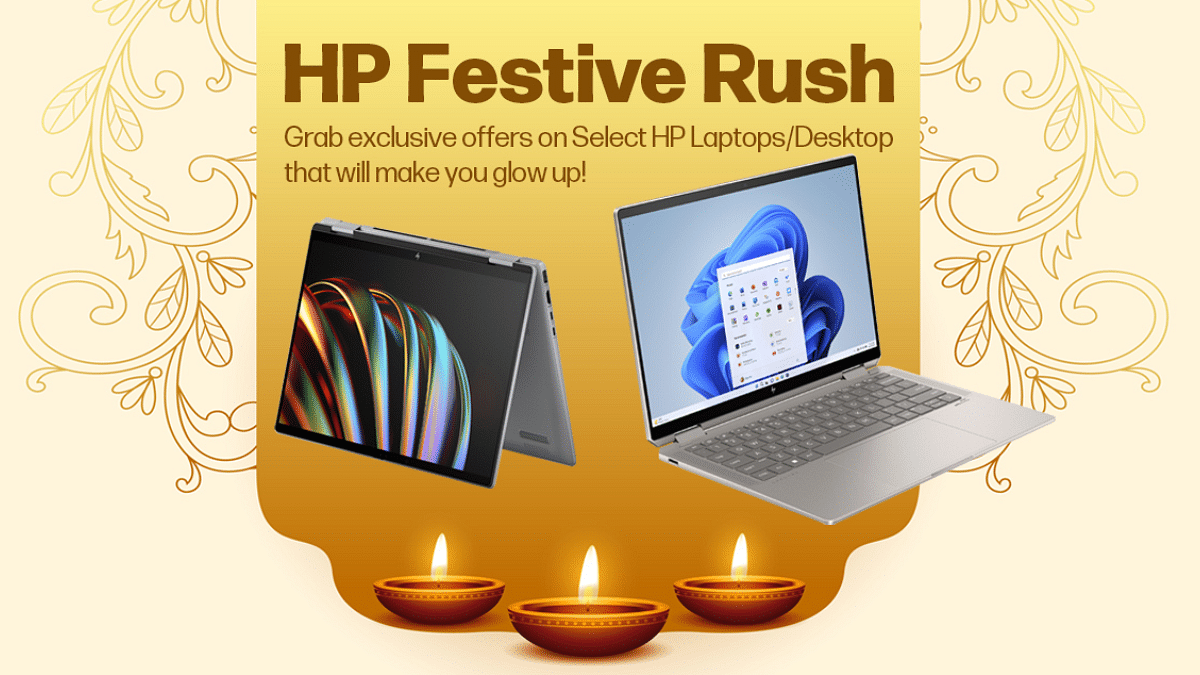
As the festive season kicks off, HP is bringing huge offers on its latest laptops, printers, and accessories. From cashback to exclusive bundles, this is the perfect time for people to upgrade their tech. Available at HP World Stores and online, the offers last until November 5, 2024.
Get Photoshop Elements and Premiere Elements worth Rs. 9,999 for Rs. 5,999 on select HP laptops
Microsoft 365
1-year subscription worth Rs. 4,899 for Rs. 2,499 on select HP laptops
For the tech geeks, stay updated with the latest cutting-edge gadgets in the market, exclusive tech updates, gadget reviews, and more right on your phone’s screen. Join Giznext’s WhatsApp channel and receive the industry-first tech updates.
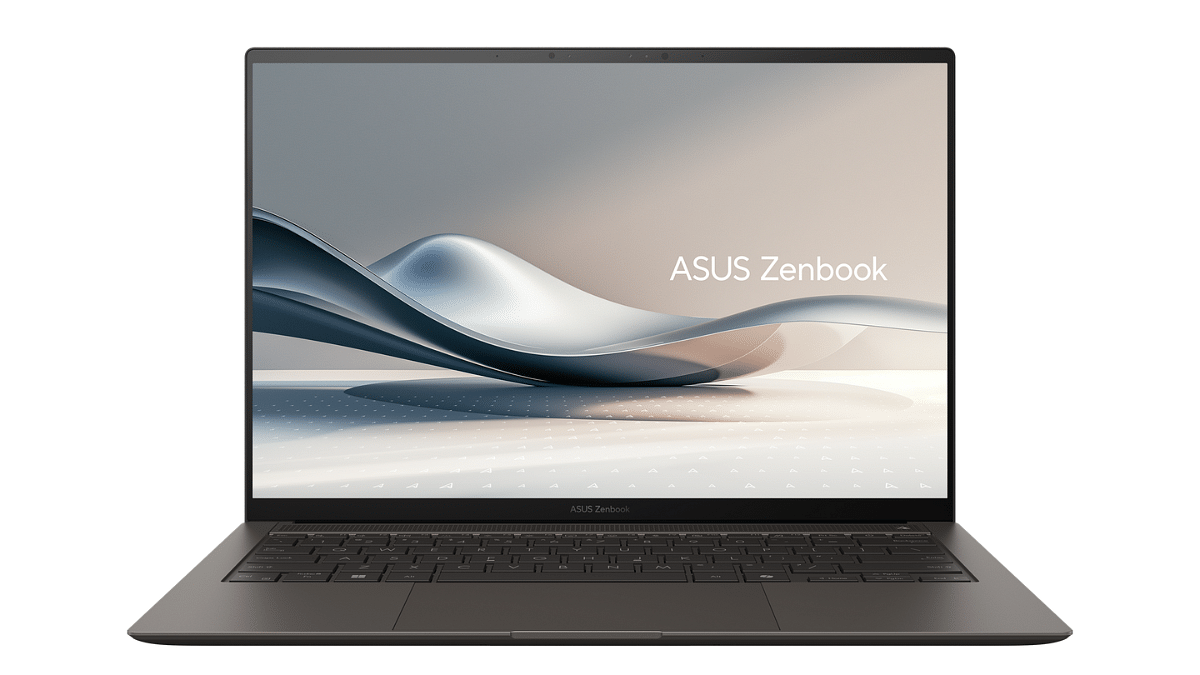
Zenbook S 14 offers AI performance in a slim design
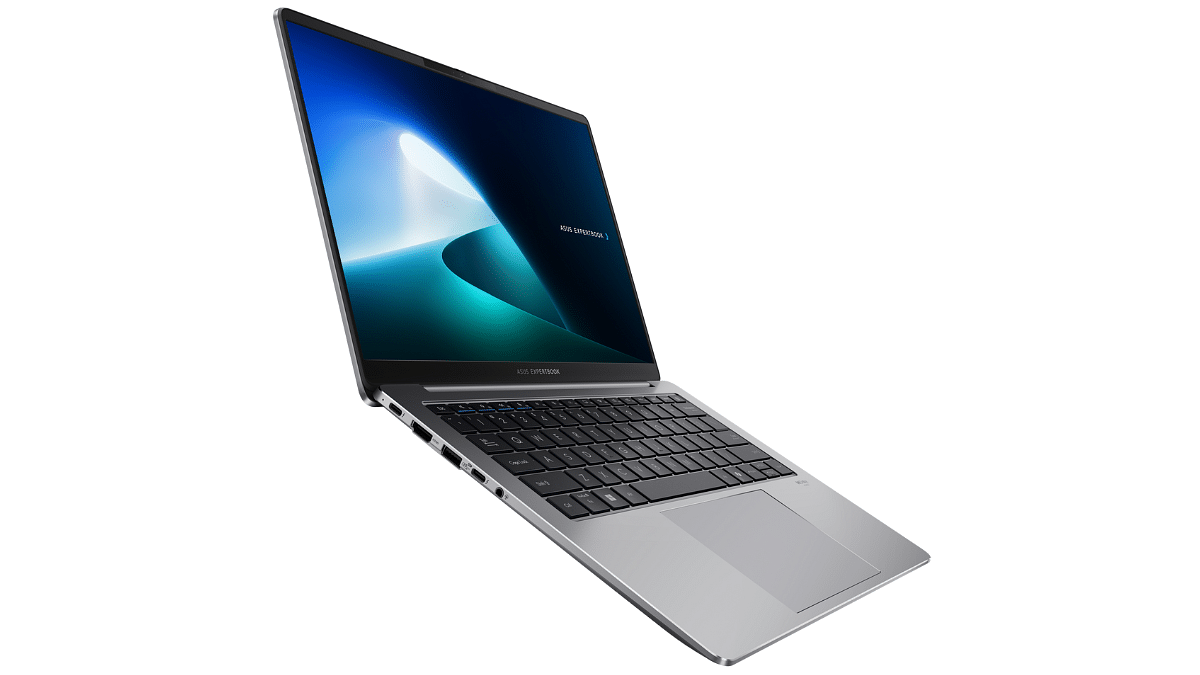
ExpertBook P5405 enhances productivity with AI tools
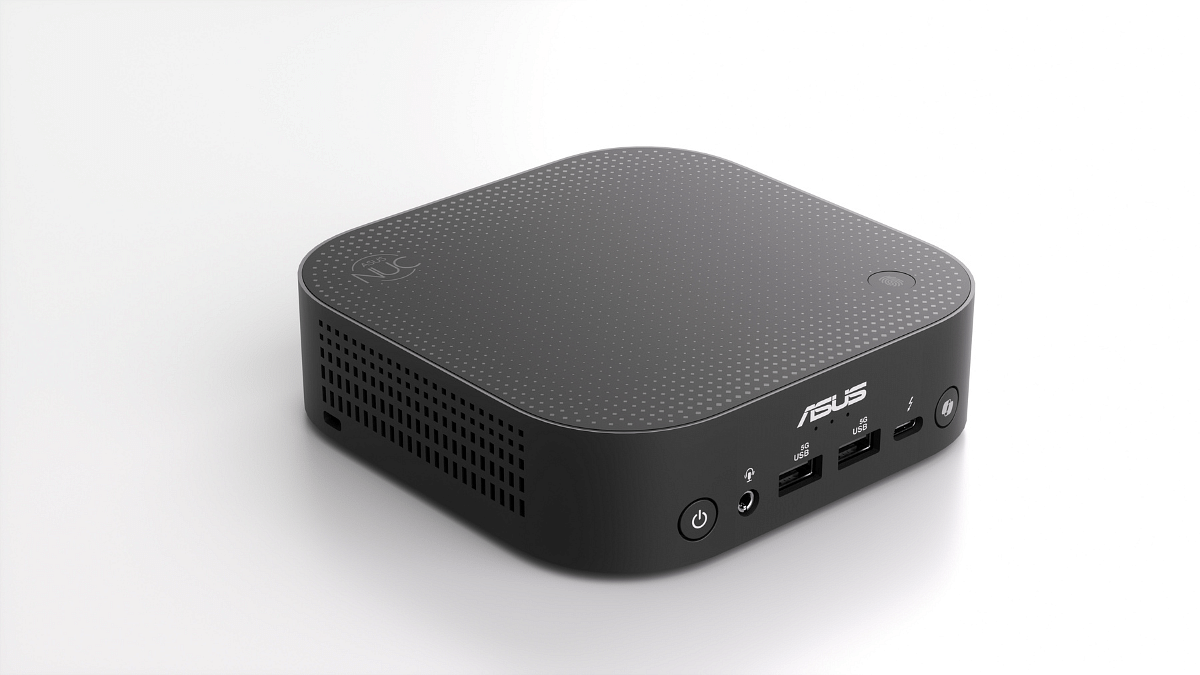
NUC 14 Pro AI offers powerful AI and security in a compact design
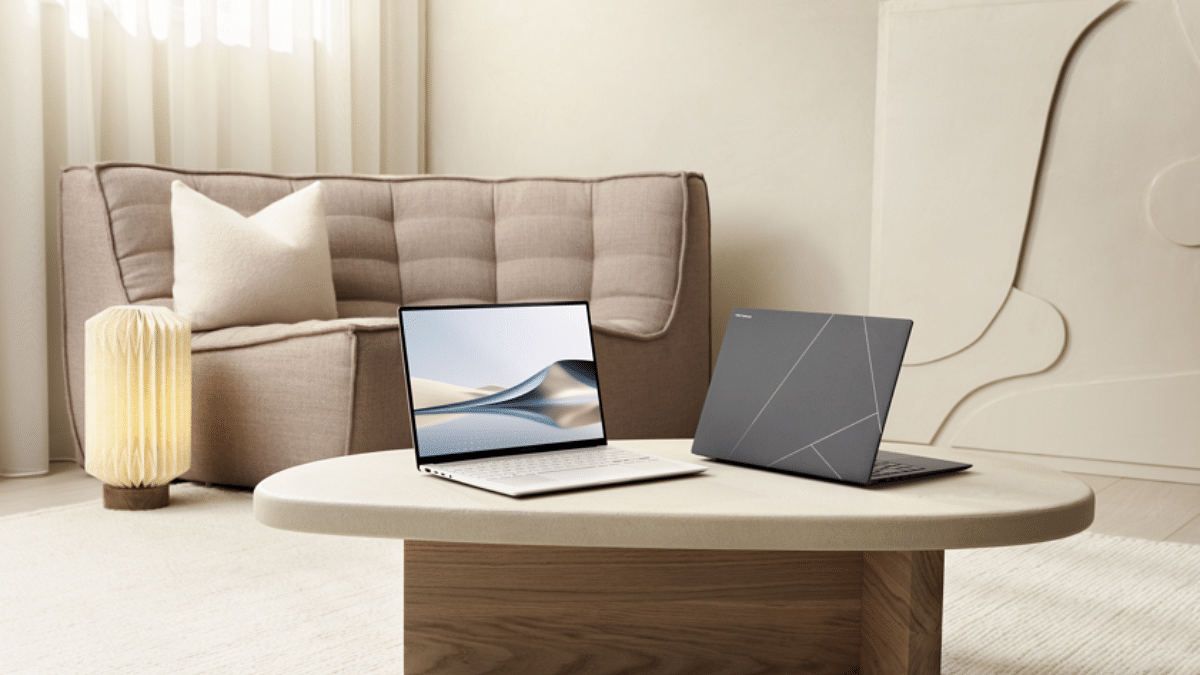
ASUS has introduced its latest lineup of AI-enabled PCs, powered by Intel Core Ultra processors (Series 2). This new series includes the Zenbook S 14, ASUS NUC 14 Pro AI, and ExpertBook P5405. These devices offers innovative features. They are designed to boost productivity and streamline workflows for both consumer and business users.
Business-Focused: AI-powered features like AI transcripts, translation, subtitles, and AI camera for seamless work meetings
Strong Performance: Powered by Intel Core Ultra processors with up to 47 TOPS for AI applications
Long Battery Life: Up to 28 hours of video playback or 20 hours of office productivity
Security and Sustainability: Offers multilayered security and uses eco-friendly materials like recycled aluminum and steel
Availability: Launching in India in November 2024, through ASUS’s partner network
For the tech geeks, stay updated with the latest cutting-edge gadgets in the market, exclusive tech updates, gadget reviews, and more right on your phone’s screen. Join Giznext’s WhatsApp channel and receive the industry-first tech updates.
10 percent instant savings when using an SBI credit card
This festive season, Amazon is leveling up the gaming experience with its Gaming Fest. The sale is live until September 5. Gaming enthusiasts have a golden opportunity to upgrade their gadgets with top gaming laptops from popular brands like Asus, Dell, HP, Lenovo, and MSI. Additionally, customers can enjoy up to 10 percent instant discounts on SBI credit card and credit card EMI transactions.
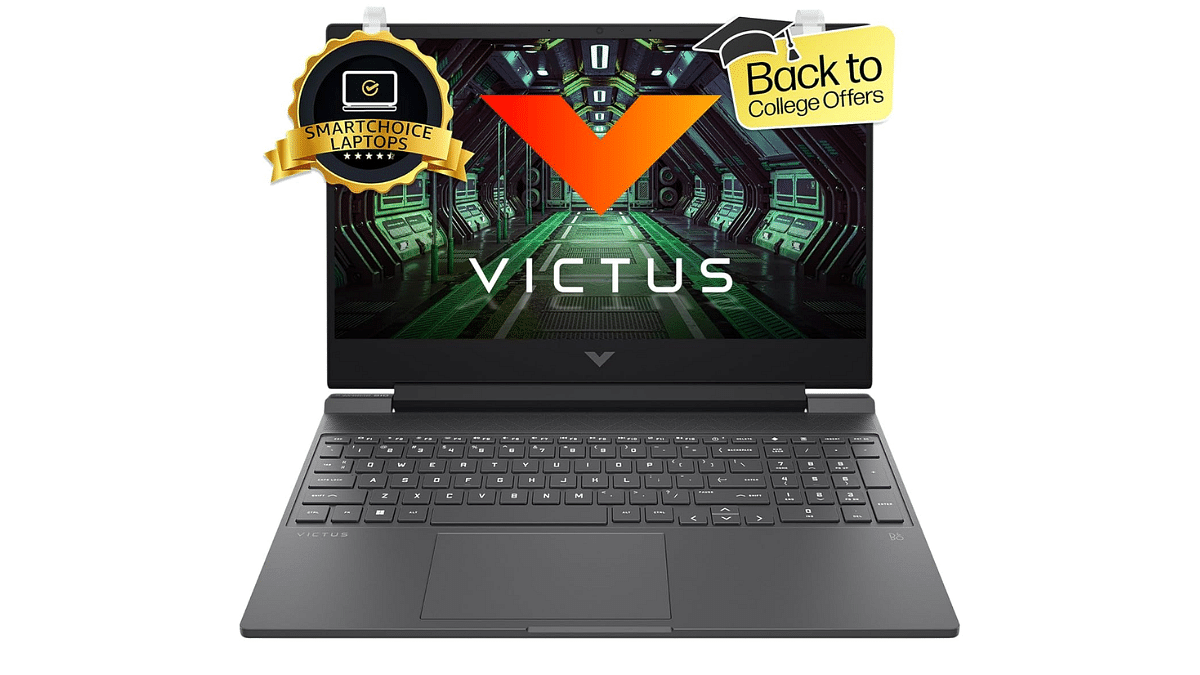
For gamers seeking a balance between performance and value, the HP Victus 15 gaming laptop is an ideal choice. It comes with a 13th generation Intel Core i5 processor, RTX 4050 GPU, FHD display with a 144Hz refresh rate. This laptop is perfect for both casual and competitive gaming.
Display
15.5-inch
Hard Disk
512GB
CPU
Core i5
RAM
16GB
OS
Windows 11 Home
Special Feature
Anti-Glare Screen
Graphics Card
Dedicated
Colors
Silver
Dell G15-5530 Gaming Laptop
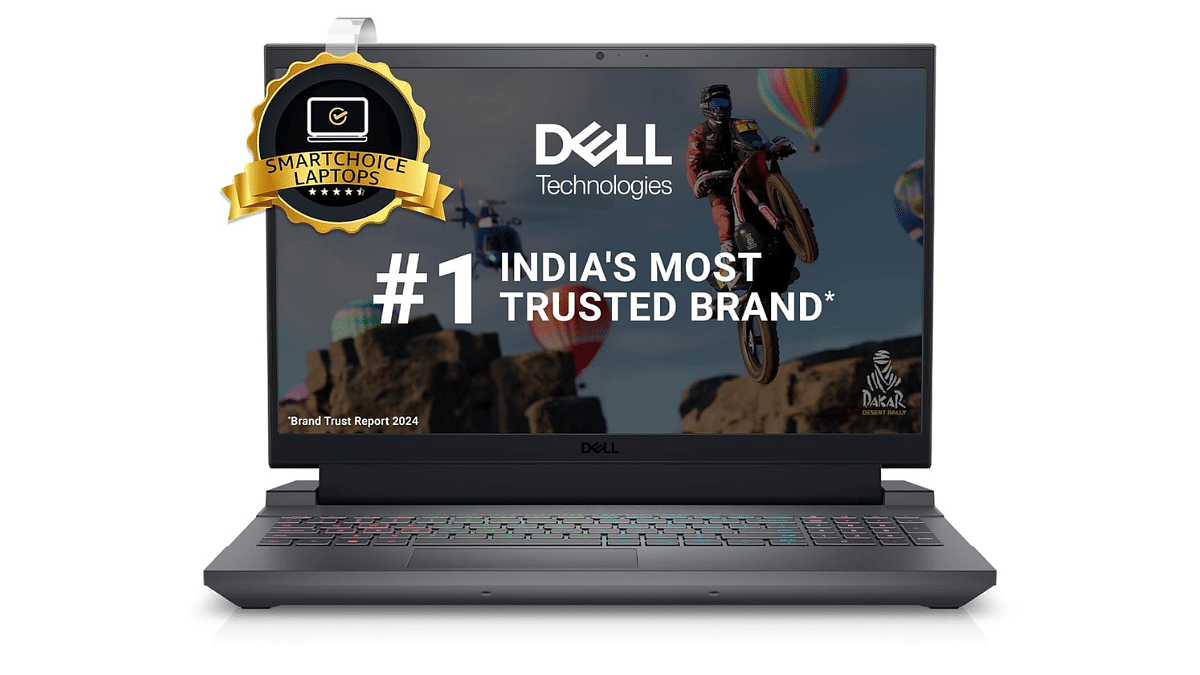
The Dell G15-5530 gaming laptop is a powerhouse. It has an RTX 3050 GPU, a 13th generation Intel Core i5 processor, and other features. Its 120Hz refresh rate FHD display offers a sharp visual experience.
Display
15.6-inch
Hard Disk
1TB
CPU
Core i5
RAM
16GB
OS
Windows 11 Home
Special Feature
Backlit Keyboard
Graphics Card
Dedicated
Colors
Dark Shadow Gray
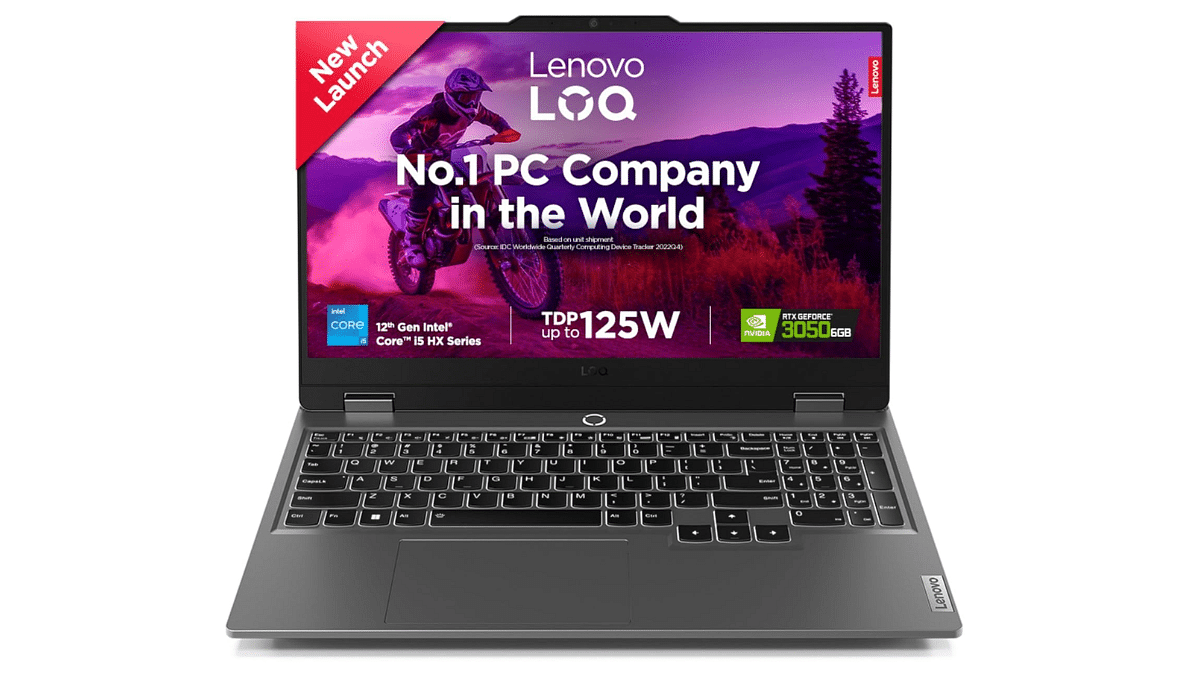
Lenovo LOQ Gaming Laptop
The Lenovo LOQ gaming laptop offers a great gaming experience with its 12th generation Intel Core i5 processor. Its FHD display with a 144Hz refresh rate ensures crisp visuals and fluid gameplay.
Display
15.6-inch
Hard Disk
512GB
CPU
Core i5
RAM
16GB
OS
Windows 11
Special Feature
Anti-Glare Coating
Graphics Card
Dedicated
Colors
Luna Grey
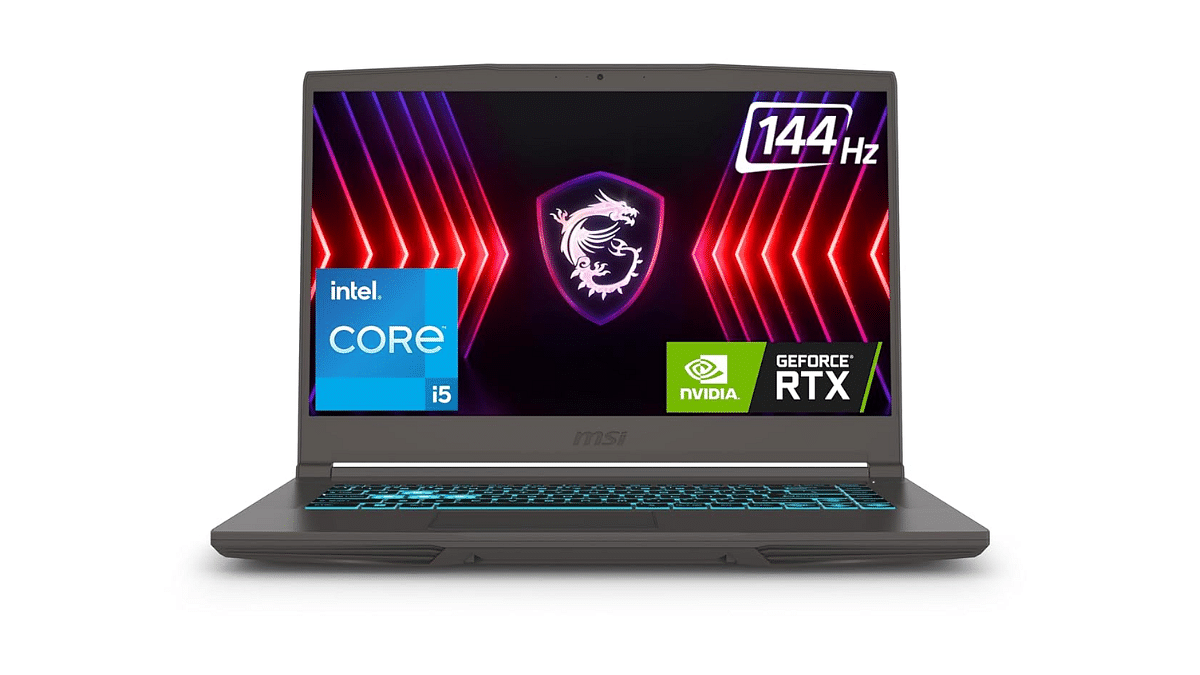
MSI Thin 15 Gaming Laptop
Performance and mobility are key features for gamers who choose the MSI Thin 15 gaming laptop. For those who wish to enjoy gaming while on the road, it is ideal.
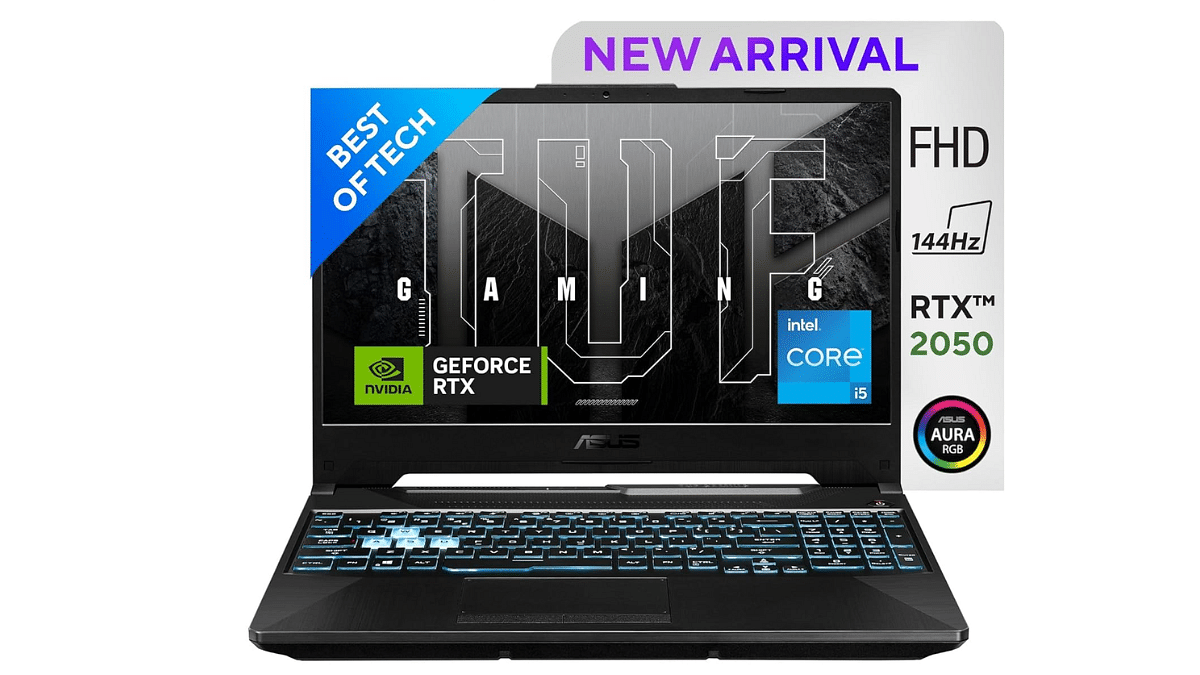
The Asus TUF Gaming F17 laptop features an 11th generation Intel Core i5 processor, RTX 2050 GPU, 8GB RAM, and a 512GB SSD. This combination ensures smooth gameplay and quick load times.
Display
17.3-inch
Hard Disk
512GB
CPU
Core i5
RAM
8GB
OS
Windows 11 Home
Special Feature
HD Audio, Anti-Glare Coating, Backlit Keyboard
Graphics Card
Dedicated
Colors
Graphite Black
For the tech geeks, stay updated with the latest cutting-edge gadgets in the market, exclusive tech updates, gadget reviews, and more right on your phone’s screen. Join Giznext’s WhatsApp channel and receive the industry-first tech updates.
Apple AirPods offer wide compatibility with a variety of gadgets
AirPods compatibility with MacBook is swift
Pairing issues if there can be fixed manually
Apple is amongst the top favorites when we speak of consumer tech brands specifically smartphone OEMs with a niche for premium product range. The Apple iPhone series is the world’s most powerful smartphone lineup today so is the MacBook laptop series which is also taking care of the premium end consumers. Besides smartphones and tablets, Apple has also created its expertise with audio products and has been the first in the lot to introduce the concept of truly wireless earbuds with the AirPods.
Apple AirPods offer a wide range of connectivity and can be paired up with mobile devices beyond iOS, PadOS and MacOS. Of course, the pairing is seamless with the Apple devices running on these platforms. While the pairing process of AirPods with iPhone and other Apple products is swift, there could be scenarios when you experience pairing issues with your AirPods and MacBook. What can be done in such situations? Are there any troubleshooting steps that you can perform to connect AirPod with MacBook? We have listed the steps for a quick fix below:
If you are experiencing connection issues while pairing your AirPod with MacBook, you can perform a few steps for a fix. But before you proceed, ensure the MacBook with which the AirPod is being paired runs on the latest macOS version. You can manually update the OS version and then perform the remaining steps.
Step 1: Power on your Apple MacBook
Step 2: Get the AirPods that you need to connect with the MacBook and put them inside the charging case. Ensure both earbuds are getting charged.
Step 3: Now, on your MacBook go to the Apple Menu and select System Settings.
Step 4: Tap on Bluetooth.
Step 5: Select the AirPods as the audio device if the they are already connected to the MacBook.
Step 6: If the AirPods show up as connected but they aren’t working, you will need to remove it from the paired list. Tap on the X to delete the AirPods from the connected devices list.
Step 7: Now, put the earbuds back in the case and close the lid for 15 seconds. Re-open the case’s lid after 15 seconds.
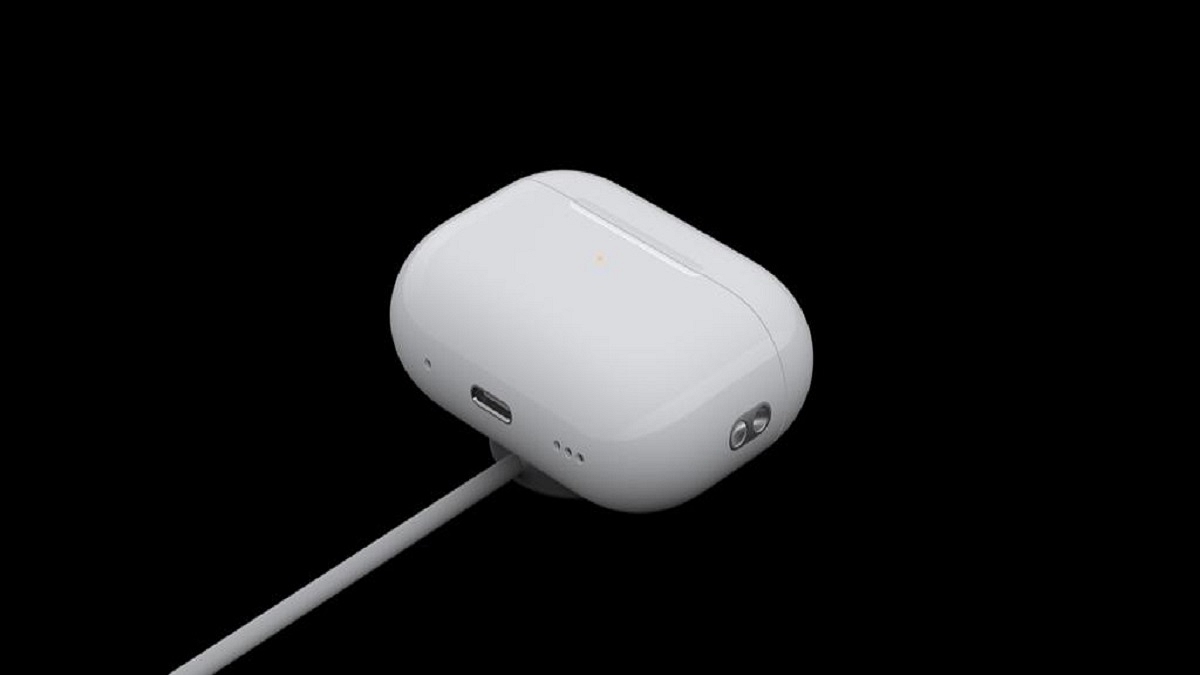
Step 8: You will now need to tap a hold the setup button on your AirPod’s charging case for 10 seconds. Wait for the white LED to flicker which will be an indication for the active pairing status.
Step 9: Bring the charging case with the AirPods inside right next to the MacBook. Make sure the lid is open.
Step 10: Complete the on-screen steps for the pairing.
Step 11: You might need to reset your AirPods if the aforementioned steps don’t fix the pairing issue. And if still the issue persists, you might need a service center visit.
Internet on Mac can be accessed using an iPhone or iPad
Personal hotspot feature on Mac comes handy
Both Mac and the iPhone/ iPad needs to be within a range to use personal hotspot
Apple MacBook is amongst the most advanced laptop lineup which is catering to all premium end consumers. Apple has been consistently upgrading the MacBook lineup with industry-leading hardware which has ensured its popularity doesn’t fade away despite the hefty competition in the market. The new-generation MacBook laptops have become more reliable with speeds and overall performance. Internet connectivity as well as usage is faster than ever with all MacBook models. If you already own a MacBook, you must be using it for daily web activities including browsing, downloading files, and also for streaming services.
Pairing the MacBook with an available internet connection is hardly an issue. But what would you do if you need internet for emergency services and don’t have access to any active or safe network? Well, if you have your iPhone or iPad nearby, you can have this situation handled. We are guiding you with the steps that will help you connect your MacBook to internet using an iPhone or an iPad. Take a look at the steps below:
For the tech geeks, stay updated with the latest cutting-edge gadgets in the market, exclusive tech updates, gadget reviews, and more right on your phone’s screen. Join Giznext’s WhatsApp channel and receive the industry-first tech updates.
Steps To Use Internet On MacBook Using iPad, iPhone (Wi-Fi Method)
Step 1: Get the MacBook and the iPhone or iPad with which you will initiate the internet connection
Step 2: Ensure both the Mac and the iPad or iPhone are logged in with the same Apple ID
Step 3: From the MacBook settings, click on the Wi-Fi Status icon
Step 4: You need to select your iPhone or the iPad in the next step
Step 5: Use the personal hotspot on the respective iPhone or iPad to get the internet connection activated on your
It is worth adding that the personal hotspot feature must be enabled before you perform the above steps. This will ensure you can get connected to internet on your MacBook swiftly.
Apple MacBook series is amongst the top performance-oriented laptops available in the market. Both MacBook Air and MacBook Pro notebooks have emerged as the first choice for creative and professional users globally. The ultra slim form factor and the ability to handle even the most extensive of computing tasks have made Apple MacBook popular amongst the consumers.
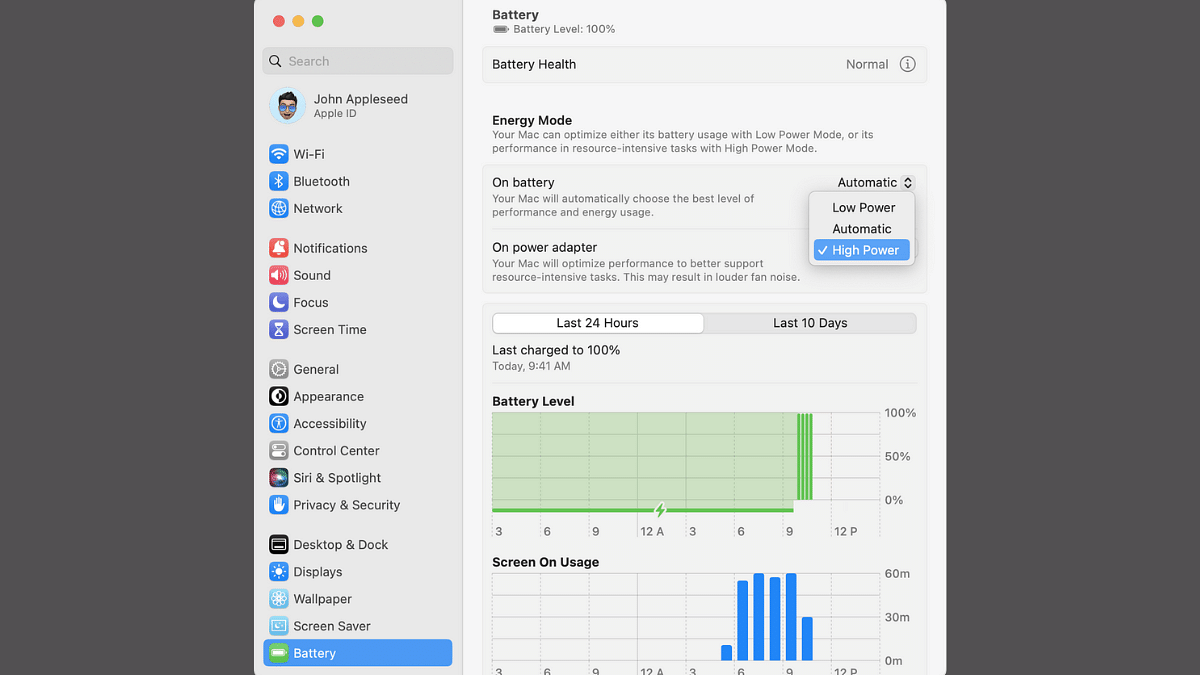
Apple has been following a trend of bringing in more powerful iterations of MacBook laptops each year integrated with the latest M series chipset. While every new generation of Apple MacBook gets more powerful, Apple additionally provides a feature that can help you with further performance refinements you get with these laptops. Called High Power Mode, the performance-enhancement feature is made available to all MacBook Pro models (MacBook Pro 14-inch and 16-inch) which you can enable to get better speeds and reliability with overall performance. Unaware of the steps though? Well, he gave got it covered for you. Take a look below:
For the tech geeks, stay updated with the latest cutting-edge gadgets in the market, exclusive tech updates, gadget reviews, and more right on your phone’s screen. Join Giznext’s WhatsApp channel and receive the industry-first tech updates.
HP unveiled its latest lineup of EliteBook Ultra and OmniBook X laptops
Both models are designed for professionals and freelancers
HP EliteBook Ultra is priced at Rs. 1,69,934 and HP OmniBook X is priced at Rs. 1,39,999
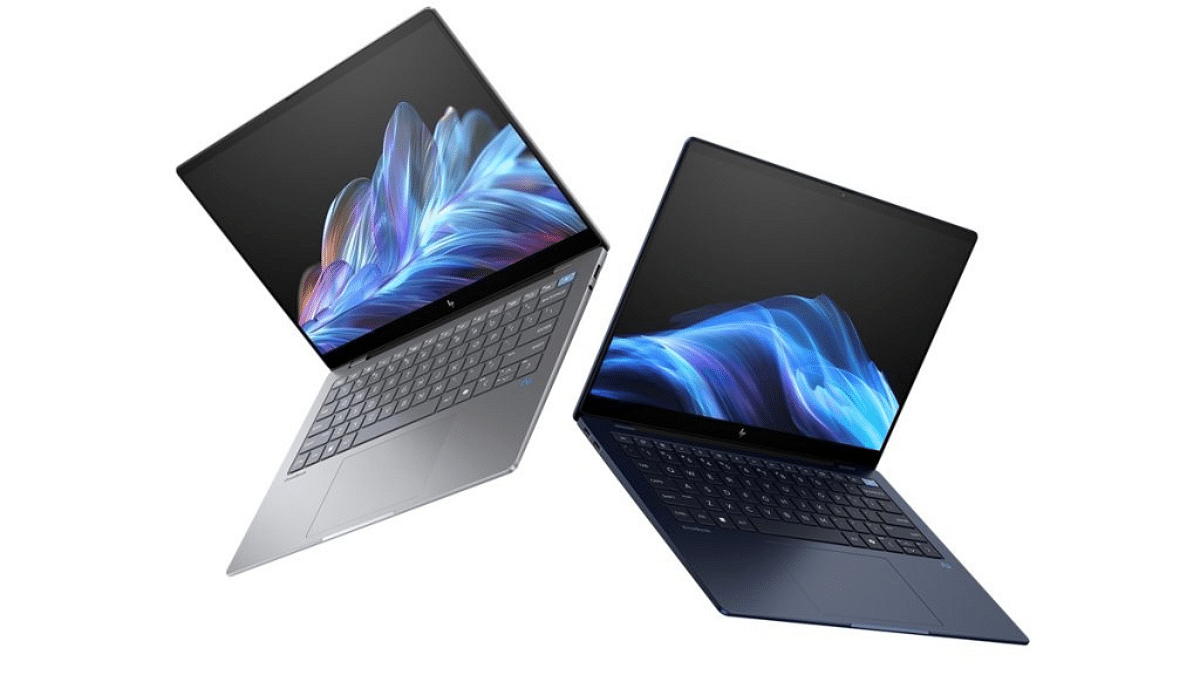
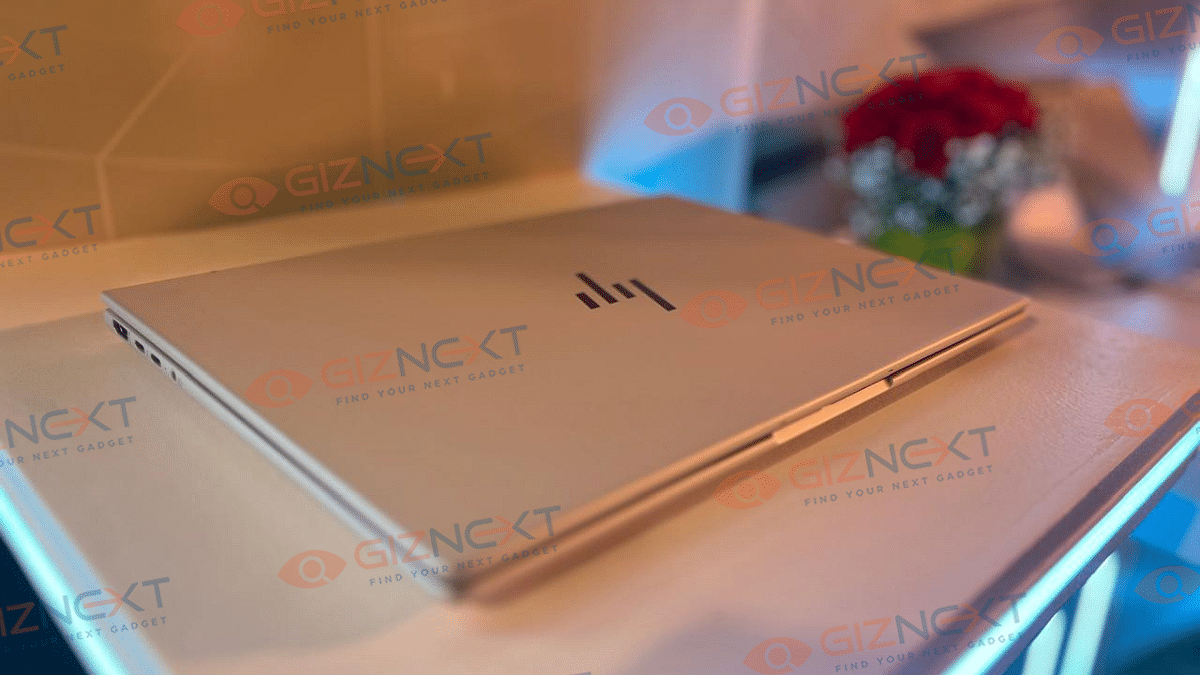
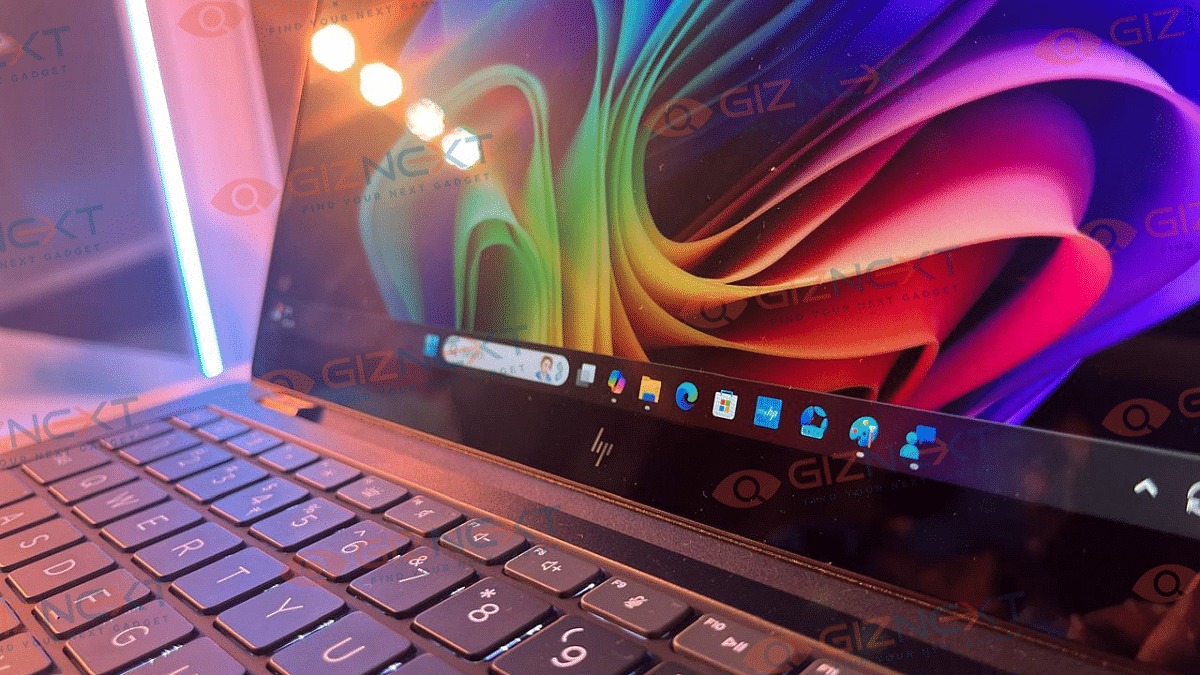
HP has introduced its first laptops built on Microsoft’s Copilot+ PC platform in India. The new HP EliteBook Ultra and HP OmniBook X models include cutting-edge AI technologies that are only available on the Windows on Arm platform and are powered by Qualcomm X Elite CPUs. In India, both gadgets are currently available for sale.
Qualcomm Snapdragon X Elite chips are found in the HP EliteBook Ultra and HP OmniBook X. Better AI performance is ensured by the integration of a neural processing unit (NPU) in these chips, which can process up to 45 trillion operations per second (TOPS). These laptops’ AI capabilities allow them to handle a number of features provided by Microsoft’s Copilot+ PC platform, such as various studio effects, co-creation in Paint and Photos, and live captioning.
Moreover, HP has incorporated its own AI companion service into these laptops. This service uses AI to optimize performance and brings several AI tools directly to the device. Notable features include Spotlight and Auto Framing for the built-in Poly Camera Pro.
Designed with professionals and freelancers in mind, these laptops offer sleek designs and impressive battery life. HP claims that both models can last up to 26 hours on a single charge and weigh just 1.3kg, making them highly portable.
HP’s new EliteBook Ultra and OmniBook X laptops, with their advanced AI features and robust performance, are poised to redefine the productivity experience for professionals and freelancers. With their powerful Snapdragon X Elite chips, long-lasting battery life, and lightweight design, these laptops offer a great package for those seeking high-performance, AI-driven PCs.
For the tech geeks, stay updated with the latest cutting-edge gadgets in the market, exclusive tech updates, gadget reviews, and more right on your phone’s screen. Join Giznext’s WhatsApp channel and receive the industry-first tech updates.
Amazon Prime Day 2024 set for July 20-21 with exclusive laptop deals
Discounts on gaming, office, and student laptops from top brands
Prepare to secure the best bargains during this two-day event
Amazon Prime Day, scheduled for July 20 and 21, 2024, is just around the corner. Customers may expect exclusive price reductions on a variety of laptops from well-known manufacturers during this two-day event. Finding a good deal can be overwhelming, but with some preparation, you can secure the best bargains. Here’s a look at some inviting laptop deals available exclusively on Amazon Prime Day.
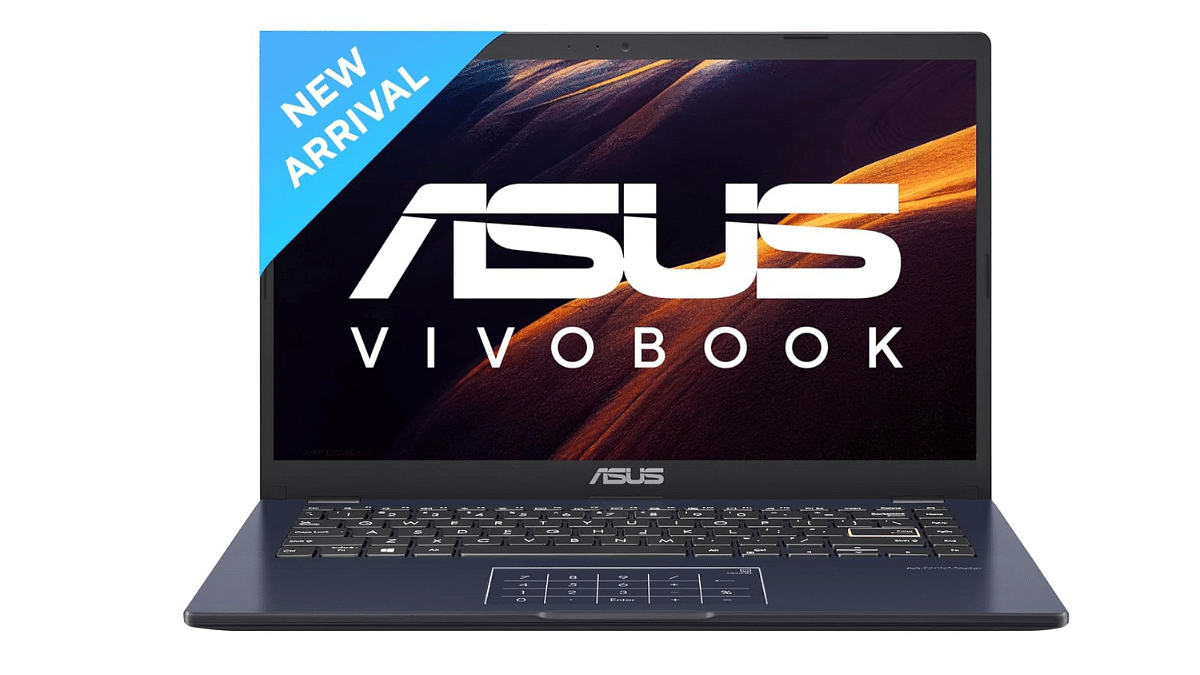
The Asus Vivobook Go 14 (2023) is an affordable option with an Intel Celeron N4500 Processor, 8GB DDR4 RAM, and 256GB NVMe SSD. It has a 14-inch FHD display with anti-glare properties and a 78 percent screen-to-body ratio. With Windows 11 Home pre-installed, it offers a smooth computing experience. Originally priced at Rs. 48,419, it is available for Rs. 36,679, making it a budget-friendly choice for students and casual users.
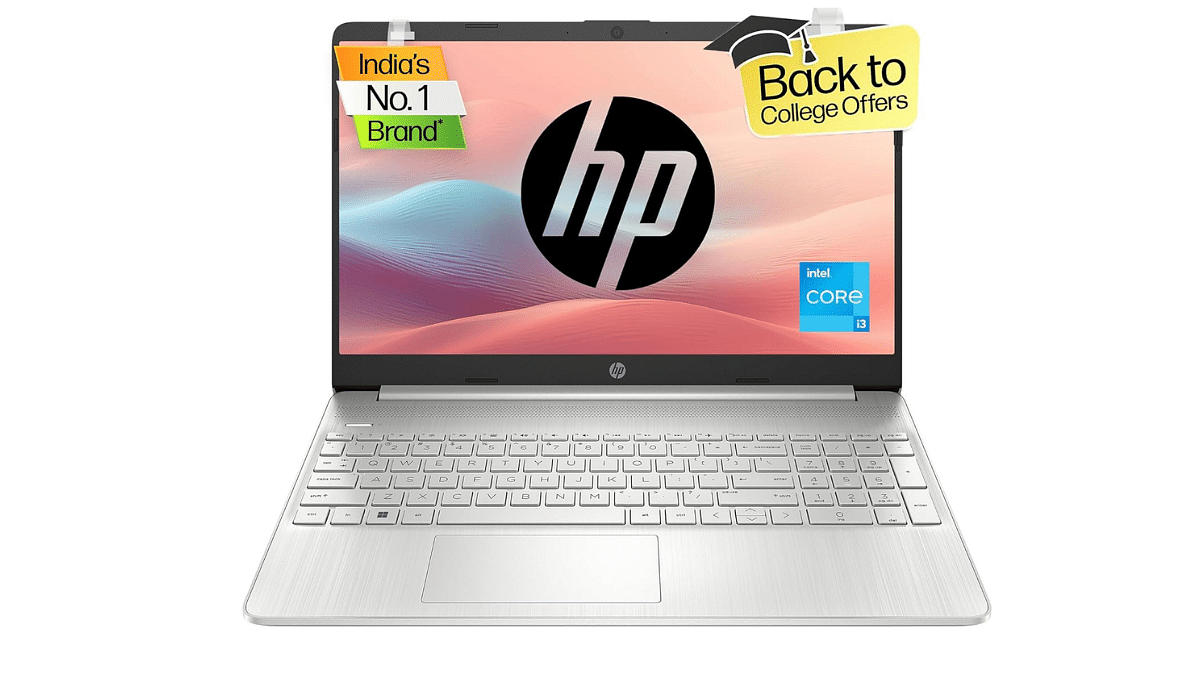
HP Laptop 15
The HP Laptop 15 is another great choice, featuring an Intel Core i3-1215U processor, 8GB memory, and 512GB PCIe NVMe M.2 SSD. The 15.6-inch FHD micro-edge, anti-glare display ensures a clear and comfortable viewing experience. Microsoft Office and Windows 11 Home are pre-installed on it. Other notable features include a full-size keyboard with a numeric keypad, HP True Vision 720p HD camera, and a range of ports including USB Type-C and HDMI. The HP Laptop 15 is perfect for everyday use and is available at a discounted price of Rs. 36,679.
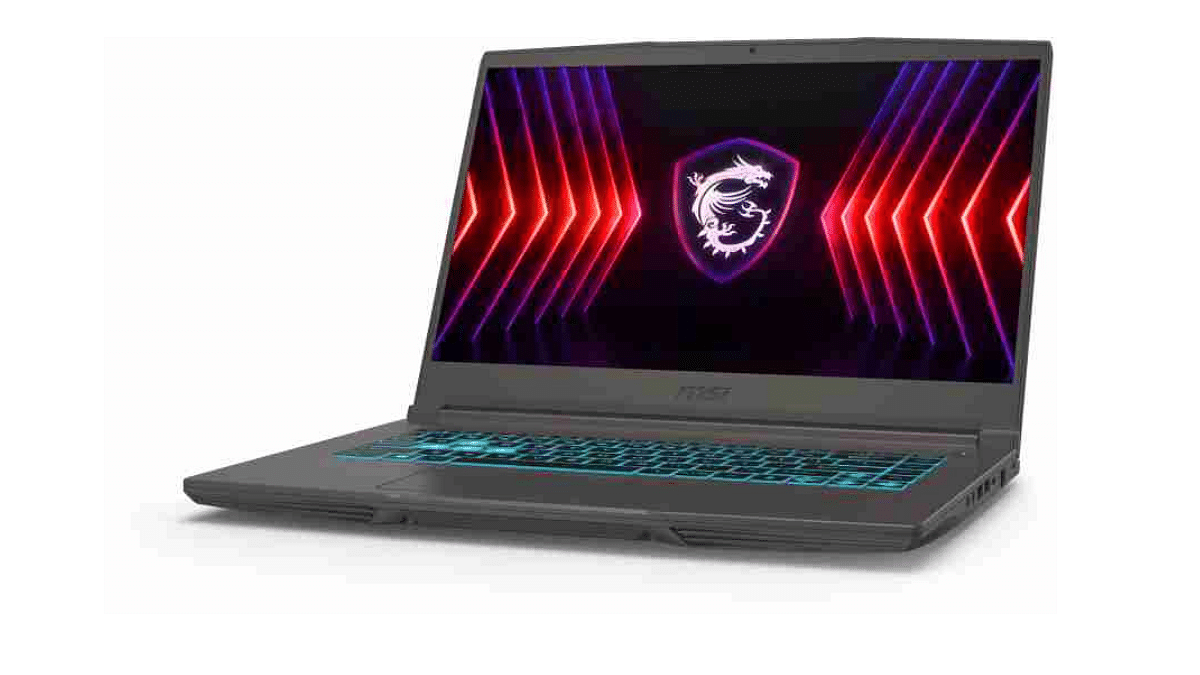
MSI Thin Series
Students and gamers will love the MSI Thin 15 and MSI Thin A15 laptops. These laptops offer powerful performance in a sleek, portable form factor. The Thin 15 shines with Intel processors, perfect for intensive tasks and gaming. On the other hand, the Thin A15’s AMD processors ensure great multitasking capabilities and gaming performance. These laptops combine gaming power and portability with vibrant displays and advanced cooling technologies. The MSI Thin series, which starts at Rs. 49,990, provides a well-balanced combination of performance and price.
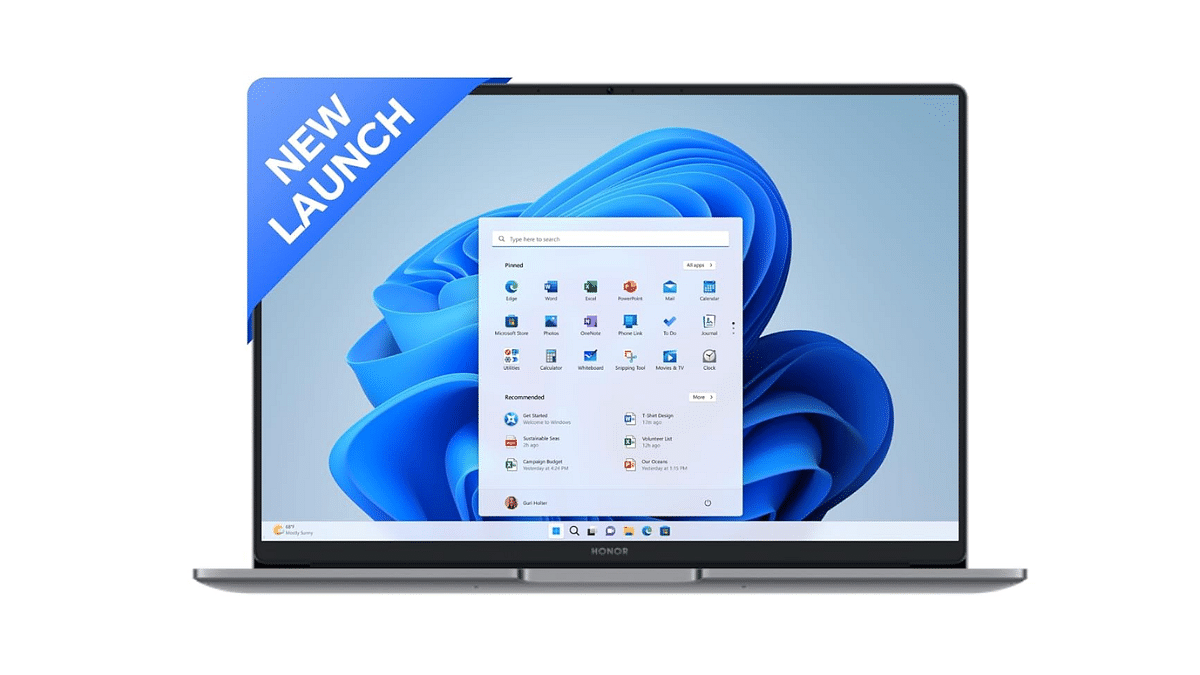
Honor MagicBook X14 Pro 2024
The Honor MagicBook X14 Pro (2024) is designed for office and study needs. It features a 13th Gen Intel Core i5-13420H Processor with 8 cores and 12 threads. This provides powerful performance with a base speed of 2.1GHz and a max speed of 4.6GHz. It comes with 16GB RAM and a 512GB PCIe NVMe SSD. The laptop has a premium aluminum metal body, weighing only 1.4 kg and measuring 16.5mm in thickness. Available at Rs. 49,990 (a 38.3 percent discount from the MRP of Rs. 80,999), it’s a steal for anyone looking for a high-performance laptop.
Amazon Prime Day 2024 offers huge deals on laptops, catering to a wide range of needs and budgets. There’s a deal for everyone, be it a professional, student, or gamer. Don’t miss out on these exclusive offers.
For the tech geeks, stay updated with the latest cutting-edge gadgets in the market, exclusive tech updates, gadget reviews, and more right on your phone’s screen. Join Giznext’s WhatsApp channel and receive the industry-first tech updates.
Ultrabooks are the new hotshot in the laptop industry with the audiences gradually bending towards portable machines. It seems there’s a horde amongst the PC giants to dominate the market with the slimmest and most powerful notebook. Asus is amongst those top players which is actively meeting audience requirements by designing feature-rich ultraportable laptops that are meant for taking on demanding tasks. One of such models the Zenbook S13 OLED which is priced starting at around Rs. 89,990 and is updated with better hardware over the previous-gen 13-inch Zenbook lineup. We have used the 2024 ZenBook S13 model for a while now and here’s how it faired to our expectations.
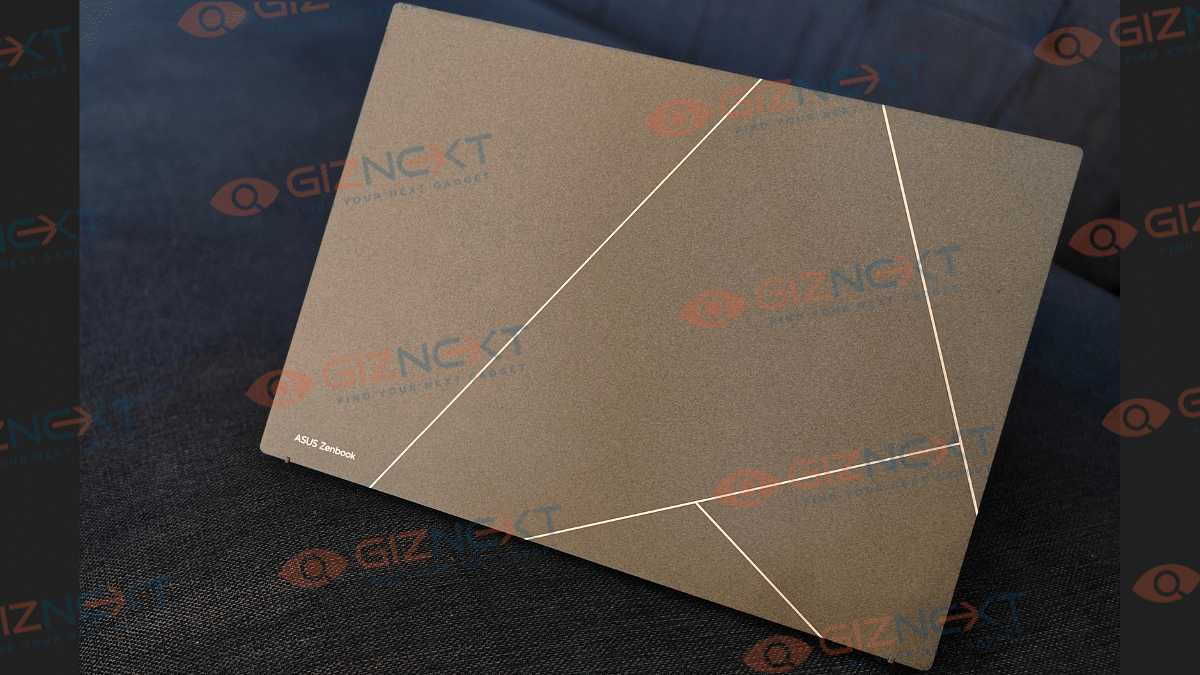
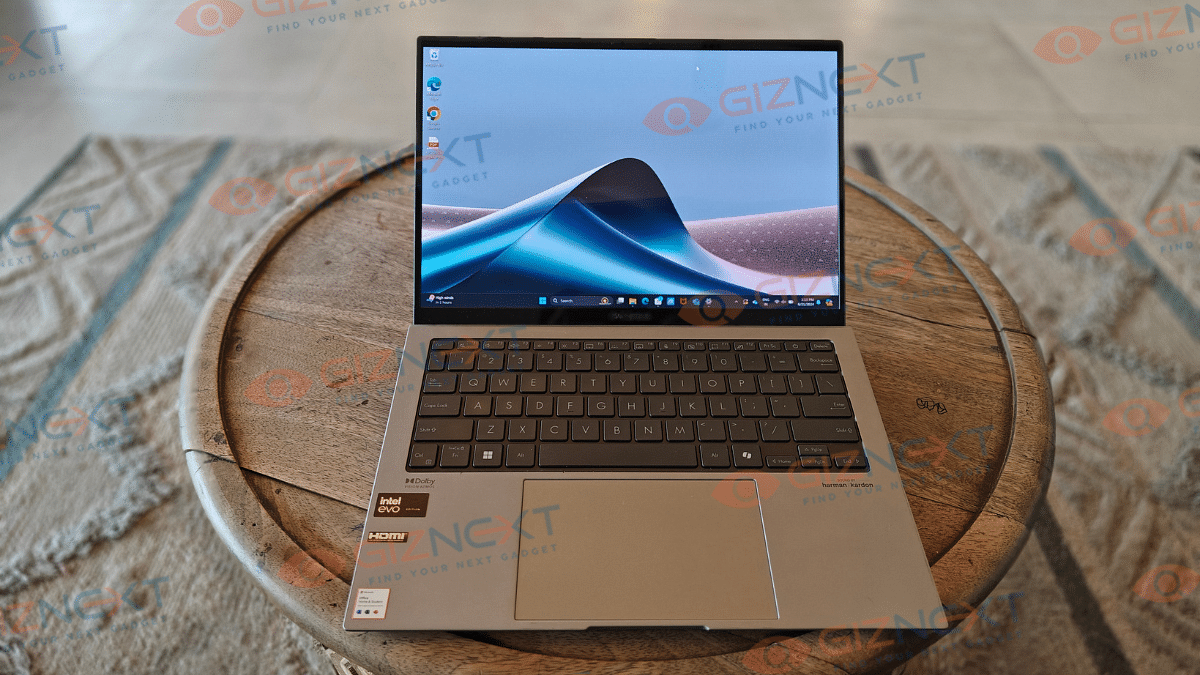
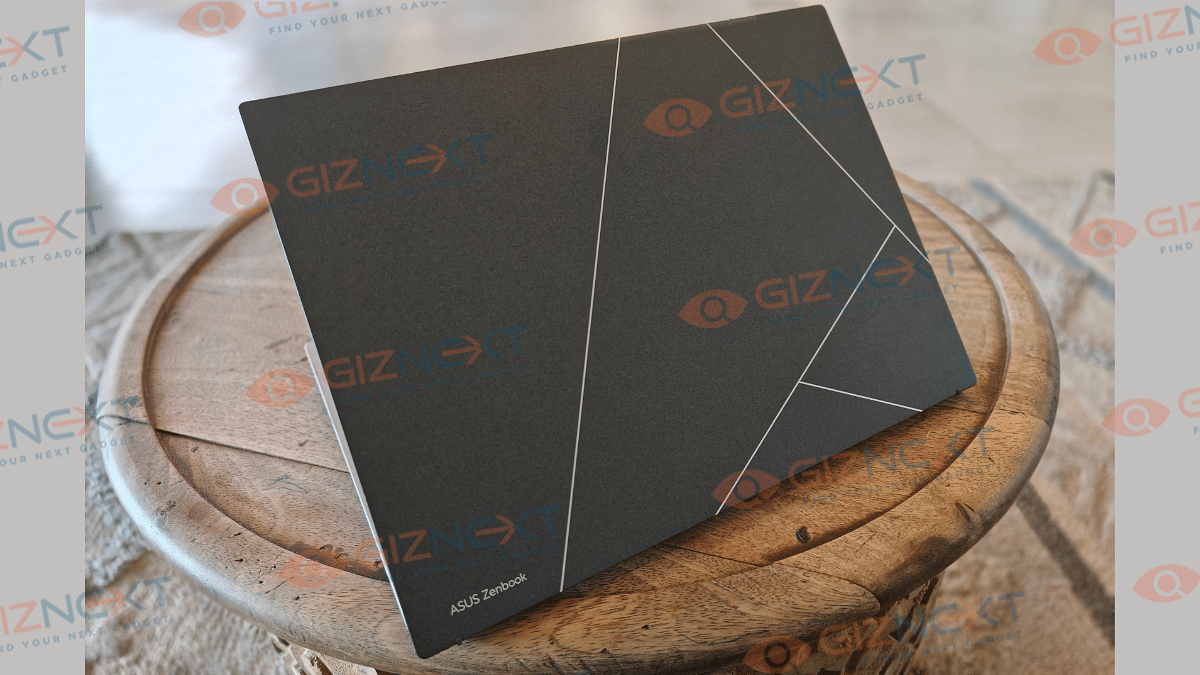
We’ll have to give it to Asus for designing the Zenbook S13 OLED as one of the most compact and lightweight laptops in its segment. It undeniably takes the ultraportable OLED ultrabook title with just 1 kg weight and super slim dimensions of 11.66″ x 8.52″ x 0.43 (W x D X H). Besides the lightweight form factor, what grabs the eyes is the “plasma ceramic” design element used for the lid. It’s essentially a matte texture with geometric patterns which is both visually appealing and feels premium to touch. We receieved the Basalt Gray color variant which oozes a subtle and classic appeal overall.
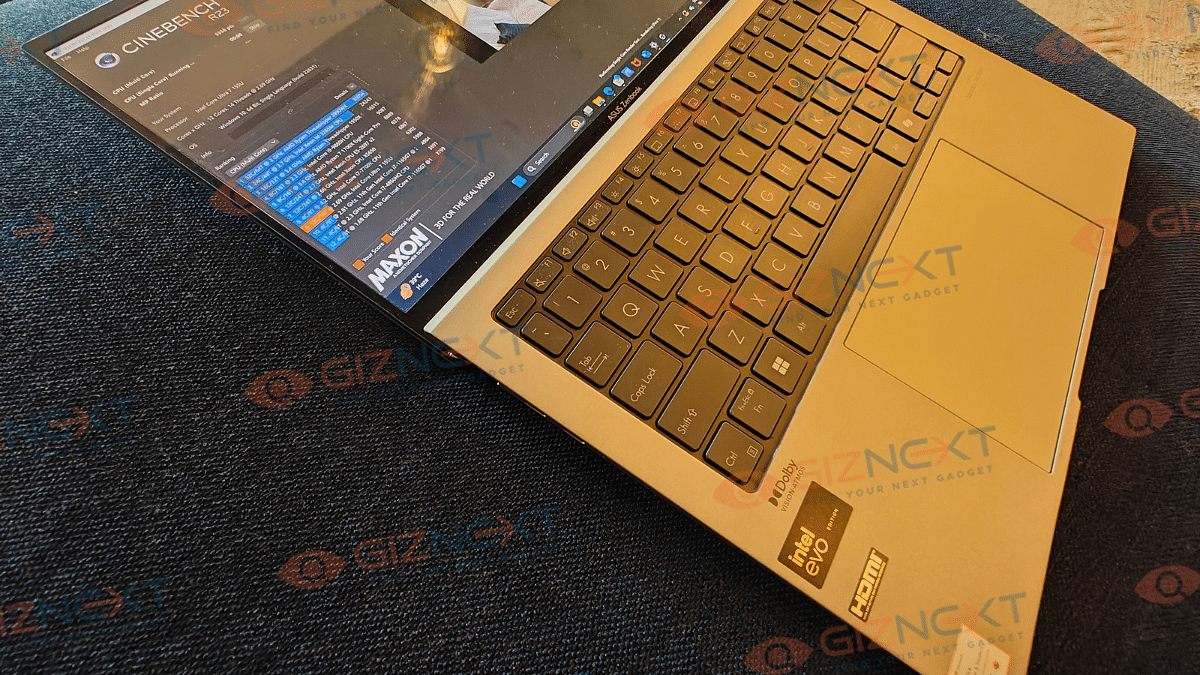
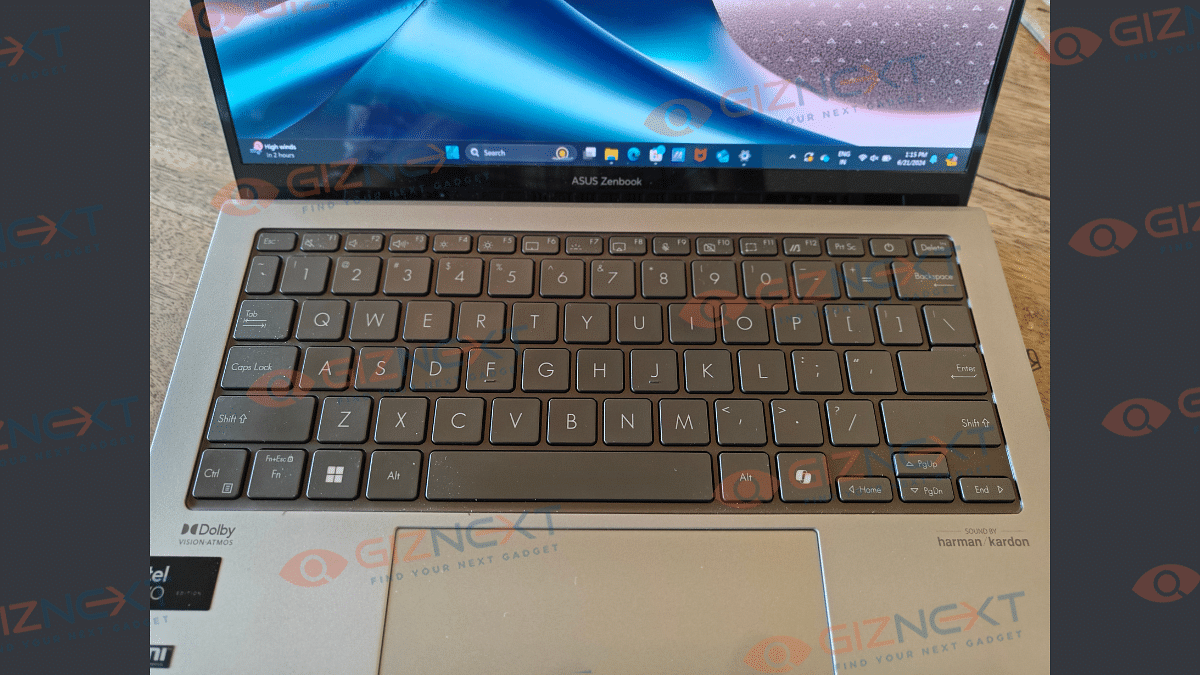
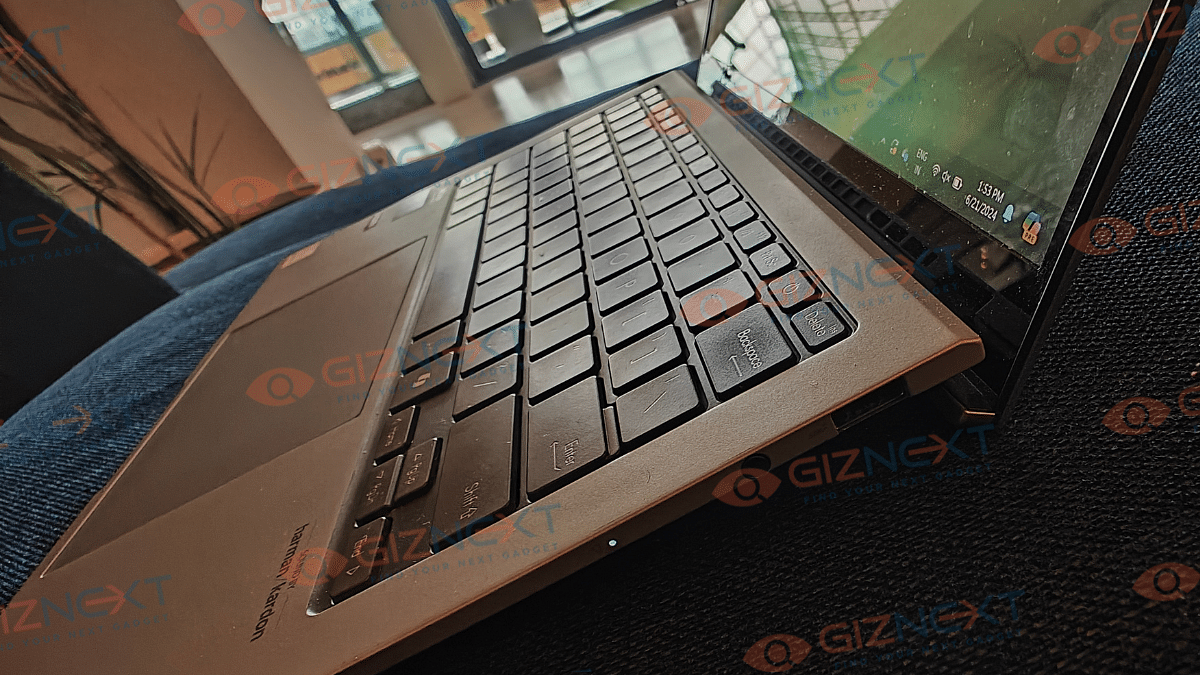
The build quality also is impressive with the hinge quality being sturdy. The lid can be flat open to 180-degrees which makes it handy to operate in different scenarios. What further solidifies the deal is the US grade MIL-STD-810H military grade certification which adds to its durability. The backlit full-size keyboard with decent key travel ensures a premium typing experience throughout. For the writers and the creative users, the Zenbook S 13 OLED is a delight to use; specifically while typing long documents.
Despite being an ultraportable notebook, the Zenbook S13 OLED offers a whole range of ports selection. It has HDMI, USB 3.2 Type-A (10Gbps) ports, and also Thunderbolt 4 ports along with a 3.5 mm headphone jack. This allows convenience with hooking on external drives and peripherals. The usage experience is enhanced with the large and responsive trackpad.
The Asus Zenbook S 13 OLED new-gen model gets the same 13.3-inch screen size. It is an OLED panel which offers an aspect ratio of 16:10 and has 60 Hz refresh rate. Panel brightness of the Zenbook S 13 OLED is 600 nits, while the resolution supported is 3K (2880 x 1800 pixels).
Just a glance at this notebook’s screen and you’ll instantly notice the rich color production and higher clarity levels. With the added Dolby Vision and HDR 600, the content quality displayed on the Zenbook S 13 OLED is not just refined but apt for all kinds of apps and video playback.
You’ll be truly impressed with the screen’s quality and response with a variety of tasks. The OLED panel alone makes a huge difference here with the display performance when compared to IPS screens. Blacks are deeper and clean and you won’t notice dilapidated quality anyhow. And for the brightness levels, the 600 nits levels make sure there is no difficulties with content consumption on-the-go. It fairs well with gaming visuals too. You will be hooked to the responsive action on the screen where there is hardly any deterioration with the picture quality.
The Asus Zenbook S 13 OLED variant whichh we have received is backed by the Intel Core i7-1355U processor along with Intel graphics. This is a major upgrade over the AMD Ryzen processor used by the previous-gen model. The review unit we received at Giznext has 16GB RAM soldered combined with 1 TB PCIe 4.0 SSD storage.
That’s a solid configuration if you look at overall for the price package. Indeed, performance is the core area of the Zenbook OLED 13 laptop. It takes on even the most extensive applications swiftly. App launching is quick, and also the experience while switching between the already running applications has been fluid too.
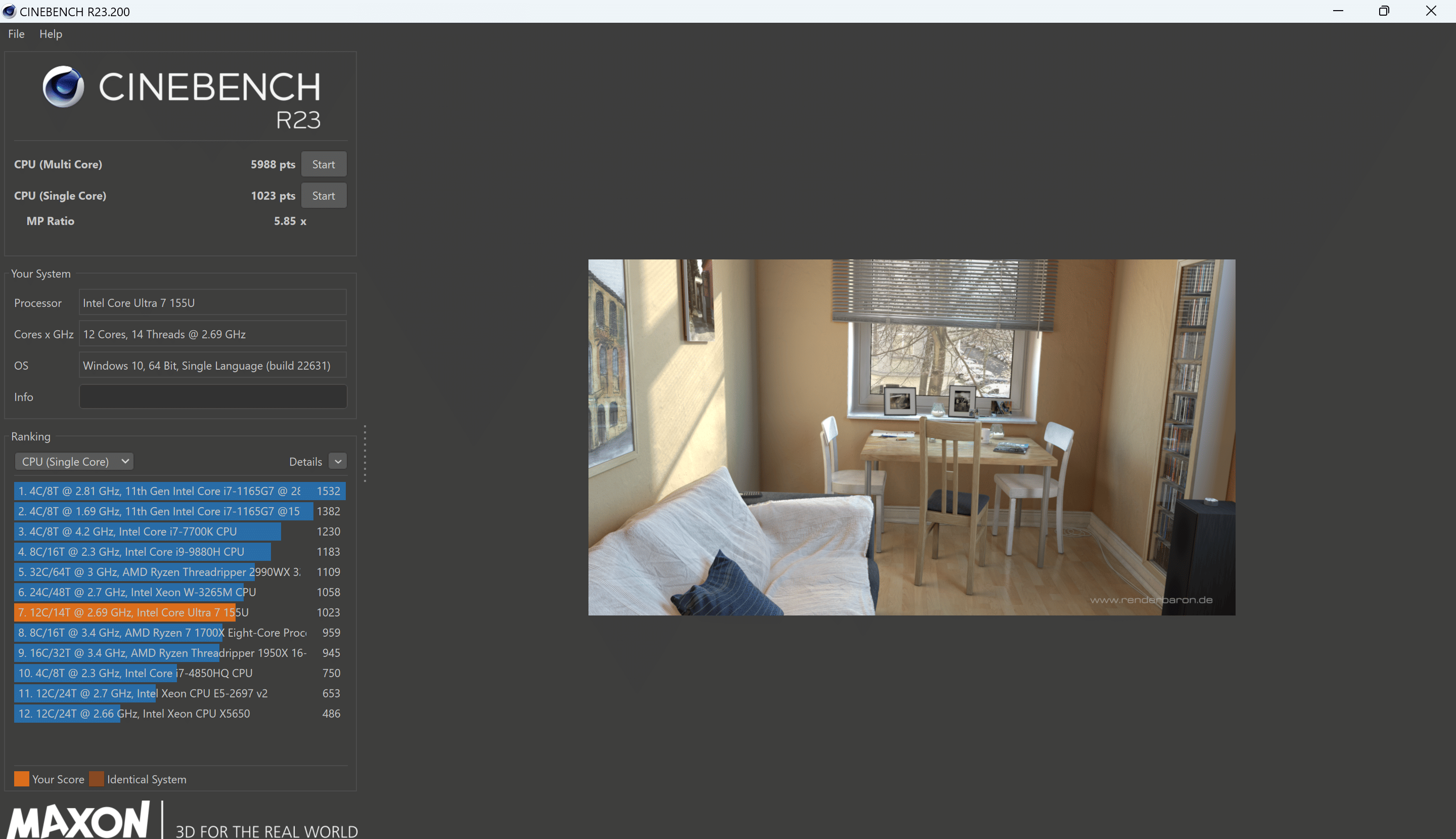
We did run a few benchmark tests on the Zenbook S 13 OLED laptop and where it performed quite well. In the Cinebench R13’s CPU multicore test, it logged 5,988 points, whereas, in the single-core CPU test it achieved
Even with extensive usage, temperature fluctuations have been minimum. The fan does make noise at times when the usage is heavy. However, the Whipser mode comes in handy here. You simply can activate the Whisper mode by pressing Fn+ F key shortcut from the keyboard. Gaming performance might not be its prime forte, but the config it has can easily take moderate games quite well. Heating isn’t a big issue with the Zenbook S 13 OLED.
The Asus Zenbook S 13 OLED has been loaded with a 63 Whr Li-ion battery which apparently packs enough juice to drive the machine to up to two days on average. Consider this solid backup when you are using this notebook moderately and expect a slightly lower backup if the usage is extensive. Combined with 65W fast charger, the refuel duration is around 45 minutes and under 2 hours for a 50 percent and 100 percent charge respectively. Backup-wise too, the Asus Zenbook S 13 OLED pits itself as a reliable machine.
Asus Zenbook series is undeniably the best-in-class performance-oriented notebook lineup that is available in India. And Asus is upgrading the game by incorporating the top-tier hardware each year. The Zenbook S 13 OLED is a complete package when you are out looking for a creator-centric machine which is also ulltraportable and doesn’t have any compromises on the hardware. It performs exceptionally with a range of apps and software and is also potent enough for casual gaming. Advanced AI features make this laptop future-ready and at an asking price of Rs. 89,990, you hardly can ask for anything more.
Microsoft’s Copilot PCs will be available from June 18 starting at $999
These PCs include the ‘Pluton Security’ processor
Copilot PCs will support Adobe applications like Photoshop and Lightroom
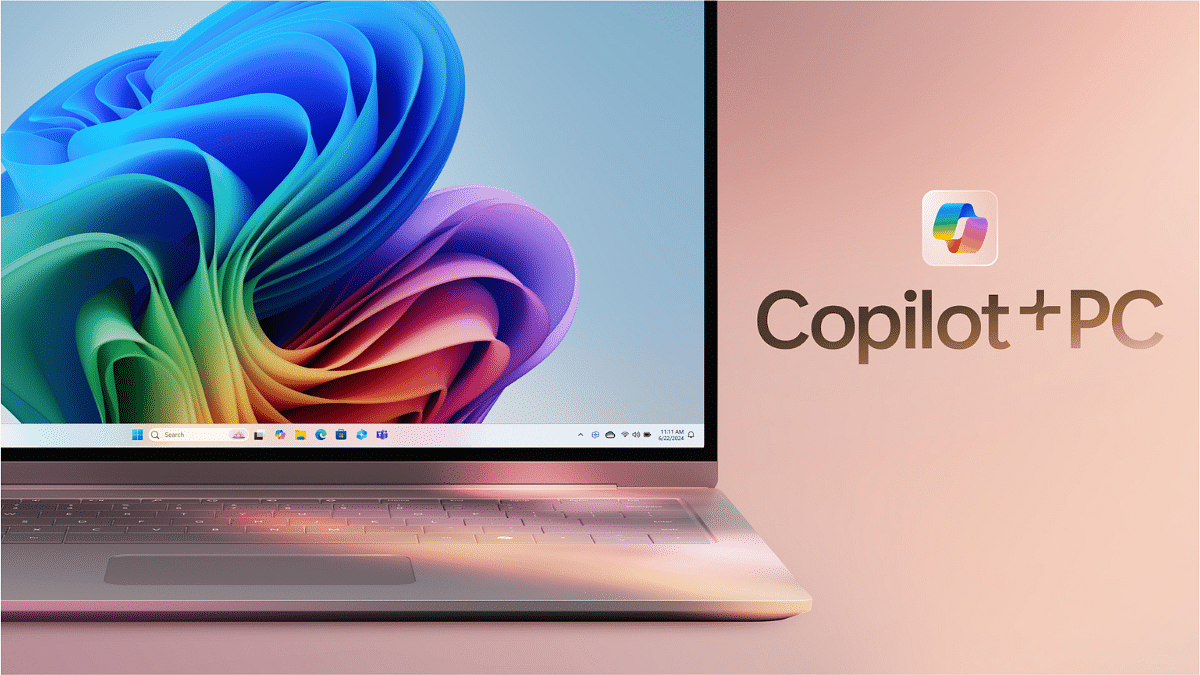
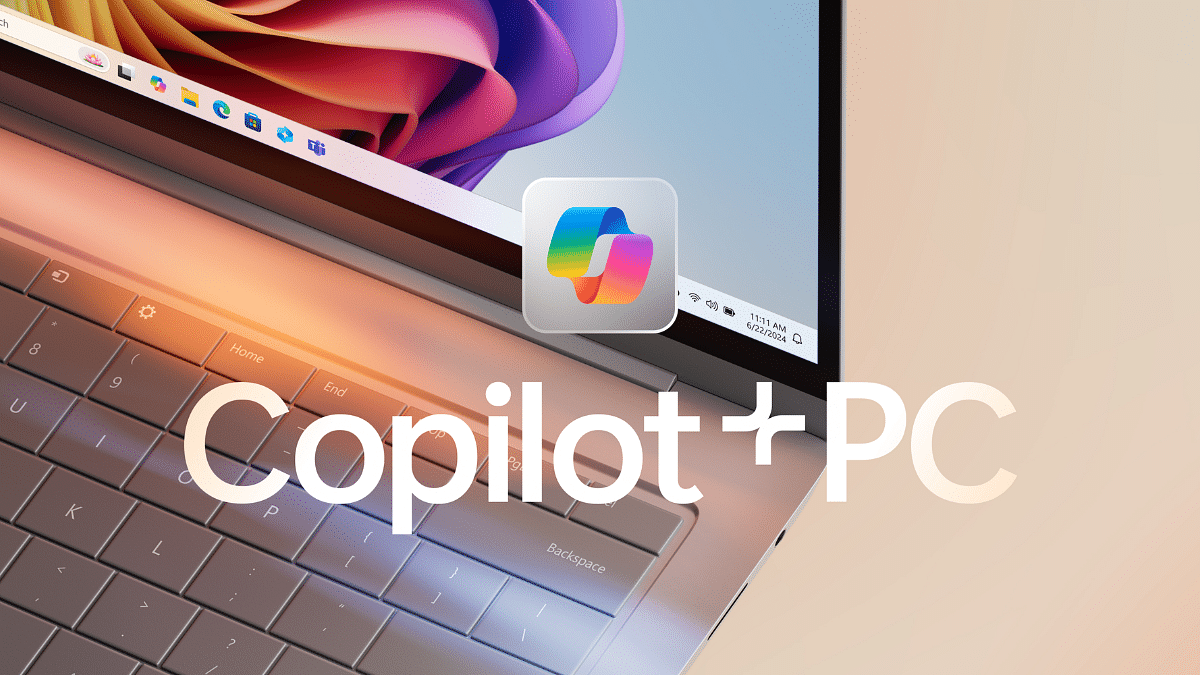
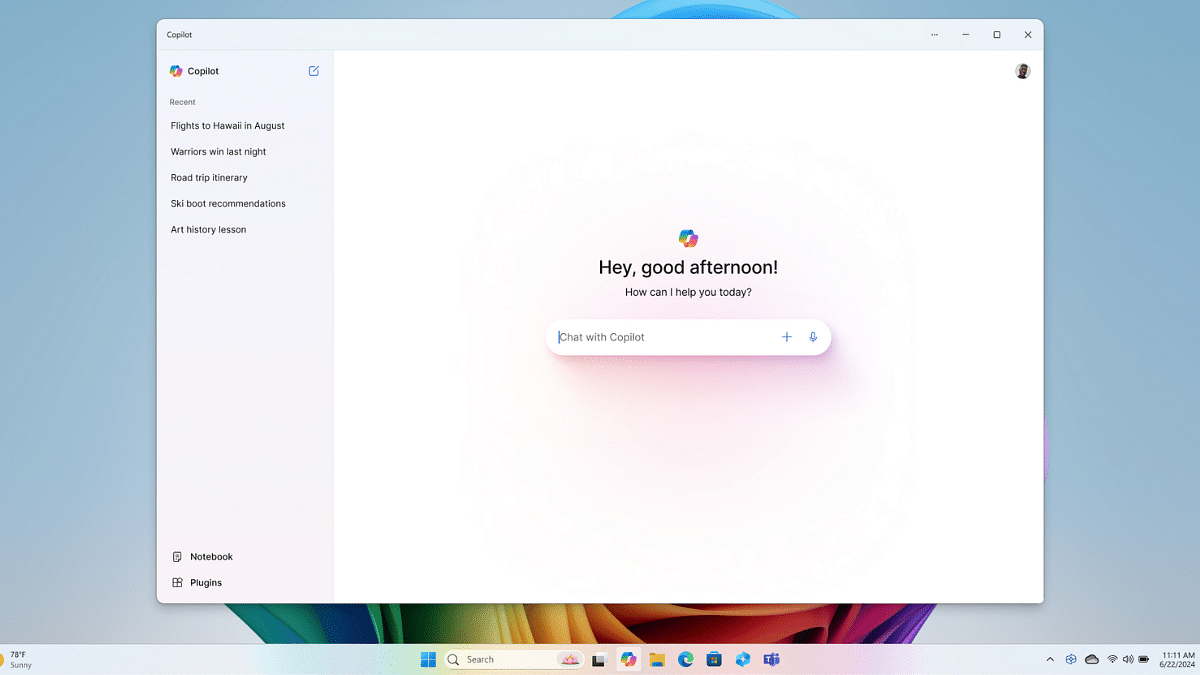
Tech giant Microsoft has announced a groundbreaking category of Windows PCs designed for the AI era. Named ‘Copilot PCs,’ these devices promise to be the fastest and most intelligent Windows PCs ever created. Launching on June 18, the starting price for these innovative PCs is $999. Also Read | Best Laptops Under Rs.45,000 For Online Learning
Performance and Features
Copilot PCs are equipped with new silicon technology capable of 40 trillion operations per second (TOPS). This performance is complemented by all-day battery life, ensuring that users can work or play without worrying about constant recharging. These PCs are built to handle the most advanced AI models, delivering a level of performance previously unseen in consumer devices.
Enhanced By AI Models
The new Copilot PCs leverage the power of large language models (LLMs) running in the Azure Cloud, working seamlessly with small language models (SLMs) on the device. This combination allows Copilot PCs to achieve unparalleled performance in AI tasks. Microsoft claims these PCs are up to 20 times more powerful and 100 times more efficient at running AI workloads than traditional PCs.
Advanced Security Features
Security is a key focus for Copilot PCs. Each device comes with the Microsoft ‘Pluton Security’ processor enabled by default. This ensures a high level of security for users, protecting their data and privacy with advanced encryption and security protocols.
Recall Feature
One of the standout features of Copilot PCs is the Recall function. This feature allows users to access virtually everything they have seen or done on their PC, creating an experience akin to having a photographic memory. This can be useful for professionals and creatives who need to reference past activities or projects quickly and efficiently.
Adobe Apps and More
Microsoft has also announced that Adobe’s flagship applications, including Photoshop, Lightroom, and Express, will be available on Copilot PCs. Additionally, Adobe Illustrator and Premiere Pro are set to arrive this summer.
With Copilot PCs, Microsoft is setting a new standard for performance, security, and AI integration in personal computing. Starting at $999 and available from June 18, these PCs promise to deliver a powerful and secure computing experience, ideal for both professional and personal use.