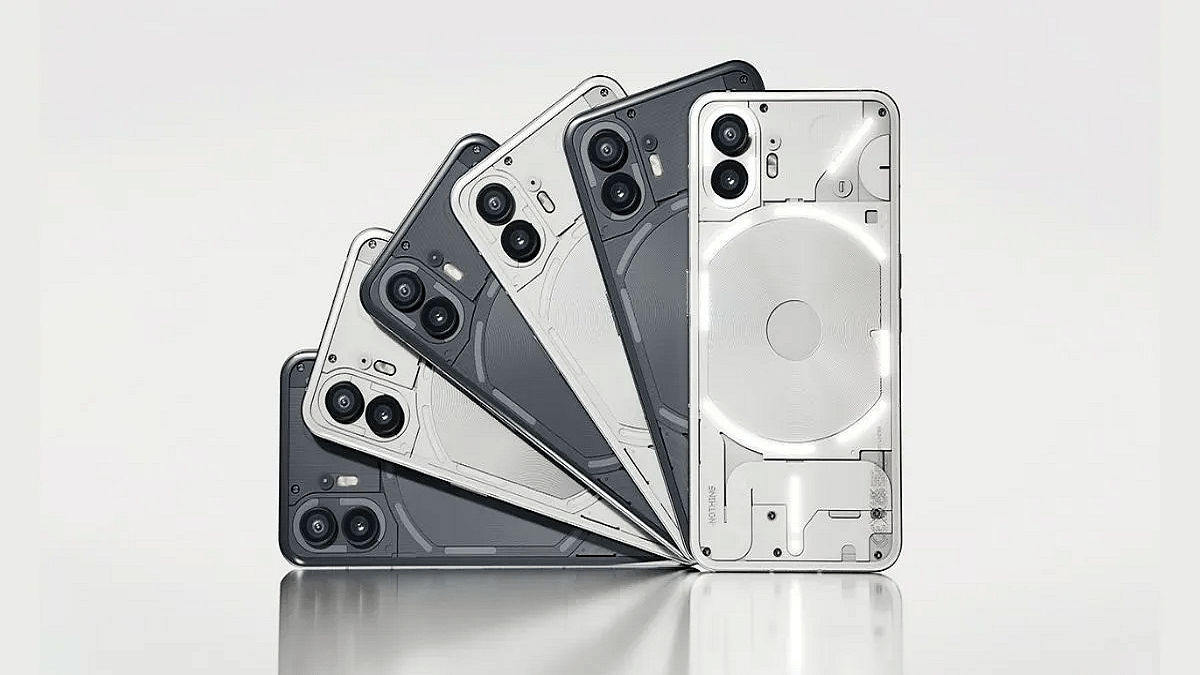
Google is introducing new theft protection features for Android devices
These features help lock your phone automatically if it’s stolen
Currently the features are in beta
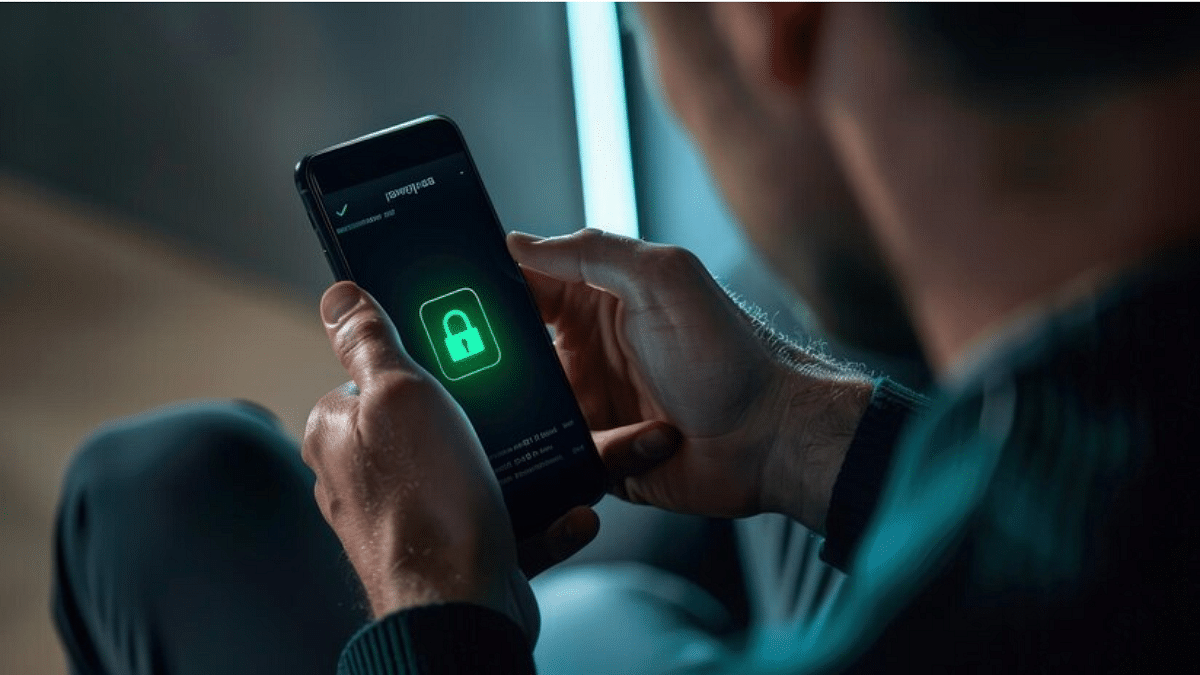
Losing your phone to theft can be terrifying, not only because of your hard-earned device but also the valuable data it contains. From personal accounts to sensitive financial details, securing this information becomes critical. To help protect users, Google is now rolling out new theft protection features for Android phones running version 10 and above.
With its new theft protection features, Google hopes to preserve your data even in the event that your phone is taken. Here are the main features they have introduced:
Theft Detection Lock
Automatically locks your phone if it detects sudden movement, like someone grabbing your device while it is unlocked
Uses sensors, Wi-Fi, and smart device connections to sense when the phone is being snatched
Works through machine learning. It recognizes if someone tries to run away on foot, bike, or car with your phone
Offline Device Lock
Activates if a thief tries to turn off the internet on your phone in order to stop tracking
If the device is being used when it is stolen, it locks the screen twice a day
It’s an added protection, especially when the phone is not connected to the internet
Remote Lock
You can visit android.com/lock from a smartphone owned by someone you can trust if yours is stolen
This allows you to remotely lock your phone by entering a phone number and passing a security check
Google says this process is faster than using the ‘Find My Device’ feature
How To Access These Features
Users can turn on these features by searching for ‘Theft protection’ in the Settings app
Alternatively, they can find it under the Google services page by selecting Personal & Device Safety.
These features are currently in beta testing, starting in Brazil. While some users claim to have Remote Lock, others claim to have access to Theft Detection Lock and Offline Device Lock. All features are available to U.S. Pixel users on the Google Play Services beta (version 24.40.33). However, a full rollout is expected later this year across more regions.
For the tech geeks, stay updated with the latest cutting-edge gadgets in the market, exclusive tech updates, gadget reviews, and more right on your phone’s screen. Join Giznext’s WhatsApp channel and receive the industry-first tech updates.
Safari and app caches can be cleared to free space
Clearing Safari cache is easy, but apps need extra steps
Caches don’t take long to fill up on your smartphones; be it Android or iPhones. The iOS has two big data caches: one for Safari and another for all the rest the apps. Deleting these caches can free up space on your device, improving performance and speed. While clearing the cache in Safari is simple and quick, deleting the cache in third-party apps can be more complicated. Here we’ll show you a step-by-step guide on how to clear the cache in Safari and other apps on iPhone.
Note: Make sure you know your passwords before clearing the cache on an iPhone for Safari or any other app. You will be signed out of any websites you are currently logged into after you clear the cache files.
How To Clear The Cache From Safari
Step 1: Open the Settings menuon your respective iPhones.
Step 2: Swipe down and tap on Safari.
Step 3: Scroll down and click on the Clear History and Website Data option.
Step 4: Your iPhone will ask if you want to clear Safari’s data. Confirm your choice.
Alternatively, you can also clear data from individual websites without clearing the whole Safari cache. The steps for the same are mentioned below:
Step 1: After performing the step 2 from above, you will get the option “Advanced”. Click on it.
Step 2: Now, select “Website Data”.
Step 3: You will now get the option “Edit” at the bottom of Safari settings (or swipe from right to left to delete individual items).
Besides, if you delete website data from your iPhone, it will be deleted from all of your other Apple devices that are signed in to the same iCloud account that syncs with Safari.
How To Clear Your iPhone’s App Cache
To clear the cache from your iPhone apps, you will need to offload them. This will free up the storage space the app uses while still keeping its data and documents. All your data will be recovered once you reinstall the app.
Step 1: Go to Settings and tap General and then click on iPhone Storage.
Step 2: Wait for the page to load a list of all your apps. Once the list is generated, tap the app you want to clear and select Offload App.
Step 3: If you want to delete the app along with the files and data, you need to select Delete App instead of Offload App.
Quick tip: When you open the list of all your apps, you may notice a menu called Offload Unused Apps. Selecting Enable here will allow your iPhone to automatically offload apps that you haven’t used in a while.
For the tech geeks, stay updated with the latest cutting-edge gadgets in the market, exclusive tech updates, gadget reviews, and more right on your phone’s screen. Join Giznext’s WhatsApp channel and receive the industry-first tech updates.
A wide range of features are available on Android handsets, but many users don’t use them to their maximum potential. These unnoticed functionalities are there to improve the efficiency and flow of your experience. Here are seven game-changing features you should use right away if you are ready to unleash the full power of your Android smartphone.
Forget typing out long passwords. You can share your Wi-Fi details with a simple QR code.
Navigate to Settings > Wi-Fi > Connections
Tap on your current network
Choose the QR code option to make sharing simple.
Translate Text Without Leaving The App
Need a quick translation? Just select the text and choose the translate option from the pop-up menu.
Works across all apps and websites
You may need to download language packs for the first time, but it works smoothly after that.
Reverse Charging To Power Other Devices
Did you know your phone can charge other devices? With reverse charging, you can use your smartphone to charge another phone or smaller gadgets like earbuds or smartwatches.
Requires a USB-C to USB-C cable or wireless charging
Ideal for emergencies when other devices run out of battery
Clone Apps For Dual Accounts
Need two WhatsApp or Instagram accounts on one phone? You can duplicate apps for different accounts on the majority of Android devices.
Go to your system menu and enable app clone
For phones like Google Pixel, use apps like Parallel Dual Space
Quick Access To Google Lens
Want to identify an object, translate text, or find products online just by pointing your camera at them? Google Lens is a powerful tool built into most Android phones.
Long press your home button or open the Google app and select Google Lens
Scan and instantly get information, translations, or product details
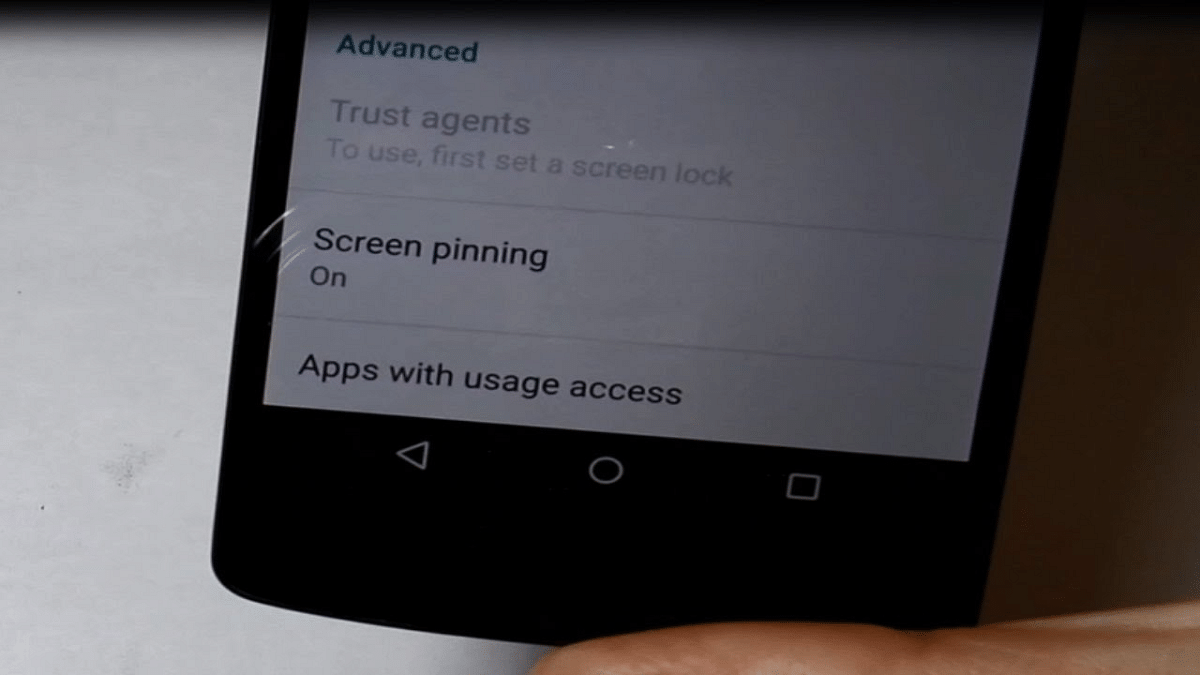
Screen Pinning For Security
Need to hand your phone to someone but don’t want them to access everything? Screen pinning locks the phone to one app.
Go to Settings > Security > Screen Pinning
Pin the app you want them to use and lock the screen there
Do you want to stop having to unlock your phone at home or at other reliable places? Your phone remains unlocked in secure settings thanks to Smart Lock.
Enable it under Settings > Security > Smart Lock
Choose trusted locations, devices, or voice detection.
For the tech geeks, stay updated with the latest cutting-edge gadgets in the market, exclusive tech updates, gadget reviews, and more right on your phone’s screen. Join Giznext’s WhatsApp channel and receive the industry-first tech updates.
Instant cashbacks on iPhones, iPads, Macs, and more
Free Beats Solo Buds with iPhone 15 for a limited time
Free 3-month Apple Music, TV+, and Arcade with select buys
As the festive season approaches, Apple has launched its Diwali offers in India. From the latest iPhones to MacBooks and AirPods, Apple is making sure you enjoy great savings during this time. In addition, buyers of an iPhone 15 can also receive a complimentary set of Beats Solo Earbuds. Here’s a detailed look at all the offers Apple has introduced for Diwali.
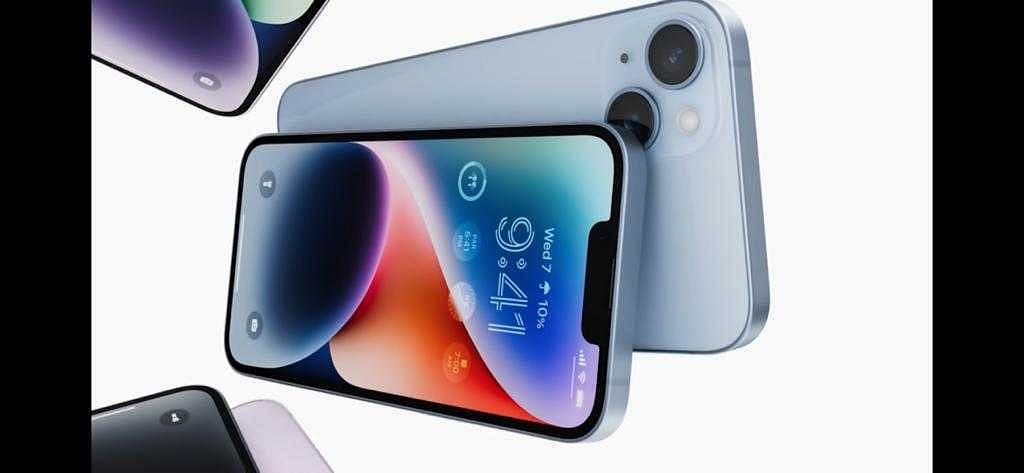
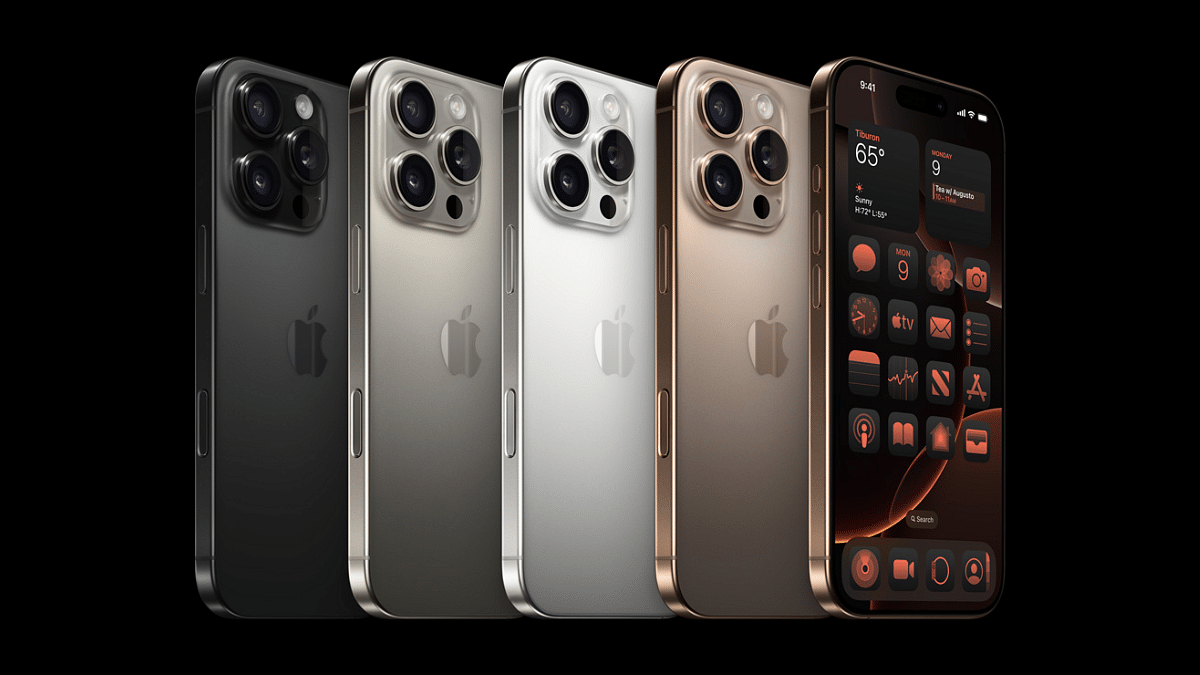
iPhone 16 Series: Get up to Rs. 5,000 instant cashback on iPhone 16 Pro, Pro Max, iPhone 16, and iPhone 16 Plus when using ICICI Bank, Axis Bank, or American Express cards.
iPhone 14 Series: Customers purchasing the iPhone 14 and iPhone 14 Plus can receive cashback of Rs. 3,000.
iPhone SE: Get Rs. 2,000 cashback when purchasing the iPhone SE.
Free Beats Solo Buds: On purchasing the iPhone 15 from Apple’s official store, you will receive free Beats Solo Buds. This offer also includes special edition packaging designed by Aaquib Wani and is available only until October 4.
Offers On Mac
MacBook Air (M3 chip) 13-inch and 15-inch models: Get Rs. 10,000 cashback.
MacBook Air (M2 chip) 13-inch model: Rs. 8,000 cashback is available.
MacBook Pro 14-inch and 16-inch models: Enjoy Rs. 10,000 cashback.
Mac Studio and iMac 24-inch: The Mac Studio and iMac 24-inch both have a cashback of Rs. 10,000.
Mac mini: You can save Rs. 4,000 instantly.
Offers On iPad
iPad Pro (11-inch and 13-inch): Buyers can enjoy Rs. 6,000 cashback.
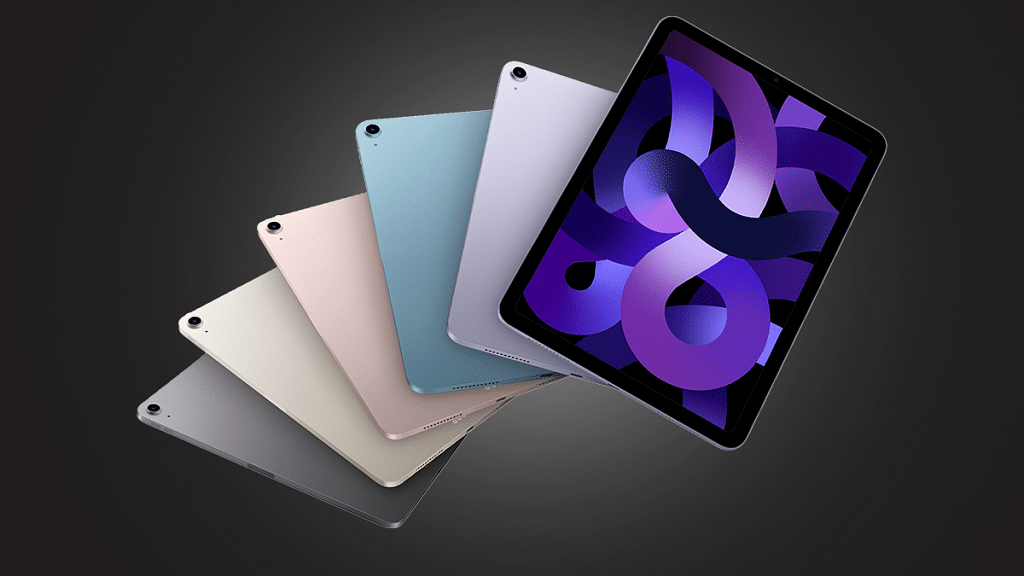
iPad Air (11-inch and 13-inch): Get Rs. 4,000 cashback.
iPad 10th Gen: Receive Rs. 2,500 cashback.
iPad mini: Get Rs. 3,000 cashback on the mini model.
Offers On Apple Watch
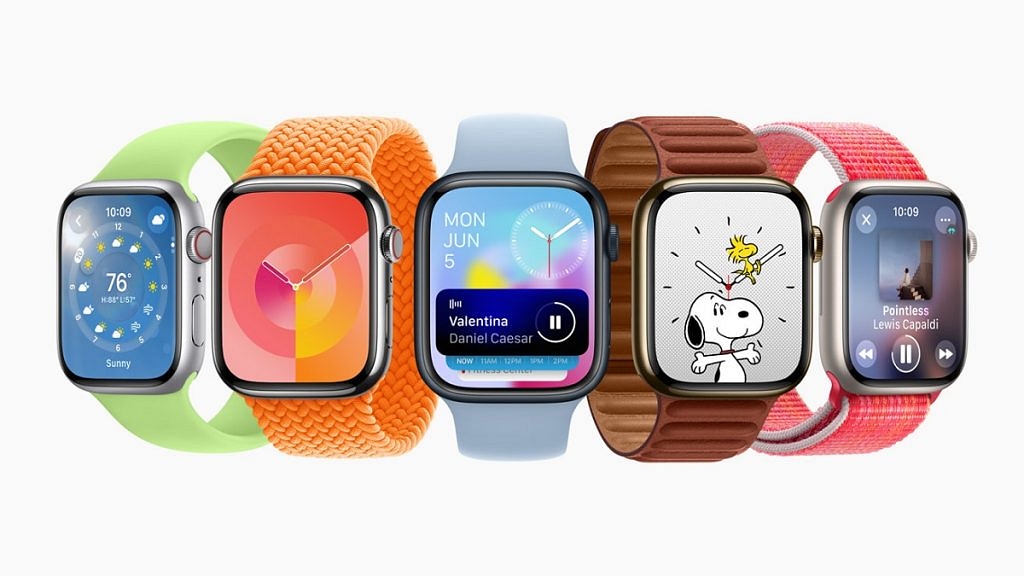
Apple Watch Ultra: Rs. 6,000 cashback is available.
Apple Watch Series 10: Buyers can enjoy Rs. 4,000 cashback.
Apple Music: Free 3-month subscription with the purchase of HomePod or AirPods.
Apple TV+ and Apple Arcade: Enjoy 3 months free with the purchase of an iPad or Mac.
Apple iPhone Purchase: Get three months of free Apple Music, TV+, and Arcade when you buy an Apple iPhone.
These cashback offers are available for purchases made using select ICICI Bank, Axis Bank, and American Express cards.
For the tech geeks, stay updated with the latest cutting-edge gadgets in the market, exclusive tech updates, gadget reviews, and more right on your phone’s screen. Join Giznext’s WhatsApp channel and receive the industry-first tech updates.
No third party app required for converting currencies
Apple at its Glowtime event held in September this year announced the latest iOS 18 for new-generation iPhones. The updated firmware has brought along multiple tech advancements and features to provide an unmatched user experience with the iPhones. With the iOS 18, the much awaited call recording feature has been re-introduced whose steps we had covered earlier. Another cool feature that you can use with iOS 18 is the currency conversion without using any third-party app. Yes, you read that right. If you have an iPhone X or above model that supports iOS 18, you will be able to convert currencies of different countries with a just a few taps. All you need is the iPhone’s built-in calculator app. The step-by-step guide is here.
For the tech geeks, stay updated with the latest cutting-edge gadgets in the market, exclusive tech updates, gadget reviews, and more right on your phone’s screen. Join Giznext’s WhatsApp channel and receive the industry-first tech update.
Steps To Convert Currency In iPhone Using Calculator App
Step 1: Unlock your iPhone. Make sure it is running on the iOS 18, only then you will be able to convert currency directly using the calculator app.
Step 2: Open the calculator app
Step 3: Locate the calculator icon on the bottom left of the calculator app. Select it.
Step 4: Once you perform the aforementioned steps, the Convert button will be activated.
Step 5: Simply, enter the currency in digits and modify the required changes by using the up and down arrow keys (Convert keys) placed right next to the numbers.
Apple has finally rolled out call recording feature for iPhone users
Feature available only for iOS 18 users
Beta update released for the same
Cupertino giant Apple is done with this year’s major launches and have finally introduced the much awaited iPhone 16 series with several upgrades and enhancements. The iOS 18 driving the new-generation iPhones brings an array of advanced features. However, the most talked about feature being added with the iOS 18 is definitely the call recording support right from the iPhone’s calling app.
For the tech geeks, stay updated with the latest cutting-edge gadgets in the market, exclusive tech updates, gadget reviews, and more right on your phone’s screen. Join Giznext’s WhatsApp channel and receive the industry-first tech update.
iOS 18 Call Recording Feature For iPhone Users Explained
Apple has released the call recording option for iPhone users after all the wait. This feature is being made available to iPhones via iOS 18. The update is being released as a beta and you’ll need to update your device to iOS 18.1 beta to access and use the call recording feature. Since this update is currently in the beta state, it could take a while for the stable version to be available for the masses.
Earlier, iPhone users had to resort to a third-party app for recording outgoing or incoming calls. However, this can now be done with the phone’s native app. Not just standard call recording, iOS 18 will also provide users an AI-powered summary of the entire call. The transcription feature tags along.
As previously mentioned, the call recording will now be a direct process with iPhones that are running on iOS 18. Using the native calling app itself, one could record ongoing calls.
Step 1: Launch the dialer app on your respective iPhone
Step 2: You need to make a call to initiate recording. You can also start recording after receiving a phone call.
Step 3: A “record” button will pop up on the top-left corner once the call starts. Tap on it.
Step 4: You will now see a notification stating “This call will be recorded”. Accept it.
Step 5: Tap on the stop recording button once done.
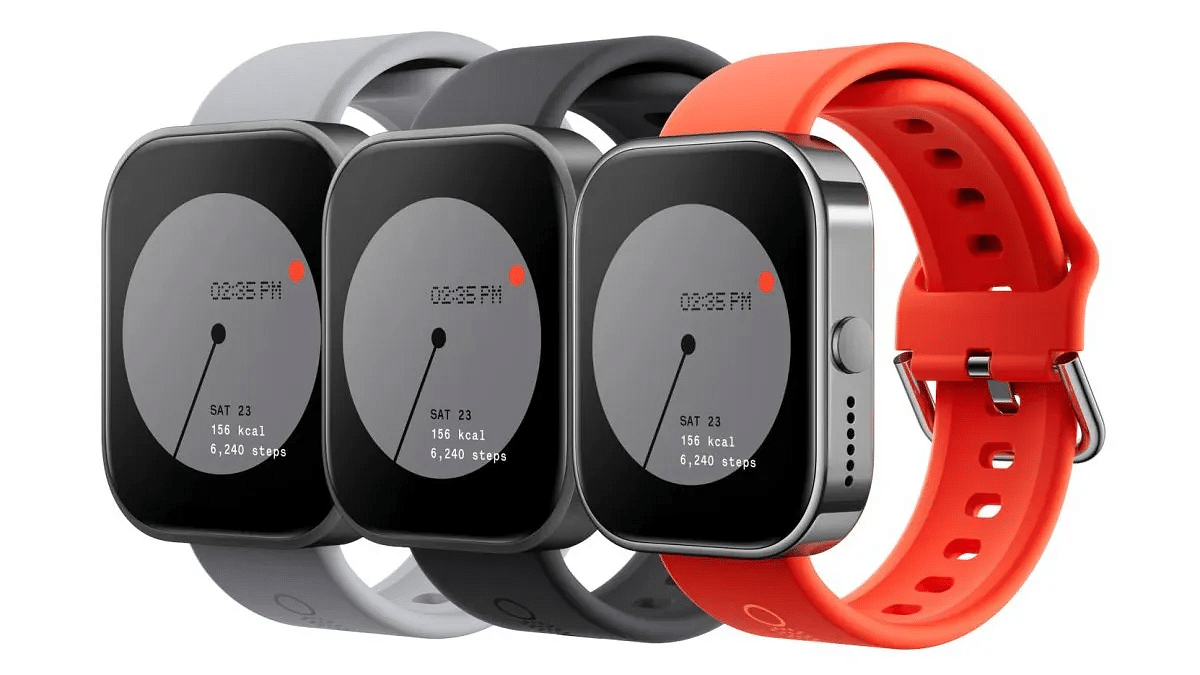
Flipkart’s Big Billion Days Sale is finally back with amazing offers and discounts across various categories. During this festive season sale, Carl Pei-owned tech brand Nothing has announced special offers on its popular product range. Here, let’s take a look at some of the top Nothing products that you can grab at unbeatable prices during the sale.
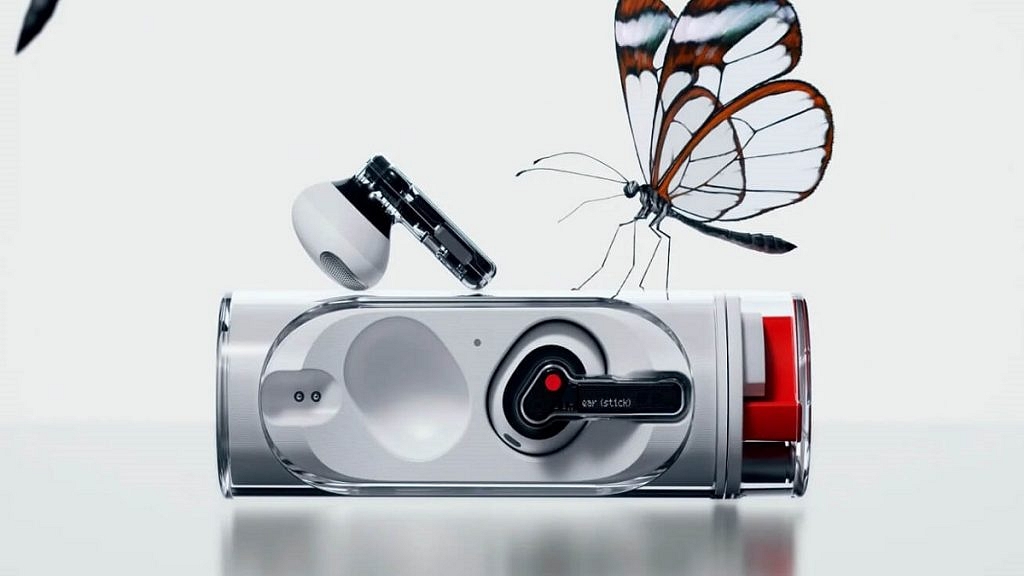
The Nothing Ear earbuds feature 11mm dynamic drivers with Smart ANC. It has up to 40.5 hours of battery life and wireless charging capabilities.
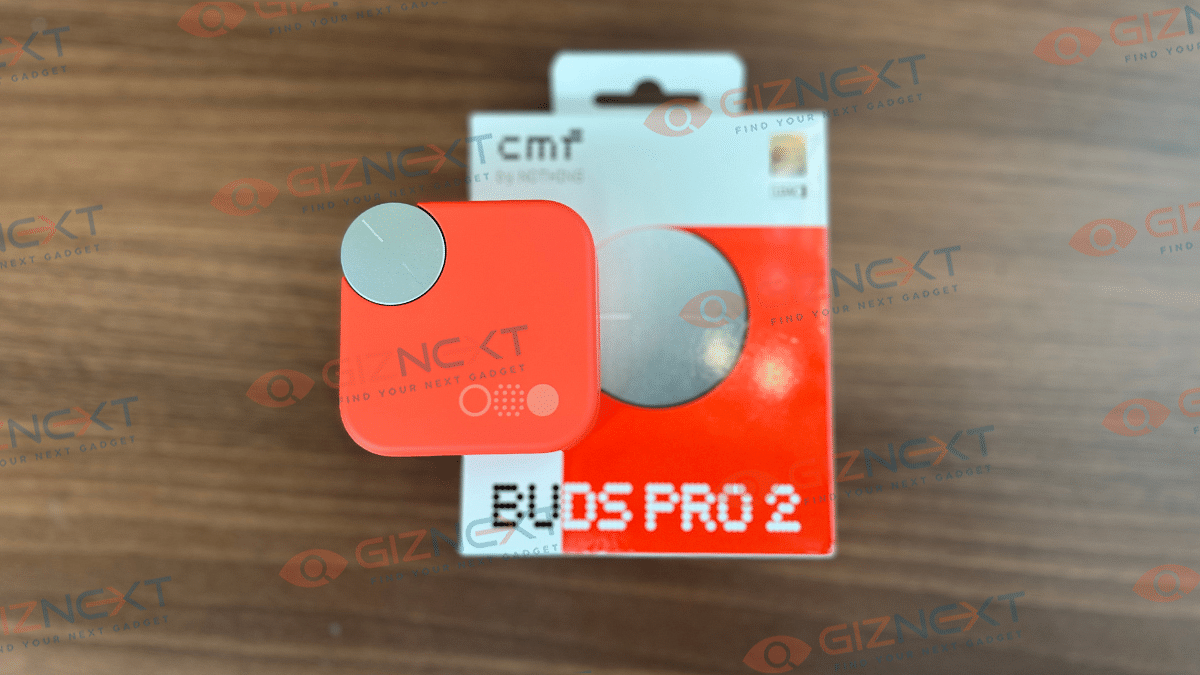
CMF Buds Pro 2
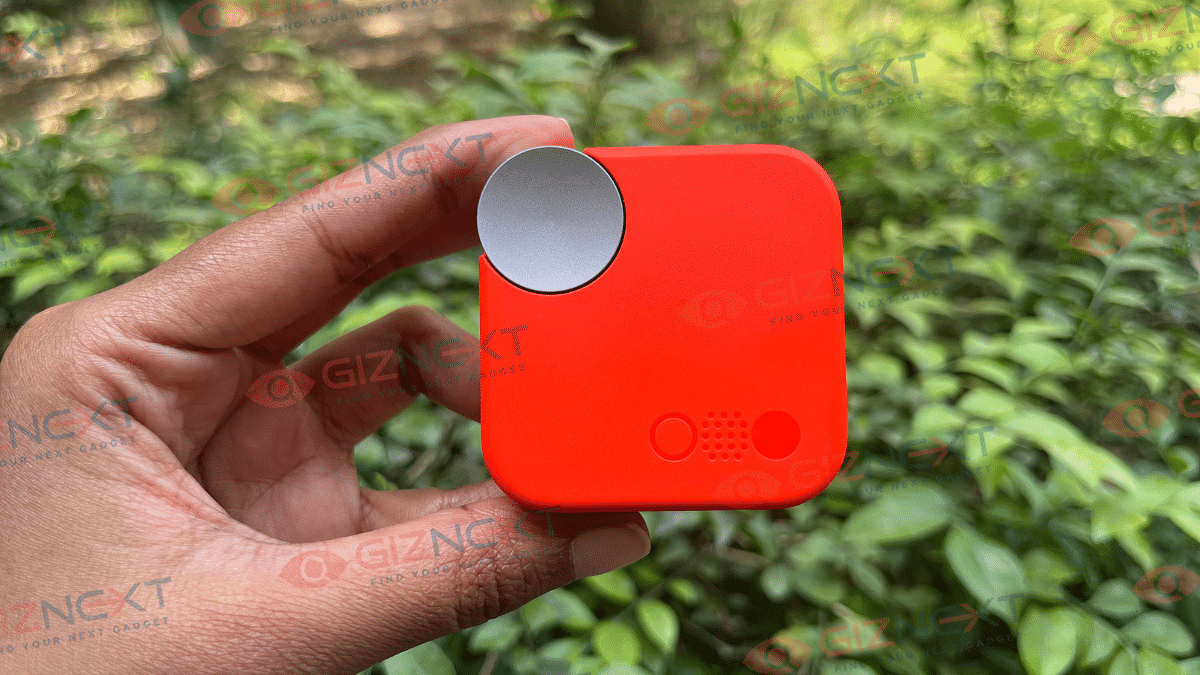
The CMF Buds Pro 2 come with dual drivers, LDAC technology, and 50dB Smart ANC. It further offers a decent sound experience with 43 hours of battery life.
It features 45dB Hybrid Active Noise Cancellation and customizable sound profiles. The CMF Buds Pro promise up to 39 hours of total playback with fast charging support.
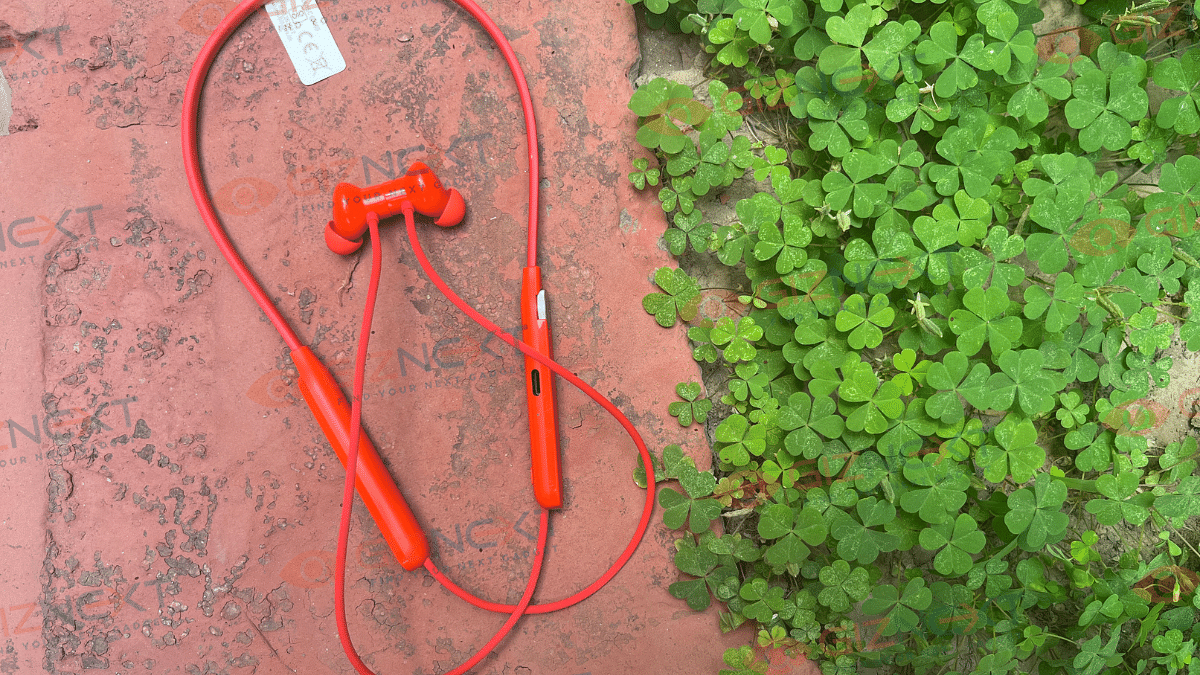
CMF Neckband Pro
This neckband offers 50dB Hybrid ANC, AI-powered noise cancellation, and 37 hours of playback. It’s ideal for fitness enthusiasts with its IP55 rating for water and sweat resistance.
For the tech geeks, stay updated with the latest cutting-edge gadgets in the market, exclusive tech updates, gadget reviews, and more right on your phone’s screen. Join Giznext’s WhatsApp channel and receive the industry-first tech updates.
Flipkart Big Billion sale will start on September 27
Get massive discounts on popular phones
Lowest price on Galaxy S23 FE
Flipkart Big Billion Days Sale is live. As one of the biggest sales of the year, it brings huge discounts across various categories like mobiles, smart TVs, laptops, and more. If you are looking to upgrade your smartphone, this is the perfect time to get amazing deals on some of the most popular devices from top brands such as Samsung, Motorola, Nothing, and more. With huge discounts and bank offers, you can get your hands on the latest smartphones at prices you won’t believe. Here are some of the top smartphone deals to look forward to during the sale.
There’s up to 30 percent of on the Redmi 13C 5G smartphone. During the Big Billions Day sale, you can get the smartphone at just Rs. 11,231 for 6GB variant.
For those looking for a more premium feel, the Note 40 Pro is a great option. Get up to 35 percent off this smartphone during this festive sale.
Display
6.78-inch AMOLED, 120Hz Refresh Rate
Processor
Mediatek Dimensity 7020
RAM + Storage
8GB RAM, 256GB
Rear Camera
108MP, 2MP, 2MP
Front Camera
32MP
Battery
5,000mAh
OS
Android 14
Colors
Vintage Green, Titan Gold, Racing Edition
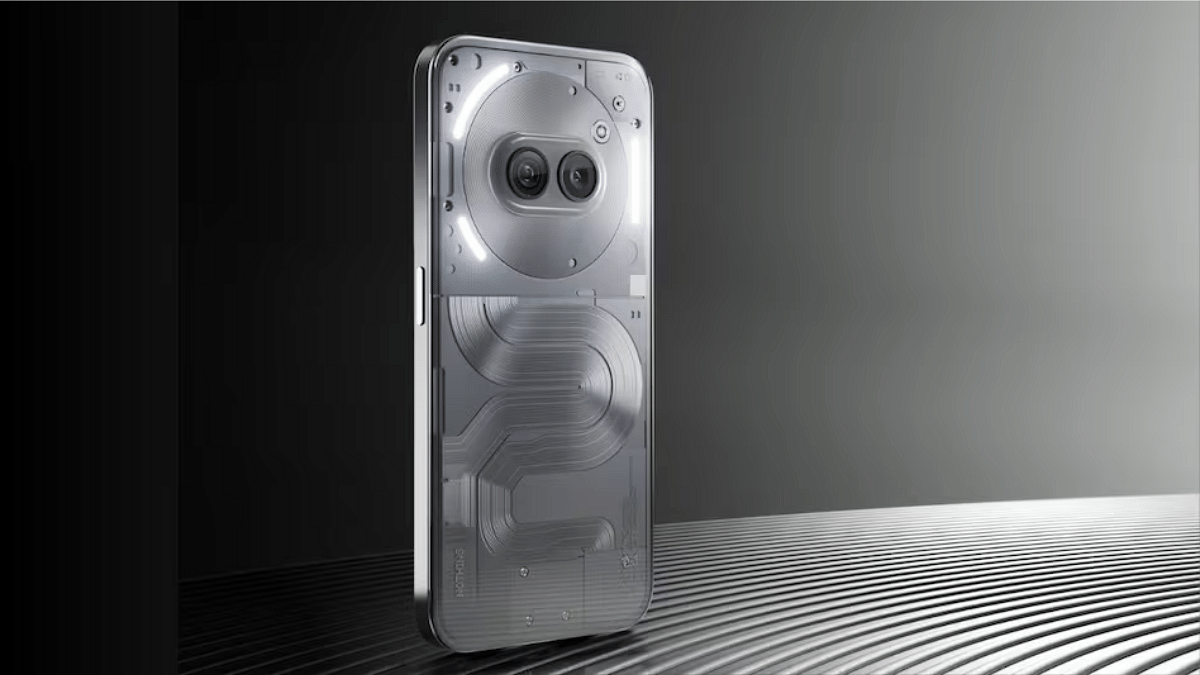
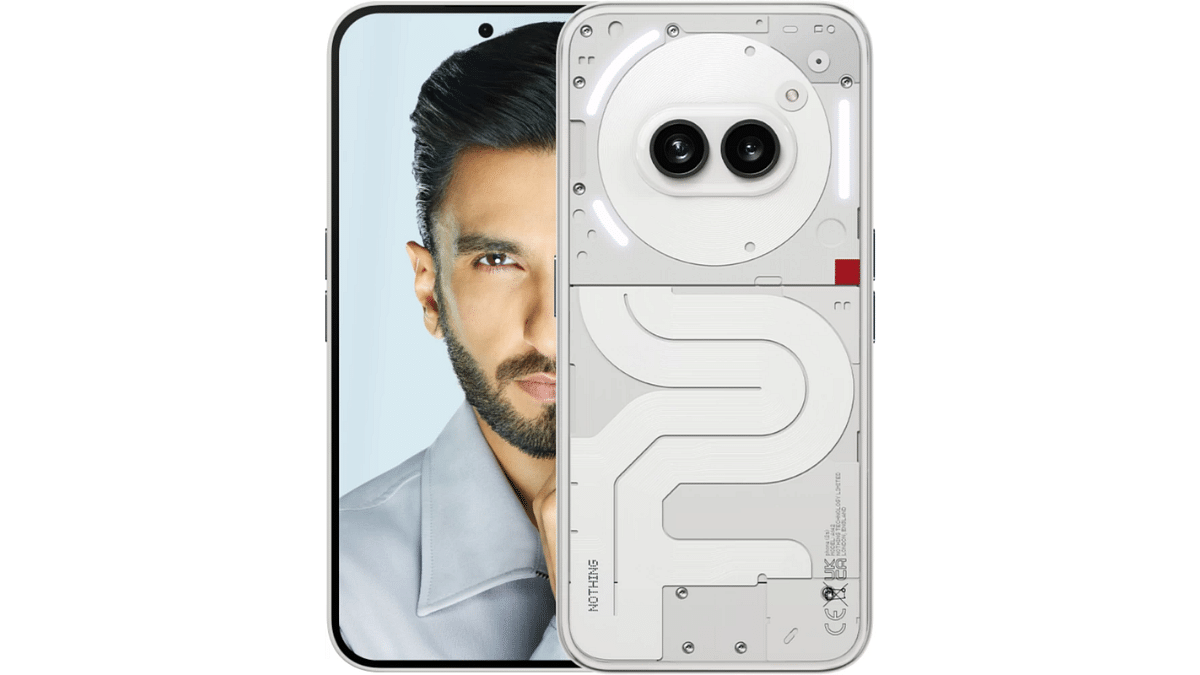
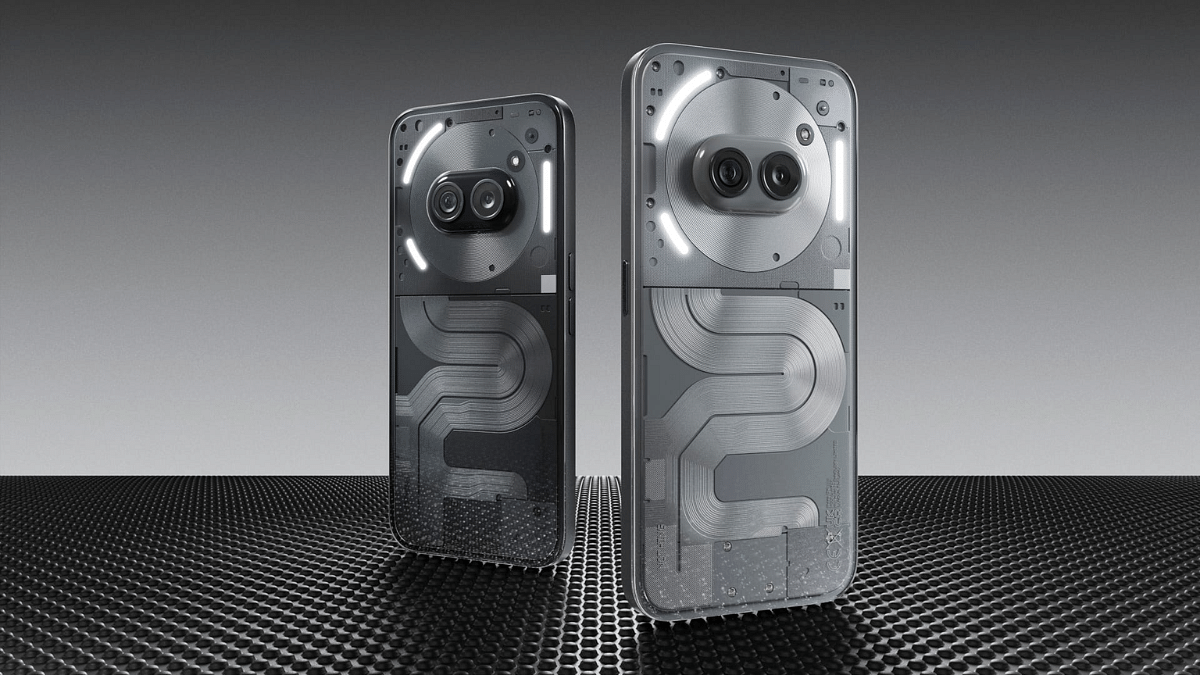
Nothing Phone (2a) Plus
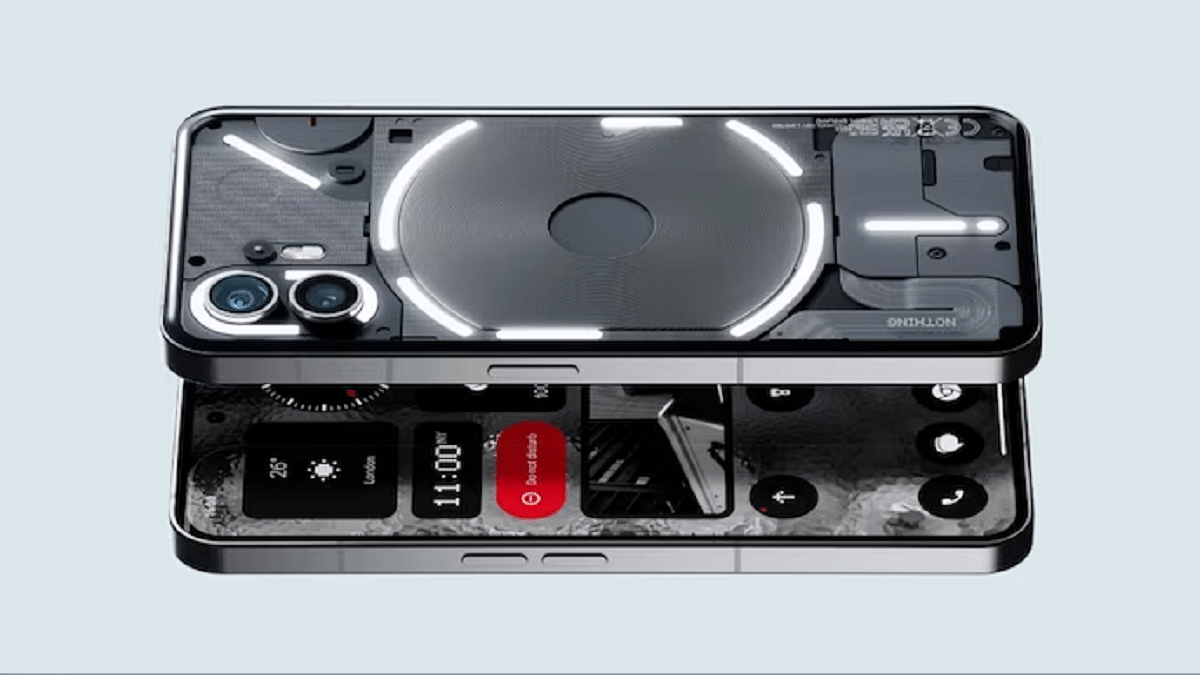
While the official price of the Nothing Phone (2a) Plus is set at Rs. 29,999, the sale will feature a special discounted price of Rs. 20,999.
Display
6.7-inch AMOLED, 120Hz Refresh Rate
Processor
Mediatek Dimensity 7350 Pro
RAM + Storage
Up to 12GB RAM + 256GB
Rear Camera
50MP + 50MP
Front Camera
50MP
Battery
5,000mAh
OS
Android 14
Colors
Black, Grey
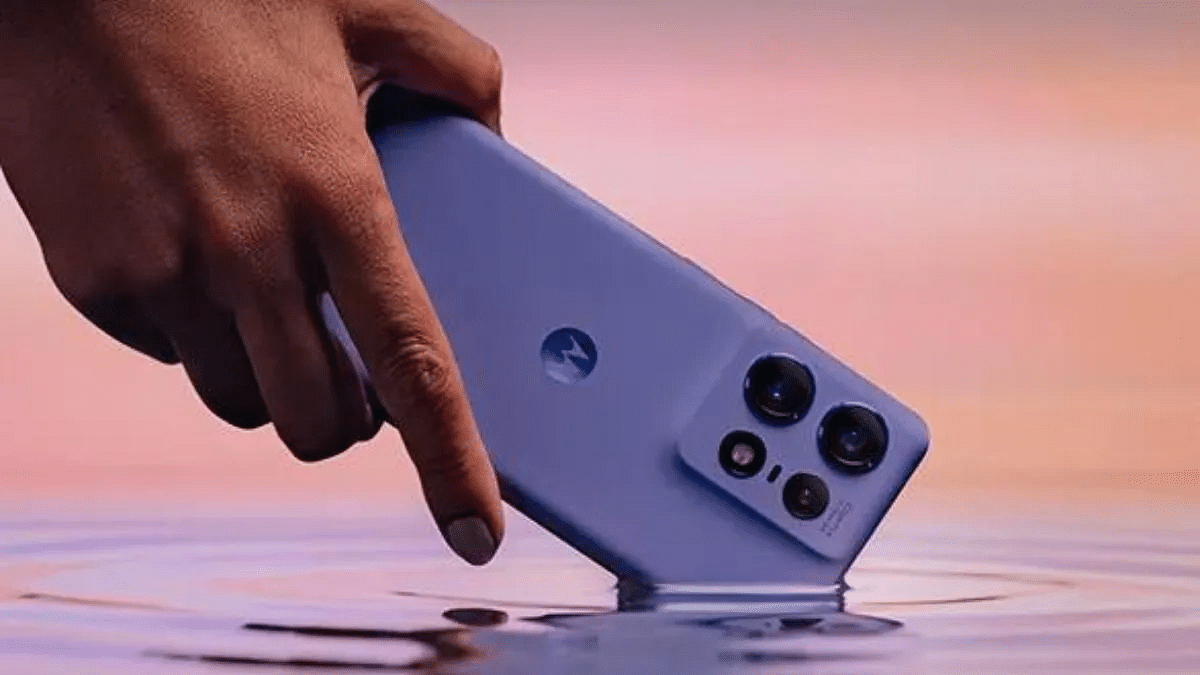
Motorola Edge 50 Pro
Another great option is the Motorola Edge 50 Pro. Normally priced at Rs. 35,999, the Flipkart Big Billion Days Sale will bring this premium smartphone down to just Rs. 27,999, including bank offers.
Display
6.7-inch P-OLED
Processor
Snapdragon 7 Gen 3
RAM + Storage
Up to 12GB RAM + Up to 512GB
Rear Camera
50MP + 10MP + 13MP
Front Camera
50MP
Battery
4,500mAh
OS
Android 14
Colors
Black Beauty, Vanilla Cream, Luxe Lavender, Moonlight Pearl,
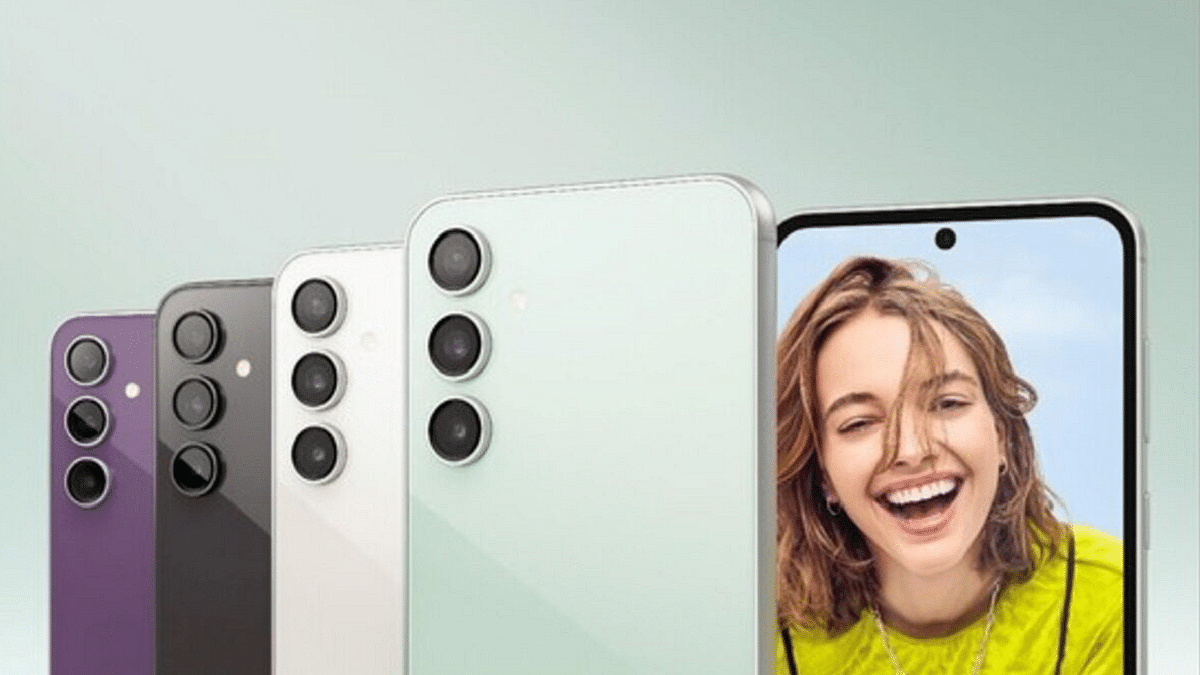
Samsung fans are in for a treat with the Galaxy S23 FE 5G receiving a major price cut during the sale. This flagship smartphone will be available for less than Rs. 30,000.
Display
6.4-inch Dynamic AMOLED
Processor
Exynos 2200
RAM + Storage
8GB + Up to 256GB
Rear Camera
50MP + 12MP + 8MP
Front Camera
10MP
Battery
4,500mAh
OS
Android 13
Colors
Mint, Graphite, Indigo, Tangerine, Cream, Purple
For the tech geeks, stay updated with the latest cutting-edge gadgets in the market, exclusive tech updates, gadget reviews, and more right on your phone’s screen. Join Giznext’s WhatsApp channel and receive the industry-first tech updates.
Imaging holding a mobile phone in your hand that looks like it belongs in the premium range. But, without a hefty price tag. That’s what exactly Vivo is offering with its recently launched T3 Ultra 5G. From the very first glimpse, it is clear that Vivo has packed the design of its higher-end models into this mid-range beauty. From the sleek, minimalist finish to the eye-catching colors, the T3 Ultra feels like a phone made to impress. But, is it just all about looks? Or, does it perform as well? Here, I have put the Vivo T3 Ultra 5G through its paces, and here’s what I found out. Let’s begin.
Pros
Cons
Sleek, premium design
No wireless charging support
Good display
Bloatware and pre-installed apps
Dimensity 9200+ chipset
Decent battery
Good front camera
What’s Inside The Box?
Vivo T3 Ultra 5G Handset (Lunar Gray)
Charger
USB Cable
TPU Case
User Manual
Design
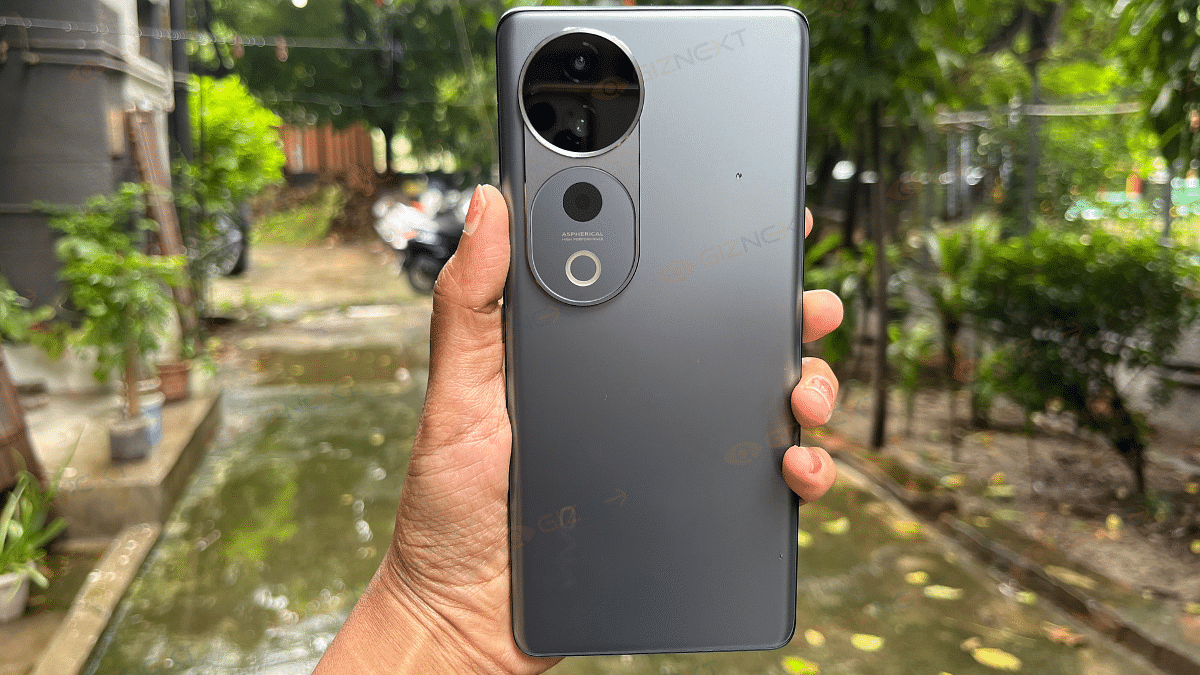
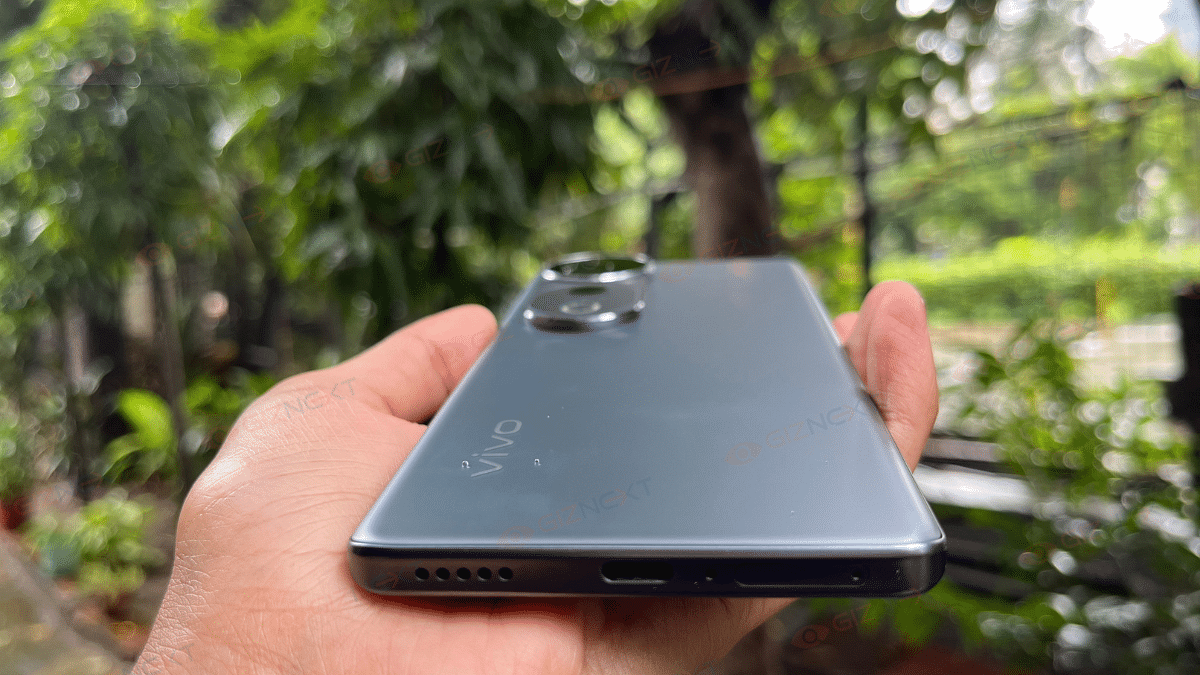
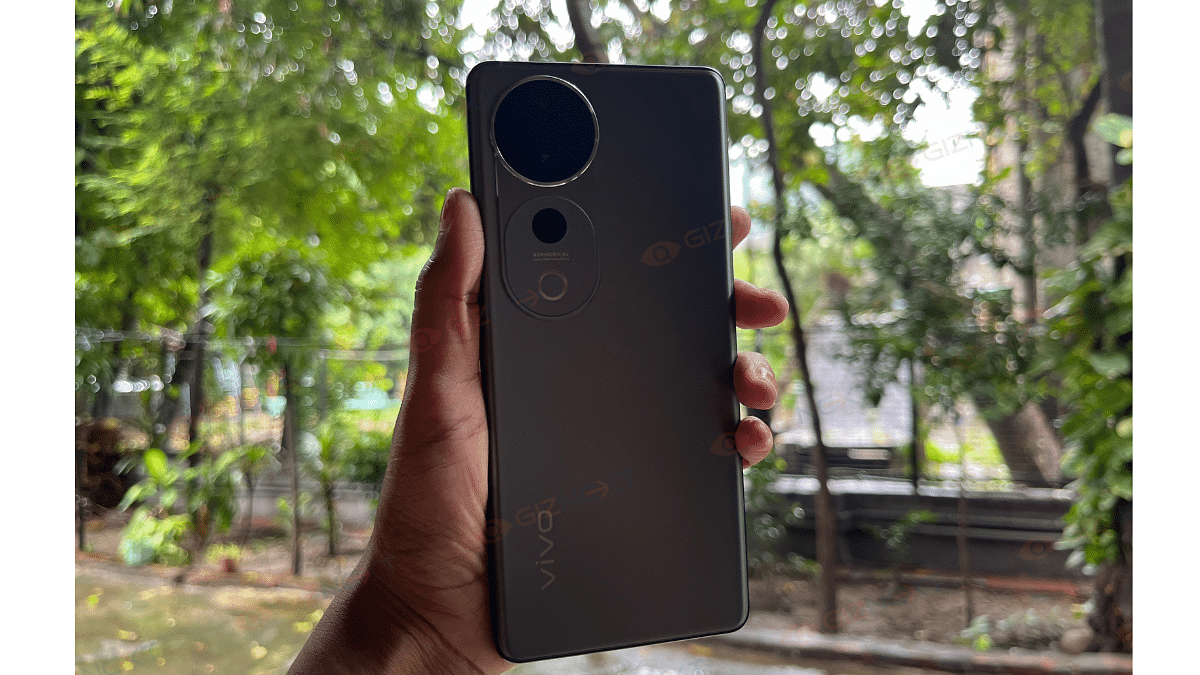
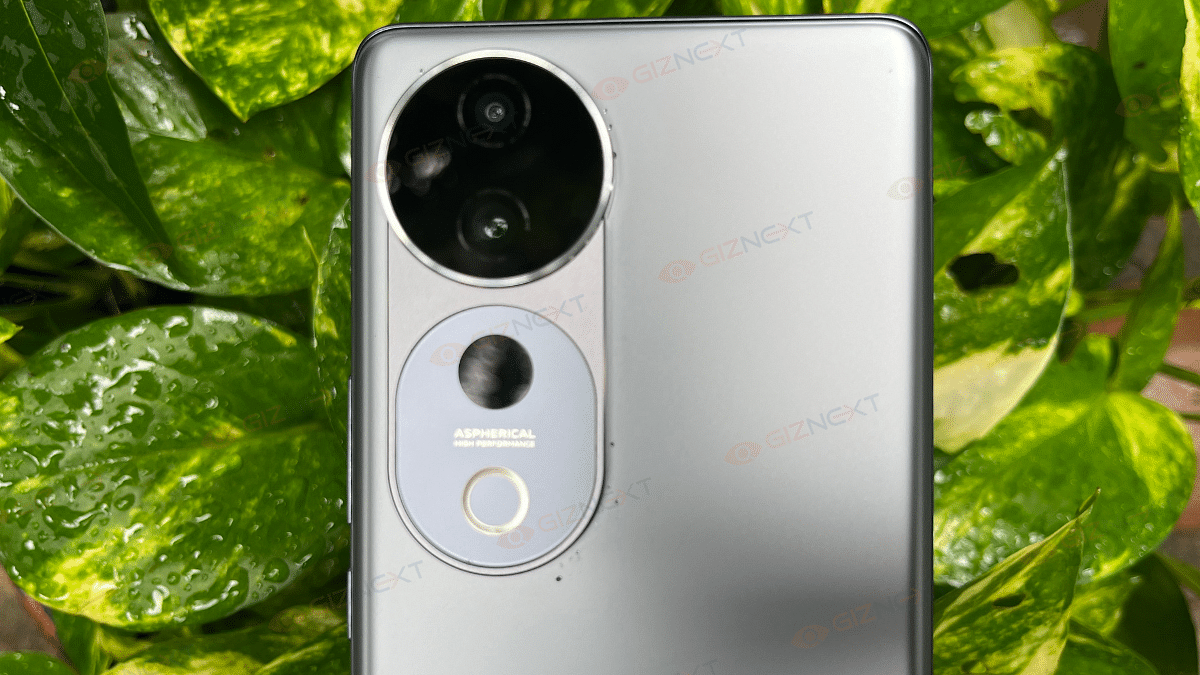
I have had a strong first impression of the Vivo T3 Ultra 5G the moment I took it out of the box. It feels solid in the hand and definitely giving a premium vibe with just the right amount of weight. The device weighs 192 grams and measures 7.58 mm thick, which gives it a nice balance between lightweight and slim. The smooth matte finish on its back feels nice to touch. However, while the aesthetics scream high-end, the company has opted for a plastic frame instead of metal. This might leave some users questioning its durability. But at this price point, I think it is a compromise that’s understandable.
The front of the Vivo T3 Ultra 5G features an optical fingerprint sensor. It is quick and responsive, though its placement is a bit low for my liking. And while there’s no headphone jack, the smartphone does offer IP68 water and dust resistance.
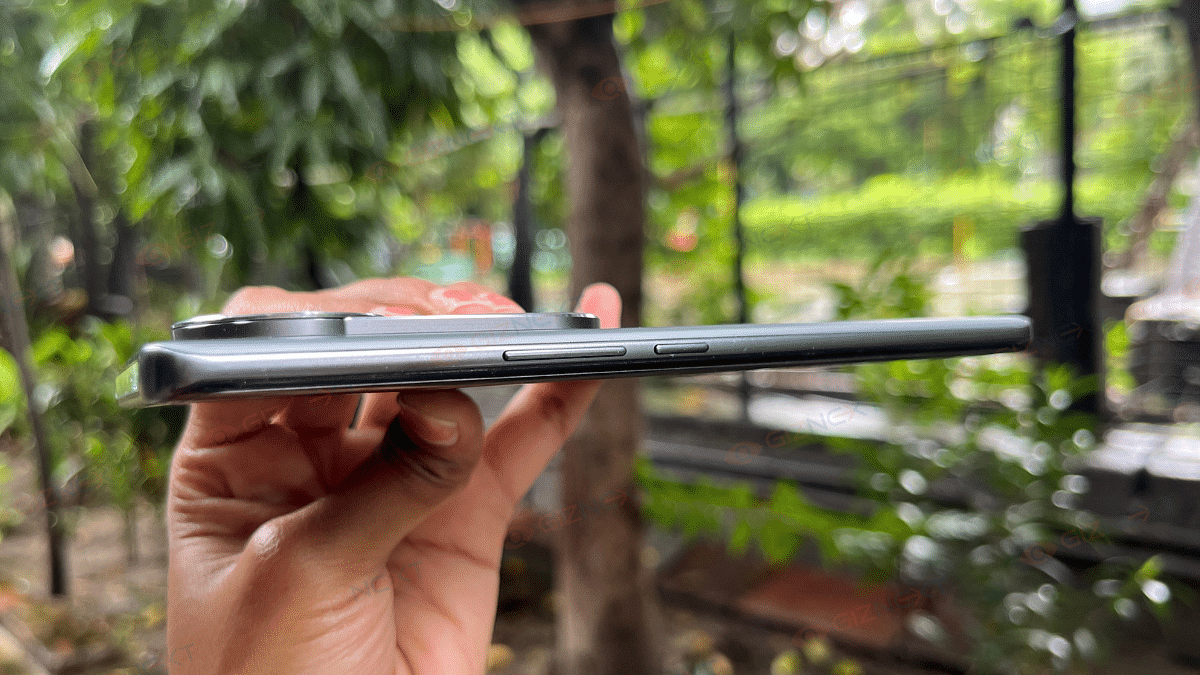
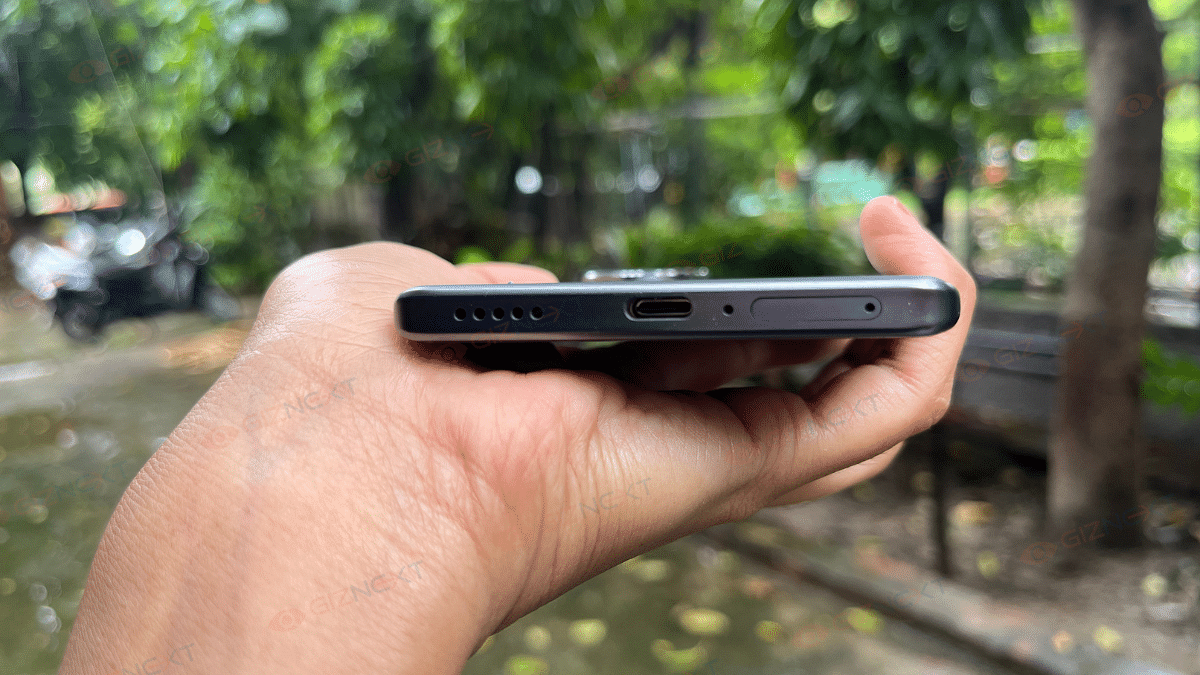
On the top of the device, the phrase ‘Professional Portrait’ subtly etched. At the bottom, there’s a SIM card tray that supports two nano SIM cards, a USB Type-C 2.0 port, the primary microphone, and speaker. Coming to the left side, things are kept clean with no buttons or ports. On its right side, there’s the power button and volume rockers. This layout is practical, and the buttons are positioned just right for one-handed use.
Display
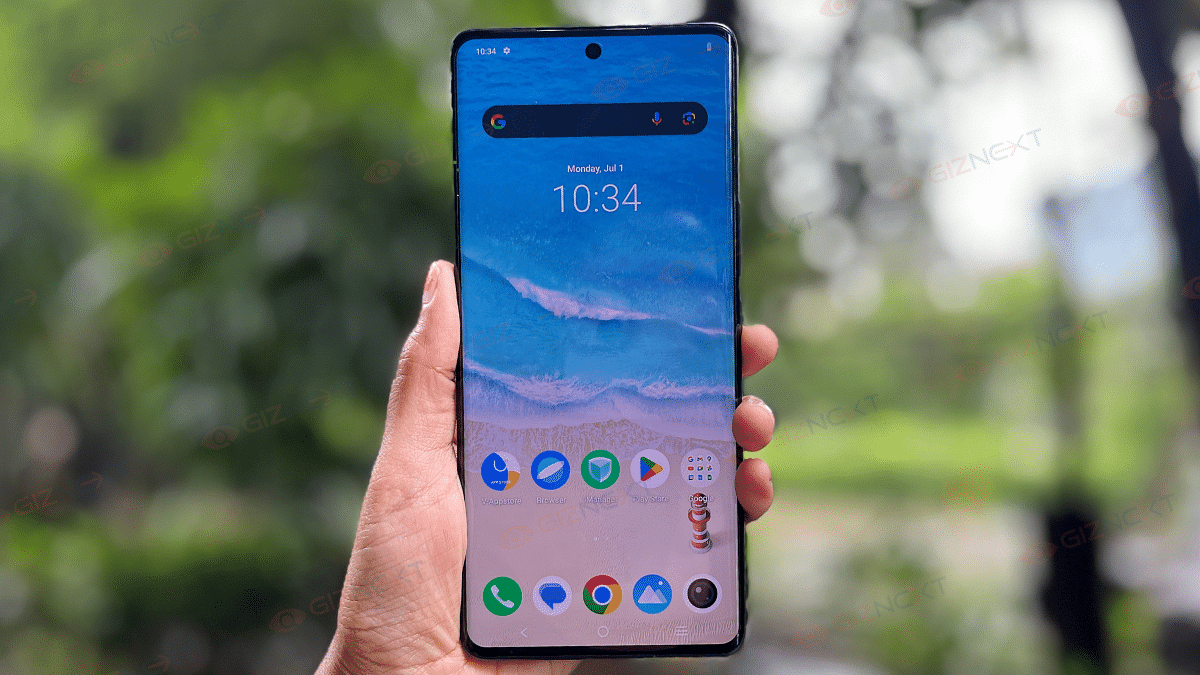
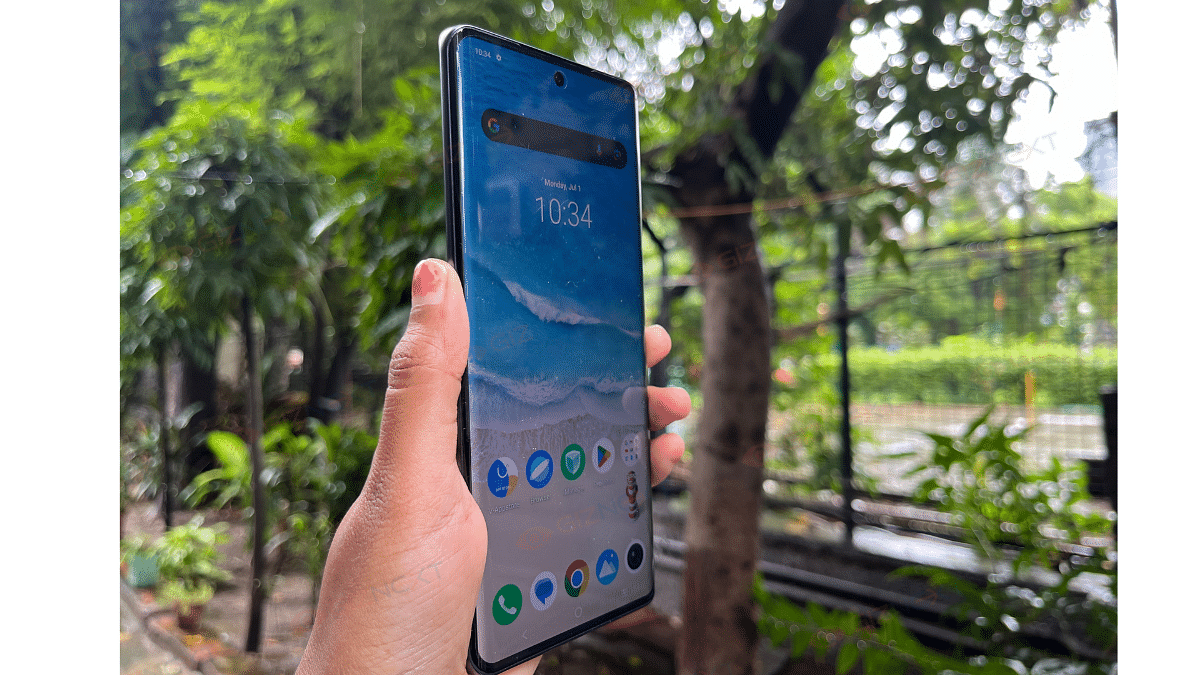
If I talk about the display, this is where the Vivo T3 Ultra 5G starts to shine. The device has 6.78-inch AMOLED screen along with a 3D curved design. If you are like me and appreciate a curved display, you will definitely love how immersive it feels, especially when watching content. The screen offers a 2800 x 1260 resolution. It is set to FHD by default. So, if you want the full 1.5K experience, you will need to head into the settings and turn it up.
The color tuning options are a nice touch. I mostly stick with Standard for natural tones, but you can switch to Professional for warmer colors or Bright for a cooler and more vibrant look. So, whether you are scrolling through Instagram or watching a Netflix series, everything looks vibrant and sharp.
Comin to the refresh rate, it has 120Hz. But it is not LTPO. So, there’s no adaptive refresh rate here. At 4500 nits for HDR content and 1200 nits for regular use, it has a decent peak brightness. While it is not the brightest display out there, it undoubtedly holds up well under most lighting conditions. Streaming content or watching videos is a treat on this screen, especially with the refined curves that make everything feel a bit more cinematic. The bezels can seem uneven due to the curve, but honestly, it didn’t bother me much. Lastly, the punch-hole cutout is well-placed. This keeps the overall design sleek and clean.
Performance
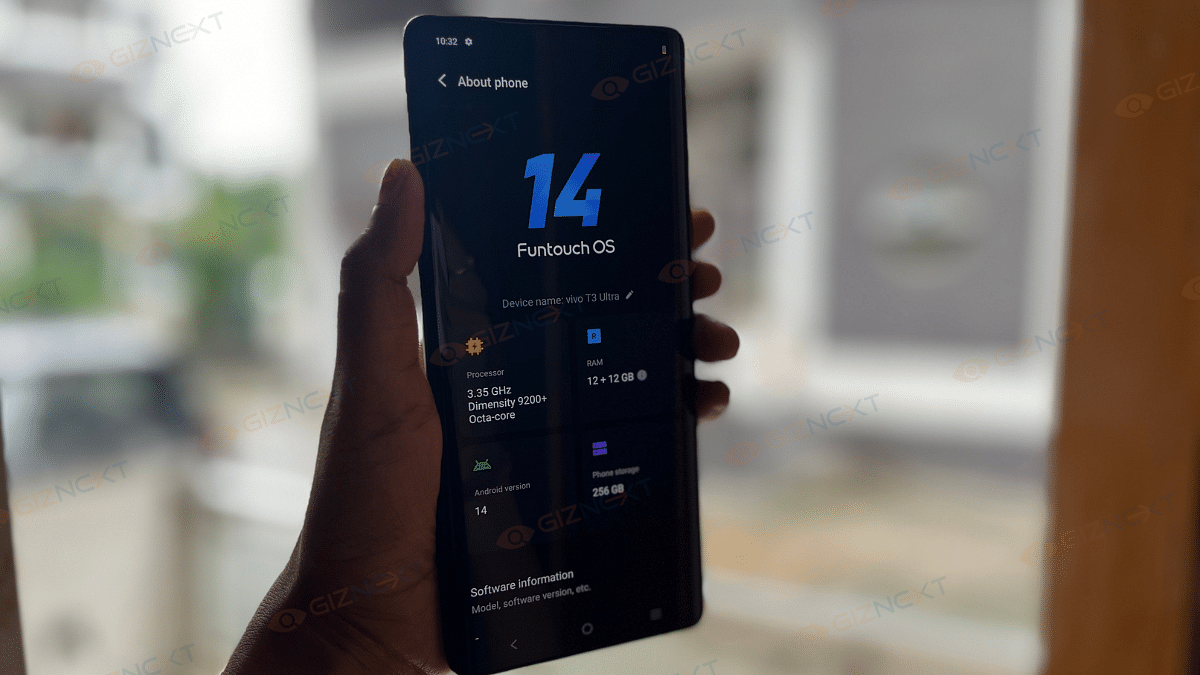
The Vivo T3 Ultra 5G is powered by the MediaTek Dimensity 9200+ chipset. Well, it is the same flagship processor we saw in high-end devices like Vivo X90 Pro. However, now it has been carried to a more affordable device. The smartphone offers up to 12GB of RAM and 256GB storage. So undoubtedly, it can easily handle multitasking, gaming, and just about anything you throw at it. But you know, what’s the icing on the cake? It is the vapor cooling system. It helps to manage the heat effectively. During my time with it, the phone stayed surprisingly cool even after hours of gaming and heavy use, which I think is great.
In day-to-day use, apps open quickly, switching between them is smooth. I personally did not experience any noticeable lag. Well, I guess that is the power of the Dimensity 9200+ chipset. It gives you that flagship-level performance without burning a hole in your pocket.
Coming to the stereo speakers, it is decent but not revolutionary of course. They are loud enough for watching videos or listening to music, but the stereo separation is not as strong as I would have liked. So, if you are someone who prefers really loud speakers, this could be a bit of a letdown.
Software
The Vivo T3 Ultra runs on Funtouch OS 14. It offers a smooth and customizable experience. Vivo also promises three years of software updates and four years of security updates. However, there is a fair amount of bloatware on board which I didn’t like. You will be greeted by prompts to open the V-Appstore upon booting up, which can get annoying pretty quickly. While you can uninstall most pre-installed apps, but some like the V-Appstore is stuck on the device, and you might want to disable notifications to avoid the constant pop-ups.
That said, Funtouch OS 14 does come with some handy features, especially for photo enthusiasts. The AI Eraser and Photo Enhance tools are great for quick edits, and the camera app offers extensive watermark customization options. The animations are smooth, though I did miss some of the fun wallpaper effects like zooming and blur that we see in other custom Android skins.
Camera
The camera system on the vivo T3 Ultra is packed with features that make it a strong contender in its price range.
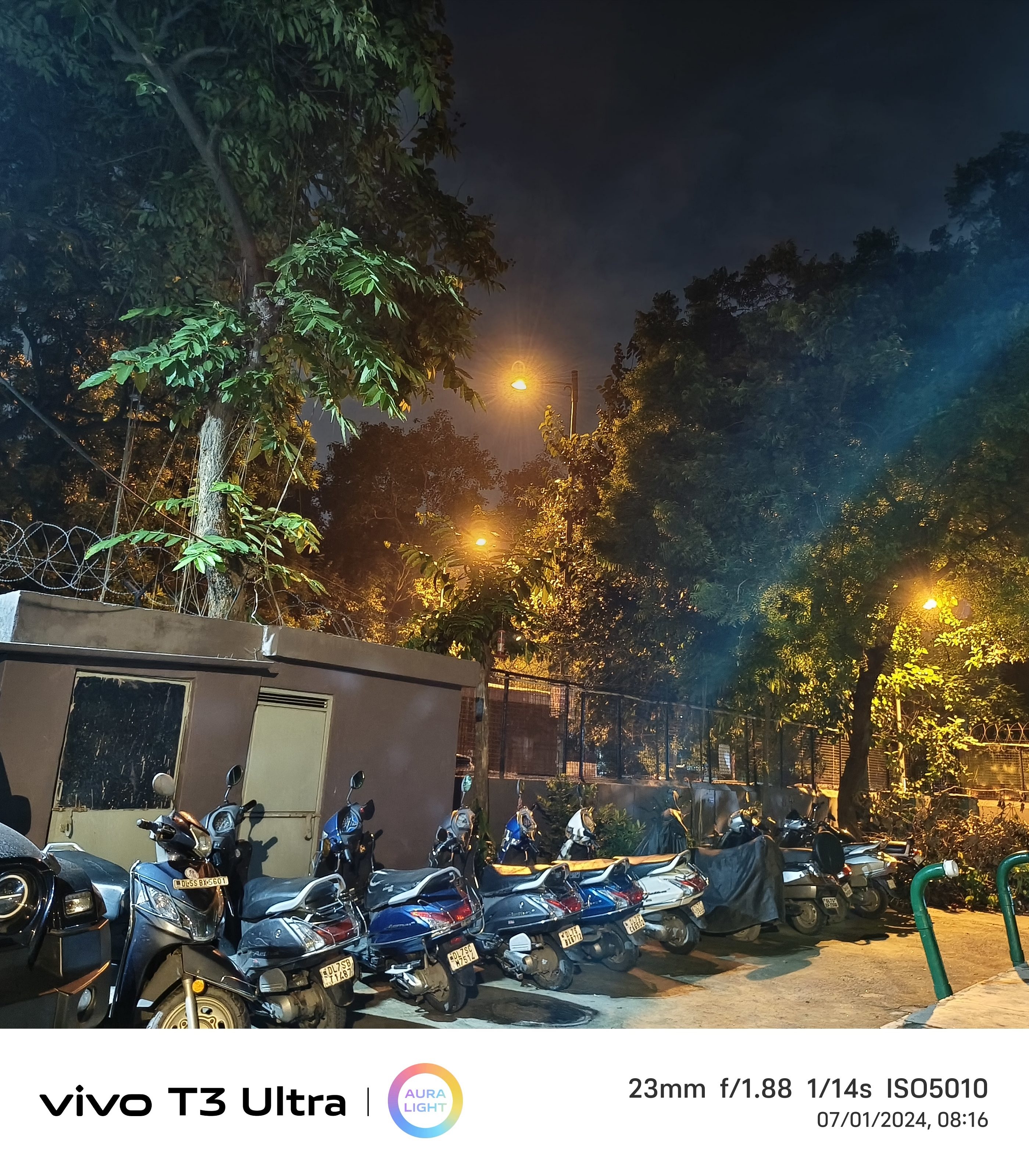
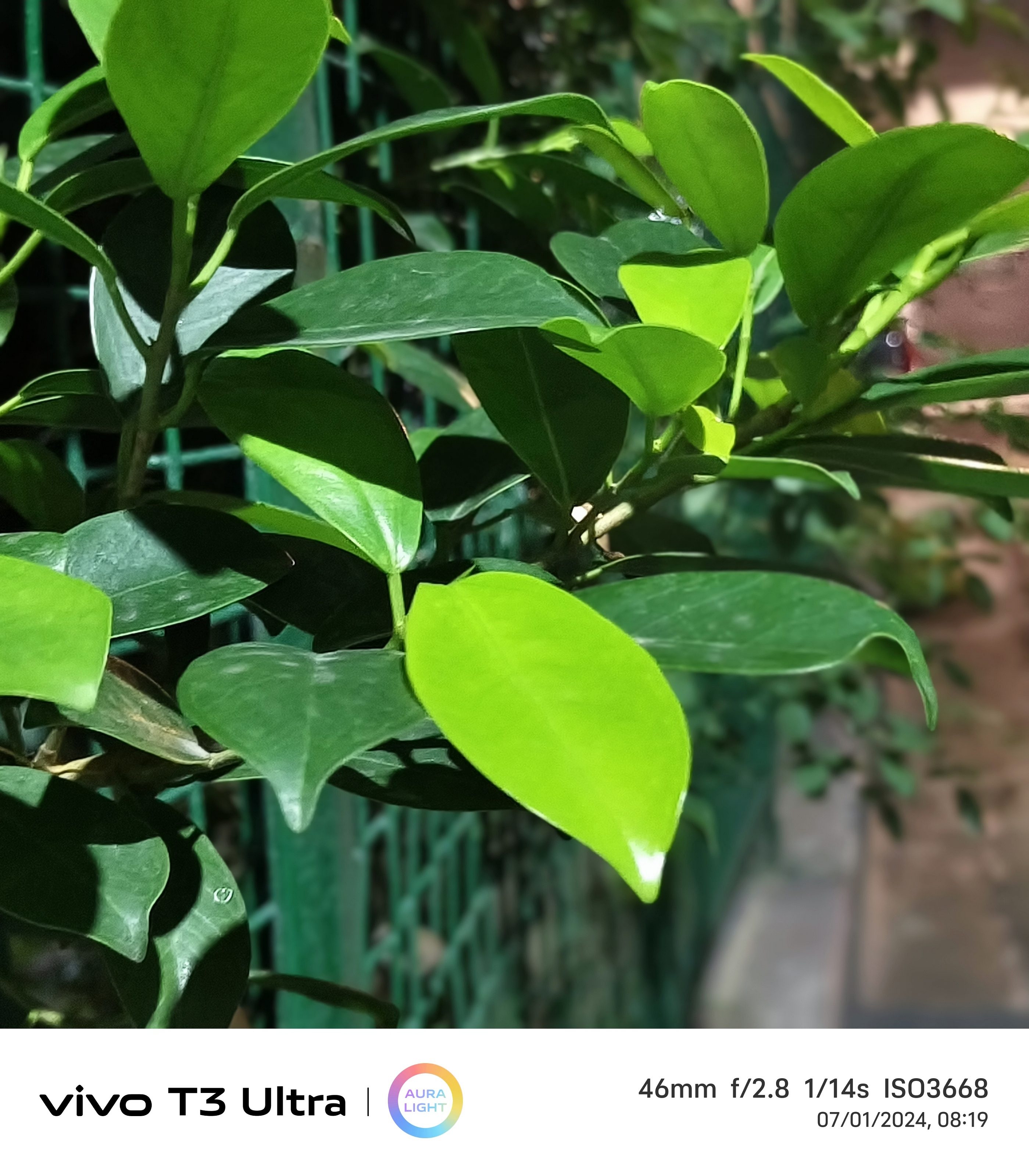
Let’s start with the main camera, that is, 50MP Sony IMX 921. Well, it performs decent in various lighting conditions, especially in low light. The details are sharp, colors are vibrant, and the shimmer on reflective surfaces is captured accurately. Even in ultra-low light, I found the detail retention impressive. Although, a slower shutter speed could improve overall lighting balance.
However, the main camera shines in the well-lit environments. It provides great color accuracy and detail retention. The edge detection works well for portrait shots. The bokeh effect is also smooth.
Coming to the 8MP OmniVision OV08D10 ultra-wide camera, it does a decent job, especially in well-lit conditions. In low light, detail retention is impressive. However, when zooming in, some textures struggle to retain sharpness.
Portrait shots are decent, but not perfect. The edge detection can be hit or miss, but facial details are generally well-captured. It may not compete with flagship portrait cameras, but for the price, it holds its own.
The 50MP Samsung JN1 selfie camera is one of the standouts. In low light, the phone’s screen adds just the right amount of illumination. In well-lit conditions, selfies come out sharp with minimal smoothing. Colors are accurate, and the image quality overall is impressive for a front-facing camera.
Battery
The Vivo T3 Ultra is powered by the 5,500mAh battery capacity. During my usage, it easily lasted a full day on medium usage. This includes social media browsing, watching videos, and some web surfing. By the end of the day, there was still some power left. This means you won’t need to rush for a charger in the evening.
Coming to the charging speed, it provides 80W wired fast charging. You can get 0 to 100 percent in just an hour. However, lack of wireless charging is a downside, especially in this price range.
Giznext’s Final Verdict
Model
Price
8GB RAM + 128GB Storage
Rs. 31,999
8GB RAM + 256GB Storage
Rs. 33,999
12GB RAM + 256GB Storage
Rs. 35,999
So, is the Vivo T3 Ultra worth your hard-earned money? Well, if you want a phone that feels premium but doesn’t hit your wallet too hard, this one is definitely a winner. With its sharp display, decent battery life, and good camera performance, it is a steal. However, if wireless charging or loud speakers are must-haves for you, you might need to look elsewhere. For most, though, the Vivo T3 Ultra offers great value and style without the expensive price tag.
For the tech geeks, stay updated with the latest cutting-edge gadgets in the market, exclusive tech updates, gadget reviews, and more right on your phone’s screen. Join Giznext’s WhatsApp channel and receive the industry-first tech updates.
Pickup/drop services in 18,000 pin codes, 7,000 offline locations
Nothing India is taking many important steps in order to increase its customer support infrastructure. With an impressive 567 percent growth in the first half of 2024, the London-based consumer tech brand is committed to making its services more accessible and effective for its fast growing customer base.
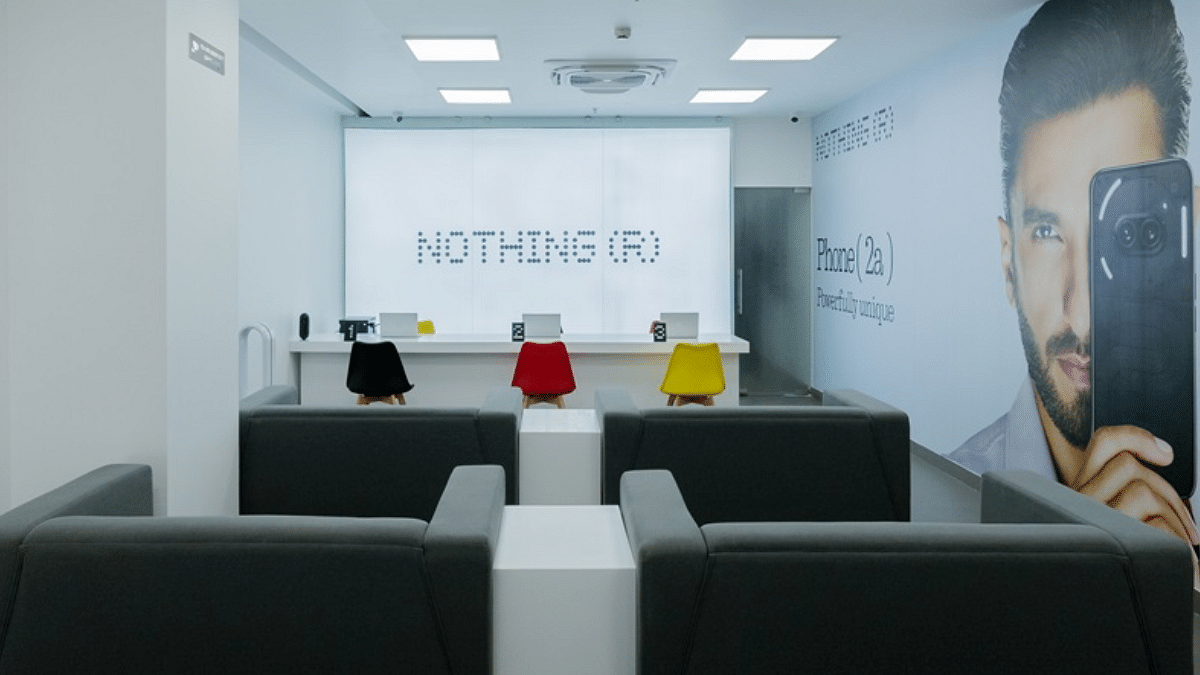
In October, Nothing India will open two new exclusive service centres in Hyderabad and Chennai. This expansion will increase the total number of exclusive centres nationwide from three to five. These new centres are part of Nothing’s plan to provide top-tier service across the country.
Hyderabad and Chennai: Two new exclusive service centres will be operational by October.
Existing Centres: The centres in Kolkata and Gurgaon are already up and running.
Priority Service Desks At Multi-Brand Centres
Nothing is also setting up priority exclusive service desks at five multi-brand service centres. These desks are designed to offer greater service and quicker support for Nothing customers.
New Locations: Priority desks will be established in Cochin, Ahmedabad, and Lucknow.
Current Desks: Existing priority desks are in Kolkata and Gurgaon.
Pickup And Drop Services
To further enhance customer convenience, Nothing India also offers pickup and drop services that cover 18,000 pin codes across the country. This extensive service range makes sure that more customers can access reliable support without having to visit a service centre in person.
Nothing has significantly expanded its offline presence, more than doubling its reach from 2,000 to 5,000 locations. The brand is now available at major retail chains like Flipkart, Croma, and Vijay Sales. Looking ahead, Nothing plans to increase its offline footprint to 7,000 outlets across India.
For the tech geeks, stay updated with the latest cutting-edge gadgets in the market, exclusive tech updates, gadget reviews, and more right on your phone’s screen. Join Giznext’s WhatsApp channel and receive the industry-first tech updates.