Categories
Featured How To Mobile

iOS 16.1.1 Arrives With Bug Fixes: Here’s How To Download It On iPhone

Key Highlights

  • Apple has released iOS 16.1.1 for supported iPhone models
  • Apple has released iPadOS 16.1.1 for supported iPad models
  • The latest update brings bug fixes and security updates

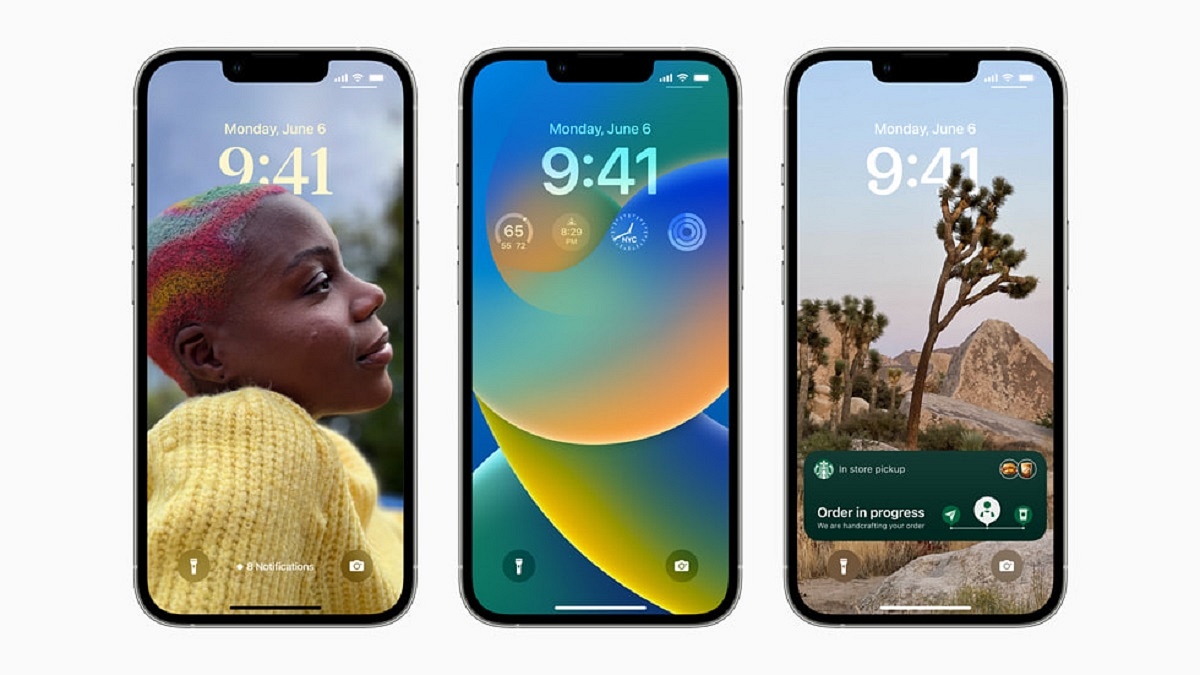
Apple has released iOS 16.1.1 and iPadOS 16.1.1 updates for all compatible iPhone and iPad devices. The recently released updates do not add any new features; instead, they fix bugs on the supported devices.

Apple hasn’t given a thorough description of the flaws that iOS 16.1.1 and iPadOS 16.1.1 are aimed to address. The tech giant has stated that these upgrades fix a flaw that may allow a “remote user to trigger unexpected app termination or arbitrary code execution,” according to the release notes.

iOS 16.1.1 Availability

As far as availability is concerned, the iOS 16.1.1 and iPadOS 16.1.1 updates are for iPhone 8 and newer iPhone models, all iPad Pro models, third-generation iPad Air and newer models, iPad fifth generation and newer models, and the fifth-gen iPad Mini and newer models.

Steps To Download iOS 16.1.1 On iPhone

Step 1: Get your iPhone’s Settings app open.

Step 2: Select General Settings by tapping it.

Step 3: Select Software Update from the General Settings option by tapping it. You will then see the most recent software update that is available to you.

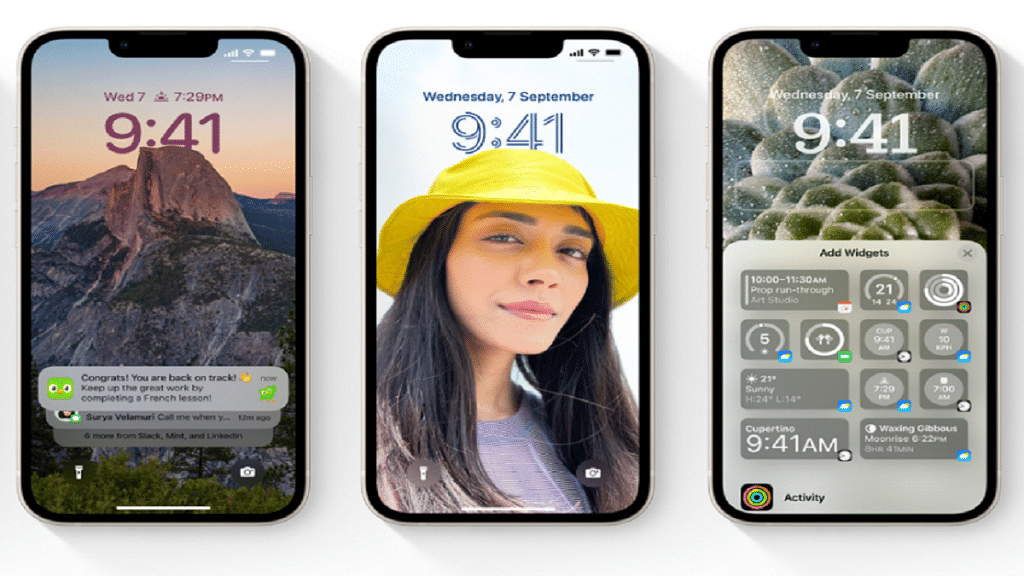
Step 4: Select “Download and Install” from the option.

Step 5: There, you will be asked to enter your passcode. Type in your iPhone password.

Step 6: To accept Apple’s terms and conditions, tap on Agree. To make sure of your decision, tap the Agree button one more.

Step 7: To complete the installation procedure, adhere to the on-screen instructions.

It is worth noting that the iOS 16.1.1 update comes roughly two weeks after the company released iOS 16.1 which included a number of new features and changes. This update brought new charging settings that help users reduce their carbon footprint by selectively charging when cleaner power is available.

The update also brought support for the new Matter standard for connecting smart home devices and support for Apple Wallet key-sharing capabilities. It allows a user to securely share keys for cars, hotel rooms, and other items in the Wallet using Messages and messaging apps like WhatsApp.

Categories
Featured Leaks Mobile

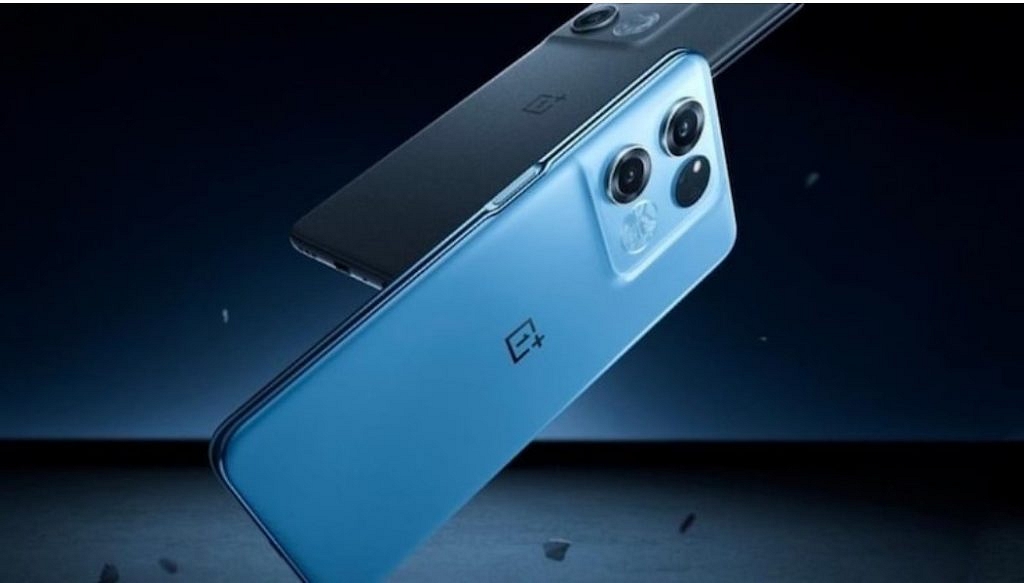
OnePlus Ace 2, Realme GT Neo 4 Key Specifications Leaked: All Details

Key Highlights

  • The Realme GT Neo 4 specs surfaced online
  • OnePlus Ace 2 likely to come with identical specs
  • OnePlus Ace 2 and Realme GT Neo 4 are likely to launch in early 2023

Brands such as Oppo, OnePlus, and Realme are under the same company, BBK Electronics. One device is frequently rebranded and released under a different name. The next generation Realme GT Neo 4 appears to debut with the same features as the OnePlus Ace 2.

Popular tipster Digital Chat Station disclosed on Weibo the details of a new smartphone but avoided disclosing the name. However, they stated in the comments area that the smartphone being discussed will be a Redmi K60 rival which sparked suspicion that it might be the Realme GT Neo 4. However, the upcoming OnePlus Ace 2 will likewise generally have the same set of specs with the design being the main area of variation. For all we know, the OnePlus smartphone might debut in the global market as the OnePlus 11R.

Given that both devices are expected to have nearly identical specifications and features, it is possible that the OnePlus Ace 2’s details were also revealed by the informant. Let’s look at it.

OnePlus Ace 2 / Realme GT Neo 4 Specifications (Expected)

According to the leak, the 6.7-inch OLED screen on the Realme GT Neo 4 / OnePlus Ace 2 will have a 1.5K resolution (2,772 x 1,440 pixels) with 2160Hz PWM dimming. A Snapdragon 8+ Gen 1 processor will power the smartphones.

In terms of optics, the devices are said to have a 16MP front camera and a triple rear camera configuration with a 50MP + 8MP + 2MP resolution. Lastly, both devices will reportedly boot Android 13 out of the box, but they will have different custom skins.

As far as the device’s battery is concerned, we can expect the Realme GT Neo 4 and OnePlus Ace 2 to boast a massive 5,000mAh battery with 100W fast charging support.

Also Read | OnePlus Gadget Support: How To Change And Update New OnePlus Email Account

Categories
Featured Leaks Mobile

Realme 10 Ultra Likely Under Development With Snapdragon 8 Gen 2 And 200MP Camera; Concept Or Reality?

Key Highlight

Realme 10 Ultra likely under development with Snapdragon 8 Gen 2

200MP main camera for photography

Could be a concept phone

Realme 10 series launch has been announced for November 9. The latest affordable smartphone lineup from the company will be introduced with multiple models including both 4G and 5G variants. Going by the recent leaks along with the details shared by Realme itself, the vanilla Realme 10 4G. Realme 10 5G, Realme 10 Pro, and the Realme 10 Pro+. It seems like Realme will be settings new standards with this upcoming budget series and for the first time will be launching a flagship-grade model in its popular mid-range smartphone lineup.

Now, a new model in this series has surfaced which seems to be a game changer. Called the Realme 10 Ultra, the new variant will be a lot more powerful than the remaining Realme 10 series phones and also other mid-range Android phones.  

Is Realme 10 Ultra The Most Powerful Realme 10 Series Phone?

The Realme 10 Ultra variant’s existence has been tipped by a new leaked poster floating on the web. The top-of-the-line Realme 10 series phone’s poster has surfaced on the Chinese microblogging website Weibo.

The Realme 10 Ultra poster has one crucial detail related to the hardware, i.e., the chipset. This Realme 10 series phone’s poster mentions the Qualcomm Snapdragon 8 Gen 2 chipset. We have seen Realme powering its premium range phones specifically the Realme GT series with top-of-the-line Qualcomm processors.

But this would be the first time Realme will integrate such a powerful chipset on an affordable model. In addition to the high-end Qualcomm chipset the leaked poster hints the Realme 10 Ultra will be employing a 200MP primary camera sensor. This is another advancement with the primary hardware that will be offered by the budget Realme phone.

The render images also show a curved-edged panel of the Realme 10 Ultra. The brand had earlier teased the Realme 10 4G with a curved display which suggests the top-of-the-line model will also be using the same panel design. Unfortunately, there is no word from the brand on this model’s launch and arrival details. It can’t be said if the brand will indeed launch this model or if this is just a concept designed by a fan. Whatever may be the case, we are expecting the details to be revealed in the coming days.

Categories
Featured Info Mobile

Mi Clearance Sale 2022: Grab Redmi Phones At Throwaway Prices

Key Highlights

  • The Smartphone Clearance Sale of Redmi is now live in India
  • The smartphones are available starting at Rs. 3,999
  • Older entry-level Redmi phones are available for under Rs. 5,000

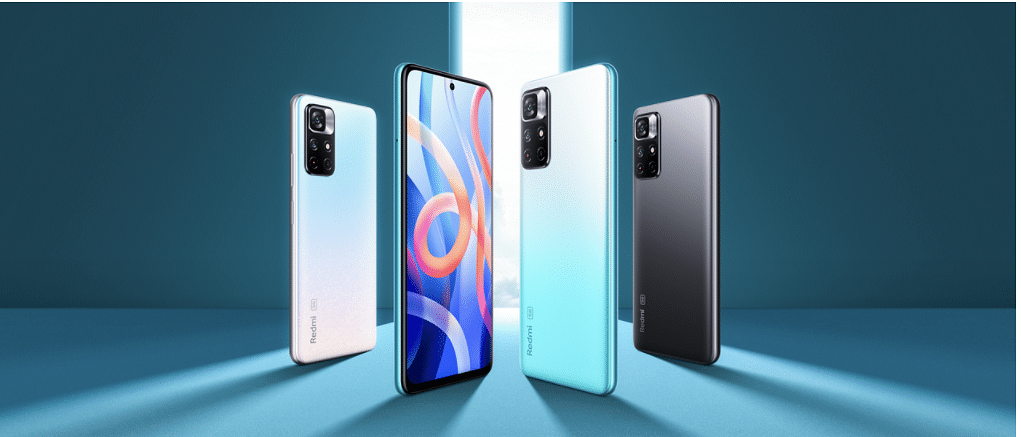
Redmi has discreetly started selling older Redmi phones for less in India as part of its Smartphone Clearance sale. Older entry-level phones can be purchased for under Rs. 5,000.

Many Redmi phones in the Redmi Clearance sale are more than three to four years old. All smartphones including the Redmi Note 3 and the more recent Redmi Note 10, may be found at affordable prices. However, it is important to note that all other phones, with the exception of the Note 10 series, do not support any form of warranty or service.

List Of Redmi Smartphone Clearance Sale

You can purchase these smartphones if you have extra cash and wish to explore some vintage models. All will come with official Redmi packaging. Here is a list of every device that is being sold in the Redmi’s Smartphone Clearance sale.

Redmi SmartphonePrice
Redmi 6ARs. 3,999
Redmi 5ARs. 4,499
Redmi 5Rs. 4,499
Redmi 4Rs. 4,499
Redmi 6 ProRs. 4,499
Redmi 7ARs. 4,499
Redmi 7Rs. 4,999
Redmi 8ARs. 4,999
Redmi Note 3Rs. 4,999
Redmi Note 4Rs. 4,999
Redmi Y1 LiteRs. 4,999
Redmi Y2Rs. 4,999
Redmi 8A DualRs. 5,499
Redmi 6Rs. 5,999
Redmi Y3Rs. 5,999
Redmi Note 7Rs. 5,999
Redmi Note 7 ProRs. 5,999
Redmi Note 8Rs. 6,499
Redmi Note 7SRs. 6,999
Redmi 8Rs. 6,999
Redmi Note 9Rs. 7,499
Redmi Note 5 ProRs. 7,999
Redmi Y1Rs. 8,999
Redmi Note 6 ProRs. 10,999
Redmi Note 9 ProRs. 10,999
Redmi Note 10Rs. 10,999
Redmi Note 9 Pro MaxRs. 11,999
Redmi Note 8 ProRs. 12,999
Redmi K20Rs. 14,999
Redmi K20 ProRs. 17,999
Categories
How To Mobile

Samsung Easy Mode: What Is It And How To Enable It

Key Highlights

  • Samsung Galaxy phones come with the Easy Mode feature
  • The feature simplifies the user interface
  • Easy Mode is perfect for senior citizens or people with vision issues

Samsung smartphones use the One UI user interface from the company which is great to look at but not the most user-friendly interface. Samsung smartphones do, however, come with an Easy Mode that provides a simplified user experience. Here’s all you need to know about Easy Mode and how to enable it.

What Is Easy Mode?

Samsung Galaxy smartphones have an option called “Easy Mode” that simplifies the user interface. It removes the Samsung launcher and replaces it with a more user-friendly interface. Easy Mode is perfect for senior citizens or even those with vision issues because it boosts the system-wide font size. This is also a great tool for those who are new to using smartphones.

Easy Mode gives Samsung Galaxy users a simple method to streamline their smartphones and has long been a one-of-a-kind One UI feature. There is less mess and complexity when it is on.

Additionally, Easy Mode makes the contents on the screen larger and adds a high-contrast keyboard for easier reading. Using a longer touch-and-hold delay reduces accidental touches as well.

How To Turn On Samsung Easy Mode?

The Easy Mode can be turned on in the device Settings of the majority of modern Samsung phones. Listed are the steps that can help you turn on Easy Mode on your Samsung phone:

Step 1: To access the display settings menu, enter the Settings menu of your Samsung phone and touch Display.

Step 2: Then, select Easy mode by scrolling down. To activate Easy mode, tap the toggle next to it. The high contrast keyboard theme and the touch and hold delay duration can both be changed in the Easy mode.

Step 3: You will now notice that your home screen has been simplified when you access it. You’ll only find a small number of apps listed. By holding down on an app in the main app list and dragging it to the home screen, you can add more apps to the home screen.

Step 4: To add a single contact for quick access, simply swipe from the left until you locate the page. And you are all done.

Categories
Featured Leaks Mobile

Xiaomi 13 Pro Specifications Leaked, Likely To Pack Snapdragon 8 Gen 2

Key Highlights

  • Xiaomi plans to unveil the Xiaomi 13 Pro soon
  • The upcoming phone will feature the Snapdragon 8 Gen 2 SoC
  • It will be housed a 4,800mAh battery

Prior to any official announcement, a new leak has disclosed some crucial details about the upcoming Xiaomi 13 Pro. Let’s take a look at what to expect from the next flagship which is already expected to have top-notch specs and features.

Yogesh Brar, a well-known tipster, leaked the specifications. The premium flagship handset would have a 6.7-inch Samsung E6 AMOLED panel with LTPO technology and 2K resolution, according to his tweet. In other words, a high refresh rate of at least 120Hz is expected. The phone will have 8GB or 12GB of RAM and internal storage of 128GB, 256GB, or 512GB. It’s believed to be powered by Qualcomm’s upcoming Snapdragon 8 Gen 2 processor.

The Xiaomi 13 Pro is anticipated to have three cameras: a 50MP Sony IMX989 primary sensor with a 1-inch size, a 50MP ultra-wide-angle lens, and another 50MP telephoto camera. The front will hold a 32MP selfie camera in the meanwhile.

Notably, Leica optimizations will be present in the back cameras which was expected considering the two company’s collaboration. If this rumor is true, Xiaomi will be employing a sensor that cost $15 million because Sony and Xiaomi jointly developed the sensor for the Xiaomi 12S Ultra.

According to the leak, the handset would come equipped with MIUI 14, a custom skin based on Android 13. Rumor has it that the Xiaomi 13 Pro which supports 120W fast charging will come with a huge 4,800mAh battery. In addition, it has the potential to support reverse charging and wireless fast charging.

 Xiaomi 13 Pro Leaked Specifications:

Display6.7-inch E6 2K LTPO
ProcessorQualcomm Snapdragon 8 Gen 2
SoftwareAndroid 13, MIUI 14
Rear Camera50MP (1-inch IMX989) + 50MP (UW) + 50MP (Tele)
Front Camera32MP
RAM8GB / 12GB RAM
Internal Storage128GB / 256GB / 512GB
Categories
Featured How To Mobile

Turn On Emergency SOS Feature On Android Phone: Here’s How

Key Highlights

  • Setting up Emergency SOS can be a lifesaver
  • You can add an emergency contact or personal contact number
  • To activate the Emergency SOS feature, press the power button five times

Regardless of its brand or model, your phone is likely to have an emergency SOS option built in. Although you hope you never need it, you should be aware of it just in case.

It only takes a few minutes to set up emergency SOS features but they could save your life. Quickly press the power button five times to dial your emergency contact number after enabling Emergency SOS. This can be changed to a personal contact or set to your local emergency number. The emergency number is 112 in India. It’s one of the most crucial things you can do when configuring a new Android phone.

Having a personal emergency number is beneficial since it alerts your known contacts and enables them to take immediate action. This article will show you how to easily set up the Emergency SOS feature and add emergency contacts to your Android phone. Let’s check it out:

How To Set Up Emergency SOS On Your Android Phone?

Step 1: On your Android phone, go to Settings and select “Safety & emergencies.”

Step 2: Now, turn on “Emergency SOS.”

Step 3: After that, toggle on “Emergency SOS.”

Each phone has a different way of doing this. Both Pixel and stock Android phones will have the aforementioned options. Simply type “SOS” or “Emergency” into the search field to access the feature if you can’t find these alternatives.

Step 4: Once you do this, return to the “Safety & emergency” screen and click on “Emergency contacts.”

Step 5: Tap “Add Contact” and select an emergency number that you wish to add.

As said above, the procedure may be slightly different for you depending on the device you are using. But with Android-based devices, it’s largely the same. The Emergency SOS feature will be active and properly configured once you complete all the stages.

Categories
Featured Info Mobile

Samsung Galaxy A04, Galaxy A04e, Galaxy M23 5G India launch Soon: All Details

Key Highlights

  • Three new smartphones will be released by Samsung in India soon
  • One of these is an M-series smartphone, while the other two are A-series model
  • Samsung has already released these phones in select global markets

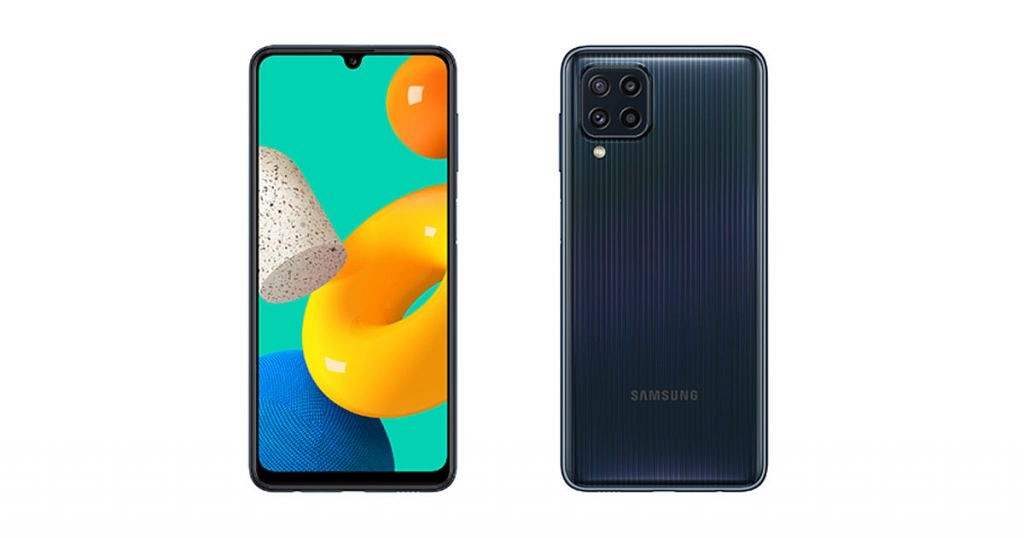
The Samsung Galaxy A04, Galaxy A04e, and Galaxy M23 5G are expected to arrive in India soon. The three smartphones have reportedly been discovered on Samsung’s support page with the model numbers SM-M236B/DS, SM-A045F/DS, and SM-A042F/DS, according to tipster Sudhanshu Ambhore.

However, these support pages don’t provide many details about the upcoming smartphone. The South Korean company recently introduced three smartphones — the Samsung Galaxy M23 5G, Galaxy A04, and Galaxy A04e — in some markets around the globe. The company is now getting ready to introduce these devices in India.

Samsung Galaxy A04 (Specifications)

The Samsung Galaxy A04 has a 6.5-inch HD+ LCD screen. The Samsung Exynos 850 SoC, along with 8GB of RAM and 128GB of storage, powers the smartphone. One UI 4.1, which is based on Android 12, is preinstalled on the device. The device boasts a 50MP + 2MP camera system on the back and a 5MP selfie camera, according to the specifications for cameras. It has a 5,000mAh battery inside.

Samsung Galaxy A04e (Specifications)

A 6.5-inch HD+ LCD screen will be available on the Samsung Galaxy A04e. The MediaTek Helio G35 SoC, which runs Android 12 and OneUI 4.1 out of the box, powers the smartphone. The device sports a front-facing 5MP camera and a rear 13MP + 2MP depth sensor for optics. A 5,000mAh battery with support for 10W charging powers the upcoming smartphone.

Samsung Galaxy M23 5G (Specifications)

The Samsung Galaxy M23 5G will come with a 6.6-inch LCD HD+ display along with a screen refresh rate of 120Hz. The Qualcomm Snapdragon 750G SoC, which powers it, comes pre-installed with One UI 4.1, which is based on Android 12. It has an 8MP selfie camera in addition to a 50MP + 8MP ultrawide angle + 2MP macro lens on the back. A 5,000mAh battery with 25W fast charging support powers it.

Categories
Featured Info Mobile

Xiaomi Redmi Note 12 Series Is Now Official: Check Prices, Specifications

Key Highlights

  • Redmi Note 12 series packs a 6.7-inch OLED panel
  • Redmi Note 12 Pro+ variants support 120W fast charging
  • The open sale in China will start on November 1

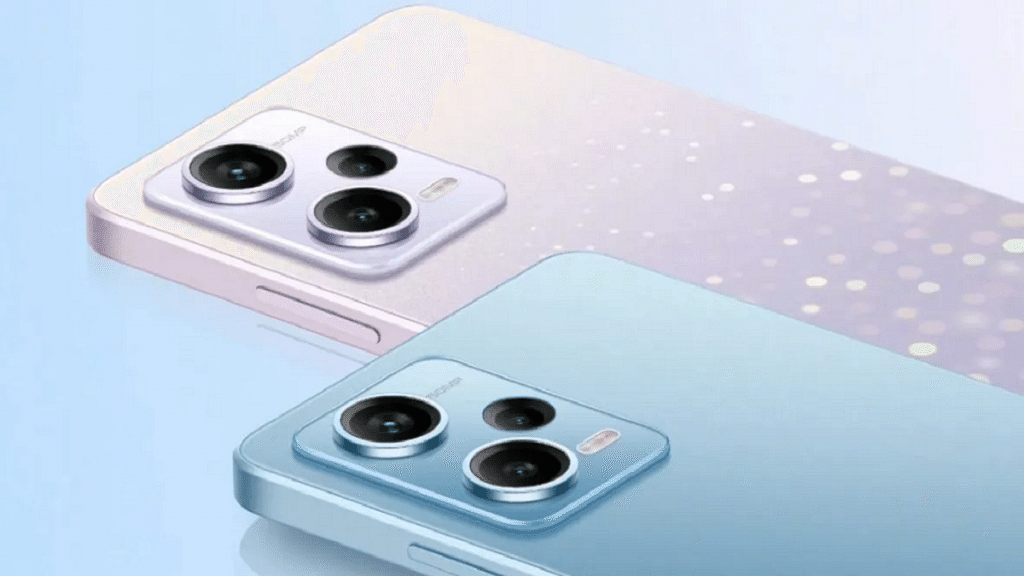
The Note 12 series was introduced by Xiaomi’s Redmi at an event in China. Redmi officially unveiled the Note 12 series in four models: the Note 12, the 12 Pro, the 12 Pro+, and the 12 Explorer Edition, confirming the rumors. The Explorer Edition has 120W quick charging which is its USP. Here are the details, prices, and features for each model’s specifications:

Redmi Note 12 Specifications

The 6.67-inch OLED screen on the basic Redmi Note 12 has an FHD+ resolution and a refresh rate of 120Hz. It houses a 5,000mAh battery with 33W fast charging. The Snapdragon 4 Gen 1 5G processor and two RAM variants—4GB and 8GB—power the smartphone.

In terms of optics, the primary shooter has a 48MP resolution, and the depth module has merely 2MP. The selfie camera has an 8MP resolution.

Display6.67-inch OLED
ProcessorSnapdragon 4 Gen 1 SoC
SoftwareMIUI 13 based on Android 12
Rear Camera48MP primary camera + 2MP secondary camera
Front Camera8MP
Battery5,000mAh battery with 33W charging

Redmi Note 12 Price

The Redmi 12’s base 4 / 128GB variant costs around Rs. 14,000, while the 8 / 256GB model costs Rs. 19,346. The smartphone is available in Black, White, And Blue color options. In China, open sales start on November 1.

Redmi Note 12 Pro and 12 Pro+ Specifications

The only significant difference between the Redmi Note 12 Pro and Redmi 12 Pro+ models’ specifications is their cameras. It has 6.67-inch FHD+ OLED panels and refresh rates of 120Hz. Notably, the phones include up to 12GB of RAM and a standard Dimensity 1080 chipset from MediaTek. The absence of expandable memory by the company is another factor to take into account.

Regarding the optics, Redmi has debuted a 200MP camera using Samsung’s ISOCELL HPX sensor for the first time ever. The camera can record 8K video at 30fps and 4K video at 120fps.

The Redmi Note 12 Pro, on the other hand, has a 50MP main camera with a Sony IMX766 sensor and optical image stabilization. Both phones have an 8MP ultra-wide sensor and a 2MP depth assist sensor as the last two sensors. The front-facing selfie camera has a resolution of 16MP.

Other features include that both the Redmi 12 Pro and Pro+ have 5,000mAh batteries, with the Pro charging at speeds of up to 67W and the Pro+ capable of 120W fast charging.

Redmi Note 12 Pro Features

Display6.67-inch OLED
ProcessorMediaTek Dimensity 1080
SoftwareMIUI 13 based on Android 12
Rear Camera50MP primary camera with OIS + 8MP ultra-wide angle camera + 2MP macro camera
Front Camera16MP
Battery5,000mAh battery with 67W charging

Redmi Note 12 Pro Price

The cost of the 6/128GB trim is CNY 1,699 (Rs. 19,354). There are three models available: 8/128GB (Rs. 20,498), 8/256GB (Rs. 22,779), and the top-of-the-line 12/256GB (Rs. 25,036). With the exception of the Yibo Edition, which is replaced by a pink gradient hue, the Redmi Note 12 Pro is available in the same color options as the Redmi Note 12. November 1 marks the start of open sales in China.

Redmi Note 12 Pro+ Features

Display6.67-inch OLED
ProcessorMediaTek Dimensity 1080
SoftwareMIUI 13 based on Android 12
Rear Camera200MP primary camera with OIS + 8MP ultra-wide angle camera + 2MP macro camera
Front Camera16MP
Battery5,000mAh battery with 120W charging

Redmi Note 12 Pro+ Price

For its 8GB RAM and 256GB ROM option, the Redmi Note 12 Pro+ will cost buyers at around CNY 2,199 (Rs. 25,035). Additionally, buyers will have to pay around CNY 2,399 (Rs. 27,340) for the 12/256GB trim.

Categories
Featured How To Mobile

Here’s How To Use Emergency SOS Via Satellite On Your iPhone 14

Key Highlights

  • iPhone 14 comes with emergency SOS via satellite connection feature
  • Emergency SOS connects your iPhone’s antenna directly to a satellite to contact your emergency service provider
  • This feature is supported on iPhone 14 and iPhone 14 Pro models with iOS 16.1 or later

There are new features in the new iPhone 14 series including eSIM, photography, and emergency SOS through satellite connection. You can signal for assistance from anywhere because this service is available even in remote locations.

But for Emergency SOS, you need either an Apple Watch or an iPhone with WiFi or cellular connectivity that is close by. You will need to choose the emergency service that you need in some nations or regions.

Even though this feature is fantastic, many users are unaware of how Emergency SOS Via Satellite on the iPhone 14 operates. Everything you need to know about emergency SOS via Satellite for the iPhone 14 series is covered in this article. Let’s dive in.

How To Use Emergency SOS Via Satellite On iPhone?

If there is no cellular or WiFi connection when you press and hold the power and volume buttons at the same time to make an emergency call, your Apple iPhone 14 will offer to send an SMS message instead. Here’s how you can use Emergency SOS Via Satellite by following simple steps:

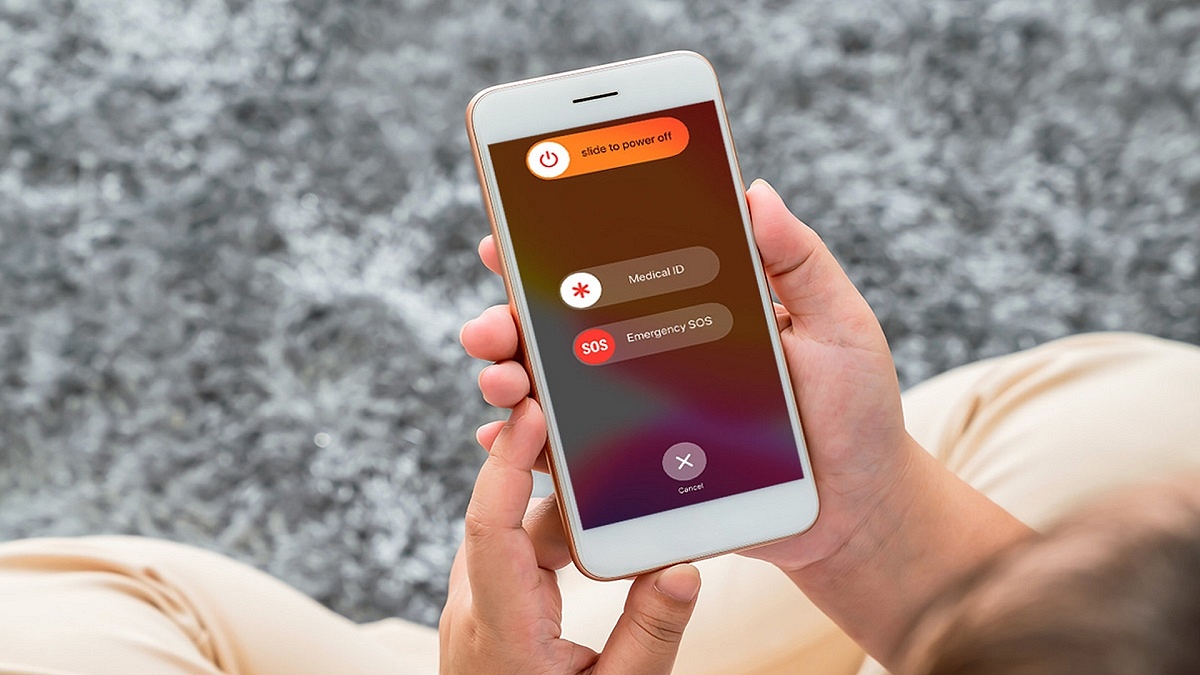
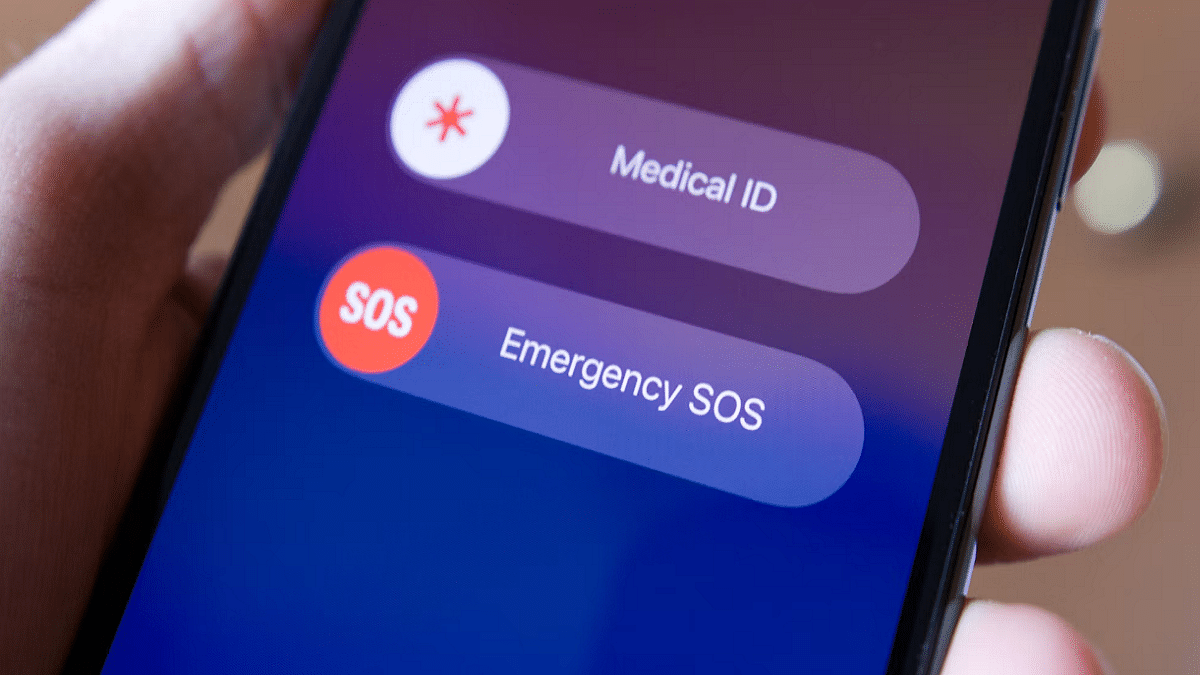
Step 1: Press and hold the volume up and power keys simultaneously until the Emergency SOS slider shows.

Step 2: To contact local emergency services, move the Emergency SOS slider.

Step 3: The regular call should fail and at the top you should see a “No Connection” message. Then tap the “Satellite emergency call” button. Alternatively, you can text 911 or SOS in the Messages app and select Emergency Services.

Step 4: Select “Report Emergency” from the option now.

Step 5: Answer a few questions to describe your situation as accurately as possible.

Step 6: Follow onscreen tips to connect your iPhone to a satellite.

Step 7: Once you’ve established a connection, keep doing as instructed to maintain connection so the message could go through.

Your Medical ID, emergency contacts, responses to an emergency questionnaire, location (including elevation), and the amount of iPhone battery life left will all be shared with emergency responders by Emergency SOS.