Categories
Featured Reviews Tablet

Lenovo Tab K11 Enhanced Edition Review: Fits All Bills?

Pros And Cons

Pros

  • Lenovo Tab K11 flaunts premium dual-tone metallic body
  • Landscape front camera positioning makes it convenient for video calls
  • Wi-Fi+ cellular 5G network option
  • Comes with stylus pen and folio keyboard

Cons

  • Slow 10W charging speeds
  • Display comes void of HDR compatibility
  • Average low-light photography with primary camera
  • Dated Android 13 OS pre-installed

Lenovo has been at the forefront of PC and laptop industry and the brand has established itself as a strong player in the tablet market too. And its a wide audience segment Lenovo is catering to with its tablets range. Specifically, with the budget segment, Lenovo has been showing off its expertise and is frequently updating the catalogue as well. The Tab K11 Enhanced Edition is one of the newest members in the Tab K series that focuses on productivity and creativity aspects. At Rs. 26,999, the Tab K11 Enhanced Edition seems to be a well-rounded package specifically with the added folio keyboard and the stylus pen. But does it really justify its price tag? Its time to find out:

For the tech geeks, stay updated with the latest cutting-edge gadgets in the market, exclusive tech updates, gadget reviews, and more right on your phone’s screen. Join Giznext’s WhatsApp channel and receive the industry-first tech updates.

Also Read: Tablet Buying Guide: Top 3 Tablets With Stylus Pen Support Under Rs.30,000 In 2025

Box Contents

  • Lenovo Tab K11 (Enhanced Edition) main unit
  • Folio keyboard
  • Stylus pen
  • SIM ejector tool
  • Charging brick
  • USB Type-C cable
  • User manual and guides

Also Read: Realme 14 Pro Plus Review: Redefining Midrange Smartphone Luxury?

Lenovo Tab K11 (Enhanced Edition) Design Review
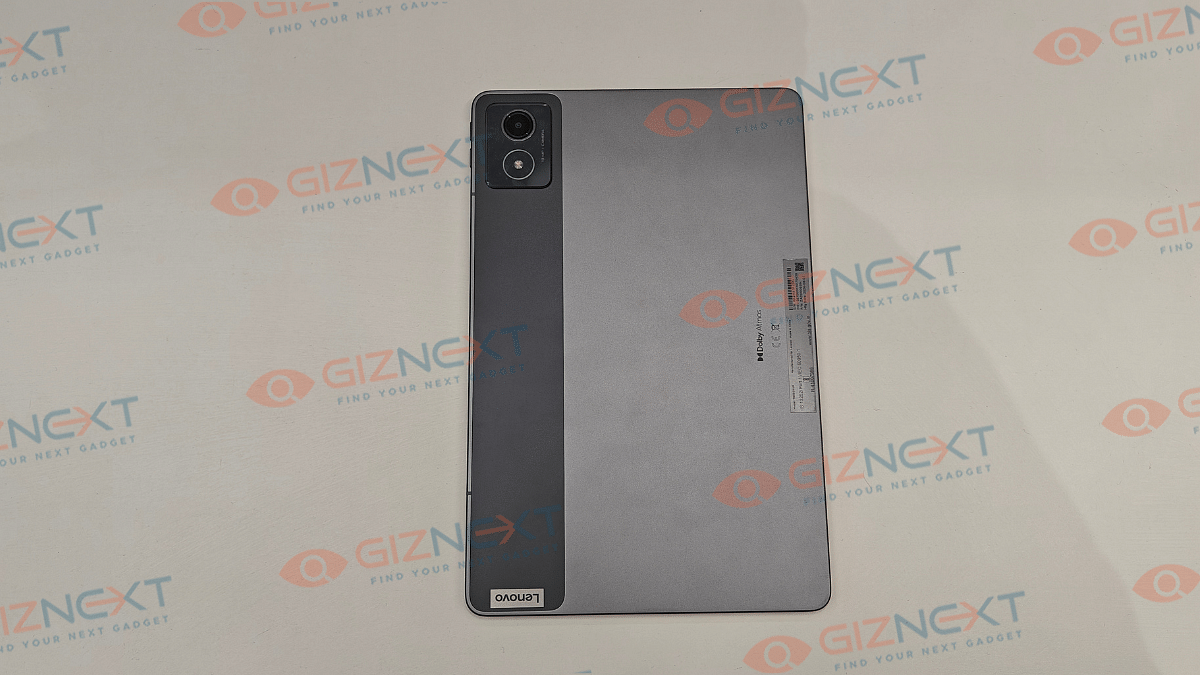
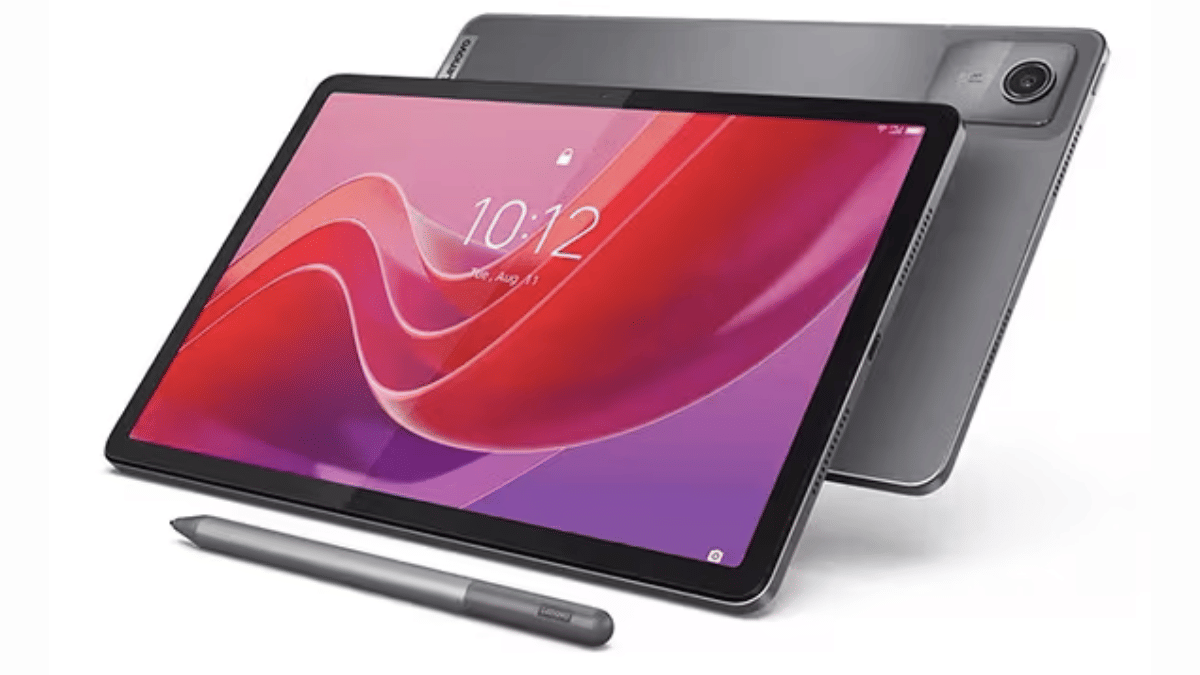
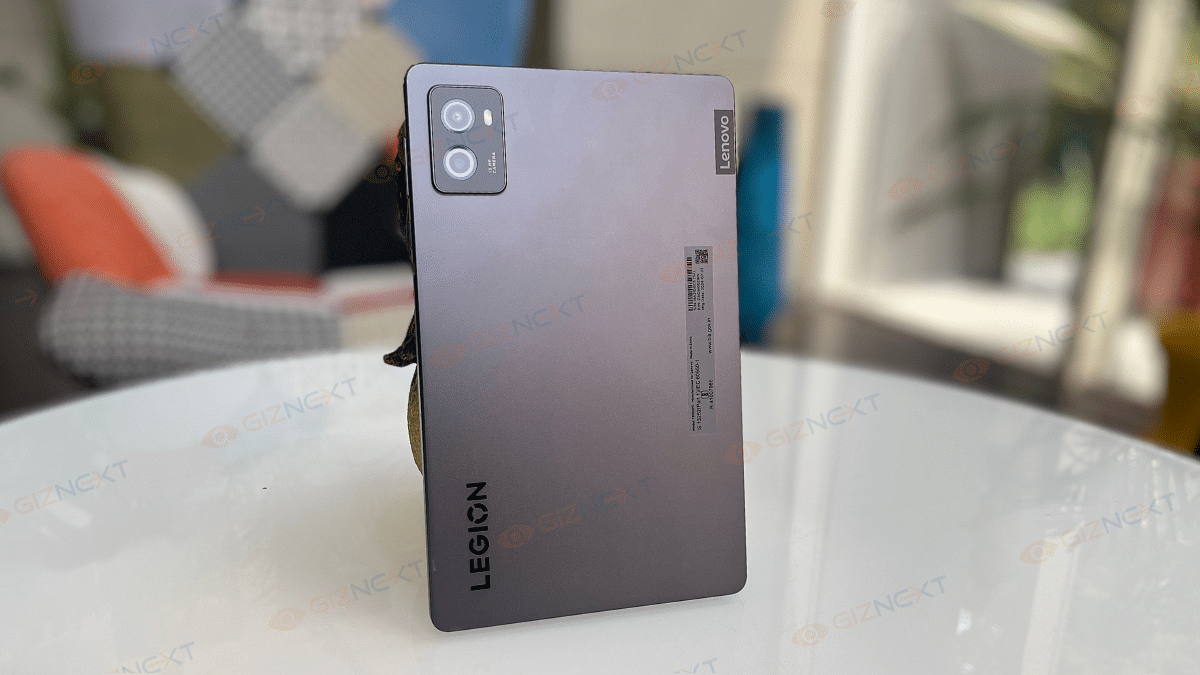
Lenovo has given a familiar design silhouette to the Tab K11 (Enhanced Edition) as its other budget-oriented tablet models. It also has a robust metallic body construction complemented with a dual-tone shade. For refrence, you ca opt from Luna Grey and Seafoam Green shades where we recieved the former for review at Giznext.

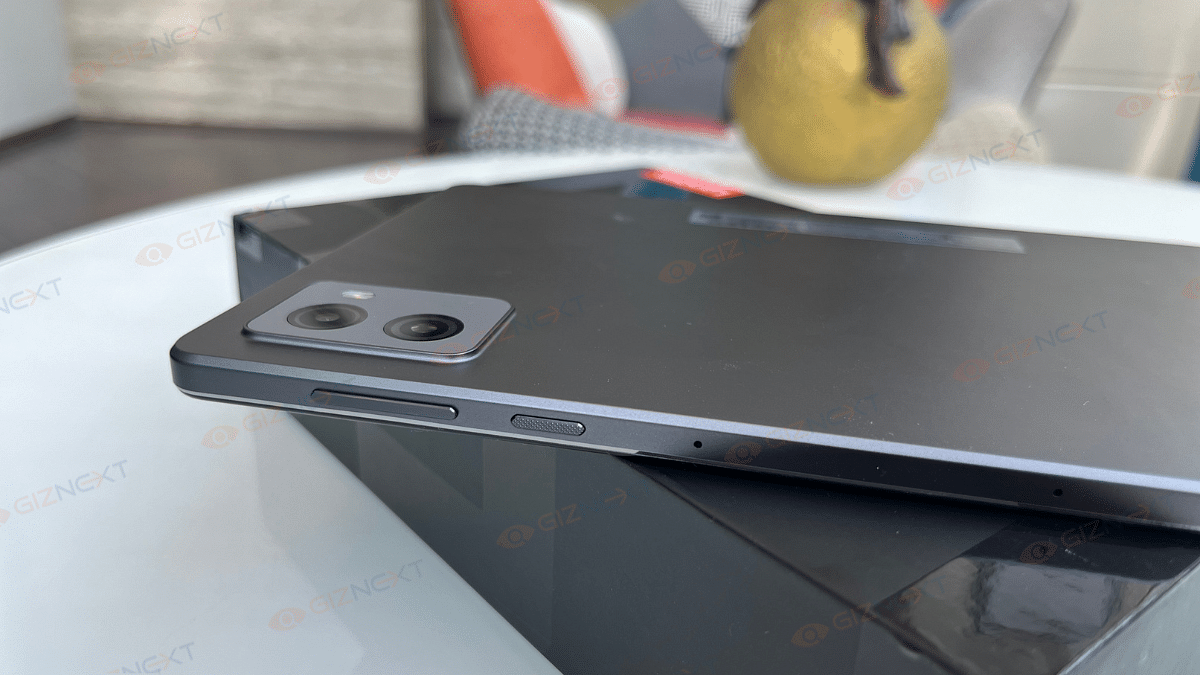
A single camera lens is housed inside the rectangular camera island on the top left of the back panel (on the dark gray vertical frosted polycarbonate strip). Right next to the camera island (housing a 13MP primary lens) on the right spine, there are the volume adjusters.

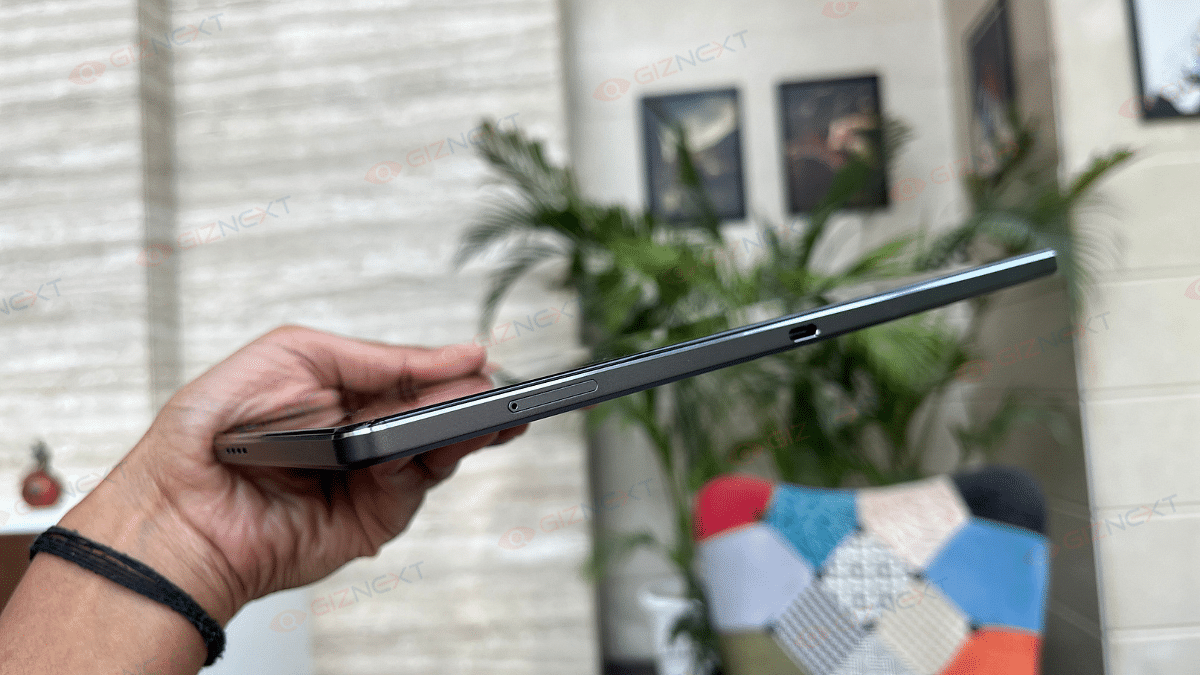
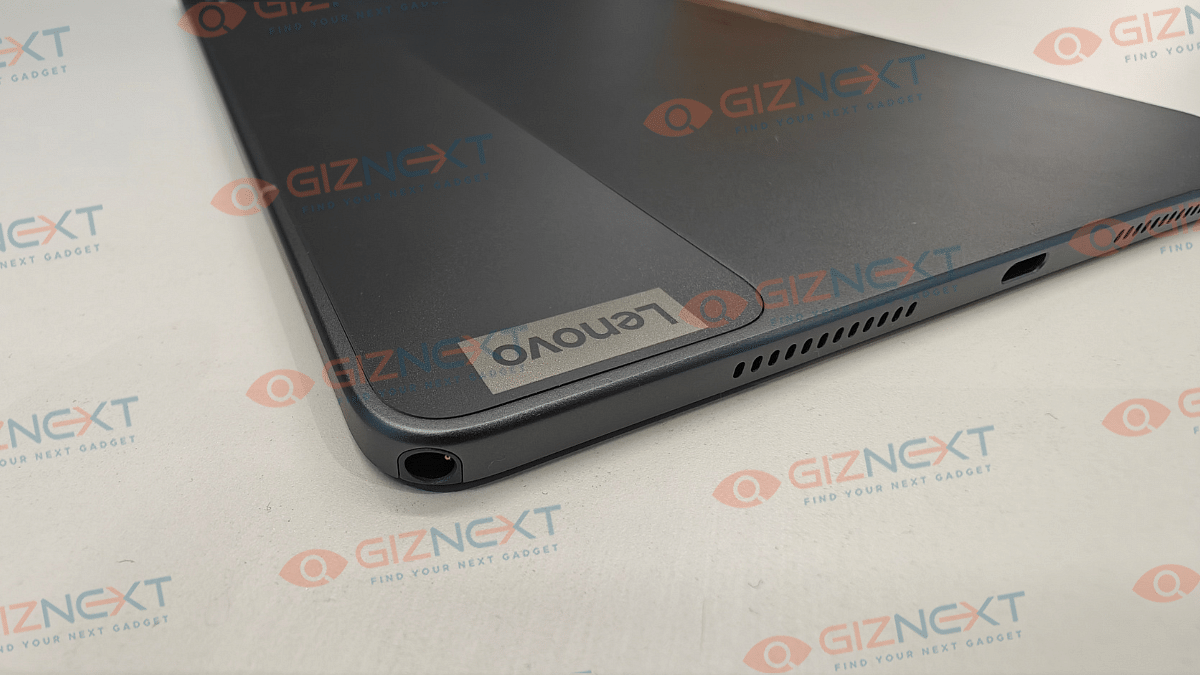
The flat frame-lightweight design along with the full-metal chassis gives confidence to hold and use the tablet with single hand. But eventually, you’ll have to use both your hands for extensive and creative tasks considering the tablet’s big form factor. Bottom panel includes a USB Type-C port sandwiched in between the speaker grilles and the stylus pen slot (on the top right bottom corner).

The Tab K11 comes void of any physical fingerprint scanner, but it offers Face Unlock as added privacy besides the standard PIN and Password protection. Summing it up, the Tab K11 Enhanced Edition while sporting a conventional design is practical for daily usage with its slim, lightweight rugged profile.

Also Read: Lenovo Tab M11 Review: A Versatile Tablet For Everyday Use

Lenovo Tab K11 (Enhanced Edition) Display Review
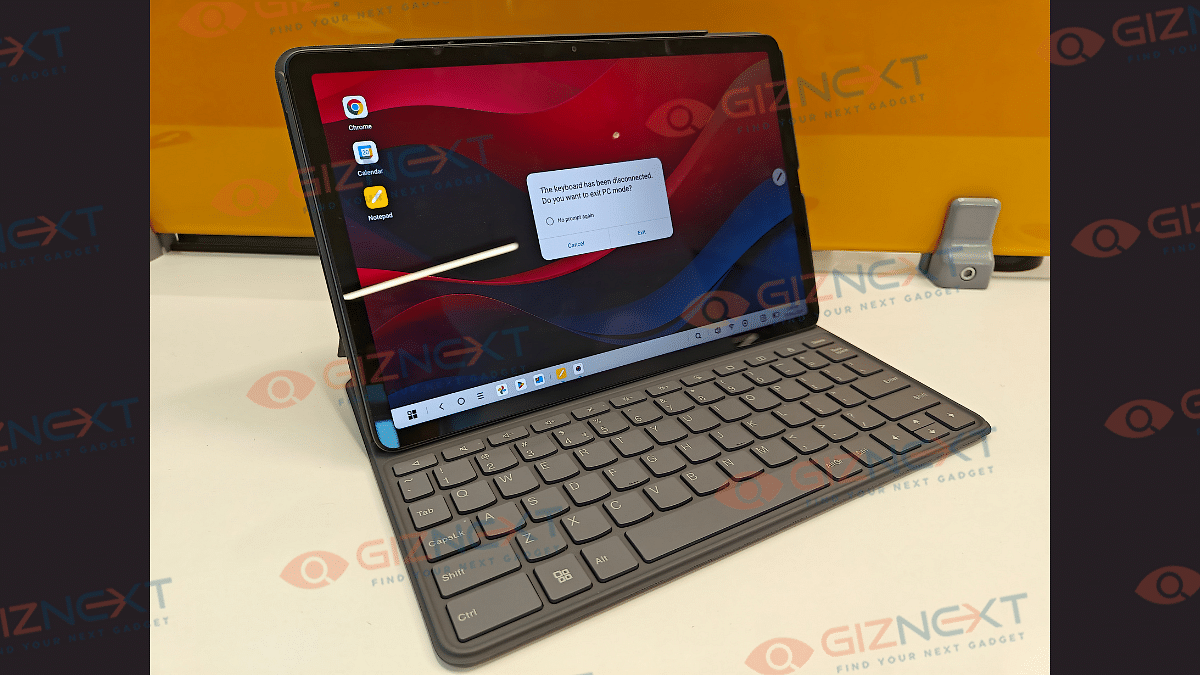
Lenovo Tab K11 Enhanced Edition has a substantially large display panel that measures at 11-inches. It is a standard LCD panel as is the case with most of the budget segment tablet. Panel specs offered by the Tab K11 Enhanced Edition includes an FHD screen resolution of 1200 x 1920 pixels and a 90Hz refresh rate. The display has Widevine L1 certification but comes void of Dolby Vision and HDR compatibility.

While two of these crucial display aspects are missing, it doesn’t mean the panel quality is compromised. The colors produced by the Tab K11 Enhanced Edition’s screen are good. The clarity levels are also satisfactory despite it being the conventional LCD screen.

The Tab K11 Enhanced Edition’s display offers 400 nits peak brightness levels. While you won’t face any difficulties with the brightness levels indoors, you might struggle a bit to view content outdoors under direct/ harsh sunlight. That’s one of the few shortcomings with the screen here.

Also Read: Lenovo Tab P11 Pro (2nd Gen) Tablet Hands On Review: A Fully Loaded Package

Lenovo Tab K11 (Enhanced Edition) Camera Review
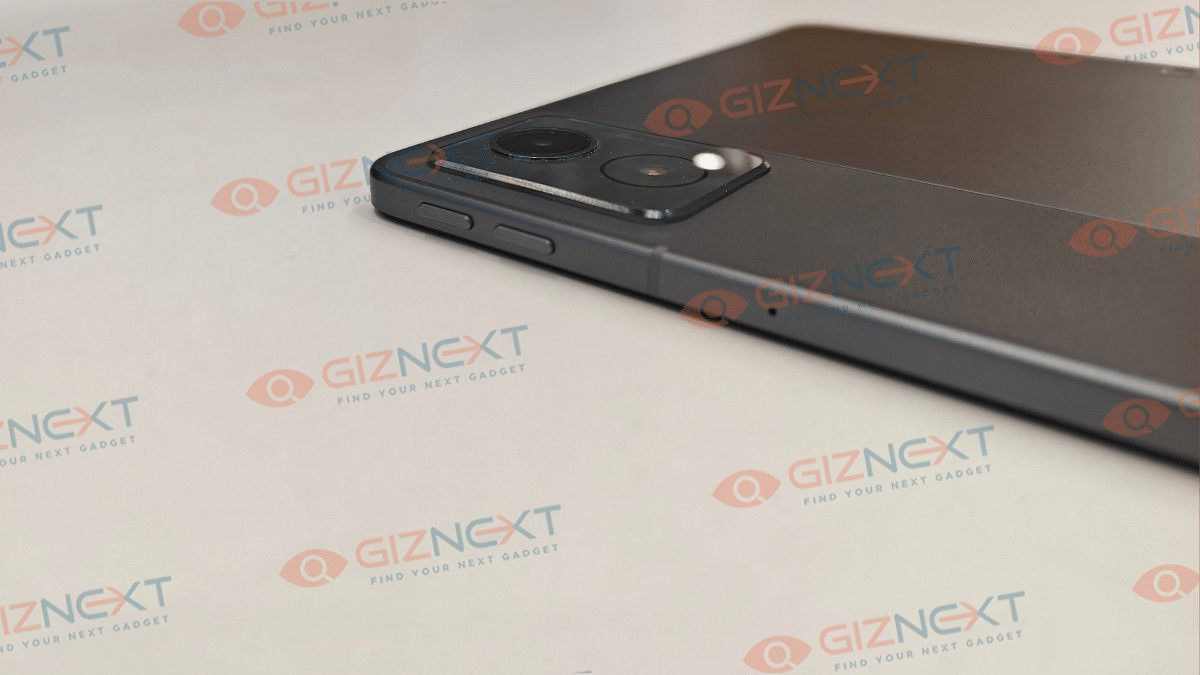
Lenovo Tab K11 (Enhanced Edition) like most of the budget and mid-range tablet’s is equipped with a single rear and a single front camera setup. The sensors are also standard where the rear panel accommodates a 13MP lens with AF (Autofocus), while at the front there is an 8MP snapper with FF (Fixed Focus) and front flash.

Optics hardware with tablets aren’t as evolved as with smartphones. However, the imaging setup on all the tablets are suitable for basic usage. The same is the case with the Lenovo Tab K11 (Enhanced Edition), where the 13MP rear snapper is apt for capturing stills, scanning documents, and similar tasks. Overall clarity offered by the primary camera is decent.

That said, the selfie snapper upfront integrated in a landscape positioning is makes it convenient for video calling or conferencing. So if you need a device majorly for online conferences and don’t wish to invest heavily into a laptop, this tablet could serve the purpose well.

Also Read: Vivo T4x 5G Review: Is This The Best Budget 5G Smartphone?

Lenovo Tab K11 (Enhanced Edition) Performance Review
Lenovo Tab K11 (Enhanced Edition) is powered by the Helio G88 chipset. This MediaTek processor has standard 4G network support and is powering a majority of low-end and entry-level Android devices. The Helio G series focuses on refining the gaming and overall performance experience which we found to be true to some extent with the Tab K11 (Enhanced Edition).

You get this tablet with 8GB LPDDR4X RAM and 128GB eMMC 5.1 storage space. Storage expansion to up to 1TB is also possible via an external microSD card. This means no storage crunch issues even if you store large sized files and documents on this tablet.

The Helio G88 chipset performs well when you throw basic tasks at it which can range from general web browsing to streaming videos on YouTube and OTT platforms. You wouldn’t notice any major lags or frame drops with the basic tasks mentioned above. However, we found the tablet struggling slightly when there is any extensive game or app launched.

The app launch isn’t instant; specifically if there are multiple apps opened in the background already. The same feedback is with gaming where lightweight titles don’t experience any lags, but on the other hand, extensive game play can feel jittery at times. That said, it still is potent as a daily driver if you use it for moderate apps and games.

Also Read: Realme P3 Pro 5G Review: An All-Rounder Under Rs. 25,000?

Lenovo Tab K11 (Enhanced Edition) Accessories (Stylus and Keyboard)
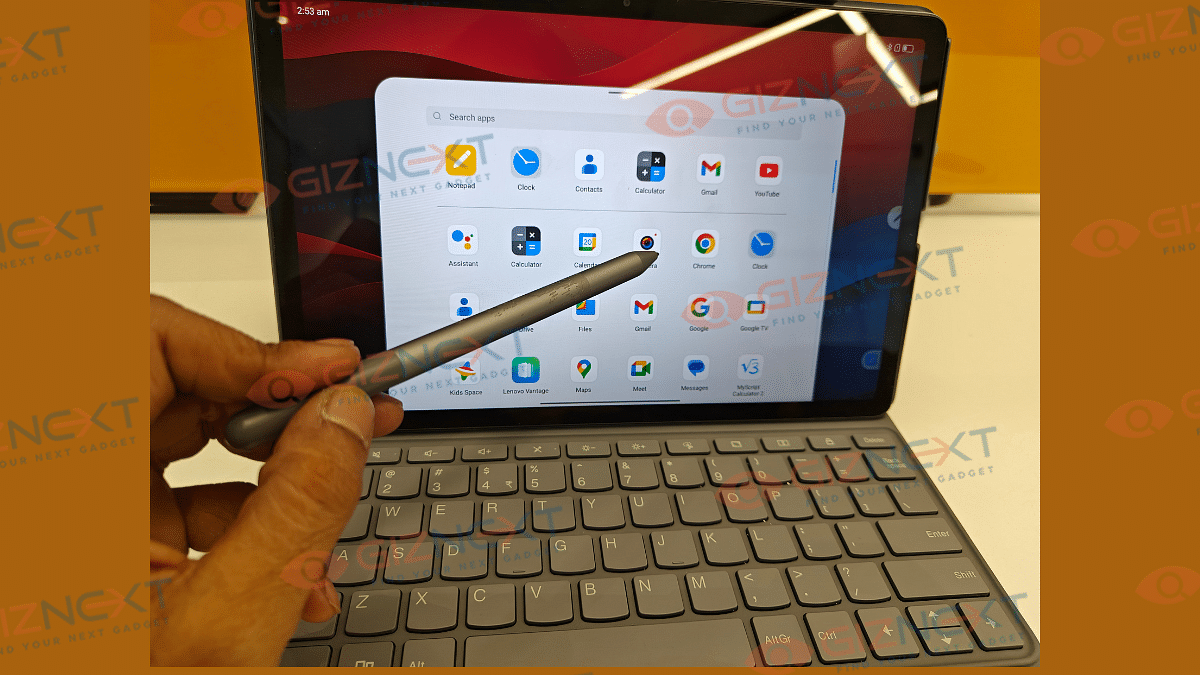
The Lenovo Tab K11 (Enhanced Edition) ships with a stylus pen and a Folio keyboard out-of-the-box. These added accessories definitely adds worth to this product. The stylus pen does’t get magnetic charging feature rather it uses a single AAA battery to power up. The thicker pen design allows ideal grip for writing and sketching. There is also a Palm rejection feature which functions well with taking notes.

There are dedicated apps to use with stylus such as Nebo (converting handwritten texts) and MyScript calculator that allows working on handwritten notes and equations. There are additional pen tips included with the stylus pen that can be replaced and used in case the default tip stops functioning properly.

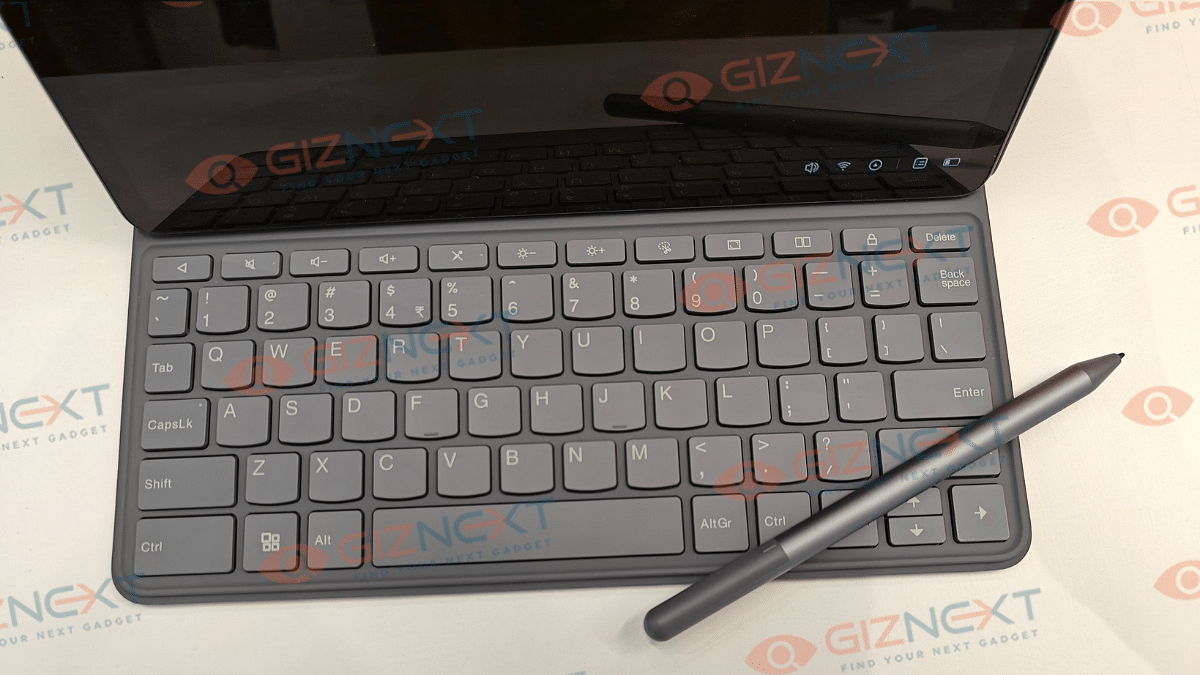
Another important accessory that the Tab K11 (Enhanced Edition) ships with is the Folio keyboard. It latches on magnetically to the tablet via pogo pins. Keyboard’s functionality is good and you will find the keys nimble to press.

Also Read: Vivo T3 Ultra 5G Smartphone Review: A Flagship Experience For Less?

Lenovo Tab K11 (Enhanced Edition) Battery Backup
Backing up the Tab K11 (Enhanced Edition) is a 2-cell 7040 mAh (Li-Ion) battery pack. The big battery module tucked inside the slim tablet body is decent with backup. It is capable of lasting an entire day with a single charge with extensive usage.

You won’t necessarily need an additional plug in until the next day. Expect the battery backup to extend to up to two days if you use it lightly with basic tasks such as browsing and online conferencing. Media playback and gaming if done extensive will drain the battery by the end of the day. This brings us to the charging speeds, the Tab K11 (Enhanced Edition) comes with 10W charging support. It takes close to 4 hours to charge this tablet from 0- 100 percent.

Also Read: Vivo V40 Review: Stylish Mid-Range Smartphone With Zeiss Magic

Lenovo Tab K11 (Enhanced Edition) Final Verdict: Worth Buying?
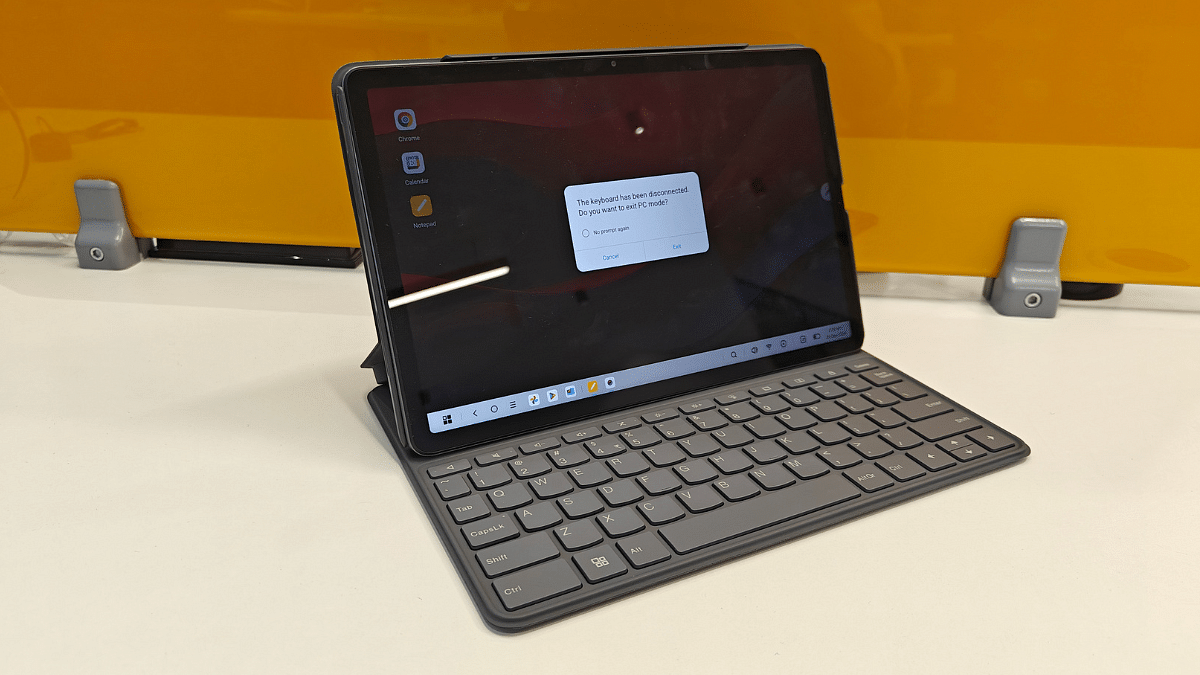
Lenovo Tab K11 (Enhanced Edition) is a well rounded package overall in the budget segment. It justifies its price tag with its robust build, vibrant screen, and the stylus pen/ folio keyboard accessories. This tablet is suitable for working professionals and students who need a daily use tablet for tasks such as online conferencing, taking notes, and media playback, etc. It wouldn’t be wrong to say that the Tab K11 (Enhanced Edition’s) added accessories is what gives it an edge over the standard version and the counterparts in this segment.

Categories
Featured How To Tablet

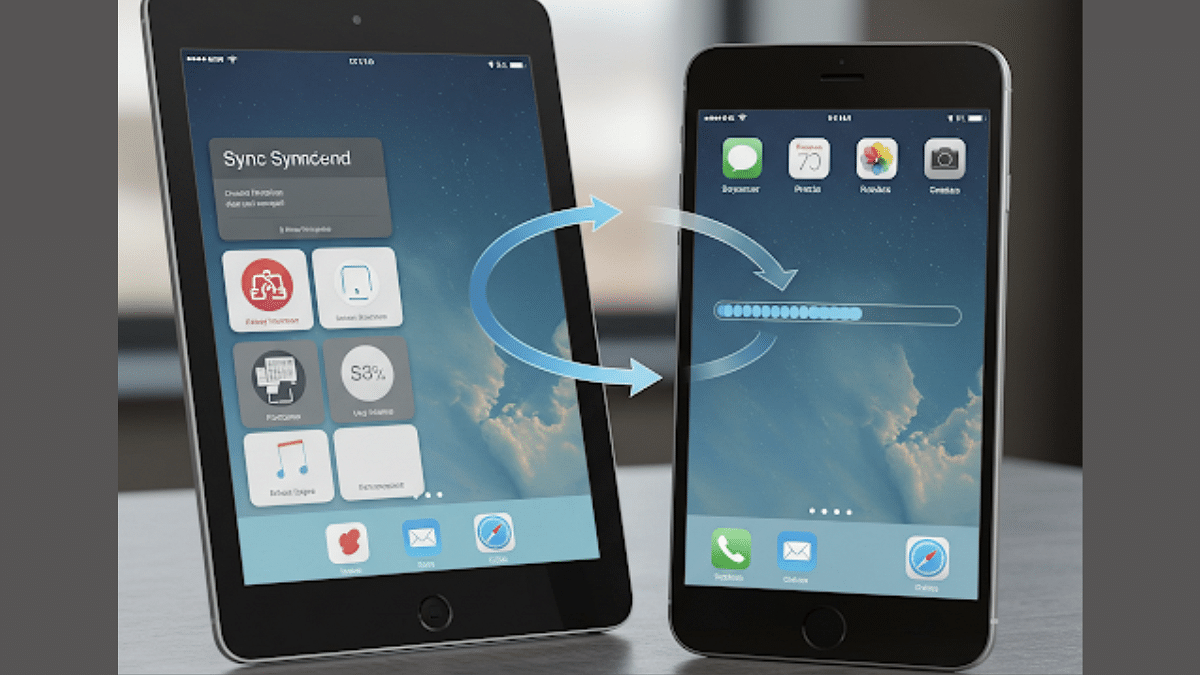
iOS Tips And Tricks: How To Sync iPad And iPhone With/ Without iCloud

Key Highlights

  • Apple allows iPhone and iPad syncing for seamless user experience
  • Synced devices gets calls/ messages together
  • Safari can also be synced on iPhones and iPads simultaneously
  • Photos, contacts, calendar, and notes are also synced

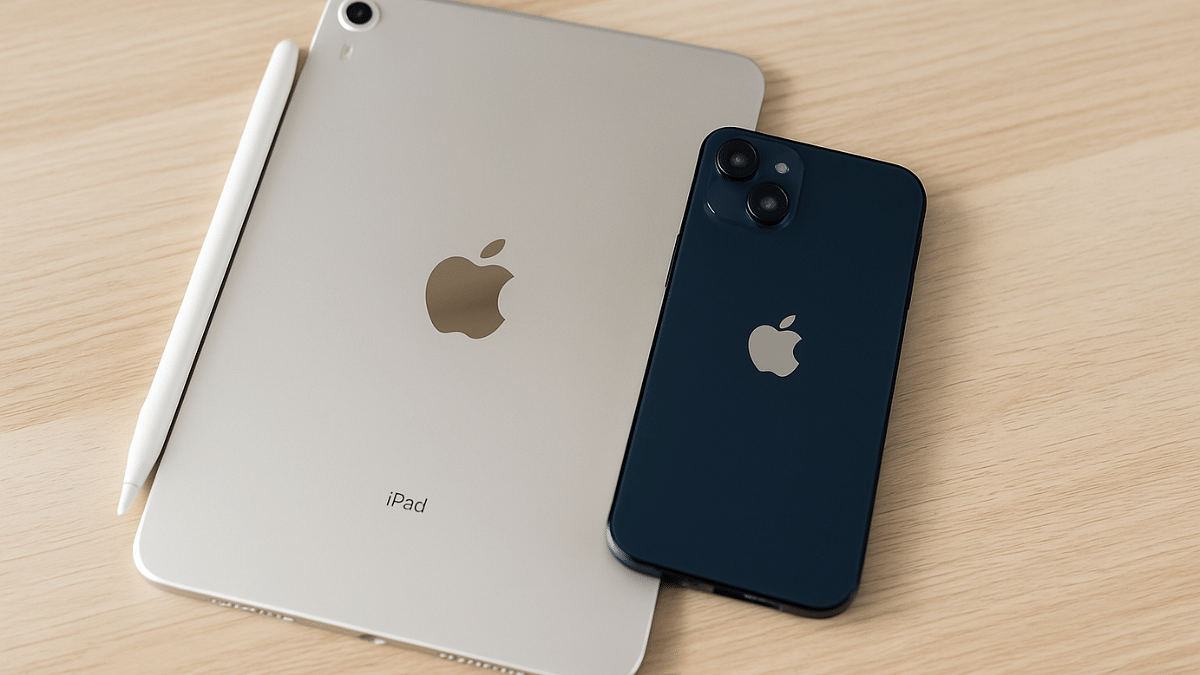
Apple has one of the strongest ecosystems where the Cupertino giant offers a seamless user experience across iPhones, iPads, and MacBooks. Staying connected simultaneously on multiple Apple devices with same Apple ID helps with the same. If you own both an iPhone and a iPad, you can sync both these gadgets together to sync calls, messages, browsing tabs on Safari, notes, contacts, and much more. In this guide, we are sharing the steps with which you can sync your iPad with iPhone.

For the tech geeks, stay updated with the latest cutting-edge gadgets in the market, exclusive tech updates, gadget reviews, and more right on your phone’s screen. Join Giznext’s WhatsApp channel and receive the industry-first tech update.

Also Read: Enhance WhatsApp Privacy: How To Blur Images On WhatsApp Mobile, Desktop App

How To Sync Apps And Data iPhone With iPads With iCloud?

Step 1: On both your iPad and iPone, log in with the same Apple ID.

  • Follow these steps to log in to the Apple ID on both devices
    • Open Settings menu on both the iPhone and the iPad
    • Enter Apple ID’s username and password
    • Login on both devices

Step 2: Open Settings menu again on both iPhone and iPad

Step 3: Tap on your profile

Step 4: Enable iCloud Sync

Step 5: Toggle on iCloud Drive option to sync all documents and app data across your iPhone and iPad

Step 6: Enable iCloud Keychain (this will synch password and credentials on both devices)

Also Read: How To Use Telegram Without Internet? Top 5 Working Tricks In 2025

How To Sync Apps And Data On iPad and iPhone Without iCloud?

If you don’t wish to use iCloud to sync your iPad with iPhone, you can also use alternative methods listed below:

Method 1: Via AirDrop

Use this option to transfer and share apps data and files across iPad and iPhone seamlessly. This option allows instant data transfer wirelessly.

Method 2: Via Third Party Apps

You can also use Google Drive and similar apps to sync and transfer data on your iPad and iPhone.

Method 3: Via iTunes or Finder Sync

If you are transferring data such as books, music, and movies via Mac or PC to your iPad and iPhone, iTunes and Finder Sync options helps you with the same.

Also Read: iOS Tips And Tricks: How To Set Up And Use Sleep Schedule On iPhone

Categories
Featured Info Tablet

Amazon India Expands Smartchoice Program To Tablets: Top Picks And Deals Inside

Key Highlights

  • Smartchoice now includes tablets
  • Expert-picked top devices from leading brands
  • Great deals with EMI and bank offers

Amazon India has taken a big step forward in simplifying tech buying decisions. After seeing massive success in the laptop segment, Amazon has now extended its Smartchoice program to tablets. This help users find the perfect device based on their needs. With India’s tablet market witnessing a 26 percent YoY growth in 2024, this move is set to benefit students, professionals, gamers, and everyday users alike. Here’s everything you need to know about the Smartchoice program and the top-rated gadgets currently available under it.

Also Read | Amazon Home Shopping Spree: Top Five Winter Essentials At Jaw-Dropping Prices

What Is Smartchoice?

  • Expert-Curated Recommendations: Devices are handpicked based on usage needs like entertainment, gaming, education, work, or everyday browsing.
  • Performance Benchmarks: An independent technical agency ensures only top performers make the cut.
  • Top Ratings, Great Value: Devices come with high user ratings, competitive prices, and offers like No Cost EMI, bank discounts, and more.
  • Trusted Brands: Includes tablets and laptops from leading names like Samsung, Lenovo, Asus, Honor, HP, and Acer.

Must-Check Tablets And Laptops On Amazon Smartchoice

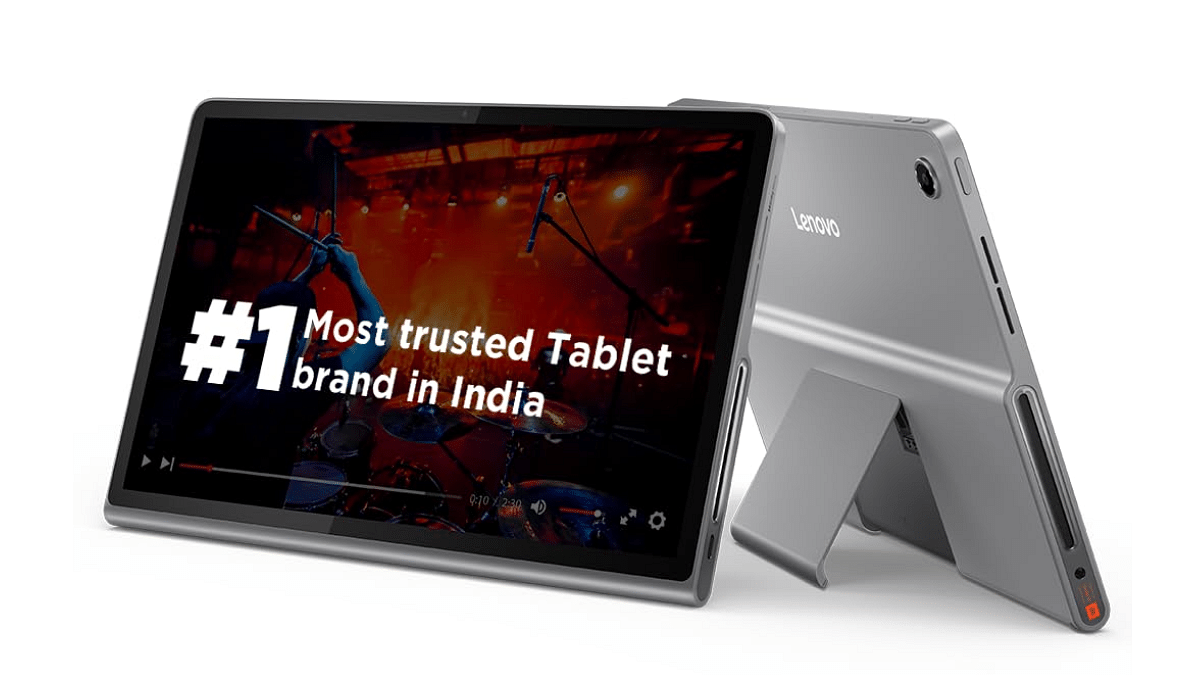
Lenovo Tab Plus (Rs. 20,998)

  • Flexible and sturdy design
  • Octa JBL Hi-Fi speakers
  • 11.5-inch immersive display
  • 8 MP front and rear camera with face unlock and autofocus

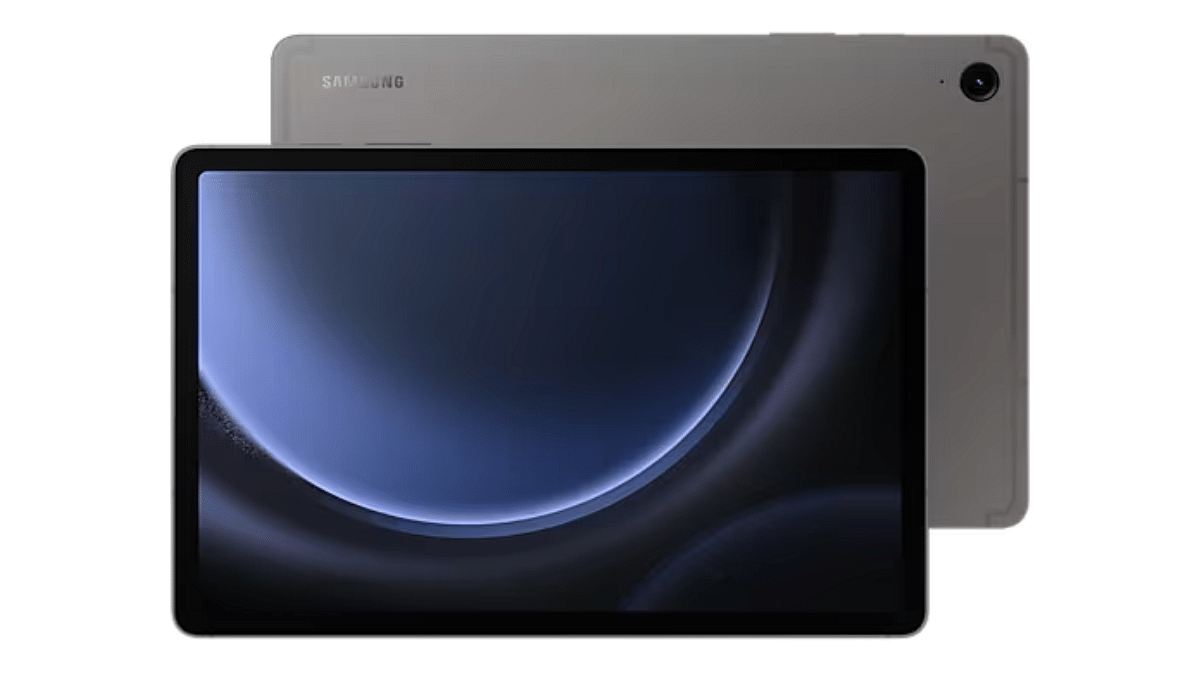
Samsung Galaxy Tab S9 FE (Rs. 34,999)

  • Dual AKG speakers
  • Durable, weatherproof build
  • S Pen with IP68 rating
  • 8 MP rear and 12 MP ultra-wide front camera

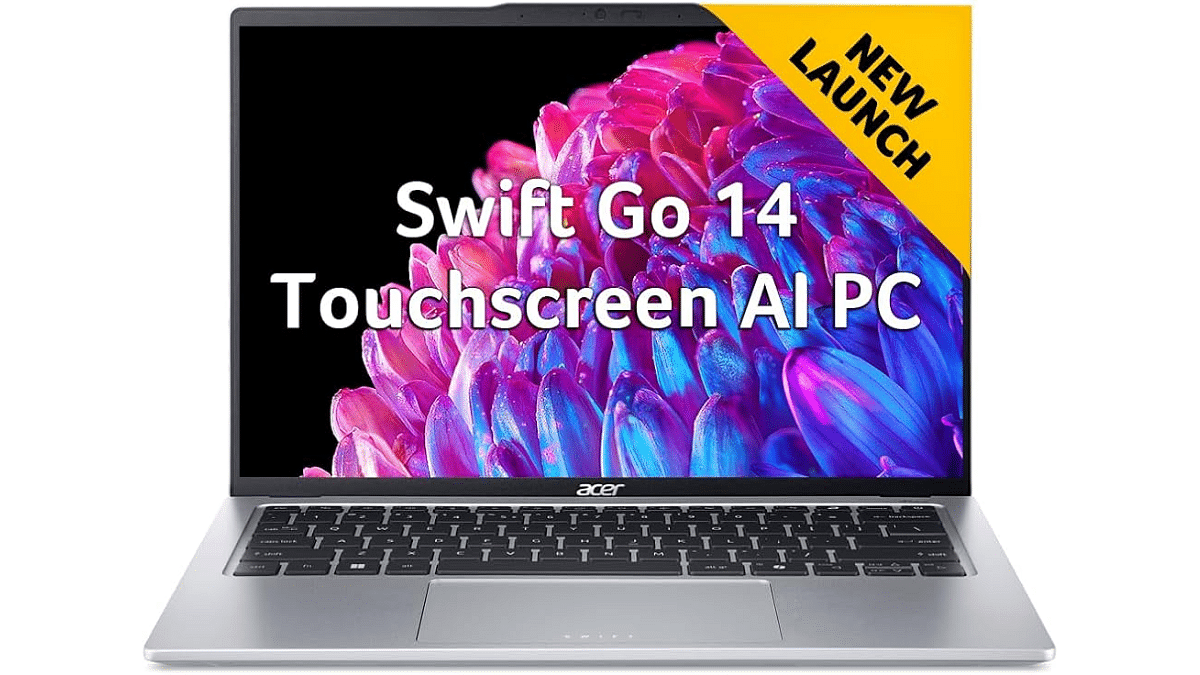
Acer Swift Go 14 (AI PC) (Rs. 92,990)

  • Intel Core Ultra 7 processor
  • QHD 1440p webcam with privacy shutter
  • 44 percent larger touchpad
  • Sleek and AI-powered performance

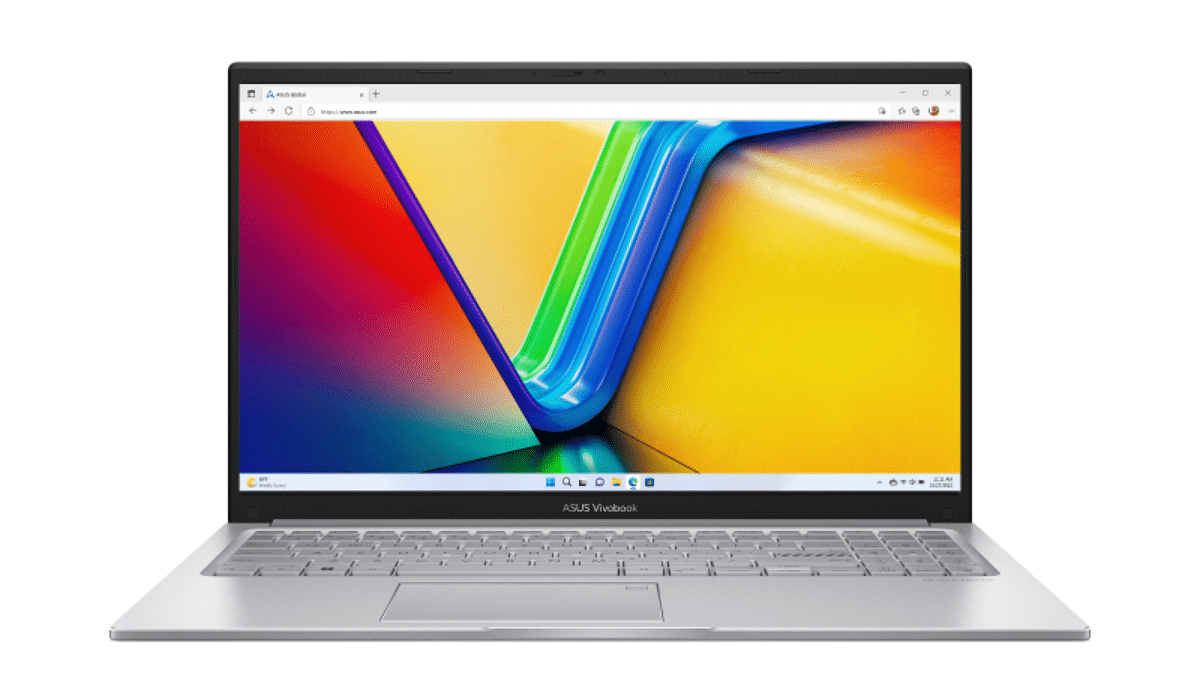
ASUS Vivobook 15 (Rs. 54,990)

  • Intel Core i5-13420H
  • 15.6-inch display
  • 16GB RAM, high-speed performance

Also Read | Asus Vivobook S15 OLED Review: Stylish Performer Or Overpriced Ultrabook?

Where To Shop?

Customers can now explore the latest Smartchoice picks on Amazon’s Consumer Electronics homepage or visit the Smartchoice Tablets and Laptops Store directly.

For the tech geeks, stay updated with the latest cutting-edge gadgets in the market, exclusive tech updates, gadget reviews, and more right on your phone’s screen. Join Giznext’s WhatsApp channel and receive the industry-first tech updates.

Categories
Featured Info Tablet

Tablet Buying Guide: Top 3 Tablets With Stylus Pen Support Under Rs.30,000 In 2025

Key Highlights

  • Android tablet with stylus pen support is suitable for creative tasks
  • Affordable options with stylus pen support available
  • Redmi and Poco both offering mid-range tablets with stylus under Rs. 30,000

Tablet industry in India has seen a significant boom in the last few years. The game is getting stronger for the mid-range Android tablets where OEMs have started incoporating hardware and features that were previously limited to high-end models. From high-resolution audio video output to wireless keyboard and stylus pen support, these nifty features are now available with tablet models retailing under Rs. 30,000. In this article, we are exploring the list of best tablet models that are available with stylus pen support making them suitable for students and creative professionals. This list includes models from top smartphone brands such as Xiaomi, Poco, and Realme. Let’s take a look:

For the tech geeks, stay updated with the latest cutting-edge gadgets in the market, exclusive tech updates, gadget reviews, and more right on your phone’s screen. Join Giznext’s WhatsApp channel and receive the industry-first tech update.

Also Read: Best Anime Games To Play In India: Naruto, Dragon Ball, And More

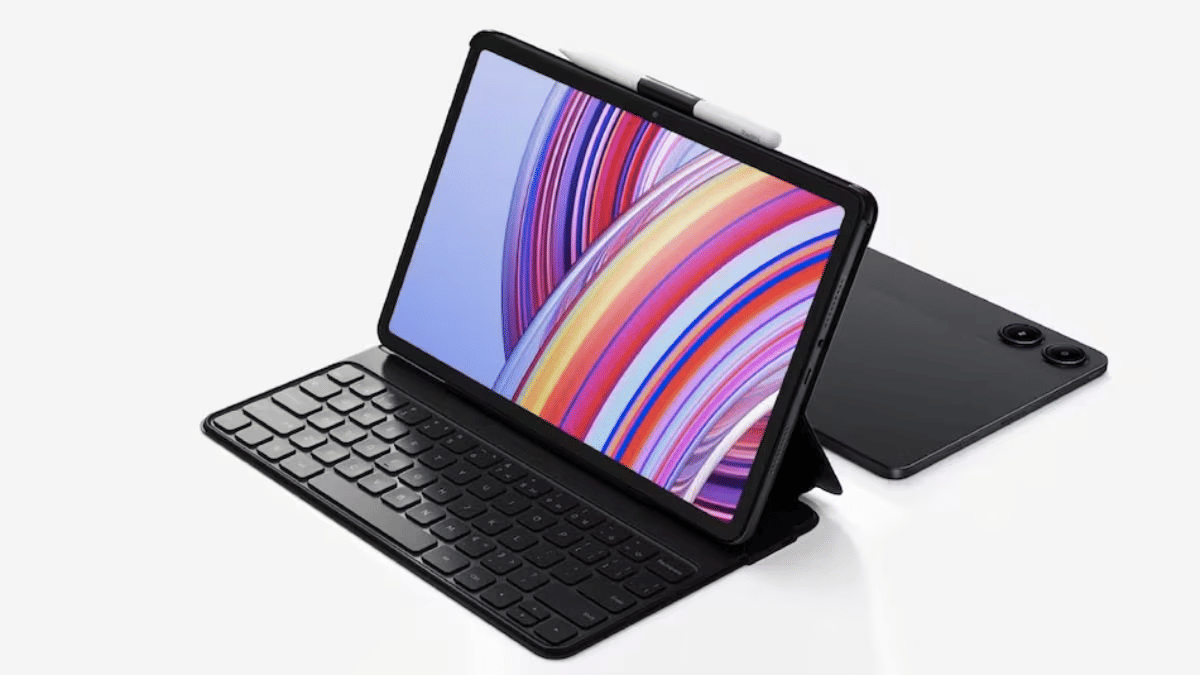
Redmi Pad Pro 5G Tablet

Redmi Pad Pro 5G Specs
Display size 12.1-inch
Panel typeLCD
Resolution2.5K (2560 x 1600 pixels)
Refresh rate 120 Hz
Brightness 500 nits
Rear camera 8MP
Front camera 8MP
Processor Qualcomm Snapdragon 7s Gen 2
RAM 6GB/ 8GB
Storage 128GB/ 256GB
Battery 10,000 mAh
Fast Charging 33W
Stylus Support Yes
Price Starts at Rs. 20,999
Redmi Pad Pro 5G Full Specs

Xiaomi’s Redmi brand was refreshed earlier with the new Redmi Pad tablets. The Redmi Pad Pro 5G backed with Snapdragon 7s Gen 2 chipset and up to 8GB RAM/ 256GB storage makes it one of the most capable mid-range tablet with Wi-Fi and Cellular support. It also comes with stylus pen support which makes it apt for all creative users and students. Price for the Redmi Pad Pro 5G starts at Rs. 20,999 in India (Wi-Fi only model).

Also Read: Best Anime Games To Play In India: Naruto, Dragon Ball, And More

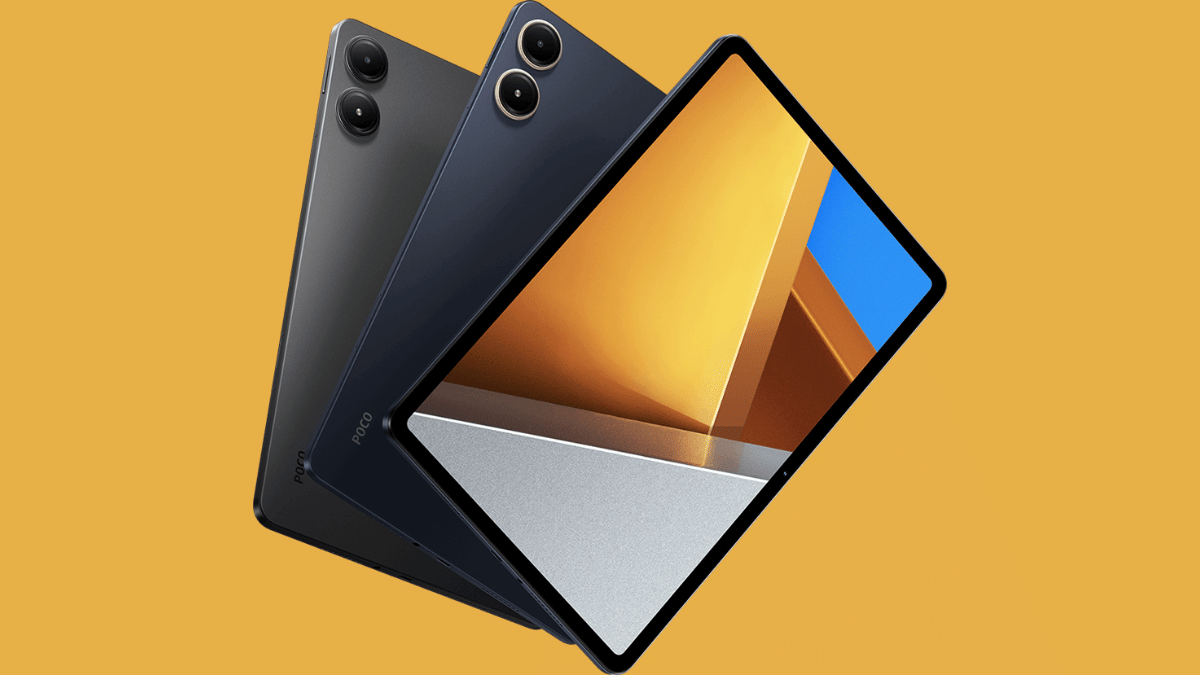
Poco Pad 5G

Poco Pad 5GSpecs
Display size 12.1-inch
Panel typeLCD
Resolution2.5K (2560 x 1600 pixels)
Refresh rate 120 Hz
Brightness 500 nits
Rear camera 8MP
Front camera 8MP
Processor Qualcomm Snapdragon 7s Gen 2
RAM 8GB
Storage 128GB/256GB
Battery 10,000 mAh
Fast Charging 33W
Stylus Support Yes
PriceStarts at Rs. 25,999
Poco Pad 5G Full Specs

Poco’s first tablet in India is another budget-oriented Android tablet which comes with stylus pen support making it an ideal pick under Rs. 30,000. The Poco Pad 2 is also powered by the mid-range Snapdragon 7s Gen 2 chipset clubbed with 8GB RAM and up to 256GB storage space. It is up for grabs exclusively via Flipkart in India and carries an asking price of Rs. 25,999.

Also Read: Best Laptops Under Rs. 80,000 For Designers And Creators In India (2025)

Lenovo Tab K11

Lenovo Tab K11Specs
Display size 10.95-inch
Panel typeLCD
Resolution1920 x 1200 pixels
Refresh rate 90 Hz
Brightness 400 nits
Rear camera 13MP
Front camera 8MP
Processor MediaTek Helio G88
RAM 4GB/8GB
Storage 64GB/128GB
Battery 7,040 mAh
Charging Support10W
Stylus Support Yes
PriceStarts at Rs. 14,999
Poco Pad 5G Full Specs

Lenovo Tab K series is one of the successful tablet lineups that is available in India and comes with reasonable pricing. Like the above tablets in this list, the Lenovo Tab K11 also comes with stylus pen support making it ideal for the masses who are into creative tasks. This is the cheapest model in this list with the asking price being Rs. 14,999.

Also Read: Looking For The Best Cloud Storage? These Apps Stand Out In 2025

Final Verdict

Modern day tablets are as versatile as smartphones allowing us to perform all those critical tasks that previously required a laptop or PC. And with features like stylus pen support can transform them to more useful gadgets. This list has the top 3 latest Android tablets in India that can be purchased at reasonable rates. Out of all these three models, the Redmi Pad Pro 5G and the Poco Pad 5G tablet are the closest contenders with the only major difference being the configuration. On the other hand, if you need more affordable option than these two yet a capable performer that supports stylus pen, then the Lenovo K11 will be the right pick.

Categories
Featured Info Tablet

Flipkart Big Shopping Utsav 2024: Grab The iPad 9 At A Steal Price

Key Highlights

  • iPad 9 available for Rs. 20,499 during Flipkart’s sale
  • Extra Rs. 1,500 off with Yes Bank credit cards
  • Sale ends on October 13, 2024

Looking for a great deal on an iPad? You have the opportunity to purchase the ninth-generation iPad (iPad 9) for as little as Rs. 20,499 during the Flipkart Big Shopping Utsav 2024. The sale begins on October 9, 2024, and runs until October 13, 2024. This is all the information you need.

Also Read | iPad Air 2024 vs. Samsung Galaxy Tab S9: Which Tablet Wins The Showdown?

iPad 9 Price During the Sale

  • Base price: Rs. 21,999 (original MRP Rs. 32,900)
  • Bank offer: Rs. 1,500 discount for Yes Bank credit card users
  • Exchange offer: Depending on the model and condition, you can exchange your old smartphone or tablet for up to Rs. 21,200 off.

iPad 9 Model Availability

The iPad 9 64GB Wi-Fi only device is covered by the Flipkart Big Shopping Utsav 2024. There are more variants available as well, however they cost more:

  • 256GB Wi-Fi: Priced at Rs. 37,999
  • 4G model: Goes up to Rs. 48,999

Why The iPad 9 Stands Out

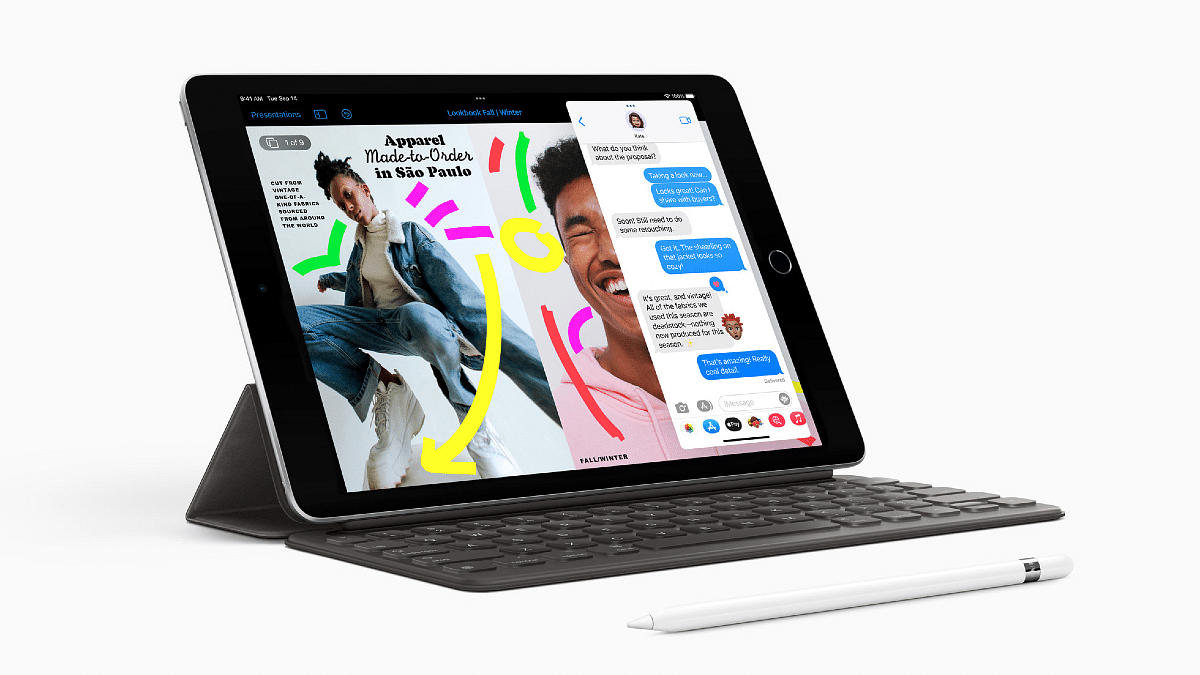
The iPad 9 was released in 2021 and holds a special place for those who prefer Apple’s older design. Key features include:

  • 4G support: Last iPad model with 4G
  • Classic design: Physical home button and lightning port
  • Headphone jack: One of the last iPads to offer this feature
  • Big bezels: The classic iPad look with thick bezels

Also Read | OnePlus Pad Vs iPad Air: Best Premium Android Tablet

Changes In The iPad 10

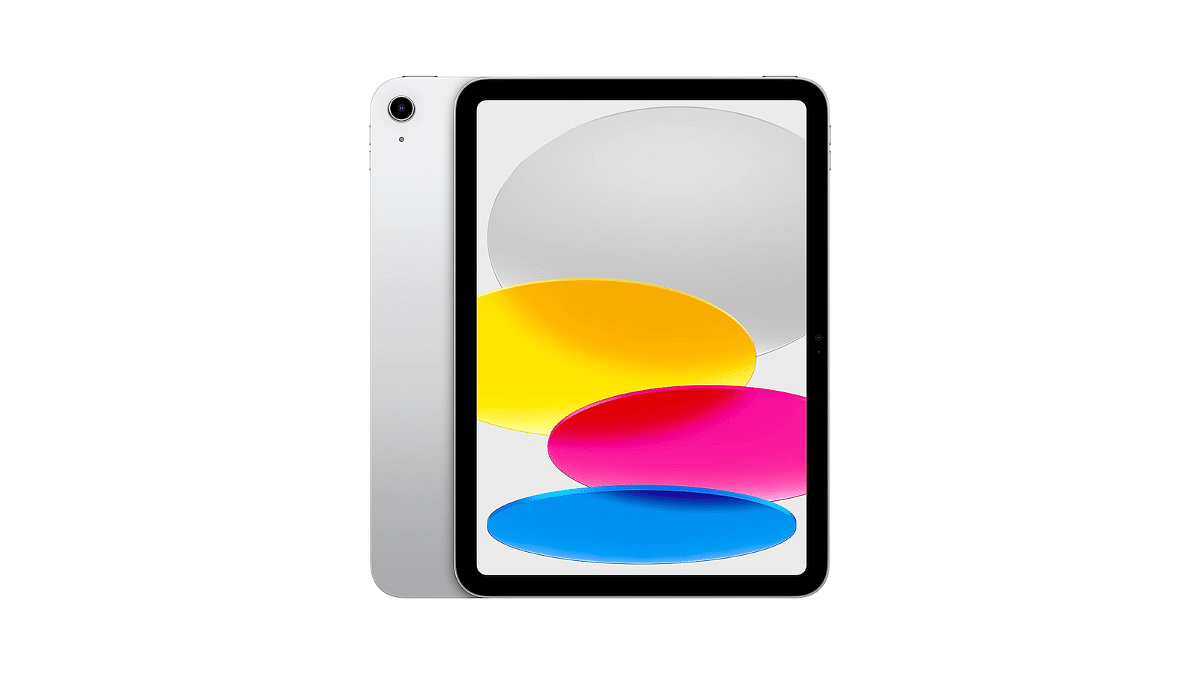
The iPad 9 was officially discontinued in May 2024, with the newer iPad 10 taking its place. Here’s how the iPad 10 differs:

  • USB Type-C port: More modern connectivity
  • 5G support: Enhanced network speeds
  • No home button or headphone jack: Sleeker, buttonless design
  • Starting price: Rs. 34,900 for the base model

For the tech geeks, stay updated with the latest cutting-edge gadgets in the market, exclusive tech updates, gadget reviews, and more right on your phone’s screen. Join Giznext’s WhatsApp channel and receive the industry-first tech updates.

Categories
Featured Reviews Tablet

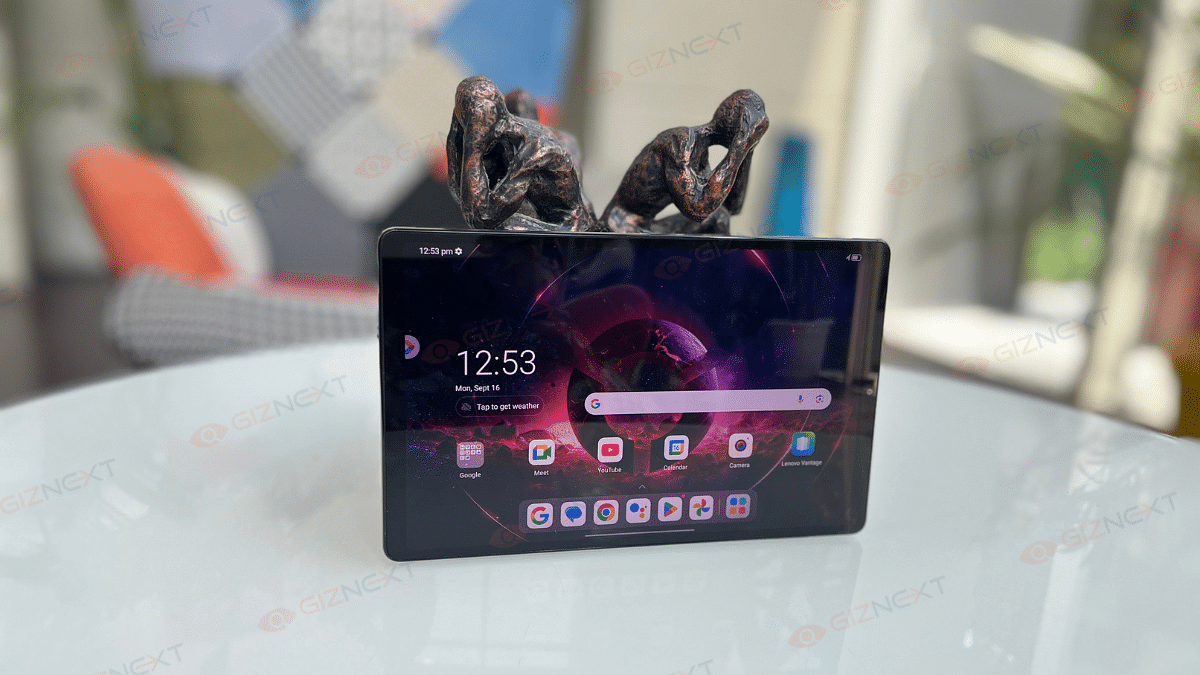
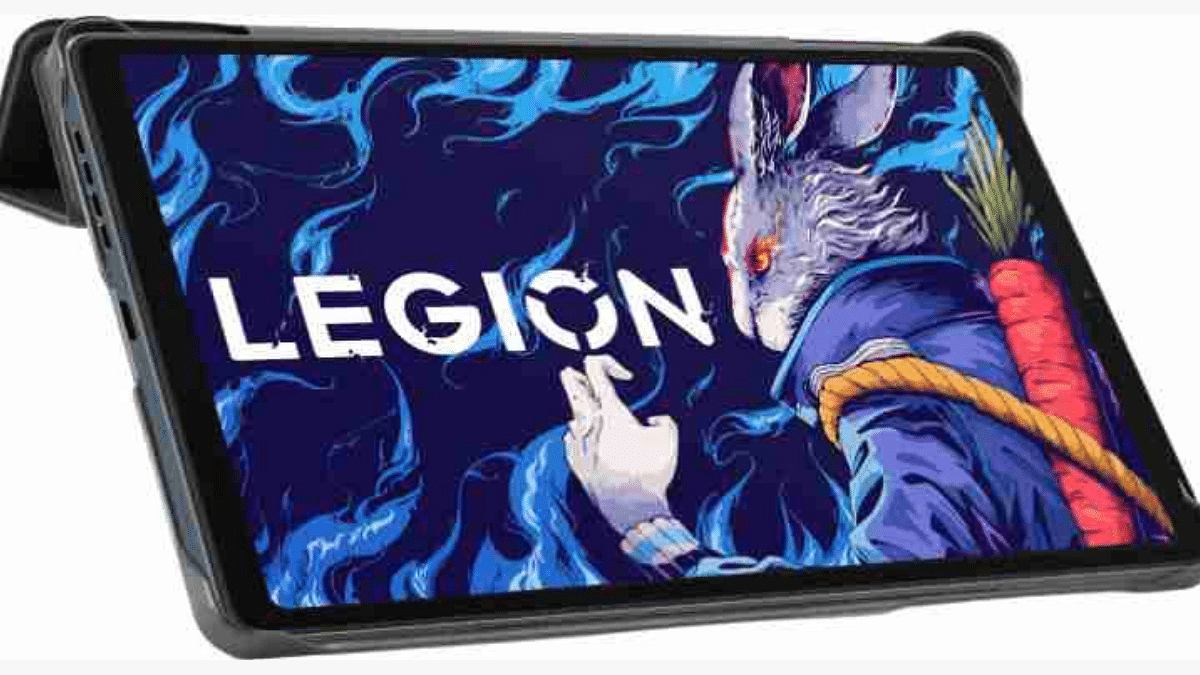
Lenovo Legion Tab Review: Small Size, Big Gaming Potential

Key Highlights

  • Qualcomm’s flagship 8-core chipset
  • 2.5K high-resolution with 144hz refresh rate
  • Superlinear stereo speaker
  • Haptic system with dual X-axis vibrators
  • Large battery with fast charging

Alright, let’s picture this: You are relaxing in your favorite spot at your home and ready to get into your next gaming adventure. But, instead for reaching for a bulky and huge laptop, you take soothing smaller and unexpected. That is when you realize you are holding the Lenovo Legion Tab. This is a compact powerhouse that is designed to surprise you. It is lightweight, fits perfectly in your one hand, but do not its size fool you. Lenovo has taken their Legion gaming reputation and unfolded it into this portable device. Now, here’s the real question. Can this tiny tablet really keep up with the demands of a hardcore gamer? Through this thorough review, let’s find out.

Also Read | Lenovo Tab Plus Review In Points: A True Entertainment Hub

ProsCons
Compact designDisplay not ideal for outdoor
Snapdragon 8+ Gen 1 processorSlight warming during extended sessions
Two USB-C ports 
Good battery life 

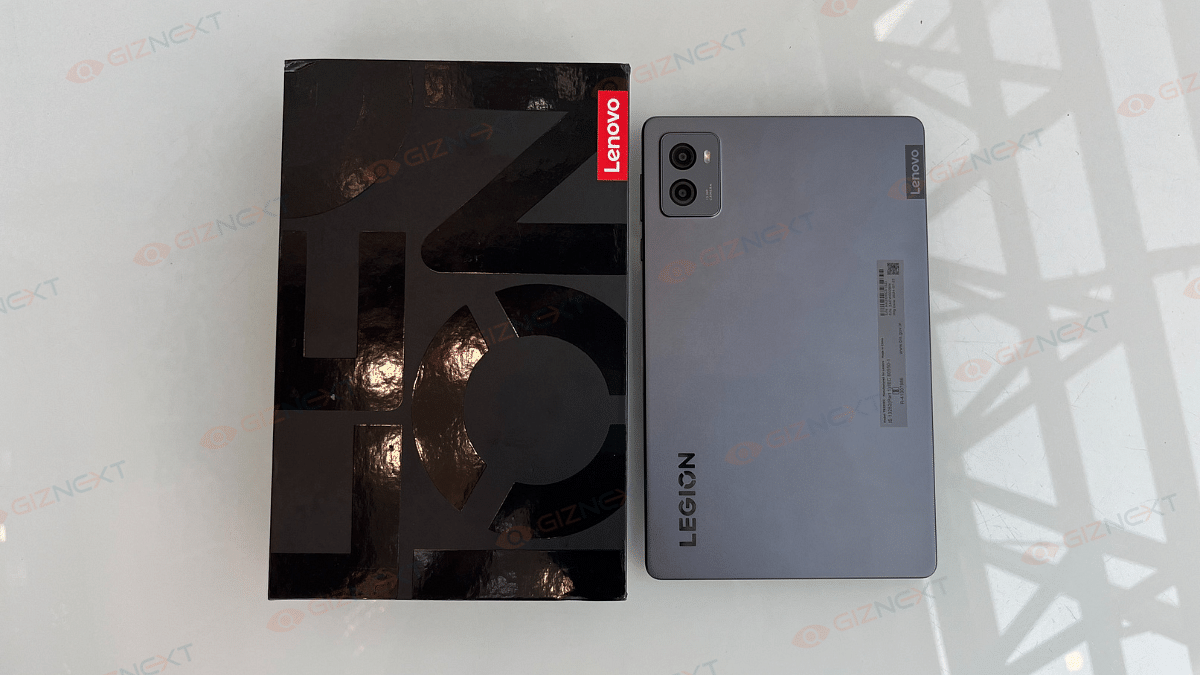
What’s Inside The Box?

  • Lenovo Legion Tab
  • Adaptor
  • USB cable
  • SIM pin
  • Quick start guide
  • Safety and warranty guide

Design

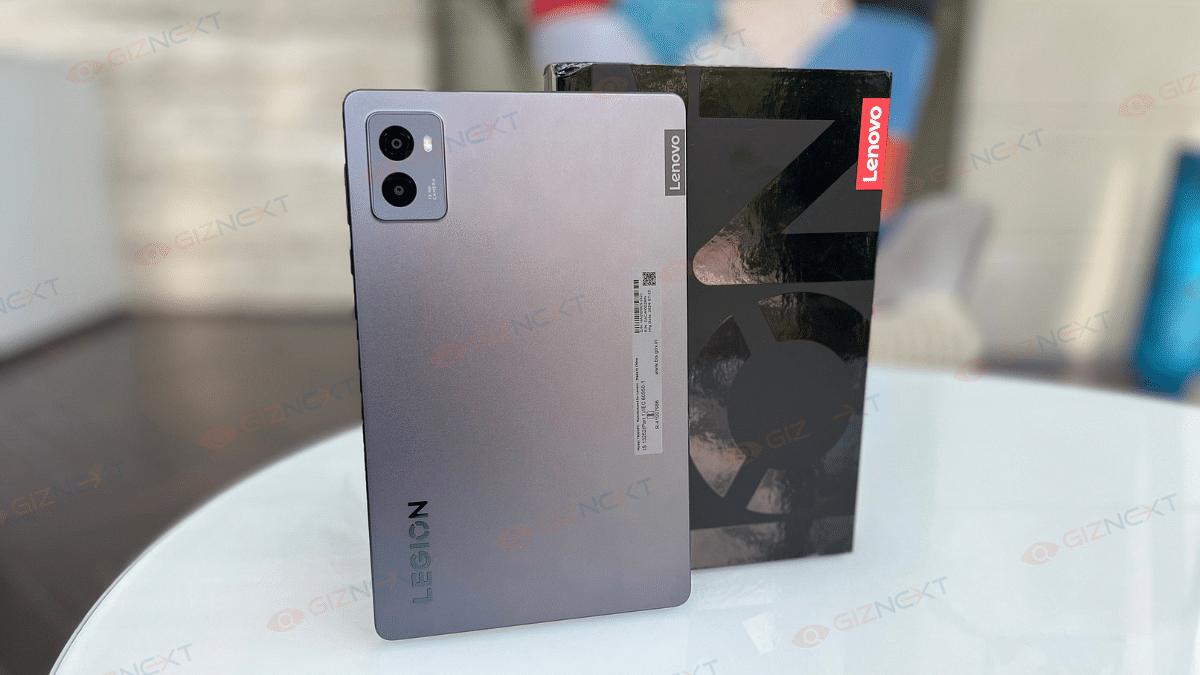
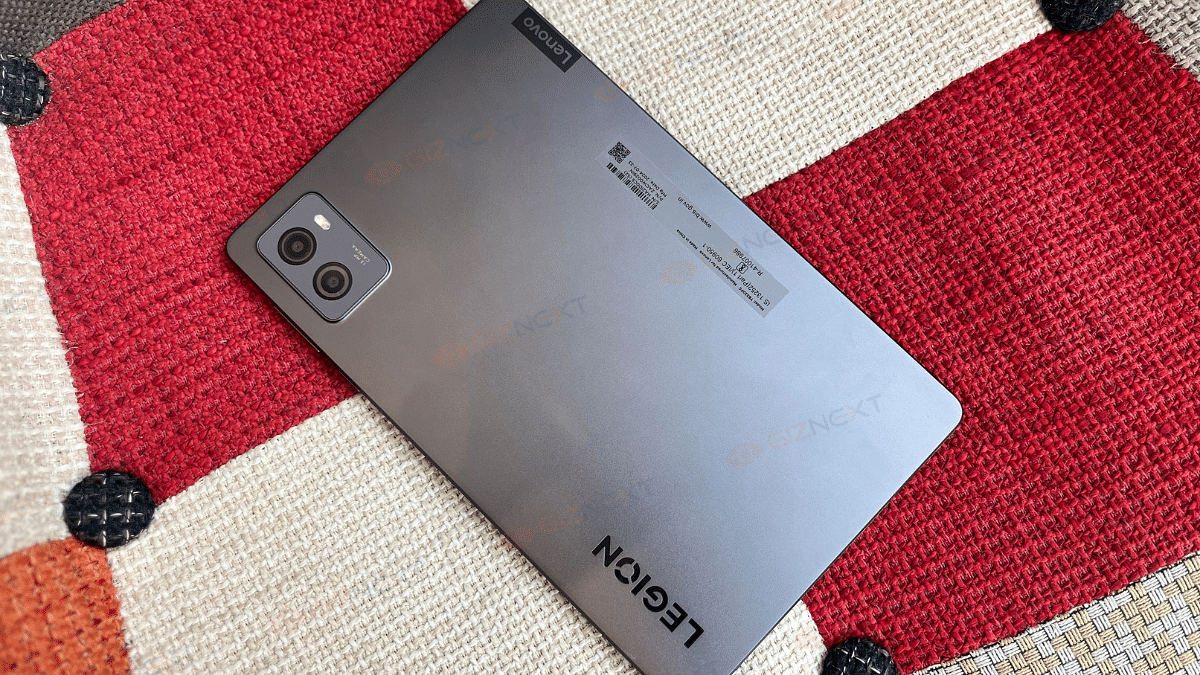
At first look, the Lenovo Legion look like a regular tablet. It has a sleek and clean design that gives it a minimalistic yet premium vibe. I have received the Storm Grey color variant which looks elegant. The tablet is made using the metal mostly except for the display and its bezels. It feels solid and durable in hand. Its smaller display makes it much more comfortable while playing games. And at just 350 grams, it is impressively light.

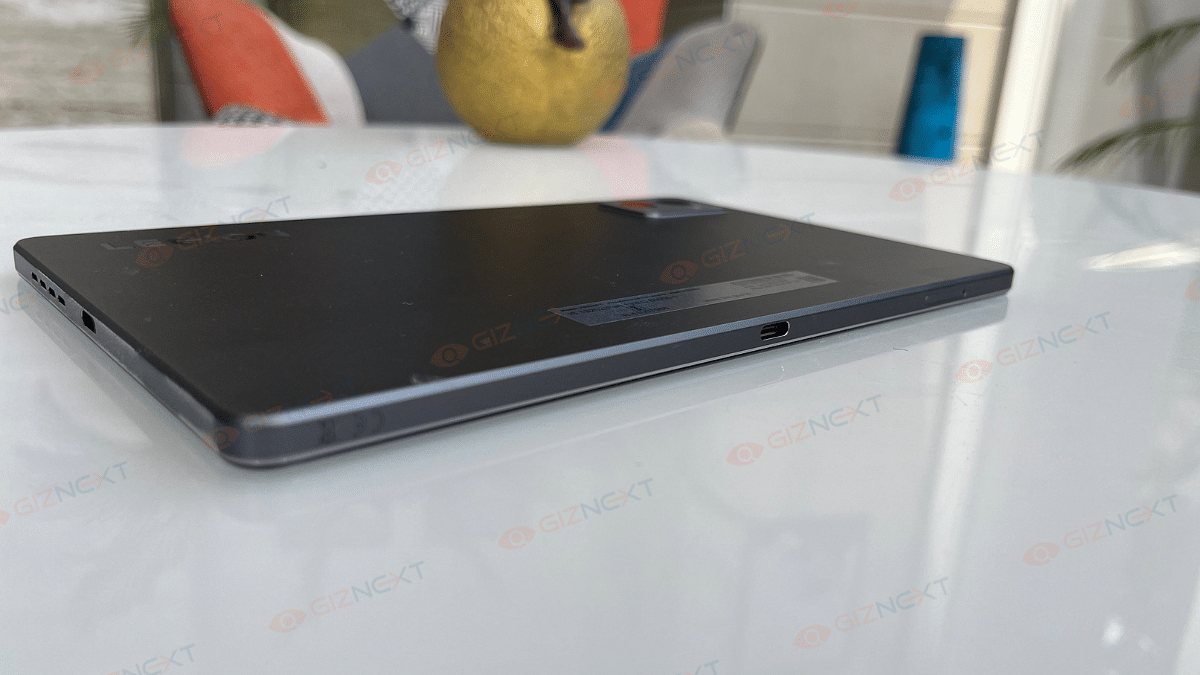
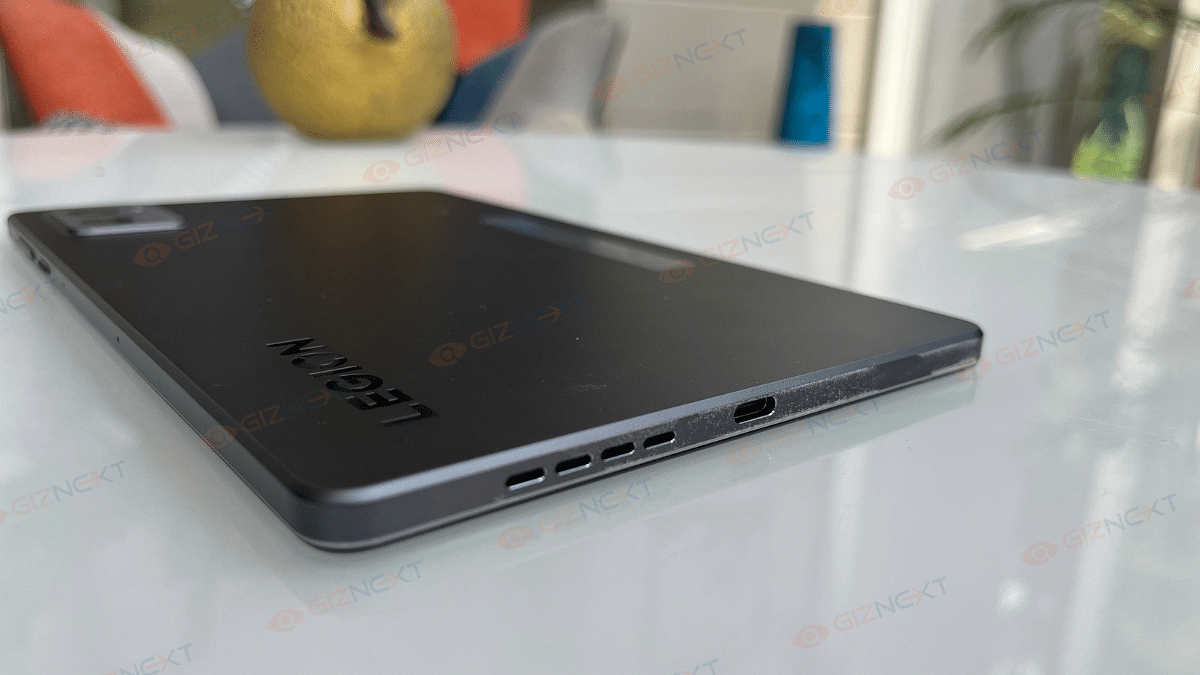
Now coming to the ports and buttons. A MicroSD card slot and a 10Gbps USB Type-C 3.2 (Gen. 2) port that enables display port, OTG, and charging are located on the left side. The power and volume controls are located on the right side. The top and bottom have speaker grills. Besides, you will also find a USB 2.0 port at the bottom for OTG and charging functionality.

Display

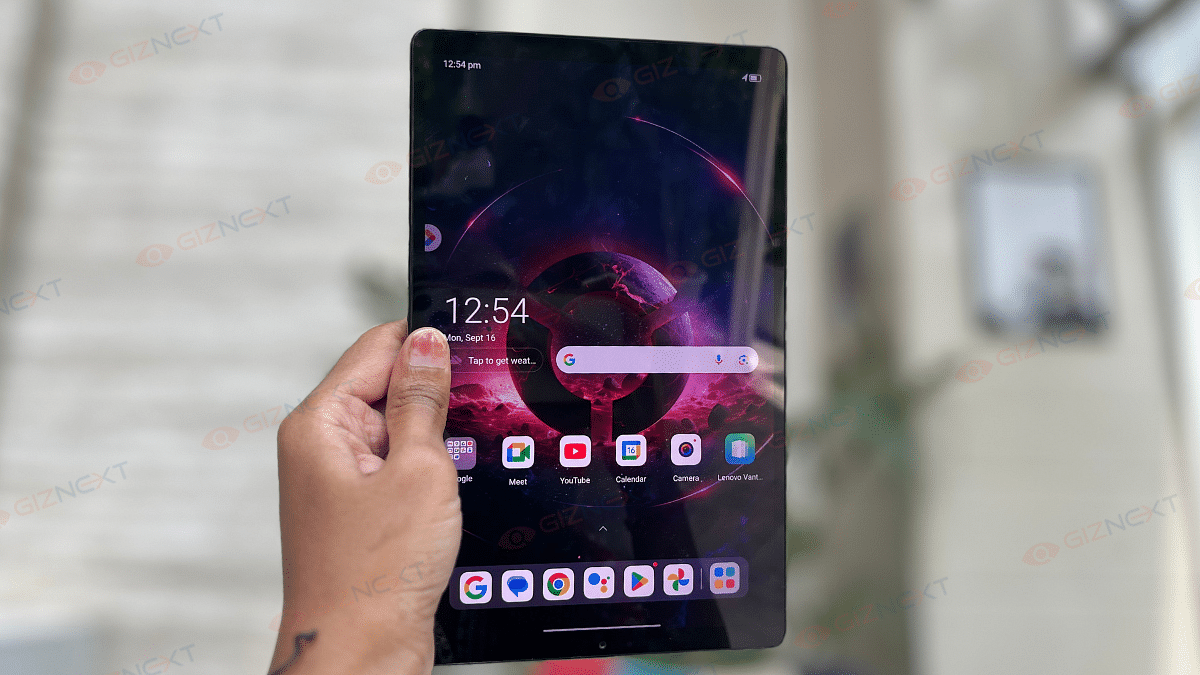
The Lenovo Legion Tab has a decent display for its size. It comes with 8.8-inch display with 2560 x 1600p resolution. I immediately noticed it smoothness thatnks to its 144Hz refresh rate that makes gaming a lot smoother. This is especially useful for fast-paced games like BGMI that supports up to 120fps. You can even lock the refresh rate at 144Hz or adjust it according to your need.

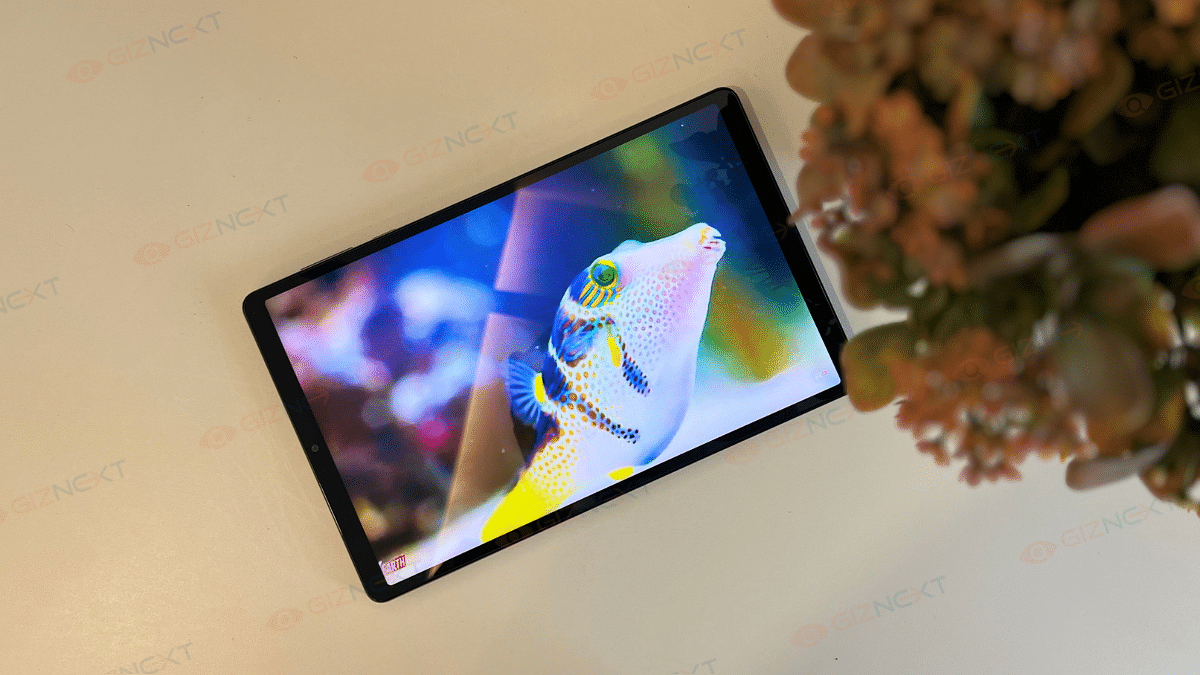
The display also supports Dolby Vision HDR10. That means, watching movies or binge-watching your favorite web series is a treat. I watched the Kalki 2898 AD on this laptop and the colors and clarity were great. However, the tablet is not great for outdoor use because of reflections. Anyways, I didn’t mind, since most of my gaming happens indoors.

The screen’s 16:10 aspect ratio and pixel density of 343 ppi make everything crisp. It is a great screen for both gaming and entertainment. I personally found it a solid upgrade from using my phone for the same tasks.

Also Read | Lenovo Tab P12 Review: Practicality At Its Best

Performance

The Lenovo Legion Tab is powered by the Snapdragon 8+ Gen 1 chip. During my gaming sessions, I did not notice any issues with graphics or frame rates. I played BGMI at max settings for around 15-20 minutes, and although the tablet got slightly warm, it never became uncomfortably hot. Games like Shadow Fight 4 and Call of Duty ran smoothly. Honestly, I enjoyed playing them more on the Legion Tab than on my phone. If I talk about my experience, it took me some time to get used to the larger screen controls. But once I got the hang of it, going back to my phone felt awkward.

Now coming to the sound. It was a nice surprise. It is loud with decent bass, something you don’t usually get with most tablets or phones. The Android 14 OS on the tablet felt familiar. The tablet does have two USB-C ports: one on the top and one on the bottom. This made it easy to charge no matter how I was holding the device, whether in handheld mode or upheld up on a table. It is a small detail, but it made a big difference during gameplay.

Camera

The Lenovo Legion Tab has a 13MP rear camera. For a tablet, it performs decently. It has basic features like a flashlight and HDR mode. During the day, the camera takes quite good pictures, which is more than enough for casual use. The 2X zoom feature surprised me, as zoomed-in pictures sometimes looked better than normal ones.

The front 8MP camera is alright for selfies and video calls, with average detail. The rear camera can also record videos in 4K at 30FPS, which is a nice bonus for quick video clips.

Battery

For me, the battery life on the Lenovo Legion Tab has been good. Even after long sessions of watching videos, gaming, browsing, and doing some light work like typing, the battery lasted about two days on average. Anyways, the battery life varies depending upon the settings, the game you are playing, the time duration. But it holds up pretty well overall.

Also Read | Lenovo Tab M11 Review: A Versatile Tablet For Everyday Use

Giznext’s Final Verdict

The price of the Lenovo Legion Tab is Rs. 39,999. Its small size makes it a fantastic choice for gamers who are often on the run. Even if we put gaming on the back foot, the tablet is still a highly capable device for daily tasks. Even though it might not be the least expensive tablet, it is an ideal option for gamers searching for a small, powerful device.

For the tech geeks, stay updated with the latest cutting-edge gadgets in the market, exclusive tech updates, gadget reviews, and more right on your phone’s screen. Join Giznext’s WhatsApp channel and receive the industry-first tech updates.

Categories
Featured Info Mobile Tablet

Apple Users On High Alert: Centre Issues Severe Warning Over Security Flaws

Key Highlights

  • Multiple vulnerabilities detected in Apple devices
  • Urgent software updates required
  • Apple warns users about potential spyware attacks

To all Apple users, the Indian Computer Emergency Response Team (CERT-In) has sent out a serious warning. Numerous vulnerabilities in a number of Apple products, including Macs, iPads, iPhones, and more, are highlighted in the alert. CERT-In states that these vulnerabilities have the potential to cause major problems such as spoofing attacks, denial of service attacks, arbitrary code execution, and sensitive information breaches. Here is everything you should know about it.

Also Read | Apple Maps Hits The Web: Key Features Of The New Beta Version

Affected Apple Software Versions

The advisory lists the detailed Apple software versions that are impacted by these vulnerabilities. Users need to use extra caution if they have:

  • iOS, iPadOS versions prior to 17.6 and 16.7.9
  • macOS Sonoma versions prior to 14.6
  • macOS Ventura versions prior to 13.6.8
  • macOS Monterey versions prior to 12.7.6
  • watchOS versions prior to 10.6
  • tvOS versions prior to 17.6
  • visionOS versions prior to 1.3
  • Safari versions prior to 17.6

Urgent Need For Updates

The central agency has advised all Apple users to practice the essential software updates supplied by the corporation to mitigate any high-level dangers right away. Keeping the software updated is essential to protect your devices against these vulnerabilities. As of now, Apple has no longer showed any security risks from their side.

Alerts On Mercenary Spyware Attacks

In a related matter, tech giant Apple has been sending alerts about the likely “mercenary spyware assaults” similar to Pegasus from the NSO Group. These signals had been issued to customers in over 150 international locations, which include India, to warn them about spyware aimed at remotely compromising iPhones.

Notable Individuals Affected

Prominent figures including Iltiza Mufti, a media consultant and daughter of former Jammu and Kashmir Chief Minister Mehbooba Mufti, and Pushparaj Deshpande, founder of Samruddha Bharat Pratishthan, have publicly said they received advice from Apple about the possible shutdown installed on their phones. These alerts are an attempt by Apple to notify users of rare and surprising spyware attacks that go beyond typical cybercrime or consumer malware activities.

Also Read | iOS Tips And Tricks: How To Manage Automatic ETA Sharing Using iPhone, iPads In Apple Maps

Stay Protected

With this in mind, Apple users should be on the lookout and take immediate action. Make sure your devices are running the latest software and stay up to date with any new advice from CERT-In or Apple. Regularly updating your devices and software is an important in order to protect yourself against these emerging threats.

For the tech geeks, stay updated with the latest cutting-edge gadgets in the market, exclusive tech updates, gadget reviews, and more right on your phone’s screen. Join Giznext’s WhatsApp channel and receive the industry-first tech updates.

Categories
Comparison Featured Tablet

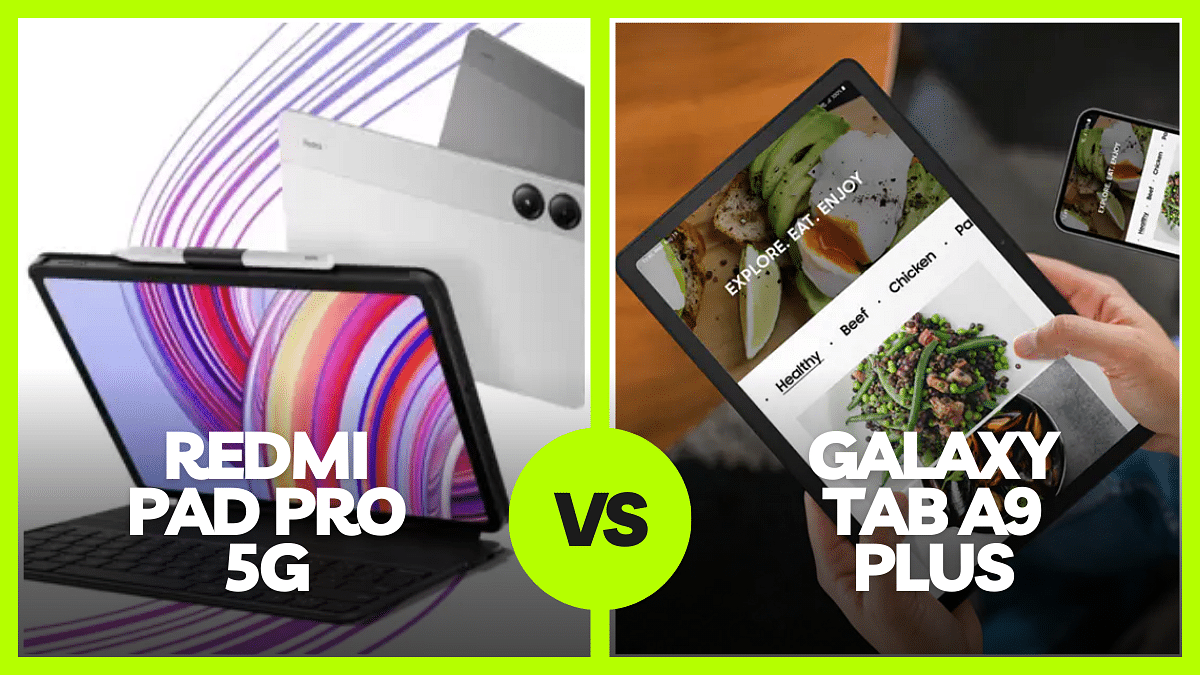
Redmi Pad Pro 5G vs Galaxy Tab A9 Plus: Choose The Right Tablet For Your Needs

Xiaomi and Samsung are going head-to-head in the mid-range tablet market with the Redmi Pad Pro 5G and the Galaxy Tab A9 Plus, respectively. Both tablets offer compelling features, but which one comes out on top? Let’s compare both the devices and see which one best fits your need.

Also Read | Google Pixel Tablet Vs OnePlus Pad Vs Vivo Pad 2: Top Value Flagship Android Tablet

Display

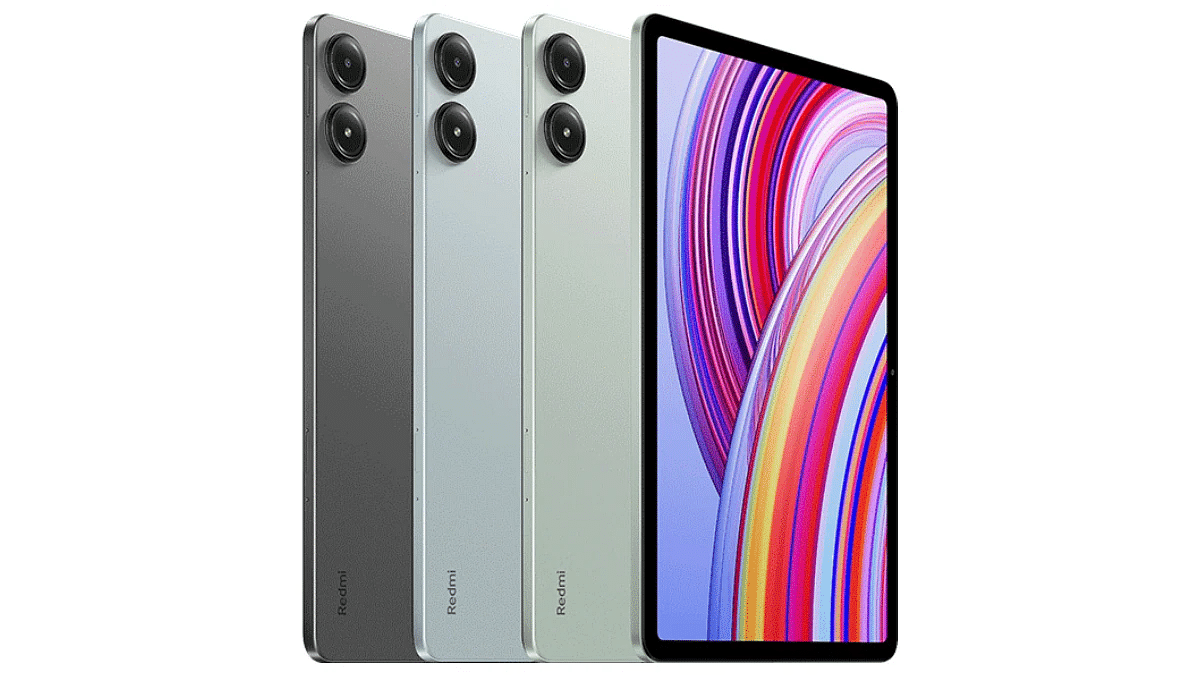
Smooth and colorful images are displayed on the 12.1-inch 2.5K display with a 120Hz refresh rate on the Redmi Pad Pro 5G. It also has a maximum brightness of 600 nits and Gorilla Glass 3 protection. Because of this, it is quite durable and perfect for use outside.

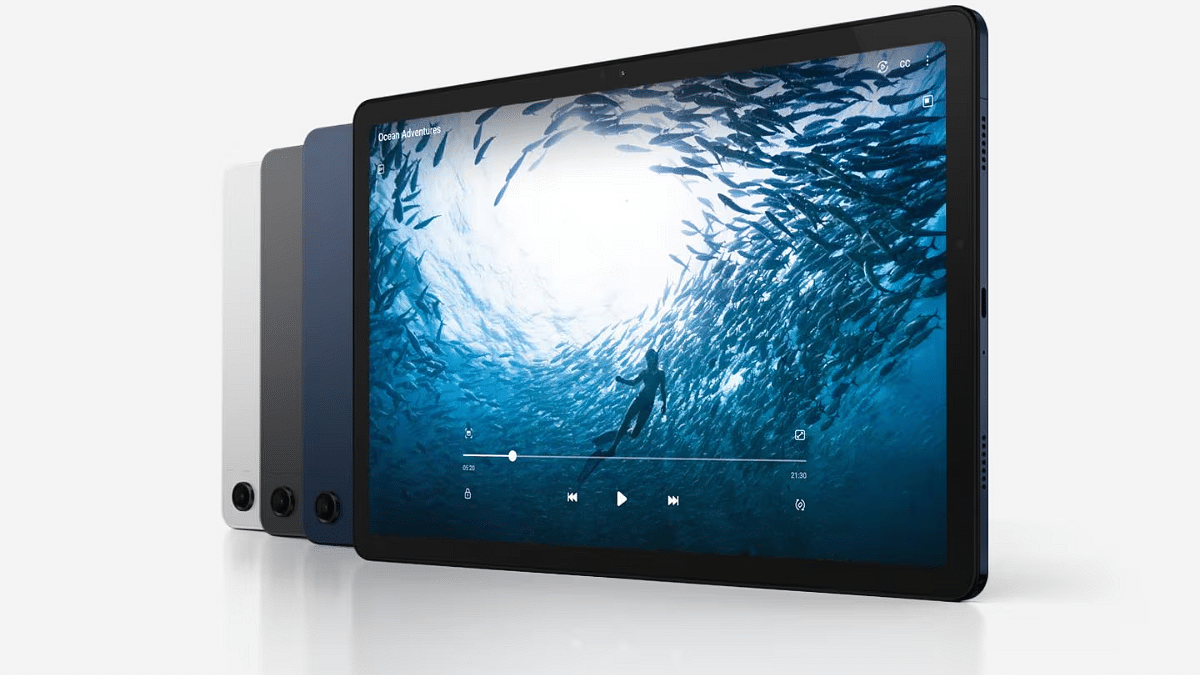
On the other hand, the Galaxy Tab A9 Plus features a slightly smaller 11-inch LCD screen with a 90Hz refresh rate. While it may not match the refresh rate of the Redmi Pad Pro 5G, it still delivers decent performance for everyday tasks.

Performance

Under the hood, the Redmi Pad Pro 5G is powered by the Qualcomm Snapdragon 7s Gen 2 processor paired with an Adreno 710 GPU. It comes with 8GB of RAM and offers storage options up to 256GB, which can be expanded up to 1.5TB via a microSD card. This combination ensures smooth multitasking and ample storage for all your apps and media.

In comparison, the Galaxy Tab A9 Plus is equipped with the Qualcomm Snapdragon 695 chipset, which also supports 5G connectivity. It offers two storage variants: 4GB RAM with 64GB storage and 6GB RAM with 128GB storage. While the processor is slightly less powerful, it still provides a solid performance for most applications.

Camera And Battery

With an 8MP front and rear camera, the Redmi Pad Pro 5G is a good choice for casual photography and video calls. Long usage periods are guaranteed by its large 10,000mAh battery, and you can rapidly top off the battery when needed thanks to the 33W fast charger that is included.

In addition to having an 8MP rear camera, the Galaxy Tab A9 Plus also has a 5MP front camera for better video calls and selfies. It has a smaller 7,040mAh battery, which may not last as long as the Redmi Pad Pro 5G but is sufficient for moderate use.

Additional Features

Both tablets come with Dolby Atmos speakers, providing an immersive audio experience. The Redmi Pad Pro 5G includes an in-display fingerprint sensor, a 3.5mm headphone jack, and a quad-speaker setup.

The Galaxy Tab A9 Plus, while lacking some of these features, supports Samsung’s range of tablet accessories like the Book Cover and Book Cover Keyboard Slim, adding to its versatility.

Price

The Redmi Pad Pro 5G starts at Rs. 24,999 for the 8GB RAM + 128GB storage model, going up to Rs. 26,999 for the 256GB storage variant. With bank offers, the price can be reduced to Rs. 22,999 and Rs. 24,999, respectively.

By comparison, the Galaxy Tab A9 Plus is more reasonably priced, with a starting price of Rs. 18,999. This makes it a desirable choice for anybody looking for a powerful tablet that won’t break the bank.

Also Read | iPad Air 2024 vs. Samsung Galaxy Tab S9: Which Tablet Wins The Showdown?

Final Verdict

SpecsRedmi Pad Pro 5GSamsung Galaxy Tab A9 Plus
Display12.1-inch 2.5K, 120Hz Refresh Rate11-inch LCD, 90Hz Refresh Rate
ProcessorQualcomm Snapdragon 7s Gen 2Qualcomm Snapdragon 695
RAM8GB4GB / 6GB
Storage128GB + 256GB64GB + 128GB
Rear Camera8MP8MP
Front Camera8MP5MP
Battery10,000mAh7,040mAh
OSAndroid-based MIUIAndroid-based One UI
Price (Starting at)Rs. 24,999Rs. 18,999

Both the Redmi Pad Pro 5G and Galaxy Tab A9 Plus have their strengths. With its greater refresh rate, bigger battery, and other functions, the Redmi Pad Pro 5G shines and is perfect for hardcore users. In contrast, the Galaxy Tab A9 Plus is ideal for daily usage because it provides balanced performance at a lower cost. Ultimately, the choice depends on your specific needs and budget.

For the tech geeks, stay updated with the latest cutting-edge gadgets in the market, exclusive tech updates, gadget reviews, and more right on your phone’s screen. Join Giznext’s WhatsApp channel and receive the industry-first tech updates.

Categories
Featured Tablet

Lenovo Legion Gaming Tablet Prices Out Ahead Of July 19 Launch: Availability, Top Features

Key Highlights

  • Lenovo’s first gaming tablet launching in India
  • Debut set for July 19
  • Will be up for sale at Flipkart
  • India prices out ahead of launch

Lenovo is set to bring its first gaming tablet in India. The PC and tablet giant will be introducing the Legion gaming tablet this week itself in the country. This would be the second Lenovo tablet that would mark its debut in the country within a month. Just before the launch, the Lenovo Legion tablet’s prices have been revealed which points at yet another pocket-friendly option for the masses.

For the tech geeks, stay updated with the latest cutting-edge gadgets in the market, exclusive tech updates, gadget reviews, and more right on your phone’s screen. Join Giznext’s WhatsApp channel and receive the industry-first tech updates.

Also Read: OnePlus Pad 2 Tablet Alternatives: Top Flagship Contenders

Lenovo Legion Gaming Tablet India Launch Date, Price

Th Lenovo Legion gaming tablet is set to launch on July 19, 2024 in India. The first gaming tablet from Lenovo will be going up for sale via e-commerce giant Flipkart. The online retailer has already created its product page active on its portal which mentions some of the crucial details including the specs as well as the prices.

Speaking of the pricing, the Legion gaming tablet will be selling at Rs. 28,999 which is likely with the added discount offers. Actual pricing mentioned is Rs. 65,000. This pricing is set for the 12GB RAM and 256GB storage model. As of now, only this single configuration is mentioned on Flipkart and it is not clear if there will be additional configuration will be introduced or not. The pre-bookings are also active on the online retailing platform.

Also Read: Best Five Android Tablets With Voice Calling In 2024

Lenovo Legion Gaming Tablet Top Features And Specs

Lenovo Legion Gaming TabletKey Features
Display8.8-inch, 144Hz refresh rate, QHD+ resolution
ChipsetSnapdragon 8+ Gen 1 processor
RAM12GB
Storage256GB
Battery6,550 mAh
Fast Charging 45W

According to Flipkart, the Lenovo Legion gaming tablet will be sporting a high-res vivid screen which will measure 8.8-inch. The gaming tablet’s display will support a QHD+ resolution and 144Hz refresh rate for the improved gaming visuals. The panel will have a peak brightness level of 500 nits and will also be Dolby Vision compatible.

The e-commerce listing also mentions the Snapdragon 8+Gen 1 processor driving the Legion gaming tablet. The tablet will get Legion ColdFront Vapor Thermal Solution for temperature stability during extensive gameplay. It will be backed by a 45W fast charging compatible 6,550 mAh battery pack.

Categories
Comparison Featured Tablet

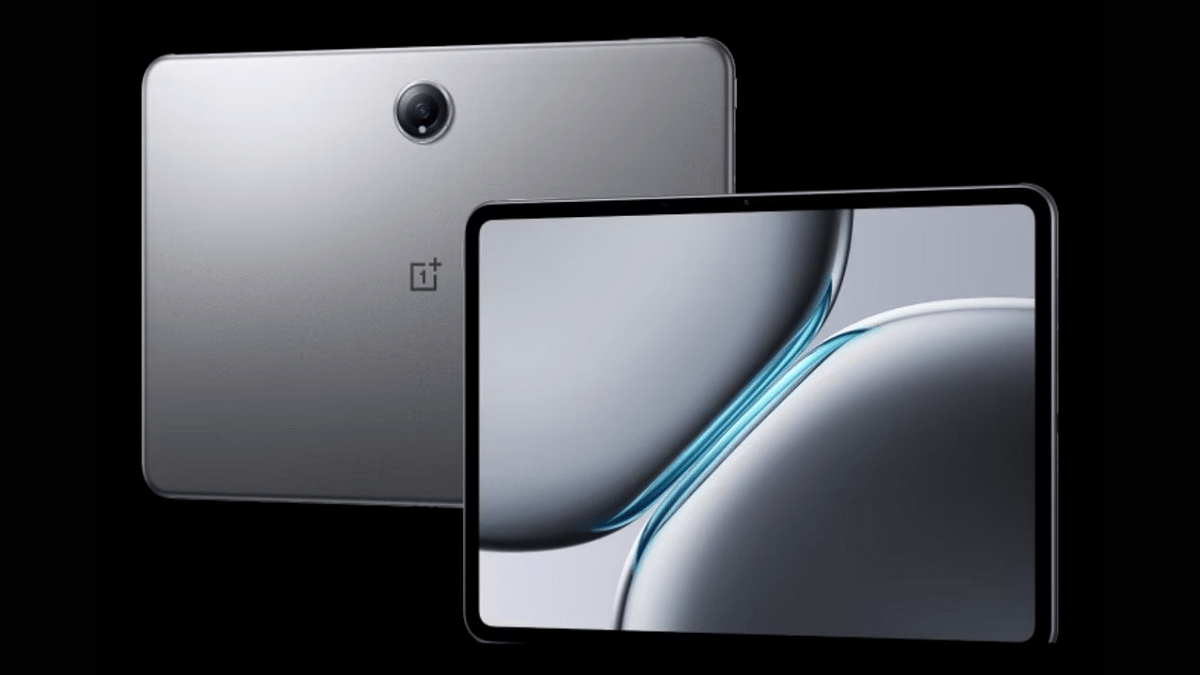
OnePlus Pad 2 Tablet Alternatives: Top Flagship Contenders

Key Highlights

  • OnePlus Pad 2 arrived with Snapdragon 8 Gen 3 chipset
  • Premium tablet going up for sale starting August 1 in India
  • Galaxy Tab S9 FE is one the strongest contenders
  • Old-gen OnePlus Pad another top alternate

OnePlus concluded its Summer Event 2024 with a bang and the center-stage was ruled by the new-age Nord products. The OnePlus Pad 2 also marked its grand entry as the company’s second Android tablet for the premium audiences. Featuring a 144Hz high-res screen, Snapdragon 8 Gen 3 processor, and a 67W fast charging supported 9,750 mAh battery, the Pad 2 has emerged as one of the most powerful Android tablet with a starting price tag under Rs. 40,000. If you are considering its alternates, we have picked the top flagship tablets that can be considered in 2024.

Also Read: OnePlus Nord 4 Alternatives: Top Three Latest Rivals To Look Out For

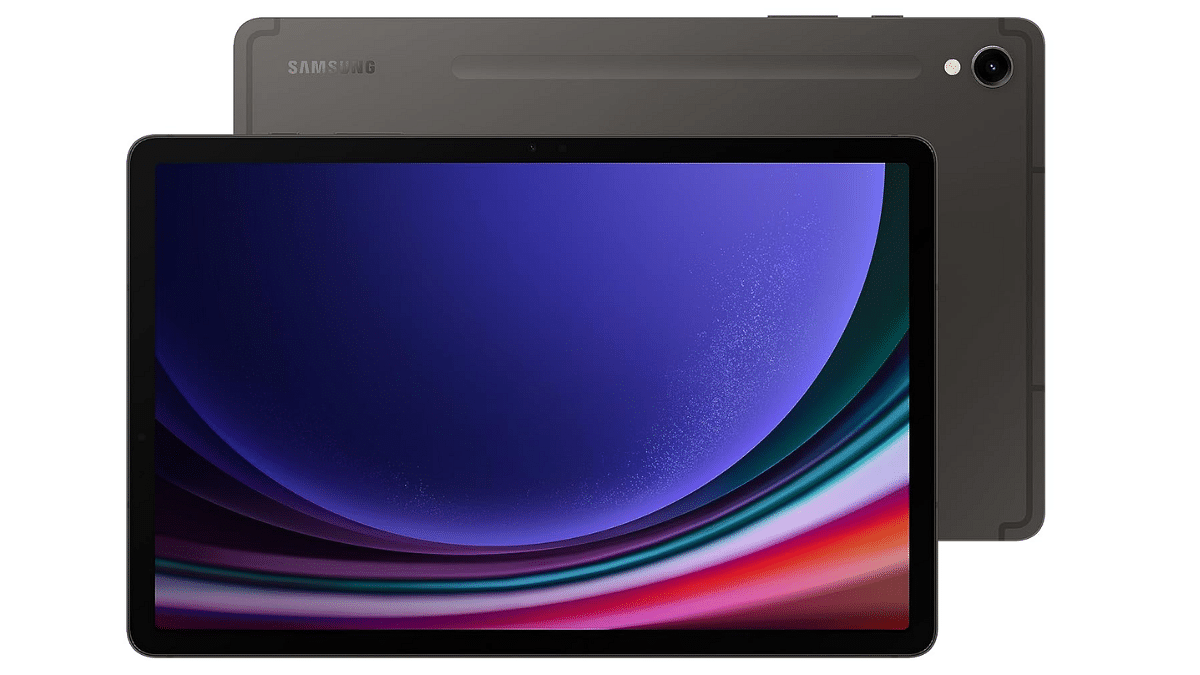
Samsung Galaxy Tab S9 FE

Samsung Galaxy Tab S9 is amongst the few top-tier Android tablets in the Indian market. With a slight lower starting range than the OnePlus Pad 2, the Tab S9 FE variant emerges as the affordable yet a capable alternate.

Samsung Galaxy Tab S9 FESpecs
Display 10.9-inch
Panel specsWUXGA+ resolution (2304 x 1440 pixels), 90Hz refresh rate
Rear Camera8MP
Front Camera13MP
Chipsetocta-core Exynos 1380
OSAndroid 13
RAM6GB/ 8GB
Storage128GB/ 256GB
Battery 8,000 mAh
Samsung GalaxyTab S9 Specs

Galaxy Tab S9 FE Price In India

Variant Price
6GB RAM+ 128GB storageRs. 34,999
8GB RAM+ 256GB storageRs. 47,999
Samsung Galaxy Tab S9 Price Chart

Also Read: OnePlus Summer Event 2024 Key Note: Pad 2 Tablet, Nord 4 Smartphone Top Highlights

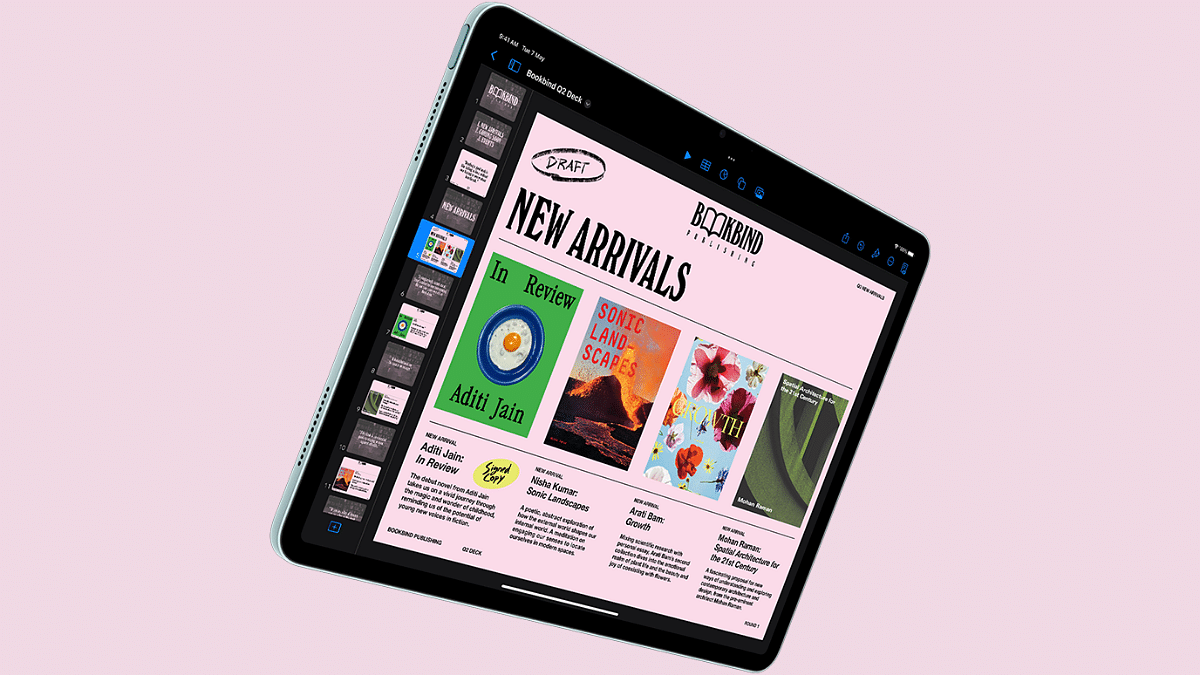
Apple iPad Air 2024 11-inch Model

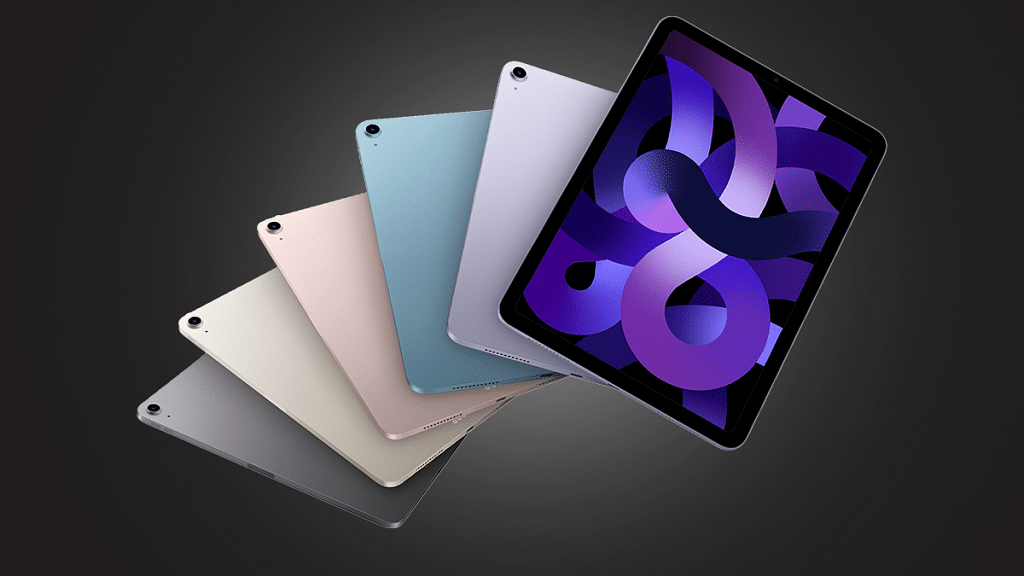
The latest iPad Air 2024 version arrived with refreshed design and upgraded specs. It is one of the strongest rivals to the OnePlus Pad 2 and is the best option for creative users. It is slightly expensive than the OnePlus Pad 2 but takes the top spot when we speak of premium range tablets.

Apple iPad Air 2024Specs
Display 11-inch
Panel specs2360 x 1640 pixels resolution, 264 PPI pixel density
Rear Camera12MP wide
Front Camera12MP ultra wide
ChipsetApple M2
RAM6GB/ 8GB
OSiPad OS 17
Storage128GB/ 256GB
Charging20W
Apple iPad Air 2023 specs

Apple iPad Air 2024 11-inch Price

VariantPrice
128GBRs. 59,999
256GBRs. 69,999
512GBRs. 89,999
1TBRs. 1.09,999
Apple iPad Air 2024 11-inch Price Chart

Also Read: OPPO Reno 12 5G Review In Points: AI Is The Trendsetter

OnePlus Pad

The last-gen OnePlus tablet still stands strong in the flagship Android tablet race. It shares some of the features with the new model including the 144Hz LCD panel, a 13MP main camera, up to 12GB RAM, and 67W fast charging

OnePlus Pad Specs
Display 11.61-inch LCD
Panel specs2800 x 2000 pixels resolution, 144Hz refresh rate
Rear Camera8MP wide
Front Camera13MP ultra wide
Chipsetocta-core MediaTek Dimensity 9000
RAM8GB/ 12GB
OSAndroid 13
Storage128GB/ 256GB
Battery9510 mAh
Fast Charging67W
OnePlus Pad specs

OnePlus Pad Price In India

VariantPrice
8GB RAM+128GB storageRs. 34,999
12GB RAM+ 256GB storageRs. 39,999
OnePlus Pad India Price

Also Read: Urban Vibe Clip Open Ear Wireless TWS Review: Stylish And Secure, But Is It Worth The Cost?

Final Take

OnePlus Pad2 has brought along some upgrades while keeping some of the features from the previous model intact. This is why the first-gen variant too stands strong in the premium segment. The remaining options are worthy since they offera value for money deal when we look at the overall price to specs ratio.