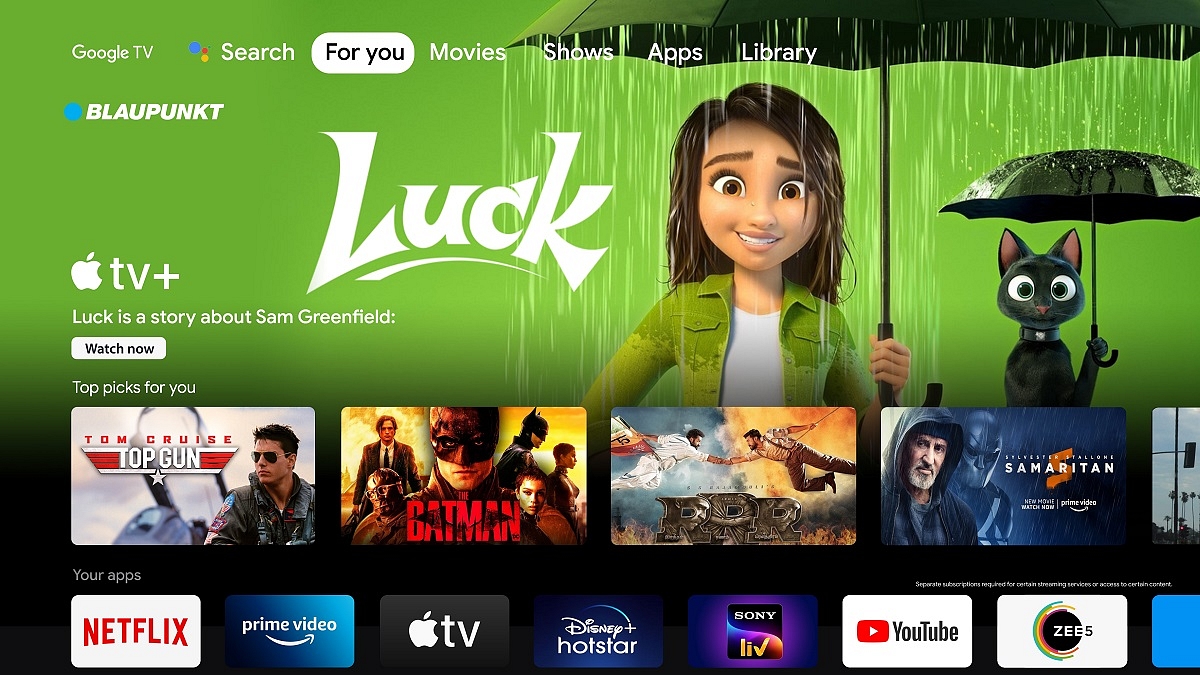
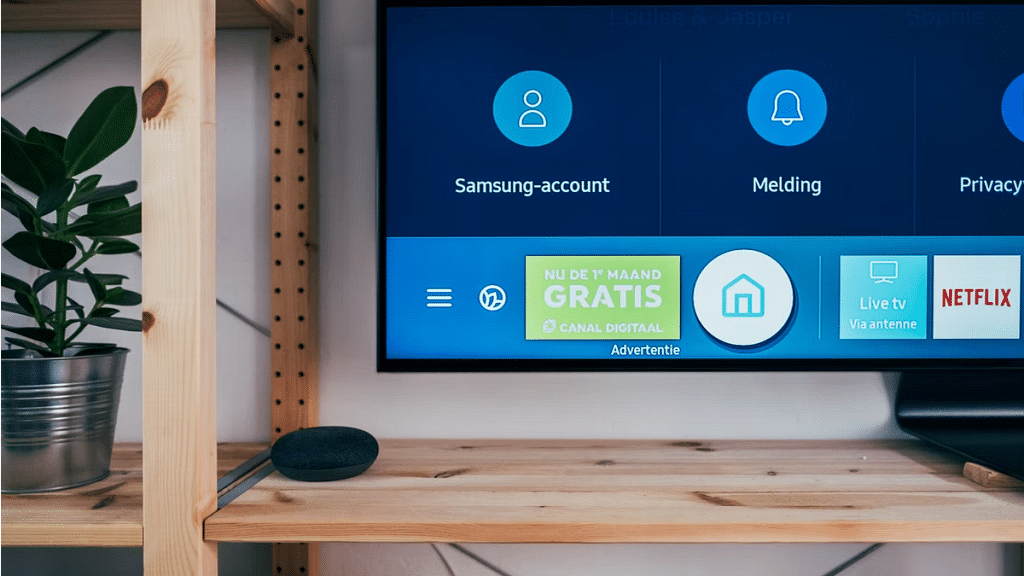
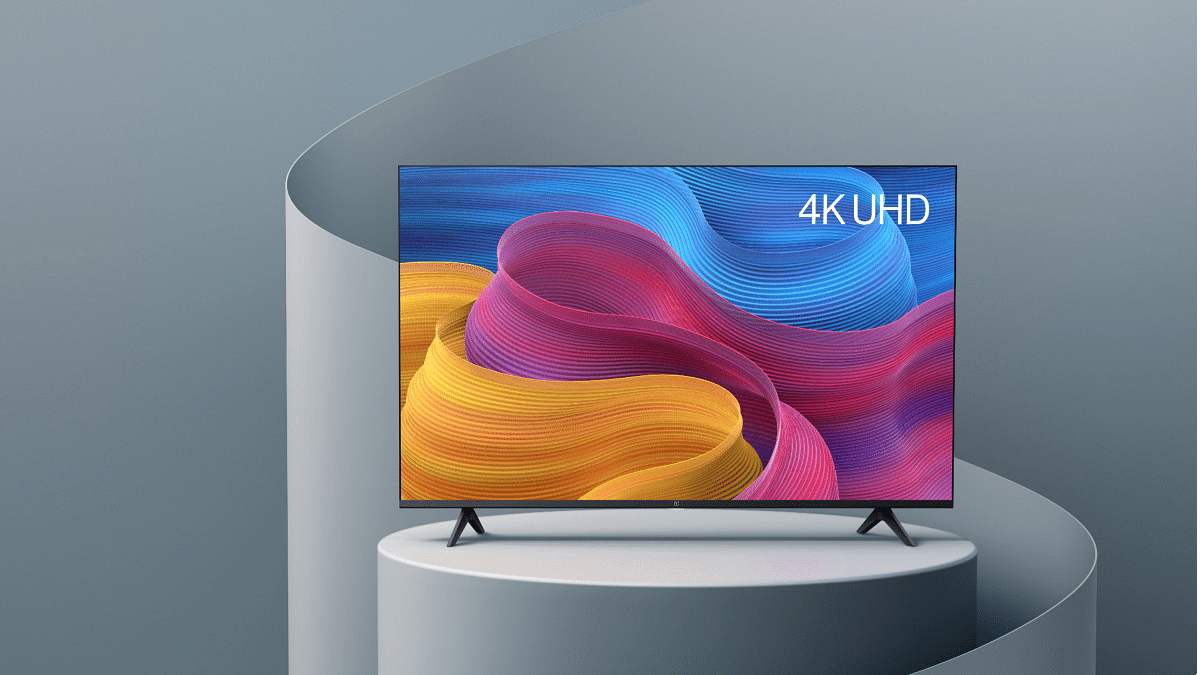
Android TV ecosystem is evolving with modern days technologies. Brands are incorporating the latest hardware innovations so that users get the best audio-video experience with large screens. And there is a horde amongst the manufacturers to offer all its consumer base a premium viewing experience at an affordable price tag.
We have multiple dedicated smart TV brands and smartphone OEMs that are catering to the audience in the smart TV market. And a majority of the brands are using Android services for their TVs. With Android smart TVs, you can also use third-party apps and games. You can download and install not just free apps but also paid apps. Making third-party app purchases is also a simple process when you do it on smart TVs.
You can try multiple payment methods to make new in-app purchases. The procedure remains the same as on smartphones and tablets or laptops/ PCs. But what if you are unable to make payments or go ahead with in-app purchases? Adding different payment methods to Google Play is one of the easiest ways in such cases. The solution is listed below:
How To Fix Payment Issues With App Purchases In Smart TVs
Buy services on other Android devices and then access on smart TVs.
Step 1: On any of your Android devices including a smartphone, laptop, or tablet, launch any web browser and go to play.google.com.
Step 2: Now, sign in to the Android TV with the same account.
Step 3: Find the content or the app that you wish to buy.
Step 4: If you are making an app purchase, complete the payment using your other Android device.
Step 5: If the content is related to a movie or show, you can do that on your other device and then watch it on your smart TV.
How Can You Start A New Subscription On Another Device?
Step 1: Open the website or the app whose subscription you wish to purchase.
Step 2: Now, make the payment on the website or the app.
Step 3: Go to your Android TV and hit back from the remote to dismiss any payment error message.
Step 4: Sign in to your account on the smart TV and start using the subscription services.
OnePlus is quite a popular brand for Android smartphones. However, the Chinese firm has gradually established itself as one of the prime players in the digital accessories and consumer goods market such as smart TVs. OnePlus has introduced multiple new smart TVs in recent years. The trend is the same with OnePlus smartphones and its other range of consumer durables. We are speaking of reasonable price tags and feature-loaded products.
The OnePlus TV Y and U series are the best examples of modern days big screens with user advanced features including wireless network controls and third-party app support. Also, OnePlus TVs are embedded with smart control options such as voice-based digital assistant support (Google Assistant, Alexa, or Siri) and screencast.
OnePlus also rolls out timely firmware updates to its smart TV lineups similar to its smartphone series for a consistently improved user experience while watching shows or even hooking up an external gaming console. As mentioned above, third-party app usage is a key feature of OnePlus TVs.
You can download and use multiple apps from Google Play Store on your OnePlus TV. And OnePlus TVs are embedded with best-in-class hardware to make sure performance with both pre-installed and third-party apps is good. Despite this, users often experience app crashes or lagging. This at times hampers the user experience with premium OnePlus smart TVs.
Since this is a common issue that OnePlus TV users have to deal with at some given point in time, it isn’t something permanent and can be resolved easily by performing some general fixes. If you are experiencing app crash or hanging issues with your OnePlus smart TV, here is what you can do.
How To Resolve Third Party App Crash Issue With OnePlus Smart TVs
You need to first check if the app crash issue on your OnePlus smart TV is with a single third-party app or multiple apps.
Step 1: If the app crash issue persists with a single app, it could likely be a compatibility issue. The app you are trying to install might not be supported by your OnePlus TV. But still, you can try clearing the caches and also re-installing the latest version of the app. If that also doesn’t work, you might have to consider using a different app.
Step 2: If all third-party apps are crashing, you need to check if there is any update for the TV is available. Download and install the latest firmware update for the OnePlus TV and reboot. Once you have updated the TV firmware, retry downloading the third-party apps.
Step 3: If none of the above steps work, the last resort would be resetting the TV. To do so, tap on the Settings menu and select More Settings.
We just went on a TV testing binge to identify the top 55-inch TVs within our price range. Xiaomi’s TVs seem to be among the safest alternatives for anyone with a budget around 50,000. Particularly if you choose the cheapest model of the new Mi TV 5X, which costs only 31,999. The business has recently released the OnePlus TV U series and Y series, the latter being the most affordable and aimed at consumers looking for inexpensive smart TVs. Today, we’re examining the former. The OnePlus TV 55U1 4K LED Android TV is the only 55-inch model currently available in this series. The Motorola 55 UHD beats out lower-end TVs from higher-end brands as well as being the best in its price range for picture quality. Even though the on-paper spec list of these TV’s appears promising, we will check how everything actually works and whether any corners have been made that you should be aware of.
Design and Display
The Xiaomi TV 5X has a 55-inch Ultra-HD (3840×2160-pixel) LED-backlit screen with support for Dolby Vision and HDR10+ high dynamic range codecs. A 10-bit color depth with a 94% DCI-P3 color gamut is supported by this 55-inch IPS LCD screen, which also sports Vivid Picture Engine 2. The HDR standards Dolby Vision, HDR10, and HDR10+ are all supported, and it has a 4K resolution. A screen-to-body ratio of 96.6 percent is achieved by the thin bezels. Additionally, the TV has 178° of viewing angles.
The Motorola 55 UHD is equipped with 4K, 3840 x 2160 pixels and a refresh rate of 60Hz. The smart TV features 400 nits along with 178 degree viewing experience. Whether the screen is on or off, the bezels effortlessly blend into the 4K panel, creating an aesthetically pleasing effect.
The 55-inch screen on the OnePlus TV U1 model is quite large and most clearly intended for a large hallway rather than your bedroom. The 55-inch 4K UHD LED display and a bevy of other features on the OnePlus TV U1 combine to produce a fantastic viewing experience. Dolby Vision and HDR10+ are supported by the display. Additionally, it boasts capabilities including the MEMC technology, Gamma Engine, and a 93 percent DCI-P3 color gamut. There is also an Eye Protection setting that colors the display a cozier color to calm the eyes.
OS and Features
The Xiaomi TV 5X comes with a quad-core A55 CPU, a Mali G52 MP22 GPU, 2GB of RAM, and 16GB of storage are what power everything else. As an alternate launcher, Xiaomi has included Android TV version 10 with its own Patchwall UI. The latter can be made the default home screen.
The Motorola 55 UHD runs on Android and is powered by a CA53 quad-core Mali 450 processor. This Motorola 55 UHD TV has 2.25 GB RAM and 16 GB internal storage. With this Android Smart TV, you may play practically all of your favorite programmes in addition to having a nice browsing experience. The Google Playstore is accessible on the TV, and the Google Assistant responds quickly to your voice instructions. The casting on this TV is flawless. You may connect your gaming pad, keyboard, mouse, and headphones to it via Bluetooth.
The OnePlus TV U1 uses an extremely thin OnePlus skin on top of Android TV 9.0. A quad-core MediaTek CPU, 3GB of RAM, and 16GB of internal storage power the TV. Many popular apps are preloaded, including Netflix, Prime Video, Hotstar, YouTube, Zee5, Google Play Movies, Eros Now, and Hungama Play. To access the Play Store, where you can download more OTT services and other third-party apps, you must login in using your Google account.
GizNext’s Expert Opinion
The smart TV industry in India is now booming. There are many excellent options to think about. And unlike in the past, buying a good smart TV doesn’t even need breaking the bank. Xiaomi performs its strengths. This entails providing a competing good at a reasonable cost. With better specs and features, this new 4K Mi TV from its 2021 collection seems and feels updated. This is a good option if you’re seeking for a new 4K smart TV for under Rs. 50,000. Xiaomi has a stronger brand cache and a wide network of customer service representatives than its rivals. One of those smart televisions that blurs the boundary between expensive and affordable is the OnePlus TV U1. The U1’s ability to accomplish this across the board is a plus. The U1 excels in all the important areas and then some, regardless of the design and construction components, specifications, or experience. When it come to The Motorola 55 UHD, this model is an affordable TV with faultless picture quality, acoustics, viewing angles, and Android compatibility.
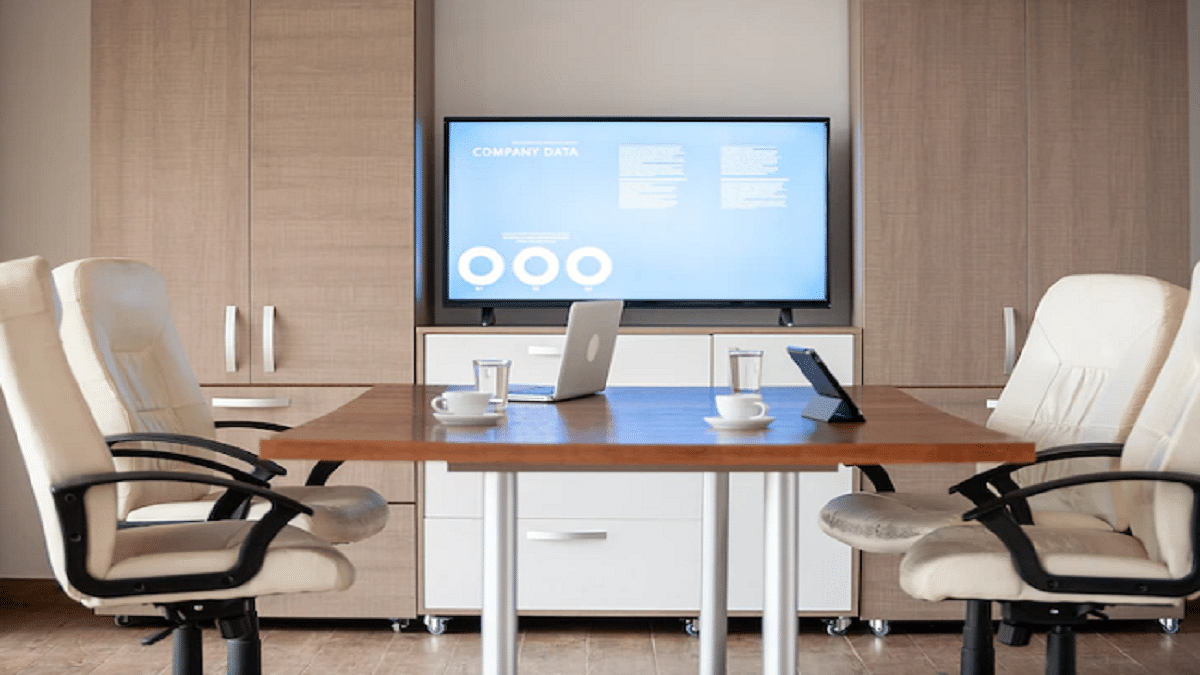
Smart TVs can make for a great conference room monitor
Correct screen size and great picture quality make the best conference room TVs
LG, Samsung, and other popular brands offer the best range of smart TVs
Using a TV for your Zoom meetings might be a wise choice if you want to feel more comfortable during work-from-home sessions. It’s safe to conclude that a trustworthy screen can significantly impact your productivity and overall satisfaction, regardless of whether you favor Zoom or any other video conferencing provider.
So, what should you look for when navigating the television market? Although there isn’t a distinct area of TVs created only for Zoom meetings, some technical details merit careful examination in order to make a wise investment. In this post, we’ll look at a curated list of the top TVs that are currently in the market for usage with Zoom meetings and other comparable apps. Check them out listed below.
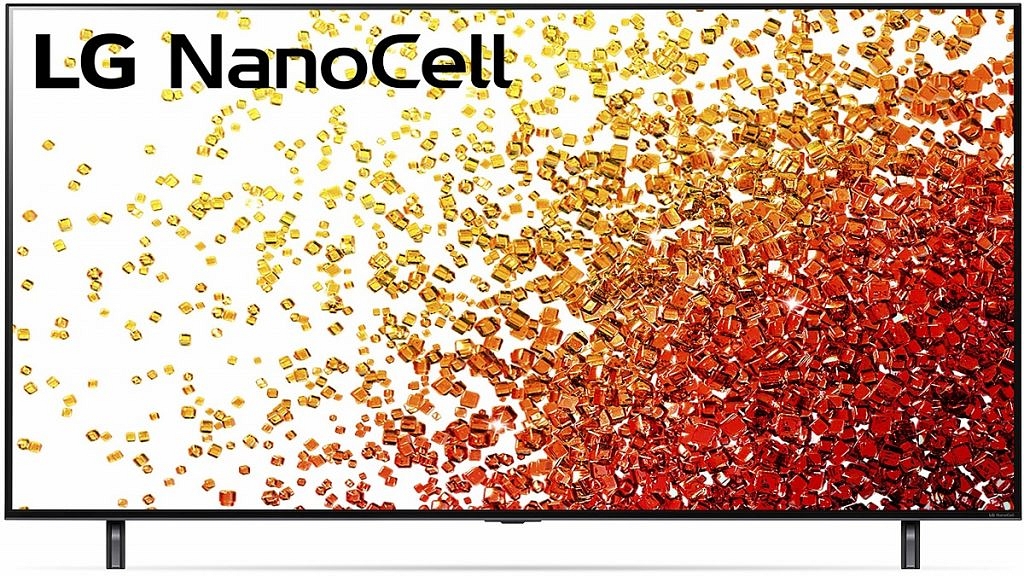
The 65-inch display on this LG NanoCell 90 series TV is a good size for conference room viewing. It boasts a 4K resolution to provide stunning image quality. It is a smart TV with voice control that can be integrated with Alexa or Google Assistant. Full Array Dimming ensures that the TV’s blacks are deep and its whites are bright. An A7 Gen 4 AI processor powers the display’s smooth upscaling. For more specifications and price details, visit LG’s official site.
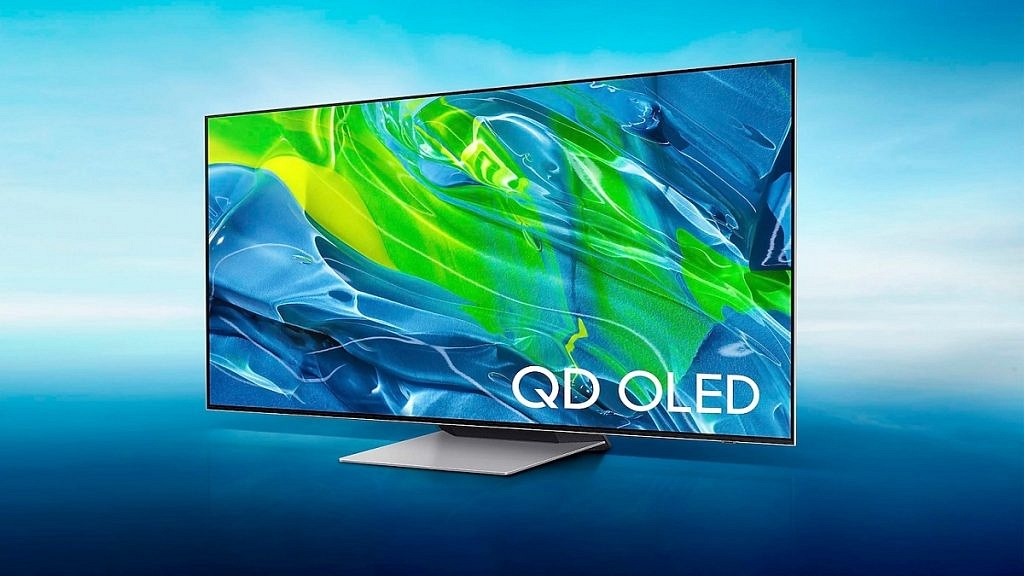
Samsung‘s first QD-OLED (Quantum Dot OLED) TV is the S95B. The display tucked between the bezels of the S95B smart TV is decent. It comes in both the 55-inch and 65-inch models. The TV supports Q-Symphony with Dolby Atmos and Object Tracking Sound. The smart TV offers a digital optical audio out, two USB connections, four HDMI connectors, and more. Additionally, up to 4K 120Hz signals and an auto-low latency mode are supported by the Samsung S95B QD OLED smart TV. Visit the official website of Samsung for pricing details.
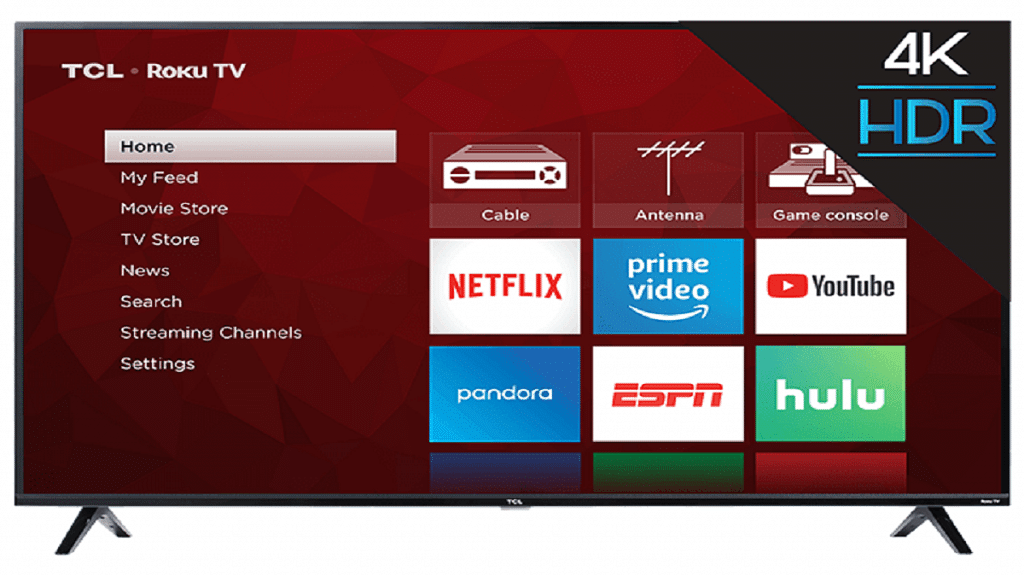
A 4K viewing experience is possible with the TCL 65S425 65-Inch 4K Smart TV. The smart TV offers a simple, user-friendly interface via which you can access these Smart TV functions by Roku TV. Up to 500,000 hours of video content, including motion pictures and TV episodes, are available. TCL is a top brand for those seeking efficient and functional TVs for their office conference room. Go to TCL’s official site for its price details.
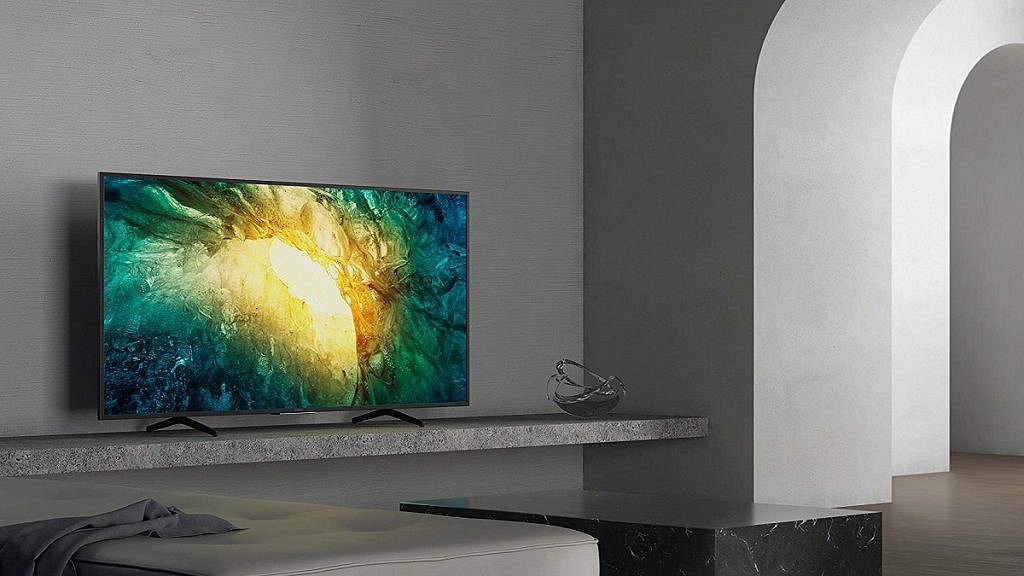
One of the best options for your boardroom or conference room is the Sony X750H. With its potent Triluminos Display and a 4K Processor X1 for the presentation of HDR and ultra-high definition material with reduced blur using Motionflow XR240, the Sony X750H series provides you the power to let your team see what you want them to see. In addition to this, it comes with a dedicated game mode for a smoother, more responsive gaming experience. Check more features and prices on its official website.
Expert Verdict
Using a TV for the conference room image makes sense when business meetings often revolve around audiovisual content. Smart TVs can be great conference room monitors in medium-sized conference rooms where most displays aren’t big enough for the farthest viewers in the room. Considering all the things, all the above-mentioned TVs can provide you great conferencing/meeting experience. In our opinion, whichever TV you choose to buy from our provided list for your conference room will not disappoint you.
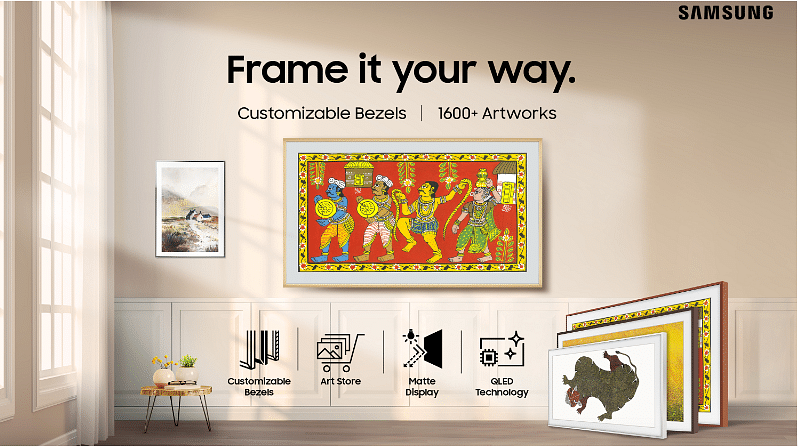
After launching new smart TV series such as Serif, Sero, a Micro LED TV, and Neo QLED TV, Samsung has launched the Frame lifestyle television in India. The smart televisions has been launched nine months after the global launch. The newly launched television comes with a 75-inches display.
Samsung The Frame Smart Television: Specifications And Features
On the specification front, the Frame smart television comes with a QLED display, a screen refresh rate of 100Hz a resolution of up to 3,840 x 2,160 pixels, and a matte display. It comes with a Samsung Quantum Processor 4K along with a picture quality Index of 3,500, Supreme UHD Dimming, HDR10+ Adaptive, Supreme UHD Dimming, and Motion Xcelerator Turbo+ technologies.
Besides, the Frame comes with a 40W 2.0.2 channel speaker along with support for Dolby Atmos and Dolby Digital Plus MS12 5.1ch. Plus, Samsung’s Tizen OS along with Google Assistant, Bixby, and Alexa.
Additionally, the smart television comes with a Motion Sensor, which automatically turns on the display when they are room and switches off when they are not in the room. Besides, the smart television comes with a brightness sensor, that automatically adjusts the brightness, color tone, and ambient light.
Moreover, the Frame comes with a EyeComfort Mode, which company said that it can automatically adjust the brightness, sunset/sunrise information, and built-in light sensor.
Samsung The Frame Smart Television: Price And Availability In India
The 43-inch variant of the Frame TV will cost you Rs. 61,990, whereas 50-inch variant is priced at Rs. 73,990 and 55-inch cost you Rs. 91,990. In addition, the 65-inch is priced at Rs. 1, 27,990 and 75-inch television will cost you Rs. 2,99,990. The TV is available on Amazon, Flipkart, retail stores, and Samsung.com
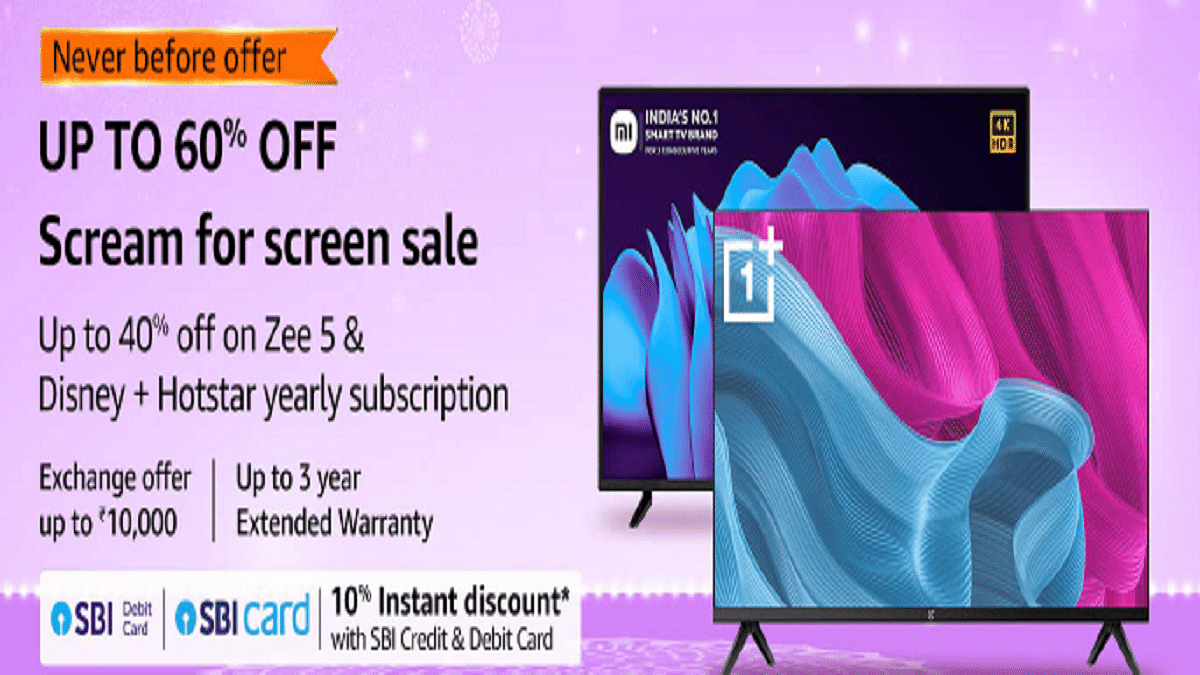
During the Great Indian Festival, Amazon India is hosting a special sale named “Scream for Screen” for Smart TVs. The e-commerce site will offer televisions with screens as large as 32, 43, and 50 (inches) under this promotion from manufacturers including Samsung, Redmi, Xiaomi, LG, and OnePlus. In addition to this, during the sale, the usual bank offers will continue to be offered. On their SBI Credit & Debit Cards & EMI Transactions, customers can receive bank discounts.
The following latest televisions are available on Amazon.in with incentives and discounts from merchants during the Amazon Great Indian Festival 2022:
OnePlus Y Series 32-inch HD Ready LED Smart Android TV
The OnePlus 32-inch Y Series HD Ready LED Smart Android TV also has an HD-Ready display. For improved sound transmission, it has Dolby Audio and 20W box speakers. Additionally, it has a bezel-free design, several ports, Android TV, and compatibility with OnePlus connect app. The OnePlus smart TV will cost you Rs. 11,499.
Samsung 43-inch Crystal 4K Neo Series
Featuring a 4K display, the Samsung Crystal 4K Series is a mid-range premium TV. A greater variety of colors can be seen on TV thanks to PurColor technology. In order to improve the sound based on the viewing environment, it also supports adaptive sound technology. You can get the Samsung 43-inch Crystal 4K Neo Series TV for as low as Rs. 30,980.
Sony Bravia 65-inch 4K Ultra HD Smart LED Google TV
The Sony Bravia 65-inch 4K Ultra HD Smart LED Google TV has a resolution of 4K Ultra HD and a refresh rate of 60Hz. Along with two USB ports for connecting hard drives and other USB devices, it also has three HDMI ports for connecting the set-top box, Blu-ray players, and game consoles. It has an Open Baffle Speaker with Dolby Audio and a 20W sound output. You can buy the Sony Bravia Smart TV for as low as Rs. 80,000.
Redmi 50-inch 4K Ultra HD Android Smart LED TV
The Redmi 50-inch 4K Ultra HD Android Smart LED TV has more than 8 million pixels and 4K HDR. The 15W X 2 Speakers provide a 30W output with a stereo sound. With the Language Universe feature, you can access content in more than 16 languages across more than 25 OTT apps. This TV can be purchased for as low as Rs. 27,990.
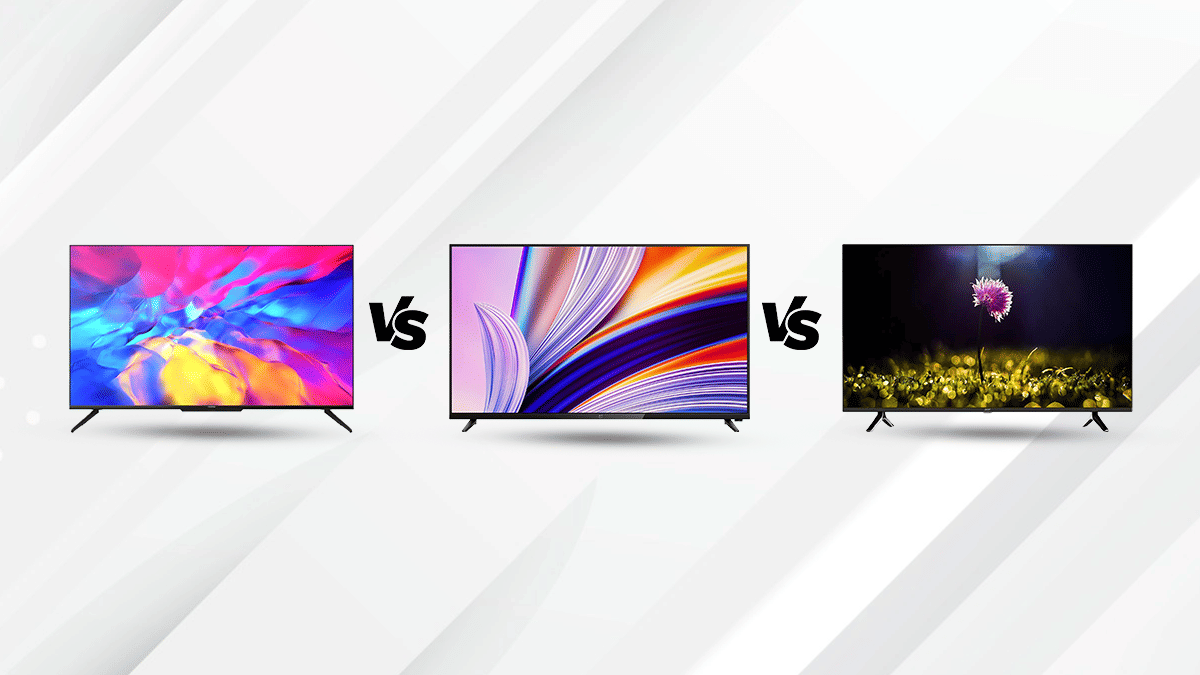
There are multiple television brands in the market offering numerous options for the audience. So in case, you’re having trouble finding a suitable TV with advanced features, this comparison article can be an aid in your decision. The Realme Smart TV starts at Rs. 29,999, whereas The OnePlus TV 43Y1s Pro starts at a price of Rs. 25,999, and the Acer AR50AP2851UDFL starts at a price of Rs. 29,999
Design And Display
The Realme Smart TV 4K 43-inch is a modern high-end product equipped with the some advanced technologies. It flaunts a large screen size measuring 43-inch with a resolution of 3840 x 2160 pixels. The Realme smart TVs display has a 16:9 aspect ratio, 178° viewing angle, and 1.07 billion colors for a great visual experience. It is equipped with Dolby Vision and Chroma Boost for enhanced picture quality.
The OnePlus 43-inch TV 43Y1s Pro is a Smart TV has resolution of 1920 x 1080 Pixels, that offers great performance in an elegant minimalist package. Featuring 93% DCI-P3 color gamut and HDR, the visual quality becomes better.The Acer AR50AP2851UDFL 50-inch LED 4K TV comes with a screen resolution of 3849 x 2160 Pixels. This TV is ideal for home entertainment with the advanced picture and audio quality. With its large screen and high-quality performance; you can easily do your daily activities like watching videos, viewing photos, and browsing the web.
OS And Features
The Realme Smart TV 4k 43inch runs on Android 10 TV OS. The 4K smart TV ships with Dolby ATMOS support for realistic audio effects. The Smart TV comes with a bunch of built-in apps like Netflix, Amazon, and more. It also comes with google assistant.
The OnePlus TV 43Y1s Pro is a Smart TV that runs on Android 9.0 and supports a 64-bit Quad-Core chipset with Cortex A53 architecture. The OnePlus TV 43Y1s lets you connect with multiple devices and has features such as Dolby Audio surround sound, built-in Google Assistant ,and Alexa. It also has a built-in Chromecast that allows streaming content from a phone or tablet wirelessly.
The Acer AR50AP2851UDFL is equipped with 64-bit Quad Core processor. This TV features google assistant and Chromecast compatibilty, Acer has equipped this TV with 2GB RAM and 16GB of internal storage. It offers standard connectivity options such as HDMI, USB ports, Blu-rays speakers and so on.
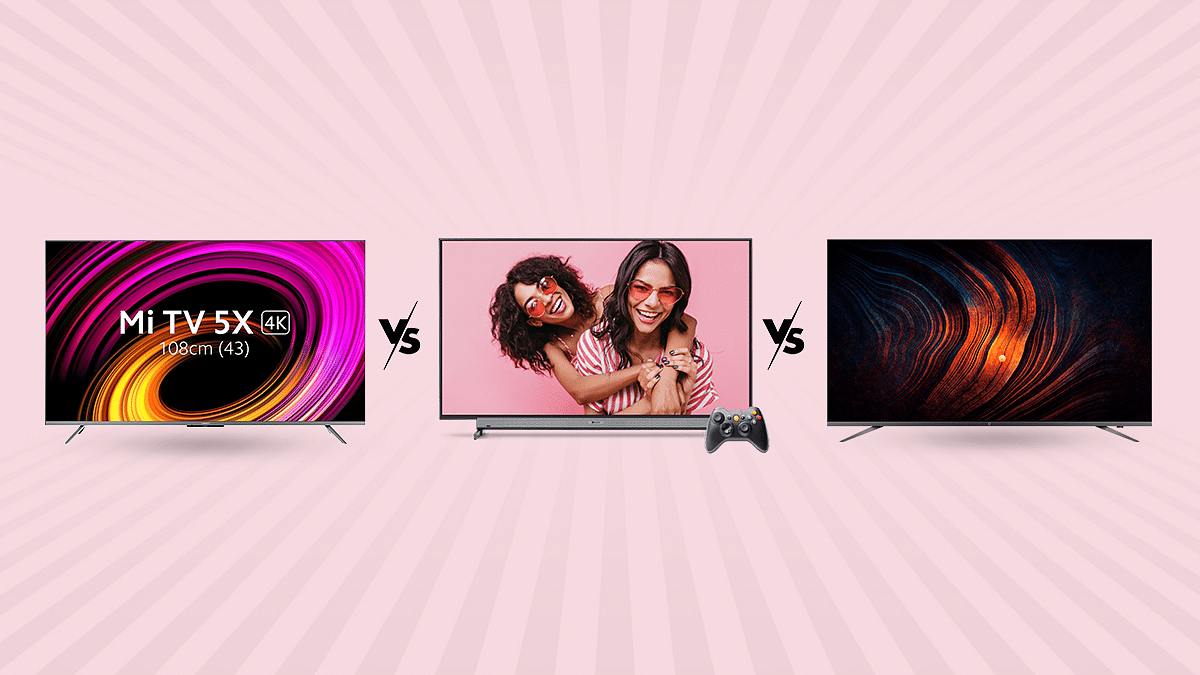
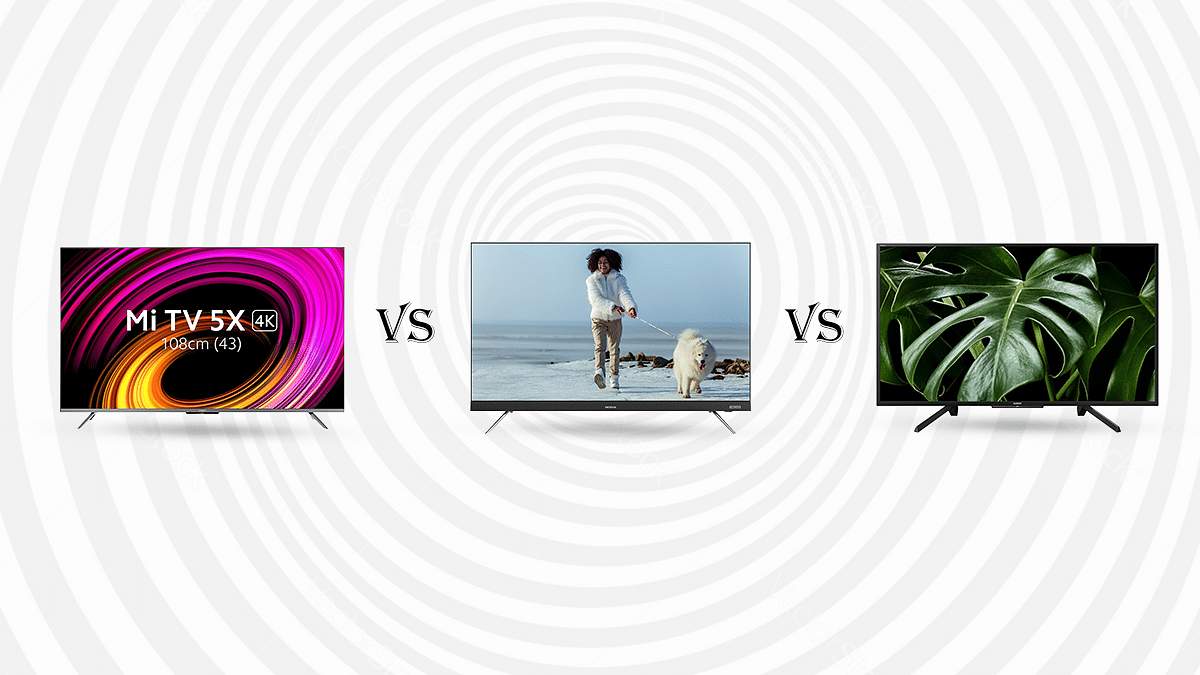
In this modern era where we have a plethora of options in the smart TV segment, choosing one is not easy. Specifically, with the availabilty of numerous pocket friendly yet feature rich TVs. ; That’s why we have compared these three 43inch TV’s in this article to help you find the perfect big screen for your living room. The Xiaomi Mi TV 5X 43-inch UHD smart TV starts at a price of Rs. 31,999, while the Nokia 43TAUHDN starts at Rs. 32,999. Both these TVs are quite popular amongst the Indian audience and gets a stiff competiton from Sony which has been the pioneer in the audio/visual market. The Sony Bravia 43-inch UHD TV starts at Rs. 35,999.
Design And Display
The Mi TV 5X 43-inch LED 4K TV features a 4K UHD resolution of 3840 x 2160 pixels with support for High Dynamic Range (HDR) content. With a wide 178-degree viewing angle and 170 pixels per inch on its total pixel count, this TV delivers sharp and clear output with balanced contrast in every corner of the screen.
The Nokia 43 TAUHDN is a also a 43-inch 4K TV with 3840 x 2160 pixel resolution and 60Hz refresh rate. The black look is a typical Nokia color scheme, with a small chrome logo at the top adds to the appeal. The TV can be mounted on the wall mounted and also on a table-top.
The Sony Bravia 43-inch LCD TV has a Full HD resolution of 1920 x 1080 pixels, perfect for watching high-resolution videos, playing extensive games, and consume other high-end content. It also features X Reality Pro technology for crystal clear images, deeper blacks, and more realistic shades of color.
OS And Features
The Xiaomi Mi TV 5X is powered by a 64-bit quad-core A55 CPU with Mali G52 MP2 GPU, 2GB RAM, and 16GB RAM internal storage. This smart TV runs on Android 10 with PatchWall 4 OS on top. The MI TV 43-inch is equipped with several pre-installed apps like Mi Home App, Google Assistant, kids mode with parental lock and IMDb integration.
The Nokia 43 TAUDHN is powered by a powerful Quad Core chipset along with Mali GPU for graphics. This premium mid-range smart TV ships with 2GB RAM and Android 9.0 with 16GB storage. The TV comes with in-built Chromecast and Google Assistant support.
The Sony Bravia runs on Linux operating system. The TV supports FAT16/FAT32/NTFS. The TV comes with In-built screen mirroring and supports apps like YouTube, Netflix, and so on.
Out of all three models, the Xiaomi MI 5X 43-inch UHD and the Nokia 43-inch TAUDHN UHD smart TV offer high-end features at an affordable price. However, all three TVs in this list are perfect for consuming high-resolution content from OTT platforms and from USB drives. The Sony Bravia model will be slightly expensive compared to the remaining two models but will offer an equally good performance with 1080p video playback.
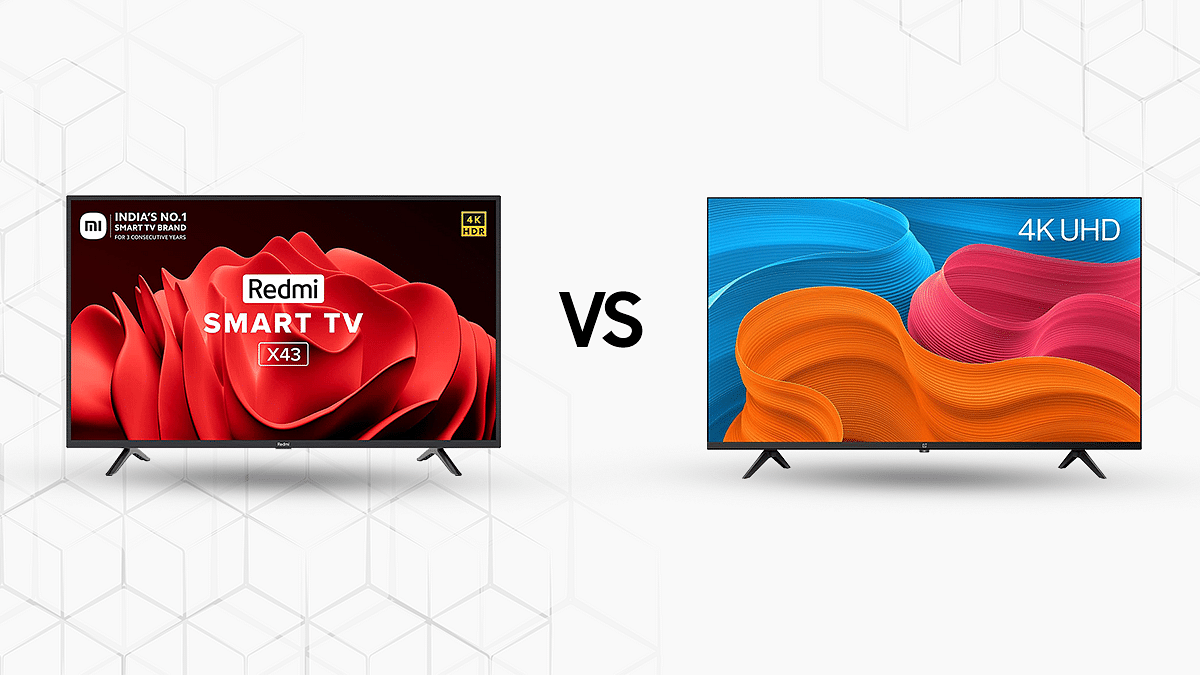
The Redmi TV X43 and OnePlus TV Y1S 43-inch are the two most popular 4K TVs in India. Both these TVs come under Rs 30,000 price mark in India. The Redmi TV X43 is priced at Rs 28,999 while the OnePlus TV Y1S 43-inch retails at Rs 26,999. Is it worth paying an extra Rs. 2,000 for a better experience? Let’s decide that with the features of both TVs.
Display And Sound
The Realme Smart TV 4K, has a 10-bit panel with HDR and 4K resolution of 3840 x 2160 pixels. This smart TV’s display features 83 percent NTSC and 90 percent DCI-P3 color accuracy which is excellent for its price range. The smart TV comes with Dolby Vision, an array of apps (including Netflix), and Alexa integration. It also features a 30W speaker that has Dolby Audio encoding and Dolby Atmos Pass-Through e-ARC (Active SR Screening) technology which gives out superior listening experience.
The OnePlus TV Y1S is one of the most powerful 4K smart TVs with a resolution of 1920 x 1080 along with Dolby Vision, HDR10+, and 4K UHD native support. Its built-in speakers provide a high-fidelity audio experience that’s optimized for movies and games. The device also features a 20W speaker that provides loud and clear sound quality.
OS And Features
The Xiaomi Redmi TV 4K packs all the modern entertainment features. It is powered by a Quad-core 64-bit A55 CPU paired with Mali G31 MP2 GPU and runs on the latest Android TV OS. It comes with a 2GB RAM and 16GB internal storage giving you all the space for your favorite games and video streaming apps. The Redmi Smart TV 43-inch features several pre-installed app Mi Home App, Google Assistant, Language Universe, built-in Chromecast, smart recommendations, kids mode with parental lock and Free LIVE channels.The device runs Android TV 10 OS.
The Y1S is powered by Android TV 11 built-in Miracast technology allowing users to enjoy media content from other devices. OnePlus TV Y1S packs 1GB RAM and 8GB internal storage. Under the hood, it is powered by the MediaTek 9216 chipset paired with Mali G31 MP2 GPU. Out of both Redmi TV 43-inch and the OnePlus TV Y1s are the best options to buy in the sub Rs. 30,000 price bracket and you can consider any of these two models as your next big screen for living room.
Our lives have become increasingly reliant on video calls, particularly in light of the pandemic. Over time, video conferencing apps have introduced useful features to improve our experience. Google is well known for its continuous advancements and improvements.
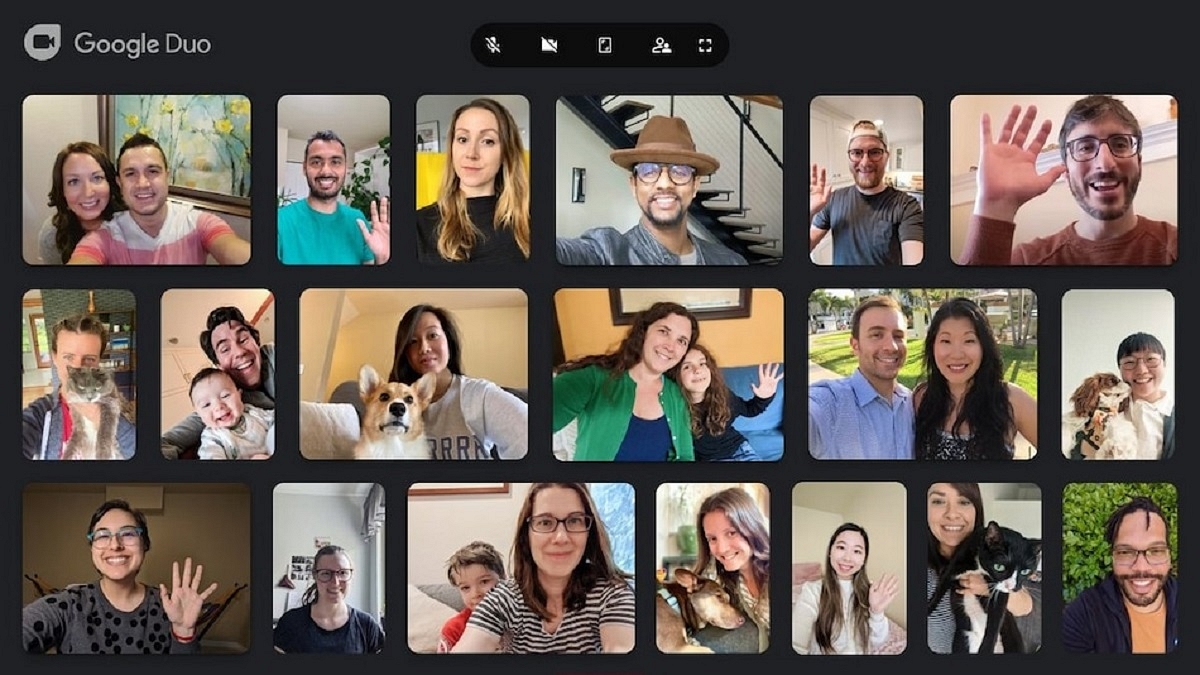
The American tech giant previously introduced its Duo calling service for Android TVs. Recently, Google merged Google Meet and Google Duo, two of its video calling applications. With Google Duo, which has been consolidated into a single video calling solution, all Google Meet capabilities are accessible. The Meet app has also been upgraded by Google and made accessible for Android users with a new green symbol and a name change to Meet (original).
With the new Duo-Meet on your Android TV, you can use this app to make and accept individual and group calls. You can access it through the “app drawer” on your TV or add it to your list of favorites because it supports the home screen of Android TV. The Google Play Store will let you download the app to your Android TV. Here we tell you how to download and set up Google Duo on your Android TV. Let’s check it out:
Pre-requisites
You should have the below-mentioned things to successfully set up Google Duo:
An Android TV with Android 8.0 Oreo or later
If your Android TV or Android TV device does not have a built-in camera or microphone, then you need a USB camera and microphone
Stable internet connection
How To Download Google Duo On Android TV?
Step 1: From the Android TV Home screen, scroll to Apps.
Step 2: Open ‘Google Play Store.’
Step 3: At the top of the screen, tap on the search icon.
Step 4: Search Duo.
Step 5: Select Install.
Steps To Set Up Google Duo On Android TV?
Step 1: On your Android TV, open ‘Google Duo.’
Step 2: Log into your account.
Step 3: Choose the grant access option.
Step 4: To complete the setup, follow the on-screen instructions. And you are all done.