


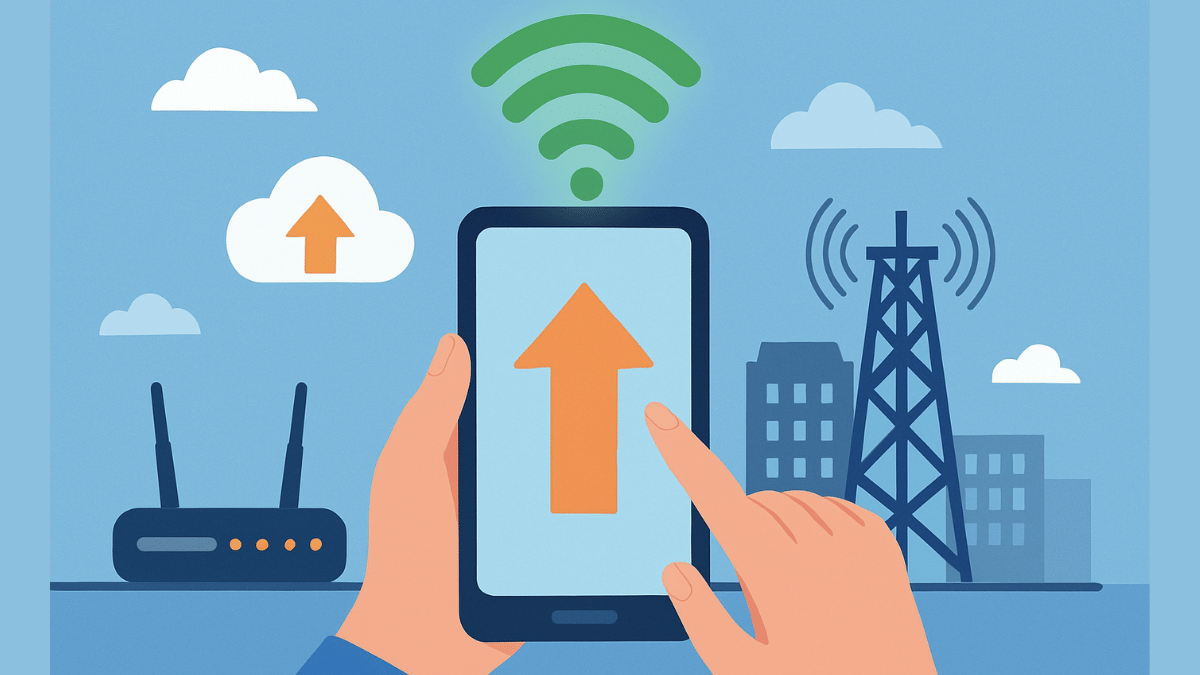
Key Highlights
- Internet speeds with 5G and 4G networks are the fastest
- Wi-Fi networks offer stable high speed internet
- Slow data speeds hampers browsing and streaming experience
- Resetting network settings can allow improved speeds
- More steps below
Internet connection today has become more of a necessity than a luxury simplifying our complicated and fast paced lifestyle. It’s impossible to imagine our lives with Wi-Fi or mobile internet, specifically when the digital era is at its boom. And thanks to smartphones, internet is now readily accessible to the masses. High speed internet is also now a reality with faster networks such as 5G and 4G and fibre-optics Wi-Fi connections. But slow internet connection can be frustrating specifically if your are in need of emergency services, or are working remotely, or are in a middle of making a digital payment. What can you do in such situations? Are there any workarounds that can help with enhanced internet speeds? Let’s explore 10 quick ways that can help you fix slow internet speeds.
For the tech geeks, stay updated with the latest cutting-edge gadgets in the market, exclusive tech updates, gadget reviews, and more right on your phone’s screen. Join Giznext’s WhatsApp channel and receive the industry-first tech updates.
Also Read: Forgot Your ATM Card? Don’t Worry! Here’s How To Withdraw Cash From ATM Using Smartphone
Key Reasons For Slow Internet Speeds
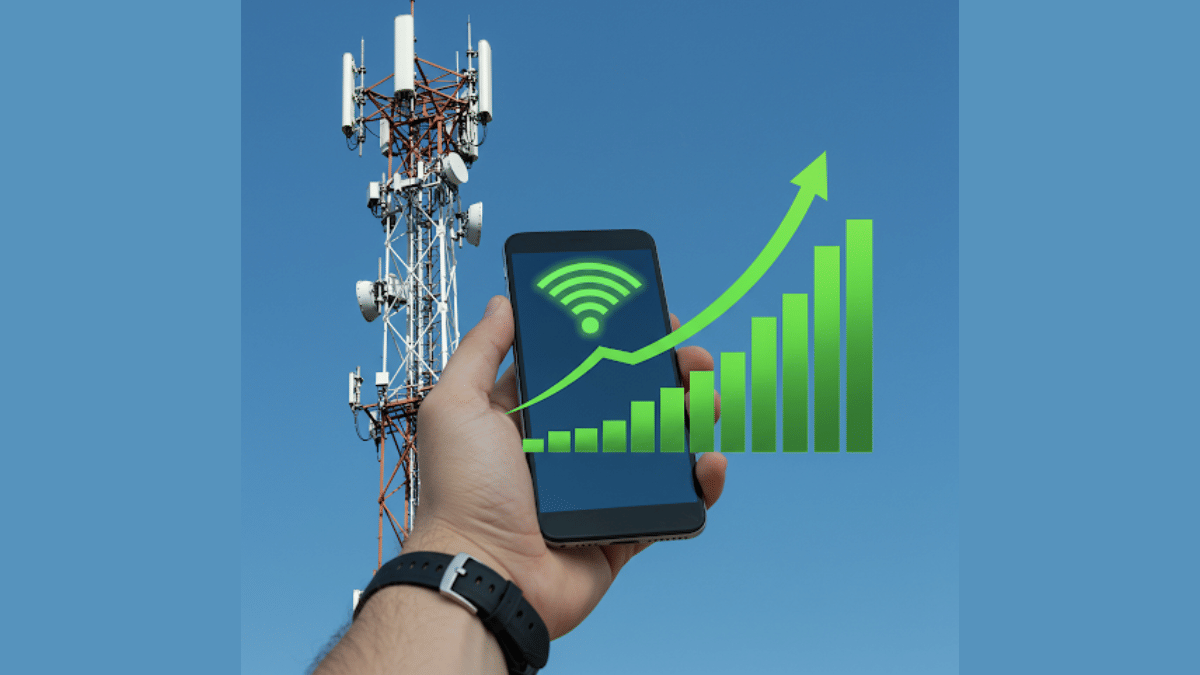
General issues such low network coverage, dated firmware and others can slow down the internet speeds.
- Low Network Coverage: When there is low network reception on your device, it could lead to slow data speeds.
- Network Congestion: Another common reason for slow internet where number of users increases on a same tower at a given point of time.
- Multiple Background Apps: If there are multiple apps running in the background, your internet speeds can be affected.
- Data Throttle/ Pack Expiry: If your mobile data pack is over you might experience slower speeds or no internet connection. Likewise, data throttle which is activated after exceeding the data limit provided by the carrier can also lead to slower speeds.
- Outdated/ Wrong Network Settings: In case of wrong APN or network settings, data speeds can slow down.
Also Read: Want To Transfer Ola Money Cash To Bank Account? Here’s How To Do It
1. Restart Your Phone
This the classic old method to get back the internet speeds. Switching off and restarting often clears of unused apps and caches and refreshes networks for better internet connectivity and speeds.
2. Upgrade To Faster Network (5G or 4G LTE)
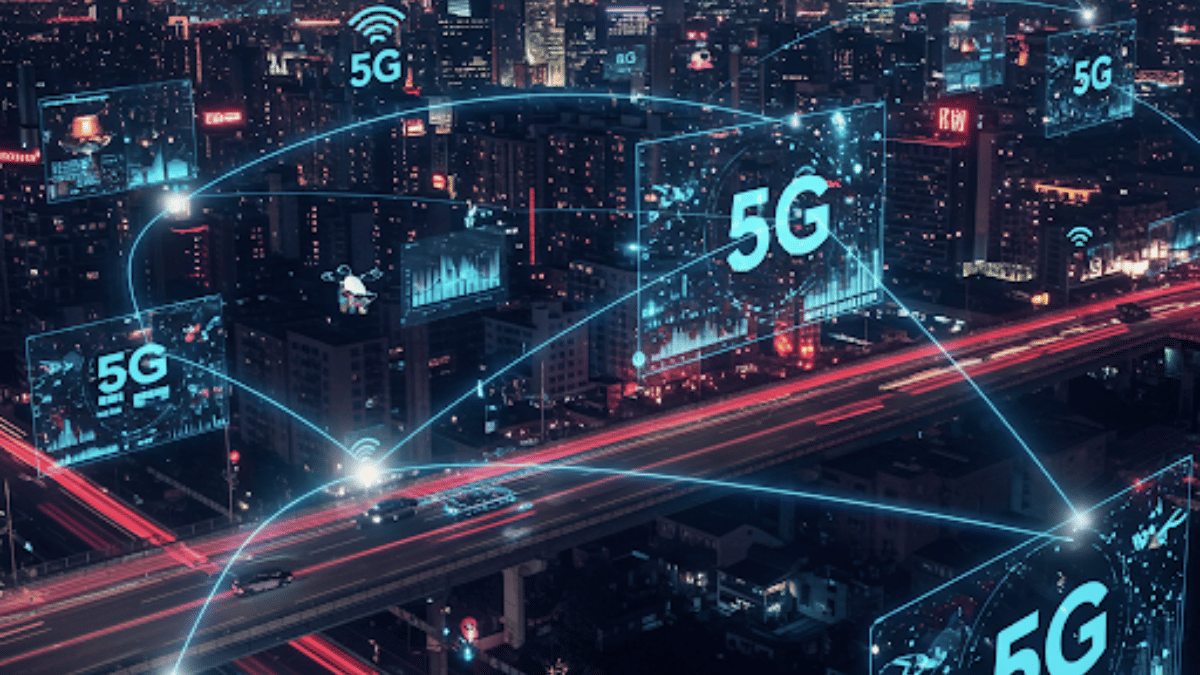
If you still are using older 3G or 2G networks then it’s the time to switch to the latest high-speed 4G or 5G networks. Most of the telecom providers are offering high-speed data packs with 5G and 4G speeds at affordable costs hence switching to a faster network will resolve all the speed-related issues. And if you already have a 5G or 4G SIM just enable the settings on your device.
- Open settings on your smartphone
- Go to Mobile Network option
- Navigate to the Preferred Network Type option
- Toggle on 5G/ 4G network option
3. Check Network Signal Strength

Low network coverage is another factor for slowing down internet speeds. Check the network status on your devices and move to a different area for better signal reception.
4. Clear Cache & Unnecessary Apps
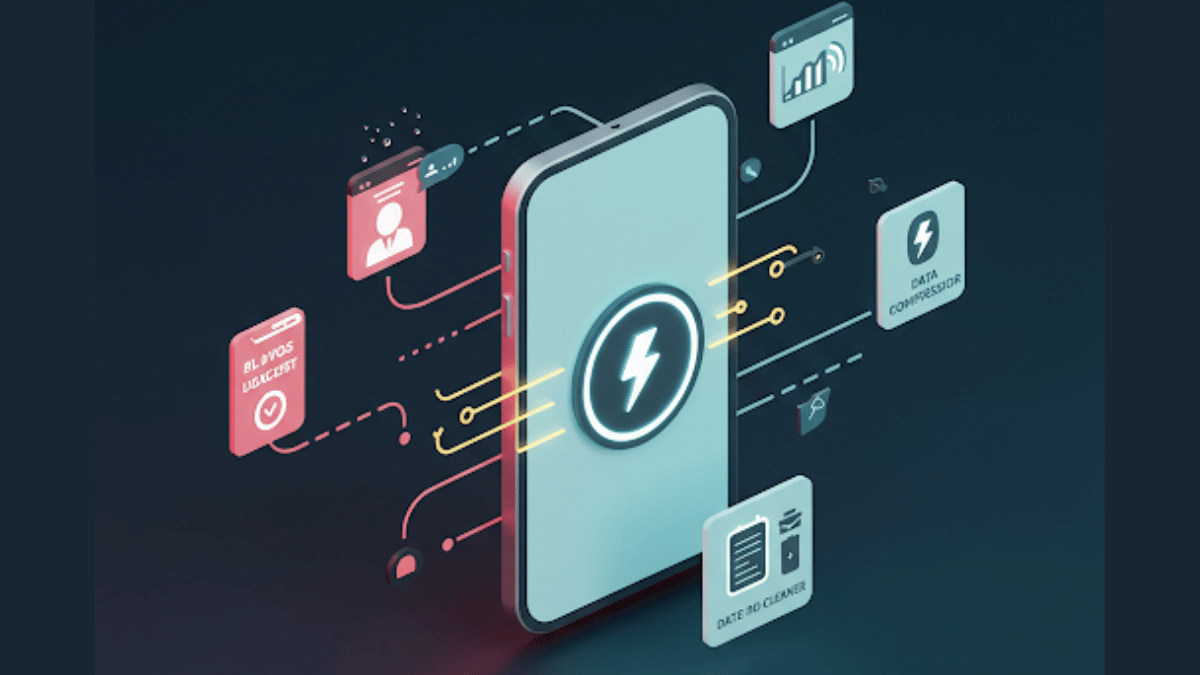
When your device’s memory gets clogged, it can slow down your phone’s performance and also internet speeds. Hence, it’s advised to clear cache memory to boost phone’s and internet speed.
- Open Settings menu
- Navigate to Apps section
- Click on Storage
- Tap on Clear Cache
5. Restrict Background App Data
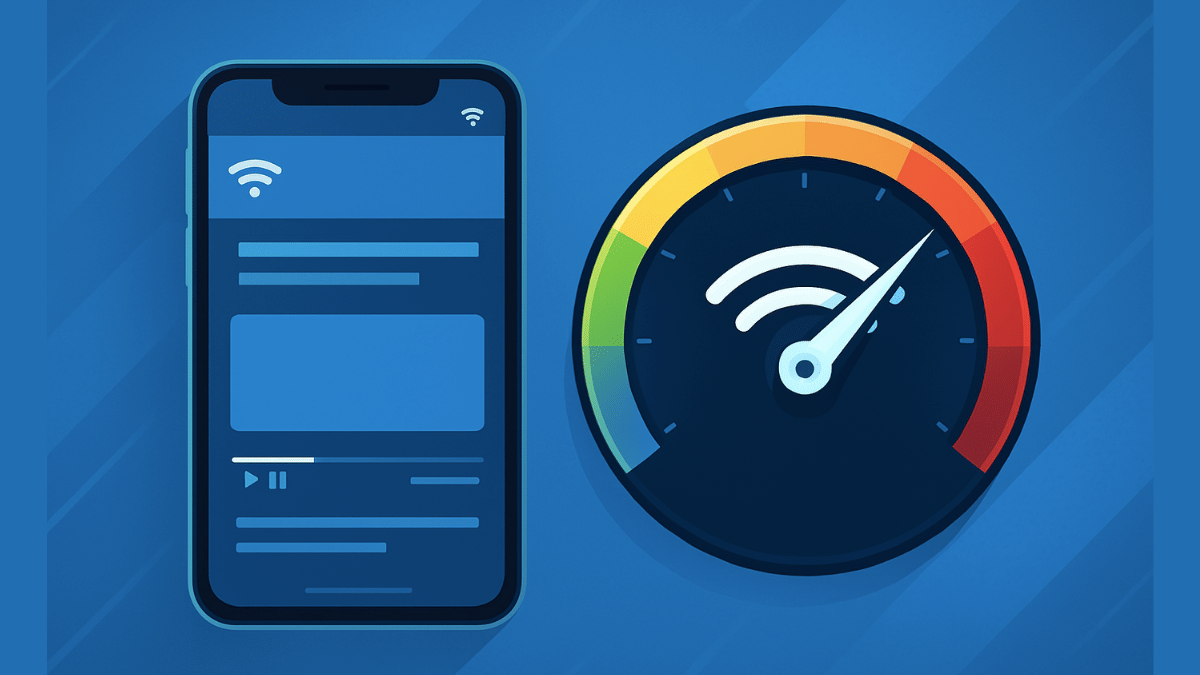
Disabling or restricting background app data helps with restoring high speed internet. You can directly close the apps running in the background that are consuming data. Otherwise, enable the background data restriction.
- Head to the Settings menu
- Open Network And Internet
- Tap on Data Usage setting
- Enable Restrict Background Data
FAQs
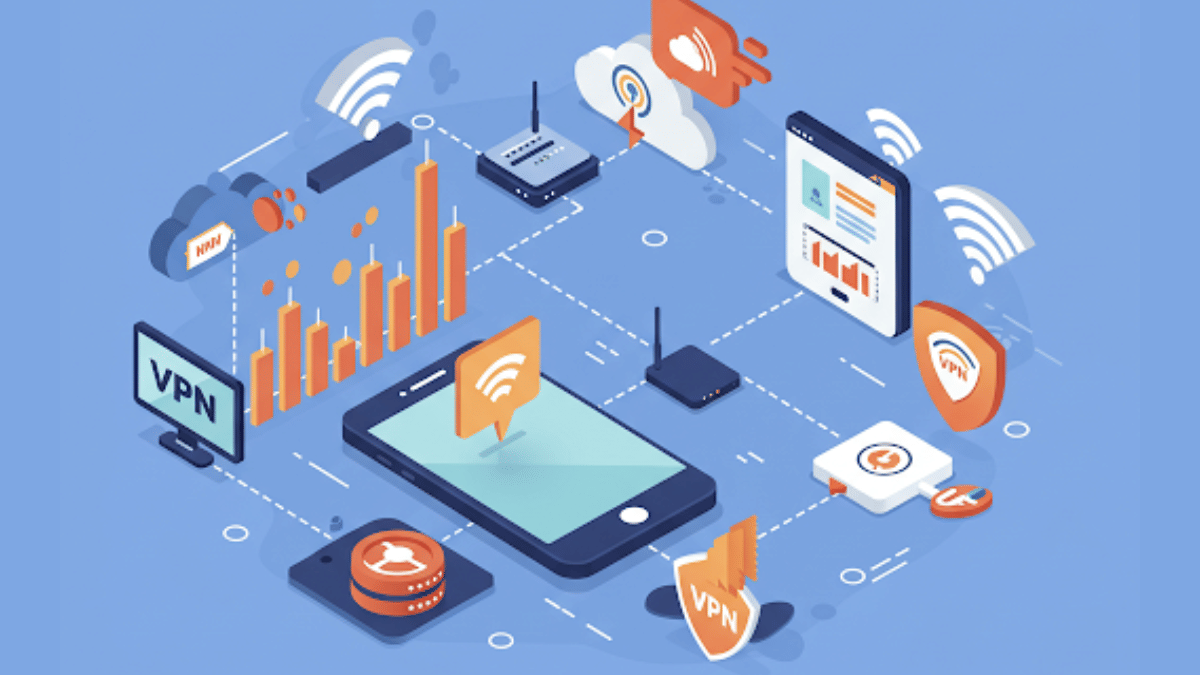
Why is my mobile internet slow even when signal/ network coverage is full?
As mentioned above, general reasons for slow internet speeds despite full networks can vary from congestion on cell towers, expired data backs, data throttles, etc.
Can a VPN connections slow down internet speeds?
Not all VPNs slow down internet speeds. You might experience slower internet speeds if you are using a free VPN service. However, premium VPN services are known to provide faster and secure network connections.
Will Upgrading To 5G Network Help?
Definitely. 5G mobile networks are the fastest and you’ll see noticeable improvements with web browsing and streaming speeds online.
How often should I clear my cache for better speed?
Frequently cleaning cached memory will ensure your device performance remains stable. It will also help with better speeds.

