Key Highlights
- Google is switching to QR code login for Gmail
- This change helps prevent fraud
- Users need a smartphone to scan the QR code
In an effort to improve security, Google is planning to phase out SMS-based authentication codes for Gmail. Instead, users will soon verify their identity using QR codes. This move aims to reduce fraud and prevent security threats like SIM swapping and phishing attacks. The rollout is expected in the coming months.
Also Read | Google Photos Image Flip Feature: How To Use?
Why Is Google Making This Change?

- Better Security: SMS-based authentication codes can be seized or stolen by hackers.
- Prevents SIM Swap Fraud: Attackers often hijack phone numbers to gain unauthorized access.
- No More Traffic Pumping Scams: Fraudsters manipulate SMS verification to generate revenue from telecom networks.
- More Reliable Verification: QR codes work without relying on SMS networks. This makes them more secure.
How Will Gmail’s QR Code Verification Work?
- When you try to log in to your Gmail account, instead of receiving an SMS code, a QR code will appear on your screen.
- You have to scan the QR code displayed from your smartphone camera or Google’s authentication app.
- Once scanned, you will be prompted to approve the login request on your mobile device.
- If the verification is successful, you will be logged into your Gmail account securely.
Also Read | Google Maps ‘Explore’ : How To Find Hidden Gems En-route Your Journey
How To Prepare For The Change
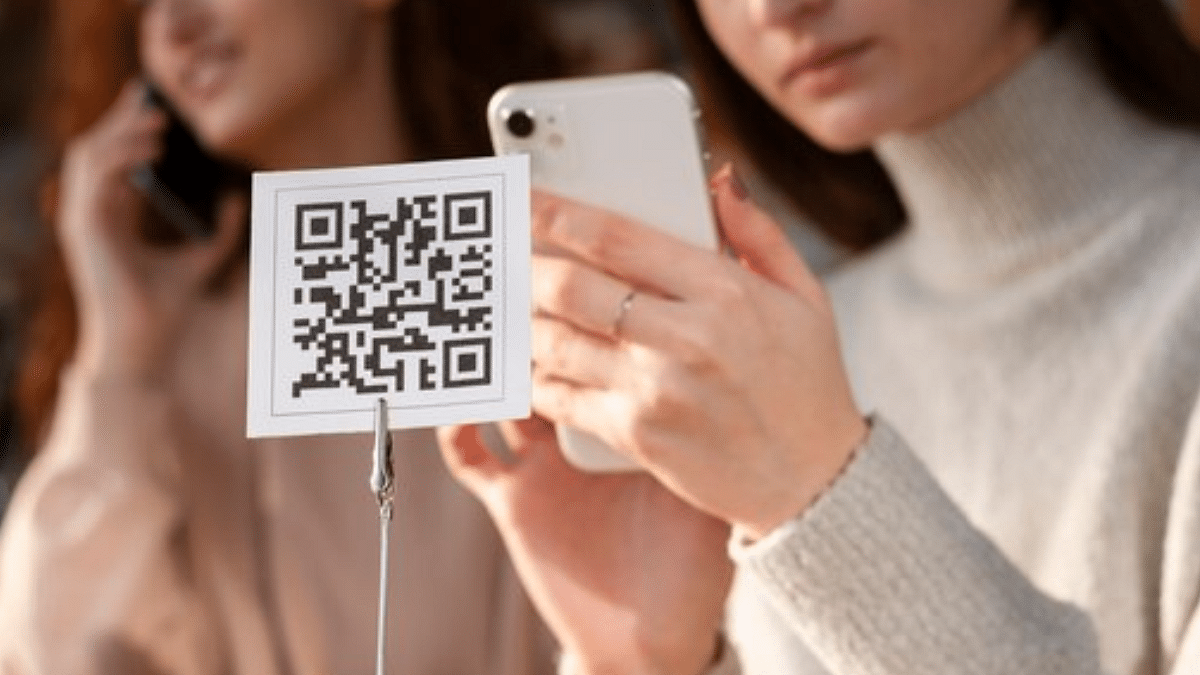
- Make sure you have a smartphone. QR code verification requires a camera-enabled phone.
- If needed, install or update the Google Authenticator app for smoother verification.
- Check your backup options. Keep alternate login recovery options like backup codes handy.
- Google will notify users before rolling out the update widely. So stay informed.
By shifting to QR-based authentication, Google is taking a big step towards securing Gmail accounts. This update will make it harder for hackers to exploit SMS-related vulnerabilities. Users should prepare for the change by ensuring they can scan QR codes and update their security settings accordingly.
For the tech geeks, stay updated with the latest cutting-edge gadgets in the market, exclusive tech updates, gadget reviews, and more right on your phone’s screen. Join Giznext’s WhatsApp channel and receive the industry-first tech updates.