
Key Highlights
- ChatGPT could replace Gemini as default AI assistant on Android
- Update rolling out in the beta version
- Google also planning to replace Google Assistant with Gemini on Android
- ChatGPT if set as default would restrict users from invoking Gemini or Google Assistant
Google recently started incorporating Gemini as the default AI assistant tool for Android devices. In a bid to do so, the outgoing Google Assistant will be replaced with the newer and advanced version of AI. However, it seems Open AI is also not leaving behind this opportunity and has already planned to bring ChatGPT as default AI assistant for Android users. Here’s how you can also use ChatGPT as the default AI voice assistant on your respective Android smartphones:
For the tech geeks, stay updated with the latest cutting-edge gadgets in the market, exclusive tech updates, gadget reviews, and more right on your phone’s screen. Join Giznext’s WhatsApp channel and receive the industry-first tech update.
Also Read: ChatGPT Search Quick Hacks: How To Use ChatGPT As Default Search Engine In Google Chrome
Is ChatGPT The New AI Assistant For Android Smartphones And Tablets?
As per a new report from Android Authority, Open AI has released a new mobile app version of its popular AI chatbot, ChatGPT. The latest beta version brings along the provision of making it a default AI assistant tool replacing Gemini or the current Google Assistant from Android devices. This move to make ChatGPT the default virtual assistant for Android smartphones explains the competitive landscape of artificial intelligence in the consumer tech category.
Just for reference, only the ChatGPT’s beta version 1.2025.070 has the option to be the default virtual voice assistant for the Android devices. But there’s a small catch to it. While Android users can set ChatGPT as the default AI assistant tool, there isn’t any dedicated keyword to summon it unlike Google “Hey Google” or “Okay Google” commands. But considering it’s the beta version, we can expect the stable update to bring along this feature too.
Also Read: DeepSeek Vs ChatGPT: Which AI ChatBot Leads In 2025
How Can You Set ChatGPT As Default AI Assistant On Android Smartphones, Tablets’
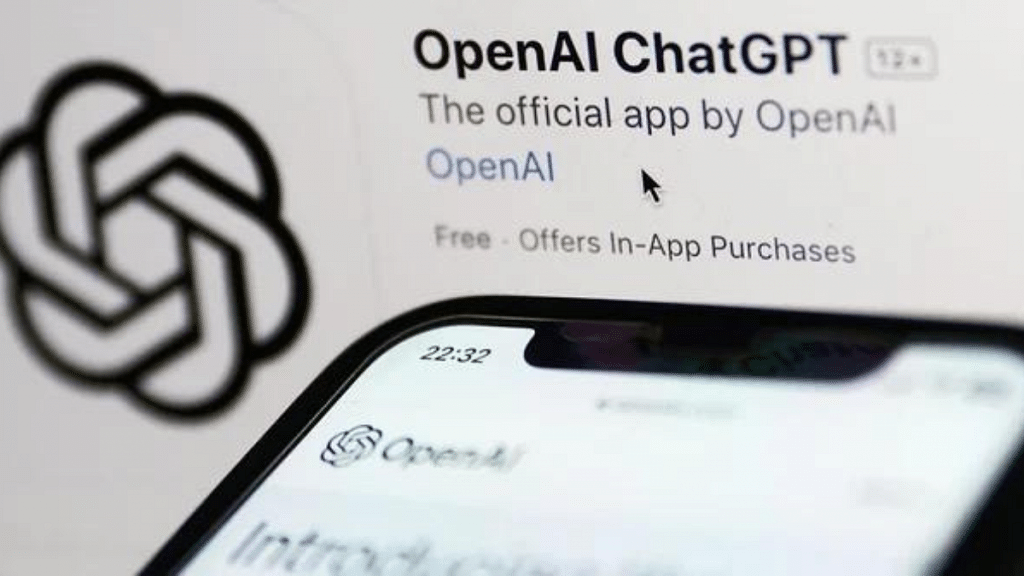
Step 1: From Google Play Store, download and install ChatGPT beta version 1.2025.070
Step 2: Go to the Settings menu on your Android device
Step 3: Navigate to the “Apps” settings
Step 4: Click on the “Default Apps” icon
Step 5: Now, head to the “Default Digital Assistant App” option
Step 6: Tap on ChatGPT to set it as default AI voice assistant tool on your Android smartphone/ Tablet.
