Aditi Verma is a skilled tech content writer with a talent for making complex ideas easy to understand. She crafts engaging articles, breaking down intricate tech topics into simple words that anyone can grasp. Aditi is your go-to writer for all things tech.
You can now draft messages hands-free with your voice and AI.
Users can now save time, multitask.
AI will handle punctuation, edits, and even formatting.
Gmail is getting a super cool new feature: you’ll be able to write emails using your voice! No more tapping away at your keyboard, just speak your message and let Google’s AI do the typing for you.
Look for a button called “Draft email with voice.” It might pop up automatically or you might need to trigger it with a special flag (we’re not sure yet how this will work exactly).
Tap the microphone button and start speaking your email.
Tap the “Create” button when you’re done. Google’s AI will turn your spoken words into text and draft the email for you.
Read through the draft and make any changes you want. Then send it off!
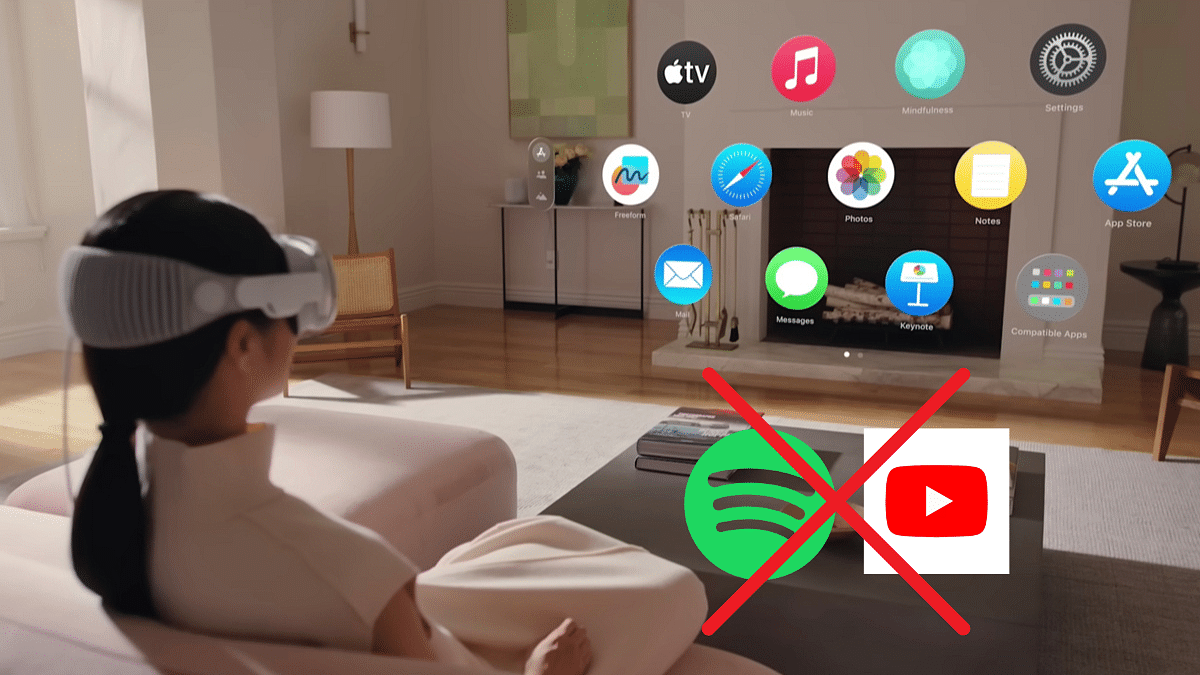
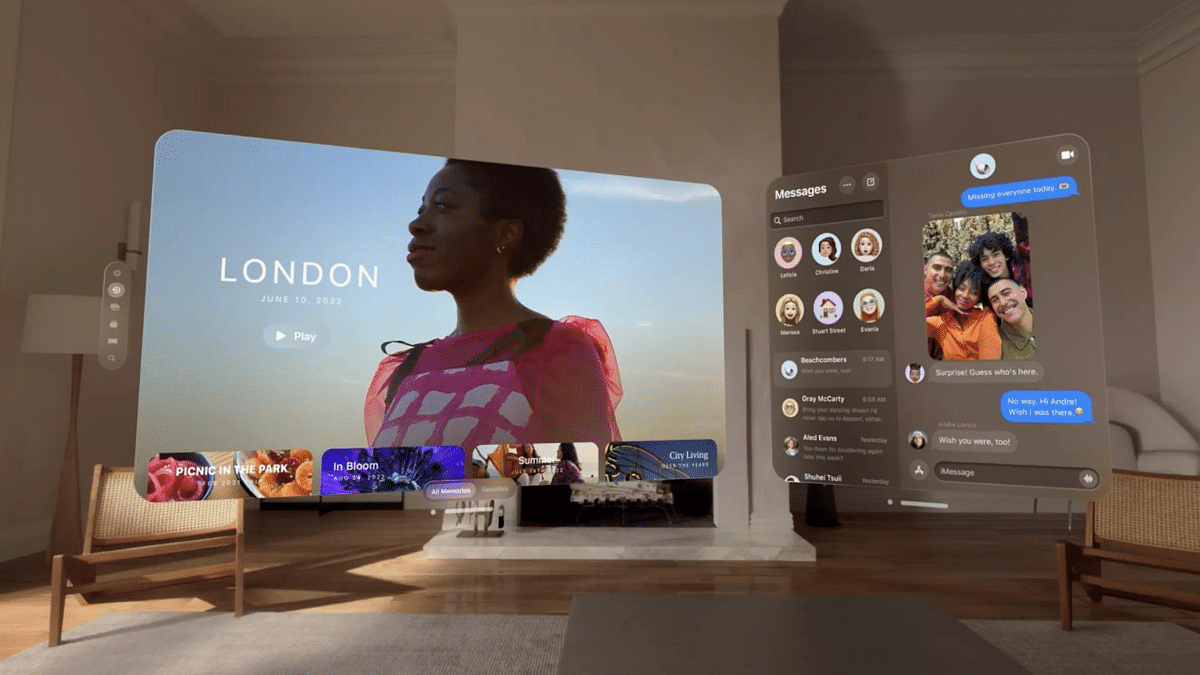
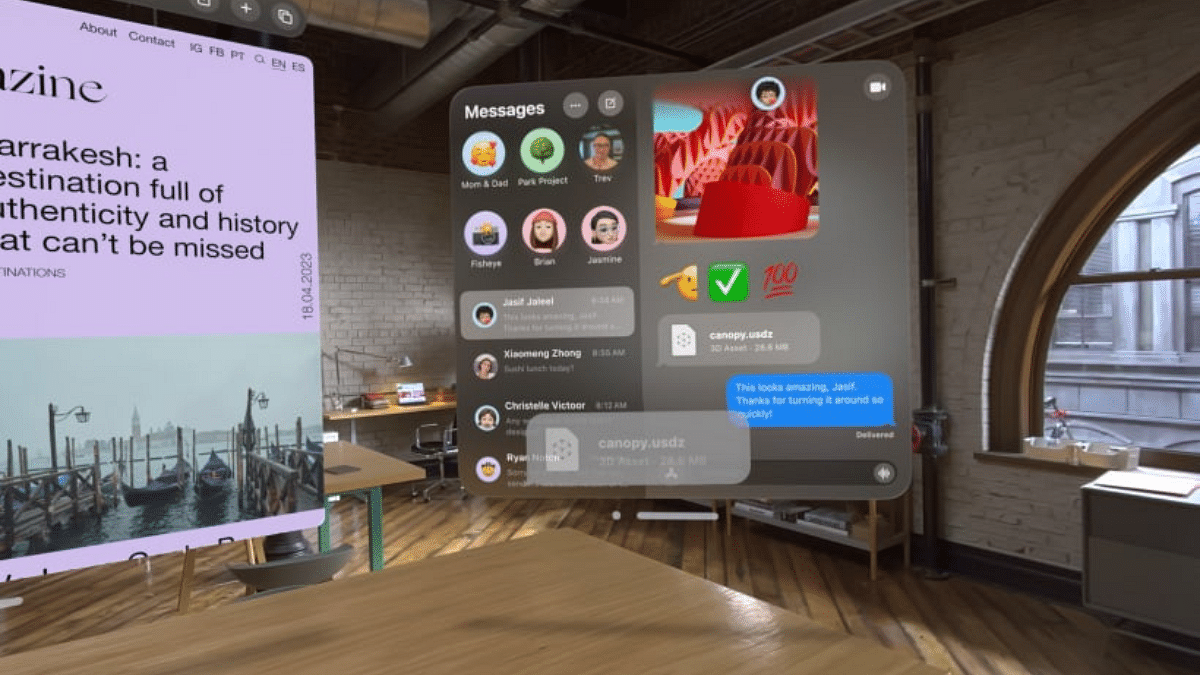
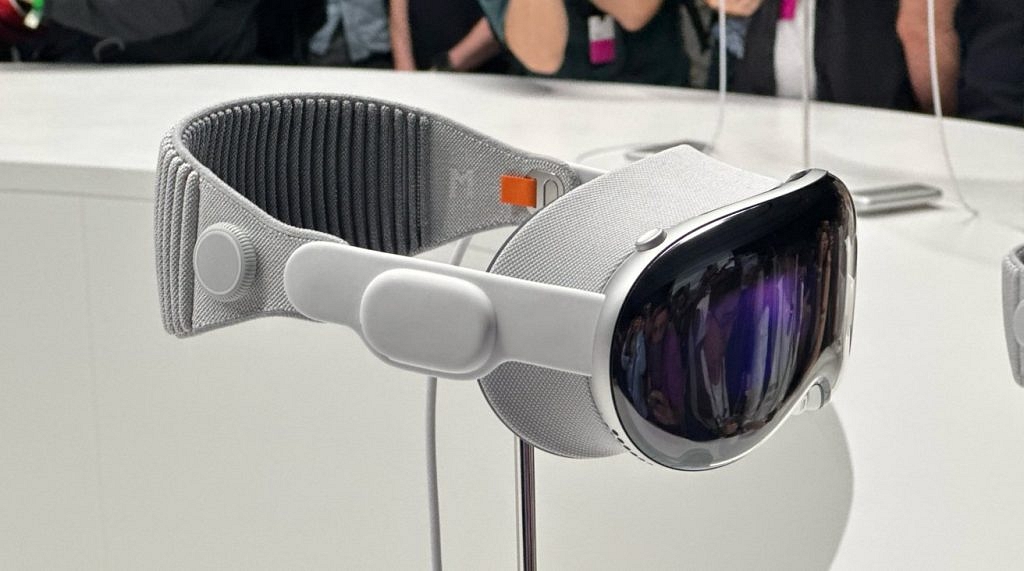
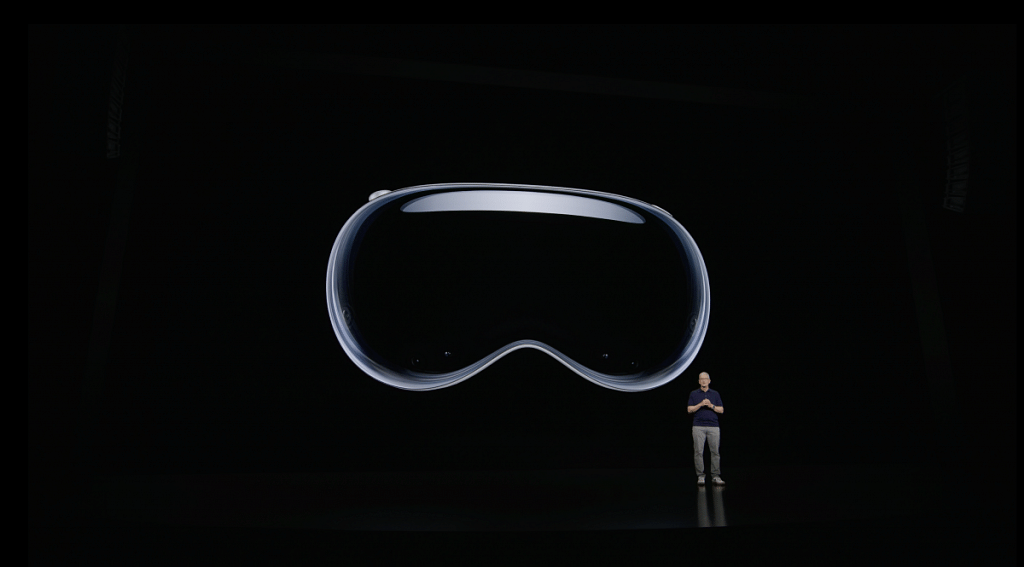
Apple’s highly anticipated Vision Pro mixed reality headset launches on February 2, but there’s a surprising catch: no dedicated apps for YouTube and Spotify at launch. These two apps join Netflix in their absence, leaving some popular entertainment options off the table at first.
Even without dedicated apps, you still have options. You can:
Use the Safari browser: Access Youtube and Spotify through the built-in browser. While it may not be as seamless as dedicated apps, it’ll still get the job done.
Explore other supported streaming services: The Vision Pro supports popular services like Amazon Prime Video, Disney+, and Apple TV+. These offer plenty of content to keep you entertained.
Wait for dedicated apps: Both Youtube and Spotify might release apps in the future, so stay tuned for updates!
It’s important to remember that the Vision Pro comes with a hefty price tag of $3,499. So, for some, the lack of these popular apps might be a deal-breaker, while others might be willing to wait for potential future app development.
Both YouTube and Spotify could eventually release Vision Pro apps, for a more immersive and feature-rich experience. Apple could also allow iPad app compatibility in the future, expanding the available options.
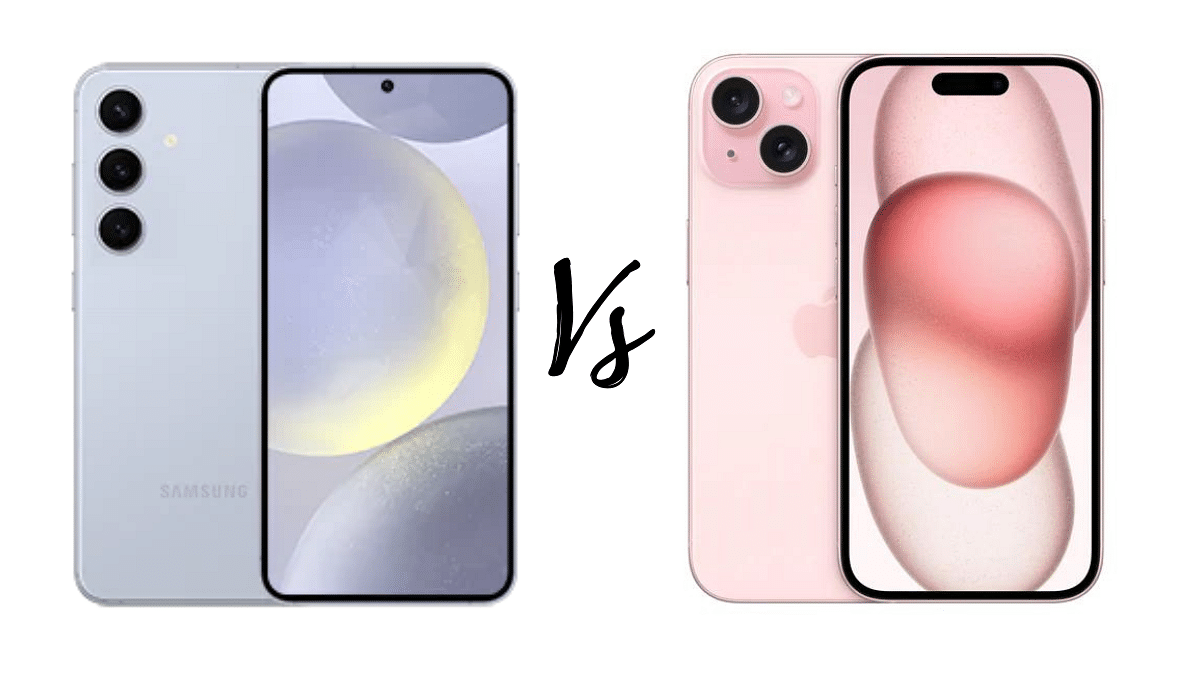
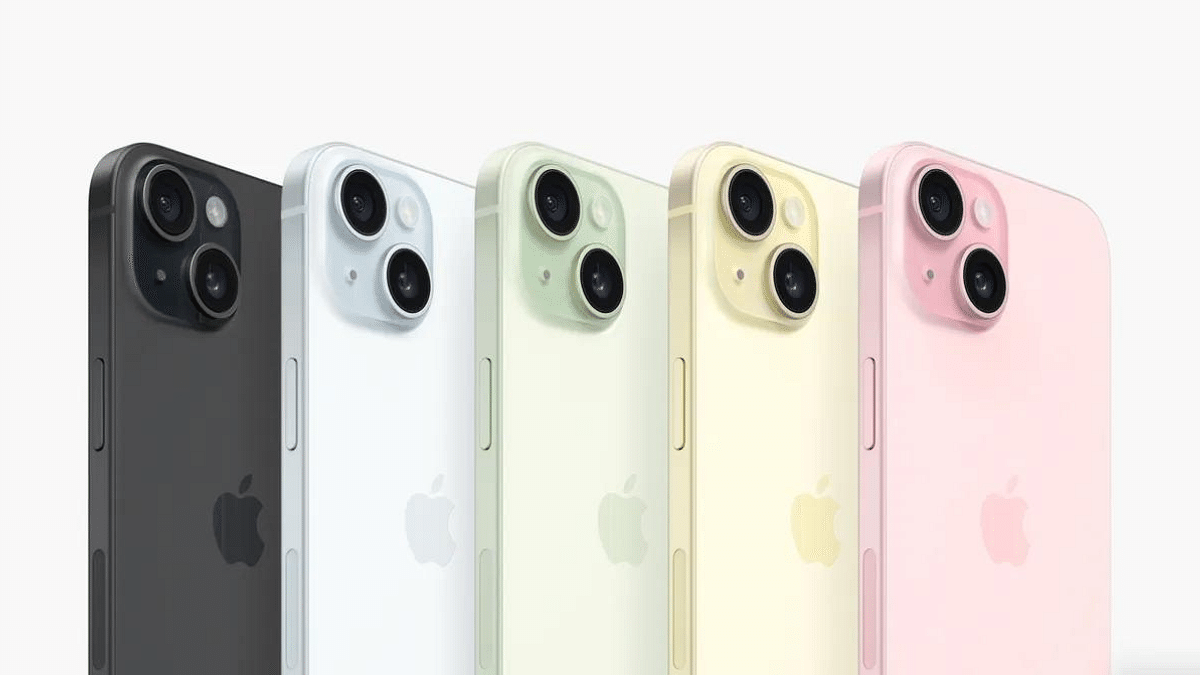
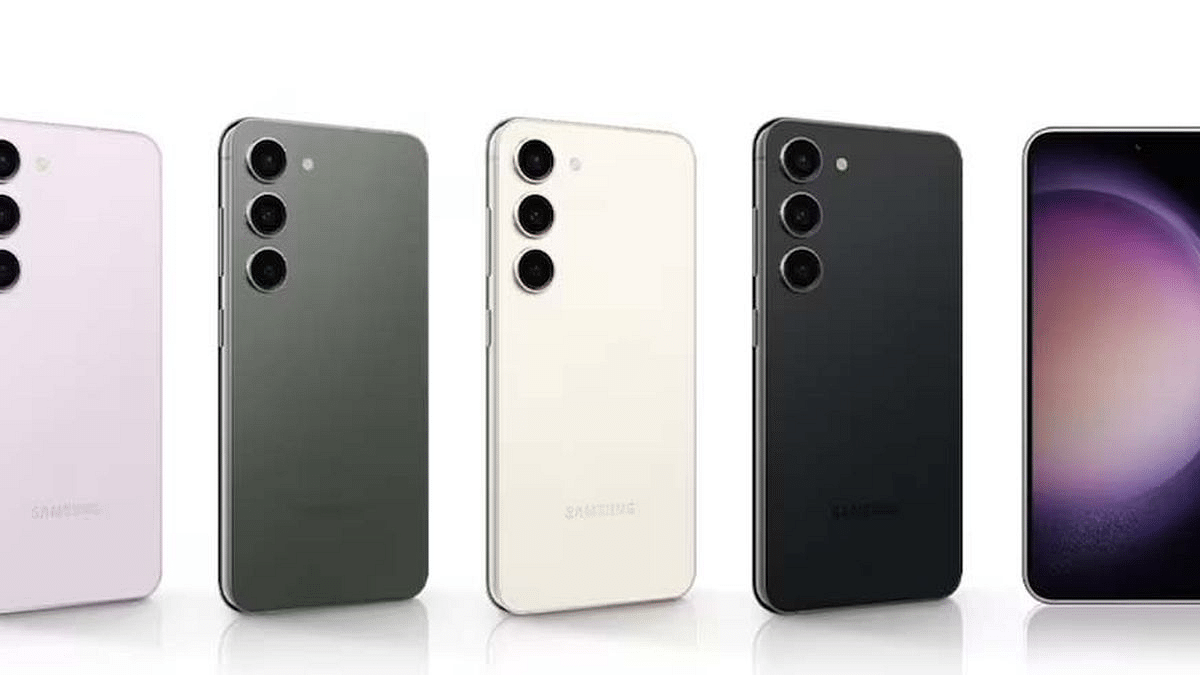
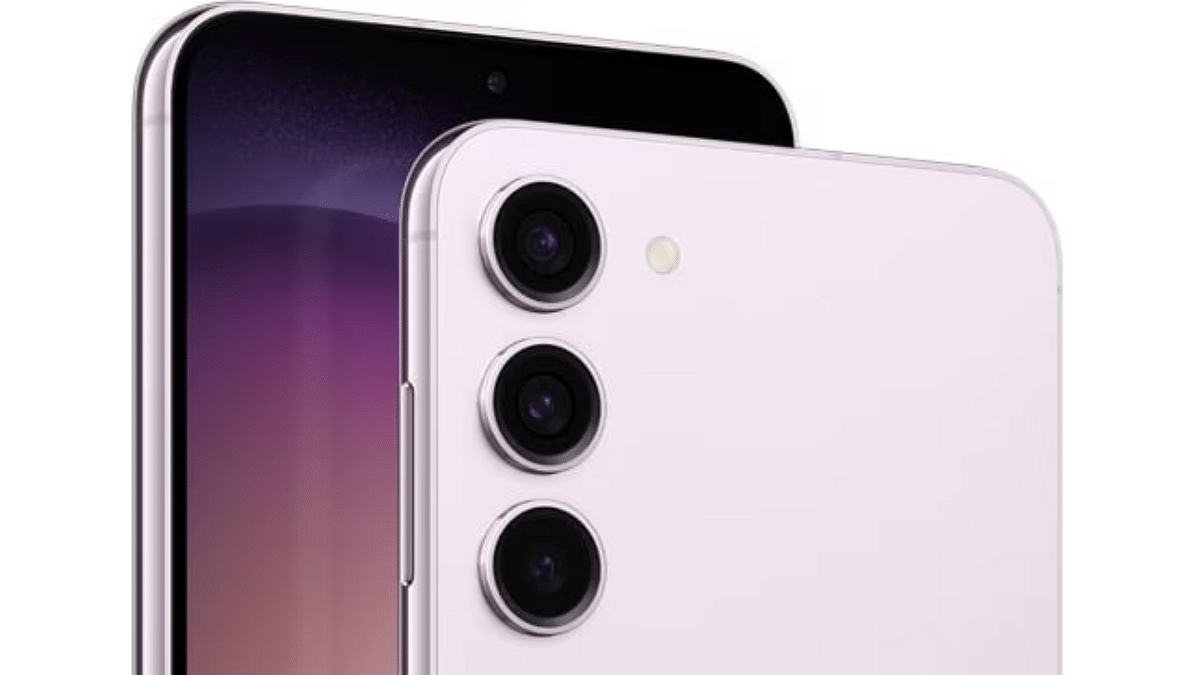
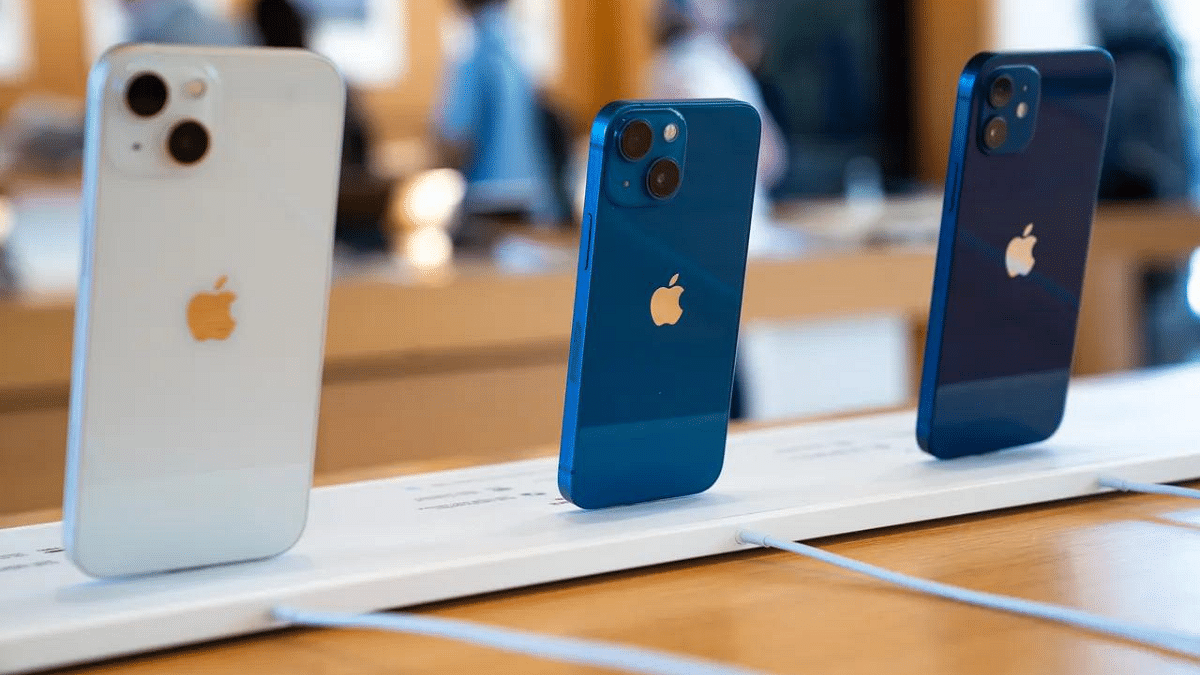
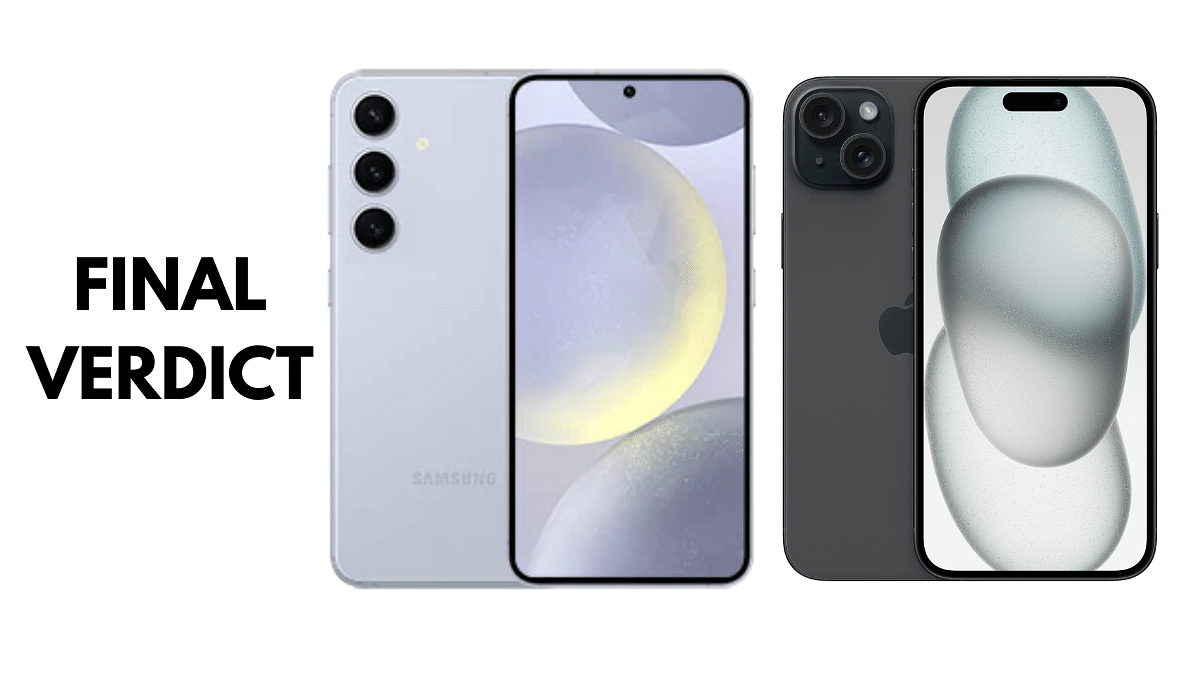
The battle for smartphone supremacy rages on, and this year, the newly launched Samsung Galaxy S24 and iPhone 15 stand as top contenders. Both flaunt powerful specs, sleek designs, and cutting-edge features, but which one deserves a spot in your pocket? Let’s dive into a detailed comparison to help you decide.
Size and Weight: Both phones boast similar screen sizes, but the Galaxy S24 edges out the iPhone in terms of height and width. However, the iPhone 15 is slightly heavier.
Build and Durability: Both utilize glass and aluminum builds with Gorilla Glass protection. The S24 boasts an “Armor aluminum 2 frame” for enhanced drop and scratch resistance.
Display: The Galaxy S24’s Dynamic LTPO AMOLED 2X panel boasts a higher refresh rate (120Hz) compared to the iPhone 15’s Super Retina XDR OLED (60Hz). Both offer exceptional brightness and HDR support.
Processor and RAM: The Galaxy S24 packs Qualcomm’s Snapdragon 8 Gen 3 or Exynos 2400 chipsets,alongside 8GB or 12GB RAM. The iPhone 15 houses Apple’s A16 Bionic chip and 6GB RAM. While benchmark scores may differ, both processors deliver exceptional performance for everyday tasks and demanding games.
Operating System: The Galaxy S24 runs on Android 14 with One UI 6.1, offering customization and flexibility. The iPhone 15 utilizes iOS 17, known for its user-friendly interface and seamless integration within Apple’s ecosystem.
Main Camera: The Galaxy S24 wins with a triple-lens setup (50MP wide, 10MP telephoto, 12MP ultrawide) compared to the iPhone 15’s dual-lens system (48MP wide, 12MP ultrawide). Both offer image stabilization and impressive detail, but the S24’s telephoto lens provides additional zoom versatility.
Front Camera: Both phones sport 12MP selfie cameras with decent capabilities.
Samsung Galaxy S24 vs iPhone 15: Battery and Charging
Specification
Samsung Galaxy S24
iPhone 15
Capacity
4000mAh
3349mAh
Charging
25W wired, 15W wireless, 4.5W reverse wireless
20W wired, 15W wireless (MagSafe/Qi2)
Battery Capacity: The Galaxy S24 boasts a larger 4000mAh battery compared to the iPhone 15’s 3349mAh.Real-world battery life will depend on usage patterns, but the S24 might offer an edge.
Charging: Both support fast wired and wireless charging. The Galaxy S24 offers faster wired charging (25W) compared to the iPhone 15 (20W), but MagSafe compatibility could be a deciding factor for Apple users.
Samsung Galaxy S24 vs iPhone 15: Price, Other Features
Price: Both phones begin at around ₹79,999 in India, with higher storage options costing more.
Additional Features: The Galaxy S24 boasts Samsung DeX for desktop connectivity, a microSD card slot (missing on the iPhone), and reverse wireless charging. The iPhone 15 counters with Emergency SOS via satellite and UWB support for spatial awareness features.
The Galaxy S24’s larger display, faster refresh rate, triple-lens camera, and larger battery appeal to users who prioritize versatility and customization. The iPhone 15 shines with its sleek design, user-friendly iOS, powerful A16 Bionic chip, and MagSafe ecosystem integration. Ultimately, the “best” phone depends on your specific needs and priorities. Consider which features matter most to you and take a test drive at a store before making your choice.
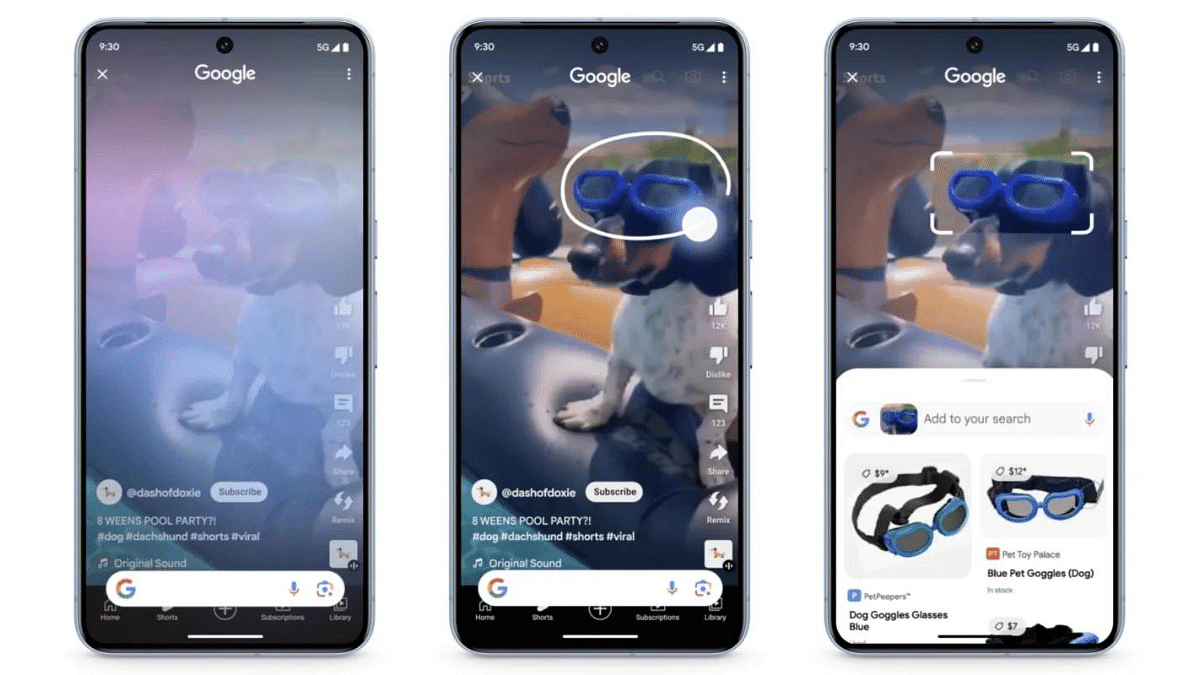
Google’s latest Search updates bring two exciting features to Android users: Circle to Search and a multisearch experience powered by AI. Let’s dive into how to use these features and how you can find information on your Android device.
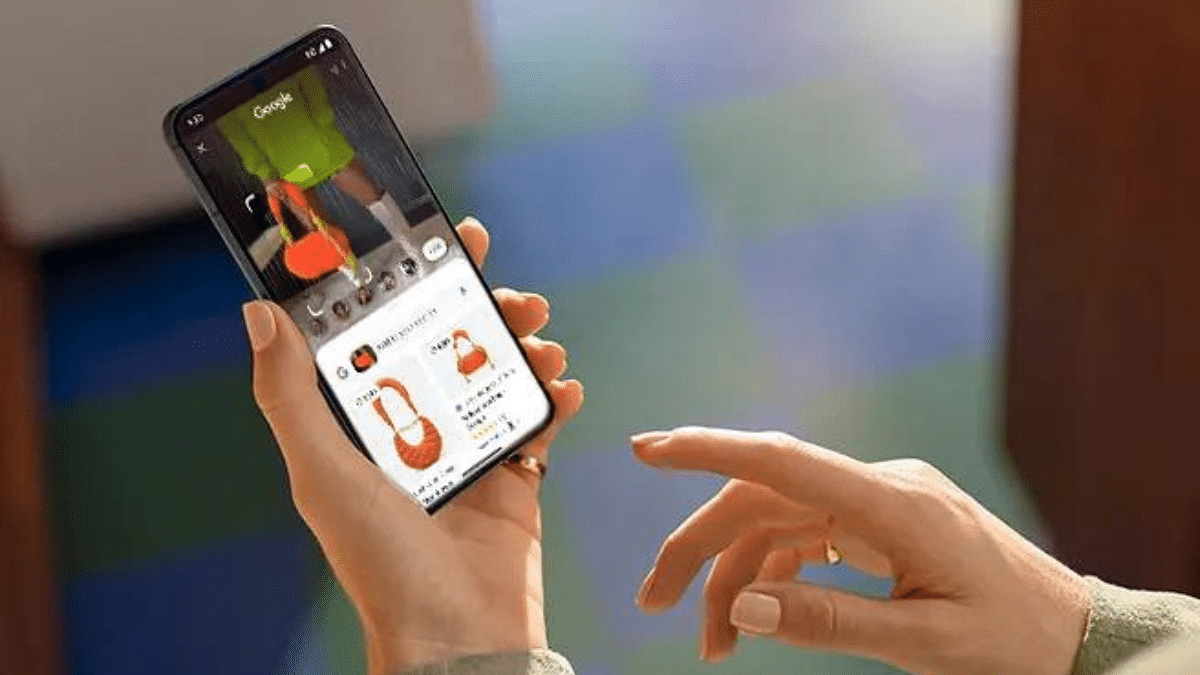
Imagine this: you’re watching a YouTube video and spot a stunning pair of shoes. Just draw a circle around them, and Circle to Search instantly displays similar styles from online retailers, all without leaving the video! This magical tool works on images and text alike, so whether it’s a curious object in a photo or an enticing restaurant menu, simply scribble, highlight, or tap to unveil relevant details and options.
But Google’s innovation doesn’t stop there. Multisearch transcends text queries, allowing you to explore the world through images and screenshots. Encounter an unfamiliar object? Take a picture and ask “What’s this?” Google’s AI will then provide a detailed overview by gathering information from the web.
Launch Lens through the Google app on Android or iOS (currently available in the US).
Take a picture of the object or use an existing image.
Ask your question, like “What’s this?”
Experience the AI-powered overview filled with relevant information.
The new multisearch experience is rolling out this week in English in the US for everyone. Users outside the US can opt for the Search Generative Experience (SGE) preview in Search Labs.
Circle to Search arrives on January 31, 2024, for selected premium Android smartphones like the Pixel 8, Pixel 8 Pro, and Galaxy S24 series. It will be available in all languages and locations where these phones are sold.
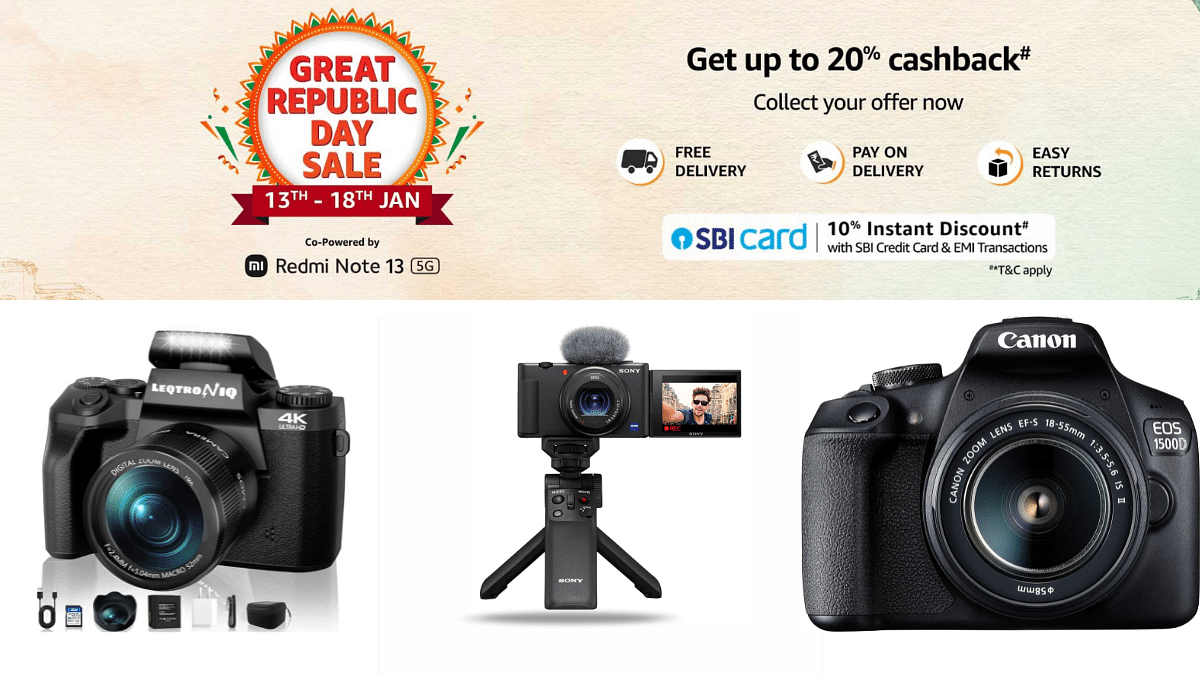
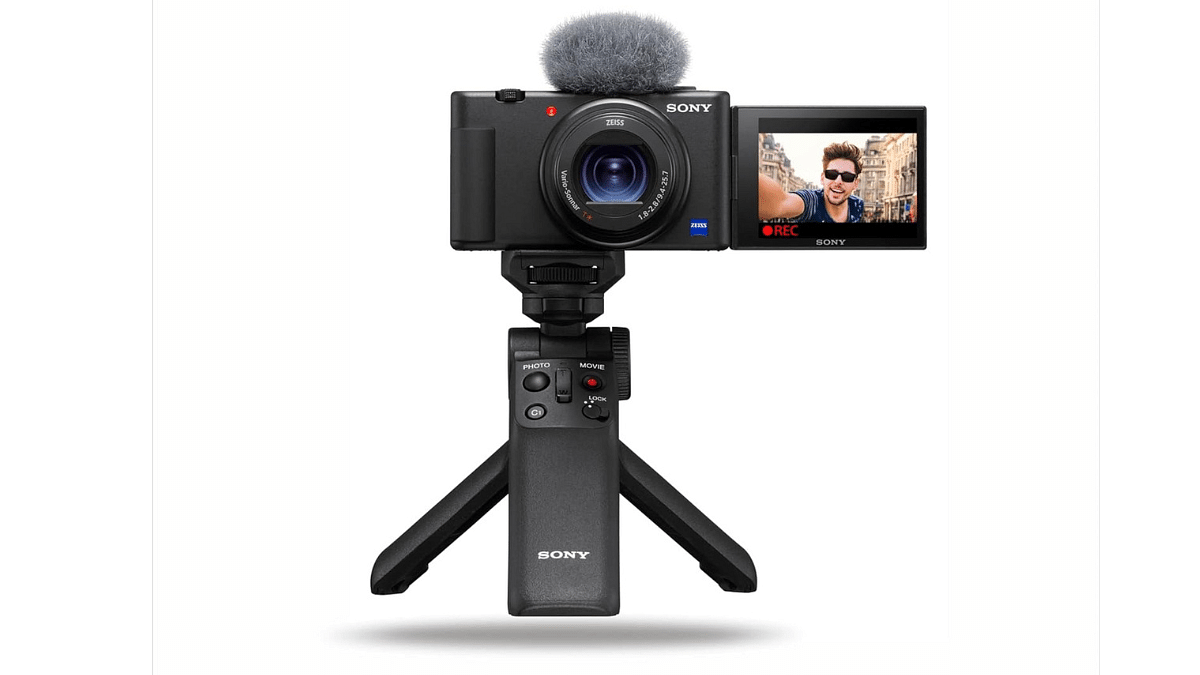
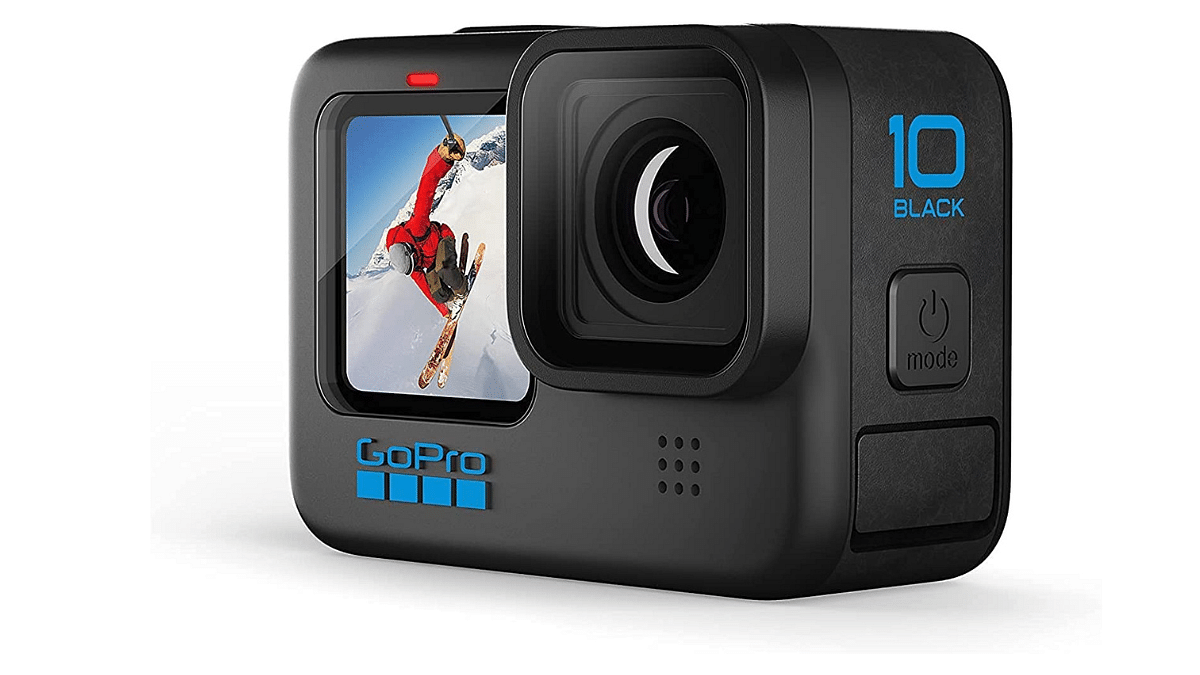
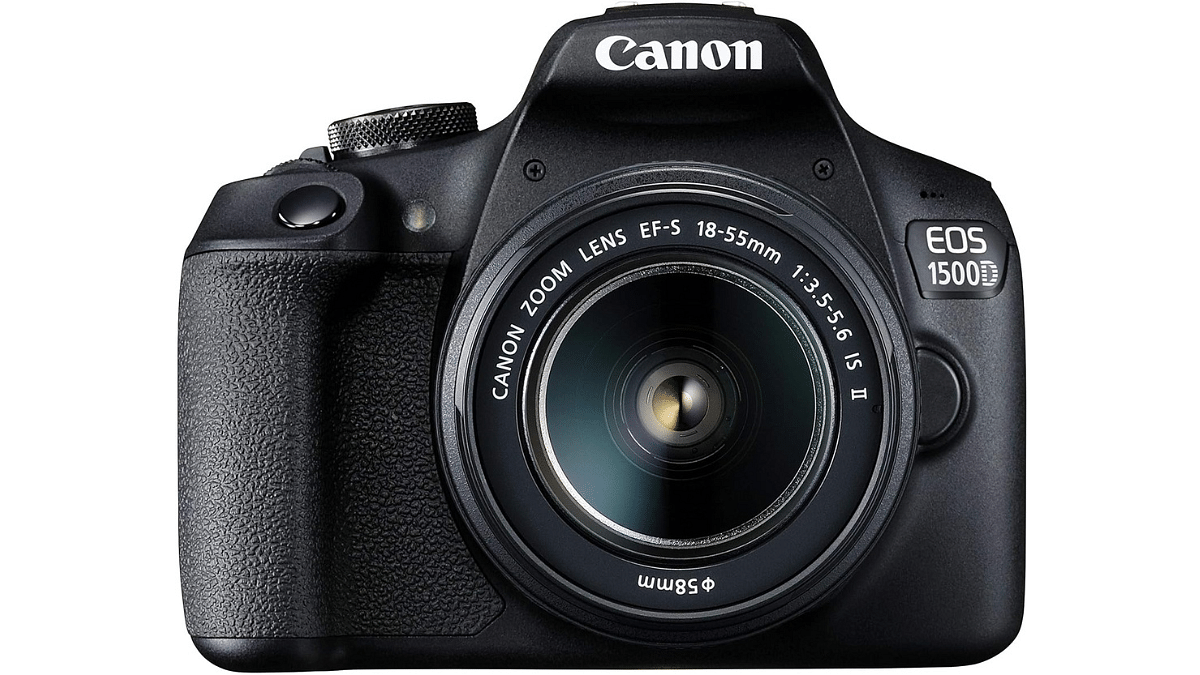
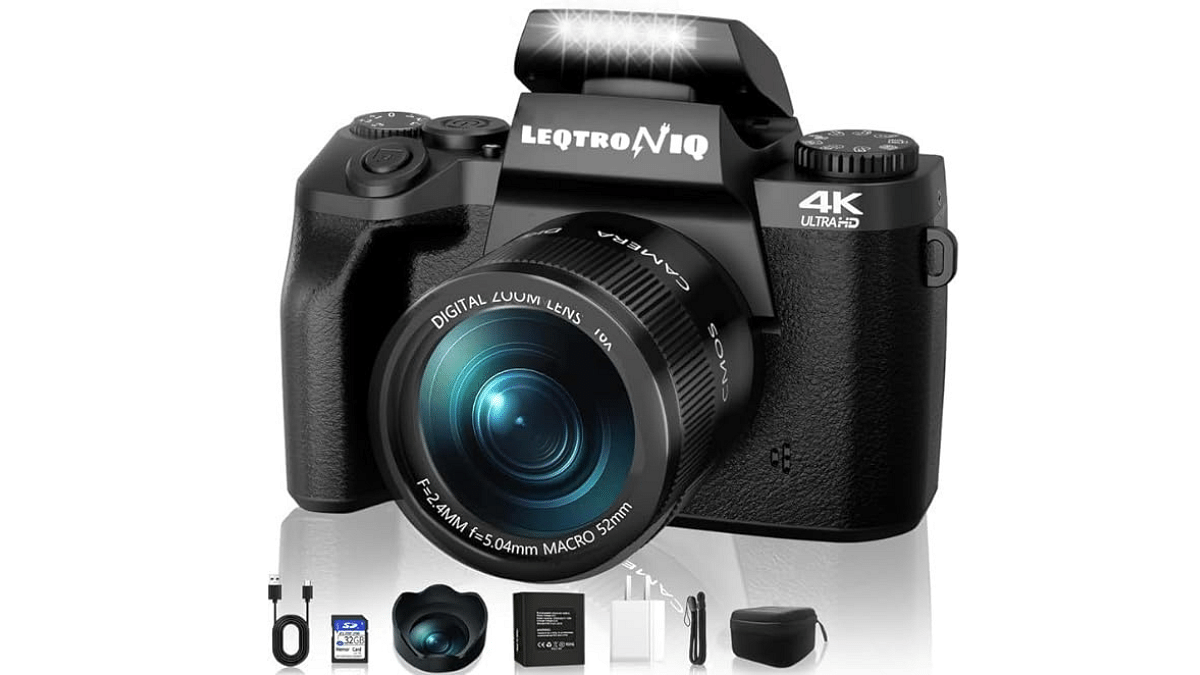
You can get amazing deals on top-tier vlogging cameras during Amazon’s Republic Day Sale. Save up to 50% on renowned brands like Sony, Canon, and more. This limited-time offer ends tomorrow. Check out the incredible discounts on four vlogging cameras below.
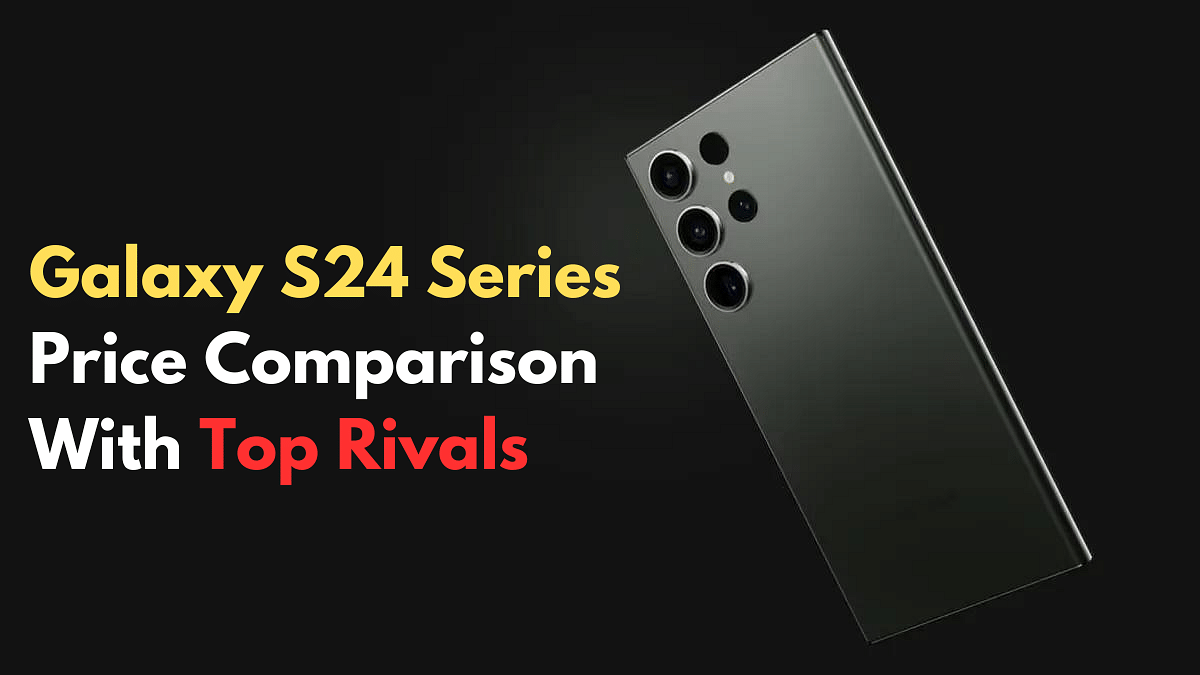
S24 starts friendly: Base model undercuts rivals like iPhone 15 Pro, OnePlus 11 Pro.
Ultra’s price peak: Most expensive in comparison, even compared to its own siblings.
Budget options: iQOO, OnePlus offer wallet-friendly alternatives to S24 series.
Samsung’s latest flagship smartphones, the Galaxy S24 series, have arrived in India, and with them comes the burning question: But how do their prices compare to the competition?
In this article, we’ll take a quick look at the price tags of the Galaxy S24, S24+, and S24 Ultra, and compare them to some of their top rivals in the Indian market.
Now, let’s see how these prices stack up against some of the Galaxy S24’s biggest competitors:
Model
Storage
Current Price (INR)
Samsung Galaxy S23 Ultra 5G
256 GB
₹95,600
Apple iPhone 15 Pro Max
256 GB
₹156,900
iQOO 12 5G
256 GB
₹52,999
vivo X100 Pro 5G
512 GB
₹89,999
Samsung Galaxy S23 5G
128 GB
₹56,500
Google Pixel 8 Pro
128 GB
₹106,999
Samsung Galaxy S23 Plus 5G
256 GB
₹84,999
Apple iPhone 15 Pro
128 GB
₹130,990
Apple iPhone 15
128 GB
₹74,900
Samsung Galaxy Z Fold5
256 GB
₹154,999
Apple iPhone 15 Plus
128 GB
₹84,900
OnePlus 11
128 GB
₹56,998
Budget Model Competition : The base Galaxy S24 (₹79,999) punches above its weight, undercutting both the iPhone 15 Pro (₹1,29,900) and OnePlus 11 Pro (₹89,999) at their base capacities.
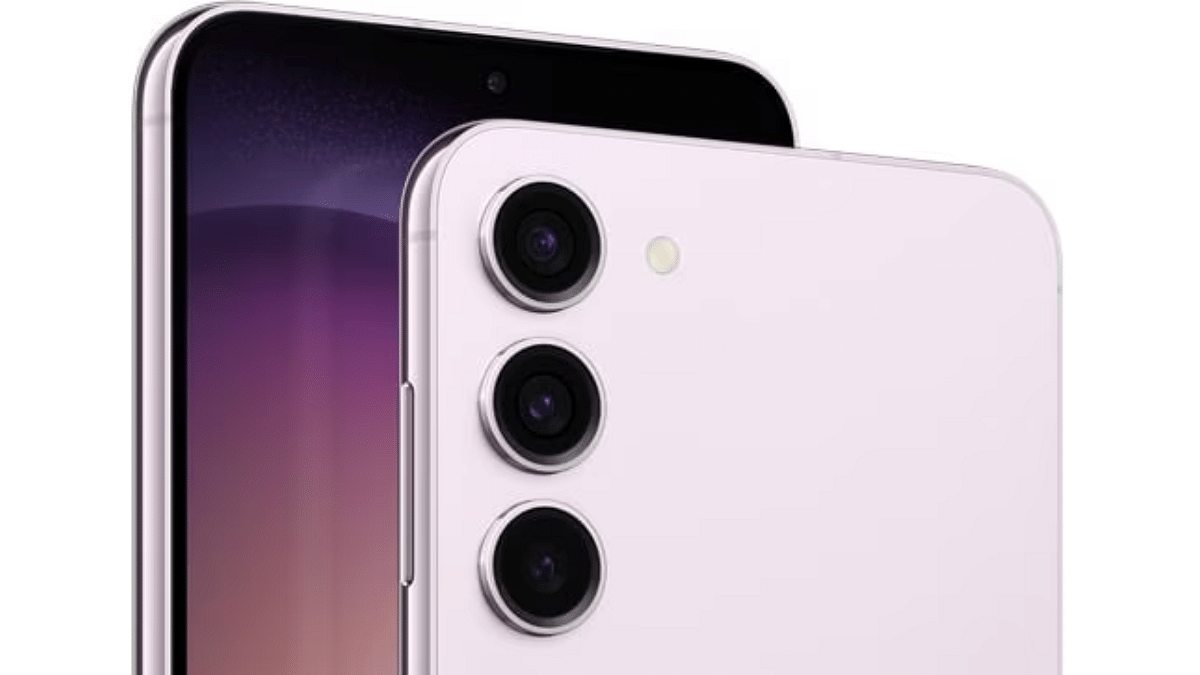
Mid-Range Model Competition : The Galaxy S24 Plus (₹99,999) faces stiff competition from the well-equipped vivo X100 Pro 5G (₹89,999). Samsung’s own Galaxy S23 Plus 5G (₹84,999) emerges as a tempting alternative.
Flagship Model Competition: The Galaxy S24 Ultra (₹1,29,999) claims the price crown, towering over rivals like the iPhone 15 Pro Max (₹1,56,900) and Samsung Galaxy Z Fold5 (₹1,54,999). However, the outgoing Galaxy S22 Ultra (₹80,200) offers a compelling blend of power and value.
S24 vs. S23 Ultra: The new base S24 undercuts its predecessor by a cool ₹15,601, making it a tempting upgrade for some.
Budget Buys: OnePlus 11 and Samsung Galaxy S23 5G offer the most wallet-friendly options.
Performance Play: The newly launched iQOO 12 5G delivers high performance at a relatively lower price than the S24.
The new Samsung Galaxy S24 phones come in many sizes and prices, so you can find one that fits your needs and how much you want to spend. But there are lots of other great phones out there, too, from big brands like Apple to newer ones like iQOO. So, do your research, figure out what’s important to you, and pick the phone.
Note: Prices can change depending on where you buy the phone. So, compare prices online and in stores before purchasing.
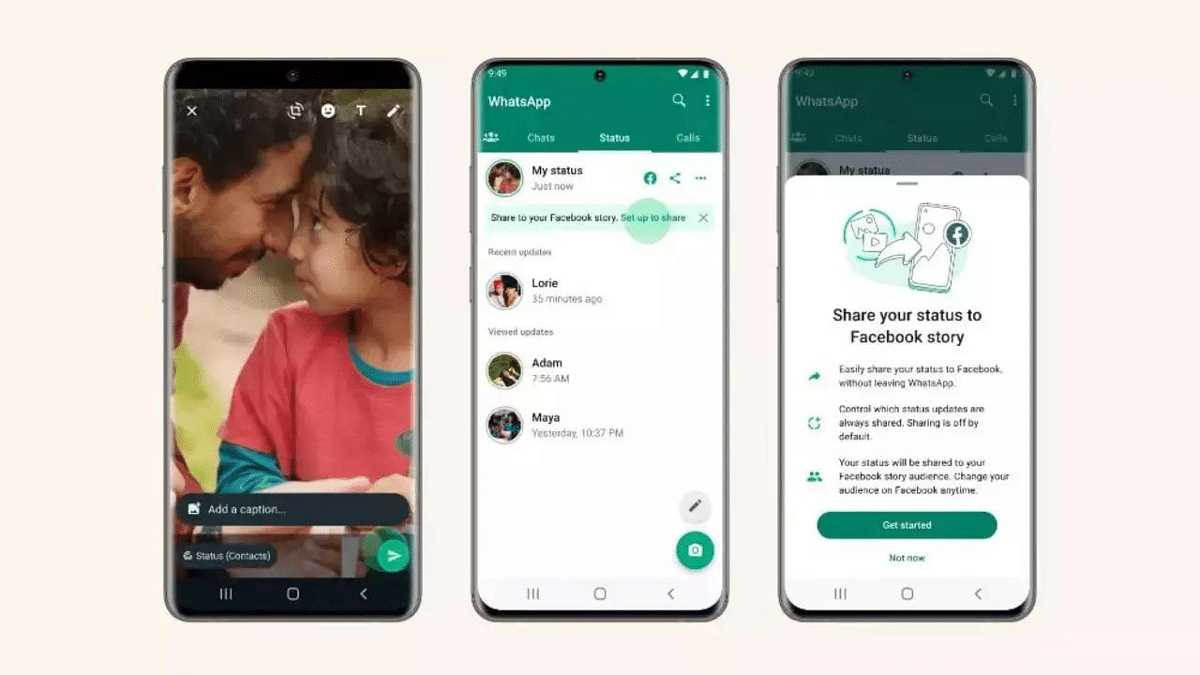
WhatsApp will let users get feedback and boost engagement with interactive polls.
Users can add upto 16 admins now.
WhatsApp Channels got a big upgrade!
Creators can now use voice messages, polls, and status sharing to connect with their followers in new ways. They can also add more admins to manage their communities better. This makes it easier to build thriving online spaces on WhatsApp where everyone can interact and share. Let’s check out these new features and see how to use them to make your Channel even better.
Building upon the popularity of voice messages, WhatsApp Channels now allows creators to share updates directly in their own voices. This human touch adds a layer of intimacy and engagement, making information more relatable and impactful for followers.
To utilize this feature:
Access your WhatsApp Channel.
Navigate to the desired chat or thread.
Tap the microphone icon to begin recording your update.
Hold the icon while speaking and release it to complete the recording.
Send your voice update and connect with your audience on a deeper level.
Want to gauge your audience’s opinion or gather valuable feedback? WhatsApp Channels now lets you create interactive polls. This feature fosters dynamic engagement, encouraging followers to participate and express their thoughts.
To activate polls:
Start a new message within your Channel.
Locate the poll icon, typically represented by a graph or voting symbol.
Craft your poll question and add multiple options for users to choose from.
Send the poll to your Channel and watch your followers’ voices be heard.
3. Share Updates on Personal Status
You now increase your Channel’s visibility by seamlessly sharing updates to your personal WhatsApp status. This organic marketing strategy allows you to tap into your existing network and attract new followers. To utilize this feature:
Simply tap the “Share to Status” option on any engaging Channel update.
Managing large and active Channels just got easier with the addition of up to 16 admins. This feature promotes efficient community and content management, ensuring a more organized and collaborative approach.
Assigning admin roles allows for:
Content moderation and quality control.
Timely responses to follower inquiries and feedback.
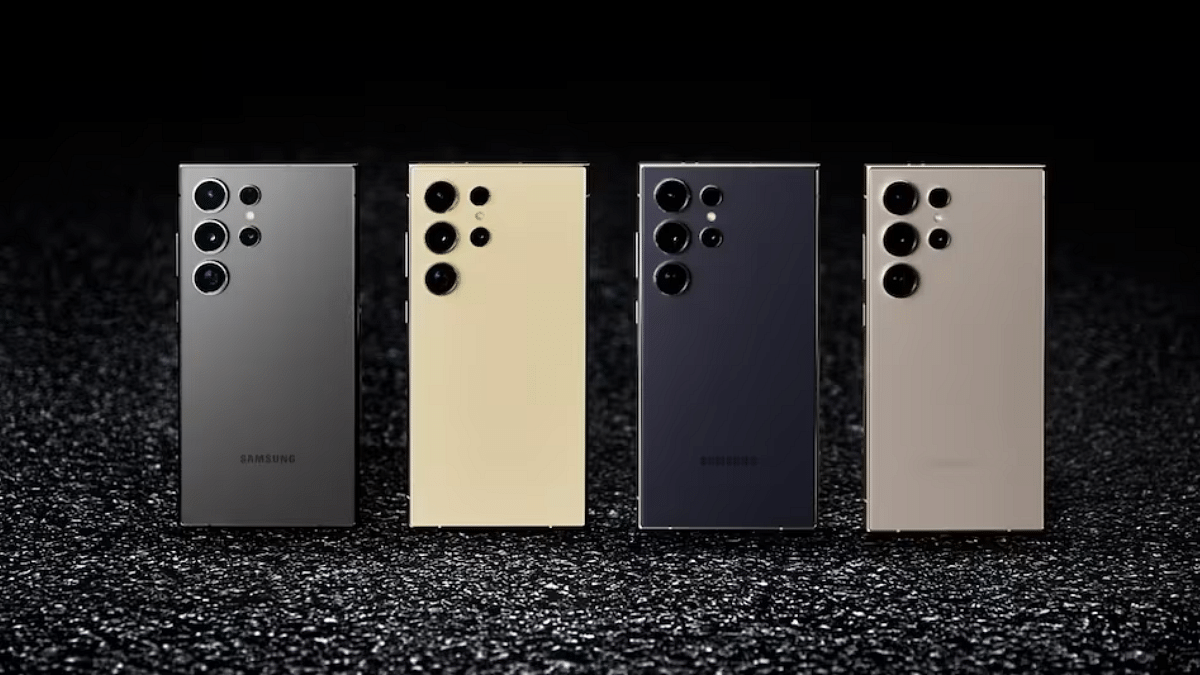
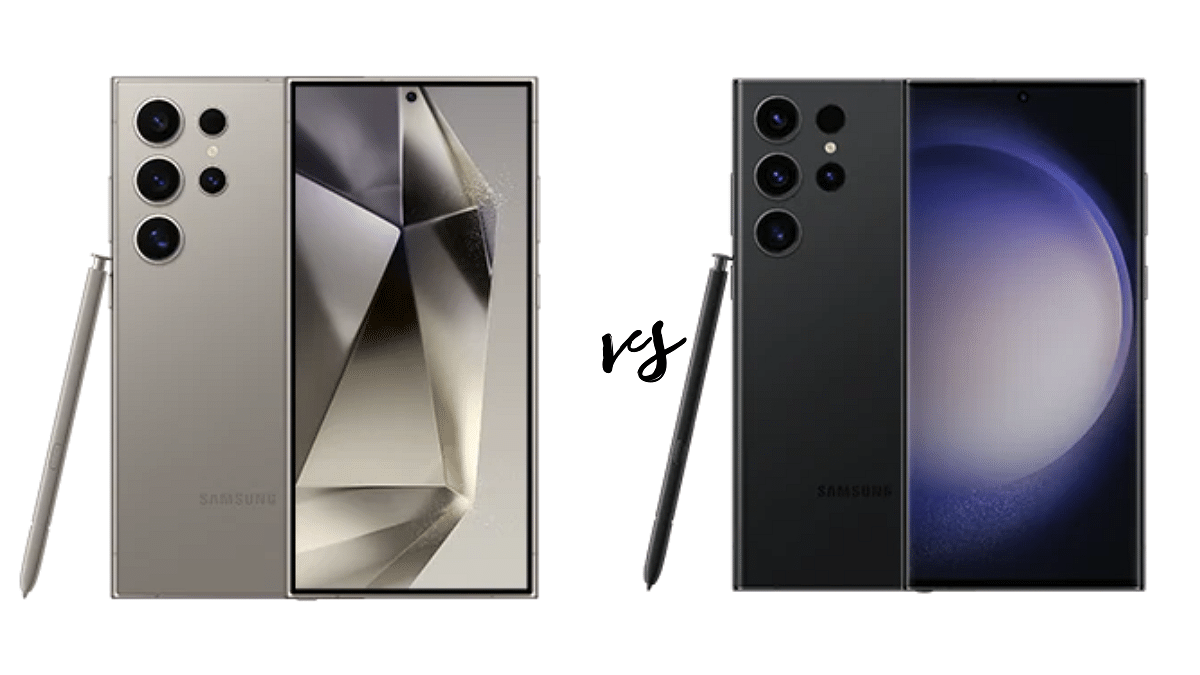
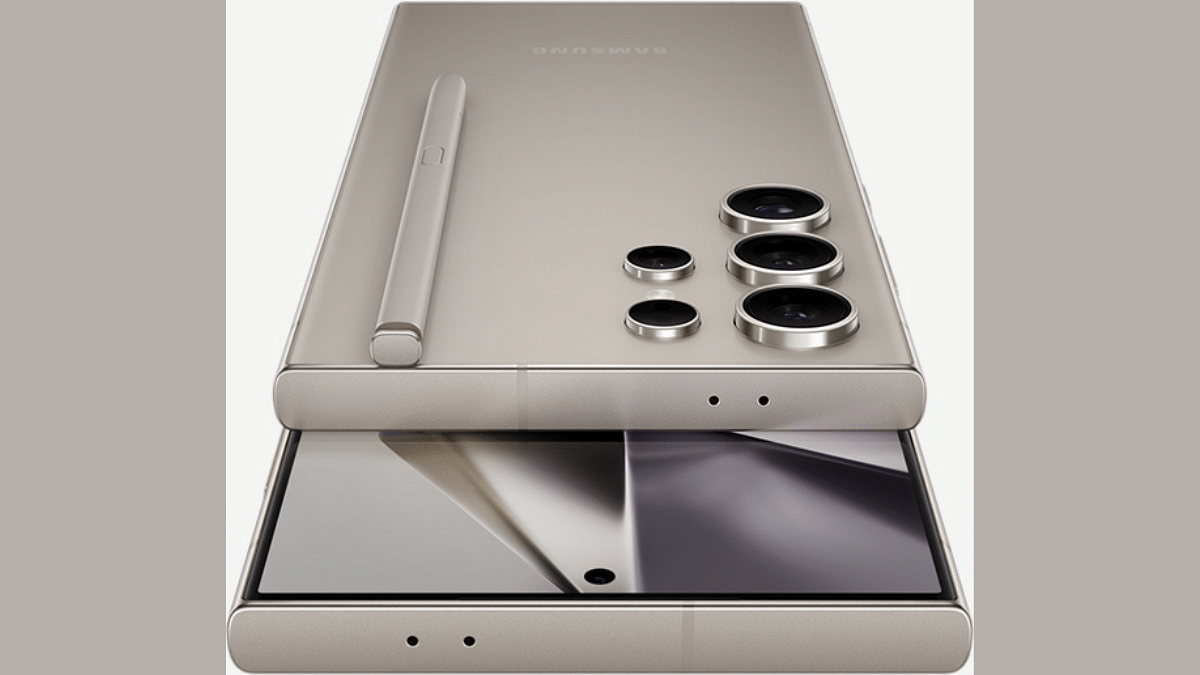
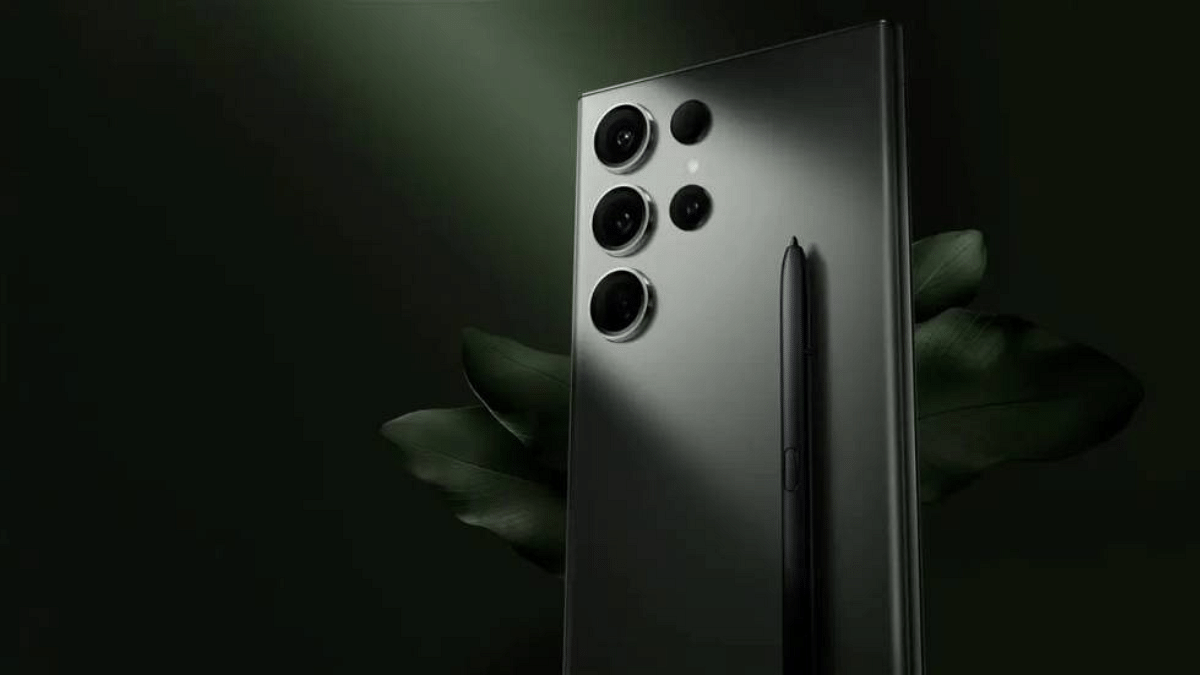
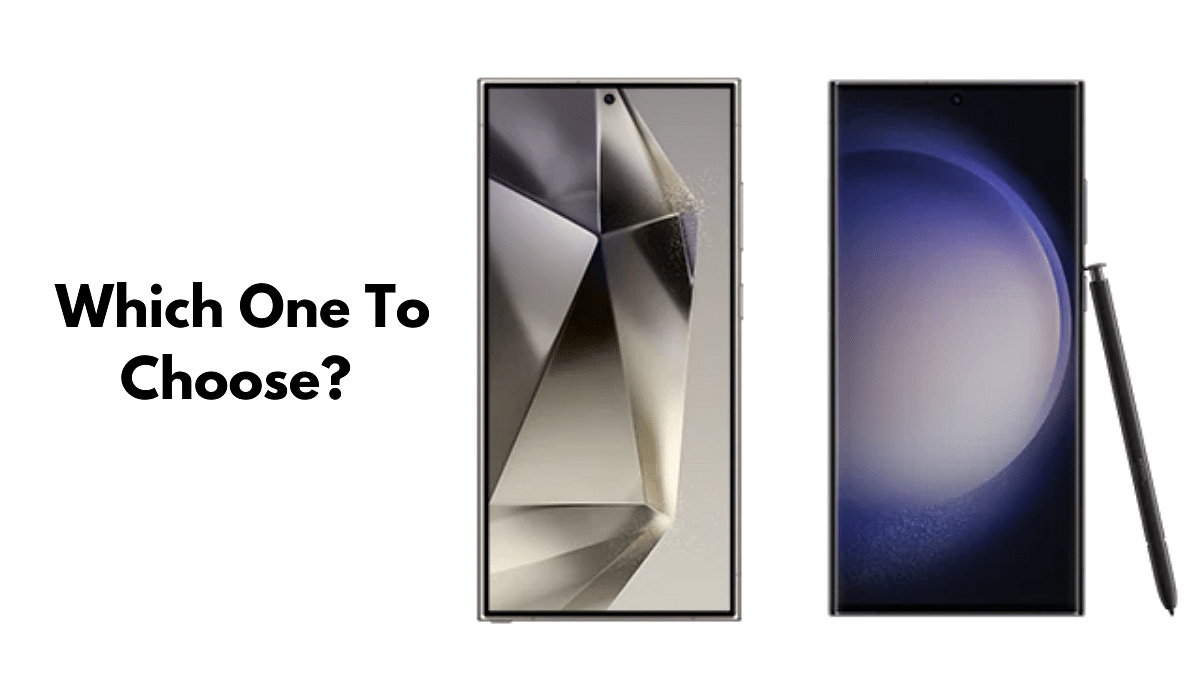
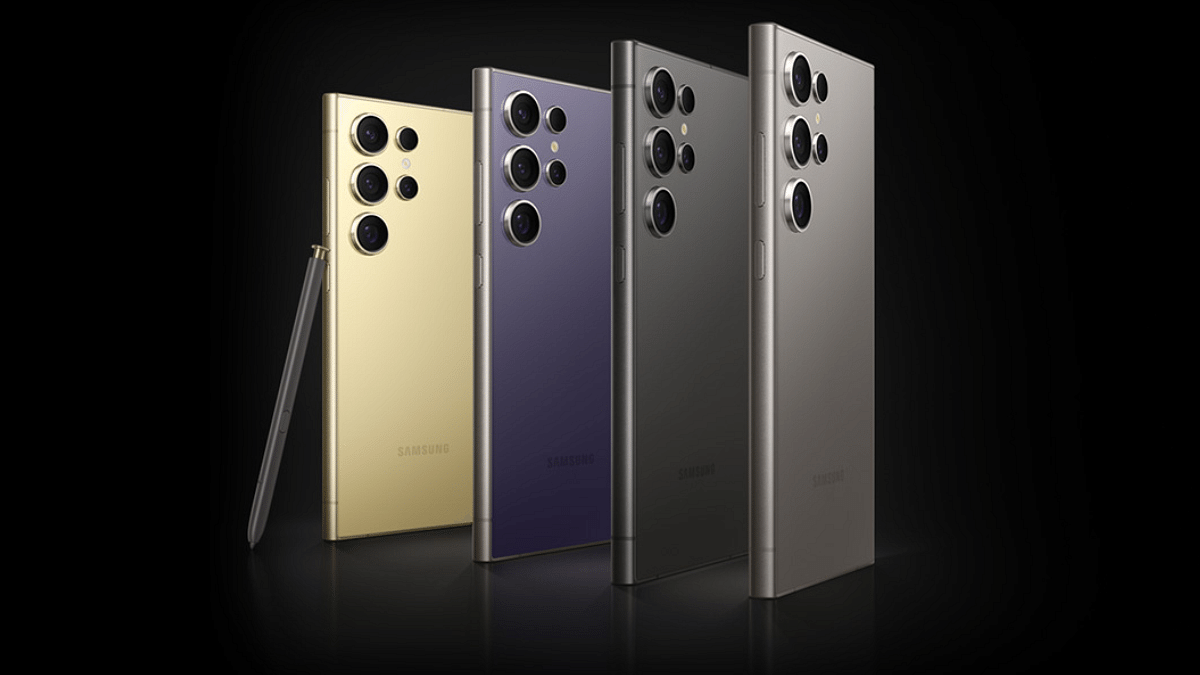
The battle for Android flagship supremacy heats up as Samsung unleashes the Galaxy S24 Ultra against its predecessor,the Galaxy S23 Ultra. Both phones pack a punch, but which one reigns supreme? Let’s dive into a detailed comparison to find out.
Both phones comes with a 6.8-inch Dynamic AMOLED display with stunning resolution. However, the S24 Ultra shines brighter with a peak brightness of 2600 nits, perfect for outdoor viewing. It also ditches the curved edges for a flatter panel and narrower bezels, offering a sleek and modern look.
Back: Glass (Corning Gorilla Glass Victus 2); Frame: Aluminum
Resistance
IP68
IP68
Biometrics
Ultrasonic in-screen fingerprint
2D Face unlock, Ultrasonic in-screen fingerprint
Features
Stylus
Stylus
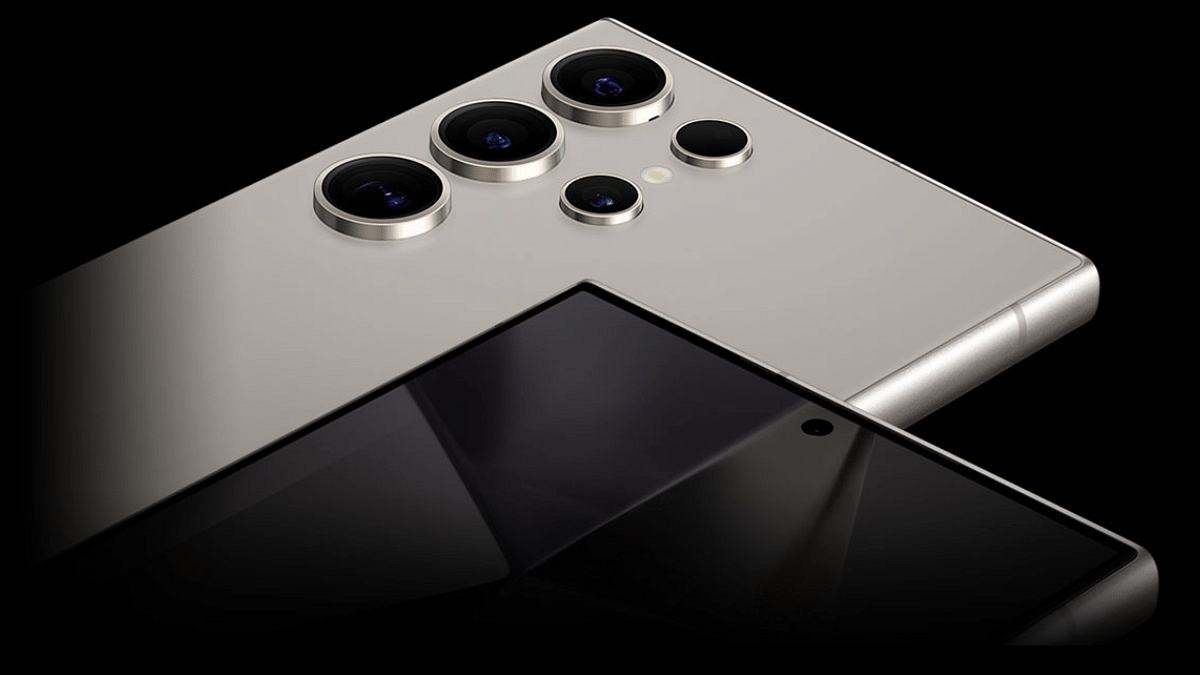
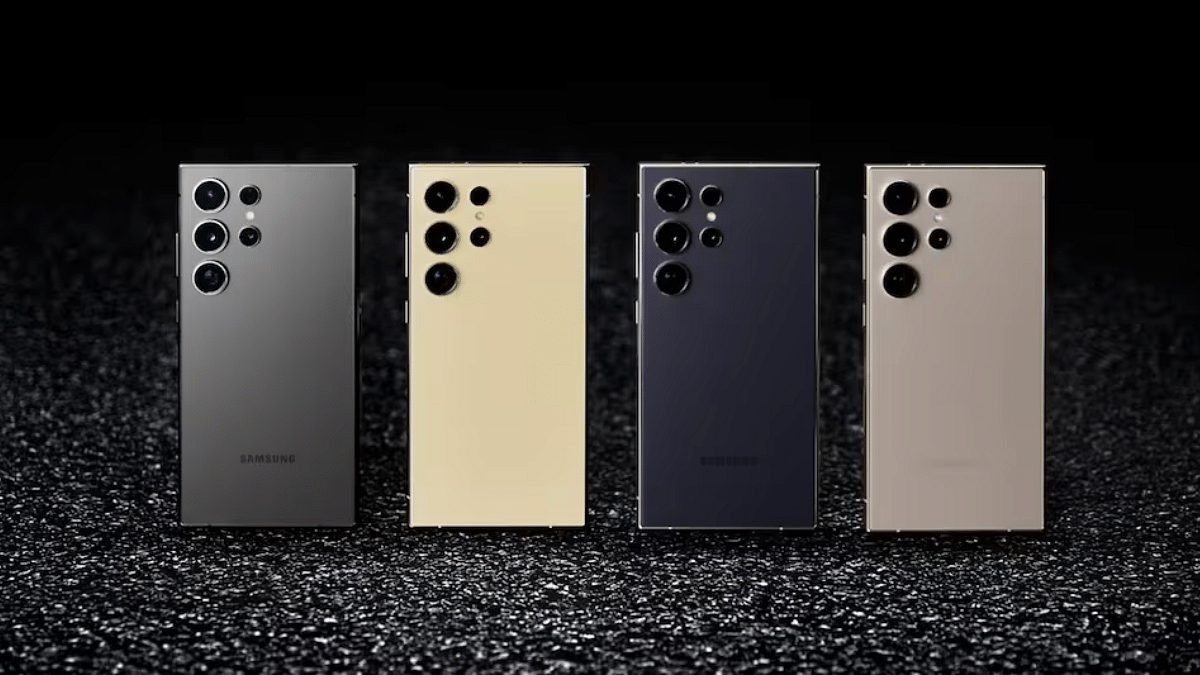
The S23 Ultra sports a sleek aluminum frame, while the S24 Ultra upgrades to a premium titanium frame, making it more durable and lightweight. Both phones come with Corning Gorilla Glass protection for added scratch resistance.Color options vary, with the S24 Ultra offering a fresh Phantom Black alongside classic tones.
The S23 Ultra packs a punch with the Snapdragon 8 Gen 2 chipset, but the S24 Ultra raises the bar with the Snapdragon 8 Gen 3. This translates to smoother performance, faster multitasking, and improved efficiency. Both phones come with ample 12GB RAM and up to 1TB storage, ensuring you’ll never run out of space.
Both phones boast a quad-camera rear system, but the S24 Ultra takes the lead with a 200MP main sensor compared to the S23 Ultra’s 12MP. It also ditches the 10MP 10x telephoto lens for a 50MP 5x telephoto lens, promising sharper close-up shots. However, the S23 Ultra still holds ground with its 10MP 3x and 10MP 10x telephoto lenses. Both phones capture stunning 8K videos and offer advanced camera features like OIS and PDAF.
Fast charging, Qi wireless charging, Reverse wireless charging
Fast charging, Qi wireless charging, Reverse wireless charging
Both phones pack a 5000mAh battery with fast charging and wireless charging capabilities. Expect a full day’s use on a single charge, with moderate to heavy usage. Ultimately, battery life may vary depending on individual usage patterns.
Samsung Galaxy S24 Ultra 5G vs Samsung Galaxy S23 Ultra: Other Features
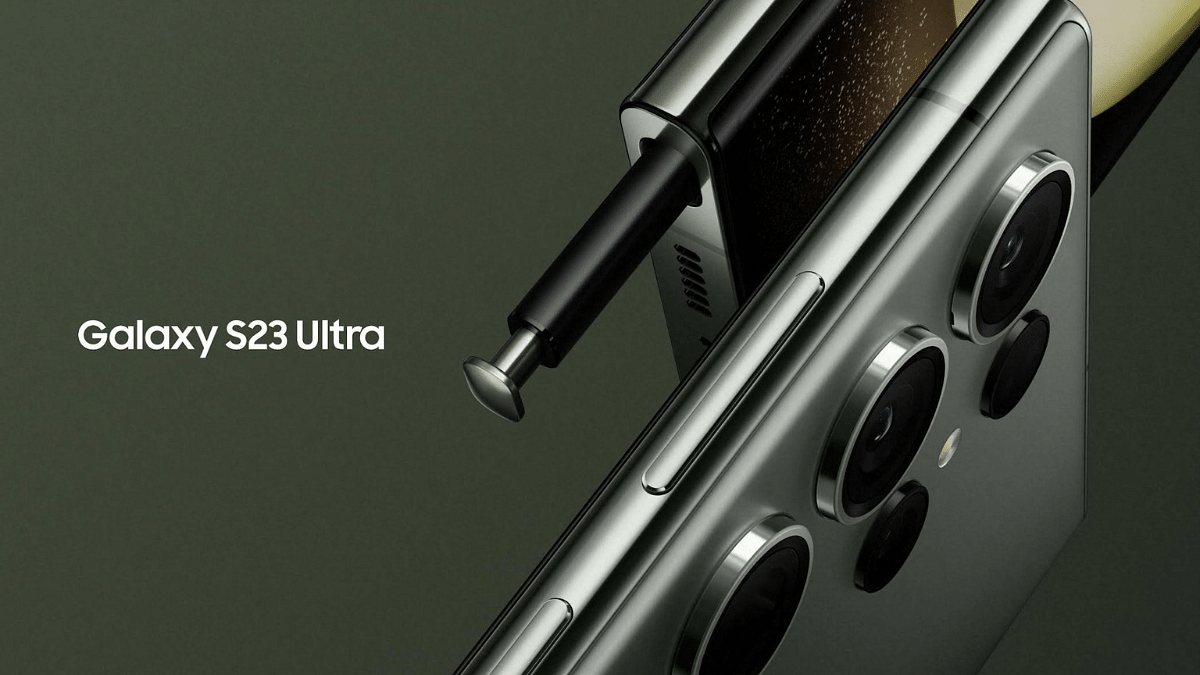
Both phones offer top-notch features like IP68 dust and water resistance, ultrasonic fingerprint sensors, advanced connectivity options, and the versatile S Pen stylus. The S24 Ultra takes the lead with Android 14 pre-installed, compared to the S23 Ultra’s Android 13, ensuring long-term software updates.
Verdict: A Close Call, But the S24 Ultra Edges Out
The choice between these two titans comes down to personal preference and priorities. The Galaxy S24 Ultra boasts a brighter display, a faster processor, a more versatile camera system, and a more premium design. However, its price tag might be higher than the S23 Ultra. If you prioritize raw performance, durability, and the latest features, the S24 Ultra is the clear winner. But if you’re on a tighter budget or prefer the curved display, the S23 Ultra remains a formidable choice.
Users can now capture clear photos with AI-powered enhancements.
Check more features below.
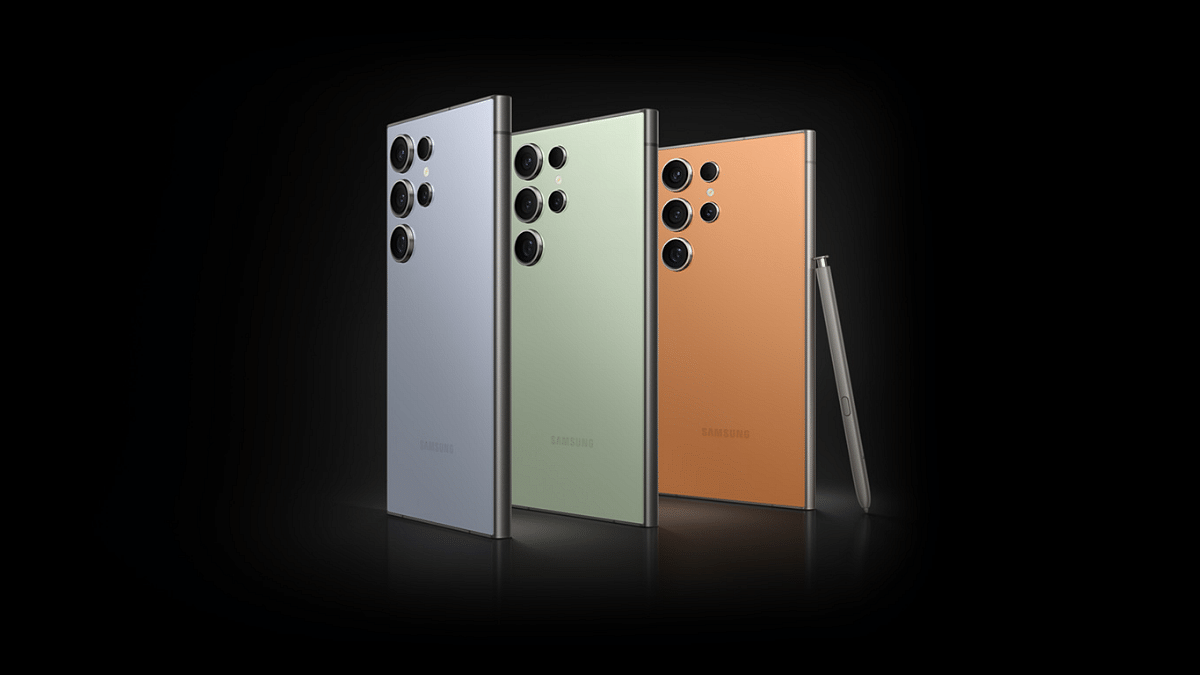
Samsung Electronics has officially unveiled the highly anticipated Galaxy S24 series, comprising the Galaxy S24 Ultra, Galaxy S24+, and Galaxy S24. Samsung’s new Galaxy S24 series uses Galaxy AI to enhance mobile innovation, especially in communication, improving daily life. Let’s delve into the top highlights of Galaxy AI.
Live Translate enables real-time two-way audio translation for seamless conversations in different languages. It ensures that language is no longer a barrier to effective communication, making the world a smaller and more connected place.
2. Interpreter: Transcription Without Internet
Linked closely with Live Translate, Interpreter takes live conversations and transforms them into a language of your choice. The magic? It works without an internet connection, operating smoothly on Samsung devices without relying on cloud processing. Interpreter not only translates but also provides a text transcription of the conversation.
Chat Assist helps you fix your texts on the go to better fit the tone you’re targeting, be it formal and professional messages or a short and catchy phrase for your TikTok upload. This feature works hand-in-hand with the translation capabilities of Samsung Galaxy AI to translate messages received in another language.
4. Android Auto
Android Auto is one of, if not the most interesting features introduced with Samsung Galaxy AI. It can summarize any new messages for you to get up to speed quickly. It can also suggest relevant replies to help you quickly respond to messages.
Samsung claims the AI can intelligently calculate the estimated time of arrival (ETA) via GPS software and suggest a reply to someone asking for the same. This feature automates a lot of things and helps you stay focused on driving.
Note Assist can you help take better notes on Galaxy S24 devices. This feature can generate summaries or even build templates specific to your notes to make it easier to maintain them in an organized manner.
6. Transcript Assist: AI-Powered Transcription
Transcript Assist does exactly as the name suggests. It utilizes AI to convert speech to text, summarize, and translate. Samsung claims this feature also works for multiple voice sources in a recording, making it one of the most useful features for enjoying multilingual content.
In collaboration with Google, Samsung introduces Circle to Search, a gesture-based system. By drawing a circle after a long press on the Home button, users can prompt Google Search to deliver results related to on-screen content, enhancing the search experience across various apps.
8. ProVisual Engine, Edit Suggestion, Generative Edit: For Photography
ProVisual engine enables users to fix any shot or video after it’s been taken. You can bring out pixel-perfect results by removing blurriness, lack of clarity, and others using this feature. It has already been seen on the Google Pixel phones before making their way into Galaxy AI.
The Edit Suggestion feature in action (Image via Samsung) Edit Suggestion will work hand-in-hand with Galaxy AI’s editing tools to recommend smart fixes for any images taken with S24 smartphones. This helps fine-tune the process of ensuring pictures look better and yield better results with a single tap.
Generative Edit can add extra information to parts of an image to make it more visually interesting. It relies on GenAI and works much similarly to models previously employed by Adobe Photoshop and Nvidia Picasso.
Samsung’s Galaxy S24 series smartphones come packed with cool Galaxy AI features that make them work really well. These features make the phones stand out and show that Samsung is ahead in using smart AI technology. Compared to other brands, Samsung has set a higher standard with these new features.
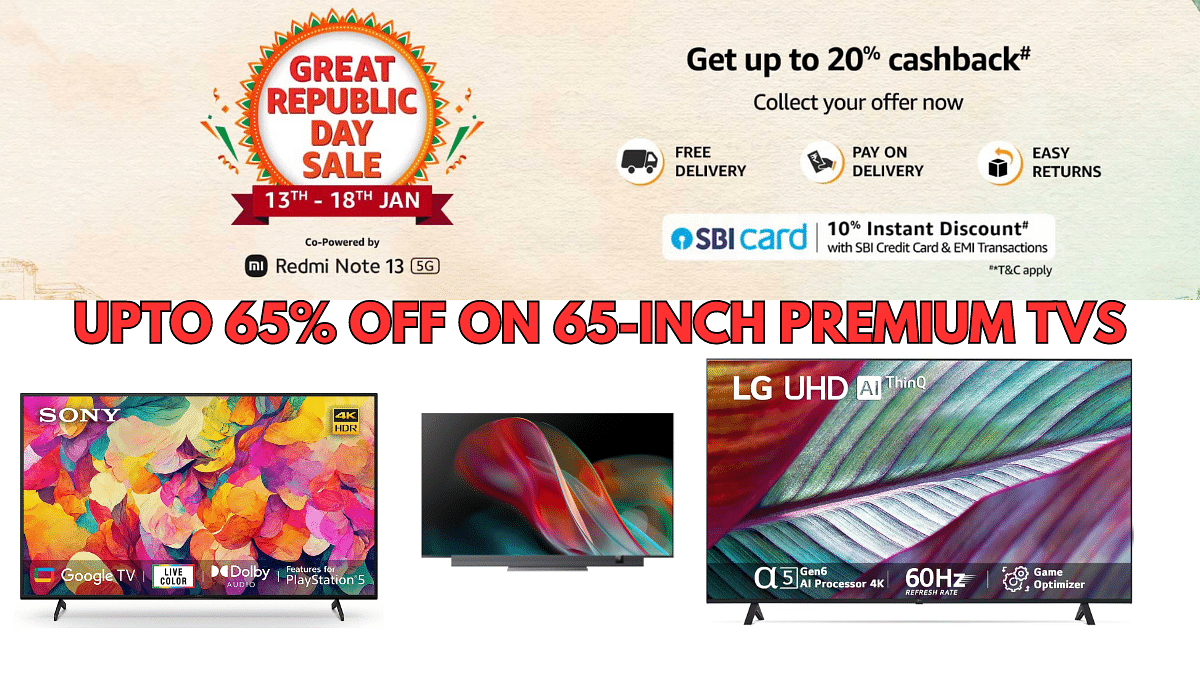
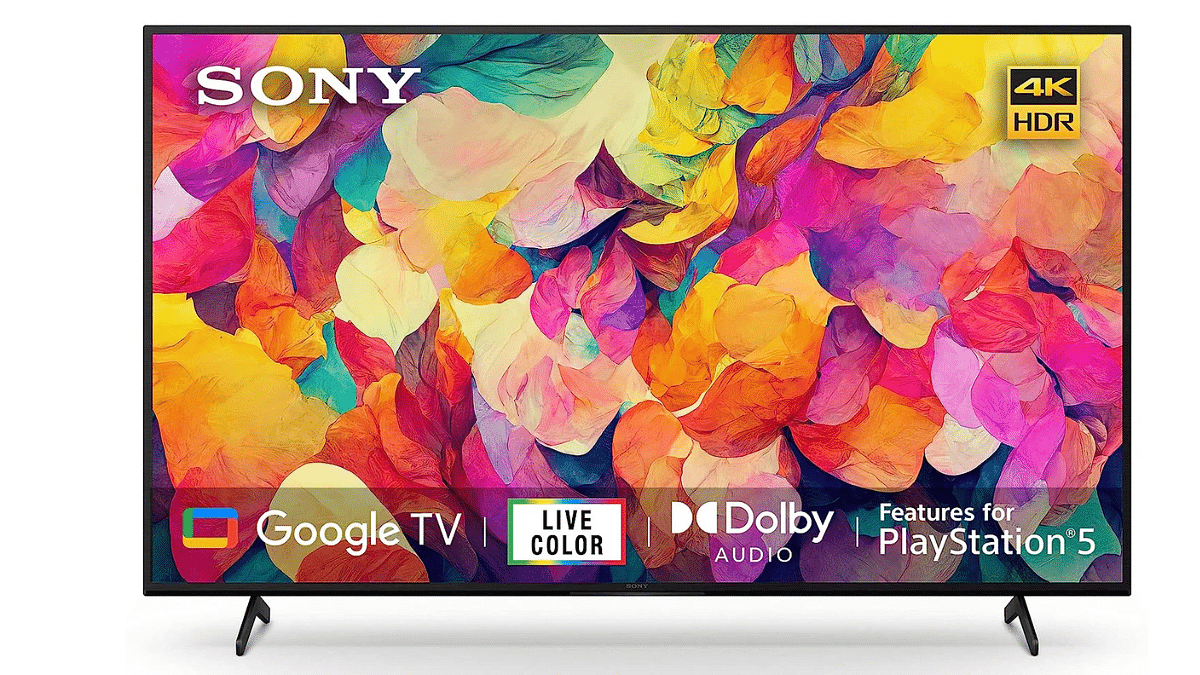
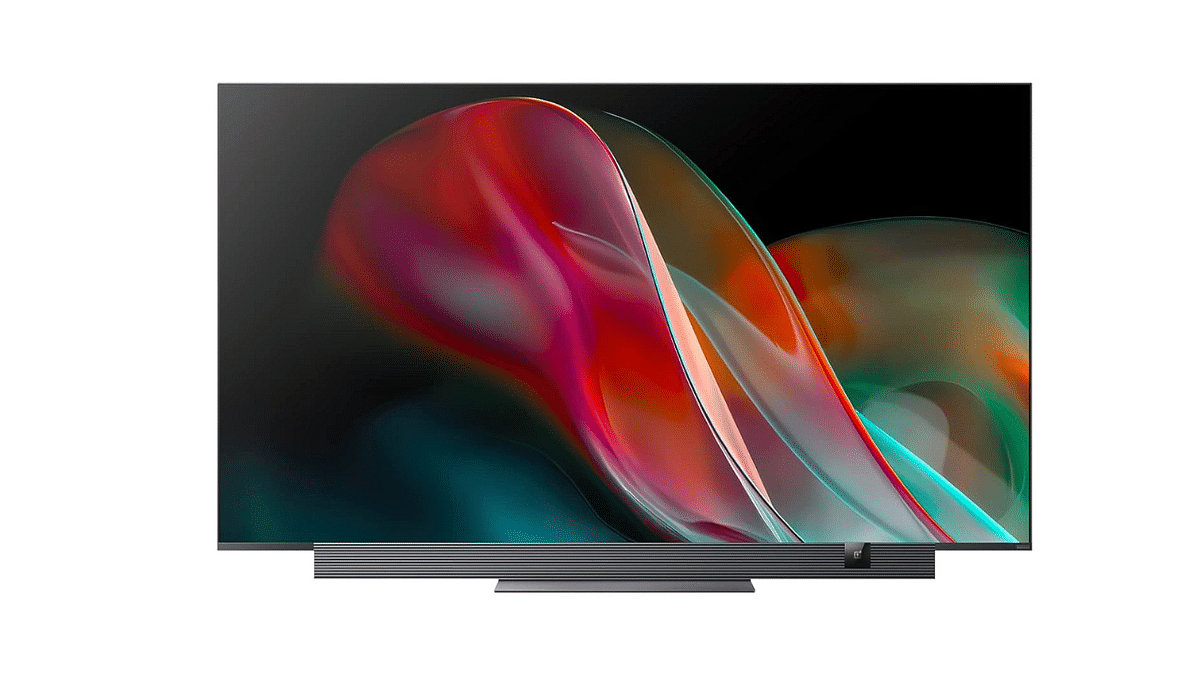
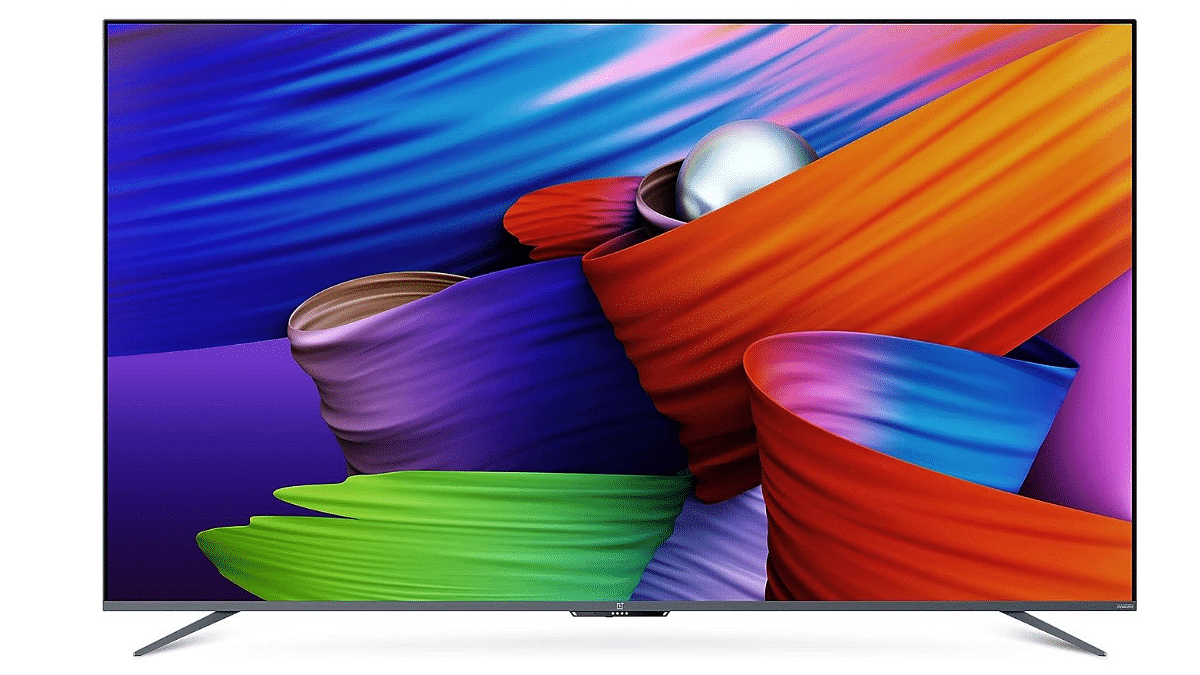
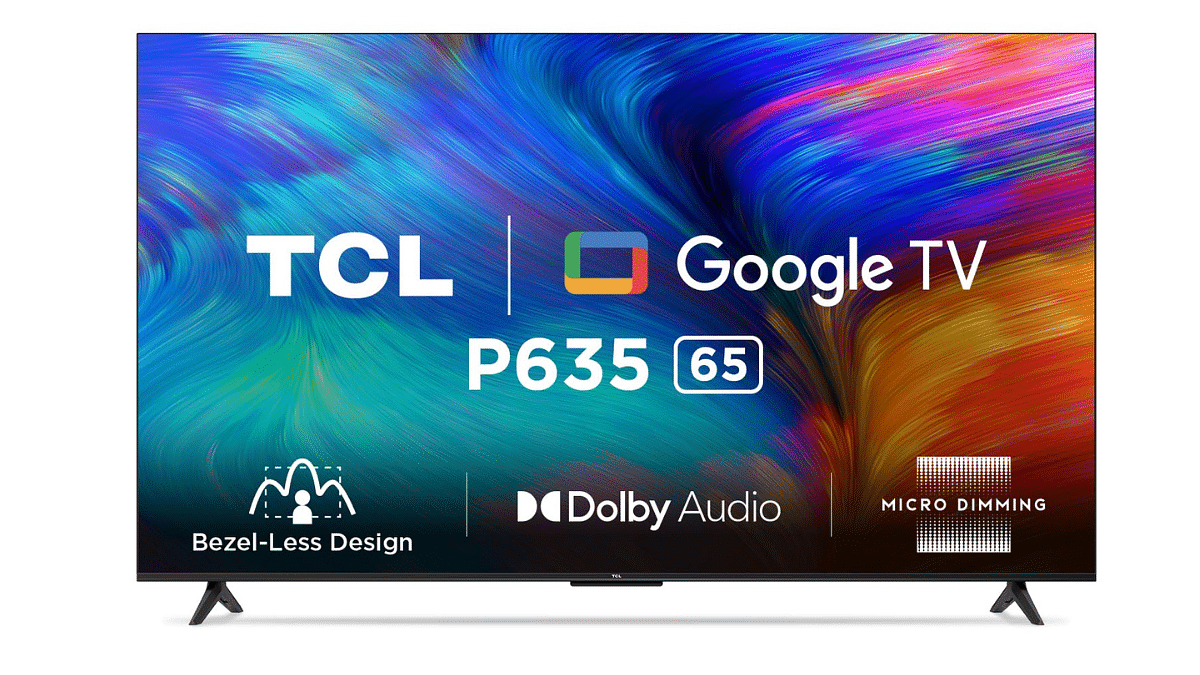
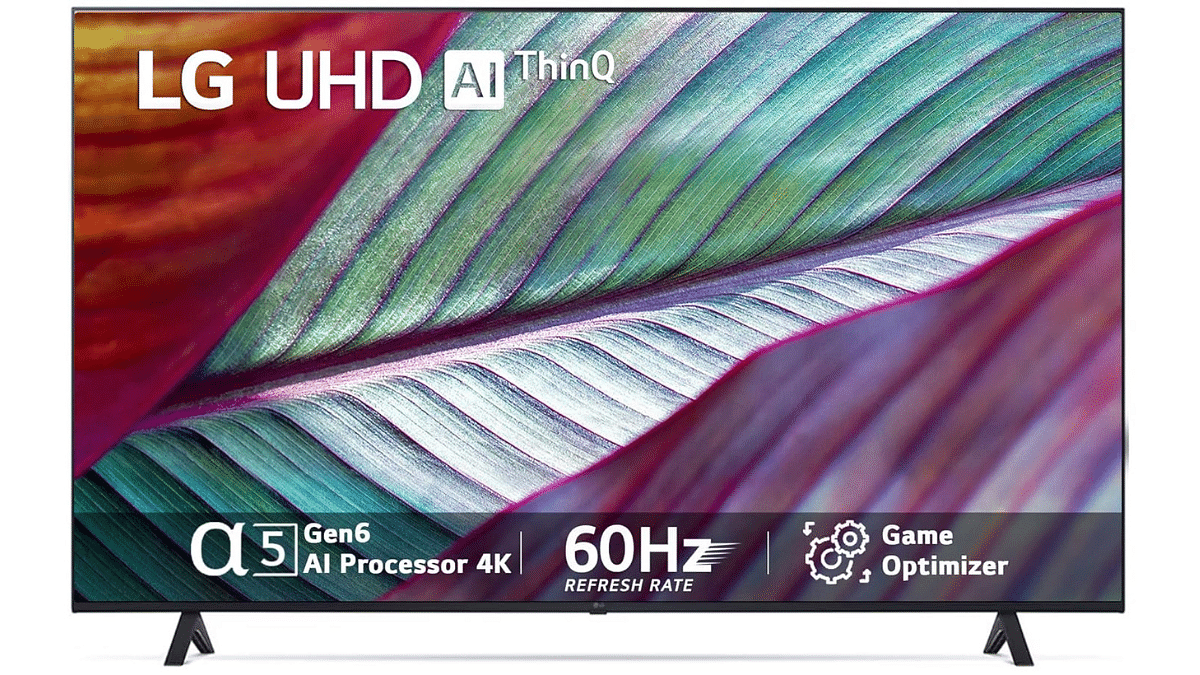
You can get incredible deals with up to 65% off on high-end 65-inch Premium TVs during this Amazon Great Republic Day Sale. These Premium TVs come equipped with 4K Ultra HD resolution, a 60Hz refresh rate, and versatile connectivity options. Let’s dive into the details and explore the offerings available for a superior viewing experience.
No.
TV Model
Original Price (Rs.)
Discounted Price (Rs.)
1
Sony Bravia 164 cm (65 inches) KD-65X74L
1,39,900
77,990
2
OnePlus 163 cm (65 inches) 65 Q2 Pro
1,59,999
69,990
3
OnePlus 163.8 cm (65 inches) 65U1S
69,999
51,999
4
TCL 164 cm (65 inches) 65P635
1,24,990
47,990
5
LG 164 cm (65 inches) 65UR7500PSC
1,14,990
65,990
Please note that prices are subject to change and may vary based on promotions or discounts.