Categories
Apps Featured How To Info

How To Withdraw Amazon Pay Balance To Your Bank Account: A Step-by-Step Guide

Key Highlights

  • Securely transfer Amazon Pay Balance to bank account.
  • Simple steps for smooth Amazon Pay withdrawal process.
  • Verify, confirm, and wait – hassle-free fund transfer.

Amazon Pay has become a popular digital wallet, allowing users to make quick and secure payments for their purchases on the e-commerce platform. However, many users often wonder how to withdraw their Amazon Pay balance to their bank accounts.

In this step-by-step guide, we’ll walk you through the process of converting your Amazon Pay balance into real money in your bank account.

Also Read: Amazon Republic Day Sale: Upto 85% Off On Mobile Accessories

Step 1: Check Your Amazon Pay Balance

Before initiating the withdrawal process, ensure that you have a sufficient balance in your Amazon Pay account. You can check your balance by logging into your Amazon account and navigating to the “Amazon Pay” section.

Step 2: Verify Your Bank Account

To withdraw funds, you must have a verified bank account linked to your Amazon account. If you haven’t done this yet, go to the “Amazon Pay” section and click on “Add Money” or “Withdraw Funds.” Follow the prompts to link your bank account and complete the verification process, which may involve providing some additional information.

Also Read: No Cash, No Fuss: Here’s How To Pay At Fuel Stations Using Your Car’s FASTag

Step 3: Access the Withdraw Funds Option

Once your bank account is successfully linked and verified, go back to the “Amazon Pay” section. Look for the option that says “Withdraw Funds” or something similar. Click on it to proceed.

Step 4: Choose the Withdrawal Amount

Select the amount you want to withdraw from your Amazon Pay balance. Keep in mind that there might be certain limits on withdrawal amounts, and you cannot withdraw more than your available balance.

Also Read: Best Year-End Deals On Amazon: Get up to 50% Discount On Business Laptops

Step 5: Confirm the Withdrawal

After choosing the withdrawal amount, review the details to ensure accuracy. Confirm that you are withdrawing the correct amount to the correct bank account. Click on the “Withdraw” or “Confirm” button to initiate the withdrawal process.

Step 6: Wait for Processing

The withdrawal process may take some time, typically a few business days. Amazon will process your request and transfer the funds to your linked bank account.

Also Read: How To Remove A Single Image From Instagram Carousel

Step 7: Check Your Bank Account

Once the withdrawal is complete, check your bank account to verify that the funds have been successfully transferred. You should see a corresponding entry in your bank statement reflecting the withdrawal from Amazon Pay.

Withdrawing your Amazon Pay balance to your bank account is a straightforward process, provided you have a verified bank account linked to your Amazon account. Follow these simple steps, and you’ll be able to convert your digital wallet balance into real money in no time. Remember to be cautious and double-check all details during the withdrawal process to ensure a smooth and secure transaction.

Also Read: Amazon’s Republic Day Sale 2024: Check Best Deals On OnePlus Smartphones
Categories
Apps Featured Info Mobile Telecom

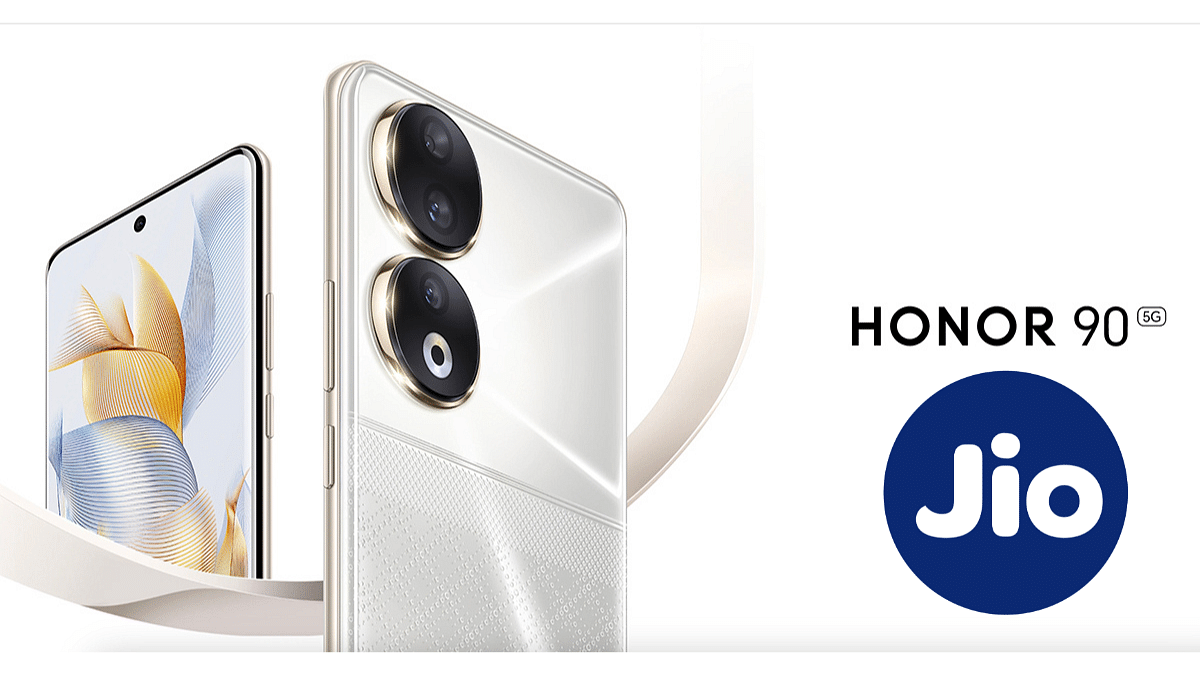
HONOR 90 5G To Get Jio eSIM Connectivity In India: Check Details Here

Key Highlights

  • CEO of HTECH confirms HONOR 90 5G to come with Jio eSIM compatibility on X.
  • HONOR is yet to introduce Wi-Fi calling on the Jio mobile network.
  • HONOR 90 launched at Rs 37,999, 8GB RAM, 256GB storage.

In a recent announcement, Madhav Sheth, CEO of HTECH, took to X (formerly Twitter) to reveal a significant update for HONOR 90 users in India. The smartphone will now support Jio eSIM connectivity, bringing a new level of convenience and flexibility to users.

Here are the key details:

Also Read: Jio’s Exclusive Republic Day Offer On Rs. 2,999 Annual Prepaid Plan: Benefits, Availability

Jio eSIM Connectivity For HONOR 90 Users

Madhav Sheth disclosed on X that HONOR is set to roll out eSIM connectivity for HONOR 90 in India, with the initial focus on Jio. This marks a noteworthy enhancement as the smartphone lacked this feature previously. While Sheth showcased the functionality through images, there’s no word yet on potential collaborations with other Indian network providers.

Sheth shared two images to showcase a functioning HONOR 90 smartphone with Jio’s eSIM connectivity. The second image reveals that the eSIM can be used in tandem with a physical SIM card. The phone runs on 5G network and will get eSIM support going forward. Additionally, HONOR is yet to introduce Wi-Fi calling on the Jio mobile network for the HONOR 90 smartphone.

In related news, Sheth has started teasing the launch of the HONOR X9b smartphone through a post on X (formerly Twitter). The recent drop test video hints at the device’s durability, and the brand is expected to announce the smartphone’s launch date in the upcoming weeks.

Also Read: Honor 90 India Launch Confirmed: Will Be Available For Sale Via Amazon

HONOR 90 5G: Specification, Price

  • Display: 6.7-inch AMOLED, 120Hz refresh rate, 1600 nits brightness.
  • Processor: Octa-core Snapdragon 7 Gen 1 SoC with Adreno 644 GPU.
  • Software: Android 13.
  • RAM and Storage: 8GB/12GB RAM, 256GB/512GB internal storage.
  • Cameras: 200MP primary, 8MP ultra-wide, 2MP depth sensor (rear); 50MP (front).
  • Additional Features: In-display fingerprint sensor, stereo speakers.
  • Connectivity: Dual-SIM, 5G SA/NSA, dual 4G VoLTE, Wi-Fi 802.11 ax, Bluetooth v5.2, GPS, USB Type-C.
  • Dimensions and Weight: 161.9×74.1×7.8mm; 183 grams.
  • Battery: 5,000mAh, 31W fast charging.

HONOR launched the HONOR 90 at an initial price of Rs 37,999 for the base variant, featuring 8GB of RAM and 256GB of storage. The smartphone has received notable discounts during recent Amazon sales, reaching as low as Rs 19,999 after discounts and coupons. The top variant, equipped with 12GB of RAM and 256GB of storage, is priced at Rs 39,999 in the country.

Also Read: Jio Introduces Pocket-Friendly International Roaming Packs, Starting At Rs. 898

Categories
Apps Featured Info Telecom

Jio’s Exclusive Republic Day Offer On Rs. 2,999 Annual Prepaid Plan: Benefits, Availability

Key Highlights

  • Exclusive discounts available until January 31.
  • Coupons for fashion, food, and electronics savings.
  • Unlimited 5G data, calls, SMS, for 365 days.

As part of the Republic Day celebration, Jio has introduced exciting offers for its customers, providing additional perks on the annual prepaid plan priced at Rs. 2,999. This offer includes a variety of discount coupons for popular e-commerce, fashion, and food delivery platforms.

Let’s delve into the details of this exclusive offer.

Also Read: How To Claim Up To Rs 61 Free Data From Reliance Jio: Plan Details And Guide

Limited-Time Benefits

Jio users opting for the Rs. 2,999 annual prepaid plan will enjoy exclusive discount coupons that can be redeemed on various online platforms. These offers are not tied to a new plan but are an extension of the existing one. It’s important to note that these bonuses are available for a limited time.

Also Read: Jio Collaborates With Lava, Itel, And Nokia To Introduce Next-Gen 4G Feature Phones: What You Need To Know

Explore Exciting Coupons

Customers opting for the Rs. 2,999 recharge can get variety of discount coupons accessible through Jio’s official website. These coupons cover well-known platforms like Ajio, Tira, Ixigo, and Swiggy.

  • Ajio: Enjoy a Rs. 500 discount on a minimum purchase of Rs. 2,499.
  • Tira: Avail a generous 30 percent discount, up to Rs. 1,000, on your purchases.
  • Ixigo: Get up to Rs. 1,500 off on flight tickets.
  • Swiggy: Grab two coupons of Rs. 125 each, totaling Rs. 250 in savings.

Customers can also enjoy a 10 percent discount on a minimum Rs. 5,000 purchase from Reliance Digital.

How to Redeem this Offer?

After completing the Rs. 2,999 recharge, customers can access these partner coupons through their MyJio account. Then users can easily copy and apply discounts on apps and websites.

Also Read: Ayodhya Introduces EV Golf Car Service Ahead Of Ram Mandir Inauguration

Validity and Timeline

The Republic Day Offer is available from January 15 to January 31. The Rs. 2,999 plan itself has a validity of 365 days, providing users with a year-long unlimited voice calls, 100 free daily SMS, and unlimited 5G data. Additionally, subscribers can enjoy access to JioTV, JioCinema, and JioCloud.

Also Read: Jio Introduces Pocket-Friendly International Roaming Packs, Starting At Rs. 898

Categories
Apps Featured How To Info

How To Remove A Single Image From Instagram Carousel

Key Highlights

  • Open Instagram, find post, enter edit mode.
  • Select image, remove, and save changes.
  • Customize your carousel hassle-free for personalized sharing.

Instagram carousels offer a fantastic way to share multiple photos in a single post, allowing users to swipe through a series of images. However, what if you want to remove just one image from your carousel without deleting the entire post? Don’t worry; it’s a straightforward process.

In this guide, we’ll walk you through the steps in simple terms.

Also Read: 100+ Instagram Username Ideas For Auto Tech Influencers

Step 1: Open Your Instagram App

Begin by opening the Instagram app on your mobile device. Ensure that you are logged into the account where the carousel post is located.

Step 2: Locate the Carousel Post

Navigate to your profile and find the carousel post from which you want to remove a single image. Tap on the post to open it in full view.

Also Read: Instagram’s Upcoming Feature: Sharing Profiles In Stories, Check Details

Step 3: Access Edit Mode

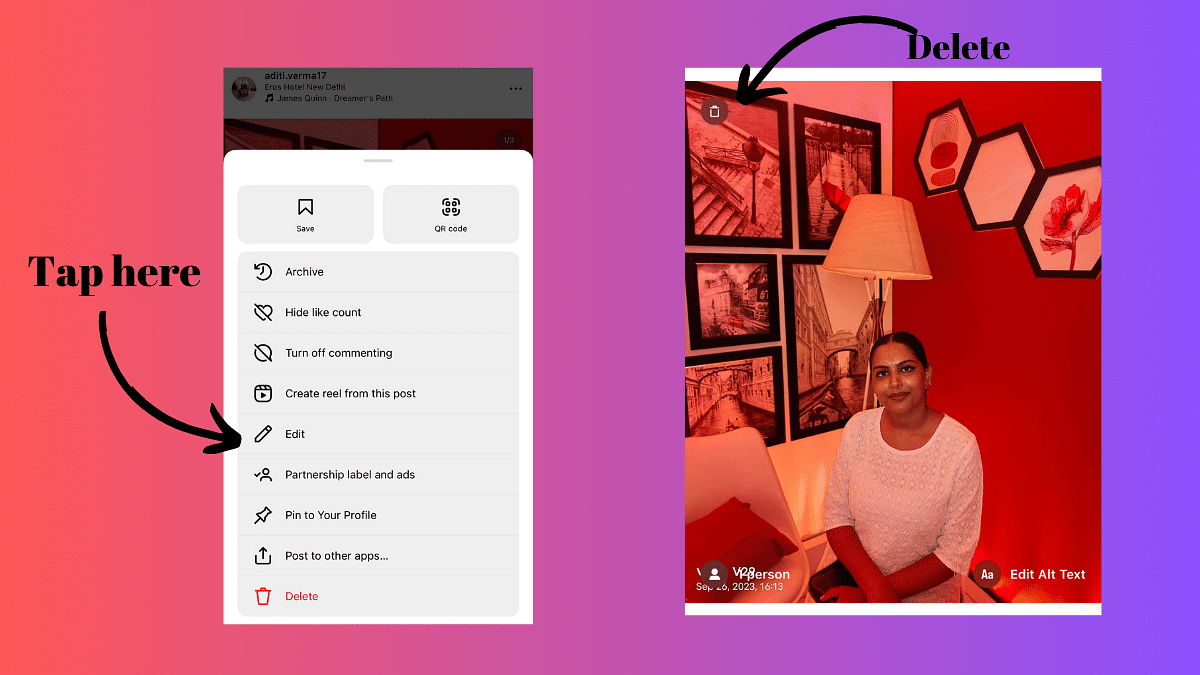
Once the post is open, locate the three dots in the top-right corner of the screen. These dots represent the options menu. Tap on them to reveal a list of actions you can take.

Step 4: Select Edit

From the options menu, choose the “Edit” option. This will allow you to make changes to the carousel post.

Also Read: How To Instantly Download Publicly Posted Reels On Instagram: A Step-By-Step Guide

Step 5: Identify the Image to Remove

In the edit mode, you’ll see all the images in your carousel displayed in a grid. Identify the image you want to remove and tap on it to select it.

Step 6: Remove the Image

After selecting the image, look for the option that allows you to delete or remove it. This option is typically represented by a trash bin icon on the upper left corner. Tap on it to confirm the removal of the chosen image.

Step 7: Save Changes

Once you’ve removed the undesired image, be sure to save your changes. Look for the “Save” or “Done” button, usually located in the top-right corner of the screen, and tap on it.

By following these easy steps you can customize your post without deleting the entire carousel.

Also Read: How to Report Spam on Instagram: Step-by-Step Guide

Categories
Comparison Featured Info Mobile

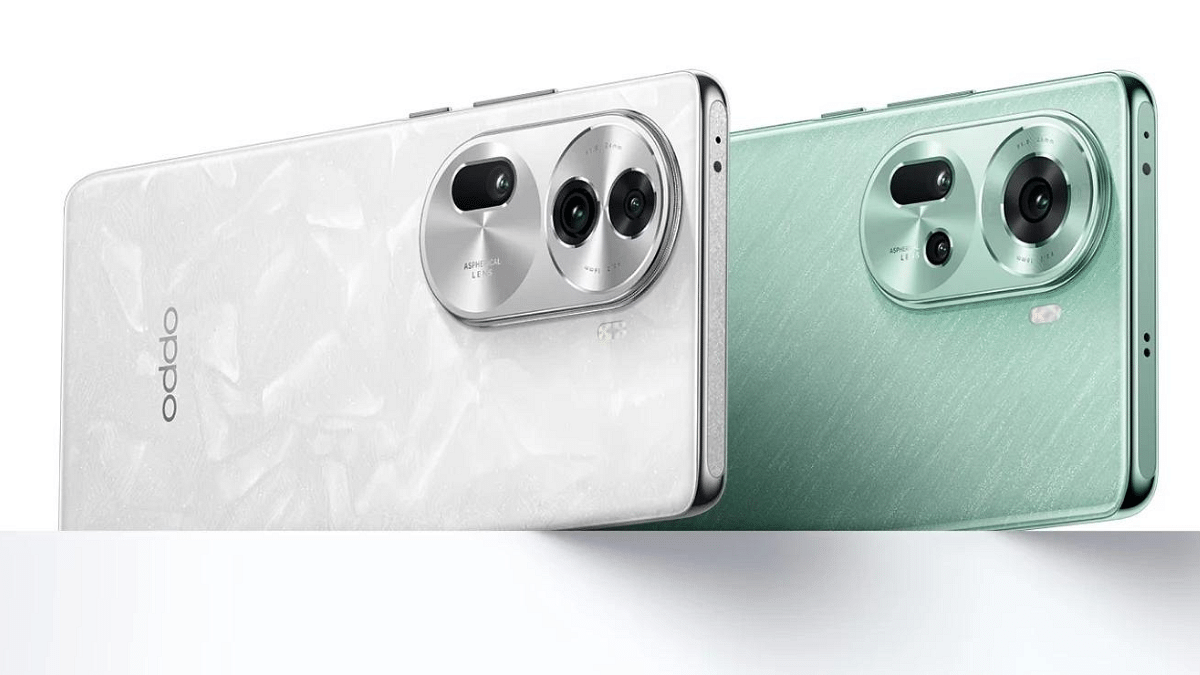
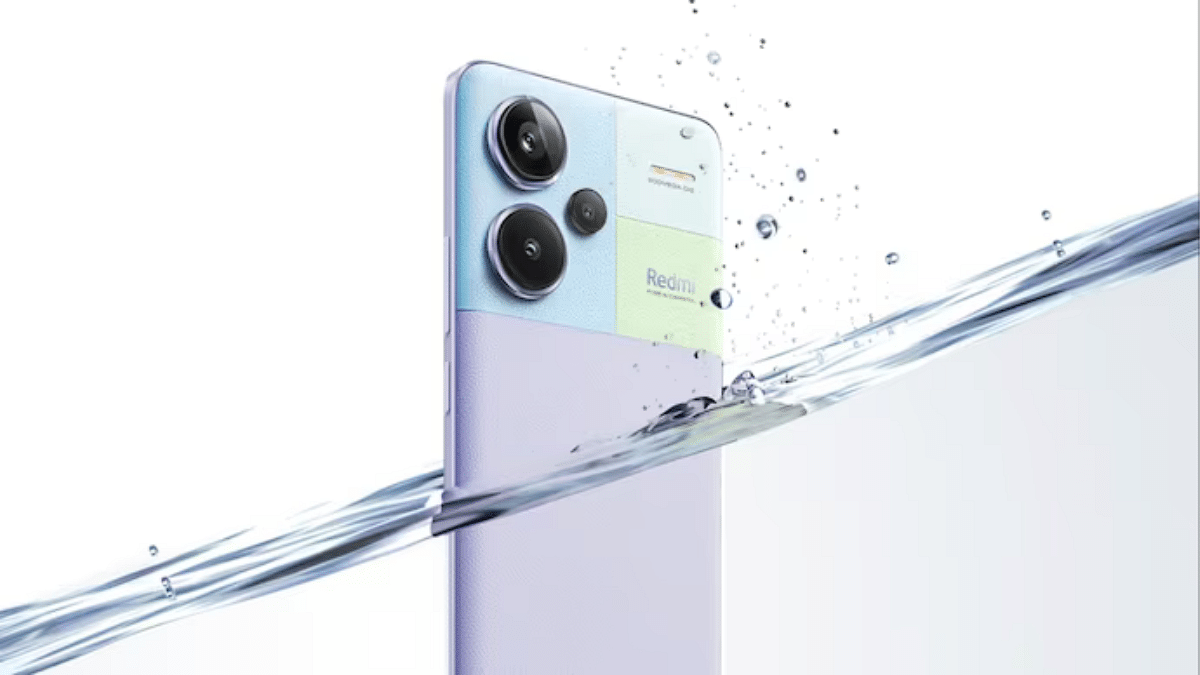
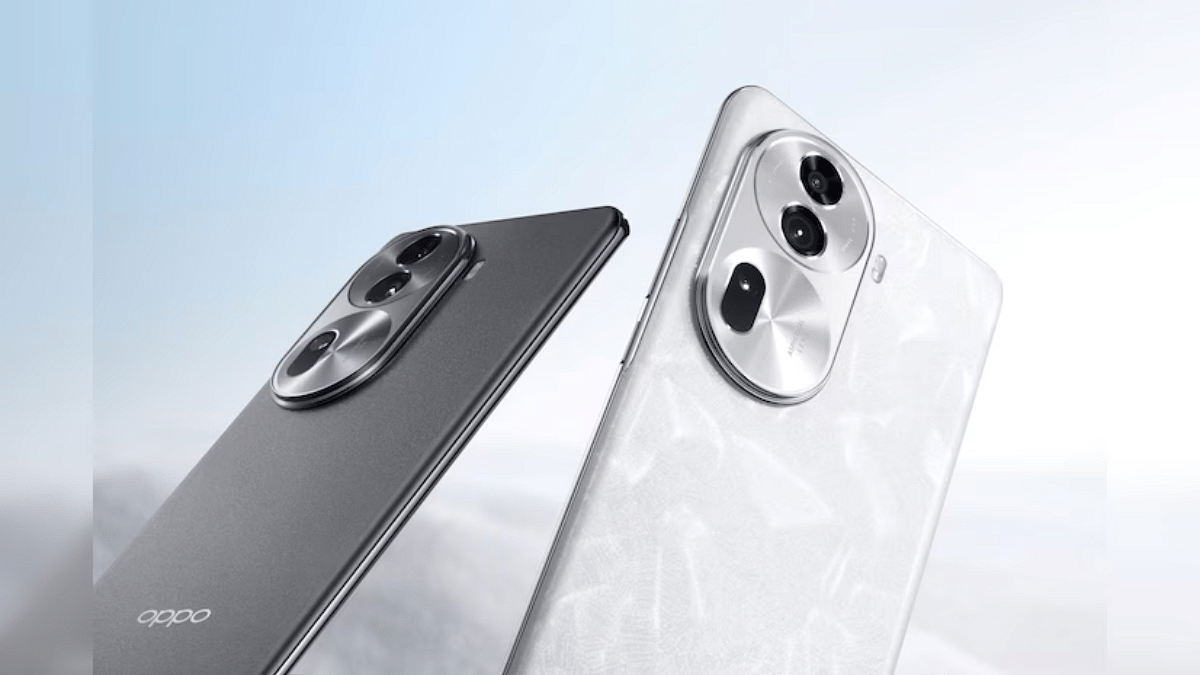
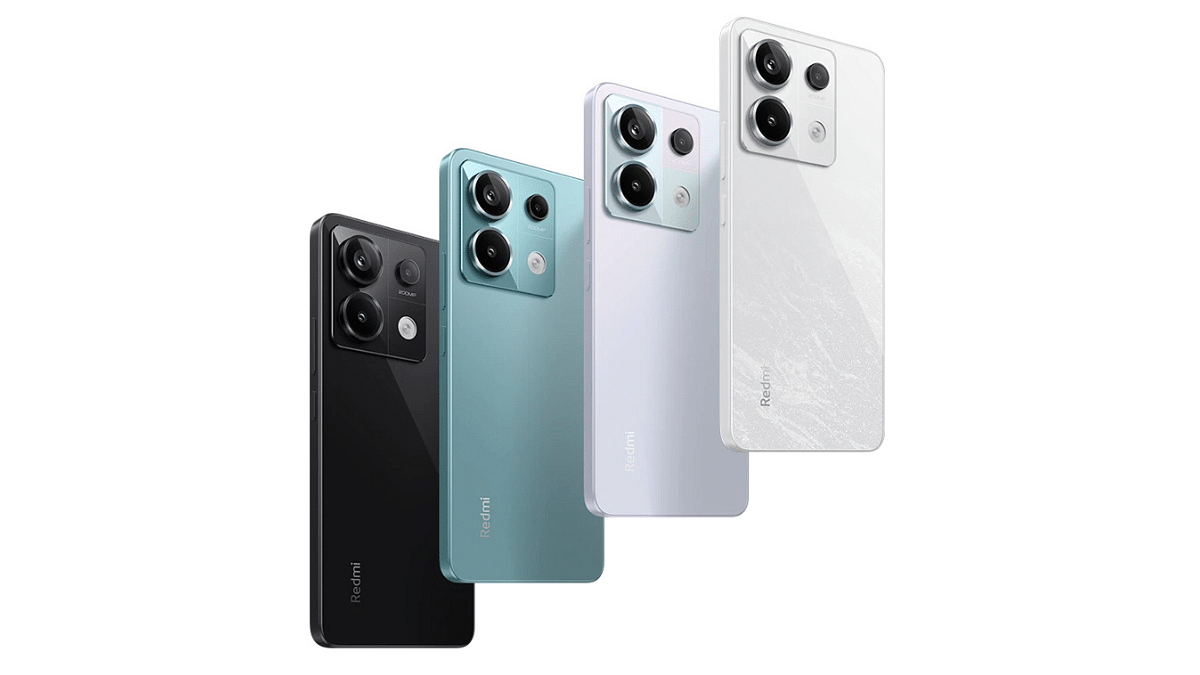
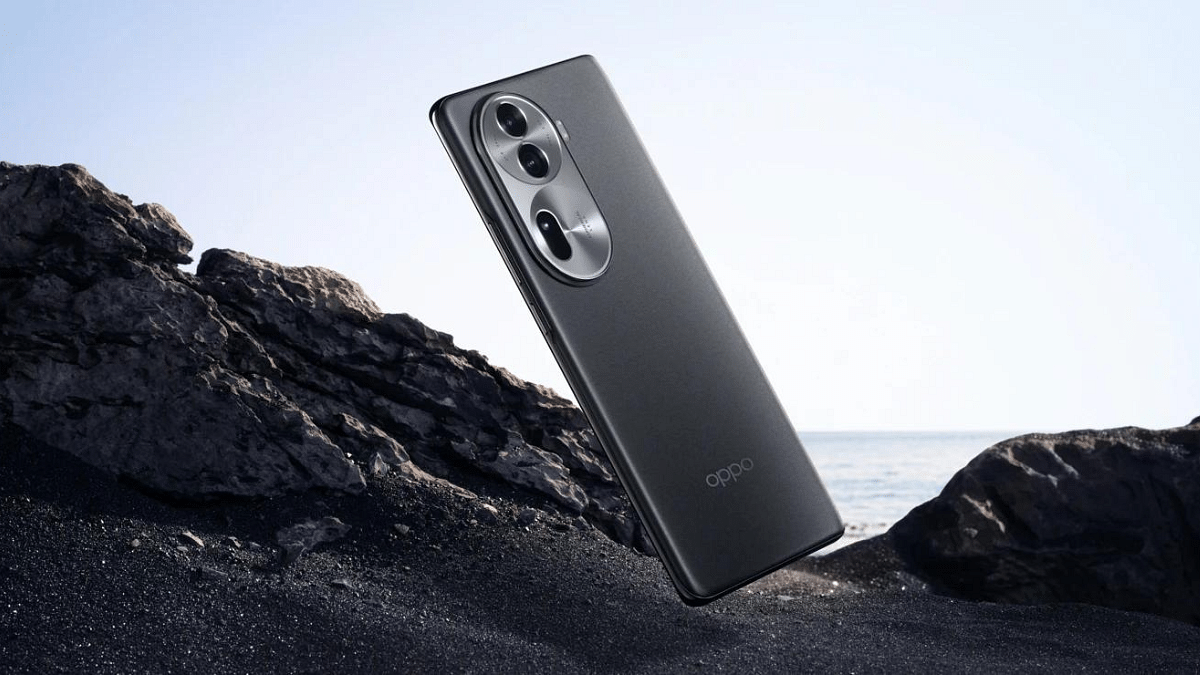
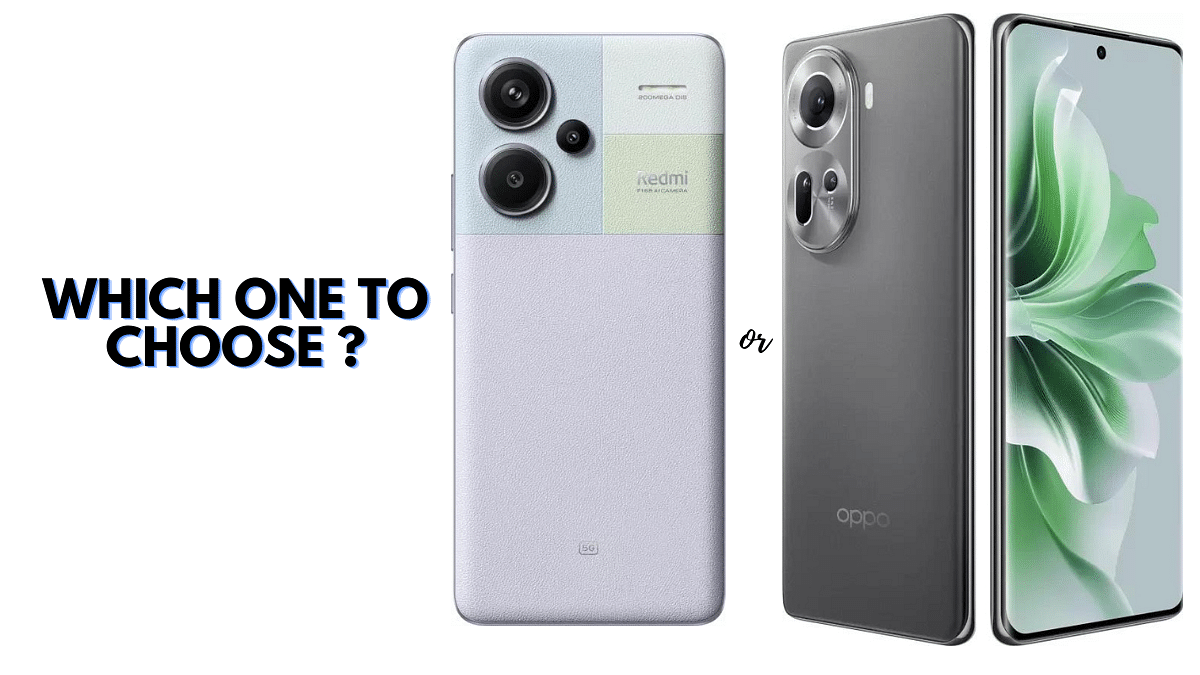
Redmi Note 13 Pro 5G Vs Oppo Reno 11 5G: Android Phone Comparison

Looking for a new phone?

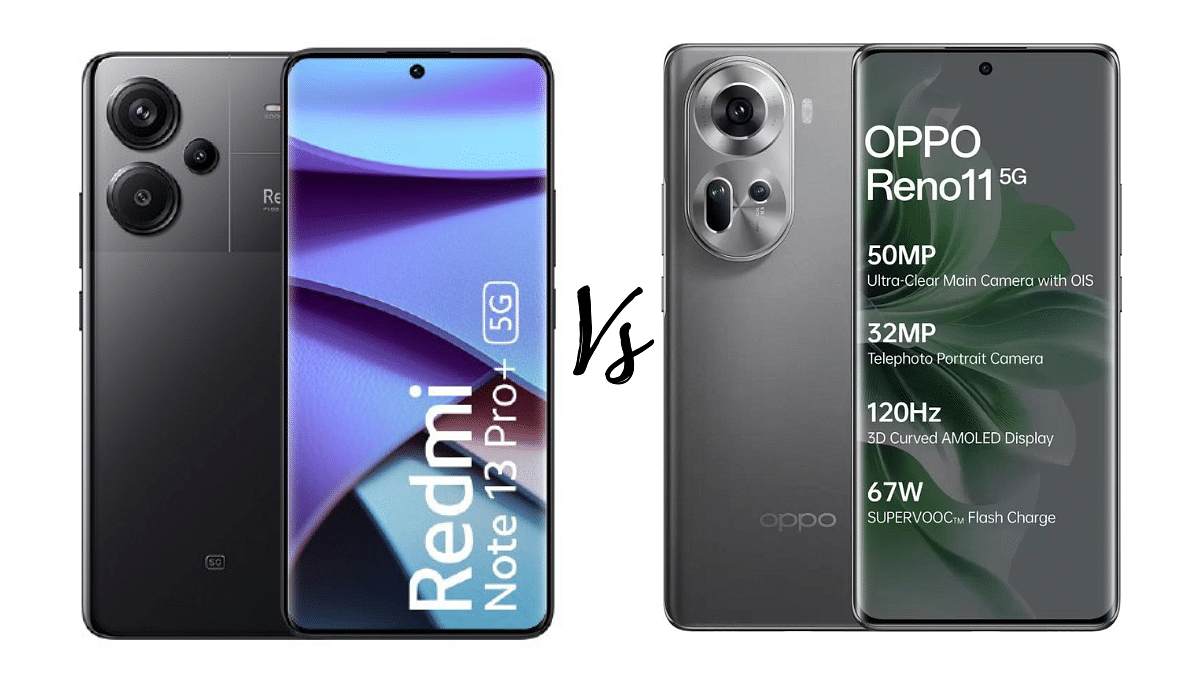
Let’s simplify your choice between Redmi Note 13 Pro 5G and newly launched Oppo Reno 11 5G. Redmi comes with a powerful 200MP camera, vivid display, and budget-friendly pricing. On the other hand, Oppo features a stunning 120Hz display and expandable storage. This easy guide breaks down their features to help you pick the perfect Android phone for your needs.

Also Read: Android For Cars: New Announcements Made At CES 2024

Redmi Note 13 Pro 5G Vs Oppo Reno 11 5G: Display Features

FeatureRedmi Note 13 Pro 5GOppo Reno 11 5G
Display Size6.67 inches6.7 inches
Resolution2712 x 1220 pixels2412 x 1080 pixels
Display Type120Hz Adaptive 1.5K Curved AMOLEDFull HD+ 120Hz 3D Curved AMOLED
Contrast Ratio5,000,000:12,000,000:1
Peak Brightness1800 nits800 nits

The Redmi Note 13 Pro 5G comes with a 6.67-inch display with a resolution of 2712 x 1220 pixels. Its 120Hz Adaptive 1.5K Curved AMOLED screen provides a visually stunning experience. The contrast ratio of 5,000,000:1 and a peak brightness of 1800 nits contribute to vibrant and sharp visuals.

The Oppo Reno 11 5G features a slightly larger 6.7-inch Full HD+ 120Hz 3D Curved AMOLED display with a resolution of 2412 x 1080 pixels. The screen offers a 120Hz refresh rate and 240Hz touch sampling rate, ensuring smooth interactions.

Also Read: Redmi Note 13 Pro+ Vs OnePlus Nord 3 5G: Mid-Range Smartphone Comparison

Redmi Note 13 Pro 5G Vs Oppo Reno 11 5G: Dimensions and Weight

FeatureRedmi Note 13 Pro 5GOppo Reno 11 5G
Dimensions74.24mm x 161.15mm x 7.98mm74.34mm x 162.43mm x 7.99mm
Weight187g182g

The Redmi Note 13 Pro 5G has dimensions of 74.24 mm x 161.15 mm x 7.98 mm and weighs 187g. The Oppo Reno 11 5G is slightly taller and thicker with dimensions of 74.34 mm x 162.43 mm x 7.99 mm, but it is lighter at 182g.

Also Read: Qualcomm Snapdragon 7 Gen 3 5G Mobile Chipset Announced: Top Highlights, Expected Smartphones Roadmap
Redmi Note 13 Pro 5G Vs Oppo Reno 11 5G: Camera

FeatureRedmi Note 13 Pro 5GOppo Reno 11 5G
Primary Camera200MP (OIS) + 8MP + 2MP50MP + 8MP + 32MP
Front Camera16MP32MP
Camera Features4K Recording, In-Sensor Zoom, 4X Lossless Zoom4K Recording, EIS/OIS Stabilization, Video Zoom

The Redmi Note 13 Pro 5G come with an impressive 200MP (OIS) + 8MP + 2MP triple camera setup. The primary camera supports features like 4K recording, in-sensor zoom, and 4X lossless zoom. The 16MP front camera captures detailed selfies.

On the other hand, the Oppo Reno 11 5G features a 50MP + 8MP + 32MP triple camera setup, with a 32MP front camera for stunning selfies. It supports 4K recording, EIS/OIS stabilization, and video zoom.

Also Read: Oppo Reno 11, Reno 11 Pro With MediaTek Dimensity 8200, 50MP Camera Debut In India: Key Features, Price

Redmi Note 13 Pro 5G Vs Oppo Reno 11 5G: Processor, Memory and Storage

SpecificationRedmi Note 13 Pro 5GOppo Reno 11 5G
ProcessorSnapdragon 7s Gen 2 Mobile Platform 5GMediatek Dimensity 7050
Processor CoreOcta CoreOcta Core
Primary Clock Speed2.4 GHz2.6 GHz
Secondary Clock Speed1.95 GHz2 GHz
RAM8 GB/ 12GB 8 GB
Internal Storage256 GB/512 GB128 GB / 256 GB
Expandable StorageNoUp to 2TB (Hybrid Slot)

The Redmi Note 13 Pro 5G is fueled by the Snapdragon 7s Gen 2 Mobile Platform 5G, featuring an octa-core setup with a primary clock speed of 2.4 GHz. In contrast, the Oppo Reno 11 5G is powered by the Mediatek Dimensity 7050 octa-core processor, with a primary clock speed of 2.6 GHz.

The Redmi Note 13 Pro 5G offers 8GB/12GB of RAM with 256GB/512GB internal storage, ensuring smooth multitasking and ample space for apps and files. The Oppo Reno 11 5G comes with 8GB of RAM and 128GB/256GB internal storage. Additionally, it supports expandable storage up to 2TB via a hybrid slot.

Also Read: How to Use Multiple WhatsApp Accounts On A Single Mobile Device: A Step-by-Step Guide

Redmi Note 13 Pro 5G Vs Oppo Reno 11 5G: Connectivity

FeatureRedmi Note 13 Pro 5GOppo Reno 11 5G
Network Support5G, 4G VoLTE, Wi-Fi, Bluetooth, USB Type-C5G, 4G LTE, Wi-Fi 6, Bluetooth, USB Type-C
USB Type-C VersionUSB 2.0USB 2.0

Both phones support 5G, 4G VoLTE, and other standard connectivity options like Wi-Fi and Bluetooth. The Redmi Note 13 Pro 5G has a USB Type-C port and runs on Android 13.

Similarly, the Oppo Reno 11 5G supports 5G, 4G LTE, and various connectivity options. It features a USB Type-C port, runs on Android 14, and supports Wi-Fi 6 for faster wireless connectivity.

Also Read: Xiaomi 14 Vs Google Pixel 8: Android Phone Comparison

Redmi Note 13 Pro 5G Vs Oppo Reno 11 5G: Battery and Price

FeatureRedmi Note 13 Pro 5GOppo Reno 11 5G
Battery Capacity5100mAh5000mAh
Starting Price Rs. 33,999 (8GB/256GB)Rs. 38,999 (8GB/128GB)

The Redmi Note 13 Pro 5G is equipped with a 5100mAh battery and is priced at Rs. 33,999 for the 8GB/256GB variant. The Oppo Reno 11 5G comes with a 5000mAh battery and is competitively priced starting at Rs. 38,999 for the 8GB/128GB variant.

Also Read: Poco X6 Pro 5G Vs Xiaomi Redmi Note 13 Pro 5G: Android Smartphone Comparison

Redmi Note 13 Pro 5G Vs Oppo Reno 11 5G: Finał Verdict

Choose Redmi Note 13 Pro 5G If:

You prioritize a high-resolution 200MP camera for exceptional photography, coupled with a slightly more budget-friendly starting price. The Redmi Note 13 Pro 5G offers a vibrant 120Hz AMOLED display, ample storage, and a robust 5100mAh battery.

Choose Oppo Reno 11 5G If:

Display quality and expandable storage are your priorities. The Oppo Reno 11 5G features a 120Hz 3D Curved AMOLED display and supports storage expansion up to 2TB, offering a competitive choice in the mid-range segment.

Also Read: Oppo Reno 11 Vs Poco X6 Pro: Mid-Range Android Phone Comparison

Categories
Accessories Featured Info Mobile

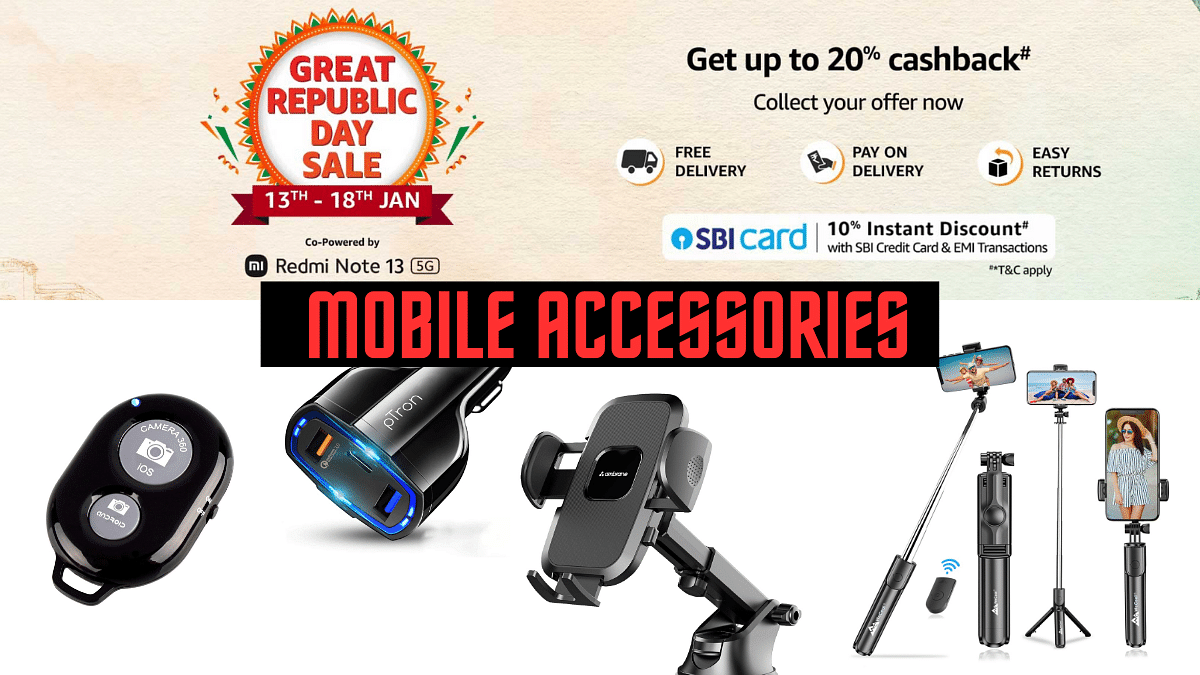
Amazon Republic Day Sale: Upto 85% Off On Mobile Accessories

You can get incredible discounts at the Amazon Republic Day Sale with up to 85% off on a diverse range of mobile accessories. From chargers to selfie sticks, you can find quality products all available at exceptionally low prices.. This limited-time offer can be a great opportunity to enhance your mobile experience at low cost. Check out the best deals below.

Also Read: How to Enable 2-Step Verification On Telegram App: Step-By-Step Guide

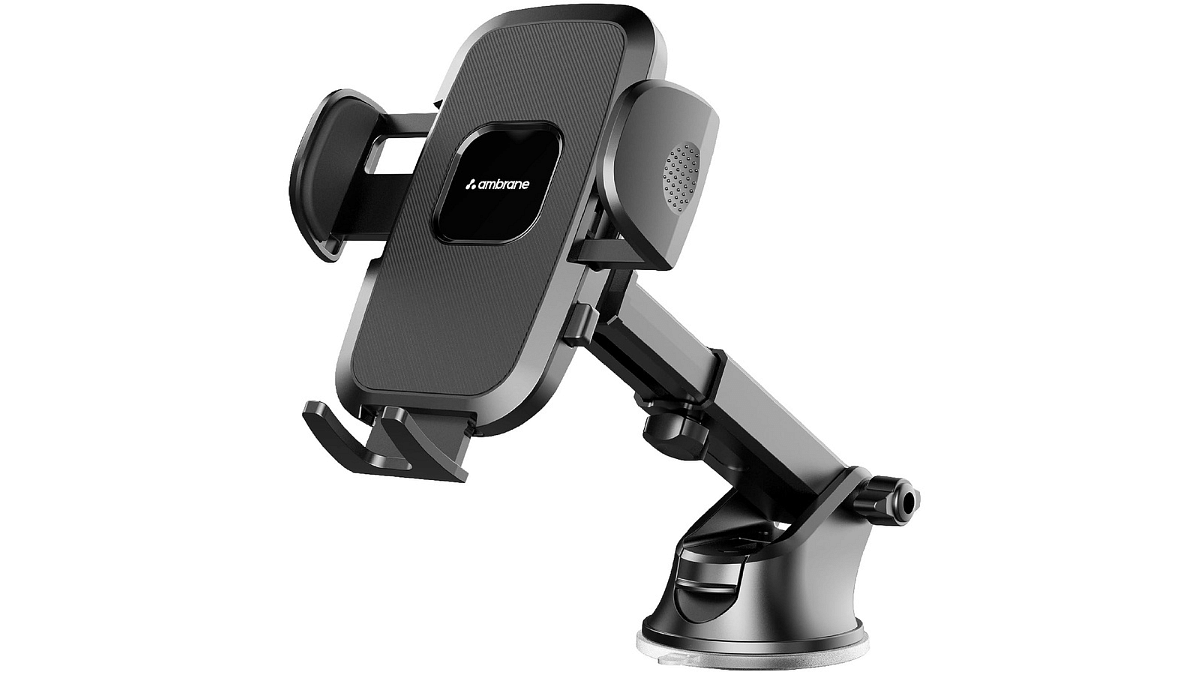
a) Ambrane Car Mobile Holder

  • 360° rotation for universal phone placement convenience
  • Fit 4 to 7-inch phones
  • Telescopic arm for flexible and optimal positioning
  • Car dashboard-friendly, with anti-scratch, shake-proof design
  • Premium, durable material; features one-click release button
  • Cable connection space for convenient charging access
  • Original Price: Rs.699, Available at Rs.349 with 50% discount

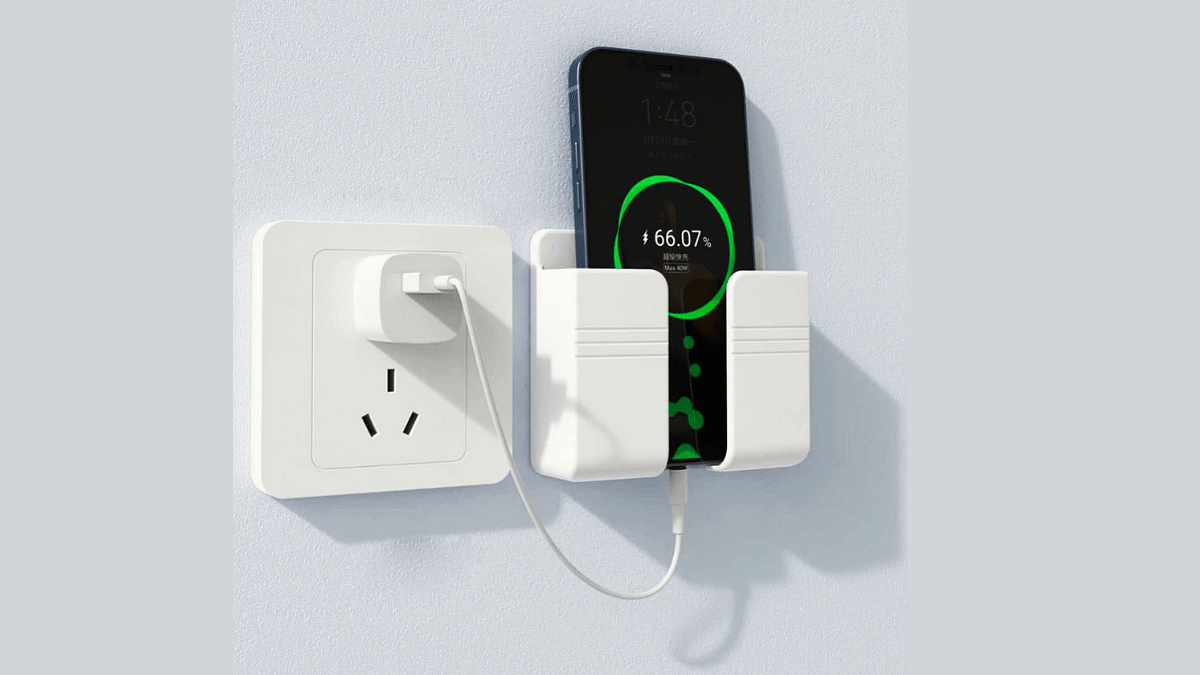
b) LIRAMARK Wall Mounted Mobile Holder

  • Universal holder for most smartphone models
  • Safer charging stand with a secure dock
  • Suitable for devices under 30mm thickness
  • Versatile wall mount on various surfaces
  • Storage organizer for smartphones and accessories
  • High-power self-adhesive for easy installation
  • Original Price: Rs.299, Available at Rs.89 with 70% discount

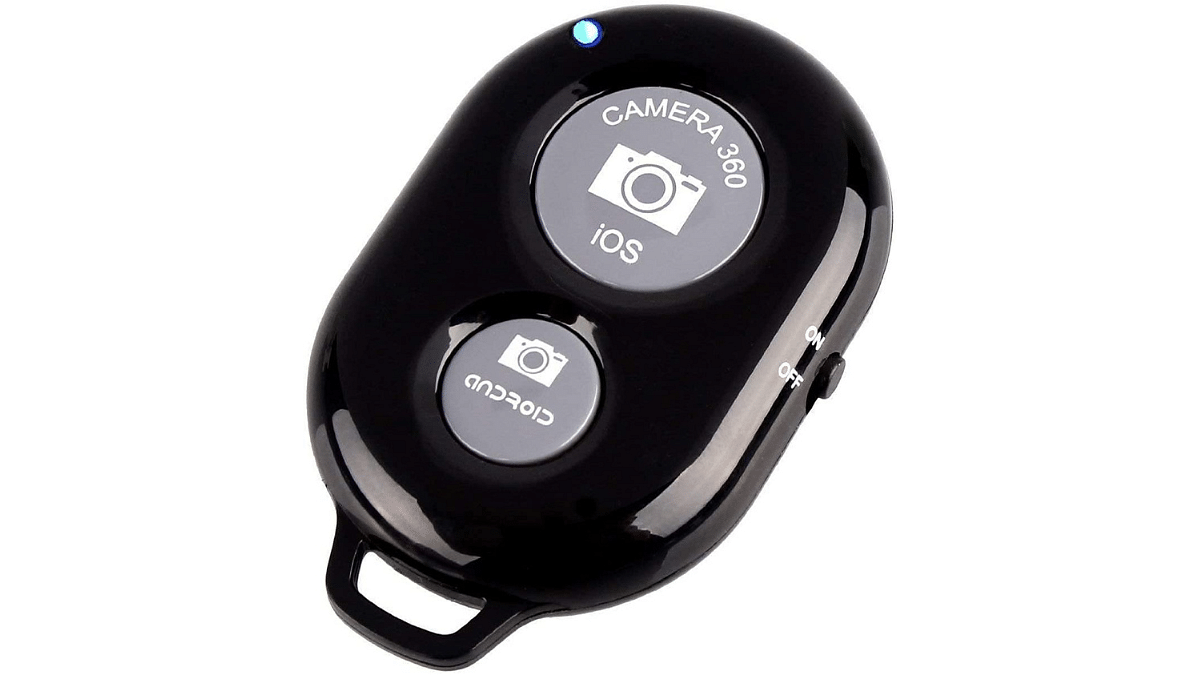
c) Sounce Shutter Remote Control 

  • Bluetooth remote for hands-free photo capture
  • Lightweight, portable gadget for convenient carrying
  • Certified Bluetooth for smooth and reliable pairing
  • Capture photos/videos instantly with separate buttons
  • Compatible with Android 4.2.2+ and iOS 6.0+
  • Use with in-built app or Camera 360 app
  • Original Price: Rs.999, Available at Rs.159 with 84% discount

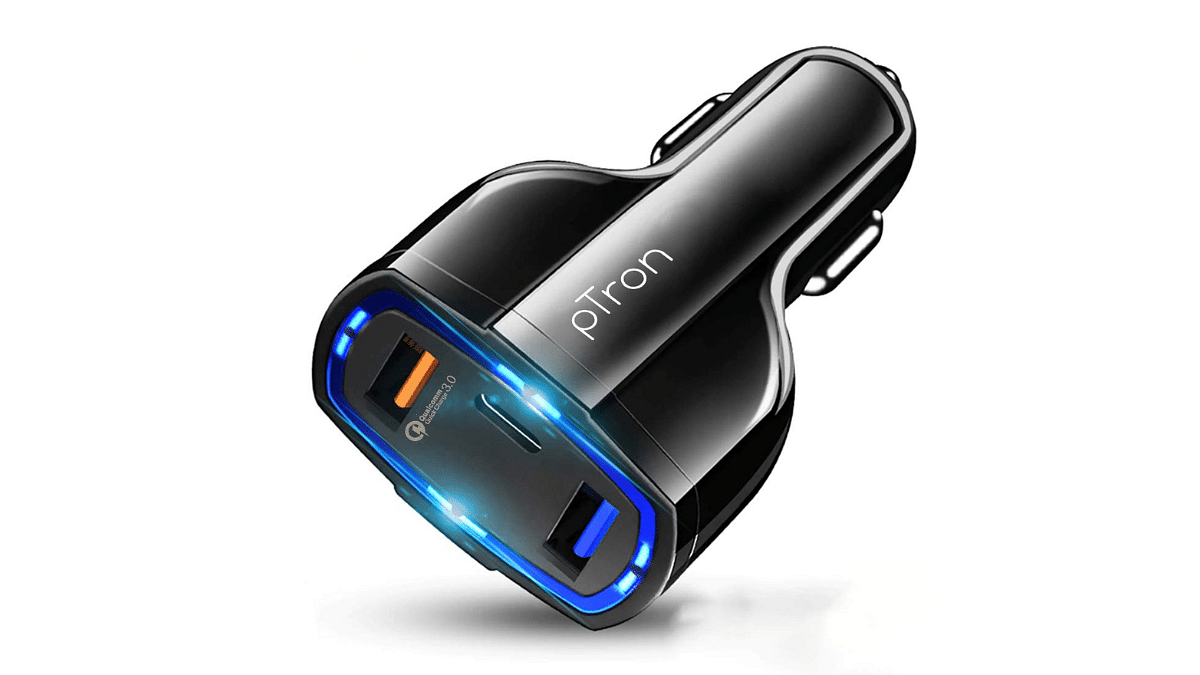
d) pTron Bullet Pro 36W PD Quick Charger

  • PTron Bullet Pro: 36W car charger with USB compliance
  • Qualcomm Quick Charge 3.0 for 80% faster charging
  • Simultaneously charge 3 devices with 2 USB, 1 Type-C
  • USB Type-C port with Power Delivery (PD)
  • Built-in smart IC chip for complete protection
  • Compact, lightweight, and durable for easy carrying
  • Extensive compatibility with USB-C and USB devices
  • Original Price: Rs.1,299, Available at Rs.299 with 77% discount

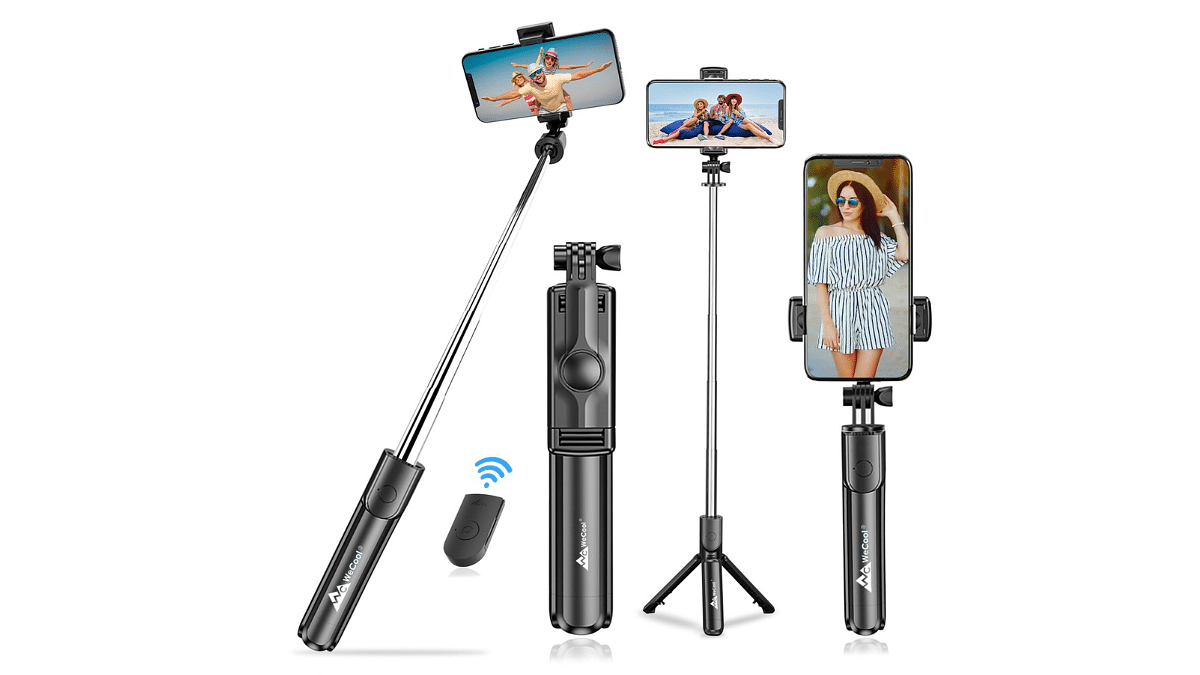
e) WeCool S1 Selfie Stick with Tripod Stand

  • Stable and durable aluminum construction for reliability
  • Wide compatibility for smartphones (4″ to 6.5″ screens)
  • 360° angular adjustment for versatile shooting angles
  • Wireless remote control (Bluetooth) up to 33 feet
  • Lightweight (113g), portable, and extendable up to 60cm
  • 5 levels height adjustment for flexibility in use
  • 3-in-1 design: selfie stick, tripod, and mobile stand
  • Original Price: Rs.1,799, Available at Rs.399 with 75% discount

Also Read: How to Use Multiple WhatsApp Accounts On A Single Mobile Device: A Step-by-Step Guide

Categories
Featured Info Mobile

Flipkart Republic Day Sale: Upto 55% Off On Phones From Samsung, Redmi and More

Discover incredible deals on smartphones during the Flipkart Republic Day Sale, with up to 55% off on popular brands like Samsung, Redmi, and more. The sale is live until January 19th, offering amazing deals ranging from budget-friendly options to premium phones. Let’s check out the top discounts below.

Also Read: Amazon End Of Season Sale: Top 5 Premium Phones You Can Buy Now

1. Budget- Friendly Phones Available With Discounts Under Rs.10,000

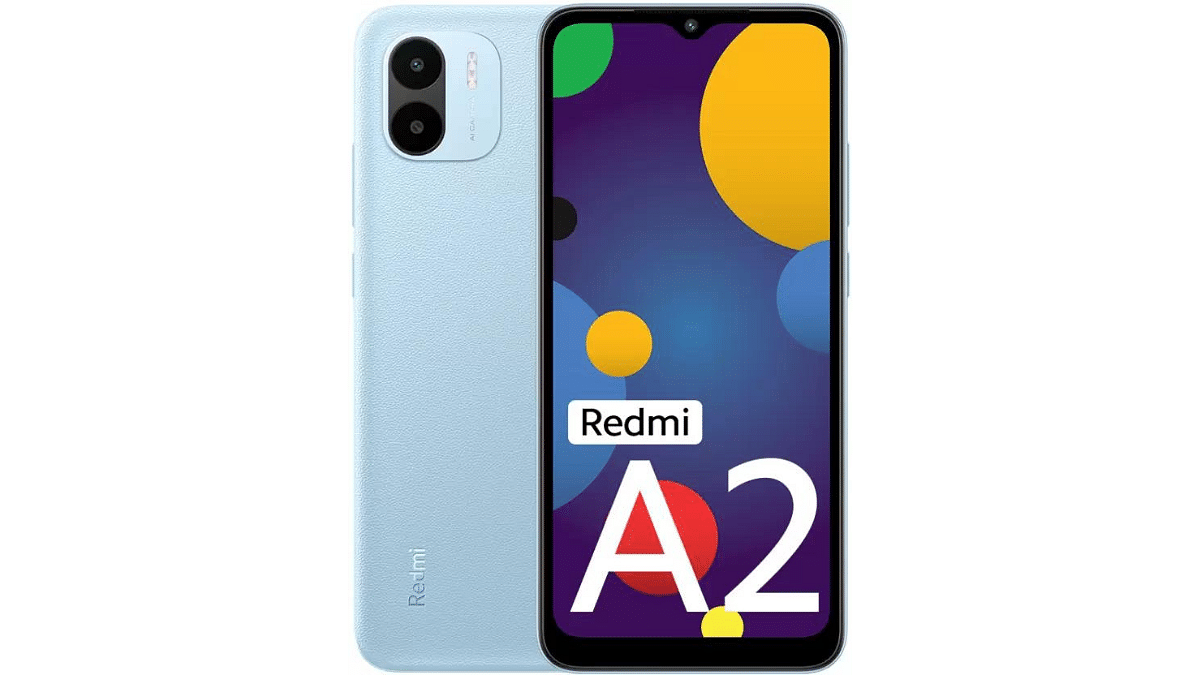
1. REDMI A2

  • Large HD+ Display: 6.52-inch screen for clear visuals.
  • Camera Setup: 8MP rear, 5MP front for photos.
  • Long-lasting Battery: 5000mAh for extended use.
  • Powerful Processor: Helio G36 ensures smooth performance.
  • Expandable Storage: Option to add up to 1TB.
  • Discounted Price: Rs.5,299 (47% discount)

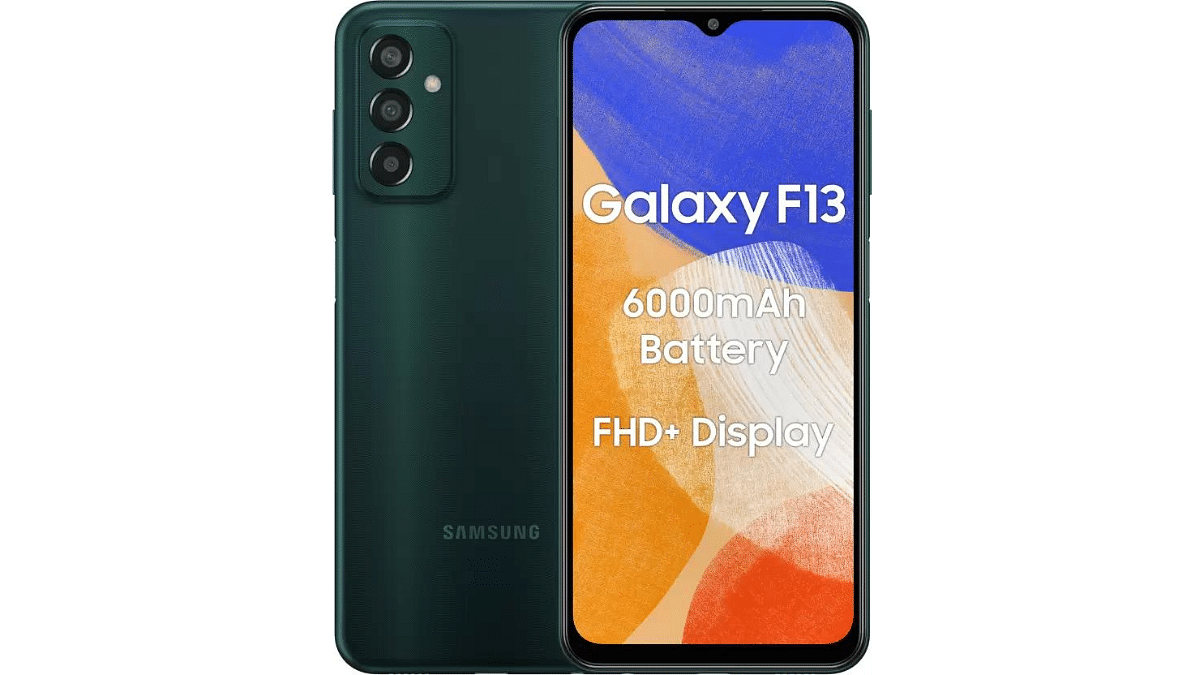
2. SAMSUNG Galaxy F13

  • Large Full HD+ Display: 6.6-inch screen for detailed visuals.
  • Impressive Camera Setup: Triple rear (50MP + 5MP + 2MP), 8MP front.
  • Long-lasting Battery: 6000mAh Lithium-ion for extended use.
  • Efficient Processor: Powered by Exynos 850 for smooth performance.
  • Discounted Price: Rs.7,499 (47% discount)

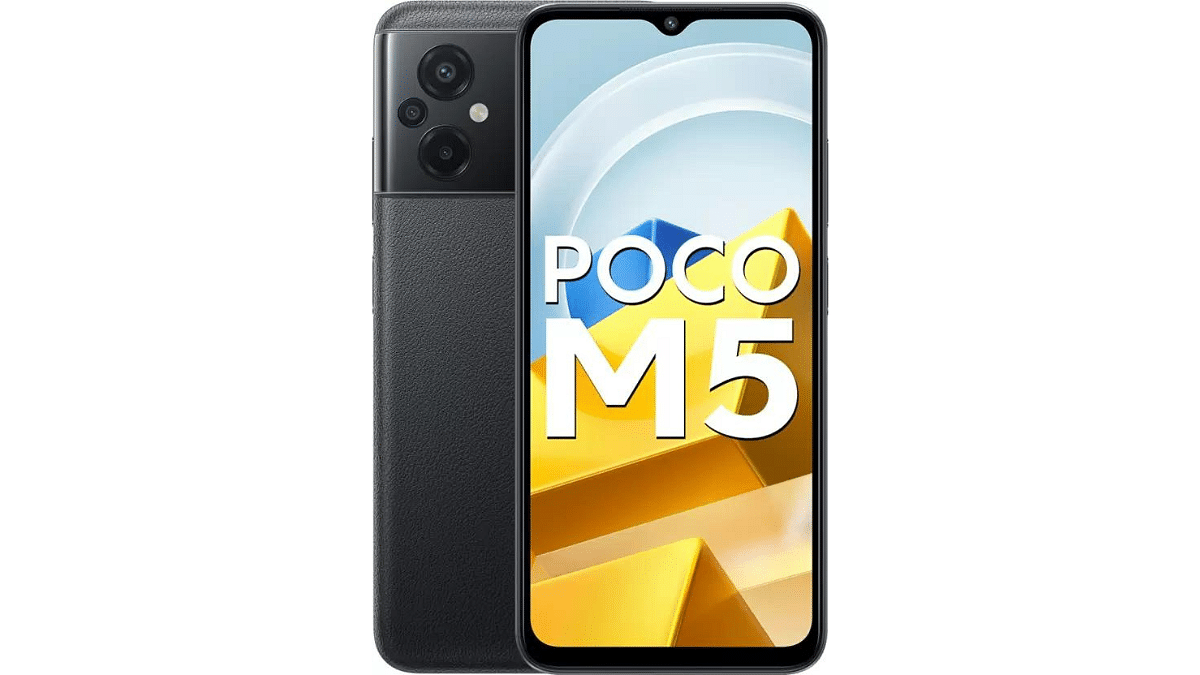
3. POCO M5 

  • Solid Memory: 6GB RAM, 128GB ROM, expandable to 512GB.
  • Immersive Display: 6.58-inch Full HD+ for detailed visuals.
  • Versatile Camera Setup: Triple rear (50MP + 2MP Depth + 2MP Macro), 8MP front.
  • Long-lasting Battery: 5000mAh Lithium-ion Polymer for extended use.
  • Efficient Processor: Powered by Mediatek Helio G99 for smooth performance.
  • Expandable Storage: Option to enhance storage up to 512GB.
  • Discounted Price: Rs.8,499 (55% discount)

Also Read: Top Upcoming Smartphones Set To Debut In January 2024
2. Mid-Range Phones Available With Discounts Under Rs.30,000

1. OnePlus 10R

  • Ample Memory: 8GB RAM and 128GB ROM.
  • Spacious Display: 6.7-inch screen for immersive visuals.
  • Impressive Camera Setup: 50MP rear, 16MP front.
  • Long-lasting Battery: 5000mAh for extended usage.
  • Powerful Processor: Equipped with MTK Dimensity 8100-MAX chipset.
  • Discounted Price: Rs.27,184 (30% discount)

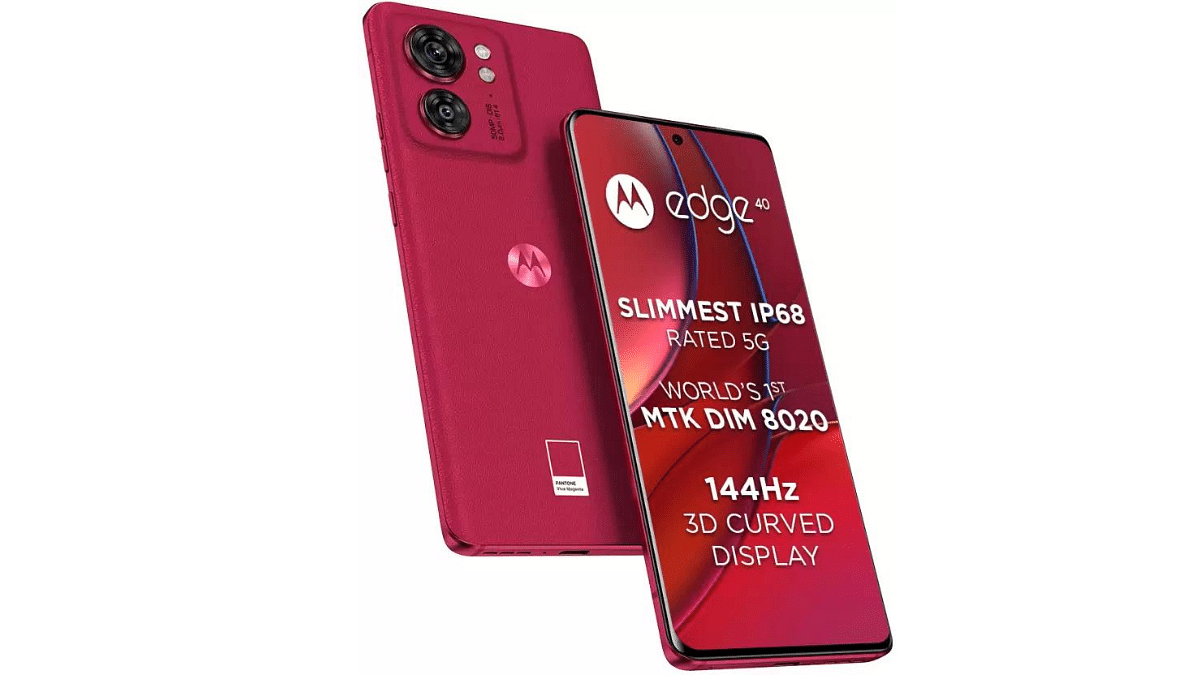
2. MOTOROLA Edge 40

  • Ample Memory: 8GB RAM and 256GB ROM.
  • Vivid Full HD+ Display: 6.5-inch screen for clear visuals.
  • Impressive Camera Setup: Dual rear (50MP + 13MP), 32MP front.
  • Optimized Battery: 4400mAh for extended usage.
  • Efficient Processor: Powered by Dimensity 8020 for smooth performance.
  • Discounted Price: Rs.26,999 (22% discount)

Also Read: Oppo Reno 11 Vs Poco X6 Pro: Mid-Range Android Phone Comparison

3. Premium Phones Available With Discounts Under Rs. 40,000

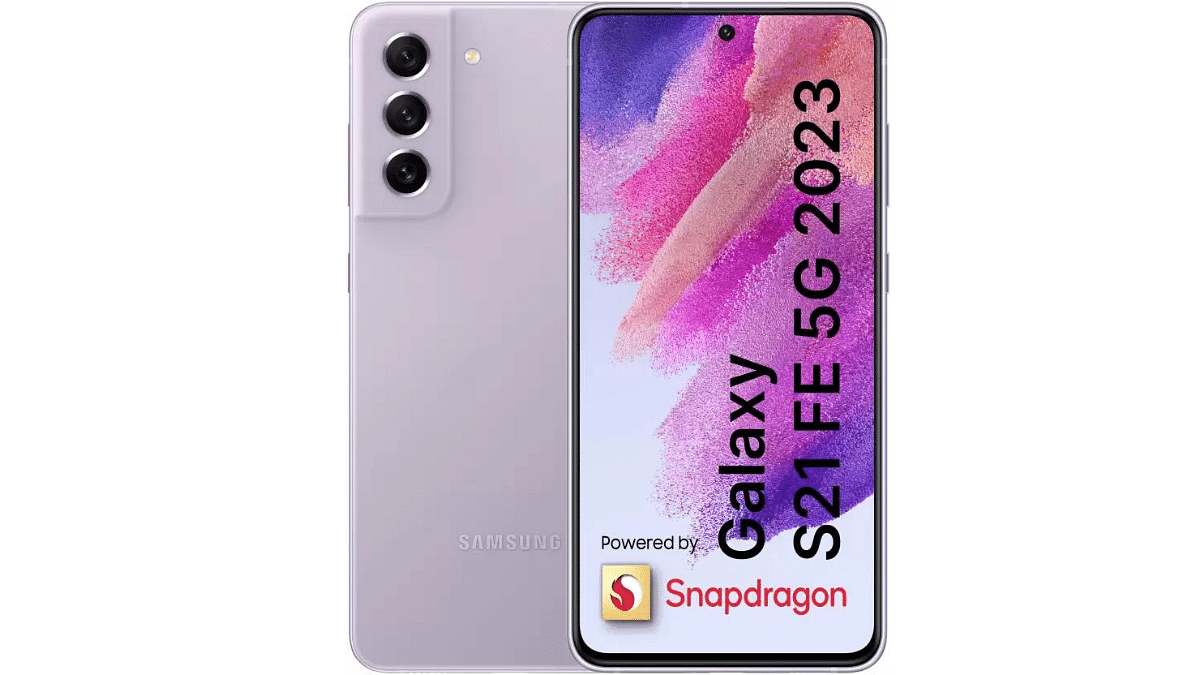
1. Samsung Galaxy S21 FE 5G

  • Ample Memory: 8GB RAM and 256GB ROM.
  • Vivid Display: 6.4-inch Full HD+ for clarity.
  • Advanced Camera Setup: Triple rear (12MP + 12MP + 8MP OIS), 32MP front.
  • Long-lasting Battery: 4500mAh Lithium-ion for extended usage.
  • Powerful Processor: Snapdragon 888 for smooth performance.
  • High Storage Capacity: Ideal for extensive data needs.
  • Discounted Price: Rs.33,999 (50% discount)

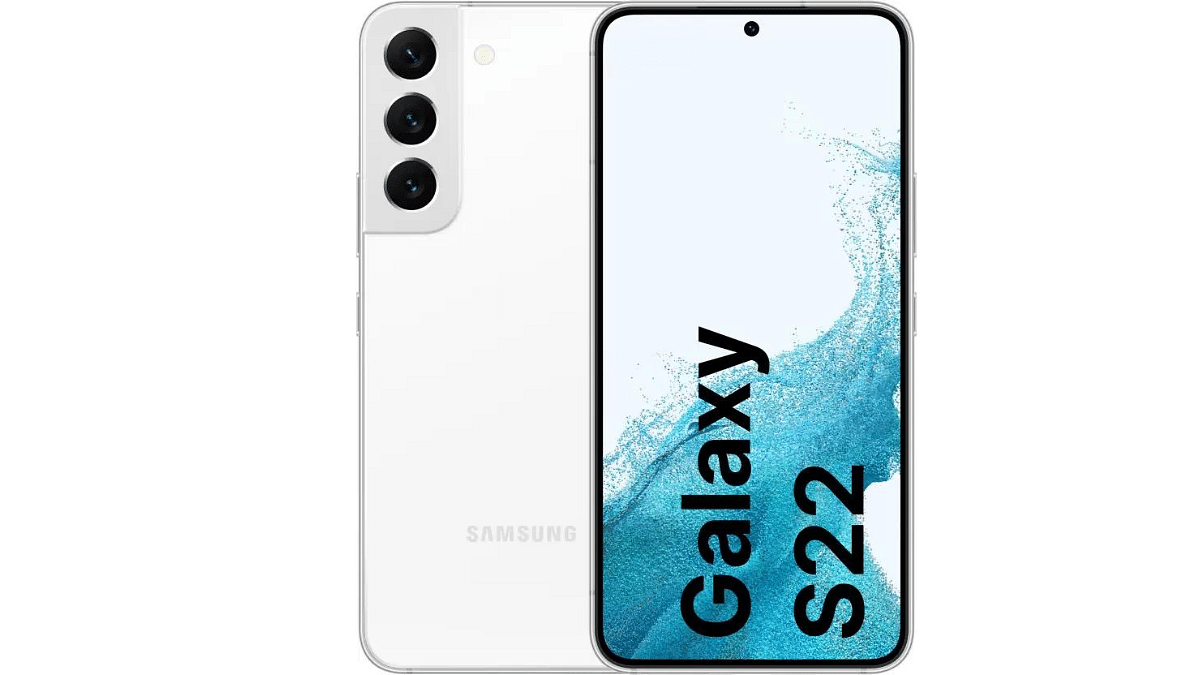
2. SAMSUNG Galaxy S22 5G

  • Generous Memory: 8GB RAM and 128GB ROM.
  • Vibrant Full HD+ Display: 6.1-inch screen for clarity.
  • Advanced Camera Setup: Triple rear (50MP + 12MP + 10MP), 10MP front.
  • Optimized Battery: 3700mAh Lithium-ion for reliable usage.
  • Powerful Processor: Snapdragon 8 Gen 1 ensures smooth performance.
  • Discounted Price: Rs.39,999 (50% discount)

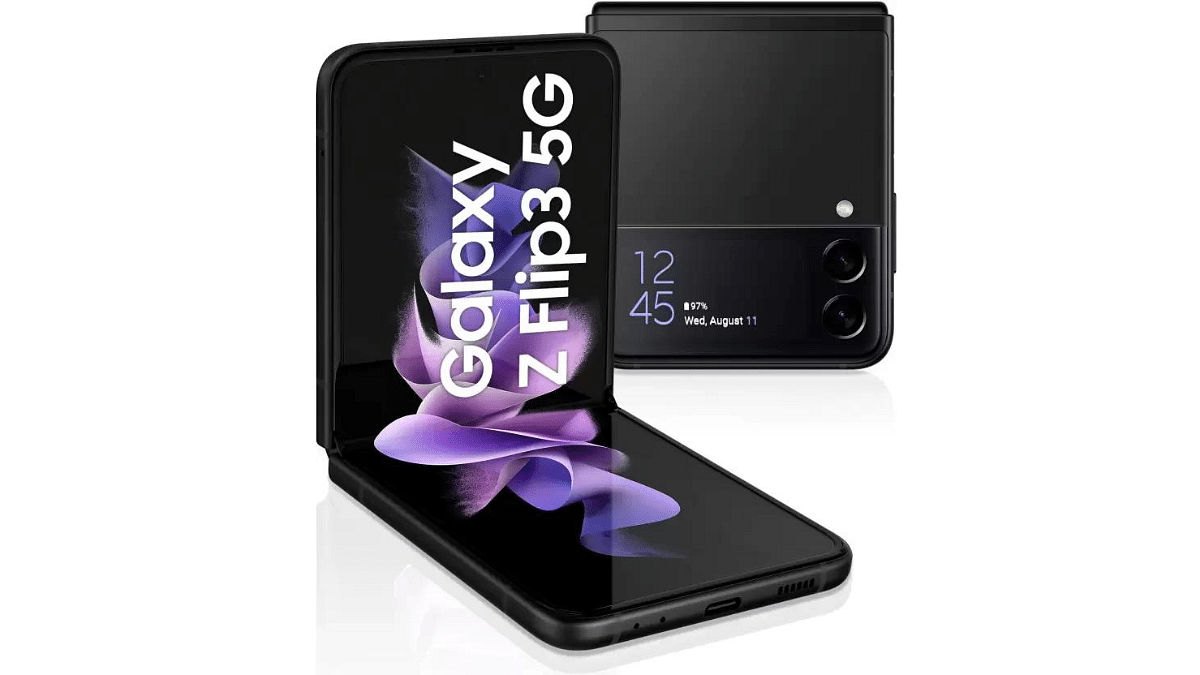
3. SAMSUNG Galaxy Z Flip3 5G

  • Ample Memory: 8GB RAM and 128GB ROM.
  • Large Full HD+ Display: 6.7-inch screen for immersive visuals.
  • Impressive Camera Setup: Dual rear (12MP + 12MP), 10MP front.
  • Optimized Battery: 3300mAh Lithium-ion for reliable usage.
  • High-Performance Processor: Qualcomm Snapdragon 888 Octa-Core
  • Balanced Specs: Ideal combination for a versatile smartphone.
  • Discounted Price: Rs.44,999 (53% discount)

Also Read: Tecno Spark Go 2024 Review: Setting A New Standard For Budget Smartphones?

Categories
Apps Featured Info

How to Report Spam on Instagram: Step-by-Step Guide

Key Highlights

  • Identify spam easily with our step-by-step guide.
  • Keep your Instagram positive by reporting spam.
  • Learn the simple process of reporting spam.

Instagram is a very popular social media app where people connect, share pictures, and interact. But because it’s so popular, some people try to use it for the wrong reasons by posting spam. To keep the app enjoyable for everyone, Instagram has a simple way for users to report spam.

In this guide, we’ll show you step by step how to report spam on Instagram.

Also Read: 100+ Instagram Username Ideas For Auto Tech Influencers

Step 1: Identify Spam

Before reporting any content as spam, it’s crucial to understand what constitutes spam on Instagram. Spam typically includes fake accounts, irrelevant or misleading content, and unwanted messages or comments. If you encounter content that violates Instagram’s Community Guidelines, it’s time to take action.

Step 2: Access the Content

Navigate to the spam content you want to report. This could be a specific post, a user’s profile, a comment, or a direct message.

Also Read: Instagram’s Upcoming Feature: Sharing Profiles In Stories, Check Details

Step 3: Reporting a Post

If the spam is a post, follow these steps:

  • Click on the three dots (…) in the top right corner of the post.
  • Select “Report.”
  • Choose the reason for reporting the post, such as “It’s spam.”
  • Follow the on-screen instructions to complete the report.

Step 4: Reporting a User Profile

For reporting an entire user profile, do the following:

  • Visit the profile of the account you want to report.
  • Tap on the three dots (…) in the top right corner.
  • Select “Report.”
  • Choose the reason, specifying that it’s a spam account.
  • Follow the prompts to submit the report.

Also Read: How To Activate Spam Protection In Google Messages: Guide

Step 5: Reporting Comments

To report a specific comment as spam, perform these steps:

  • Swipe left on the comment if you’re using the mobile app.
  • Tap the exclamation mark icon.
  • Choose “Spam” as the reason.
  • Confirm the action to report the comment.

Step 6: Reporting Direct Messages

If you receive spam through direct messages, report it by:

  • Opening the message.
  • Tap on the sender’s name at the top.
  • Select “Report.”
  • Specify the reason for reporting, such as “It’s spam.”
  • Complete the reporting process.

Also Read: Want To Block Unwanted Calls? Here’s How To Activate DND On Jio

Step 7: Monitor Report Status

After submitting a report, Instagram will review the content and take appropriate action. You can monitor the status of your reports by:

  • Going to your profile.
  • Clicking on the three lines in the top right corner.
  • Selecting “Settings.”
  • Navigating to “Help” and then “Report a Problem.”

Reporting spam on Instagram is important for keeping the platform safe and fun. Use this easy guide to find and report spam. This helps make Instagram a better place for everyone. Be watchful, report wisely, and help create a positive online space!

Also Read: Creating BTS Jimin Fan Account? Check Out 100+ Unique Instagram Username Ideas

Categories
Comparison Featured Info Mobile

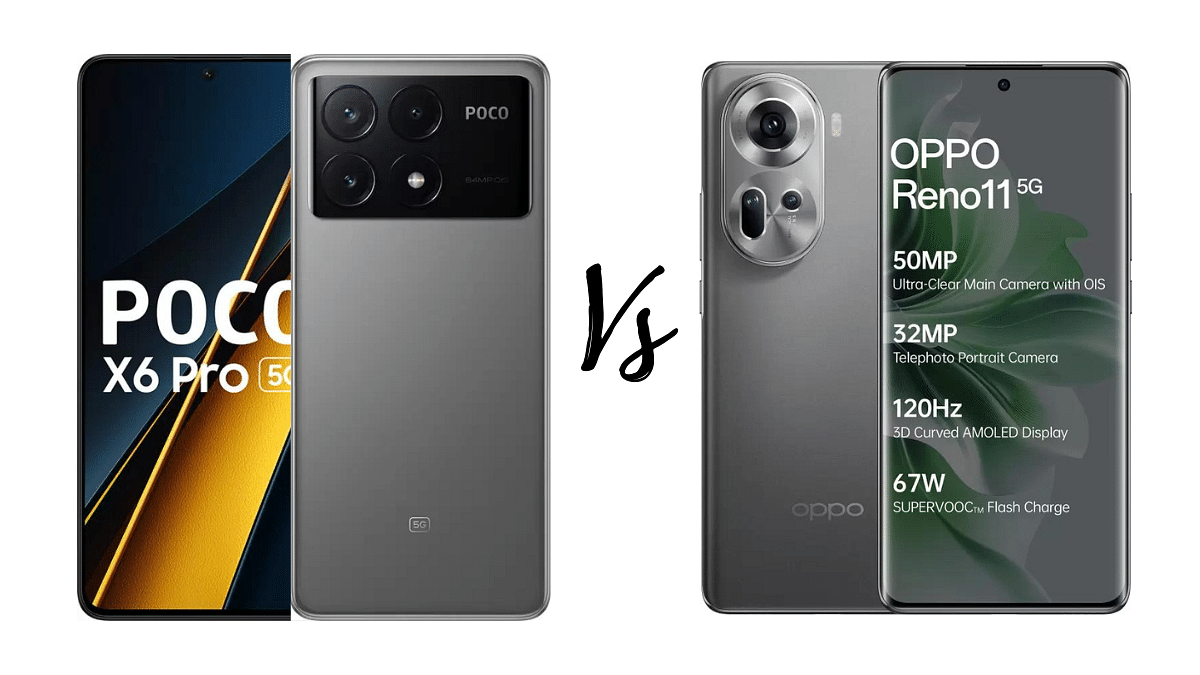
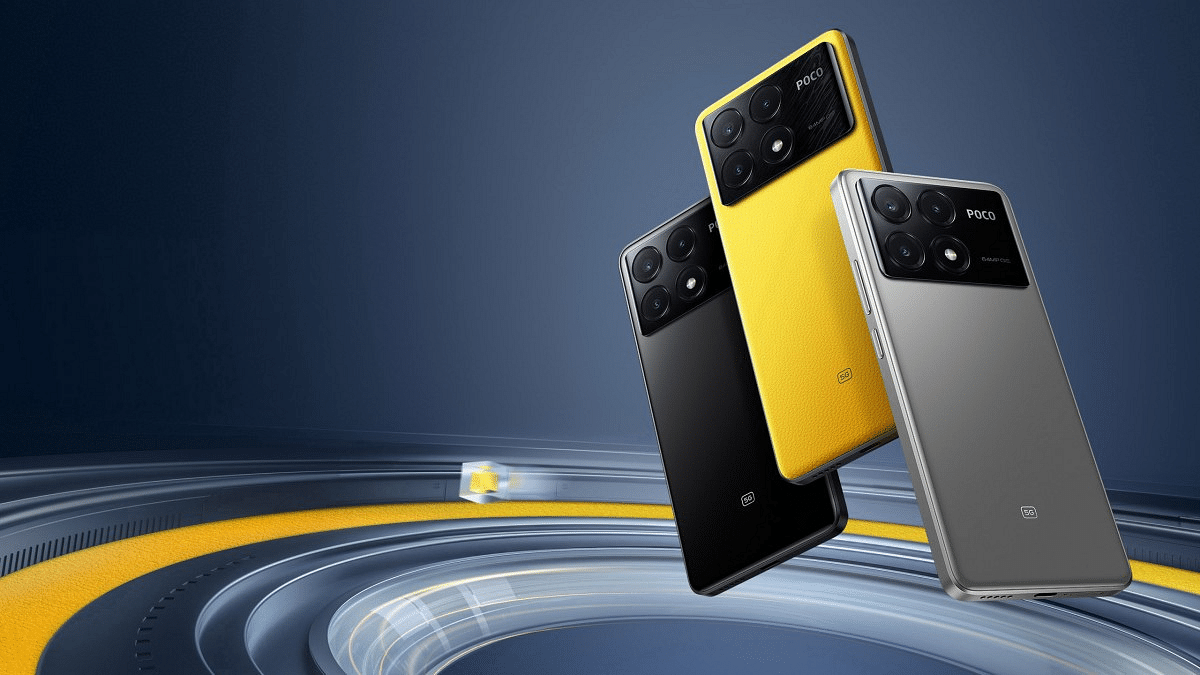
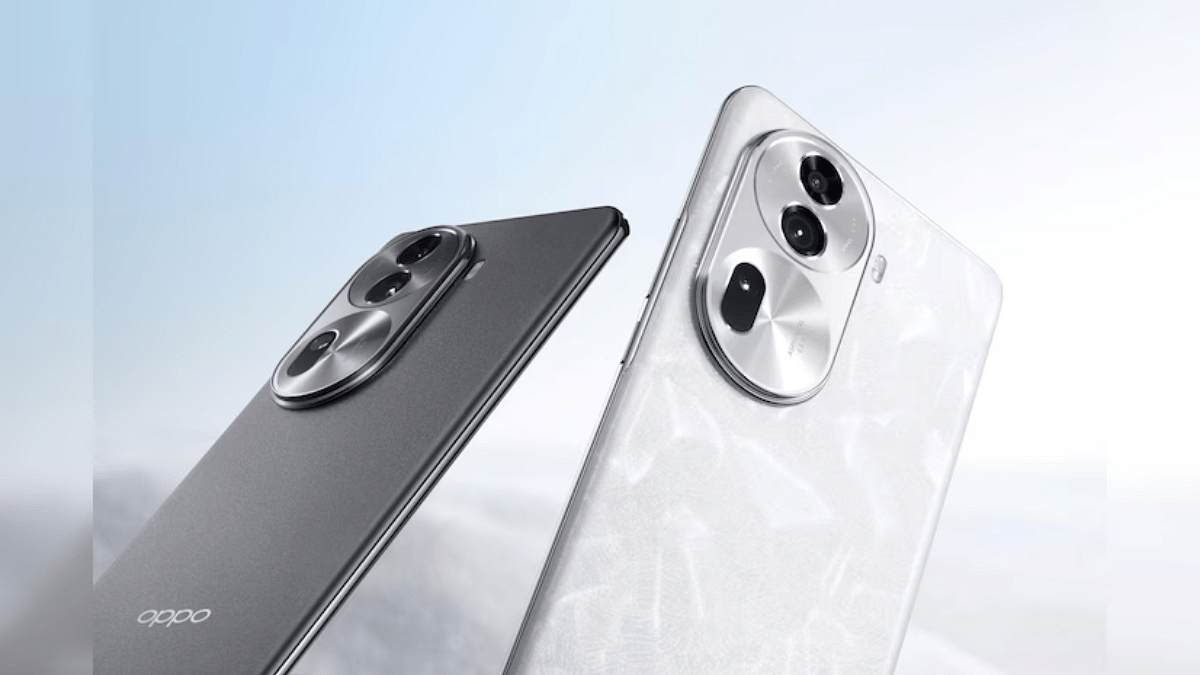
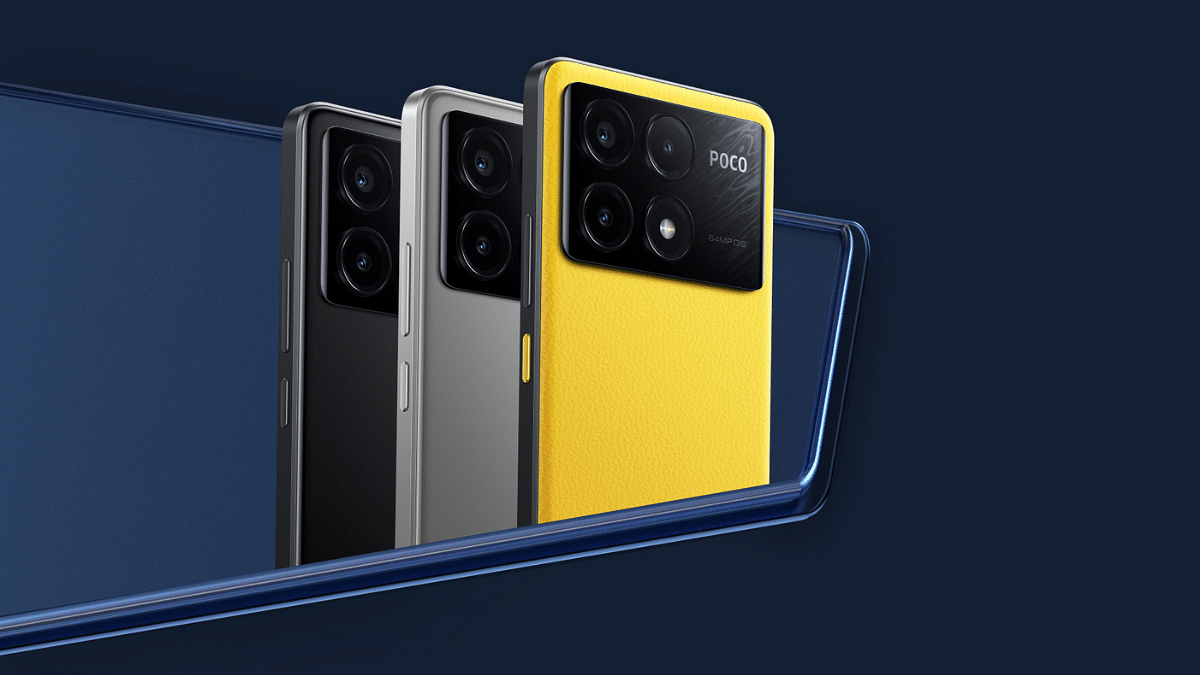
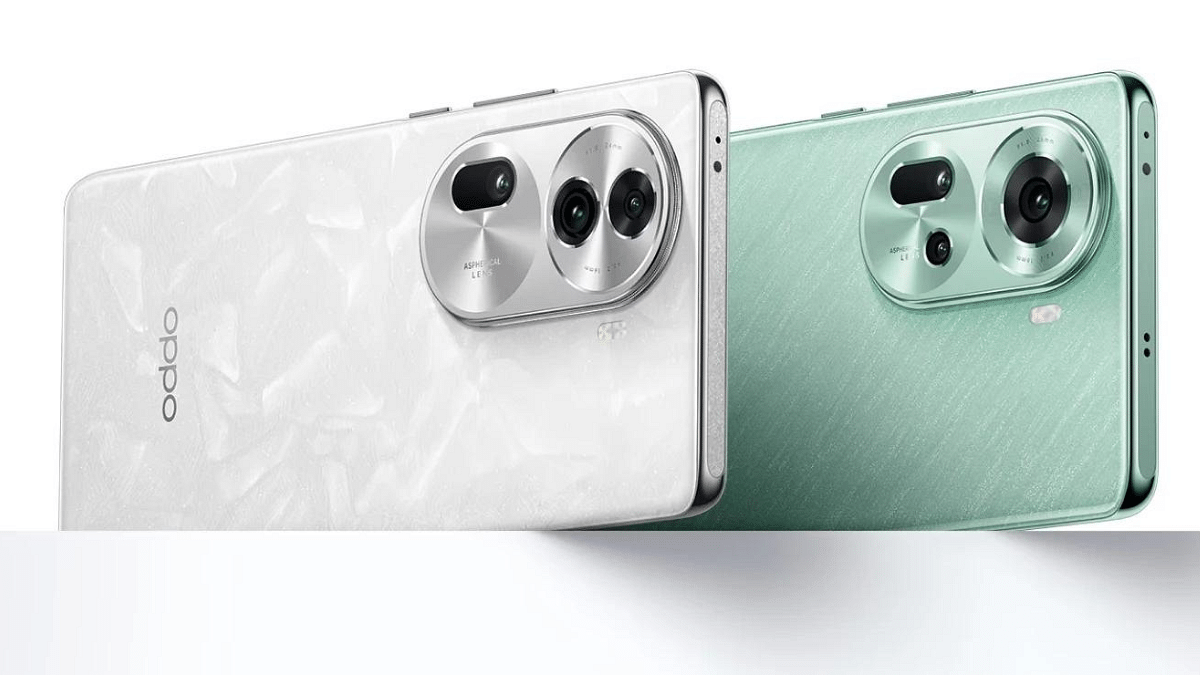
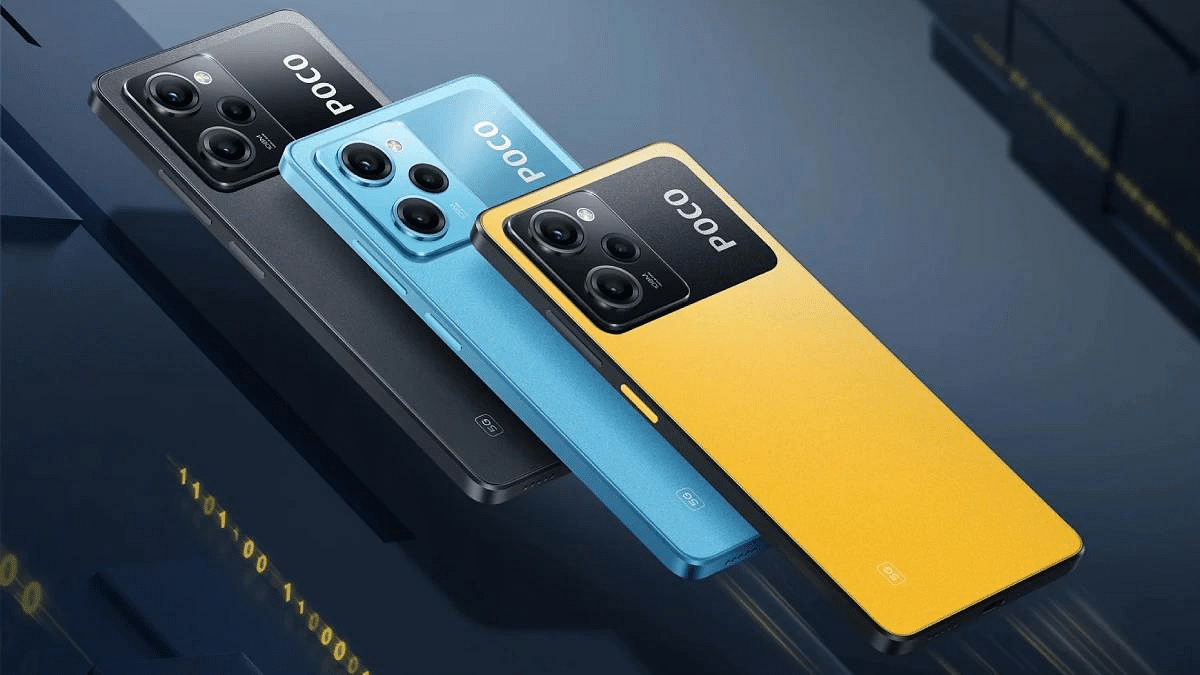
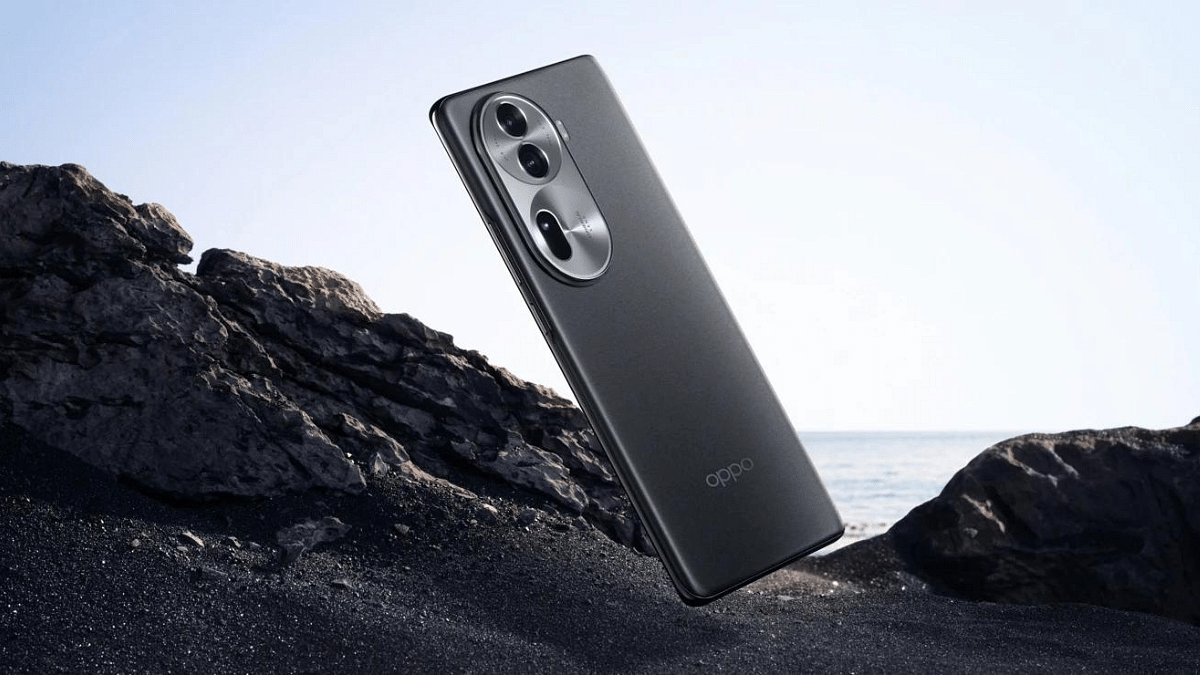
Oppo Reno 11 Vs Poco X6 Pro: Mid-Range Android Phone Comparison

Among all mid-range Android smartphones, the newly launched Oppo Reno 11 and Poco X6 Pro emerge as excellent options for individuals seeking phones under Rs.30k. Let’s delve into a detailed comparison of these devices, considering their display features, processing power, camera capabilities, connectivity options, and pricing.

Also Read: Redmi Note 13 Pro+ Vs OnePlus Nord 3 5G: Mid-Range Smartphone Comparison

Oppo Reno 11 Vs Poco X6 Pro: Display

SpecificationOppo Reno 11Poco X6 Pro
Display Size6.7-inch6.67-inch
Resolution2412 x 1080 Pixels2712 x 1220 Pixels
Display TypeFull HD+ 120Hz 3D Curved AMOLED120Hz 1.5K AMOLED
BrightnessHBM (800 nits)1800 nits Peak Brightness
Color Saturation100% DCI-P3 CoverageDolby Vision, 68 Billion+ Colors
Refresh Rate120Hz120Hz
Screen-to-Body Ratio93%94.27%

The Oppo Reno 11 comes with 6.7-inch Full HD+ 120Hz 3D Curved AMOLED display. With a resolution of 2412 x 1080 pixels, it offers a color saturation of 100% DCI-P3 coverage and 93% of screen-to-body ratio. The phone’s display supports HDR, has a 120Hz refresh rate, and a 240Hz touch sampling rate, providing smooth and vibrant visuals.

On the other hand, the Poco X6 Pro features a slightly larger 6.67-inch 120Hz 1.5K AMOLED display. The resolution is higher at 2712 x 1220 pixels. With Dolby Vision support, a peak brightness of 1800 nits, and a 94.27% screen-to-body ratio, the Poco X6 Pro provides good viewing experience.

Also Read: Ather 450 Apex Vs Ola S1 Pro: Top Electric Scooters Comparison

Oppo Reno 11 Vs Poco X6 Pro: Os & Processor

SpecificationOppo Reno 11Poco X6 Pro
Operating SystemAndroid 14Android 14
Processor BrandMediatekMediatek
Processor TypeDimensity 7050Dimensity D8300 Ultra
Processor CoreOcta CoreOcta Core
Clock Speed (GHz)2.63.35 (Max)
5G SupportYesYes

Running on Android 14, the Oppo Reno 11 is powered by the Mediatek Dimensity 7050 octa-core processor. Clocking at 2.6 GHz, it ensures smooth multitasking and efficient performance. The phone supports 5G connectivity.

Similarly, the Poco X6 Pro operates on Android 14 and is equipped with the Dimensity D8300 Ultra octa-core processor. With clock speeds of up to 3.35 GHz, this device promises a snappy user experience. It supports 5G, 4G LTE, and a variety of other network options.

Also Read: How To Use WhatsApp’s Music Sharing Feature On iPhone During Video Calls: A Step-by-Step Guide

Oppo Reno 11 Vs Poco X6 Pro: Memory & Storage

SpecificationOppo Reno 11Poco X6 Pro
Internal Storage128GB, 256GB256GB, 512GB
RAM8GB8GB, 12GB
Expandable StorageMicroSD up to 2TB

The Oppo Reno 11 offers ample storage options with variants of 128GB and 256GB, coupled with 8GB of RAM. The memory is expandable up to 2TB using a microSD card, providing users with flexibility. The Poco X6 Pro, on the other hand, provides higher internal storage options of 256GB and 512GB, paired with 8GB and 12GB of RAM.

Also Read: Top Upcoming Smartphones Set To Debut In January 2024
Oppo Reno 11 Vs Poco X6 Pro: Camera

SpecificationOppo Reno 11Poco X6 Pro
Main Camera50MP + 8MP + 32MP64MP + 8MP + 2MP
Front Camera32MP16MP
Digital Zoom20XUpto 10X
Video Recording4K, 1080p, 720p4K, 1080p, 720p
Camera FeaturesVarious modes and featuresMultiple modes and features

Oppo Reno 11 features triple camera setup, including a 50MP main camera, 8MP wide camera, and a 32MP telephoto camera. This phone comes with advanced features like 20x digital zoom, 4K video recording, and a 32MP front camera.

The Poco X6 Pro, on the other hand, sports a powerful 64MP main camera, an 8MP ultra-wide camera, and a 2MP macro camera. The camera capabilities are diverse, offering features like 10x digital zoom, 4K video recording, and a 16MP front camera.

Also Read: 5 Top Rated Wireless Headphones Of 2023 With Noise Cancellation: From Sony, JBL, and more
Oppo Reno 11 Vs Poco X6 Pro: Battery, Connectivity

SpecificationOppo Reno 11Poco X6 Pro
Network Type5G, 4G, 3G, 2G2G, 3G, 4G, 4G VOLTE, 5G
Wi-Fi VersionWi-Fi 6 (802.11 ax), Wi-Fi 5 (802.11 ac)Wi-Fi 6, Supports 2.4 GHz and 5 GHz Dual Band
Bluetooth Versionv5.3v5.4
USB PortUSB 2.0 Type-CUSB Type C
Battery Capacity5000 mAh5000 mAh

Both phones share a massive 5000mAh battery capacity, ensuring prolonged usage.
Oppo Reno 11 supports a wide array of network options, including 5G, 4G, 3G, and 2G. With features like Wi-Fi 6, Bluetooth v5.3, and USB 2.0 Type-C, it ensures seamless connectivity. The Poco X6 Pro also embraces diverse connectivity options with support for 5G, 4G VoLTE, Wi-Fi 6, and Bluetooth v5.4. The inclusion of USB Type-C further enhances connectivity.

Also Read: 5 Best Alternatives For iPhone 15: Launched Options

Oppo Reno 11 Vs Poco X6 Pro: Price, Final Verdict

Price Oppo Reno 11Poco X6 Pro
Starting PriceRs.29,999 for 8GB/128GBRs.30,999 for 8GB/256GB

The Oppo Reno 11 is priced starting at Rs.29,999 for the 8GB/128GB variant, while the Poco X6 Pro starts at Rs.30,999 for the 8GB/256GB variant.

If you want stunning display with vibrant colors and a 120Hz refresh rate, the Oppo Reno 11 is a solid choice. On the other hand, if you lean towards a slightly larger display with Dolby Vision support and higher resolution, the Poco X6 Pro can be a better choice.

Also Read: Poco X6 Pro 5G Vs Xiaomi Redmi Note 13 Pro 5G: Android Smartphone Comparison

Categories
Featured Home Appliances Info

Amazon Great Republic Day Sale: Best Deals On Kitchen Appliances

Explore incredible deals on kitchen appliances during this Amazon Great Republic Day Sale. From compact induction cooktops and blenders to sandwich grills and fryers, we bring you exclusive insights into the best deals available. Let’s dive into it.

ProductOriginal Price (Rs.)Discounted Price (Rs.)
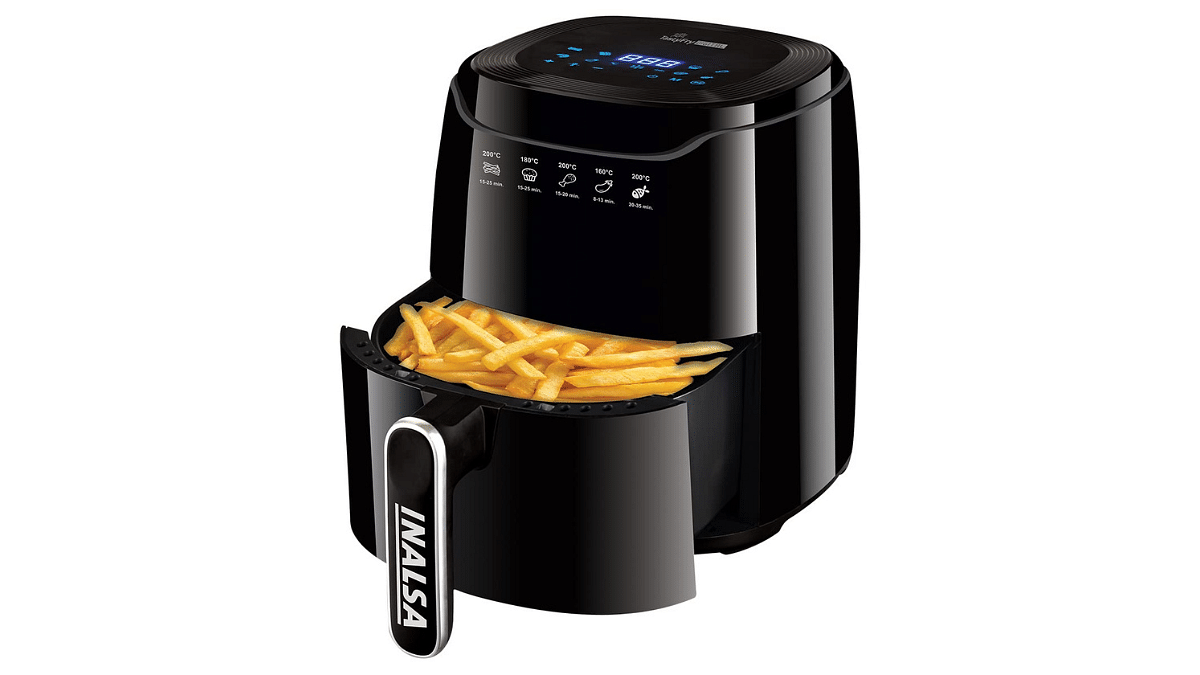
INALSA Air Fryer Digital Tasty Fry-1400W 4.2L9,9954,499
NutriPro Juicer Mixer Grinder5,0001,649
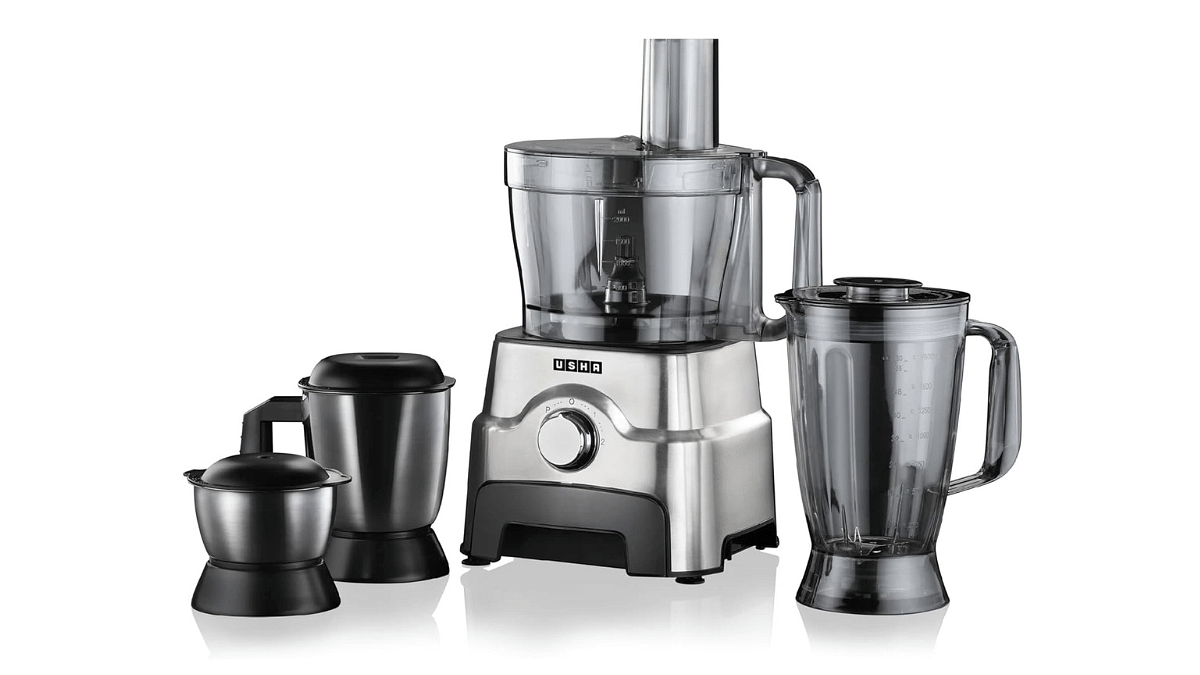
Usha FP 3811 Food Processor20,99010,998
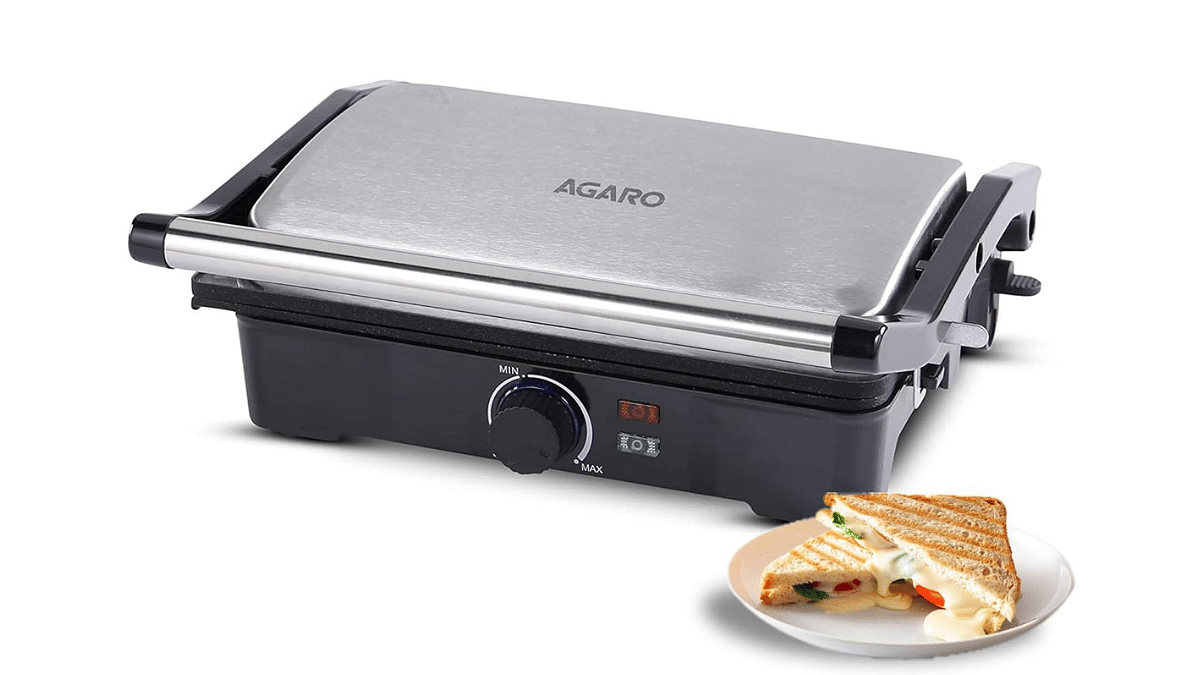
AGARO Galaxy 1000-Watt Sandwich Maker2,9952,230
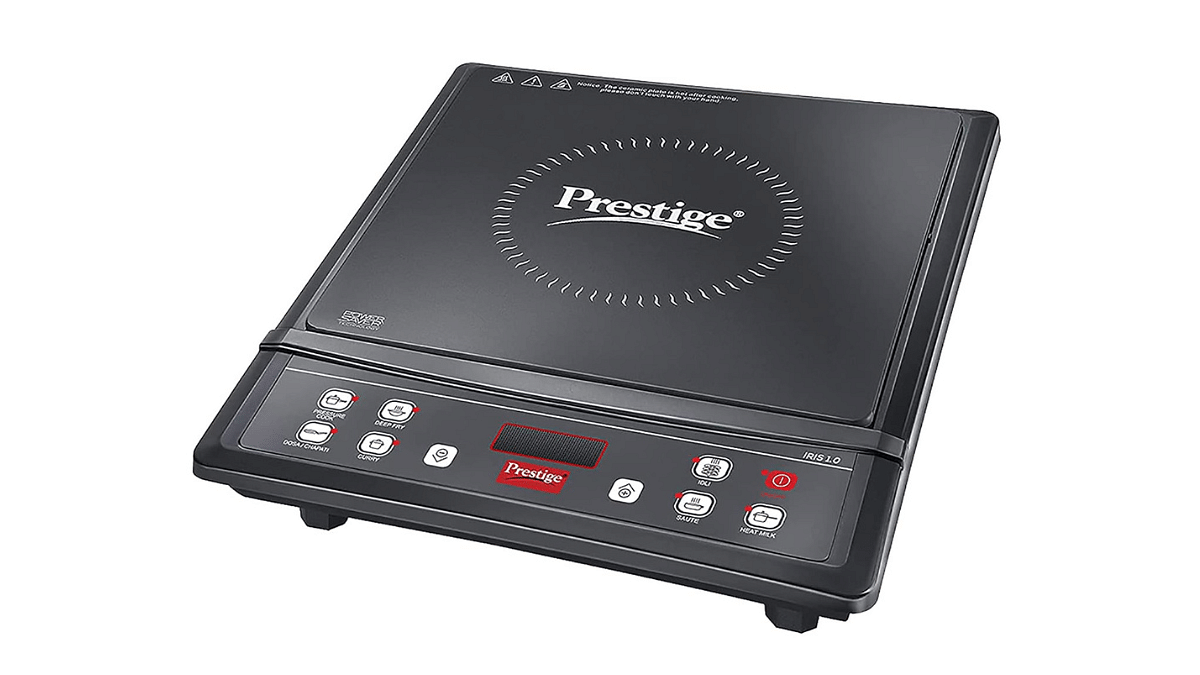
Prestige IRIS ECO 1200 W Induction Cooktop2,9951,399

Also Read: List Of Best 3L Instant Electric Heaters For Kitchen, Compact Bath Spaces

1. INALSA Air Fryer Digital Tasty Fry-1400W 4.2L

  • Oil-Free Frying: Cook with hot air, minimal oil, 99% less fat.
  • 8 Preset Programs: Easy cooking for fries, chicken, veggies, and more.
  • Touch Screen : You can try new recipes with a touch.
  • Fully Digital Control: Set time, temp, and enjoy easy cooking.
  • Non-Stick Pan: 4.2L pan ensures no sticking, fast, even cooking.
  • Original Price: Rs.9,995 , Discounted Price: Rs.4,499

2. NutriPro Juicer Mixer Grinder

  • Holds 300ml
  • Dimensions: 30.3D x 13.3W x 22.4H cm.
  • Powerful Operation: Corded electric source, 2-speed options, 230V.
  • Efficient Grinding: Powerful 500W copper motor tackles various foods.
  • Original Price: Rs.5,000 , Discounted Price: Rs.1,649

3. Usha FP 3811 Food Processor 

  • Handles 12 applications
  • Powerful Copper Motor: 1000W for reliable performance.
  • Technical Specifications: 230V voltage, 50Hz frequency, 1000W wattage.
  • Safety Features: Overload protection, safety lock for secure operation.
  • Variable Speeds: 2 speed settings plus pulse for control.
  • Original Price: Rs.20,990 , Discounted Price: Rs.10,998

4. AGARO Galaxy 1000-Watt Sandwich Maker 

  • Dimensions: 25.8D x 30.6W x 11.3H cm.
  • 1000W wattage for efficient sandwich making.
  • Weighs 1800 grams
  • Voltage Specification: Operates on 220 volts.
  • Grilling Functionality: 180° flat openable plate for various uses.
  • Temperature Control: Adjustable knob with a 1-meter long cord.
  • Safety Features: Automatic thermostat, light indicators, overheat protection.
  • Original Price: Rs.2,995 , Discounted Price: Rs.2,230

5. Prestige IRIS ECO 1200 W Induction Cooktop 

  • Dimensions: 39.2D x 31W x 9.5H cm.
  • High Power: 1200W wattage
  • User-Friendly Controls: Operated with push buttons.
  • Voltage Specification: Runs on 230 volts.
  • Power Source: Operates on corded electric power.
  • Lightweight Build: Weighs 1880 grams
  • Original Price: Rs.2,995 , Discounted Price: Rs.1,399

Also Read: Simplify And Upgrade: How To Convert Dumb Appliances Into Smart Ones