Aditi Verma is a skilled tech content writer with a talent for making complex ideas easy to understand. She crafts engaging articles, breaking down intricate tech topics into simple words that anyone can grasp. Aditi is your go-to writer for all things tech.
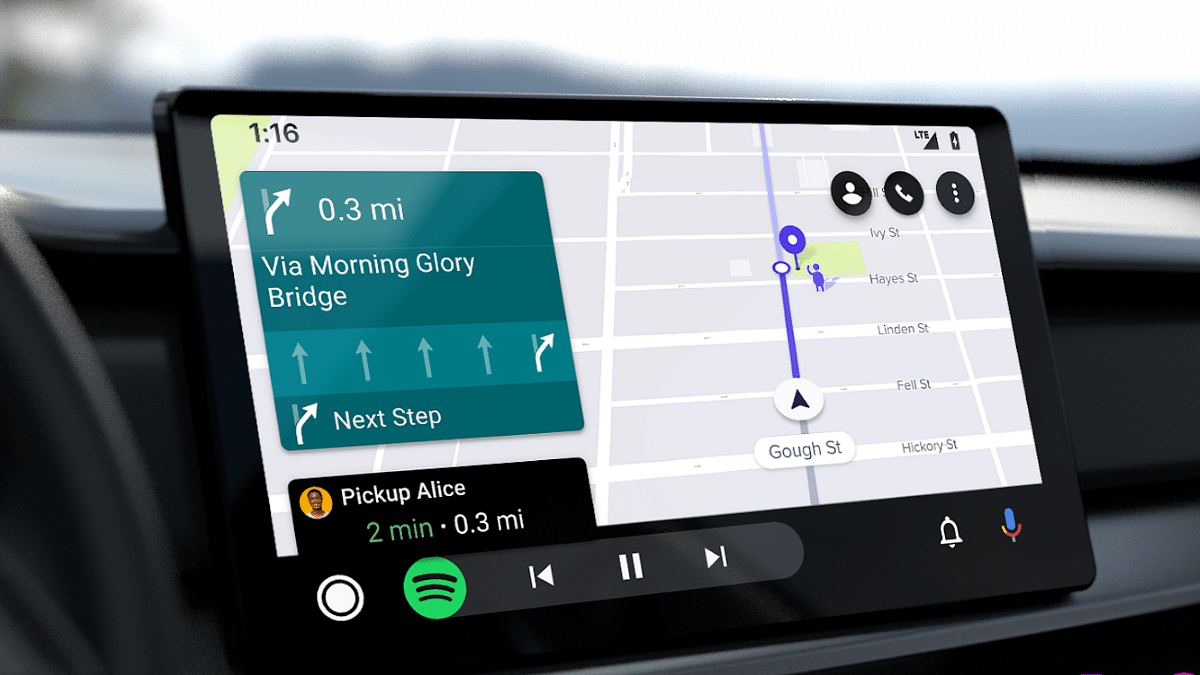
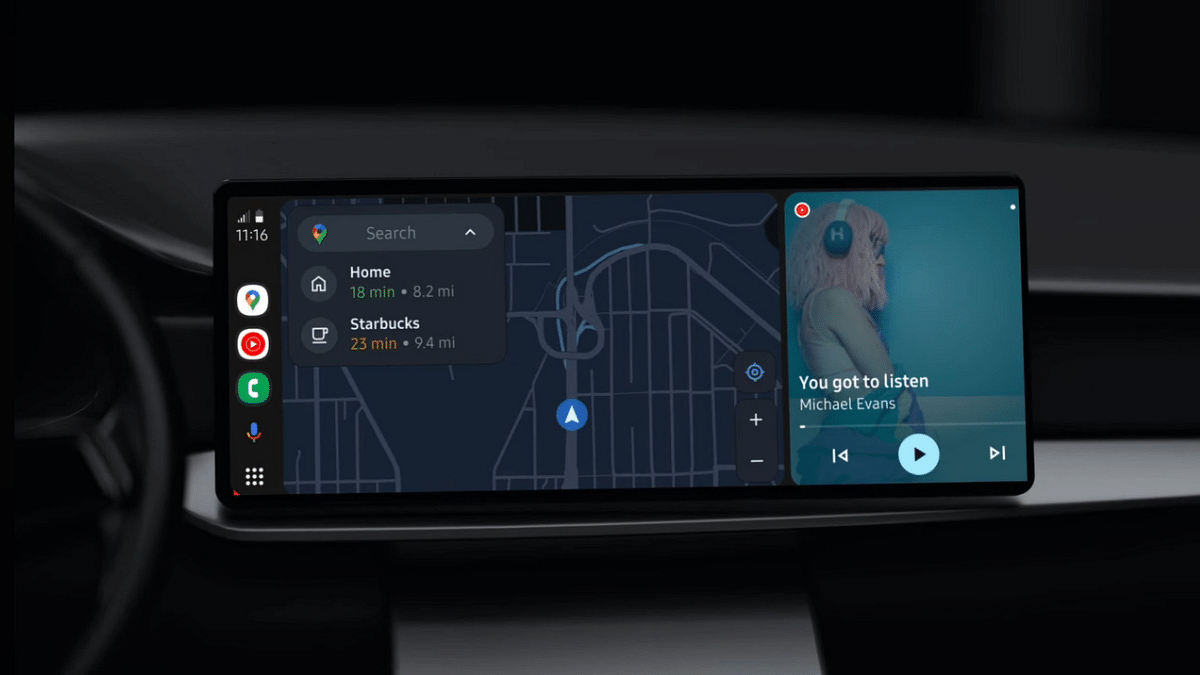
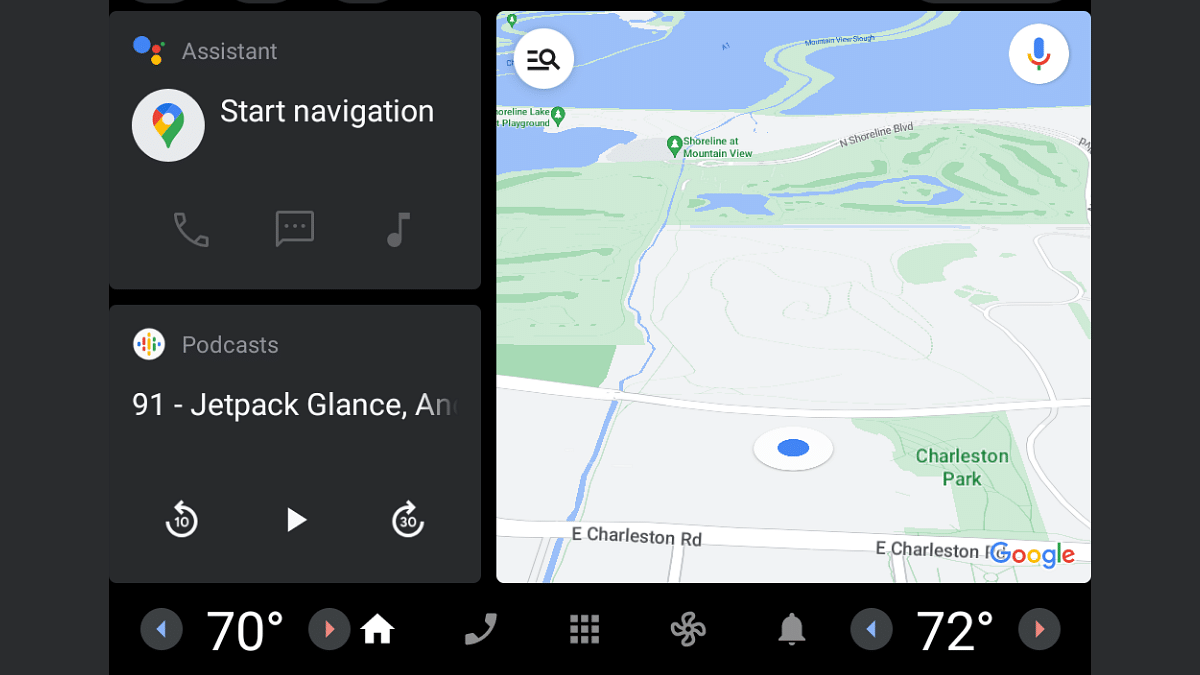
Hitting the road with your trusty Android Auto setup is a convenient way to navigate, listen to music, and stay connected while driving. But what happens when Android Auto suddenly stops working? Don’t panic! Here are some troubleshooting tips to get you back on track:
Restart your phone and car: Sometimes a simple reboot can fix minor glitches.
Ensure a secure connection: Use a high-quality USB cable (ideally under 1 meter) and avoid hubs or extensions. For wireless connections, double-check Bluetooth and Wi-Fi settings.
Update software: Keep your phone, Android Auto app, and car infotainment system updated to the latest versions.
Force stop and restart the Android Auto app: Go to Settings > Apps > Android Auto > Force Stop, then relaunch the app.
Clear app cache and data: This can sometimes resolve corrupted data issues. Go to Settings > Apps > Android Auto > Storage & cache > Clear cache/Clear storage.
Reinstall the Android Auto app: If the above steps fail, uninstall and reinstall the app.
Forget and re-pair Bluetooth connection: If using wireless Android Auto, forget the Bluetooth connection on both your phone and car, then re-pair them.
Check for app permissions: Ensure Android Auto has all necessary permissions, like location and storage access.
Report the issue: If none of these tips work, report the issue to Google through the Android Auto app or online support forum.
Apple, Samsung, LG, Redmi & more at amazing prices.
EMIs & exchange offers make purchases affordable.
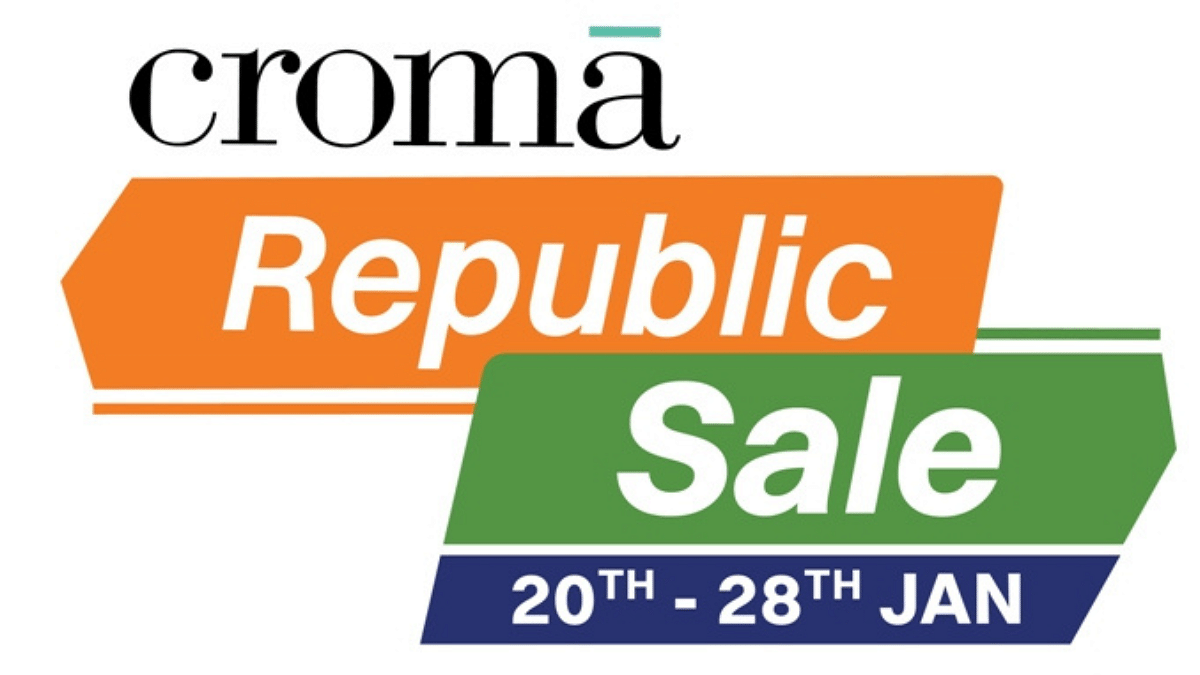
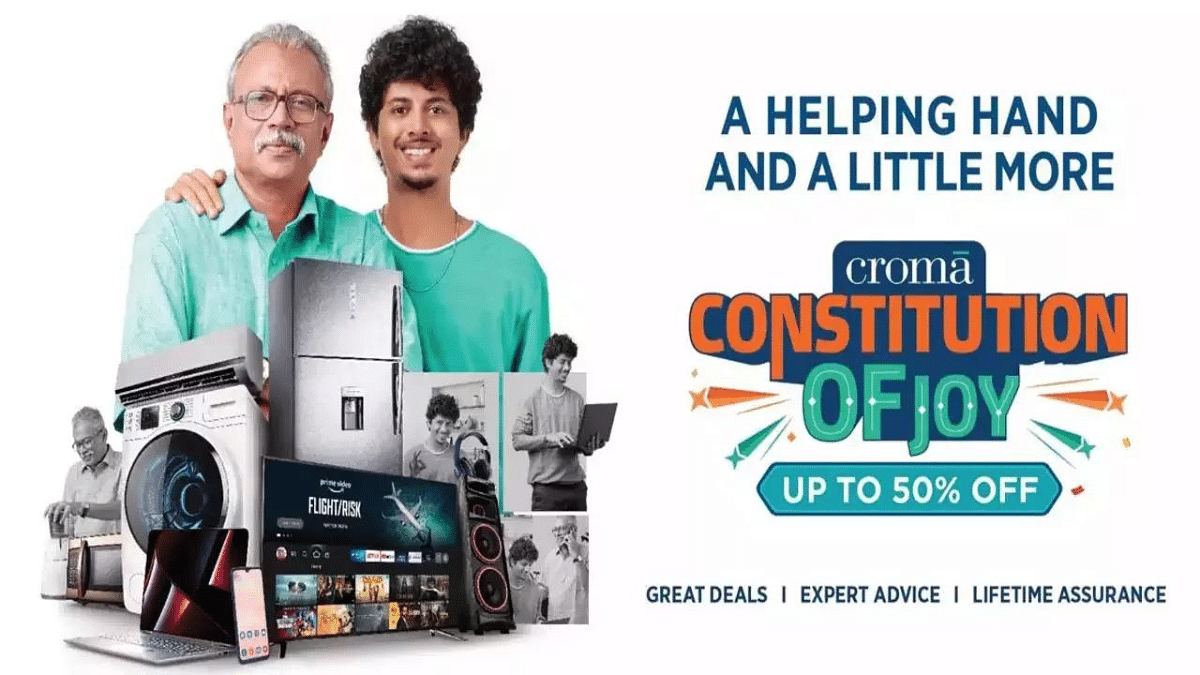
Croma is having a huge Republic Day Sale from January 20th to 28th, 2024. They’re offering discounts up to 50% on TVs, mobiles, laptops, and much more.
TVs: TVs from Croma and top brands like LG and Samsung are available at incredible prices.
Mobiles & Laptops: Croma is offering amazing deals on Apple iPhones, Redmi smartphones, and various laptops with free accessories worth INR 9990!
Home Appliances: You can upgrade your kitchen and home with fantastic offers on washing machines, refrigerators, air conditioners, and more. Croma-branded washing machines are available starting at INR 1510 per month* and Samsung fridges from INR 24490.
Kitchen Appliances: Deals on microwaves, air fryers, mixer grinders, and more.
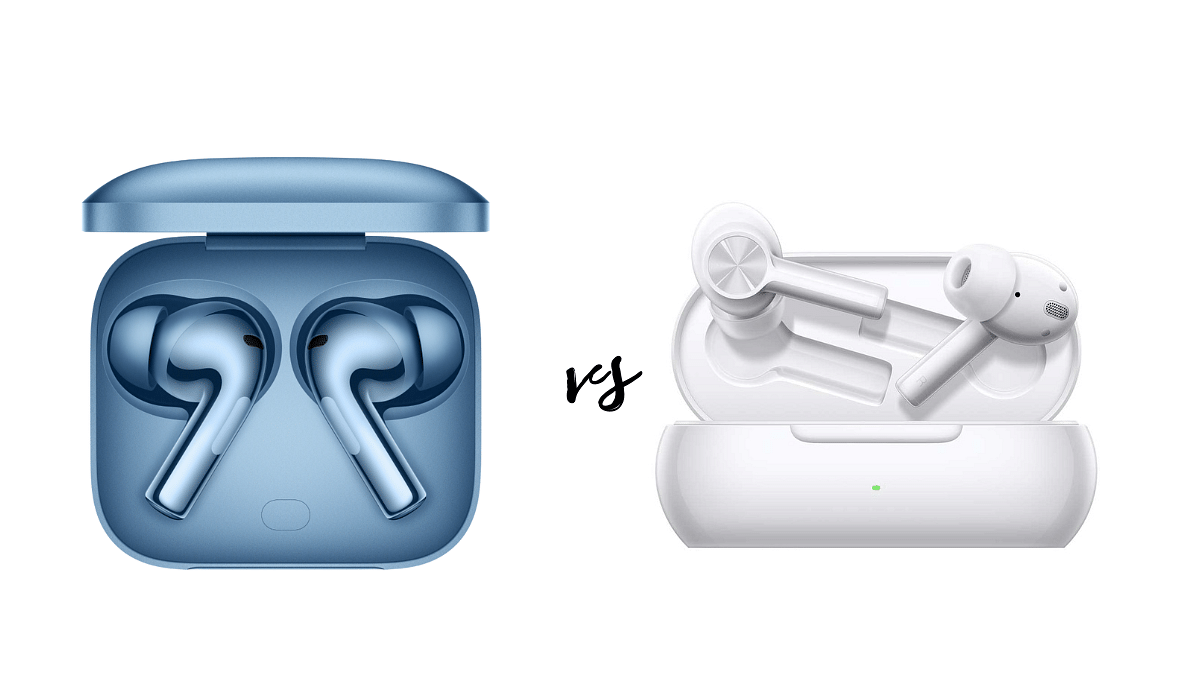
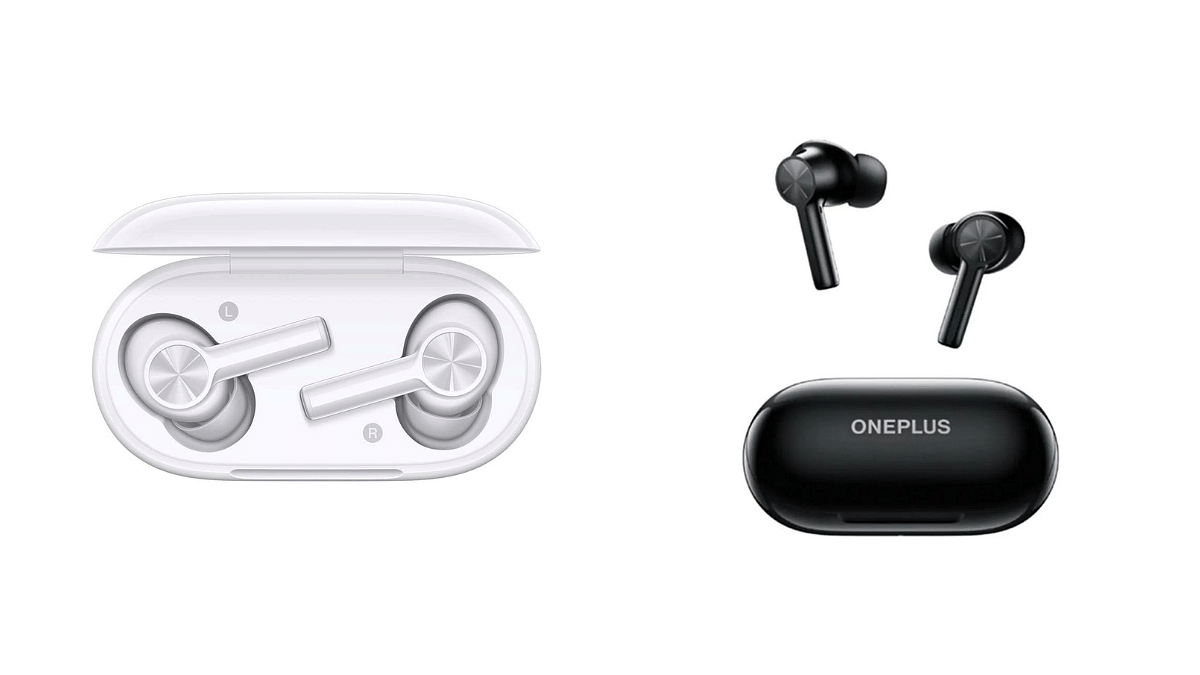
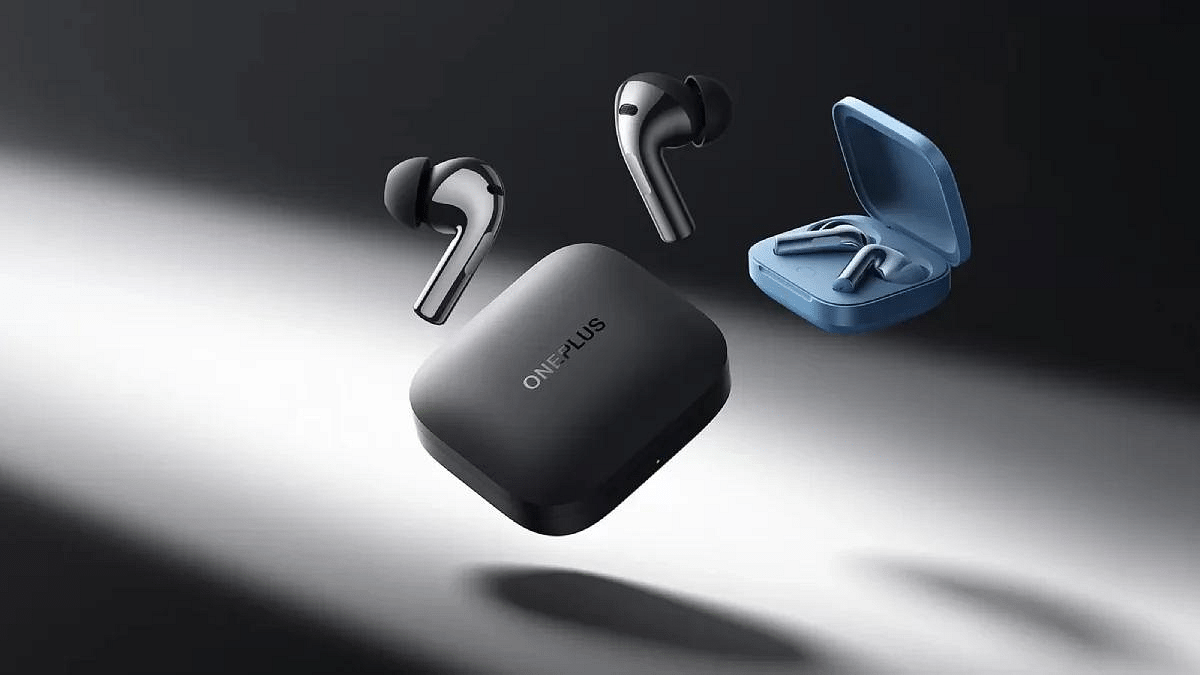
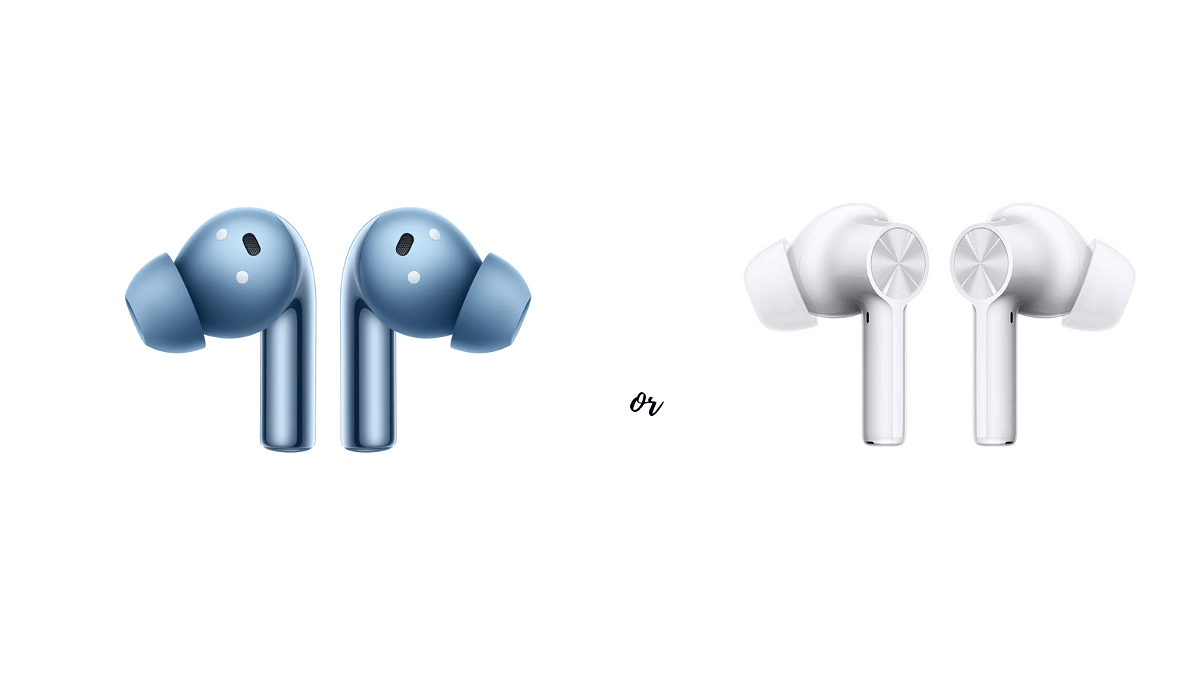
Choosing the right pair of true wireless earbuds can be tricky, especially within the same brand. Both the OnePlus Buds 3 and Buds Z2 offer excellent value, but cater to different needs and budgets. Let’s dive into their key features to help you decide which one is right for you.
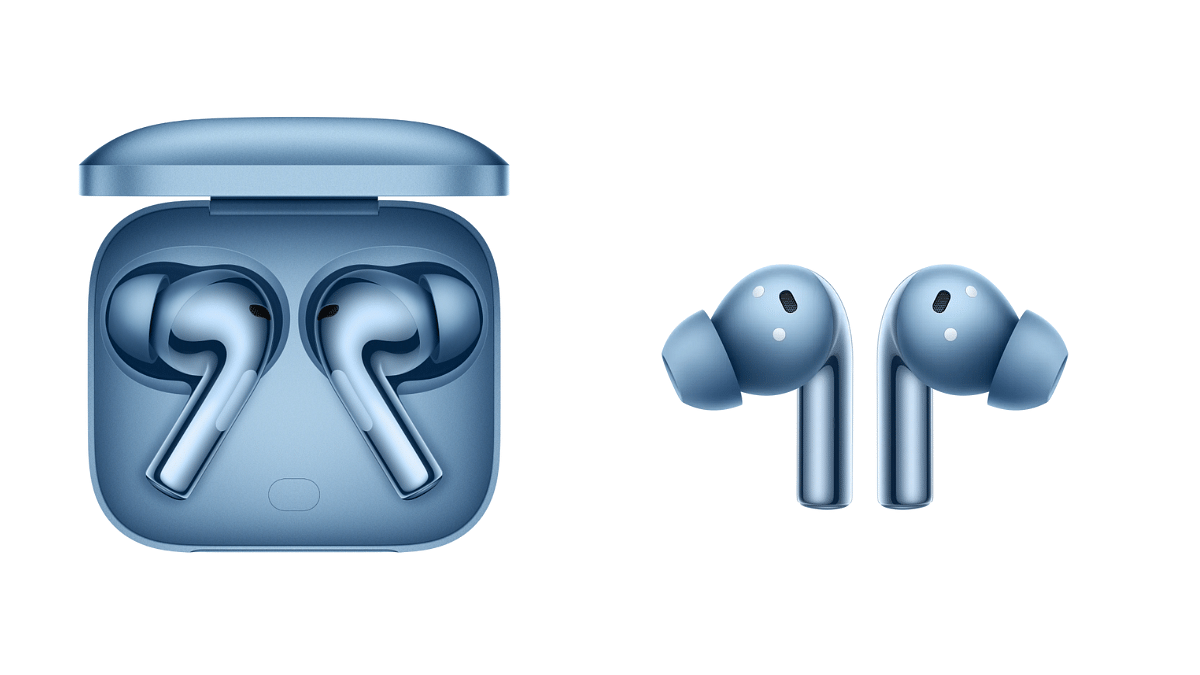
OnePlus Buds 3: Boasting larger 10.4mm woofers and 6mm tweeters, the Buds 3 deliver richer, more nuanced audio. They also boast Smart Adaptive Noise Cancellation (ANC) for immersive listening in noisy environments.
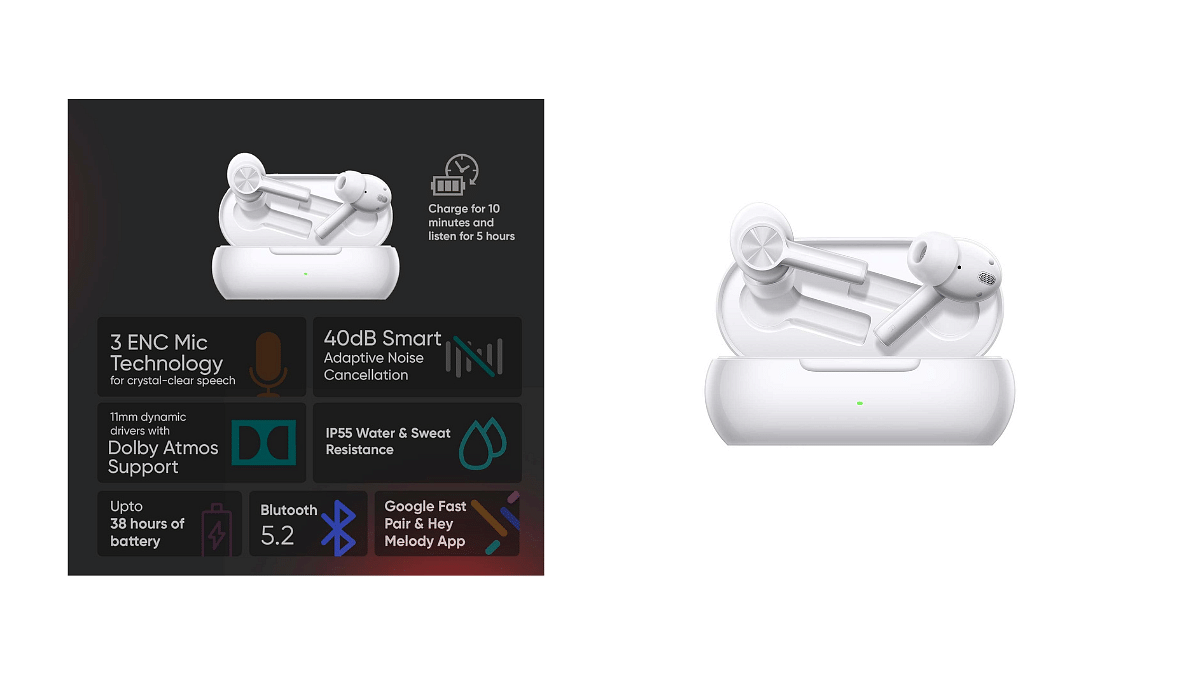
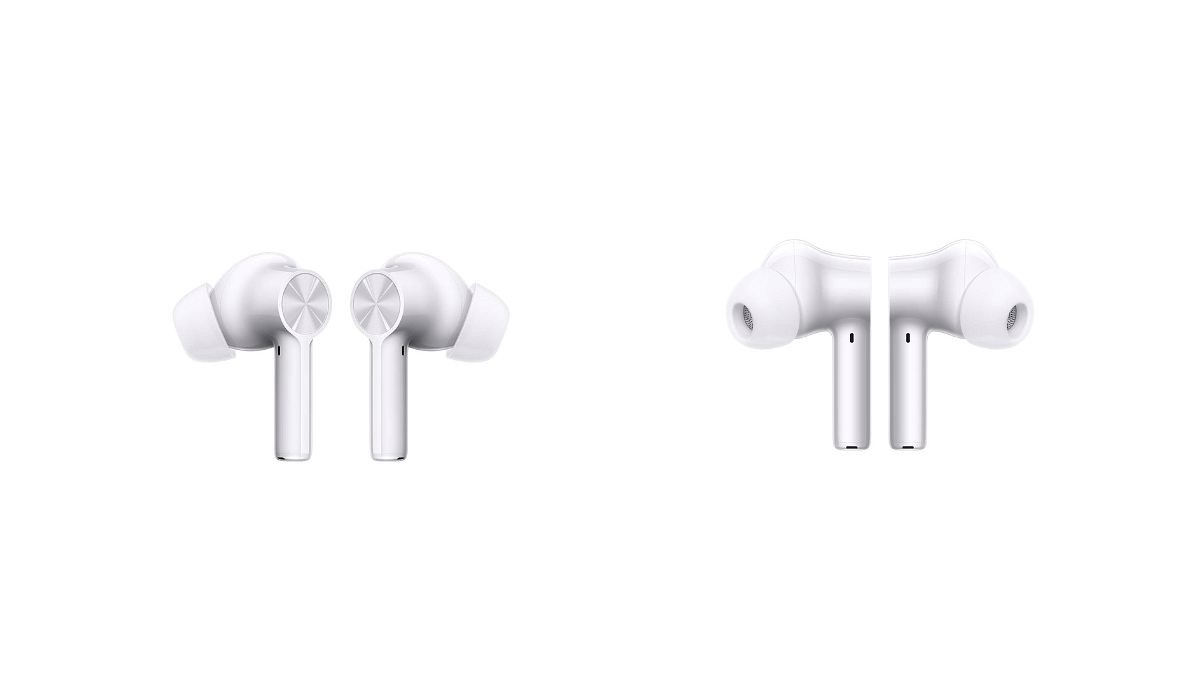
OnePlus Buds Z2: While lacking ANC, the Buds Z2 still pack a punch with their 1.1cm dynamic drivers, offering crisp and clear audio. They further elevate the experience with Dolby Atmos support for a wider soundstage.
OnePlus Buds 3 vs OnePlus Buds Z2: Design & Comfort
OnePlus Buds 3: With a slightly smaller footprint and lighter weight (4.8g vs 4.6g), the Buds 3 might offer a more comfortable fit for some. Their IP55 water resistance rating makes them sweat and splash-proof, ideal for workouts.
OnePlus Buds Z2: While slightly heavier, the Buds Z2 still boast a comfortable, secure fit thanks to their snug design and three ear tip sizes. Their IPX55/IPX4 rating provides water resistance for the earbuds and charging case, respectively.
OnePlus Buds 3: With ANC off, the Buds 3 offer an impressive 44 hours of combined playback time. Even with ANC on, you get 28 hours, making them perfect for extended listening sessions.
OnePlus Buds Z2: While offering a decent 38 hours of combined playback with ANC off, the Buds Z2 fall behind with only 24 hours when ANC is active. However, their 10-minute quick charge delivers 5 hours of playback, making them ideal for on-the-go use.
OnePlus Buds 3 vs OnePlus Buds Z2: Connectivity and Special Features
Feature
OnePlus Buds 3
OnePlus Buds Z2
Bluetooth® Codec
LHDC/AAC/SBC
SBC, AAC
Bluetooth® Version
Bluetooth® 5.3
BT 5.2
Water and Sweat Resistance
Earbuds: IP55
Earbuds: IP55, Charging case: IPX4
OnePlus Buds 3: With Bluetooth 5.3, LHDC/AAC/SBC codec support, and a 10m transmission range, the Buds 3 promise seamless connectivity. Notable features include OnePlus Audio ID 2.0, OTA upgrades, and customizable touch controls through the HeyMelody app.
OnePlus Buds Z2: Utilizing Bluetooth 5.2, SBC, and AAC codecs, the Buds Z2 maintain a reliable connection within a 10-meter range. Noteworthy features include Google Fast Pair, Dolby Atmos support, and compatibility with the HeyMelody app.
Please note that prices are subject to change, and it’s advisable to check the official OnePlus website.
OnePlus Buds 3: Packed with features like OnePlus Audio ID 2.0 for personalized sound profiles, dual connection, and touch controls, the Buds 3 offer a premium experience. However, they come with a higher price tag of Rs.5,499.
OnePlus Buds Z2: Offering essential features like Google Fast Pair and HeyMelody app compatibility at a more budget-friendly price of Rs.3,999, the Buds Z2 are a great value option.
If you prioritize premium sound quality, ANC, and a longer battery life, the OnePlus Buds 3 are worth the investment. However, if you’re on a budget and value quick charging and essential features, the OnePlus Buds Z2 offer excellent value.
Ultimately, the best choice depends on your individual needs and priorities. Consider your budget, desired features, and audio preferences to make the perfect choice for your listening needs.
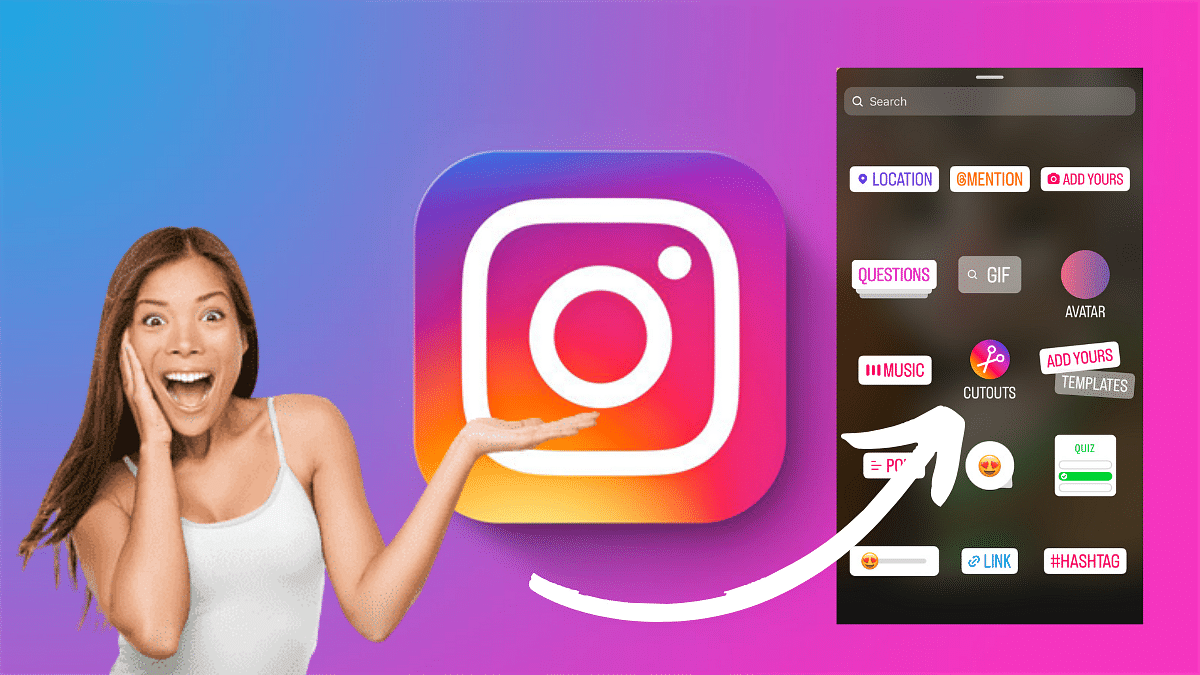
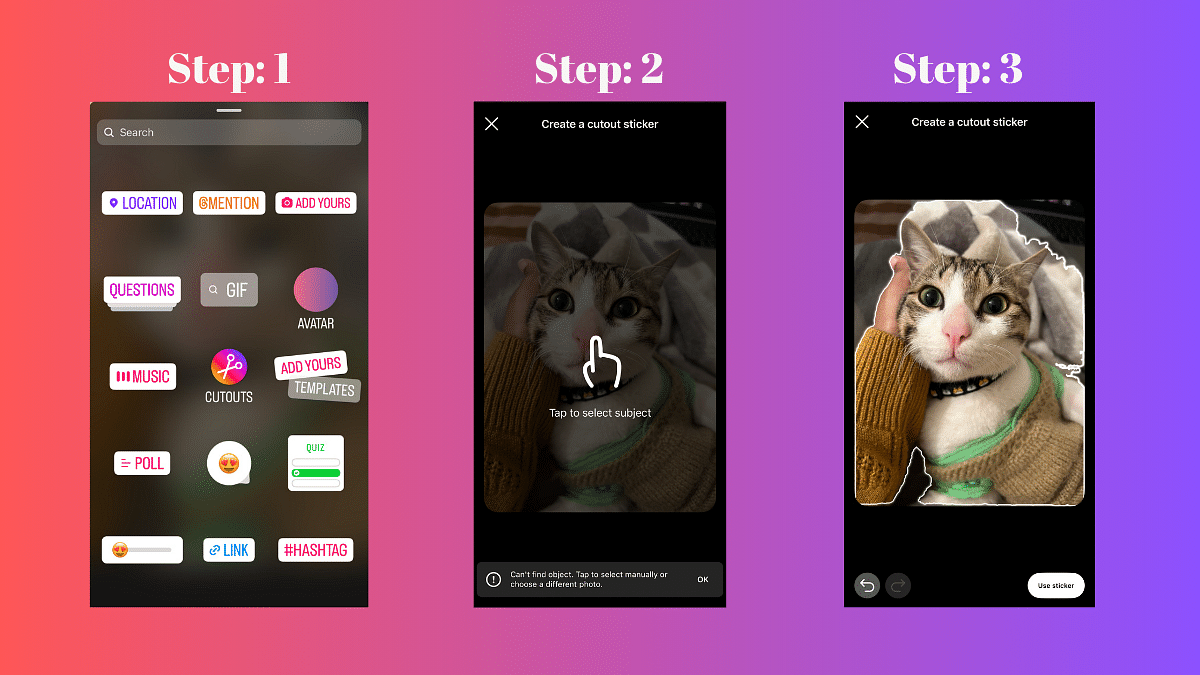
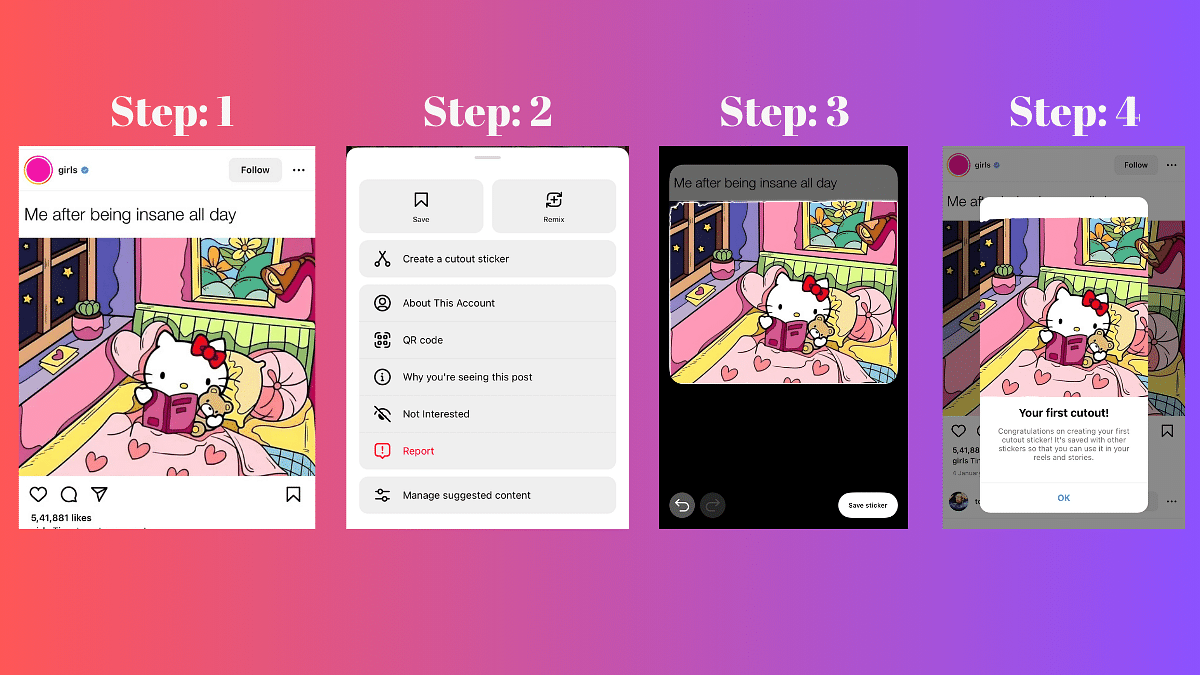
Instagram’s new feature allow users to add a personal touch to their stories and reels with custom stickers. One exciting way to improve your content is by creating your own stickers using the Cutouts feature.
In this guide, we’ll walk you through the simple steps to craft unique stickers.
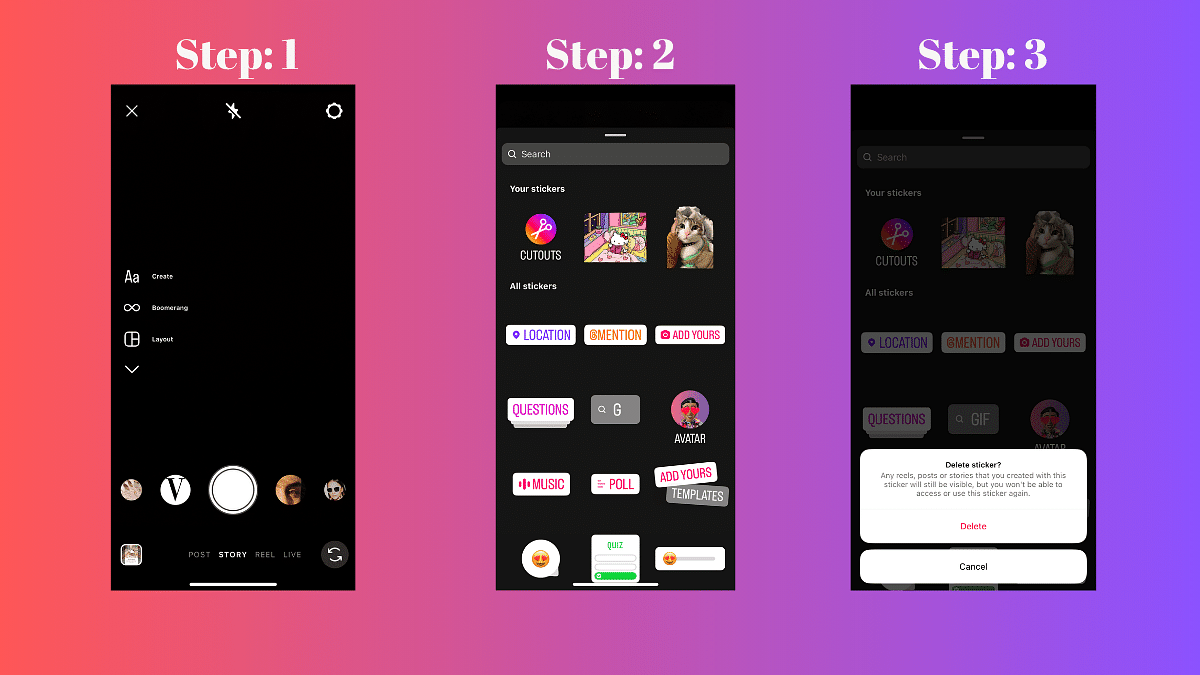
Access the Stickers Menu: When crafting a reel or story, locate and tap the Stickers icon.
Select Cutouts: Among the various sticker options, choose Cutouts.
Choose a Clear Subject Photo: Opt for a photo with a distinct and clear subject. The sticker will be automatically generated from this photo.
Manual Selection (Optional): If the auto-generated sticker doesn’t meet your expectations, manually select the desired object for your sticker. Note: Only one object can be picked at a time.
Add the Sticker to Your Post: After the customization, tap Stickers again, and select the newly created sticker. Your stickers will be conveniently saved at the top of the sticker tray for future use.
The watch will give competiton to Noise ColorFit Pro 4, Amazfit Bip 3 Pro.
Expected to be affordable, launch on Feb 8-9.
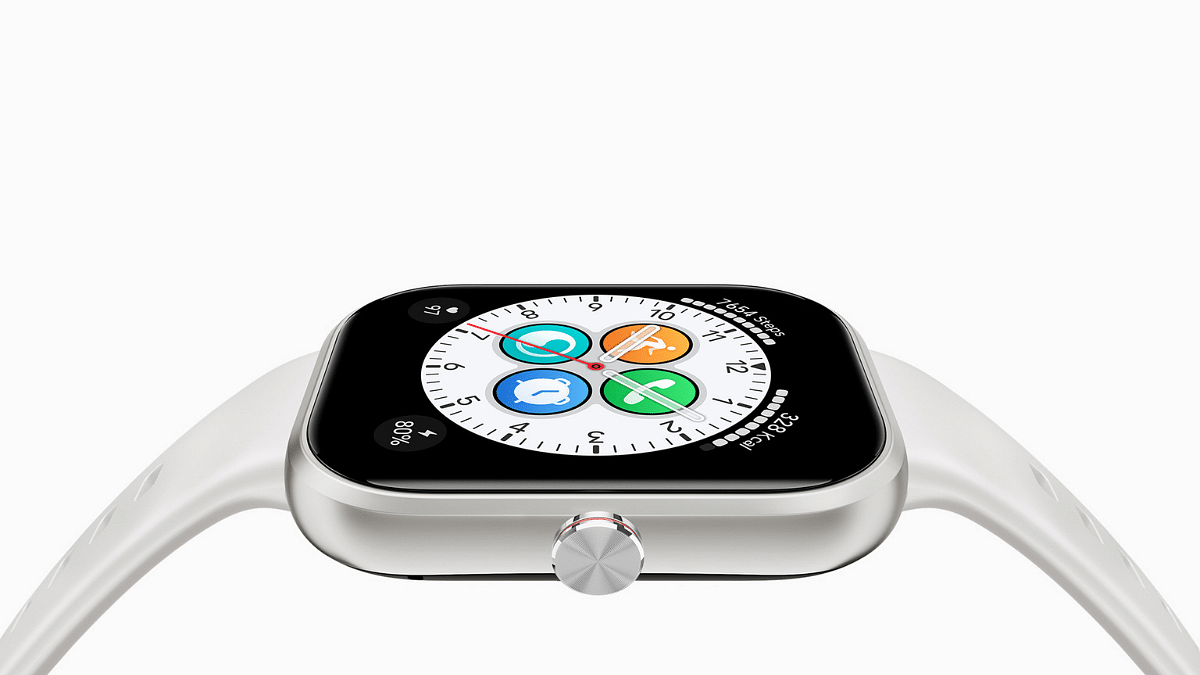
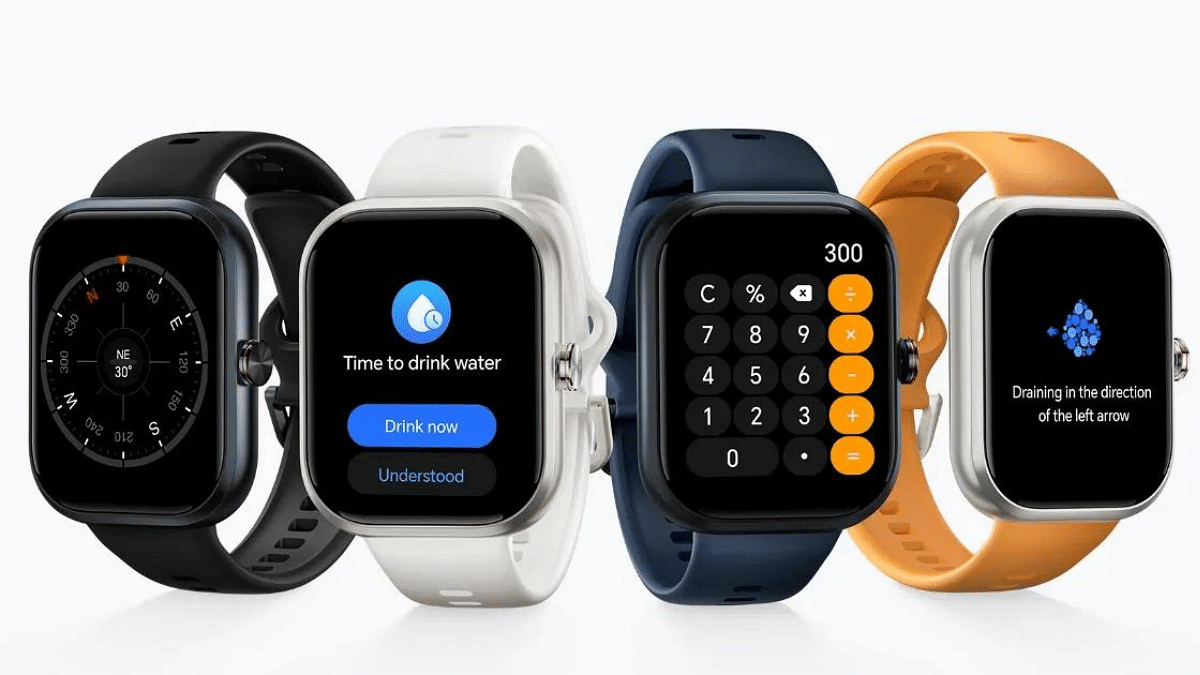
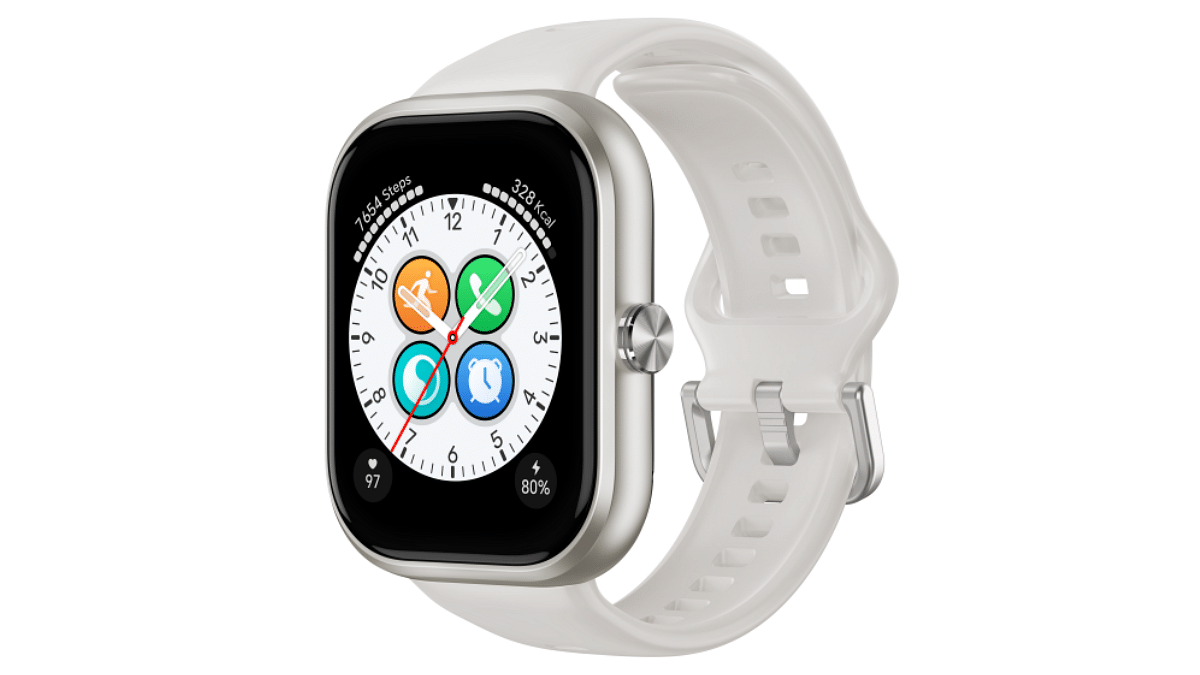
HONOR, after its successful return with the HONOR 90 5G, is set to further expand with the upcoming launch of the HONOR Choice Watch. This exciting news comes courtesy of Madhav Sheth, CEO of HTECH (HONOR TECH), who recently shared an unboxing video of the smartwatch, confirming its arrival in the Indian market.
While an official launch date hasn’t been announced, tipster Paras Guglani suggests HONOR might unveil the Choice Watch alongside the HONOR X9b smartphone and HONOR Choice Earbuds X5 on February 8th or 9th. This timeframe aligns with Sheth’s recent teasers regarding upcoming product launches in India.
Based on the unboxing video and reports, the HONOR Choice Watch is expected to be a rebranded version of the HONOR Choice Haylou Watch launched in China.
Here’s a glimpse into its potential features:
Display: 1.95-inch AMOLED display with 410 x 502 pixel resolution, 60Hz refresh rate, 550 nits peak brightness,and 100% NTSC color gamut.
Design: Square dial with a functional rotating crown, silicone strap, and 5ATM water resistance.
Features: Built-in calculator, weather app, notification support, 100+ customizable watch faces, Bluetooth calling, and global satellite positioning (GPS).
Fitness Tracking: Supports over 120 workout modes, heart rate monitoring, blood oxygen tracking, sleep monitoring, stress monitoring, female health tracking, and breathing exercises.
Battery Life: Up to 12 days in normal usage, 9 days in heavy usage, and 5 days with Always-On display.
Noise ColorFit Pro 4: Offers affordable price, large display, and SpO2 tracking.
Amazfit Bip 3 Pro: Boasts long battery life, GPS, and built-in Alexa support.
Realme Watch 3 Pro: Features premium design, AMOLED display, and comprehensive health tracking.
The coming weeks will reveal the official launch date and pricing of the HONOR Choice Watch. Stay tuned for further updates as we wait for the smartwatch’s arrival in India.
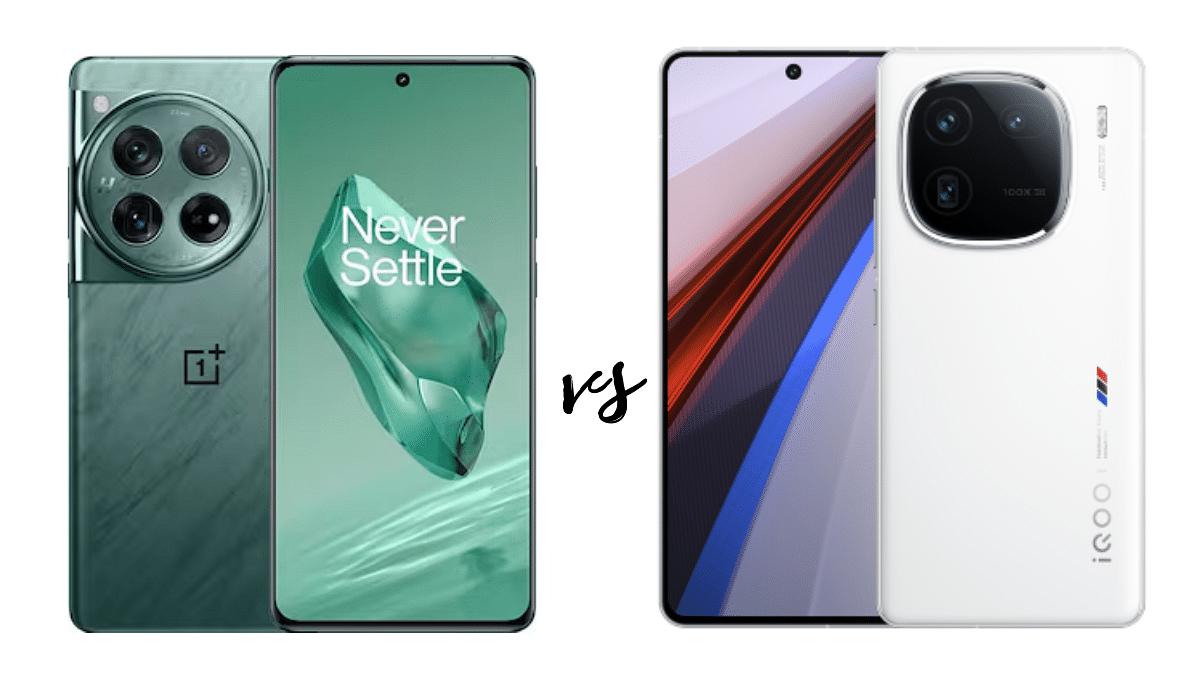
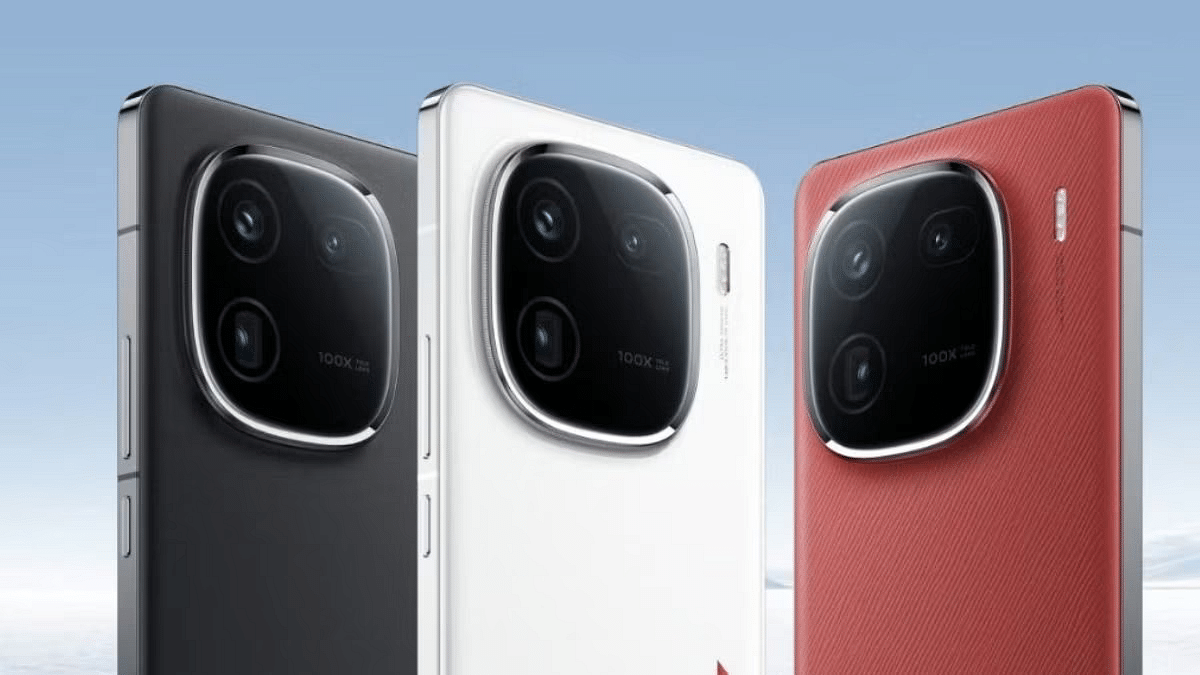
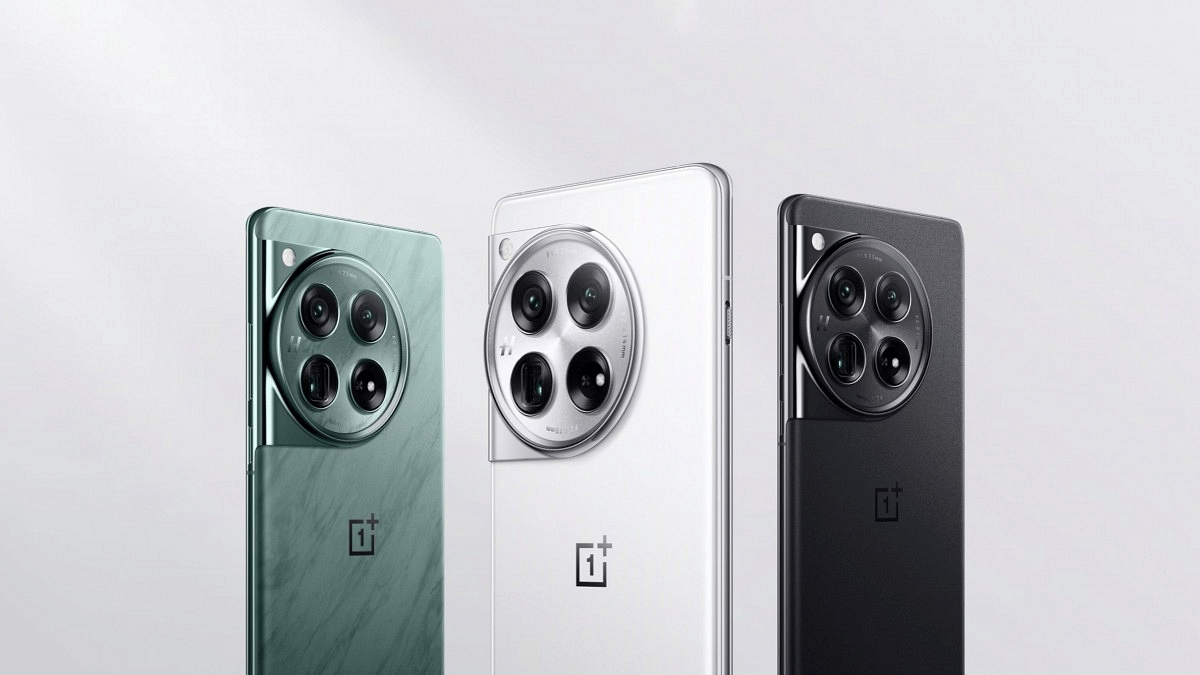
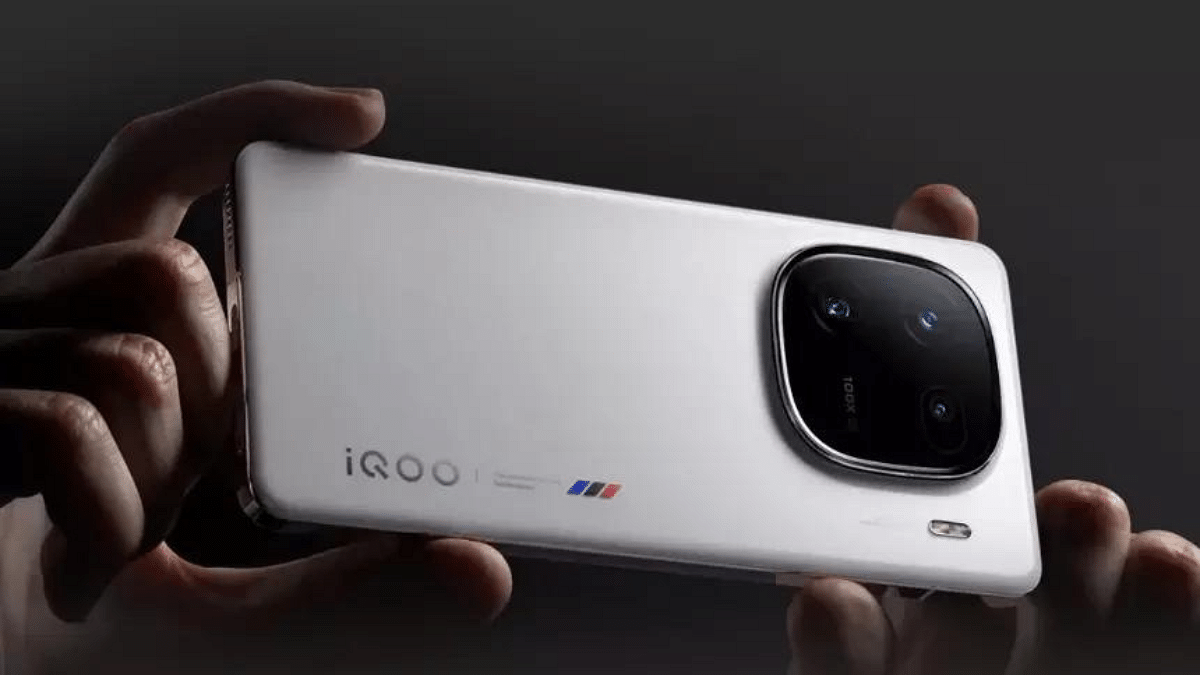
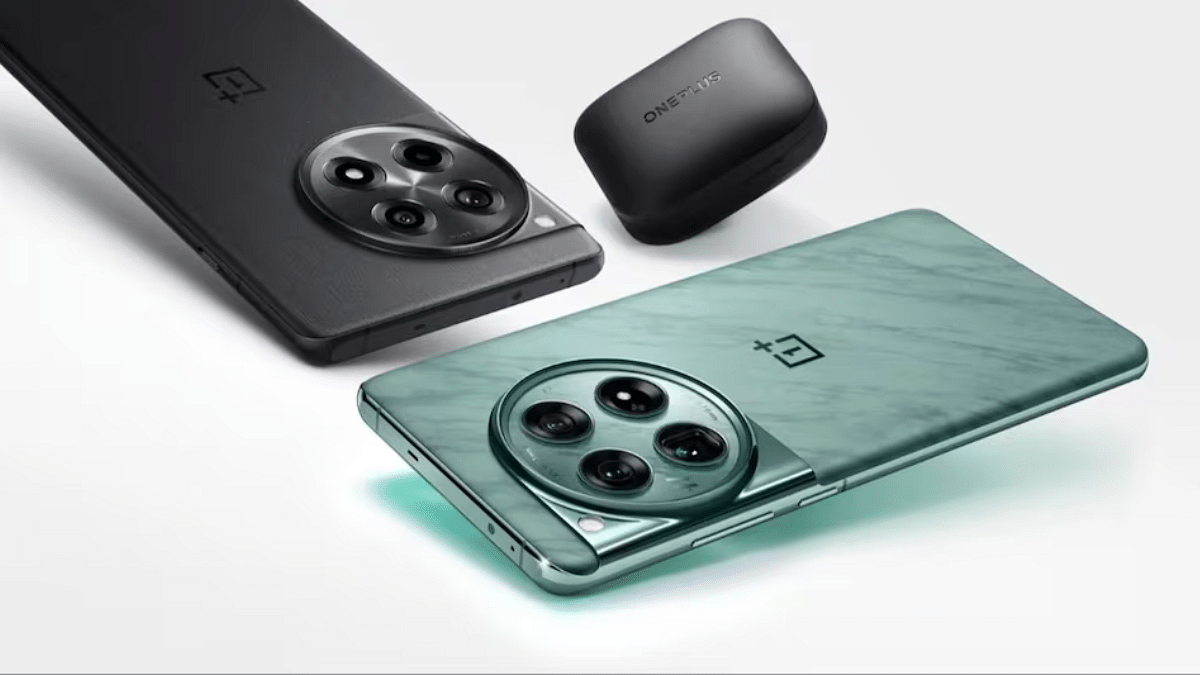
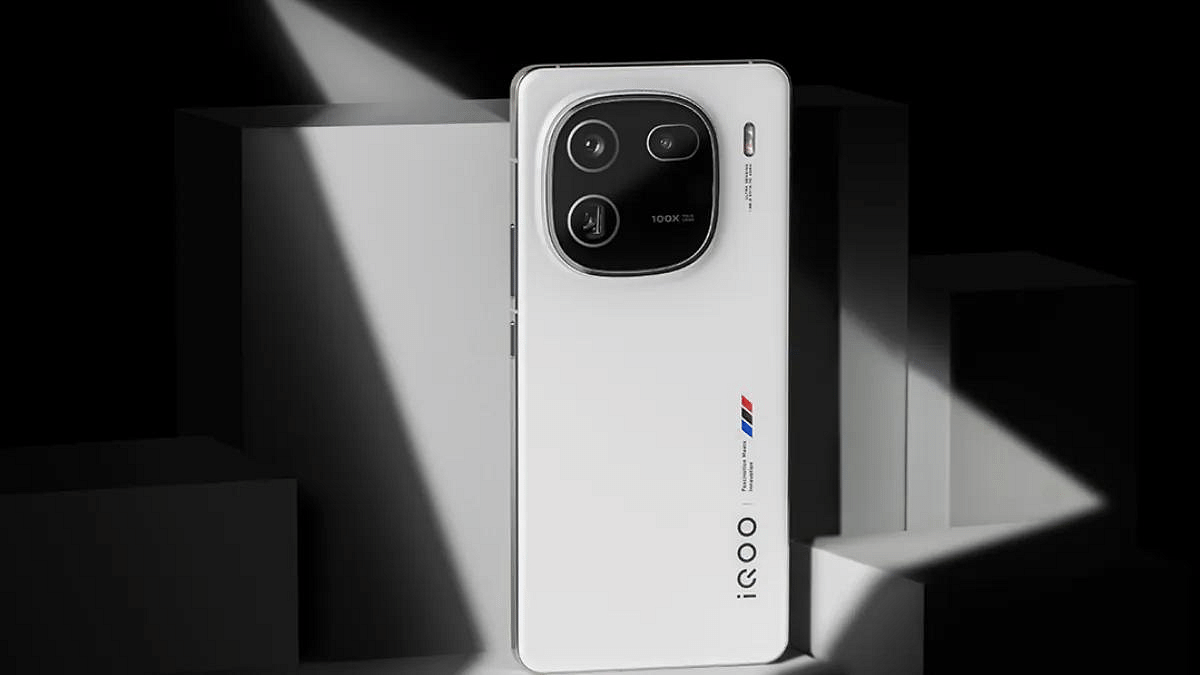
Picking a top-notch smartphone can be tough, given the many powerful choices out there. The OnePlus 12 and iQOO 12 are two new options that catch the eye, loaded with cool features. But which one is better? Let’s compare them closely to make it easier for you to choose.
Both phones flaunt gorgeous AMOLED displays with high refresh rates (120Hz for OnePlus 12 and 144Hz for iQOO 12) for smooth visuals. While the OnePlus 12 boasts a slightly larger screen (6.82 inches vs. 6.78 inches), the iQOO 12 edges out in resolution (2800 x 1260 vs. 3168 x 1440). Both offer vibrant colors and excellent viewing experiences.
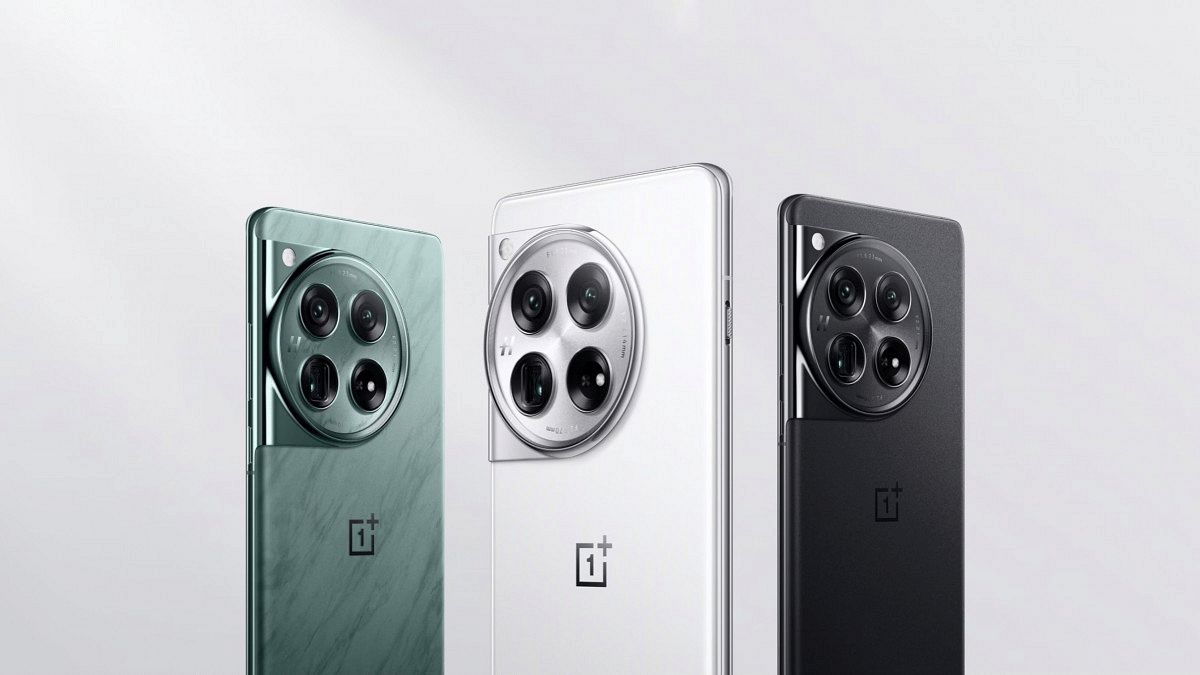
Design-wise, the OnePlus 12 takes a more premium approach with its curved display and Gorilla Glass Victus 2 protection. The iQOO 12 opts for a boxier aesthetic with a flat display, but it’s still protected by the same durable glass. Both phones offer a comfortable in-hand feel despite their large screens.
Both phones are powered by the same Qualcomm Snapdragon 8 Gen 3 processor, ensuring exceptional performance for demanding tasks like gaming and multitasking. However, the iQOO 12 takes the lead in benchmark scores, suggesting slightly better raw power. Both offer ample RAM and storage options, with the iQOO 12 maxing out at a whopping 16GB RAM and 512GB storage.
The OnePlus 12 runs OxygenOS 14 based on Android 14, known for its clean interface and customization options. The iQOO 12 utilizes Funtouch OS 14 based on Android 14, offering a feature-rich experience with some added customizations. Ultimately, software preference comes down to personal taste.
Hasselblad Camera for Mobile, Nightscape, Dolby Vision, etc.
OIS, Various Scene Modes
Both phones feature capable triple-camera setups, but their approaches differ. The OnePlus 12 opts for a 50MP main sensor with OIS, a 64MP telephoto lens with 3x optical zoom, and a 48MP ultrawide sensor. The iQOO 12 goes with a 50MP main sensor with OIS, a 50MP ultrawide sensor, and a 64MP telephoto lens with 3x optical and 6x hybrid zoom. While both deliver good image quality, the iQOO 12 seems to offer slightly better versatility with its dual 50MP sensors and wider zoom range.
The OnePlus 12 packs a larger 5400mAh battery compared to the iQOO 12’s 5000mAh (typical capacity). However, the iQOO 12 compensates with its impressive 120W fast charging, significantly faster than the OnePlus 12’s 100W charging. Real-world battery life depends on usage patterns, but both phones should provide a full day’s charge for most users.
The OnePlus 12 starts at ₹64,999 for the 12GB RAM and 256GB storage option, while the iQOO 12 starts at ₹52,999 for the same configuration. The iQOO 12 offers a more competitive price point, especially considering its faster charging and slightly better benchmark scores.
Both the OnePlus 12 and iQOO 12 are excellent flagship smartphones with their own strengths and weaknesses. Ultimately, the best choice for you will depend on your individual priorities and budget.
If you prioritize a premium design, a larger display, and a cleaner software experience, the OnePlus 12 might be a better fit. However, if you value faster charging, a more versatile camera system, and a better price-to-performance ratio, the iQOO 12 is the more compelling option.
Users can now protect data with tougher security in iOS 17.3.
You can stream content directly using AirPlay in select hotels.
Update available for iPhone and iPad users
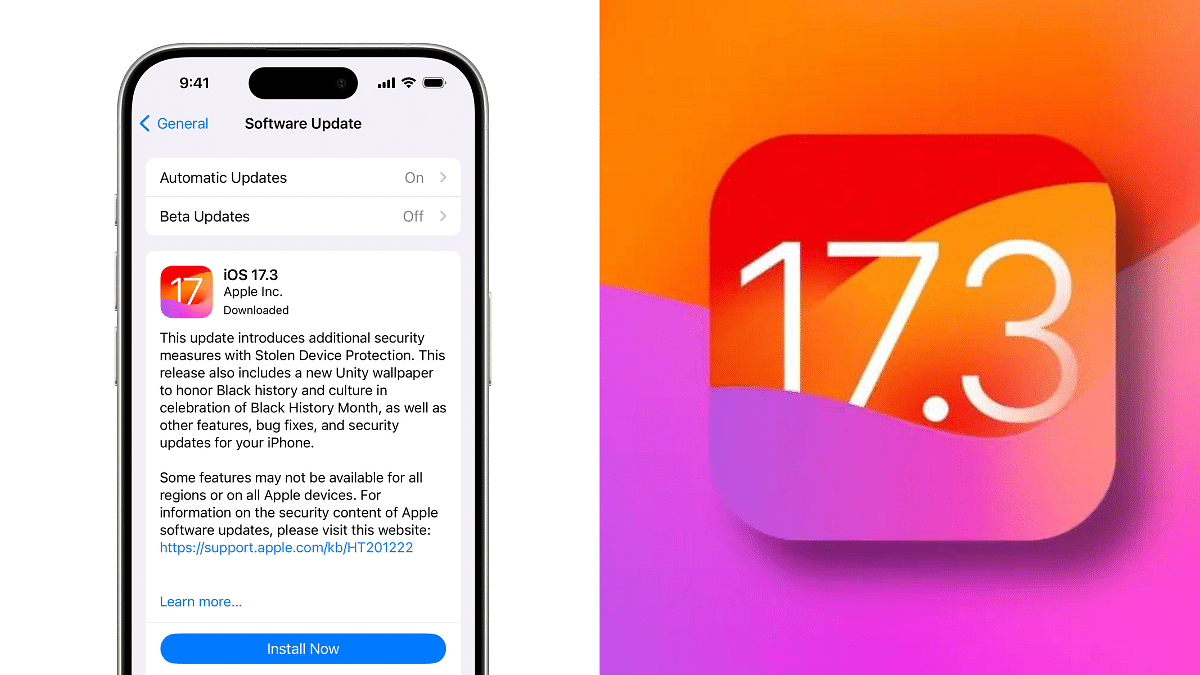
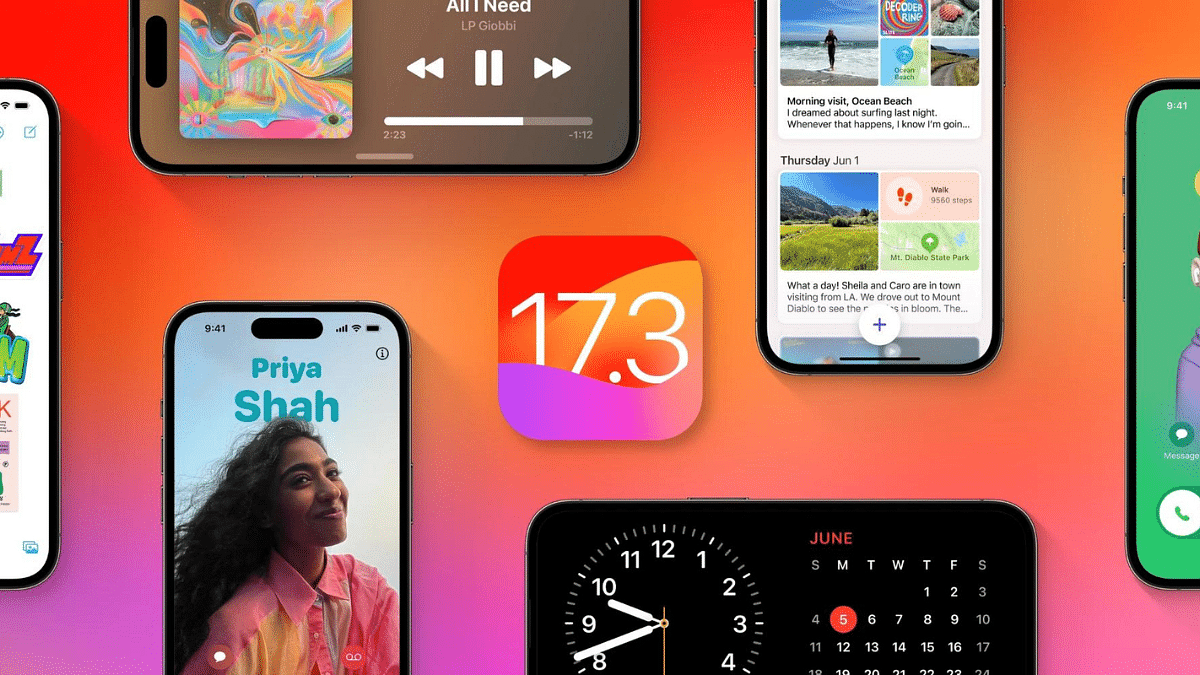
Apple has released iOS 17.3, the latest software update for iPhones and iPads. This update brings a host of new features and improvements, including a highly anticipated security measure: Stolen Device Protection.
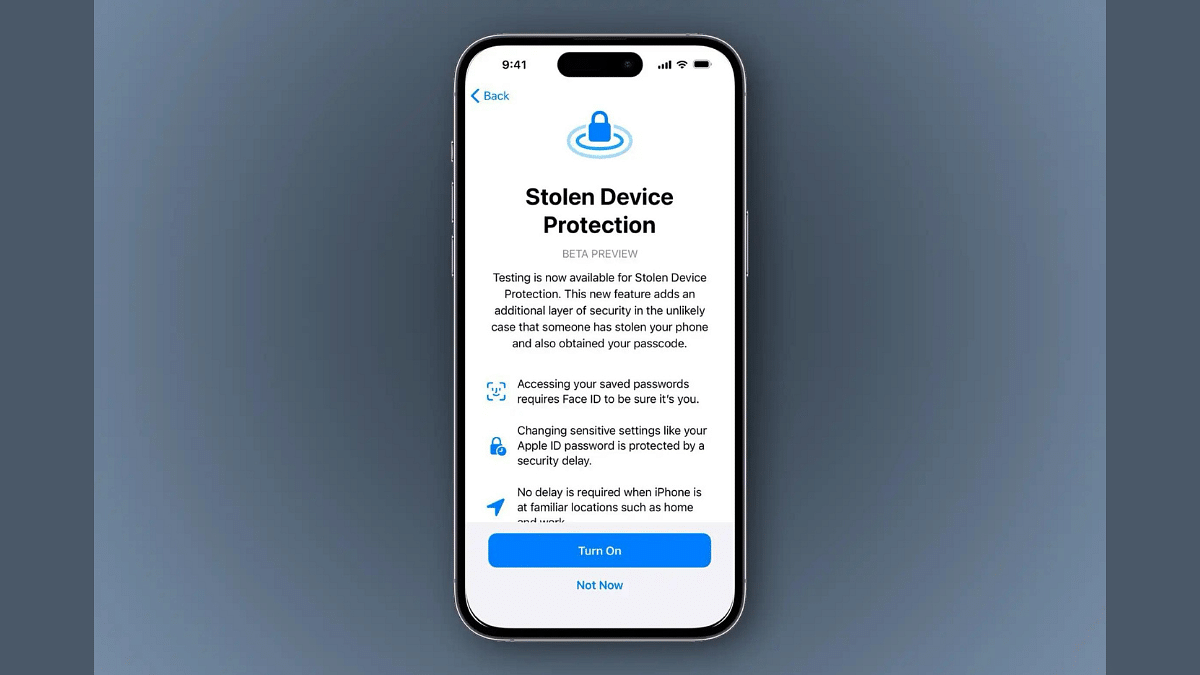
One of the most valuable additions in iOS 17.3 is Stolen Device Protection. This feature adds an extra layer of security to your iPhone, making it more difficult for thieves to access your sensitive information even if they know your passcode.
With Stolen Device Protection enabled, critical actions like viewing passwords, applying for an Apple Card, or erasing your device will require Face ID or Touch ID authentication, not just your passcode. This makes it much harder for unauthorized users to gain access to your data.
For even more sensitive actions, iOS 17.3 introduces a one-hour security delay. This means that even after successfully authenticating with Face ID or Touch ID, users will need to wait an hour before performing specific actions like changing their Apple ID password or turning off Find My. This additional layer of protection gives you time to react if your device is stolen and someone tries to tamper with your accounts.
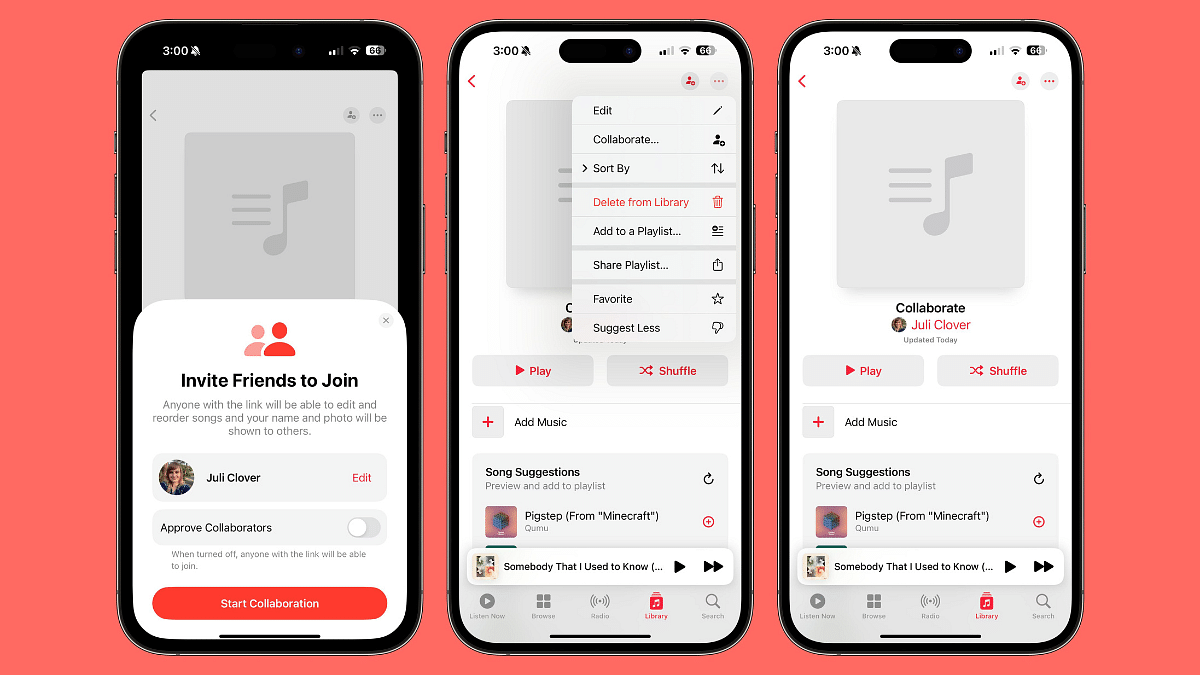
iOS 17.3 introduces Collaborative Playlists on Apple Music, allowing users to invite friends to join playlists. This feature enables participants to add, reorder, and remove songs, fostering a shared music experience. Users can also express their reactions with a range of emojis, enhancing the social aspect of music curation.
This update also introduces AirPlay support for hotel TVs in select locations. So, you can easily stream your favorite content from your iPhone or iPad directly to the TV in your hotel room.
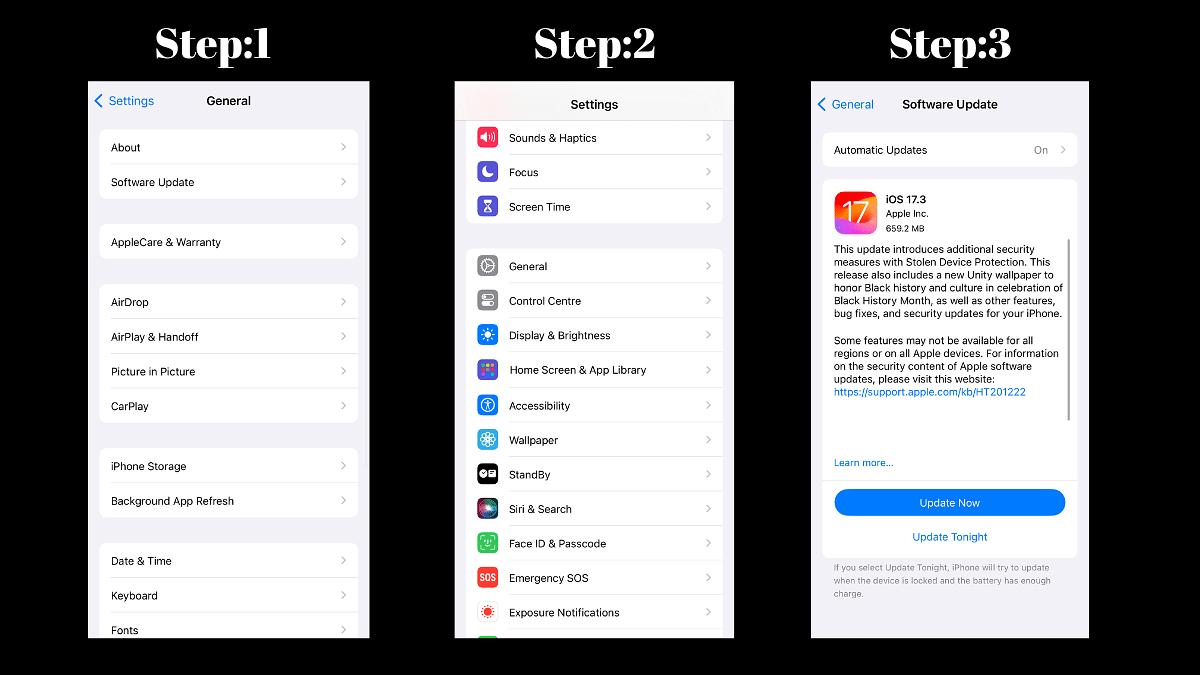
If you’re an iPhone or iPad user, we highly recommend updating to iOS 17.3 to benefit from the enhanced security, new features, and performance improvements. The update is available now over-the-air, so simply head to Settings > General > Software Update to download and install it.
Powerful processors: Snapdragon 8 Gen 3 and 8 Gen 2
Upgraded cameras: Periscope camera on OnePlus 12
Super-fast charging: 100W on both phones
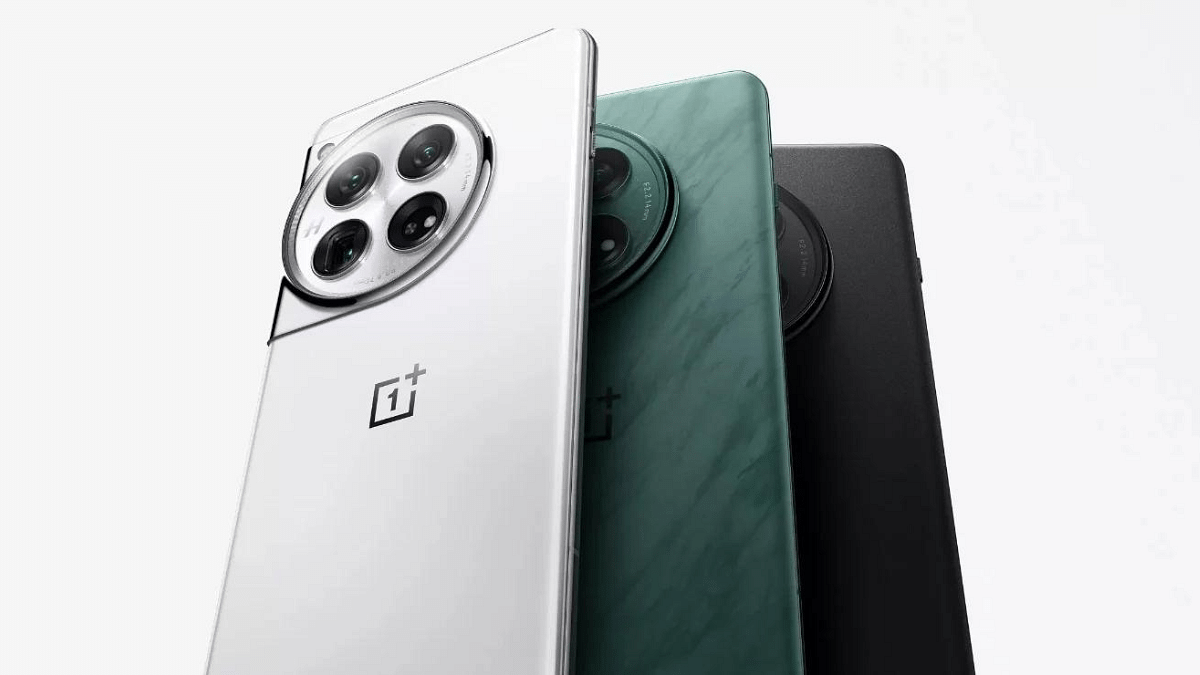
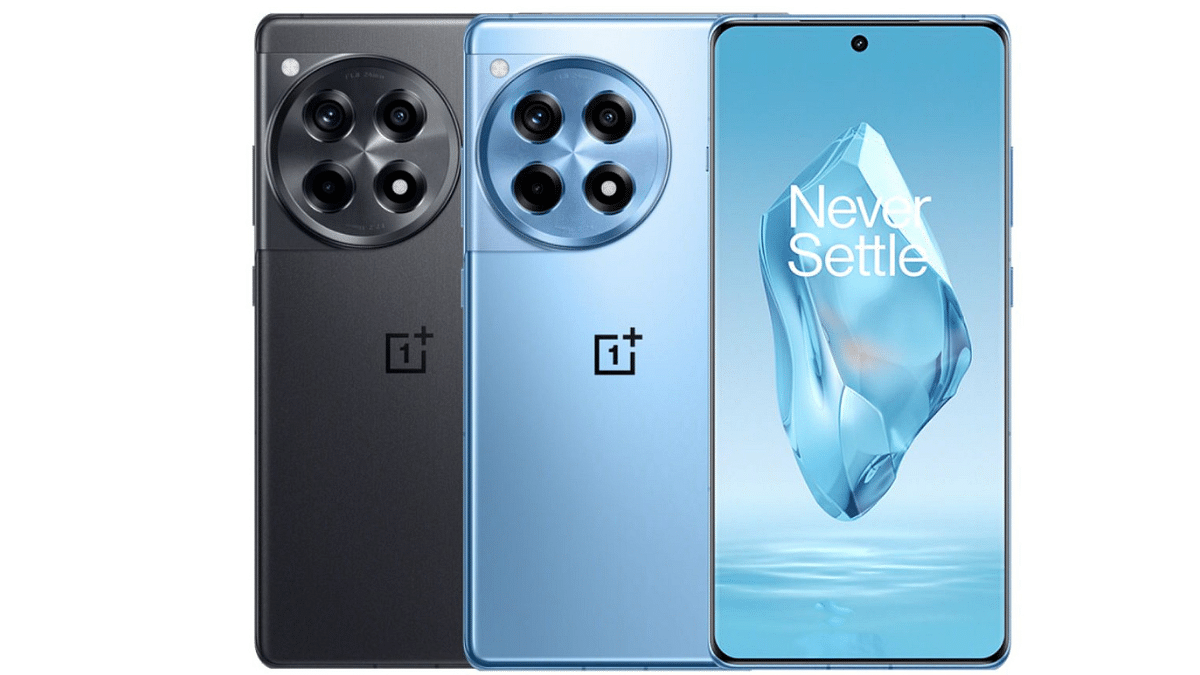
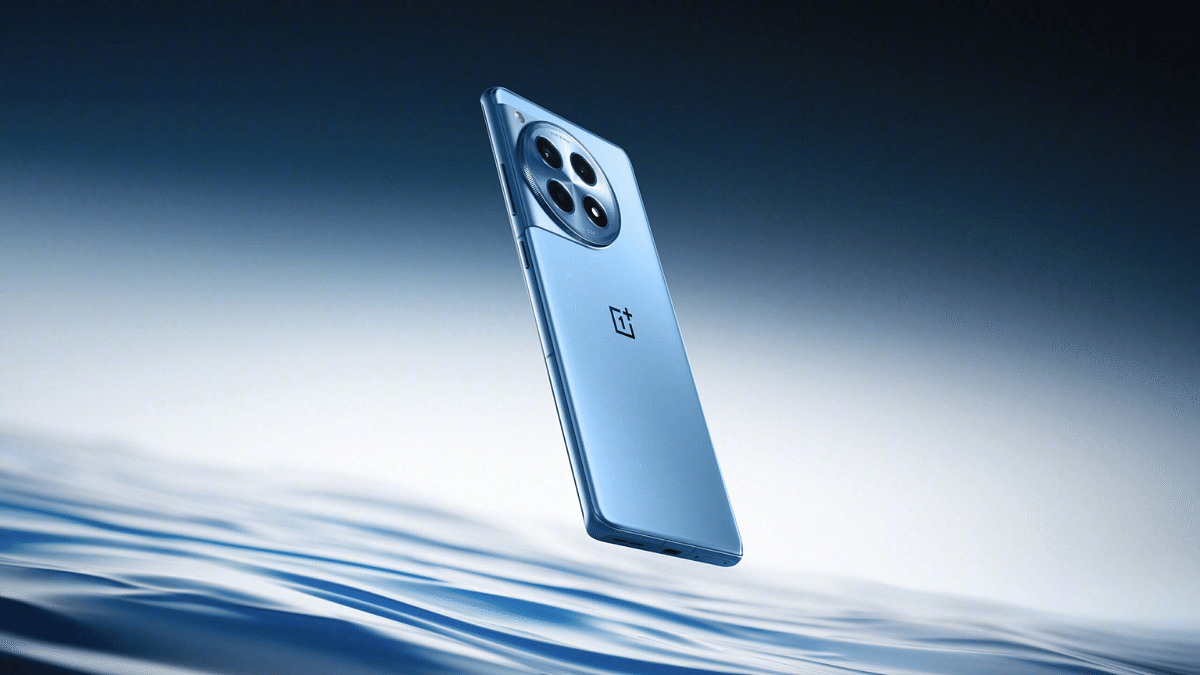
OnePlus has finally launched its highly anticipated flagship smartphones, the OnePlus 12 and 12R, in the Indian market. Both phones boast powerful specs, including the latest Snapdragon 8 Gen 3 processor, upgraded cameras, and super-fast charging. Let’s take a closer look at the key features of each phone:
If you’re looking for the absolute best performance and camera capabilities, the OnePlus 12 is the clear winner. However, if you’re on a tighter budget, the OnePlus 12R offers excellent value for money with its powerful processor, smooth display, and fast charging.
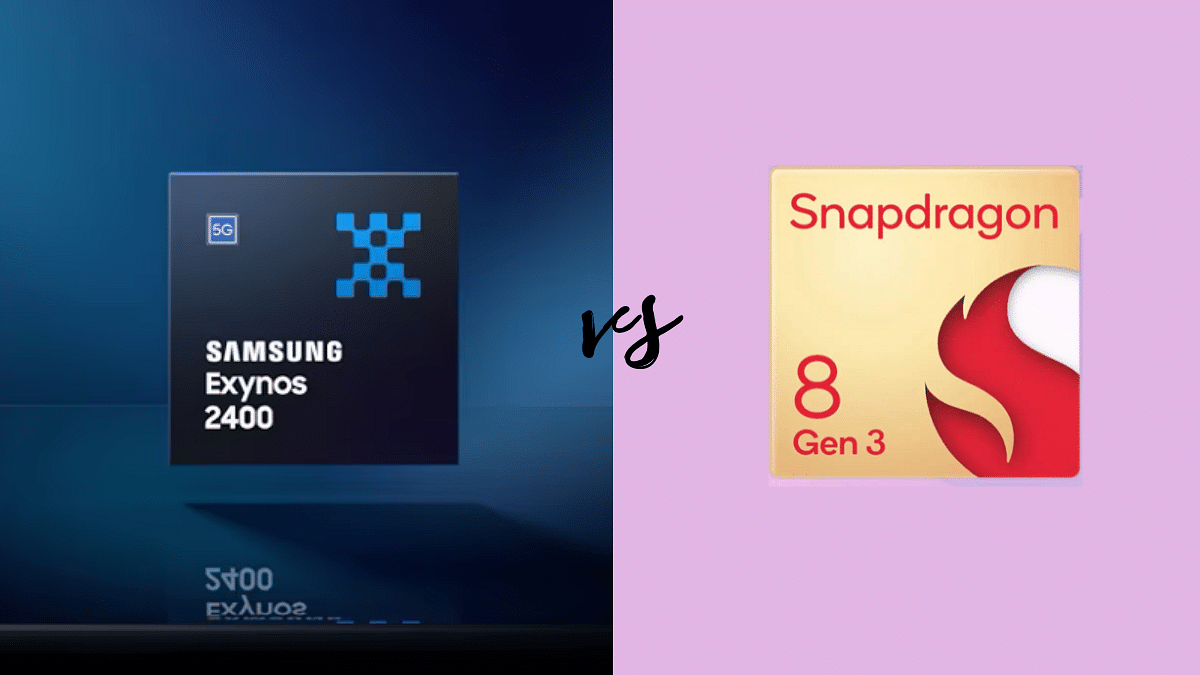
Exynos 2400 vs Snapdragon 8 Gen 3: CPU Performance
Feature
Exynos 2400
Snapdragon 8 Gen 3
Architecture
1x 3.21 GHz Cortex-X4
1x 3.3 GHz Cortex-X4
2x 2.9 GHz Cortex-A720
3x 3.15 GHz Cortex-A720
3x 2.6 GHz Cortex-A720
2x 2.96 GHz Cortex-A720
4x 2 GHz Cortex-A520
2x 2.26 GHz Cortex-A520
Cores
108
12
Frequency
3210 MHz
3300 MHz
Process
4 nanometers
4 nanometers
Manufacturing
Samsung
TSMC
The Exynos 2400 boasts a powerful CPU architecture, featuring 1x 3.21 GHz Cortex-X4, 2x 2.9 GHz Cortex-A720, 3x 2.6 GHz Cortex-A720, and 4x 2 GHz Cortex-A520 cores. With a total of 108 cores, this processor is designed for optimal performance.
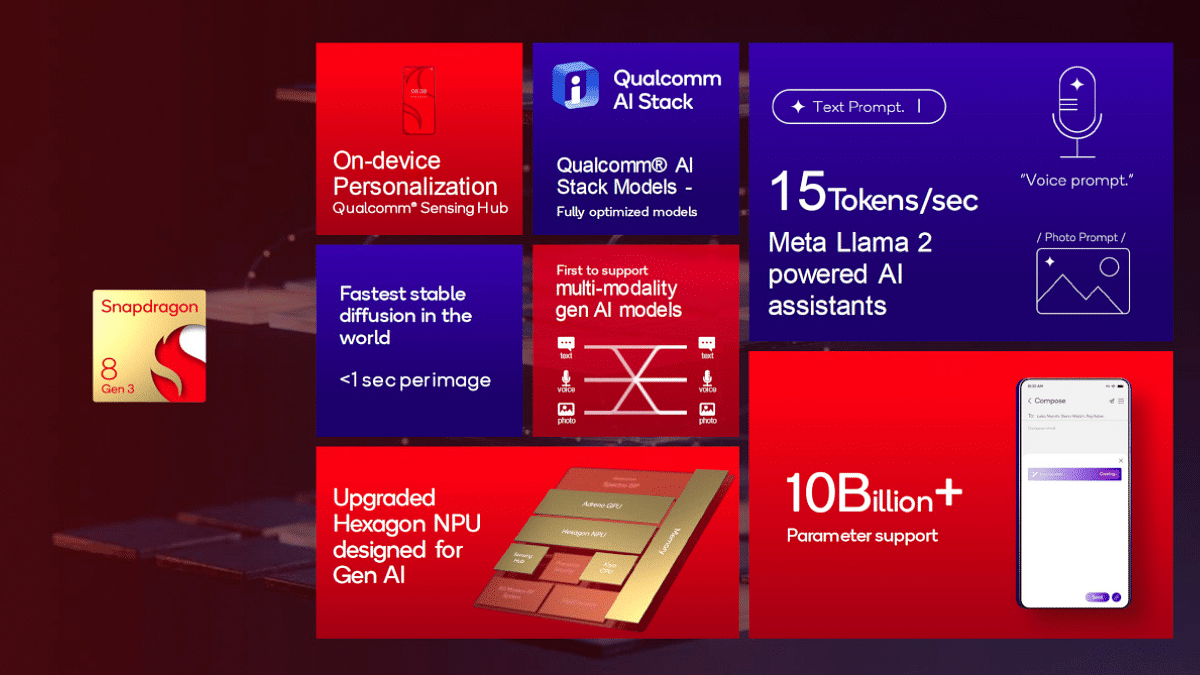
On the other side, the Snapdragon 8 Gen 3 is no slouch. Its CPU architecture includes 1x 3.3 GHz Cortex-X4, 3x 3.15 GHz Cortex-A720, 2x 2.96 GHz Cortex-A720, and 2x 2.26 GHz Cortex-A520 cores, totaling 12 cores. It operates at a slightly higher frequency of 3300 MHz.
Both processors feature ARMv9.2-A instruction sets and are manufactured using cutting-edge 4-nanometer technology.
Exynos 2400 vs Snapdragon 8 Gen 3: GPU Performance
Feature
Exynos 2400
Snapdragon 8 Gen 3
GPU name
Samsung Xclipse 940
Adreno 750
Architecture
Samsung Xclipse
Adreno 700
GPU frequency
1009 MHz
770 MHz
The Exynos 2400 comes equipped with the Samsung Xclipse 940 GPU, operating at a frequency of 1009 MHz. It boasts 3072 shading units and supports Vulkan 1.3, OpenCL 2.0, and DirectX 12.1. The FLOPS (Floating Point Operations Per Second) stand at an impressive 4730.8 Gigaflops.
The Snapdragon 8 Gen 3 features the Adreno 750 GPU with a frequency of 770 MHz. It has 1536 shading units and supports Vulkan 1.3, OpenCL 2.0, and DirectX 12.1. The FLOPS for this GPU are slightly lower at 4730.8 Gigaflops.
Exynos 2400 vs Snapdragon 8 Gen 3: Memory, Multimedia (ISP)
Feature
Exynos 2400
Snapdragon 8 Gen 3
Memory type
LPDDR5X
LPDDR5X
Memory frequency
4200 MHz
4800 MHz
Bus
4x 16 Bit
4x 16 Bit
Max bandwidth
–
77 Gbit/s
Max size
24 GB
24 GB
Both processors use LPDDR5X memory type with a 4x 16 Bit bus configuration. The Exynos 2400 operates at a frequency of 4200 MHz, while the Snapdragon 8 Gen 3 boasts a higher frequency of 4800 MHz. The maximum memory size supported by both processors is 24 GB, offering ample room for multitasking and resource-intensive applications.
Feature
Exynos 2400
Snapdragon 8 Gen 3
Neural processor (NPU)
Yes
Yes
Storage type
UFS 4.0
UFS 4.0
Max display resolution
3840 x 2400
3840 x 2160
Max camera resolution
1x 320MP
1x 200MP
Video capture
8K at 60FPS
8K at 30FPS, 4K at 120FPS
Video playback
8K at 60FPS
8K at 30FPS, 4K at 120FPS
Video codecs
H.264, H.265, AV1, VP9
H.264, H.265, AV1, VP8, VP9
Audio codecs
AAC, AIFF, CAF, MP3, MP4, WAV
AAC, AIFF, CAF, MP3, MP4, WAV
The Exynos 2400 features a neural processor (NPU) and supports UFS 4.0 storage. It can handle a maximum display resolution of 3840 x 2400 and boasts an impressive 8K video capture capability at 60FPS. The maximum camera resolution supported is 320MP.
The Snapdragon 8 Gen 3 also includes an NPU and UFS 4.0 storage support. It can achieve a maximum display resolution of 3840 x 2160 and supports 8K video capture at 30FPS, with a maximum camera resolution of 200MP.
Both processors come with advanced connectivity features. The Exynos 2400 includes the Exynos 5300 modem, supporting LTE Cat. 24 and 5G. It offers download speeds of up to 9640 Mbps and upload speeds of up to 2550 Mbps. The Snapdragon 8 Gen 3 features the Snapdragon X75 modem with LTE Cat. 24 and 5G support, providing download speeds of up to 10000 Mbps and upload speeds of up to 3500 Mbps. Both processors support Wi-Fi 7, Bluetooth 5.4, and various navigation systems.
The Exynos 2400 was announced in January 2024, positioning it as a flagship processor. On the other hand, the Snapdragon 8 Gen 3 was announced in October 2023, also belonging to the flagship category.
The answer isn’t straightforward. Both the Exynos 2400 and Snapdragon 8 Gen 3 are powerful processors that deliver exceptional performance. The Exynos 2400 might have a slight edge in single-core CPU performance and GPU frequency, while the Snapdragon 8 Gen 3 excels in multi-core CPU tasks and offers wider 5G support.
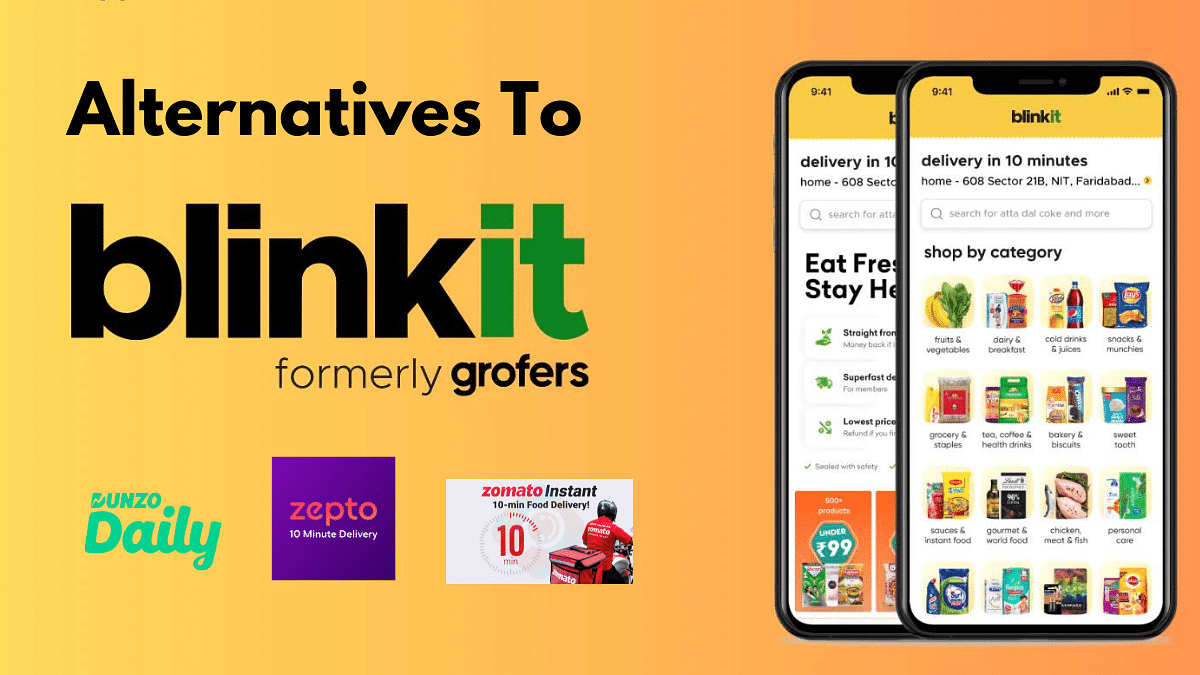
Blinkit, formerly Grofers, has become synonymous with speedy grocery delivery in India. But what if you need that carton of milk or bag of veggies in less than 10 minutes and Blinkit isn’t available?
Whether it’s wider selection, better deals, or just a change of pace, here are 5 top alternatives to Blinkit for your 10-minute grocery needs in 2024:
Blinkit’s biggest rival, Zepto boasts a similar 10-minute delivery promise in major cities like Delhi, Mumbai, and Bangalore. They focus on fresh fruits, vegetables, and everyday essentials, making them perfect for those last-minute fridge restocks. Plus, they often have exciting offers and discounts, so keep an eye out!
Swiggy, isn’t just about pizzas anymore. Their Instamart service delivers groceries in under 30 minutes, often partnering with local stores for faster reach. Swiggy’s familiar interface and loyalty program make it a convenient choice for existing users.
Backed by Reliance Retail, Dunzo Daily offers a wide range of groceries, including fresh produce and household essentials. Delivery times vary depending on location, but they often fall within the 15-20 minute range. Dunzo Daily also runs frequent discounts and promotions, making it a budget-friendly option.
Bigbasket, a well-established online grocery player, has launched Express delivery in select cities. While not strictly a 10-minute service, they aim for deliveries within 45-60 minutes, which can be a lifesaver for bulkier grocery needs. Their extensive product range and competitive prices make Bigbasket Express a solid contender.
Coming soon to select cities, Zomato is jumping into the 10-minute delivery arena with its own service called Zomato Instant. With their focus on fresh fruits, vegetables, and ready-to-eat meals, they’re aiming to cater to busy professionals and urban dwellers. Keep an eye out for their launch in your city and see if their quick delivery and restaurant partnerships make them a worthy competitor.