Categories
Featured Home Appliances Info

Summer 2025 Buying Guide: How To Choose The Perfect Air Conditioner And Pay Less Electricity Bills

Key Highlights

  • Summers season could be hotter this year
  • Air Conditioners becoming a necessity for peak summers in urban regions
  • High-electricity bills always associated with heavy air conditioner usage

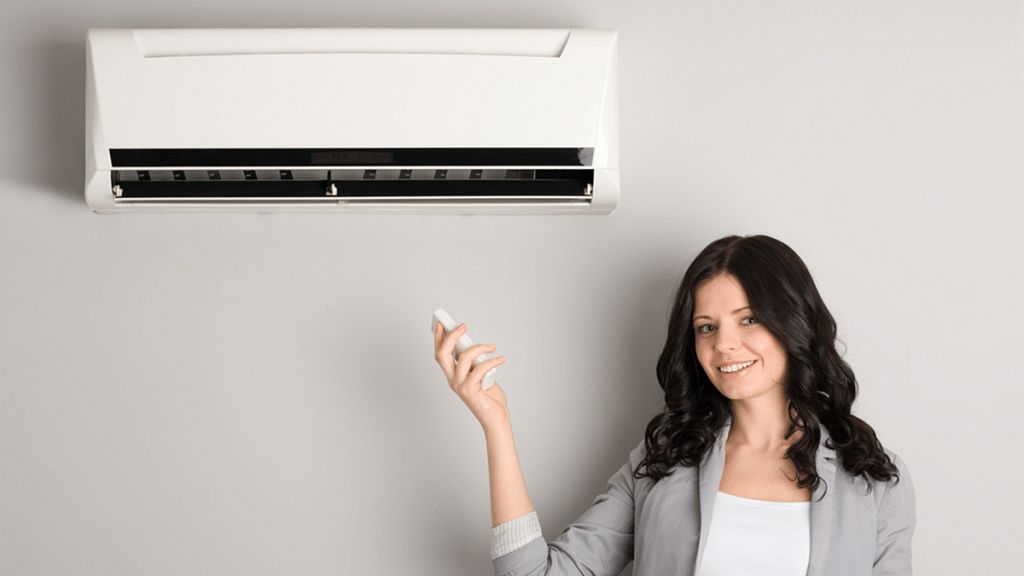
With summers season starting, air conditioner sales will soon start witnessing a spike. Manufacturers will be rolling out discounts to boost sales across air conditioner and coolers soon. And before the summers touches peak this year, it would be wise to buy a suitable air conditioner for your home. This is where selecting the right air conditioner type with several energy-efficient features can help keep your home cool while cutting down power consumption for low electricity bills. We have broken down the key factors that will help you to pick the perfect explore key factors to consider when selecting an AC for peak summer use without excessive energy costs.

For the tech geeks, stay updated with the latest cutting-edge gadgets in the market, exclusive tech updates, gadget reviews, and more right on your phone’s screen. Join Giznext’s WhatsApp channel and receive the industry-first tech update.

1. Select AC With High Energy Efficiency Rating (BEE Star Rating)

  • It is advised to always consider purchasing an Air Conditioner with a higher BEE (Bureau of Energy Efficiency) star rating.
  • The higher the BEE Star energy rating, the lower the electricity consumption is
  • 5-star AC models will consume significantly lower electricity than 1 Star, 2- Star, or a 3-star AC model.
  • High Star rated air conditioners are slightly expensive than low star variants

2. Always Consider Apt AC Type For Your Space

There are different air conditioner types that are available in the market for purchase. Compact and portable air conditioners are suitable for home usage. Below are the common types of ACs that you can purchase in the market.

  • Split AC: These type of air conditioners are suitable for medium and large rooms that don’t have space for window AC type. Split ACs are also efficient with cooling and produce lower noises during operation.
  • Window AC: These are the type of air conditioner which fits well in small room settings. Window air conditioners are less efficient compared to split AC type and can be noisy after a few year of operations.
  • Portable AC: These are air conditioners which are suitable for temporary setup or of you are in a rented space. Portable Air conditioners not only take up less space but can also be moved easily.

3. Tonnage Selection Depending On Room Size Should Be Right
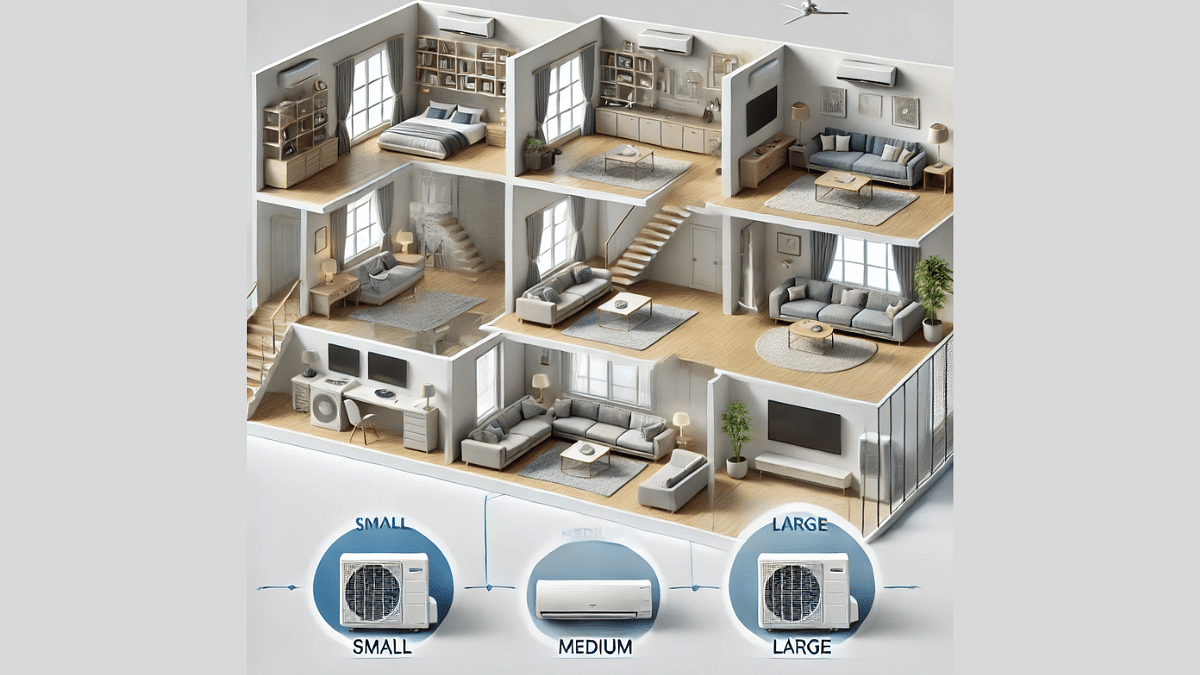
For lower electricity consumption and efficient cooling, it is always advised to purchase an air conditioner with apt tonnage for your room. Smaller tonn AC units will need more energy to keep the room cool hence will consume high electricity. Same goes for the bigger tonn units which will need more power for operations.

4. Compressor Type (Inverter and Non-Inverter) Matter
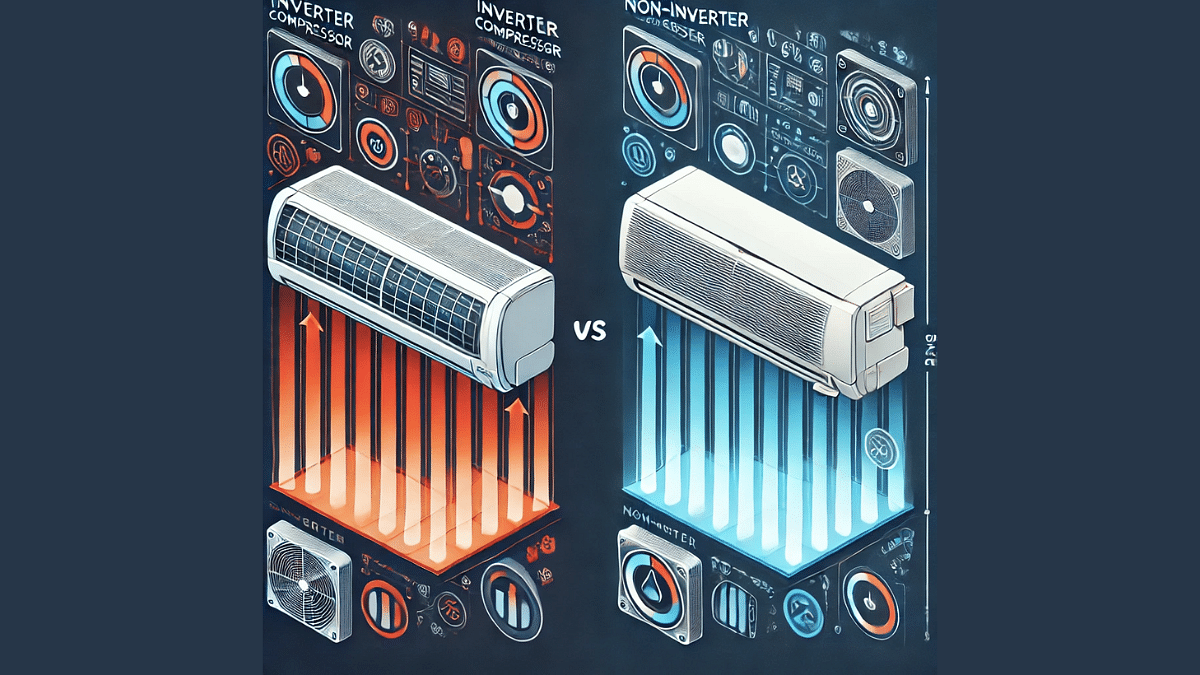
  • Inverter ACs: The modern age air conditioners that are equipped with an inverter compressor are known to be more energy efficient compared to conventional models. The inverter compressor automatically adjusts its speed which is based on the cooling requirement. An inverter AC is claimed to save up to 40 percent more energy than conventional non-inverter AC.
  • Non-Inverter ACs: The non-inverter compressor equipped air conditioner consumes more electricity hence will lead up to increased electricity costs.

5. Smart Features & Modes Are Add On
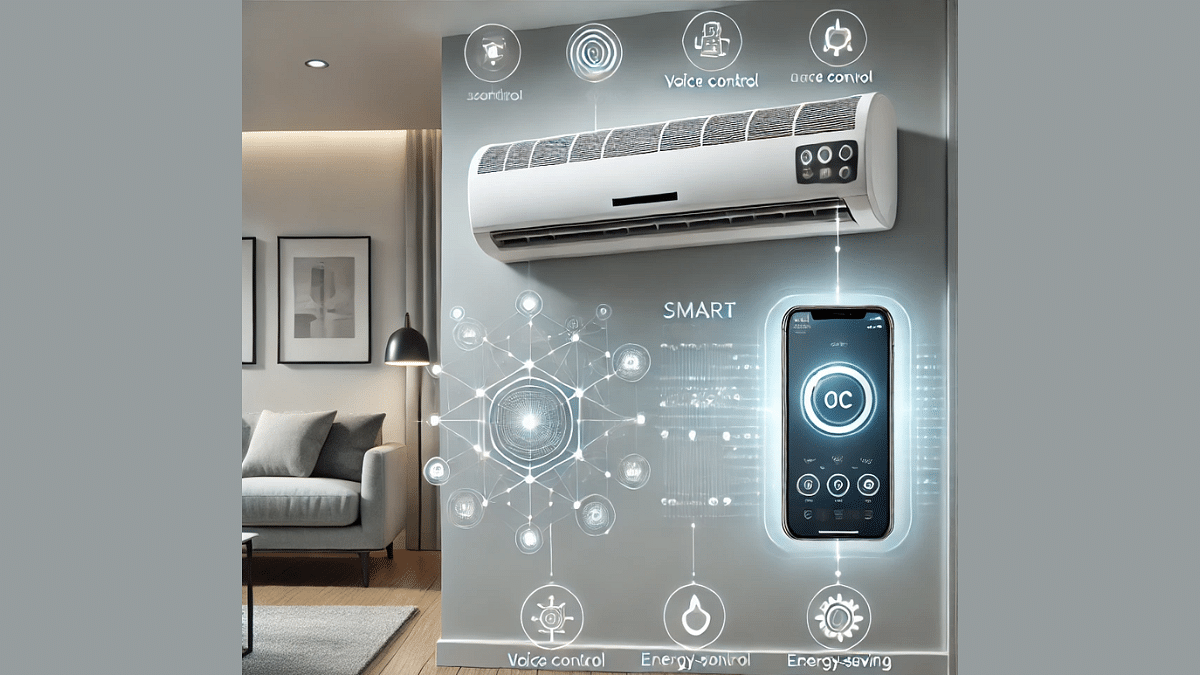
Most of the new-age ACs are loaded with smart range of features that helps with energy efficiency and lower consumption rates. Some of such common smart modes that you can find in the ACs are:

  • Sleep Mode: Helps with automatic temperature adjustments. Not only it optimises cooling efficiency but also reduces excessive energy consumption.
  • Eco Mode: Allows optimising power consumption while maintaining air conditioner’s cooling efficiency. This mode consumes least power during operations.
  • Smart Wi-Fi Control: This is another add on feature which is found in advanced air conditioner range. This feature helps with remote AC controls via mobile apps.

Final Conclusion
It can be tricky to choose the right air conditioner for low energy consumption. However, if you consider all these aforementioned factors while keeping a check on its periodic service maintenance, you can effectively save massive amounts despite heavy usage of your AC.
Categories
Featured Home Appliances Info

Reduce Electricity Bills This Summers: 5 Ultimate Smart Home Gadgets To Cut Electricity Costs

Key Highlights

  • Electricity consumption to increase in summers
  • Smart home accessories help reducing electricity bills
  • Smart Plugs, Smart lights some of the gadgets to consider

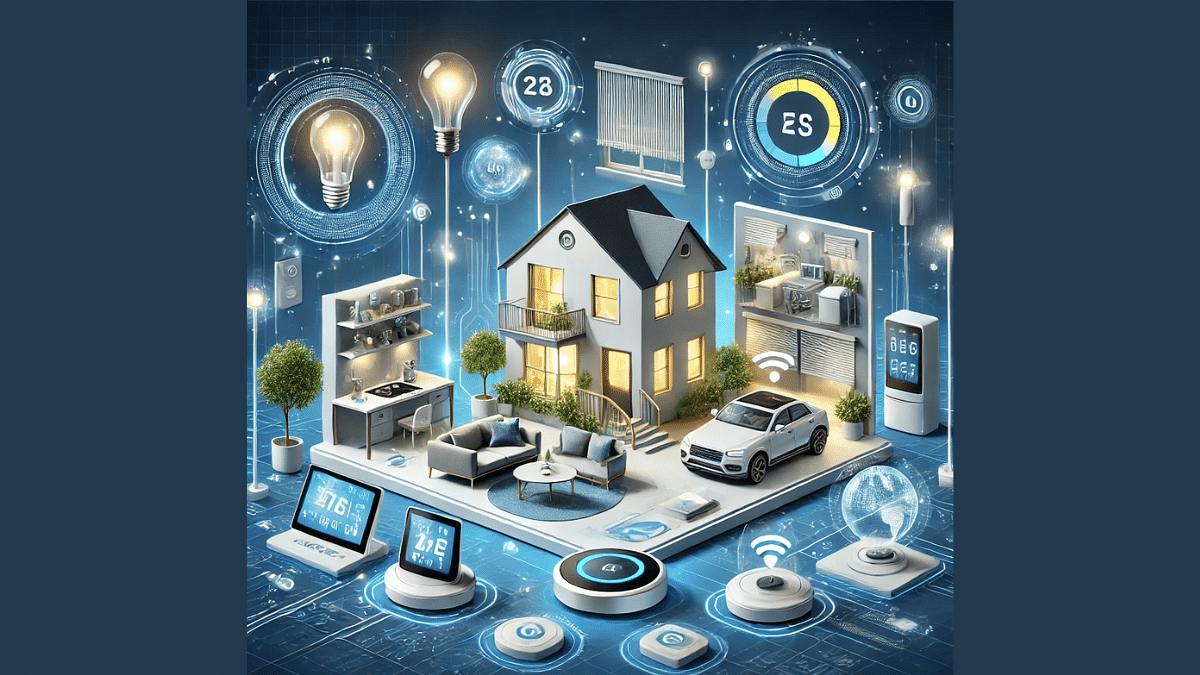
With the summer season approaching, electricity bills will certainly see a spike for the next few months. Turning up air conditioners and coolers will add up to the higher electricity bills. This calls for smart energy consumption that will eventually help with reduced electricity bills in the summer season. Thanks to the modern age technology and availability of smart home gadgets rising electricity costs can be controlled to great extents. Let’s explore some of the smarter ways to reduce electricity bills this summer.

For the tech geeks, stay updated with the latest cutting-edge gadgets in the market, exclusive tech updates, gadget reviews, and more right on your phone’s screen. Join Giznext’s WhatsApp channel and receive the industry-first tech update.

1. Smart Plugs: For Efficient Energy Consumption

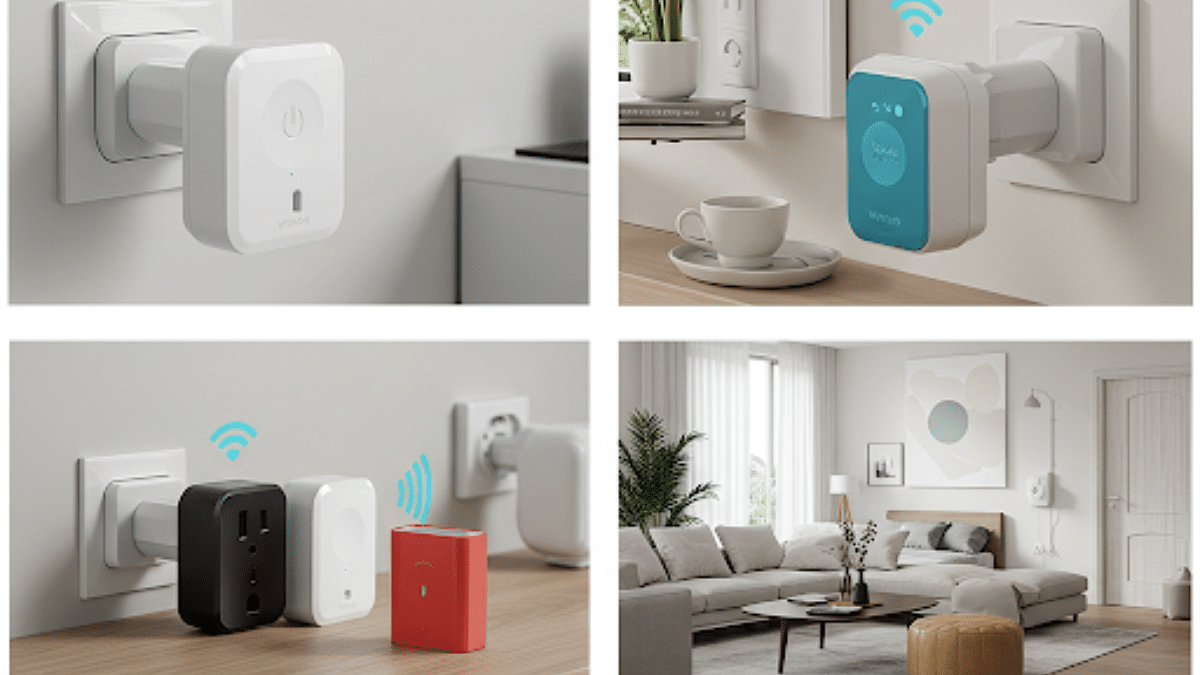
Functionality: Smart plugs are the modern take on electric plugs. Their functionality is to enable smart control for the connected electrical home appliances. With the help of a compatible mobile app, smart plugs can be controlled to power-on or power-off any gadgets. It also allows monitoring electricity consumption via the compatible mobile app.

How It Helps With Energy Optimisations

  • Can power off electrical appliances when not in use automatically.
  • Can allow setting up schedule for devices to operate during off-peak hours.
  • Helps to monitor real-time energy usage.
  • Automatic monitoring cuts down on unnecessary power consumption

Also Read: Enhance Your Daily Productivity: How To Pair Android Smartphones With Windows 11 PC, Laptop Without USB Cable

2. Smart Thermostats: For Home Heating & Cooling Optimisations

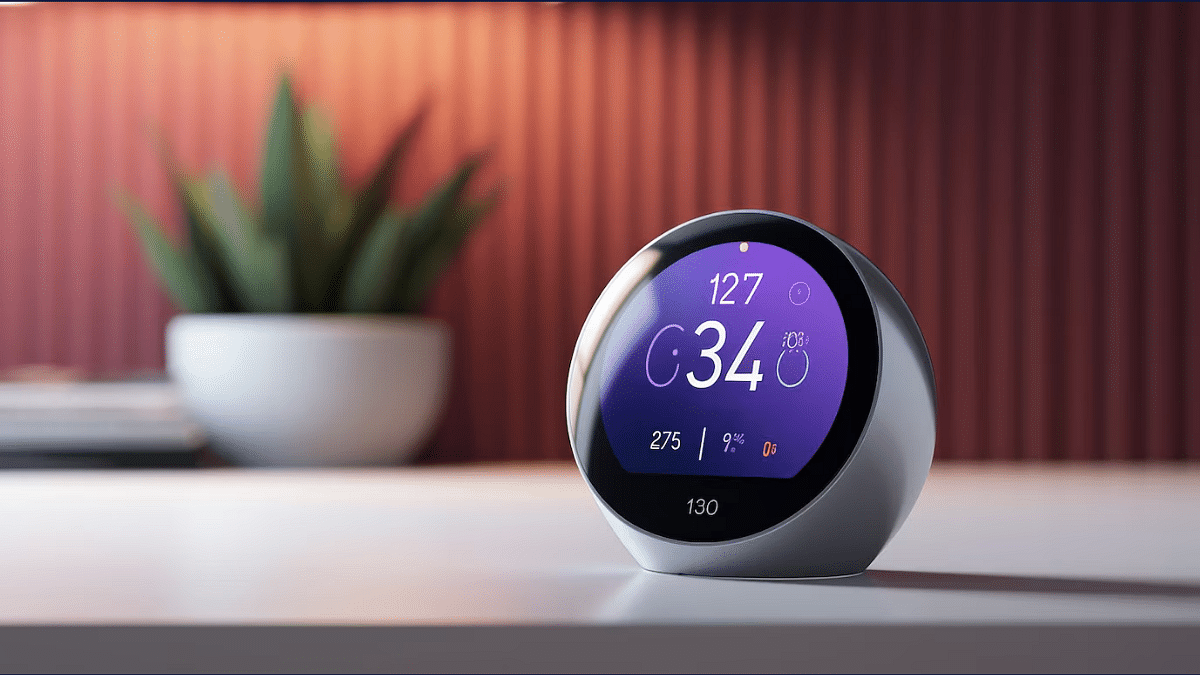
Functionality: Another smart gadget that helps reducing high electricity consumption by optimising temperature control in your house. Smart thermostats can remember user’s preferences and modify temperature settings automatically which lowers down electricity wastage eventually cutting down on the electricity costs.

How It Helps With Electricity Consumption Smart Management

  • AI-enabled algorithms helps learning user preference
  • Can automatically adjust temperature as per the learnings
  • Gives energy usage insights

Also Read: Worried About Heat And Water Damage? Here’s How To Protect Your Gadgets


3. Smart Lights: Energy-Efficient Bulbs

Functionality: Smart LED bulbs is also an efficient way to lower down excessive electricity bills. Smart LED bulbs are known for their less power consumption and also smart control option. Compatible mobile app and voice assistant controls makes these gadgets worthy purchase for your smart home.

How It Helps With Energy Saving

  • Consumes around 80 percent lower energy compared to conventional bulbs
  • Comes with smartphone app and digital voice assistant compatibility
  • Allows brightness adjustments (low or high) via app

Also Read: Instagram Tips And Tricks: How To Share Music/ Songs As DMs With Friends On Instagram


4. Smart Power Strips: To Reduce/ Eliminate Phantom Energy Consumprion

Functionality: Phantom energy is nothing but the idle energy consumed by the devices that are in sleep or stand by mode. Using a Smart power strips helps with auto detection of such stand by electrical devices and cut off the energy supply. This not only helps with saving electricity wastage but also lower electricity bills.

How It Helps With Energy Consumption Management:

  • Can identify and eliminate energy consumed by devices in idle or standby state
  • Adds surge protection for the idle devices
  • Can shut down devices automatically when not in use

Also Read: Merge Two Different PF Accounts Into One: How To Guide


5. Smart Energy Meters: Helps To Manage High Energy Consumption

Functionality: Smart energy meters are designed to provide real-time electricity consumption by different appliances. With these tracking of electricity usage becomes easy and one can take control of the devices that are consuming heavy electricity.

How It Helps:

  • Helps with tracking energy consumption of different devices
  • Can notify users by sending alerts for power consumption
  • Allows reading power usage patterns for optimisation battery
Categories
Auto Tech Featured

Hero Vida Z E-Scooter Spied Undisguised:

Key Highlights

  • Hero Vida Z e-scooter test mule snapped
  • Clear design revealed
  • Is an upcoming budget variant in the V2 lineup
  • Currently available in the international market

Hero will soon be launching a new electric scooter in India. The upcoming model will be joining the Vida V2 series as an entry-level model. And it seems the launch could be imminent as fresh spy shots of the new Vida Z e-scooter has surfaced. Hero has been conducting its test runs without wrapping it in any camouflage. Thanks to the sighting, we have got a clear glimpse of the updated design.

For the tech geeks, stay updated with the latest cutting-edge gadgets in the market, exclusive tech updates, gadget reviews, and more right on your phone’s screen. Join Giznext’s WhatsApp channel and receive the industry-first tech update.

Also Read: Drive Smart And Safe: List Of Top Electric SUVs With Advanced Safety Features In India In 2025

Hero Vida Z Snapshots Leak Ahead Of Launch

Hero Vida Z electric scooter was recently clicked during its testing. The undisguised snapshots of the Vida Z shows the yellow color variant of the e-scooter taking its design cues from the outgoing Vida V2 lineup. The sharp front apron is complemented with the LED headlamp setup similar to the Vida V2 series

Other common design elements that the Vida Z’s test mule has been snapped with includes the streamlined LED turn indicators, dual spoke alloy wheels. front disc brakes, twin rear shock absorbers, and telescopic front fork suspension module. However, the test mule apparently misses out on the pillion backrest and orange accents in the design as the model showcased during the 2024 EICMA and 2025 Auto Expo events.

Also Read: List Of Best Electric Scooters With Large Storage Space In 2025

Hero Vida Z E-Scooter Powertrain (Expected)

The Vida Z e-scooter is expected to be driven by the PMSM electric motor. It could be featuring battery capacity ranging between 2.2 kWh to 4.4 kWh. Just like the Vida V2 lineup, the Vida Z is also expected to come equipped with swappable battery packs. It is worth mentioning that the Vida Z is already on sale in the UK and Hero will likely launch this e-scooter with an aggressive pricing to take on the competitive e-scooter market in the country. It is expected to be launched with a price range starting under Rs. 1 lakh.

Categories
Apps Featured Info

EPFO Quick PF Withdrawal Via UPI Apps, ATMs Becoming Reality Soon? Transaction Limit, Eligibility Criteria

Key Highlights

  • EPFO to soon make changes to PF withdrawal process
  • Quick PF withdraw option coming soon
  • Transactions to be made possible via UPI apps and bank ATMs
  • Limit set for quick PF withdrawal
  • Changes could be implemented by May-end or June this year

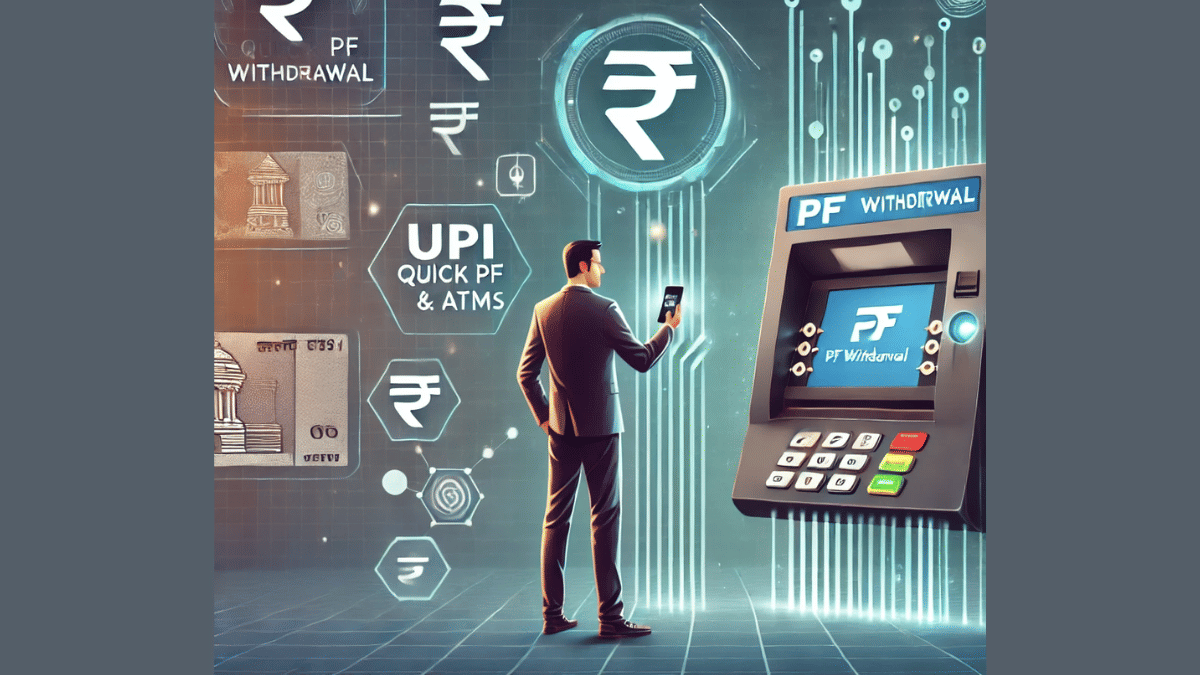
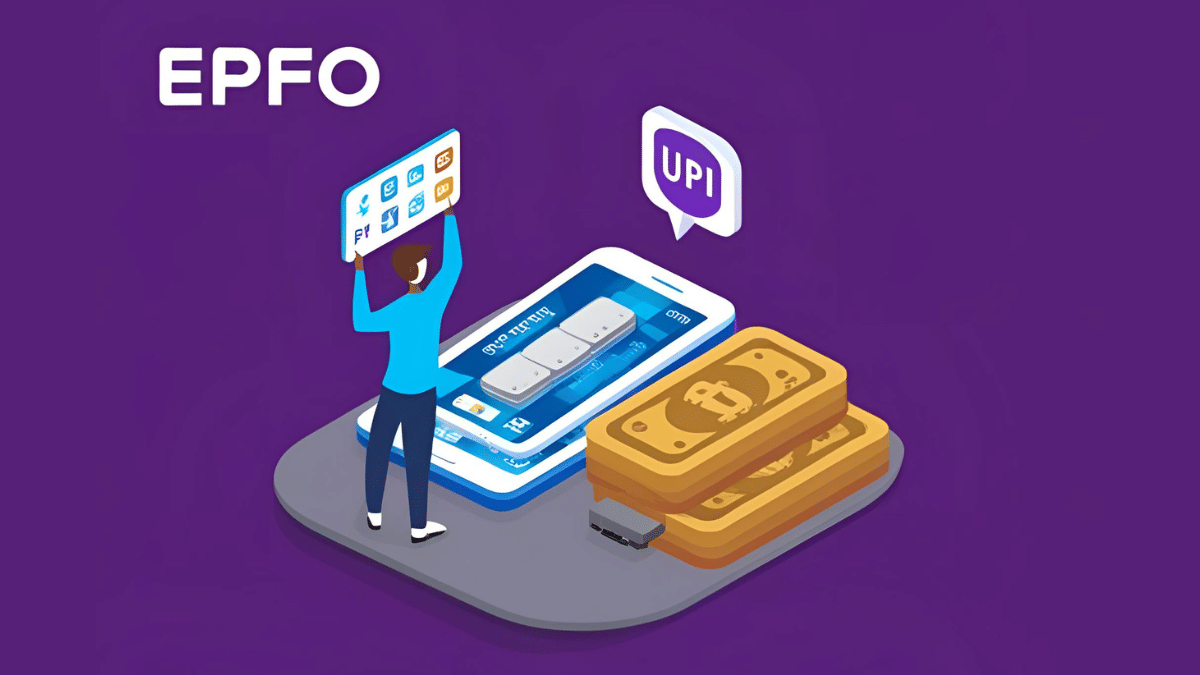
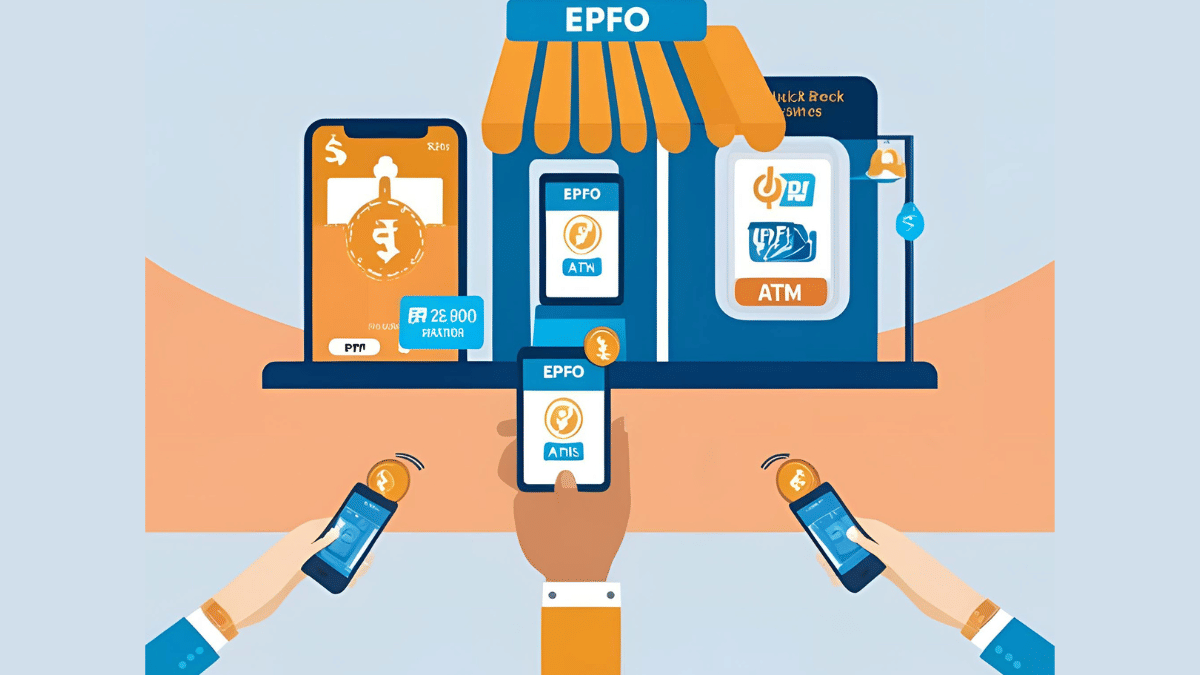
EPFO (Employee’s Provident Fund Organisation) is all set to go a major transformation with its PF withdrawals procedures and schemes. The national organisation handling the backed by Ministry of Labour and employment has apparently established a dedicated centralised agency that will enable the quick PF withdrawal option via UPI apps and ATMs making transactions more simplified and hassle free for the working class.

For the tech geeks, stay updated with the latest cutting-edge gadgets in the market, exclusive tech updates, gadget reviews, and more right on your phone’s screen. Join Giznext’s WhatsApp channel and receive the industry-first tech update.

Also Read: Enhance Your Daily Productivity: How To Pair Android Smartphones With Windows 11 PC, Laptop Without USB Cable

EPFO PF Withdrawals Via UPI and ATM: When And How?

EPFO have received approval from the National Payments Corporation to introduce the option for its active members to withdraw PF funds directly via UPI apps and bank ATMs. The centralised agency specially to handle this entire process for a smoother fund transactions have been established by EPFO.

As of now, EPFO members don’t have any provision to withdraw their PF funds using any UPI app. But with the implementation of new policies and after getting a nod from NPCI, the same will be possible soon. This brings us to the timeline. As per a top official from the Ministry of Labour and Employment, this process will begin by May-end of June 2025.

Sumita Dawra, Secretary, Ministry of Labour and Employment, said “By May-end or June, members will experience a transformative change in accessing their provident funds.

Also Read: Worried About Heat And Water Damage? Here’s How To Protect Your Gadgets

Transaction Limit And Eligibility Criteria For Quick PF Withdrawal

Once this new change is implemented, EPFO account members will also get the provision to check their PF account balance directly via UPI apps. As for the transaction limit, a cap of Rs. 1 lakh is set for money withdrawal using the Quick PF withdraw option.

Adding on Dawra said, “They will be able to view their PF account balance directly on UPI, instantly withdraw up to Rs 1 lakh through an automated system, and choose their preferred bank account for transfers.”

Eligibility criteria for quick PF withdrwal has also been expanded beyond medical emergencies. PF account members will now be able to use their PF funds for housing, marriage, and education expenses while withdrawing it via UPI apps and ATM.

Categories
Featured How To Laptop

Enhance Your Daily Productivity: How To Pair Android Smartphones With Windows 11 PC, Laptop Without USB Cable

Key Highlights

  • Pairing PC with smartphones can be done via USB cable and wirelessly
  • Wireless pairing requires both smartphone and laptop on the same Wi-Fi network
  • Helps with productivity boost

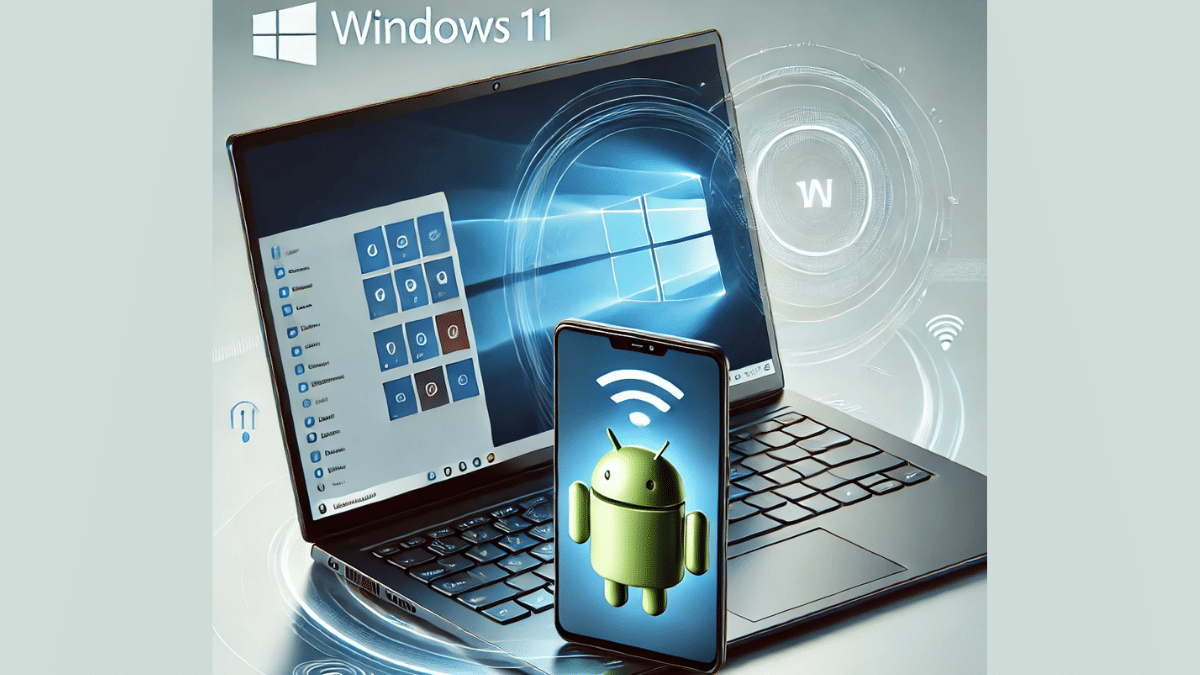
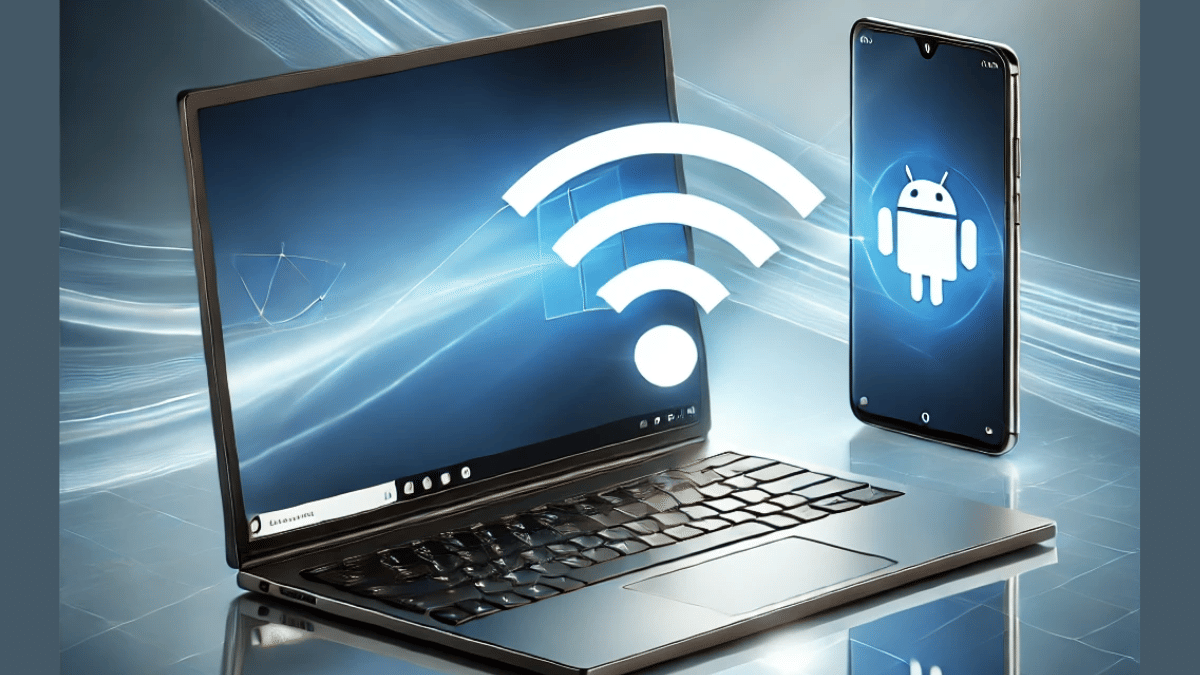
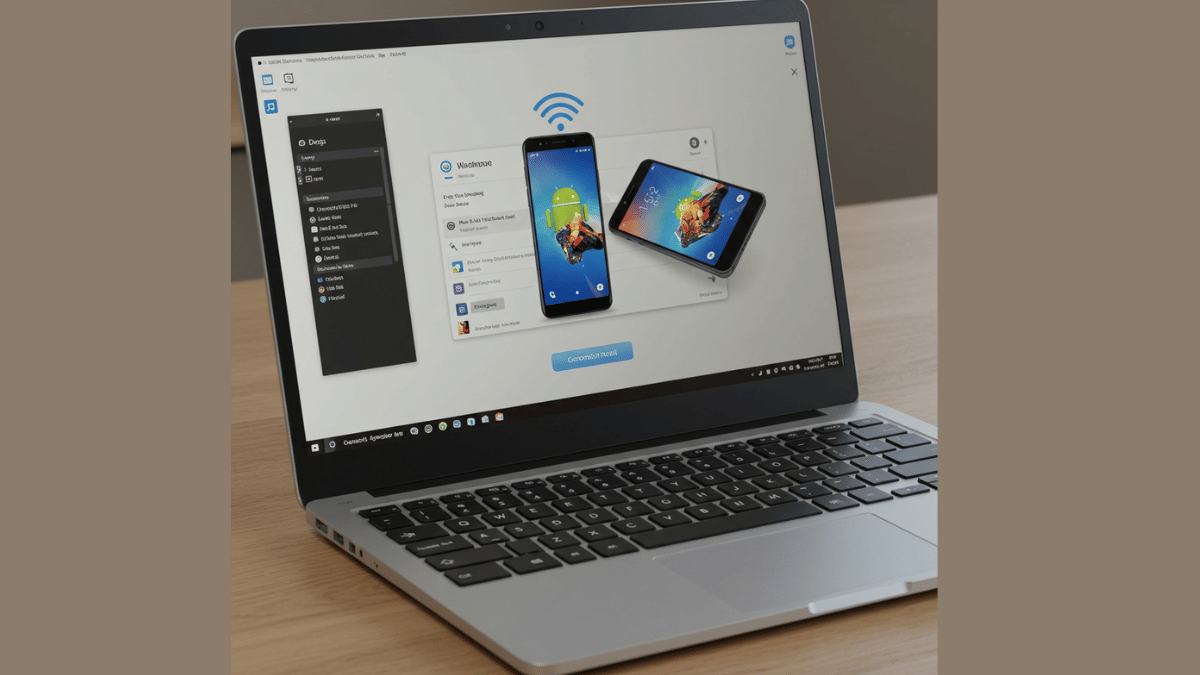
Smartphones have emerged as the most powerful handheld gadgets. Option to call, text, web browse, gaming, and photography all at once is what makes smartphones more of a necessity these days. These handheld gadgets have also helped us to carry on with the tasks that earlier required a full size PC or a laptop. Still, you can pair an Android smartphone to a Windows 11 PC if you wish to boost your productivity. Pairing Windows and Android device is not just restricted to USB wired connections anymore. A simplified process is now available using which you can connect your Windows machine and smartphone in case of a missing USB cable. Interested in knowing the steps. Read on to find out:

Also Read: Hate Standing In Long Queues: Here’s How To Book Indian Railways Platform Ticket Online

What Is Required?

  1. If you want to transfer documents or media files from your smartphone to Windows 11 PC or vice versa, you can use the standard USB cable connection method.
  2. There is a wireless option available for same that can be accessed using the Phone Link application on Windows 11 OS

Also Read: Worried About Heat And Water Damage? Here’s How To Protect Your Gadgets

Steps To Link Android Smartphone And Windows 11 Laptop Or PC

Step 1: Power on your Windows 11 PC or laptop and connect it to the same Wi-Fi network as your smartphone. (Note, only Android 7 or above devices can be paired with this method).

Step 2: On your Windows 11 laptop/ PC go to the taskbar and type “Phone Link”. Once the application pops up on the window, open it.

Step 3: Select the device type as “Android”

Step 4: Click on the Send notification option. This process will enable the sign-in process for Microsoft account.

Step 5: You will receive a verification prompt on your Android smartphone. Approve it to move to the next step.

Step 6: On your Windows 11 PC/ laptop, you’ll receive a new two digit code. You need to select these two digits on your Android smartphone for further approval.

Step 7: A QR will also be displayed on the Windows 11 device. Scan it using the QR code scanner on your Android phone.

Step 8: A new prompt stating “Link to Windows” will show up followed by another set of code that will be displayed on the laptop/ PC’s screen.

Step 9: Now, allow permission requests from the “Link To Windows” app and set the access permissions as required.

Step 10: Tap “Done” on the paired Android smartphone.

Step 11: Start accessing on your paired devices after clicking the “Continue” option.

Categories
Apps Featured How To

Hate Standing In Long Queues: Here’s How To Book Indian Railways Platform Ticket Online

Key Highlights

  • Platform ticket is required for station visits
  • Digital platform ticket booking process avoids long queues hassles
  • Dedicated mobile app available to book platform tickets online

Digitisation saw its peak in the country in the recent times. From paperless documentations to dedicated mobile apps for all kinds of services, India’s digital revolution has been massive. Indian Railways has also on-boarded this move making travel easier and more comfortable for the masses. Booking railways tickets and meals enroute can be done within a few minutes if you have a smartphone with an active internet connection. The same goes for platform ticket which is required when you go to see of or receive your loved ones at the station. While booking a train ticket is something you all might be aware of, but what about the procedure to purchase platform tickets online and avoid heavy penalties from the TTE avoiding long queues at the same time? Well, we have brought you the step-by-step guide to book a platform ticket online.

Also Read: Instagram Tips And Tricks: How To Share Music/ Songs As DMs With Friends On Instagram

How To Book Indian Railways Platform Ticket Online On Android And iOS

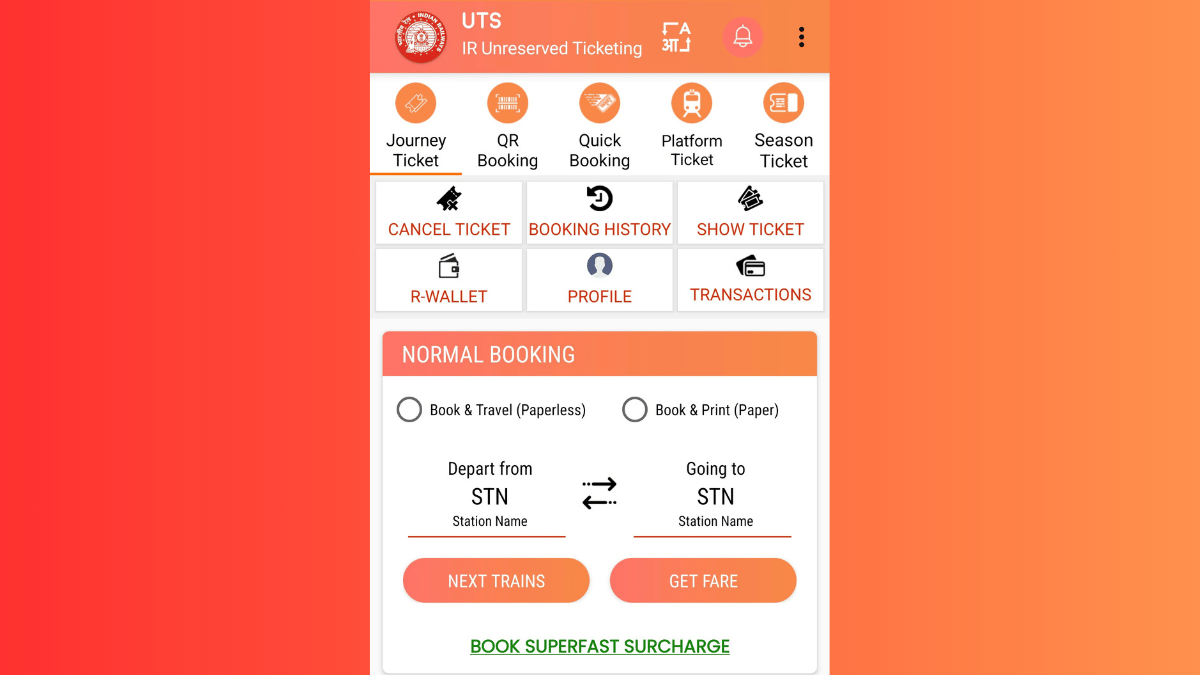
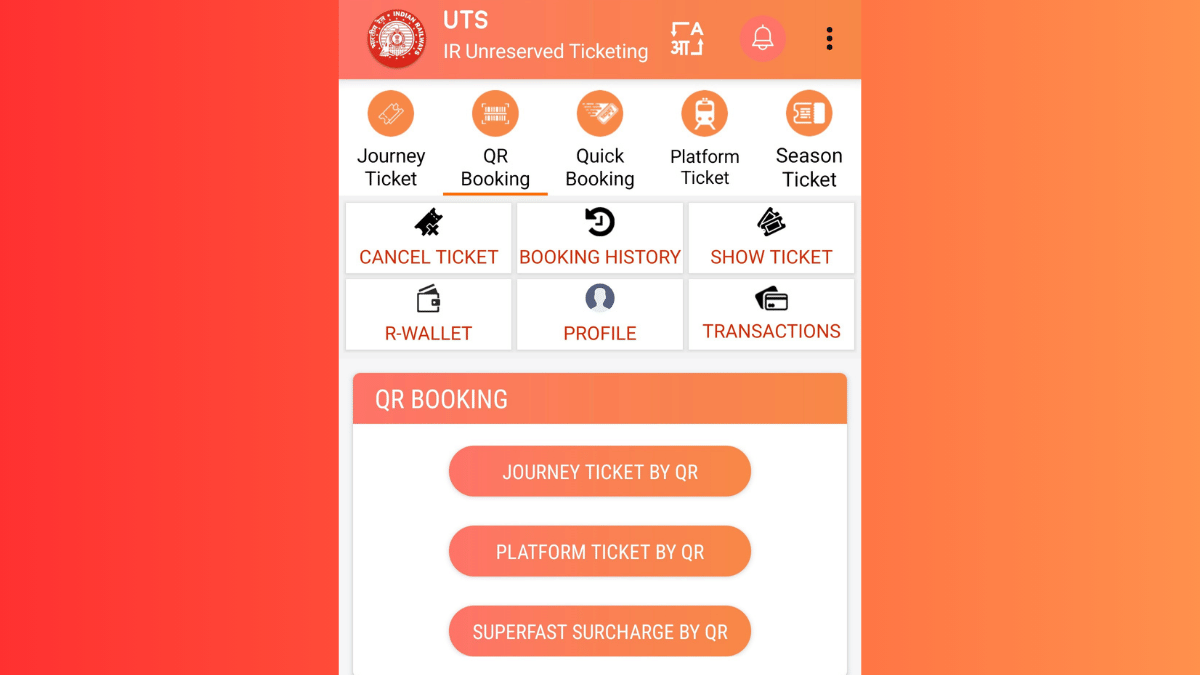
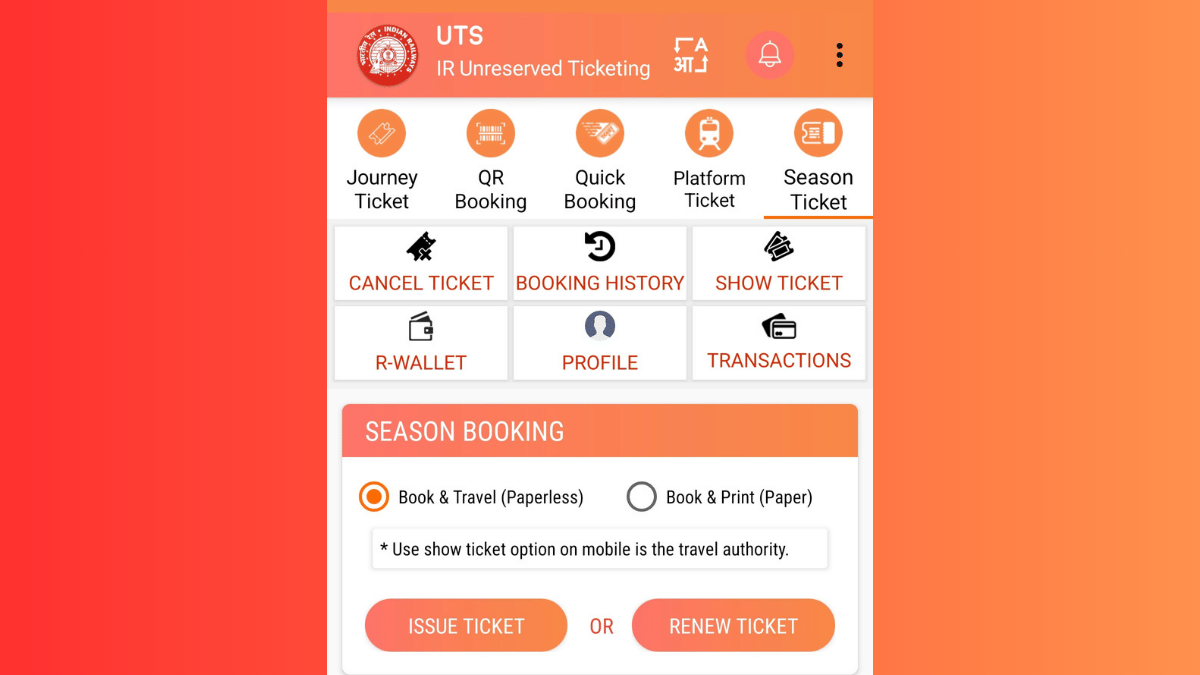
In order to book a platform ticket for your next railway station visit, you’ll need the dedicated mobile app called UTS. The Unreserved Ticketing System (UTS) can be downloaded on both Android and iOS devices via the Play Store and App Store respectively. Introduced by the government of India, the UTS mobile app integrates of host of features for convenient ticket bookings. For the unreserved travellers, this app offers the option to book platform tickets, journey tickets, season tickets, and more. Read the detailed steps to book a platform ticket using the UTS mobile app on your Android or iOS smartphone:

Step 1. Download the UTS Mobile App (Works On Both Android and iOS)

  • Search UTS app on Android Play Store and iOS App Store.
  • Download and install the app.
  • Allow all necessary permissions.

Step 2. Register (New Users) Or Log In (Old Users)

  • Launch the UTS mobile app after the installation
  • Tap on ‘Register’ if you are using the app for the first time
  • Enter the credentials including your mobile number.
  • If you already have an account, log in using your credentials.

Step 3. Navigate To Platform Ticket Section

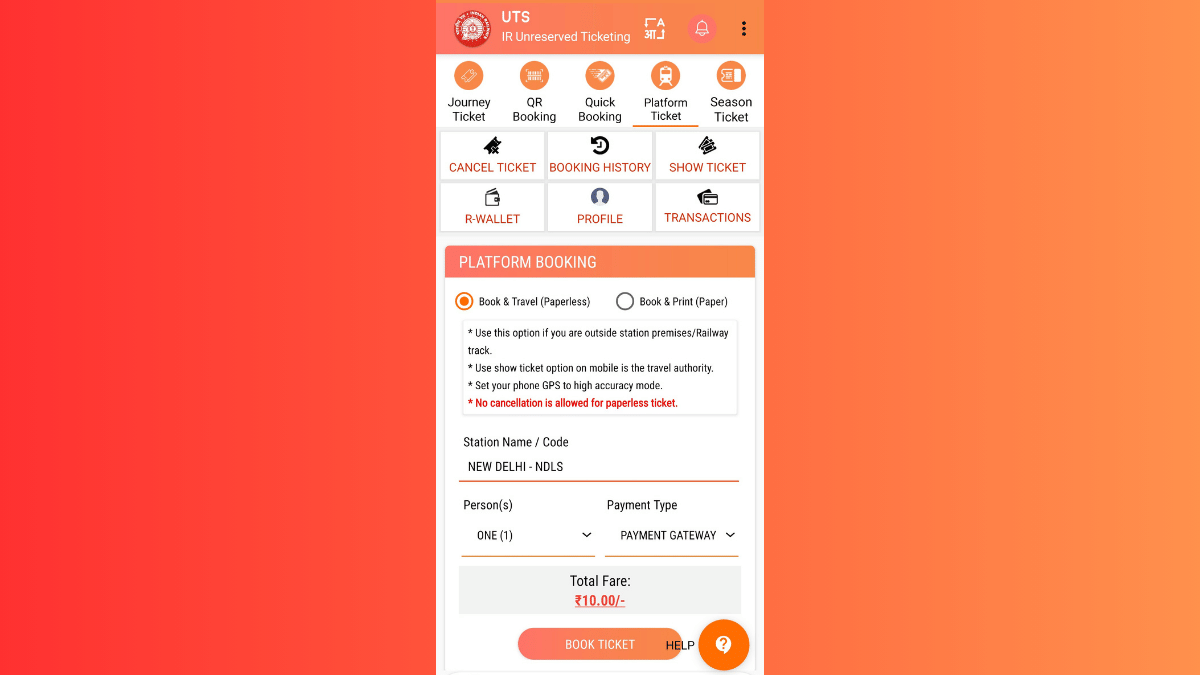
  • Once you are logged in, you’ll see the Platform ticket on the top. Tap on it.
  • You’ll see two Booking type options ‘Book & Travel (Paperless) and (Book & Print (Paper). Select the former for digital platform ticket booking.
  • Enter the railway station code or select the railway station from the available list whose platform ticket you require.

Step 4. Complete Payment

  • You can choose your preferred payment method. Options include UPI, Debit/Credit Card Net Banking, or Digital Wallet (RWALLET)
  • Make the payment and complete the transaction process
  • Ticket booking will be done once the payment is complete

Step 5. Download Platform Ticket For Quick Access

  • Go back to the app’s homepage
  • Navigate to the ‘My Bookings’ section.
  • Download or take a screenshot of the platform ticket.

How to Show Online Platform Ticket to a TTE

  • If a TTE asks you to show your platform ticket, simply launch the UTS app on your smartphone
  • Open ‘My Bookings. option’
  • Show the digital platform ticket on your smartphone.
Categories
Auto Tech Featured

Tata Sierra EV Snapped Again During Ongoing Testing: Details Revealed So Far

Key Highlights

  • Tata Sierra EV’s testing continues in India ahead of launch
  • Snapshots captured revealing fresh details
  • Near-production version was showcased at Bharat Mobility Global Expo 2025
  • Expected launch in 2025 itself

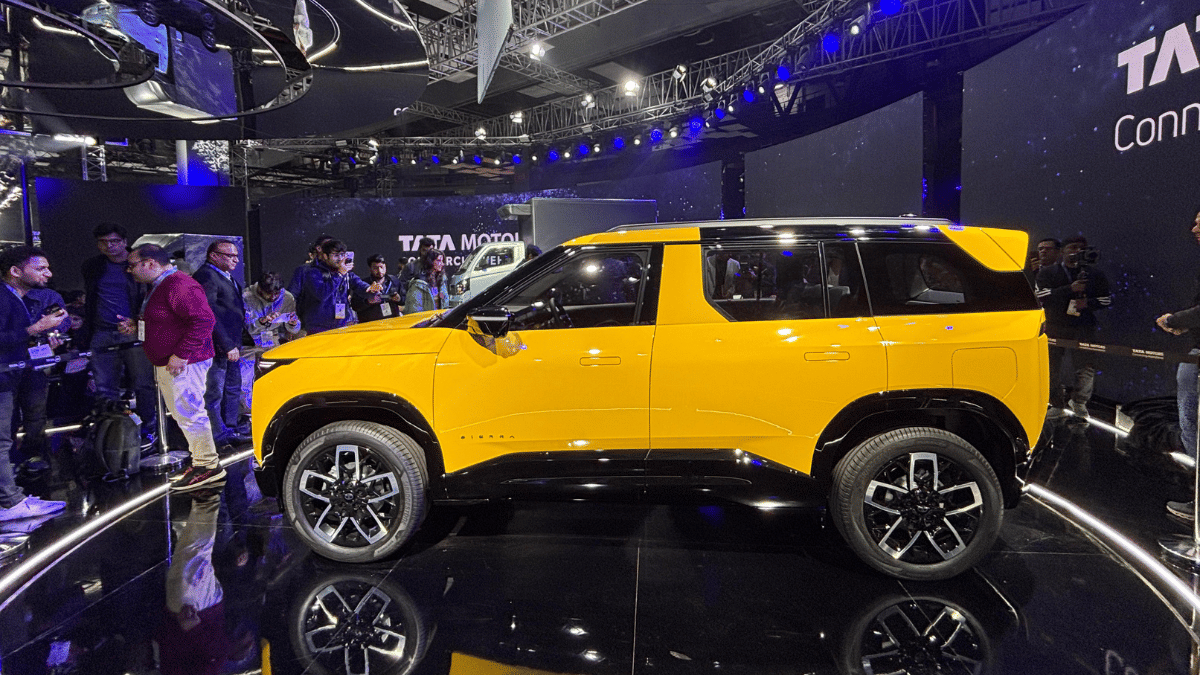
Tata Motors at the Bharat Mobility Global Expo 2025 revealed the face of its next EV offering- the Sierra EV. And now, the auto manufacturer has started testing the Sierra EVs real life road endurance. During one of such ongoing testing, the Sierra EV has been snapped revealing some more details of the upcoming e-SUV.

For the tech geeks, stay updated with the latest cutting-edge gadgets in the market, exclusive tech updates, gadget reviews, and more right on your phone’s screen. Join Giznext’s WhatsApp channel and receive the industry-first tech update.

Also Read: Drive Smart And Safe: List Of Top Electric SUVs With Advanced Safety Features In India In 2025

Tata Sierra EV Spy Shots Emerge

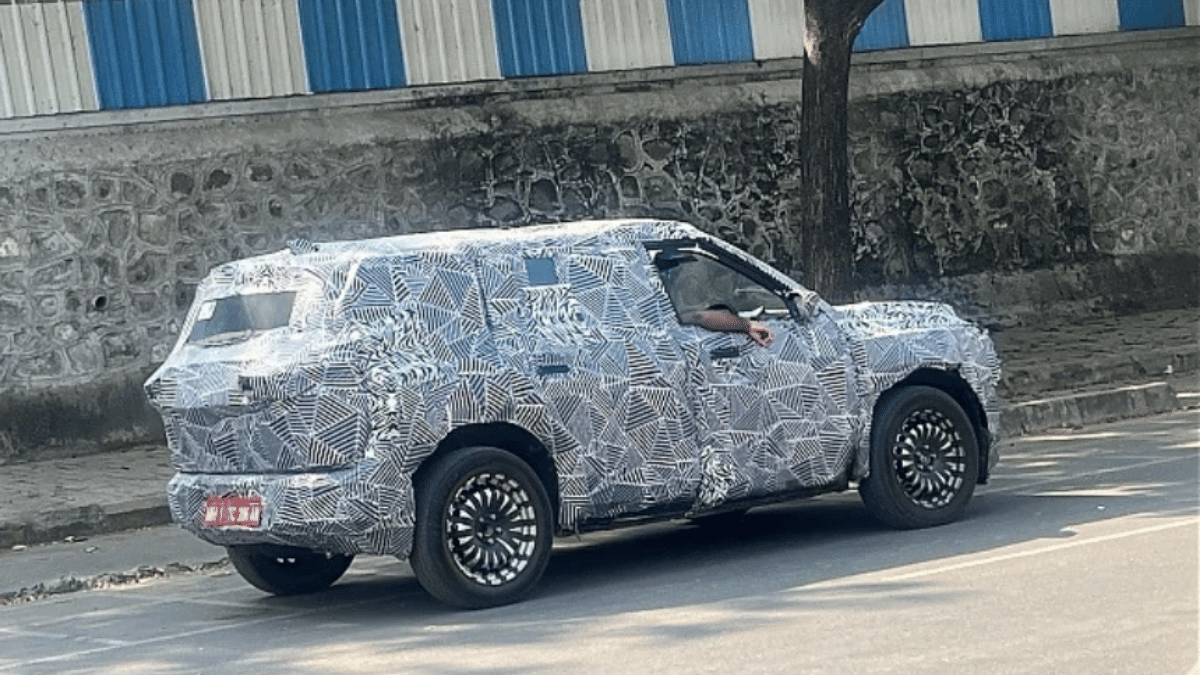
Tata Sierra EV’s latest spy shots clicked during its testing shows the familiar design as the concept previewed last year and the production-spec unit revealed during the Auto Expo 2025 event. Tata has opted for a bold boxy design approach for the Sierra EV with the fascia integrating big square-shaped LED headlamps. The leaked images also reveals the wider air dam which will likely be accommodating the RADAR/ LiDAR sensors.

Sierra EV’s snapshots further also gives a subtle hint of the side profile where we can see the flush-fitted door handles. This test mule snapshots of the Sierra EV shows the e-SUV wrapped heavily in camouflage, hence only the glimpse of the door handle type is captured. Additionally, we can see it sitting on large tyre profiles featuring new alloy wheels set.

Additional insight revealed by the new test mule leak of the Sierra EV is the shark fin antenna integrated on the rear spoiler. The LED tail lamps are also visible along with the licence plate mounted on the rear bumper. The overall bulky and bold stance of the Sierra EV seems to be the major design highlight.

Also Read: Upcoming Bajaj Chetak Electric Scooter’s Spy Shots Leak

Tata Sierra EV Interiors And Performance

Tata is currently tight lipped regarding the Sierra EV’s performance and feature details. But the brand is expected to introduce this mid-size EV with several advanced features including a big infotainment display with touchscreen compatibility, new full-digital driver display, and several security features including Level 2 ADAS suite, 360° parking camera, and more. It is also expected to include large batter pack with single motor and dual motor AWD options and over 500 km range efficiency.

Categories
Apps Featured How To

Instagram Tips And Tricks: How To Share Music/ Songs As DMs With Friends On Instagram

Key Highlights

  • Instagram allows music sharing to contacts
  • Feature available on Android and iOS apps
  • Music and songs can be shared as DMs (Direct Messages)

Instagram is definitely a pandora’s box when it comes to features and tools. Started as a photo sharing app, it has evolved as one of the most popular social media platforms offering option to share short videos (Reels) and more. Even a simple post upload is more intuitive and engaging on Instagram which can be downloaded and installed across Android and iOS platforms. You all must be aware that Instagram has a vast music library that one uses for Reels and even standard posts. Selecting your favorite song for your Instagram post is a process of just a few taps. But do you know that instead of uploading a song as a Reel or post, you can share it with your friends too? Interested in knowing the steps? Read on below:

For the tech geeks, stay updated with the latest cutting-edge gadgets in the market, exclusive tech updates, gadget reviews, and more right on your phone’s screen. Join Giznext’s WhatsApp channel and receive the industry-first tech updates.

Also Read: Incognito Browsing Not So Private! Steps To Check Incognito Mode Browsing History And How To Delete

Steps To Share Songs/ Music As DMs On Instagram

Step 1: On your smartphones launch the Instagram mobile app. Make sure you are logged in to your profile

Step 2: Go to the DM (Direct Messaging section)

Step 3: Open the chat window where you want to send the song

Step 4: In the message type section tap on Sticker icon

Step 5: Now, click on the Music feature (Note, this a new feature addition)

Step 6: Search for the song or music that you wish to send to this contact as a DM

Step 7: If the song shows up in the music library, just tap on it to send to the contact

Categories
Apps Featured How To

Incognito Browsing Not So Private! Steps To Check Incognito Mode Browsing History And How To Delete

Key Highlights

  • Incognito Mode offers extra privacy during wen browsing
  • Using Incognito mode search history is hidden from local directory
  • Search history is stored in Google account or network admin
  • Using Incognito mode in Google as guest provides maximum privacy

Incognito Mode aka the Private Browser is a saviour when you want to do discrete web browsing. Available as a built-in feature in most of web browsers such as Google Chrome, Opera, and others, this privacy feature has also made its way to the Android and iOS platforms. But if you believe that browsing anything in Incognito mode is as private as claimed? Well, here’s a reality check. While the search history remains invisible from the local directory, it does get saved on your Google Account. So, you aren’t entirely invisible when you are browsing privately in Incognito mode. Surprised right? Read on here to know how can you look at your Incognito Mode’s search history and how can you delete it:

Also Read: Merge Two Different PF Accounts Into One: How To Guide

What Is Incognito Mode?

Incognito Mode is a safe browsing option where one can search one’s keen interest privately. A new private window is initiated where users can search the required topics without the history getting saved locally. While the browsing date is private from the public devices or users, website and Internet Service Providers, and the network admins will still be able to access all the information. Below is the list of information that is kept private in the Incognito mode.

  • Search and browsing history
  • Cookies and site data from any website
  • Data filled in any form or application

Is There Any Way Check Search History in Incognito Mode?

If we speak of Android smartphones, there isn’t any direct way that allows one to view Incognito mode’s search history. But that doesn’t mean there isn’t any other way to do so. The activity log is stored in Google account or network admins. The traceable activities in Incognito mode includes:

  • Via Google Account Activity (if a user is signed in while browsing in Incognito mode)
  • In the Wi-Fi/network logs of the device
  • If there’s any third-party monitoring app installed on the device

Also Read: Printer Not Working Right? Here’s Top Five Printing Issues And How To Solve Them

How To View Google Activity History (If Logged In):

  1. Open Google My Activity in a browser.
  2. You can also open the Google mobile app and go to My Activity option
  3. Head to the “Web & App Activity” section to see the detailed timeline of searches
  4. Note, the search history will only be visible of the above option is enabled

Also Read: DigiYatra Tips And Tricks: How To Add Flight Boarding Pass For Hassle Free Travel

How To Delete Incognito History On Android

While there is no direct method to view and delete Incognoto mode’s search history, you can follow the steps below to disable web activity tracing and deleting any saved history from Google Account.

Step 1: On your Android phone launch the Settings menu

Step 2: Navigate to Privacy And Setting tab

Step 3: Scroll down to the Privacy Controls settings and tap on it

Step 4: Head to the Activity Controls option

Step 5: Select the Google Account that you have been using for private browsing/ Incognito mode

Step 6: Disable Web & App Activity option

Step 7: Set the Auto Delete duration as per your preference


Categories
Featured How To Info

Merge Two Different PF Accounts Into One: How To Guide

Key Highlights

  • Both PF accounts have to be linked with the same UAN
  • Aadhaar verification and link with UAN account is must
  • Digital approval required from old employers

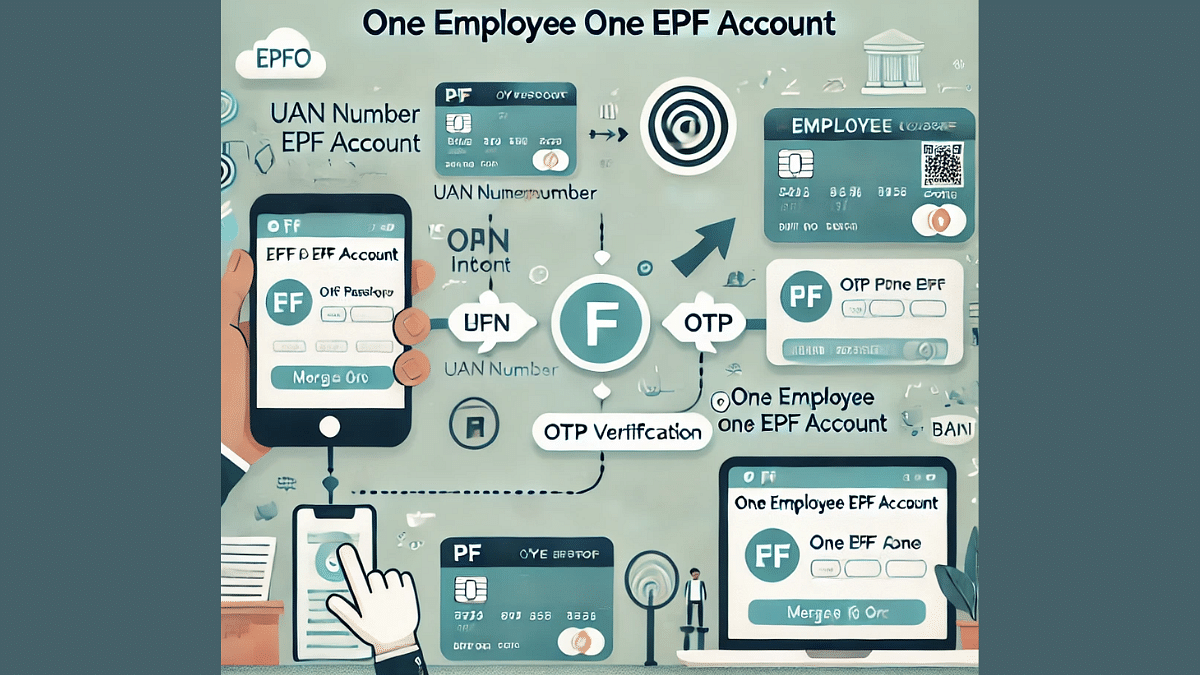
Employees switching jobs often end up with multiple Provident Fund (PF) accounts, making it difficult to manage and track their retirement savings. The Employees’ Provident Fund Organisation (EPFO) now allows users to merge multiple PF accounts into a single Universal Account Number (UAN) for easy access and better financial planning. Here’s how you can merge your PF accounts seamlessly online.

For the tech geeks, stay updated with the latest cutting-edge gadgets in the market, exclusive tech updates, gadget reviews, and more right on your phone’s screen. Join Giznext’s WhatsApp channel and receive the industry-first tech updates.


How To Merge Two PF Accounts Under One UAN

Step 1: Activate UAN ( Necessary Step)

Activating a UAN account is a necessary step to merge two different PF accounts to a single account. You can simply visit to the EPFO Unified Member Portal( https://unifiedportal-mem.epfindia.gov.in) to activate your UAN. Not, Keep your PF number and registered mobile number handy for the UAN activation.

Step 2: Log in to the EPFO Member Portal using your credential

Step 3: Go to the ‘One Member – One EPF Account (Transfer Request)’

  • Click on the dashboard and select ‘Online Services’ option
  • Now tap on the ‘One Member – One EPF Account (Transfer Request)’.

Step 4: Provide Accirate Previous Employer Details

  • Cross check the current employer details that will be auto-filled
  • Enter the UAN-linked details of the previous employer.
  • Simply select the option to transfer claim verified by the old or current employer.

Step 5: Verify and Submit OTP

  • Review all the details before you submit the verification request
  • Tap on the Submit option
  • Enter the OTP received on your registered mobile number to complete the request

Step 6: You can now track the status from the “Track Claim Status” option from the Services tab