Categories
Featured Info Mobile

Vivo T4 5G Debuts In India: Top Highlights Worth Checking Out

Key Highlights

  • Vivo T4 5G debuts with Snapdragon 7s Gen 3 5G chipset
  • Packs segment’s largest 7,300 mAh battery pack
  • Equipped with quad-curved AMOLED display
  • Price in India starts at Rs. 21,999

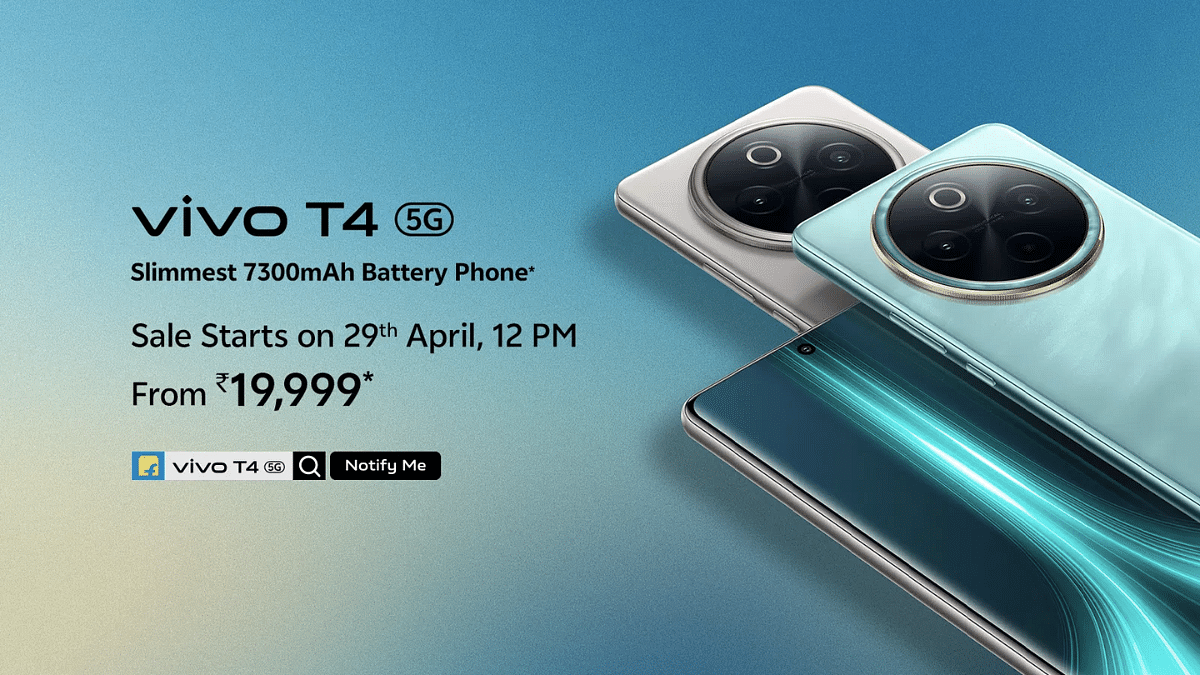
Vivo today has set a new standard in the mid-tier Android smartphone segment. The company has launched the T4 5G which comes as the first handset to feature a massive 7,000 mAh battery pack. Priced starting at Rs. 21,999, the T4 5G gets some other premium-range features such as a large quad-curved AMOLED screen, a 50MP primary Sony IMX882 lens, and also smart AI features such as AI Erase, Note Assist, Live Text & Super Documents, etc. Here are the top highlights of the Vivo T4 5G:

For the tech geeks, stay updated with the latest cutting-edge gadgets in the market, exclusive tech updates, gadget reviews, and more right on your phone’s screen. Join Giznext’s WhatsApp channel and receive the industry-first tech update.

Also Read: Vivo T4x 5G Review: Is This The Best Budget 5G Smartphone?

Vivo T4 5G Display Highlights
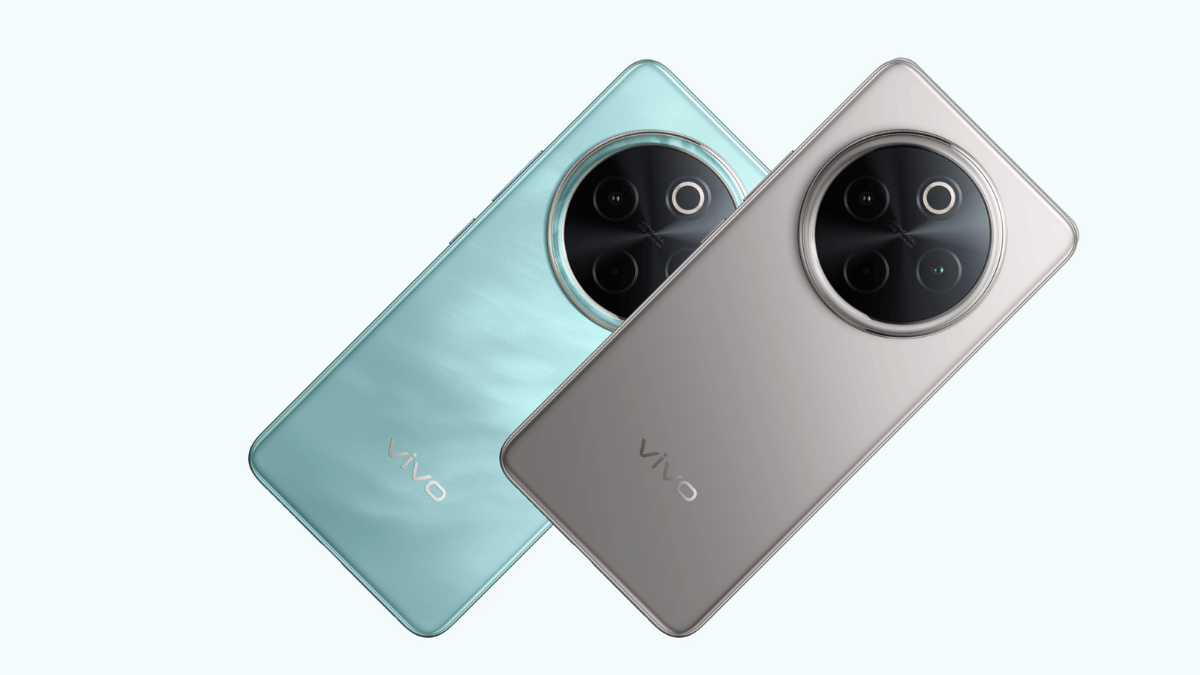
Vivo T4 5G Display Features
Display size 6.77-inch
Screen type quad-curved AMOLED
Resolution 1080 x 2392 pixels
Refresh rate 120Hz
Brightness levels 5000 nits
Vivo T4 5G Display

Also Read: Vivo T3 Ultra 5G Smartphone Review: A Flagship Experience For Less?

Vivo T4 5G Camera Features
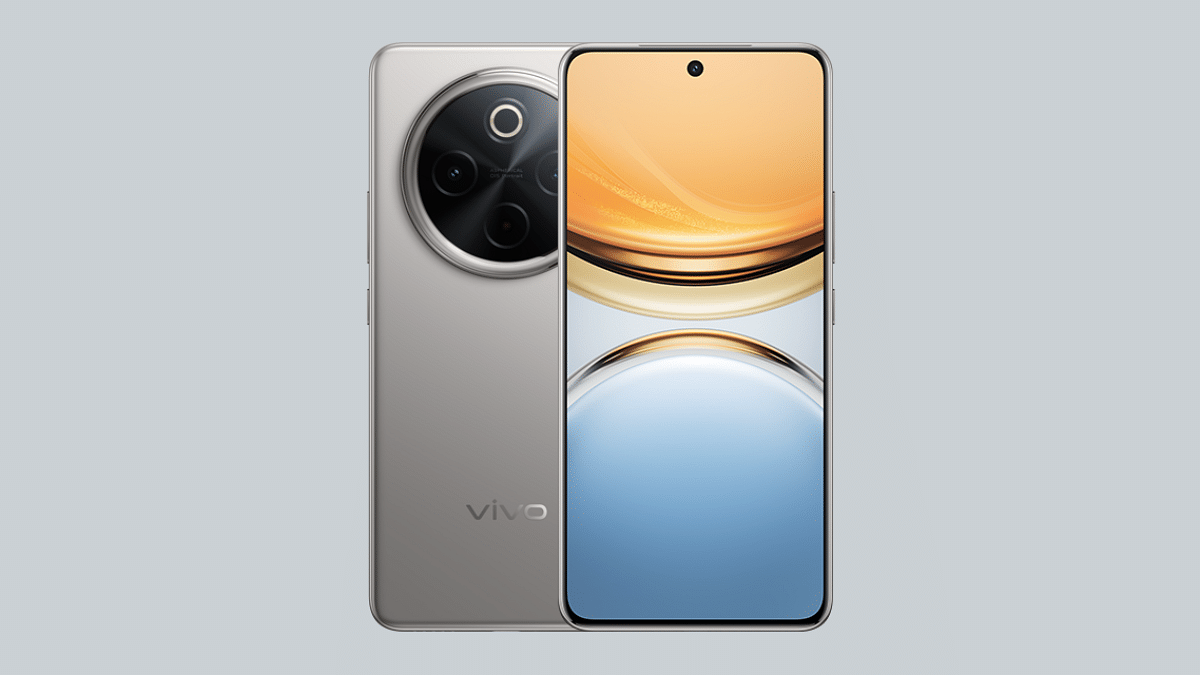
Vivo T4 5GOptics
Rear camera (primary)50MP Sony IMX882
Aperture f/1.8
OISYes
Secondary camera 2MP portrait
Aperture f/2.4
Front camera 32MP
Aperturef/2.0
Vivo T4 5G Camera Specs

Vivo T4 5G Performance

Vivo T4 5GHardware Configuration
ChipsetSnapdragon 7s Gen 3 chipset
Chipset Fabrication 4nm
RAM8GB/ 12GB
Storage128GB/ 256GB
Android Android 15 OS
Vivo T4 5G Hardware Performance

Also Read: ASUS ZenBook S 14 OLED Laptop Review: Efficient Productive Notebook

Vivo T4 5G Battery Pack

Vivo T4 5GBattery And fast Charging
Battery size 7,300 mAh
Fast Charging 90W

Also Read: Vivo T3x 5G: Premium Features, Lower Price

Vivo T4 5G Price, Color Options
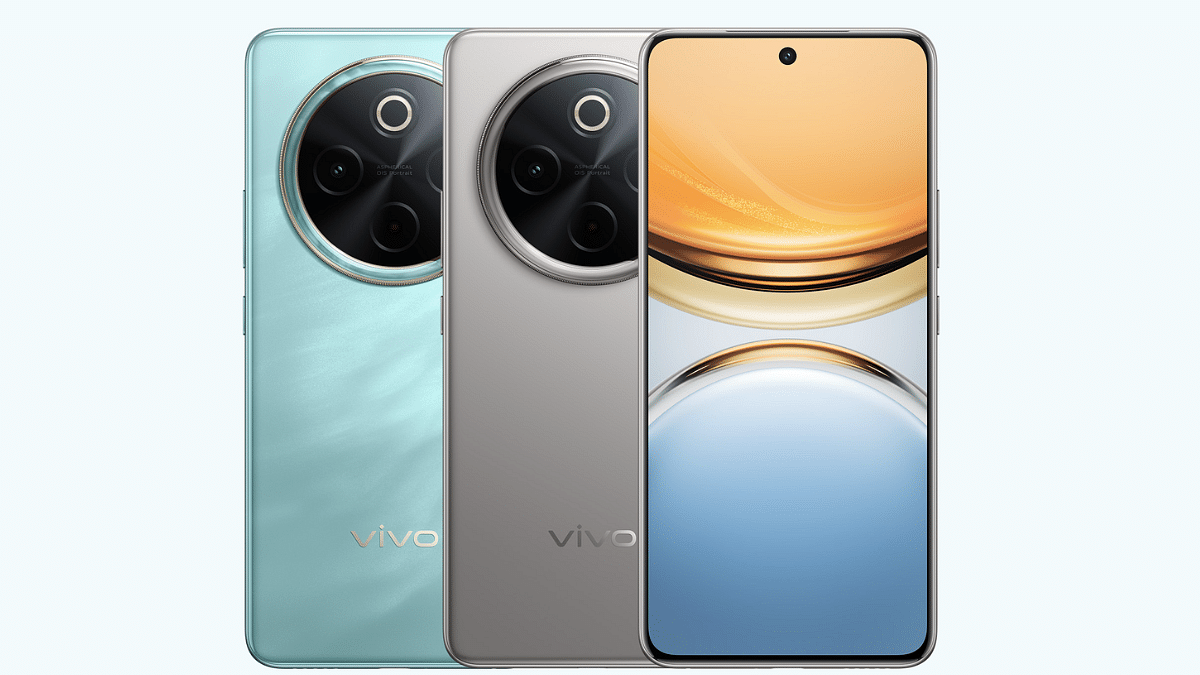
Vivo T4 5G 8GB RAM+ 128GB: Rs. 21,999

Vivo T4 5G 8GB RAM+ 256GB: Rs. 23,999

Vivo T4 5G 12GB RAM+ 256GB: Rs. 25,999

Color Variants: Emerald Blaze, Phantom Grey

Categories
Featured How To TV

Smart TV Modern Hacks: How Transform Your Smart TV Into A Digital Photo Frame

Key Highlights

  • Smart TVs can be transformed into digital photo frame
  • Built-in features and chromecasts can help with the same
  • Third party apps available to make smart TVs a photo frame

TVs aren’t just the usual bulky boxes with a picture tube. Modern age TVs are thinner and smart equipped with advanced internet and other technologies. And internet connectivity is just one part of it. Wireless accessories support, digital voice assistant integration, etc., are some of the other advancements with modern age TVs. But do you know, you can even transform your smart TV into a digital photo frame. Wouldn’t it be refreshing walking into your room with new photo frame every time. In this guide we are exploring the top 5 methods that can help you transform a smart TV into a digital photo frame.

For the tech geeks, stay updated with the latest cutting-edge gadgets in the market, exclusive tech updates, gadget reviews, and more right on your phone’s screen. Join Giznext’s WhatsApp channel and receive the industry-first tech update.

Also Read: List Of Best Advanced Air Purifiers For Large Rooms

5 Ways To Transform Smart TVs Into A Digital Photo Frame For Your Room

Method 1: Using Built-In Photo Frame Apps And Features

Flagship grade smart TV models from premium brands such as Samsung, LG, and Sony have a built-in ambient or art mode feature that helps that setting up photos as frame and wallpaper. These apps can be found wit the names such as Ambient mode or Art mode or Gallery, etc., depending on the brand.

You just need to navigate to the app and use your desired photo as a photo frame on the smart TV. These apps can also help setting up screen savers which can further enhance your room’s appeal.

Also Read: Hacked Instagram Account? Don’t Worry! Instagram To Help Regain Hacked Account Access Easily

Method 2: Via External USB Or Storage Devices

Ensure your smart TV supports external USB and storage devices. Only then you will be able to use images from external sources as photo frame or screen saver on the TV. Also, there should a built-in app to display and set the images as background photo frame or slide show.

  • Connect your USB or the external SSD storage device to a lapptop or PC
  • Upload the set of images that you wish to use as a digital photo frame
  • Now plug the USB or the external storage device to the TV
  • Open the supported app that can let you open the image and use it as a photo frame.

Also Read: Tablet Buying Guide: Top 3 Tablets With Stylus Pen Support Under Rs.30,000 In 2025

Method 3: Via Third Party Apps

Most of the new-age smart TVs available today comes with third party installation support. If your TV also supports third party apps, you can download Plex, Fotoo, and similar apps to transform it to a digital photo frame.

  • Go to the app store on your smart TV
  • Search for Kodi, Plex, and other similar apps
  • If available download and install
  • Choose the photo that you want to set as a photo frame

Also Read: Smart TV Slowing Down? Here’s How You Can Speed Up Smart TV Performance

Method 4: Via Chromecast

If your smart TV has integrated Chromecast feature, you can use Google Photos to select and set a photo as the digital frame. If not, you can use external chromecast devices and get done with the same.

  • On your smartphones, launch the Google Home mobile app
  • Tap on add device menu
  • Now, look for your TV in the device list
  • Open the settings menu (gear icon)
  • Head to the Ambient Mode settings
  • Select Google Photos option
  • Choose the image that you want to set as photo frame.
Categories
Comparison Featured Info

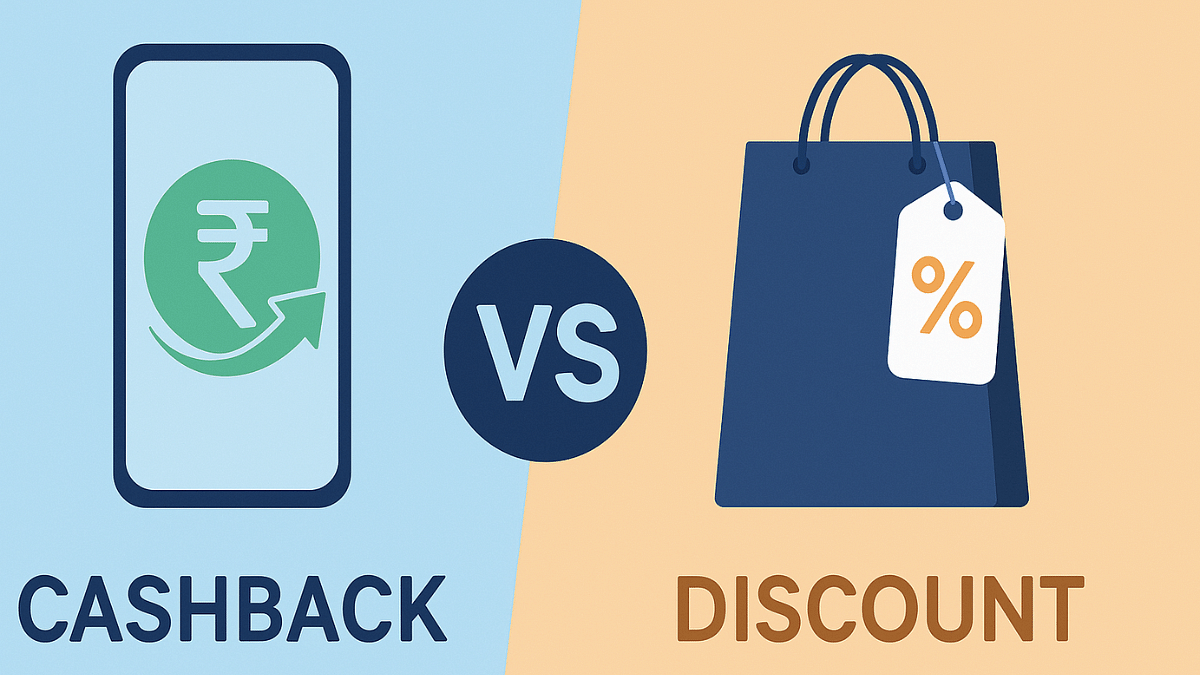
Cashback Vs Discount: Which Helps You Save Extra Money During Online Sales?

Key Highlights

  • Online shopping has seen a boom in the last decade
  • Dedicated and combined e-commerce platforms available for different consumer products
  • Festival sales and discount promotes online sales culture

Gone are the days when stepping out was mandate for shopping. Be it your monthly grocery shopping or purchasing clothes and appliances, paying visit to nearby shops and showrooms is no more a trend now. Rather, its the e-commerce platforms continue to lure in customers globally and in India for shopping. Major e-commerce giants such as Amazon and Flipkart have fuelled this online shopping culture making it convenient for buyers to shop right from the comfort of the bed. Seasonal sales, festival discounts combined with offers such as no cost EMIs, instant cashbacks, and discounts always make buying more special. Saving extra bucks by applying additional deals is one of our first approaches. Let’s breakdown

For the tech geeks, stay updated with the latest cutting-edge gadgets in the market, exclusive tech updates, gadget reviews, and more right on your phone’s screen. Join Giznext’s WhatsApp channel and receive the industry-first tech update.

Also Read: Enhance WhatsApp Privacy: How To Blur Images On WhatsApp Mobile, Desktop App

Cashback Defined: What Is It?

Online shopping platforms often provide a promotional offer where the buyer receives a certain amount after making the purchase. Cashbacks are often given by the e-commerce platforms on the purchases made using credit and debit cards of different banks. Additionally, cashback discounts are also applicable on the UPI app transactions. The cashback amount is sent as a refund to the user’s linked bank within a given time period ranging between immediately to a few days or months. Let’s break down the cahback types that you can get during online sales:

  • Cashbacks on UPI payments
  • Cashback on debit and credit card payments
  • Instant cashback on any mode of online payment
  • Standard cashback (where remaining amount gets credited after a few days or weeks or months)

Also Read: Android Auto Customization: How To Change Wallpaper With And Without Smartphone

How Is Discount Different Than Cashbacks?

Discounts are different than that of a cashback. This is just like a special offer where the price of product is reduced directly by a certain given amount. And unlike cashback where the offer price is given after transactions, customers need to directly pay the reduced costs with discount offer. This means no waiting to get the additional benefits.

Also Read: ChatGPT Search Quick Hacks: How To Use ChatGPT As Default Search Engine In Google Chrome

ChatGPT Vs Discount Benefits Comparison Which One Saves More Money During Sale?

Money Saving Factor / Features Cashback Deals Discount Deals
Direct saving Not applicable Applicable
One time benefit NoYes
Any conditions apply Often conditions appliedLimited
Refundable Cashback amount non-refundable mostly Refunds allowed mostly
Suitable for Repeat purchases or transactions such as bills, mobile recharges, etcSingle time purchases specifically for large appliances for expensive consumer goods
Long Time benefitYes Limited

Also Read: DeepSeek Vs ChatGPT: Which AI ChatBot Leads In 2025

Cashback Vs Discount Verdict: Which Should You Consider To Save More Money

Cashback Is Suitable For Extra Savings If:

  • You are regularly using some online payment service
  • If you make payments via UPI apps or credit/ debit cards frequently
  • If you are using UPI app wallets
  • If you are okay with waiting for cashback returns and refunds

Discounts Should Be Your Choice To Save Money If:

  • You are buying an expensive appliance or gadget
  • Upfront discounts is what you prefer
  • You are making one time purchase from the specific platform
  • If you want to go for direct price cuts and get instant offers
Categories
Featured How To Info

PAN 2.0 Scam: How To Protect Your Bank Account From Getting Empty

Key Highlights

  • Pan 2.0 scam leading to identity thefts
  • Scammers targeting masses by leveraging Pan 2.0 card upgrades
  • Phishing emails and sms being sent to update Pan 2.0 (essentially malware)

Digitisation is at its boom in India with almost every industry adapting to the online trend. This also has certainly given more opportunities to the cybercriminals to carry on remote phishing attacks on innocent masses. It’s never the same old trick but the scammers take advantages of the latest government schemes as well for cyber attacks.

For a while Pan 2.0 scan has been reported widely by the Indian citizens. A new sophisticated scam targeted at tax payers and other Indian citizens, the Pan 2.0 scam is a big threat that we are breaking down in this article. Alongside, we will also share the steps with which you can stay safe from Pan 2.0 scam.

For the tech geeks, stay updated with the latest cutting-edge gadgets in the market, exclusive tech updates, gadget reviews, and more right on your phone’s screen. Join Giznext’s WhatsApp channel and receive the industry-first tech update.

Also Read: Android Auto Customization: How To Change Wallpaper With And Without Smartphone

Pan Card 2.0 Scam Full Details: What Is It?

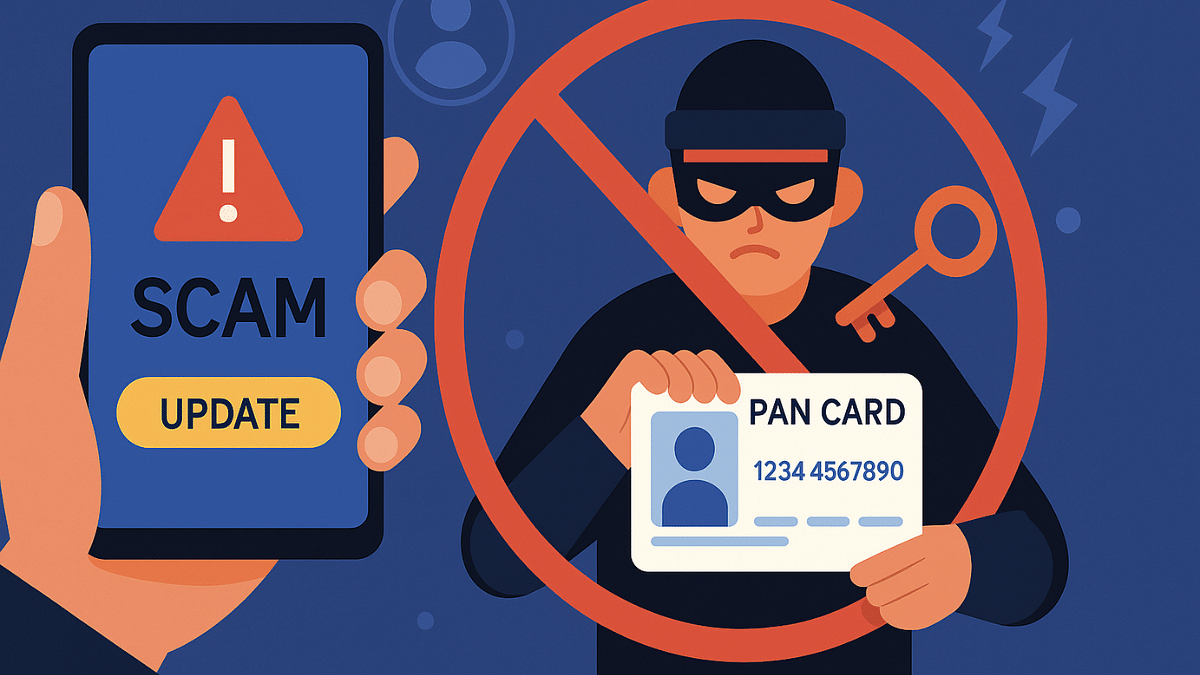
Pan Card 2.0 is the new cyber scam in India where criminals are leveraging advanced tricks making users share their PAN card (Permanent Account Number) details. To make this scam real, fake official letters are being created and circulated which looks like is a government advisory document to update PAN card with Pan 2.0.

Scammers are luring innocent tax payers by offering free upgrade to Pan 2.0 eventually taking all the critical PAN card and personal details. In some of the cases, scammers are even providing links and step-by-step guide to download new Pan card for free online. The emails and messages being circulated are hoax and if clicked can empty your bank accounts or can lead some other fraudulent activities being carried on your name.

Also Read: Missed Adhaar Pan Card Linking Deadline: Steps To Link PAN And Adhaar With Screenshots

Pan 2.0 Scam Modus Operandi: How To Stay Safe

1. Phishing Emails And Links

Scammers can send you emails making it look like an official e mail that will contain a link to download the new Pan or the steps to do so. For the latter, it could use a link that will redirect you to the official web page. However, these links and emails are often hoax and contain malware that can give access of your device and personal data to the scammers.

2. Scam Links Via Messages

If you receive SMS from unknown or international number claiming it to be from government organisations asking for PAN upgrade or free download, be aware. It could instead be the scam.

3. Fake OTPs Or Verification Messages

This is also a common approach taken by cybercriminals for the PAN 2.0 scam. Look out from any suspicious message, especially if the number has an international STD code. Don’ t click on the links if you are unsure and verify the authenticity of the sender.

4. WhatsApp Messages

This is similar to the remaining SMS and email message scam, where scammers can send send you malware links on WhatsApp. Refrain from downloading any of such unknown content shared for PAN card update.

Categories
Apps Featured How To

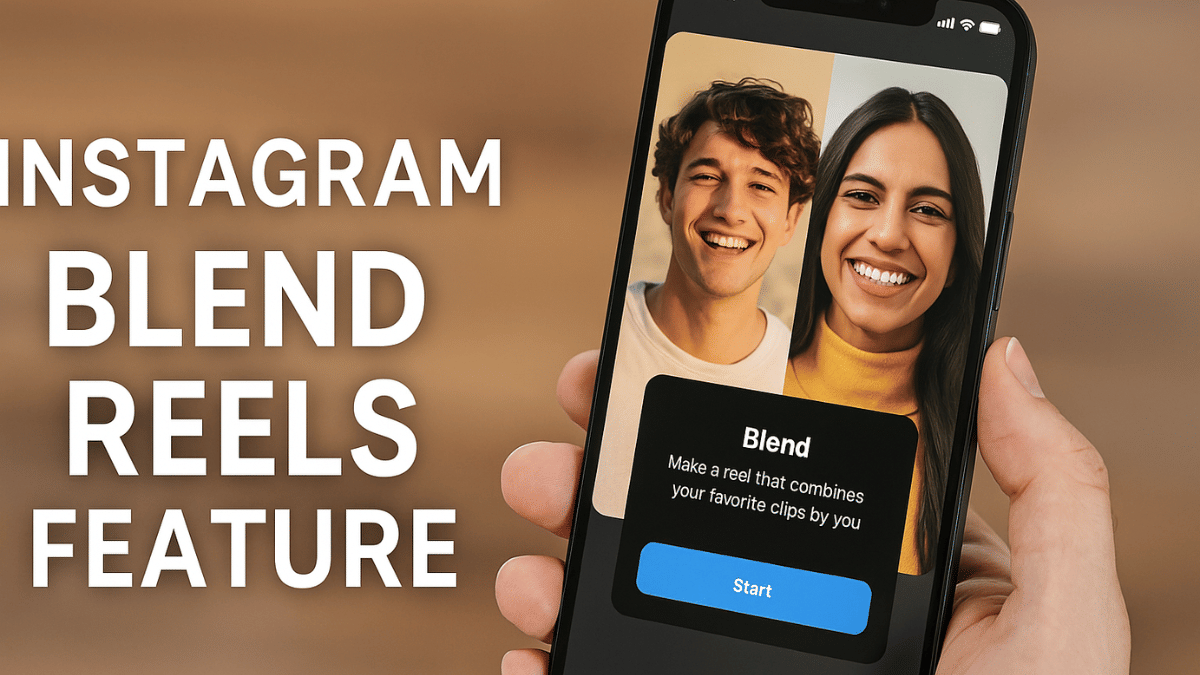
New Instagram ‘Blend Reels’ Feature Released: What Is It? How To Use?

Key Highlights

  • Instagram adds Blend Reels feature
  • Will help with enhancing user engagement
  • Is similar to Spotify’s Blend
  • Allows curating Reels based on group’s collective interests

Instagram has been bringing new features to offer a more customised experience on its platform. The Meta-owned social media platform just released another collaborative feature for Reels called “Blend”. This new Reels feature is designed to make sharing more fun and personalised for all Android and iOS users.

For the tech geeks, stay updated with the latest cutting-edge gadgets in the market, exclusive tech updates, gadget reviews, and more right on your phone’s screen. Join Giznext’s WhatsApp channel and receive the industry-first tech update.

Also Read: Instagram Tips And Tricks: How To Play Hidden Interactive Games On Instagram

Instagram Blend For Reels: What Is It?

Instagram Blend for Reels is the latest update that is designed to transform the way users interact with each other on the platform. This is in context with sharing Reels which will now be more customised and engaging experience. Blend for Reels will be available in both scenarios including ‘sharing reels with friends individually’ or ‘sharing reels with groups’ as DM (direct message) thread.

Instagram Blend for Reels’ concept is somewhat similar to Spotify’s Blend where users are shown playlist inspired by their contact’s interests. Likewise, Blend for Reels will curate a fresh library for Reels that can be shared with a single contact or groups that will be essentially based on the collective interests. So, what your friend has been consuming and vice versa will be the primary content-type for the new Reels you discover with Blend.

Also Read: Hacked Instagram Account? Don’t Worry! Instagram To Help Regain Hacked Account Access Easily

How To Use Blend For Reels On Instagram

Before you start using Blend For Reels on Instagram, know that it’s an invite-based feature as of now. Therefore, you would first need to share an invite via the DM section to the preferred chat to start with sharing reels generated on common interests.

Step 1: Check your Instagram app’s version. It should be updated to the latest version

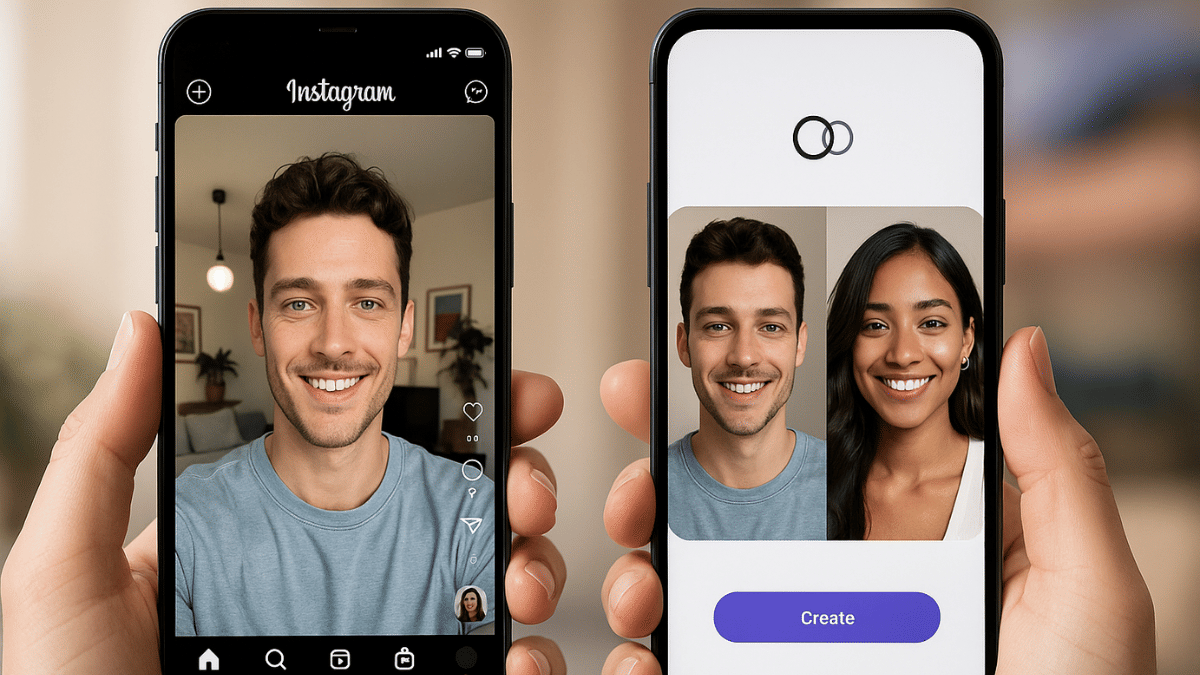
Step 2: Go to the DM section and open the single chat or group where you want to start Blend for Reels. A new Blend icon will be showed on the top right before the call icon. Tap on it.

Step 3: Once the Blend process is complete, share the invite with the friend. Tap on “Send Invite” option for the same.

Step 4: Wait for the invitation to be accepted.

Step 5: A new window with curated shared feed will be created where Reels of common interests will be shown.

Categories
Featured Home Appliances How To

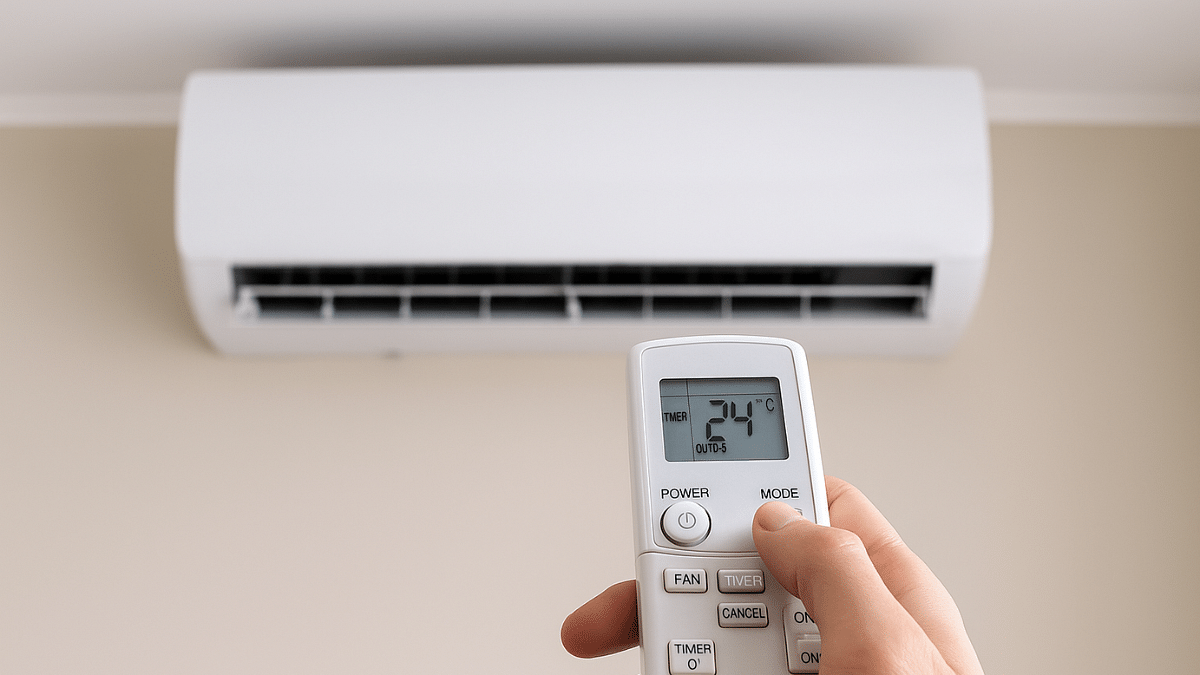
Summer 2025 Hacks: Use This Basic Air Conditioner Timer Feature With/ Without Remote To Save Electricity Bills

Also Read

  • Air conditioner usage surges in peak summers
  • Basic AC timer feature is useful in multiple ways
  • Helps with energy efficiency and low electricity bills
  • Allows undisturbed night sleep
  • Improves AC compressor lifespan

Summer season is here and in 2025 we have advanced range of air conditioners keeping our rooms cool despite soaring temperatures outside. There has been a significant increase in temperatures each year which means air conditioners and coolers are being operated longer than before. This not just leads to increased electricity bills but also impacting the longevity of modern day air conditioners. But it doesn’t mean such common issues are being left unaddressed by the air conditioner manufacturers. A basic yet functional feature, i.e., Timer or Schedule (depending on the brand) comes as a rescue. In this guide, we are exploring the Air conditioner timer feature and how it can be your saviour this summers managing your AC’s operation timings, improving its life span, reducing electricity bills and eventually improving your sleep quality.

For the tech geeks, stay updated with the latest cutting-edge gadgets in the market, exclusive tech updates, gadget reviews, and more right on your phone’s screen. Join Giznext’s WhatsApp channel and receive the industry-first tech update.

Also Read: Enhance WhatsApp Privacy: How To Blur Images On WhatsApp Mobile, Desktop App

AC Timer Feature Explained: Functionality

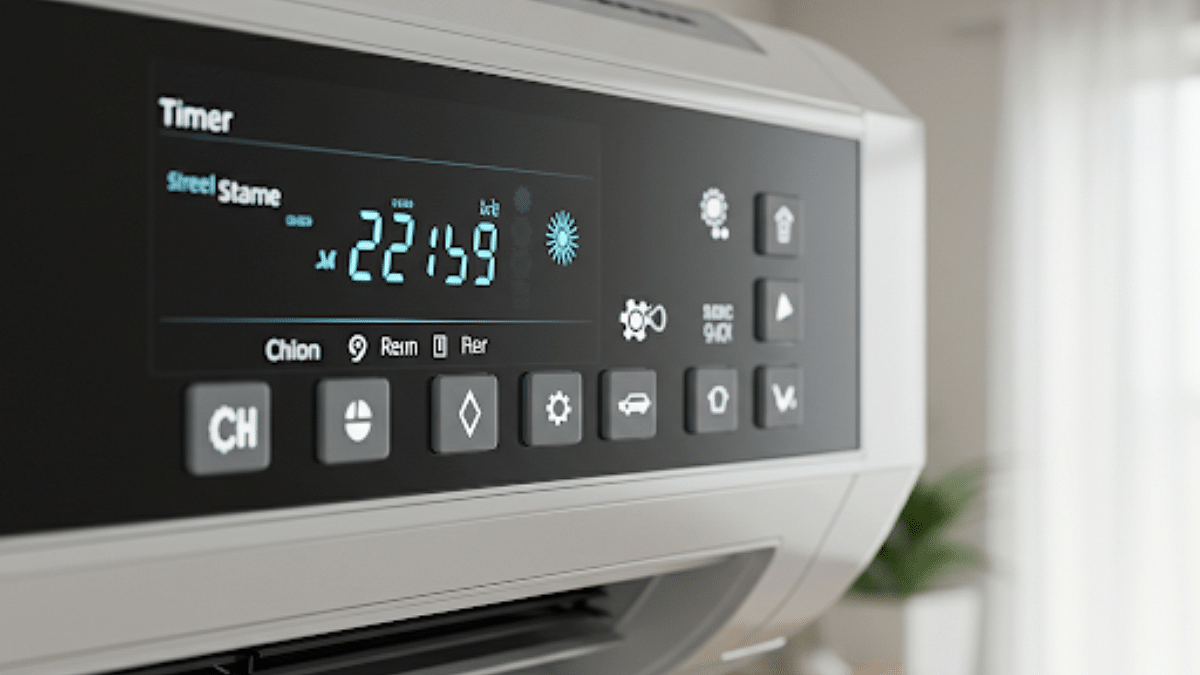
Air conditioner timer is an integrated function available with most of the new-age models including split and window ac type that helps with automatic power on and off. This feature can be found as Timer or Automatic schedule names (on the AC remote or controls) depending on the brand. This feature generally offers two basic settings including

  1. Timer On- Power ON the Air conditioner at specific duration
  2. Timer Off: Automatically power off the Air conditioner at specific duration
  3. Where to find:
    • On AC remote
    • Compatible smartphone app (Wi-Fi enabled Air conditioners)
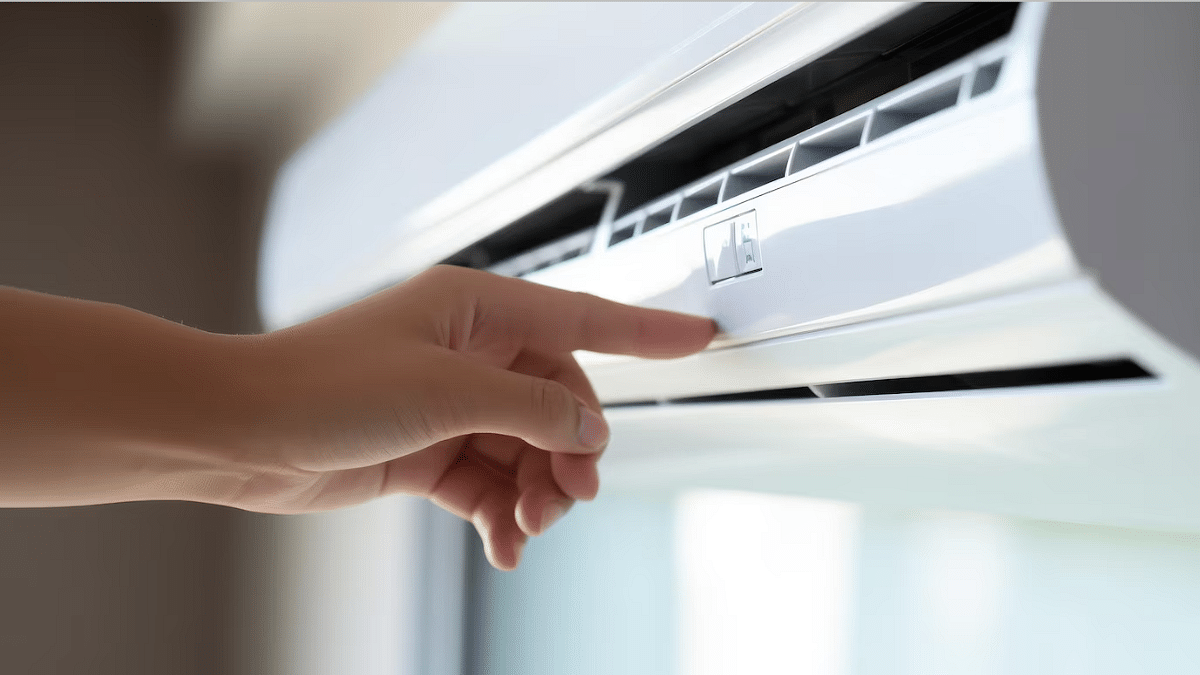
    • Physical controls (On the panel)

Also Read: Android Auto Customization: How To Change Wallpaper With And Without Smartphone

How To Use/Activate AC Timer Feature Via Remote

Step 1: Power on your Air conditioner

Step 2: Push the “Timer button” once from the AC remore

Step 3: Once you see the “Timer On” option, use the arrow keys to adjust auto-start timer

Step 4: Use the arrow key again to move to the Timer Off option and set the auto-off time.

Step 5: Now, press Ok or Set (as per the AC model) using the remote

Also Read: Top 2025 Summer Appliances That Save Power

How To Use/Activate AC Timer Feature Via Compatible Smartphone App (Wi-Fi Enabled ACs)

Step 1: Power on the Air conditioner and pair it with the mobile app

Step 2: Select the AC model in the mobile app

Step 3: Navigate to the “Timer/ Schedule” feature

Step 4: Adjust the auto-on and auto-off timings for the AC

Step 5: Tap on Save to set the auto timer

Also Read: AC Power Consumption: How To Reduce Your Electricity Bill In Summers

Benefits Of Using AC Timer Feature In Summers 2025:

1. Reduced Electricity Bills/ Efficient Energy Consumption

Air conditioners when running continuously consumes excessive power which can lead to increased bills every summers. By automatic shut down, energy consumption is efficient leading to lower bills.

2. Improves Air Conditioner Lifespan

The timer feature turns off the compressor usage which further helps with reduced loads on compressor while maintaining the ideal room temperature. This helps in improving the longevity and lifespan of the air conditioner.

3. No More Disturbed Sleep Cycle

By setting up the AC auto timer, you don’t have to wake up in the middle of the night to turn off the chilling ac.

Categories
Auto Tech Featured

No GNSS Yet: Ministry Of Road Transport And Highways (MoRTH) Shuns FASTAg Abolishments Rumours

Key Highlights

  • GNSS toll collection not getting implemented from May 1
  • FASTag to continue
  • Confirmation comes from the government

The internet recently got flooded with reports of FATAGs getting replaced with the updated GPS-based toll collection system called GNSS. This new advanced toll collection system was said to come in effect starting May 1, 2025 after a month of delay. However, seems like the internet picked up rumors and missed out on the exact facts. The government in its latest directive have cleared out air surrounding the GNSS toll collection system shunning down rumours of its implementation from next month.

For the tech geeks, stay updated with the latest cutting-edge gadgets in the market, exclusive tech updates, gadget reviews, and more right on your phone’s screen. Join Giznext’s WhatsApp channel and receive the industry-first tech update.

Also Read: End Of FASTag? GNSS GPS-Based Toll Collection Replaces FASTags From April 1

FASTAg Not Getting Banned?

The Ministry of Road Transport and Highways have released a statement that confirms FASTag is not getting banned yet in the country. This new development contradicts all the reports that suggested implementation of GNSS GPS-based toll collection system from May 1, 2025.

MoRth (Ministry Of Road Transport And State Highways) in a statement said, “This is to clarify that no such decision has been taken by the Ministry of Road Transport and Highways or National Highways Authority of India (NHAI) regarding the nationwide implementation of satellite-based tolling from 1st May 2025”. Seems like the sudden widespread media coverage got the authorities concerned which led to this press confirmation.

Also Read: Damaged FASTag? Here’s How To Get Duplicate FASTag Via Paytm

Will GNSS Be. Reality? Or A Different Toll Collection System Is In Works?

Well, there is no clarification from MoRTH or NHAI as of now if GNSS will indeed be implemented and replace FASTag. However, there are reports that indicate an entirely different toll collection system is in works and not GNSS. ANPR (Automatic Number Plater Recognition) technology could rather be installed in the country.

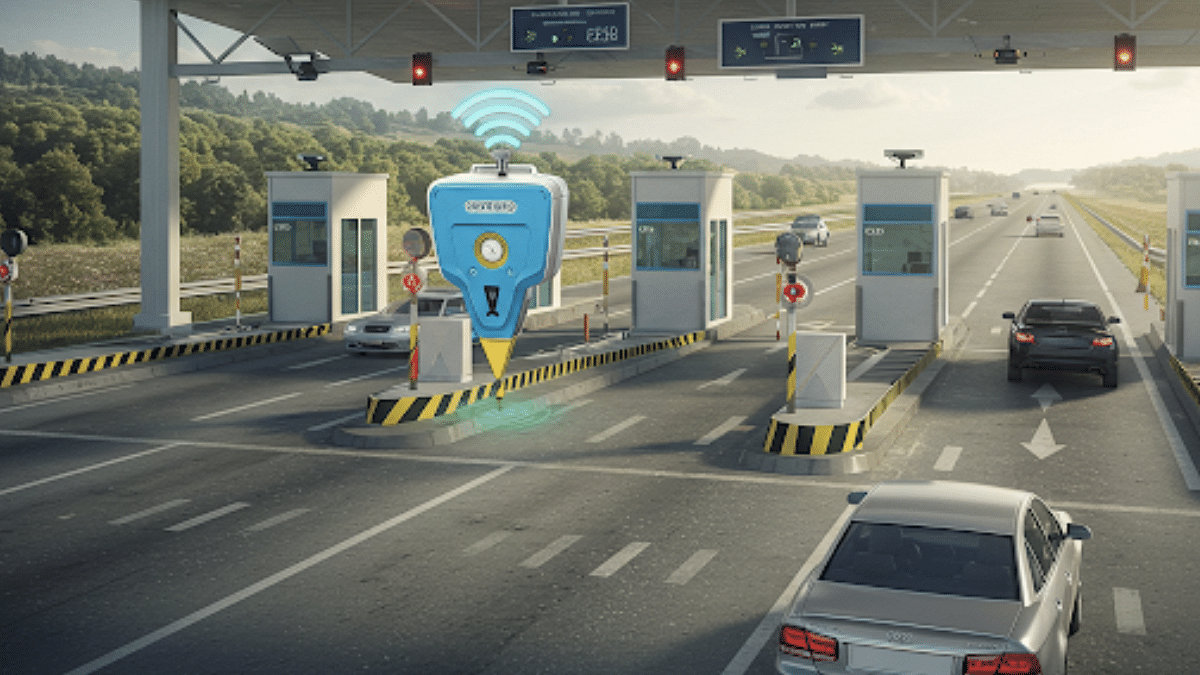
The ANPR tech will be implemented by improving the existing FASTag infrastructure without any requirement of an additional OBU (on-board-unit) GPU device for toll collection. Furthermore, ANPR technology is expected to make traveling seamless by offering barrier-less movements at the toll plazas.


Categories
Auto Tech Featured Info

End Of FASTag? GNSS GPS-Based Toll Collection Replaces FASTags From May 1

Key Highlights

  • FASTag’s getting abolished from next month
  • GPS-based toll collection system rolling out
  • Dedicated GPU devices to be installed for toll collection
  • Prices for GPU devices not revealed yet

FASTag will soon get abolished in India. The RFID-based toll collection system drastically improved travel experience via national and state highways in the country by cutting down on heavy congestion and long queues at the toll booths. The central government has been hinting a new toll collection module to further offer a seamless experience to all the travellers while crossing state highways. Finally, the new GPS-based toll collection system called GNSS (Global Navigation Satellite System) will kick off from next month in the country. What are the regulations and how this new GNSS toll collection system work? Let’s dive into more details below:

For the tech geeks, stay updated with the latest cutting-edge gadgets in the market, exclusive tech updates, gadget reviews, and more right on your phone’s screen. Join Giznext’s WhatsApp channel and receive the industry-first tech update.

Also Read: Android Auto Customization: How To Change Wallpaper With And Without Smartphone

GNSS GPS-Based Toll Collection: When Does It Start?

NHAI (National Highway Authority Of India) is working relentlessly to upgrade the toll collection system across national and state highways in India. The current RFID-based FASTag toll collection is getting replaced with more advanced GPS-based toll collection system. This new module is slightly delayed from its initial schedule, i.e., April 2025. It now is said to come in effect starting May 1, 2025.

Also Read: How To Use Telegram Without Internet? Top 5 Working Tricks In 2025

Why GNSS Is Replacing FASTAgs?

To recap, FASTag services were introduced back in 2016 in India in a bid to bring down traffic congestion at toll booths across the state borders. While FASTag has been quite a success, it still isn’t as effective as it was supposed to be with managing traffic at the toll booths.

Technical snags leading up to failed transactions and other issues have often lead to long queues stacking up at toll booths. Frequent complaints from the users is what have called in for an alternative requirement. This led to the government and the NHAI official to think of a more effective solution for toll collection which now is being implemented as the GNSS.

Also Read: Google Maps Hacks: How To Use Google Maps Simultaneously On Multiple Devices

How GNSS Toll Collection System Works?

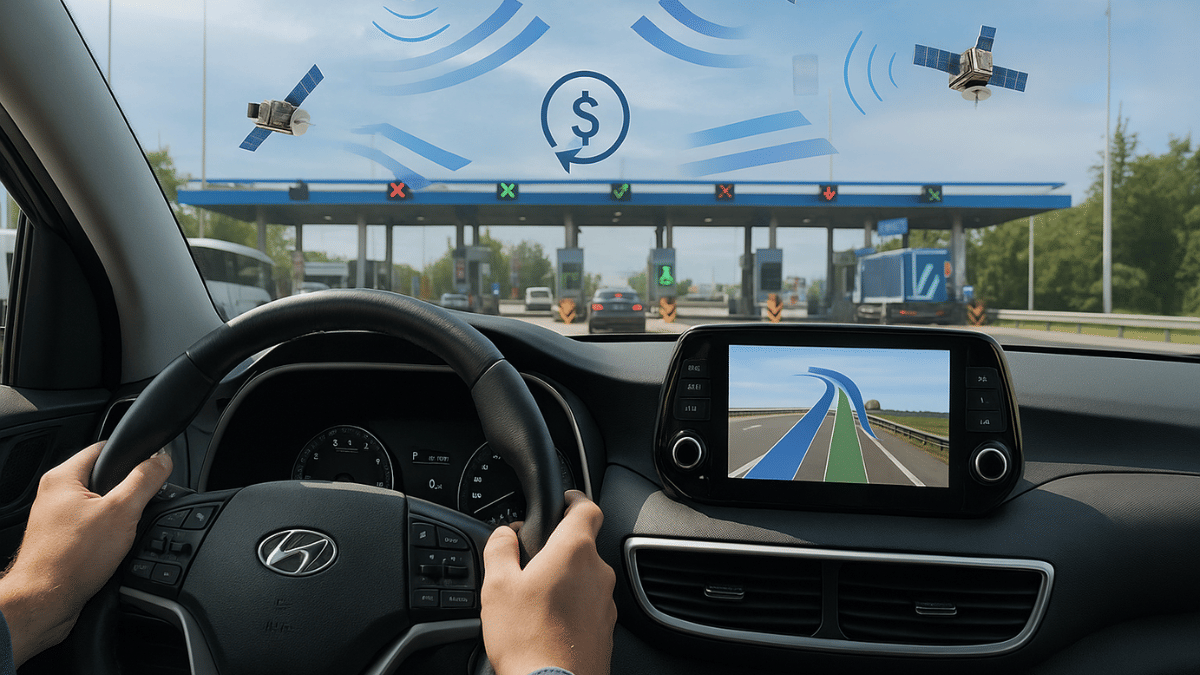
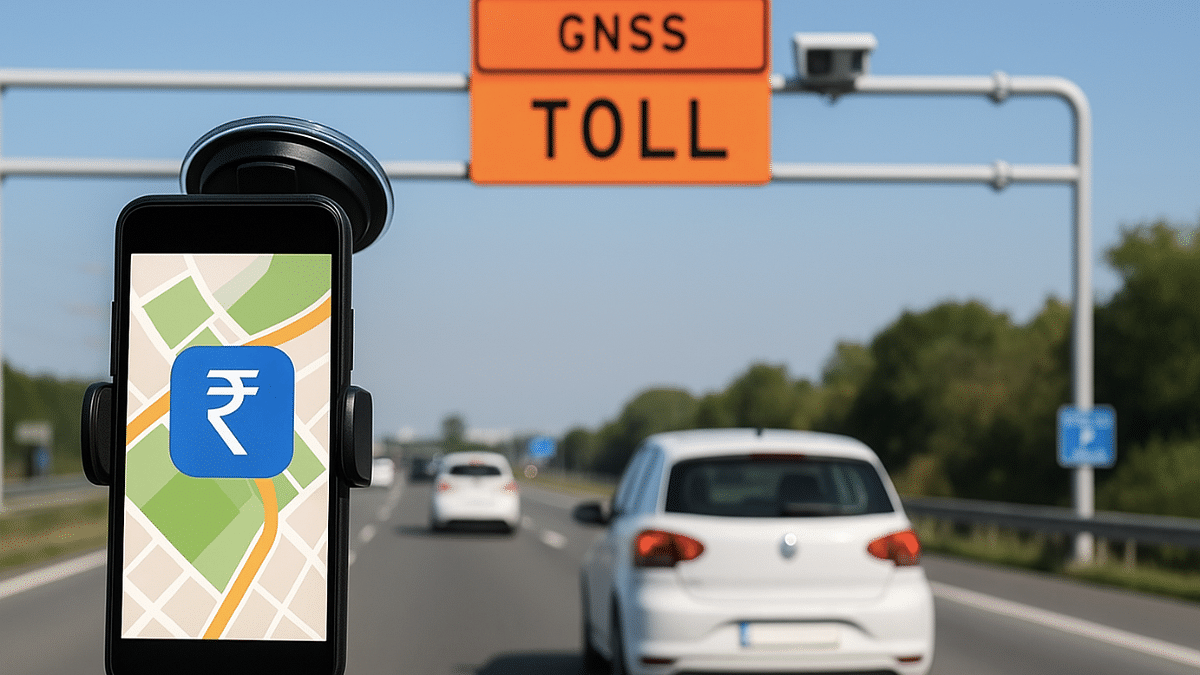
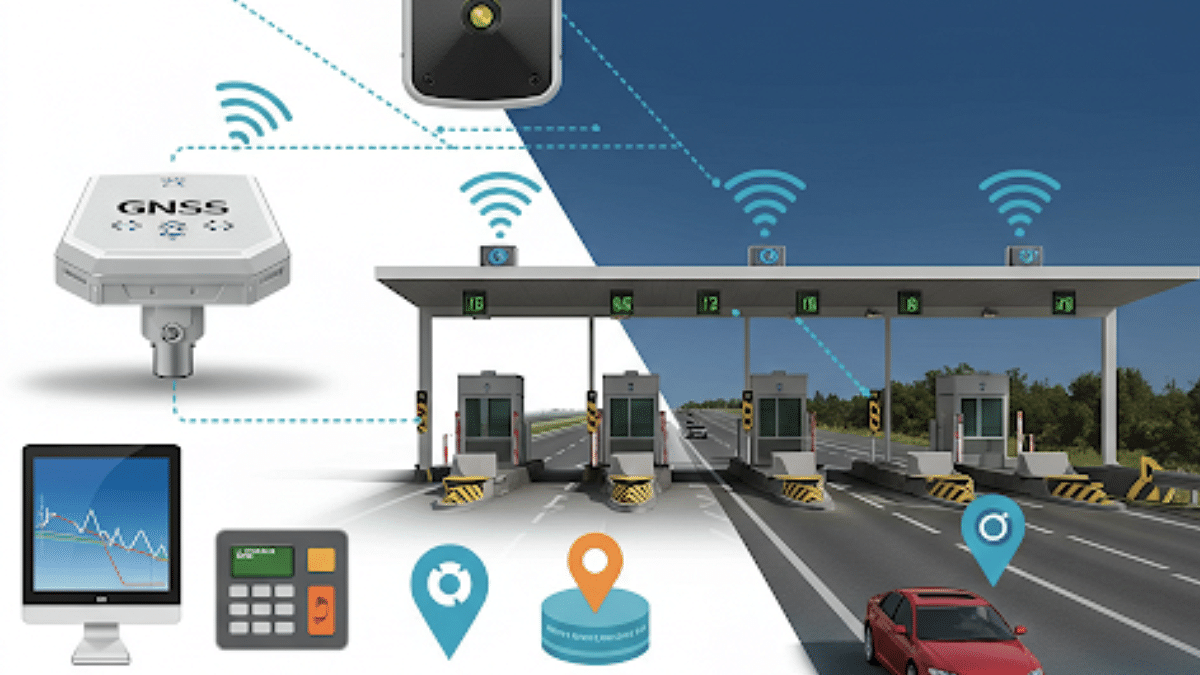
Instead of an RFID technology used by FASTag, GNSS will used GPS satellites to track the vehicle’s movement. Dedicated GPS trackers will be installed across the national and state highways where the distance from point a to point b along with the time travel will be considered for toll collection.

The government will soon introduce OBUs (on-board-unit) which essentially will be a small GPS tracker for calculating the toll fare with the car’s movement. As of now, prices for the OBU unit have not been revealed but we expect the announcements to come soon.

Categories
Apps Featured How To

Instagram Tips And Tricks: How To Play Hidden Interactive Games On Instagram

Key Highlights

  • Instagram offers interactive games features
  • Hidden interactive games can be played using Instagram mobile app
  • Makes platform more engaging

Instagram is the top social media platform out there. Not just in India, the Meta-owned social media app is popular globally and is being used by thousands daily for content creation and audience connect. But Instagram is also bring preferred by the general masses for entertainment which is why Meta keeps on bringing new features to make its platform more user-friendly and hooking. In this article we are exploring one of such hidden features that you can access on Instagram mobile app. It’s the interactive games that you can play with your friends or solo. Let’s check the steps to play hidden interactive games on Instagram:

For the tech geeks, stay updated with the latest cutting-edge gadgets in the market, exclusive tech updates, gadget reviews, and more right on your phone’s screen. Join Giznext’s WhatsApp channel and receive the industry-first tech update.

Also Read: Android Auto Customization: How To Change Wallpaper With And Without Smartphone

Instagram Interactive Games List: What All Can Be Played And How?

Instagram lets users play Instagram games via AR filters and emojis in DMs. Once can make conversations more fun with interactive games. The same goes for user engagement where interacting with fans via games can help boost traction. Some of the interactive game options on Instagram are listed below:

  • Poll-based and quiz posts
  • Emoji games in DM
  • Story games (Tap to play)
  • Emoji guess challenge game

Also Read: Enhance WhatsApp Privacy: How To Blur Images On WhatsApp Mobile, Desktop App

How To Play Hidden Instagram Interactive Emoji Games

Step 1: Open Instagram mobile app and slide to DM section

Step 2: Open the chat window of the contact where you wish to play emoji games

Step 3: Tap on the messaging bar and select the emoji option

Step 4: Now, select any emoji and send it

Step 5: Simply tap on the Emoji to start the game. A ping pong game screen opens up when you tap on the sent emoji.

Also Read: How To Use Telegram Without Internet? Top 5 Working Tricks In 2025

How To Play AR-Based Interactive Instagram Games

Step 1: Open Instagram app and slide left to open the camera

Step 2: Scroll through the list of filters from the bottom

Step 3: Click on “Browse Effects” option. This will be at the end of the filters list.

Step 4: Enter keywords such as “Guess the word” or “Challenge”

Step 5: Use the AR filter results to play the interactive challenge game.

Categories
Auto Tech Featured

Mahindra XUV 3XO Electric Spy Shots Leak: Launch Imminent?

Key Highlights

  • Mahindra XUV 3XO electric model spy shot leaked
  • Could launch soon in India
  • Might come with dual battery pack options
  • Could compete against Tata Nexon EV and the MG Windsor EV in the compact SUV segment

Mahindra is aggressively reshaping its EV portfolio modernising it with future-ready EV models. After the BE 6 and the XEV 9e’s success, the brand is now bringing another electric four wheeler. The XUV 3XO’s all electric model could be making its way to the market as spy shots have started emerging online. The 3XO EV has been snapped getting tested recently in the country hinting at its upcoming launch.

For the tech geeks, stay updated with the latest cutting-edge gadgets in the market, exclusive tech updates, gadget reviews, and more right on your phone’s screen. Join Giznext’s WhatsApp channel and receive the industry-first tech update.

Also Read: List Of Best Electric Scooters With Large Storage Space In 2025

Mahindra XUV 3XO EV Leaked Spy Shots: What All Is Revealed?

The XUV 3XO’s latest test mule has been snapped donning heavy camouflage. While most of the details remains wrapped, the design profile bears resemblance to the current ICE version of the 3XO. The EV has been snapped during testing somewhere around Rajkot-Ahmedabad highway sporting the same exterior design as the ICE version. The facia has been snapped with the fang-sgaped LED DRLs but the front bumper has received an EV-specific makeover.

The XUV 3XO EV’s rear profile snapshots shows the identical C-shaped connected tail lamp setup. The large Mahindra badging is inscribed at the centre of the back panel. It is expected that the XUV 3XO EV could also feature the same copper accents as the XUV 400 electric giving it the EV distinction.

Also Read: Tata Curvv EV Dark Edition Debuts In India: Price, Upgrades

Mahindra XUV 3XO EV Powertrain And Features

Mahindra could use the same INGLO platform as the BE 6 and the XEV 9e e SUVs. It could come with FWD setup linked with two battery options. The XUV 3XO EV could be launched with a 34.5 kWh and a 39.4 kWh battery pack delivering a range of up to 456 km per charge. Cabin and other features could be same as the ICE model such as a 10.2-inch large infotainment system, a 360-degree camera setup and Level 2 ADAS for safety.