Categories
Featured How To

Gemini Live Camera, Screen Sharing Now Free For All Android Users: How To Use

Key Highlights

  • Gemini live camera and screen sharing feature becomes free for Android users
  • Feature rolling out gradually to Android
  • Can be accessed via Gemini app on Android smartphones and tablets

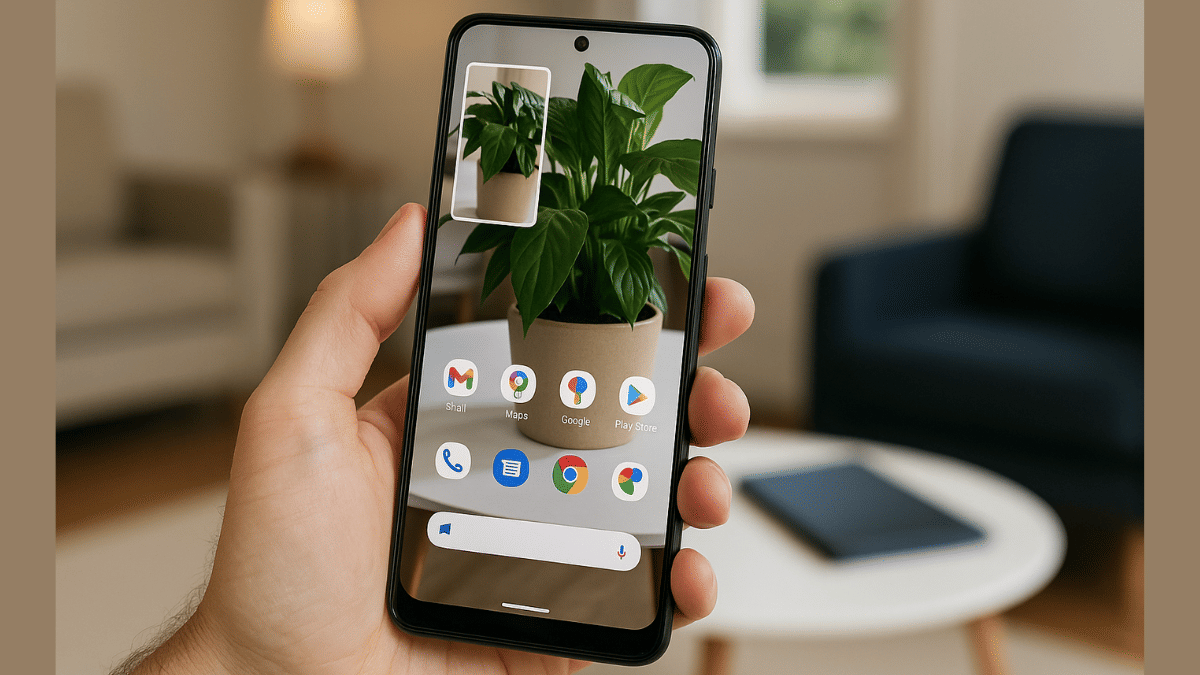
Google Gemini has been receiving significant improvements making Android more potent and advanced. Dedicated Gemini mobile app has been released and it has even replaced the older Google Assistant on all Android platforms. Gemini is consitently getting upgraded with advanced AI features and now one of its progressive camera and screen sharing feature is being widely accessible to all the Android users.

For the tech geeks, stay updated with the latest cutting-edge gadgets in the market, exclusive tech updates, gadget reviews, and more right on your phone’s screen. Join Giznext’s WhatsApp channel and receive the industry-first tech update.

Also Read: ChatGPT Vs Microsoft Copilot: The AI Battle In 2025!

Gemini Live Camera And Screen Sharing Feature Explained

The Live camera and screen sharing is one of the premium features offered by Gemini. This feature has been available for the Gemini Advanced users until now and is now finally being made available to all the Android users for free. A post shared on Gemini’s X handle confirms this development and the availability of this live screen and camera sharing feature.

This update is being rolled out to all of the Android users gradually in batches. The wider release has already started and is expected to be available for all the users in a phased manner. Google Pixel 9 and Samsung Galaxy S25 are the first to recieve Gemini’s live camera and screen sharing feature. Remaining smartphones will soon start offering the same.

Also Read: Gemini Live Voice Chat Now Open To All Android Users: Features

How To Use Gemini Camera Sharing Feature On Android
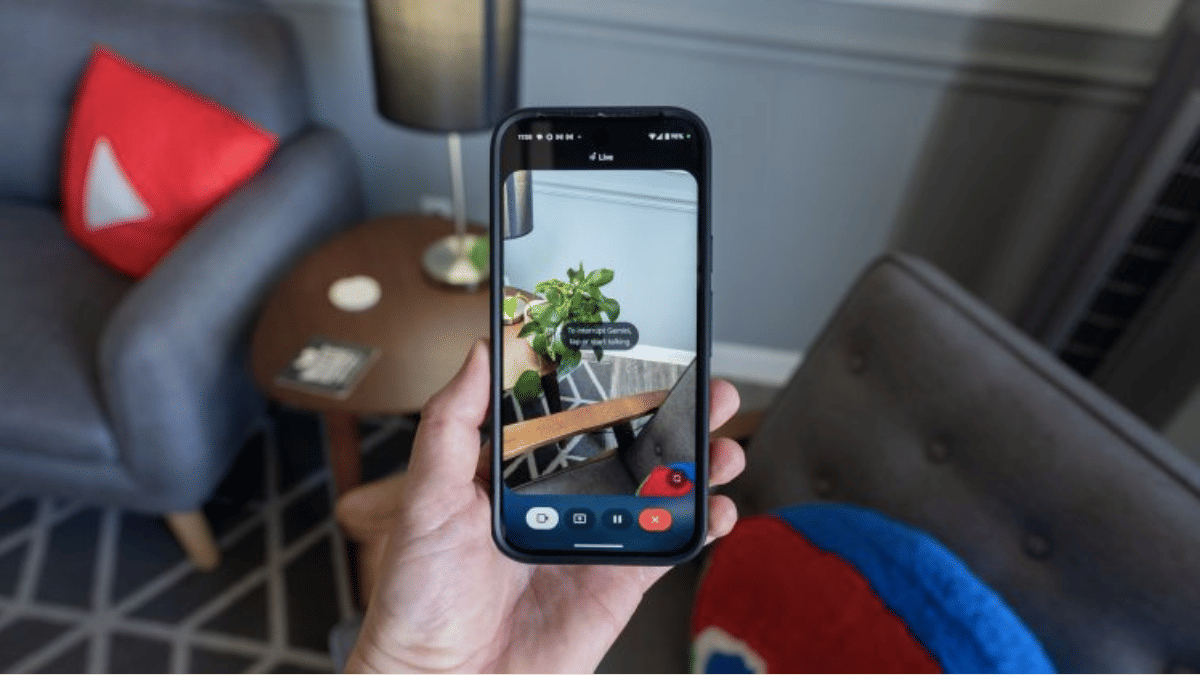
Step 1: On your Android smartphones, open the Gemini Live interface

Step 2: Enable the full screen mode

Step 3: A new camera icon will be displayed. Tap on it.

Step 4: Click on the viewfinder to switch between rear and the front camera

Step 5: Simply ask Gemini queries pointing the camera at the object

Also Read: Three Effective Ways To Restore Deleted Games And Apps On Windows 11 Laptops And PC: How To Guide

How To Use Gemini Live Screen Sharing Feature

Step 1: Unlock your Android smartphone and launch Gemini app. You can also summon Gemini using voice command.

Step 2: Look for a new pop up “Share screen with Live”. Tap on it.

Step 3: Once the confirmation is done, the screen will start sharing live.

Step 4: Drag down the notification shade to bring the “Stop Sharing” tab. Tap on it when you wish to stop the live screen sharing.
Categories
Comparison Featured

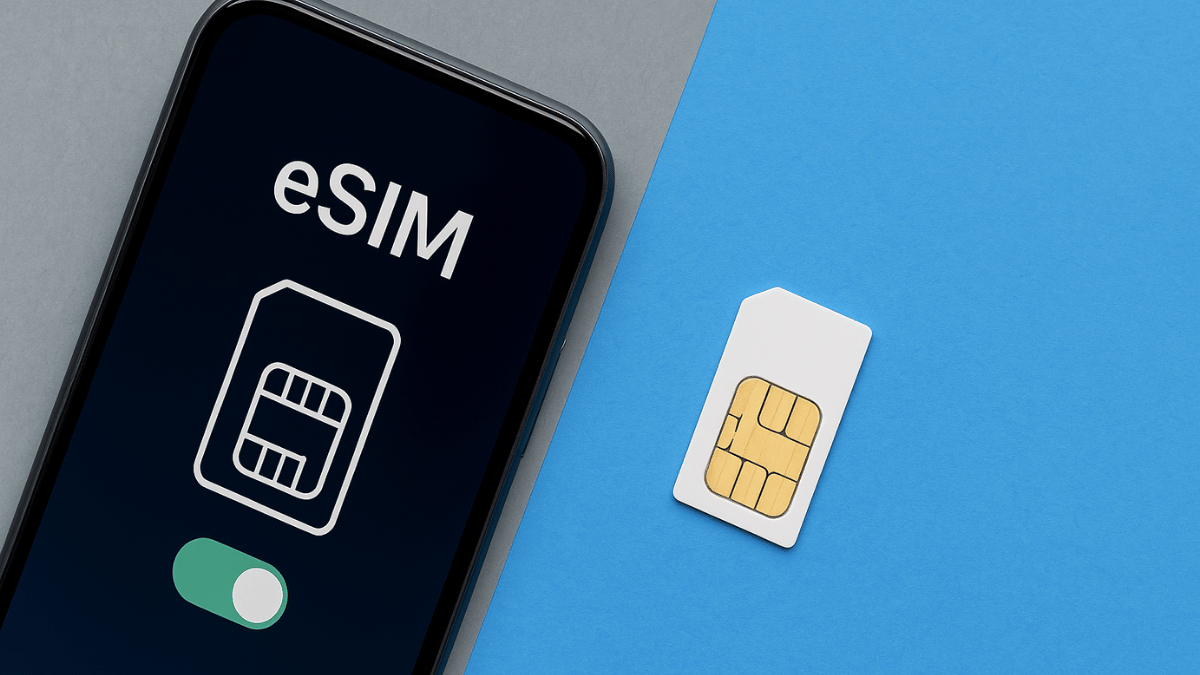
eSIM Vs Physical SIM Card: Which One To Choose In 2025

Key Highlights

  • eSIM (Embedded SIM) is taking over physical SIM cards gradually
  • Is a programmable chip for mobile connectivity
  • Supported mostly by flagship devices

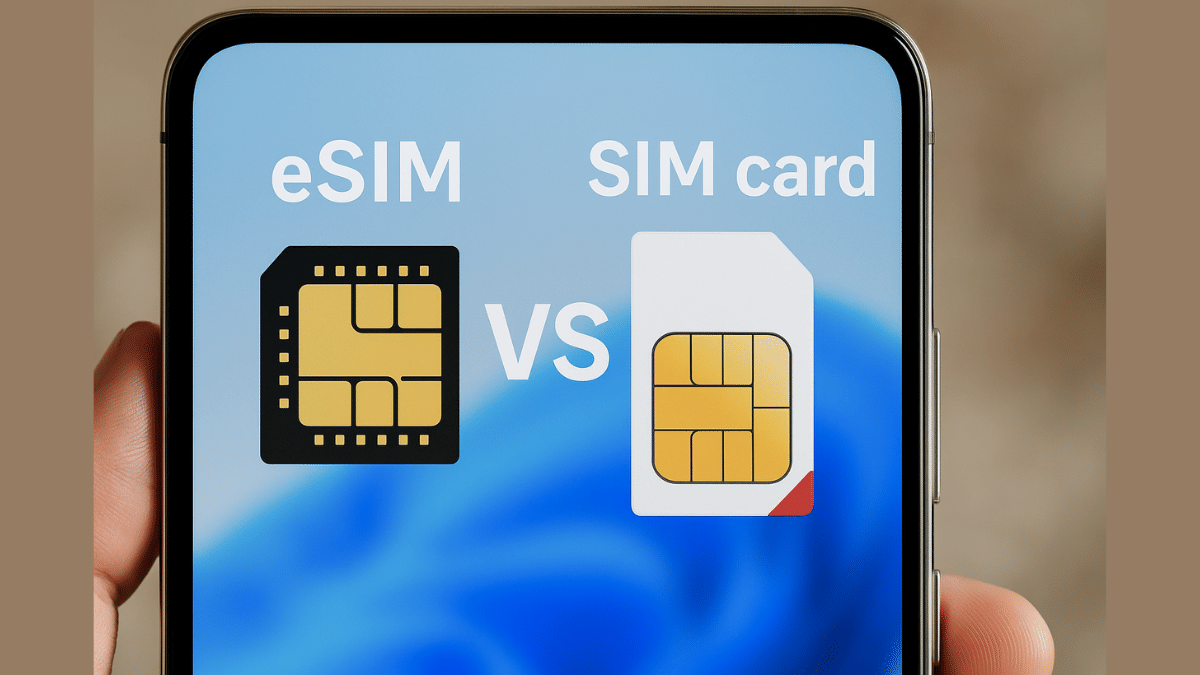
With smartphones evolving at lightning speed, the humble SIM card is undergoing a transformation too. While physical SIMs have been the standard for decades, eSIM (Embedded SIM) technology is becoming increasingly popular in 2025. Whether you’re upgrading your device or planning international travel, choosing between an eSIM and a physical SIM can directly impact your mobile experience. Here’s a complete breakdown of both to help you decide—and boost your digital awareness.

Also Read: Airtel eSIM: Here’s How To Activate On Smartphones

eSIM Vs Physical 3G/4G/5G SIM: Key Differences

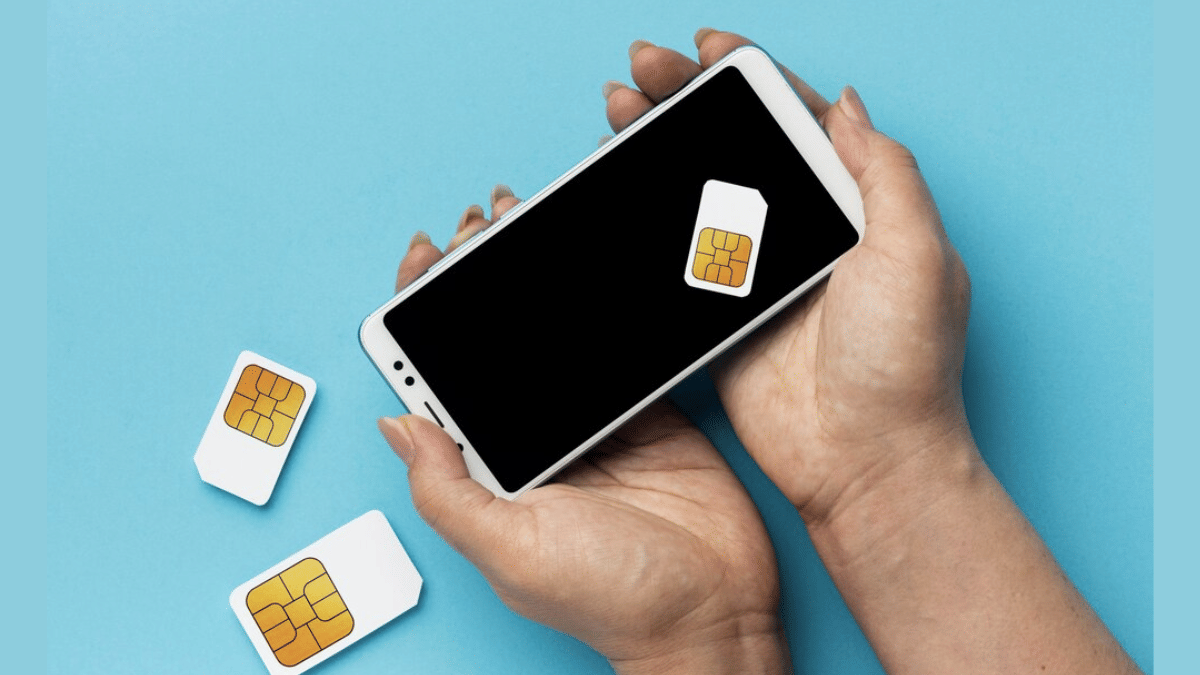
1. Physical SIM:

  • The traditional SIM card or the mobile chip which is inserted inside a phone in a dedicated slot. Provided by all telecom operators, these tiny chips helps with all the calling, messaging, and internet access.
  • SIM cards are removable and a same SIM can be used on different devices.
  • SIM cards are linked with a specific phone number for each user.
  • Prone to physical damage and card misplace risks

2. eSIM:

  • Offers same functionality as a physical SIM card but doesn’t come in a physical card form.
  • Instead, its a programmable chip that is integrated inside your smartphone or device.
  • Doesn’t require a physical card slot or tray for integration
  • Allows all carrier services such as calling, messaging, and data services
  • Safe from physical damage or theft risks

Also Read: ChatGPT Search Quick Hacks: How To Use ChatGPT As Default Search Engine In Google Chrome

eSIM Vs Physical SIM Cards: Form Factor, Device, Carrier Compatibility

Feature And Compatibilities eSIMPhysical SIM Cards
Design/ Form factorMFF2 (Miniaturised Form Factor 2) or Embedded Standard physical chip (nano and micro chips)
Removable Non removable Removable
Remote service provision Yes No
Carrier Supported Limited carrier support Supported by all telecom providers
Device compatibility Mostly supported by flagship Android and iOS devices Supported by all devices
Dual SIM Support Limited Mostly supported

Also Read: Three Effective Ways To Restore Deleted Games And Apps On Windows 11 Laptops And PC: How To Guide

eSIM Vs Physical SIM Cards: Transfers And Backups

Transfers And Backups eSIMPhysical SIM Card
Activation Process EasyEasy
Activation Duration Almost instant Can take anywhere between a few hours to a day or two
Remote activation Supported via QR code provided by carrier, or appNot supported, physical card needs to be inserted before use
Backup and data restore Can be complex Easy

Also Read: Can DeepSeek Really Rival ChatGPT? Bobble AI Reveals Key Insights

eSIM Vs Physical SIM Cards: Which One To Pick In 2025

eSIM Should Be Your Preference If:

  • You wish to get rid of physical SIM cards
  • If you are a frequent international traveller
  • If you wish to get a full digital telecom experience
  • Have fears of misplacing or loosing physical SIM cards
  • Are using a flagship smartphone that supports this new-age feature
  • You wish to experience a neat and stock phone setup experience

Physical SIM Should Be Preference If:

  • Your device doesn’t support eSIM card feature
  • You are frequent with changing devices
  • You are frequently changing mobile numbers
  • If your region has limited eSIM support and coverage
  • You wish to avoid complex setup process
  • If you are using a mid-range or budget phone that comes void of eSIM support
Categories
Auto Tech Featured

Tata Curvv EV Dark Edition Debuts In India: Price, Upgrades

Key Highlights

  • Tata Curvv EV Dark edition launched in India
  • Is based on the top trim
  • Priced at Rs. 22.24 lakh (ex showroom)

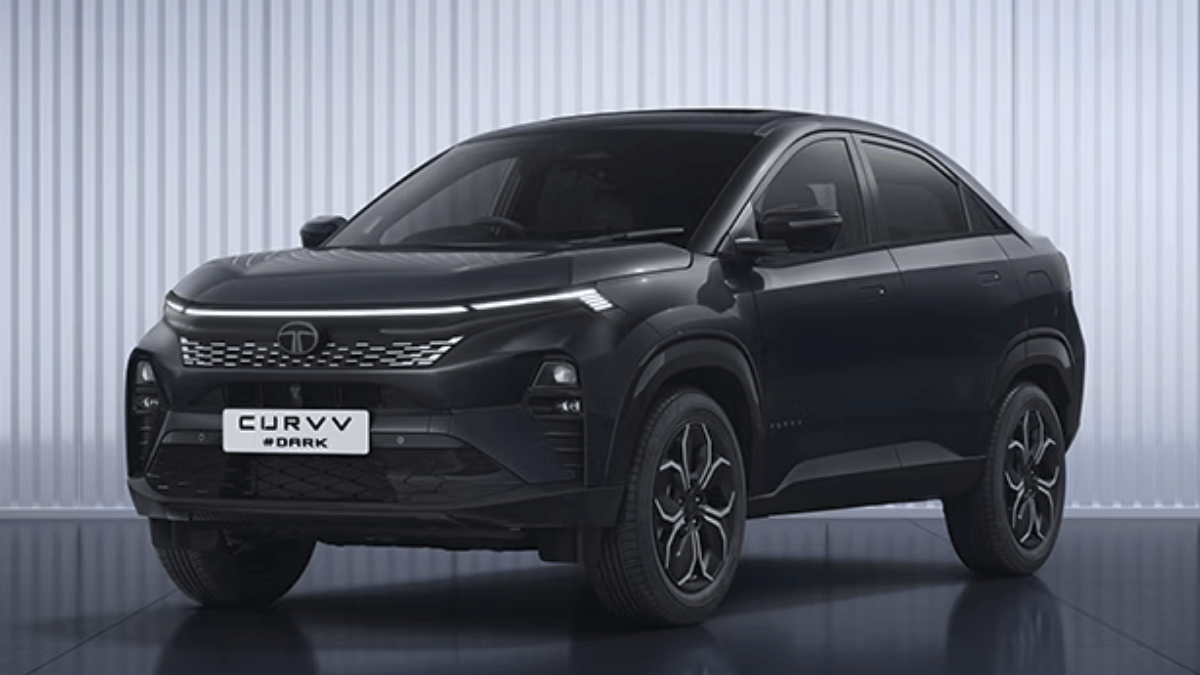
Tata Motors has been frequently updating its portfolio with Dark Edition models of its popular ICE and electric SUVs. After the Nexon EV Dark Edition, the Curvv EV Dark Edition has been launched for the car enthusiasts in India. This new variant of the Curvv EV gets the signature all-black theme with red inserts and is priced under Rs. 25 lakh.

For the tech geeks, stay updated with the latest cutting-edge gadgets in the market, exclusive tech updates, gadget reviews, and more right on your phone’s screen. Join Giznext’s WhatsApp channel and receive the industry-first tech update.

Also Read: 2025 Hero Vida V2 E-Scooter Lineup Prices Axed By Up To Rs. 15,000: Variant-Wise Discount Offers

Tata Curvv EV Dark Edition Design Highlights

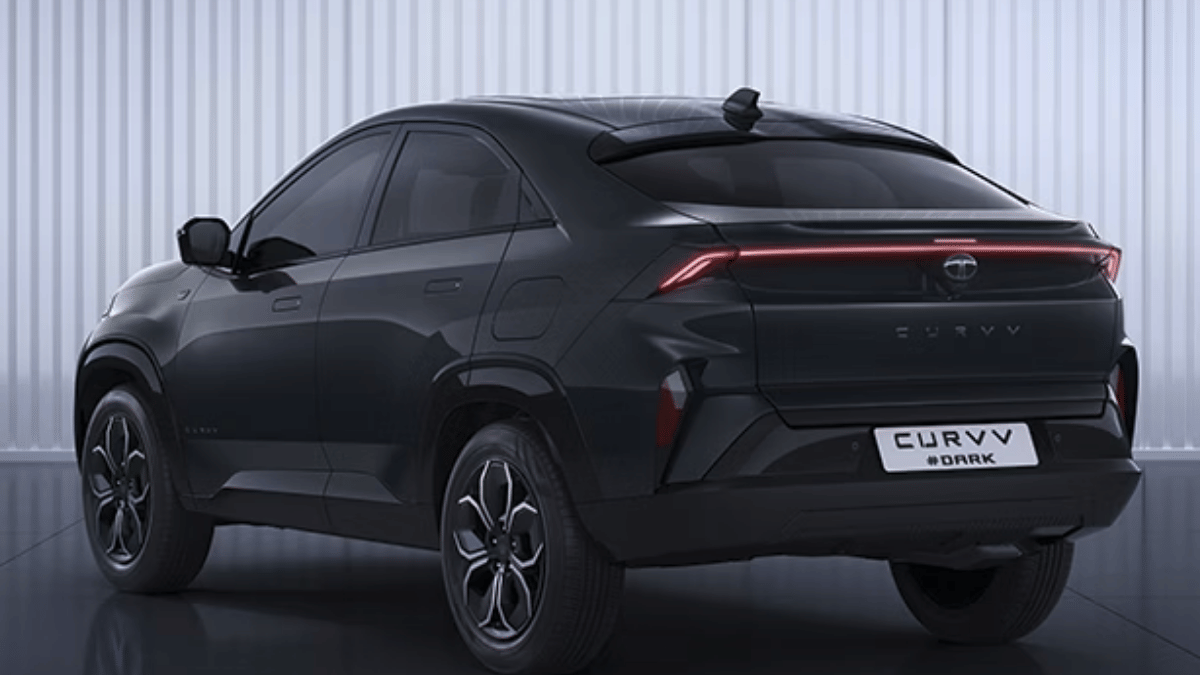
tata Curvv EV Dark Edition features a special Carbon Black pain scheme. The new color shade wraps the e-SUV’s exteriors boasting its masculine profile. The entire EV sports the all-black theme including the cabin. There’s slight hint of silver in the alloy wheels but the rest is covered in dark black shade. This new Dark Edition model has £Dark badging which is the key distinction from the remaining Curvv EV color variants.

Also Read: Tata EV Discounts April 2025 Announced: Grab Up To Rs. 1.5 Lakh Discount On Punch EV, Tiago EV, And Nexon EV

Features And Performance

The Tata Curvv EV Dark Edition gets the same set of powertrain and mechanics as the regular Curvv EV’s top trim, i.e., Empowered+ 55 kWh battery variant. With this battery underpinned, the Curvv EV Dark Edition will deliver up to 502 km per charge range (as per MIDC). It runs on a front axle mounted electroc motor that produces 167 PS of peak power and up to 215 Nm of peak torque.

The Curvv EV will offer three riding modes including Eco, City, and Sports. The Curvv EV Dark Edition trim will offer an acceleration speed of 0- 100 kmph in just 8.6 seconds.

Categories
Tech Gadgets

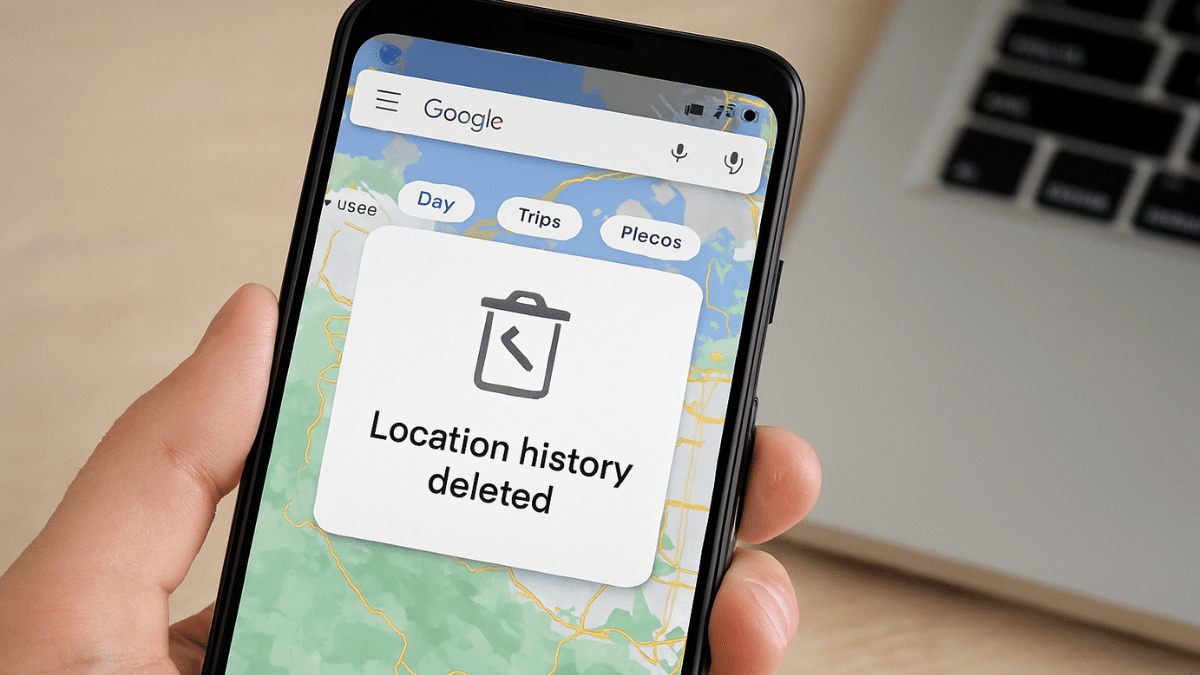
Google Confirms Maps Timeline Data Deleted Accidentally: Check Steps To Restore Deleted Maps Timeline

Key Highlights

  • Google accidentally deleted Maps timeline data
  • Users impacted globally
  • Timeline data can be restored
  • Works only if backup is enabled

Google has been proactively improving navigational features and services offered by Maps. The search giant has also incorporated AI to optimize Maps’ overall performance and to stay in line with the modern technologies. However, multiple users recently flooded the internet citing lost timeline data on Google Maps. Addressing this concern of the Maps users globally, Google recently confirmed the Maps Timeline data got deleted due to technical snag at its end. The brand also has reached out to the affected users guiding them with the methods to restore deleted Maps timeline data. But there’s a catch. Read below to know the steps with which you can restore your deleted Google Maps timeline data on your smartphones.

Also Read: Android Auto Customization: How To Change Wallpaper With And Without Smartphone

Steps To Restore Deleted Google Maps Timeline History

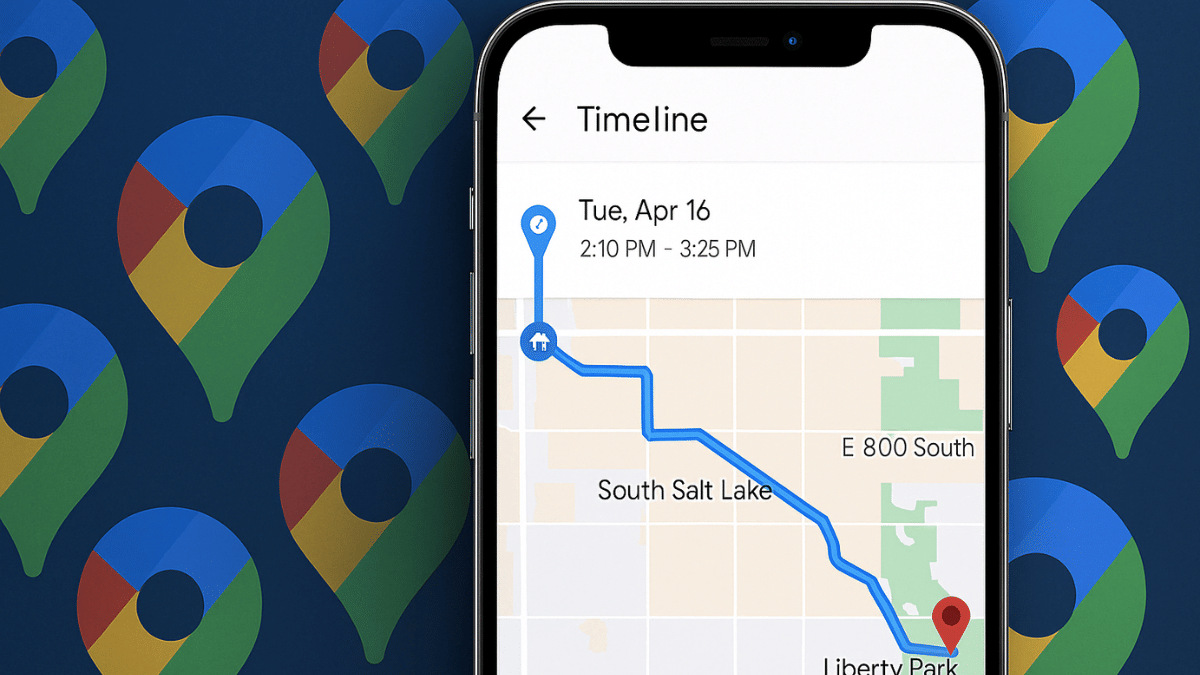
Google Maps timeline is one of those crucial data that can help you keep a log of your travel details. This feature tracks the locations that you have visited on a particular day or time. Last month, multiple users took it to social media platform and online forums revealing how they are unable to access their Maps timeline.

Google in a response admitted that a technical issue led to timeline data loss affecting multiple users globally. All the users impacted with this technical glitch have been notified from Google regarding the same via emails. While restoring data is an option, it comes with a catch. If you have the backup enabled only then you will be able to restore the timeline data otherwise there is no other way to get it back.

Step 1: Open Google Maps application

Step 2: Tap on the Profile picture icon (on the top left)

Step 3: Navigate to “Your Timeline” option and tap on it

Step 4: Now, locate the cloud icon on the top. Click on it.

Step 5: Select the backup type for data import

Step 6: Wait for the timeline data to be restored.

It is worth adding that Google Maps needs to be updated to the latest version before you try to restore the deleted Maps timeline. You can check for any pending updates manually visiting the PlayStore.

Categories
Tech Gadgets

IRCTC Helicopter Reservations Begin For Char Dham Kedarnath Yatra 2025: Ticket Prices, How To Book

Key Highlights

  • Kedarnath Char Dham Yatra 2025 starts May 2
  • IRCTC starts Helicopter ticket bookings
  • Registrations must via official Uttarakhand Tourism website

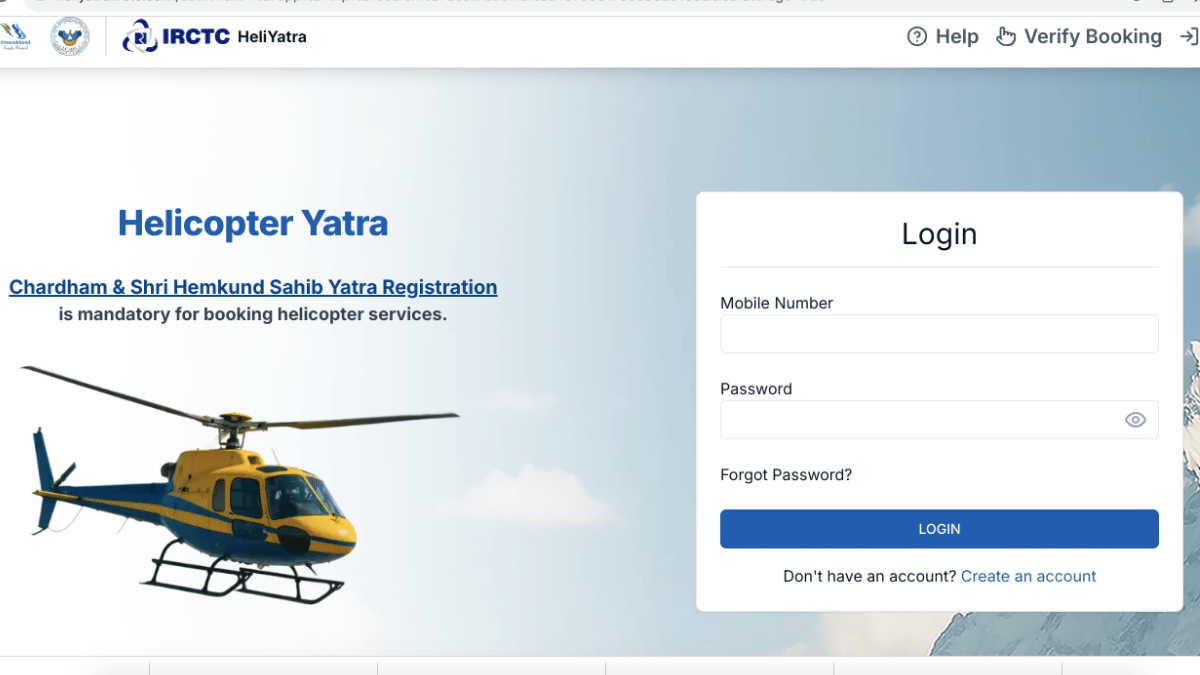
Char Dham Yatra is one of the most popular pilgrimage events held every year in Uttarakhand India. Devotees from all over the country embark on this scared journey in the Himalayan region of Uttarakhand to seek blessings from the divine powers. Over the last few years, a significant increase in tourist and devotee footfall has been noticed which often leads to troubles like heavy traffic jams, unavailability of hotels and camps for stays, etc. Uttarakhand government like every year has taken fresh approach and new moves to make this Char Dham Yatra journey comfortable for the devotees. The latest development here is the inclusion of Helicopter services from IRCTC (Indian Railway Catering and Tourism Corporation). Interested pilgrims can now directly book Helicopter services to Kedarnath and back via IRCTC’s official portal. Let’s take a look at the breakdown of the helicopter ticket prices, service locations, and the steps to book seats for Kedarnath Yatra 2025 via IRCTC.

For the tech geeks, stay updated with the latest cutting-edge gadgets in the market, exclusive tech updates, gadget reviews, and more right on your phone’s screen. Join Giznext’s WhatsApp channel and receive the industry-first tech update.

Also Read: Android Auto Customization: How To Change Wallpaper With And Without Smartphone

Kedarnath Yatra 2025 IRCTC Helicopter Route/ Boarding Points

1. Phata to Kedarnath

2. Sersi to Kedarnath

3. Guptkashi to Kedarnath

Also Read: Want To Transfer Ola Money Cash To Bank Account? Here’s How To Do It

Kedarnath Yatra 2025 IRCTC Helicopter Ticket Prices

1. From Phata to Kedarnath– Rs. 6,074

2. From Sersi to Kedarnath– Rs. 6,072

3. From Guptkashi to Kedarnath– Rs. 8,426

It is worth adding that the Helicopter ticket fares have been increased by up to 5 percent this year compared to the last year. The revised ticket fares have been directed by the aviation operators and Uttarakhand Civil Aviation Development Authority (UCADA) ahead of this year’s Kedarnath Yatra.

Also Read: How To Use Telegram Without Internet? Top 5 Working Tricks In 2025

What All To Keep In Mind Before Booking Helicopter Ticket For Kedarnath Yatra 2025

Before you proceed with helicopter ticket booking for Kedarnath Yatra 2025, ensure you keep the following things handy:

  1. Keep all ID proof documents handy for booking tickets
  2. . You must be a registered user on IRCTC. If not, sign in and register yourself on the portal.
  3. You also need to keep soft copy/ scanned copies of your identity documents for easy booking

Also Read: Enhance WhatsApp Privacy: How To Blur Images On WhatsApp Mobile, Desktop App

Steps To Book IRCTC Helicopter Tickets For Kedarnath Yatra 2025

Step 1: On your smartphone, tablet, laptop or PC, launch any web browser

Step 2: Enter heliyatra.irctc.co.in in the search bar and hit enter

Step 3: Login with your verified credentials. Register first if you are a new user.

Step 4: Now, enter the helipad/ route

Step 5: Confirm the travel dates

Step 6: Enter the passenger details (as mentioned on government ID cards)

Step 7: Upload the soft or scanned ID documents of the passenger

Step 8: Make the payments using preferred mode such as UPI, debit/ credit card, and netbanking, etc.

Step 9: Download or print the helicopter e-ticket for your Kedarnath 2025 yatra.

Categories
Featured Info Tablet

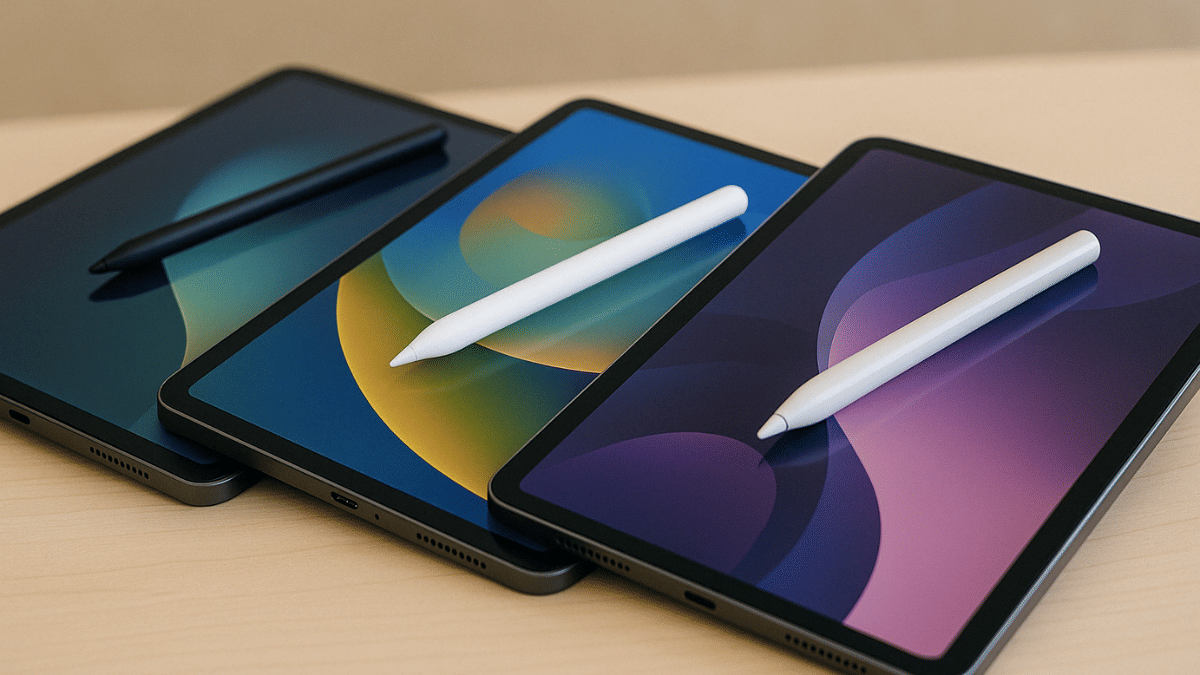
Tablet Buying Guide: Top 3 Tablets With Stylus Pen Support Under Rs.30,000 In 2025

Key Highlights

  • Android tablet with stylus pen support is suitable for creative tasks
  • Affordable options with stylus pen support available
  • Redmi and Poco both offering mid-range tablets with stylus under Rs. 30,000

Tablet industry in India has seen a significant boom in the last few years. The game is getting stronger for the mid-range Android tablets where OEMs have started incoporating hardware and features that were previously limited to high-end models. From high-resolution audio video output to wireless keyboard and stylus pen support, these nifty features are now available with tablet models retailing under Rs. 30,000. In this article, we are exploring the list of best tablet models that are available with stylus pen support making them suitable for students and creative professionals. This list includes models from top smartphone brands such as Xiaomi, Poco, and Realme. Let’s take a look:

For the tech geeks, stay updated with the latest cutting-edge gadgets in the market, exclusive tech updates, gadget reviews, and more right on your phone’s screen. Join Giznext’s WhatsApp channel and receive the industry-first tech update.

Also Read: Best Anime Games To Play In India: Naruto, Dragon Ball, And More

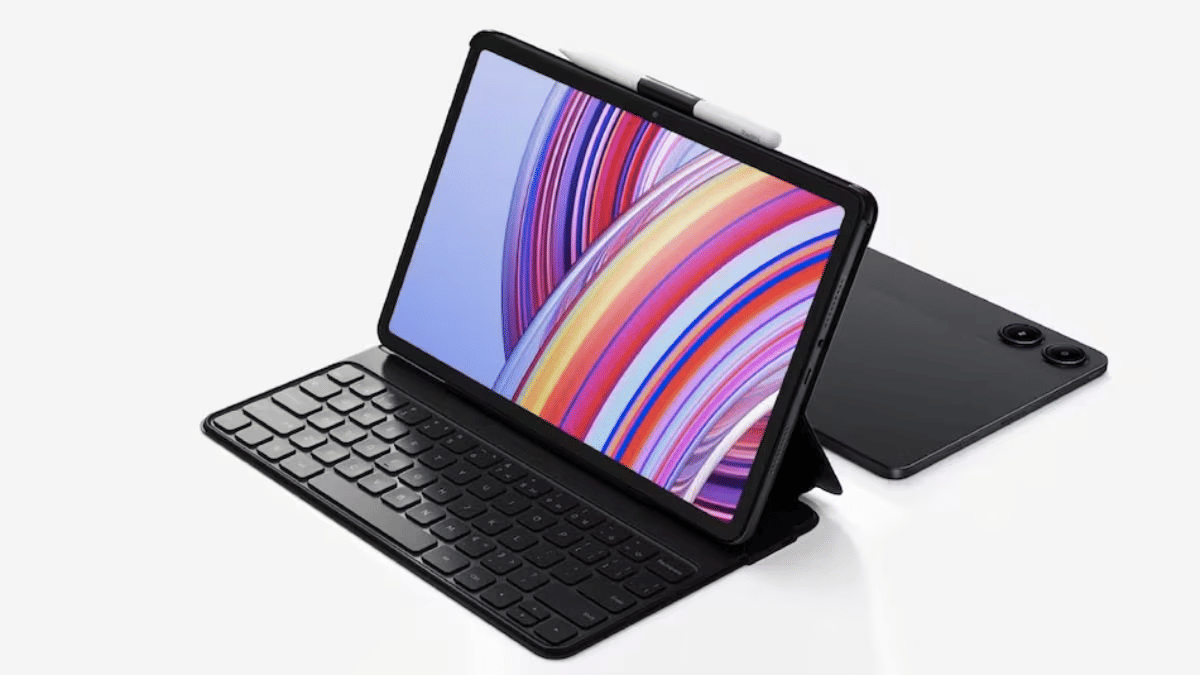
Redmi Pad Pro 5G Tablet

Redmi Pad Pro 5G Specs
Display size 12.1-inch
Panel typeLCD
Resolution2.5K (2560 x 1600 pixels)
Refresh rate 120 Hz
Brightness 500 nits
Rear camera 8MP
Front camera 8MP
Processor Qualcomm Snapdragon 7s Gen 2
RAM 6GB/ 8GB
Storage 128GB/ 256GB
Battery 10,000 mAh
Fast Charging 33W
Stylus Support Yes
Price Starts at Rs. 20,999
Redmi Pad Pro 5G Full Specs

Xiaomi’s Redmi brand was refreshed earlier with the new Redmi Pad tablets. The Redmi Pad Pro 5G backed with Snapdragon 7s Gen 2 chipset and up to 8GB RAM/ 256GB storage makes it one of the most capable mid-range tablet with Wi-Fi and Cellular support. It also comes with stylus pen support which makes it apt for all creative users and students. Price for the Redmi Pad Pro 5G starts at Rs. 20,999 in India (Wi-Fi only model).

Also Read: Best Anime Games To Play In India: Naruto, Dragon Ball, And More

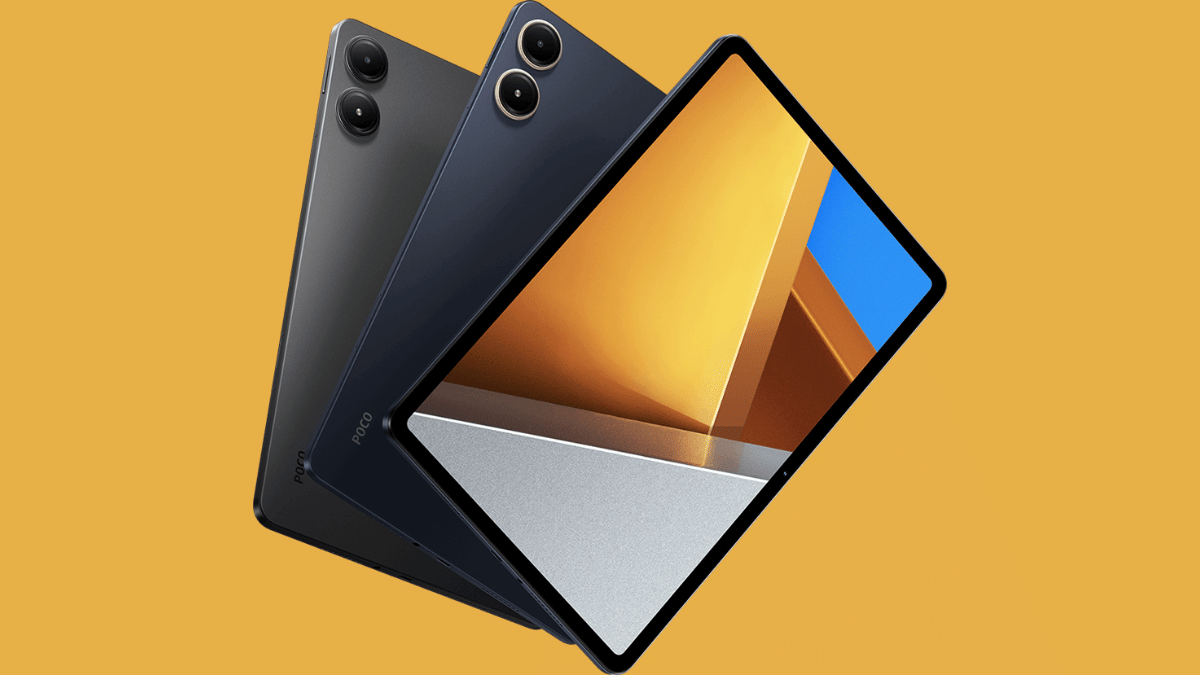
Poco Pad 5G

Poco Pad 5GSpecs
Display size 12.1-inch
Panel typeLCD
Resolution2.5K (2560 x 1600 pixels)
Refresh rate 120 Hz
Brightness 500 nits
Rear camera 8MP
Front camera 8MP
Processor Qualcomm Snapdragon 7s Gen 2
RAM 8GB
Storage 128GB/256GB
Battery 10,000 mAh
Fast Charging 33W
Stylus Support Yes
PriceStarts at Rs. 25,999
Poco Pad 5G Full Specs

Poco’s first tablet in India is another budget-oriented Android tablet which comes with stylus pen support making it an ideal pick under Rs. 30,000. The Poco Pad 2 is also powered by the mid-range Snapdragon 7s Gen 2 chipset clubbed with 8GB RAM and up to 256GB storage space. It is up for grabs exclusively via Flipkart in India and carries an asking price of Rs. 25,999.

Also Read: Best Laptops Under Rs. 80,000 For Designers And Creators In India (2025)

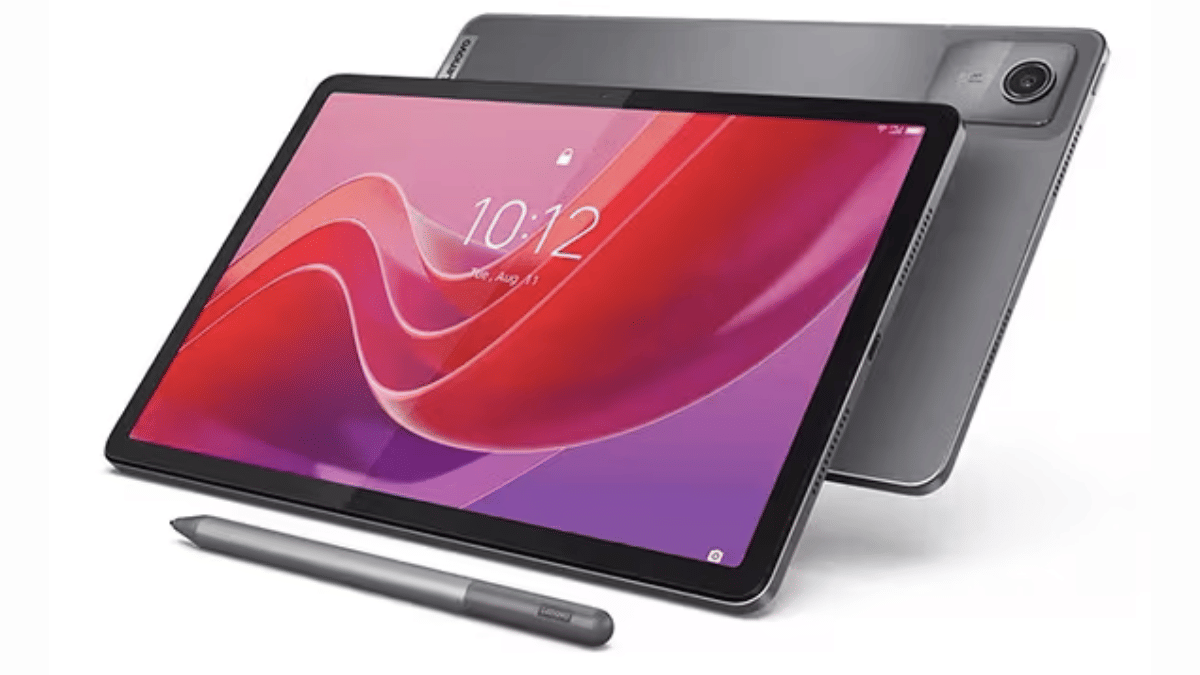
Lenovo Tab K11

Lenovo Tab K11Specs
Display size 10.95-inch
Panel typeLCD
Resolution1920 x 1200 pixels
Refresh rate 90 Hz
Brightness 400 nits
Rear camera 13MP
Front camera 8MP
Processor MediaTek Helio G88
RAM 4GB/8GB
Storage 64GB/128GB
Battery 7,040 mAh
Charging Support10W
Stylus Support Yes
PriceStarts at Rs. 14,999
Poco Pad 5G Full Specs

Lenovo Tab K series is one of the successful tablet lineups that is available in India and comes with reasonable pricing. Like the above tablets in this list, the Lenovo Tab K11 also comes with stylus pen support making it ideal for the masses who are into creative tasks. This is the cheapest model in this list with the asking price being Rs. 14,999.

Also Read: Looking For The Best Cloud Storage? These Apps Stand Out In 2025

Final Verdict

Modern day tablets are as versatile as smartphones allowing us to perform all those critical tasks that previously required a laptop or PC. And with features like stylus pen support can transform them to more useful gadgets. This list has the top 3 latest Android tablets in India that can be purchased at reasonable rates. Out of all these three models, the Redmi Pad Pro 5G and the Poco Pad 5G tablet are the closest contenders with the only major difference being the configuration. On the other hand, if you need more affordable option than these two yet a capable performer that supports stylus pen, then the Lenovo K11 will be the right pick.

Categories
Apps Featured How To

Enhance WhatsApp Privacy: How To Blur Images On WhatsApp Mobile, Desktop App

Key Highlights

  • WhatsApp allows media sharing in the form of images, videos, and audio files
  • Editing tool available for media on WhatsApp
  • Images can be blurred on WhatsApp mobile and desktop app for privacy

Media sharing is one of the best features offered by WhatsApp where you can send high resolution photos and videos to your friends and contacts on WhatsApp. Privacy has been the critical factor for WhatsApp’s success where the end-to-end encryption keeps all the chats private. Even the media files shared including photos and videos are end-to-end protected which makes it a safer platform for such transfers. But are you aware that WhatsApp allows blurring photos before you send them forward to your friends and contacts. This is an extra protection layer that enhances the privacy of a user while transferring images. And this feature is not just limited to the mobile app but also WhatsApp’s desktop version. This article has the step-by-step guide explaining the procedure to blur background in any image while sharing it on WhatsApp.

Also Read: Top 5 Ways To Verify If Your Instagram Account Is Hacked

Steps To Blur Images Before Sharing It On WhastApp Mobile App (Android and iOS)

Step 1: Open WhatsApp mobile app (on Android or iOS devices)

Step 2: Click on the Attachment icon (paperclip icon)

Step 3: Tap on “Gallery” if you wish to send photos from device gallery. Or click on Camera if you want to capture a new image.

Step 4: Select the Image that you want to send

Step 5: Locate the Edit icon (Pen icon) at the bottom. Tap on it.

Step 6: Now, a bunch of editing tools will show up at the bottom including markers and the blur tool. Tap on the blurring tool icon.

Step 7: Now, scroll on the part of the image that you want to blurr.

Step 8: Once done, tap on Done.

Also Read: Three Effective Ways To Restore Deleted Games And Apps On Windows 11 Laptops And PC: How To Guide

Steps To Blur Images Before Sharing It On WhastApp Desktop Version (For Laptop And PC)

Step 1: Open WhatsApp desktop version on your browser

Step 2: Go to the chat window where you want to send an image

Step 3: Click on the Attachment icon

Step 4: Open the Gallery

Step 5: Select the image that you want to share. Editing tools will show up before sending the image.

Step 6: Tap on the Blurr image option

Step 7: Adjust the Blurr intensity

Step 8: Adjust the blurr area on the image

Step 9: Once done, tap on Send.

Categories
Apps Featured How To

Instagram Account Hacked? Immediate Steps To Take If Instagram Account Is Compromised

Key Highlights

  • Instagram offers multiple ways to secure account privacy
  • Strong password combined with two-factor authentication adds extra protection
  • Hack accounts can be reported to Instagram to regain access

Instagram account getting hacked can be one of the worst nightmares. Specifically, if you are content creator and have a huge follower count on Instagram, your Instagram account could be a top target for cybercriminals. We previously shared the guide to check for the top 5 signs that can tell if your Instagram account is hacked. In this guide, we are listing the immediate steps in case you suspect your Instagram account is hacked or it has been taken over by some scammer.

For the tech geeks, stay updated with the latest cutting-edge gadgets in the market, exclusive tech updates, gadget reviews, and more right on your phone’s screen. Join Giznext’s WhatsApp channel and receive the industry-first tech update.

Also Read: Android Auto Customization: How To Change Wallpaper With And Without Smartphone

Immediate Steps You Should Take If Instagram Account Is Hacked

If you suspect your Instagram account is hacked, go through these steps to verify the same. And to safeguard your account from further such attacks, you can perform the following steps.

1. Report Cyber Attacks And Hacks To Instagram

Instagram is stringent with its safety and privacy policies which is why, the immediate step in case of an account hack is to report the incident. You can easily report Instagram of any cyberattack on your Instagram account which can lead to lost access and control. You can make request to Instagram to regain access of your hacked account after reporting it. The steps for the same are below:

  • Step 1: Open Instagram app
  • Step 2: Tap on the Help Center
  • Step 3: Select Hacked Accounts option
  • Step 4: Now, tap on Submit a report option
  • Step 5: Share the details required for verification
  • Step 6: Wait forInstagram to verify the hack report and verification details. Once done, you’ll be given access to the hacked account.

Also Read: Three Effective Ways To Restore Deleted Games And Apps On Windows 11 Laptops And PC: How To Guide

2. Review Login Activity And Log Out If required

Reviewing login activity ensures there are no suspicious account activity. This option also helps to check from which all locations login attempts have been made which you can report to Instagram. You need to immediately log out from your account and then follow move on to the next procedure. But before that take a look at the steps to check your login activity in Instagram.

  • Step 1: Open Instagram app
  • Step 2: Tap on Settings
  • Step 3: Head to Security
  • Step 4: Tap on Login Activity

Also Read: Want To Transfer Ola Money Cash To Bank Account? Here’s How To Do It

3. Change Instagram Account Password

If your Instagram account is hacked but you still have the control and its not yet taken over by the hacker, change the password immediately. Once a new password is updated, the hacker will loose control of your account giving you back all the access. Ensure you use a strong password when you change it. It should be a combination of alphabets (both lowercase and upper case), numerics, and special characters.

Also Read: Telegram Tips And Tricks: How To Schedule Messages On Telegram Android, iOS App

4. Activate Two-Factor-Authentication For Added Safety

Two-factor authentication makes it difficult to for the hackers and cybercriminals to get access of your account. Instagram allows enabling 2FA (two-factor-authentication) that adds extra safety layer to accounts by giving access via SMS or authenticator app.

  • Step 1: Open Instagram app
  • Step 2: Tap on Security
  • Step 3: Navigate to the Two Factor Authentication option and enable it
  • Step 4: Select SMS or authenticator app option.
Categories
Apps Featured How To

Top 5 Ways To Verify If Your Instagram Account Is Hacked

Key Highlights

  • Instagram account hack can bring troubles
  • Sudden log outs can be one of the signs for account hack
  • Other signs of account hack can be spam links and messages sent to contacts, login alerts

Social media has become more than just entertainment source in this modern era. Platforms like Instagram has emerged as a platform to showcase talent and even create a digital identity. The user base has substantially increased over the last few years on Instagram and it has become a popular space for new content creators. This sudden hype with Instagram has also led to increased cyber attacks with reports of phishing and other scams being reported consistently. Staying vigilant is more of a necessaity now if you are an Instagram user or creator. In this guide, we are exploring the ways with which you can identify if your Instagram account has been hacked. Take a look:

For the tech geeks, stay updated with the latest cutting-edge gadgets in the market, exclusive tech updates, gadget reviews, and more right on your phone’s screen. Join Giznext’s WhatsApp channel and receive the industry-first tech update.

Also Read: Android Auto Customization: How To Change Wallpaper With And Without Smartphone

Top 5 Signs Your Instagram Account Is Hacked

1. Suspicious Activity On Your Instagram Feed/ Account

If you notice any suspicious activity from your Instagram account or on your personal feed, it could be due to compromised account credentials/ security. If in case you see posts that aren’t created or shared by you or there are DMs sent without your knowledge, it could be a clear sign of account hack. A few of such activities are below.

  • Strange or unknown posts created or shared from your Instagram account
  • Unknown and random accounts are being followed suddenly
  • Messages or DMs sent to contacts that you haven’t

Also Read: Three Effective Ways To Restore Deleted Games And Apps On Windows 11 Laptops And PC: How To Guide

2. Spam And Phishing Messages/Links Sent To Contacts

If strange messages asking monetary help are being sent to your friends and other contacts on Instagram, it could be a compromised account situation that needs to be addressed quickly. Also, scammers might send suspicious links to the contacts which can further compromise the security of the other user. This is another clear sign that your Instagram account has been hacked.

Also Read: How To Use Telegram Without Internet? Top 5 Working Tricks In 2025

3. If You Are Receiving Login Alerts (Unrecognised)

Whenver you log in to your Instagram account on a new device or from a new location, you’ll be notified about the login session. Always ensure you check the login notifications that you receive from Instagram. If you get such login alerts when not initiated from your end, it could be a sign of a hack attempt.

Also Read: JioTV App On Laptop: Here’s How To Install And Use

4. Uninitiated Account/ Device Log Out

This is another clear sign that tells your Instagram account security has been compromised. If in case you are already using Instagram and are logged out abruptly and this keeps on happening despite you logging back in, the account security might have been compromised. This could also be a sign that the attacker has changed your Instagram account’s password which is why your account is being logged out.

Also Read: WhatsApp TV: How To Use WhatsApp On Smart TV For Messaging, Video Calling

5. Security Settings/Bio Changed

If you notice change in your personal information or any other information that has been shared by your on Instagram, it could be due to compromised account security. Verify if there has been any changes made to your personal information or account via the settings menu.

Step 1: Open Instagram app

Step 2: Navigate to the Settings menu

Step 3: Scroll to Account section

Step 4: Head to the Personal Information option and verify all the data.

These above methods can help you verify if your Instagram account’s security has been compromised. In our next guide, we’ll be sharing the tips with which you can protect your Instagram account from cyberattacks and what to do if your account has been hacked or its security is compromised. So, stay tuned.

Categories
Auto Tech Featured

Week 15 EV Wrap Up: April Discounts, New Launches, And More

Key Highlights

  • Maruti Suzuki e Vitara launch timeline revealed
  • Hero Vida V2 series gets discounts
  • Tata Motors makes its EV lineup cheaper this month

Indian automotive industry, specifically, the EV market is consistently evolving with the manufacturers bringing advanced E2W and E4Ws. Last week we saw a few new e-scooters and also came across spy shots of some of the upcoming electric cars/ SUVs, and electric scooters. This week too we have seen a few new launches in the E2W segment. Discounts and deals for the month of April has also been announced by Tata Motors and Hero Vida V2 e-scooter series.

For the tech geeks, stay updated with the latest cutting-edge gadgets in the market, exclusive tech updates, gadget reviews, and more right on your phone’s screen. Join Giznext’s WhatsApp channel and receive the industry-first tech update.

Also Read: Best Electric Scooters With Removable Batteries

Maruti Suzuki E Vitara India Launch Likely Next Month

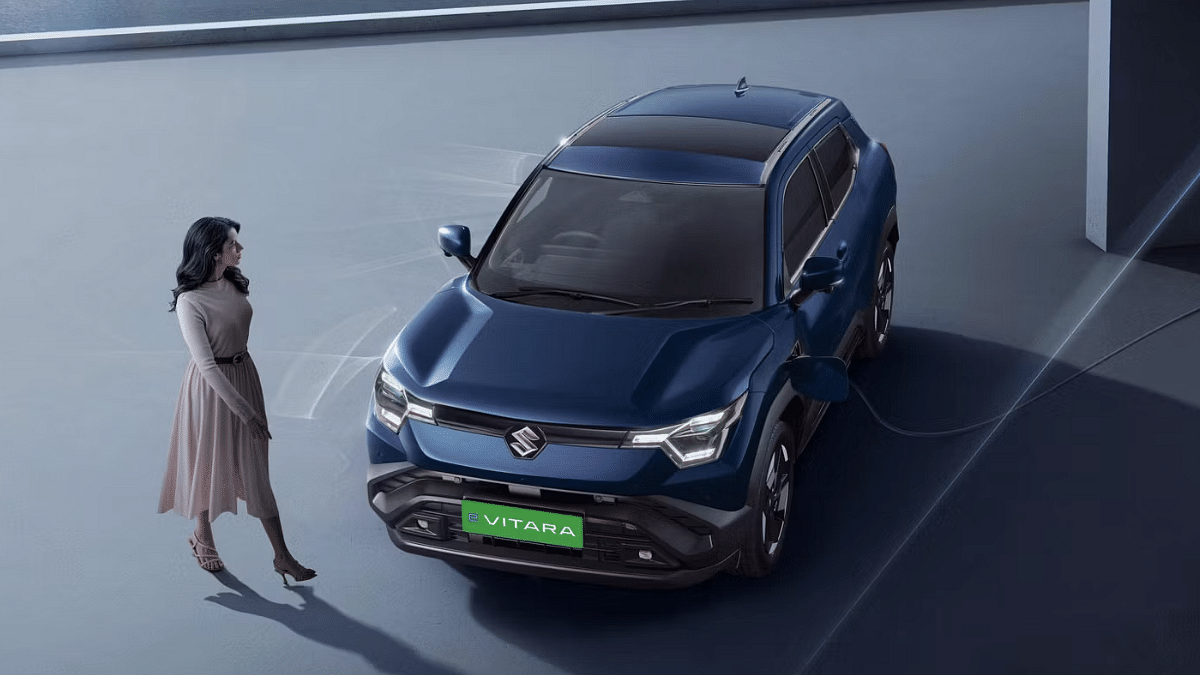
Maruti Suzuki could finally launch its first electric SUV in India. The brand is rumored to be launching the E Vitara electric SUV next month, i.e., May 2025 in the country. With a just a month remaining for its launch, Maruti Suzuki is expected to make the delivery related announcements soon. Maruti Suzuki has appranetly started taking pre-bookings for the E Vitara ahead of the launch which is scheduled for next month. Read More

Also Read: List Of Best Electric Scooters With Large Storage Space In 2025

Ampere Reo80 Low Speed Electric Scooter Launched

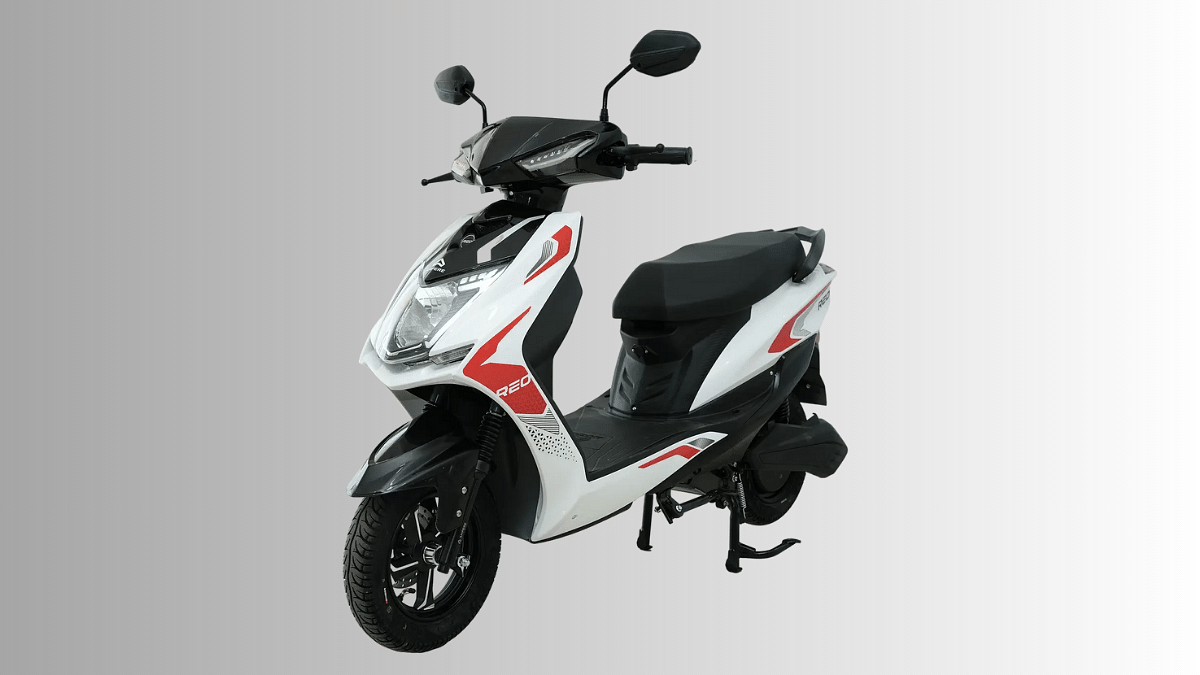
Greaves Electric Mobility have expanded its portfolio in India. The Reo80 is the latest model introduced by the brand which is a low-speed electric scooter suitable for daily rides. It is targeted at students and senior citizens as this e-scooter doesn’t need a driving licence or registration. The Ampere Reo80 electric scooter comes with a LFP battery module with 80 km range and 25 kmph top speed. Read More

Also Read: List Of Best Electric Scooters With Swappable And Removable Battery Pack

Tata Curvv EV, Punch EV, Nexon EV, Tiago EV April 2025 Discounts

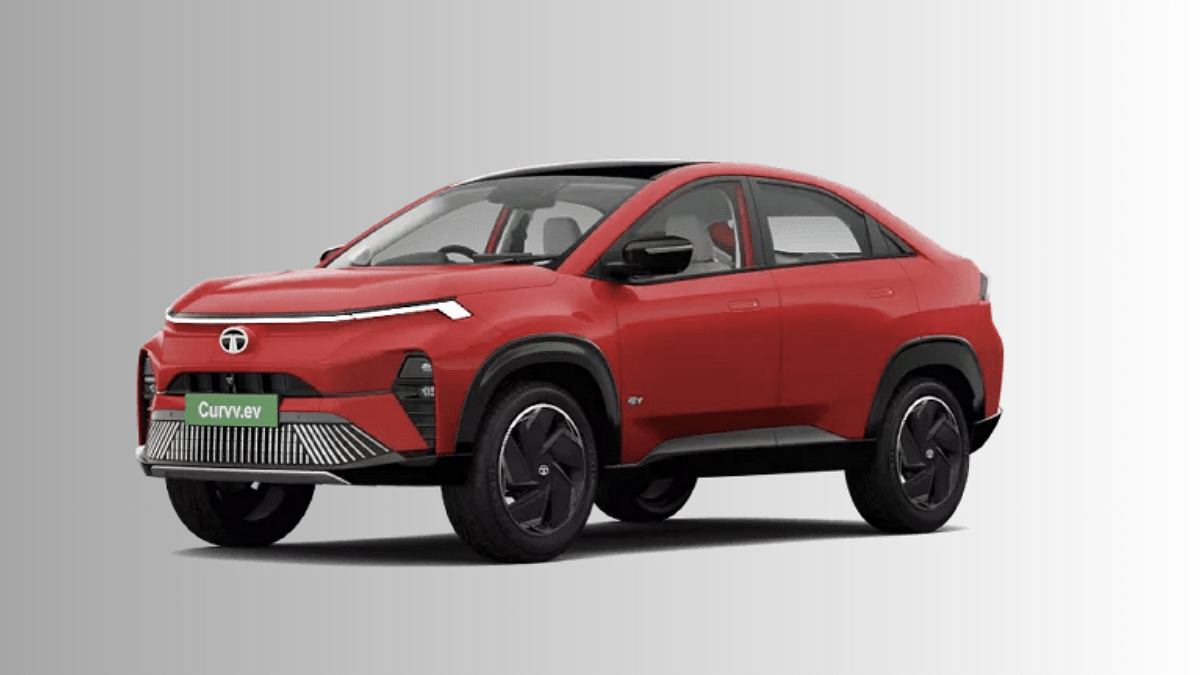
Tata Motors has announced rocking deals for its EV lineup making the Curvv EV, Punch EV, Nexon EV, and the Tiago EV more affordable. The leading Indian automotive giant has made its EV lineup cheaper by up to Rs. 1.15 lakh where the Curvv EV and the Punch EV has received up to Rs. 70,000 discount, whereas, the Nexon EV and the Tiago EV have been made cheaper by up to Rs. 40,000 and Rs. 85,000 respectively. The offers have been announced for both MY24 and MY25 stocks. Read More

Also Read: Drive Smart And Safe: List Of Top Electric SUVs With Advanced Safety Features In India In 2025

Hero Vida V2 Series Gets Affordable By Up To Rs. 15,000

On the Vida V2 electric series, a price cut of up to Rs. 15,000 has been announced by HeroMotoCorp. The two wheeler manufacturer has given a price cut to the Vida V2 Lite and the V2 Plus trims. The former has received a discount of up to Rs. 11,000 with the new prices reflecting at Rs. 74,000. On the other hand, the Vida V2 Plus’s price has been dropped by Rs. 15,000 and it can now be purchased at Rs. 84,800 instead of its previous Rs. 97,800 price tag. Read More