Say hello to Shweta, a tech fan who's hooked on keeping up with all things tech. When she's not exploring the latest gadgets, she's diving into a good book, clicking photos as an amateur photographer, or enjoying classic movies and music. With her love for both tech and creativity, Shweta adds her own touch to tech news in a way that's easy to understand and enjoy.
Smart alarm clocks are a great investment for anyone who wants to wake up feeling refreshed and energized
These devices come with a range of features that make it easier to start your day on the right foot
There are many smart alarm clocks on the market that meets your needs
Smart alarm clocks are an innovative and useful technology that can help you wake up in the morning feeling refreshed and energized. These clocks are designed to incorporate a range of features that are intended to make your life easier and help you start the day off on the right foot. With so many different models on the market, it can be difficult to decide which one is right for you. In this article, we’ll discuss some of the best smart alarm clocks to buy and what makes them stand out from the rest. Also Read | Best Smartwatch With Color Display And Touch Screen To Buy In India
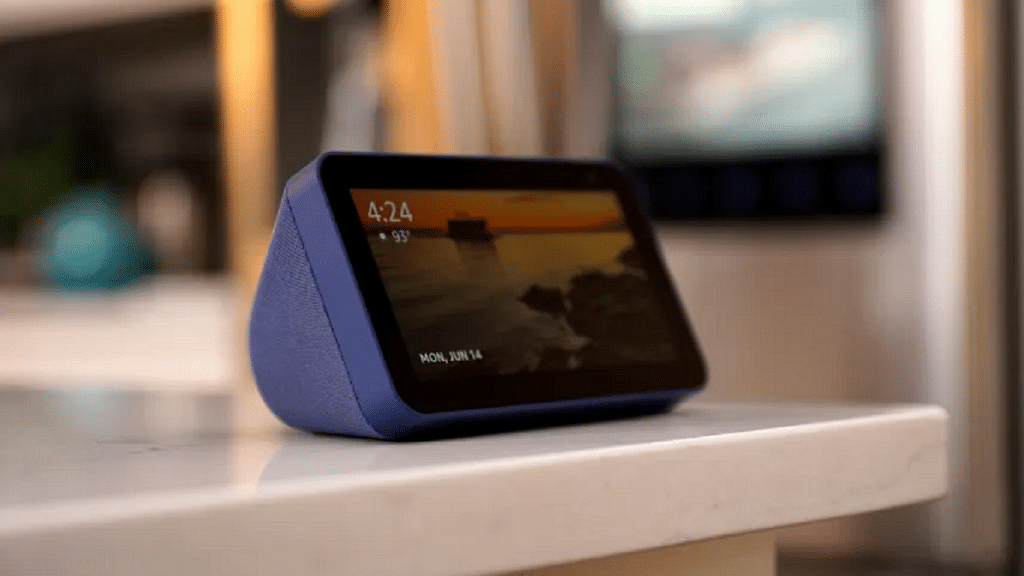
Amazon Echo Show 5
The Amazon Echo Show 5 is a compact smart alarm clock that features a 5.5-inch display and built-in Alexa voice control. This device allows you to set alarms, play music, and control your smart home devices with just your voice. The Echo Show 5 also has a sunrise alarm feature that gradually brightens the display to simulate the rising sun, making it easier to wake up naturally.
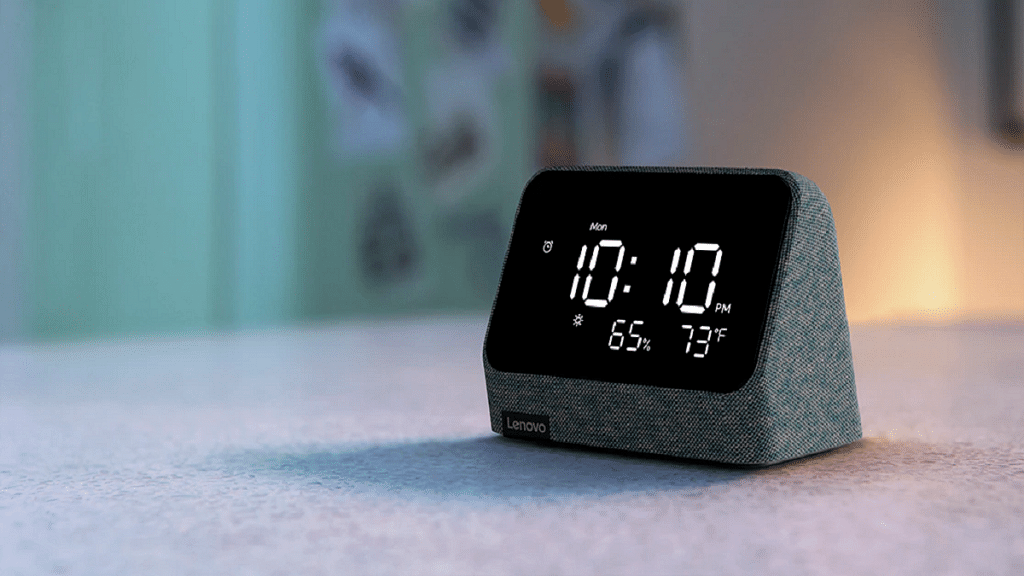
Lenovo Smart Clock Essential
The Lenovo Smart Clock Essential is another great smart alarm clock that features a 4-inch display and built-in Google Assistant. This device allows you to set alarms, play music, and control your smart home devices using your voice. It comes with a built-in USB port for charging your phone or other devices. Also, it has a built-in night light that can help you navigate your bedroom in the dark.
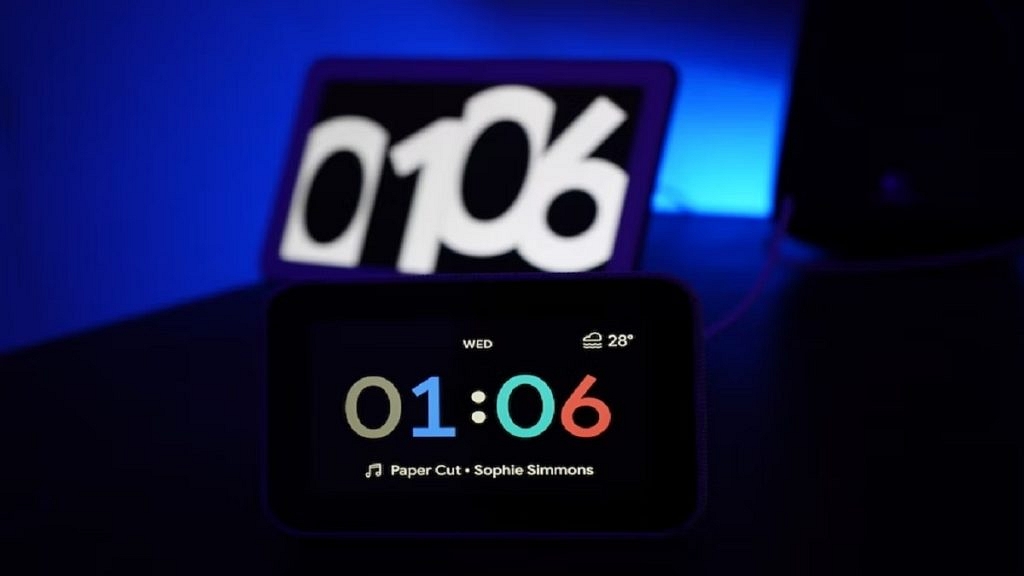
The Google Nest Hub has a larger smart display that can be used as a smart clock, smart speaker, and smart home controller. It features a 7-inch screen and can be used to play music, watch videos, set alarms, and control other smart home devices. It also has a built-in camera and microphone for video calls and voice commands.
Philips SmartSleep Wake-up Light
The Philips SmartSleep Wake-up Light is a unique smart alarm clock that uses light therapy to help you wake up naturally. This device features a customizable sunrise simulation that gradually brightens over 30 minutes, waking you up gently and naturally. It also has a range of other features, including natural sounds, FM radio, and a sunset simulation that helps you drift off to sleep.
These smart clocks offer a range of features and price points to suit different needs and budgets. When choosing the best smart clock for your needs, consider factors such as screen size, compatibility with your other smart home devices, and the types of features that are most important to you.
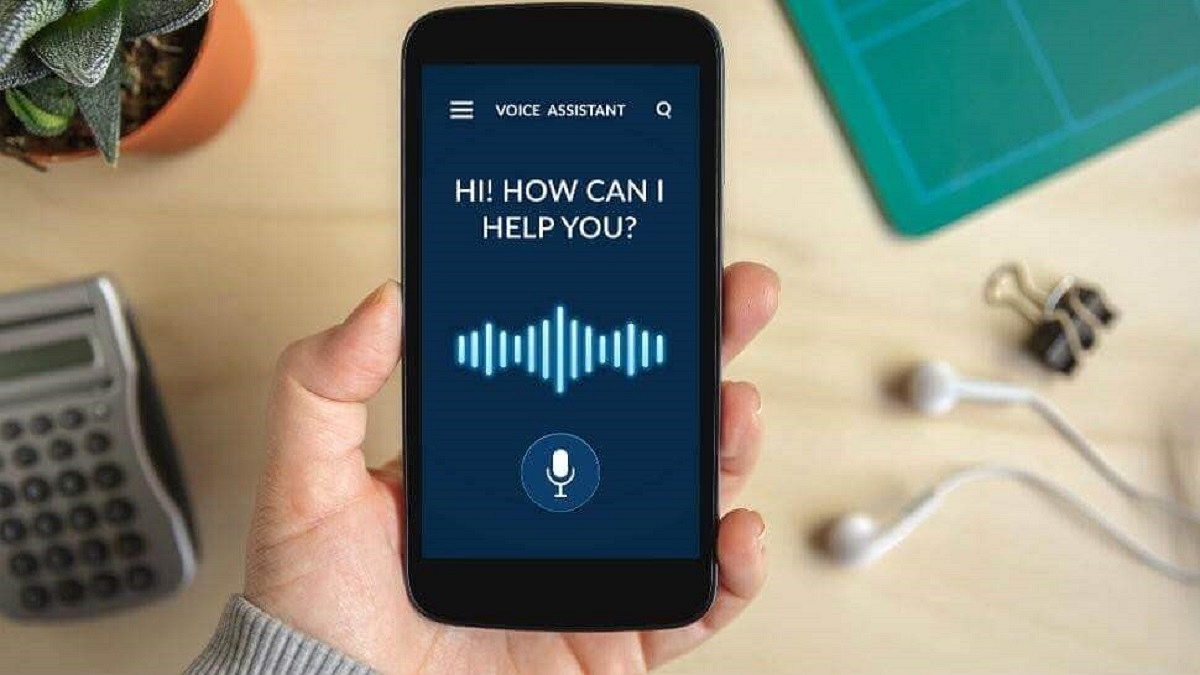
Voice assistants perform tasks such as setting reminders, checking the weather, and more
The best voice assistant for Android will depend on individual needs and preferences
Google Assistant is widely regarded as the best overall voice assistant for Android devices
Voice assistants have become popular because they provide a convenient and hands-free way for users to interact with their devices and access information or perform tasks. By using natural language processing and machine learning, voice assistants are able to understand and respond to user commands and queries, making it easier and faster to perform tasks such as setting reminders, checking the weather, making calls, or controlling smart home devices. Voice assistants can also help people with disabilities or physical limitations to use technology more easily and efficiently.
Android users have a variety of voice assistants to choose from, and the best one for you will depend on your personal preferences and needs. Here are some of the best voice assistants for Android:
Google Assistant is the default voice assistant on most Android devices and is widely regarded as one of the best voice assistants available. It is powered by Google’s extensive knowledge graph, which allows it to answer a wide range of questions and perform a variety of tasks. Google Assistant can be activated by saying “Hey Google” or “OK Google,” and it can be used to do things like set reminders, play music, send messages, and control smart home devices. It can also be integrated with other Google services, such as Google Maps and Google Calendar, to provide a seamless experience.
Amazon Alexa
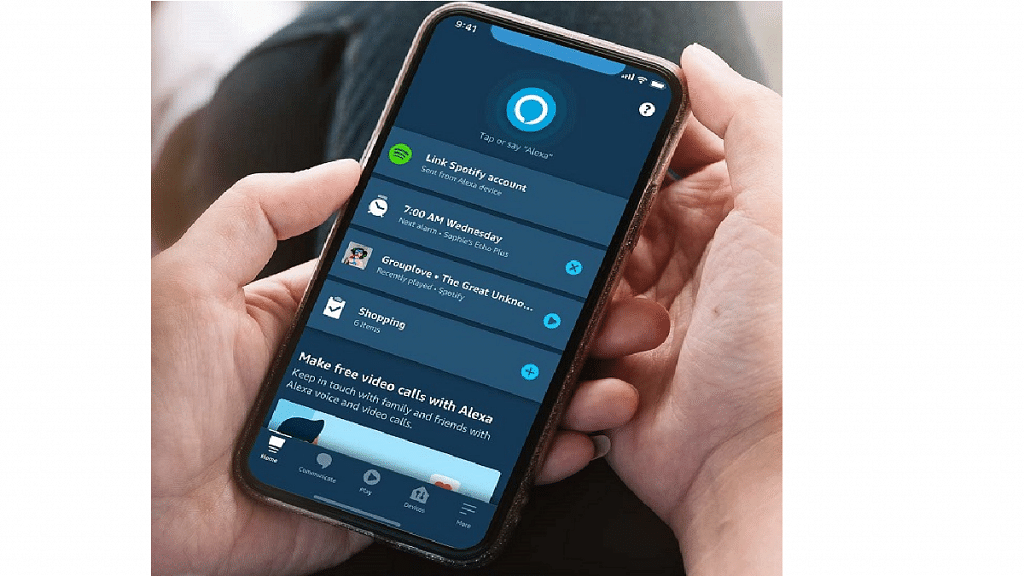
Amazon Alexa is another popular voice assistant that is available on Android devices. It is best known for its integration with Amazon’s smart home devices, such as the Echo and Echo Dot. However, it can also be used to perform a variety of tasks on Android devices, such as playing music, setting reminders, and ordering products from Amazon. Alexa can be activated by saying “Alexa” or “OK Alexa,” and it can be customized with a wide range of skills and third-party apps.
Microsoft Cortana is a voice assistant that is best known for its integration with Windows devices. However, it is also available on Android devices and can be used to perform a variety of tasks, such as setting reminders, checking the weather, and searching the web. Cortana is adored for its wide array of features, including the ability to manage tasks, track packages, update users on the latest news and weather forecasts, and more.
Samsung Bixby
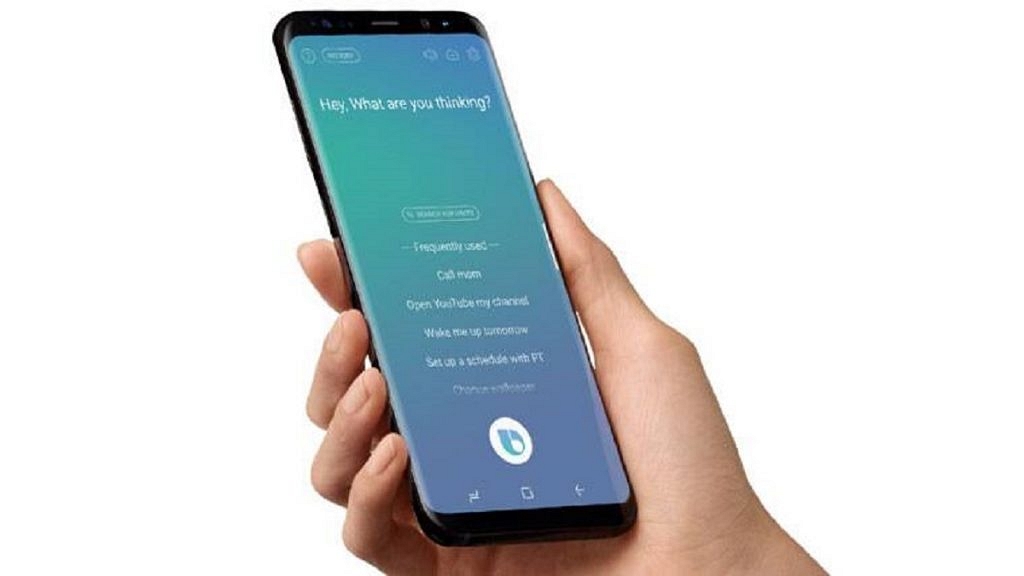
Samsung Bixby is a voice assistant that is designed specifically for Samsung devices. It can be used to perform a range of tasks, such as setting reminders, sending messages, and controlling Samsung smart home devices. Bixby can be activated by pressing the dedicated Bixby button on Samsung devices, and it can be customized with a range of voice commands and shortcuts.
DataBot
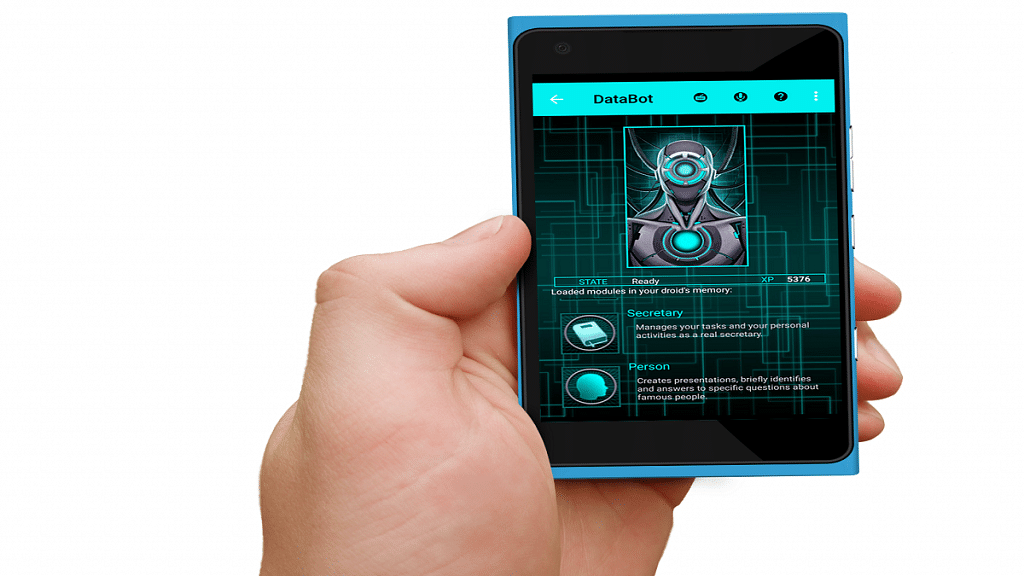
DataBot is a virtual assistant app that provides a wide range of features to users, such as voice recognition, chatbot interaction, and custom commands. It can perform tasks such as setting alarms, sending messages, making calls, searching the web, and controlling smart home devices. DataBot also has a unique feature called “Brain,” which allows users to train the app to recognize specific phrases and respond accordingly. It’s a versatile app that can help users streamline their daily routines and enhance their productivity.
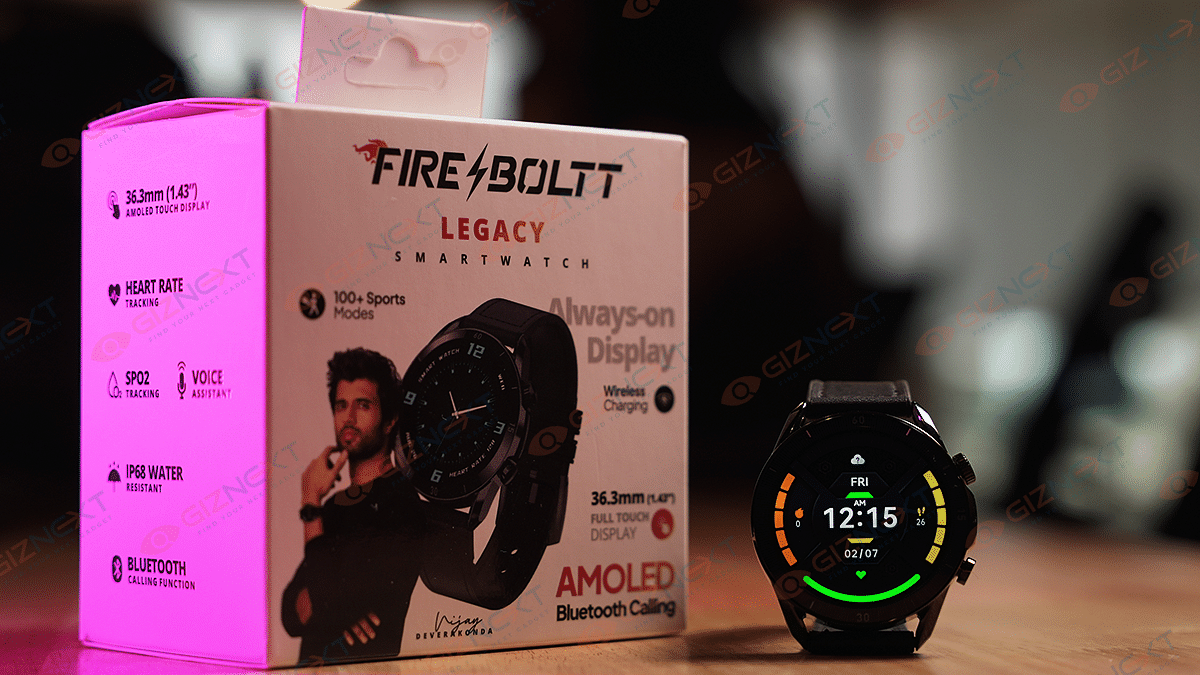
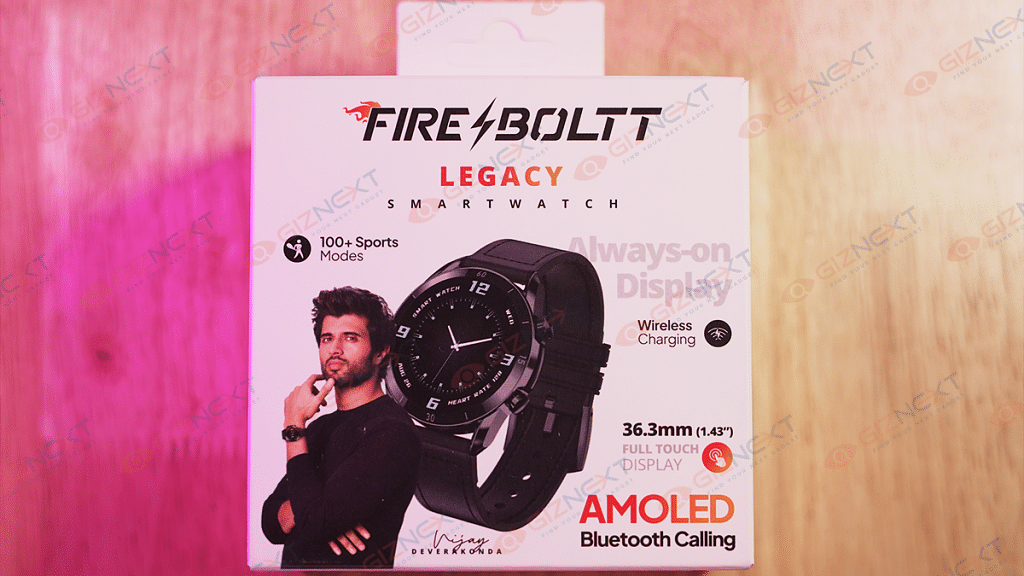
Buying an affordable smartwatch can be a challenging task in the current market. There is an abundance of affordable devices that offer a plethora of features, including activity tracking, health and sleep monitoring, notification checking, and more. Many smartwatches that are priced under Rs. 5,000 are primarily fitness trackers with only a few extra features. However, the Fire-Boltt Legacy stands out by offering features commonly found on expensive models from companies like Apple and Samsung, enabling users to receive calls directly from their wrist.
With its long list of features, affordable price point, and stylish design, this device has been making waves in the smartwatch market. But is it really worth the investment? In this review, we’ll take a closer look at the Fire-Boltt Legacy Smartwatch and determine whether it’s a smart buy for anyone looking to stay connected and on top of their health and fitness goals. So, let’s dive in and find out if the Fire-Boltt Legacy is worth a buy! Also Read | Inbase Urban Fit S Smartwatch Review: An Overall Decent Package
What’s Inside The Box?
Fire-Boltt Legacy Smartwatch
Charging cable
1 Strap
User manual
Warranty card
Boltt Play App membership card
Design & Display
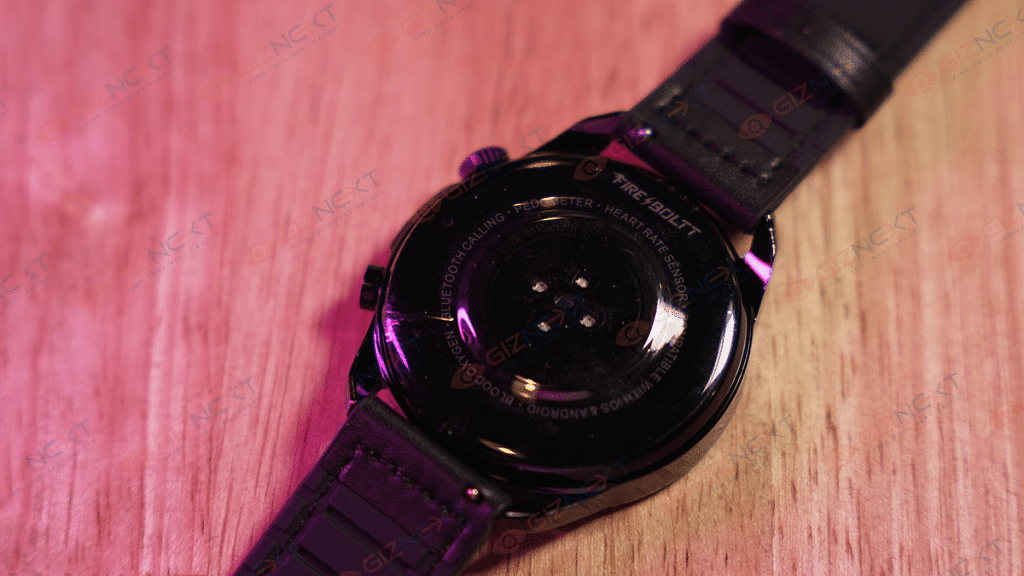
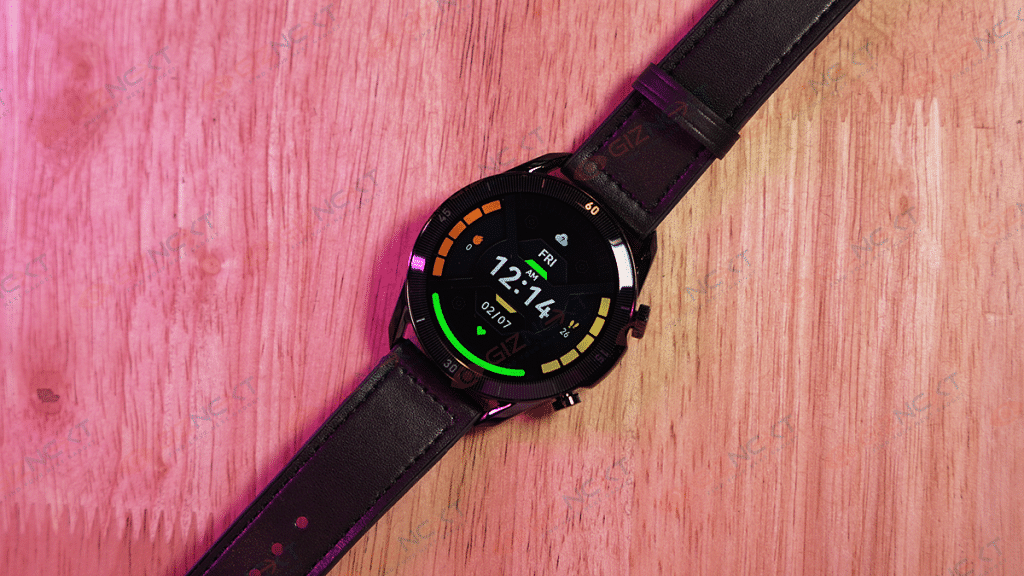
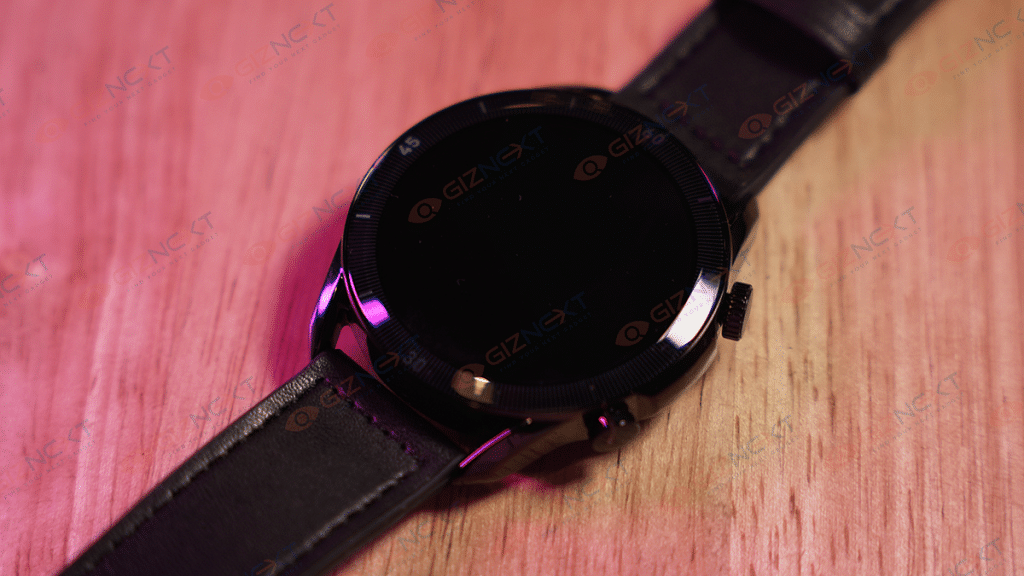
The Fire-Boltt Legacy watch has a steel body that looks premium and rugged, although the back panel is made up of plastic. Its round shape is complemented by two functional side buttons on the right side of the dial, which is decently tactile. The side buttons have a decent finish. The sensors for measuring heart rate, SpO2, and charging pins are located underneath the display, accompanied by a Fire-Boltt branding at the back.
A single press of the upper button, which functions as a rotating crown, activates the display and opens the functions menu. Meanwhile, the touchscreen interface allows you to navigate through menus and settings with a swipe. With a long press, the upper button can be used as a shortcut to access the music interface, voice assistant, and on/off options. On the other hand, the lower button grants access to the Sport Modes interface.
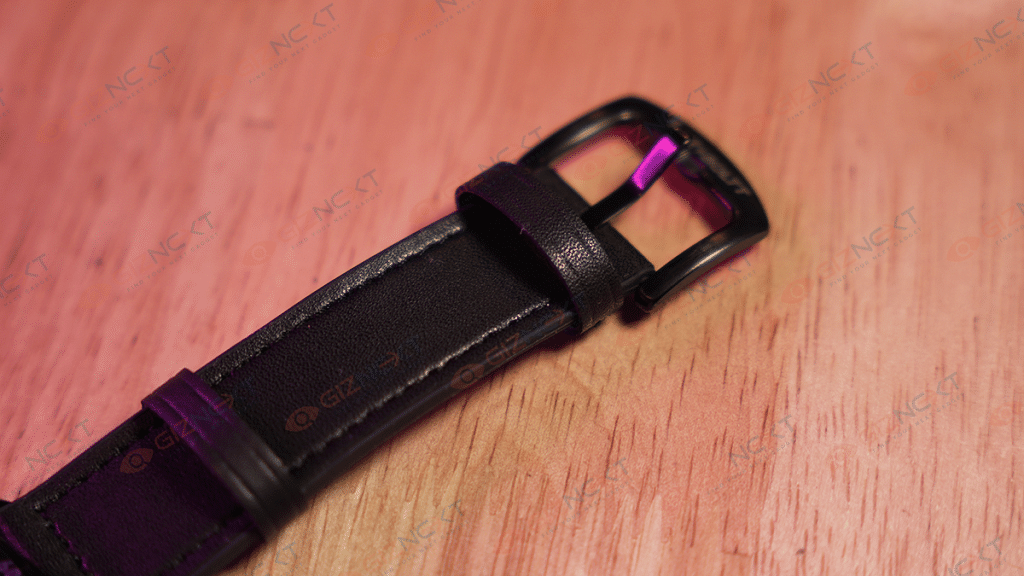
The Fire-Boltt Legacy smartwatch comes with removable rubber straps that are not only soft and comfortable but also adjustable to fit any wrist size. Moreover, it is easy to switch to another metal or silicone strap of your preference. We got our hands on the Black variant and it looks pretty good.
Furthermore, after using the watch for a few days, I can confirm that there are no visible scratches on the body. It is comfortable to wear for long hours and I even slept with it on without feeling any discomfort. However, it may feel a bit bulky to some users.
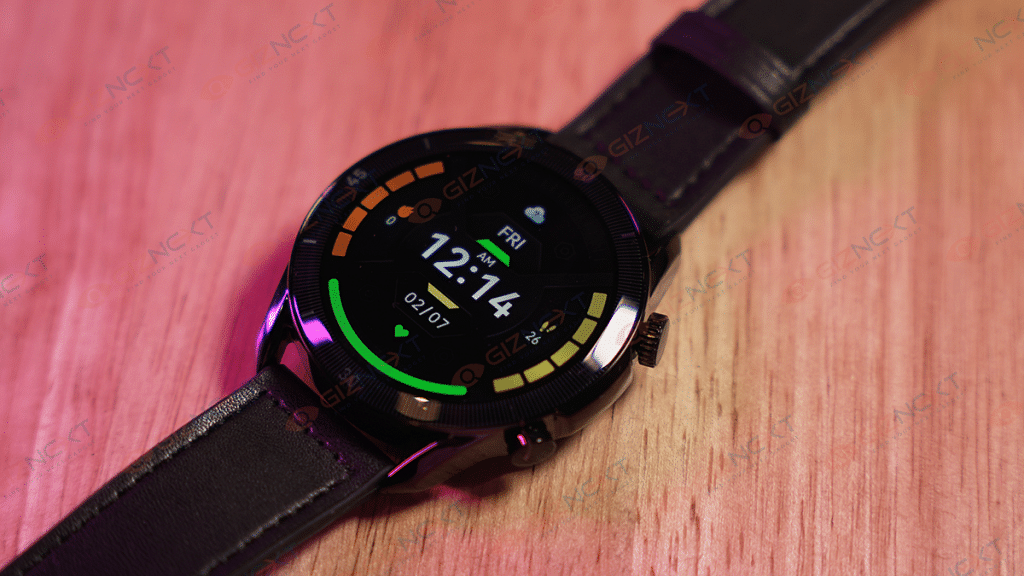
Now coming to the display, the Fire-Boltt Legacy Smartwatch boasts a 1.43-inch always-on AMOLED display with a resolution of 466 X 466 pixels and a refresh rate of 60Hz. During my usage, I observed that it was highly responsive. The display’s peak brightness of 600 nits ensures that it can be used even in direct sunlight without straining your eyes. The font size is also pretty decent, so even if you are planning to buy it for elderly people at home, you wouldn’t regret buying it.
Before using the Fire-Boltt Legacy, you must download the Smart-time Pro app which is available on both Google Play Store and Apple Store. With the app quickly connecting to the watch and displaying your data, setting up the watch is pretty smooth. The app also enables you to download watch faces and receive notifications for calls, messages, and other alerts.
The Fire-Boltt Legacy is designed to monitor a broad range of activity, sleep, and health metrics. It features more than 100 sports modes, including cycling, skipping, badminton, running, football, walking, and numerous others. When walking and verbally counting steps while tracking them on the smartwatch, I found it accurately tracked steps when walking, jogging, or running. Furthermore, the watch provides reasonably precise blood oxygen level measurements that matched those of a BPL SpO2 reader I purchased during the pandemic.
The smartwatch has a continuous heart rate monitoring feature that delivered satisfactory results. It also includes a blood pressure measuring system, but taking readings in succession showed varied results, indicating that it may not be the most reliable method for checking one’s blood pressure. The smartwatch’s sleep monitoring feature accurately tracks the number of hours slept, as well as the duration of deep sleep and light sleep. The breathing feature is another notable aspect of this smartwatch that I enjoyed. Additionally, the watch includes features for clicking pictures and changing songs, which worked quite well.
One of the key features of the Fire-Boltt Legacy is the ability to use the smartwatch as a receiver during calls, which I found to be effective. Moreover, the smartwatch provides real-time stock market updates that can be viewed on the wrist. Users can add their preferred stocks to the app, and the watch will automatically display real-time updates.
What’s interesting about the smartwatch is that we didn’t have to pick up our phone to quickly check our heart rate or to see who was calling. It also displayed a list of recent callers, which could be synced with the phone’s contacts, and a dial pad. However, we noticed that the watch was slightly sluggish in responding to our inputs on the primary home screen.
Battery & Charging
The smartwatch boasts a battery capacity of 330mAh, providing a reliable two-day runtime for typical usage and Bluetooth calling. To extend the battery life, switching off Bluetooth when not in use is recommended. The company claims a battery life of up to seven days on a single charge, and I managed to use it for just over six days, indicating that the watch largely lives up to its claims.
It comes with a magnetic charger and supports wireless charging as well which makes the entire charging process easy breezy. With a four-pin magnetic charger, the watch can reach from 10 to 100 percent in approximately an hour, which is a decent speed.
If you’re in search of a budget-friendly fitness tracker priced under Rs. 5,000, there are several options available. These trackers typically offer similar features such as message and notification alerts and so on. However, the Fire-Boltt Legacy stands out as it offers an additional feature – the ability to receive and make calls on your wrist, which is usually found in more expensive watches. It’s impressive to see such a feature in an affordable device like this.
The Fire-Boltt Legacy has everything that you need in a smartwatch. It does the basics well such as SpO2, sleep, activity, and heart rate monitoring. However, I advise against relying on the blood pressure monitor. The smartwatch is priced at Rs. 3,999, making it an easy recommendation for those looking for a budget-friendly smartwatch.
It’s a good idea to clean your machine at least once every six months
A clean washing machine will not only perform better, but it will also help to prolong its lifespan
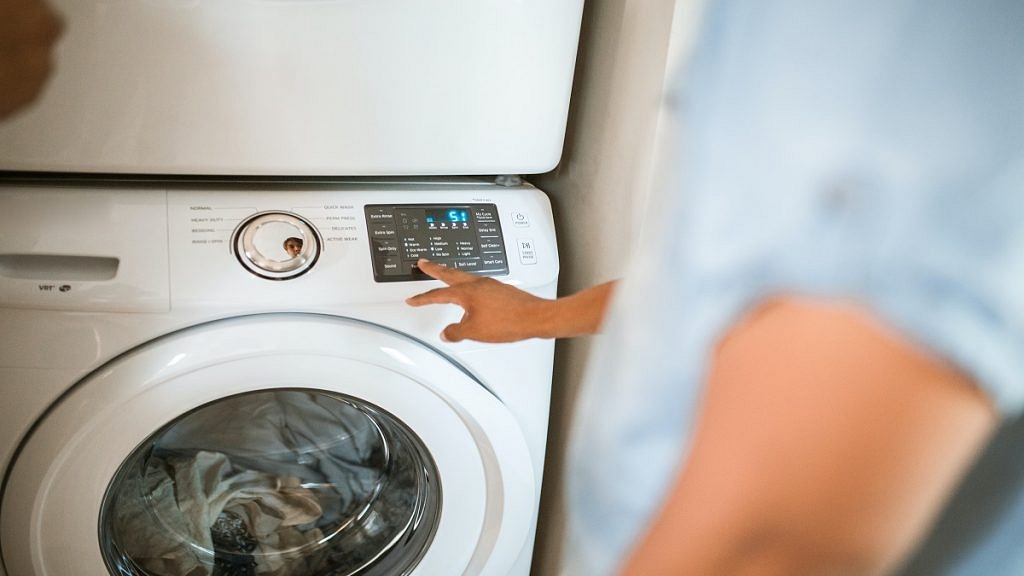
Cleaning a washing machine is an important task that many people overlook. Over time, dirt, grime, and soap scum can accumulate inside the washing machine, causing it to smell bad and potentially even damage clothes. Cleaning your washing machine can help prolong its life, improve its performance, and ensure that your clothes come out clean and fresh.
The following are steps you can take to clean your washing machine:
Step 1: Empty the washing machine
Start by emptying the washing machine of any clothes or laundry. If there are any loose items, such as coins or buttons, be sure to remove them as well.
Step 2: Clean the detergent dispenser
Remove the detergent dispenser from the washing machine and clean it thoroughly. Use warm water and a soft brush to remove any dirt or soap scum that may have accumulated.
Use a clean cloth or sponge to wipe the drum of the washing machine. Pay special attention to any areas that may be particularly dirty, such as the area around the door or the rubber seal. If there is any stubborn dirt, use a mild detergent and warm water to help loosen it.
Step 4: Clean the filter
Locate the washing machine’s filter and remove it. Clean the filter with warm water and a soft brush to remove any dirt or debris that may have accumulated. If the filter is particularly dirty, soak it in warm water for a few minutes before cleaning it.
Step 5: Run a cleaning cycle
Most modern washing machines have a cleaning cycle that can be used to clean the machine. Follow the manufacturer’s instructions to run the cleaning cycle.
If you don’t have a cleaning cycle, you can use vinegar or baking soda to clean your washing machine. Add 2 cups of white vinegar or 1/2 cup of baking soda to the washing machine and run a hot cycle. This will help remove any dirt or grime that may have accumulated inside the machine.
Step 7: Wipe down the exterior
Use a clean cloth to wipe down the exterior of the washing machine including the drum and the door seal. Pay particular attention to any areas where mold or mildew may be present, such as around the door seal. If your machine has a lint filter, remove it and clean it thoroughly.
Step 8: Fill again with hot water
Finally, run another hot water cycle with no detergent to rinse out any remaining cleaning solution. That’s it.
For the tech geeks, stay updated with the latest cutting-edge gadgets in the market, exclusive tech updates, gadget reviews, and more right on your phone’s screen. Join Giznext’s WhatsApp channel and receive the industry-first tech updates.
Mobile apps can be an excellent tool for learning a new language
Each app offers different features
It’s essential to consider your personal learning style and goals when choosing an app to use
Learning a new language can be a challenging but rewarding experience, and with the help of mobile apps, it can be made more accessible and convenient. There are countless mobile apps available that can help you learn a new language, but here are some of the best ones to consider:
Duolingo is one of the most popular language learning apps, and for good reason. It offers a variety of language courses, including Spanish, French, German, Italian, and many others. Duolingo offers interactive exercises, games, and quizzes to help you learn vocabulary, grammar, and pronunciation.
Babbel
Babbel is another popular language-learning app that offers courses in over 14 different languages. It offers a variety of exercises, including interactive conversations, listening exercises, and grammar lessons. Babbel also offers personalized lessons based on your skill level and interests.
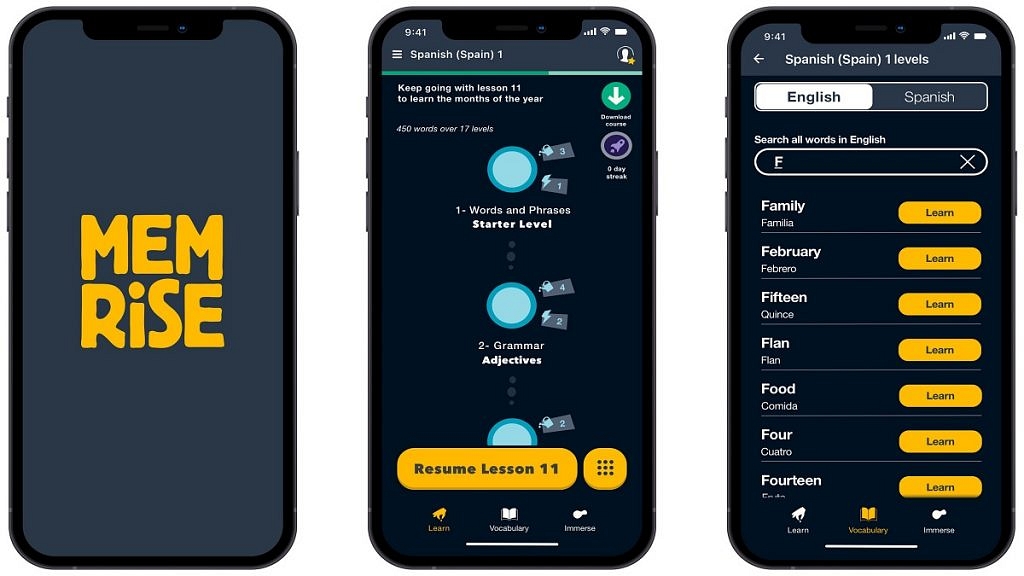
Memrise is a language learning app that focuses on vocabulary building. It offers courses in over 20 different languages and uses mnemonic devices and spaced repetition to help you remember words and phrases. Memrise also offers a variety of interactive games and quizzes to help you practice.
Busuu
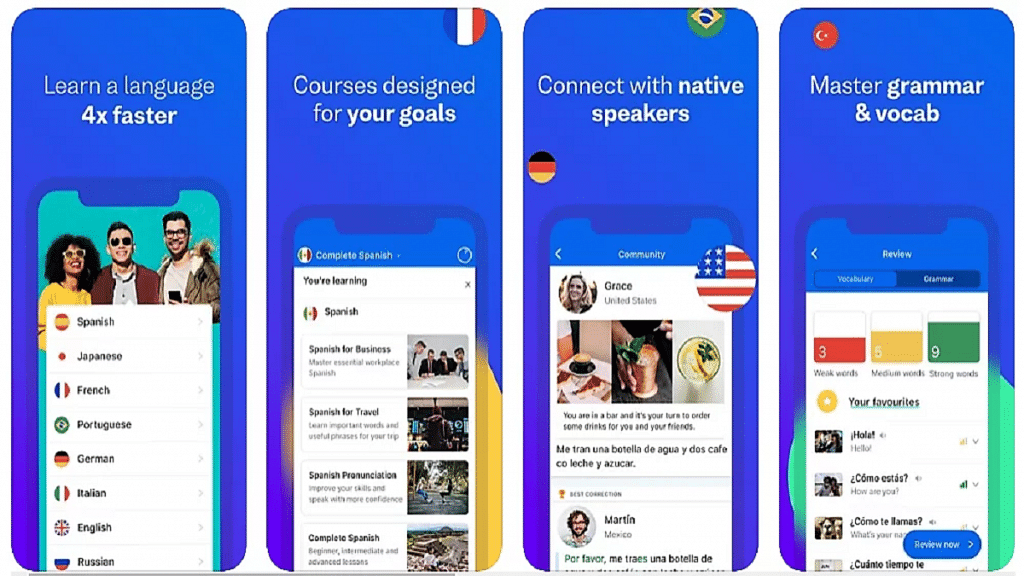
Busuu offers language courses in 12 different languages, including Spanish, French, and German. It offers interactive lessons, quizzes, and conversations with native speakers to help you practice your speaking and listening skills. Busuu also offers a personalized study plan based on your skill level and goals.
Rosetta Stone is a well-known language-learning program that has been around for years. Its mobile app offers courses in over 24 different languages and uses immersive techniques to help you learn. Rosetta Stone offers interactive exercises, games, and quizzes to help you practice speaking, reading, and listening.
Lingodeer
Lingodeer offers courses in over 10 different languages, including Japanese, Korean, and Chinese. It offers interactive lessons, quizzes, and games to help you learn vocabulary, grammar, and pronunciation. Lingodeer also offers a personalized study plan based on your skill level and goals.
There are many great gimbals for phones under Rs. 10000 available in India
It ultimately comes down to personal preference and the specific needs of the user
All the gimbals listed here offer a variety of features and functionalities
A gimbal is a stabilizing device that helps to capture smooth, steady footage while recording with a phone or camera. With the popularity of smartphone videography, gimbals for phones have become a must-have accessory for content creators, vloggers, and filmmakers. In this article, we will look at some of the best gimbals for phones under Rs. 10000 in India. Also Read | Best Non-Chinese Mobile Phones To Buy In India
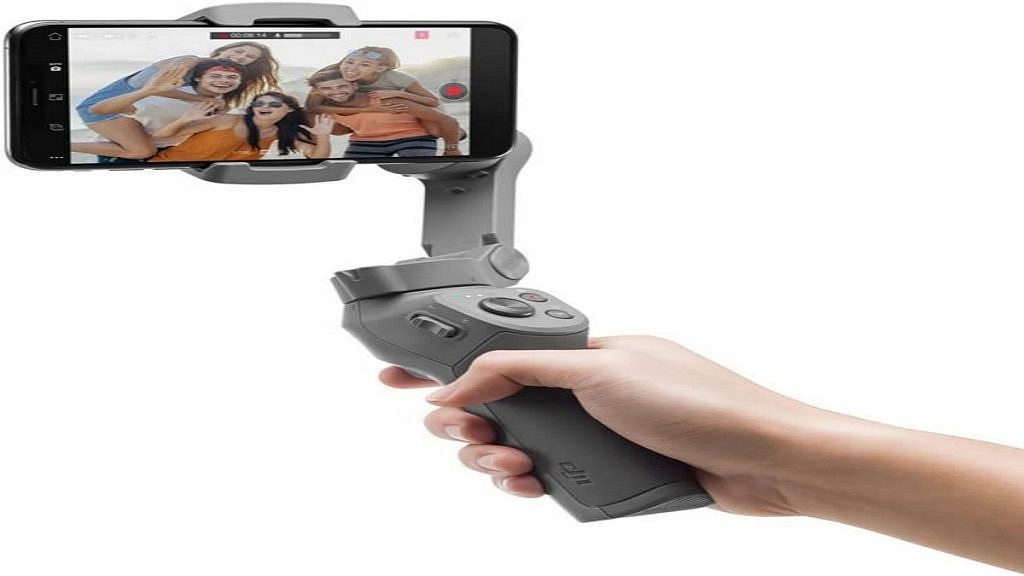
DJI is a well-known brand in the world of gimbals, and the Osmo Mobile 3 is one of the most popular gimbals for smartphones. It has a lightweight and foldable design, making it easy to carry around. The gimbal comes with a companion app that offers a variety of features like gesture control, active tracking, and time-lapse.
Zhiyun Smooth 4
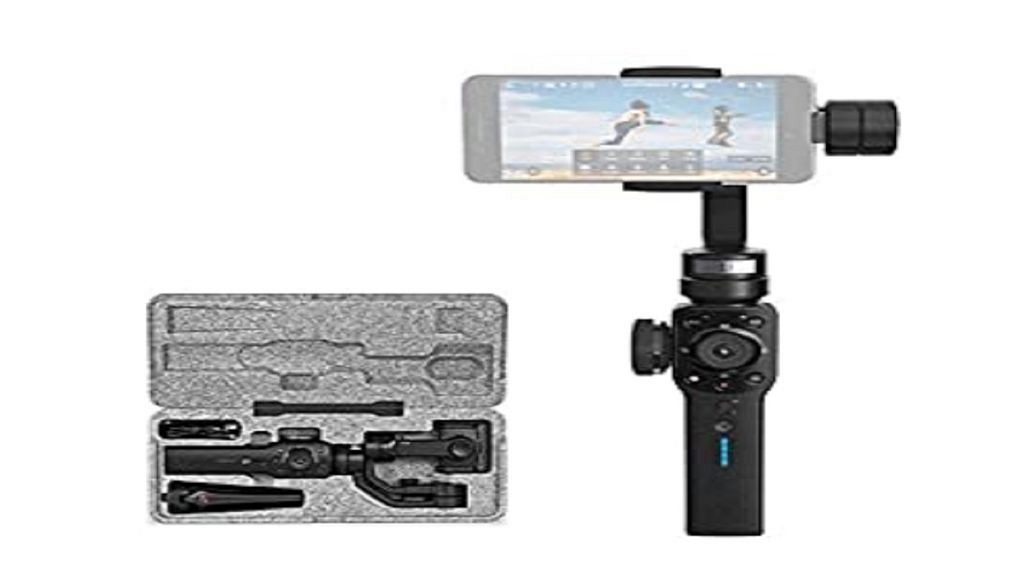
Zhiyun is another popular brand when it comes to gimbals for smartphones. The Smooth 4 is a versatile gimbal that can accommodate smartphones of different sizes and weights. It has a zoom and focus wheel, which makes it easy to adjust the camera settings while shooting.
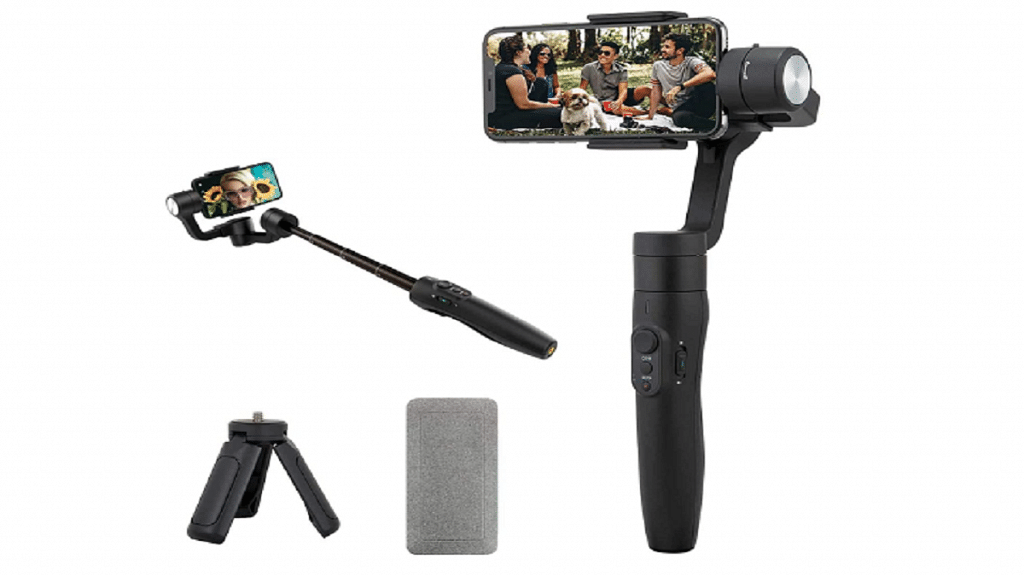
FeiyuTech Vimble 2
FeiyuTech is a lesser-known brand, but the Vimble 2 is a great option for those looking for a budget-friendly gimbal for their phone. It has a sleek design and can be used for both horizontal and vertical shooting. The gimbal comes with a companion app that offers features like face tracking and time-lapse.
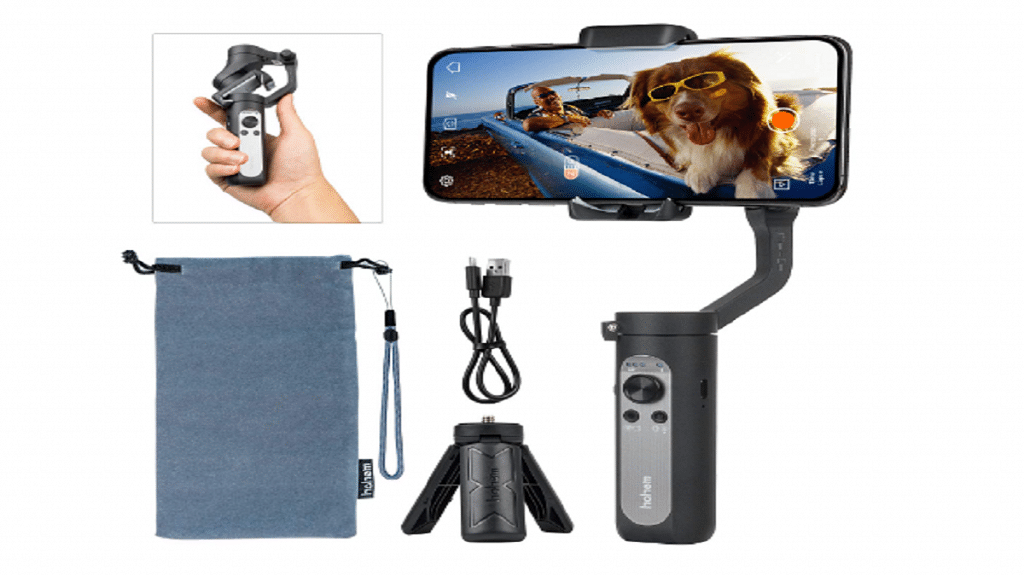
The Hohem iSteady X is another lightweight and foldable gimbal that is easy to carry around. It has a companion app that offers features like time-lapse, slow-motion, and panorama. The gimbal also has a 3-axis stabilization system that helps to capture smooth footage.
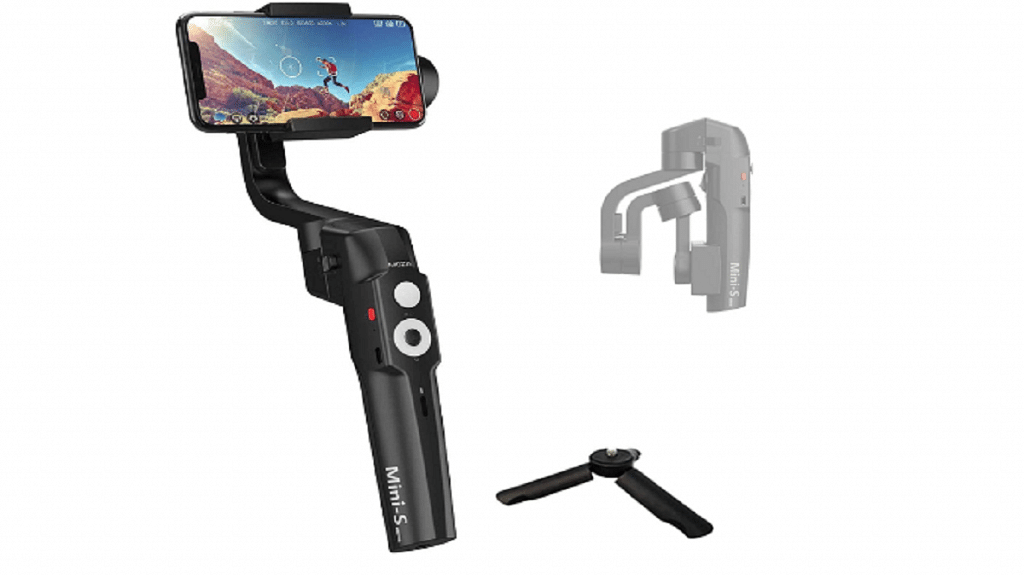
MOZA Mini-S
The MOZA Mini-S is a compact and lightweight gimbal that is easy to use. It has a 3-axis stabilization system that helps to capture smooth footage while recording with a phone. The gimbal comes with a companion app that offers features like time-lapse, slow-motion, and panorama.
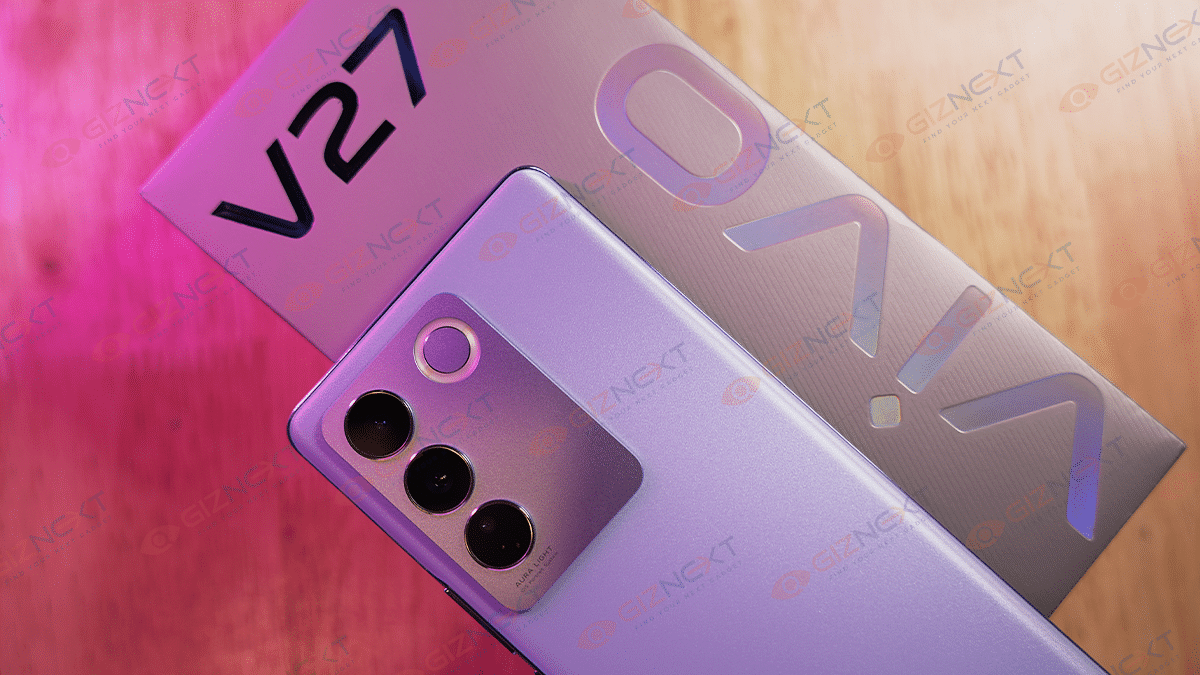
If you’re looking for a smartphone that combines an elegant design with a powerful camera, you might want to check out the Vivo V27. The latest addition in Vivo’s V series, the Vivo V27 boasts a striking camera, an Aura Portrait Algorithm Feature, a visually appealing Photochromic 2.0 design, and a thin grip. Amidst all the buzz surrounding the device, it can be simple to become overwhelmed by all the noise. Nevertheless, in this review, we will assess if the device truly lives up to the hype. Let’s proceed.
50MP Main 8MP Ultra-wide 2MP Macro Aura Light Flash
Front Camera
50MP
OS
Funtouch OS 13, Android 13
Battery
4,600mAh Battery, 66W Fast Charging
Price
Rs. 32,999
What’s Inside The Box?
Handset
USB Power Adapter
Type-C to USB Cable
Eject Tool
Phone Case
Protective Film (Applied)
Documentation
Design
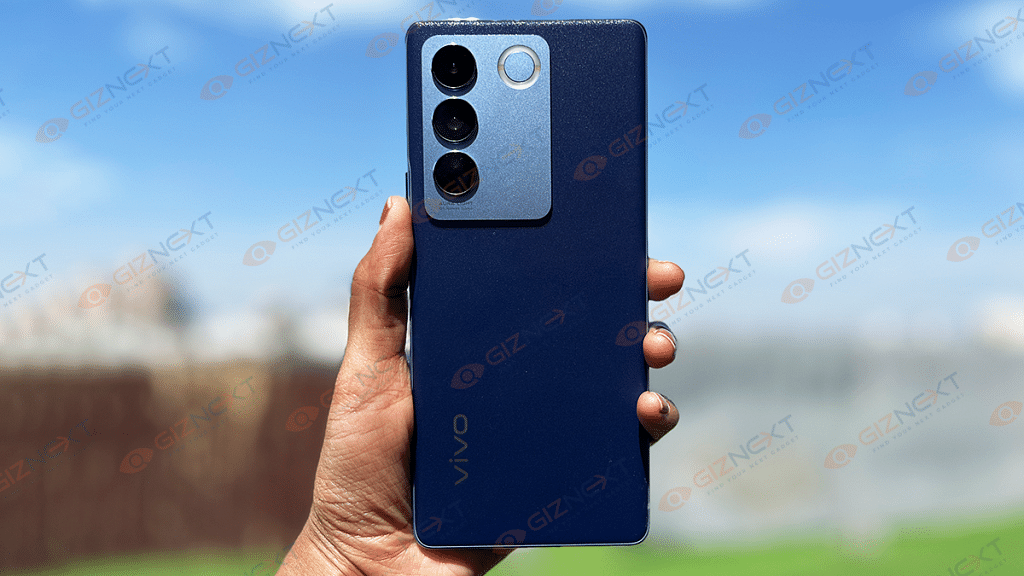
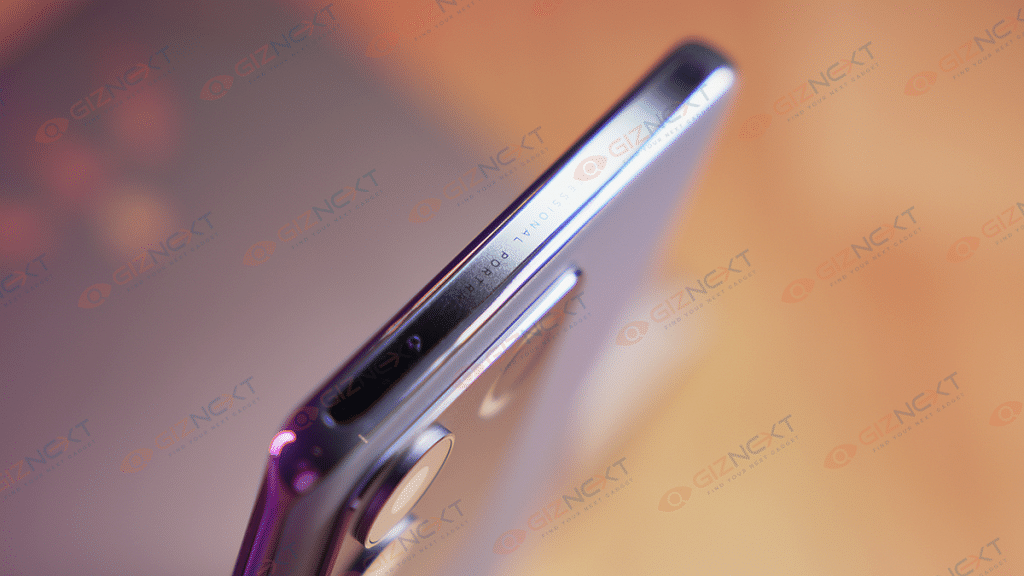
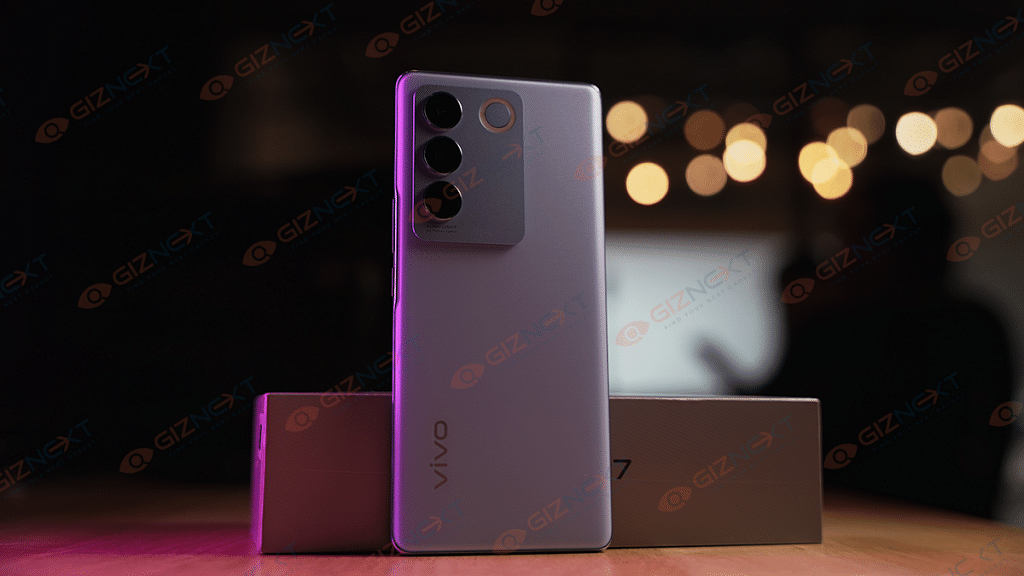
The Vivo V27 has a glass back with a matte finish, providing it with a premium appearance. Its thickness is just 7.33mm, and it features a 60-degree curved screen and a 3D back panel that smoothly integrates into the 2.3mm thin frame. These factors make the phone extremely ergonomic and provide it with a pleasant hand feel. Our review model comes in Magic Blue color, an enchanting color that resembles the natural sky.
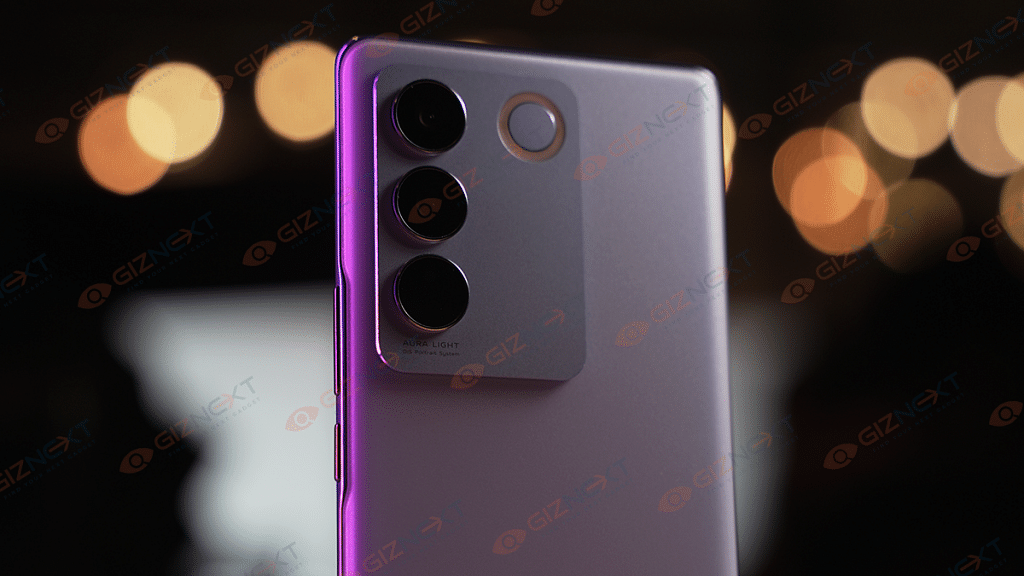
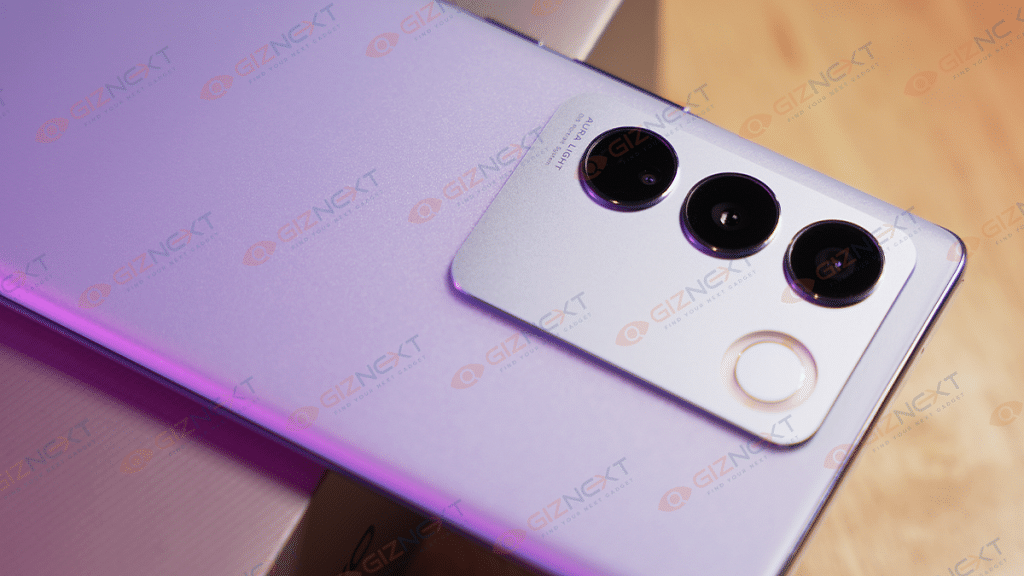
On the back, there is a big camera island that accommodates three lenses and a ring LED light known as the Aura Light Feature flash. The module has a matte metal finish which creates an attractive contrast with the shiny rear panel. The phone’s appearance is further enhanced by all of these features. However, what is particularly impressive is the color-changing back. It retains its predecessor’s color-changing capability, now in its second iteration known as the Photochromic 2.0 technology, which changes to a darker blue color when exposed to sunlight. It still amazes me as much as it did before.
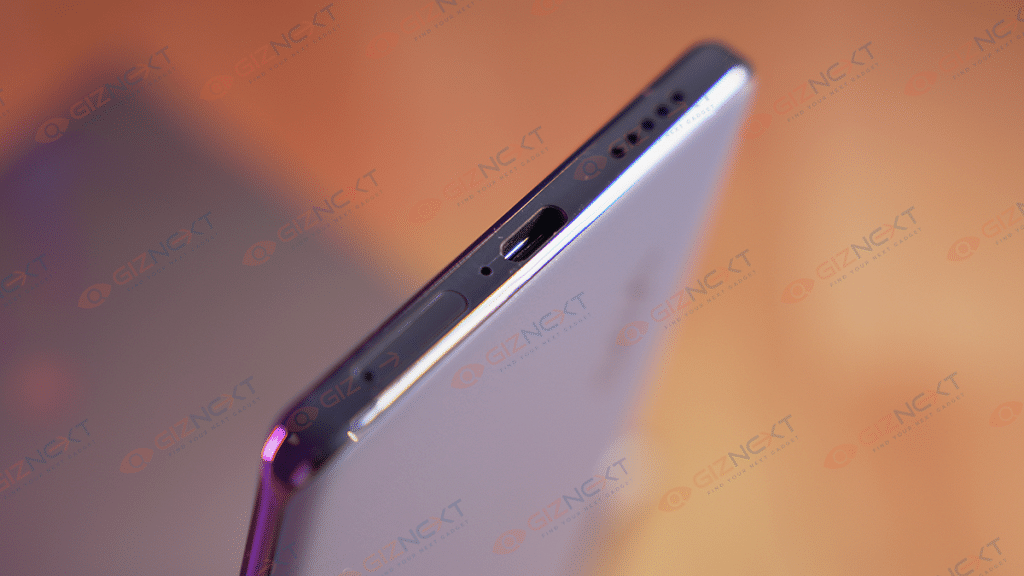
The power button and volume rockers are located on the right side, and the SIM card slot, type-C port, and loudspeaker are located on the bottom. Overall, the Vivo V27 excels in design and looks like an expensive phone rather than a mid-range one.
Display
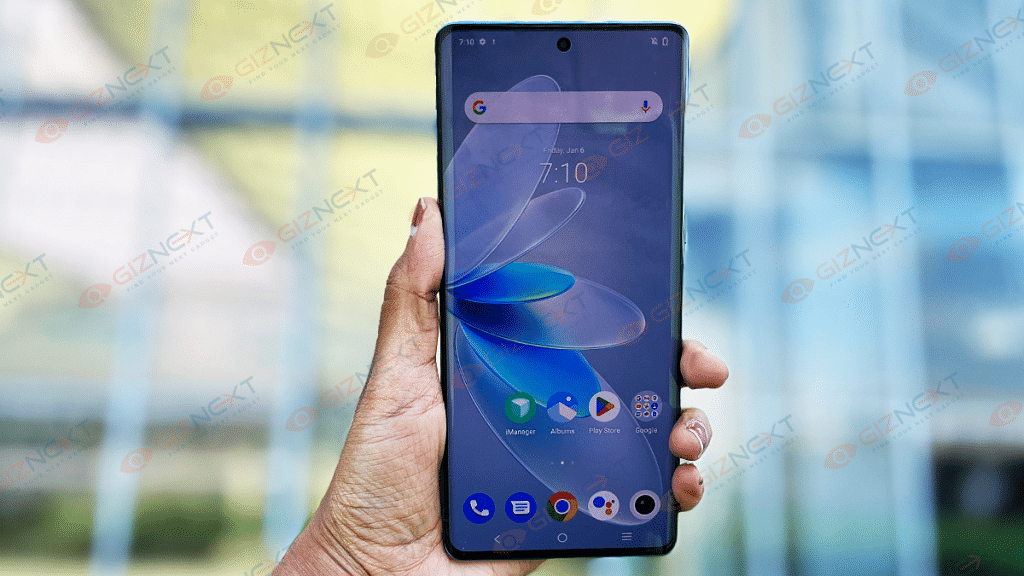
The Vivo V27 features an FHD+ curved 6.78 inches AMOLED display. With a 120Hz refresh rate and a peak brightness of 1300 nits, this display is pretty bright and offers decent visibility even in outdoor settings. The colors are vivid and lively, and the content on the screen appears crisp and clear. When watching videos on YouTube, I had a delightful viewing experience thanks to the immersive nature of the curved display and slim bezels. The display offers deep blacks and accurate color reproduction, without overdoing the colors.
With support for HDR playback and Widevine L1, users can enjoy high-quality content on OTT platforms. The top and side bezels are exceptionally narrow, contributing to the expansive viewing experience. The bottom bezel has nearly the same thickness as the other bezels, providing a uniform and premium appearance.
The Vivo V27 is equipped with the MediaTek Dimensity 7200 chipset, which is coupled with up to 12GB of RAM and 256GB of internal storage. The phone performs smoothly in everyday usage, with scrolling, swiping through Instagram stories, and reels being particularly buttery smooth.
The 120Hz refresh rate enhances the overall user experience, making everything feel seamless. It can effortlessly handle standard apps like WhatsApp, as well as more demanding ones like Instagram and Snapchat without any noticeable lags or stutters.
Furthermore, the Vivo V27 can be used for intensive gaming, as demonstrated by its ability to run Asphalt 9 and Apex Legends Mobile seamlessly. Asphalt 9 was able to run at High settings, while Apex Legends ran at Original graphics settings. Despite playing Apex Legends for approximately half an hour, the phone only felt warm, and there was no significant heating issue.
FunTouch OS 13, which is based on Android 13, powers the Vivo V27. It’s good to see that it works on the latest Android version out-of-the-box. The UI feels simple and user-friendly.
As you swipe down from the homescreen, a notification panel appears, and when you scroll up, an app drawer appears. RAM expansion, Ultra Game Mode, Dynamic Effects, shake to activate flash, smart split, and many other features are also available.
At the same time, there are a bunch of pre-installed apps including Spotify, LinkedIn, Netflix, PhonePe, and a few others. Though, you can always remove them from the settings.
Camera
The Vivo V27 stands out with powerful cameras, which are further enhanced by the Aura Light feature. The camera system works together to produce flawless portraits in various lighting conditions. The smartphone has four cameras in total: a 50MP OIS Ultra-Sensing primary camera, an 8MP ultrawide camera, a 2MP macro camera on the back, and a 50MP Eye AF selfie camera on the front.
The primary camera captures stunning photos in almost all lighting scenarios. Daytime shots are detailed and vivid, with a wide dynamic range that adds a punchy feel to the images. Low-light shots are also impressive, with a dedicated night mode that maintains the colors and enhances the details. While the ultra-wide shots are decent, the details are not as sharp as those captured by the primary camera. Additionally, there is a noticeable color shift, with the ultra-wide shots appearing cooler compared to the warmer tones produced by the primary camera.
On the other hand, the 50MP selfie camera takes fantastic selfies. I shot a few selfies, and they were detailed, clear, and sharp. The skin tones appeared natural as well.
The Vivo V27 is equipped with a 4,600mAh battery and supports 66W fast charging. Although the battery backup is satisfactory, heavy users may need to recharge the phone by evening. However, I found that the battery lasted a full day with some juice left for the following day. With a screen on time of approximately six hours, the battery performance is good considering its size. Although a 5,000mAh battery would have been preferable, the Vivo V27 performs well in the battery department. Besides, the 66W fast charger takes around 45 minutes to fully charge the phone from 0 to 100 percent, and a 15-minute quick charge can power up the battery to about 50 percent.
Verdict
To be frank, there are very few things to criticize about this phone. It boasts impressive cameras, decent performance, and good build quality. The Vivo V27 lives up to its claim of being the “Aura Portrait Master” with one of the best non-flagship phone cameras I have seen in a while. Additionally, it has an attractive look that distinguishes it from other smartphones in its price range. Furthermore, the 3D curved screen, slim body, and color-changing Photochromic 2.0 element make it seem like a high-end device. Therefore, I highly recommend the Vivo V27 to anyone seeking a stylish and powerful smartphone.
They are available on online platforms like Flipkart and Amazon at the launch price of Rs. 1,299
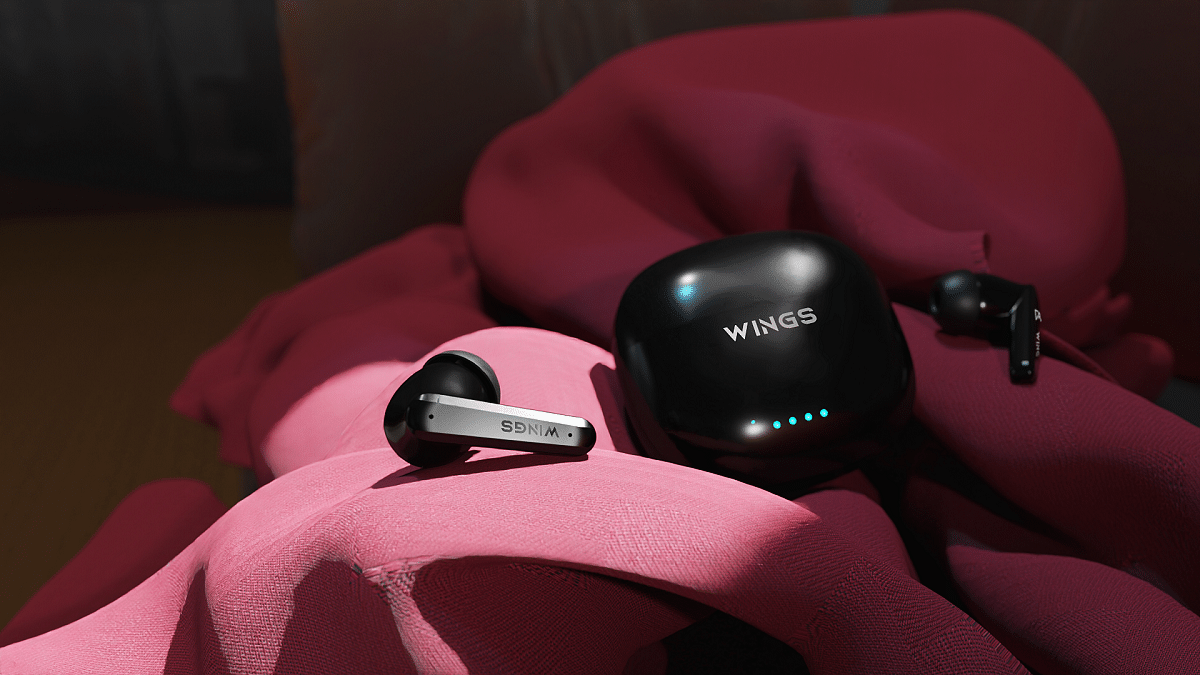
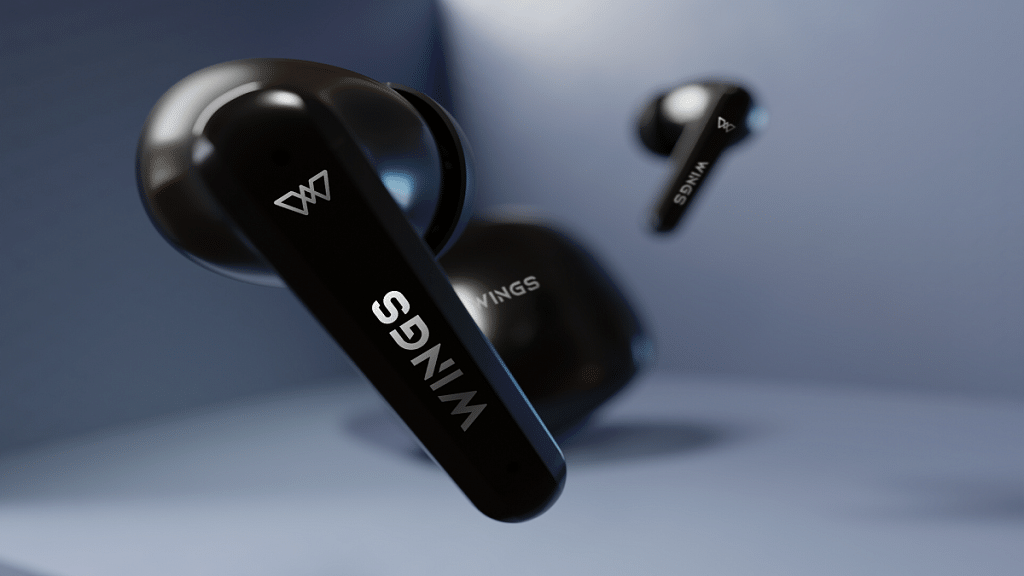
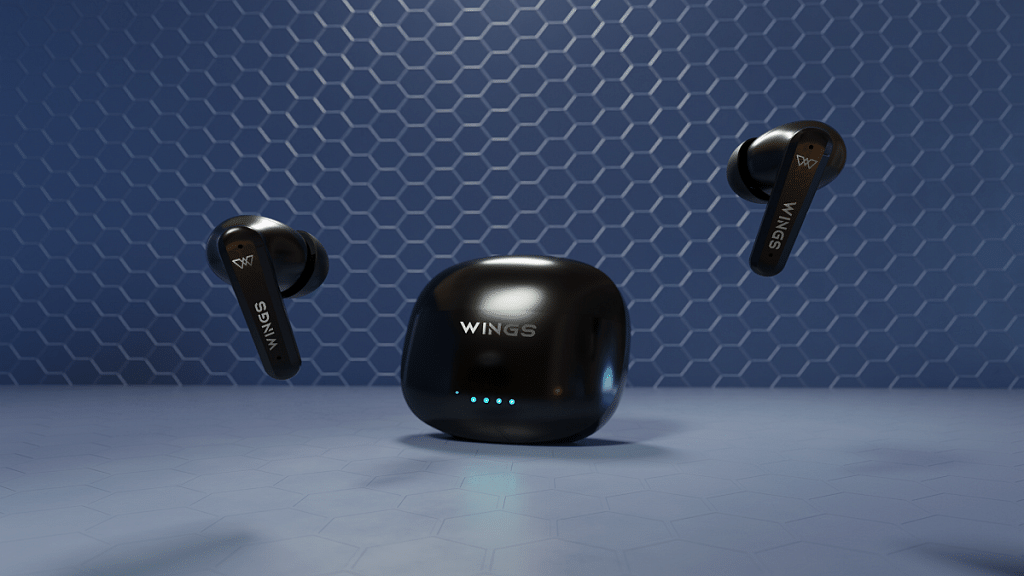
If you’re shopping for budget-friendly earbuds with an ANC feature, your options are limited. Fortunately, Wings has introduced its first-ever ANC product – the Phantom 380 – which is packed with features that are sure to impress. This TWS is the perfect choice for those looking to showcase their love for gaming. Here’s everything you need to know about this latest offering. Also Read | OnePlus Buds Failed To Discover Or Identify? How To Resolve Pairing Issues With OnePlus Buds TWS Earbuds
Wings Phantom 380 Price and Availability
The Wings Phantom 380 is available at a launch price of Rs. 1,299. The product is available on online platforms like Flipkart, Amazon, and the Wings website.
Wings Phantom 380 Features
The Wings Phantom 380 uses Bluetooth v5.3 with features like Speedsync, Open and On, Game Mode, and 40ms ultra-low latency audio for a range of up to 15m. It boasts 13mm high-fidelity composite drivers with Bold Bass and ENC mics that minimize ambient noise during calls. Notably, this launch marks Wings’ foray into offline channels.
Featuring ANC up to 30 dB and transparency mode, the TWS comes equipped with quad mics and a gaming mode that boasts a 40ms latency response. The Wings Sync app allows users to toggle between ANC modes, locate the buds, customize touch responses, and remap the equalizer. The buds are further equipped with touch controls, voice assistant support, and other functionalities.
With 50 hours of playtime without ANC and 35 hours with it enabled, the Phantom 380 earbuds offer an impressive combination of style and substance for anyone seeking a reliable audio experience. The bullet charge technology caters to those who are constantly on the go, while the quad mic enc, equipped with four mics, ensures that your voice is clearly heard above any background noise.
There are several great options available when it comes to neckband headphones under Rs. 2,000
While buying one, one should look for a comfortable design, long battery life, or powerful sound
It’s important to consider your specific needs and preferences before purchasing
Neckband headphones have become increasingly popular due to their convenience and ease of use. They are a great option for people who want to enjoy music on the go without having to carry bulky headphones around. In this article, we will take a look at some of the best neckband headphones available under Rs. 2,000. Also Read | Best Earbuds To Buy Under Rs. 5,000 In India
The Boat Rockerz 255 Pro Plus is one of the best neckband headphones available in the market. It features a comfortable and lightweight design, making it perfect for extended use. The headphones are equipped with 10mm dynamic drivers, which deliver clear and crisp sound. The battery life is also impressive, with up to 40 hours of playback time on a single charge.
Realme Buds Wireless 2
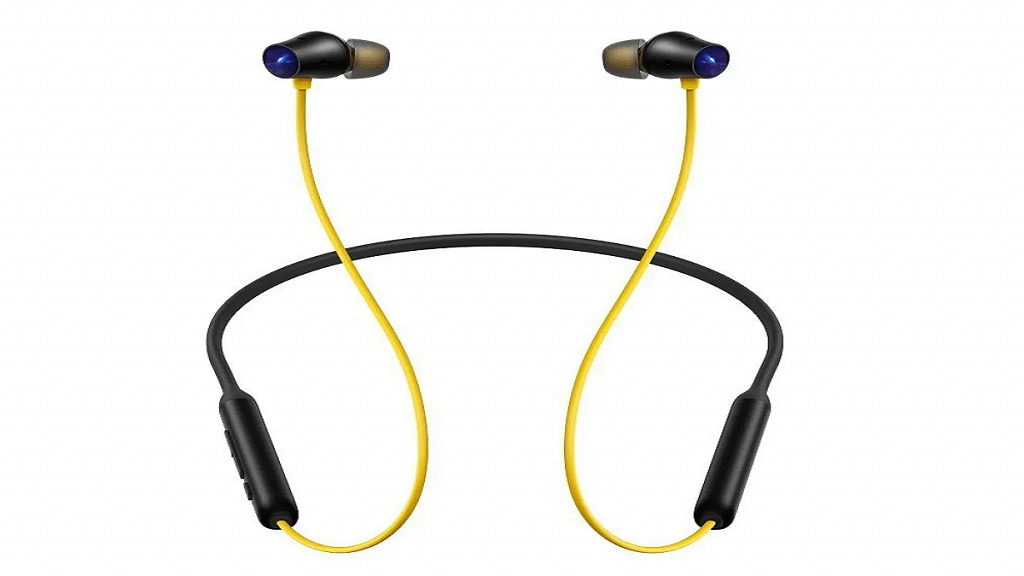
The Realme Buds Wireless 2 Neo is a budget-friendly neckband headphone that offers impressive features. It has a sleek and stylish design and 11.2mm bass boost drivers, delivering powerful and punchy bass. The headphones also come with ENC technology which helps to block out external noise. The battery life offers up to 17 hours of playback time on a single charge.
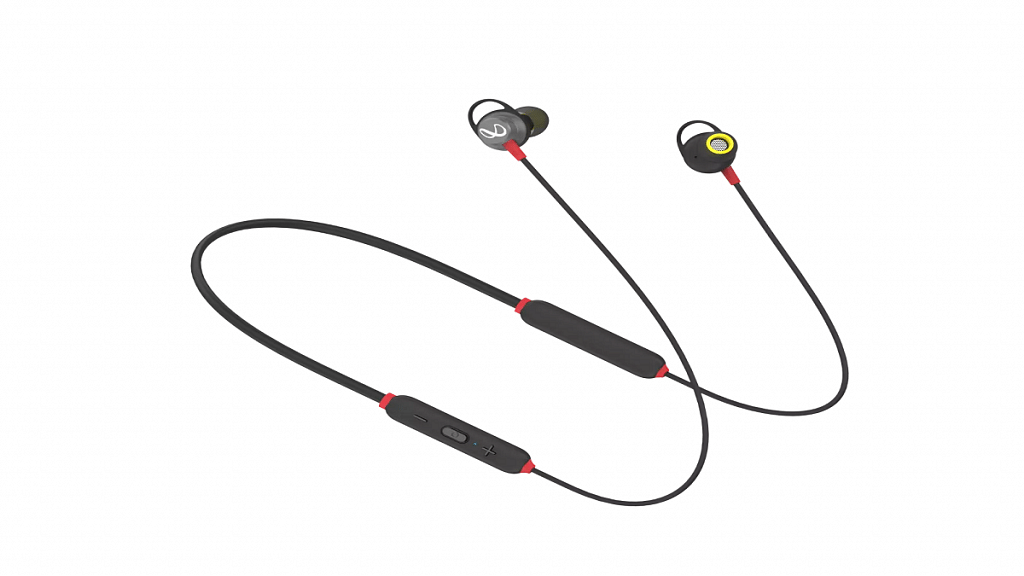
The Infinity Glide 120 is a great option for those looking for a neckband headphone with long battery life. It features a lightweight and comfortable design that delivers clear and balanced sound with its 12mm dynamic drivers. The neckband has an impressive battery life of up to seven hours on a single charge, making it a great option for those on the go.
Mi Neckband Bluetooth Earphones Pro
The Mi Neckband Bluetooth Earphones Pro is a premium neckband headphone with a sleek and stylish design. It comes with ANC technology which helps to block out external noise, making it perfect for use in noisy environments. The headphones are equipped with 10mm dynamic drivers and deliver with up to 20 hours of playback time on a single charge. The earphones also feature quick charge technology, allowing for 10 hours of playback time with just a 10-minute charge.
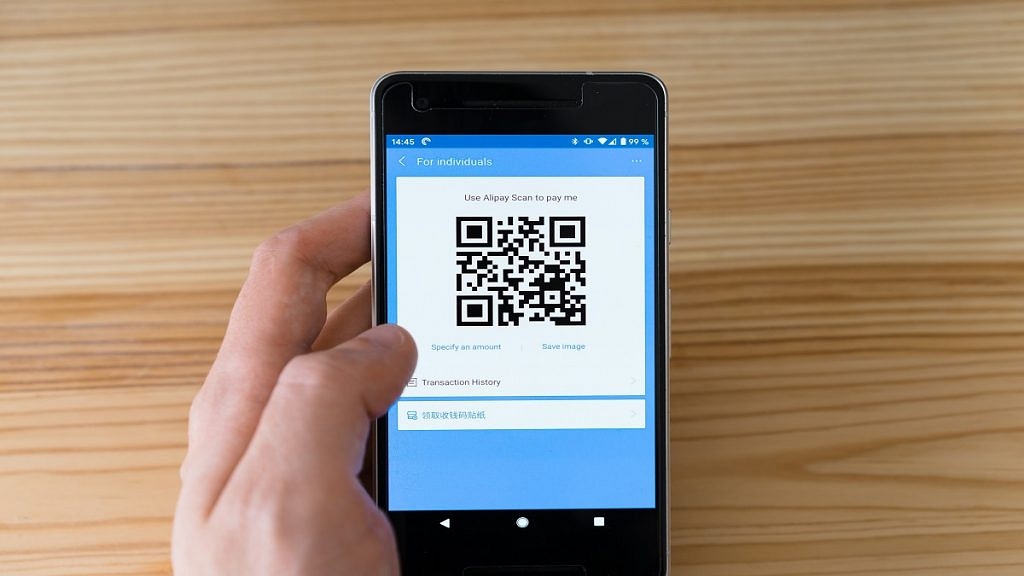
Just make sure the QR code is centered in the viewfinder, and the camera is close enough to capture the code clearly
QR codes have become increasingly popular over the years, and they are now an essential part of modern life. A QR code is a two-dimensional code that can store various types of information, such as URLs, text, and contact information. Scanning QR codes on Android and iPhone is easy and can be done using the built-in camera app. Also Read | Paytm Lite: What Is It? How To Setup And Use Paytm Lite On Smartphones?
How To Scan QR Codes On Android?
Step 1: Open the camera app on your Android device. Some Android devices have a dedicated QR code scanner, while others require the use of the camera app.
Step 2: Point your camera at the QR code. Make sure the QR code is centered in the viewfinder, and the camera is close enough to capture the code clearly.
Step 3: Wait for the camera to recognize the QR code. Once the code is recognized, you will see a notification on your screen.
Step 4: Tap on the notification to open the link or information stored in the QR code. If the code contains a link, it will open in your default browser.
Step 1: Open the camera app on your iPhone. QR code scanning is built into the camera app, so there is no need to download a separate app.
Step 2: Point your camera at the QR code. Make sure the QR code is centered in the viewfinder, and the camera is close enough to capture the code clearly.
Step 3: Wait for the camera to recognize the QR code. Once the code is recognized, you will see a notification at the top of your screen.
Step 4: Tap on the notification to open the link or information stored in the QR code. If the code contains a link, it will open in your default browser.
If your iPhone is running iOS 11 or later, you can also use the Control Center to scan QR codes. To do this, swipe up from the bottom of the screen to open the Control Center, and then tap on the QR code scanner icon. Point your camera at the QR code, and wait for it to be recognized.