Categories
Apps Featured

100+ Instagram Name Ideas For Anime Lovers

Key Highlights

  • Instagram is a hub for anime enthusiasts worldwide
  • A standout Instagram name for anime lovers is important
  • Factors to consider: Reflect passion, easy to remember, and unique

Anime lovers around the world have been captivated by the unique art style, compelling storylines, and memorable characters that define the genre. With its growing popularity, Instagram has become a hub for anime enthusiasts to share their love for their favorite series, characters, and creators. A great Instagram name can help you stand out in the crowded anime community and attract like-minded followers.

If you are an anime lover searching for the perfect Instagram name, there are a few key factors to consider. First, you want to choose a name that reflects your passion for anime and showcases your personality. Second, you want a name that is easy to remember and search for. Third, you want a name that stands out and sets you apart from the rest of the anime accounts on Instagram. Whether you are a fan of classic anime like Naruto or new releases like Demon Slayer, there are plenty of creative Instagram name ideas to choose from. Also Read | 100 Best Instagram Name Ideas For Graphic Designers

Cool Instagram Names For Anime Lovers

OtakuGuruAnimeFreaksAnimeAttic
AnimeAdventurerCrunchyRollCallKawaiiCulture
MangaMavenMangaMadnessMangaMania
CosplayQueenAnimeAllianceAnimeAcademy
NerdNationCosplayCrazeAnimeAdventure
AnimeAvenueTheAnimeZoneCosplayCorner
TheAnimeAddictOtakuOutpostNerdNetwork
KawaiiKittyAnimeAfficionadoAnimeArmy

Creative Instagram Names For Anime Lovers

TheOtakuHubAnimeAstronautTheOtakuCave
AnimeAddictsAnonymousTheAnimeLairAnimeAddictionHQ
OtakuObsessedOtakuOutreachOtakuOverload
MangaMayhemMangaMasterMangaMogul
AnimeArenaAnimeAvenueXAnimeArenaX
CosplayCoutureCosplayCrownCosplayCity
NerdNexusNerdNationHQNerdNirvana
AnimeAcropolisAnimeApexAnimeAcolyte

Also Read | 100+ Best Instagram Names For Motivational Speakers To Inspire The Audience

Trendy Instagram Names For Anime Lovers

AnimeAmbassadorTheAnimeHideoutAnimeAce
CosplayChampionOtakuOasisCosplayChaos
NerdNirvanaXMangaMogulXNerdNexusHQ
AnimeArchitectAnimeActionAnimeAdept
AnimeAdvocateAnimeAcropolisXAnimeAmigo
MangaMagicNerdNexusXMangaMavenX
OtakuOutsiderCosplayCentralOtakuOrigin
TheAnimeStationAnimeAdventurerXTheAnimeLibrary

Also Read | 100+ Best Catchy And Unique Instagram Names For Your Pets

Popular Instagram Names For Anime Lovers

TheAnimeLabTheAnimeEmpireTheAnimeNexus
OtakuOdysseyOtakuOracleOtakuOlympus
MangaMagicianMangaMavenHQMangaMogulHQ
AnimeAdventurerHQAnimeAssassinAnimeArtisan
AnimeArmadaAnimeAdeptXAnimeAmbassadorX
CosplayCultureCosplayCarnivalCosplayCarnage
NerdNirvanaHQNerdNationXNerdNirvanaXX
AnimeAlchemistAnimeAtlasAnimeAdvocateHQ
TheAnimeHideawayOtakuOriginXMangaMasterX

From witty puns to clever references, your Instagram name can be a reflection of your individuality and your love for anime. So, why not give your account the perfect name and start connecting with other anime lovers today?

Categories
Apps Featured

Four Must-Have Apps For Book Lovers

Key Highlights

  • There are a variety of reading apps available that cater to the different needs and preferences of book lovers
  • These apps make it easier than ever to enjoy reading on the go
  • These apps enhance your reading experience, track your progress, and more

In today’s fast-paced world, book lovers often struggle to find the time to read their favorite books. Fortunately, technology has made it easier than ever to indulge in literature through apps designed specifically for book enthusiasts. These apps provide access to an endless library of books and offer features like personalized recommendations, social networking, and audiobooks. From e-readers to audiobook platforms, the world of book apps is vast and diverse.

In this article, we will explore some of the best apps for book lovers that provide the perfect balance between convenience and enjoyment. Whether you’re an avid reader or a casual one, these apps are sure to enhance your reading experience. Also Read | Best Money-Earning Apps For Android Phones

Goodreads

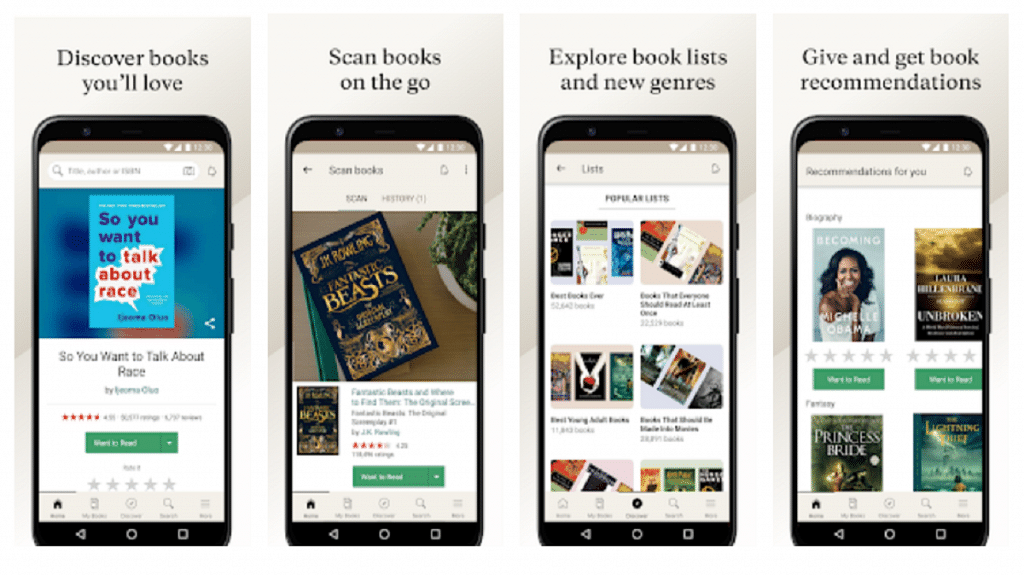
Goodreads is a social media platform for book lovers. You can create a virtual bookshelf to track the books you’ve read, want to read, and are currently reading. You can also rate and review books, join book clubs, and see what your friends are reading.

Features:

  • Provides personalized book recommendations
  • Keep track of the books you have read
  • Connect with other book lovers
  • Highlight and save quotes from books

Libby

Libby is a free app that allows you to borrow ebooks and audiobooks from your local library. You can read or listen to the books on your phone or tablet, and the app will automatically return the book when the loan period is up.

Features:

  • Borrow e-books and audiobooks
  • Customize your reading experience
  • Sync across devices
  • Preview a book before checking it out

Also Read | List Of Best Government Apps Offering AI Chatbot Support To Improve User Experience

Audible

Audiobooks are a great option for people who prefer to listen to books while they’re on the go. Audible is the largest provider of audiobooks, and their app makes it easy to download and listen to your favorite books.

Features:

  • Offers exclusive content
  • Organizes series into a separate view
  • Includes a car mode
  • Adjust the playbook speed of your audiobook

Bookout

Bookout is a reading tracker that allows you to set reading goals, track your progress, and get personalized recommendations based on your reading habits. You can also use the app to take notes, highlight passages, and share your progress with friends.

Features:

  • Track your reading progress
  • Set reading goals
  • Take notes on each book you read
  • Share your reading progress and book reviews

There are many apps available that can enhance your reading experience. Whether you want to track your reading progress, borrow e-books and audiobooks, or discover new books to read, there’s an app out there for you.

Also Read | Best Apps To Detect Hidden Camera For Android And iOS

Categories
Featured How To TV

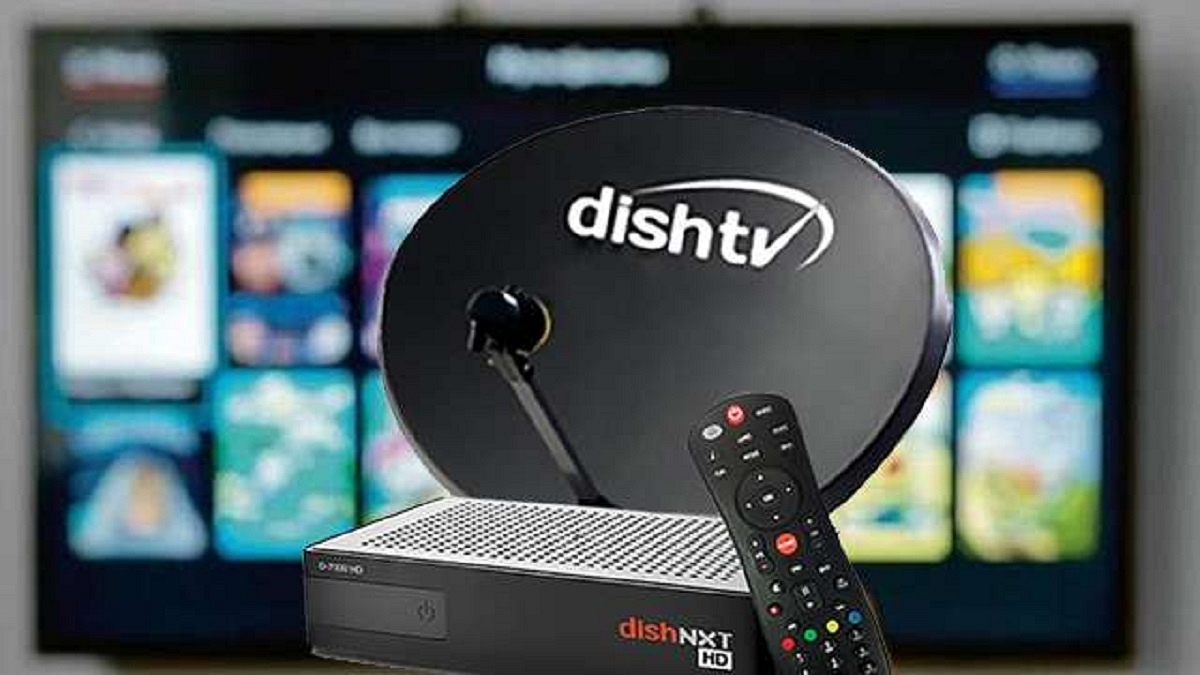
How To Set Up Parental Controls On Dish TV: A Step-by-Step Instructions

Key Highlights

  • Dish TV’s parental control options enable parents to monitor and restrict the content their children access
  • They can block specific channels, shows, and movies by ratings, set up viewing time limits, and more
  • Parents can ensure their children are only watching appropriate content with Dish TV’s parental control options

As a parent, it’s important to ensure that your children are watching age-appropriate content on TV. With Dish TV, you can set up parental controls to restrict access to certain channels or programs. Here are step-by-step instructions to set up parental controls on Dish TV:

Also Read | How To Remove Channels From Tata Sky: Tips To Save Extra Bucks

Step 1: Press the Menu button on your Dish TV remote and select “Settings.” Then, choose “Parental Controls” from the menu.

Step 2: You will be prompted to create a 4-digit PIN that will be required to access the Parental Controls menu. Choose a PIN that is easy for you to remember but difficult for your children to guess.

Step 3: Next, choose the lock type that you want to use. You can choose to lock specific channels, movie ratings, or TV ratings. You can also choose to lock programs based on the content rating, such as violence, language, or sexual content.

Step 4: Once you have chosen the lock type, you can set specific locks. For example, if you chose to lock specific channels, you can select the channels that you want to restrict. If you chose to lock movie ratings, you can choose the rating level that you want to restrict.

Also Read | Want To Ditch Your TV Remote? Here’s How To Setup Google Assistant On Smart TVs For Voice Controls

Step 5: After you have set your locks, be sure to save your settings. You may also want to test your settings by trying to access a locked channel or program to ensure that the parental controls are working properly.

Step 6: If you find that your parental control settings are too restrictive or not restrictive enough, you can always adjust them. Simply access the Parental Controls menu and make any necessary changes.

Setting up parental controls on Dish TV is an easy and effective way to ensure that your children are only watching age-appropriate content. By following these simple steps, you can set up your parental controls in no time and have peace of mind knowing that your children are safe while watching TV.

Also Read | Want To Reset Your Dish TV HD Set Top Box? Here’s How To Do It

Categories
Apps Featured How To

How To Use Airtel Xstream To Watch Live TV And On-Demand Content

Key Highlights

  • Airtel Xstream allows you to watch live TV
  • It offers a variety of exclusive content
  • Available to both Airtel and non-Airtel subscribers

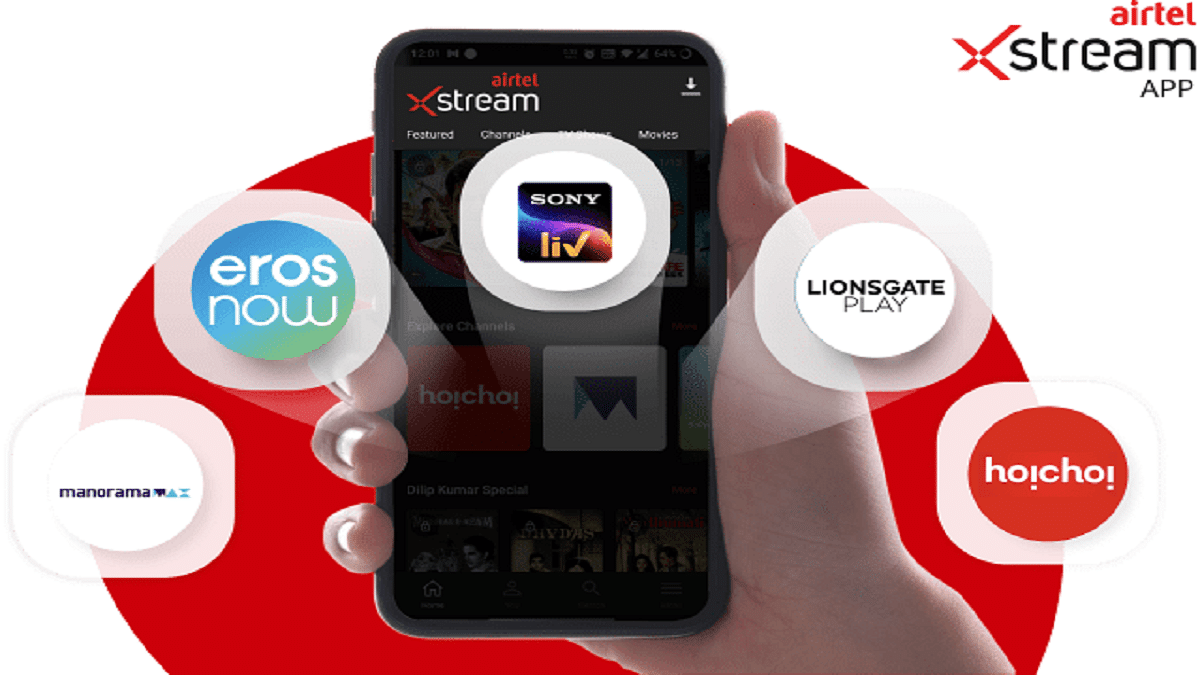
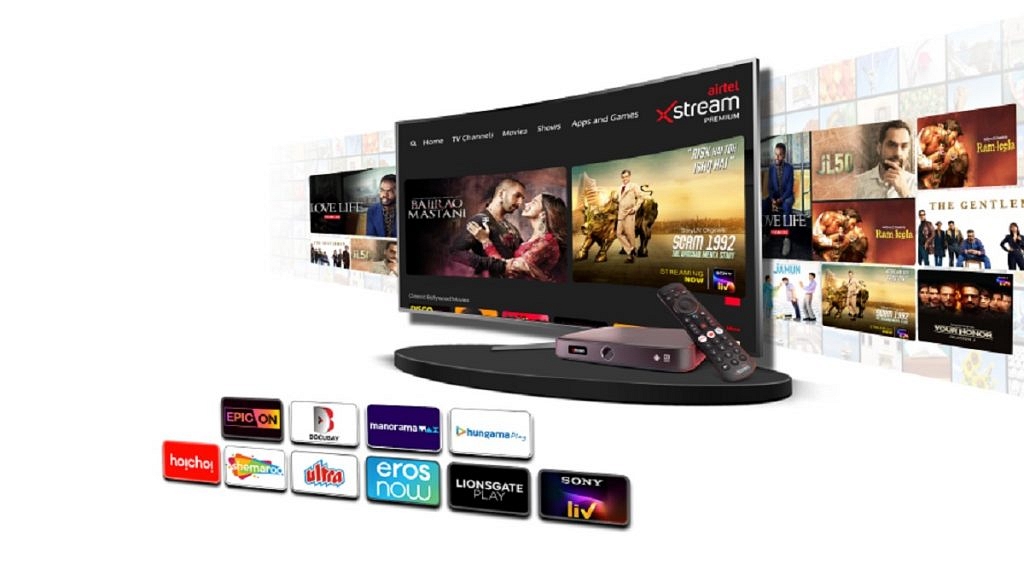
Airtel Xstream is an online streaming service that allows you to watch live TV and on-demand content. It offers a wide variety of content, including TV shows, movies, and live channels. The Xstream app’s content is accessible to both Airtel and non-Airtel subscribers. The telco is also extending app compatibility to other devices, including streaming devices and smart Televisions.

Also Read: How To Get 12 OTT App Access For Rs. 149 From Airtel Xstream

How To Watch Live TV And On-demand Content?

In this step-by-step guide, we will walk you through how to use Airtel Xstream to watch live TV and on-demand content.

Step 1: Download the Airtel Xstream app on your device. The app is available for both Android and iOS smartphones and can be downloaded from the respective app stores. Install the app on your mobile after downloading it.

Step 2: After installing the app, open it and log in using your Airtel mobile number. If you don’t have an Airtel mobile number, you can create an account by clicking on the “New to Airtel Xstream?” option and following the instructions.

Step 3: Once you have logged in, you can browse the library of content available on the app. You can search for specific shows or movies using the search bar, or browse through the various categories and genres available.

Also Read: Regional OTT Applications In India: Check Price, Benefits, And Other Details

Step 4: To watch live TV, click on the “Live TV” tab on the app. Here, you will find a list of all the channels that are available on Airtel Xstream. Select the channel that you want to watch and start streaming live TV.

Step 5: To watch on-demand content, click on the “Movies” or “TV Shows” tab on the app. Here, you will find a collection of movies and TV shows from various genres. Select the movie or TV show that you want to watch and start streaming it.

Step 6: Airtel Xstream also allows you to download content to your device so that you can watch it later offline. To download a movie or TV show, click on the download button next to the title. The content will be downloaded to your device; you can watch it later without an internet connection.

Also Read: Here’s How To Change Airtel Xstream Wi-Fi Password Via Thanks App And Website

Airtel Xstream is a great platform for watching live TV and on-demand content. With this step-by-step guide, you can easily use the app to access a wide variety of content. The app is easy to use and allows you to customize your viewing experience, making it a great choice for all your streaming needs.

Categories
Apps Featured

100+ Best DIY YouTube Channel Name Ideas In 2023

Key Highlights

  • DIY has grown in popularity as more people seek to save money, reduce waste, and express their creativity
  • It encourages individuals to create, repair, or modify things on their own
  • It’s important to choose a YouTube channel name that reflects your brand and style

In recent years, do-it-yourself (DIY) projects have become increasingly popular, thanks in part to the rise of social media and video-sharing platforms such as YouTube. As of now, there is a multitude of DIY YouTube channels that are worth following. These channels offer a wide range of content, from simple home repair tutorials to complex crafting projects. Some of the best DIY channels in 2023 are known for their engaging personalities, high-quality production values, and unique project ideas.

When it comes to naming your DIY YouTube channel, there are a few key things to keep in mind. First, you want a name that’s memorable and easy to remember. Second, you want a name that reflects the type of content you’ll be creating. Finally, you want a name that’s unique and stands out from the competition. Here are 100+ best DIY YouTube channel name ideas:

Also Read | 100+ Best Channel Name Ideas For YouTube Account Dedicated To BTS Army

Creative DIY YouTube Channel Name Ideas

The Handyman’s Guide to HomeThe DIY DreamerThe DIY Junkie
The DIY RoomThe Crafting QueenThe Creative Cottage
The Handyman’s GuideThe Woodworker’s WorkshopThe Crafty Couple
The Crafty MavenThe Handy WomanThe Handyman’s Haven
DIY NetworkThe DIY MomThe DIY Designer
The Home RenovatorThe Crafting GuruThe Crafting Maven
The Creative CornerThe DIY BuilderThe DIY Expert
The Crafty HousewifeThe Home RepairmanThe Woodworker’s Studio

Trendy DIY YouTube Channel Name Ideas

The Handyman’s LabDIY WorkshopDIY Wizard
The DIY ProdigyCrafty EntrepreneurCreative Workshop
The Creative CrafterWoodworker’s DenCrafty Coach
Home Improvement CoachHome Repair HeroWoodworker’s Oasis
DIY HandywomanDIY InnovatorHome Renovation Specialist
Crafting GeniusCrafting ConnoisseurDIY Maven
DIY EnthusiastDIY ArtistCrafting Ninja
Handyman’s GarageHandyman’s ToolkitHandyman’s Helper

Also Read | YouTube Channel Name Ideas: 100+ Cool And Attractive Usernames For Boys

Cool DIY YouTube Channel Name Ideas

DIY MastermindDIY GeniusDIY Renovator
Creative ClassroomCreative Workshop CollectiveCrafting Collective
DIY ExpertiseWoodworker’s Co-OpHandyman’s Guide to Home Improvement
Woodworker’s ParadiseHome Repair ResourceDIY Instructor
Home Repair GuruDIY Designer StudioHome Improvement Pro
DIY GuruCreative CreatorDIY Pro
Crafting InfluencerDIY MakerCrafting Expertise
Handyman’s StudioWoodworker’s LabHandyman’s Resource

Amazing DIY YouTube Channel Name Ideas

Creative CraftspersonWoodworker’s SchoolHome Repair Collective
Woodworker’s Workshop StudioHome Improvement WorkshopDIY Artisan
Home Repair MastermindDIY Workshop CollectiveCrafting Collaborative
DIY RevolutionCrafting InstructorHandyman’s Resource Collective  
Crafting ClassroomHandyman’s Guide to Repairing Your HomeDIY Pioneer
Handyman’s Do-It-Yourself GuideDIY Innovator CollectiveCreative Entrepreneur Collective
DIY EducatorCreative CatalystWoodworker’s Workshop Collective
Creative StudioWoodworker’s GuildHome Renovation Collective

Also Read | 100 Best YouTube Channel Names For Travel Vloggers

Catchy DIY YouTube Channel Name Ideas

DIY Resource CollectiveCrafting Collective SchoolMetal Makers
Crafting Collective StudioArt AttackWood Work World
Handyman’s Workshop CollectiveDedicated DIYFlip-Flop Art
DIY Experience CollectiveWorld of PartyLife on Canvas
Creative Collective StudioYellow Coffee StationPencil & Paper
Woodworker’s Collective StudioSunshine & RainbowTravel Kitchen
Home Improvement Collective StudioPearl CraftSugar Factory
DIY Do-It-Yourself CollectiveHot Glue GiftCherry & Wood

Ultimately, the best DIY YouTube channel name for you will depend on your goals, interests, and audience. Don’t be afraid to experiment with different names and see what resonates with your viewers. Remember, your channel name is the first impression that potential subscribers will have, so it’s important to choose a name that reflects your brand and style.

Also Read | YouTube Daily Vlog Channel Name Ideas: Top Cool Channel Name Ideas For Daily Vlogs On YouTube

Categories
Apps Featured

100+ Best Instagram Names For Hikers And Trekkers

Key Highlights

  • Instagram username is an important aspect of establishing your online identity on the platform
  • It is one of the first things that people notice when they come across your profile
  • It can create a strong first impression about you

With over a billion monthly active users, Instagram has become one of the most popular social media platforms. For hikers and trekkers, it’s an ideal platform to share their adventures and connect with like-minded individuals. One of the most important aspects of having an Instagram account is choosing a catchy and memorable username. Here are some of the best Instagram names for hikers and trekkers. Also Read | 100 Best Instagram Boys Name With Alphabets M To Z

Cool Instagram Usernames For Hikers And Trekkers

TrekkingTalesMountainMomentumHikeAndHappiness
MountainMadnessNatureNavigatorTrailTreasure
TrailblazingNomadSummitSavorerAdventureAfoot
AlpineExplorerTrailThrasherPeakPassion
TrekkingTribeBackcountryBlissScenicSoul
PeakPursuitOutdoorObsessedHikingHeart
ScenicStepsMountaineerMuseMountainMagic
HikingHavenWanderingWayfarerNatureNirvana

Trendy Instagram Usernames For Hikers And Trekkers

SummitSurferAdventureAddictBackcountryBound
TrailTemptationPeakPilgrimOutdoorOpulence
BackcountryBeautyScenicSerenityMountaineerMindset
OutdoorOverloadHikingHighWanderingWanderlust
MountaineerMavenMountainMantraHikeAndHeights
WanderingWondererNatureNookTrailTracker
HikeAndHarmonySummitSatisfactionAdventureAchiever
TrailTrotterTrailTripperPeakPioneer

Also Read | Instagram Names For Tech Geeks: 100+ Catchy And Unique Usernames

Unique Instagram Usernames For Hikers And Trekkers

ScenicSanctuaryHikingHavenXMountainMotivation
HikingHabitScenicSavorNatureNiche
MountainMusePeakPerformerSummitSeekerX
NatureNurturerAdventureAlchemistTrailTornado
SummitSerenadeTrailTraverserBackcountryBlast
TrailTrekkerXHikeAndHorizonsOutdoorOasis
BackcountryBuddyWanderingWhizMountaineerMaster
OutdoorOptimistMountaineerMomentumWanderingWizard

Catchy Instagram Usernames For Hikers And Trekkers

HikeAndHuntSummitSuccessAdventureAdvocate
TrailTravelerTrailTrekkerXXPeakPathfinder
AdventureAstronautBackcountryBuddiesScenicSafari
PeakPinnacleOutdoorOdysseyHikingHero
ScenicSolitudeMountaineerMajestyMountainMarvel
HikingHarmonyWanderingWarriorNatureNovice
MountainMysticHikeAndHustleSummitSensation
NatureNavigatorXTrailTacklerTrailTriumph

Also Read | 100+ Best Instagram Names For Motivational Speakers To Inspire The Audience

Creative Instagram Usernames For Hikers And Trekkers

BackcountryBoltPinoy MountaineerAdventure Fragrant
OutdoorOdysseyXGet Lost OutdoorNothing But Footprints
MountaineerMomentumXOutdoor DoerThe Planet D
Adventure BroomAdventure ExteriorOutside Open
Pint Size AdventureAdventure NowTipsy Outdoor
On The Paddle TrailHiker ThermalSynergy Hiker
Adventure FillerHiking GoingOutside Outreach
Hike 734Navy HikerWanderingWondererX

Choosing a great Instagram name is just the first step to building a strong presence on the platform. Ultimately, it’s the content you post and the engagement you generate that will determine the success of your account. So, get out there, explore, and share your adventures with the world!

Categories
Accessories Featured

All-time Tech Gifting Ideas: Top Five Cutting-Edge Tech Gifts For The Future

Are you looking for the perfect gift for the technology devotee in your circle? Well, your quest ends with the latest cutting-edge tech offerings, guaranteed to leave an impact. These gifts go beyond mere utility, incorporating innovation and futurism in their revolutionary gadgets and accessories. Take the lead and astound your beloveds with the latest advancements in technology. Without further ado, here are the top cutting-edge tech gifts for the future, bound to stun any recipient. Also Read | Best Non-Chinese Mobile Phones To Buy In India

HP Z3700 Wireless Optical Mouse

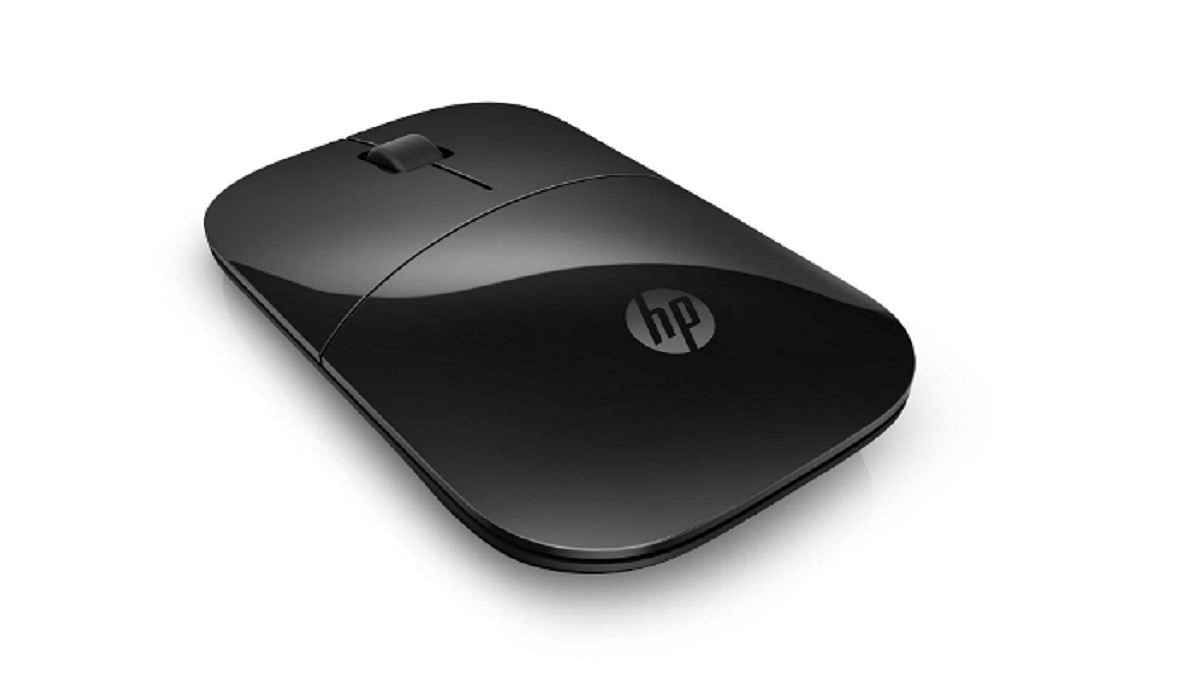
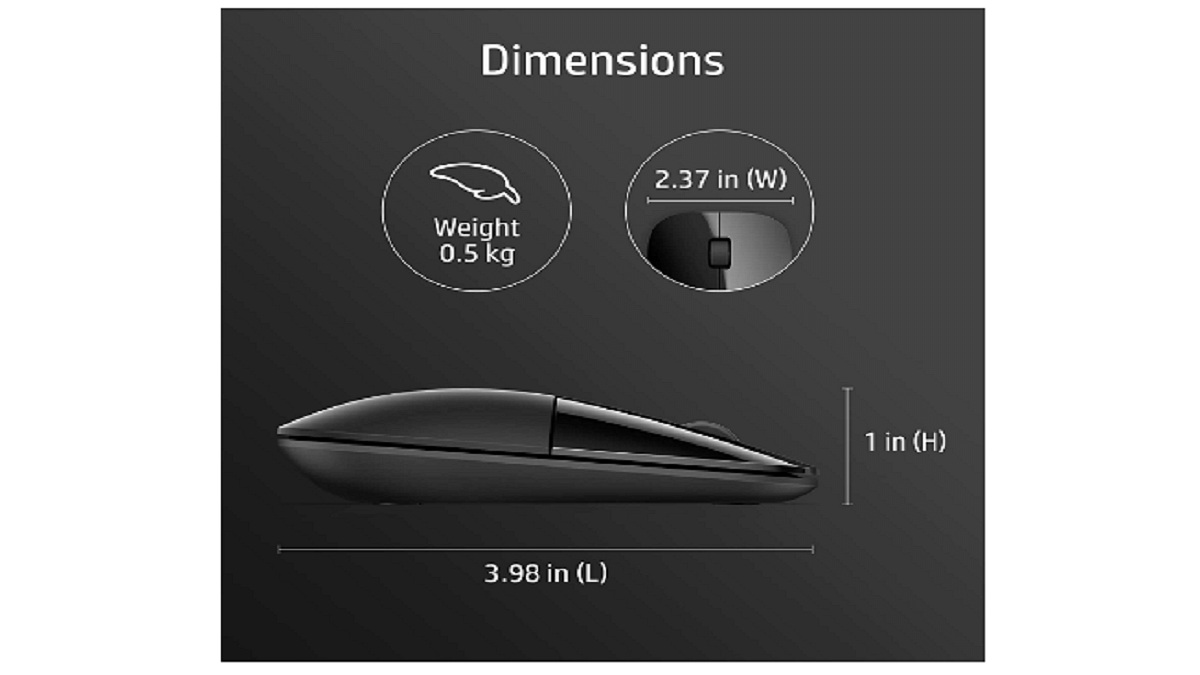
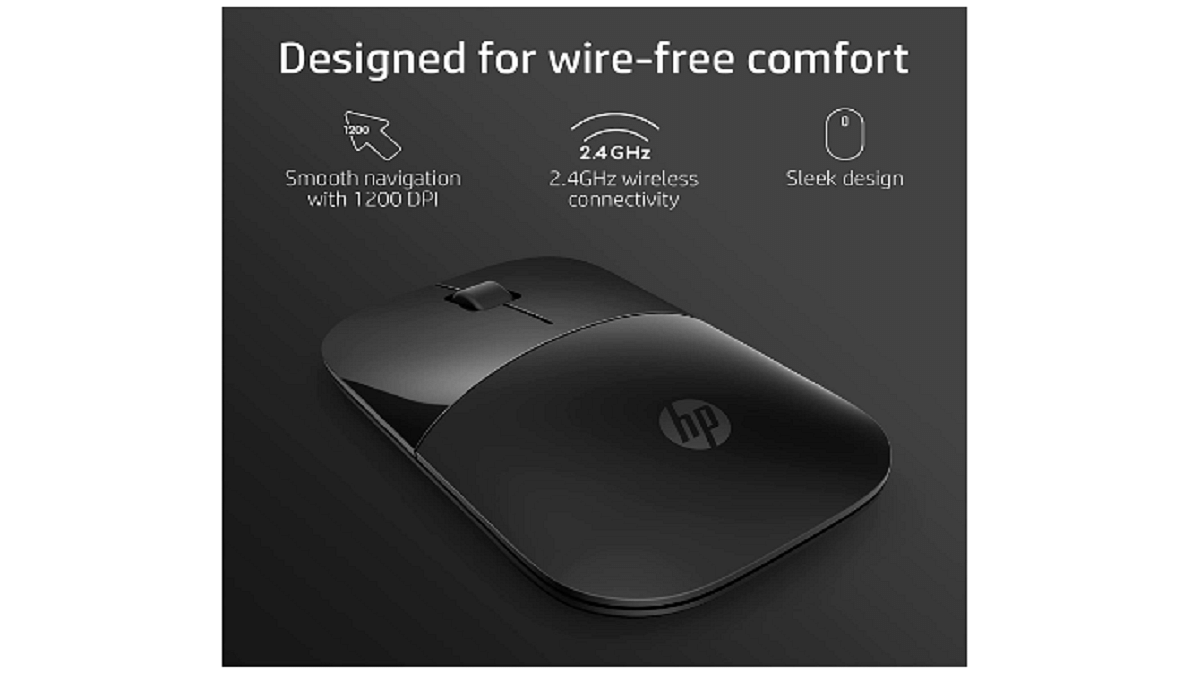
The HP Z3700 Wireless Optical Mouse is a reliable, stylish, and compact mouse that offers precise optical tracking and wireless connectivity with a range of up to 30 feet. It features a 1200 dpi optical sensor, a convenient on/off switch, and a battery life indicator. It’s a great option for users on the go or with limited desk space. You can purchase the HP Z3700 Wireless Optical Mouse on Amazon for Rs. 1,499.

Connector TypeWireless
Number of Buttons2
Compatible DevicesLaptop
ColorBlack, Modern Gold
Special FeatureCharging Port

Logitech G203 Lightsync

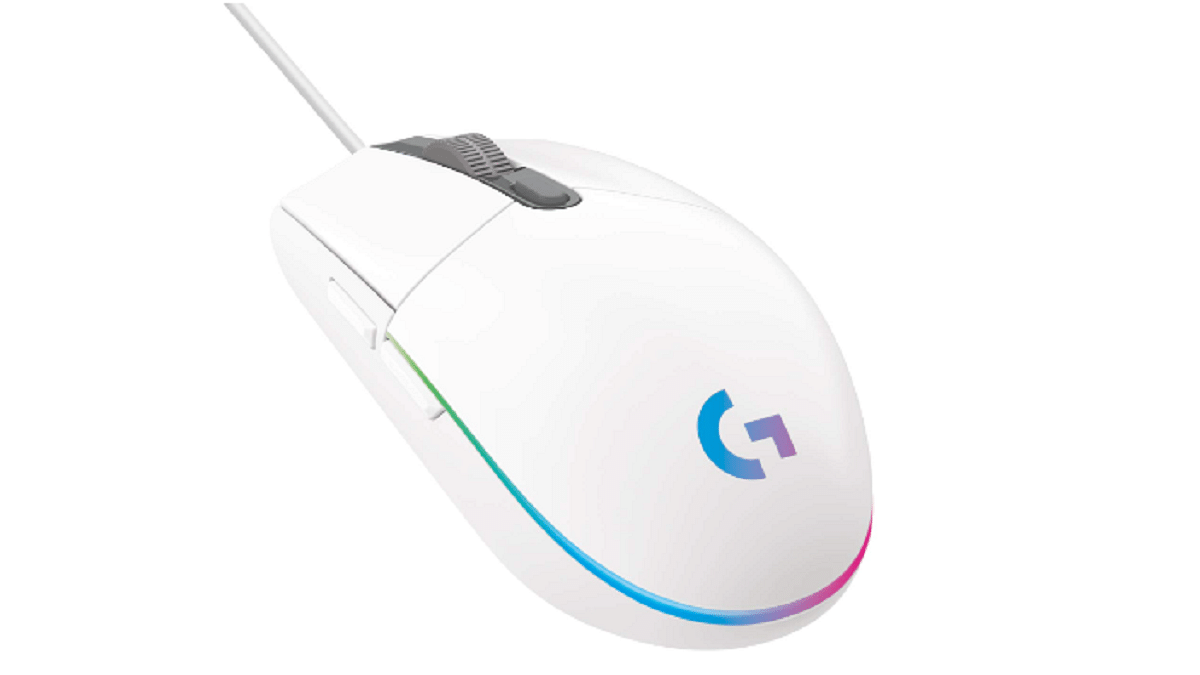
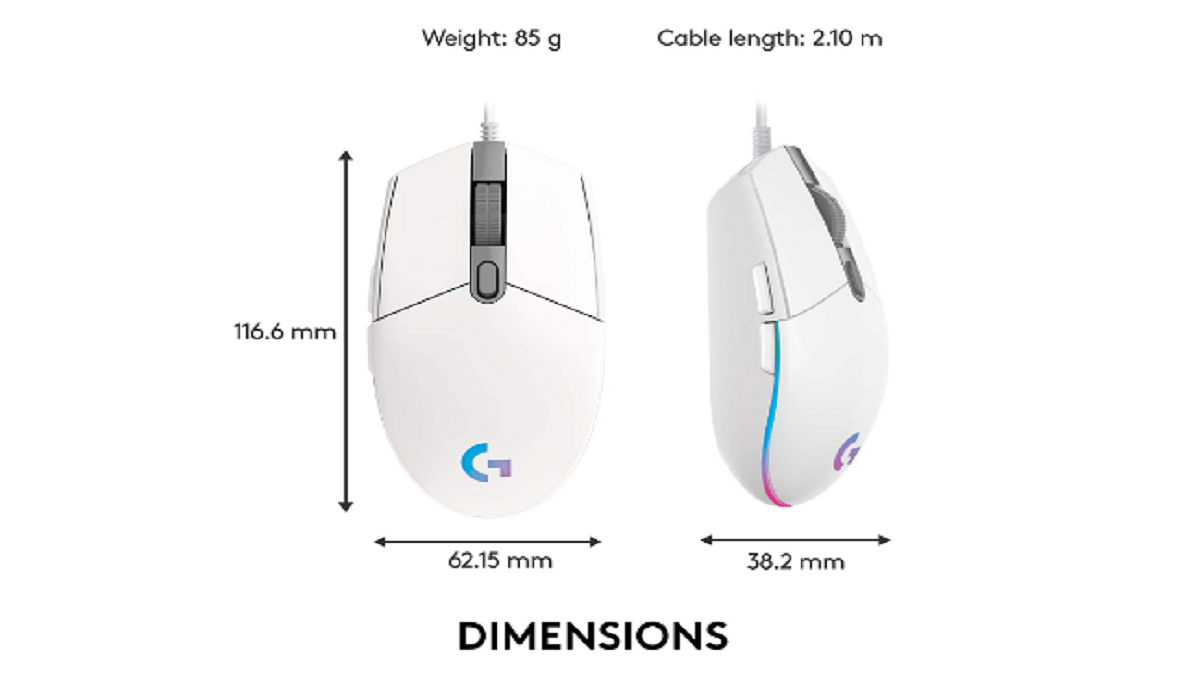
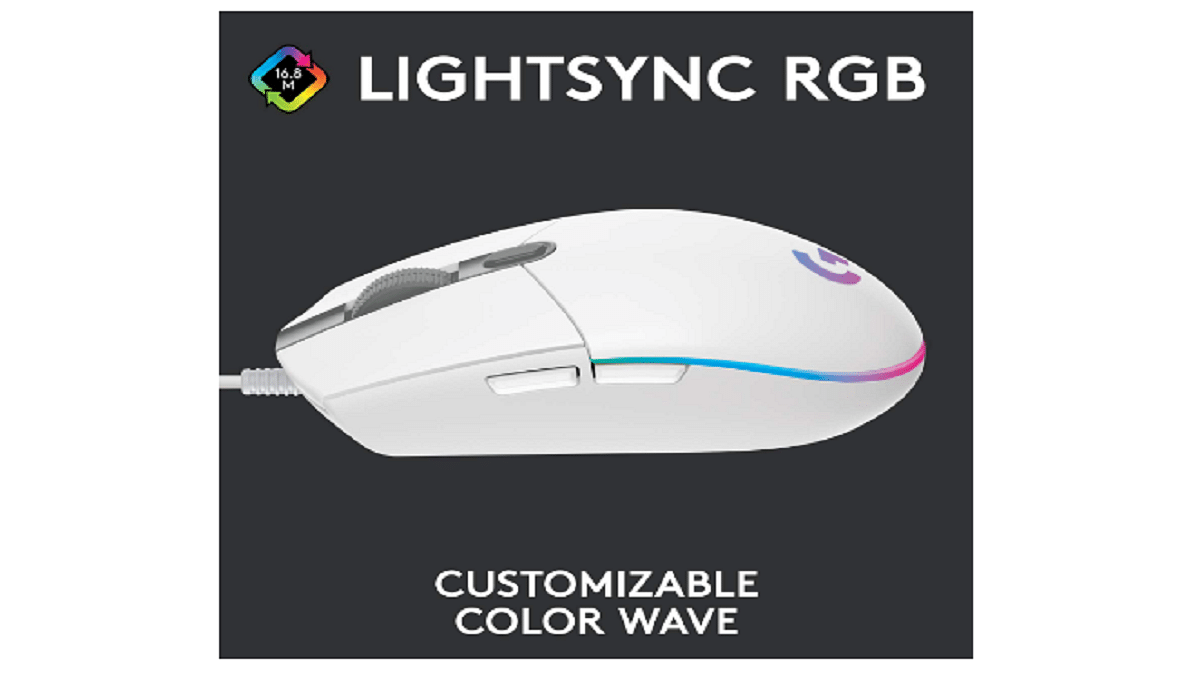
Logitech G203 Lightsync is a customizable gaming mouse with a high-precision sensor and advanced button tensioning system that provides decent accuracy and responsiveness. It features Lightsync technology, enabling the mouse to display up to 16.8 million colors and sync with other Logitech G devices. With a classic and simple design, the G203 is comfortable to use for both left and right-handed gamers. It’s a budget-friendly gaming mouse that doesn’t compromise on performance or style. You can purchase the Logitech G203 Lightsync on Amazon for Rs. 2,000.

Connector TypeUSB
Number of Buttons6
Compatible DevicesLaptop, Personal Computer
ColorRainbow (White), Lilac, Blue
Special FeatureWireless

JBL Tune 710BT Headphone

The JBL Tune 710BT wireless headphone by Harman offers great sound quality and comfort. With 40mm dynamic drivers and JBL Pure Bass Sound technology, they produce deep and powerful bass. The headphone has a foldable design for portability, up to 50 hours of battery life, and intuitive controls with a built-in microphone. They’re compatible with Google Assistant and Siri for hands-free control. You can buy the JBL Tune 710BT headphone on Amazon for Rs. 5,999.

Connector TypeWireless
Form FactorOver Ear
Wireless Communication TechnologyBluetooth
ColorBlack, Blue, White, Rose
Special FeatureVoice Assistant Integration Foldable Fast Charging Microphone Included Dual Connect

Also Read | Best Headphones For Music Lovers To Buy In India Under Rs. 5,000

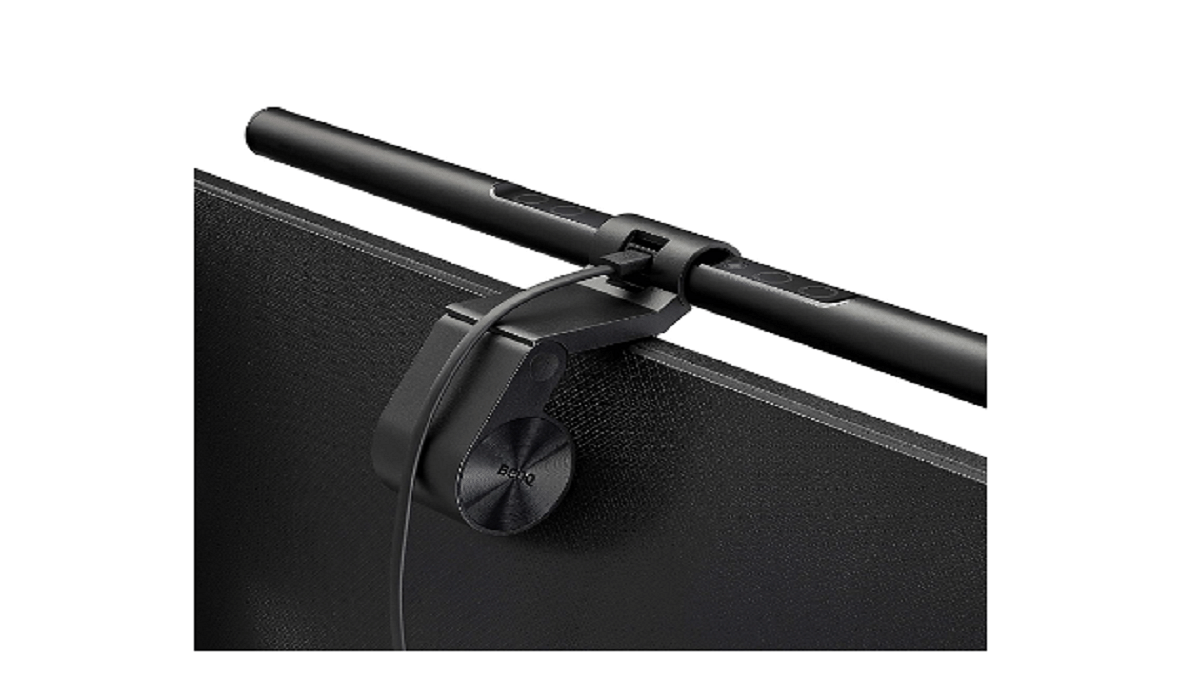
BenQ LED Monitor Light- ScreenBar & ScreenBar Plus

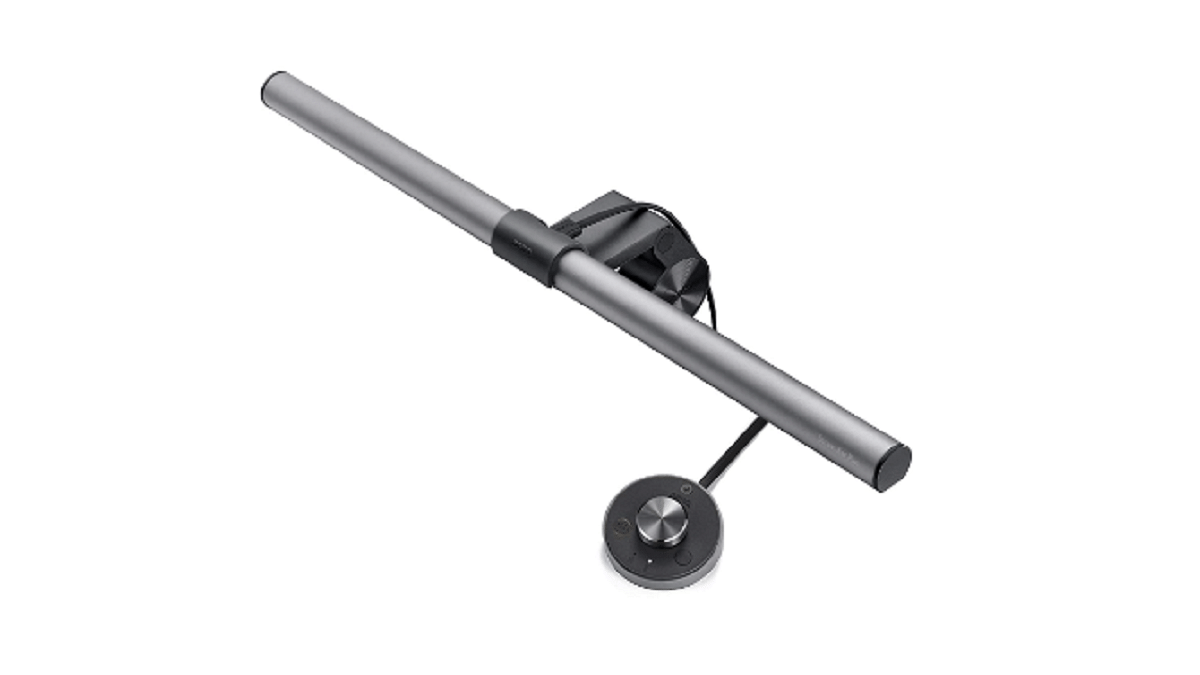
BenQ has introduced a series of monitor lights to make work-from-home easier and more efficient. The LED clip desk lamp is specially designed to work with most monitors and includes a dial for easy adjustments. The monitor light ensures optimum eye protection by eliminating reflecting glare off the screen. It also features an integrated ambient light sensor, allowing you to choose the ideal brightness level with just one touch. You can manually adjust the color temperature and brightness if you prefer. The ScreenBar & ScreenBar Plus is available exclusively on Amazon starting at Rs. 9,900.

MaterialAluminium
Light Source TypeLED
ColorSilver, Black
Special FeatureDimmable Adjustable Color Temperature

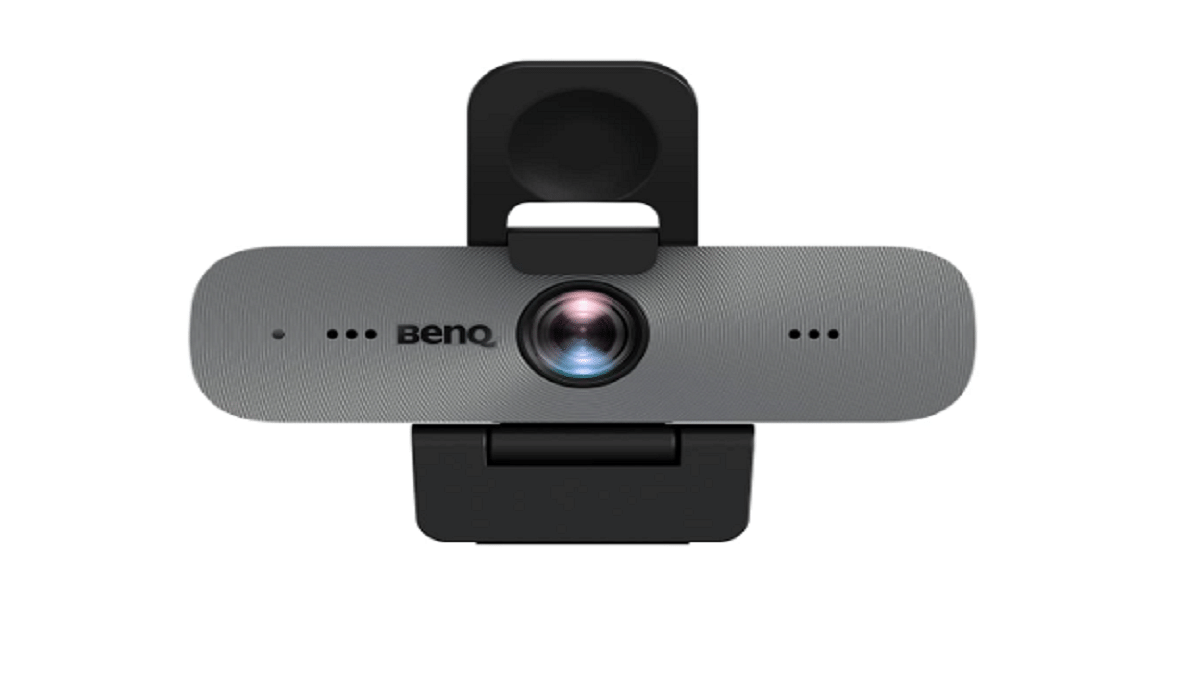
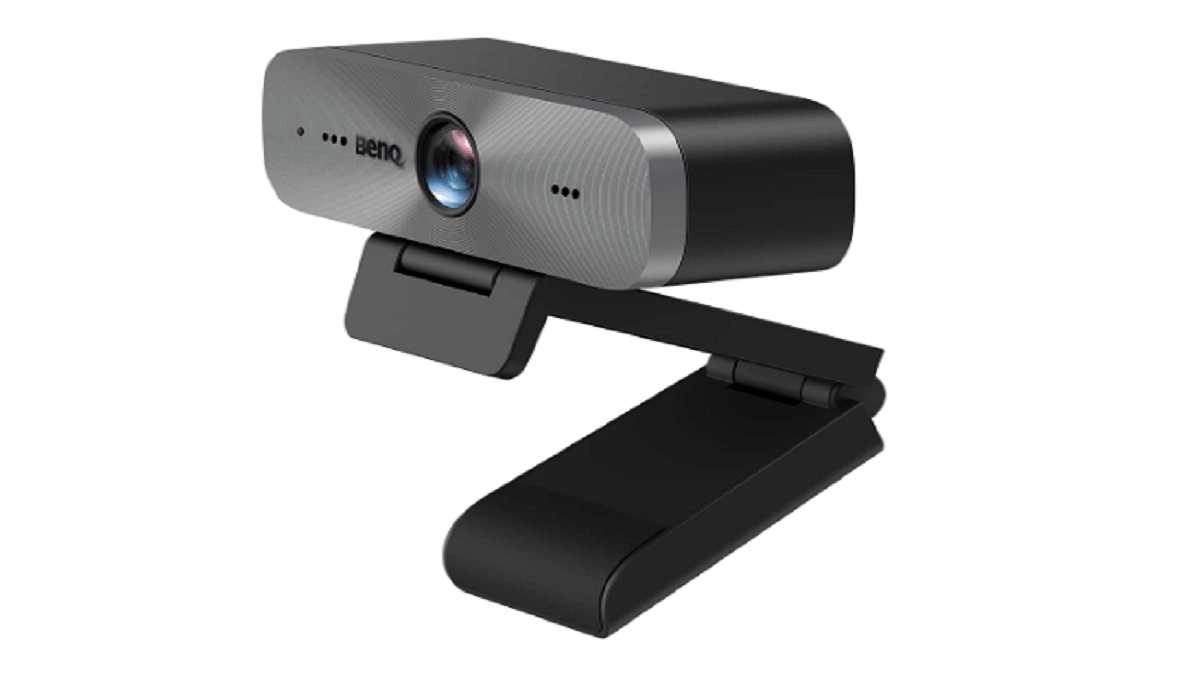
BenQ DVY31 Full HD Zoom Certified Webcam

The BenQ DVY31 is a Full HD webcam that offers decent audio and visual quality, making it perfect for virtual meetings and live broadcasts. With a 92-degree wide field of view, 5x digital zoom, and two omnidirectional microphones, it provides vivid images and great audio quality. It also supports H.264 compression for high-quality broadcasts with less bandwidth usage. The USB plug-and-play webcam is easy to install and is compatible with all leading video-conferencing applications. You can buy the BenQ DVY31 on Amazon for Rs. 9,990.

Connectivity TechnologyUSB
Photo Sensor TechnologyCMOS
Video Capture Resolution1080p, 720p
Minimum Focal Length3.24 Millimeters
Lens TypeZoom

Based on the above tech gift options, it’s clear that the future is brimming with innovative technology that promises to make our lives easier and more enjoyable. Whether it’s a wireless charger or a headphone, these gifts are the perfect way to stay ahead of the curve and embrace the latest advancements in technology.

Also Read | Best Gimbals For Smartphones Under Rs. 10,000

Categories
Accessories Featured

Summer Gadget Hunt: Four Best Smart Water Bottles To Beat The Heat

Key Highlights

  • Smart water bottles have become popular in recent years
  • They offer various features to help individuals track their water intake and remind them to stay hydrated
  • It’s important to choose a smart water bottle that suits your needs and preferences

With the heatwave upon us, staying hydrated during your commute and at work is essential for making it through the day. Hence, a smart water bottle can be useful if you frequently forget to drink throughout the day. Smart water bottles have become popular in recent years as they can help individuals track their daily water intake and remind them to stay hydrated. In India, there are many options available for those looking to purchase a smart water bottle. We have rounded up the water bottles that can take the heat.

Also Read | Five Best Voice Assistants For Android Users In 2023

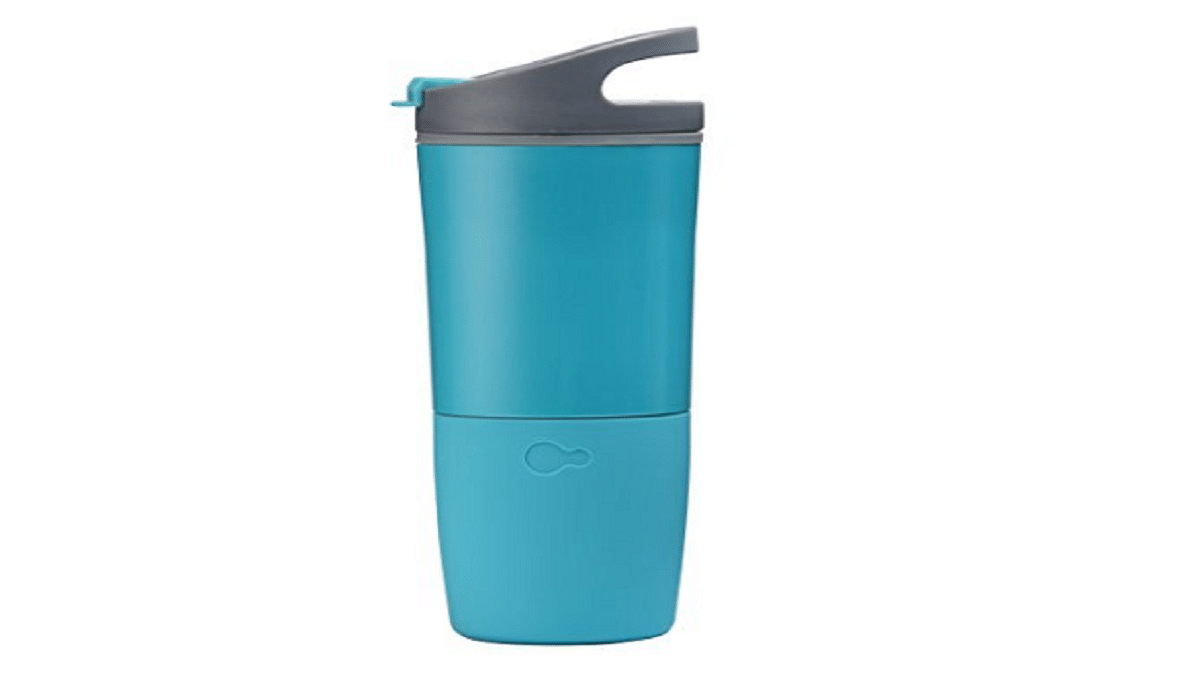
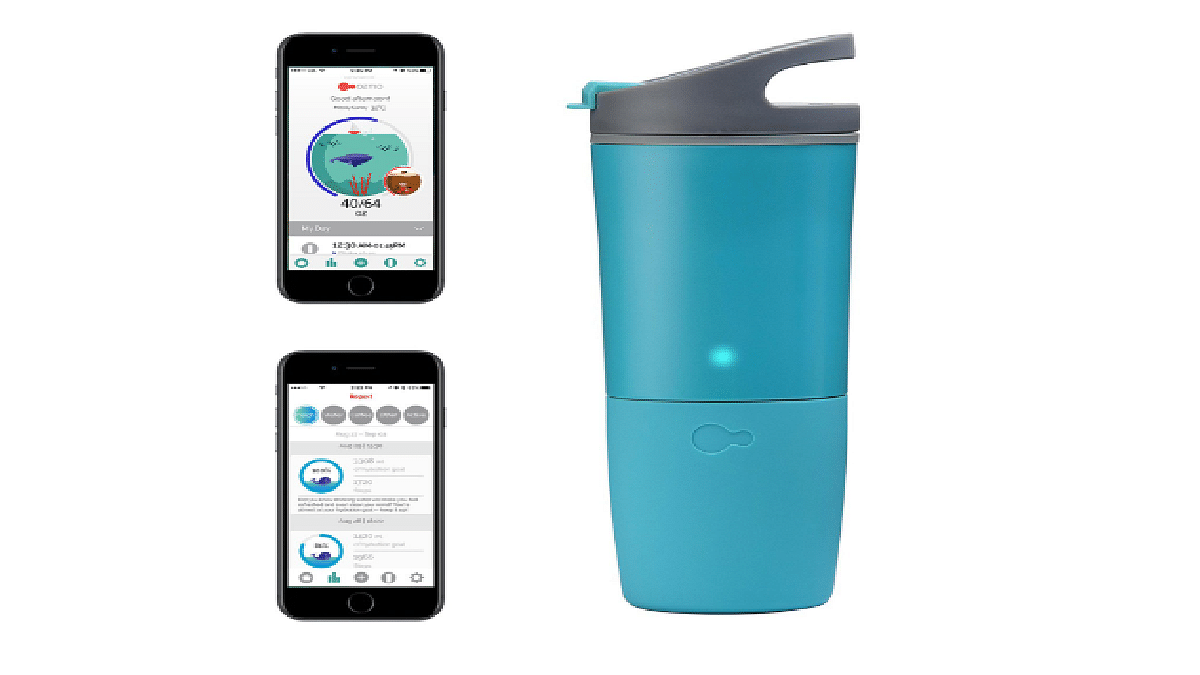
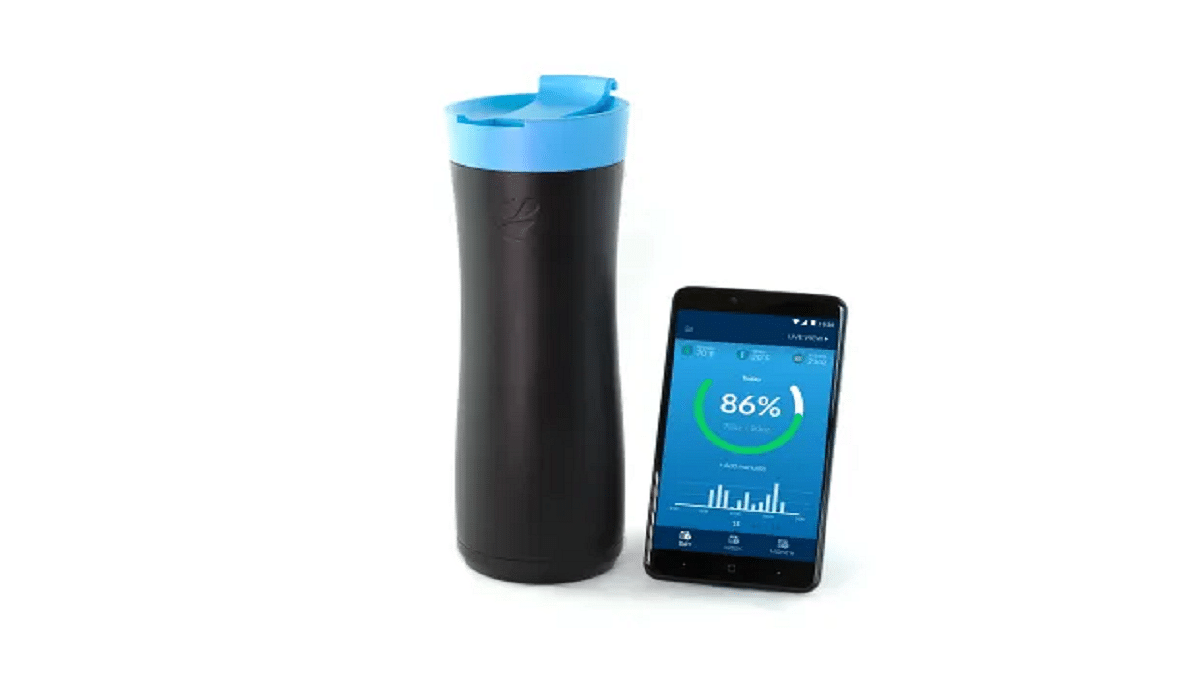
Ozmo Active Smart Bottle

The Ozmo Active Smart Bottle not only tracks your water intake but also tracks your coffee and tea consumption. It also gives you personalized hydration goals based on your activity level and the weather. This smart water bottle is available for sale for Rs. Rs. 15,013 on Amazon.

Capacity473 mL
Weight198 g
Battery LifeUp to 3 weeks per charge
SensorsIngestion sensor, ambient temperature sensor, and accelerometer
ConnectivityBluetooth 4.0
Compatible DevicesiOS 10.0 and up, Android 5.0 and up
Color OptionsBlack, white, teal, purple, and pink
FeaturesTracks both water and your favorite drinks
USB – Rechargeable Battery
Leak-proof
BPA – free 16 oz capacity
Sync with Fitbit, Apple Health, and more

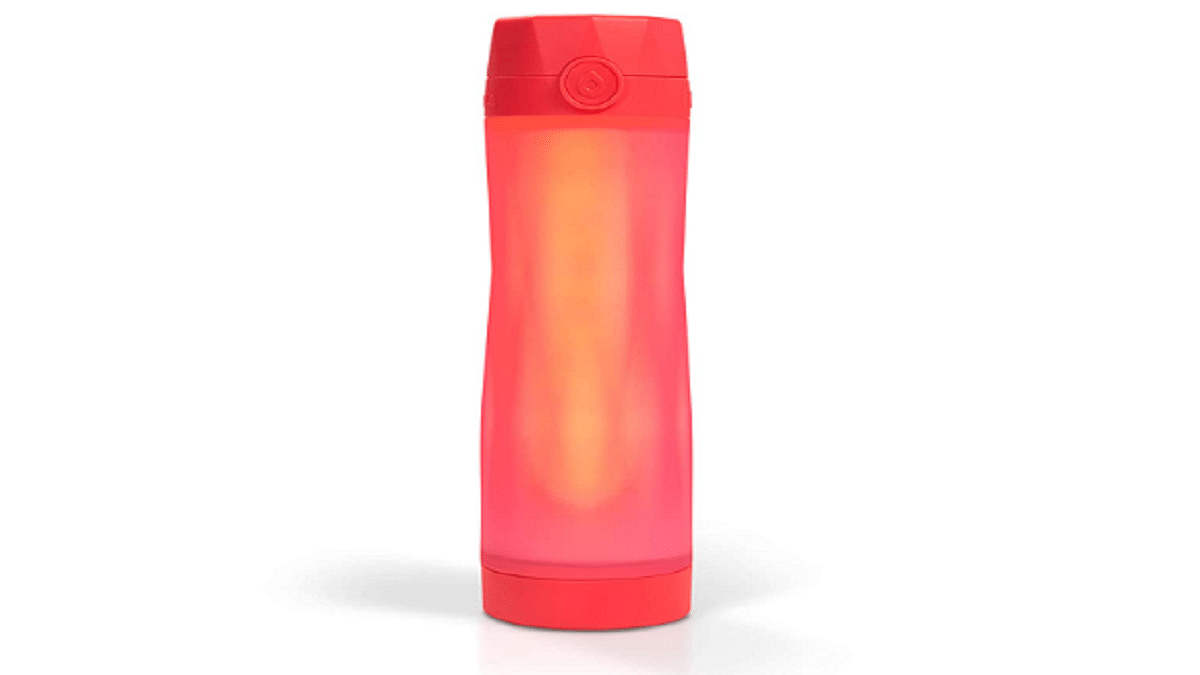
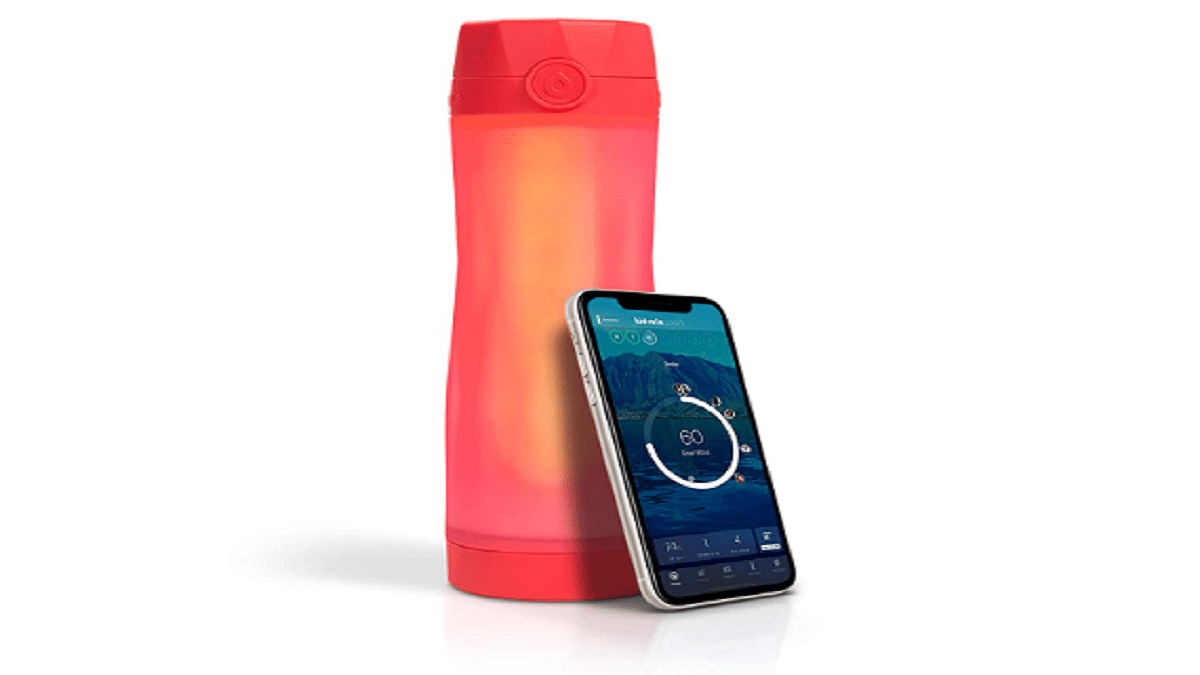
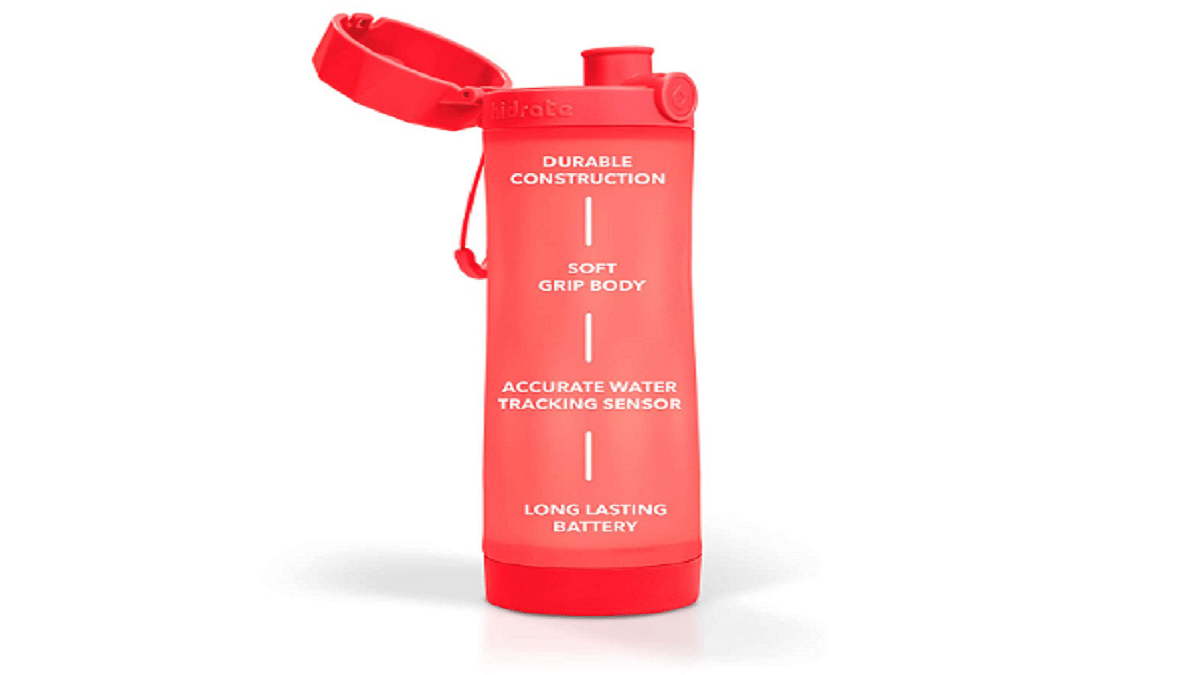
Hidrate Spark 3.0 Smart Water Bottle

This smart water bottle comes with a sensor that tracks how much water you drink and syncs with an app on your phone to give you reminders to drink more. It also has a glow feature that lights up to remind you to drink more water. You can purchase the Hidrate Spark 3.0 smart water bottle from Amazon for Rs. 10,412.

Capacity20 ounces (591 mL)
Weight9.9 ounces (280 g)
Battery LifeUp to 2-3 months per charge
SensorsIngestion sensor
Ambient temperature sensor
Accelerometer
ConnectivityBluetooth 4.0
Compatible DevicesiOS 12.0 and up, Android 7.0 and up
Color OptionsBlack, White, Teal, Purple, Coral, and Green
FeaturesTracks water intake
Reminds user to drink water
Syncs with fitness apps
Glows to remind the user to drink
Customizable goal settings
Streak tracking

Also Read | Mastering A New Tongue? Here Are The Best Mobile Apps For Learning A New Language

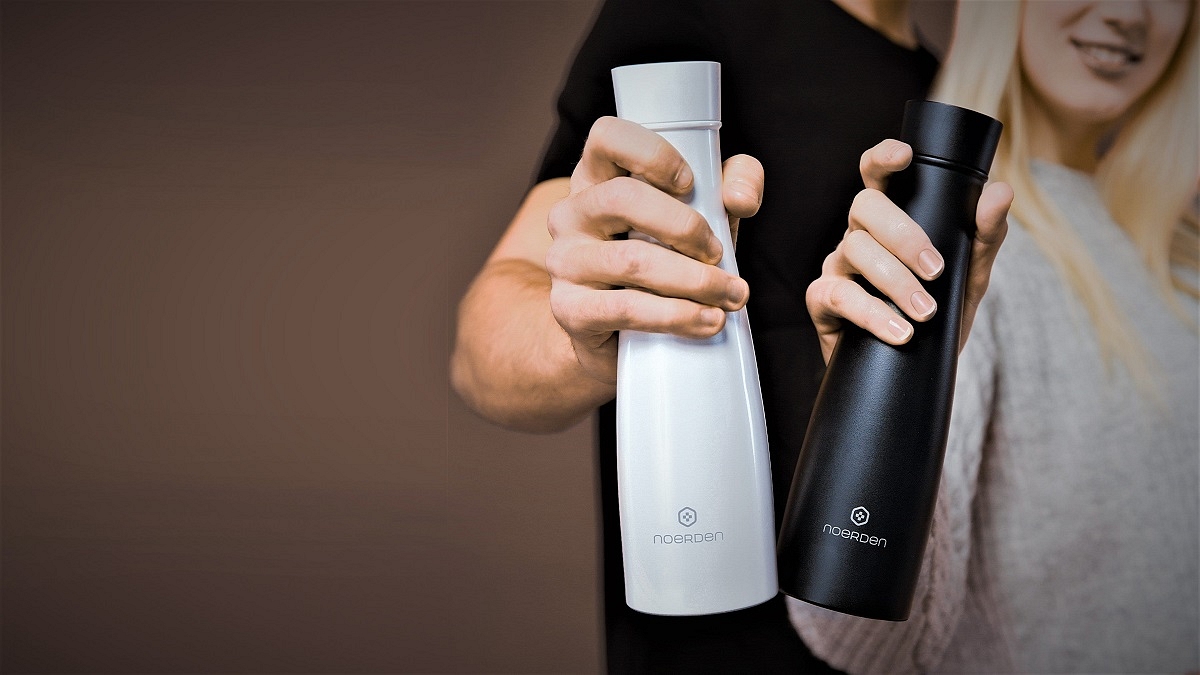
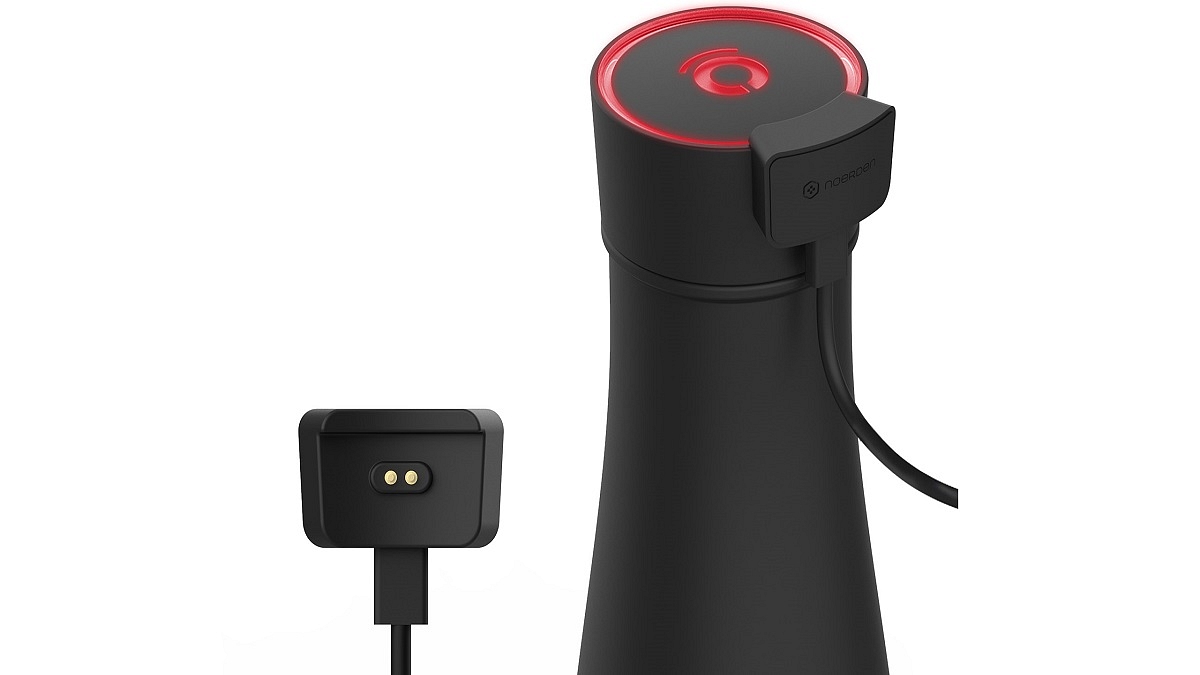
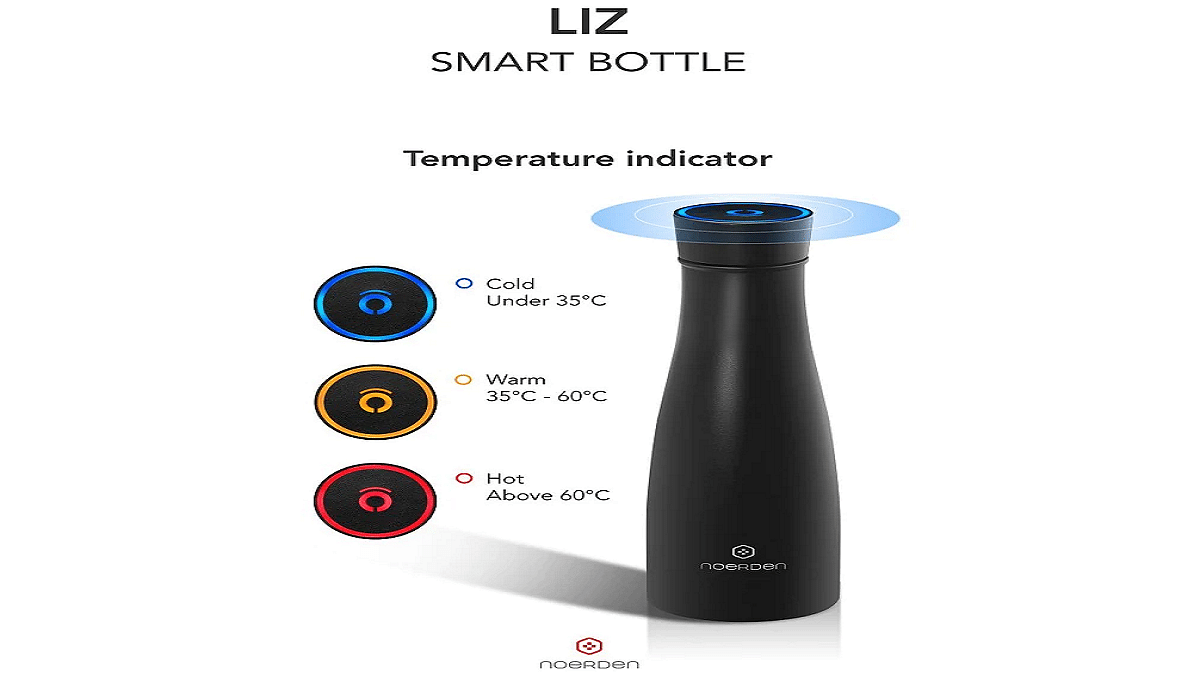
NOERDEN LIZ Smart Bottle

The LIZ Smart Bottle comes with a UV-C light cap that sanitizes the bottle and its contents. It also tracks your water intake and reminds you to drink more water. The bottle is made of a durable and lightweight material and comes in various colors. Buy this smart water bottle from NOERDEN’s official website for Rs. 6,177 approximately.

Capacity473 mL
Weight198 g
Battery LifeUp to 3 weeks per charge
SensorsIngestion sensor
Ambient temperature sensor
Accelerometer
ConnectivityBluetooth 4.0
Compatible DevicesiOS 10.0 and up, Android 5.0 and up
Color OptionsBlack, White, Blue, and Pink
FeaturesKills 99.9% of bacteria & viruses with its built-in UV-C light
Keep your beverage hot or cold thanks to the double stainless steel wall
Get glowing reminders every 2h to remind you to drink

AquaGenie Smart Water Bottle

The AquaGenie smart water bottle uses an AI-powered app to create a personalized hydration plan for you. It also tracks your water intake and reminds you to drink more water. The bottle has a sleek design and is made of durable material. It is available to buy for Rs. 6,977.

Capacity710 mL
Weight250 g
Battery LifeUp to 2 weeks per charge
SensorsIngestion sensor
Ambient temperature sensor
ConnectivityBluetooth 4.0
Compatible DevicesiOS 10.0 and up, Android 5.0 and up
Color OptionsBlack, White, and Blue
FeaturesTracks daily water intake
Syncs with your existing fitness dashboards
Glows to remind user to drink
Purification mode that uses UV-C LED light to sterilize the bottle

Also Read | Best Smart Alarm Clocks To Buy In 2023

Categories
Featured Gaming

PlayStation Plus Free Games For April 2023 Unveiled: A Must-Play Lineup

Key Highlights

  • Sony revealed PlayStation Plus free games for April 2023
  • These games will be available starting April 4
  • Users of the PS4 and PS5 consoles can play these titles

Sony released a list of games that will be available for free to PlayStation Plus subscribers in April 2023. These games will be accessible to PS5 and PS4 users who subscribe to PlayStation Plus’ Essential, Extra, and Deluxe or Premium tiers beginning April 4. These games will be available to players until May 1. The list of games that will be available for free in April on PlayStation Plus is as follows:

Also Read | Best Train Simulator Games For PC Gaming Enthusiasts

Meet Your Maker

Meet Your Maker is a game that will be available on both PlayStation 5 and PlayStation 4 users. According to Sony, it is a first-person building-and-raiding game set in a post-apocalyptic world, where players design every level. The game allows players to switch between roles, enabling them to build and control Outposts, complete with traps and guards. Players can also participate in fast-paced combat, raiding other players’ creations, and gaining advantages by selecting the appropriate loadout (melee, ranged, defensive), perks, and consumables to match their playstyle or challenge. Additionally, players can partner up in pairs of two.

Sackboy: A Big Adventure

This 3D multiplayer adventure game will be available on both PS4 and PS5 gaming consoles. Players can either go solo in a race against time filled with danger and peril or engage in local or online party play by forming teams of two to four adventurers.

Also Read | Minecraft Alternative Games: Best Sandbox Games You Should Check Out

Tails of Iron

This RPG adventure game featuring brutal combat will be accessible on both PlayStation 5 and PlayStation 4 gaming consoles. The game features hand-drawn graphics in a grim, war-torn land. Players will take on the role of Redgi, the heir to the Rat Throne, and embark on a quest to restore their broken Kingdom by defeating the Frog Clan and their ferocious leader, Greenwart. According to a Sony blog post, players will require all the help they can get, such as new meal recipes, blueprints for crafting deadly weapons and armor, or even an armor-plated mole mobile to succeed.

Also Read | Poki Games: Here Are The Best Five Online Games To Play For Free

Categories
Apps Featured How To

How To Use Snapchat’s Cartoon Lens For Fun And Creative Snaps: Step-By-Step Guide

Key Highlights

  • Snapchat cartoon lens is a popular filter on the Snapchat app
  • It allows users to transform their faces into cartoon characters
  • The filter uses augmented reality technology to add animated features to the user’s face

Sending a snap with the cartoon lens on Snapchat is a fun and creative way to add some personality to your photos and videos. The cartoon lens is one of the most popular lenses on Snapchat, allowing you to turn yourself into a cartoon character with oversized eyes and a cute nose. The filter is often used in selfies, group photos, or videos to add a playful touch to the content. Also Read | Lost Your Snapchat Streak? Here’s How To Restore It With These Steps

How To Create And Share Cartoon Lens On Snapchat?

Sending a snap with the cartoon lens on Snapchat is a fun and easy way to add some personality to your photos and videos. With just a few simple steps, you can transform yourself into a cute and colorful cartoon character and share your creations with your friends. Here is the step-by-step guide to sending a snap with the cartoon lens on Snapchat:

Step 1: Open the Snapchat app on your mobile phone. If you are not already logged into your account, log in.

Step 2: Then, open the camera by clicking the camera icon in the top left corner of the screen.

Step 3: Click on the smiling face icon on the right side of your camera button. Then swipe through the lenses until you find the cartoon lens.

Step 4: In the lower right corner of the screen, tap on Explore. Then you will see many options and lenses.

Step 5: In the search bar, type Cartoon Face and you will find a lot of such lenses.

Also Read | Change Snapchat Username On Android And iPhone: Here’s How

Step 6: Once you have the cartoon lens activated, you can take a snap by pressing the large circular button on the bottom center of the screen. You can take a photo or record a video.

Step 7: After taking your snap, you can customize it by adding text, stickers, filters, or other effects. To do this, simply swipe left or right on the screen until you find the option you want to use.

Step 8: Once you’re happy with your snap, you can send it to your friends by tapping the arrow icon in the bottom right corner of the screen. You can choose to send it to specific friends or add it to your story for all of your friends to see. That’s all.

Snapchat frequently updates its lenses, adding new options for users to try. However, the cartoon lens has remained a fan favorite, and it is likely to continue to be a popular choice for Snapchat users who want to add a bit of whimsy to their snaps.

Also Read | Snapchat Butterfly Lens Feature: What Is It? How To Use On Android, iOS?