Categories
Featured How To Mobile

Want To Take A Full Page Screenshot On Your iPhone? Here’s How To Do It

One handy smartphone feature that practically all of us use when we want to share something with someone or simply preserve it for ourselves is the ability to capture screenshots. Sometimes, you might want to take a screenshot of a conversation or other content that doesn’t fit on one screen. For such occasions, you can take full-page screenshots to take longer screenshots.

Apple allows iPhone users to capture the entire pages as PDFs. The snapshot can be taken from a web page, a document, or even a lengthy email thread that spans more than the phone’s display. This is one of the best iPhone hacks that eliminates the necessity to take numerous screenshots to save the data. This is an in-built feature in iPhone and you do not have to install any apps.

How To Take Full Page Screenshots On Your iPhone

If you are trying to find a way to capture full page screenshot on your iPhone or iPad, here are the steps you should follow:

Step 1: Go to the website or chats you wish to capture on your iPhone or iPad.

Step 2: You can take a screenshot by pressing and holding both the side button and volume up buttons. You need to press the home button and the power button together on an iPhone 8 or earlier in order to snap a screenshot.

Step 3: Now, tap the image preview at the bottom left corner of your device.

Step 4: Now, at the top right corner, tap on ‘Full Page’.

Step 5: Now you can select the content you want to capture by tapping the crop button in the top menu.

Step 6: You now have the option to directly share the screenshot with others or save it as a PDF.

Step 7: Tap the share button in the upper right corner and choose the contact to send the screenshot to.

Step 8: If you wish to save the screenshot, click ‘Save PDF to files’ after selecting ‘Done’ in the top left corner.

Step 9: After that, choose the location to save the file to and tap on ‘Save’.

Categories
Apps Featured Info

Facebook Watch App Will No Longer Work On Apple TV: Details Inside

Key Highlights

  • Meta has discontinued the Facebook Watch app on tvOS
  • The app is however still listed on the App Store

It appears that watching videos from your Facebook friends on Apple TV is apparently no longer possible. Facebook Watch on Apple TV has been discontinued by Meta. According to 9to5Mac, the Facebook app for smart TVs which lets users watch a variety of movies, shows, and live streaming on the network may no longer be accessible on Apple TV.

According to a post on MacRumors by a user who tried to open Facebook Watch on their Apple TV 4K received a notice that says, “The Facebook Watch TV app is no longer available, but you can still find lots of videos on Facebook at www.facebook.com/watch.” As per a report by The Verge, there are many other users who have reported experiencing a similar experience.

The Facebook Watch app allowed users to play videos and live streams from the social network on their Apple TV. The videos could be live streaming, trending videos, original shows, or ones that friends have shared on Facebook.

Before debuting on Apple TV in 2017, the app first rolled out on Samsung smart TVs. Additionally, the app is available on various other smart TVs, consoles, and on Facebook’s mobile app and desktop site. To access the videos, users need to log into their Facebook accounts on their Apple TV.

Compared to rival streaming platforms, Apple TV+, the company’s streaming addition to its TV device, has been losing ground. As reported by 9to5Mac, Apple TV+’s market share in the United States in the fourth quarter of 2020 was barely 3 percent compared to Netflix, Disney+, and even Peacock. The company has been flooding the platform with new web shows and movies but it is still one of the least popular streaming platforms.

It is not confirmed if the Facebook Watch app is no longer available owing to a bug caused by the latest update or if the Meta-owned platform has completely removed the app from the Apple TV. Why the Facebook Watch app was discontinued on Apple TV is still unclear. However, Apple TV is still listed as one of the supported platforms for Facebook Watch.

Categories
Featured Info TV

TCL Unveils C835 TV, C635 Gaming QLED 4K TV, P735 4K HDR Google TV In India: Details Inside

TCL has announced the launch of three brand-new TV innovations with Dolby’s latest audio and imaging innovations. The company has partnered with Dolby Laboratories to release TV innovations that are ahead of those offered by rival brands.

TCL has unveiled C835 New Generation Mini LED 4K Google TV, C635 Gaming QLED 4K TV, and P735 4K HDR Google TV. These latest additions line up with TCL’s goal to introduce revolutionary TV technology to the world at highly competitive prices.

TCL collaborates with Dolby’s Audiovisual Technology to deliver ultra-vivid picture quality with decent brightness, contrast, color, and detail.

The TV also supports Dolby Atmos which puts the viewers inside the story of their favorite movies, TV shows, and sports. With Dolby Atmos, viewers can experience surround sound for a theatre-like experience.

TCL C835 Mini LED 4K Google TV

TCL C835 comes with features like 144Hz VRR, ONKYO, IMAX Enhanced, Dolby Vision IQ, Dolby Atmos, HDR 10+, MEMC, HDMI 2.1, and more. The TCL Mini LED 4K TV C835 offers good brightness performance to achieve striking contrast, show exquisite details and over one billion colors powered by QLED technology.

The TCL Mini LED 4K TV C835 comes with Dolby Vision IQ. It takes the benefits of Dolby Vision beyond HDR by optimizing your TV for a perfect picture. The television further has Dolby Atmos that immerses you in your favorite entertainment with multidimensional sound with incredible clarity and detail.

The C835 applies 144Hz VRR that provides faster responsiveness, sharper imagery, and smoother gameplay. Whether users are competitive gamers or casual gamers, having a 144Hz VRR display on a TV is a huge benefit. It gives players a significant edge, especially in multiplayer games.

The TCL Mini LED 4K TV C835 is available in 55-inch, 65-inch, and 75-inch at Rs. 119,990, Rs. 159,990, and Rs. 229,990 respectively.

TCL C635 Gaming QLED 4K TV With 120Hz DLG & Game Master

The TV is integrated with Wide Color Gamut, 4K HDR, and MEMC. It offers smooth visuals that make even the most fast-action movies or sports broadcasts accurate and clear. This TV also comes with Dolby Vision and Dolby Atmos which delivers a premium entertainment experience.

TCL C635’s new HDR 10+ technology optimizes picture quality for a 4K display by using dynamic tone mapping. This reflects frame-to-frame variations in brightness, color saturation, and contrast. The device integrates Dolby Atmos and the ONKYO sound system to produce audio that is significantly more fascinating.

The smart TV has superior game master technology. It makes gaming more immersive, smooth, and true-to-life. The TCL C635 also has a powerful processor for superior game performance.

Additionally, TCL C635 features a video call camera that supports Google Duo. This enables users to connect with friends and family within a few clicks and taps. Additionally, it offers Google TV which features ‘OK Google’ and millions of video possibilities gathered from various streaming services.

The TCL C635 is available in 43-inch, 50-inch, 55-inch, 65-inch and 75-inch. They will cost you Rs. 44,990, Rs. 54,990, Rs. 64,990, Rs. 85,990, and Rs. 149,990 respectively.

TCL P735 4K HDR Google TV

The TCL P735 4K HDR Google TV is integrated with Wide Color Gamut, 4K HDR, and MEMC. Additionally, it comes with Dolby Vision as well as Dolby Atmos. The TCL P735 offers HDR 10 professional audiovisuals featuring MEMC motion picture processing.

The HDMI 2.1 in the TV supports high video resolutions and faster refresh rates. The TCL P735 uses ALLM optimization that switches to low-lag presets automatically to provide lag-free gameplay.

TCL P735 also comes with Google TV. This means you will have thousands of content options aggregated across streaming services.

TCL P735 is available for sale in 43-inch, 50-inch, 55-inch and 65-inch at Rs. 35,990, Rs. 41,990, Rs. 49,990, and Rs. 69,990 respectively.


Categories
Comparison Featured TV

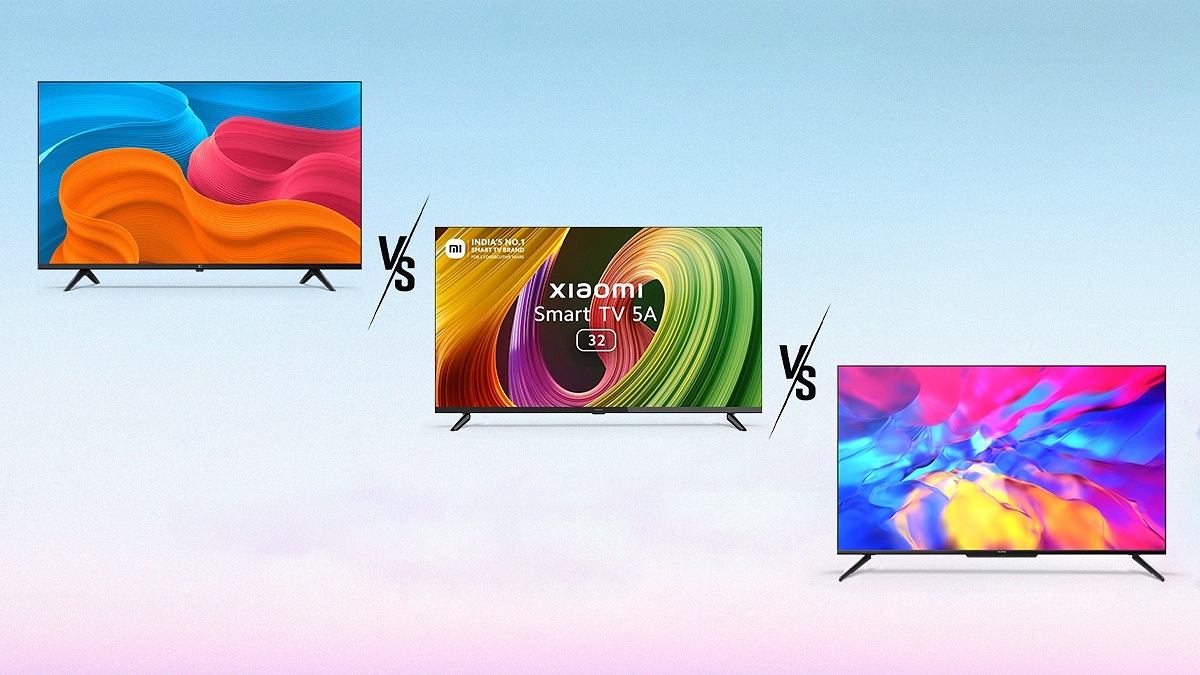
OnePlus TV 50 Y1S Pro Vs Realme Smart TV 4K Vs Xiaomi Smart TV 5A: Best Latest Smart TV?

The smart TV market in India is expanding rapidly and companies like OnePlus, Realme, and Xiaomi are fiercely competing with one another. Recently, OnePlus announced that their new smart TV called the OnePlus TV 50 Y1S Pro will debut in India. The upcoming OnePlus smart TV will directly compete with the Realme Smart TV 4K and Xiaomi Smart TV 5A in the Indian market.

The OnePlus TV 50 Y1S Pro, Realme Smart TV 4K, and the Xiaomi Smart TV 5A are your best options if you’ve been looking to get a feature-rich smart TV in India at a budget price point. Now, the question arises which out of these three smart TVs should be your next investment? We will help you decide in this comparison article. Let’s check it out:

Design And Display

In terms of design, the yet-to-launch OnePlus TV 50 Y1S Pro resembles the 43-inch OnePlus TV Y1s Pro model. The smart TV is said to come with an edge-to-edge screen design. On the other hand, the Realme Smart TV 4K has a fairly standard design with slim borders. At the bottom of this model, there is a long strip under the Realme logo and indicator lights.

The Xiaomi Smart TV 5A, on the other hand, has a premium metallic bezel-less design for sturdy build quality. It has a slim bezel profile and is quite lightweight. The base stands are made of plastic. It is one of the slimmest smart TVs in its class. Having said that, the pattern seems to be solid and its bezel-less display looks great.

If we talk about display, the OnePlus TV Y1S Pro will have a 50-inch screen display. The smart TV is confirmed to come with a 4K resolution with a 10-bit color depth. It is also confirmed to come with MEMC technology and HDR10.

The Realme Smart TV 4K Ultra-HD television is available in two sizes, i.e., 43-inch and 50-inch. You get 4K resolution, a 10-bit panel with HDR, and Dolby Vision. It also offers up to 83% NTSC, and 90% DCI-P3 color accuracy.

The Xiaomi Smart TV 5A is offered in three sizes such as 32-inch, 40-inch, and 43-inch. All of them pack an LED-backlit LCD display with a 60Hz refresh rate and a 178° viewing angle. They have a resolution of Full HD with support for Xiaomi’s Vivid Picture Engine. This tunes the color, contrast, and depth of the picture. The display supports 100% DCI-P3 color gamut and offers over 16 million colors.

Overall, the OnePlus TV 50 Y1S Pro, Realme Smart TV 4K, and the Xiaomi Smart TV 5A are similar in terms of display and have a standard build quality.

OS And Features

For its Smart TV 4K series, Realme has chosen Android TV 10 and the television is using the stock Android TV launcher. Realme is sticking to the basics with just a single launcher, unlike Xiaomi’s televisions which also offer the PatchWall UI in addition to the stock Android TV. The Realme Smart TV 4K comes preinstalled with a few applications including Netflix, Amazon Prime Video, and YouTube.

The Xiaomi Smart TV 5A runs on the Android TV 11 operating system based on Android version 11 with PatchWall 4 interface on top. You get a security patch dated and Android updates from Xiaomi India. The PatchWall 4 is the latest version of Xiaomi’s proprietary software that several OTT apps support such as Netflix, Prime Video, Disney+ Hotstar, and more.

The OnePlus TV 50 Y1S Pro will come with a ‘Smart Manager’ software feature. This Smart Manager will let you accelerate your system speed and free up internal storage.

Moving to the Realme Smart TV 4K, this smart TV comes with an RF remote. Once paired, it can be used for most functions without even being pointed at the TV. This television includes Google Chromecast built-in allowing you to cast content wirelessly from devices and apps that are compatible.

Coming to the Xiaomi Smart TV 5A, it comes with support for Dolby audio, DTS-X, and DTS-X Virtual and granular audio controls. Google Assistant, Chromecast, Google Play Store, Play services, Bluetooth 5.0, dual-band Wi-Fi, an ethernet connector, and a 3.5mm headphone jack are additional benefits of the TV.

Verdict

Although, the OnePlus TV 50 Y1S Pro is yet to be launched in the market, so giving the final verdict about the same is quite tough at the moment. However, considering the spec sheets, these three smart TVs give hard competition to each other in terms of display quality and decent audio output.

However, the Realme Smart TV 4K offers a bigger display experience and is a well-packaged value-for-money smart TV for the salaried class. So, in our opinion, the Realme Smart TV 4K makes it a good value for money.

Categories
Featured How To Mobile

iPhone Tips And Tricks: How To Answer Call Without Touching Your Phone

Isn’t it frustrating when you have to answer phone calls while eating, or driving, or when the phone is far away from your reach? Don’t worry, you can answer or decline your incoming calls from far away with this simple trick. Apple iPhones come with some in-built features that let users accept or decline their calls from a distance.

You can use your voice through Voice Control or Siri or even depend on your AirPods to do so. One can also set calls to be automatically answered by making a few changes in their iPhone’s settings. However, in this article, we will help you know how you can answer your phone calls by making use of the ‘Call Audio Routing’ option. Let’s check it out:

How To Answer Calls On iPhone Without Touching?

There are many ways to answer or decline your incoming calls without touching the screen of your phone. One such feature is the ‘Call Audio Routing’. For this, you need an iPhone that is compatible with an operating system iOS 13 or higher. Here’s a step-by-step guide on how you can accept or decline a call even from a distance:

Steps To Receive A Call Without Touching The Screen

Step 1: Open your iPhone and go to the ‘Settings’ app.

Step 2: Then, head to the Accessibility tab.

Step 3: Scroll downwards and find the ‘Physical and Motor’ section.

Step 4: Now, click on the ‘Touch’ option and then tap ‘Call Audio Routing’.

Step 5: Turn on the ‘Auto Answer Calls’ toggle and you are all done.

Users can enable this feature as many times as they need. They can even select how many seconds the phone call should be answered after ringing.

Once the set-up is done, you can pick up or decline any phone call without even touching the screen of your iPhone. Not only phone calls but this function also works with FaceTime and WhatsApp calls too.

Apart from Call Audio Routing, you can use Siri to answer phone calls. Just ask Siri to take the call when your phone rings and you are all set.

Categories
Featured Info Mobile

iOS 16: Apple iPhone Users To Get 12 Spam Message Filters In India

Key Highlights

  • iPhone to get 12 extra filters with iOS 16
  • iOS 16 is likely to release in September
  • iOS 16 will come with many improvements

Apple has upgraded its SMS filters by adding 12 additional spam filters. This update was made specifically for Indian iPhone users. The new feature in Apple’s iOS 16 will make it easy for iPhone users to discern between spam and useful texts.

Mashable reports that the tech giant enhanced the SMS filters by including 12 extra filters for spam messages. According to a study, there would be 12 sub-categories including warnings for credit or debit cards, bill payment, finances, government services, network providers, healthcare, and online orders. In addition to this, there will be the ones that are already in place such as Promotions and Transactions.

iPhone users will also be able to quickly and simply add movie or train tickets from their messages to their Apple Wallet accounts or calendars. It is important to remember that the Cupertino-based company will supposedly unveil a new software update in September that offers a wide range of features.

The company has undergone extensive upgrades to iOS 16 including alerts, lock screen widgets, and more. This gives it an entirely redesigned overhaul. Within 15 minutes, those who have sent texts using iMessage will be able to edit them.

iOS 16 Release Date

The final public release of iOS 16 is expected to occur in September 2022 along with the unveiling of the iPhone 14 series, the upcoming flagship smartphone lineup. The upgrade is currently available for beta testing.

Apple introduced the next iOS 16 earlier this month at the Worldwide Developers Conference (WWDC) 2022. The update will have a number of noteworthy enhancements and some great picture editing features. During the WWDC 2022 Grand Event, Apple unveiled their widely awaited “iOS 16” which will be made available to all users during the September Launch Event.

iOS 16 will come with numerous improvements for users. The “Copy-Paste Photo Adjustments” feature will allow users to copy the edits made to one image and paste them onto another image. This is the key feature that is attracting a lot of attention. Every change made to the image including texts as well as all applied effects can be copied.

Categories
Featured Leaks Mobile

Xiaomi 12T Specifications Leaked: What To Expect?

Key Highlights

  • Xiaomi 12T specifications leaked
  • Snapdragon 8+ Gen 1 will power the phone
  • It will have a 120Hz AMOLED display

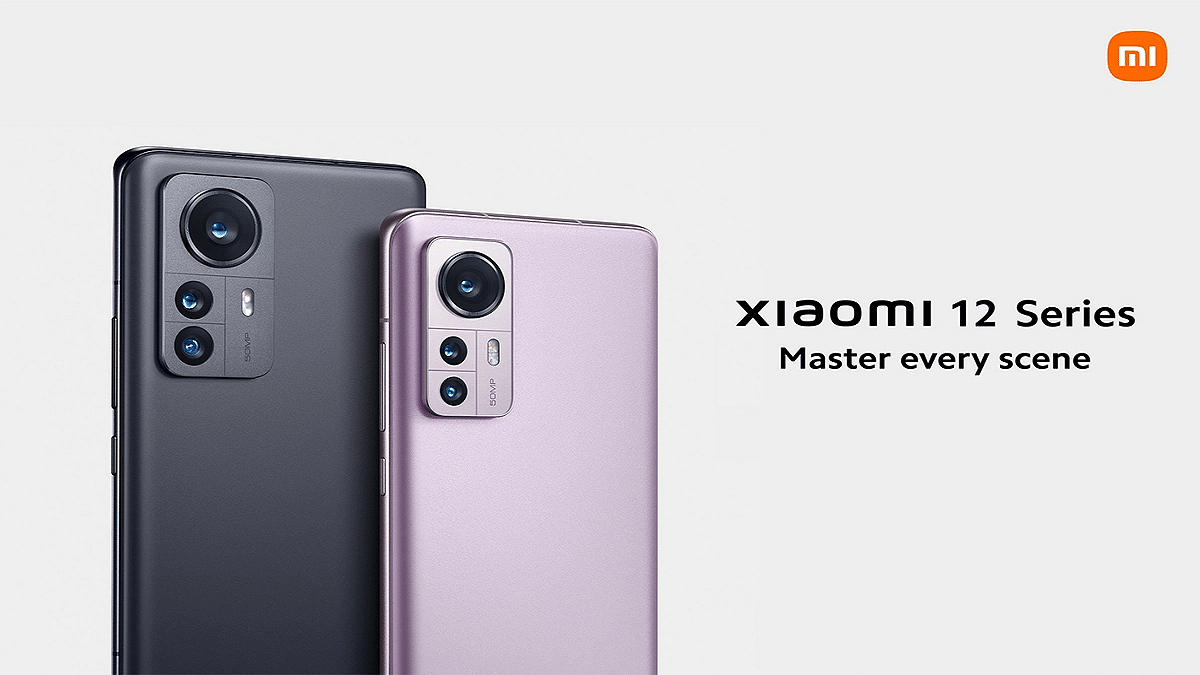
Xiaomi is reportedly planning to launch a new 12 series smartphone ‘Xiaomi 12T’ soon in the global market. Although this hasn’t been formally announced, the rumors suggest that the lineup will consist of the Xiaomi 12T and Xiaomi 12T Pro.

Now, a tipster has revealed the major specifications of the upcoming mobile phone. According to tipster Mukul Sharma, the Xiaomi 12T is speculated to come with the latest Snapdragon 8+ Gen 1 processor under the hood. Let’s take a look at all that we know about the upcoming smartphone so far:

Xiaomi 12T Launch Date (expected)

The Xiaomi 12T can make its debut on a global scale most likely in Q3, 2022. While its Indian launch is not confirmed, we can certainly expect the brand to make the smartphone available in the country by the end of August or early September.

Xiaomi 12T Specifications (expected)

The Xiaomi 12T is tipped to feature an AMOLED display with a 120Hz refresh rate. The upcoming smartphone is said to have MIUI 13 skin out of the box which is based on Android 12. It is further tipped to feature NFC and OIS support.

A Snapdragon 8+ Gen 1 processor is most likely going to power the Xiaomi 12T. Additionally, the device is supposed to allow 120W fast charging. Unfortunately, the leak leaves out information about the device’s display size, battery life, and camera setup.

According to tipster Mukul Sharma, the Xiaomi 12T will have two memory configurations. While one variant will come with 8GB RAM and 128GB internal storage, the other can have 8GB RAM and 256GB internal storage. There is a chance that the upcoming smartphone can also come with 12GB of RAM.

The FCC authority in the US recently certified the device. It also revealed that the phone will include Wi-Fi 802.11ax, seven 5G bands, Bluetooth, GPS, and an IR blaster.

Xiaomi 12T Price In India

The details regarding the price of the Xiaomi 12T are not revealed yet. But we can expect that the Xiaomi 12T would cost between Rs. 55,000 and Rs. 60,000 in India.

Categories
Featured Info Mobile TV

OnePlus TV 50 Y1S Pro, Nord 2T India Launch: Specifications Revealed

Key Highlights

  • OnePlus Nord 2T to launch on July 1
  • OnePlus TV 50 Y1S Pro may launch alongside Nord 2T
  • OnePlus Smart TV India launch officially teased

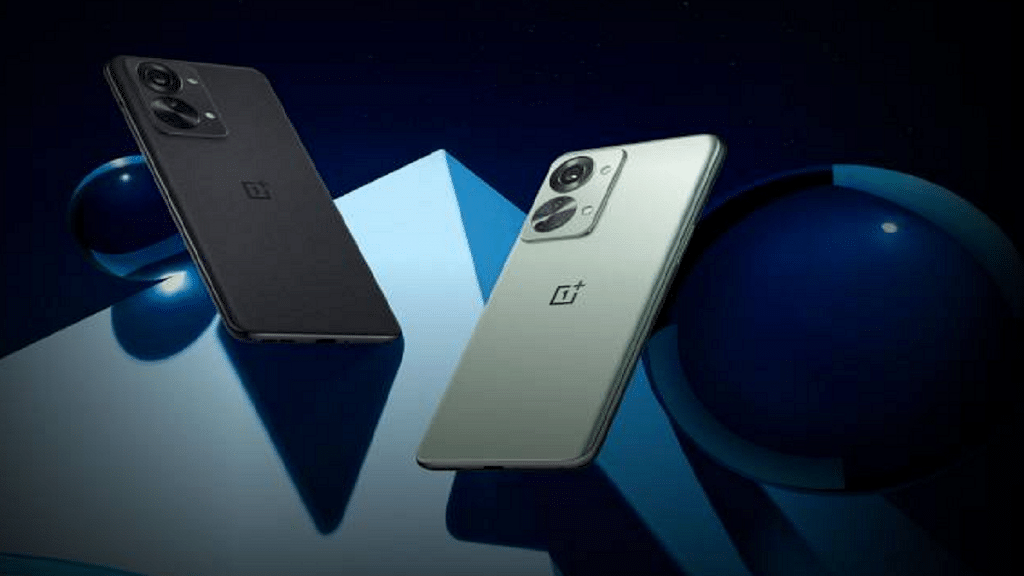
OnePlus is all set to unveil a new television ‘OnePlus TV 50 Y1S Pro’ in India. The company has started teasing the arrival of the new OnePlus smart TV in the country via its social media channels and e-commerce website Amazon. Apart from that, OnePlus has now confirmed that it will soon launch its Nord series smartphone ‘OnePlus Nord 2T’ in the country.

OnePlus TV 50 Y1S Pro And OnePlus Nord 2T: Launch Date

The OnePlus Nord 2T was briefly listed on the official website of the company revealing a July 1 launch at 7:00 PM IST. Besides, it is also believed that the OnePlus TV 50 Y1S Pro smart TV will be launched alongside the Nord 2T in India.

OnePlus TV 50 Y1S Pro Specifications

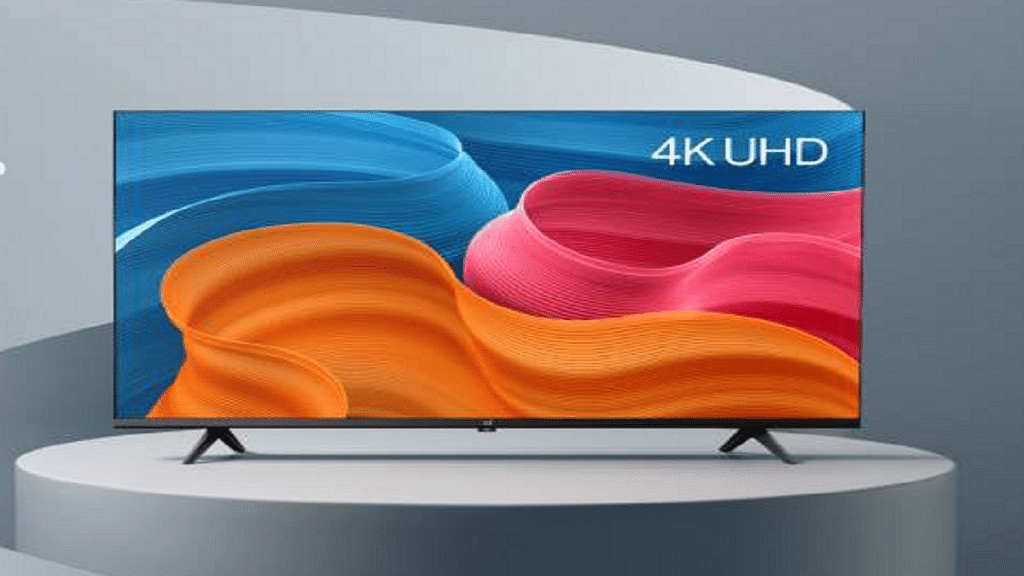
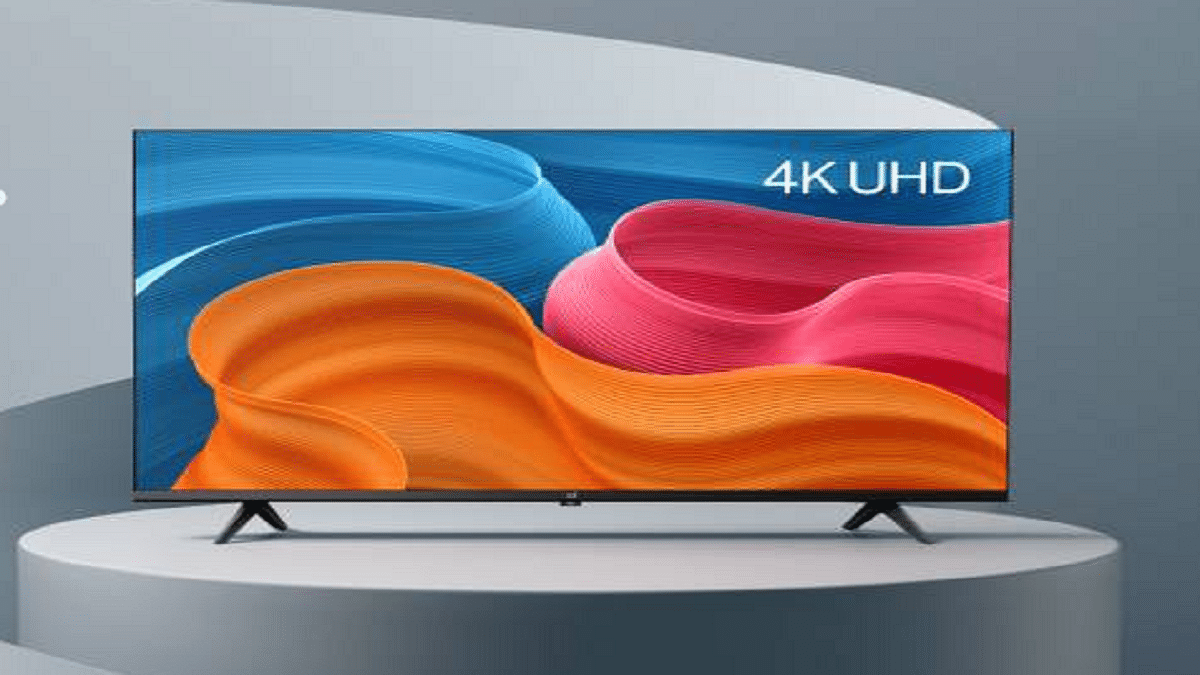
According to the teasers, the OnePlus TV 50 Y1S Pro smart TV will feature a 50-inch 4K UHD display with a 10-bit color depth. The device will have a Gamma Engine for enhancing image quality in real-time. It will come with support for MEMC (Motion Estimation Motion Compensation), HDR10, Dolby Audio, and more.

The Smart Manager feature of the OnePlus smart TV will allow users to manage a variety of TV operations including system speed and storage space clearing. It will have 24W speakers with Dolby Audio support.

The upcoming Y-series smart TV from OnePlus will provide seamless connectivity with other OnePlus devices. The OnePlus Watch’s Smart Volume Control will allow users to change the TV’s volume. The listing also mentions 8GB of internal storage and support for sleep detection. The device will automatically switch into standby mode when the viewer nods off.

OnePlus Nord 2T Specifications

OnePlus has also officially confirmed the major specifications of the Nord 2T. It sports a 6.43-inch Full-HD+ AMOLED panel. The display supports a 90Hz refresh rate. There is the MediaTek Dimensity 1300 chipset under the hood.

For power, the smartphone boasts a 4,500mAh battery capacity. It supports 80W SUPERVOOC charging. The smartphone packs up to 12GB RAM and 256GB storage. The device boots Android 12-based OxygenOS 12.1 out of the box. As for security, the phone has an in-display fingerprint sensor.

The OnePlus Nord 2T packs a triple rear camera setting. It features a 50MP primary camera with OIS support, an 8MP ultra-wide lens, and a 2MP monochrome sensor. Selfies and video calls are handled through a 32MP front-facing camera.

Categories
Featured Info

Microsoft Announces End Of Windows 8.1 Support: All Details

Key Specifications

  • Support for Windows 8.1 support to end in January 2023
  • Microsoft preparing to notify Windows 8.1 about the end-of-support date
  • Microsoft suggests moving to a new PC with Windows 11

After saying goodbye to Internet Explorer, Microsoft has now announced that it will stop providing technical support for Windows 8.1. As per the reports, the software giant will begin notifying users of existing Windows 8.1 devices next month as a first reminder before Windows 8.1 support is discontinued.

The notifications will be similar to previous notifications used by Microsoft to alert Windows 7 customers about end-of-support dates. The tech giant initially stopped supporting Windows 8 in 2016. However, support for the Windows 8.1 update will end fully in January 2023.

Also, businesses won’t be able to pay for further security fixes because Microsoft won’t be providing an ESU (Extended Security Update) program for Windows 8.1. They will have to upgrade or accept the risk of running software without security updates.

Windows 8.1 Support To End In January 2023

Microsoft will end Windows 8.1 support in about six months from now, i.e., on January 10, 2023. In addition to this, Microsoft 365 apps will no longer be supported on Windows 8.1 after the operating system reaches its end of support dates. To avoid performance and reliability users, users are recommended to move to a newer version of Windows.

To maintain the stability and reliability of Microsoft 365, the tech giant strongly recommends users to take advantage of the latest hardware capabilities by moving to a new PC with Windows 11.

Adding to it, Microsoft mentions that “Today’s computers are faster, more powerful, and sleeker – plus they come with Windows 11 already installed.” However, there must be a noteworthy number of users who just cannot upgrade to a new system at the given time.

Microsoft suggests that on Windows 8 or the 8.1 version users can upgrade to Windows 10 by purchasing and installing a full version of the software. Although, the company also confirmed that Windows 10 will reach the end of support on October 14, 2025. This means your next PC purchased should ideally have Windows 11. So, if someone’s computer does not support the hardware requirements of Windows 11, then upgrading to Windows 10 is still a feasible option.

Categories
Apps Featured How To

Women Can Track Their Menstrual Cycle On WhatsApp: Here’s How

Key Highlights

  • WhatsApp introduces period tracker chatbot with Sirona
  • Tracks menstrual and ovulation cycles easily
  • Enhances women’s health awareness

These days, WhatsApp is becoming more than just a messaging app. It continues to roll out new updates almost every alternate day. This time, the Meta-owned platform has focused on women by introducing a period tracker chatbot through which women can track their ovulation cycle, menstrual cycle or periods, and more.

In collaboration with Sirona Hygiene Pvt. Ltd., WhatsApp has unveiled a new period-tracking chatbot. Sirona is an Indian company that manufactures feminine hygiene items. This new feature will help women to track their cycles.

How To Use ‘Period-Tracking’ Feature On WhatsApp?

The Period tracker can be used to track three goals, i.e., track periods, conceive, and avoid pregnancy. The chatbot will keep a record of the user’s period information and specifics of their most recent period after which it will give reminders and upcoming cycle dates in accordance with the user’s objectives.

Women will benefit from the period-tracking chatbot’s ability to follow their ovulation cycle. This will aid them in pregnancy. In order to get full benefits from WhatsApp’s period-tracking feature, females can follow the mentioned steps to use the feature:

Steps To Track Your Periods On WhatsApp

Step 1: Save the contact of Sirona (9718866644) on your mobile phone.

Step 2: Find the contact in WhatsApp and send ‘Hi’.

Step 3: Now, Sirona will provide you with a list of options.

Step 4: To track your periods, you have to write ‘period tracker’ in the chat box.

Step 5: Then, you will be asked to enter your menstrual/period details.

Step 6: Sirona will then provide you details like your ovulation details, next period, fertile window, last period, and your cycle length.

Also Read | Air India Launches In-Flight Wi-Fi Service: Here’s How To Connect

All this information depends on the accuracy of the users’ shared information. Any change or shift in your menstruation cycle could result in the wrong prediction from a chatbot. In addition to this, users can view their three menstrual cycles using the chatbot as well. Also, it will let users view their three menstruation cycles.

According to Sirona, the chatbot was created using the WhatsApp Business Platform. The company also has a separate app dedicated to a complete ecosystem surrounding menstruation health and hygiene.

For the tech geeks, stay updated with the latest cutting-edge gadgets in the market, exclusive tech updates, gadget reviews, and more right on your phone’s screen. Join Giznext’s WhatsApp channel and receive the industry-first tech updates.