Categories
Accessories Featured Info

Meta Quest 3 Takes Lead In Mark Zuckerberg’s Review, Outranking Apple Vision Pro

Key Highlights

  • Zuckerberg prefers Meta Quest 3, noting its superior value
  • Vision Pro has praised features but trade-offs in quality compared to Quest 3
  • Zuckerberg sees the competition as closed (Apple) versus open (Meta), favoring Meta’s approach

Apple’s debut into the mixed-reality arena with the Vision Pro headset has garnered a range of reactions from users in the US, ranging from awe to doubt. With nearly two weeks since its launch, opinions continue to flow, shaping the narrative around the tech giant’s foray into this growing field. Also Read | Apple Vision Pro: 7 Must-Try Apps For Work, Entertainment & More

Mark Zuckerberg’s Take: Meta Quest 3 vs. Apple Vision Pro

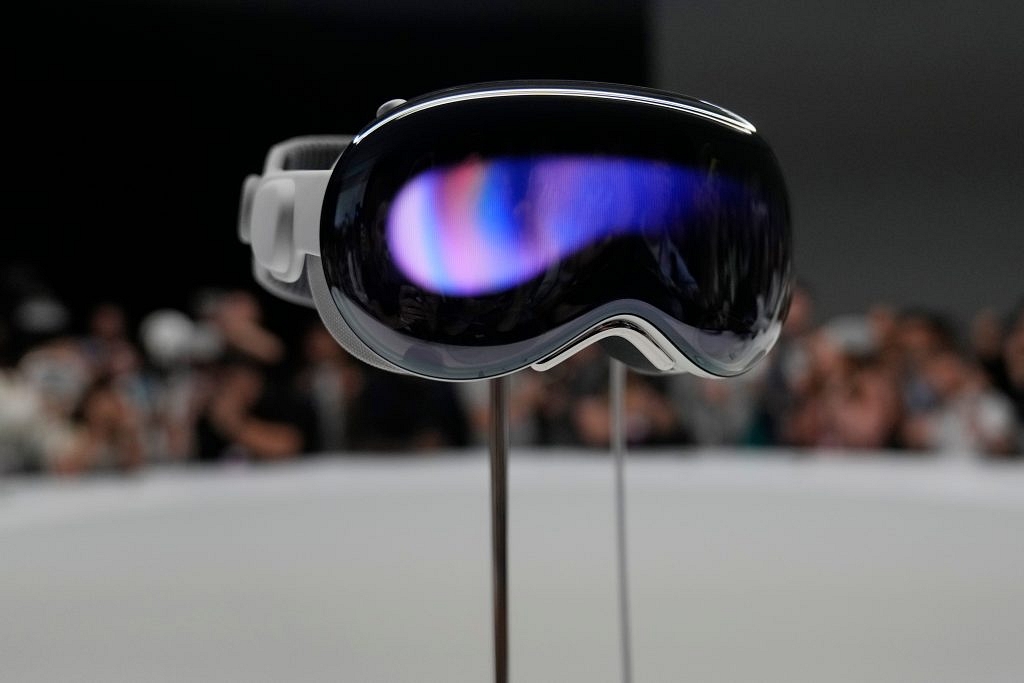
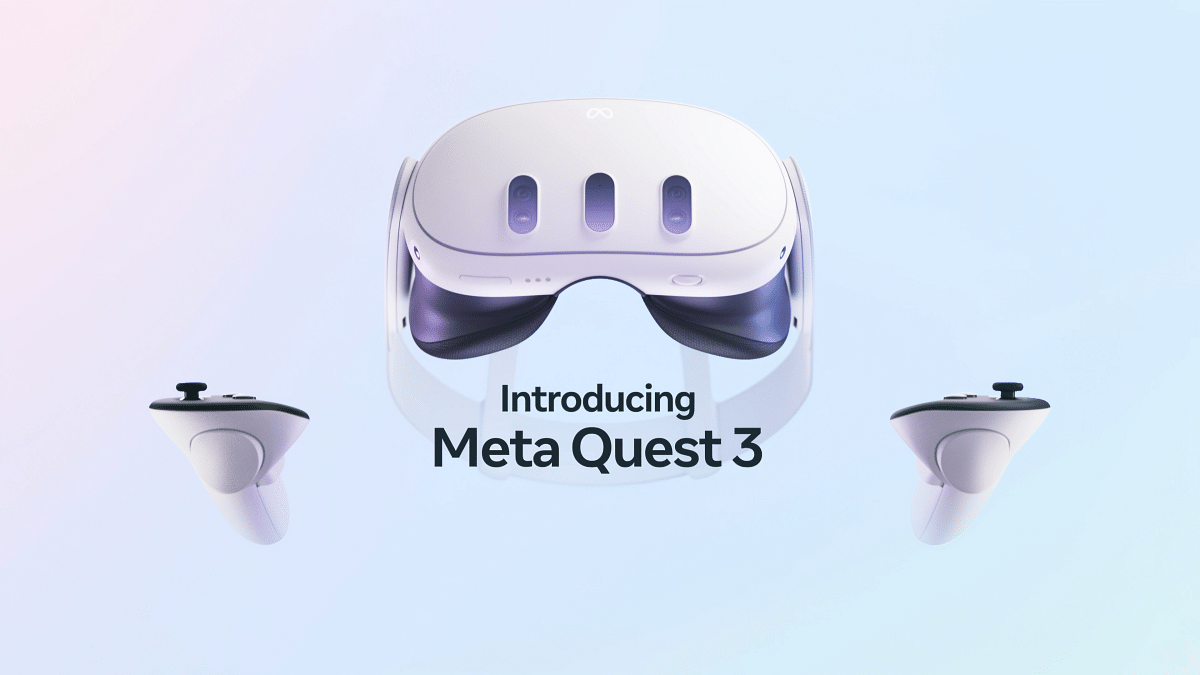
Mark Zuckerberg, CEO of Meta and a key player in the mixed-reality market with the Meta Quest 3, recently weighed in on Apple’s offering. Sharing his thoughts via a video review on his Instagram profile, Zuckerberg didn’t hold back, declaring, “Quest is the better product, period.”

In his thorough three-minute assessment, Zuckerberg meticulously compared the features of Apple’s Vision Pro with those of Meta’s Quest 3. Despite acknowledging some praiseworthy aspects of the Vision Pro, such as its high-resolution display and eye-tracking capabilities, Zuckerberg was quick to emphasize the advantages of the Quest 3.

Surprising Revelations

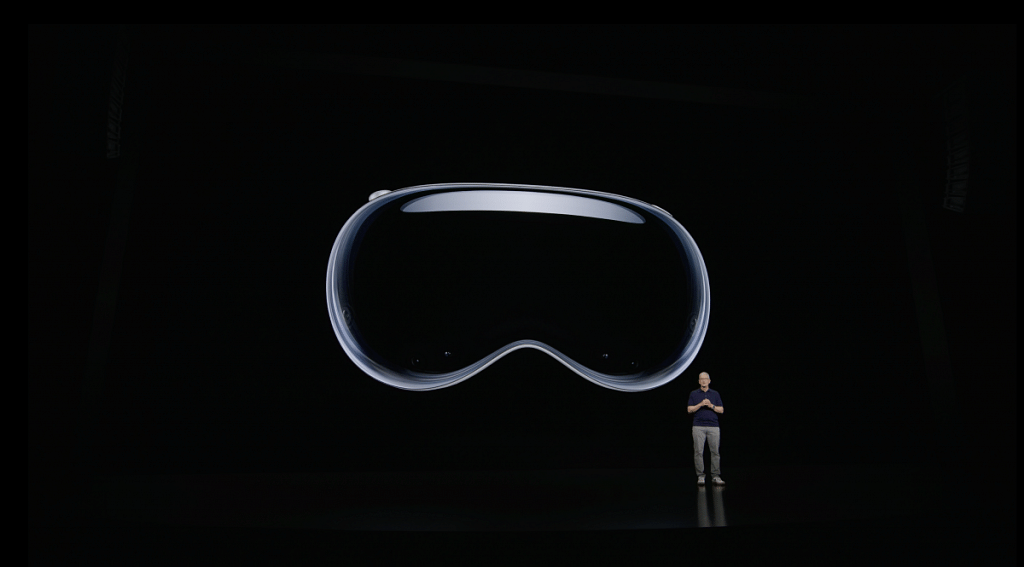
Zuckerberg’s stance may not come as a surprise to those aware of his reservations about Apple’s venture into mixed reality. Dating back to the unveiling of the Vision Pro at Apple’s WWDC in June 2023, Zuckerberg had voiced concerns regarding the social aspect of the metaverse and the perceived solitary nature of Apple’s demos.

Also Read | WhatsApp Safety Features: Everything You Need To Know

Comparative Analysis: Quality, Comfort, and Beyond

Delving into the nitty-gritty, Zuckerberg praised certain features of the Vision Pro while highlighting what he perceived as significant trade-offs made by Apple in terms of quality, comfort, and ergonomics. Notably, he pointed out the weight reduction and wire-free design of the Quest 3, enhancing the user experience compared to the Vision Pro.

Content Libraries And Future Outlook

Beyond hardware, Zuckerberg also delved into the content libraries of both headsets, noting Meta’s edge in offering a broader range of immersive experiences. However, he acknowledged Apple’s strides in content creation, partnering with major studios and leveraging its Apple TV+ streaming service to bolster its library.

A Battle of Models: Closed vs. Open
In his concluding remarks, Zuckerberg framed the competition between Apple and Meta as a clash of models – closed versus open. Drawing parallels to previous computing generations, he expressed Meta’s commitment to an open model and his desire to see it prevail in the evolving landscape of mixed reality.

Verdict

While Apple’s Vision Pro may have made waves with its entry into the mixed-reality market, Zuckerberg’s review underscores Meta’s continued dominance and its vision for the future of immersive technology.

Also Read | Apple Vision Pro India: Man Seen Wearing Headset in Bengaluru

Categories
Accessories Featured Info

Apple Vision Pro India: Man Seen Wearing Headset in Bengaluru

Key Highlights

  • Vision Pro Debuts: US-Only Launch at $3,499
  • Spotted in India? User Photos Spark Speculation
  • International Release Pending: US ID & Apps Required

Apple’s highly anticipated Vision Pro mixed-reality headset has caused a stir thanks to a photo circulating online, allegedly showing a man wearing the device in Bengaluru, India. However, before you get too excited, there’s a crucial catch.

Also Read: Safer Internet Day 2024: Top 5 Apple Features You Need to Know

Vision Pro: US-Only for Now

Apple launched the Vision Pro on February 2nd, but only in the US. There’s no official word on India availability just yet, and considering the headset’s premium price tag of $3,499 and sold-out status, owning one outside the US presents several challenges.

Also Read: How to Use Gemini AI as Your New Assistant on Android (Step-by-Step Guide)

The Bengaluru Sighting: What We Know (and Don’t Know)
X (formerly Twitter) user named Ayush Pranav posted a picture online claiming to have spotted someone wearing the Vision Pro in Bengaluru’s Indiranagar neighborhood. The man in the photo, identified as @waitin4agi_, hasn’t confirmed how he acquired the device or where his Apple ID originates.

Also Read: How To Create Stickers On Instagram With Cutouts

Why Buying Abroad Isn’t an Option (Yet)

Even if you managed to buy a Vision Pro outside the US, it wouldn’t function properly. Apple requires a US-based Apple ID and US-purchased apps for full functionality.

Also Read: Is Apple Vision Pro Ready? Viral Videos Prompt Safety Discussions

What’s Next?

Apple CEO Tim Cook compared the Vision Pro’s debut to the iPhone and iPod, calling it “like nothing the world has ever seen before.” While the Bengaluru sighting might not be directly linked to an official India launch, it highlights the growing international anticipation for this innovative device.

Apple hasn’t announced a timeline for international availability, but the positive US reception suggests wider expansion could be on the horizon. Stay tuned for official updates to see when the Vision Pro might grace streets outside the US, including those in Bengaluru.

Categories
Accessories Featured Info

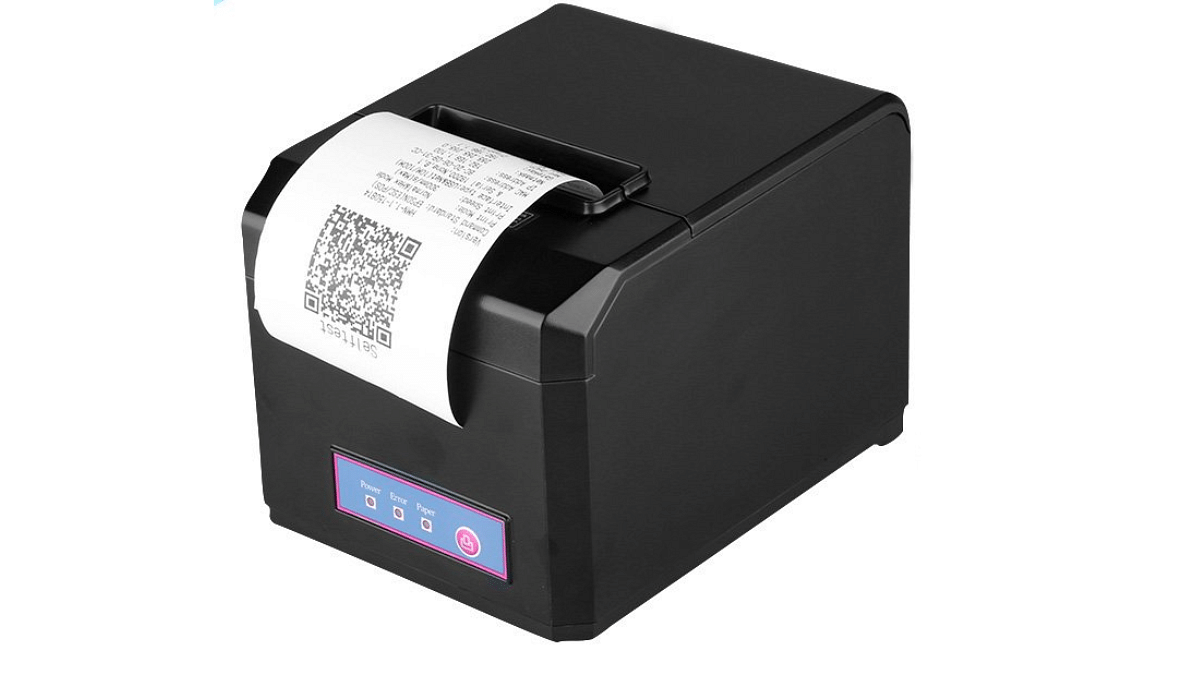
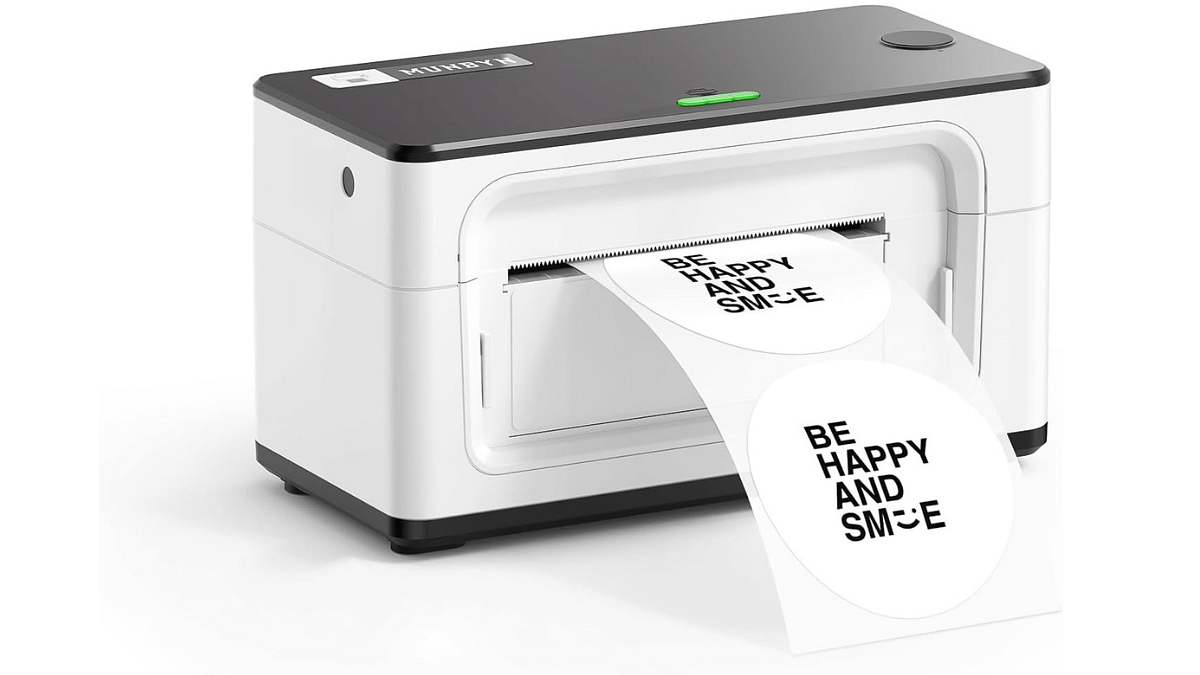
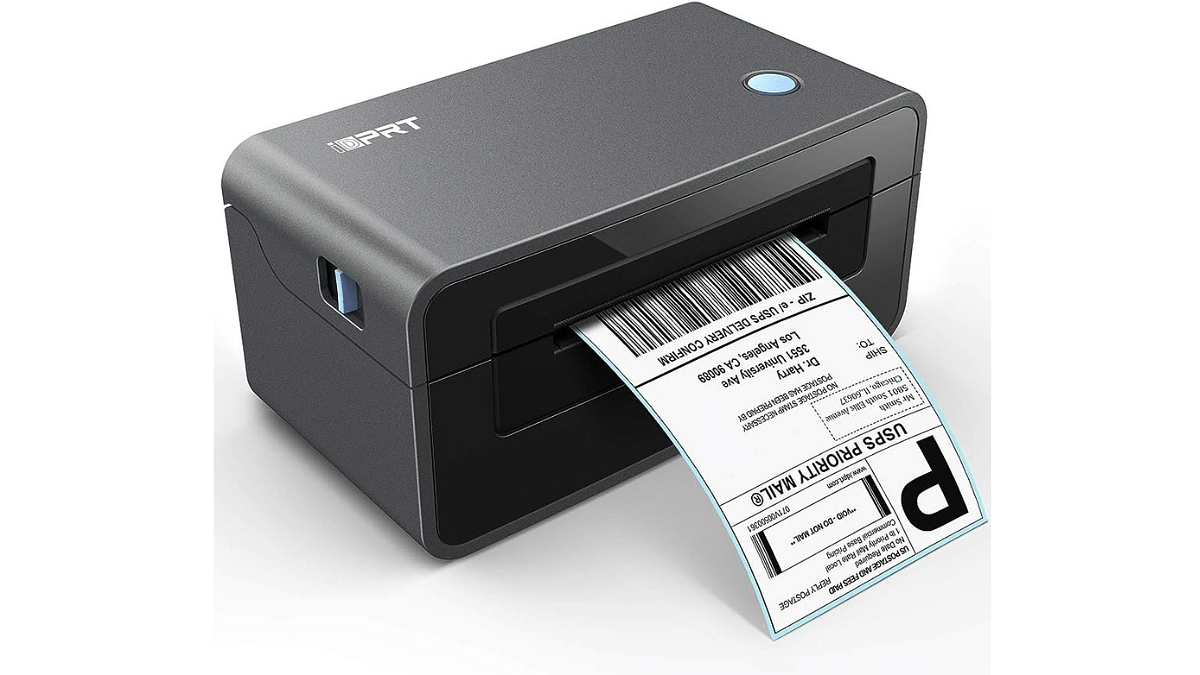
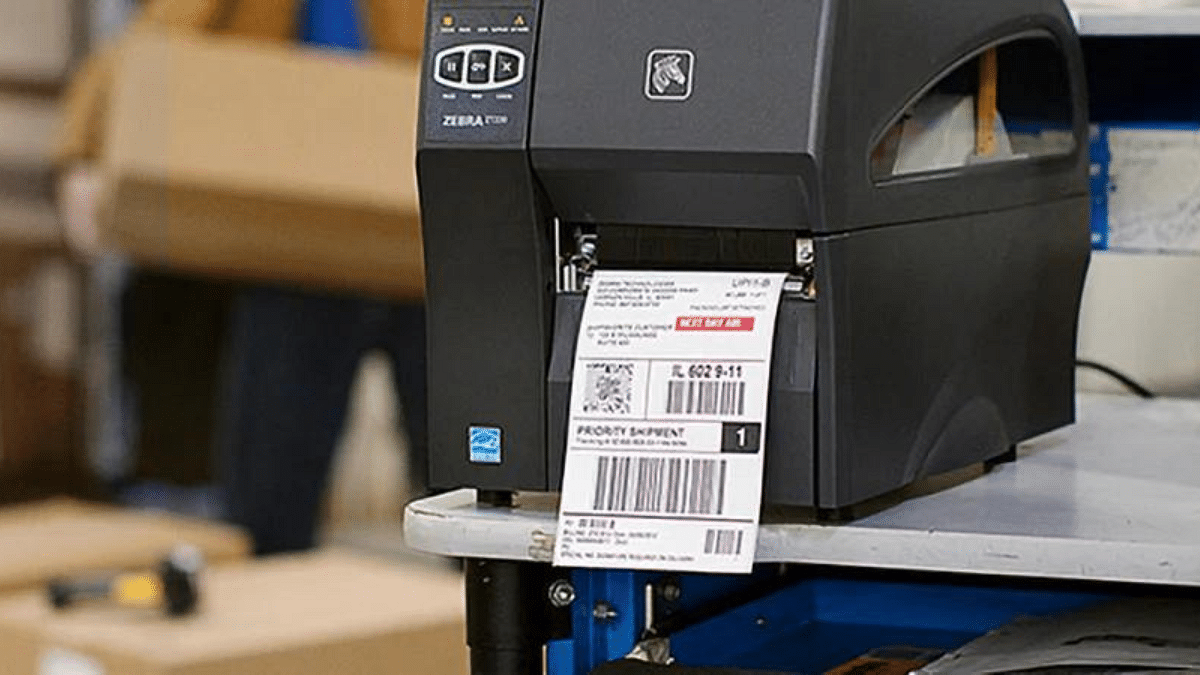
Thermal Printers: Explore Types, Uses, & Key Features

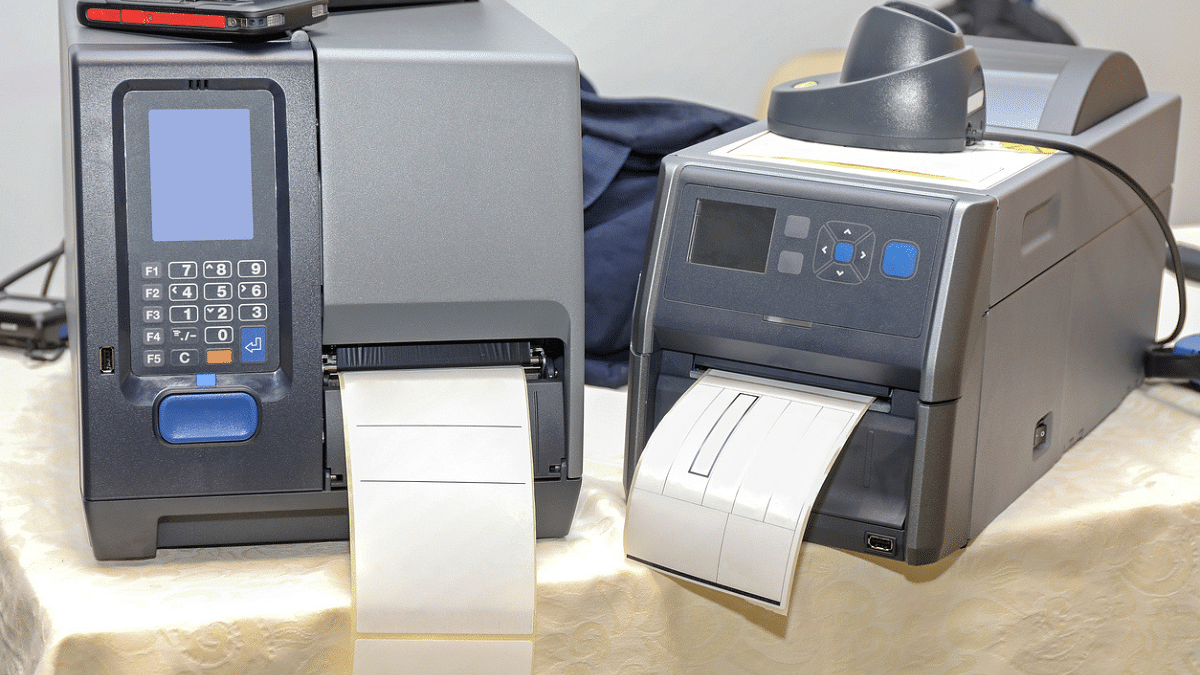
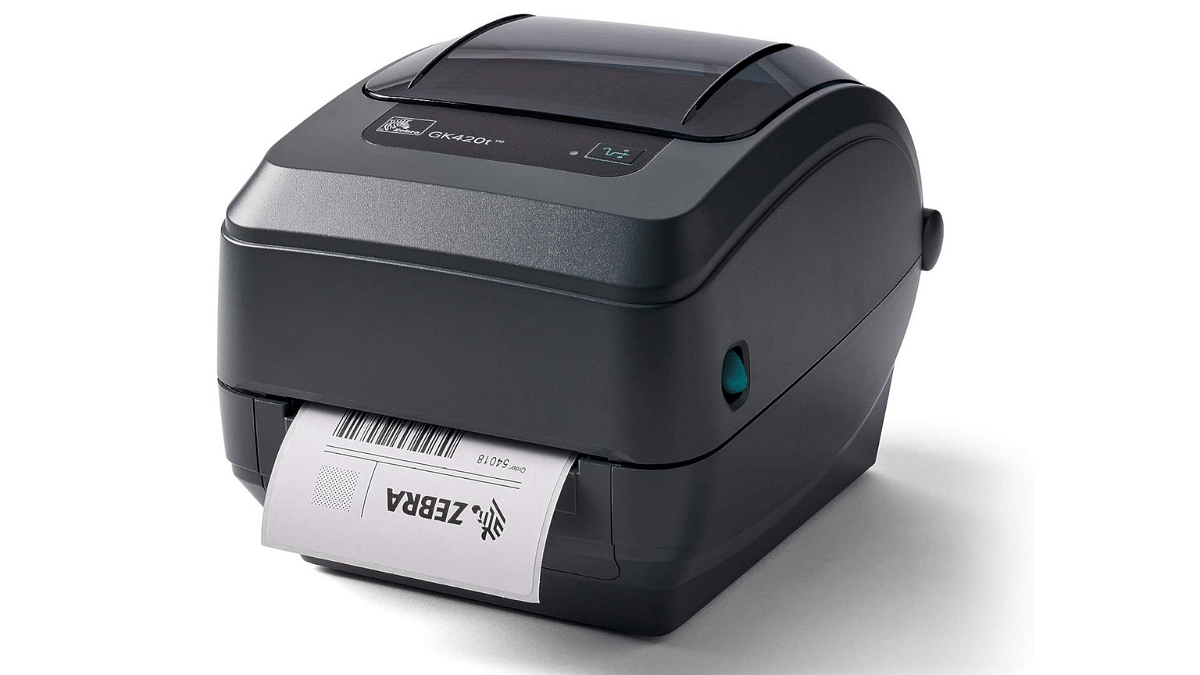
Thermal printers, with their innovative heat-based technology, offer a compelling alternative to traditional ink-based printers. Their speed, reliability, and minimal maintenance make them ideal for a wide range of applications. But choosing the right thermal printer requires understanding the different types, their uses, and key features.

Also Read: Fujifilm Link Series Smartphone Printers Launched In India: Price Starts At Rs. 10,999

Thermal Printing: Types

  • Direct Thermal: Cost-effective for labels, receipts, and short-term prints, but susceptible to fading over time.
  • Thermal Transfer: Offers enhanced durability and is perfect for long-lasting prints like barcode labels and product tags, using wax or resin ribbons for transfer.

Also Read: Best All-In-One Printers To Buy For Home Use In India

Thermal Printers: Pros and Cons

Pros:

  • Blazing Speed: Ideal for high-volume printing needs.
  • Maintenance-Free: No cartridges, minimizing upkeep.
  • Cost-Effective: Direct thermal printing eliminates ink costs.
  • Quiet Operation: Perfect for noise-sensitive environments.

Cons:

  • Fading: Direct thermal prints can fade with heat or light exposure.
  • Limited Color: Mostly monochrome printing, not ideal for color-intensive tasks.
  • Material Compatibility: Not suitable for all materials.
  • Specialized Paper: Requires heat-sensitive paper for optimal results.

Also Read: Best Printers With Scanners Available In India

Choosing Your Thermal Printer:

  • Application: Direct thermal for short-term needs, thermal transfer for lasting prints.
  • Resolution: Higher resolution for fine details like barcodes.
  • Volume: Industrial-grade for high volume, desktop for moderate needs.
  • Speed: Match your workflow demands.
  • Media: Ensure compatibility with your desired materials (labels, tags, paper).
  • Connectivity: Choose USB, Ethernet, or wireless based on your setup.

Also Read: Best Wireless Printers To Buy In India: Check Out The List

Thermal Printer: Key Features

  • Print Resolution: Measured in dots per inch (DPI), higher resolution means sharper images. Consider 203 DPI for basic printing, 300 DPI for barcodes, and 600 DPI for high-quality images.
  • Printing Speed: Measured in millimeters per second (mm/s), faster speeds are ideal for high-volume printing. Look for speeds ranging from 100 mm/s for basic needs to 300 mm/s for demanding tasks.
  • Media Handling: Choose a printer compatible with your desired media size and type, including labels, tags, and paper rolls.
  • Connectivity Options: USB is common, but Ethernet or Wi-Fi might be necessary for network printing or mobile printing capabilities.

Also Read: Top Four Photo Printers Under Rs. 15,000 In India: List Inside

Additional Tips:

  • Price: Thermal printers vary in price depending on features and capabilities.
  • Brand Reputation: Opt for reputable brands known for reliability and quality.
  • Warranty: Look for a printer with a decent warranty period.
  • Customer Support: Ensure the manufacturer offers good customer support.
  • Read Reviews: Check user reviews to gain insights into real-world experiences.

By understanding the different types, uses, and key features of thermal printers, you can make an informed decision and choose the perfect printer for your needs. Remember, the right printer can enhance your efficiency and save you money in the long run.
Categories
Accessories Featured Info

Nikon Z 8 Mirrorless Camera Features Upgrade: Here What’s New In Firmware 2.0

Key Highlights

  • Nikon Z 8’s Firmware 2.0 adds slow-motion and advanced bird detection
  • It includes expanded ISO, AI auto-capture, and pixel shift shooting
  • Improved usability makes it ideal for professionals seeking versatility

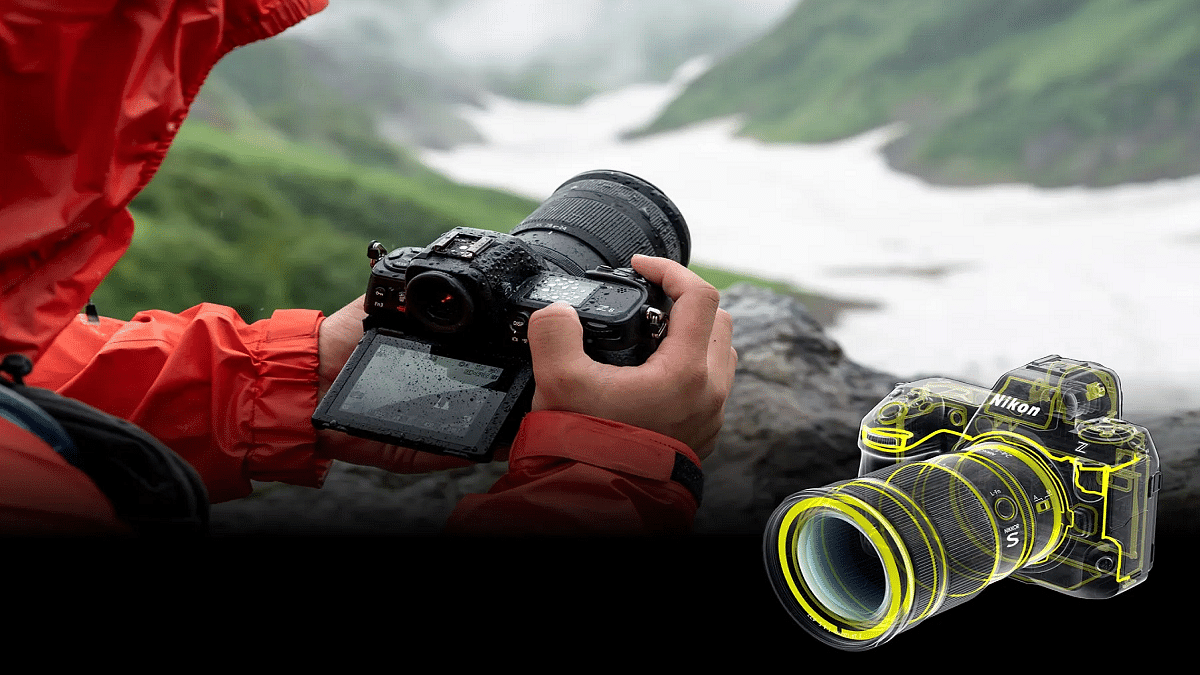
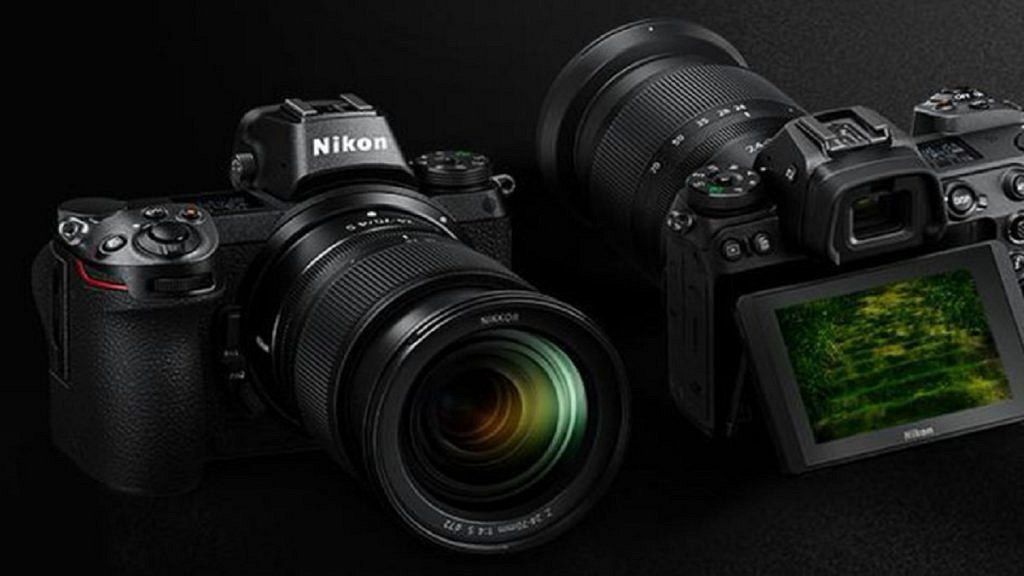
Nikon has unveiled the highly anticipated firmware upgrade, version 2.0, for its full-frame mirrorless camera, the Nikon Z 8. This comprehensive update brings a plethora of new features and enhancements to both still and video capabilities, aligning the Z 8 more closely with Nikon’s flagship Z 9 model. Professional photographers and videographers can now harness these functionalities to elevate their creative endeavors to new heights. Also Read | Best Drone Cameras In India: Shoot Sky-High With These Cameras

Firmware 2.0: Key Features

In-Camera Slow-Motion Video: Videographers can now capture mesmerizing slow-motion videos directly on the Nikon Z 8. This eliminates the need for post-processing and ensures quick delivery of high-quality content for social media platforms.

Subject Detection [Bird] Mode: Borrowed from the Z 9, this mode enhances autofocus performance specifically for bird photography. This enables precise detection and tracking even in challenging environments.

Expanded N-Log ISO Sensitivity Range: With the ability to set ISO sensitivity as low as Lo 2.0, users can achieve richer tones in shadow areas while minimizing noise, thanks to the expanded dynamic range.

AI-Integrated Auto Capture: Introduces an intelligent shooting function that automatically captures stills and videos based on predefined criteria such as subject motion, distance, and detection.

Pixel Shift Shooting: Leveraging in-camera VR, this feature allows for the capture of multiple RAW images with slight sensor shifts, resulting in high-resolution images with enhanced details and minimal noise.

Pre-Release Capture: Empowers photographers to seize the decisive moment by buffering frames even before fully depressing the shutter-release button.

Hi-Res Zoom Speed Options: Offers finer control over zoom speed with an increased number of speed options, enabling users to achieve precise zoom effects that align with their creative vision.

Also Read | Polaroid Cameras For Every Occasion: Our Top Five Picks For 2023

Further Enhancements

  • Increased customization options for assigning functions to custom controls
  • Improved operability with features like exiting zoom with a half-press of the shutter-release button in manual focus mode
  • Enhanced flexibility with options to choose focus-point border width and exclude shooting orientation information from EXIF data
  • Introduces new playback zoom functionality prioritizing focus on detected faces.

Conclusion

With the release of firmware version 2.0, Nikon Z 8 users gain access to a host of flagship features and enhancements that significantly expand the camera’s capabilities. From advanced autofocus modes to improved low-light performance and streamlined workflow processes, this update cements the Z 8 as a crucial tool for professionals seeking unparalleled imaging performance and creative versatility. The firmware is available for download from the Nikon Download Centre, marking a new era of innovation and excellence in mirrorless camera technology.

Also Read | Best CCTV Camera For Home, Office Under Rs.3000

Categories
Accessories Featured Info

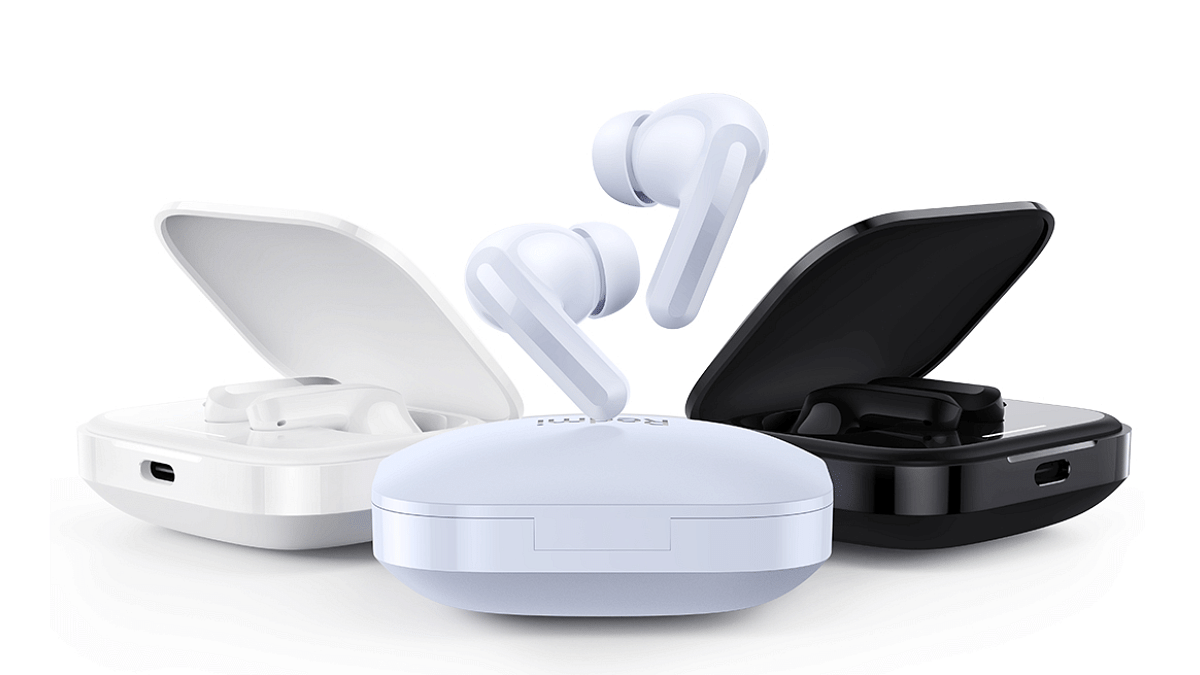
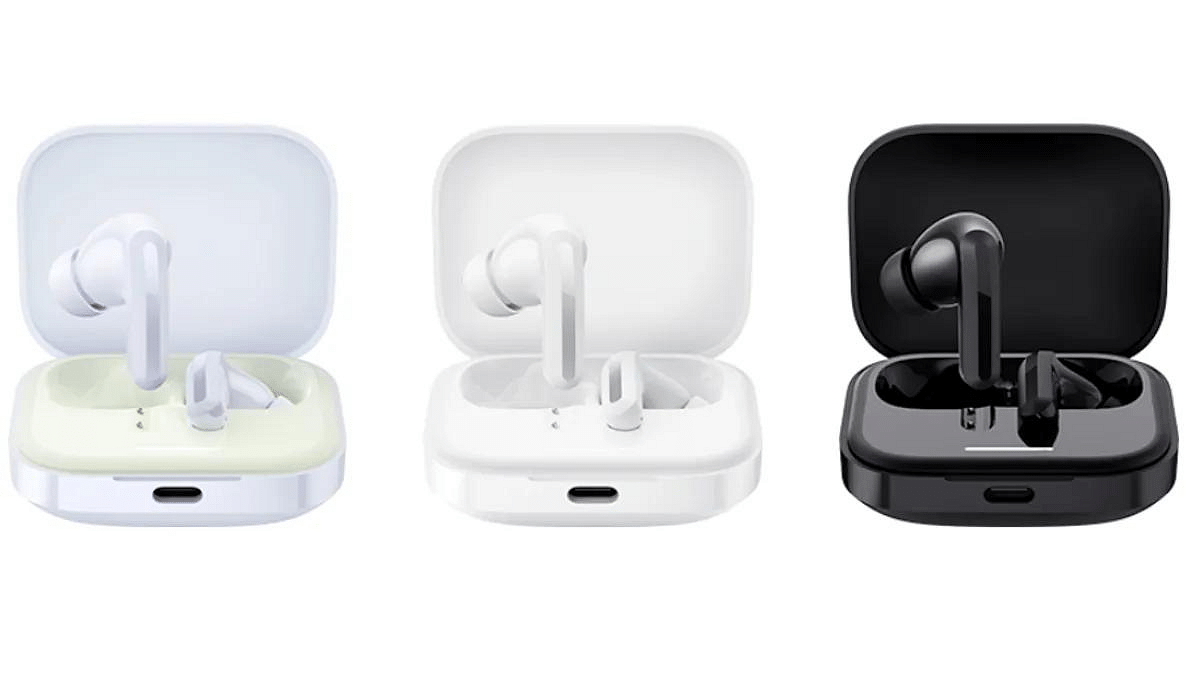
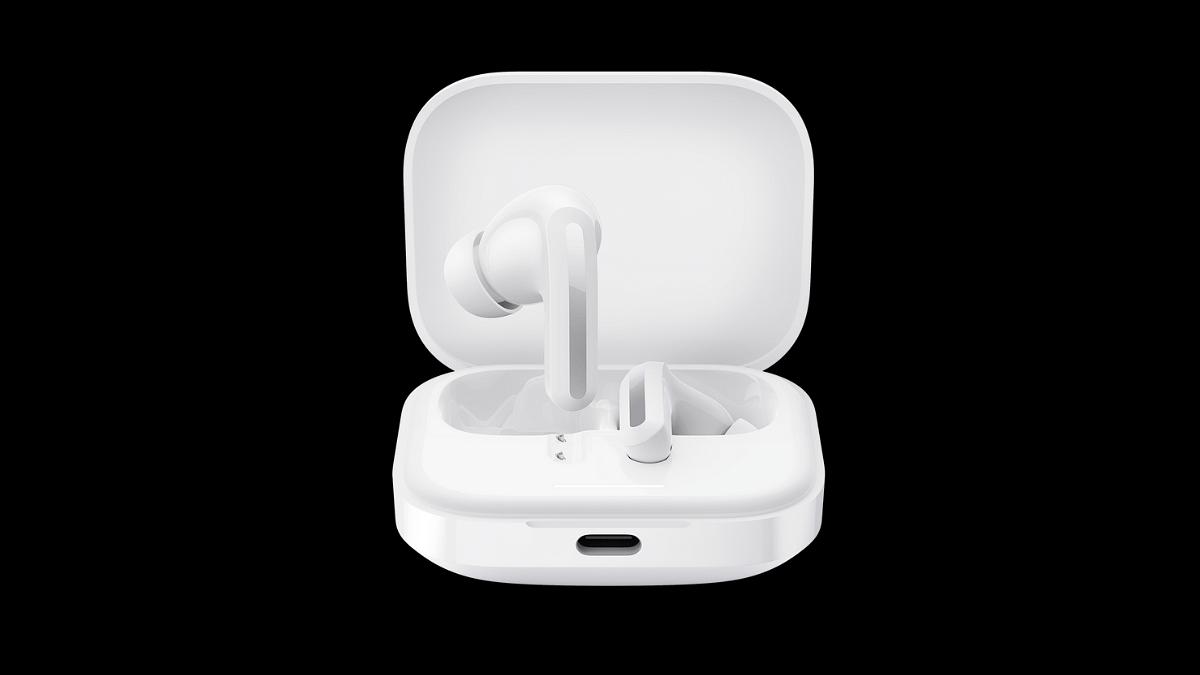
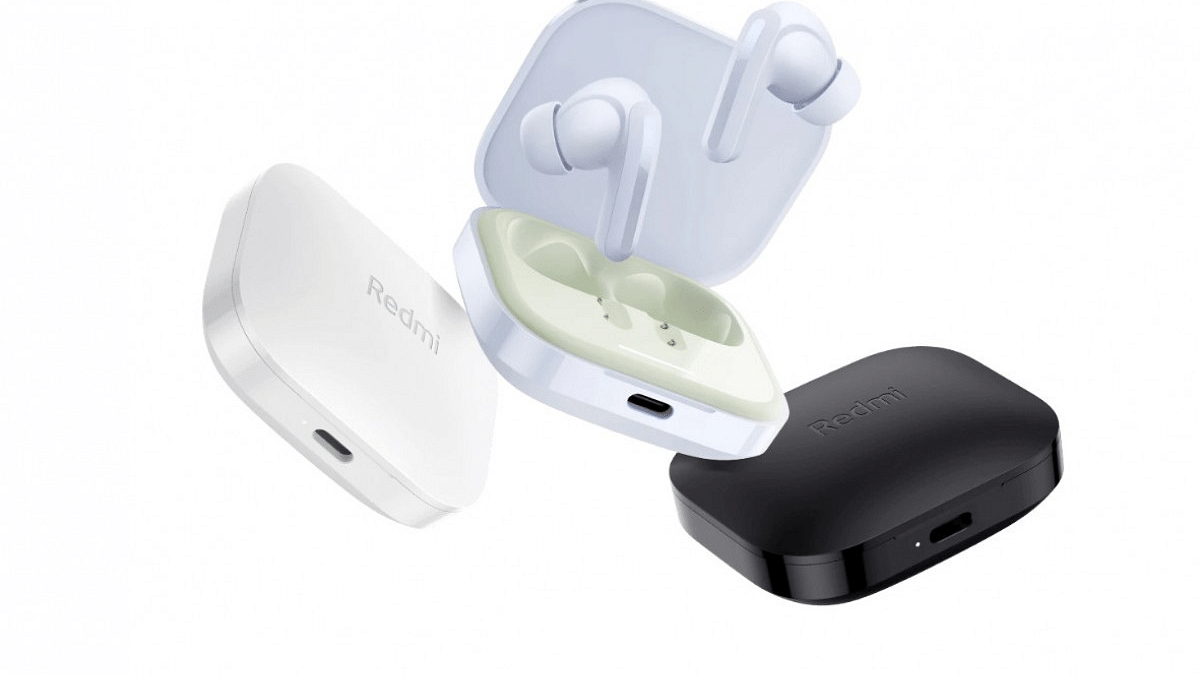
Redmi Buds 5 Launched In India: Hybrid ANC, 38h Battery, Starting at Rs.2,999

Key Highlights

  • Redmi Buds 5 in India: Hybrid ANC, 38h Battery, Starts at ₹2,999.
  • Fast Charge: 2h Playtime with Just 5 Minutes Charge.
  • Premium Audio: 46dB ANC, 12.4mm Drivers, Multiple Audio Modes.

Xiaomi’s Redmi Buds 5 have landed in India, boasting Hybrid ANC, fast charging, and 38-hour playtime for just Rs.2,999. But is this #SuperBuds title deserved? Let’s dive in.

Also Read: OnePlus Buds 3 vs OnePlus Buds Z2: True Wireless Earbuds Compared

Redmi Buds 5: Price & Availability

  • Grab yours in Fusion Purple, Black, or White starting February 20th on Mi.com, Amazon, Flipkart, Mi Homes, and Xiaomi retailers.
  • Offer: Get them for Rs.2,499 with any Redmi Note 13 phone or Xiaomi/Redmi Pad (limited time).

Also Read: Redmi Buds 4 Active TWS Earbuds Launched In India

Redmi Buds 5: Key Features

FeatureSpecification
Noise Cancellation46dB Hybrid ANC
Drivers12.4mm dynamic titanium drivers
Battery LifeUp to 6 hours per charge, 38 hours with case
Fast ChargingUp to 2 hours of playtime in 5 minutes
ConnectivityBluetooth 5.2
  • Hybrid ANC: Blocks out 99.5% of noise with 46dB cancellation. AI voice enhancement ensures clear calls.
  • Premium Sound: 12.4mm dynamic drivers deliver balanced, precise audio across frequencies.
  • AI Call Quality: Dual-channel AI algorithm optimizes voice even in windy conditions.
  • Audio Customization: Choose from Standard, Enhanced Treble/Bass/Voice modes, and 3 transparency modes.
  • Fast Charging: 5 minutes for 2 hours, 38 hours total with the case.
  • Xiaomi Earbuds App: Personalize ANC, manage gestures, dual-device pairing, and locate your earbuds.

Also Read: Inbase Free Buds Neo TWS Review: Your Pocket-Friendly Audio Companion

Final Verdict: Is it worth it?

With Hybrid ANC, long battery life, and customization options at this price, the Redmi Buds 5 are definitely worth considering. However, remember:

  • Limited offer, might sell out quickly.
  • Sound quality might not match high-end earbuds.
  • Check reviews for real-world ANC performance.

Overall, the Redmi Buds 5 offer impressive features for a budget-friendly price. If you’re looking for affordable ANC earbuds, these are definitely worth checking out!

Categories
Accessories Featured Info

Fujifilm Launches Instax Pal, The Palm-Sized Camera In India: Key Features

Key Highlights

  • Fujifilm India launches palm-sized Instax Pal camera
  • Instax Pal offers diverse shooting modes, Bluetooth connectivity, and seamless printer integration
  • Fujifilm India celebrates 25 years of Instax

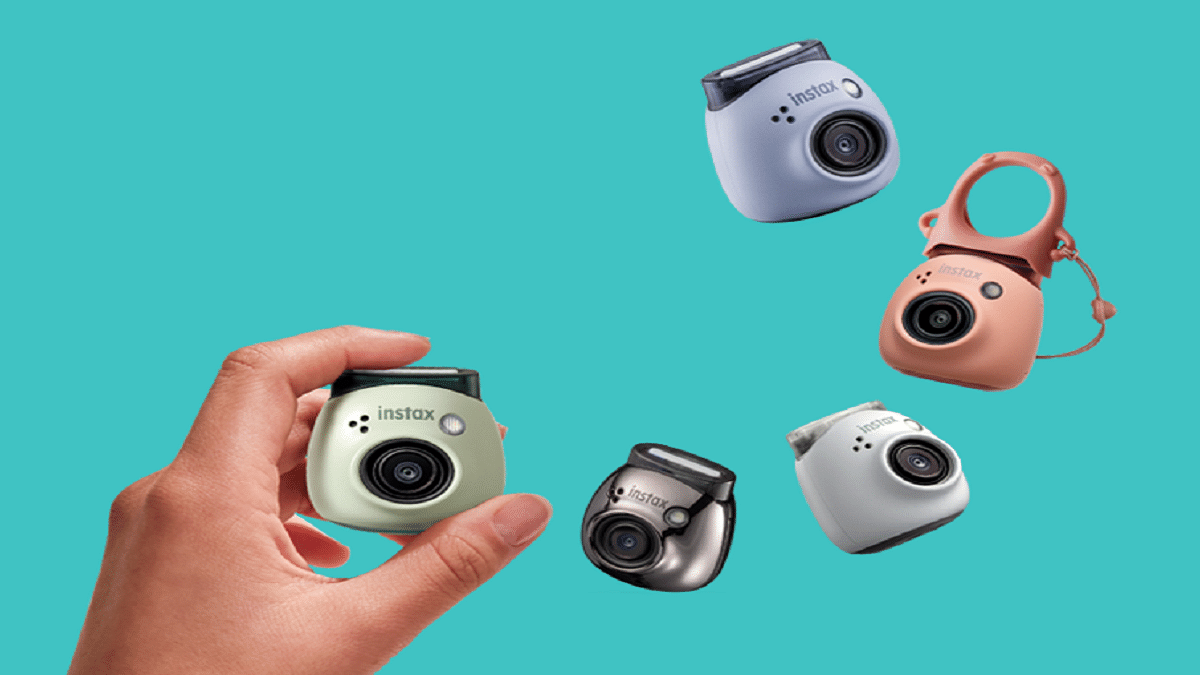
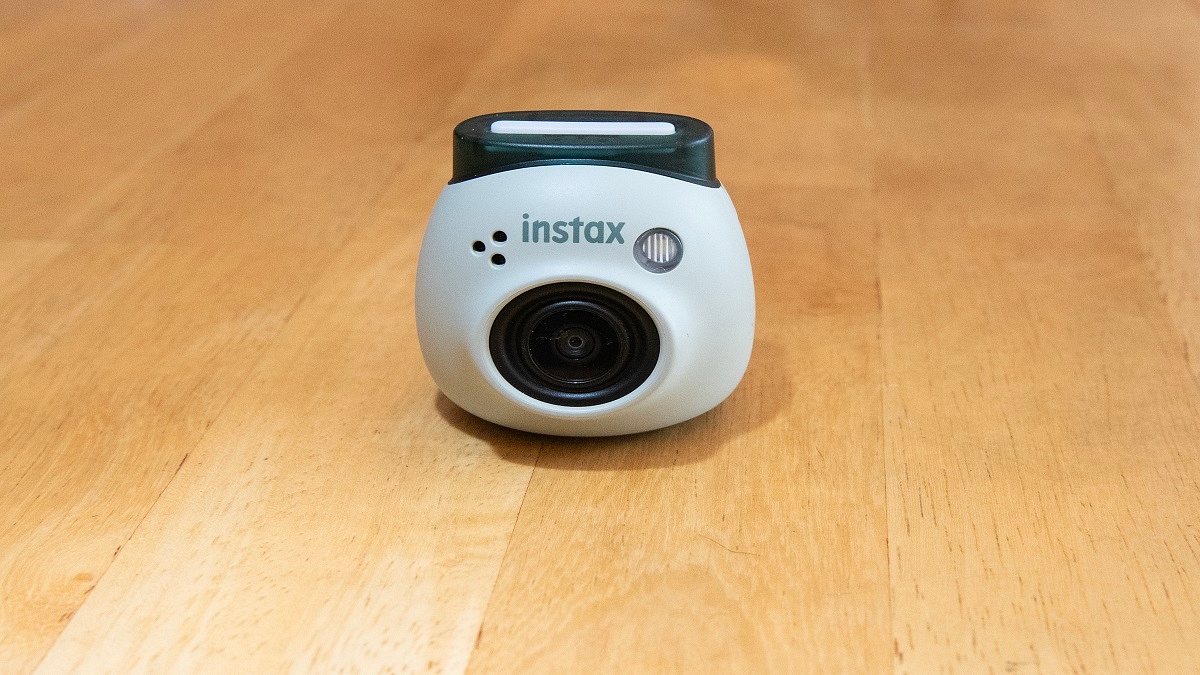
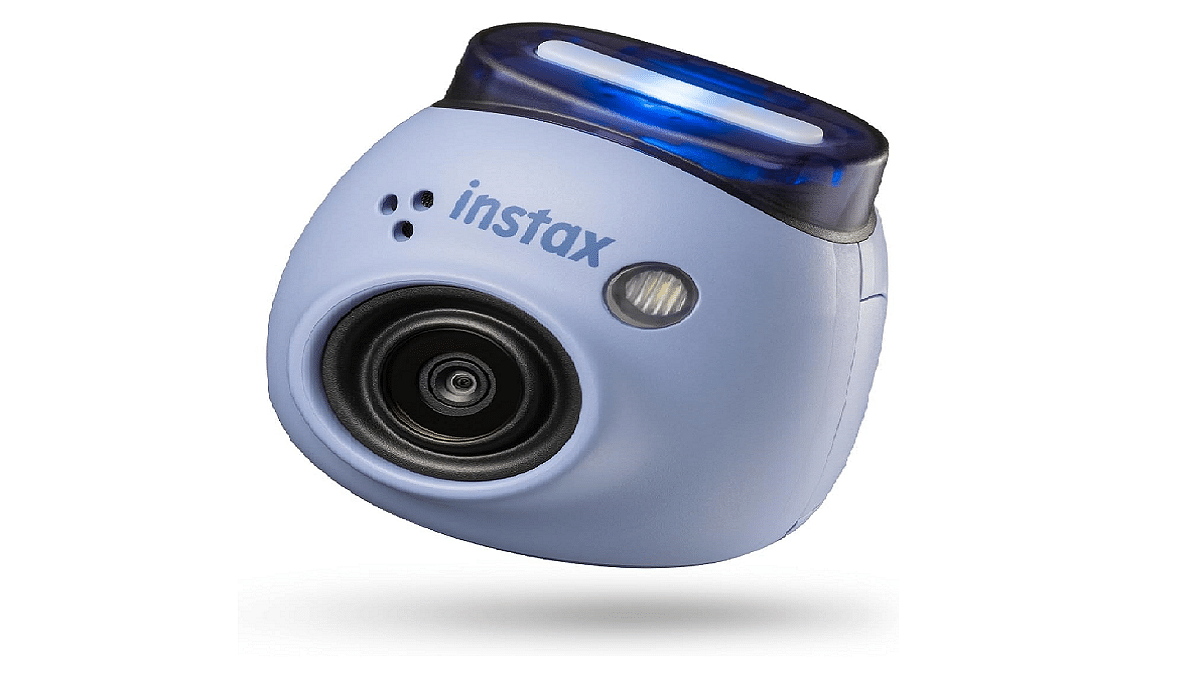
Fujifilm India has unveiled the visually striking and incredibly compact InstaxPal digital camera. This palm-sized camera marks a significant addition to the Instax series of instant cameras and smartphone printers. Available in five vibrant colors: Gem Black, Powder Pink, Pistachio Green, Lavender Blue, and Milky White, this latest innovation represents a leap forward in revolutionizing the instant camera industry, embodying the motto of “Making Small Moments Feel Big”. Also Read | Best Camera Phones Under Rs. 6,000

Compact Design

In a bold move, Fujifilm India has eliminated the printing function from the new Instax Pal, resulting in a palm-sized device that offers great portability. Additionally, it boasts a versatile detachable ring that facilitates a more secure grip or serves as a convenient stand for the Pal.

Feature-Rich Camera Experience

The Instax Pal camera has many features designed to enhance the photography experience across diverse scenarios. Its Standard Mode, accessible via the rear panel shutter button, employs a wide-angle lens to capture unique shots from elevated or unconventional angles. This mode enables users to capture dynamic images with intricate backgrounds effortlessly, a task often challenging with smartphones.

Furthermore, the Remote Mode facilitates seamless connectivity with smartphones via Bluetooth and the dedicated Instax Pal App, enabling remote shooting of selfies or group photos. The app offers customization options such as resizing photos in mini, Square, or Wide formats, as well as adding emojis, stickers, or text overlays. Additionally, the Interval Mode enables the capture of continuous photo series at three-second intervals, catering to various shooting preferences.

Also Read | Top Four Polaroid Cameras For Every Occasion

Connectivity

The Instax Pal is designed to seamlessly integrate with the Instax Link Printer Series: Mini Link 2, Wide Link, and Square Link, as well as other Instax cameras such as Mini LiPlay and Mini EVO. This interoperability enables users to effortlessly print captured images as Instax prints in different sizes.

Celebrating 25 Years of Instax

This year marks the 25th anniversary of Fujifilm India’s Instax instant camera series, first introduced in 1998. Evolving with the latest trends and technological advancements, the Instax series has transitioned from analog devices to hybrid cameras and smartphone printers. As Fujifilm India continues to expand its presence in the instant camera market, it remains committed to setting new standards in the realm of photography.

Availability and Pricing

The Instax Pal range is priced starting from Rs. 10,999 and is currently available at Fujifilm India retail stores and website. Additionally, users have the option to enhance their Instax Pal experience with separate silicone cases, which include a strap carabiner and a Link Mode switch for quick photo printing using Instax Link Series printers immediately after capturing the image.

Also Read | Best Wireless CCTV Camera With Motion Detection Under Rs. 5,000 In India

Categories
Accessories Apps Featured Info

Apple Vision Pro: 7 Must-Try Apps For Work, Entertainment & More

The Apple Vision Pro, with its innovative blend of digital content and real-world interactions, has opened doors to exciting new experiences. But to truly unlock its potential, you need the right apps. We’ve compiled a list of seven essential apps that will showcase the true potential of your Vision Pro:

Also Read: Is Apple Vision Pro Ready? Viral Videos Prompt Safety Discussions

1. Keynote

Take your presentations to the next level with Keynote. Imagine delivering your slides within a stunning, digital recreation of the Steve Jobs Theater. Customize your presentation, engage your audience, and leave a lasting impression.

2. JigSpace

Users can now interact with intricate 3D models and animations right in their living room. Explore historical landmarks, dissect complex molecules, or even witness the inner workings of an engine – all in the comfort of your home.

Also Read: Apple’s Next Big Update: iOS 17.4 New Features, Release Date, and More

3. Disney+

Experience Disney+ in a whole new way with the Vision Pro’s immersive 3D capabilities. Become part of the story, explore vibrant landscapes, and rediscover the magic of Disney like never before.

4. Microsoft 365

Stay productive and collaborate seamlessly with your team using Microsoft 365. Access familiar Office apps like Word, Excel, and PowerPoint, optimized for the Vision Pro’s unique interface and features. Work side-by-side with colleagues in virtual spaces, share documents effortlessly, and boost your productivity.

Also Read: Are You EV-Ready? Top Apps Every Electric Car Owner Should Have

5. AmazeVR

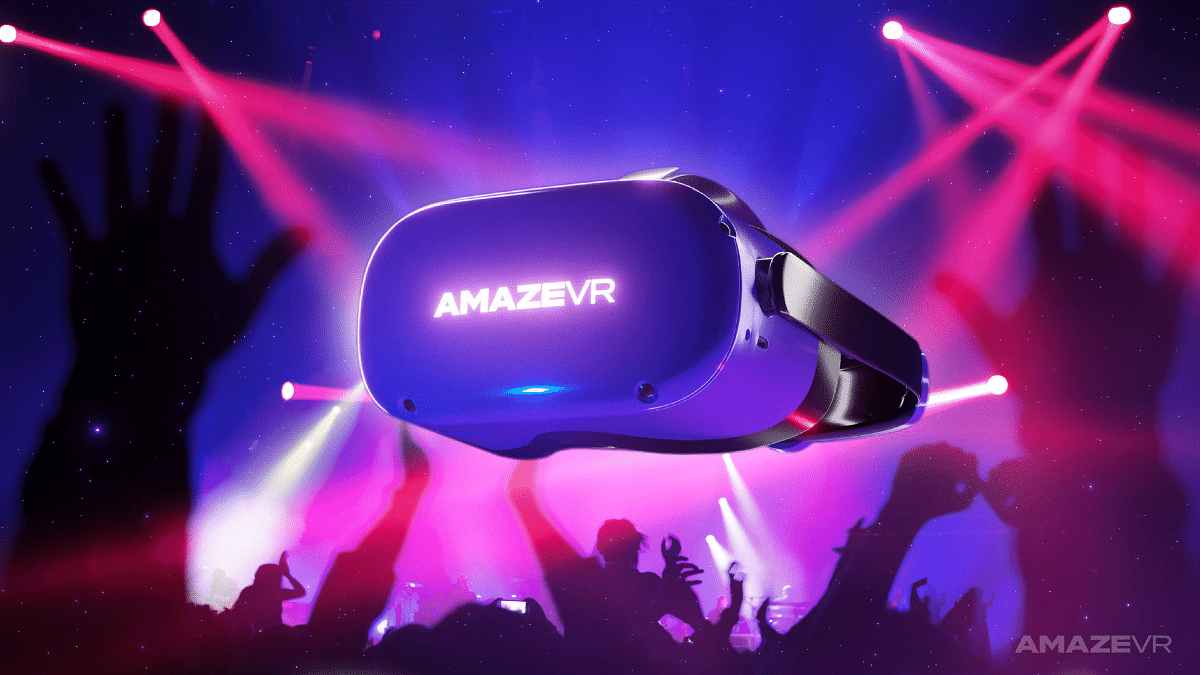
Step into exclusive virtual concerts from your favorite artists and experience live performances with breathtaking intimacy. Feel the energy of the crowd, sing along, and create unforgettable memories – all from the comfort of your living room.

6. Zoom

Users can now effortlessly conduct video calls and virtual meetings using the advanced features of their Vision Pro headset. Enjoy crystal-clear audio and video, collaborate seamlessly with colleagues, and stay connected with loved ones, no matter where they are in the world.

Also Read: Apple Vision Pro Missing Key Apps: Spotify & Youtube Not Included

7. Apple Music

Enjoy stunning visuals and immersive audio as you listen to your favorite songs or explore new music videos. Let the music wash over you and discover new depths in your favorite tunes.

These are just a taste of the incredible experiences waiting for you in the world of Apple Vision Pro. So, put on your headset, explore these apps, and discover the magic of immersive computing!

Categories
Accessories Featured Info

Is Apple Vision Pro Ready? Viral Videos Prompt Safety Discussions

Key Highlights

  • Apple’s Vision Pro raises safety concerns as drivers wear it with Tesla autopilot.
  • Videos show users walking, on dogs, trains, raising questions about responsible use.
  • Balancing advancement with clear warnings, regulations, and public awareness is crucial.

The recent release of Apple’s Vision Pro headset has been met with excitement and anticipation, but also with growing concerns about its potential impact on safety. Viral videos circulating online show Tesla drivers wearing the headset while using their car’s autopilot feature, raising alarms in the US government and prompting discussions about distracted driving.

Also Read: Apple Vision Pro Missing Key Apps: Spotify & Youtube Not Included

Distracted Driving Concerns

One video, garnering over 24 million views, depicts a Tesla driver seemingly manipulating a virtual reality field with hand gestures. This, and other similar videos, caught the attention of US Transportation Secretary Pete Buttigieg, who issued a warning on X (formerly Twitter) emphasizing that “distracted driving is never acceptable.” He reiterated that regardless of advanced features, all driver-assistance systems require the driver to be fully engaged and in control at all times.

Also Read: Here’s How To Use The Viral AI Chatbot ChatGPT: A Step-By-Step Guide

Viral Reels On Instagram

Reels on Instagram showcase people using the Vision Pro headset while walking in malls, walking their dogs, and even riding trains in the US and UK. This raises questions about potential risks associated with using the headset in public spaces, such as collisions with pedestrians or obstacles, or disruptions to daily activities.

Also Read: Apple CarPlay Not Working? Here’s How to Fix It

Safety Measures and Regulations:

Apple has yet to address these concerns directly, but experts believe the company should implement robust safety measures and clear guidelines for using the Vision Pro headset. This could include features that prevent its use while driving, geofencing to restrict its use in sensitive areas, and educational campaigns highlighting potential risks.

Regulatory bodies are also likely to scrutinize the Vision Pro headset and may introduce regulations to ensure its safe use. This could involve setting standards for distraction levels, requiring safety features, or even restricting its use in certain situations.

Also Read: Apple’s Next Big Update: iOS 17.4 New Features, Release Date, and More

The Future of VR

The Apple Vision Pro is just one example of the growing advancements in virtual reality technology. While VR offers immense potential for entertainment, education, and communication, it’s crucial to prioritize safety and develop responsible practices to ensure its positive impact on society.

Categories
Accessories Featured

Looking To Wow Your Valentine? Check Out Our 2024 Gift Ideas

As Valentine’s Day approaches, the quest for the perfect gift to express love intensifies. It’s the time to go beyond conventional presents and explore unique ideas that resonate with your partner’s interests. If you’re on the lookout for thoughtful and affordable gifts, we’ve curated a list of delightful options to make your loved one feel truly cherished. Our handpicked selection ensures there’s something for every taste and budget. Explore our diverse Valentine’s Day gifting ideas, ranging from sentimental tokens to tech-savvy gadgets, all aimed at creating unforgettable moments without breaking the bank. Let’s get started.

ProductPrice
Coffee Mug WarmerRs. 629
VEGA Adore Flat Hair StraightenerRs. 959
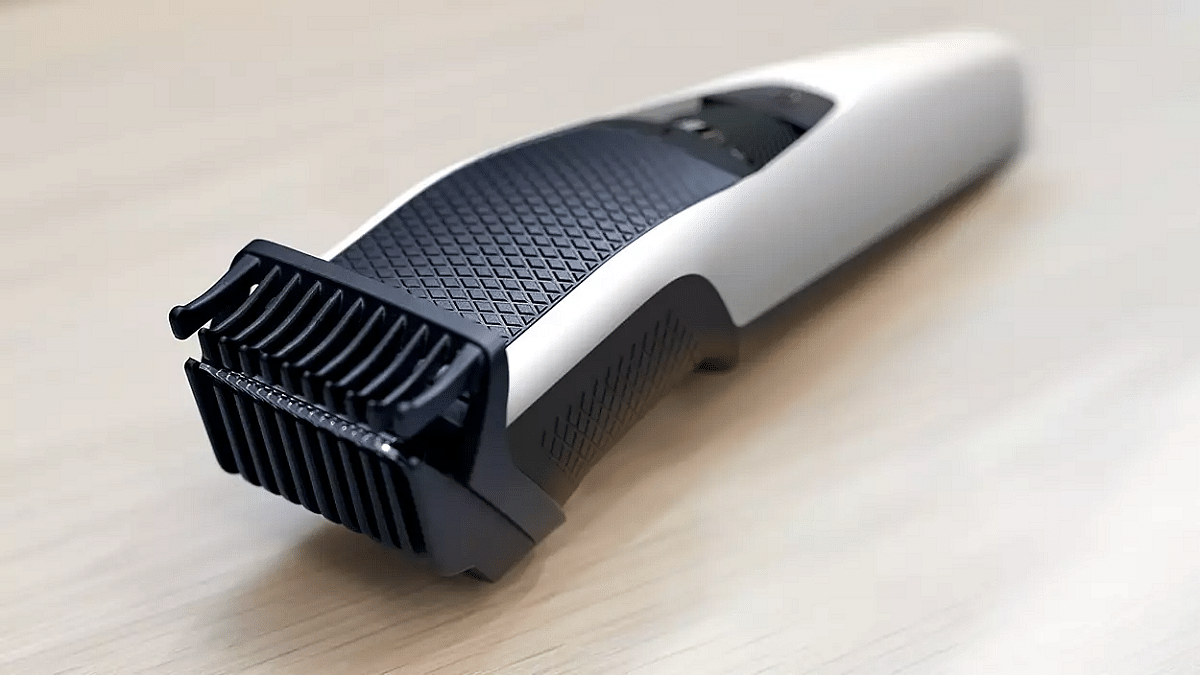
Philips BT3101/15 TrimmerRs. 1,049
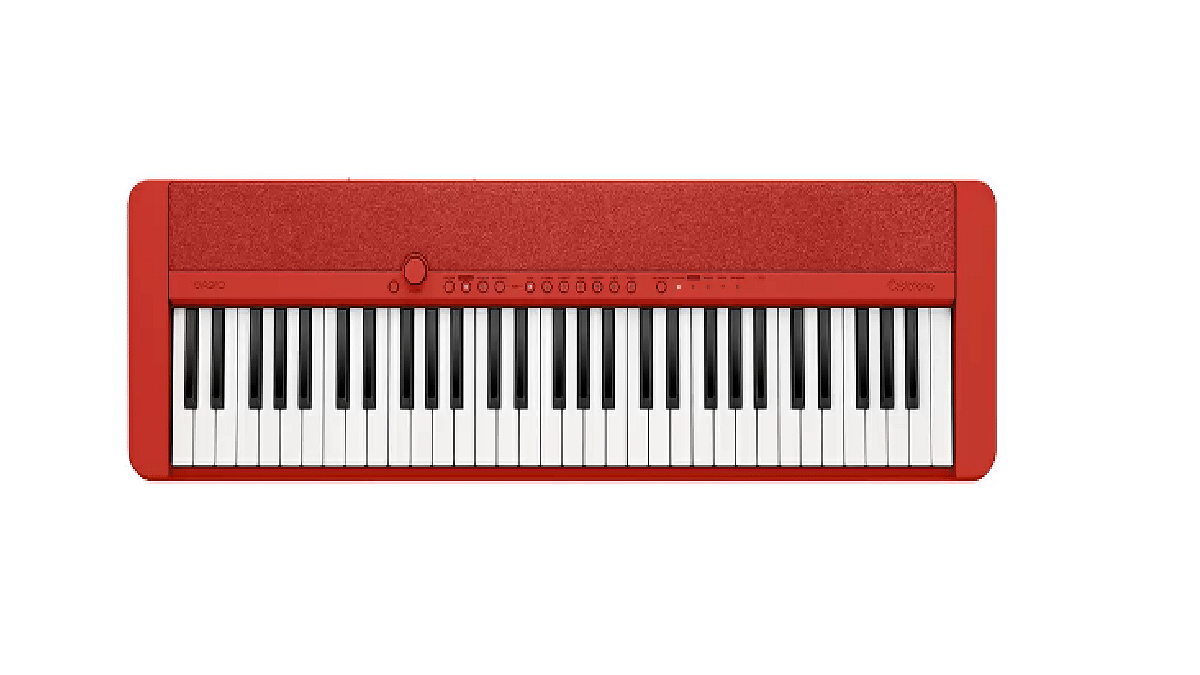
Casiotone CT-S1RDRs. 15,296

Coffee Mug Warmer, Electric Coffee Warmer for Desk

The Coffee Mug Warmer is a convenient gadget designed to keep your favorite beverage at the perfect temperature while you work at your desk. With its electric heating element, it ensures that your coffee, tea, or hot chocolate stays warm for longer periods. Compact and easy to use, it’s an essential accessory for anyone who enjoys sipping hot drinks throughout the day.

VEGA Adore Flat Hair Straightener

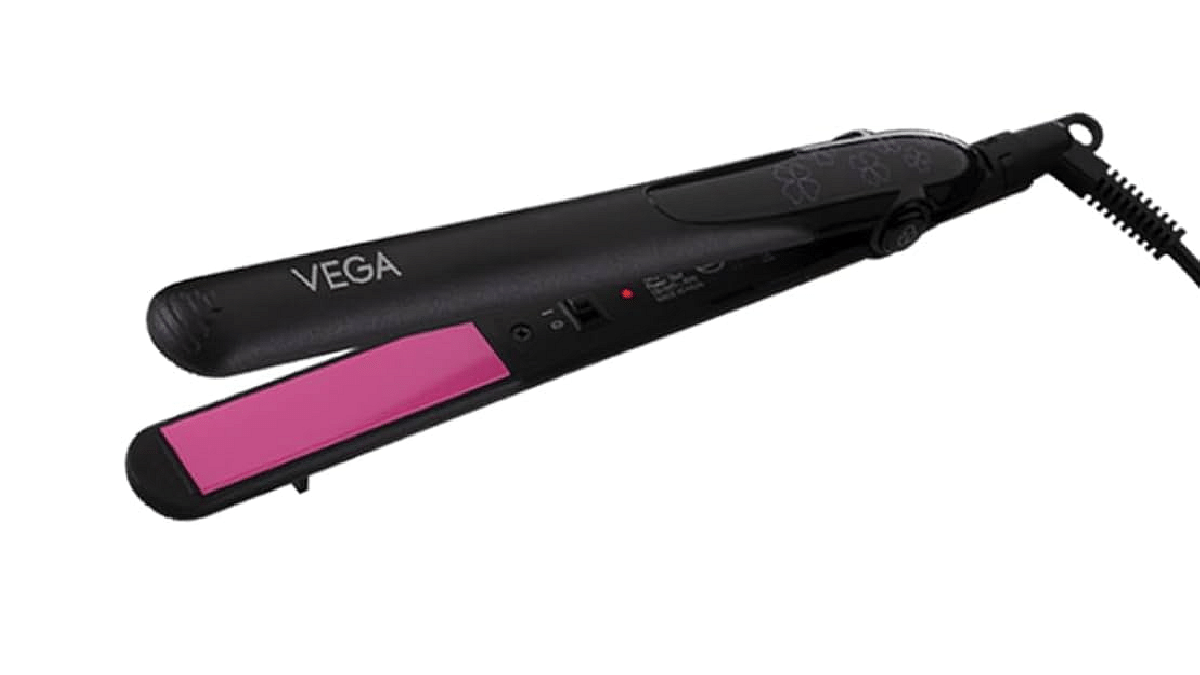
This is the first item on our Valentine’s Day gift list for your partner. With a rapid 60-second heat-up, ceramic-coated plates, a 360-degree swivel cord to conveniently rotate and prevent tangles, an easy-to-use locking system, and a travel-friendly design, it’s the ideal choice for effortless styling on the go.

Philips BT3101/15 Trimmer

The Philips BT3101/15 Trimmer offers precision grooming with stainless steel blades and a trimming range of 0.5 – 10 mm. With a 45-minute battery life and 10-length settings, it’s perfect for men’s beard and mustache styling. It provides efficient and convenient grooming solutions, ensuring a sharp and tidy look with ease.

Casiotone CT-S1RD

The Casiotone CT-S1RD is a portable keyboard that captures the essence of romance with its sleek design, perfect for expressing love and creativity. With 61 keys and a maximum polyphony of 64, it delivers an immersive musical experience. Whether your loved one is a novice or an expert, its user-friendly interface and variety of tones make it an ideal choice. This Valentine’s Day, delight your special someone with the gift of music embodied in the captivating Casio CT-S1RD’s vibrant red hue.

Also Read | Valentine’s Day 2024 Gift Ideas: Top 5 Earbuds With ANC Under Rs.3000

Categories
Accessories Featured Info

Valentine’s Day 2024 Gift Ideas: Top 5 Earbuds With ANC Under Rs.3000

As Valentine’s Day approaches, finding the perfect gift can be a challenge. This year, consider the gift of sound with a pair of top-rated earbuds offering Active Noise Cancellation (ANC). Surprise your loved one with the joy of uninterrupted music, podcasts, or calls, creating a truly immersive listening experience.

Here are 5 exceptional earbuds with ANC, all under Rs.3000, to make their Valentine’s Day truly unforgettable.

Also Read: 5 Top Rated Wireless Headphones Of 2023 With Noise Cancellation: From Sony, JBL, and more

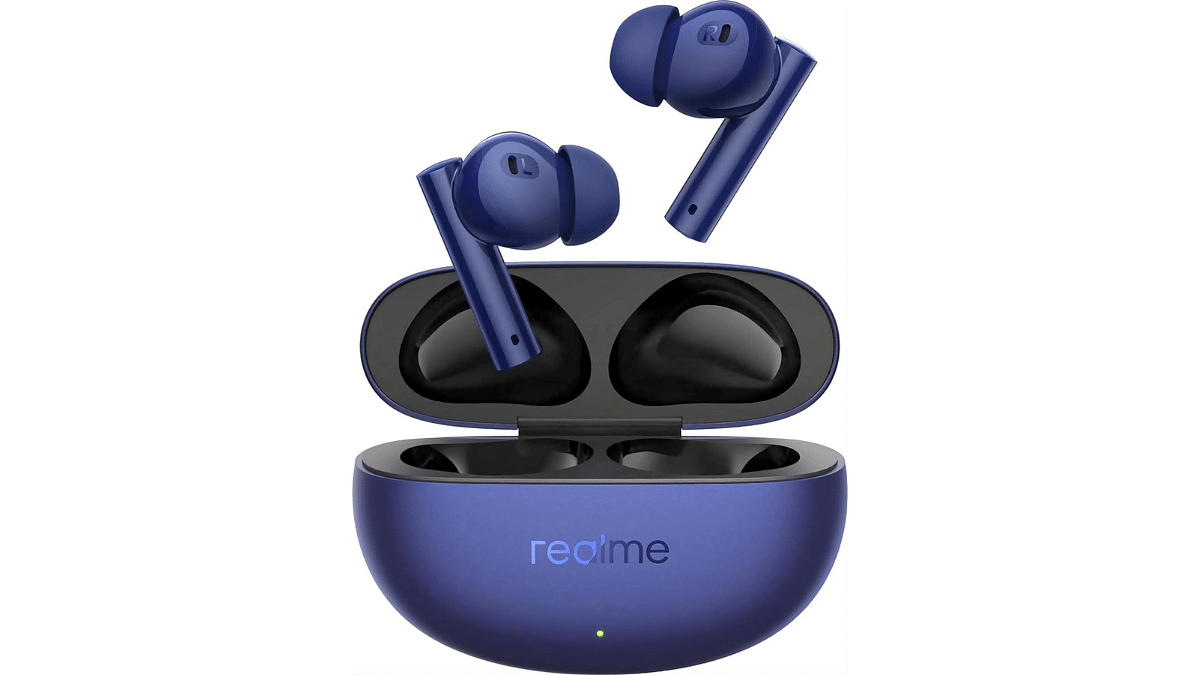
1. realme Buds Air 5 Truly Wireless in-Ear Earbuds

  • realme Buds Air 5: Dynamic sound, active noise cancellation.
  • 12.4mm Mega Bass Driver for immersive audio.
  • 38Hrs Battery Life, Fast Charging, Gaming Latency.
  • Deep Sea Blue color for stylish appeal.
  • Rated 4.0 out of 5 stars.
  • Special offer: ₹3,399.00 with 43% savings.

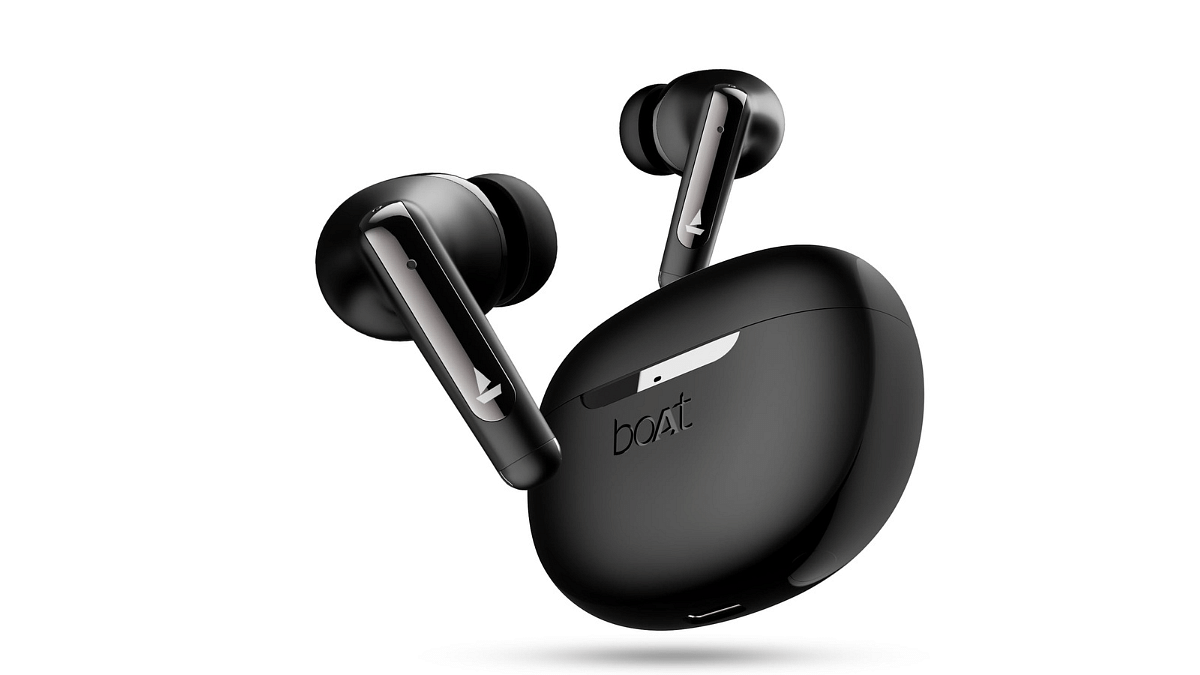
2. boAt Airdopes 141 ANC TWS Earbuds

  • boAt Airdopes 141: Advanced ANC, 32dB, 42H Playback
  • 50ms Low Latency Beast Mode, IWP Tech
  • Quad Mics with ENx, ASAP™ Charge
  • USB Type-C Port & IPX5 (Gunmetal Black)
  • Deal of the Day: ₹1,599 with 73% savings

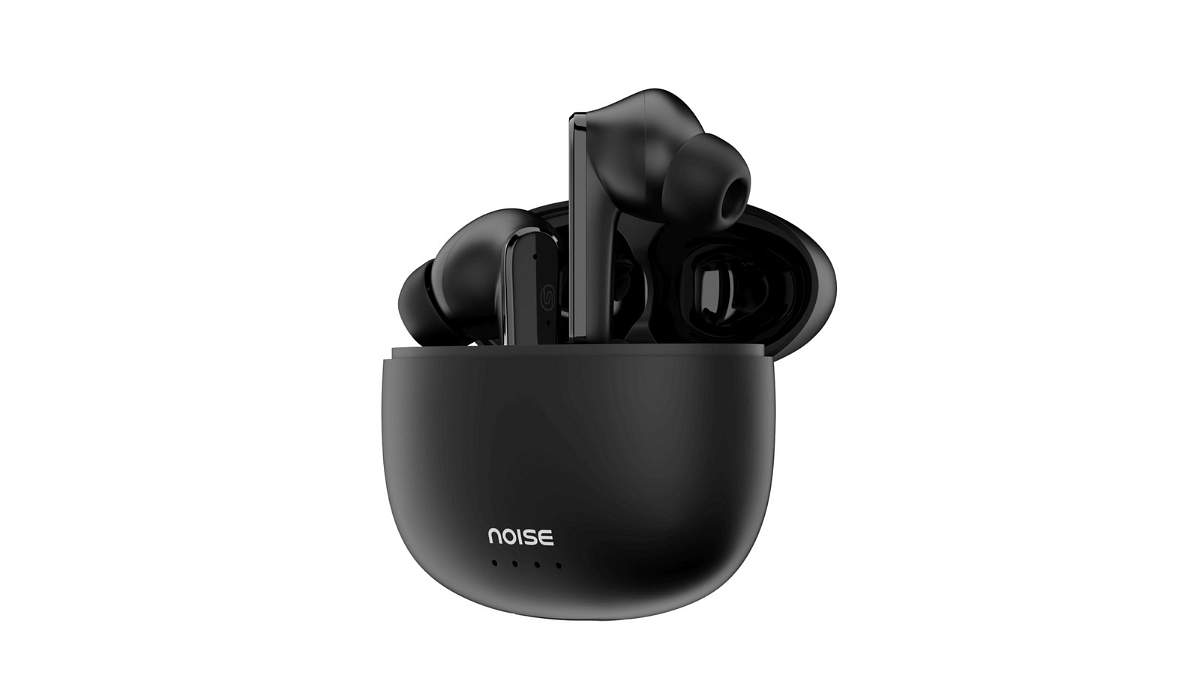
3. Noise Buds VS104 Max Truly Wireless in-Ear Earbuds

  • Advanced ANC blocks up to 25dB of noise.
  • Extended playtime: up to 45 hours.
  • Four microphones with ENC for clear calls.
  • Quick charge: 10 minutes = 180 minutes.
  • Immersive sound with 13mm dynamic drivers.
  • Special offer: ₹1,299.00 with 74% savings.

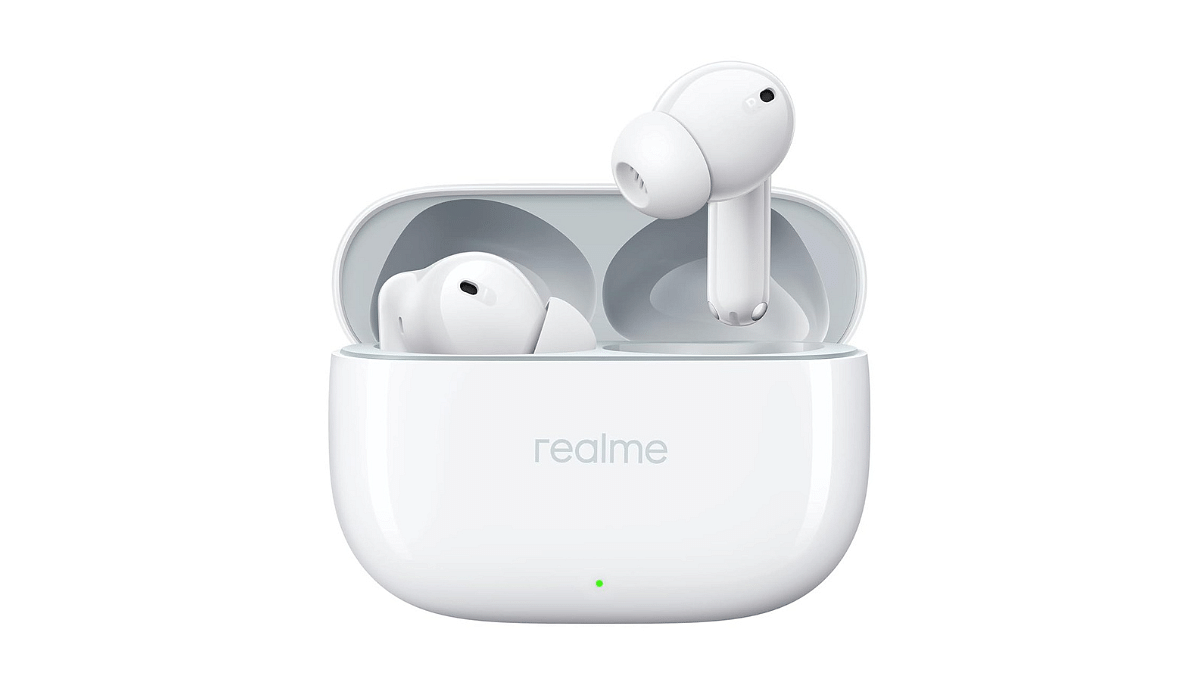
4. realme Buds T300 Truly Wireless in-Ear Earbuds

  • Realme Buds T300: True Wireless, ANC, 360° Audio
  • 12.4mm Dynamic Driver: Enhanced Bass, Dolby Atmos
  • Up to 40Hrs Battery: Fast Charging Supported
  • Youth White Design: Sleek and Stylish Look
  • ₹2,099 Price: 48% Discount, M.R.P.: ₹3,999

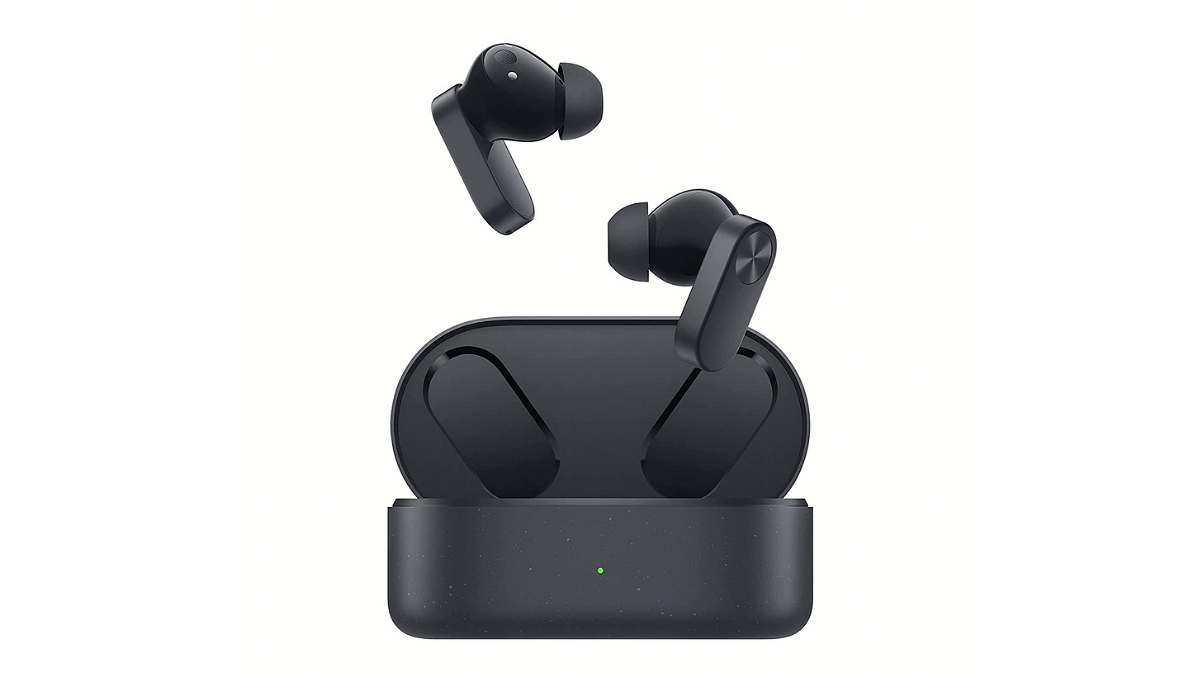
5. OnePlus Nord Buds 2 TWS in Ear Earbuds 

  • OnePlus Nord Buds 2: Dynamic ANC, 12.4mm Drivers
  • Up to 36hr Playback, Fast Charging, IP55 Rated
  • 4-Mic Design, Titanium Drivers, Thunder Gray Color
  • Amazon’s Choice for “earbuds with ANC”
  • ₹2,999.00 with 9% savings

Also Read: OnePlus Buds 3 vs OnePlus Buds Z2: True Wireless Earbuds Compared