Categories
Featured Gaming

Minecraft Alternative Games: Best Sandbox Games You Should Check Out

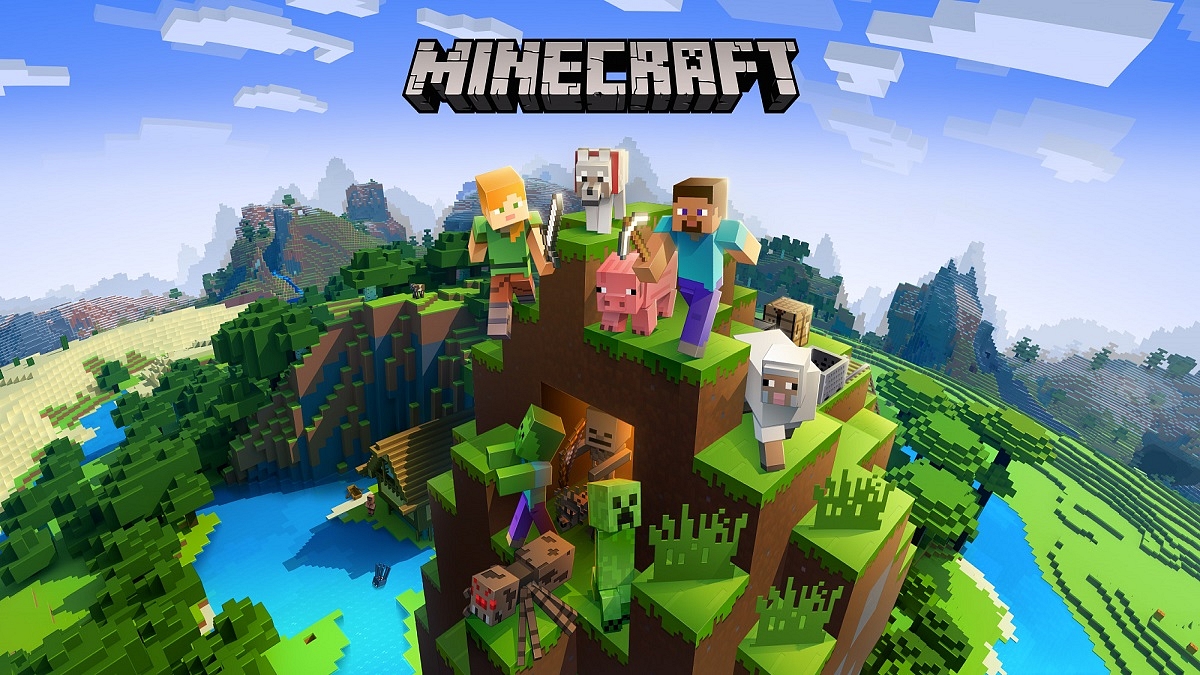
Minecraft is undoubtedly one of the most played games on the planet right now. Furthermore, it has every right to be there. It offers us truly open and distinct landscapes full of extraordinary mobs, fantastic Minecraft enchantments, and infinite ways to play the game. When it comes to inspiring creativity, nothing compares to Minecraft.

But after a decade of successful runs, it’s time for a change. For that, we have some incredible sandbox games like Minecraft that might not dethrone the king but they undoubtedly put up a fierce fight. Let’s check them out.

Terraria

Because the two games have many similarities, Terraria is frequently referred to as the 2D version of Minecraft. Similar to Minecraft, Terraria enables players to explore the expansive game world while also mining, crafting, and building. There are a few different game types available for it. Boss battles and NPCs who will trade you services are additional game features.

Eco

Eco extends to every facet of Minecraft, making it a more sophisticated and environmentally conscious version of the Sandbox game. Players must start from the beginning and build a whole civilization. This idea is turned on its head in Eco which mandates that players only cut down trees in areas where doing so won’t harm the soil. Because of this, it ranks among the top sandbox games like Minecraft.

Roblox

Roblox is a free-to-play online game that has millions of players worldwide. In that it’s a sandbox game with a focus on user-generated content, the game is comparable to Minecraft. Players in Roblox have the option of creating their own games or playing those made by others in the community. The ROBLOX website and the Studio, where players can develop their own games, are the two primary sections of the game.

Subnautica

Subnautica is a survival game that is based on oceanic underwater exploration and figuring out novel ways to survive on an alien planet. You can search the seas for unusual stones, supplies for crafts, and other things. In this place, you have to deal with various ocean monsters, just like you do in Minecraft.

Categories
Chipset Comparison Featured

Qualcomm Snapdragon 778G Vs MediaTek Helio G96 Chipset: Quick Comparison

Smartphones are modern gadgets that have become more of a necessity than a luxury. You get many options ranging from gaming to photograph-oriented handsets in the market if you step out to buy one. The ecosystem is primarily divided between Android and iOS smartphones. The former gets power delivery either from a Qualcomm or MediaTek series chipset.

The Snapdragon series processors compete with MediaTek’s Helio and Dimensity processor lineups in all segments including budget, mid-range, and premium. Qualcomm’s Snapdragon 778G chipset is one of the most popular smartphone OEMs for premium mid-range products. MediaTek has Dimensity 800 series and the Helio G80/90 series processors that rival this octa-core 5G Qualcomm processor. If you wish to read their CPU and GPU performance comparison, read on below:

Qualcomm Snapdragon 778G Vs Helio G96: CPU Performance

Qualcomm and MediaTek have designed the Snapdragon 778G and the Helio G96 octa-core processors on ARMv8.4-A and ARMv8.2-A instruction sets respectively. The SD 778G is built on a thinner 6nm fabrication process, whereas, the Helio G96 is based on a 12nm fabrication process.

The octa-core Qualcomm SD 778G has one 2.4GHz Cortex-A78 core, three Cortex-A78 cores with 2.2GHz clock speed, and four Cortex-A55 cores with 1.9GHz clock speed. MediaTek’s octa-core Helio G96 processor comprises two Cortex-A76 cores with 2.05GHz clock speed and six Cortex-A55 cores clocked at 2GHz. CPU performance is good with both these chipsets. Since they both are game-centric processors, expect a good gameplay session with smartphones integrated with these two chipsets.

Snapdragon 778G Vs Helio G96 SoC: GPU Support

Speaking of the GPUs, Qualcomm has packed the Snapdragon 778G chipset with Adreno 642L GPU. This GPU Is built on Adreno 600 architecture with two execution units and 384 shading units. On the contrary, the Helio G96 has the Mali G57 MC2 GPU integrated which is based on Valhall architecture. This octa-core MediaTek processor has 32 shading units. Graphics rendering will be decent with both these chipsets; specifically the Snapdragon 778G which can deliver some high-end graphics smoothly.

Snapdragon 778G Vs Helio G96 Chipset: Memory, Multimedia (ISP)

In terms of memory, the Qualcomm Snapdragon 778G processor has LPDDR5 RAM compatibility compared to the LPDDR4X RAM support on the Helio G96. The memory frequency of the Qualcomm processor is 3200MHz, while, the Helio G96 comes with 2133a MHz memory frequency.

The max memory allocation on the Qualcomm Snapdragon 778G processor is 16GB, whereas, the Helio HG96 has 10GB max memory allocation size. Qualcomm has added UFS 2.1, UFS 2.2, UFS 3.0, and UFS 3.1 storage support. However, MediaTek has only added support for eMMC 5.1 and UFS 2.2 storage support.

In terms of memory (ISP) compatibility, the Qualcomm Snapdragon 778G chipset has a 1080 x 2520 pixels max display resolution and 1x192MP, 2x36MP max camera resolution. This processor can record 4K@30fps videos and has H.264, H.265, VP8, and VP9 video codes.

The audio codec support with this processor is AAC, AIFF, CAF, MP3, MP4, and WAV. The Helio G96 supports these same audio codecs. However, the MediaTek processor supports a lower max camera resolution of 1x 10⁸MP, 2x 16MP, and also 2k@30fps/ 1K@60fps video recording.

Categories
Featured How To TV

How To Send Files From Smartphone To Your Smart TV: Check Steps Here

Key Highlights

  • Sending files from a phone to a smart TV is easy
  • There are several ways to do it including using a USB cable
  • Ensure both devices are on the same network

Smart TVs, mainly Android TVs, have become popular, with their sales skyrocketing due to the smart features with integration across multiple platforms. You may wish to stream music, watch videos, or even view documents on your Android television straight from your phone if you have one. But how?

Once you know how to get around it, transferring files from your Android phone to a smart TV is simple. Two methods for transferring files from your Android phone to your Android smart TV will be covered in this article. Let’s quickly dive in.

Also Read | Buying New Smart TV? List Of Best 32-inch Smart TVs Under Rs. 10,000 In India

How To Send Files To TV From Your Phone?

First things first, you need to download and install the necessary app on your Android TV and Android smartphone. To do this, all you have to do is follow the listed steps:

Step 1: Open the Play Store on both your TV and your Android phone.

Step 2: Search for the ‘Send Files to TV’ app.

Step 3: Open the app on your TV and select ‘Receive’.

Step 4: On your phone, go select the files you’d like to send to your TV and hit Share.

Step 5: Choose ‘Send Files to TV’ from the resulting window.

Step 6: Now, select your Android TV from the list. The files will be sent over.

Note: The ‘Send Files to TV’ app is not yet available for iOS devices.

Also Read | Best Smart TVs In India With 120hz Refresh Rate: Popular Options From LG, Samsung, And More

Mirror Your Phone’s Screen To Chromecast Or Firestick

Mirroring is another method for watching content from your phone or computer on your TV. If you only want to play videos or view images on the big screen, you can mirror your mobile device to your TV. Also, note that the file will not be transferred to the TV.

For mirroring, you must connect your TV and mobile phone to the same Wi-Fi network, locate the casting option on your smartphone, press on it, and choose your smart TV from the list of connected devices. You can play the movie on your smartphone, which will then be played on the TV, and it will mirror your device to the screen.

For the tech geeks, stay updated with the latest cutting-edge gadgets in the market, exclusive tech updates, gadget reviews, and more right on your phone’s screen. Join Giznext’s WhatsApp channel and receive the industry-first tech updates.

Categories
Chipset Comparison Featured

Qualcomm Snapdragon 870 Vs Dimensity 920 Chipset: Best Flagship Grade Mobile Processor

Qualcomm and MediaTek have a wide portfolio of mobile chipsets. The former is catering to the mobile brands with Snapdragon series processors, whereas, the latter provides Helio and Dimensity series mobile chipsets. A major chunk of Android smartphone OEMs source chipsets from these two brands for their product lineups. Both these chipset brands are integrating some of the best technologies with new-generation offerings.

Qualcomm and MediaTek compete with each other in the flagship range segment with their Snapdragon 870 and the Dimensity 920 SoCs. Both these mobile processors are known for their powerful performance and 5G network capabilities. Let’s see how the Snapdragon 870 and the Dimensity 920 chipsets compare in terms of CPU and GPU performance.

Qualcomm Snapdragon 870 Vs MediaTek Dimensity 920: CPU Comparison

Starting with the Snapdragon 870 processor, this high-end Qualcomm processor comes with octa-cores including one Cortex-A77 core with a 3.2GHz clock speed, three 2.42GHz Cortex-A77 cores, and four Cortex-A55 cores with 1.8Ghz clock speed. This processor is designed using ARMv8.2-A Instruction set with a frequency range of 3200MHz.

The MediaTek Dimensity 920 processor is based on a 6nm fabrication process, unlike the Snapdragon 870 SoC which is built on a 7nm fabrication process. The premium MediaTek processor also has octa-cores with two Cortex-A78 cores clocked at 2.5GHz and six Cortex A-55 cores clocked at 2GHz.

This processor is also built on the same ARMv8.2-A Instruction set and has a 2500MHz frequency range. Performance delivery by both these chipsets is premium where you experience minimum lags with gaming and multitasking.

Snapdragon 870 Vs Dimensity 920 Chipset: GPU Comparison

Qualcomm’s flagship grade Snapdragon 870 chipset employs Adreno 650 GPU to render graphics. This GPU is based on the Adreno 600 architecture and has two execution units and 512 shading units. MediaTek has integrated the Dimensity 920 processor with the Mali-G68 MC4 GPU which is based on Vallhall 2 architecture.

This octa-core processor has four execution units and 64 shading units which is lower compared to the Snapdragon processor. Both processors have identical 1.1 Vulkan version, 2.0 OpenCL version, and 12 DirectX version. Similar to the CPU, both these chipsets are packed with powerful GPUs for rich graphics on the screen.

Snapdragon 870 Vs Dimensity 920 Processor: Memory, Multimedia (ISP)

The memory type supported by both Qualcomm Snapdragon 870 and the Dimensity 920 chipset is LPDDR5. However, the former offers a 2750MHz memory frequency, while the latter has a 3200MHz memory frequency range. The maximum memory allocation on both chipsets is 16GB. The storage compatibility with the Snapdragon 870 is UFS 3.0 and UFS 3.1, whereas, the Dimensity 920 comes with UFS 2.1, UFS 2.2, and UFS 3.1 storage. The additional storage format support is one of the perks of the MediaTek chipset.

Moving on to multimedia compatibility, the Qualcomm SD 870 offers 2160 x 3840 pixels max display resolution and 1x 200MP/ 2x 25MP maximum camera resolution. This 5G Qualcomm chipset is capable of recording and playing 8K@30fps and 4K@60fps videos. It has the H.264, H.265, VP8, and VP9 video codecs and AAC, AIFF, CAF, MP3, MP4, and WAV audio codec support.

The MediaTek Dimensity 920 processor has 1080 x 2520 pixels max display resolution and 1x 10⁸MP/ 2x 20MP max camera resolution support. This processor is capable of recording and rendering 4K@30fps videos. The audio codecs with this chipset are AAC, AIFF, CAF, MP3, MP4, and WAV, whereas the video codecs are H.264, H.265, AV1, and VP9.

Categories
Apps Featured Info

Snapchat Lays Off Around 1,300 Employees: All You Need To Know

Key Highlight

  • Snap lays off 20 percent of its workforce
  • It has roughly 6,400 employees
  • Snap was appointing Jerry Hunter as COO

The maker of the ephemeral messaging app Snapchat, Snap, announced that it will be laying off 20 percent of its workforce, ceasing production of at least six products. In addition to this, the social media giant is recruiting its first chief operating officer (COO) in seven years.

Nearly 1,300 of Snap’s 6,400 employees are expected to be affected, the company said. The segment of Snap that created exclusive short shows with famous people and other influencers, as well as its social mapping app Zenly, its music creation app Voisey, and hardware like its Pixy drone camera, are all being shut down.

The company claimed its most recent quarter’s revenue growth of 8 percent was “well below” projections and that the cuts were part of a worst-case plan for how the sluggish advertising market will continue to affect it in the coming year.

The company known as Snap has been particularly hard struck by Apple’s crackdown on ad tracking across apps, just like Facebook, which has also made personnel reductions.

Evan Spiegel, the CEO of Snap, told his team that the company had anticipated a ten-fold increase in revenue and a doubling of its social media following, but that neither had happened.

According to a note to investors from Snap, the company will save $500 million in annualized cash costs compared to the April-June quarter as a result of the layoffs, project cancellations, and another restructuring (for which Snap posted lackluster earnings results). The amount reflects a $50 million decrease in content expenses.

The restructuring costs will be around $110 million to $175 million. Approximately $95 million to $135 million of that will be expected to be acquired in adjusted operating expenses, mostly in the current quarter.

At the same time, Jerry Hunter, a senior vice president for engineering, was appointed chief operating officer by Snap. Mr. Hunter will succeed Snap’s CEO and co-founder Evan Spiegel as the company’s No. 2. Since 2015, the position of chief operations officer had been vacant.

Categories
Accessories Featured How To

Claustrophobic While Using TWS Earbuds: Here’s How To Tune Into A Single Earbud

Let’s face it. Nobody enjoys listening to music with just one pair of headphones plugged in. However, sometimes when you want to listen to audiobooks or podcasts but need one ear free for outside noise. Therefore, you only insert one earbud.

It feels more natural to listen to music and podcasts in stereo which reproduces sounds with directionality. Additionally, if Streamed Hams’ music, podcast, or binaural ASMR dub is in stereo, some noises will only come through the earphone you are not currently using. As a result, it will sound as though you are missing half of the song if you are listening with just one pair of headphones.

In the accessibility settings on your phone or computer, you can turn a switch to hear everything. Here’s how to do it:

How To Listen To Music In One Earbud On iPhone?

For Apple mobile users, you can toggle this feature on by following these simple steps:

Step 1: On your iPhone, launch the ‘Settings’ app.

Step 2: In the third block of options, click on ‘Accessibility’.

Step 3: Under Hearing, tap Audio/Visual.

Step 4: Toggle ‘Mono Audio’ on.

How To Listen To Music In One Earbud On Android?

Step 1: On your Android phone, launch the Settings app on.

Step 2: Tap Accessibility.

Step 3: Under Audio & on-screen text, toggle Mono audio on.

How To Listen To Music In One Earbud On Mac?

Step 1: On your Mac, open System Preferences.

Step 2: Now click on ‘Accessibility’.

Step 3: Under Hearing on the left, tap on ‘Audio’.

Step 4: Click Play stereo audio as mono.

How To Listen To Music In One Earbud On Windows?

Step 1: Open Settings.

Step 2: Click Ease of Access.

Step 3: Click Other options.

Step 4: Toggle Mono audio on. That’s all.

The audio will now play in both earphones on both channels. So even with one earbud in your ear, you can hear every click and ting of Pink Floyd’s “Money” or all sides of the conversation on a well-scripted podcast.

Categories
Chipset Comparison Featured

Qualcomm Snapdragon 778G Vs MediaTek Dimensity 930 Chipset: Battle Of Premium Mid-Range Mobile Processors

Smartphones are all evolved today with brands implementing the best technologies in their new product lineups. Most smartphone OEMs are using a modern range of hardware for a boosted experience with photography, media playback, gaming, and web surfing. Users have a wide range of options to select if they step out to buy a new phone; specifically, Android.

And you’ll find most of these handsets being driven by a Qualcomm or MediaTek processor. Exynos and Unisec are also found on several Android phones, but the larger chunk uses the former. We have compared multiple Qualcomm and MediaTek chipsets in the past. This time we are comparing two of the most popular mobile processors from these two brands driving the premium mid-tier Android phones called the Snapdragon 778G and the Dimensity 930.

Qualcomm Snapdragon 778G Vs MediaTek Dimensity 930: CPU Comparison

Both Snapdragon 778G and the Dimensity 930 processors are based on a 7nm fabrication process and have octa-cores. The Qualcomm SD 778G has one Cortex-A78 core clocked at 2.4GHz frequency, three Cortex-A78 cores clocked at 2.2GHz, and four Cortex-A55 cores clocked at 1.9GHz. This chipset is based on the ARMv8.4-A Instruction set and has an overall frequency range of 2400MHz.

The MediaTek Dimensity 930 processor is built on ARMv8.2-A Instruction set which has a 2200MHz frequency. The chipset has two Cortex-A78 cores clocked at 2.2GHz and six Cortex-A55 cores clocking at 2 GHz.

Snapdragon 778G Vs Dimensity 930: GPU Compatibility

Qualcomm has used the Adreno 642L GPU support with 490MHz GPU frequency. This GPU is built on Adreno 600 architecture and has two execution and 384 shading units. The GPU used by this premium mid-range Snapdragon processor is capable enough to handle all kinds of extensive graphics with any lags or jitters.

On the other hand, MediaTek has added support for IMG BXM-8-256 GPU on the Dimensity 930 processor. The octa-core processor’s GPU is based on the PowerVR-B-series architecture and has 1.1 Vulkan version, 2.0 OpenCL version, and 12 DirectX version which is identical to the SD 778G chipset.

Snapdragon 778G Vs Dimensity 930: Memory, Memory ISP

The Qualcomm Snapdragon 778G processor has LPDDR5 RAM with a 3200MHz base frequency. The maximum RAM allocation size is 16GB on the Snapdragon 778G chipset. The same LPDDR5 RAM support is present on the Dimensity 930 chipset. The Qualcomm Snapdragon 778G processor has UFS 2.1, UFS 2.2, UFS 3.0, and UFS 3.1 storage compatibility, whereas, the Dimensity 930 processor has just the UFS 3.1 storage support.

In terms of multimedia, the Qualcomm Snapdragon 778G processor has 1080 x 2520 pixels max display resolution and 1x 192MP, 2x 36MP max camera resolution support. This processor is capable of recording and playback 4K@30fps videos. The video codecs compatibility on this chipset is H.264, H.265, VP8, and VP9, while the audio codec support is AAC, AIFF, CAF, MP3, MP4, and WAV.

The Dimensity 930 processor comes with 1080 x 2520 pixels max display resolution and 1x 10⁸MP max camera resolution. This chipset has slight lower camera capabilities and can record and play 2K@30fps videos. This processor has H.264, H.265, and VP9 video codes and AAC, AIFF, CAF, MP3, MP4, and WAV audio codecs. The Qualcomm Snapdragon 778G is a bit better with media playback and camera capabilities compared to the Dimensity 930 chipset.

Categories
Featured Laptop Leaks

Reliance Jio Might Launch JioBook Laptop With Plastic Body: See All Details Here

After announcing Jio AirFiber and Jio Cloud PC at its 45th AGM, Reliance Jio is likely to bring the JioBook laptop to India. Notably, the company has not announced the launch of the laptop but teased the product silently at the same event.

The teaser shows that the JioBook laptop will have a plastic body, which is important as it is expected to be priced at affordable prices. Besides, JioBook will have the Jio logo on the back panel in the circular module. 

JioBook Laptop: Expected Specifications

It is worth noting that this is not the first time that several reports claim that Reliance Jio is planning to bring the affordable laptop to the country. 

The report also shared that the JioBook will have a resolution of 1366×768 pixels. Under the hood, the JioBook is powered by a Qualcomm processor, which is coupled with 2GB of LPDDR4X RAM and 32GB of eMMC in-house storage.

On the other hand, the second model will have 4GB of LPDDR4X RAM and 64GB of eMMC 5.1 storage. Besides, the report said that the laptop will have Android OS or might have Windows 10 operating system. 

On the connectivity front, the laptop will have dual-band Wi-Fi along with support for 2.4GHz and 5GHz frequencies, a DMI connector, and Bluetooth. It is important to note that the company has not made any announcement yet and no report shared the timeline of the launch. 

Reliance Jio 5G Services

Furthermore, the company said that it will launch 5G services near Diwali this year in Delhi, Chennai, Mumbai, and Kolkata. Reliance Jio also said that it invests Rs. 2 lakh crore in the 5G services. 

“Within the next two months, by Diwali, we will launch Jio 5G across multiple key cities, including the metropolises of Delhi, Mumbai, Kolkata, and Chennai. Subsequently, we plan to increase the Jio 5G footprint month after month. By December 2023, which is less than 18 months from today, we will deliver Jio 5G to every town, every taluka, and every tehsil of our country,” Chairman and Managing Director Mukesh Ambani said. 

For the unaware, Reliance Jio has joined hands with Qualcomm for the 5G solutions in the country. The company has recently introduced Jio Air Fibre to provide an end-to-end wireless 5G experience.

Categories
Comparison Featured Laptop

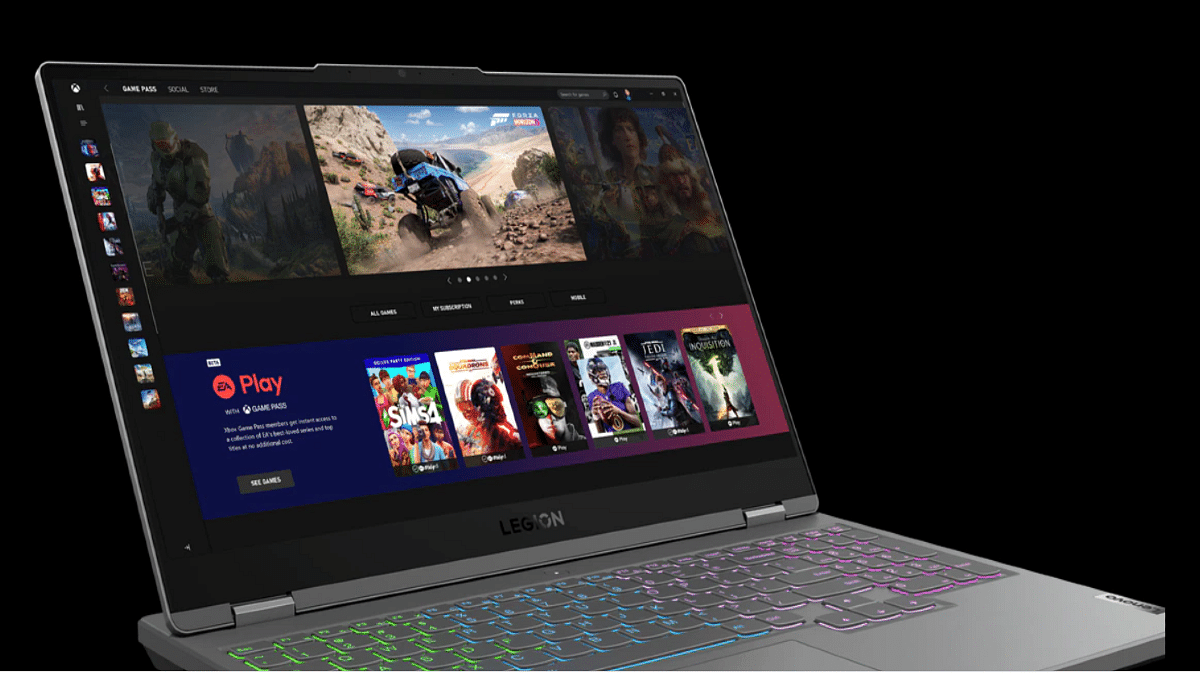
Asus TUF Gaming F15 Vs Lenovo Legion 5i 15-inch Gaming Laptops: Best Option For Gamers?

The laptop industry has grown exponentially in the last decade with the brands integrating the latest hardware and software technologies. Rampant growth has also been recorded with the consumer-oriented budget laptop models from some popular smartphone OEMs. But the major chunk is still dominated by the prime players such as Asus, Acer, Dell, Lenovo, HP, and others. We have just covered the hardware differences between two of the most popular laptops including the Asus Vivobook Pro 14 OLED and the Dell Inspiron 16. Here, we are comparing two of the best gaming laptops that you can buy for under Rs. 80,000 in India. The Asus TUF Gaming F15 and the Lenovo Legion 5i are the models whose spec-sheet comparison you can read below:

Asus TUF Gaming F15 Vs Lenovo Legion 5i 15-inch: Display Comparison

The Asus TUF Gaming F15 laptop is packed with an IPS LCD screen that is 15.6-inch in size. The display on the Asus gaming laptop comes with a 1080 x 1920 pixels screen resolution and has a pixel density of 141 PPI. The screen gets a standard 60Hz refresh rate and comes void of HDR 10 certification. This laptop also has variants with 1920 x 1200 pixels resolution and 144Hz refresh rate and 2560 x 1440 pixels resolution. The prices vary according to the models.

On the other hand, the Lenovo Legion 5i features the same 15.6-inch IPS LCD screen. However, the display specs are slightly better compared to the Asus gaming laptop. While the screen size and panel type remain the same as the Asus TUF Gaming F15 laptop, the refresh rate here is higher at 165Hz. This allows for smoother feedback with the frame transitions during gaming. The Lenovo Legion F15’s display is also HDR certified and has Dolby Vision support.

Asus TUF Gaming F15 Vs Lenovo Legion 5i 15-inch: Processor, Firmware

The Asus TUF Gaming F15 and the Lenovo Legion 5i can be purchased with different configurations and processors. The Asus TUF 15 comes with Intel Core i5 12450H, Core i5 12500H, and Core i7 12700H processor options. The octa-core processor on this laptop is integrated with the Intel Iris Xe graphics card. The RAM option for the Asus gaming laptop is 8GB, 16GB, and 32GB, whereas the storage options are 512GB and 1TB.

It also has support for NVIDIA GeForce RTX300 series GPUs.  The Lenovo Legion 5i also comes with an Intel Core i5 (11260H/11400H) chipset. It can also be purchased with Intel Core i7 (1180H) and Core i9 11900H chipset. This laptop has integrated Intel UHD Graphics along with NVIDIA GeForce RTX 3000 series GPUs.

The RAM capacity you can select on this Lenovo gaming laptop is 16GB, 32GB, and 64GB, whereas, the storage capacity is 512GB, 1TB, and 2TB. Both laptops are well equipped to handle high-end games and deliver a premium experience during general usage as well as gaming.

Asus TUF Gaming F15 Vs Lenovo Legion 5i: Connectivity, Battery

The Asus TUF Gaming F15 laptop is packed with three USB Type-A ports, one USB 4.0 Type-C port, one Thunderbolt 4 port, and one HDMI 2.0 port. The Lenovo Legion 5i features three USB 3.2 Type-A ports, three USB Type-C ports, one Thunderbolt 4 port, and one HDMI 2.0 port. The battery capacity of the Lenovo Legion 5i laptop is 80Wh. It is a Li-Po battery that is aided by fast charging technology. Asus, on the other hand, offers the TUF 15 Gaming laptop with 48Wh and 90Wh battery capacities along with fast charging support.  

Categories
Featured How To TV

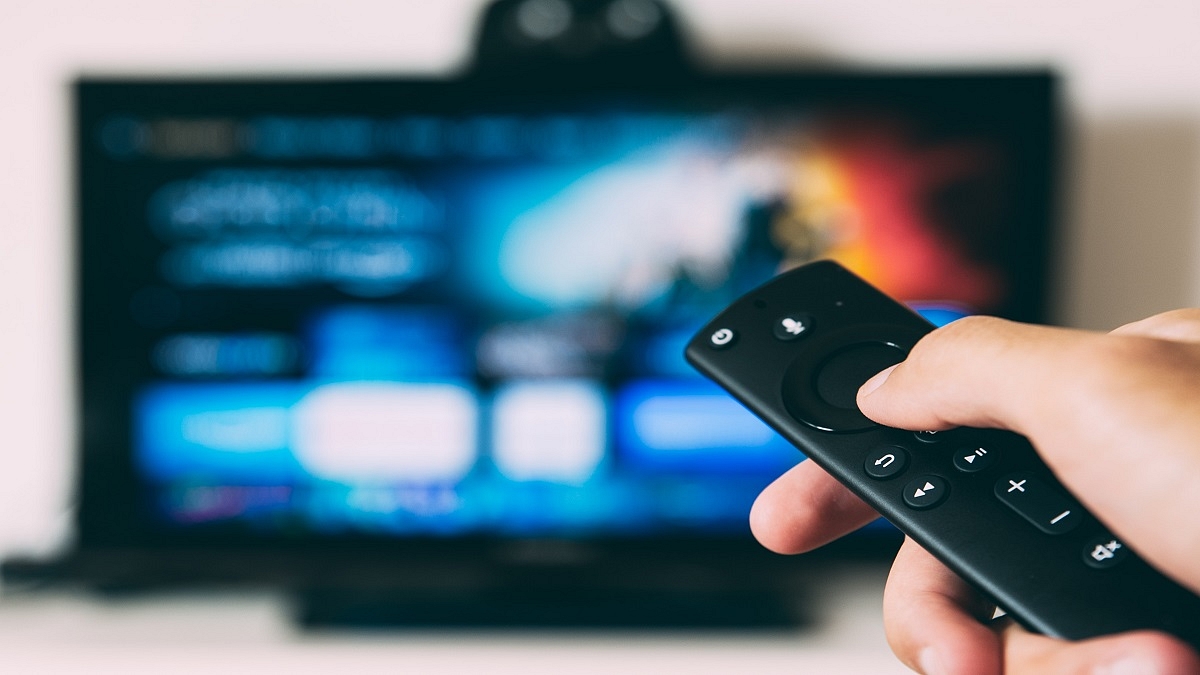
Use Your Smartphone As A Smart TV Remote: Here’s How

Key Highlights

  • Juggling multiple remotes is frustrating
  • Use your phone to control your smart TV
  • Phones with IR blasters control various devices

Are you ready to binge-watch your favorite TV shows? Now imagine all the remotes that currently reside on the coffee table. One for the cable, DVD player, video game console, or television. Additionally, there must have been times when you couldn’t find the remote or its battery died. It’s annoying, isn’t it?

Gratefully, smart as they are, Android smart TVs can also be controlled by Android phones and even iPhones. Users of smartphones with IR blasters can download TV remote apps to operate not just their smart TVs but also set-top boxes, cable TV boxes, DVD players, Blu-ray players, stereo equipment, projectors, air conditioning systems, cameras, and other devices that receive IR signals or light beams.

According to the Google blog page, here’s how you can use your smartphone as a remote for your smart TV.

How To Control Smart TV With Your Android Smartphone?

Step 1: On your mobile phone, download the Android TV Remote Control app from the Google Play Store.

Step 2: Connect your Android phone and smart TV to the same Wi-Fi network.

Step 3: Open the smart TV Remote Control app on your phone and tap the name of your smart TV.

Step 4: A PIN will appear on your smart TV screen.

Step 5: Enter the PIN on your phone. Click on pair to connect both devices.

How To Control Smart TV With Your iPhone?

Step 1: Download the ‘Smart TV Remote’ app from the App Store to your iPhone.

Step 2: Your phone and smart TV should be connected to the same Wi-Fi network.

Step 3: On your phone, open the Smart TV Remote Control app.

Step 4: To access your smart TV, tap its name.

Step 5: Your smart TV’s screen will display a PIN.

Step 6: On your phone, enter the PIN that is displayed on your TV.

Step 7: To link the two devices, tap pair.

Once paired, users can turn their TV on or off with the remote. They can easily use their mobile phone to view the same menu that is available on the remote control.

For the tech geeks, stay updated with the latest cutting-edge gadgets in the market, exclusive tech updates, gadget reviews, and more right on your phone’s screen. Join Giznext’s WhatsApp channel and receive the industry-first tech updates.