Categories
Featured Laptop Reviews

ASUS ZenBook S 14 OLED Laptop Review: Efficient Productive Notebook

Asus surely has pioneered all the tech with portable notebooks and laptops and have been designing some of the powerful computing devices for all segments. For every user category be it professionals, gamers, or even students, the company has a dedicated series handling all demanding tasks as directed. A new offering that comes as an all-in-one package for creators and productive masses is the ZenBook S 14 OLED (UX5406S). Priced starting at Rs. 1.34 lakh, the ZenBook S 14 OLED stands out as a Copilot+AI powered laptop topped up with ultra-premium features such as K 120 Hz ASUS Lumina OLED touch display, all-metal ceramic-infused sleek body, latest Intel Core Ultra 7 258V chipset, and more.

For the tech geeks, stay updated with the latest cutting-edge gadgets in the market, exclusive tech updates, gadget reviews, and more right on your phone’s screen. Join Giznext’s WhatsApp channel and receive the industry-first tech updates.

Also Read: Asus ZenBook S13 OLED Laptop Review: A Compact Beast Machine!

Pros And Cons

Pros Cons
1. Ultra slim lightweight design 1. Keyboard offers average key travel distance
2. Large and vivid OLED panel with 3K resolution and 120Hz refresh rate2. Outdoor screen visibility is lower
3. Loud and clear audio output3. Multi-core performance could have been better
4. Solid battery backup even with extensive usage

Asus ZenBook S 14 OLED Design Review: Ultra-Slim, Sturdy
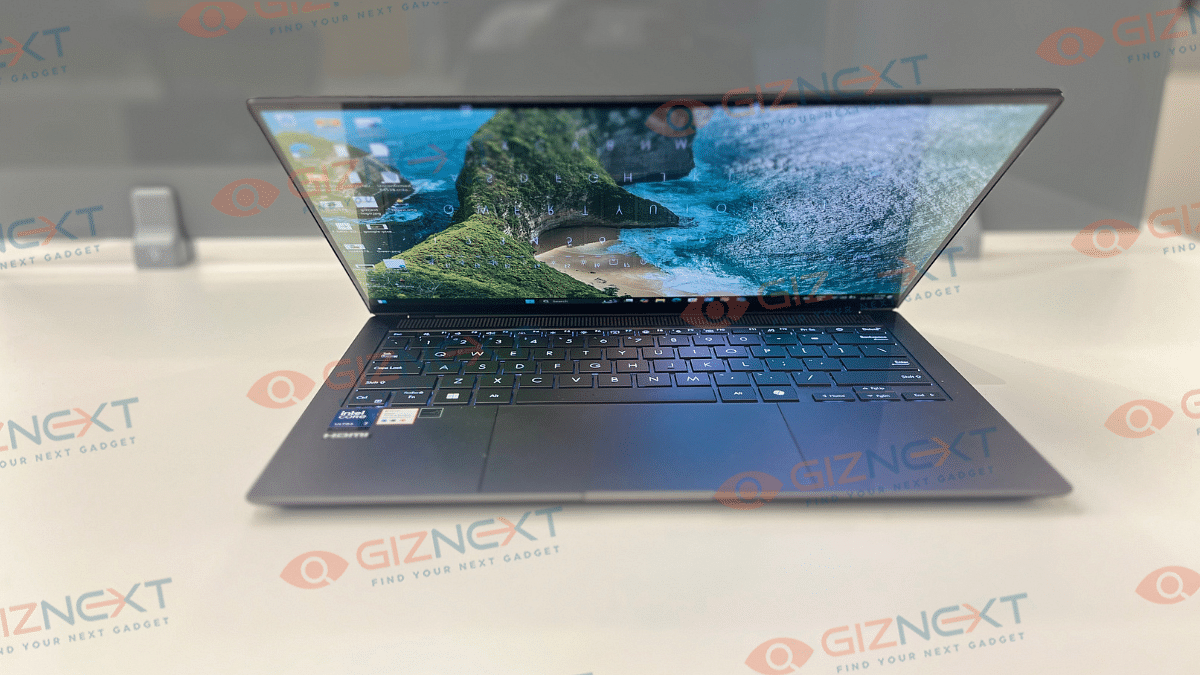
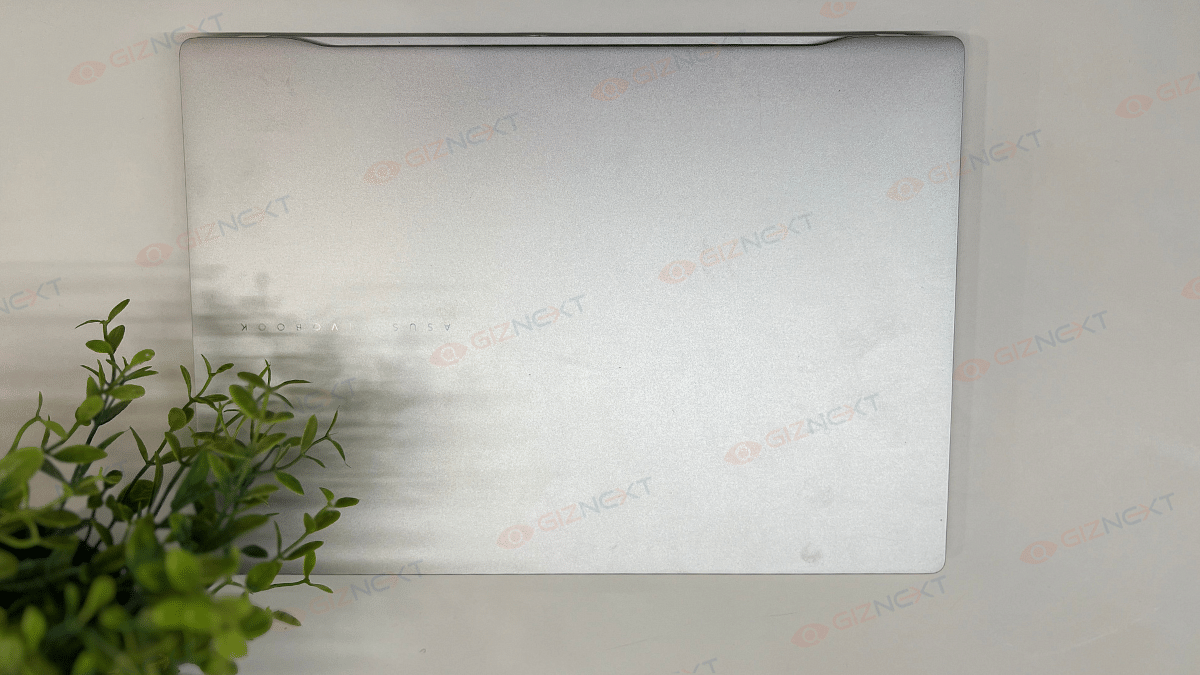
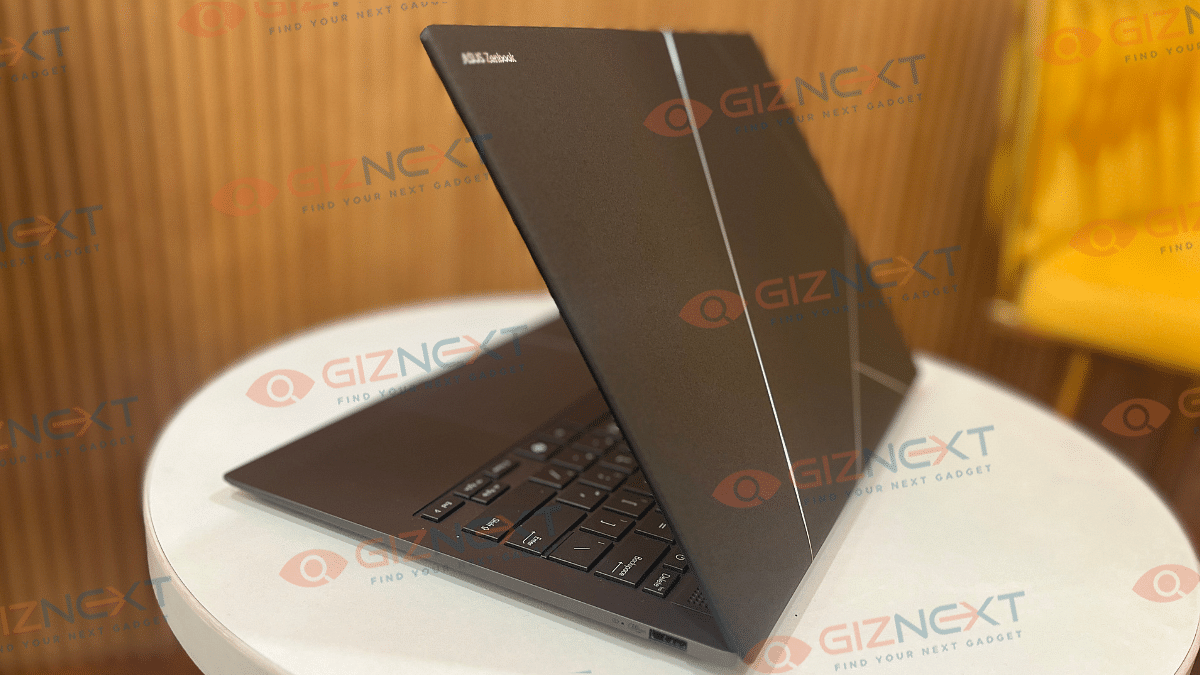
At the first look, you might find the ZenBook S 14 OLED wearing a familiar attire. While it resembles closely to its predecessor, the ZenBook S 13 OLED, it’s Ceraluminum construction (ceramic aluminum) combined with CNC etched silver geometric design on the lid adds to its luxurious appeal. This design stands out in a way that you won’t need additional skins which is the case with usual boring solid laptop lids. Besides, this material isn’t prone to pick up fingerprints or smudges which makes it ideal for extensive daily usage.

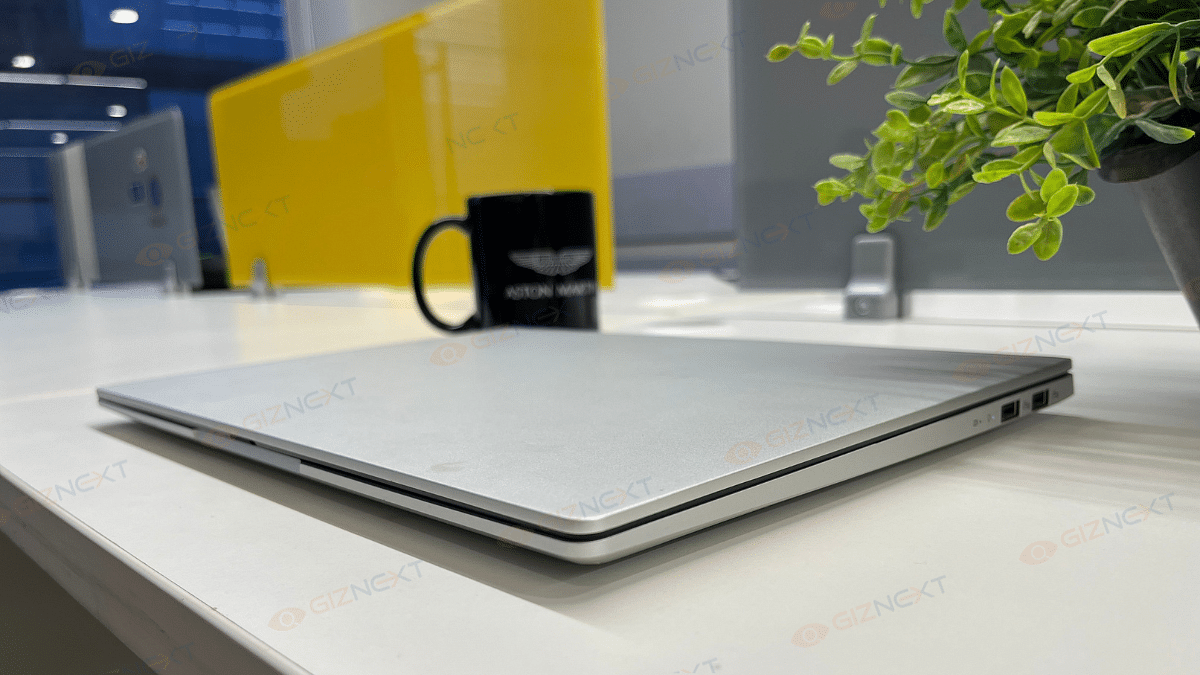
And it’s not just the good looks where the ZenBook S 14 OLED’s design stands out. The ultra slim profile of this notebook where the 1.2cm thickness along with just 1.2 kg of weight makes it portable too. Asus has used an all-metal construction for the rest of the ZenBook S 14 OLED which combined with the US MIL-STD 810H certification makes it rugged and durable. This notebook’s hinge is designed to operate smoothly and you wouldn’t find it wobbly at any point. But unlike the S 13 OLED which came with a 180° folding hinge, this one doesn’t lay flat on the table.

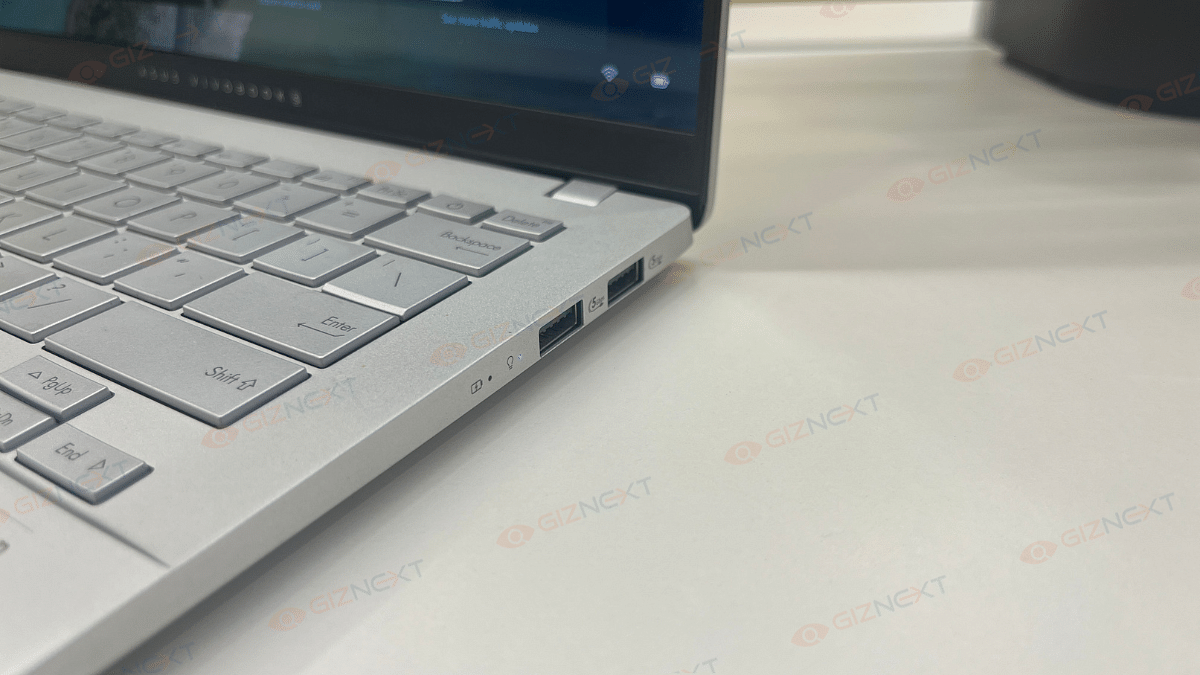
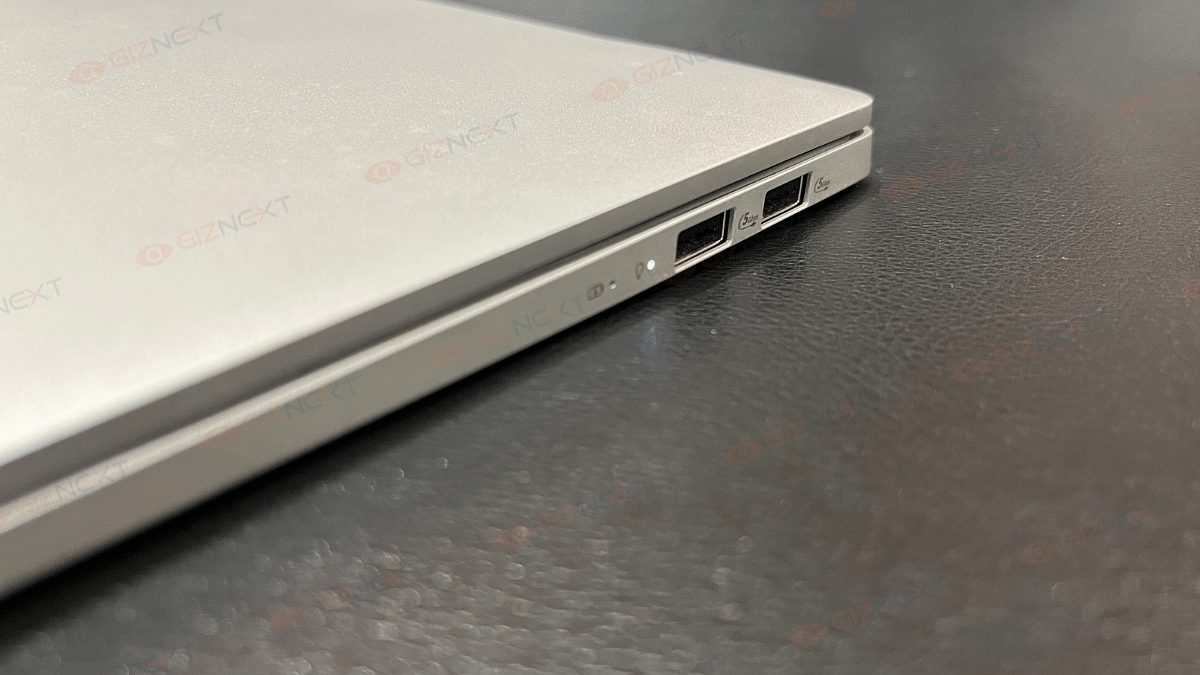
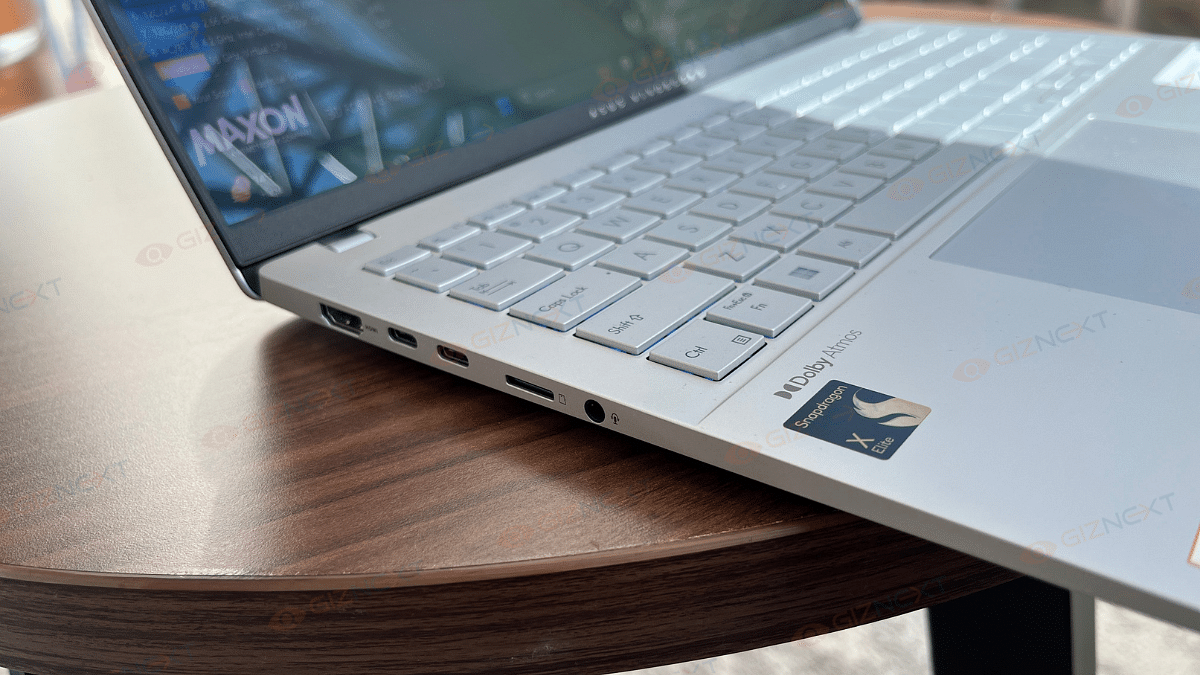
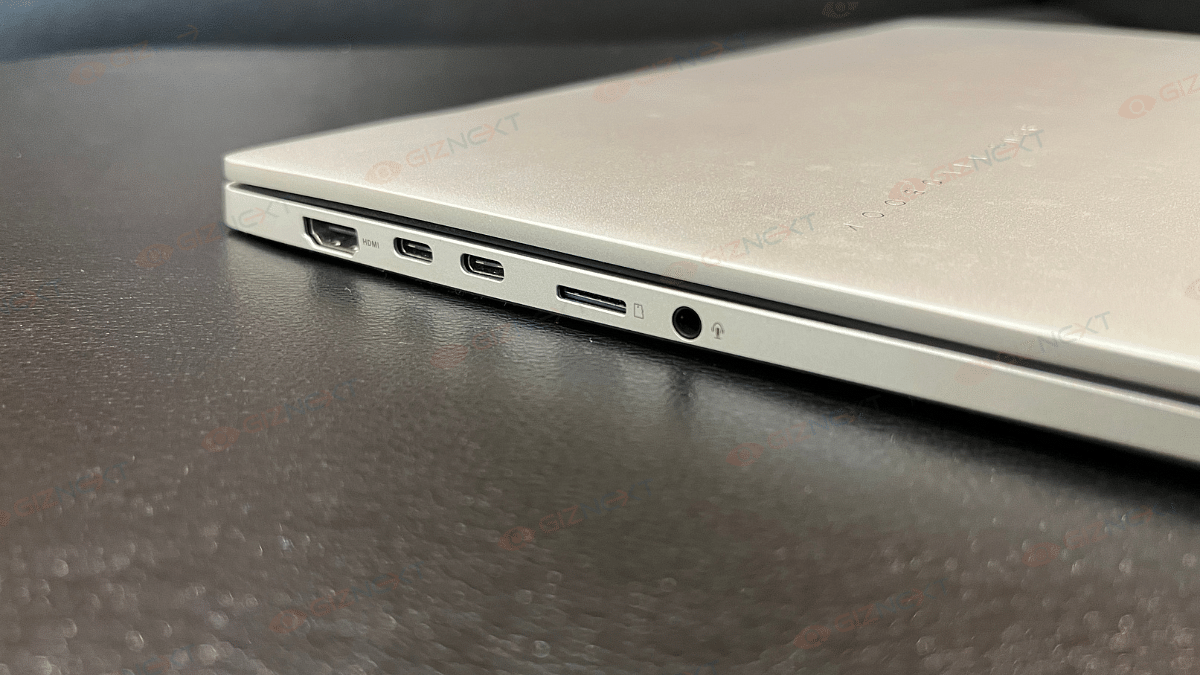
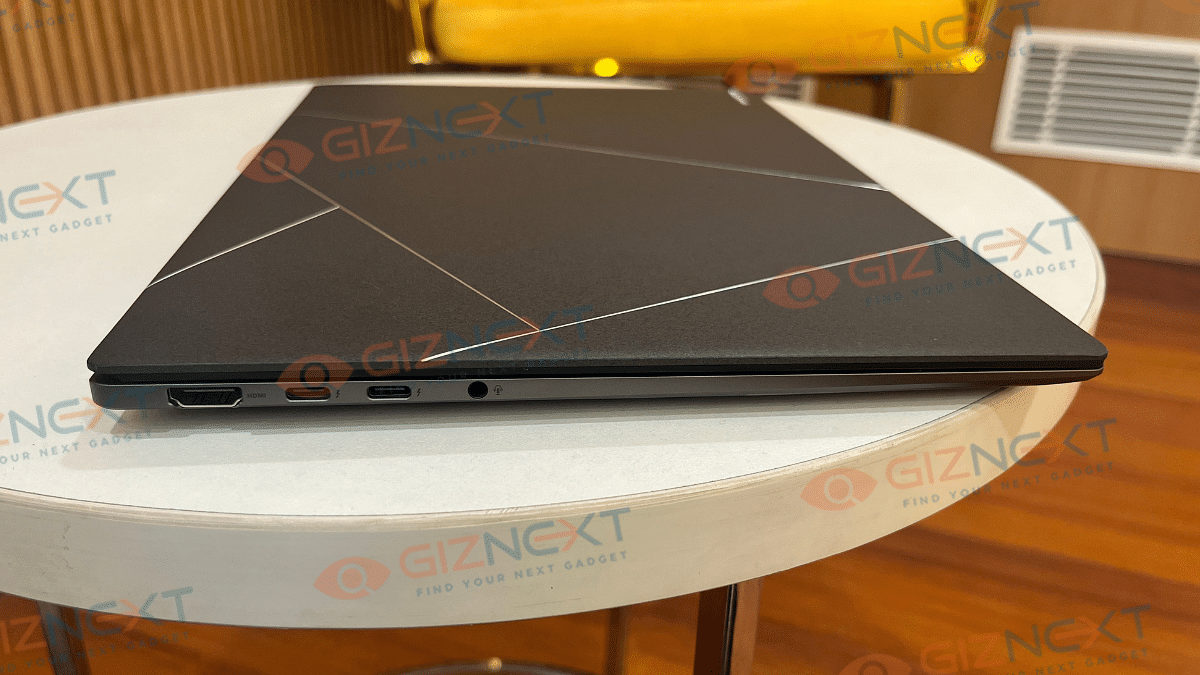
Moving on to the ports and keys selection, the ZenBook S14 OLED comes with one HDMI 2.1 port, two USB Type-C port, one USB Type-A port, and one 3.5mm audio jack. All the ports and keys are neatly distributed across the side and rear panel keeping the overall design minimalistic and clean.

Also Read: Asus Vivobook S15 OLED Review: Stylish Performer Or Overpriced Ultrabook?

Asus ZenBook S 14 OLED Keyboard And Trackpad User Experience
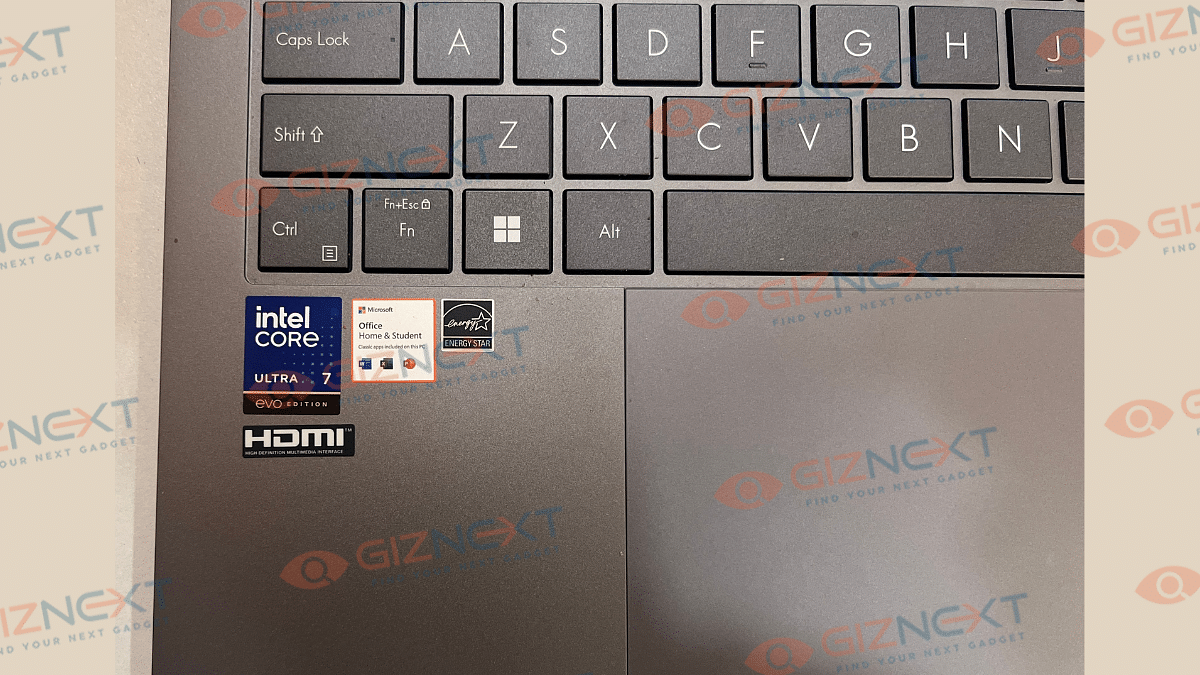
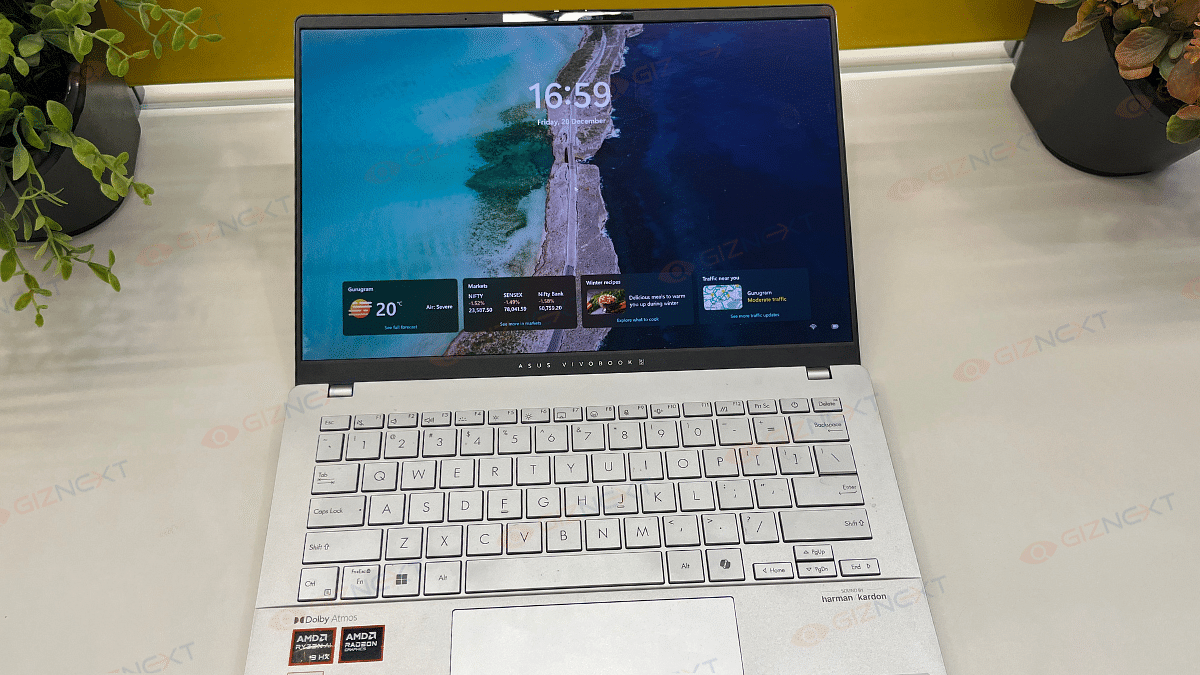
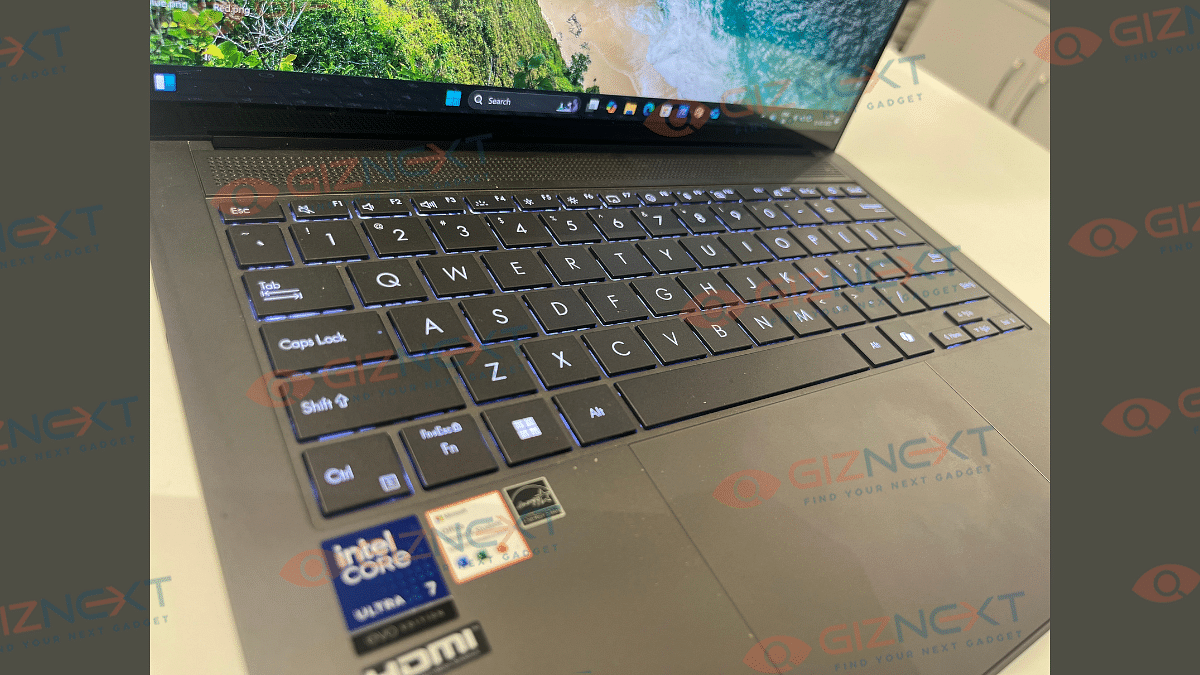
Asus ZenBook S 14 OLED’s keyboard is smooth with the clicks being nimble in operations. While the chiclet keyboard is good to use, an improved key travel would have made it much better. It’s only the slightly lower key cap distance which makes the user experience average. However, we still are impressed how Asus managed to fit this functional keyboard with dedicated Copilot key into an ultra-slim laptop chasis. The keyboard is backlit which allows you to continue with typing in dark light settings.

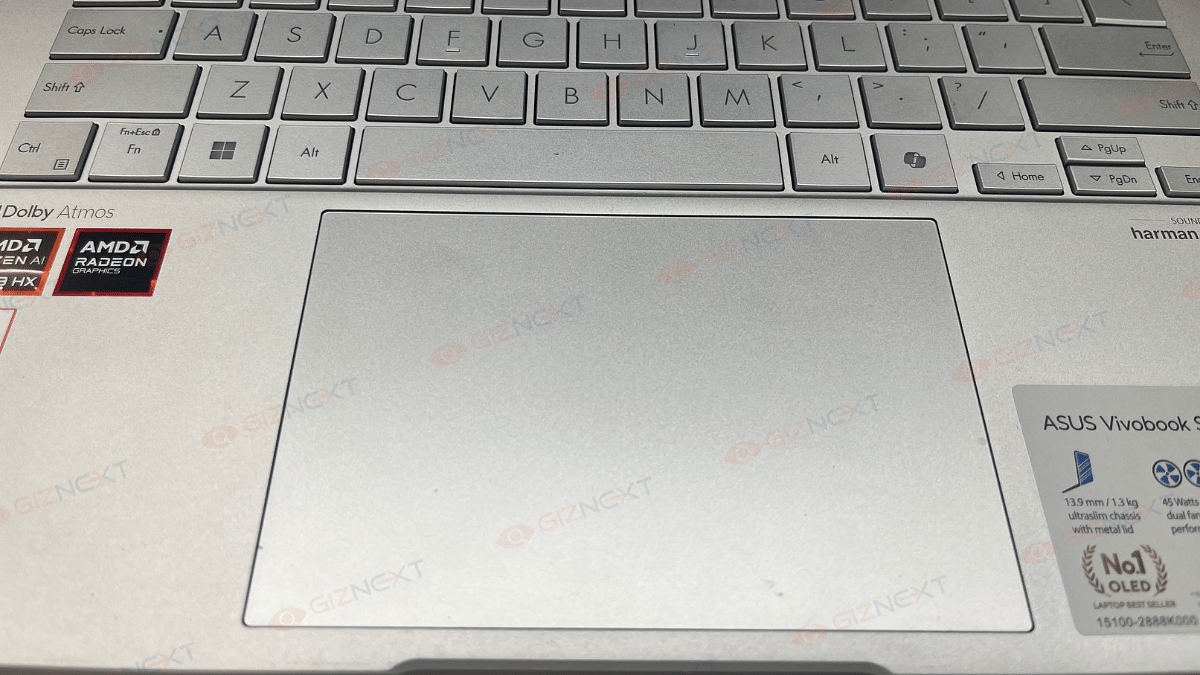
Coming to the touchpad, the ZenBook S14 OLED integrates a smooth touchpad. It is fast and accurate and also comes with multi-gesture support. You can configure the touchpad settings as well instead of using the default window settings.

Also Read: Oppo Find X8 Pro Review: The King Of Smartphone Zoom And Portraits

Asus ZenBook S 14 OLED Display Review
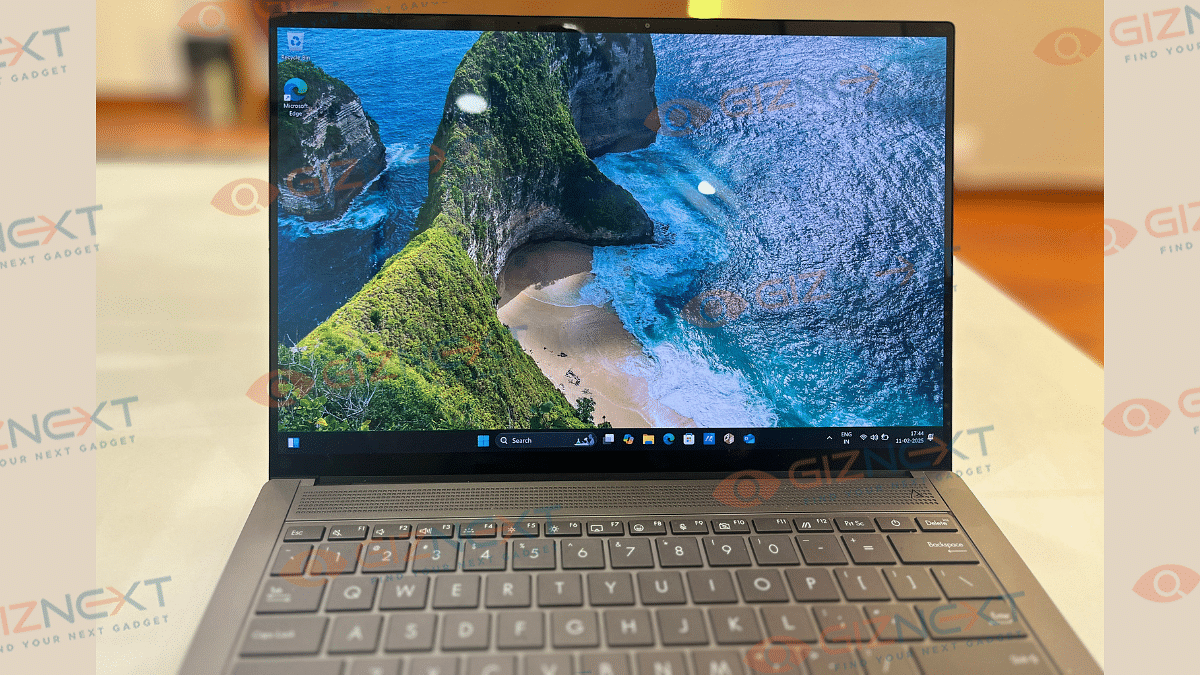
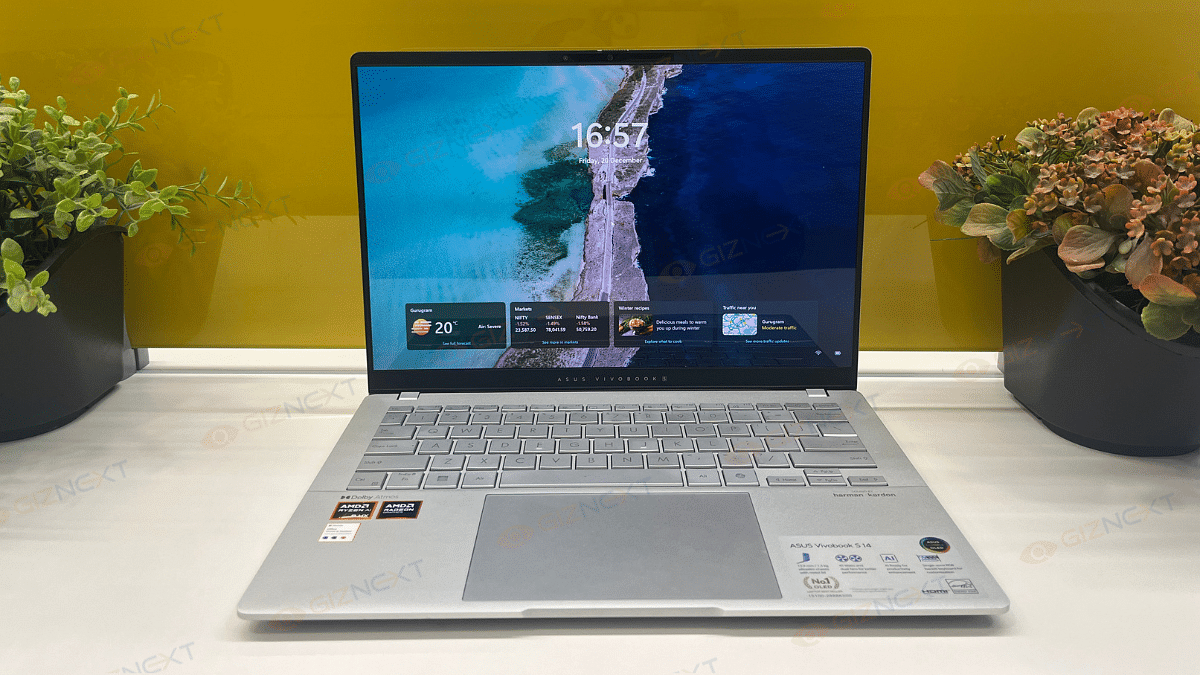
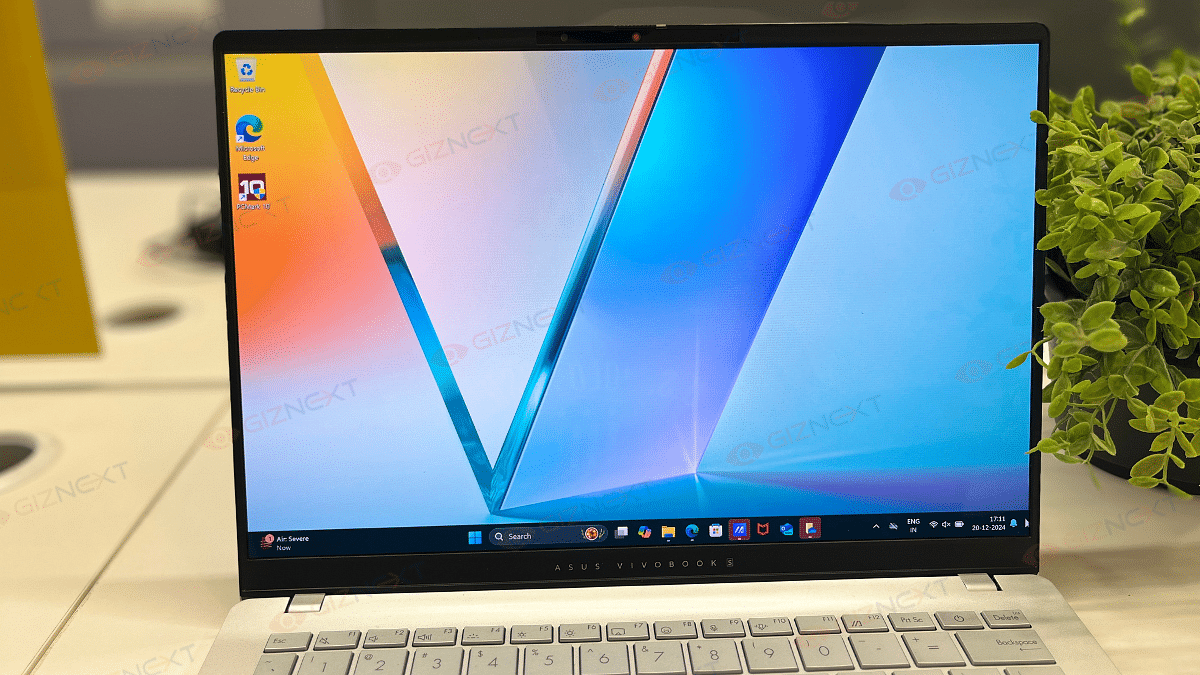
Asus ZenBook S 14 OLED as the name hints packs a 14-inch screen. The OLED panel comes with both touch and non-touch options. Our review unit comes with touchscreen compatibility which is fun to use. The touch response is smooth and accurate. But the use case scenarios might vary considering the overall laptop design is conventional and creative designing could be a task.

That said, the OLED panel supporting 3k resolution of 2880 x 1800 pixels is genuinely vibrant. It produces real-life like colors with 100 percent DCI-P3 color gamut coverage and Pantone Validation. With the 120Hz refresh rate the frame transitions are smooth too and you won’t notice any screen lags while playing graphic-extensive games.

The S 14 OLED’s display comes with 500 nits rated peak brightness which we found to be decent for indoor usage. But the brightness levels might not suffice for outdoor usage and you’ll probably struggle viewing content. Dolby Vision and HDR compatibility refines the overall screen output and you’ll enjoy video streaming online.

Also Read: iQOO 13 Review: A Flagship Smartphone Built For Speed And Power

Asus ZenBook S 14 OLED: Performance Handling, Benchmark Scores
Asus ZenBook S 14 OLED has the powerful Intel Core Ultra 7 258V chipset under its hood. And as you would expect with a top-end Asus notebook, it delivers an exceptional performance even if you through some complicated tasks at it. The integrated LPDDR5X RAM of up to 32GB into the SoC allows enhanced multitasking speeds with its improved CPU, NPU, and GPU simultaneous communications. It has the Intel Arc GPU and comes with up to 1TV M.2 NVMe onboard storage. You can easily toggle between the Balanced and Full Performance modes from the Settings which not only will help with the optimized battery usage but also improve the performance as required.

You will find this notebook perform basic tasks quickly with no lags. And it doesn’t disappoint while handling complicated and extensive tasks. While you get the best-in-class experience with basic software usage and web browsing etc., it operates smoothly with heavy apps as well as games. Thankfully, enabling Full Performance mode when the notebook is plugged in to the charger is an option. You can easily install an play some of the best gaming titles and can see this notebook unleash its potential there. At some point you might listen the fan running at top speed to lower down the device thermals. This is only when the usage is heavy and the laptop’s plugged in to a charger.

We also ran some benchmark tests on the ZenBook S 14 OLED to asses its performance metrics. Starting with the PC Mark benchmark test, this ultra-slim notebook logged a total of 6021 points. Remaining breakup of the test results are below:

PC Mark Total Score: 6021 points

Essentials: 8036 points

Productivity- 8786 points

Digital Content Creation: 8118 points
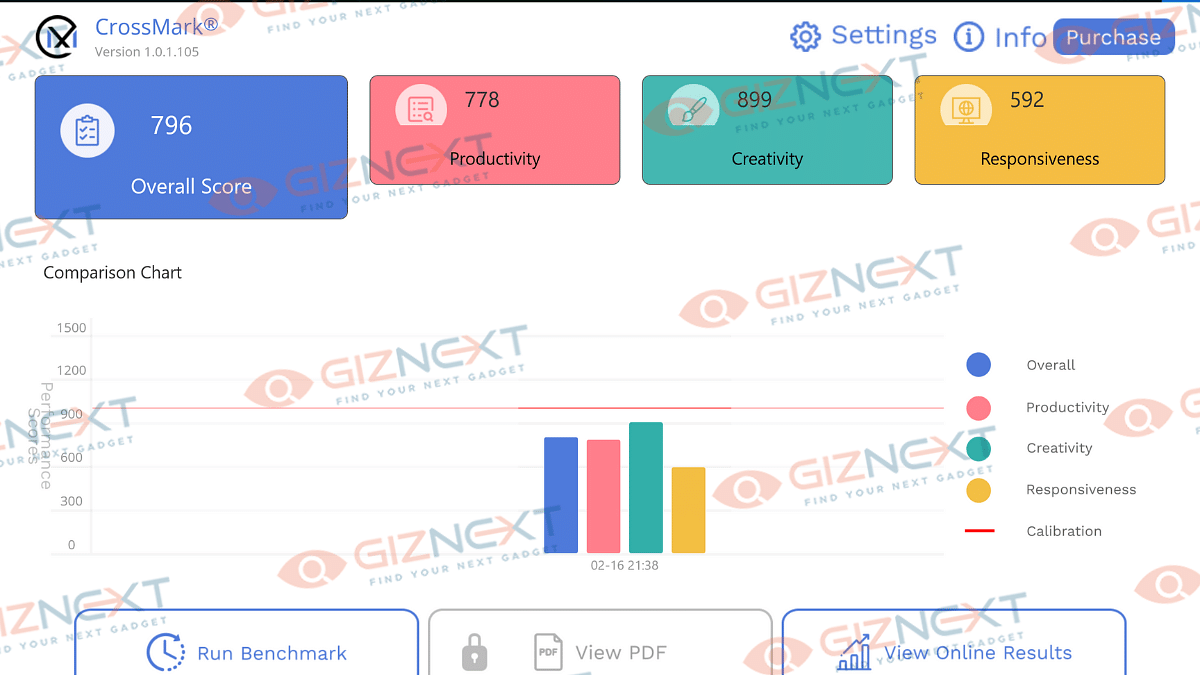
In the CrossMark benchmark test, the ZenBook S 14 OLED logged an overall score of 796 points and performed fairly well in productivity, creativity, and responsiveness measures.

CrossMark Overall Score: 796 points

Productivity: 778 points

Creativity: 899 points

Responsiveness: 592 points

Also Read: Realme 14 Pro Plus Review: Redefining Midrange Smartphone Luxury?

Asus ZenBook S 14 OLED: Battery Backup
Intel chipset-backed laptops are well known for their performance handling but battery backup has been a slight challenge. Seems like, Asus has cracked the code here and used a larger 72 kWh battery to drive the ZenBook S 14 OLED notebook. With general and basic usage, this laptop lasts easily between 10- 12 hours without the requirement of a second plug-in. But extensive software applications and games can drop down the backup significantly. Asus ships a 65W fast charger with the ZenBook S 14 OLED. This charger quickly refuels the notebook and adds charge from 20- 80 percent in less than an hour. This makes it handy for travel.

Also Read: Realme P3 Pro 5G Review: An All-Rounder Under Rs. 25,000?

Giznext Verdict
Asus has once again set up a new benchmark in the ultra-notebook segment with the ZenBook S 14 OLED. This laptop ticks most the boxes and emerges to be a potent option for the productive and creative masses. It’s new-age processor combined with vibrant display, Copilot AI, and a powerful battery pack which gives it an edge. Besides, you can’t really overlook its ultra-slim design which is also durable and rugged at the same time.
Categories
Featured Mobile Reviews

Realme P3 Pro 5G Review: An All-Rounder Under Rs. 25,000?

Pros

  • Premium design language combined with slim form factor
  • Can handle extensive games and multitasking smoothly
  • Offers long-lasting battery backup
  • Quick battery refuel time
  • Vibrant and clear visuals on the quad-curved display

Cons

  • Average camera performance in low light
  • Bokeh shots could have been better
  • Comes void of dedicated ultrawide and macro lens

Realme has been quite aggressive with smartphone launches in India. It’s one of those brands which refreshes its lineups within a few months. After the 14 Pro, the company has now refreshed the P series with the P3 lineup. This new series comes within just five months later the P2 series comprising two models — the P3X and the P3 Pro 5G. The latter stopped by Giznext where we got a chance to fiddle around with it testing its real life performance. What makes the Realme P3 Pro 5G stands out in it league and how well do we think it will survive the competition? Read on to find out:

For the tech geeks, stay updated with the latest cutting-edge gadgets in the market, exclusive tech updates, gadget reviews, and more right on your phone’s screen. Join Giznext’s WhatsApp channel and receive the industry-first tech update.

Also Read: iQOO 13 Review: A Flagship Smartphone Built For Speed And Power

Realme P3 Pro 5G: Variants And Price

Realme P3 Pro 5G RAMStorage Price
Base model8GB128GBRs. 23,999
Mid-tier model8GB128GBRs. 24,999
Top model12GB128GBRs. 26,999
Realme P3 Pro 5G Variant-Wise Price

Also Read: Realme 14 Pro Plus Review: Redefining Midrange Smartphone Luxury?

Realme P3 Pro Box Content

  • Realme P3 Pro main unit (Galaxy Purple)
  • Back Cover
  • Sim Ejector Tool
  • User Manual Guide
  • Power Adapter
  • USB Tupe-C Cable

Also Read: Oppo Find X8 Pro Review: The King Of Smartphone Zoom And Portraits

Realme P3 Pro 5G Design Review

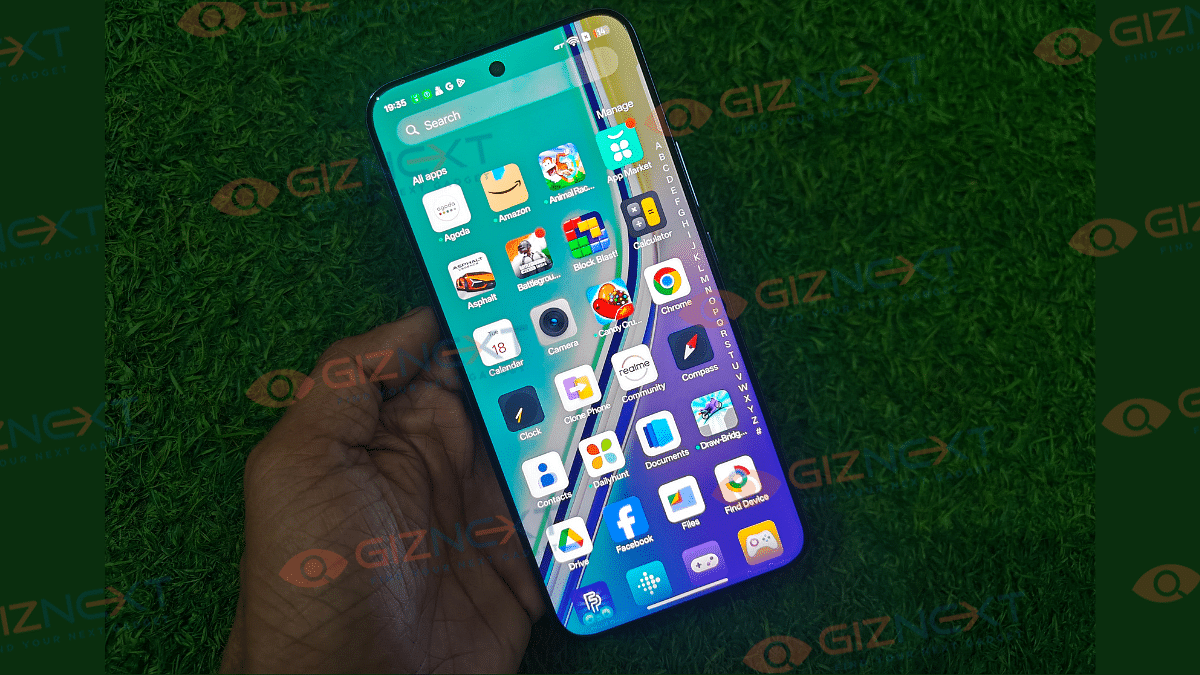
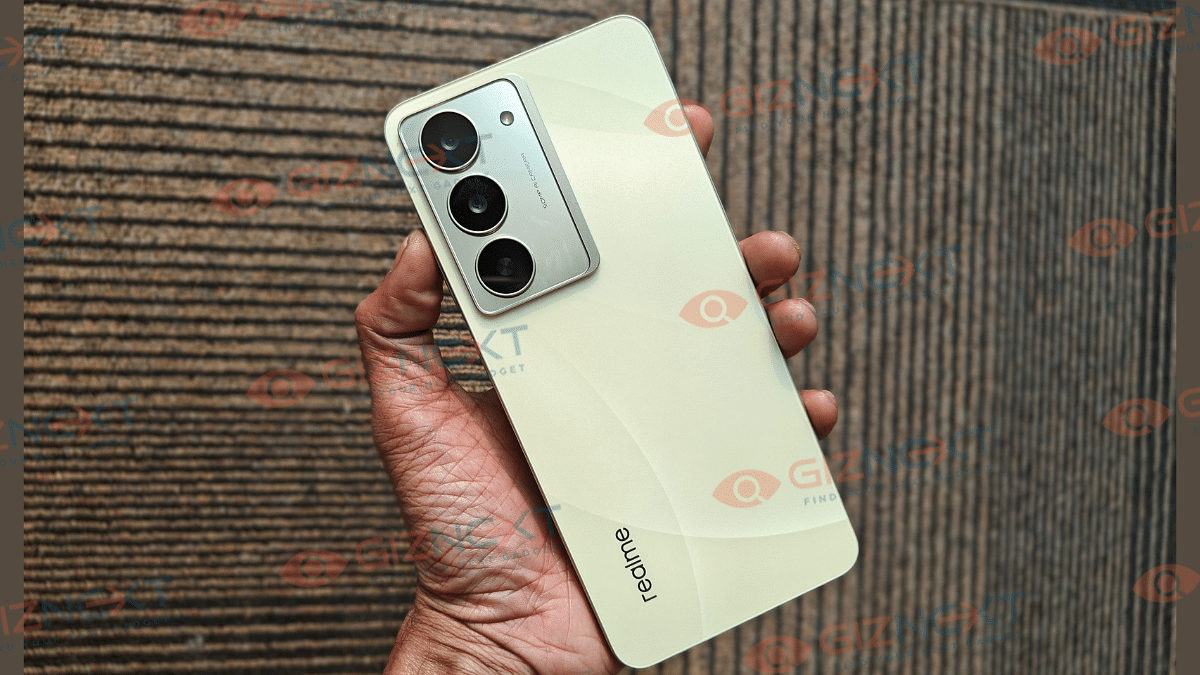
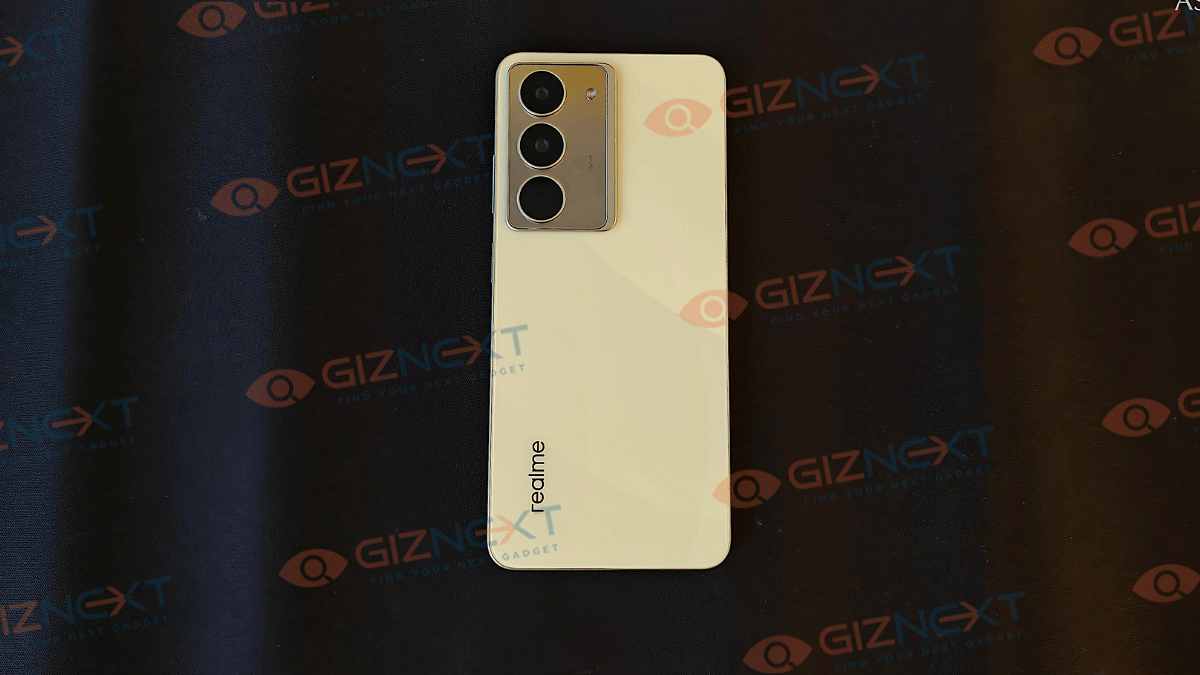
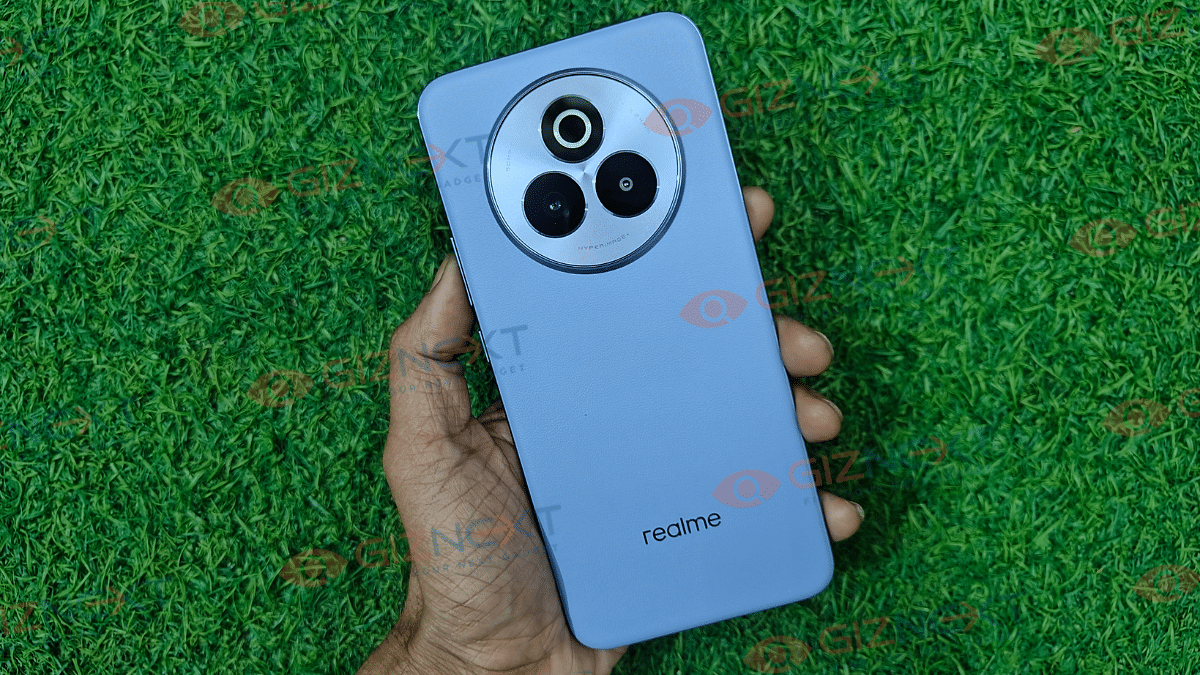
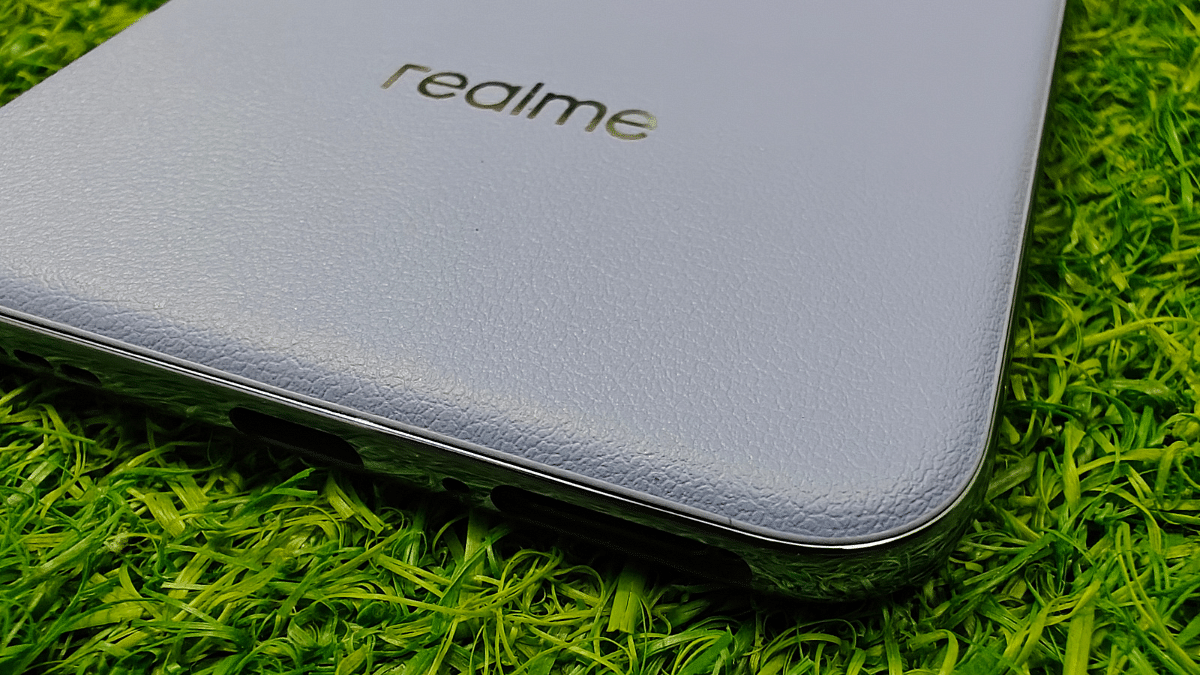
Realme P3 Pro 5G takes a slightly different approach in terms of looks than its precursor. It seems to be rather taking cues from the number series leaning towards premium aesthetics. The Galaxy Purple shade that we received is one of the Vegan Leather finish variants that feels all luxurious to touch. In fact, it doesn’t feel slippery even without the case. This considering it gets a slimmer profile which is prone to slipping gets it extra pointers for the design.

At 7.99 mm thickness, the P3 Pro 5G is definitely easy to hold and use. Single hand operations isn’t tricky too unless it’s hardcore gaming or some creative task that needs to be done. That said, other color variants such as the Nebula Green stands out with its “glow-in-dark” back panel design. So not just color option, Realme P3 Pro 5G also brings along texture options adding to its design versatility.

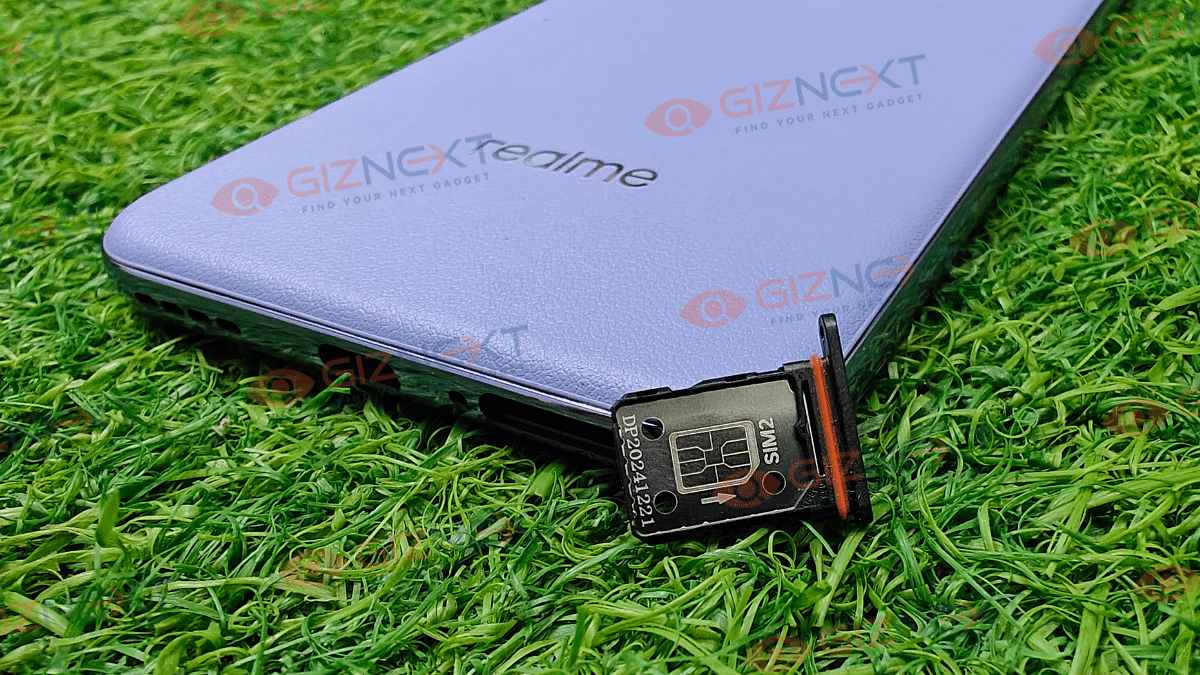
Cameral island’s design has ben reworked and now a protruding circular module at the centre top takes the spot. Power and the volume keys get the usual right panel mounting. Same goes for the USB Type-C port, SIM tray, and the speaker grille which are placed at the bottom.

Up front, the design is neat where the quad-curved display sports a tiny punch hole for the selfie snapper. The P3 Pro gets all the ergonomics and becomes all practical with the IP66/IP68/IP69 rating that adds up to the durability.

Also Read: Asus Vivobook S 14 OLED Review: Slim, Smart, And Ready To Perform

Realme P3 Pro 5G Camera Review

The round camera island of the P3 Pro 5G at the rear accommodates a 50MP Sony IMX896 lens which supports OIS and has an f/1.88 aperture. Accompanying it is a dedicated depth lens of 2MP which comes with an f/2.4 aperture.

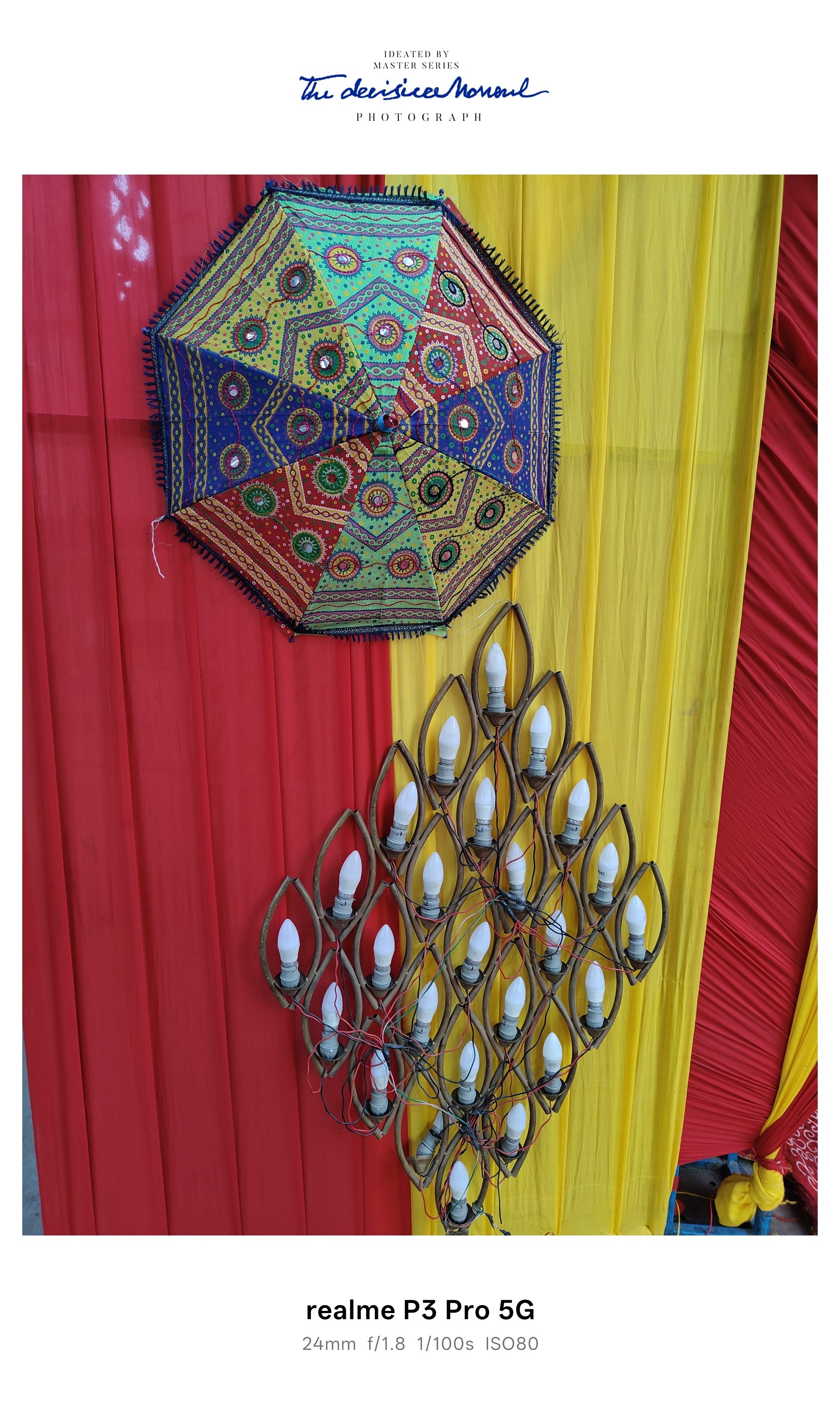
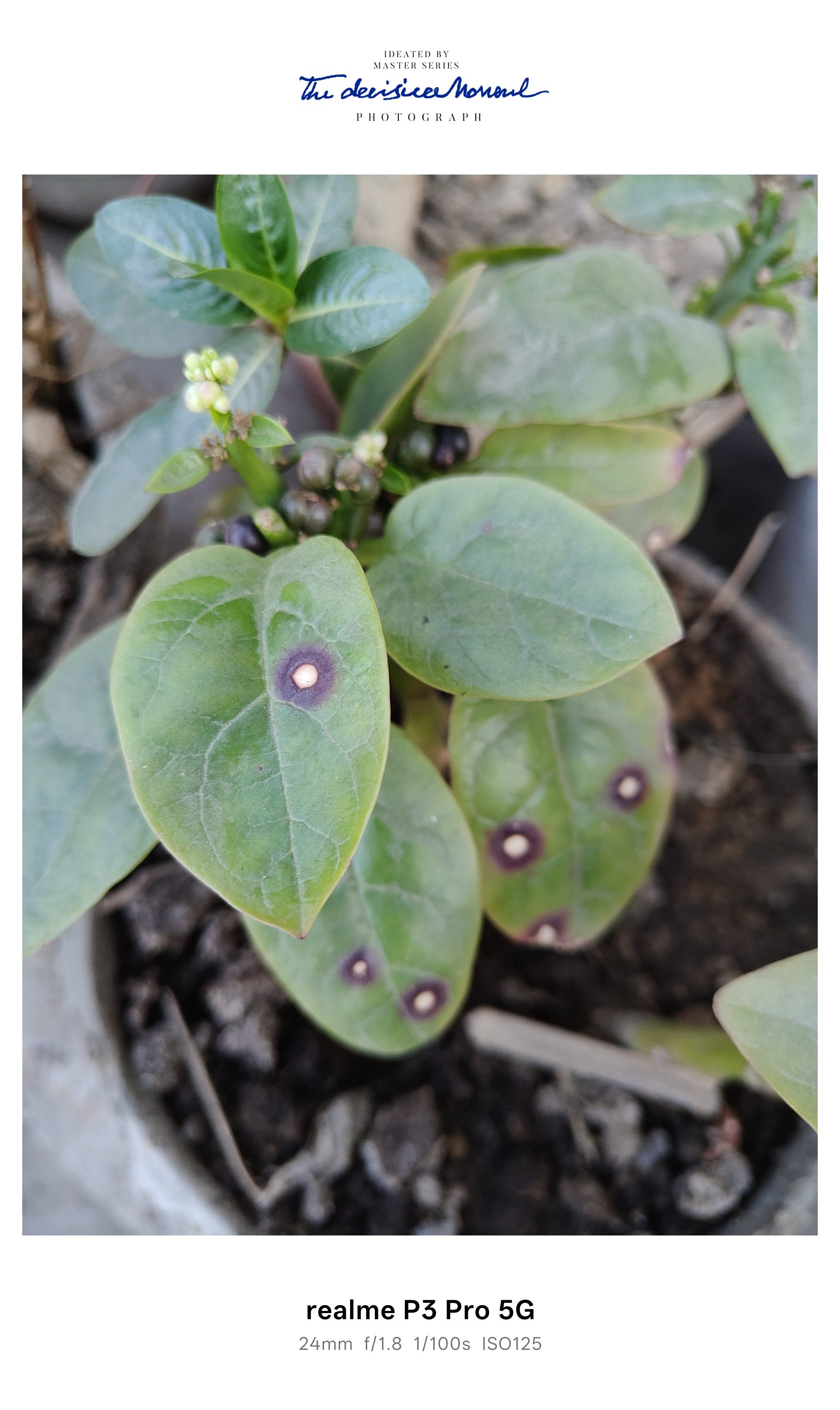
If we speak of the overall package, camera might not be its forte but the combined dual lens setup is decent in terms of photography. You will like the camera’s versatility though. Capturing stills when background is well lit will get you some good results.

Clarity levels are decent where the primary Sony sensor comes in play. But we also noticed some of the images getting oversaturated; specifically in pictures with vibrant colors. The texture layout seems grainy in a few clicks which makes the overall experience average.

With the HDR enabled, the images are captured with a better dynamic range with visible reduction in noise. Edge detection is decent which we believe could have been better. Bokeh effects fair well when clicked using the dedicated Portrait mode.

However, there is some room for refinements here too. The output could have been better considering the price segment and the rivals it’s going up against.

Selfie game is on point and you would be impressed with the overall quality the 16MP front snapper captures. You can use the built-in filters and modes to further customize your self portraits.

Also Read: Vivo T3 Ultra 5G Full Review

Realme P3 Pro 5G Performance Review

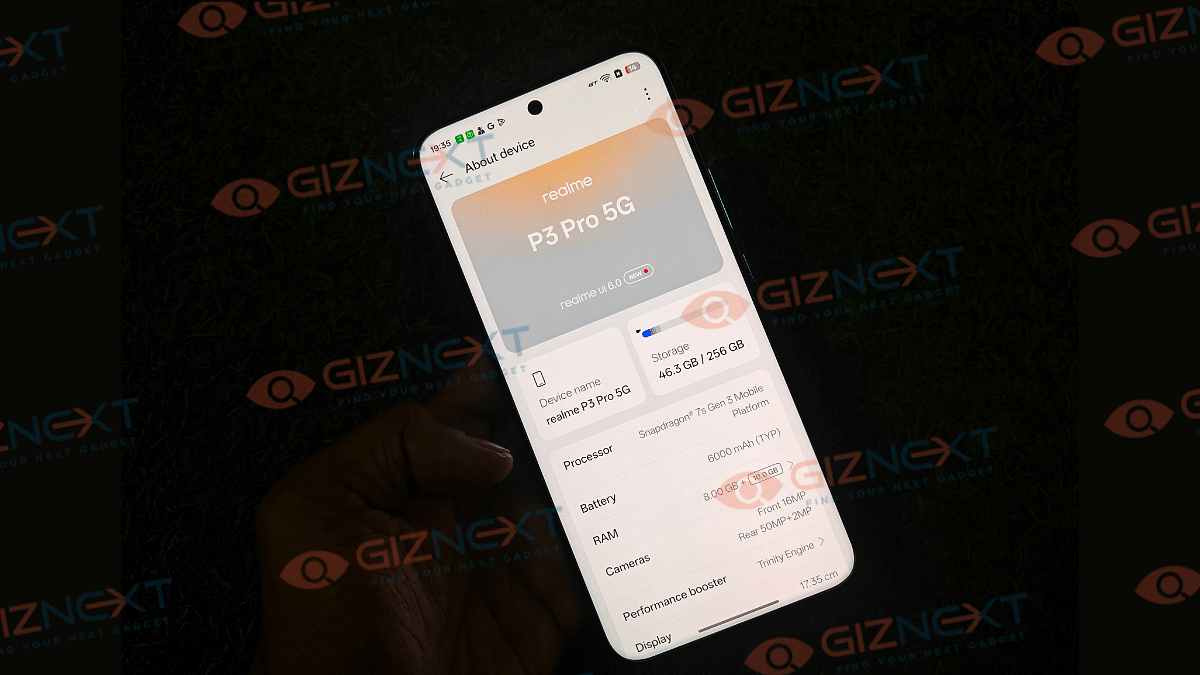
Realme is betting the entire game on the P3 Pro 5G’s performance. It gets the Snapdragon 7s gen 3 chipset under the hood which is accompanied by 8GB/ 12GB RAM options. Storage options that you can choose from are 12GB, 256GB, and 512GB.

This solid configuration enables the P3 Pro 5G to handle demanding tasks and graphic-intensive games without breaking much sweat. Speaking of which, you can tune on to high-res settings in BGMI and other such FPS games. The experience is lag free overall with minimal frame drops on the screen. Multitasking is decent too, no struggle it shows while toggling between different apps. There are slight warm up issues though which is restricted to heavy gameplay going on for hours.

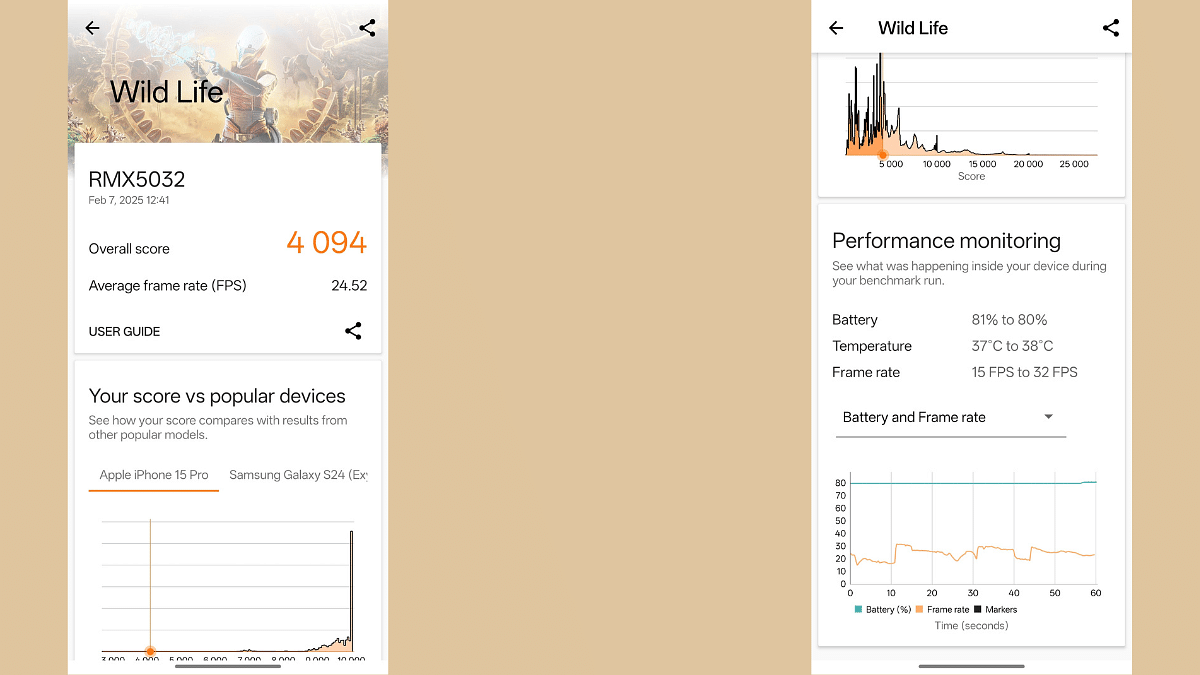
We also performed some benchmark tests on the P3 Pro 5G. IN the 3D Mark Wildlife test, it achieved a score of 4094 points in the performance monitoring test. In the Geekbench CPU Single-Core and Multi-Core tests, the Realme P3 Pro shines with 1163 and 3193 points respectively.

Also Read: Realme Narzo 70 Pro Review In Five Points

Realme P3 Pro 5G Review: Software And Battery

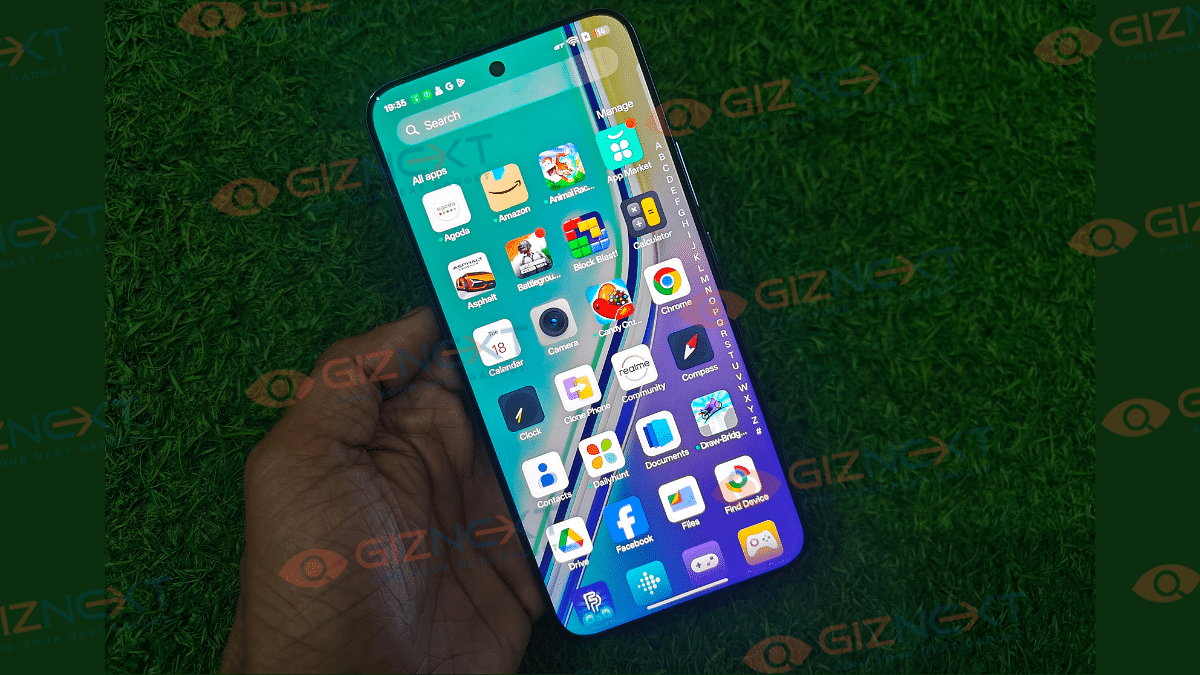
Realme P3 Pro utilizes the latest firmware, i.e., Android 15 OS topped with Realme UI 6.0 skin. Realme’s custom skin does come with multiple pre-installed third party apps. That’s what you see on most of the latest Realme handsets. There are several of user-friendly features which make the UI experience better.

Coming to the battery life, a 6,000 mAh fitted inside this slim package drives all the lights. The handset packs ample fuel that drives it for more than a day with just a single charge. While playing HD videos on loop and occasional web browsing and gaming, you wouldn’t need to plug-in the charger by the end of the day. With the 80W fast charging, refuels are quick too with the device taking around an hour for a full charge.

Also Read: OnePlus 13 Vs Vivo X200 Pro Vs iQOO 13: Battle Of Android Flagships

Realme P3 Pro 5G Review: Final Verdict

Realme P3 Pro 5G is a solid bet when you are out spending an amount close to Rs. 24,000. This handset is a mixed bag but an overall good performer. Its ability to handle extensive gaming whole offering smooth multitasking, and a long battery backup makes it a solid bet in the sub Rs. 25,000 segment.

Categories
Featured Mobile Reviews

iQOO 13 Review: A Flagship Smartphone Built For Speed And Power

Key Highlights

  • Snapdragon 8 Elite chipset
  • 50MP triple rear camera setup
  • 6,000mAh battery
  • 120W fast charging support

The iQOO 13 is here, and trust me, it’s a beast. After using it for a few weeks, I can confidently say this phone doesn’t just aim to impress, it dominates. With the powerful Snapdragon 8 Elite under the hood, a super bright display, and a bigger battery, iQOO has packed in everything a power user could ask for. Whether it’s gaming, multitasking, or just scrolling through social media, this phone shines. Starting at Rs. 54,999, the smartphone is giving some serious competition to other flagships. But is it the best? Well, let’s dive in and see if the iQOO 13 truly ticks all the boxes.

Also Read | iQOO Neo 6 Long Term User Review: Performance Beast In Its League

ProsCons
Snapdragon 8 Elite for top-notch performanceNo wireless charging
6.82-inch 2K AMOLED displayBloatware present
Massive 6,000mAh battery 
IP68 rating for dust and water resistance 

What’s Inside The Box?

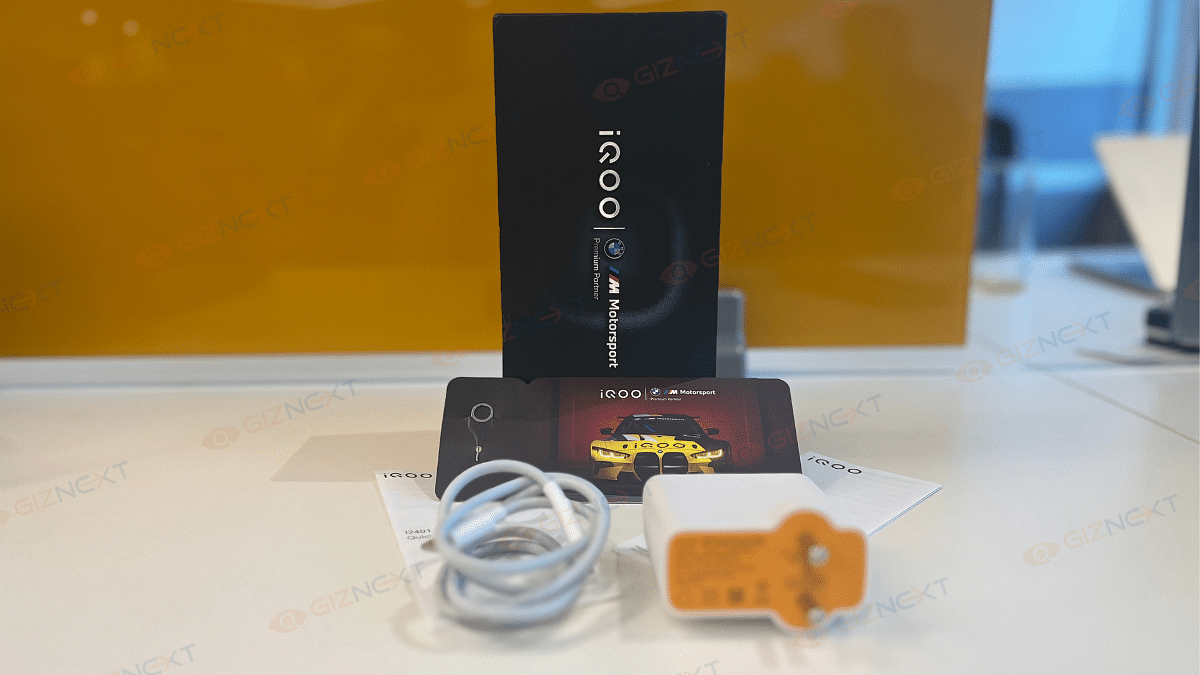
  • iQOO 13 handset (Legend)
  • 120W Charger
  • USB Cable
  • Phone case
  • Eject tool
  • Warranty card
  • Quick start guide

Design

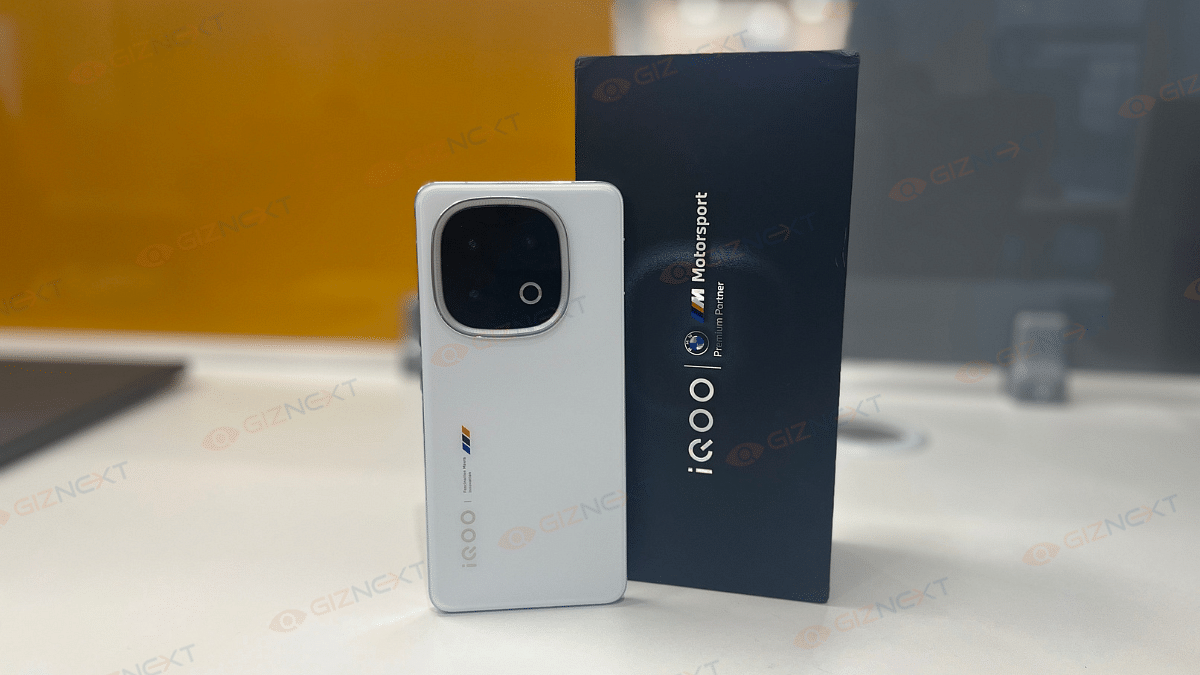
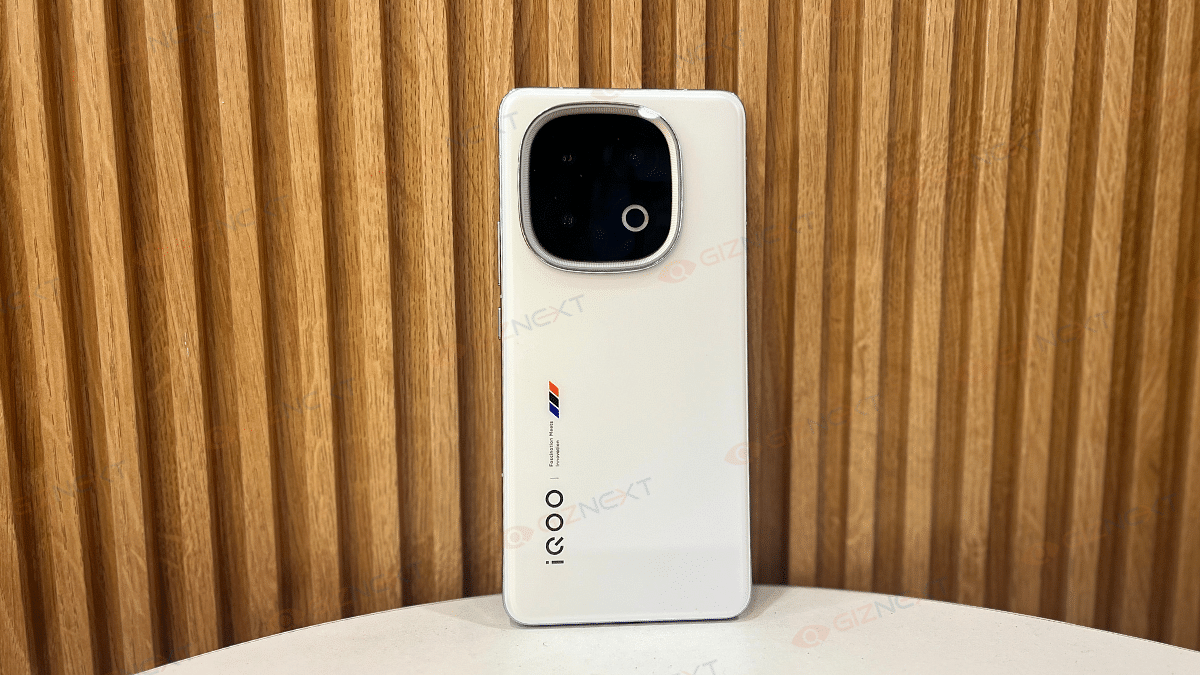
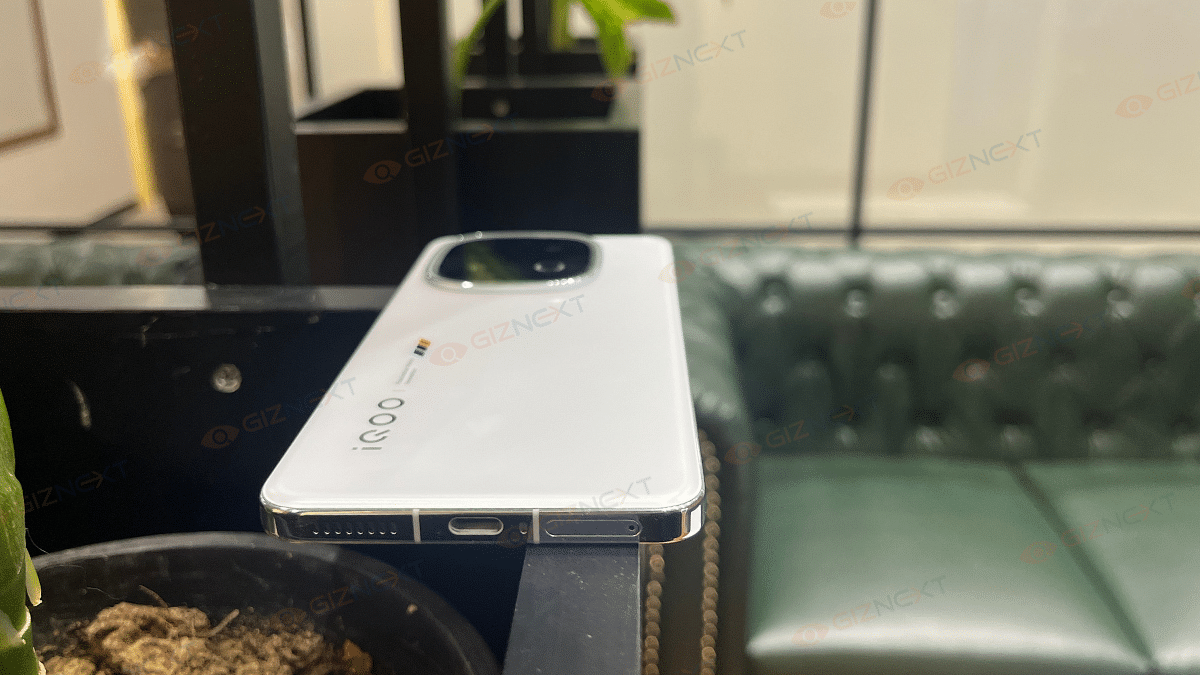
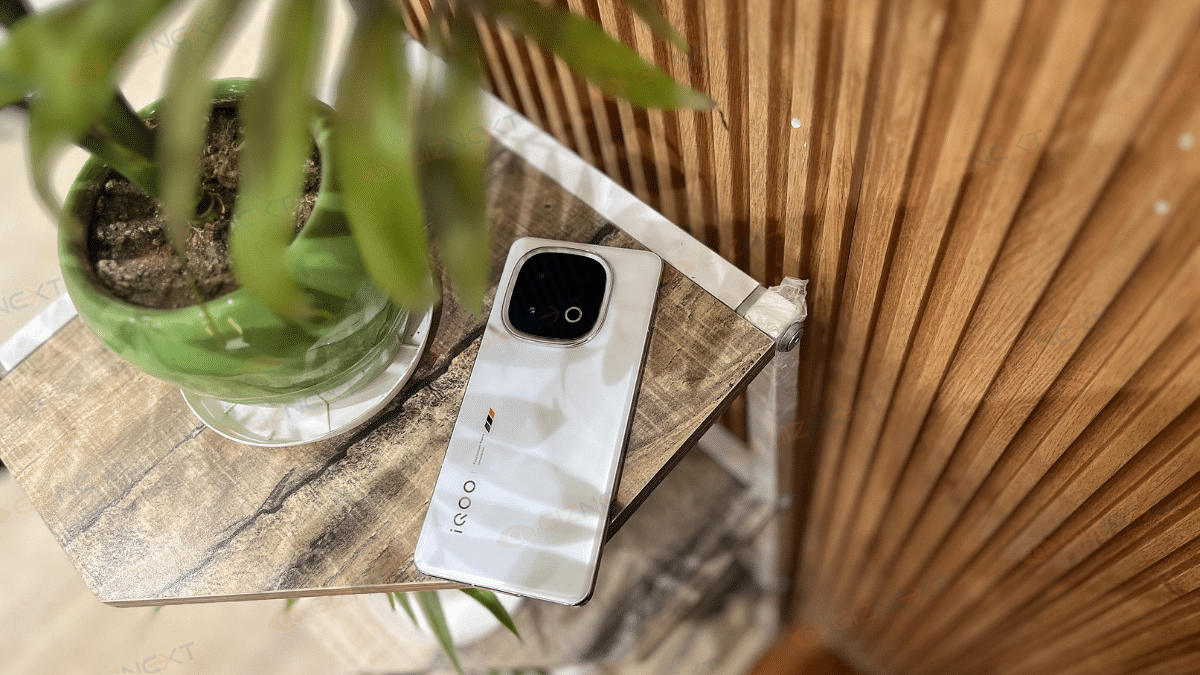
The iQOO 13 is a visual treat, especially the Legend variant that I’ve got for review. With its white matte finish, subtle BMW Motorsport stripes, and minimal branding, this phone oozes premium vibes. The moment I held it, it felt just right. It is lightweight yet solid, elegant yet sporty.

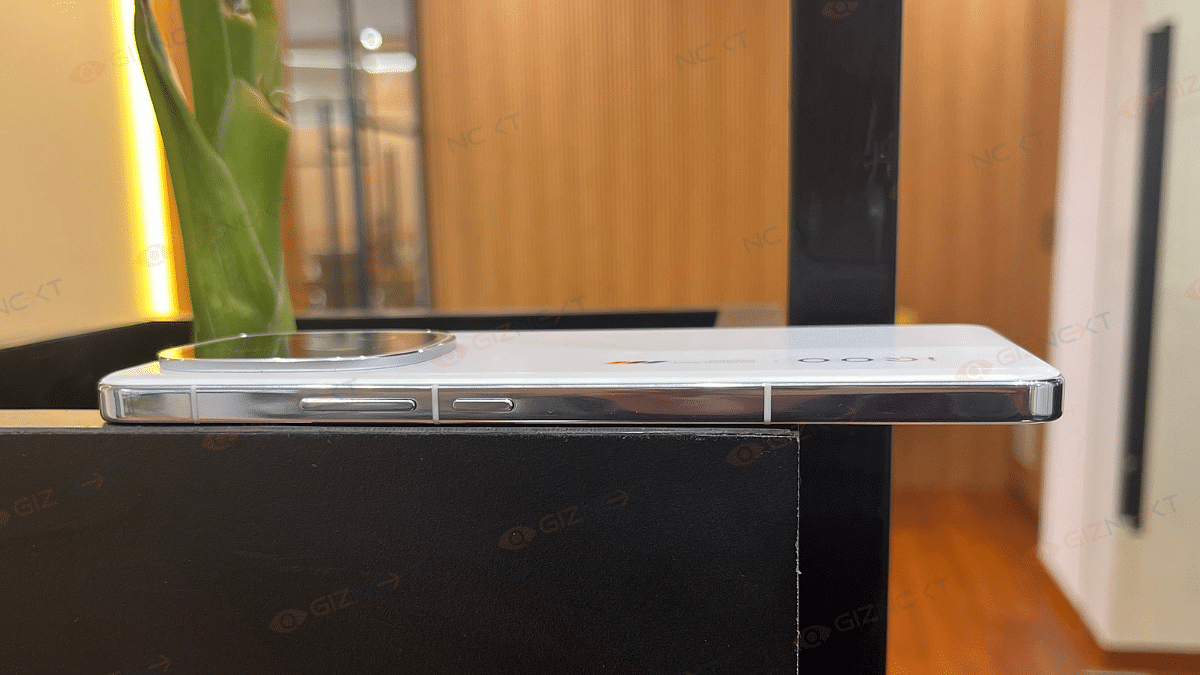
The phone features a satin-finished glass back, chamfered edges, and a flat aluminum frame that adds to the aesthetics. While the rear panel is smooth and a little slippery, the glossy metallic frame offers a decent grip and resists fingerprints.

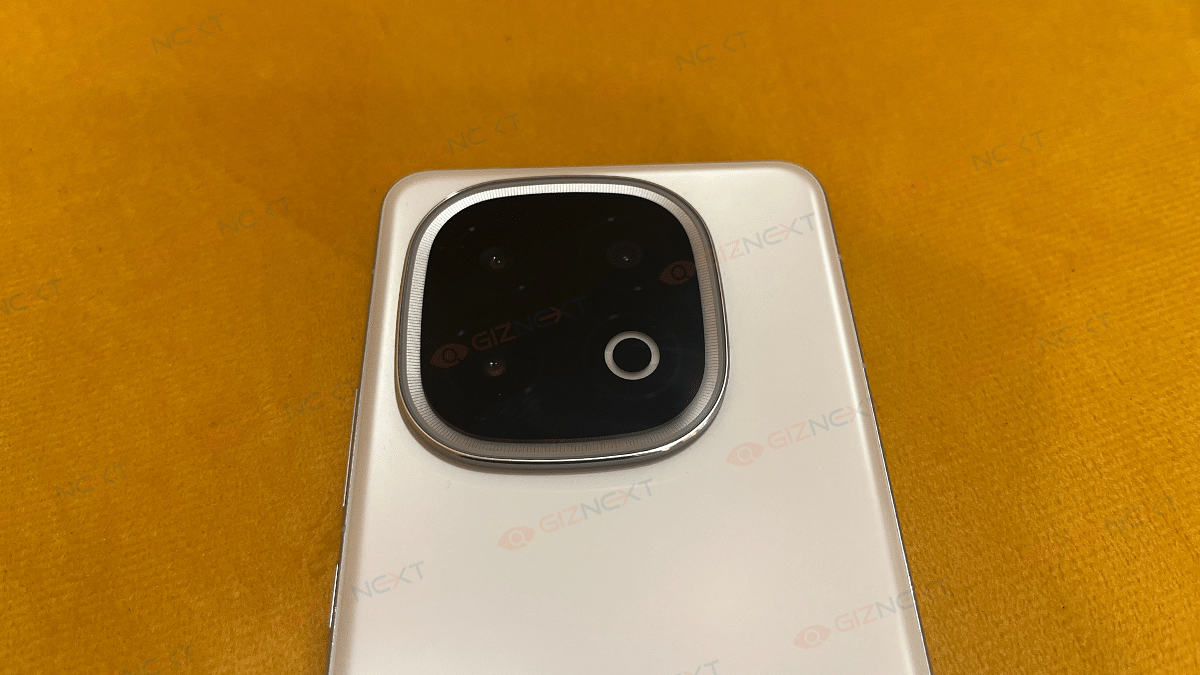
The smartphone features RGB LED strip on the camera module, which is called Monster Halo. It acts as a notification light and gaming enhancer, subtly glowing when needed. It’s not blindingly bright but adds a cool factor. iQOO also comes with an IP68/IP69 rating. That means it can handle dust and water like a champ.

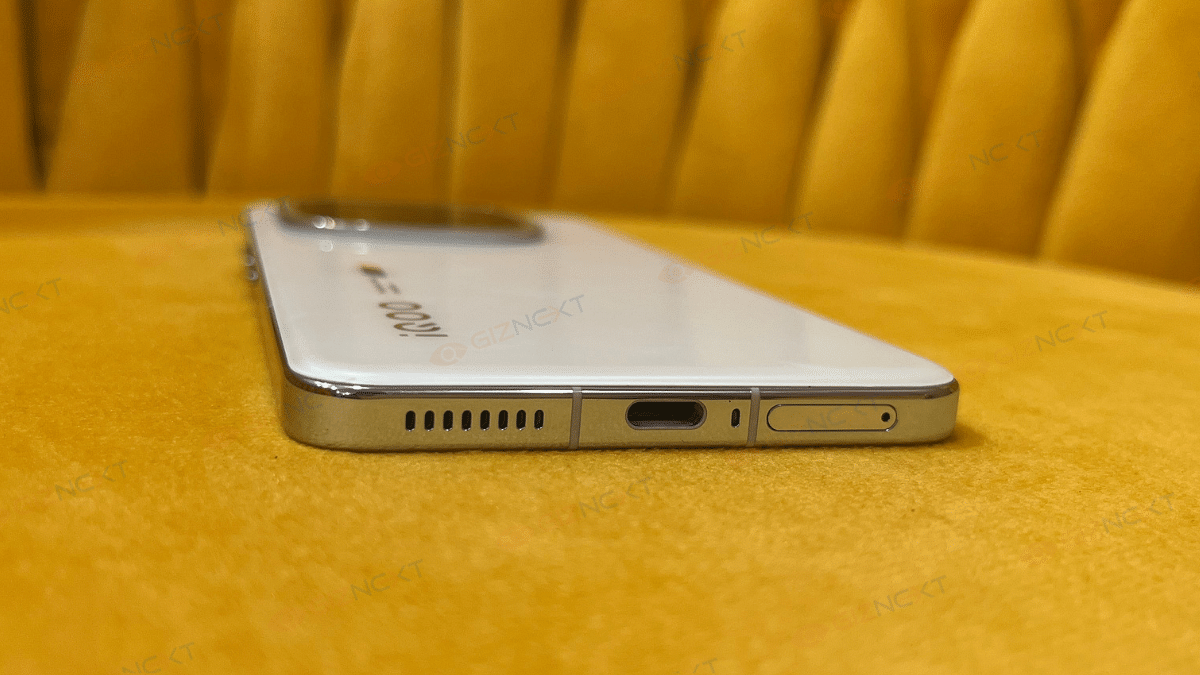
Now, let’s talk about the button placements. The power and volume rockers sit comfortably on the right, while the SIM tray, USB-C port, speaker, and mic are at the bottom. The top houses another speaker, mic, and even an IR blaster, a small but useful addition.

Overall, the iQOO 13 nails the design. It is premium, stylish, and practical. It’s got all the right elements for a flagship experience.

Display

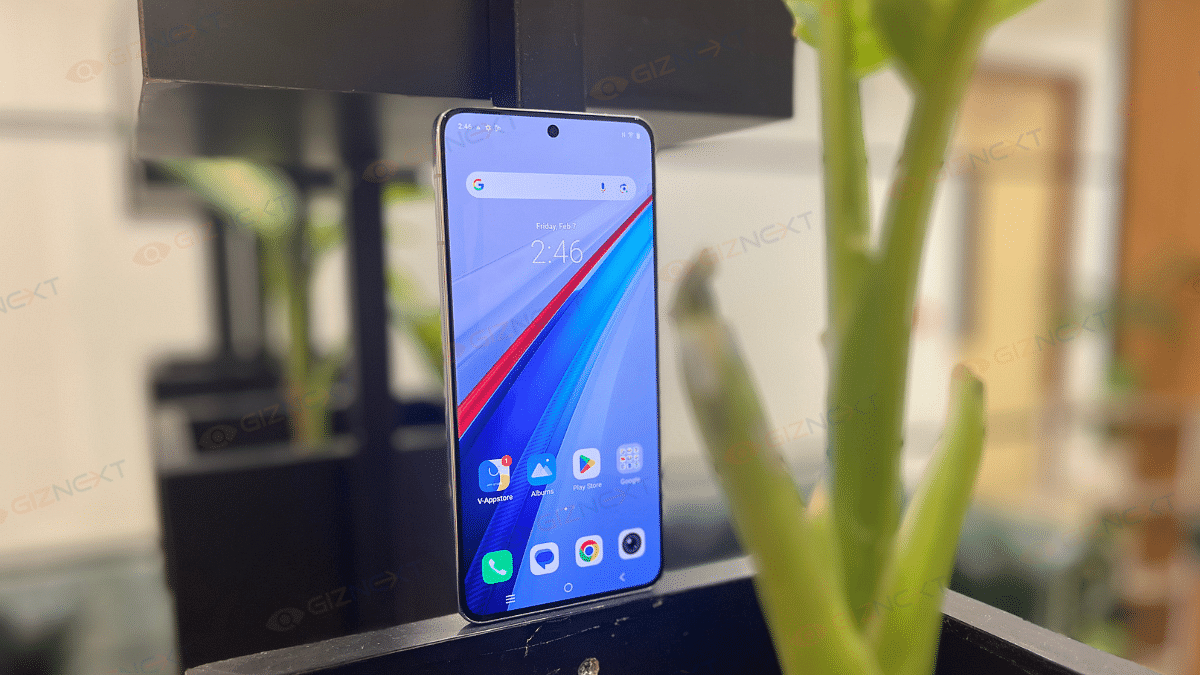
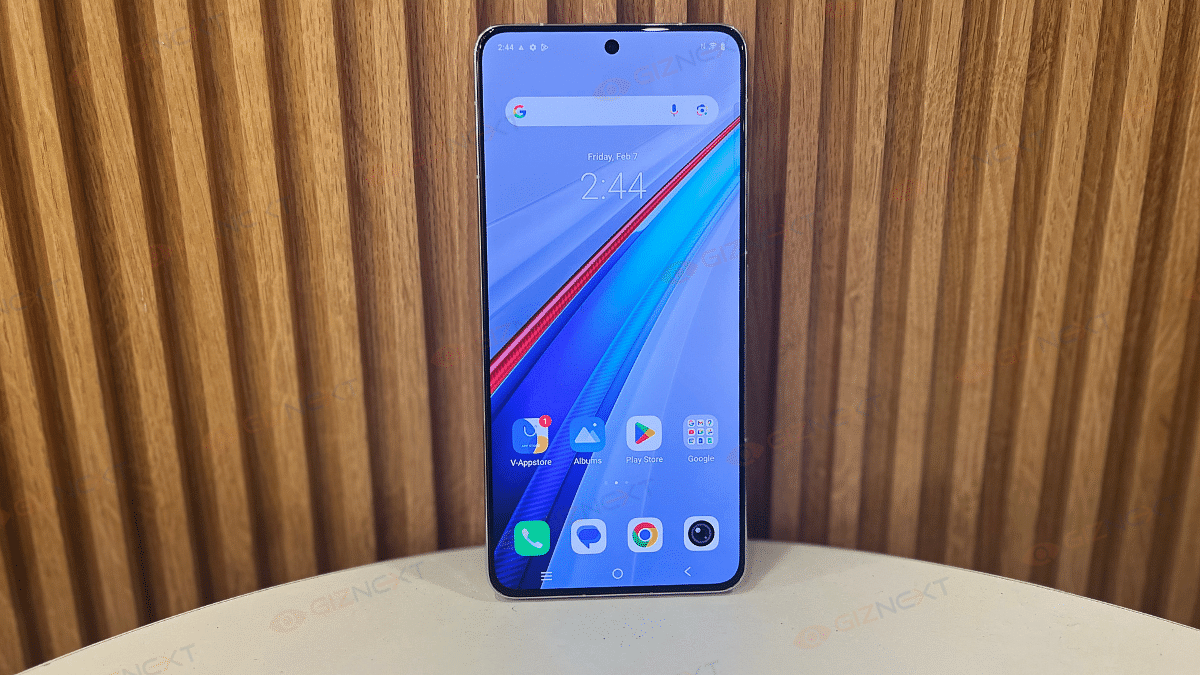
The display of the iQOO 13 is a showstopper. This 6.82-inch Q10 AMOLED panel is a treat for the eyes. It features a 2K resolution and an ultra-smooth 144Hz refresh rate. Whether you’re gaming, scrolling, or binge-watching, everything looks silky smooth and incredibly crisp.

The smartphone gives you 4,500 nits peak brightness. Even under harsh sunlight, visibility is no issue. And if that’s not enough, the High Brightness Mode bumps it up by 1,800 nits more, making it one of the brightest smartphone displays out there.

Coming to its color accuracy, it’s spot on. With 10-bit color depth and HDR10+ support, the display delivers rich, vibrant, and true-to-life colors. Whether you’re streaming high-quality content or just flipping through Instagram, the visuals remain sharp, polished, and immersive. In short, iQOO 13’s display is flagship-grade.

Also Read | iQOO Z6 Pro 5G Long-Term User Review: Is It A Hit Or A Miss?

Performance

The iQOO 13 is an absolute powerhouse. Using this smartphone feels like having a supercomputer in your pocket. Powered by Qualcomm’s latest Snapdragon 8 Elite chipset, this phone breezes through everything, from everyday multitasking to heavy-duty gaming. With 16GB RAM and 512GB storage, it ensures buttery-smooth performance.

We pushed it to the limits. We launched multiple apps at once, switching between them rapidly, and running demanding games like BGMI and Asphalt at max settings. And guess what? No lags, no stutters, just pure, uninterrupted performance. The 7,000mm vapor chamber cooling keeps thermals under control, though the frame gets slightly warm after long gaming sessions, but nothing alarming.

Coming to the audio. It’s another win. Dual stereo speakers provide loud, crisp, and bass-heavy sound, enhancing both gaming and media consumption. It has flawless. Wi-Fi, Bluetooth, NFC connectivity, everything worked great in our testing.

Now, onto the software. The iQOO 13 runs on Funtouch OS 15, based on Android 15, offering a mostly clean experience. You get 4 years of OS updates and 5 years of security patches, which is great. While a few pre-installed apps exist, they’re easily removable, keeping bloatware minimal.

The smartphone also got some cool AI-powered tools. The Gallery app’s AI Erase and AI Enhancement features work well for removing unwanted objects and reducing image blur. You also get Google’s Circle to Search and Dynamic Light controls for the Monster Halo LED strip at the back.

Overall, the iQOO 13 sets a new benchmark for Android performance, making it an easy recommendation for power users and gamers alike.

Camera

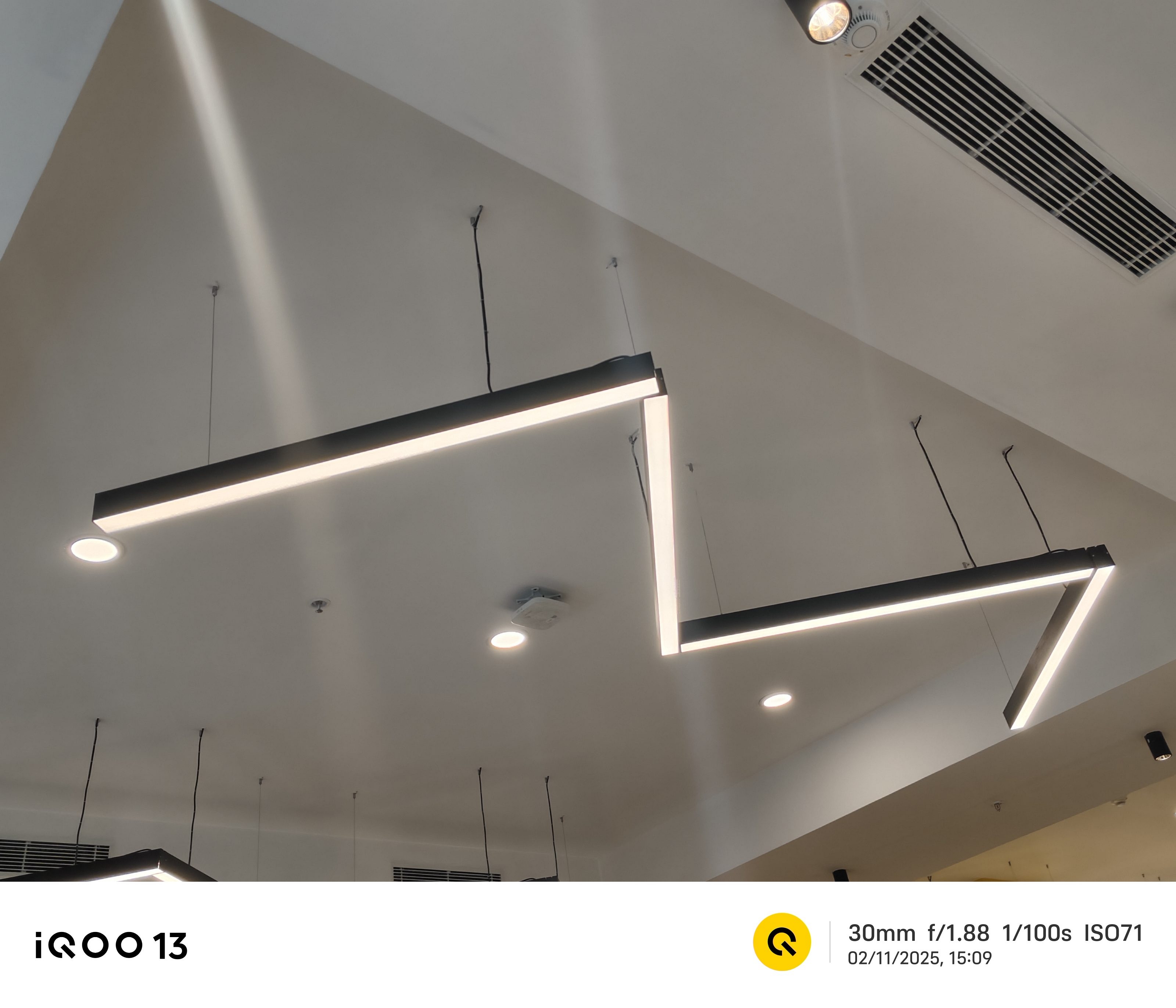
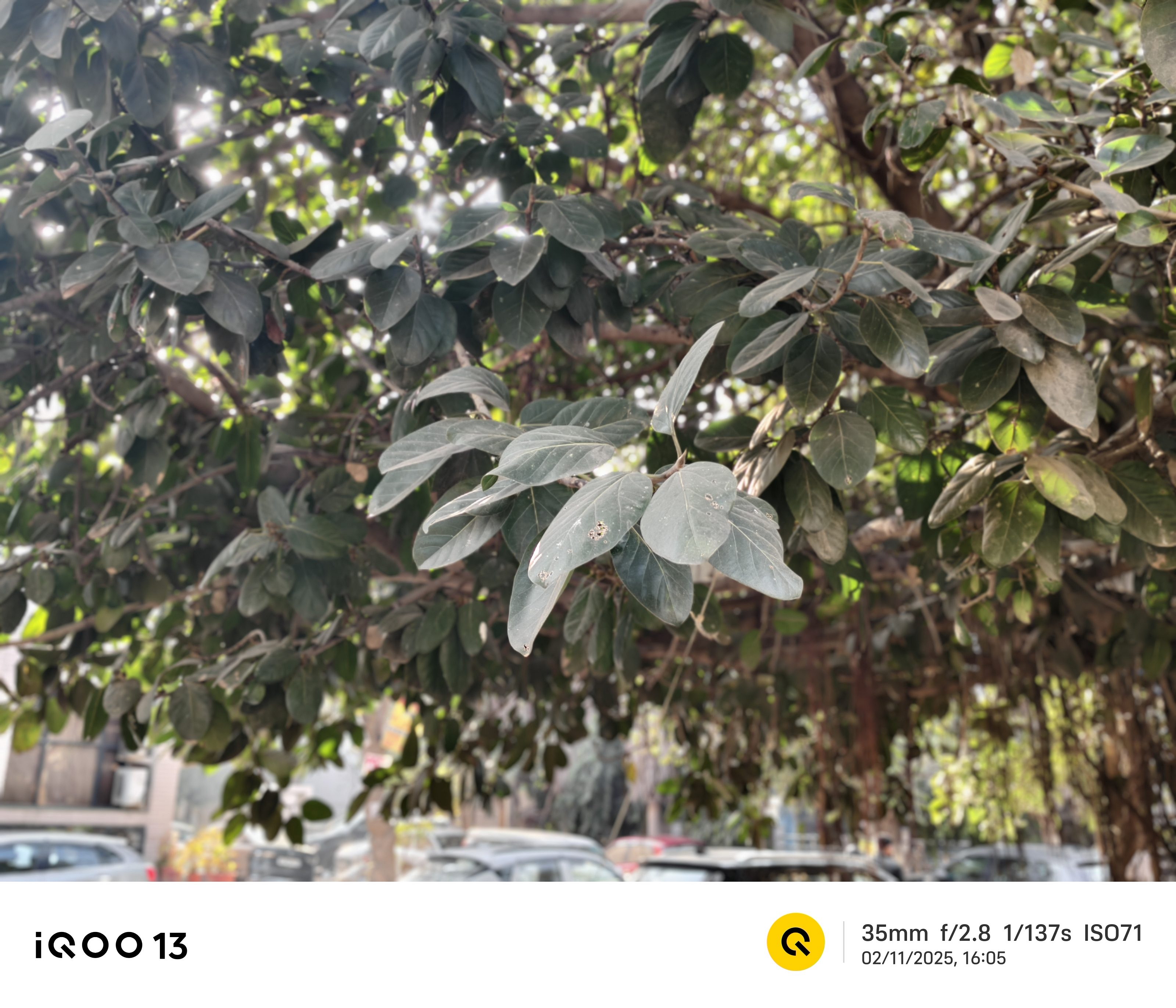
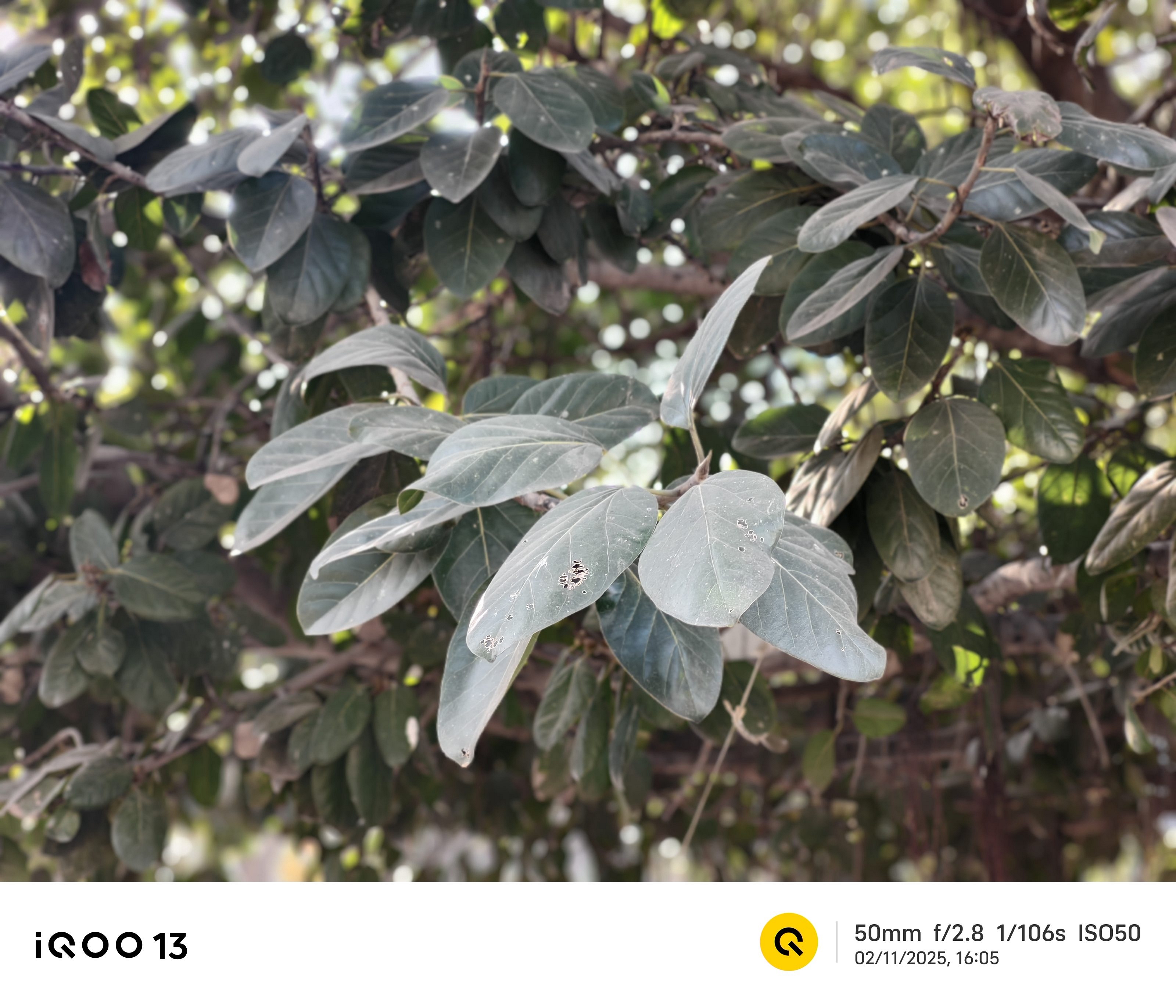
The iQOO 13 packs a triple-camera setup. The 50MP Sony IMX921 main sensor delivers sharp, vibrant images with great dynamic range. Colors look natural, and even in low light, the phone manages to retain impressive detail without excessive noise.

The 50MP telephoto lens with 2x optical zoom ensures crisp close-ups with minimal loss of quality. It has also got the 50MP ultrawide sensor that captures expansive shots without edge distortion. Whether it’s landscapes or group shots, the ultrawide lens keeps colors consistent and details intact.

For portraits, the iQOO 13 shines. Edge detection is on point, and the background blur looks natural, making shots look almost DSLR-like. The AI-powered features, such as AI Erase and AI Enhancement, let you tweak and refine images effortlessly.

On the front, the 32MP selfie camera is a solid performer. It captures realistic skin tones and doesn’t overdo the beauty filters, keeping shots authentic whether in bright light or dim settings.

Battery

The iQOO 13 packs a massive 6,000mAh battery. During my usage, the phone lasted a full day of intense use. I used it for gaming, streaming, social media, and calls, with power left for another half-day of light use. The Snapdragon 8 Elite’s power efficiency plays a huge role here. This makes sure that the battery doesn’t drain rapidly, even with the high refresh rate and ultra-bright display.

Now, let’s talk charging speed. With 120W FlashCharge, the iQOO 13 rockets from 20 percent to 100percent in just 40 minutes. Even a quick 10-minute charge gives you hours of backup.

The only downside I found was it lacks wireless charging. If you’re someone who relies on it, you might feel its absence. But honestly, with 120W wired charging, you’ll barely miss it.

Also Read | iQOO 12 Flagship Gaming Phone: Upgrades We Can’t Overlook

Giznext’s Final Verdict

The iQOO 13 is an absolute powerhouse. It offers top-tier performance, a great display, and a massive battery. While the lack of wireless charging and some bloatware might bother some, the fast charging, IP68 rating, and premium design more than make up for it. A solid flagship choice.

For the tech geeks, stay updated with the latest cutting-edge gadgets in the market, exclusive tech updates, gadget reviews, and more right on your phone’s screen. Join Giznext’s WhatsApp channel and receive the industry-first tech updates.

Categories
Accessories Featured Reviews

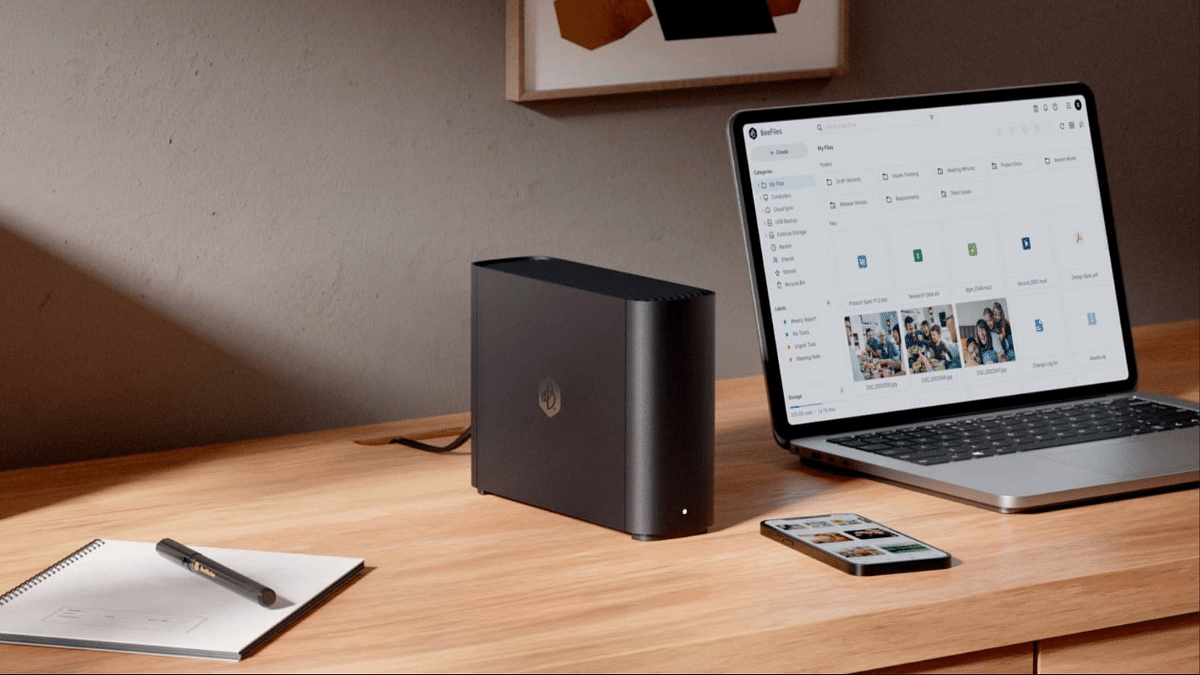
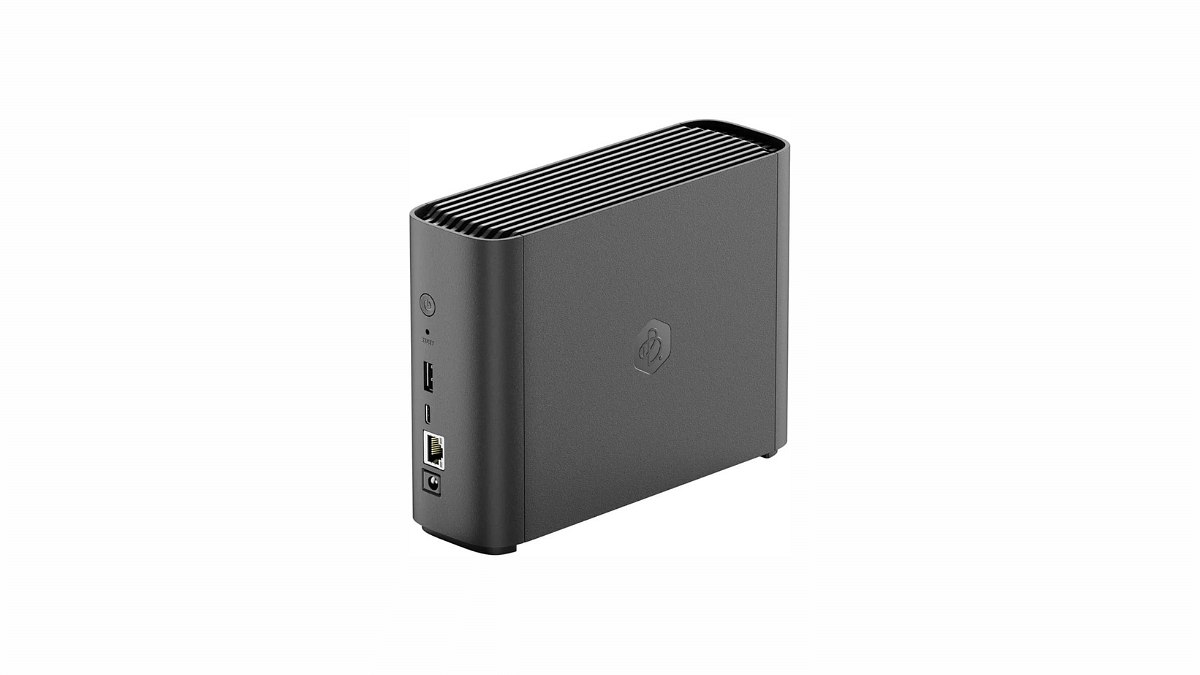
NAS (Network-Attached-Storage) Explained Via Synology BeeStation

How often have you tried to free up storage on your iPhone or PC, only to find that you’ve filled it up again within a week? It seems we’re all constantly battling to overcome the limitations of built-in storage in our mobile devices in today’s digital age. The truth is, there’s seemingly no way out—we’re perpetually adding more documents, photos, videos, and other files to our devices, always searching for ways to manage these growing digital libraries.

Typically, there are three solutions to this problem: you can purchase devices with the largest available storage capacity, though this often comes at a prohibitive cost; you can pay for cloud storage services like iCloud or Google One; or you can continue to invest in external hard drives, which are themselves expensive and cumbersome.

However, there’s a lesser-known yet highly effective alternative: Network Attached Storage, or NAS. These centralized storage hubs not only store all your digital data but also make it accessible from anywhere in the world, just like cloud servers. You can have your own NAS right at your workstation, configured to store all your pictures, videos, documents, and more, with minimal fuss.

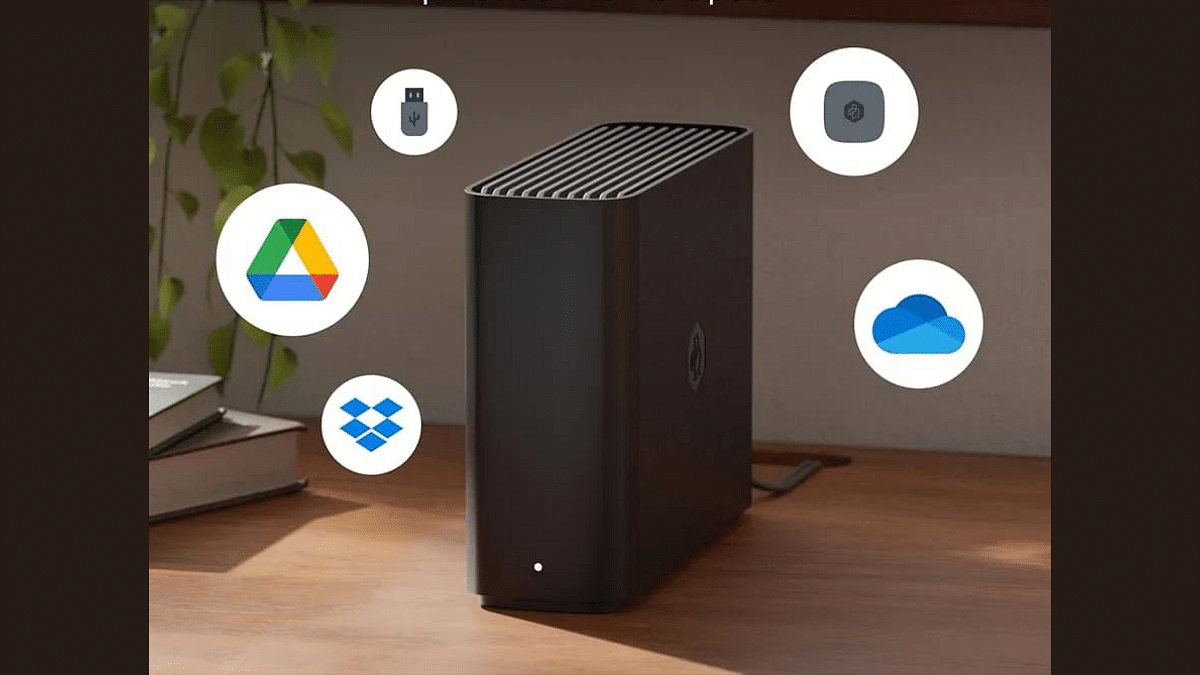
Synology’s latest offering, the BeeStation 4TB is one of the ideal solution addressing data storage needs. The compact and silent entry-level NAS can replace your Dropbox and Google Photos subscriptions by letting you remotely access pictures, videos, and other files from any smart device with an active internet connection. Let’s take a closer look.

For the tech geeks, stay updated with the latest cutting-edge gadgets in the market, exclusive tech updates, gadget reviews, and more right on your phone’s screen. Join Giznext’s WhatsApp channel and receive the industry-first tech update.

Also Read: Realme 14 Pro Plus Review: Redefining Midrange Smartphone Luxury?

Simple Setup Procedure

Setting up the Synology BeeStation 4TB is remarkably straightforward. Though you can find the configuration steps in the bundled Quick Start Guide or on Synology’s website, the below steps will quickly help you get going with the file backup process. 

  • Plug in the cables and power on the BeeStation.
  • Wait for the LED on the front to turn solid orange. If it blinks white, the device is in hibernation but still ready for setup.
  • Press and hold the power button until you hear a beep or see a confirmation on the screen, then release. This step verifies you as the owner.
  • Ensure your BeeStation is connected to your Wi-Fi router through an Ethernet cable.
  • Sign in using your Google Account or Apple ID, which lets you manage the NAS without extra passwords. You can also log in to your Synology account on the portal.bee.synology.com website.
  • The device might update its software automatically during setup. If it starts updating, wait about 15 minutes for it to finish.

Once the updates finish, the NAS will be ready for file uploads. You will be prompted to import pictures/videos from an external drive, Google Drive or iCloud, and that’s about it. You need to download the BeeFiles and BeePhotos apps from your phone’s app store using the QR code provided, to manage your files and photos. 

The apps are available for both iOS and Android, and there’s a web version if you want to upload files directly from your PC. You can also enable the automatic backup option for folders to keep the things in motion.

Also Read: OnePlus TV Sound Issue: How To Fix No Audio Issue With OnePlus Smart TV Speakers

Mini PC Form-Factor 

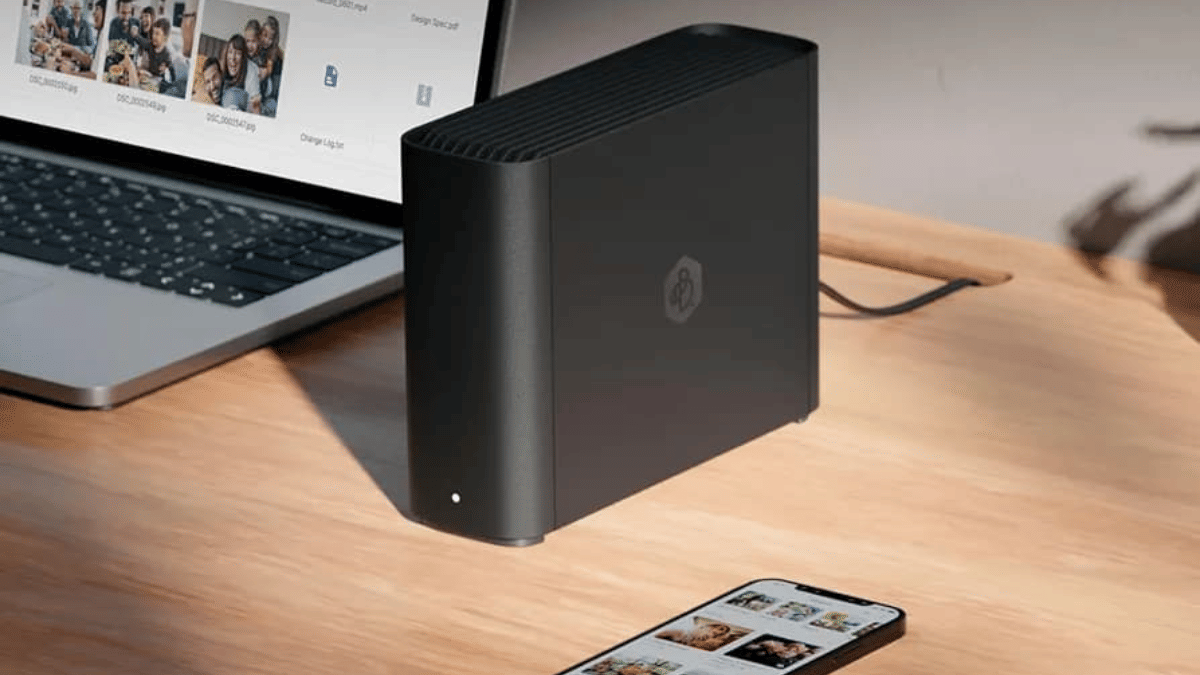
The BeeStation looks like a mini PC, carrying inside a 3.5-inch 4TB HDD that connects with your router via an Ethernet cable and stores all your files. It’s compact and sleek design fits well within both home and small office environments. The build quality is robust, giving the device a sturdy feel that promises durability. And since it’s not a full-fled NAS device, it runs silently and power consumption is rather very minimal. 

Performance and Features

For its price, the BeeStation 4TB is equipped with a fairly capable processor and sufficient RAM to handle file backup, retrieving and management tasks. Its 4TB capacity, expandable through additional drives, provides ample space for backing up pictures, videos and other data files. The best part about the BeeStation is its remote backing and access capabilities. 

You can retrieve and manage data from anywhere in the world across multiple devices and operating system with just an internet connection. This is particularly useful for those who travel frequently or need to access work files from multiple locations. Additionally, the integration with cloud services like Google Drive and iCloud simplifies data management across platforms, providing a seamless user experience.

Also Read: Oppo Find X8 Pro Smartphone Review

Software, Apps and Security

Software has always been Synology’s strength. For BeeStation, Synology offers two apps- BeeFiles and BeePhotos, which are very intuitive and offer features comparable to popular cloud services, but with the privacy and security benefits of localized storage. The ability to label and categorize files easily, alongside efficient search functions, makes data retrieval straightforward.

The NAS supports end-to-end encryption, ensuring that data remains secure from unauthorized access. Although this level of security is impressive, it requires users to manage their encryption keys carefully—as losing them can render the data inaccessible.

Potential Drawbacks

Despite its many strengths, the BeeStation 4TB is not without its challenges. Since this is an entry-level NAS designed specifically for users who are just starting with the centralized storage ecosystem, the limited features can be disappointing. Synology’s extensive app support- DSM platform and its customization is missing. The storage system only comes in a single-bay 4TB configuration and the processing speed can feel limiting during demanding tasks.

Overall, the Synology BeeStation 4TB is primarily suitable to individuals looking to replace their monthly daya storage subscriptions with a physical storage device that can be accessed remotely. The benefits of having a personal, centralized, and secure data hub make it a worthwhile investment for those who value privacy and data accessibility.

Categories
Featured Mobile Reviews

Realme 14 Pro Plus Review: Redefining Midrange Smartphone Luxury?

Key Highlights

  • Dual 50MP Sony OIS Cameras
  • Sony 3X Periscope OIS Camera
  • 120Hz Quad Curve AMOLED Display
  • 6,000mAh Battery, 80W Ultra Charge
  • Snapdragon 7s Gen 3 5G Chipset
  • IP69 Water Resistance, Drop Resistance

The Realme 14 Pro Plus is here. And it’s clear that Realme is shaking things up in the midrange segment. Over the years, the Realme number series has been the same with delivering stellar performance at an unbeatable price. But with the 14 Pro Plus, the brand seems to be testing new waters, aiming for a balance between performance, design, and flagship-level features. As someone who values a premium smartphone experience without burning a hole in my wallet, I was curious to see if Realme has managed to hit the sweet spot with this one. Here’s my experience with the device.

Also Read | Realme 13 Pro+ 5G Long Term User Review: AI Camera Steals The Limelight

What’s Inside The Box?

  • Realme 14 Pro Plus (Suede Grey)
  • Charger
  • USB data cable
  • SIM ejector tool
  • Quick guide
  • Protective case

Design: Suede Grey Steals The Show

As soon I opened the box of the Realme 14 Pro Plus, the Suede Grey variant instantly gave off a sophisticated vibe. The company has introduced vegan suede leather in this model, which is a first in its segment. The texture is soft yet sturdy, thanks to the added fleece layer, making it both durable and luxurious.

What stood out for me was how comfortable the phone felt in hand. Despite packing a massive 6,000mAh battery, the phone remains slim at just 7.99mm. The curved frame fits snugly in your palm, making extended use comfortable.

While the Suede Grey variant is stunning, Realme also offers three other color options. This includes Pearl White that features a unique thermochromic fiber that changes color when the temperature drops below 16-degree C. It’s a fun party trick but not something you’ll see often in India’s warm climate. The other variant is Bikaner Purple. It’s an India-exclusive shade inspired by Bikaner’s iconic architecture. This rich purple hue is bold and elegant. Each variant offers a unique identity, but I found the Suede Grey’s subtle and refined look the most versatile.

The Realme 14 Pro Plus not only looks good but feels durable. The IP68/69 rating ensures the phone can handle water splashes and even freshwater dips, a feature I rarely see in this price range. While the Suede Grey finish adds grip and minimizes fingerprints, the glossy frame around the edges is prone to scratches. A case is recommended to keep it looking pristine.

Realme has also paid attention to the finer details. The buttons have good tactile feedback, and the phone comes with a pre-installed screen protector, so you can start using it right out of the box. The dual SIM tray, USB-C port, and main speaker are neatly placed at the bottom, while the secondary speaker and mic sit on top. It’s a well-thought-out design that prioritizes user convenience.

Overall, the design of the Realme 14 Pro Plus is a testament to how far midrange smartphones have come in terms of aesthetics.

Display: Great Visuals With Minor Hiccups

The 6.83-inch AMOLED display on the Realme 14 Pro Plus is easily one of the best in its segment. Features a 1.5K resolution, a 120Hz refresh rate, and a peak brightness of 1500 nits, it offers vibrant colors and sharp details that make everything from streaming shows to casual browsing a visual treat. Even outdoors under direct sunlight, visibility wasn’t an issue. It’s a major plus for users on the go.

Adding to the experience is the Gorilla Glass 7i protection, which provides extra durability and the centered punch-hole camera that blends seamlessly into the screen. Realme has also included 3840Hz PWM dimming, which helps reduce eye strain during prolonged use. This is undoubtedly a thoughtful touch for binge-watchers and late-night scrollers like me.

However, it’s not all perfect. While the colors are vibrant and the natural color profile is pleasing, I did notice minor lags during fast scrolling. This is an area where Realme could improve to make the experience flawless. Additionally, the lack of HDR support for streaming services was a bit of a letdown, especially for someone who enjoys high-quality content.

Despite these hiccups, the sharp 1.5K resolution and overall quality of the display ensure it stands out as one of the better offerings in its price range.

Performance: Smooth Operator, But Not For Hardcore Gamers

Powering the Realme 14 Pro Plus is the Snapdragon 7s Gen 3 chipset. The processor is paired with up to 12GB of RAM and 256GB of storage. In my daily use, scrolling through Instagram, streaming content, and light gaming, the phone never broke a sweat. The Realme UI 6 based on Android 15 felt snappy and fluid, with smooth animations enhancing the user experience.

Gaming performance, however, was a mixed bag. While games like BGMI and Call of Duty ran well at 60fps, competitors in this price range offer higher fps for a more immersive experience. For casual gamers, this won’t be a dealbreaker, but if gaming is your top priority, you might want to explore other options.

Also Read | Realme 14x 5G Review: Solid Build, Impressive Performance All In Budget

Cameras: A Versatile Performer With Room For Improvement

The Realme 14 Pro Plus features a versatile triple-camera setup: a 50MP primary sensor with OIS, a 50MP telephoto lens offering 3X optical zoom, and an 8MP ultrawide camera.

For casual photography, the primary sensor delivered impressive results with vibrant colors and good dynamic range. Though colors like browns and greens sometimes lack vibrancy.

The telephoto lens is a standout, offering excellent 3X zoom and sharp portraits with natural blur. Beyond 3X, digital zoom up to 120X is fun but not very practical.

In low light, the primary and telephoto cameras held their ground but required a steady hand due to slower shutter speeds.

The ultrawide camera performs well in daylight with sharp center details but struggles in low light, showing softness and distortion at the edges.

Selfies from the 32MP front camera are sharp and well-lit, making them ideal for social media. Portrait selfies are impressive but occasionally hazy in backlit conditions.

For videos, the primary and telephoto cameras support 4K30, while the ultrawide is capped at 1080p30. Stabilization is decent, though Ultra Steady mode at 1080p60 offers smoother results.

The Realme 14 Pro Plus’ cameras excel in portraits and zoom, making it great for casual photography. However, ultrawide and low-light performance could use refinement. It’s a solid choice for users looking for a dependable all-rounder in its price range.

Battery Life: All-Day Power, Fast Charging Included

The Realme 14 Pro Plus houses a massive 6,000mAh battery, and it shows. On a typical day filled with chatting, streaming, and casual gaming, I ended the day with around 20 percent battery left. The 80W fast charger included in the box juiced up the phone from 40 to 100 percent in less than an hour, which is a lifesaver on busy days.

Where It Shines And Falls Short

What I Loved:

  • Stunning design that feels premium
  • Great display with vibrant colors and great brightness
  • Reliable cameras, especially the telephoto lens
  • Long-lasting battery with fast charging

Where It Could Improve:

  • Lack of HDR support for streaming services
  • Limited gaming performance compared to competitors
  • Realme UI’s pre-installed bloatware detracts from an otherwise smooth experience
  • Only two years of software updates, less than what rivals offer.

Also Read | Realme 12+ 5G Review: Your Gateway To Flagship-level Features At An Affordable Price

Giznext’s Final Verdict

The Realme 14 Pro Plus is available in three variants:

8GB + 128GBRs. 29,999
8GB + 256GBRs. 31,999
12GB + 256GBRs. 34,999

Overall, the Realme 14 Pro Plus delivers a great price-to-performance ratio while adding a touch of luxury to its design. If you’re looking for a smartphone with dependable cameras, a gorgeous display, and a long-lasting battery, this one’s worth considering. However, if gaming or a clean software experience is your priority, you might want to explore its alternatives.

For me, the Realme 14 Pro Plus feels like a significant step forward in Realme’s number series, offering flagship-like features at a midrange price. It’s not perfect, but it certainly holds its own in a competitive segment.

For the tech geeks, stay updated with the latest cutting-edge gadgets in the market, exclusive tech updates, gadget reviews, and more right on your phone’s screen. Join Giznext’s WhatsApp channel and receive the industry-first tech updates.

Categories
Featured Mobile Reviews

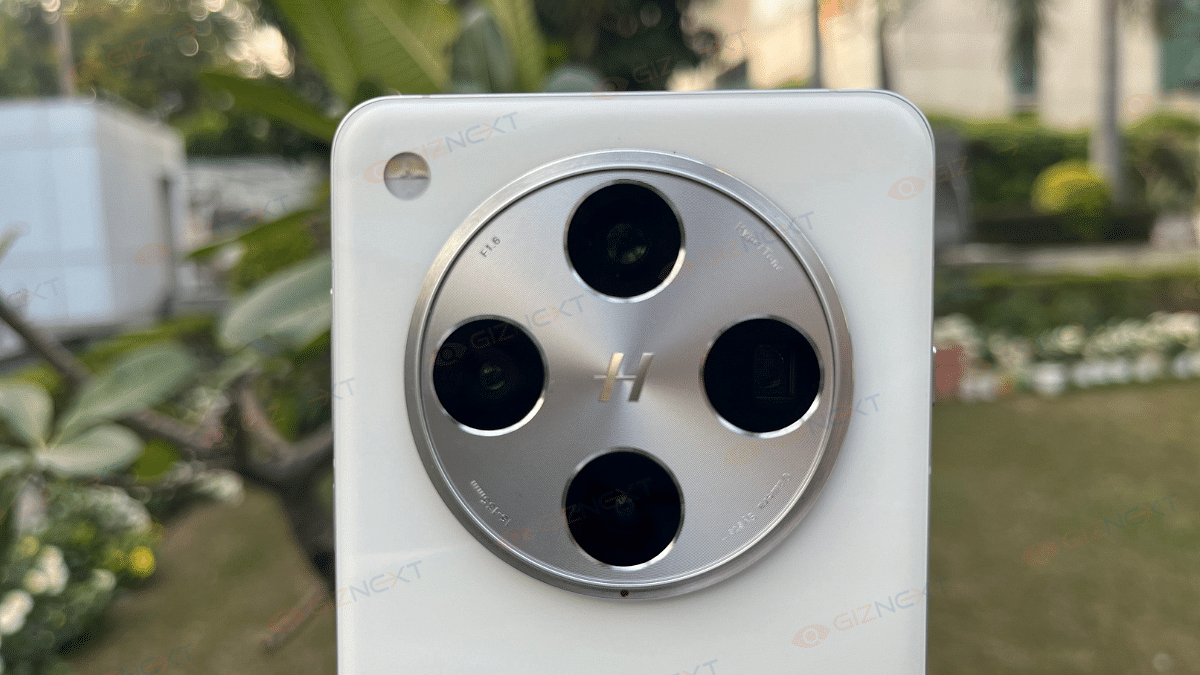
Oppo Find X8 Pro Review: The King Of Smartphone Zoom And Portraits

Key Highlights

  • Quad-camera system with two telephoto snappers
  • AI features for photography
  • Silicon Carbide battery
  • IP68 and IP69-rated
  • Durable yet lightweight build

Imagine yourself being at a once-in-a-lifetime event and want to capture the perfect moment. But, your smartphone’s camera isn’t up to the mark. Isn’t it frustrating? Well, that’s exactly where the Oppo Find X8 Pro acts like a superhero. I have been using this flagship smartphone for the past several days, and I must say that it seems like Oppo wasn’t just aiming for the crown in the smartphone world, they were preparing for a full-blown tech revolution.

From its high-end MediaTek Dimensity 9400 chipset and jaw-dropping dual periscope zoom lenses, the Oppo Find X8 Pro promises a lot. Oh, and did I mention the 6,000mAh silicon-carbon battery? Yes, it has also got the stamina to match its looks. Oppo has clearly gone all out with the Find X8 Pro, and it’s finally strutting its stuff in India.

At first glance, this phone had me wondering. I thought is it a photography game-changer or just another pretty face in the flagship crowd? And that Camera Control button that seems like it belongs on an iPhone? Oppo, that’s a brave move though. Here in this review, I’m going to share my experience with the Oppo Find X8 Pro with you. Let’s get to know whether the Rs. 99,999 price tag is indeed justified or if it’s just another phone with high aspirations.

Also Read | Realme 14x 5G Review: Solid Build, Impressive Performance All In Budget

ProsCons
Exceptional quad-camera setupLimited color options
Dual periscope zoom lensesSlight heating during gaming
IP69 rating for durability 
Quad-curved AMOLED display 

What’s Inside The Box?

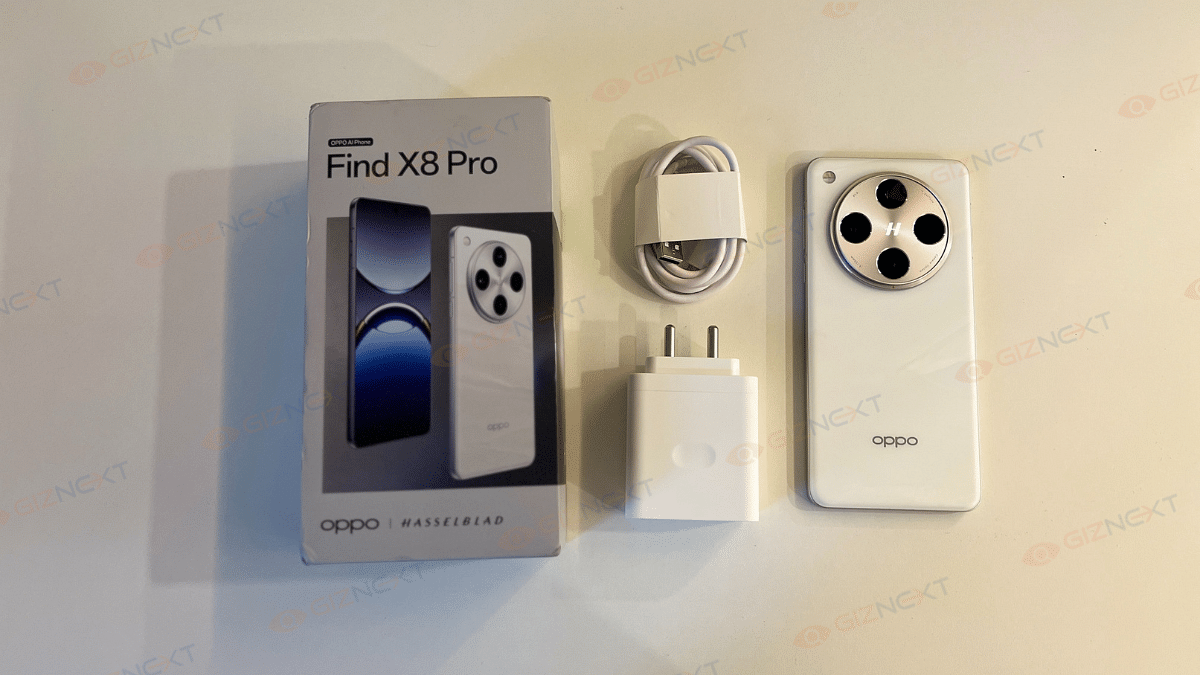
  • Oppo Find X8 Pro (Star Grey)
  • Charger
  • USB data cable
  • SIM ejector tool
  • Quick guide
  • Protective case

Design

If you are not a fan of large smartphones, the size of the Oppo Find X8 Pro might seem a bit intimidating. But I personally found it comfortable to hold and use. Whether it’s binge-watching my favorite shows or scrolling reels endlessly, that big screen feels just perfect.

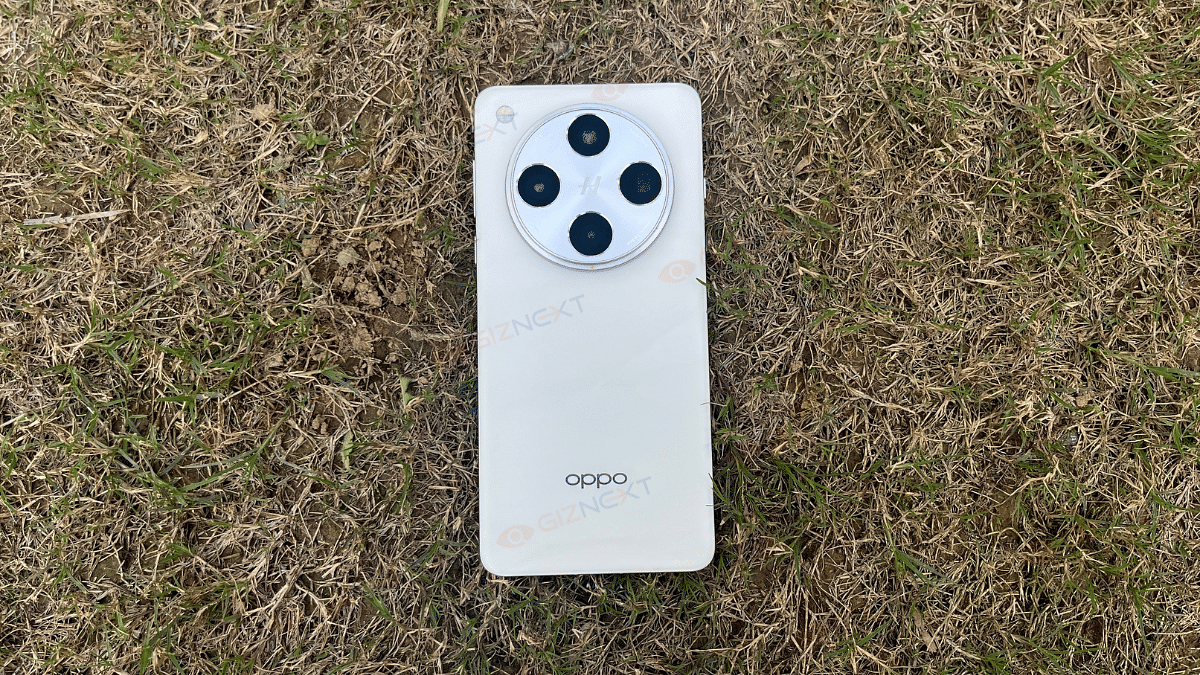
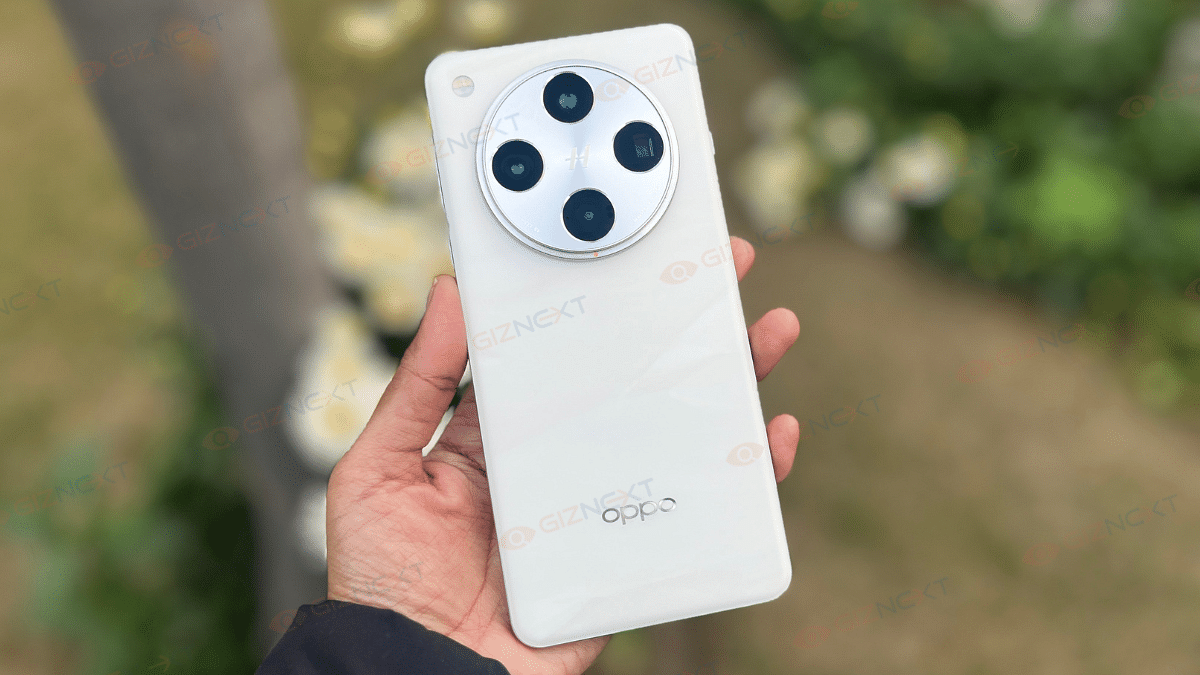
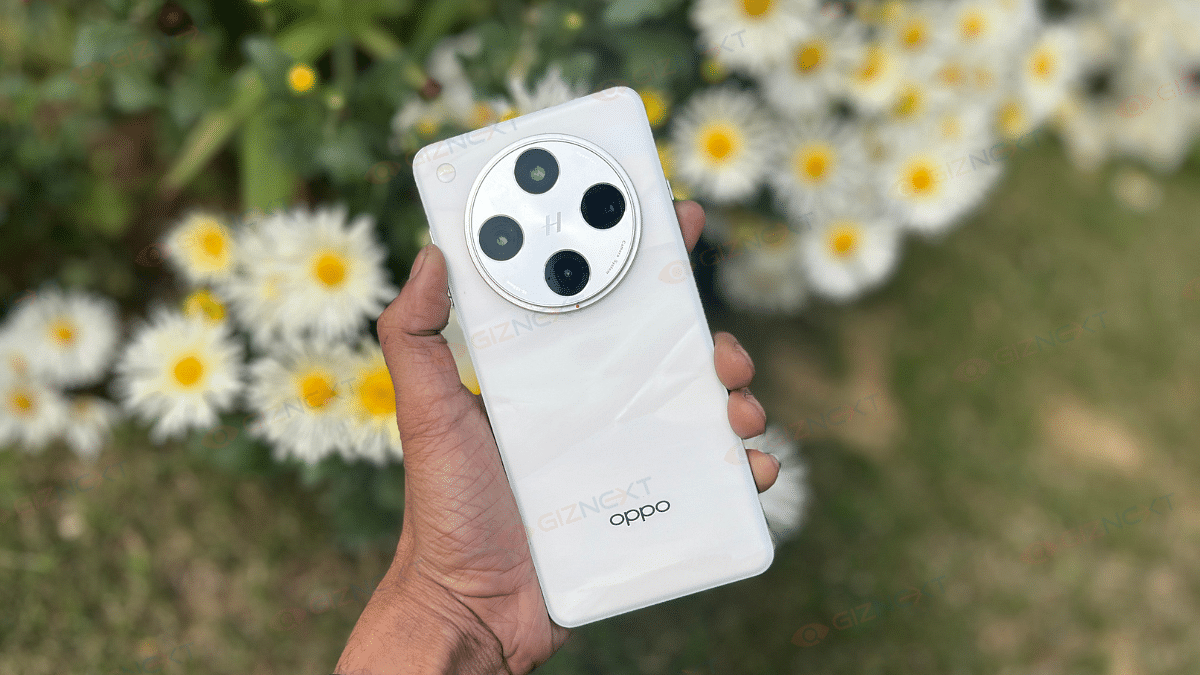
The unit I reviewed was the White variant and honestly, it’s my favorite of the two options. It has this classy and marble-like rear panel that looks premium and elegant. However, I can’t help but wish Oppo had added more color options, as Google and Apple do a great job with their flagship products.

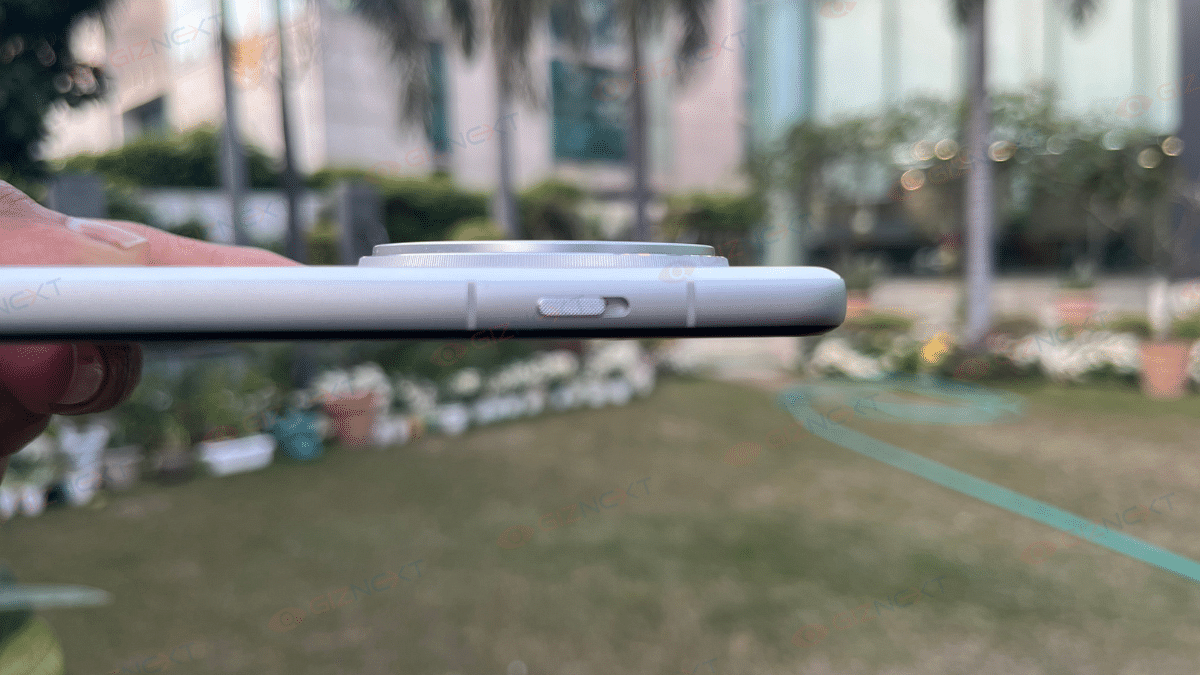
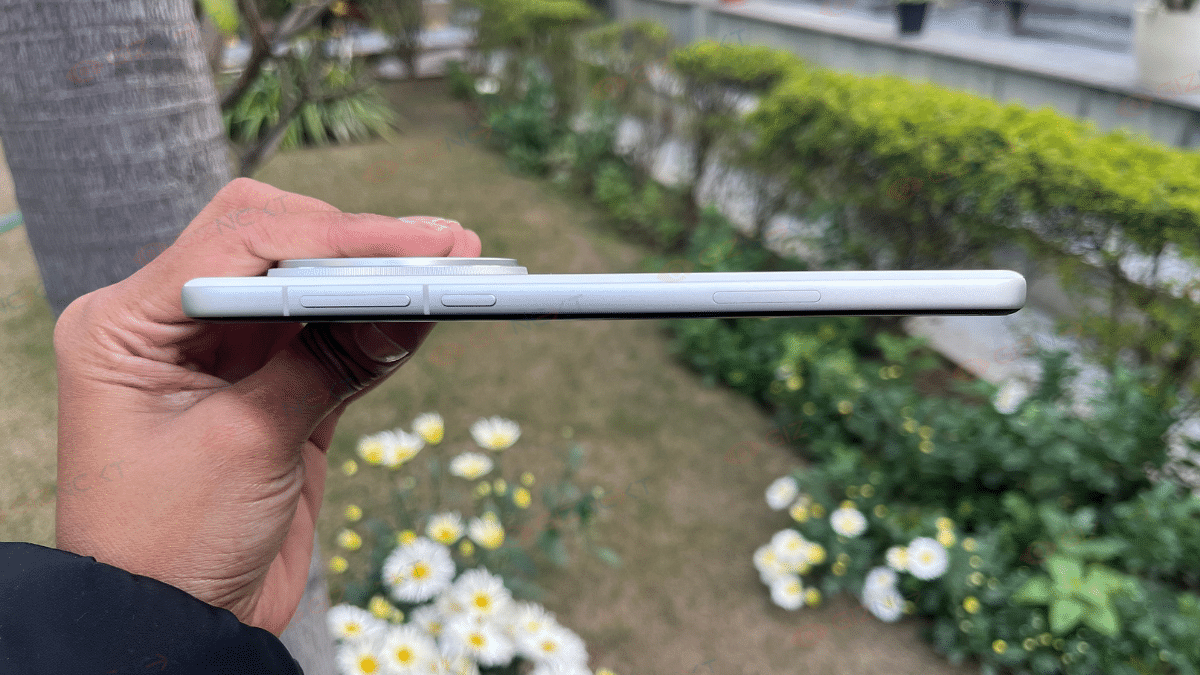
The Find X8 Pro, however, share some design resemblance with the OnePlus 13, like the large circular camera module and a quad-curved display. But Oppo takes a more practical route. It’s noticeably thinner and lighter. It also has an IP69 rating, that means, it’s practically indestructible when it comes to water and dust. The Quick Button that is inspired by the iPhone 16’s Camera Control button is a great addition.

And let’s not forget the Alert Slider from OnePlus flagships, sitting beautifully on the left side of the phone. Switching between ring, vibrate, and silent modes has never been smoother. On the right, you’ve got the volume rockers, power button, and that Quick Button, all within easy reach.

All in all, the Oppo Find X8 Pro strikes a balance between style, durability, and practicality. The smartphone proves that flagship phones can look great and handle everyday life like a pro.

Display

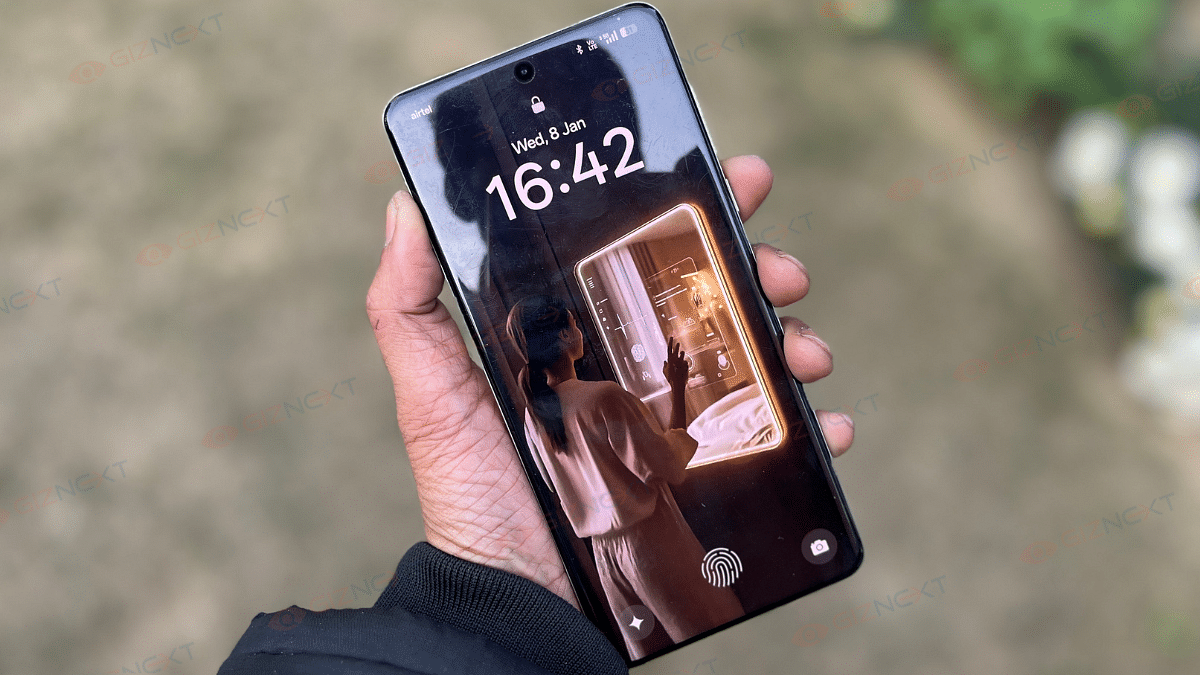
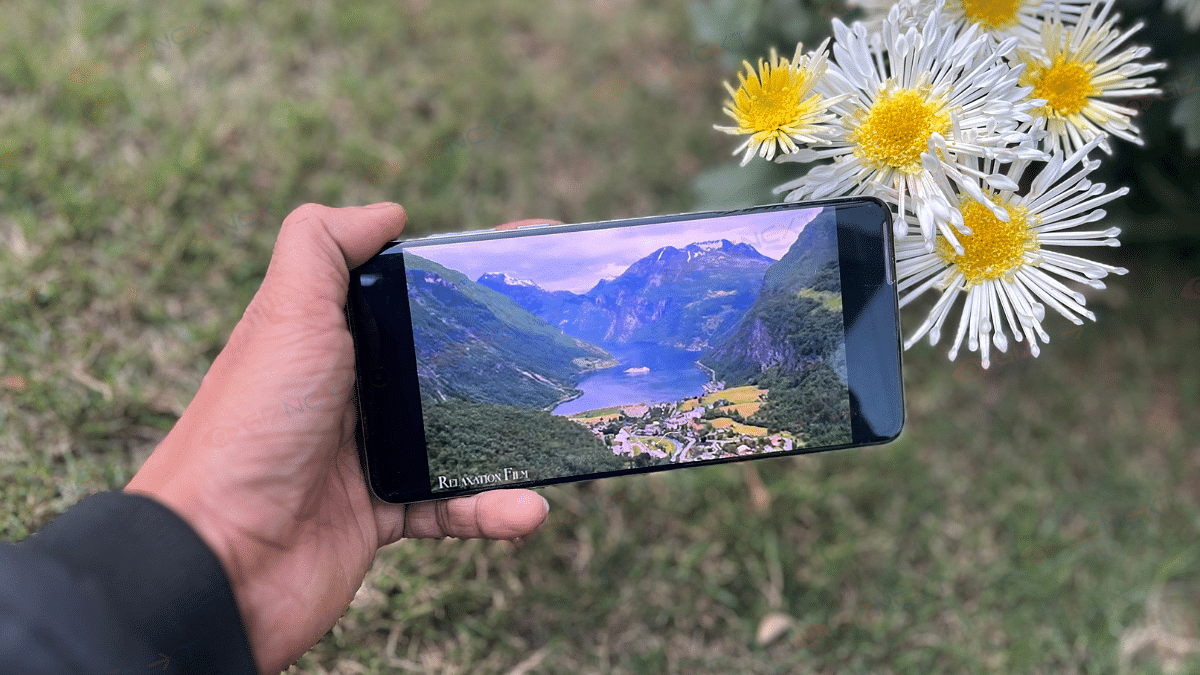
The Oppo Find X8 Pro has a 6.78-inch quad-curved AMOLED display which looks stunning. With its balanced slim bezels, the screen delivers a sleek and almost bezel-less look that feels thoroughly modern. The 2,780 x 1,264 pixel resolution offers sharp visuals while HDR10+ and Dolby Vision ensure vibrant colors and decent contrast.

However, the curved edges are purely aesthetic and can cause some annoying reflections when viewing content outdoors. Despite this, the overall experience is immersive, thanks to punchy visuals and loud stereo speakers that make movies and shows come alive. Whether binge-watching during a long journey or scrolling endlessly, this display ensures every moment looks and feels premium.

Also Read | Oppo Reno 11 5G Smartphone Review: Is The Stylish Design Backed By Performance?

Performance

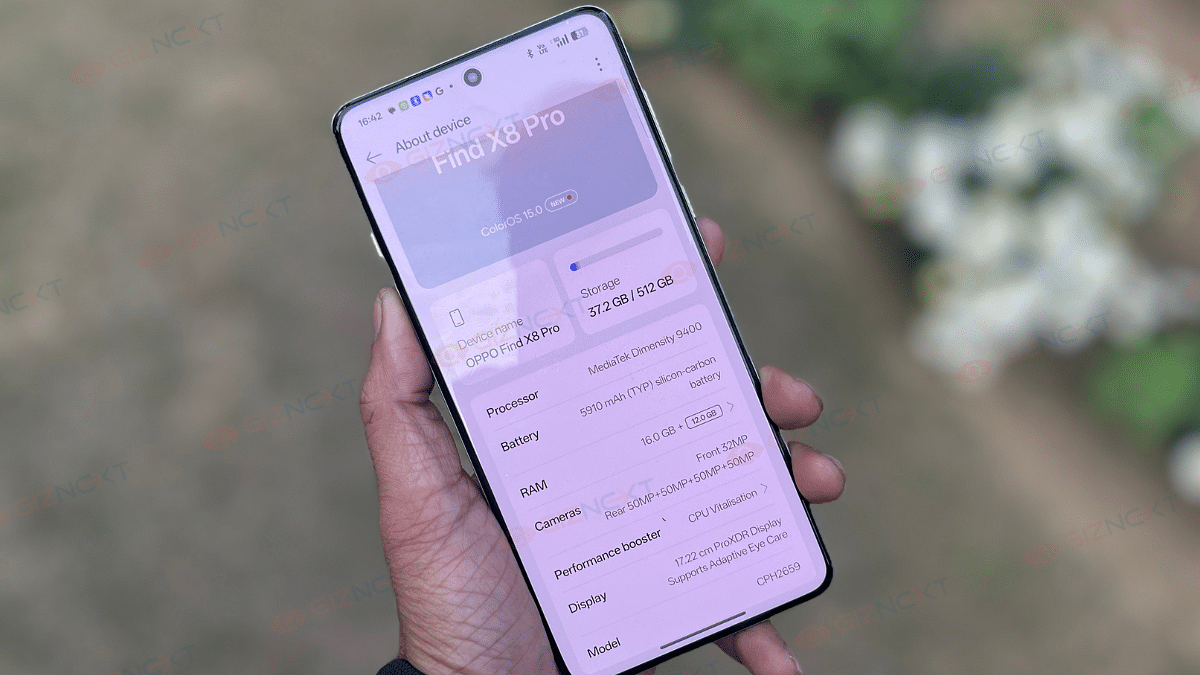
Under the hood, the Oppo Find X8 Pro is powered by the MediaTek Dimensity 9400 chipset. It comes with a 16GB of RAM and 512GB of storage. From gaming to multimedia editing, this device can perform super-fast.

While most AI features rely on the cloud, leading to a slight delay at times, this is more about software design than hardware limitations. The phone is decent in handling processor and graphics intensive applications with minimal lags. Even during long gaming or video editing sessions, performance remains smooth. Though there was a slight noticeable heating during resource-heavy tasks. However, it never hinders usability.

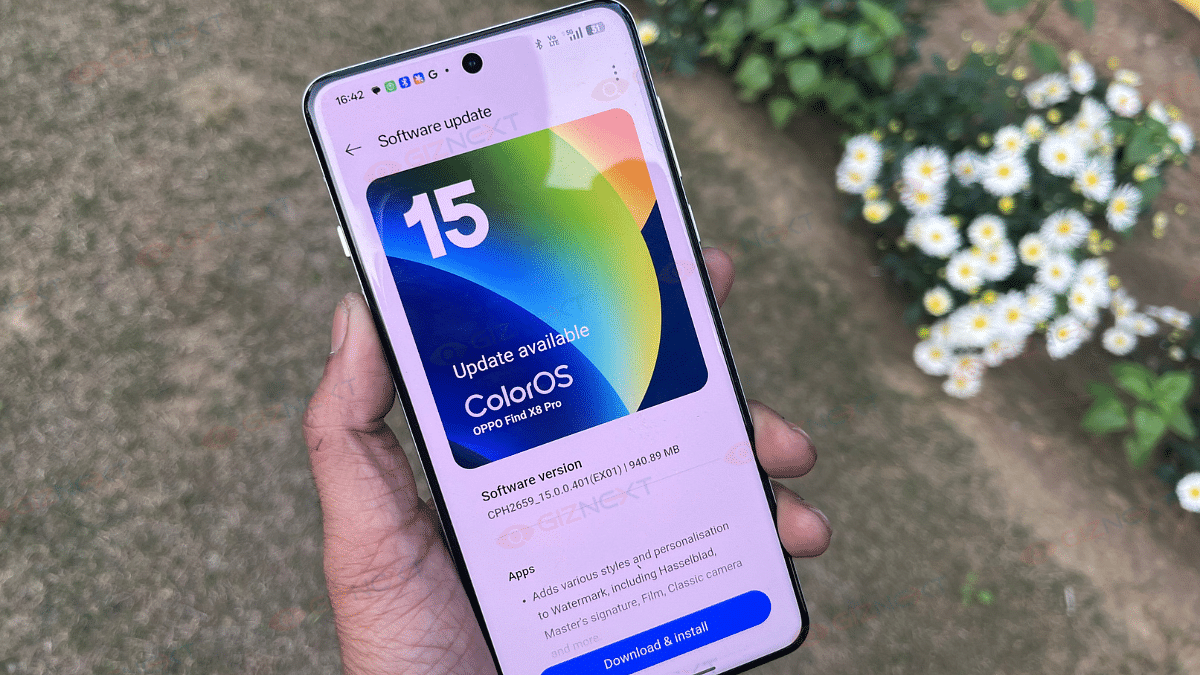
On the software front, ColorOS 15 based on Android 15 delivers a polished experience. Its revamped UI is sleek and user-friendly. The integrated AI features add a layer of convenience without being overbearing. Overall, the Find X8 Pro is a powerhouse that doesn’t disappoint.

Camera

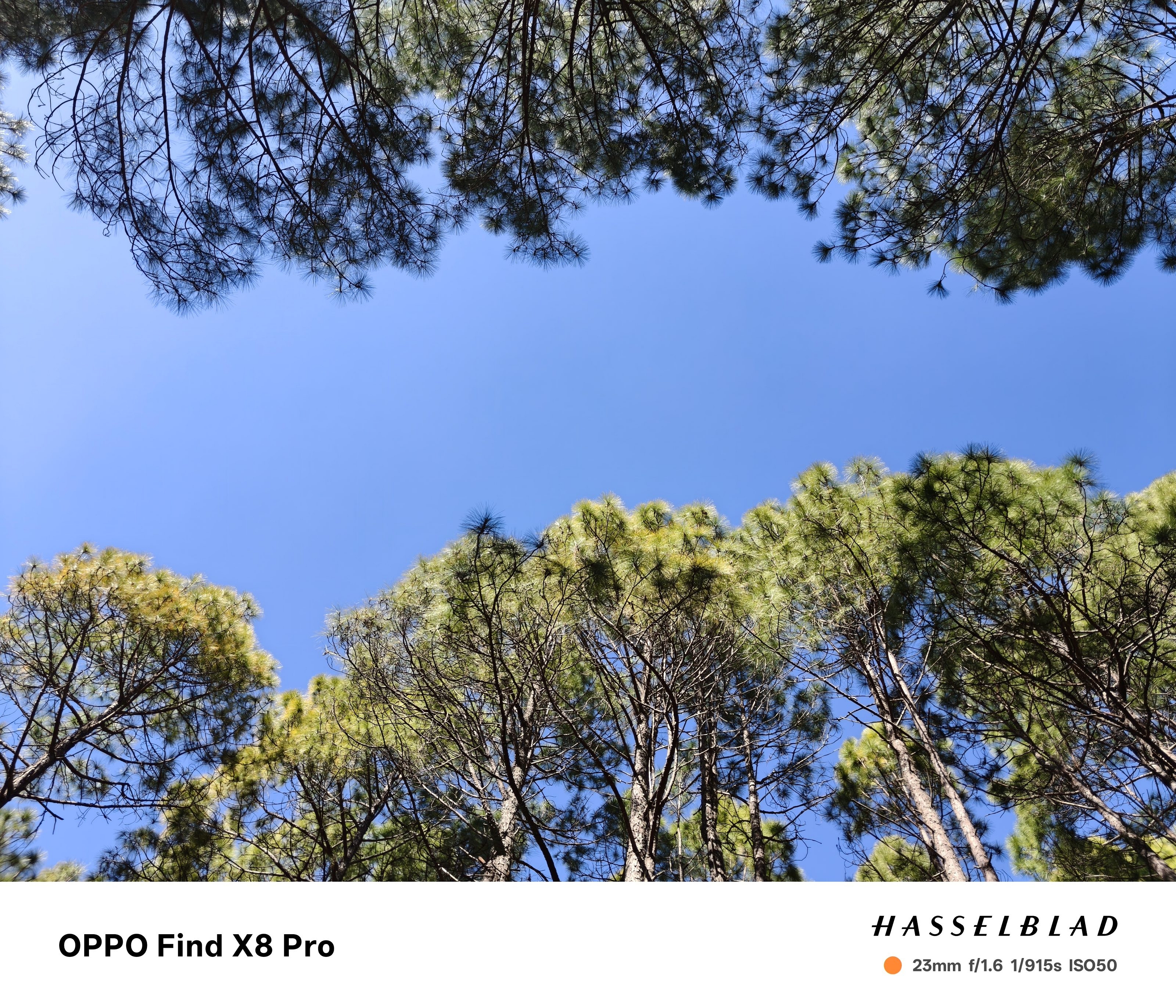
The Oppo Find X8 Pro completely transforms smartphone photography with its four 50MP sensors on the back. Without any doubt, the primary 50MP Sony Lytia LYT-808 sensor with OIS is the star of the show. It captures vibrant, detail-packed images in any lighting condition.

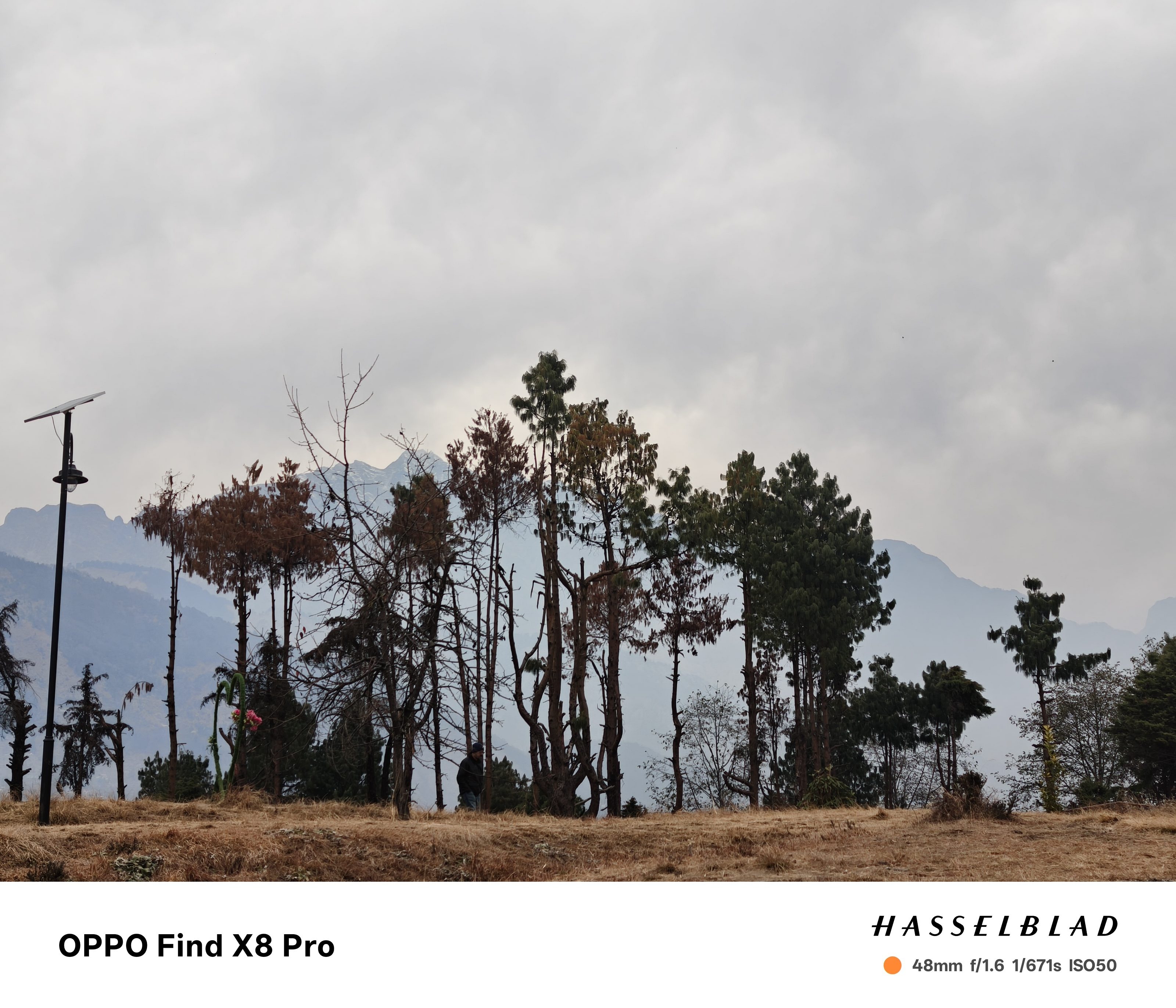
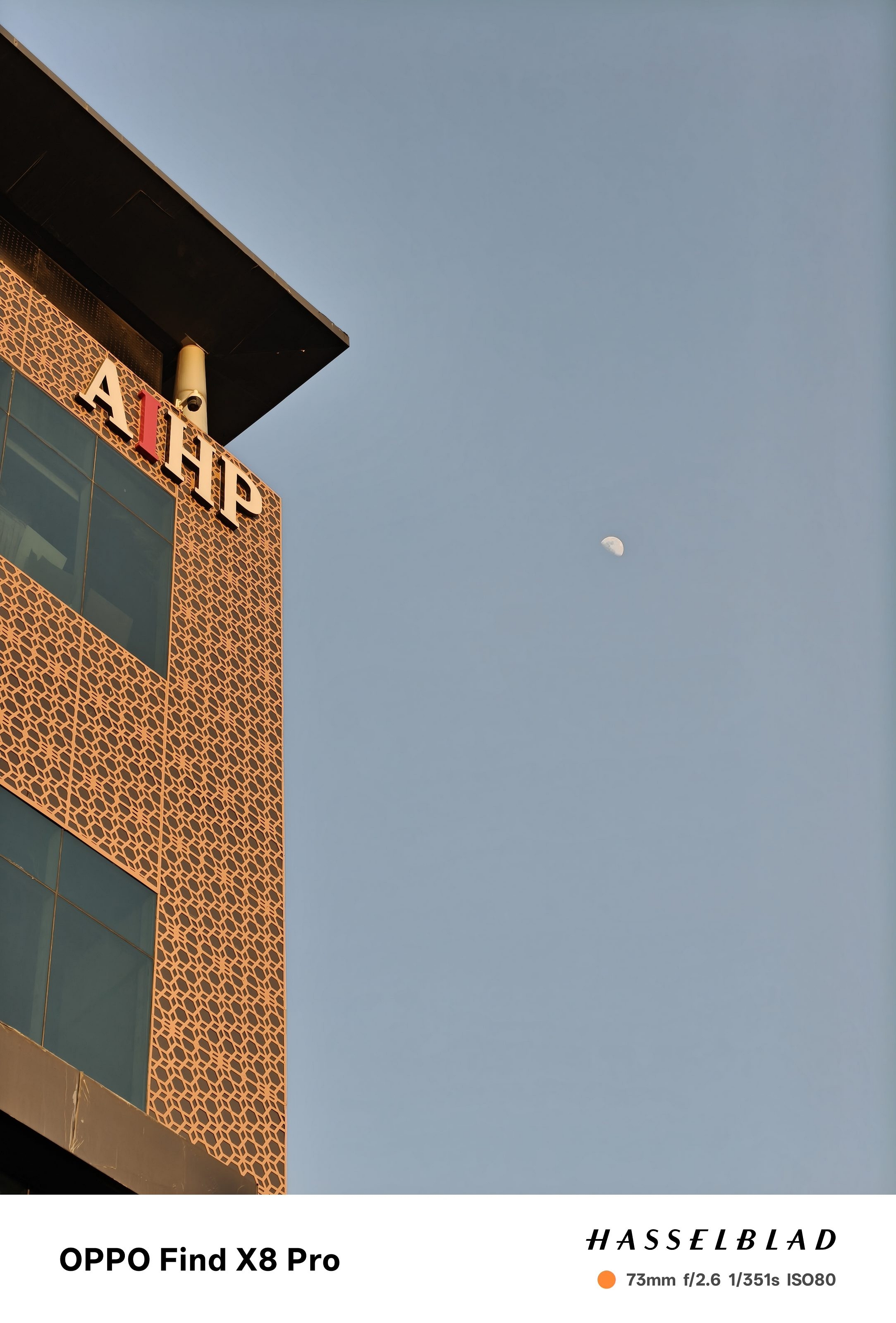
Complementing the primary sensor is a 50MP telephoto lens that offers 3x optical zoom and another 50MP telephoto lens with an impressive 6x optical zoom. The latter stands out in a market where such zoom capabilities are rare. It delivers sharp, detailed shots even at higher zoom levels.

It’s super easy to zoom in with the Find X8 Pro. The 6x zoom works incredibly well. Even the results of the 15x optical zoom are social media-worthy. However, the AI Telephoto Zoom mode isn’t perfect, nonetheless it does a decent job of outlining shapes and text at extreme zoom ranges.

The ultrawide 50MP camera is another standout. It mostly outperforms most competitors in both daylight and low-light scenarios. Portrait photography is equally impressive, thanks to Oppo’s partnership with Hasselblad. The dynamic range, natural skin tones, and vibrant colors make for stunning portraits.

Low-light performance is where the primary sensor shines. It delivers sharp, noise-free images with great details. Indoor shots under artificial lighting are vibrant and color-accurate.

On the video front, the Find X8 Pro excels with 4K recording at 60fps on both front and rear cameras. Videos are sharp, stable, and true-to-life with a range of creative tools for those who like to experiment.

Overall, the Oppo Find X8 Pro’s camera system is a masterpiece. With Hasselblad’s expertise, this phone is a dream come true for mobile photography enthusiasts. Whether you’re zooming in on distant subjects or capturing cinematic videos, the Find X8 Pro does it all with finesse.

Battery

If battery life tops your priority list, the Oppo Find X8 Pro won’t disappoint. It is powered by a 5,910mAh silicon-carbon battery. During my usage, the phone easily lasted over a day on balanced performance mode. With lighter usage, you can expect even better longevity.

Fast charging is another win here. The 80W wired charging takes the phone from 8 percent to 100 percent in an hour with the included charger. Additionally, the phone supports 50W AirVOOC wireless charging for added convenience. Overall, the Find X8 Pro is a perfect choice for a great battery life and quick charging capabilities.

Also Read | Vivo X200 Detailed Review In Points: It’s All About The Cameras!

Giznext’s Final Verdict

The Oppo Find X8 Pro is a near-perfect flagship with great design, top-tier performance, and an brilliant camera system. While its high price, limited color options, and slight heating under intense tasks are notable drawbacks, these are outweighed by its innovative features, long battery, and unmatched versatility. The Oppo Find X8 Pro is definitely it a worthwhile investment for tech enthusiasts.

For the tech geeks, stay updated with the latest cutting-edge gadgets in the market, exclusive tech updates, gadget reviews, and more right on your phone’s screen. Join Giznext’s WhatsApp channel and receive the industry-first tech updates.

Categories
Featured Laptop Reviews

Asus Vivobook S 14 OLED Review: Slim, Smart, And Ready To Perform

Key Highlights

  • 3K OLED display
  • 120Hz refresh rate
  • AMD Ryzen AI 9 HX processor
  • Built-in AI
  • Backlit Keyboard

Finding a laptop that really stands out in a world full with them is quite a difficult task to perform. In order to make our device seem unique, we all desire performance, style, and a little extra. Something that looks good while keeping up with our hectic lives. Well, this should not be difficult anymore when the Asus Vivobool S 14 OLED is available in the market. With its vivid OLED display, fun RGB keyboard, and solid build, it’s more than just another laptop. Curious about its real-life performance? Here’s my experience with the sleek powerhouse and let’s see if it lives up to the hype.

Also Read | Lenovo Yoga Slim 7i Carbon Laptop Review: Modern And Practical Solution For Premium Users

ProsCons
Premium design with metal bodyLimited outdoor visibility
14-inch OLED display with HDRCan get hot during intense gaming
Lightweight and portable 
Solid performance with Ryzen AI 9 HX 
Quick charging 

What’s Inside The Box?

  • Asus Vivobook S 14 M5406WA (Cool Silver)
  • USB Cable
  • Charging brick
  • User Guide

Design: Sleek And Stylish

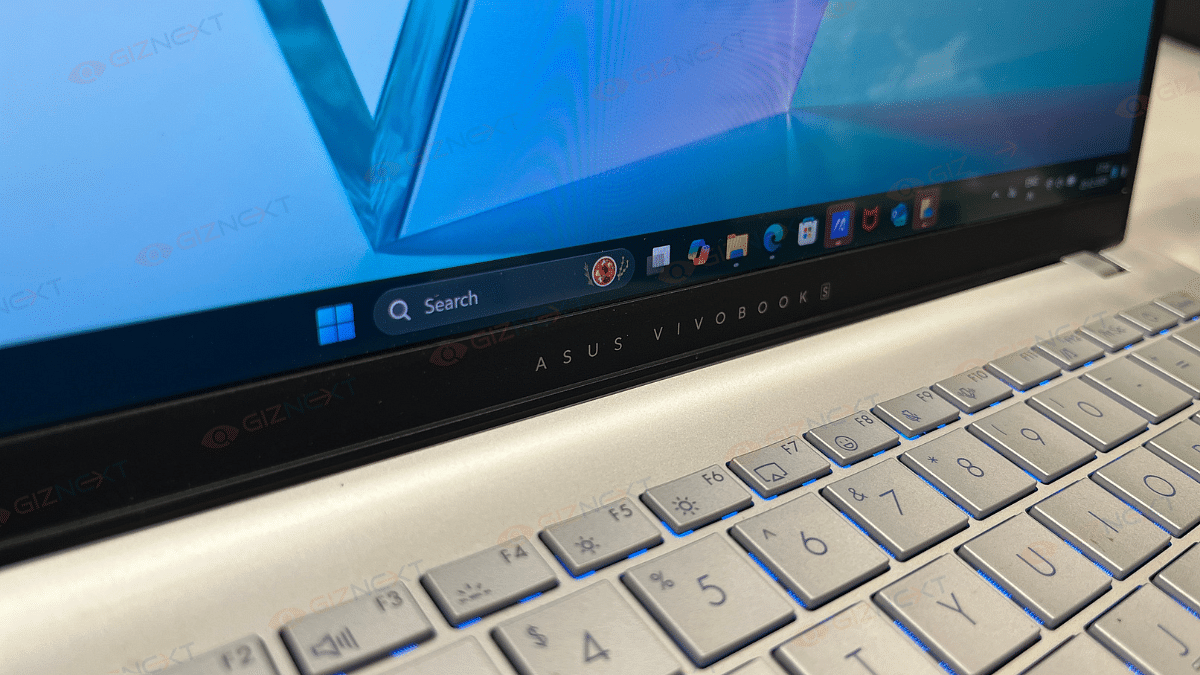
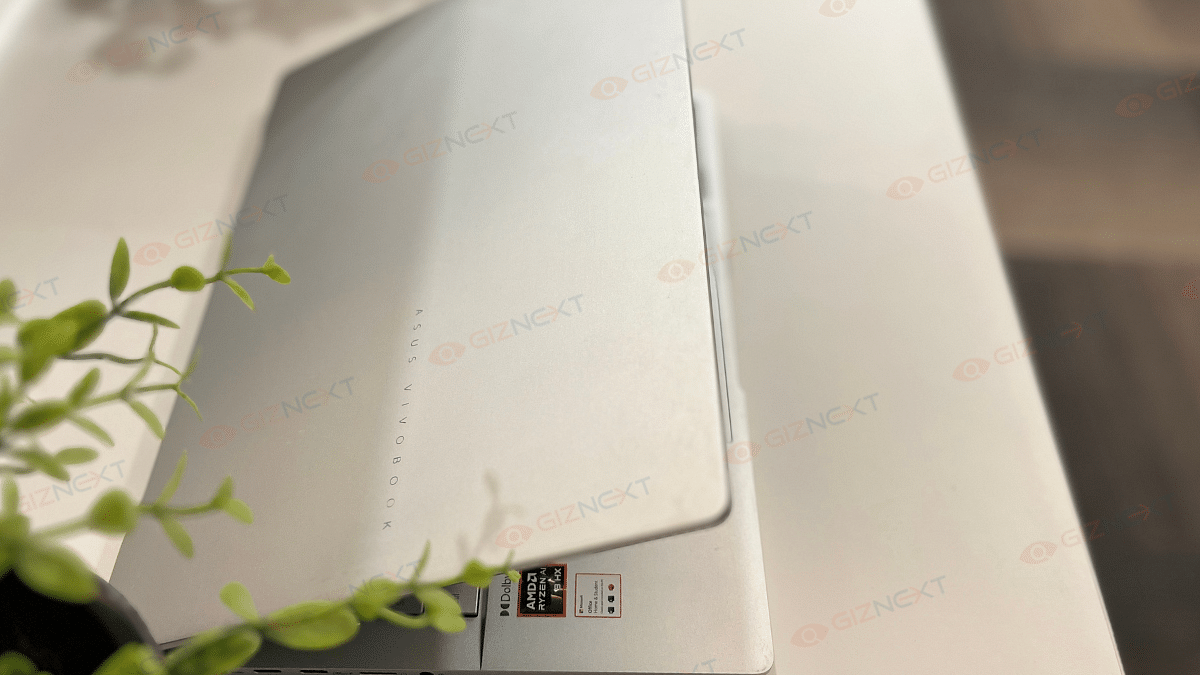
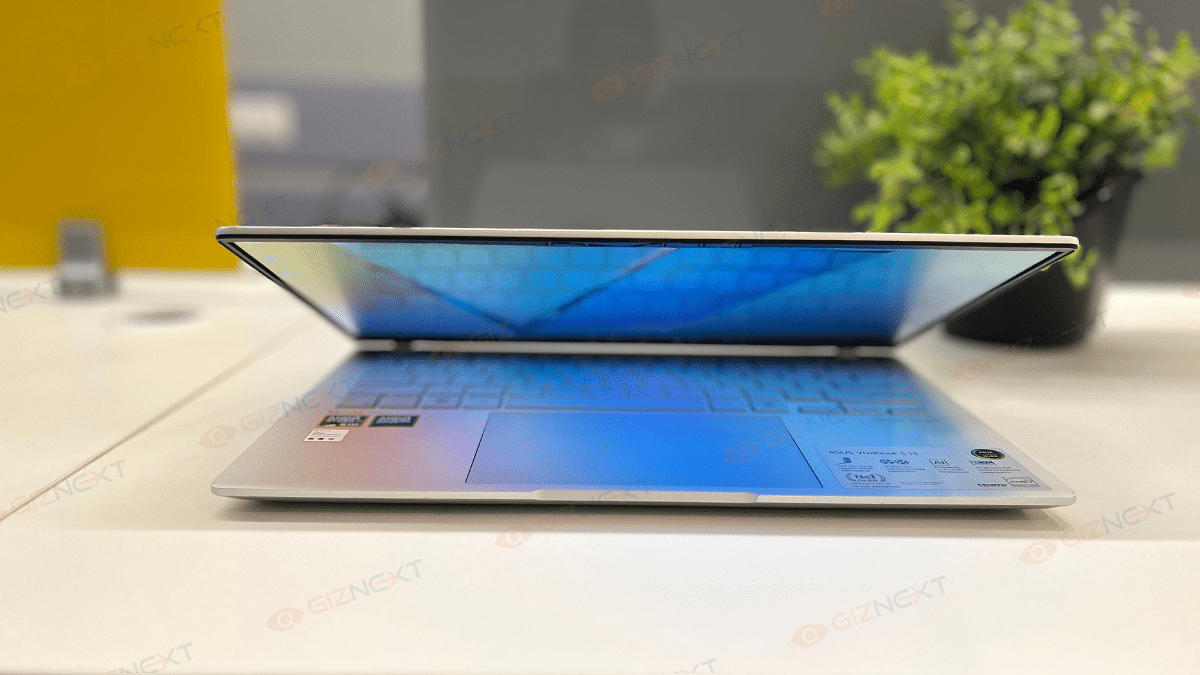
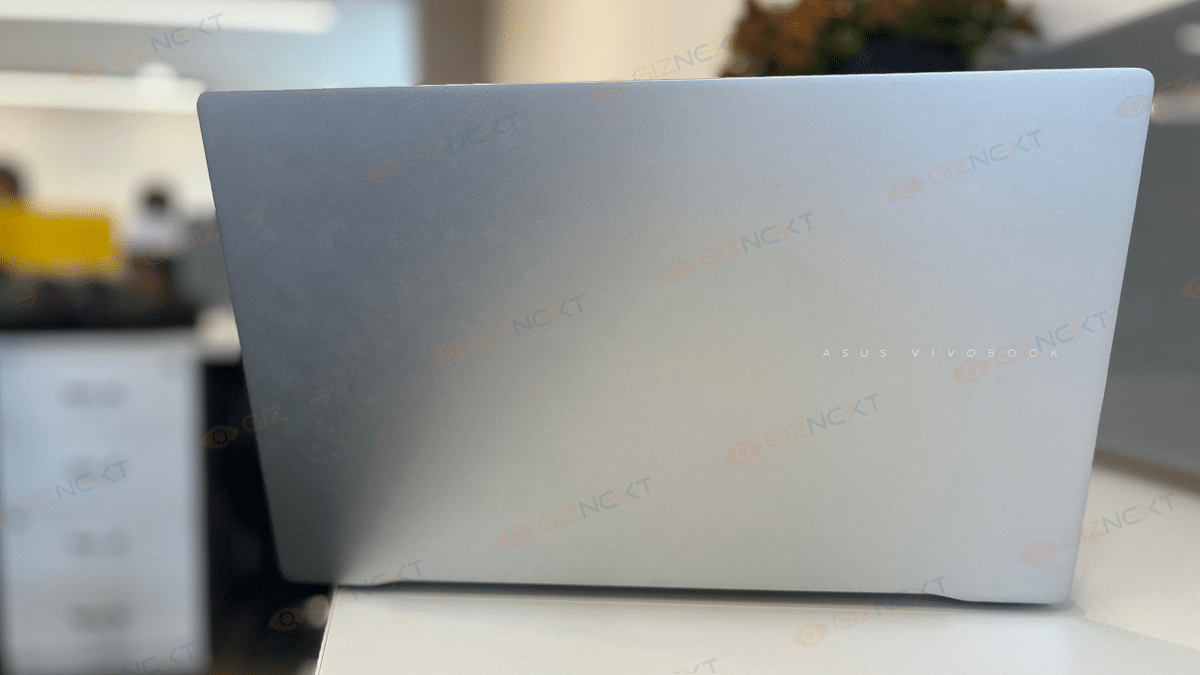
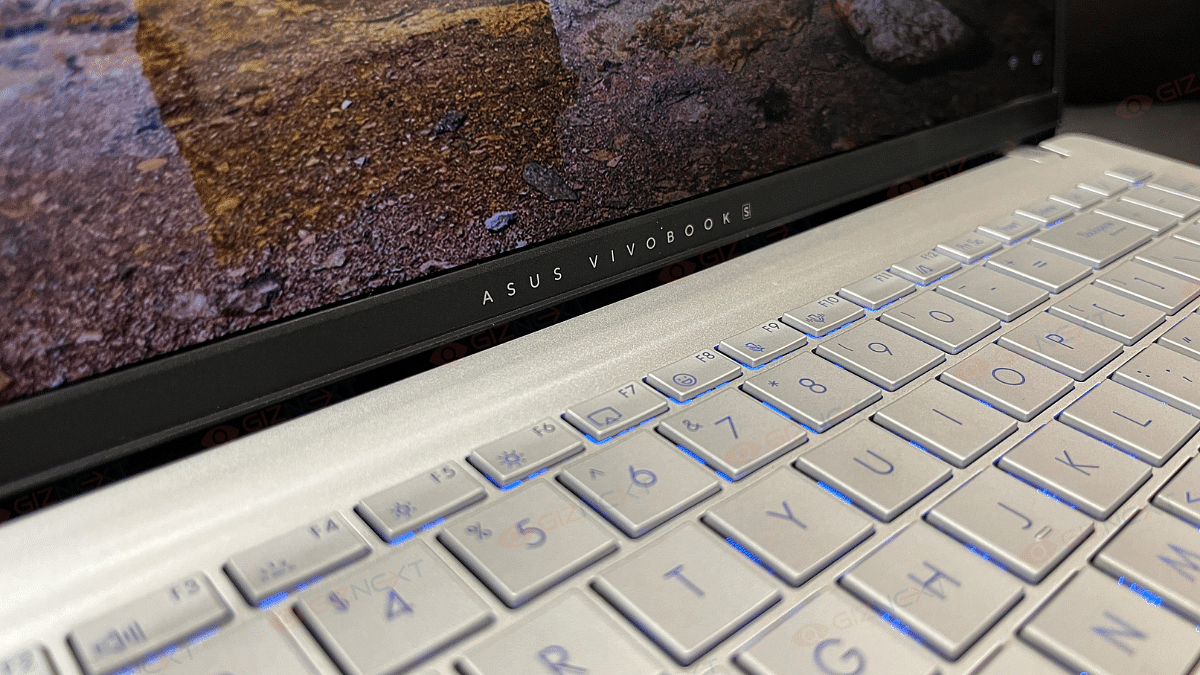
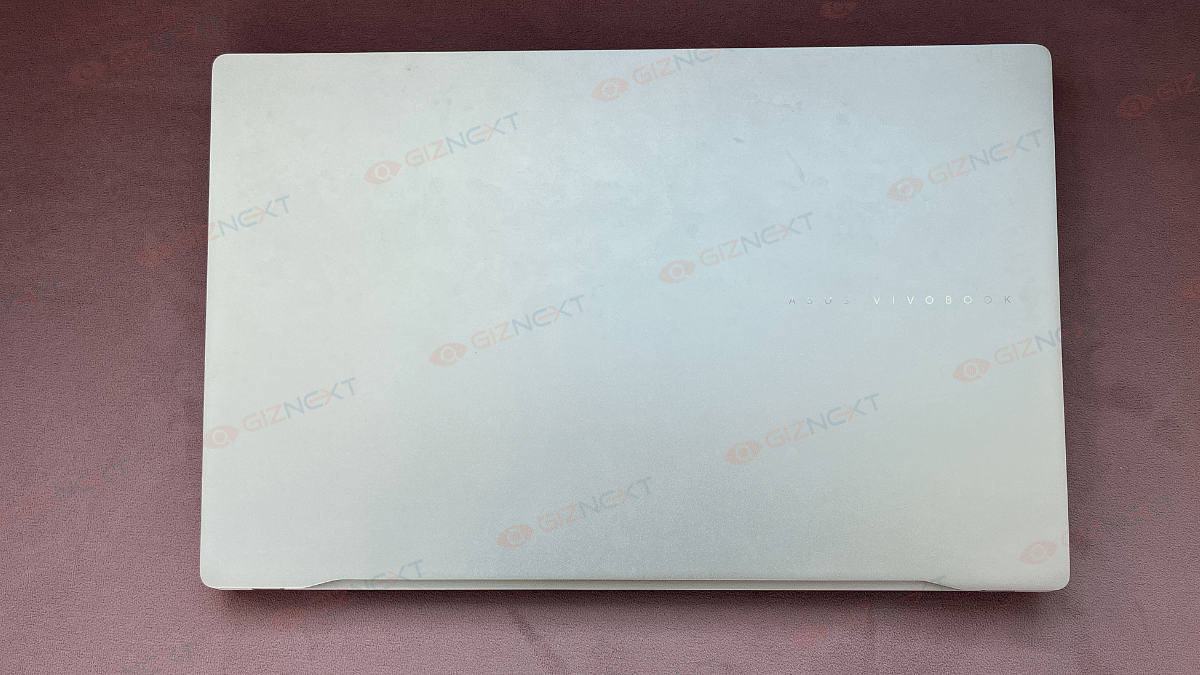
As a typical Vivobook S series, the Asus Vivobook S 14 OLED has a stunning silver finish that gives off a premium feel. This is undoubtedly one of the most elegant notebooks in its price range. The laptop has a metal body that adds to its luxurious look. Besides, the Asus logo, placed at its cover and just below the screen adds a nice touch to the design. It gives the laptop a signature look without being too flashy.

The Vivobook S 14 weighs only 1.3 kg and has a thickness of 1.59 cm. For people who are always on the move, this stylish, lightweight, and portable device is an ideal choice. Although the hinge permits a complete 180-degree opening, there is a small wobbling when the lid is being adjusted. However, this is not a major problem when using the hinge normally.

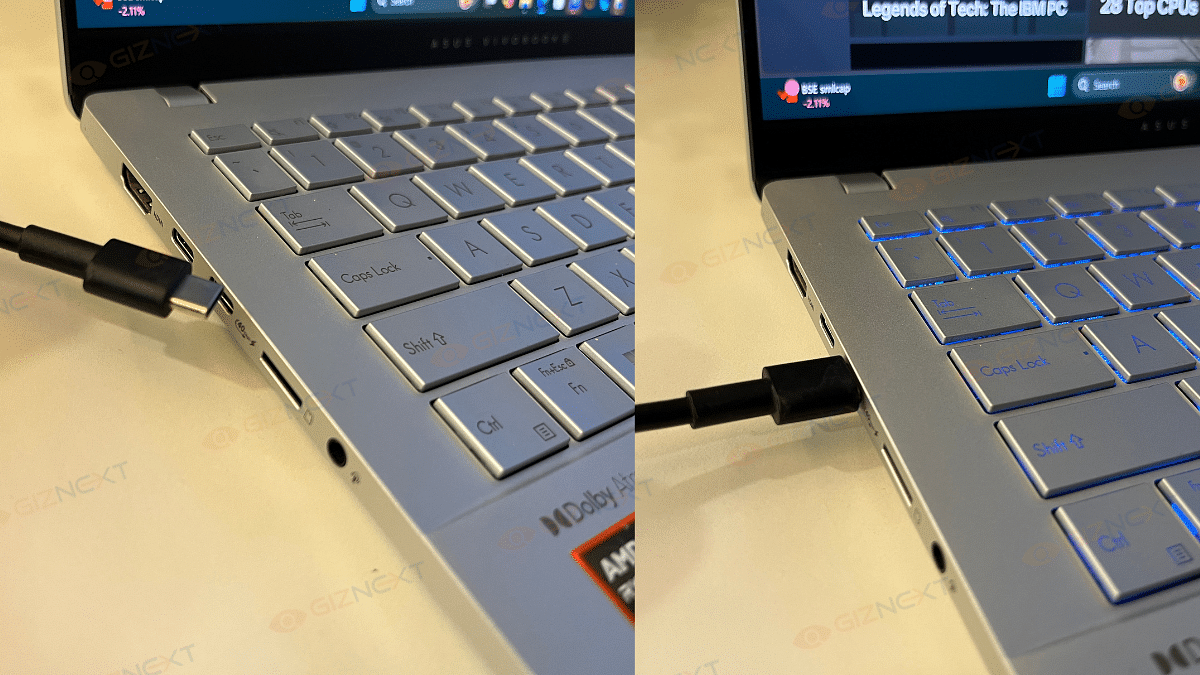
On the connectivity front, the Vivobook S 14 doesn’t disappoint. It includes a range of ports. The device features a Thunderbolt 4 USB-C port, USB-C 3.2 Gen 1 with Power Delivery and DisplayPort support, and an HDMI 2.1 port on the left.

The right side houses two USB-A 3.2 Gen 1 ports and the essential audio combo jack. The inclusion of a microSD card slot adds extra convenience for file transfers. Overall, the design is a perfect balance of aesthetics, functionality, and portability. This is a strong contender in the thin-and-light laptop category.

Keyboard And Trackpad: RGB Flair

The Asus Vivobook S 14’s keyboard and trackpad have their quirks. However, to keep the things interesting, they bring enough flavors to the table. Let’s start with the keyboard. Well, it’s got one-zone RGB backlighting that can be adjusted to your liking. Typing feels decent overall, although the feedback could’ve been a tad crisper, and the tiny directional arrows might have you looking a bit. Also, the absence of a separate power button is a bit of a head-scratcher, but it’s definitely not a dealbreaker.

Now, onto the trackpad. This one’s big, smooth, and super responsive which is definitely a win in my book. It handles swipes and gestures like a champ. The click areas are decent but can feel a bit rattly. Also, the corners might make you apply a bit more force for a click.

All in all, while not perfect, the keyboard and trackpad work just fine and even bring a little personality to the table. Bonus points for that RGB flair.

Display: Vibrant Colors

If you’re an OLED lover, the Asus Vivobook S 14 is sure to steal your heart. It has an amazing 14-inch HDR-ready OLED display. The screen offers jaw-dropping visuals with 100 percent DCI-P3 color coverage that delivers vibrant colors and rich saturation. The deep blacks and great contrast, hallmarks of OLED, make every movie, game, or design project a visual masterpiece.

With an adaptive refresh rate of up to 120Hz, the screen ensures smooth performance. HDR content dazzles with a peak brightness of 600 nits while the standard 400 nits brightness is ideal for indoor settings. That said, outdoor usage could be a bit tricky due to reflections and slightly limited brightness under harsh sunlight. Still, if you’re a fan of vibrant and immersive displays, this one’s sure to win you over.

Also Read | Asus ZenBook S13 OLED Laptop Review: A Compact Beast Machine!

Performance: AI And Everyday Productivity

The Asus Vivobook S 14 OLED is designed for productivity enthusiasts with a sprinkle of AI innovation. Powered by the AMD Ryzen AI 9 HX, this 12-core processor (4 performance + 8 efficiency cores) clocked at up to 5.1GHz ensures compatibility with all x86 apps. Backed by 24GB RAM and a 512GB NVMe SSD, it tackles everyday multitasking effortlessly.

For casual gamers, the AMD Radeon 890M GPU delivers decent performance. The laptop can become very hot, especially when intense gaming, therefore it’s best to use it in an area with good ventilation. However, the laptop remains cool and silent when used on a daily basis.

Regarding the media section, it’s a treat to watch series like Full Swing and Drive to Survive streamed on the bright OLED screen. Media enthusiasts will love it for its brilliant contrast, vibrant colors, and deep blacks. Because it ensures proper color representation, the color-accurate screen is especially perfect for creative activities like photo editing.

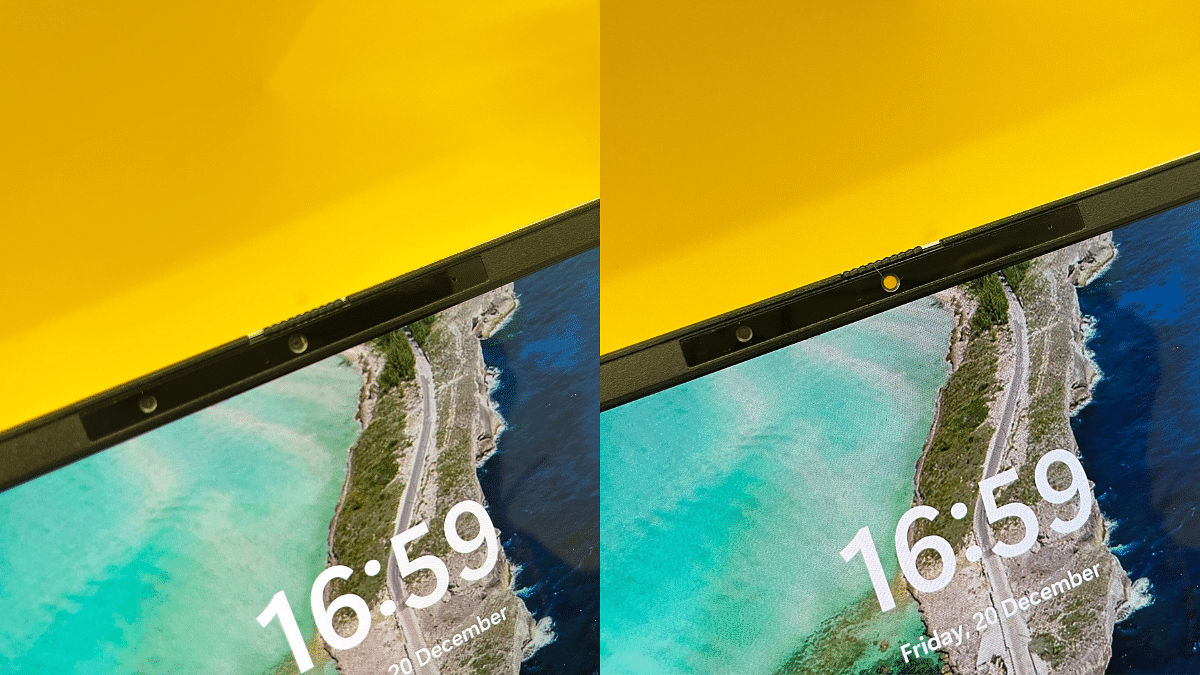
Apart from that, the Asus Vivobook S 14 features an FHD camera with IR functionality. This supports Windows Hello for secure facial recognition login. It also includes a privacy shutter that make sure your privacy when the camera is not in use.

Benchmarks: What The Numbers Say

The Asus Vivobook S 14 OLED delivers impressive benchmark results, proving its capability for both everyday tasks and creative workflows:

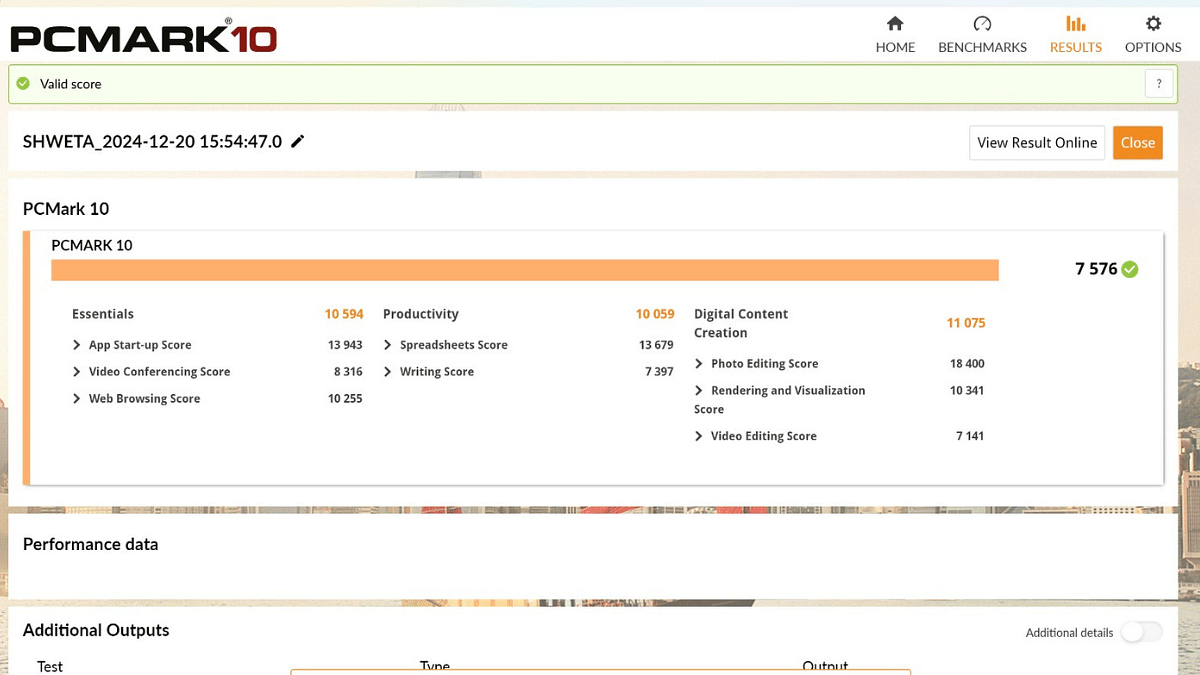
PCMark 10:

Overall Score – 7,576 points, shining in core categories:

  • Essentials: 10,594 – Smooth web browsing and video calls.
  • Productivity: 10,059 – Efficient multitasking.
  • Digital Content Creation: 11,075 – Seamless photo and video editing.

Cinebench 2024:

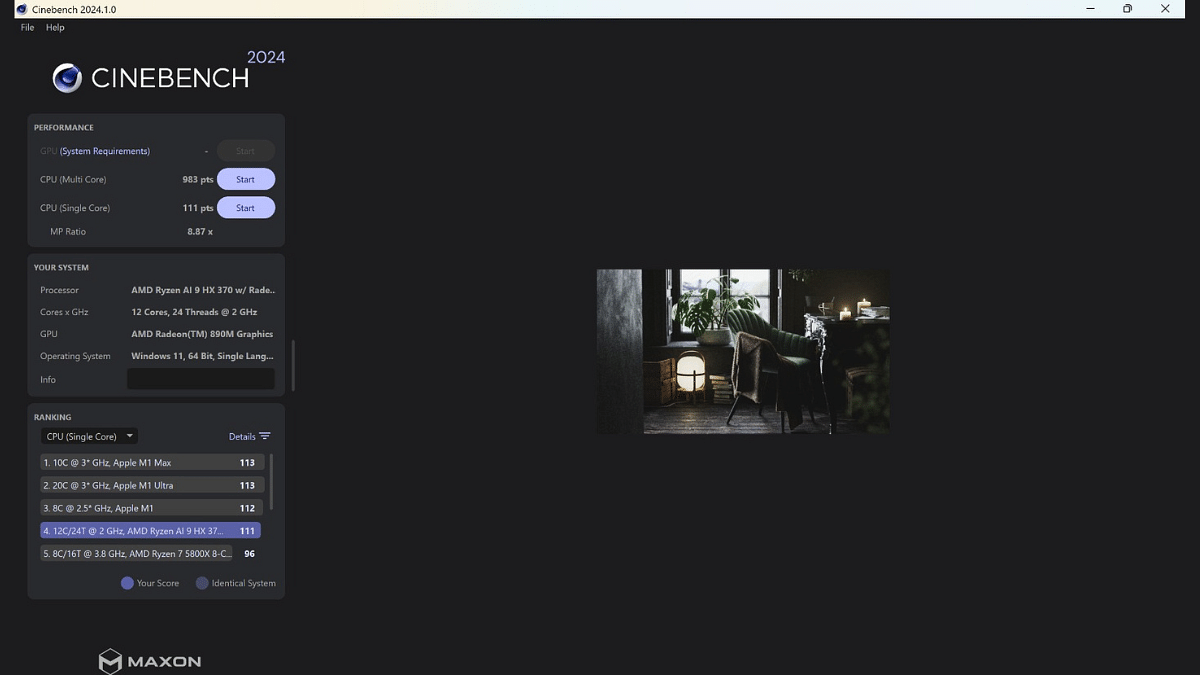
  • Single-Core Performance: 111 points – Optimized for single-threaded tasks.
  • Multi-Core Performance: 983 points – Efficient at handling multitasking and intensive workloads.
  • MP Ratio: 8.87x – Demonstrates strong multi-thread scaling.

The Ryzen AI 9 HX 370 processor with its 12-core, 24-thread configuration ensures a solid balance of performance for productivity, casual gaming, and creative workflows.

Battery: Long-Lasting

The Asus Vivobook S 14 OLED comes equipped with a 75Wh battery. It is perfectly sized for its productivity-focused design. It’s paired with a 90W USB-C charger that offers higher capacity than most portable laptops in this segment. The dual-piece design features long cables and a USB-C plug for convenience. Impressively, a full charge takes less than two hours that makes it ideal for users on the go.

Also Read | Asus Vivobook S15 OLED Review: Stylish Performer Or Overpriced Ultrabook?

Giznext’s Final Verdict

The Asus Vivobook S 14 OLED impresses with its sleek design, decent OLED display, and solid performance. It offers great productivity capabilities and vibrant visuals. Despite occasional heating during gaming, it’s a strong contender for users seeking portability and style.

The laptop is priced at Rs. 1,09,990. If you prioritize portability, vibrant visuals, and AI-driven productivity, this laptop will definitely meet your needs.

For the tech geeks, stay updated with the latest cutting-edge gadgets in the market, exclusive tech updates, gadget reviews, and more right on your phone’s screen. Join Giznext’s WhatsApp channel and receive the industry-first tech updates.

Categories
Featured Mobile Reviews

Vivo X200 Detailed Review In Points: It’s All About The Cameras!

Smartphone photography is something that has evolved exponentially over the last decade. Its a whole new era when we speak of the point and shoot devices. And its the smartphones that are gradually taking over high-end professional cameras. Vivo is one of the brands that have excelled in the smartphone camera segment and its X series has been a marvel in this space. This series is just refreshed with two new fresh models, the Vivo X200 and the X200 Pro. The former is the base model that brings a combination of high-end camera setup, a vivid display, powerful performance, and battery life. Priced at Rs. for the 12GB RAM and 256GB storage, this new X series phone seems a lucrative deal for all mobile photography enthusiasts. But is it really worth an upgrade? At Giznext, we have reviewed this handset and here’s what we think:

Also Read: Asus Vivobook S15 OLED Review: Stylish Performer Or Overpriced Ultrabook?

Vivo X200: Box Contents

  • Vivo X200 (unit)
  • Quick start guide and user manuals
  • Warranty Card
  • SIM ejector tool
  • Phone cover (back case)
  • Power brick
  • USB Type-C charging cable

Also Read: Realme GT 6 Review: Can This Smartphone Stand Out In The Premium Market?

Vivo X200: Price In India, Color Options

Vivo X200 12GB+ 256GB: Rs. 65,999

Vivo X200 16GB+ 512GB: Rs. 71,999

Also Read: Vivo X100 Pro Review After One Month Use: Truly Redefines Smartphone Photography

Vivo X200 Review: Design

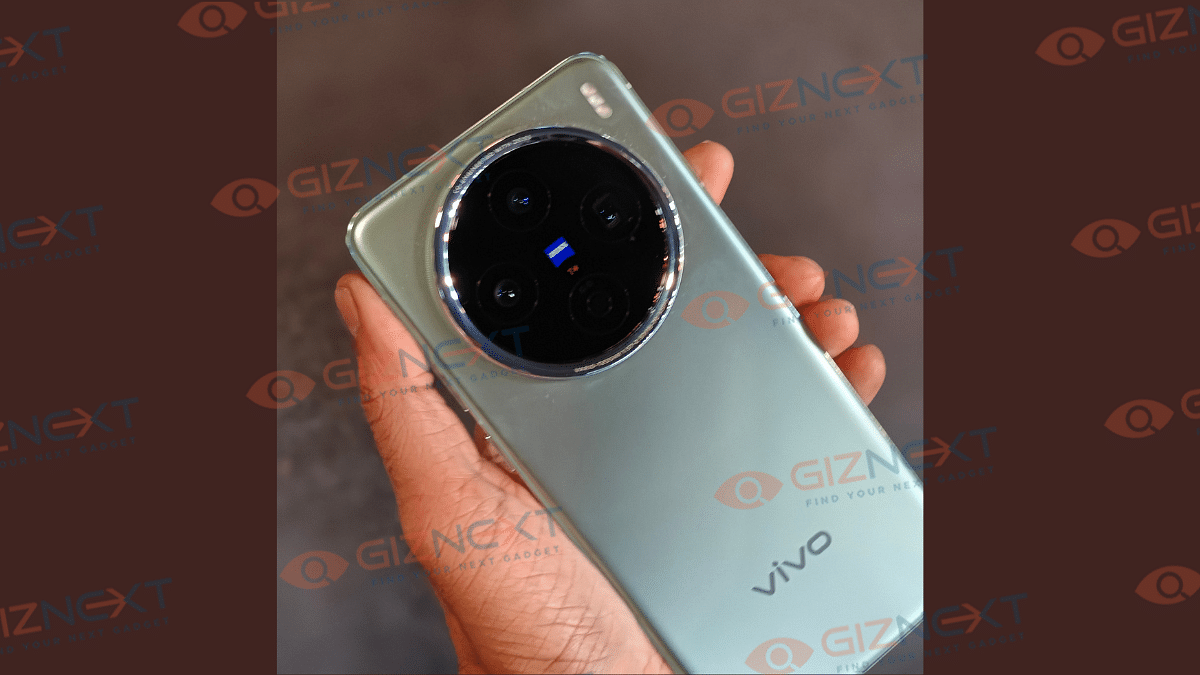
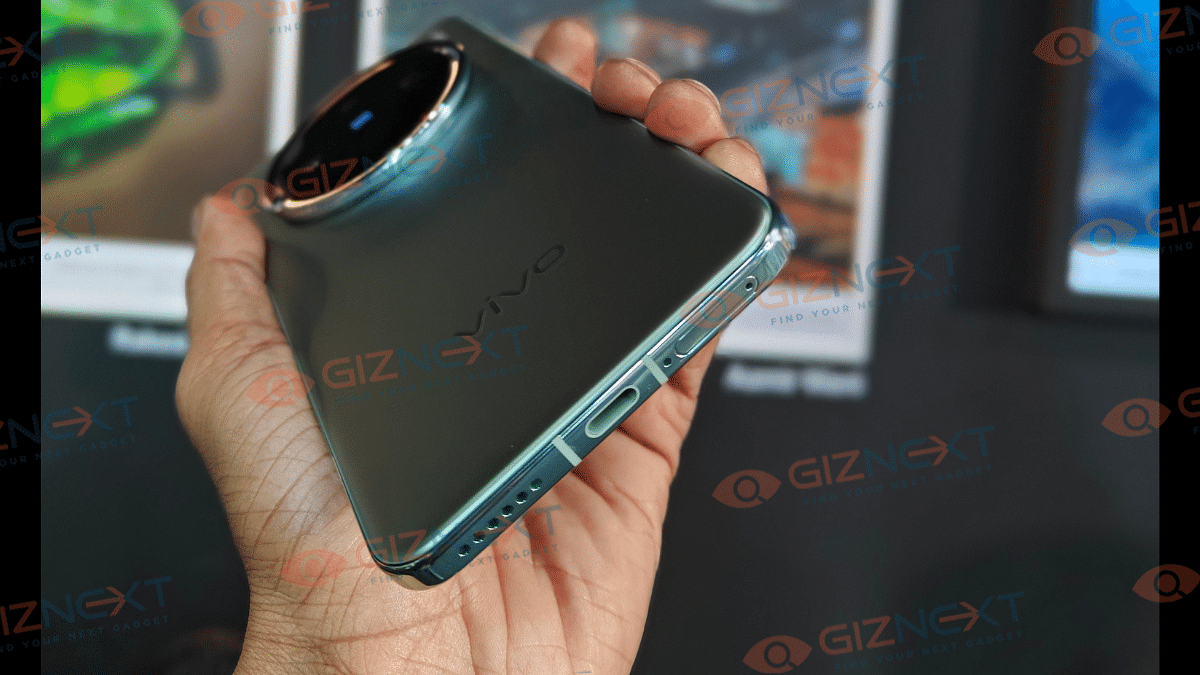
Vivo hasn’t given a complete overhaul to the X200 series’ design when we compare it with the precursor. But despite the subtle changes, the design looks refreshing overall. Specifically, the camera island which remains round but has better alignment of the lenses and flash module giving it a rather symmetrical and even.

Also, the size of the camera module has increased slightly making it more prominent part of the design. The material used to craft the back panel this time is glass and glass fiber combined with aluminum alloy frame which adds to both visual appeal as well the sturdiness.

This phone measures 16.027 cm × 7.481 cm × 0.799 cm in dimensions and weighs 202 g. Do note that the Comsos Black variant is slightly lighter at 197 grams compared to the Natural Green version. We liked the overall grip of this device (without case) which allows easy single-hand operations. But be careful, this phone tends to slip away easily from hands due to its smooth texture overall.

You will also notice the back panel picking up fingerprints which is why we will recommend you to use a protective back case. A transparent TPU case ships with the retail box, but upgrade to sturdy aftermarket cases is always an option. Placement of the ports and keys are same as the precursor. You get the right-spine mounted power and volume keys, while the bottom panel has the USB Type-C charging port sandwiched between the speaker grille and the SIM tray.

Also Read: Vivo V30e Review In Points: Versatile Mid-Ranger

Vivo X200 Review: Display

Vivo has equipped the vanilla X200 with an OLED panel that measures 6.67-inches. While the screen size is slightly reduced compared to the predecessor (X100), the quality isn’t compromised even a bit. The panel supports FHD+ resolution (2800 x 160 pixels) and also has 10-bit (HDR10+) compatibility.

Color production and overall visuals are superb with the panel producing real-life like colors. Thanks to the Zeiss technology that not just powers the camera but also the display (Zeiss Master Color Screen) improving the visuals.If you are amongst those users who are addicted to the screen and binge watch on shows or movies, you are in for treat with the X200.

And if you are also a fan of brighter displays, the X200 with 4500 nits peak brightness is definitely going to impress you. You hardly struggle while viewing content under direct sunlight. This panel integrates an optical fingerprint scanner which does its job well. Unlocking accuracy as well as speeds is high.

Also Read: Vivo X Fold 3 Pro Review: The New Ruler Of Foldables

Vivo X200 Camera Review: Steps Up The Game

Vivo’s X series has been all about cameras right from the beginning. And the game has been stepping up each year with the new X series launch. Vivo has once again partnered with Zeiss to bring exceptional camera experience to the X200 lineup which is evident even with the vanilla X200 model.

It’s primary rear camera island employs a 50MP main Sony IMX291 sensor with OIS, a 50MP Samsung JN1 wide-angle sensor with 119° FoV, and a 50MP Sony IMX882 telephoto lens with OIS and 3x optical zoom. While the telephoto lens here isn’t as big as the 200MP unit used on the Pro model, the output it offers surely is top-notch. The camera mode is loaded with the same new advanced shooting modes like the Pro variant.

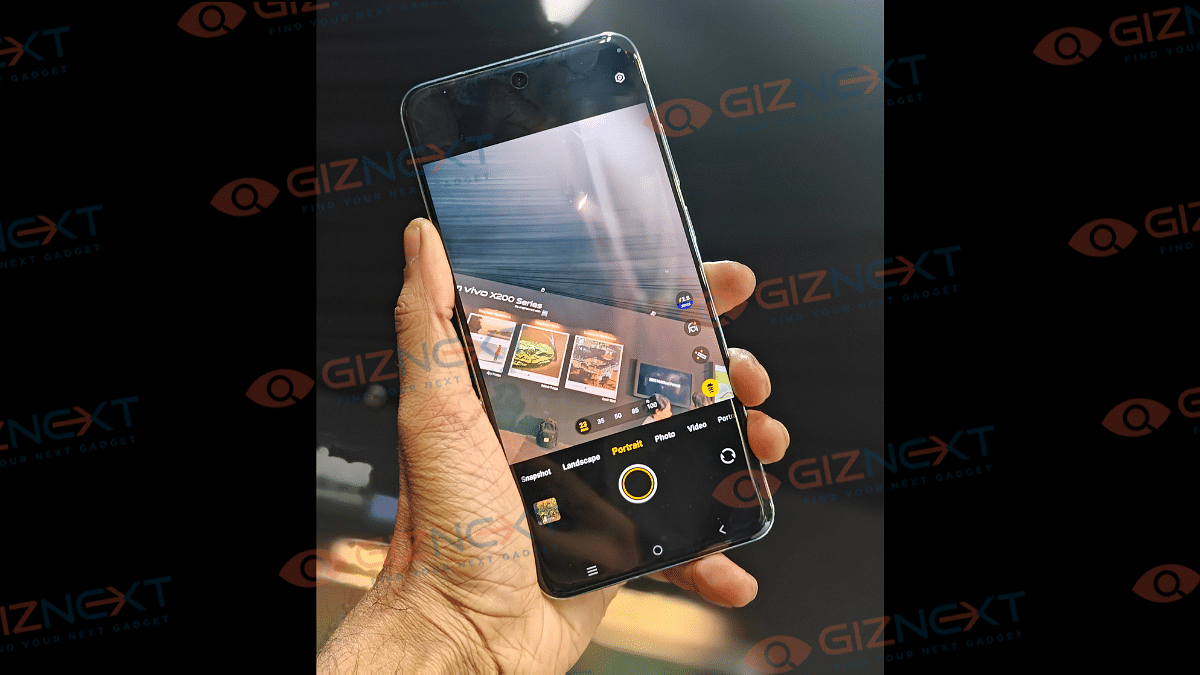
Portrait shots via the Zeiss telephoto sensor are sharp even when the shots are captured from far. You can select multiple focal lengths and multiple pre-set Zeiss modes (ZEISS Multifocal Portrait) suiting the scene. The depth clarity is high and the variety you get to capture with the bokeh effects is exceptional.

Even the zoom shots speak volumes of the quality which Vivo is providing from mobile photography. Here is a sample of the full moon captured by the Vivo X200 vanilla variant. this shot is captured without any tripod. You can notice how it manages to capture stable zoom shoots without compromising much on the quality.

The X200 is also a master when it comes to macro photography. The new-gen X series phone supports Telephoto macro mode which captures the tiniest details with closeups. And you don’t always have to move closer to get ultra clear macro photos. Samples are attached here.

Night photography has also got better with the X200 series. The Night mode makes the images look sharper and the clarity is well retained in each click. Grains and noise hardly aren’t evidently visible and the edge detection is to the point.

Landscape mode, Astro, Supermoon, Slow-mo, and Pano are some of the standard camera modes you get to click pictures with on the X200 series. Selfie lovers will be pleased with the 32MP snapper packed upfront. The quality is all refined with the added Zeiss modes.

Selfie portraits also look natural. Well, this still isn’t the complete overview of the X200’s camera potential and we still are coming across its prowess. The X200 series has just got better with imaging capabilities and surely beats the top rivals in its league.

Also Read: Vivo T3 Pro 5G Review: Mixed Bag Or Real Deal?

Vivo X200 Review: Everyday Performance

Just like the previous year, Vivo has used MediaTek’s flagship Dimensty 9000 series chipset to drive the X200 lineup. The Dimensity 9400 SoC under X200’s hood churns out better CPU performance. The unit has been reliable with daily as well complex tasks throughout our usage. Vivo is offering the X200 with 12GB RAM+ 256GB storage and 16GB RAM+ 512GB storage.

Both variants are powerful with computing speeds and can effortlessly meet your requirements be it media play back, gaming, or web browsing, etc. That said, gaming experience is top notch too with the phone being able to maintain stable temperatures during heavy gameplay. Enabling the highest graphic settings of your favorite FPS or racing game will also be thrilling experience with the ray tracing enabled SoC.

Also Read: Vivo T3 Ultra 5G Smartphone Review: A Flagship Experience For Less?

Vivo X200 Review: Battery Backup

Vivo X200 features a 5,800 mAh battery which has 90W fast charging support. The big battery and the fast charging speeds aren’t the only highlight. With the X200 lineup, Vivo has become the first brand to fit a semi-solid state battery in its mobile lineup.

The new battery pack enhances the batteries performance in extreme cold temperatures by reducing excessive drainage. The backup overall is good and this phone easily lasts a day with moderate usage. Second plug-in might not be required unless you are hooked on the screen while gaming or streaming videos.

Also Read: Realme 14x 5G Review: Solid Build, Impressive Performance All In Budget

Giznext Expert Verdict

Vivo has once again come up with a camera masterpiece with the X200 series. And the X200 truly justifies its potential in terms of mobile photography. For those seeking a high-end mobile, that can beat professional-grade cameras while offering efficient performance, the X200 is worth every penny. It’s one of those handful devices that have the potential to be a complete package. Of course, prices here are subjective.


Categories
Featured Mobile Reviews

Realme 14x 5G Review: Solid Build, Impressive Performance All In Budget

Pros

  • Has a rugged drop resistant build
  • Rain-water smart touch display feature
  • Sonic drain water eject feature and up to 1.5 meters water submerging resistivity
  • Beefy 6,000 mAh battery provides backup of more than one day
  • Quick re-charging using 45W power adapter
  • Decent performance and overall multitasking speeds

Cons

  • Bit bulky and might not be apt for single hand use
  • Lots of bloatware
  • Standard LCD panel
  • Display supports only 720p HD+ resolution

Realme’s number series recently got refreshed with a new model – the Realme 14x. And just like previous-generation, this time too Realme has tried to upgrade its game by adding unique industry-first features to its mid-range smartphone lineup. The Realme 14x 5G comes as a great example of new innovations and tech which helps it secure the top spot in the sub Rs. 15,000 segment. But what exactly helps the Realme 14x 5G crawl up the ladder? Is it the design or performance or the camera? We have been using this handset for a while and here we are listing down its hits and the misses.

For the tech geeks, stay updated with the latest cutting-edge gadgets in the market, exclusive tech updates, gadget reviews, and more right on your phone’s screen. Join Giznext’s WhatsApp channel and receive the industry-first tech update.

Also Read: Realme 13 Pro+ 5G Long Term User Review: AI Camera Steals The Limelight

Box Contents

  • Realme 14x 5G (unit)
  • Soft TPU case
  • User manuals
  • SIM Card ejector tool
  • Power adapter
  • USB Type-C charging cable

Also Read: Realme 13+ 5G First Impression Review: Sets New Benchmark?

Realme 14x 5G: Variants And Prices

Realme 14x 5G  6GB RAM and 128GB Storage: Rs. 14,999

Realme 14x 5G  8GB RAM and 128GB Storage: Rs. 15,999

Also Read: Vivo T3 Ultra 5G Smartphone Review: A Flagship Experience For Less?

Design Review: Rugged Military-Grade Build A Major Upgrade

For a change, Realme isn’t just targeting the youth or the family-segment masses with its latest smartphone. In fact, the brand claims the Realme 14x is an ideal companion for challenging environments and will be fit to carry along on outdoor ventures and even construction sites.

Well, the rugged construction of this handset courtesy the IP68 IP69 certification along with SGS military-grade shock resistance makes it all special. Seems like, Realme is now stepping up its game in terms of design and build as well besides taking leaps in the performance segment. This handset is capable of resisting a water dip of up to 1.5 meters for up to 30 minutes making it amongst the only few handsets to offer this feature. And that’s not where Realme has stopped.

The 14x 5G additionally offers a unique SonicWave Water ejection option as well. This is the only handset in its segment that can eject water out of the speaker port via vibrations at specific frequency. Realme has been offering this water drainage feature with its high-end devices and now have set new standard in the affordable segment as well. So, if in case you plan to click an underwater pic or have accidentally got your device wet, you simply need to pull down the notification drawer and tap on the SonicDrain icon.

Realme has used an ArmorShell protection for the 14x 5G making it drop-resistant. All the crucial components and the corners of this device gets the added durability with the cushioned sponge design protection. Despite being a rugged phone, the Realme 14x 5G doesn’t really miss out on the looks. It still is a handsome looking unit where the diamond back panel design reflecting lights under sunlight will grab your attention. Single hand usage experience is average. It is a big phone and you might struggle while scrolling or playing games if your palms are tiny.

Also Read: OPPO K12x 5G Review In Points: Most Rugged Budget 5G Phone

Display Review: Clear Visuals Fluid Touch Response

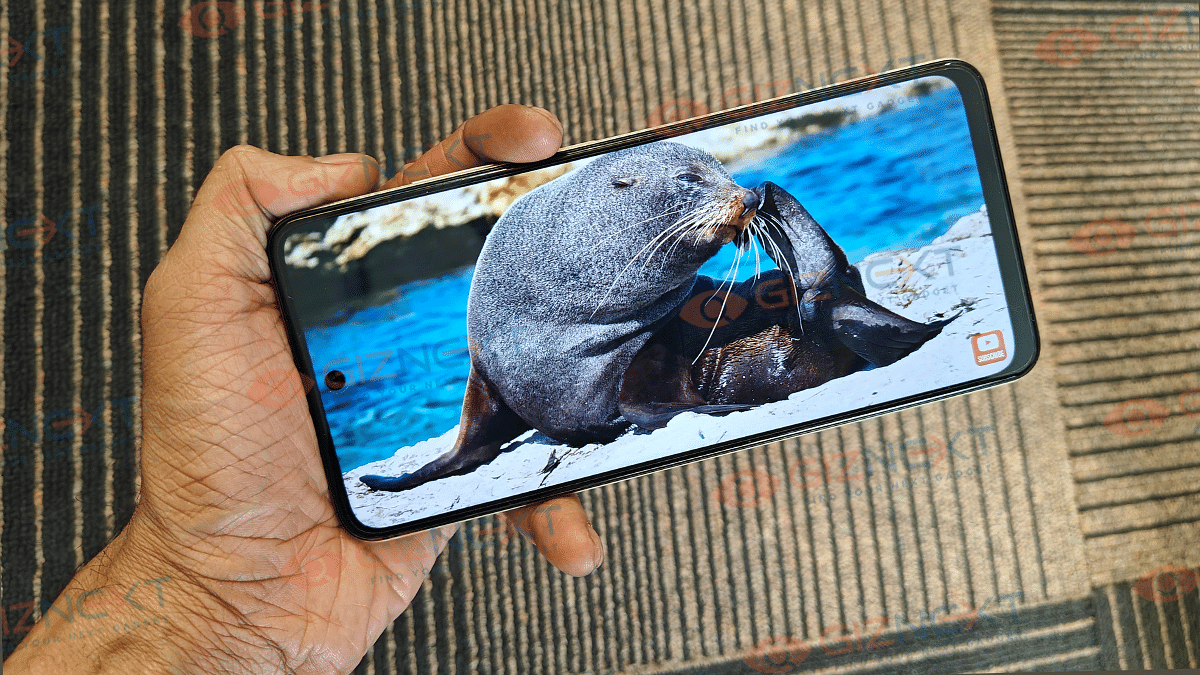
Realme have been equipping its number series with premium display panels despite their lower costs. The 14x 5G also has a substantially big screen measuring 6.67-inches. The panel type is LCD which is decent with overall color production, clarity, and brightness levels. It has a standard 720p screen resolution support. To make up for this, Realme has made this handset compatible with 120Hz refresh rate.

With this, the screen offers a fluid touch response and also smoother frame transitions. This panel is designed in a way that it avoids screen flickers hence you wouldn’t find your eyes straining despite prolonged usage. We had a decent experience overall using this handset for content consumption. It didn’t disappoint while streaming videos online from YouTube and other platforms.

Gaming visuals are also decent, but you might have to stick to the medium to low settings. Brightness levels are decent too with the handset offering a peak brightness of 625 nits. While this is not as bright as some of the recent Realme phones, it does its job fine. Toggling the brightness level to max will make visbility outdoors less straining on the eyes.

Realme has further made the 14x 5G’s screen more functional this time by adding rain-water smart touch feature. This is nothing but an advanced tech used for the display panel that allows using the screen even with wet hands. You can easily scroll or launch any app using when your fingers are slightly wet.

Also Read: Lava Blaze Curve 5G Review: Setting New Standards For Budget Smartphones?

Performance Review: Handles Daily Tasks Efficiently

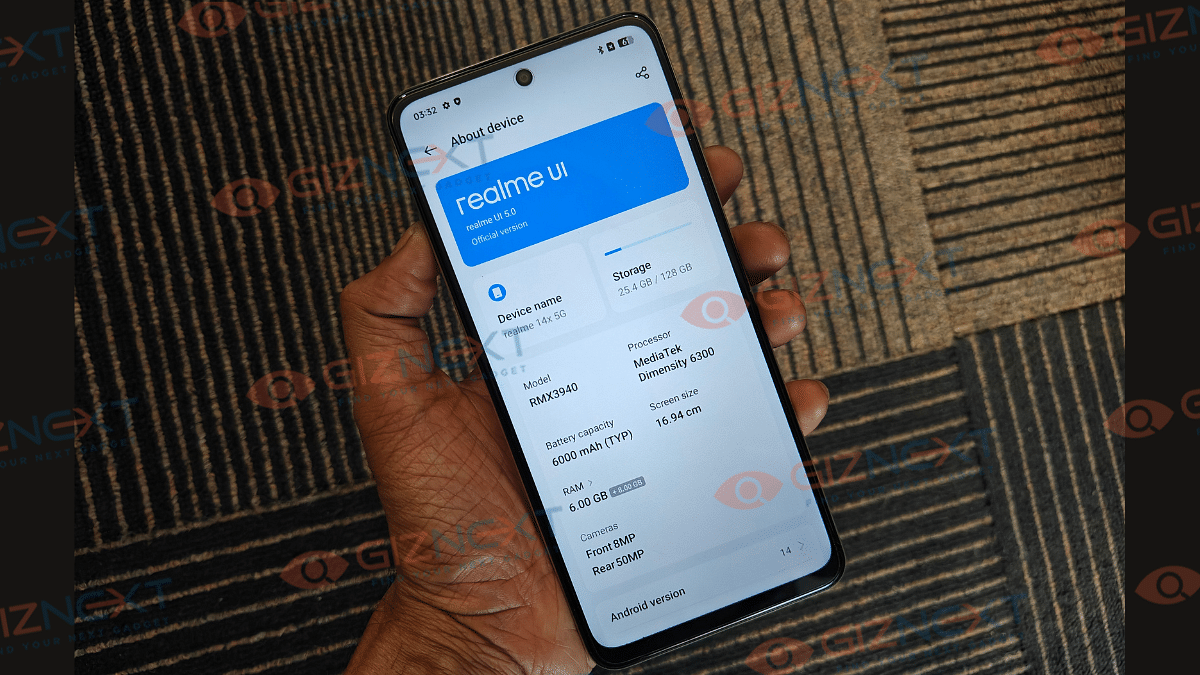
Realme 14x 5G is yet another performance-oriented handset which can easily complete all the given tasks quickly. Under its hood, there is the Dimensity 6300 chipset which is 5G-ready and is build using 6nm fabrication process. Realme has tuned the performance settings and the 14x 5G is smooth with overall usage. App firing rate is almost instant, specifically, if there are limited high-power apps running in the background. You can switch between the already open apps swiftly.

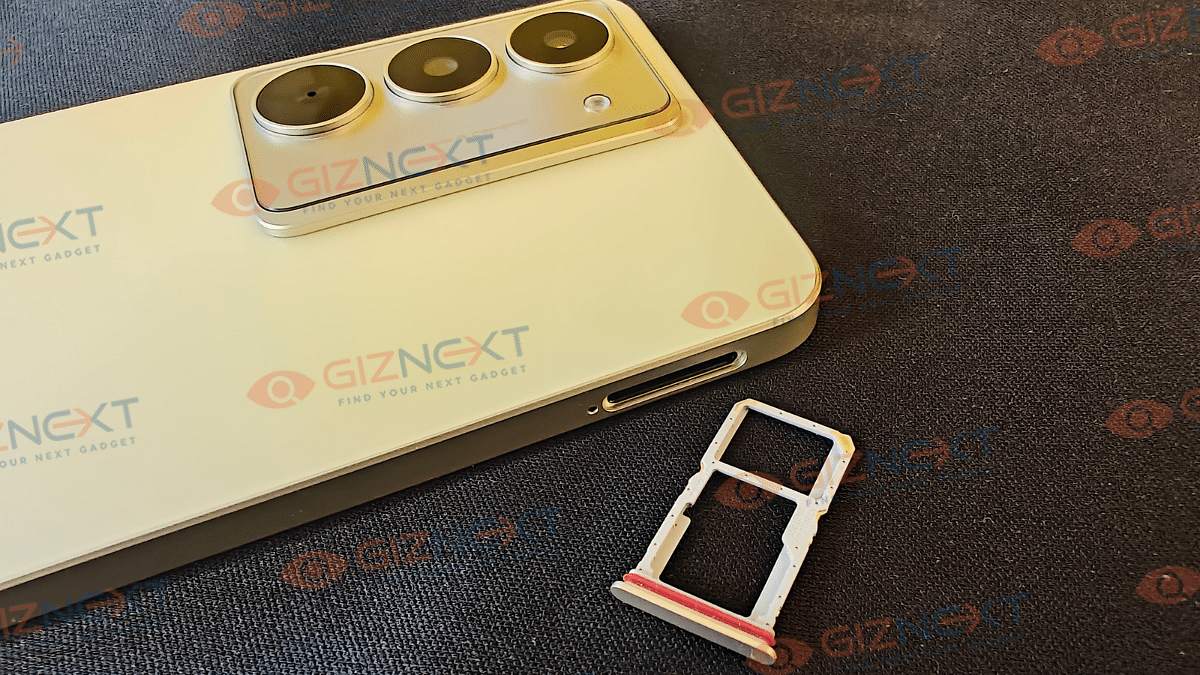
This handset has been introduced with dual configuration options. The base model equips 6GB RAM and 128GB storage. Whereas, the top-spec variant features 8GB RAM and the same 128GB storage option. You can expand the storage if required using an external microSD card. However, that will limit you to use a single SIM and the microSD card together. That’s because the handset has an hybrid SIM card slot and not a dedicated 3-way SIM stray.

Coming to the daily performance, the Realme 14x is well capable of handling web browsing and other general usage ranging from media playback to light gameplay. Multitasking speeds are fairly good with both variants. But for better smoothness with the multitasking, opt for the high-end variant offering 8GB RAM. Thanks to the added virtual RAM feature, the Realme 14x’s top variant can offer up to 18GB RAM collectively (8GB physical+ 10GB virtual) delivering refined speeds.

Also Read: Asus ZenBook S13 OLED Laptop Review: A Compact Beast Machine!

Camera Review: Gets The Job Done Right!

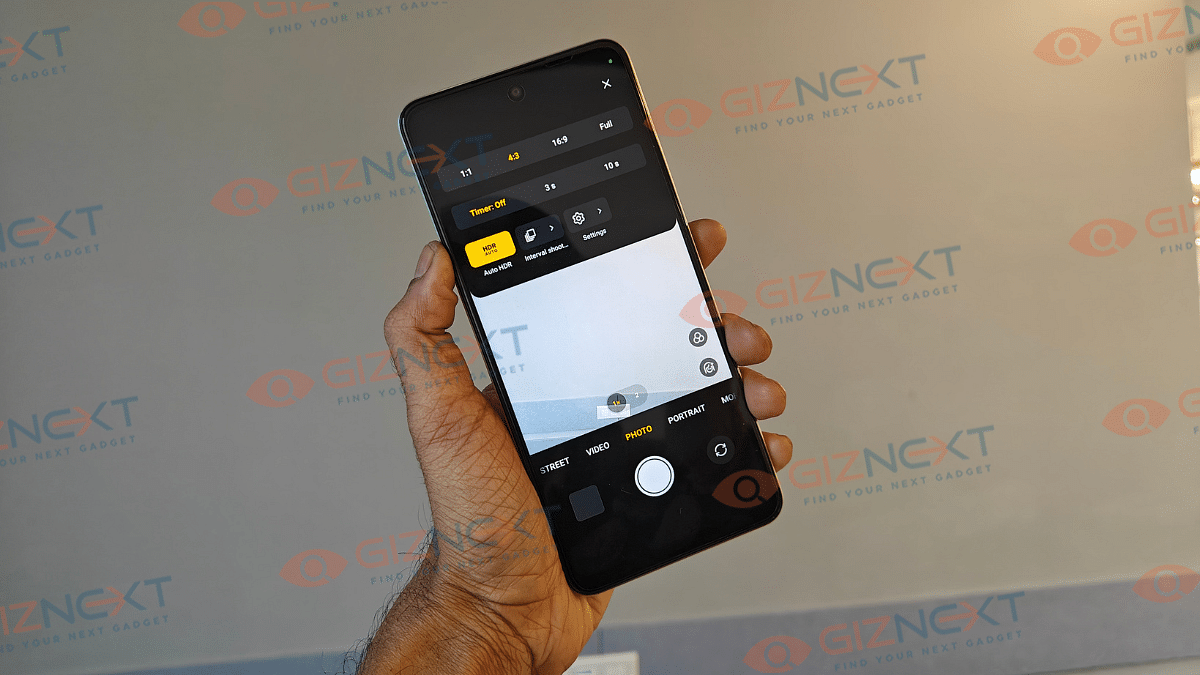
Imaging setup on the Realme 14x comprises a 50MP primary camera at the rear. Unlike most of the budget handset featuring multiple sensor, the 14x only employs this main camera at the rear. This lens comes with an f/1.8 aperture and has AI compatabilty that helps it to click refined bokeh shots and overall better clarity. Scenes captured in broad daylight or in areas with well lit conditions are good.

It manages to capture maximum details if the subject is within range. You will notice decent level of edge detection and the overall dynamic range. Apart from the portrait mode, you get access to other camera modes such as Pro, Panorama, Hi-Res, Slow-motion, and Time lapse video recordings. Max video recording supported by the Realme 14x 5G is 1080p@30 fps.

The camera app also offers a dedicated night mode that helps with shooting low-light photos and videos. Th refinement levels in this mode during low-light conditions is decent and you wouldn’t need to make any additional adjustments. There might be slight grains and noise visible in the night shots but the quality doesn’t deteriorate completely.

The Realme 14x 5G relies on an 8MP front camera to click selfies. Now, selfie might not the strongest game for the 14x 5G, but it is fairly decent. The self portraits are decent to be featured on social media platforms. Video calling experience is good with apt level of clarity when the network is strong.

Also Read: Realme GT 6 Review: Can This Smartphone Stand Out In The Premium Market?

Battery Backup

Realme 14x is a beast with its massive 6,000 mAh battery. This big battery pack surely acts as a powerhouse and can drive the handset for an entire day even when the usage is extensive. We hardly required a second plug-in in a single day after using this handset with media playback and occasional gaming. The usage also included frequent internet browsing. And if in case the battery is entirely drained, you don’t have to wait longer for refuels. The 45W fast charging support allows quick battery re-charges.

Also Read: Vivo V40 Review: Stylish Mid-Range Smartphone With Zeiss Magic

Final Verdict

Realem 14x is amongst the top contenders in the budget 5G smartphone race. With its price bracket starting under Rs. 15,000, it stands out as an advanced Android handset offering an amalgamation of tough build and solid performance. This phone has arrived as one of the best options to consider as a daily driver. You hardly will be concerned with the accidental drops and will also get good performance delivery with daily tasks. This handset makes for a solid investment if you are looking for a drop and water resistant phone for everyday use.

Categories
Featured Laptop Reviews

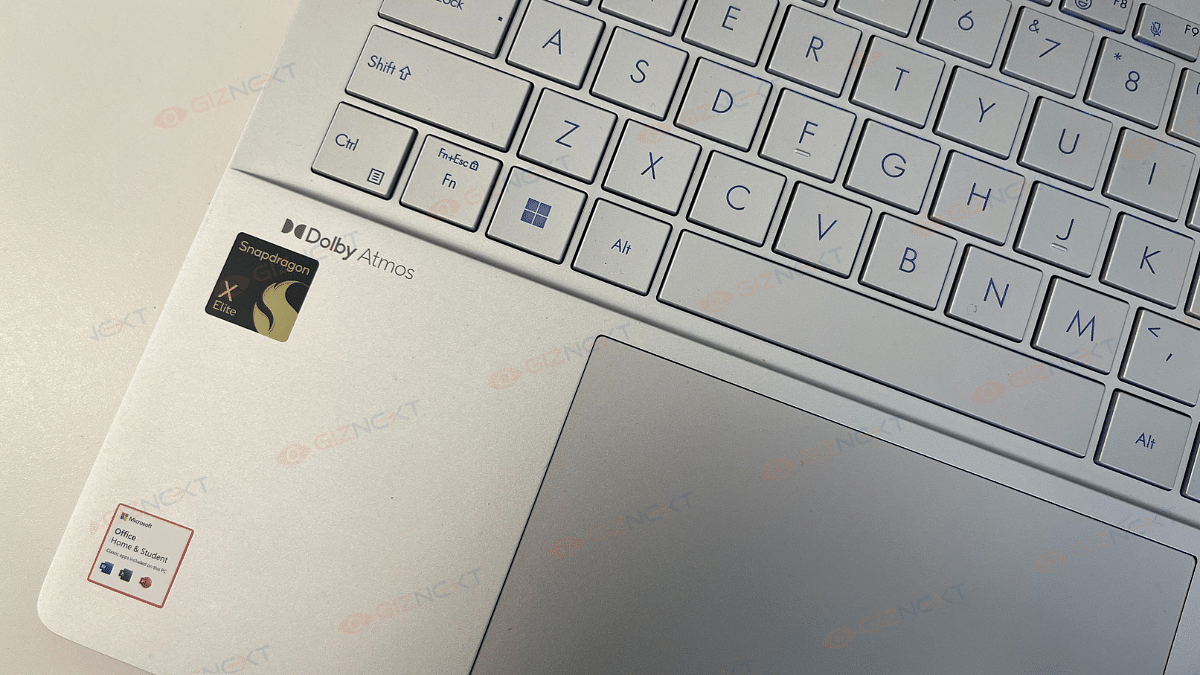
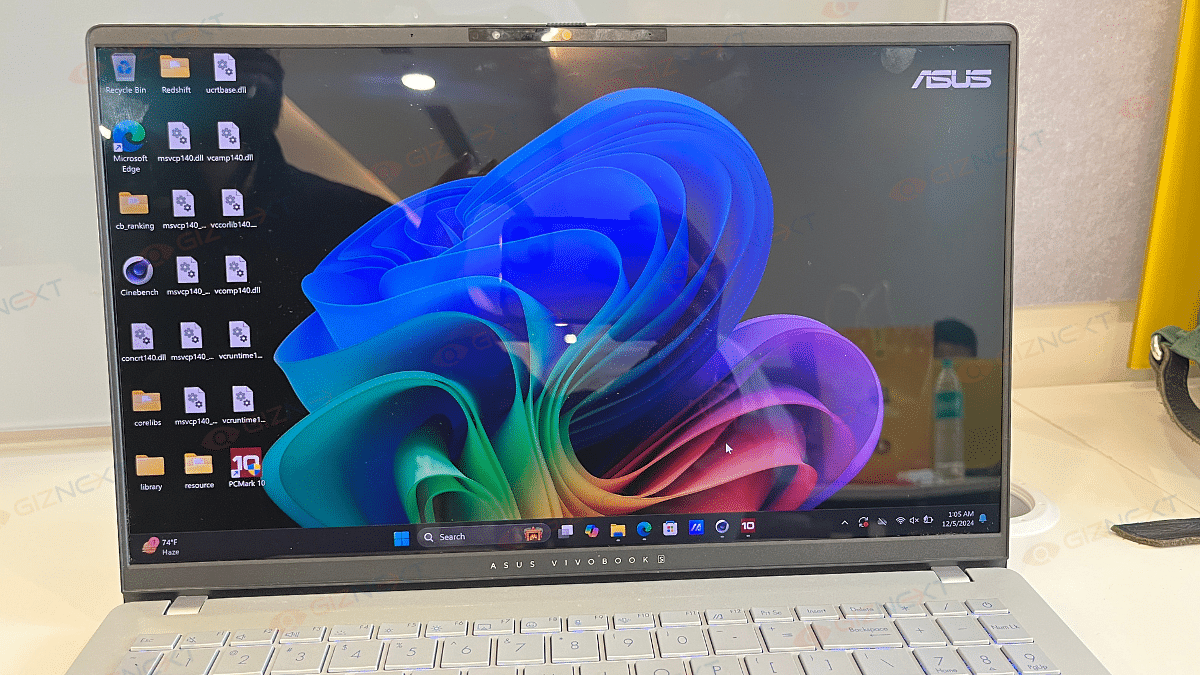
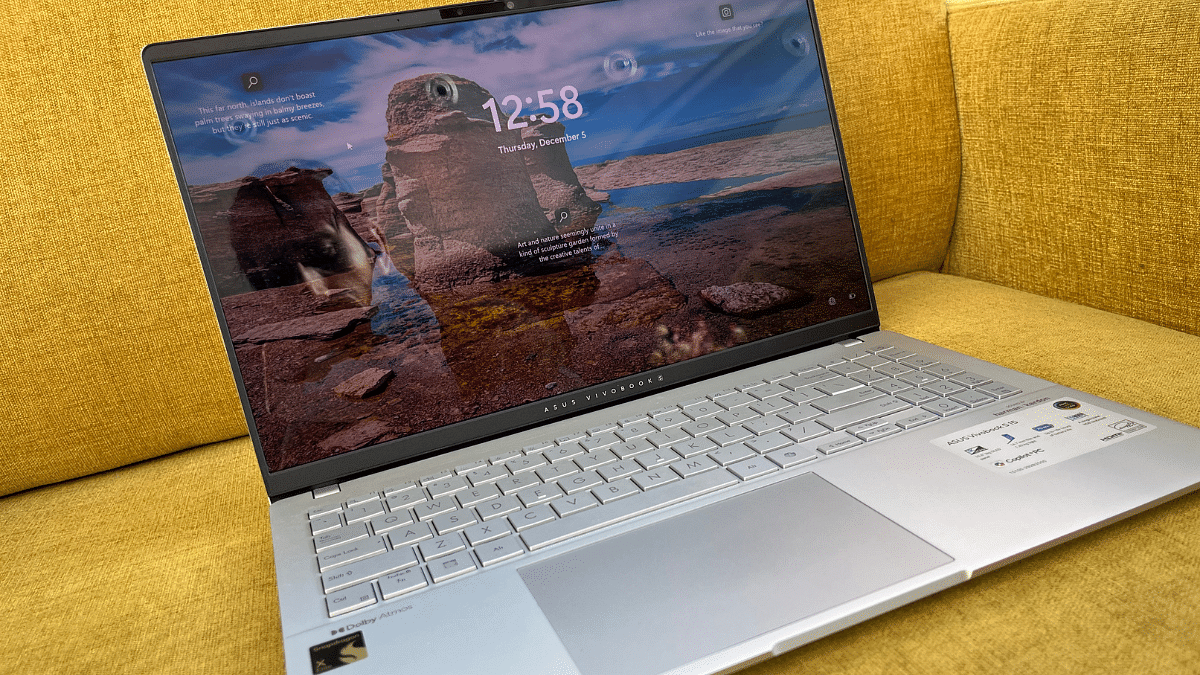
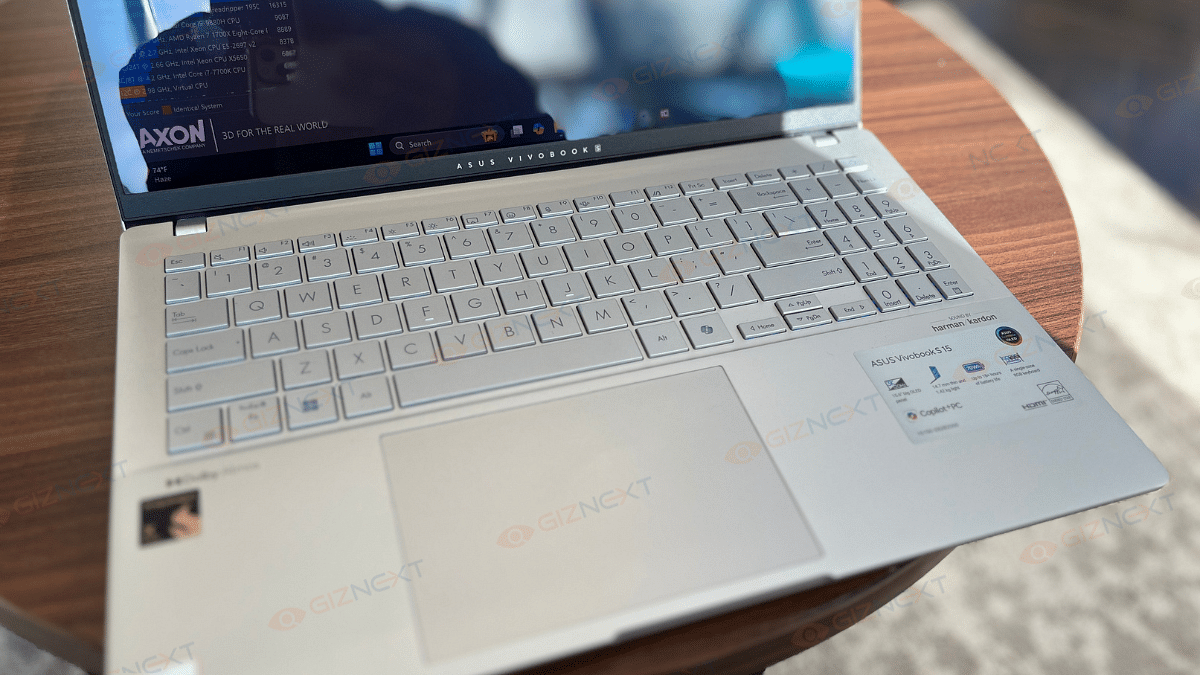
Asus Vivobook S15 OLED Review: Stylish Performer Or Overpriced Ultrabook?

Key Highlights

  • 15.6-inch big OLED panel
  • 14.7mm thin and 1.42kg light
  • Up to 18+ hours of battery life
  • A single-zone RGB keyboard
  • Snapdragon X Elite processor
  • Copilot+ PC

Finding the perfect laptop that strikes a good balance between work, games, and portability often feel like searching for a unicorn. But when the Asus Vivobook S15 OLED ultrabook landed on my desk, I couldn’t wait to see if it lived up to its promise. Over the past couple of weeks, I have been putting this sleek 15.6-inch laptop through its paces, from tackling demanding work tasks to binge-watching my favorite web-series. Designed to cater to mixed-use users, it comes with a vibrant OLED display, a powerful processor, and surprisingly good audio. Let’s dive in this review and see if it’s the all-rounder it claims to be.

Also Read | Asus ZenBook S13 OLED Laptop Review: A Compact Beast Machine!

ProsCons
Sleek and modern designReflective screen at outdoors
Good OLED displayGets slightly warm during gaming
Good typing experienceLittle expensive
Strong battery life 

What’s Inside The Box

  • Asus Vivobook S15 OLED (Cool Silver)
  • 90W USB-C adapter
  • User manual

Design

The Asus Vivobook S15 OLED is an elegant looking laptop. It is sleek, modern, and seriously attractive. At just 14.7mm thin and 1.42 Kg, it’s easy to carry around. I have been carrying it daily from Delhi to Gurgaon in my backpack, and guess what? No complaints. I was pleasantly surprised by how comfortable it was.

The Vivobook S15 feels high-end because to its satin metallic silver color. It has a polished appearance due to its rounded corners. The Asus logo is subtly positioned beneath the screen and is simple and elegantly placed onto the back lid. The display’s overall appearance is improved by the thin bezels surrounding it. It’s not trying to be fancy with a 2-in-1 design or touchscreen, just a solid, no-nonsense laptop.

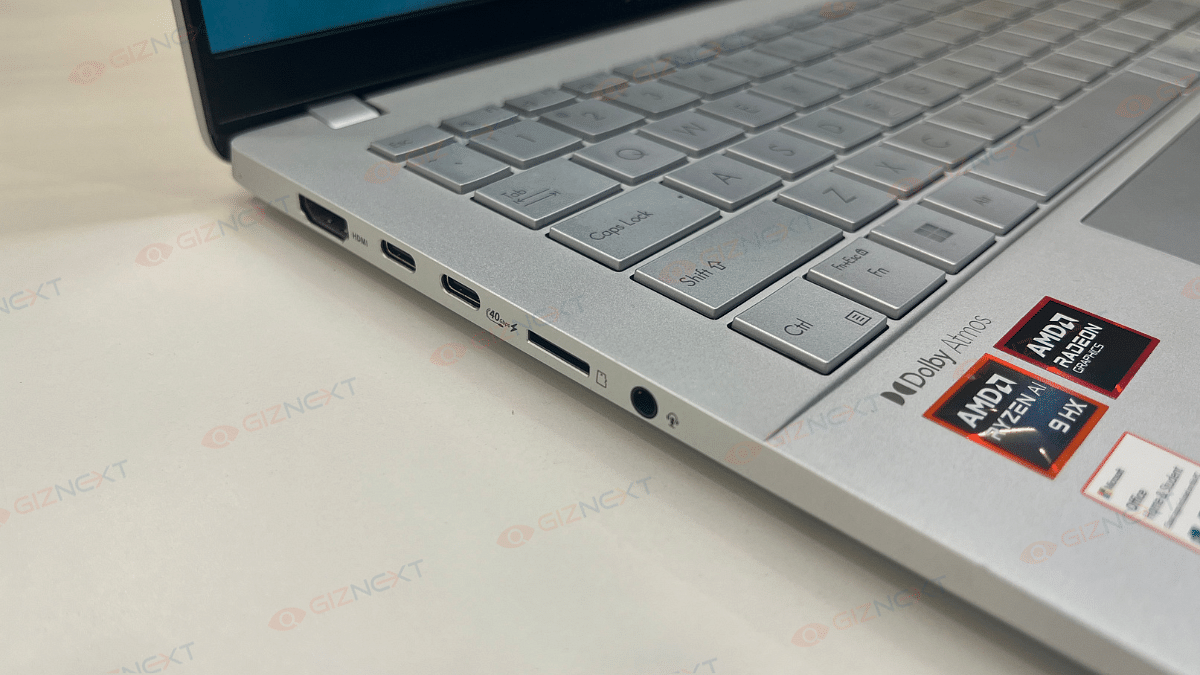
Ports-wise, you are pretty much sorted. On the left, there’s an HDMI 2.1 port, two Thunderbolt USB-C ports, a microSD card slot (a nice bonus), and a headphone jack. While the microSD slot is rare these days, a full-sized card reader would’ve been a more practical choice. On the right side, there are two Type-A USB 3.2 ports and LED indicators for power and battery. Overall, the port selection covers most needs, with no glaring omissions.

For meetings or quick video calls, the FHD webcam and built-in mic are surprisingly good. The Vivobook S15 OLED is proof that simplicity and style can go hand-in-hand, and it nails the basics in the best way possible.

Keyboard & Trackpad

Let’s now talk about the keyboard and trackpad because they deserve some serious attention too. The keyboard is not only great to type on but also super quiet. I think it’s perfect for those late-night work sessions. Using the MyAsus app, you can adjust the RGB lighting to fit your mood and add a little flair. Plus, the ambient light sensor makes sure that the backlighting adjusts automatically. The dedicated number pad is a nice addition. However, I find the arrow keys a bit smaller. Overall, the layout is clear and easy to navigate. And the trackpad? Smooth as butter. To be honest, it’s among the largest I’ve seen lately. It feels great to use, is quite responsive, and supports motions.

Display

The display on the Asus Vivobook S15 OLED is amazing. It is one of those screens that uplifts even your desktop background to the status of a work of art. This screen is decently eye-catching, with a 15.6-inch OLED panel with a pixel density of 211.82 PPI and a resolution of 2880 x 1620. The colors are vivid, striking, and utterly dreamlike. You can expect a smooth, lifelike viewing experience when you combine Asus’s color-calibrated profile, adaptive sync, and a refresh rate of 120hz.

Whether you’re scrolling through social media images or binge-watching action-packed films, the rich colors and deep blacks make everything stand out. I tested it with some good action movies, and the visuals were breathtaking. Additionally, the color accuracy of the display is perfect for content creators, whether you’re editing YouTube videos or smartening up up your social media game.

But it’s not all sunshine and rainbows (literally). The screen is super reflective and working outdoors can be tricky, especially on a sunny day when those reflections become a bit of a buzzkill. On the bright side, the viewing angles are good. That means sharing your screen with friends or family won’t be a problem. All in all, the Vivobook S15 OLED’s display is one of its strongest highlights. It is perfect for work, play, and everything in between.

Also Read | Lenovo Yoga Slim 7i Carbon Laptop Review: Modern And Practical Solution For Premium Users

Performance

Under the hood, the Asus Vivobook S15 OLED runs on the Qualcomm Snapdragon X Elite processor. This 12-core chip, clocked at 3.4GHz with a hefty 42MB cache, offers performance that can easily compete with AMD and Intel-powered laptops. During my testing, day-to-day tasks were handled like a breeze, and even photo editing and creating video thumbnails felt seamless.

Gaming? I gave it a shot with a couple of titles, and the experience was decent. Sure, the laptop got a little warm, but it didn’t affect performance. However, some games had limitations, which is something to keep in mind if gaming is a top priority for you.

Now, let’s talk audio. Asus has teamed up with Dolby Atmos and Harman/Kardon to deliver great sound quality. The speakers are clear and even offer a decent number of bass, which I guess is a rarity in laptops. While headphones or external speakers might still be the go-to for audiophiles, the built-in audio on this laptop is surprisingly good.

Whether you’re working, gaming, or streaming your favorite tunes, the Vivobook S15 OLED delivers a performance that doesn’t disappoint! This brings up to the Vivobook S15 OLED’s benchmark performance. We ran Cinebench and Novabench benchmark tests where this notebook performed exceptionally. Starting with the Cinebench, the Vivobook S15 OLED has logged CPU (Multi-core) 5259 pts and CPU (Single Core) 326 pts. Also, it scored 1452 in novabench. This includes 597 CPU score, 157 GPU score, 300 Memory score, and 398 Storage score. We are attaching the performance scores below:

Copilot+

The Asus Vivobook S15 OLED is marketed as a Copilot+ device. It brings a suite of advanced AI-powered features to the table. While we couldn’t test everything fully, some features await a Microsoft update, the lineup already looks promising.

The laptop supports familiar Copilot functions like Studio Effects. Features like Automatic Super Resolution for gaming, live subtitling, and Cocreator that transforms sketches into complete images are aimed to improve productivity and creativity.

Well, Asus didn’t stop there. They’ve added their own AI-powered functionalities, such as StoryCube for organizing media files and an advanced facial detection feature that dims the screen when you look away.

The Copilot+ integration might not yet be fully unleashed, but the foundation it sets is exciting, and it hints at a future where laptops are more intelligent and user-centric than ever.

Connectivity

The Asus Vivobook S15 OLED offers a solid array of connectivity options to keep users satisfied. Both of its USB-C ports support the 4.0 standard and has compatibility with modern accessories. However, I did find myself wishing for an additional USB-C port on the right side, which would have been handy for charging the laptop from either side.

On the plus side, you’ll also get two regular USB-A ports, so there’s no constant need for adapters during everyday use, a big win for convenience. For external displays, the Vivobook has some impressive capabilities. You can connect up to three external monitors with 4K resolution at 60Hz or even two displays at a decent 5K resolution.

While it covers most needs well, a few tweaks like the extra USB-C port could have made the connectivity experience nearly perfect. Still, for everyday work and entertainment, it gets the job done with ease.

Battery

Asus claims its 70WHrs battery can last up to 18+ hours for everyday tasks, but in my experience, it went above and beyond. During my testing, it comfortably hit the 19-hour mark, which is more than enough to get through a few days of office work or back-to-back presentations without hunting for a charger.

Of course, when I switched to binge-watching YouTube or hopping on video calls, the battery life dipped a bit, but that’s totally expected. Even then, it never left me worried about running out of juice at the wrong time.
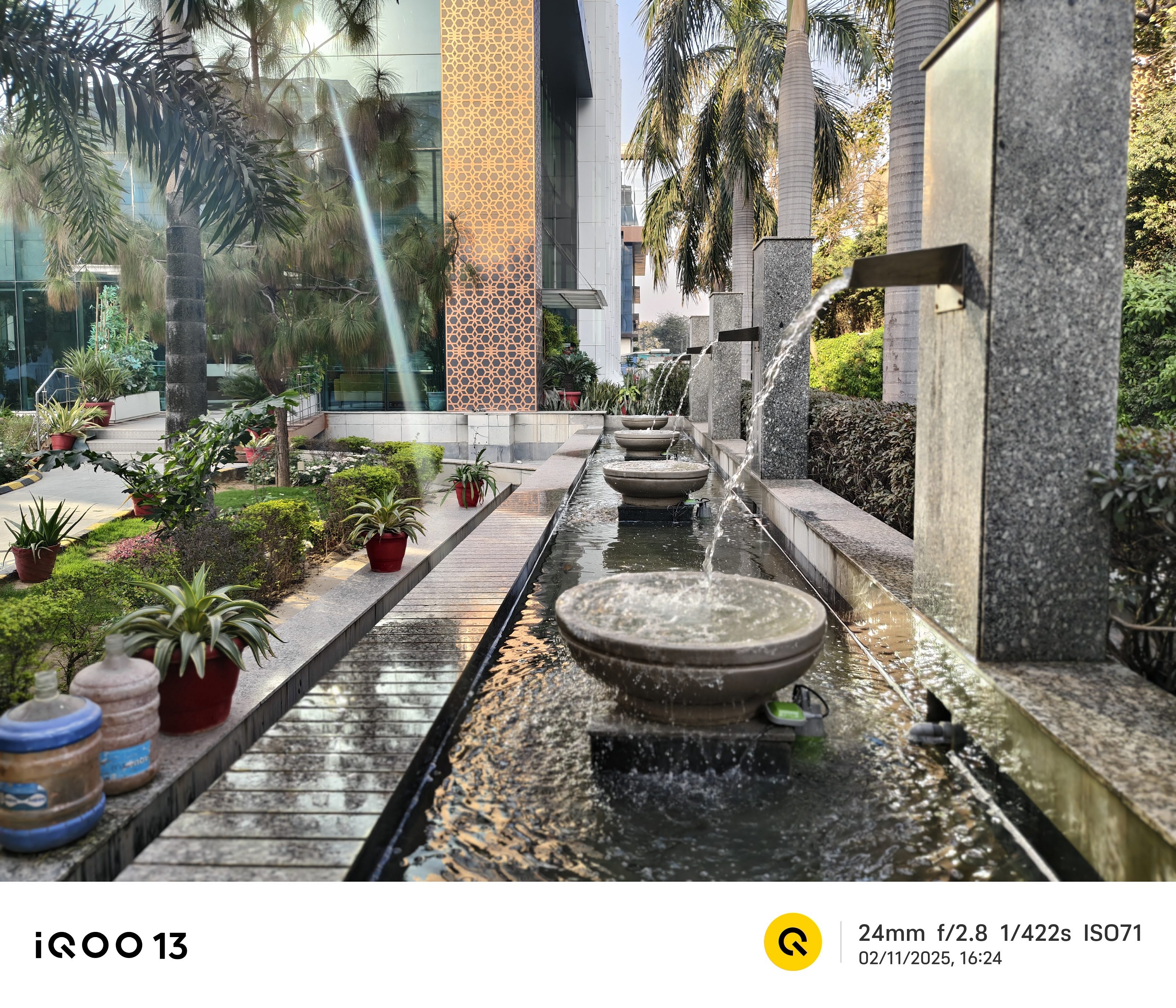
And here’s the cherry on top: it comes with a fast-charging 90W USB-C adapter that powers it up in no time. So, even if you do need to recharge, you’re back in action quickly.

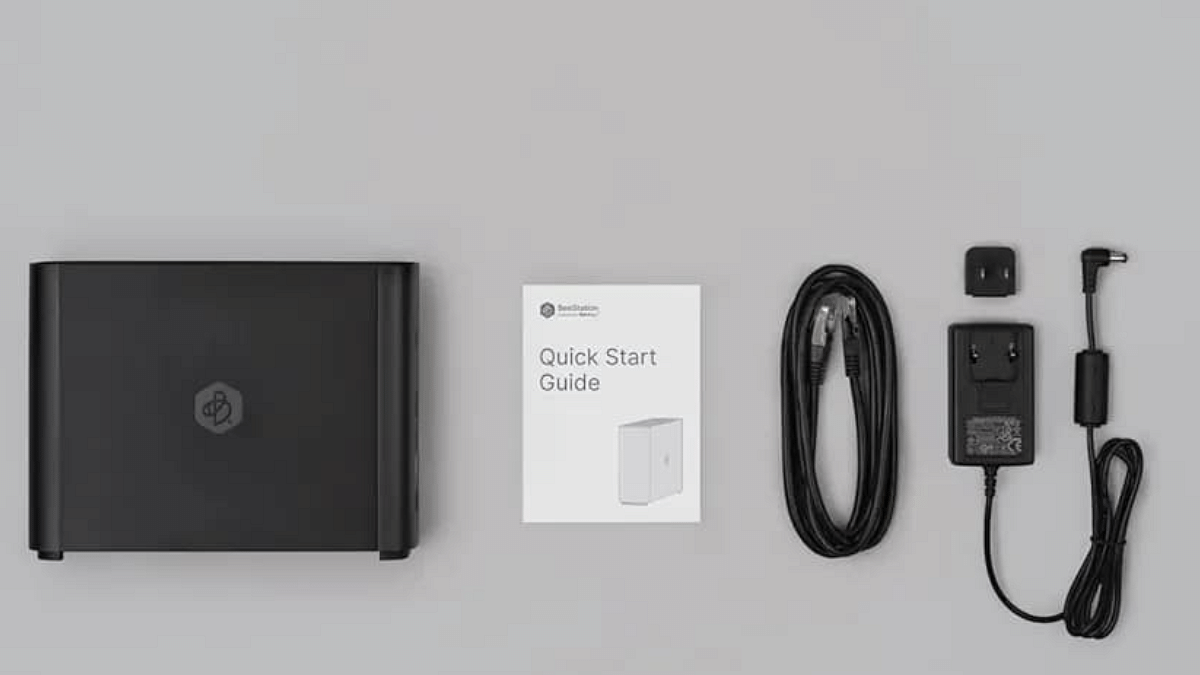
Also Read | Infinix InBook X1 Pro Laptop Full Review: Does It Fit All The Bills?

Giznext’s Final Verdict: Is The Asus Vivobook S15 Right For You?

The Asus Vivobook S15 OLED is a well-rounded ultrabook with a decent OLED display, solid everyday performance, and decent speakers. While it excels in design and usability, its reflective screen can struggle outdoors. It further handles everyday tasks smoothly, and for the curious minds, the CoPilot button might just add a bit of extra utility.
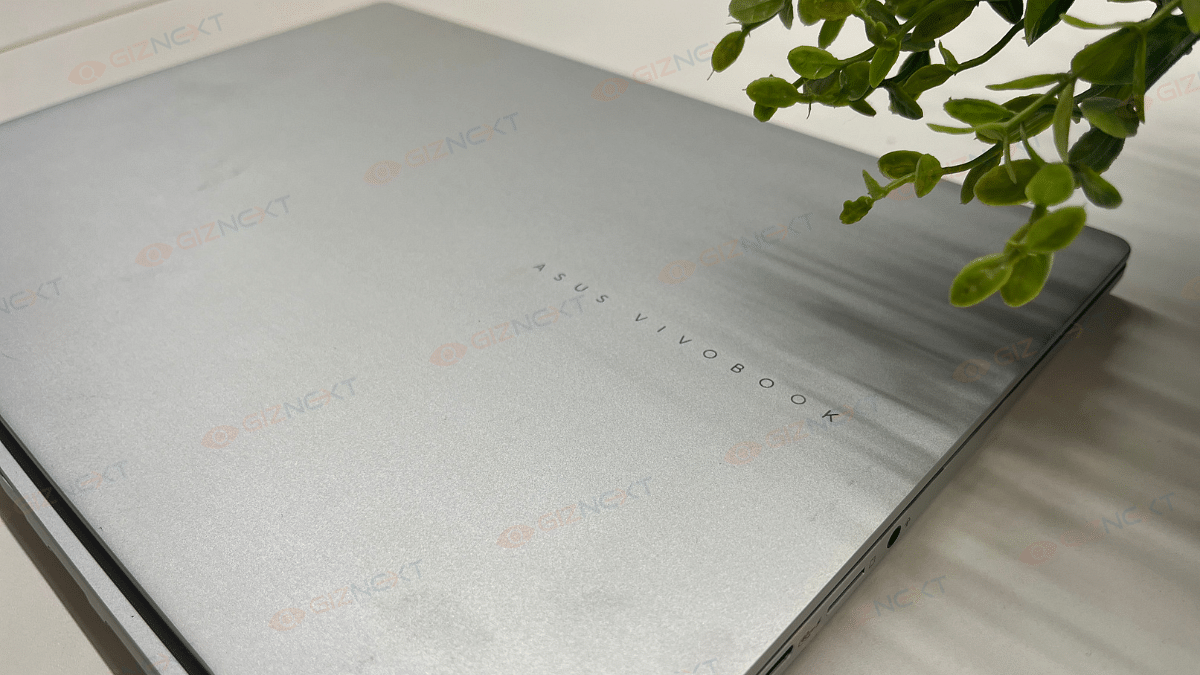
The real question is: Are you ready to invest over Rs. 1 lakh for a stylish, capable ultrabook for daily use? If you are after a sleek design, top-notch display, and reliable performance, the Vivobook S15 OLED is definitely worth considering.

For the tech geeks, stay updated with the latest cutting-edge gadgets in the market, exclusive tech updates, gadget reviews, and more right on your phone’s screen. Join Giznext’s WhatsApp channel and receive the industry-first tech updates.