The laptop is powered by the 12th Generation Intel Core i5-1240P processor
It will be available at a starting price of Rs. 49,990
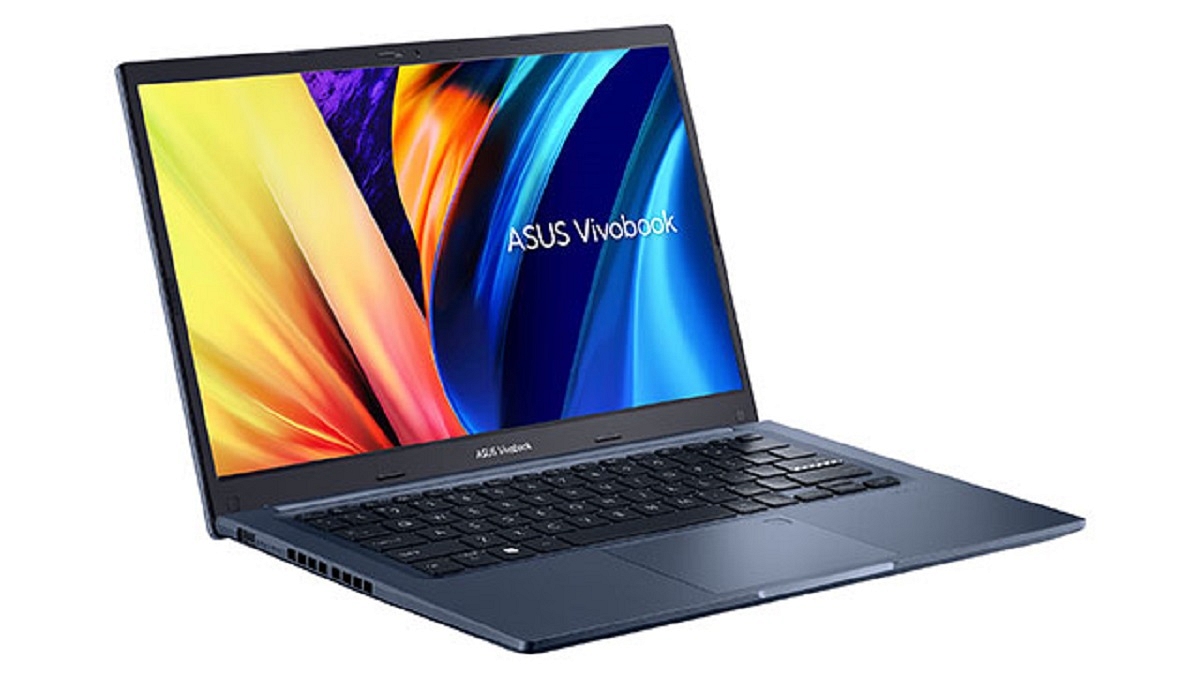
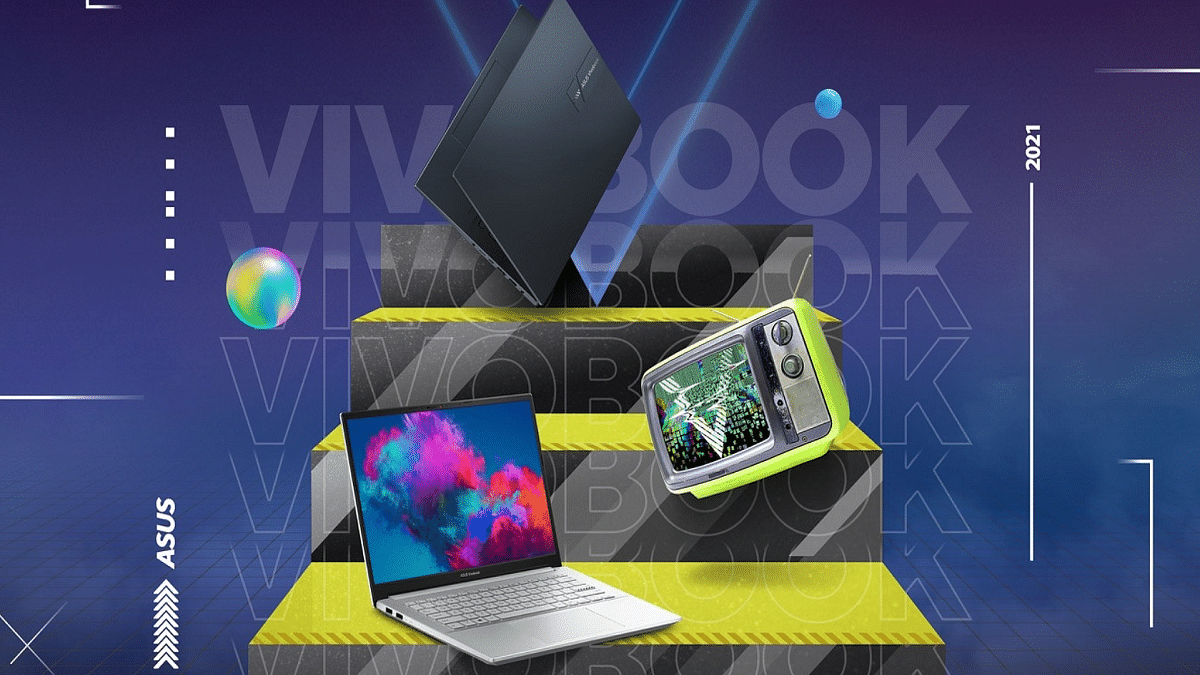
Asus announced the arrival of the Vivobook 14 touch (X1402) in India on Flipkart. The new Vivobook 14 (X1402) from Asus expands the country’s selection of Vivobooks by offering a touch screen and technologically advanced adaptability in a stylish package.
The Asus Vivobook 14 touch (X1402) is designed to deliver comfort, convenience, and exceptional battery life. The newly-launched laptop is designed for young people and working professionals. It offers exceptional performance while allowing users to multitask in a small package. Here is all the information you need to know about the just released laptop:
Asus Vivobook 14 Touch (X1402) Specifications
An Intel Core i5-1240P processor powers the Asus Vivobook 14 Touch (X1402). It has 512GB of PCIe Gen 3 SSD storage space and up to 16GB of RAM. Users can multitask on the Asus Vivobook 14 touch (X1402) without any latency or disruptions. It is a compact and lightweight device with a 19.9mm thickness and is military-grade certified with MIL-STD 810H parameters. It weighs only 1.4kg.
The laptop’s Full HD 14-inch IPS display has slim bezels, an immersive screen-to-body ratio of 82 percent, and a comfortable wide 178-degree viewing angle. A full-length backlit chiclet keyboard, a 42WHrs battery with 65W fast charging, and a dedicated fingerprint scanner for secure biometric verification are further features.
Additionally supported by the Vivobook 14 touch (X1402) are full-sized HDMI 1.4, USB 2.0, 2 x USB 3.2 Gen 1 (Type-A), and a 3.5mm audio connector.
Asus Vivobook 14 Touch (X1402) Price And Availability
The Asus Vivobook 14 is equipped with the latest 12th Generation Intel Core i5-1240P processor which is priced affordably starting at Rs. 49,990. It will be offered on the online storefront Flipkart. The Vivobook 14 is available in two pleasing color options, i.e., Quiet Blue and Icelight Silver.
Flipkart Big Billion Days sale to start on Sep. 23
You can get MacBook Air M1 for under Rs. 70,000
MacBook Air 16GB RAM variant is priced at Rs. 1,19,900 on the Apple store
The Big Billion Days sale on Flipkart is quickly approaching. On September 23, users will be able to take advantage of enormous offers and discounts on smartphones, laptops, TVs, and other devices as part of the biggest Flipkart sale of the year.
The offer on the MacBook Air powered by the Apple M1 has now been made public by Flipkart. Customers will be able to acquire the laptop during the sale for as low as under Rs. 70,000. Here’s all you need to know:
Deals On MacBook Air M1
Apple released the M1-powered MacBook Air for a price of Rs. 92,900 in India. The 16GB version of the M1-powered MacBook Air is available on Apple’s website for Rs. 1,19,900. The MacBook Air will be available for under Rs. 70,000 during the Flipkart Big Billion Days event.
On the Big Billion Days sale page, Flipkart teased the M1 MacBook Air offer, suggesting that the popular Apple laptop will cost less than Rs. 70,000.
The M1-powered MacBook Air’s 16GB RAM edition has been teased at a price of Rs. 6_,490. This means the maximum price it can be sold for is Rs. 69,490. This represents a savings of more than Rs. 50,000 when compared to the laptop’s 16GB RAM variant on the Apple website.
Apple MacBook Air (M1) Specifications
In 2020, the M1-powered MacBook Air was introduced. The laptop has a 13.3-inch Retina screen with a maximum brightness of 400 nits, a 720p webcam, and three microphones. An octa-core Apple M1 CPU with up to 16GB of RAM powers the MacBook Air M1. It comes with up to 16GB of RAM and up to 2TB of SSD storage. In addition to this, there is a 7-core GPU on the M1 MacBook Air along with a 16-core Neural engine. As for the battery, the M1-powered MacBook Air is claimed to offer up to 18 hours of battery life.
The laptop market in India has seen radical changes in the last decade. There has been a constant surge amongst the users for top-notch gaming and creator laptops. Specifically, gaming laptops are the latest hype in the global markets including India. We have several noted players that are catering to the gaming audience with high-end and practical laptops. Asus and Lenovo are amongst the few seasoned players that are handling the requirements of gamers across the globe with their feature-rich products.
Both Asus and Lenovo have designed dedicated lineups for gaming. All the powerful laptops offered by these brands are laced with AMD technologies to deliver an unmatched gaming experience every time you load your favorite AAA titles.
If you step out to buy a power-packed Asus and Lenovo gaming laptop loaded with AMD Ryzen™ processor and Radeon™ series graphic cards you have several good options. Besides Asus and Lenovo, HP has also created its niche in the gaming laptop industry with AMD-based OMEN series laptops.
The HP OMEN Gaming laptops are also amongst the top contenders when we speak of the premium range gaming laptops in different price brackets. If you are on the lookout for a top-tier Asus, Lenovo, or HP OMEN series gaming laptop, you have stopped by the right space. This article has all the best models listed from the aforementioned brands:
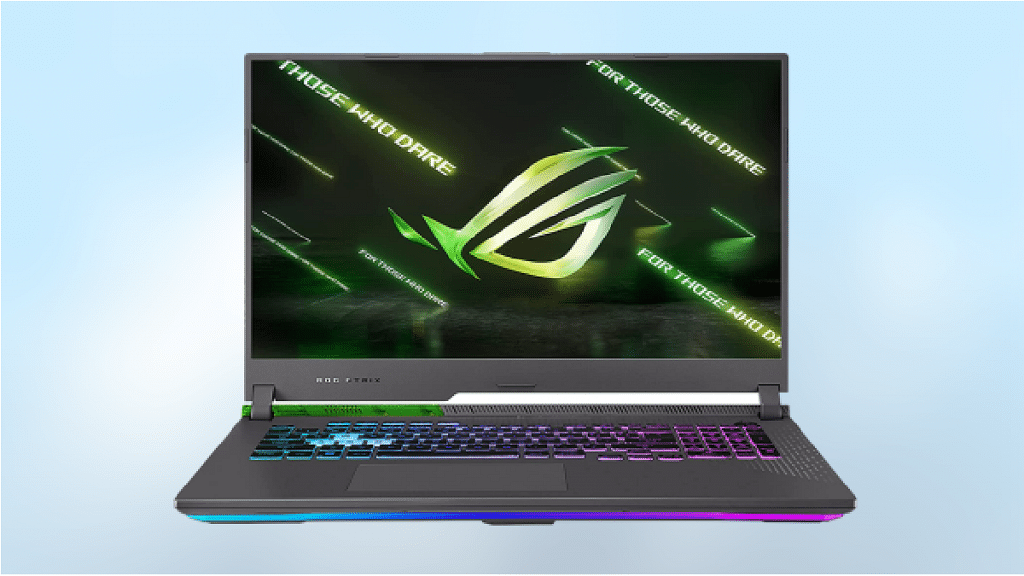
Asus ROG Strix G17 Ryzen™ 7-6800H
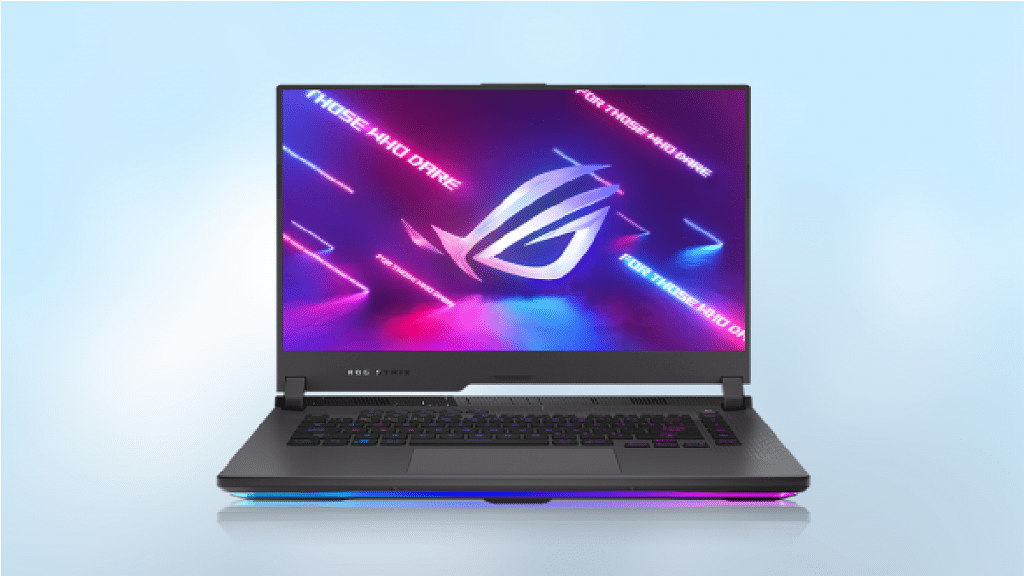
The Asus ROG Strix G17 has the great build quality and a stylish design. This gaming laptop is equipped with the AMD Ryzen™ 7 6800H with an 8-Core / 16-Thread CPU based on AMD’s ‘ZEN 3+’ architecture. It is further paired with the RTX 3050 GPU. This makes it one of the best laptop CPU and GPU combos in the Indian market right now.
In addition to this, the Asus ROG Strix G17 comes with a MUX switch so you can turn off the onboard graphics when required. As for storage, the device has a 512GB NVMe SSD. The audio solution of this laptop is Dolby certified and offers a great listening experience. You can get the Asus ROG Strix G17 gaming laptop at Rs. 1,04,400 in India.
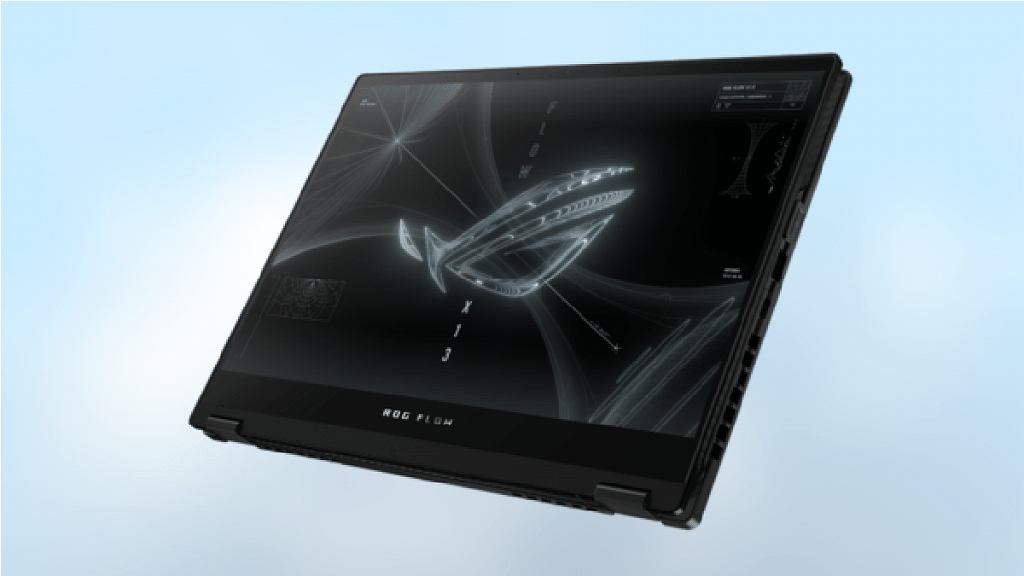
Asus ROG Flow X13 Ryzen™ 9 5900HS
The Asus ROG Flow x13 is one of the most distinctive gaming laptops in the Indian market. This 2-in-1 laptop is thin and lightweight. It features the advanced AMD Ryzen™ 9 5900HS which is an 8-Core / 16-Thread CPU based on AMD’s ‘Zen 3’ architecture with a base clock of 3.00 GHz and a boost clock of 4.60 GHz. It has the RTX 3050 Ti GPU which is efficient for 1080p gaming on the go.
If you are someone who needs something light and portable as well as wants to play modern AAA titles at higher resolution, then the X13 is a perfect option for you. The Asus ROG Flow x13 is available for purchase at Rs. 1,49,190 in India.
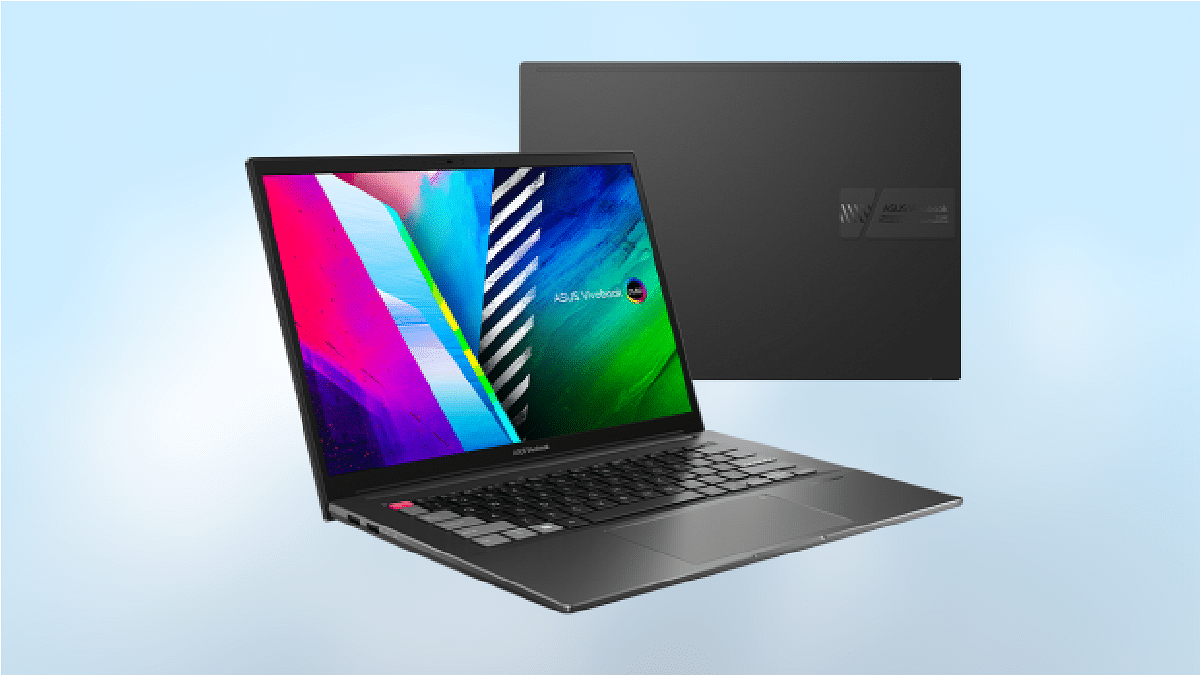
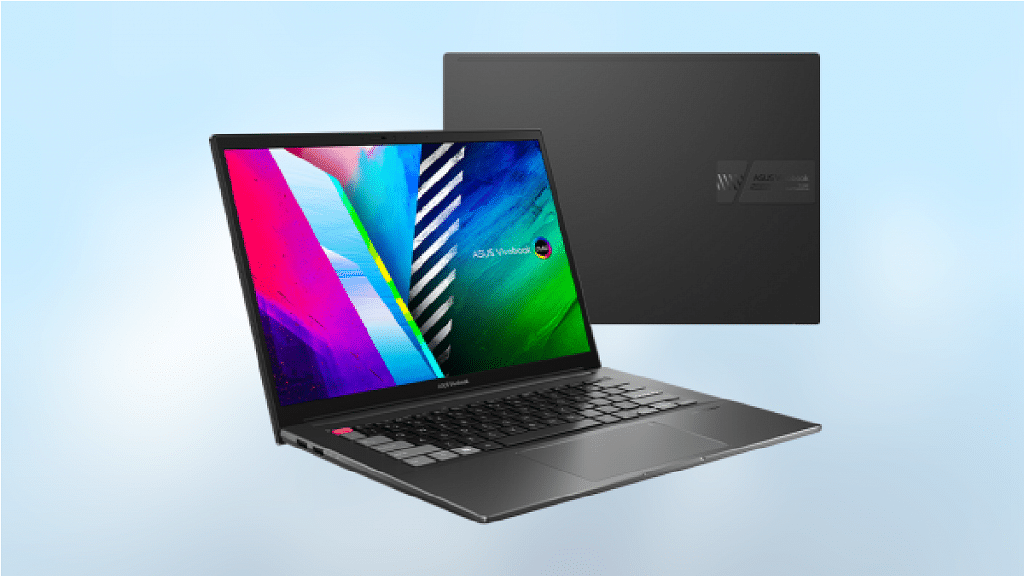
Asus VivoBook Pro 14X Ryzen™ 9 Core-5900HX
The Asus VivoBook Pro 14X is a creator notebook that has all the right hardware to deliver an immersive gaming experience. It comes with the AMD Ryzen™ 9 5900H chipset with a base clock of 3.3 GHz and a max boost clock of 4.6 GHz. As for the graphics, it also uses the RTX 3050 GPU which is a modest gaming graphics card with 4GB of VRAM. It can run plenty of games at 1080p with ease.
This gaming laptop has an OLED panel running at 90Hz. It produces stunning images that are sure to knock the user’s socks off. The VivoBook Pro 14X has a 1TB NVMe SSD for storage. There’s also 16GB of DDR4 memory which also makes it great for gaming. The Asus VivoBook Pro 14X will cost you Rs. 94,990 in India.
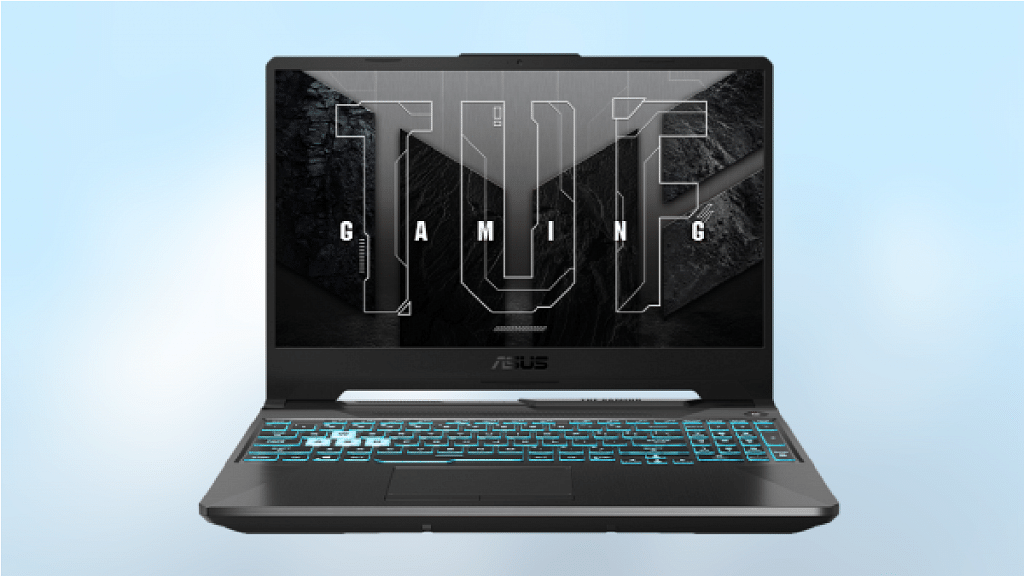
Asus TUF Gaming A15 Ryzen™ 7-4800H
The Asus TUF Gaming A15 is equipped with an AMD Ryzen™ 7 4800H, an 8-Core / 16-Thread chip based on AMD’s ‘Zen 2’ microarchitecture. It comes with the RTX 3050 GPU which has 4GB of VRAM. This makes it an extremely capable GPU proficient in running most of the modern game titles at 1080p with a decent frame rate.
The other specs of the Asus TUF Gaming A15 include a 15.6-inch 1080p 144 Hz display, 8GB of 3200 MHz DDR4 memory, and 512GB of NVMe Storage. The ASUS TUF Gaming A15 device has a number of noteworthy features including the ability to be readily upgraded. This means you can easily add additional memory or additional storage should the need arise. The Asus TUF gaming laptop can be purchased at Rs. 74,990 in India.
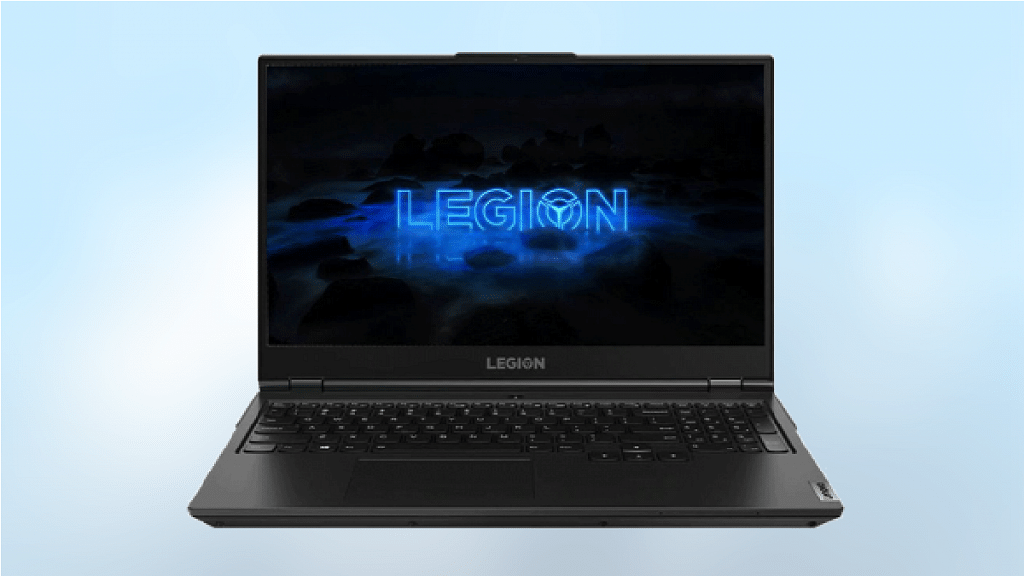
Lenovo Legion 5 Gen 6 82JW00E2IN
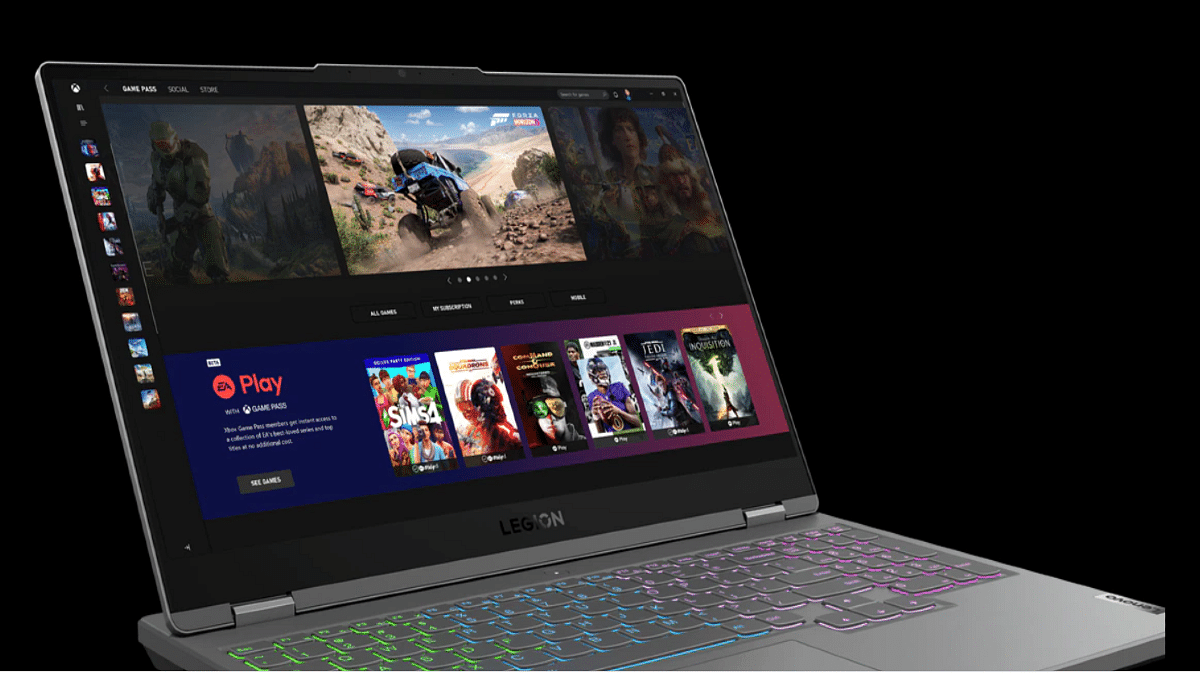
The Lenovo Legion 5 is one of the most well-known series of AMD-based gaming laptops. This laptop is powered by the AMD Ryzen™ 7 5800H which is an 8-Core / 16-Thread CPU based on AMD’s ‘Zen 3’ architecture. It comes with a base clock of 3.20 GHz and a boost clock of 4.40 GHz. This laptop has the NVIDIA RTX 3050 which is an efficient respectable GPU for 1080p gaming on the go.
The Lenovo Legion 5 Gen 6 comes with a 165Hz IPS display panel which offers a wide viewing angle. It comes with 512GB NVMe SSD storage and can be purchased at Rs. 96,990 in India.
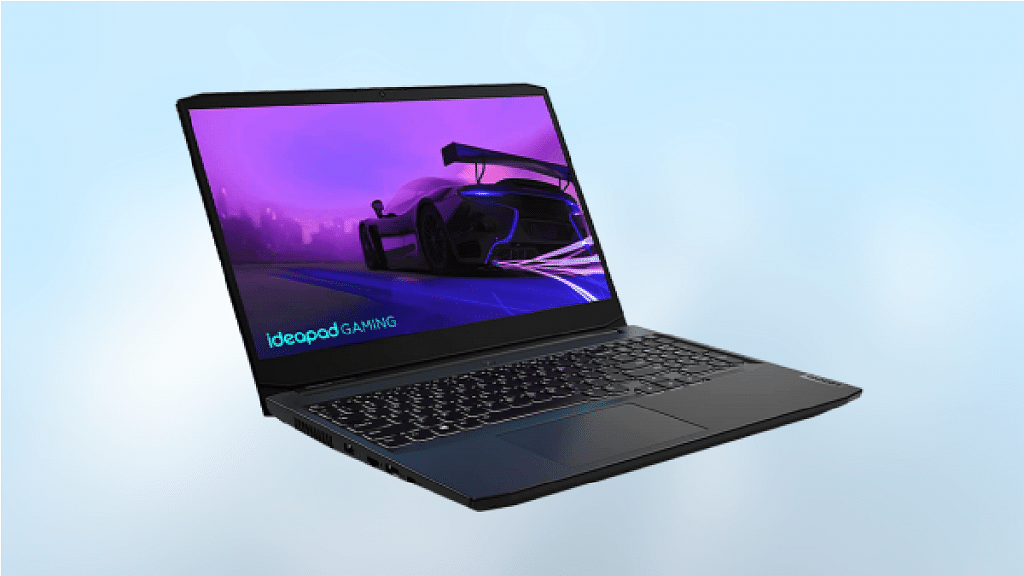
Lenovo Ideapad Gaming 3 Ryzen™ 7-5800H
The Lenovo Ideapad Gaming 3 is known for its affordability without missing out on most features. It comes with the AMD Ryzen™ 7 5800H which is an 8-Core / 16-Thread processor featuring the latest AMD ‘Zen 3’ cores. It clocked at 3.2GHz. The GTX 1650 graphics card with 4GB of VRAM is paired with the processor. It has 16GB of dual-channel DDR4-3200 memory.
On the display front, the laptop sports a 15.6-inch 1080p display with a refresh rate of 120Hz. As for storage, the IdeaPad Gaming 3 comes with a 512GB NVMe SSD. To improve the user experience in both gaming and video consumption settings, Nahimic audio is included in this gaming laptop. The Lenovo Ideapad Gaming 3 will cost you Rs. 72,200 in India.
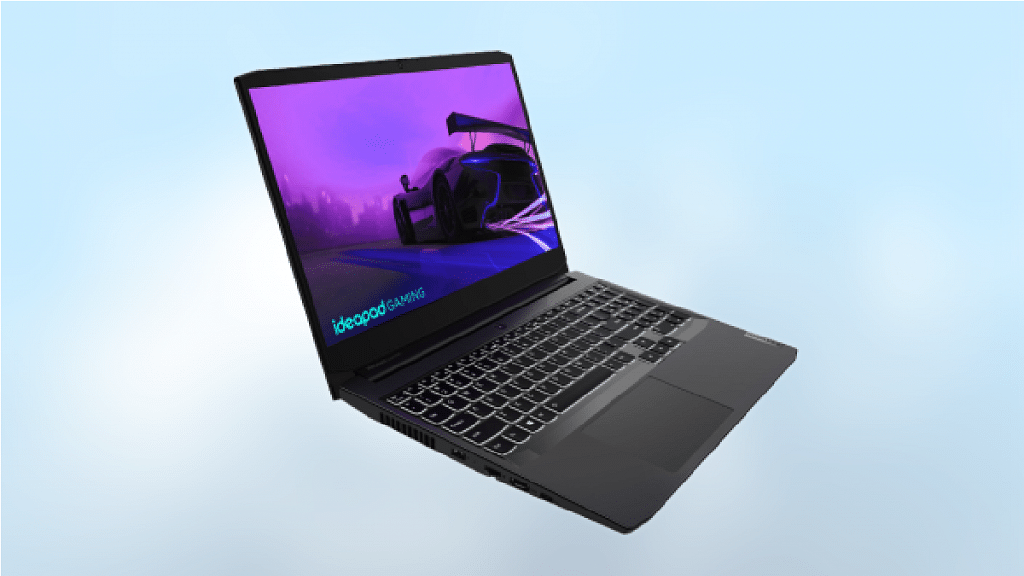
We have yet another IdeaPad laptop on this list. The Lenovo IdeaPad Gaming 3 comes with the AMD Ryzen™ 5 5600H which is a 6-Core / 12-Thread processor featuring the latest AMD ‘Zen 3’ cores and is clocked at 3.3 GHz. It has the RTX 3050 graphics card with 4GB of VRAM and it has 16 GB of dual-channel DDR4-3200 memory.
The laptop has a 15.6-inch 1080p display with a 120 Hz refresh rate. The IdeaPad Gaming 3 comes with a 512GB NVMe SSD. In India, the gaming laptop is available for purchase at Rs. 66,550.
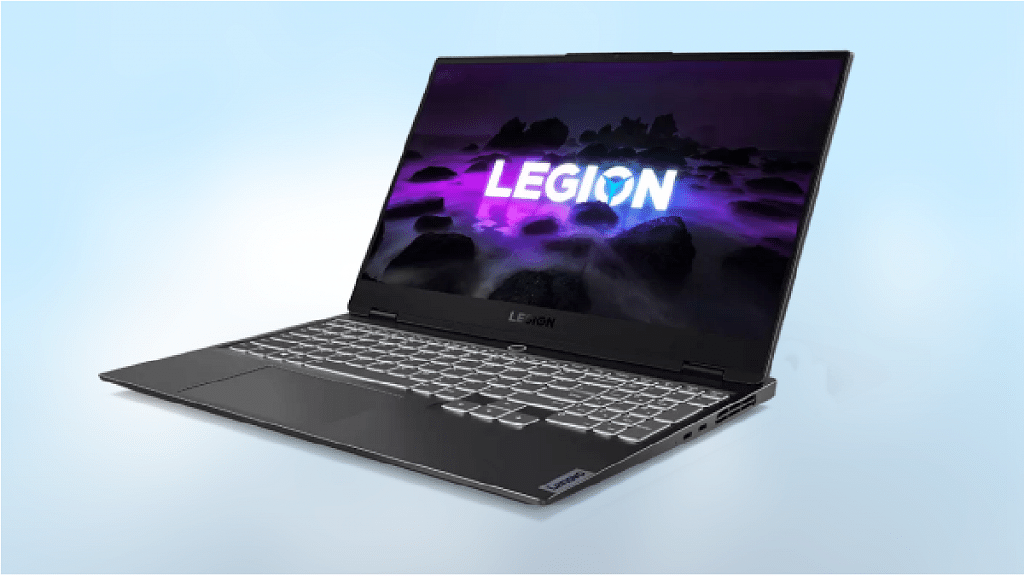
Lenovo Legion Slim 7 Gen 6
The Lenovo Legion Slim 7 Gen 6 is designed for those who know gaming as a way of life. It is suited for both next-generation gaming and creation. The latest AMD Ryzen™ 7 5800H processor with 8 Cores / 16 Threads is installed in this gaming laptop. It can reach 3.20GHz and 4.40GHz with Max Boost. For graphics, it has a GeForce RTXTM 3060 6GB GDDR6. It features a 1TB M.2 2280 SSD for storage.
The frame of this laptop is 19mm thick and it weighs 4.1 pounds. With its lightweight aluminum-magnesium chassis body, it will completely change the way you play video games. The starting price of the Lenovo Legion Slim 7 Gen 6 is Rs. 1,44,990 in India.
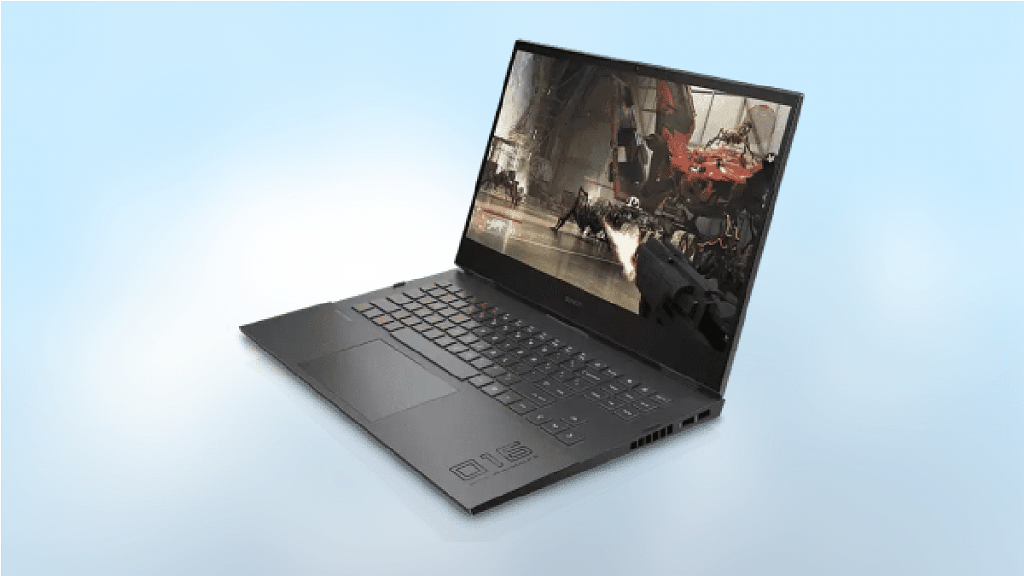
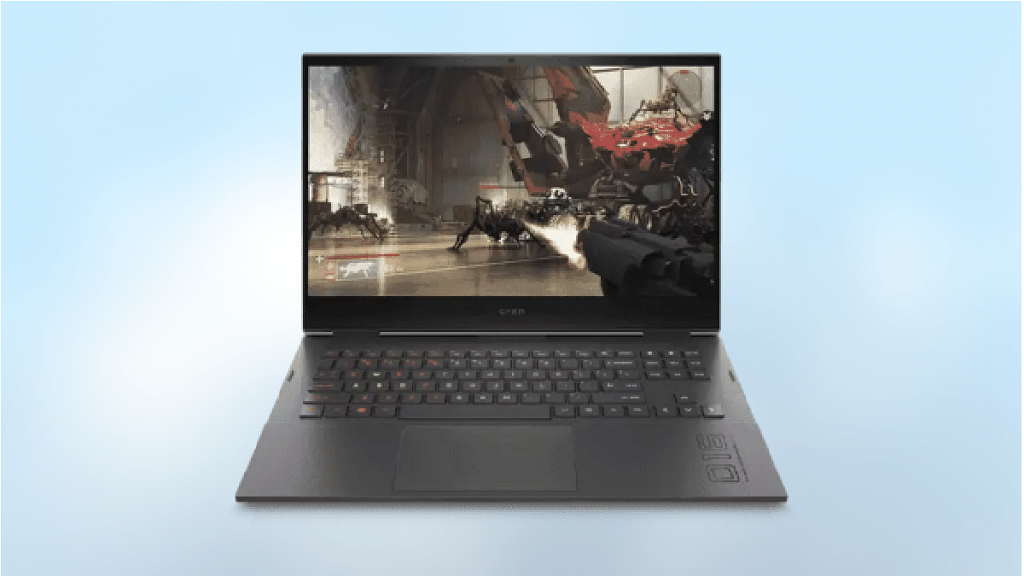
OMEN By HP Laptop 16-c0141AX
The OMEN by HP Laptop 16-c0141AX powered by the AMD Ryzen™ processor makes for one of the best deals to consider while buying a high-range gaming laptop. This OMEN series laptop combined the AMD Radeon™ RX 6600M Graphics along with the Ryzen9™ series processor and 16GB DDR4-3200Mhz RAM (2 x 8GB) can easily render any graphic-hungry game without any lags or stutters.
This flagship gaming laptop employs a big 16.1-inch IPS display with a QHD+ resolution of 2560 x 1440 pixels and a whopping 165Hz refresh rate. You definitely will be impressed with the gameplay quality offered by this OMEN series HP laptop. You can buy this HP gaming laptop for Rs. 1,34,999 in the country.
OMEN By HP Laptop 16-c0136AX
If the aforementioned model is slightly heavy on your pockets, you can also consider the HP OMEN 16-c0136AX. This HP OMEN series gaming laptop also uses the AMD Ryzen™ 5 processor combined with GTX 1650 integrated GPU to perform like a beast with extensive gaming. This OMEN series laptop offers 8GB DDR4-3200 SDRAM for a swift multitasking experience. The panel used is also top-notch. The OMEN 16-c0136AX bestows a massive 16.1-inch screen that has 1080 x 1920 pixels FHD resolution and a 144Hz refresh rate. Expect a pristine gaming session with this OMEN by HP laptop.
Gaming laptops can be quite pricey. However, top brands like HP, Dell, and Asus are also offering affordable machines for anyone who wants to play games on the move without breaking the bank. While buying a gaming laptop, one should look for features like high speed, huge memory, better graphics, and a fast-processing system.
Today, one can purchase an AMD gaming laptop with a quad-core and an octa-core unit. With its high core count and affordable prices, AMD strikes a good balance between performance and affordability. AMD is steadily gaining its ground in the laptop market.
Since there are so many options available, finding which AMD-powered gaming laptops rank among the best can be a little challenging. To help you with the same, we are here with some of the top gaming laptops that are powered by an AMD processor that you can buy.
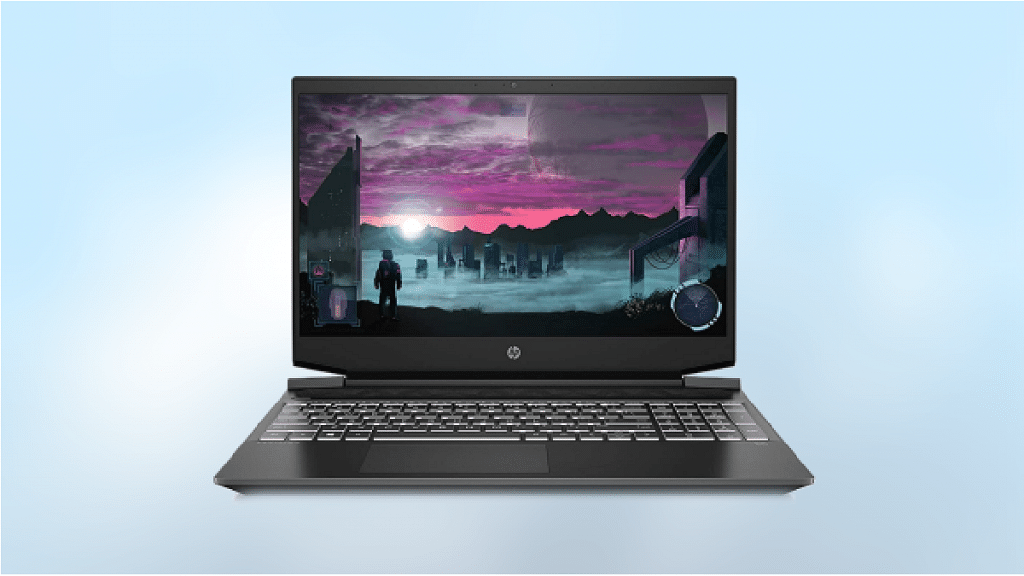
HP Pavilion Gaming 15.6-inch FHD Gaming Laptop
The HP Pavilion FHD gaming laptop is one of the best options you can pick. It flaunts a 15.6-inch Full HD IPS display. The device comes with 8GB DDR4 RAM and a storage space of 1 TB HDD 5400 RPM. Additionally, the RAM can be increased to 16GB. This ensures all your stuff is kept safely. It is backed by the AMD Ryzen™ 5 3550 H that efficiently handles computational workloads and advanced multimedia with ease. It has a powerful GeForce GTX 1650 processor that can take gaming to another level.
With B&O Audio, gamers can enjoy crystal clear sound for an unforgettable gaming experience. You can even board red-eye flights or work in dimly lit rooms as it has an illuminated keyboard. The HP Pavilion Gaming Laptop can be purchased at Rs. 53,990.
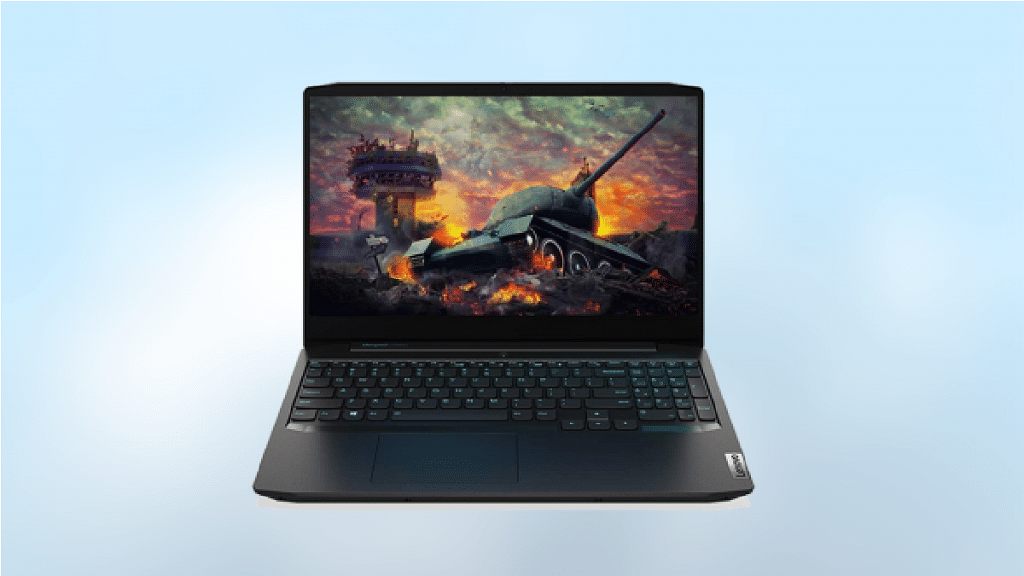
Lenovo IdeaPad Gaming 3 AMD Ryzen™ 5 4600H Laptop
When you are planning to buy an affordable gaming laptop, the Lenovo IdeaPad Gaming 3 can’t be missed. The laptop has a 15.6-inch Full HD screen size with a 60Hz refresh rate. It is available with an anti-reflective display. This can help you play your favorite AAA games comfortably even when you are in a brightly lit space.
The laptop is powered by the 4th Gen AMD Ryzen™ 5 4600H and has a GeForce GTX 1650 4GB GDDR6 dedicated graphics processor. This laptop includes a 512GB SSD and 8GB of RAM that can be upgraded to 16GB. So, you can be confident of speedy responses. This gaming laptop by Lenovo is priced at Rs. 63,000 on Amazon India.
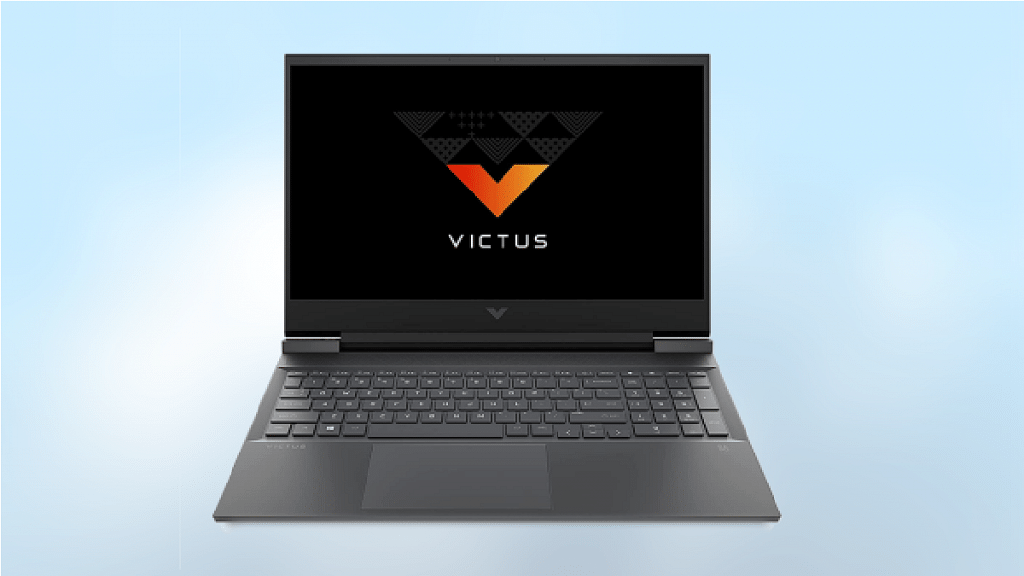
HP Victus Latest AMD Ryzen™ 5 5600H Gaming Laptop
The HP Victus Ryzen™ 5 5600H gaming laptop can be another good option to consider if you do not want to spend more than Rs. 60,000. This laptop has a screen size of 16.1-inch IPS display. It offers you clear picture quality to play your graphic-hungry games with ease. It has 6 cores, 12 threads, and 8GB RAM that is upgradable up to 32GB, and 512GB SSD which makes this laptop a beast.
This laptop comes equipped with 5th Gen AMD Ryzen™ 5 5600H (3.3GHz base clock speed, up to 4.2 GHz Max Boost Clock) and has AMD Radeon™ RX 5500M (4 GB GDDR6 dedicated). This gaming laptop weighs around 2.5 kg and the smooth finishing makes it look stylish.
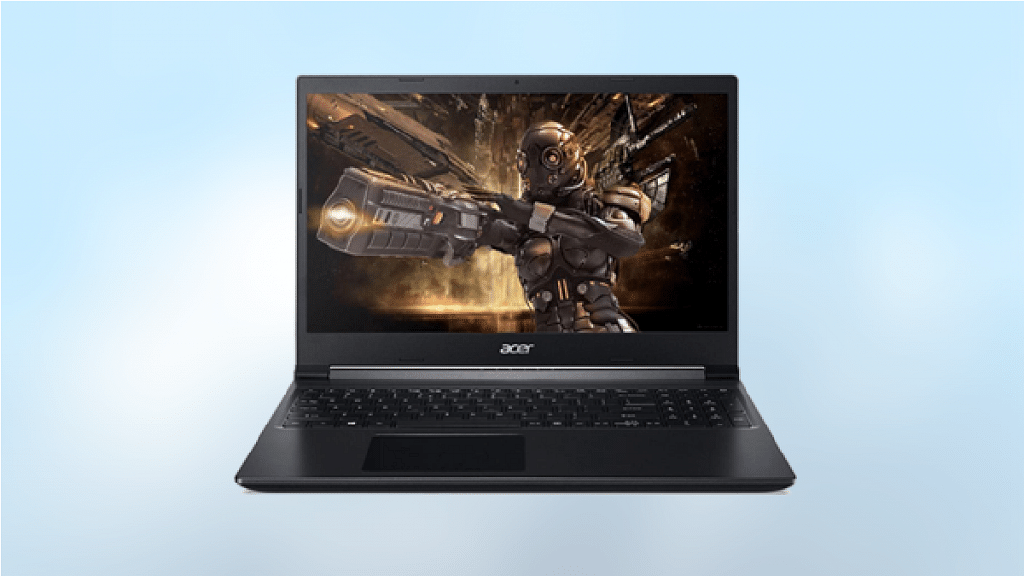
Acer Aspire 7 AMD Ryzen™ 5 Hexa Core 5500U
The Acer Aspire 7 gaming laptop is another good option to consider. This laptop is worth your money as it is suitable for almost all creator and gaming needs. Thanks to its elegant design and polished look, this laptop is suited for practically all professional gamers. The laptop packs a 15.6-inch Full HD LED Backlit screen. It offers clean and detailed visuals and offers you a top-class gaming experience.
In terms of performance, this gaming laptop packs a punch as it is powered by the AMD Ryzen™ 5500U processor and GeForce GTX 1650 graphics processor. The Acer Aspire 7 gaming laptop is available for sale at Rs. 54,900.
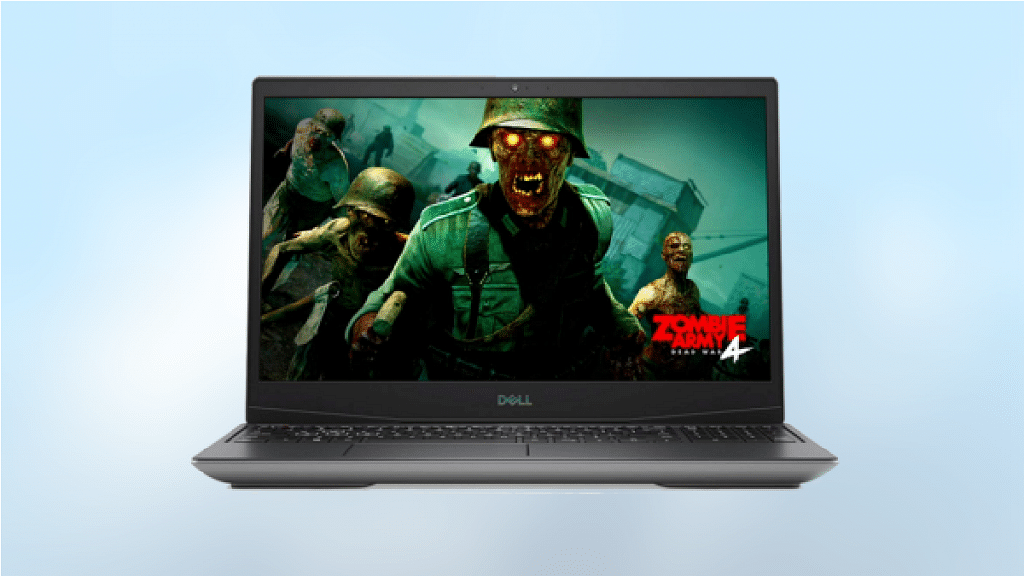
DELL G5 15 SE Ryzen™ 7
The DELL G5 15 SE Ryzen™ 7 Octa Core 4800H is one of the best mainstream gaming laptops thanks to its wild CPU performance, a bright 15.6-inch display, and awesome battery life. With its AMD processor, the device continuously blows out the competition. You’ve got a winner on your hands if you add an AMD graphics card that can compete with the most demanding AAA games.
This gaming laptop comes with the AMD Ryzen™ 7 4800H octa-core processor. It is further equipped with 6GB of AMD Radeon™ RX 5600M GPU so that you can enjoy clean and sharp visuals and smoother gameplay. It has 8GB of RAM so that you can enjoy seamless multitasking. The laptop has a display that’s equal parts bright and vivid along with a comfortable keyboard. The DELL G5 15 SE is one of the best gaming laptops you can get at Rs. 86,990.
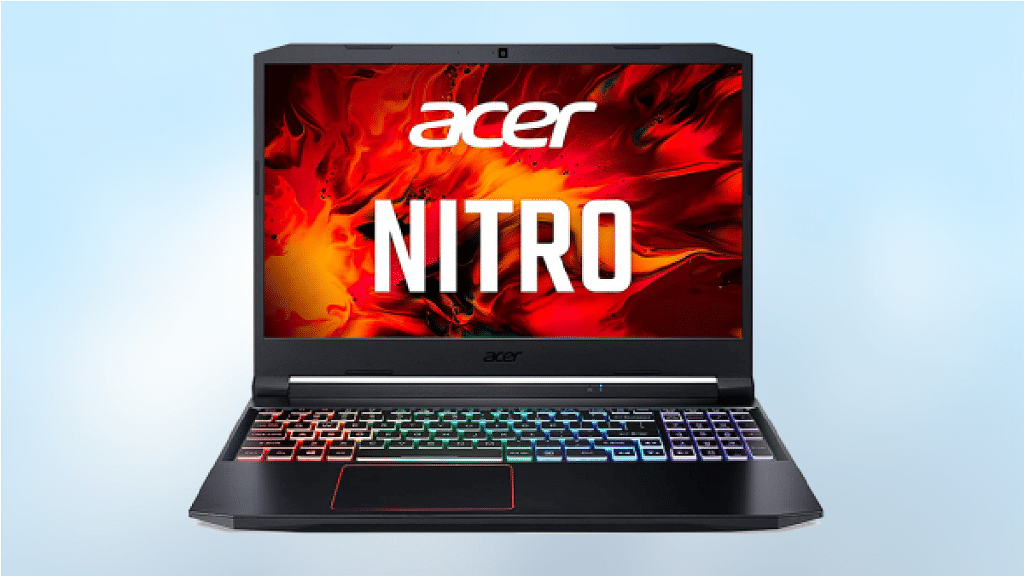
Acer Nitro 5 AMD Ryzen™ 5 4600H
The Acer Nitro 5 is the best option if you want a gaming laptop at an affordable rate. The Nitro 5 has a comfortable keyboard, a powerful AMD processor, and the best battery life. It comes with AMD Ryzen™ 5 4600H Hexa-core processor. This gaming laptop has the GeForce GTX 1650 with 4 GB GDDR6 memory dedicated graphics.
The Nitro 5 boasts a 15.6-inch Full HD IPS display with a refresh rate of 60 Hz and an overdrive response of 3 ms. It offers impressive performance, especially for a laptop in its price category, thanks to the AMD processor. The Acer Nitro 5 Gaming Laptop is available for purchase at Rs. 76,490 in India.
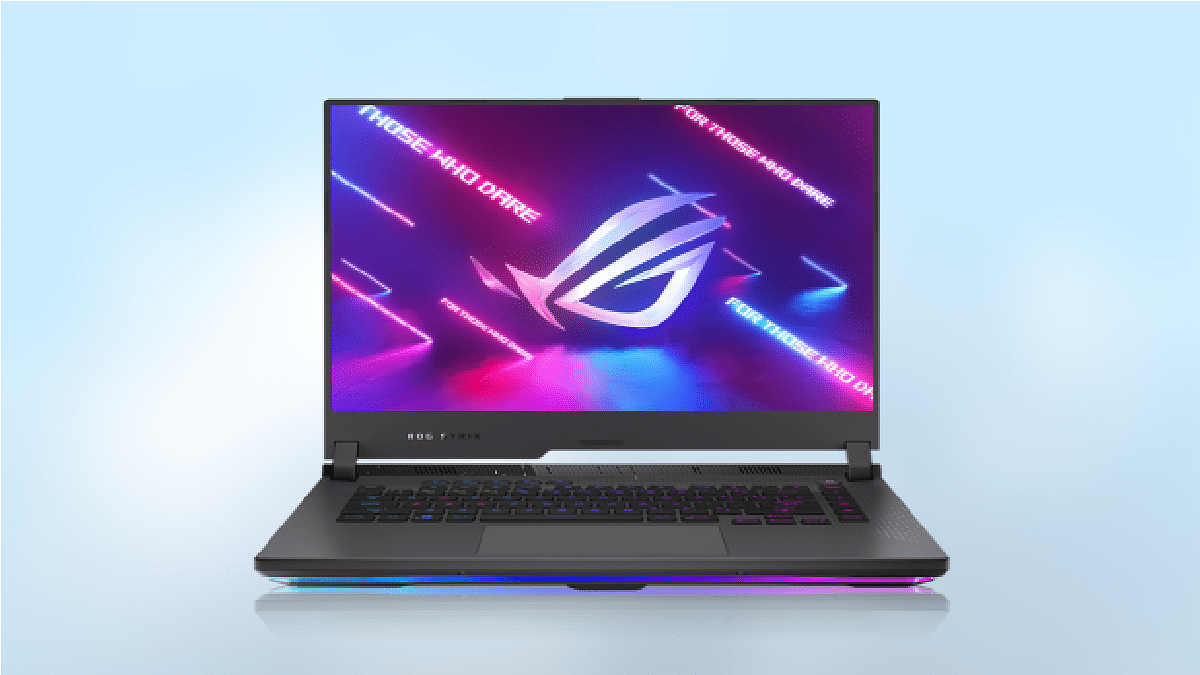
Asus ROG Strix G15
The ROG Strix G15 from Asus, one of the greatest names in the gaming laptop market, is a powerful laptop. It proves that you can buy a high-end device without burning a hole in your pockets. It has a powerful AMD Ryzen™ 7 5800H CPU and GeForce RTX 3050 GPU for processing graphics. The device supports up to 32GB of RAM and also expandable memory later to suffice your storage requirements. With a 3ms response time, the 15.6-inch display assures real-time reactions. It further has a native refresh rate of 144Hz for smooth action even during intense action sequences.
To lessen screen tearing and stuttering, Adaptive-Sync technology enables the display to dynamically change its refresh rate to match the ideal settings for your favorite games. When multitasking, you can set up a second display using the USB-C connector or you can broadcast from your laptop while playing games.
It features Intel 12th Gen Core i9 HX series of processors
The laptop has NVIDIA RTX 3080 Ti
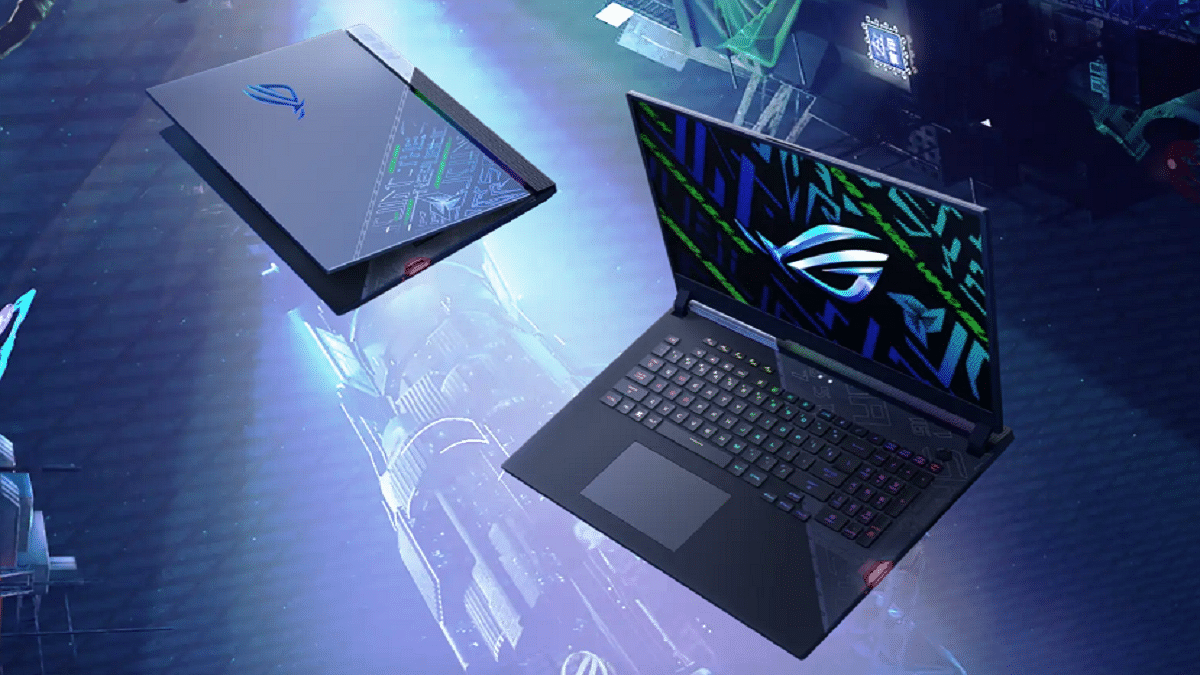
Asus has announced the upgrade to its ROG Strix Scar 17 PCs with the Special Edition (SE) launch in India. The new laptop offers gamers enthusiasts of the nation gameplay experiences and unmatched performance. Here’s everything you need to know about the newly launched Asus ROG Strix Scar 17 Special Edition Laptop:
Asus ROG Strix Scar 17 Special Edition Laptop Specifications
The lid design of the Asus ROG Strix Scar 17 Special Edition has been updated. It is powered by an NVIDIA GeForce RTX 3080 Ti and an Intel 12th Gen Core i9 12950HX CPU. The laptop sports a 17.3-inch QHD screen with a 240Hz refresh rate, a 3ms response time, and Dolby Vision HDR compatibility.
It contains a 4TB PCIe Gen4 SSD and 32GB of 4800MHz DDR5 RAM, which can be expanded to 64GB. On the audio front, the ROG Strix Scar 17 Special Edition has a quad-speaker audio system with Dolby Atmos support.
The keyboard allows users to change light settings based on the game they are playing, supports Aura Sync, and offers per-key RGB lighting. The switches are designed to last more than 20 million presses, claims Asus.
It has a 90Whr battery which Asus claims can be quickly charged to 50 percent in just 30 minutes. Along with the laptop, the company is including a bunch of peripherals, including a ROG Backpack, ROG Delta Headset, a FullHD 60FPS camera, and a ROG Strix Impact Mouse.
The Taiwanese electronics brand Asus says they used Conductonaut Extreme Liquid Metal thermal paste from Thermal Grizzly on the GPU and CPU. This helped to lower the ambient temperature by about 15 degrees Celsius.
Asus ROG Strix Scar 17 Special Edition Laptop Price In India
The ROG Strix Scar 17 Special Edition Laptop can be purchased online from Asus, Amazon, and Flipkart for a starting price of Rs. 3,59,990. The device is also available from all Asus authorized dealers as well as Asus Exclusive Stores, ROG Stores, Vijay Sales, Croma, and Reliance Digital.
MacOS Monterey brought a fair amount of developments to the platform. Low Power Mode is one of the more crucial changes for people who need to get the most battery life out of their devices. The feature is already well-known to anyone who owns an iPhone. By doing this, the device is set up to preserve as much battery life as possible.
By automatically reducing screen brightness and slowing the CPU clock speed, this lowers energy usage. This not only aids in lowering energy use but also keeps your MacBook quieter because the fans won’t be running (thanks to the lower CPU clock speed). Here’s how you can toggle on the Low Power Mode on macOS Monterey. Let’s check out:
Steps To Turn On Low Power Mode On macOS Monterey
On macOS Monterey, activating the Low Power Mode is a rather simple process. Although we will manually demonstrate how to toggle it on, you can also ask Siri to turn it on immediately.
Make sure you are using the most recent stable macOS Monterey version before we begin because it will probably work better.
Step 1: In the top left corner, click on the Apple icon.
Step 2: Tap on ‘System Preferences’.
Step 3: Now, click on ‘Battery’. It is located at the bottom next to the ‘Printers & Scanners’ and ‘Date & Time’ options. If you still don’t find it, simply search for it in the top right corner.
Step 4: Once you open the Battery settings, at the left bottom of the sidebar, tap on ‘Battery’.
Step 5: After you follow the above step, you should be able to see the ‘Low Power Mode’ option. To turn it on, tap on it.
The Low Power Mode will then be turned on and will start working. Turning on the Low Power Mode may provide you with a little additional juice, but you should be aware that the performance might not be exactly the same as previously. Don’t worry, though; your Mac will continue to operate in much the same way while using less energy.
After announcing Jio AirFiber and Jio Cloud PC at its 45th AGM, Reliance Jio is likely to bring the JioBook laptop to India. Notably, the company has not announced the launch of the laptop but teased the product silently at the same event.
The teaser shows that the JioBook laptop will have a plastic body, which is important as it is expected to be priced at affordable prices. Besides, JioBook will have the Jio logo on the back panel in the circular module.
JioBook Laptop: Expected Specifications
It is worth noting that this is not the first time that several reports claim that Reliance Jio is planning to bring the affordable laptop to the country.
The report also shared that the JioBook will have a resolution of 1366×768 pixels. Under the hood, the JioBook is powered by a Qualcomm processor, which is coupled with 2GB of LPDDR4X RAM and 32GB of eMMC in-house storage.
On the other hand, the second model will have 4GB of LPDDR4X RAM and 64GB of eMMC 5.1 storage. Besides, the report said that the laptop will have Android OS or might have Windows 10 operating system.
On the connectivity front, the laptop will have dual-band Wi-Fi along with support for 2.4GHz and 5GHz frequencies, a DMI connector, and Bluetooth. It is important to note that the company has not made any announcement yet and no report shared the timeline of the launch.
Reliance Jio 5G Services
Furthermore, the company said that it will launch 5G services near Diwali this year in Delhi, Chennai, Mumbai, and Kolkata. Reliance Jio also said that it invests Rs. 2 lakh crore in the 5G services.
“Within the next two months, by Diwali, we will launch Jio 5G across multiple key cities, including the metropolises of Delhi, Mumbai, Kolkata, and Chennai. Subsequently, we plan to increase the Jio 5G footprint month after month. By December 2023, which is less than 18 months from today, we will deliver Jio 5G to every town, every taluka, and every tehsil of our country,” Chairman and Managing Director Mukesh Ambani said.
For the unaware, Reliance Jio has joined hands with Qualcomm for the 5G solutions in the country. The company has recently introduced Jio Air Fibre to provide an end-to-end wireless 5G experience.
The laptop industry has grown exponentially in the last decade with the brands integrating the latest hardware and software technologies. Rampant growth has also been recorded with the consumer-oriented budget laptop models from some popular smartphone OEMs. But the major chunk is still dominated by the prime players such as Asus, Acer, Dell, Lenovo, HP, and others. We have just covered the hardware differences between two of the most popular laptops including the Asus Vivobook Pro 14 OLED and the Dell Inspiron 16. Here, we are comparing two of the best gaming laptops that you can buy for under Rs. 80,000 in India. The Asus TUF Gaming F15 and the Lenovo Legion 5i are the models whose spec-sheet comparison you can read below:
Asus TUF Gaming F15 Vs Lenovo Legion 5i 15-inch: Display Comparison
The Asus TUF Gaming F15 laptop is packed with an IPS LCD screen that is 15.6-inch in size. The display on the Asus gaming laptop comes with a 1080 x 1920 pixels screen resolution and has a pixel density of 141 PPI. The screen gets a standard 60Hz refresh rate and comes void of HDR 10 certification. This laptop also has variants with 1920 x 1200 pixels resolution and 144Hz refresh rate and 2560 x 1440 pixels resolution. The prices vary according to the models.
On the other hand, the Lenovo Legion 5i features the same 15.6-inch IPS LCD screen. However, the display specs are slightly better compared to the Asus gaming laptop. While the screen size and panel type remain the same as the Asus TUF Gaming F15 laptop, the refresh rate here is higher at 165Hz. This allows for smoother feedback with the frame transitions during gaming. The Lenovo Legion F15’s display is also HDR certified and has Dolby Vision support.
Asus TUF Gaming F15 Vs Lenovo Legion 5i 15-inch: Processor, Firmware
The Asus TUF Gaming F15 and the Lenovo Legion 5i can be purchased with different configurations and processors. The Asus TUF 15 comes with Intel Core i5 12450H, Core i5 12500H, and Core i7 12700H processor options. The octa-core processor on this laptop is integrated with the Intel Iris Xe graphics card. The RAM option for the Asus gaming laptop is 8GB, 16GB, and 32GB, whereas the storage options are 512GB and 1TB.
It also has support for NVIDIA GeForce RTX300 series GPUs. The Lenovo Legion 5i also comes with an Intel Core i5 (11260H/11400H) chipset. It can also be purchased with Intel Core i7 (1180H) and Core i9 11900H chipset. This laptop has integrated Intel UHD Graphics along with NVIDIA GeForce RTX 3000 series GPUs.
The RAM capacity you can select on this Lenovo gaming laptop is 16GB, 32GB, and 64GB, whereas, the storage capacity is 512GB, 1TB, and 2TB. Both laptops are well equipped to handle high-end games and deliver a premium experience during general usage as well as gaming.
Asus TUF Gaming F15 Vs Lenovo Legion 5i: Connectivity, Battery
The Asus TUF Gaming F15 laptop is packed with three USB Type-A ports, one USB 4.0 Type-C port, one Thunderbolt 4 port, and one HDMI 2.0 port. The Lenovo Legion 5i features three USB 3.2 Type-A ports, three USB Type-C ports, one Thunderbolt 4 port, and one HDMI 2.0 port. The battery capacity of the Lenovo Legion 5i laptop is 80Wh. It is a Li-Po battery that is aided by fast charging technology. Asus, on the other hand, offers the TUF 15 Gaming laptop with 48Wh and 90Wh battery capacities along with fast charging support.
The laptop industry is also advancing like the smartphone and other consumer IoT products with the latest technologies. From conventional bulky laptops, we now have options to select from ultrathin and 2-in-1 convertible designs. And that too without compromising on the hardware. Acer, Asus, Dell, Lenovo, and HP are amongst a few of the established players in the laptop market that are offering Windows-powered laptops with Intel and AMD series processors. However, there has been a recent trend with smartphone OEMs foraying into the laptop space and bringing in some pocket-friendly options for the audience.
We have done several gadget comparison articles including smartphones, smart TVs, tablets, and also chipsets. Now, we are starting with laptop comparisons as well. In this article, we are pitting down two of the most popular laptops in the Indian market. The spec sheet of the Asus Vivobook Pro 14 OLED and the new Dell Inspiron 16 models are compared in this article. If you are looking to buy a new machine for yourself and one of these models has been on your list then this comparison article is a must-read.
Asus Vivobook 14 Pro OLED Vs Dell Inspiron 16: Display Specification Comparison
Display game is getting stronger with laptops as it is being with smartphones. Laptop brands are making sure they are using a high-end panel for an immersive viewing experience with their products. The Asus Vivobook 14 Pro is one of the best examples of a mid-range laptop with a high-resolution panel. Asus has packed the Vivobook 14 Pro with a 14-inch compact display.
The panel type is OLED that offers a screen resolution of 1800 x 2880 pixels and has an aspect ratio of 16:10. The Asusu Vivobook 14 Pro OLED display also supports a 90Hz refresh rate and has a picel density of 243 ppi. It is HDR10 certified with which it can smoothly render FHD content via OTT platforms.
On the other hand, the Dell Inspiron 16 features an IPS LCD screen that is 16-inches in size. The screen resolution and the refresh rate is slightly lower here compared to the Asus Vivobook Pro 14 OLED variant. This laptop model supports 1920 x 1200 pixels resolution and has a standard 60Hz refresh rate.
The pixel density is also a bit lower compared to the Asus model at 142 PPI and also comes void of HDR10 support. The display size is bigger on the Dell laptop, but if you need better specs, opt for the Asus Vivobook Pro 14 OLED out of these two.
Asus Vivobook 14 Pro OLED Vs Dell Inspiron 16: Processor, Software Version
The Asus Vivobook 14 Pro OLED runs on the Intel Core i5-11300H quad-core processor with a 3.1GHz (up to 4.4Ghz) clock speed. The Asus Vivobook 14 Pro has integrated Intel Iris XE graphics, and NVIDIA GeForce GTX 1650 GPU support. This laptop comes with an onboard 16GB DDR4 RAM and has 512GB M.2 NVMe PCIe 3.0 SSD storage.
The Asus Vivobook 14 Pro OLED has the Windows 10 Home/ Pro edition pre-installed for home and professional users respectively. The software is upgradable to Windows 11 for free.
Moving to the Dell Inspiron 16, this laptop runs on the 12th Gen Intel Core processor. You can select from Core i3, Core i5, and Core i7 variants depending on the budget and user requirement. You can also select the integrated graphic card depending on the requirements including Intel UHD, Intel Iris Xe, and NVIDIA GeForce MX570, 2GB GDDR6 GPUs.
The memory version is also dual including 8GB DDR4 3200MHz and 16GB 3200MHz DDR4 RAM. The device has 512GB M.2 PCIe NVMe SSD storage.
Asus Vivobook 14 Pro OLED Vs Dell Inspiron 16: Connectivity Ports, Battery Capacity
Both Asus Vivobook 14 Pro and the Dell Inspiron 16 come with multiple connectivity ports. The Asus Dell Inspiron 16 ships with two USB-A, one USB Type-C, one HDMI 1.4, and an SD card reader. On the other hand, the Asus Vivobook Pro 14 OLED ships with three USB-A, one USB Type-C, one HDMI 1.4, and one 3.5mm headphone jack.
As far as the battery capacity is concerned, the Asus Vivobook 14 Pro is packed with a 63wh battery whereas the Dell Inspiron 16 comes with 41whr and 54whr battery units. Both laptops comes with fast charging support.
Wi-Fi connectivity issues in Windows 11 are among the most frequent problems
It could be caused by a missing, out-of-date wireless network driver
Removing and reinstalling your Wi-Fi driver could be helpful
One of the most annoying problems you can experience is when your Wi-Fi stops working. And on Windows 11, Wi-Fi connectivity issues are among the most frequent problems. User complaints regarding slow Wi-Fi and error messages like “Limited Access” or “No Internet Access” are common.
Most likely, you are not connected to your network and are unable to access the internet if you are unable to access your email, browse the web, or stream music. Here are some things you can do to solve the issue.
Windows 11 Wi-Fi issues could be caused by missing, out-of-date, or damaged wireless network drivers since they frequently conflict with systems or devices. Therefore, removing and reinstalling your Wi-Fi driver could be a recipe for dealing with Windows 11’s Wi-Fi issue.
We advise you to make a restore point before moving further with the steps in case something goes wrong. With the help of a backup of crucial Windows operating system files and configuration settings, a restore point enables you to return the system to a previous time.
Step 1: Open the program by searching “device manager” in the Windows search box.
Step 2: Double-click Network Adapters. Select Uninstall device from the context menu when you right-click the WiFi driver.
Step 3: Click Uninstall in the pop-up Windows.
Step 4: Restart your computer. After that, it will automatically search your system for stored drivers (which might not be the most recent version) and install them.
Step 5: Reconnect the Wi-Fi and check for any improvement.
Windows comes with powerful troubleshooters by default. It can locate and resolve issues with the Internet, audio, printer, update, and many other things.
Step 1: Press the Windows key and ‘I’ to open the settings on your keyboard.
Step 2: In the System tab, search ‘Troubleshoot’ and select it.
Step 3: Tap on ‘Other troubleshooters’.
Step 4: Next to Internet connections, click “Run.”
Step 5: In the pop-up Windows, select ‘Troubleshoot my connection to the Internet’.
Your internet connection should be detected by the troubleshooter as it runs. Watch to see if it uncovers anything while you wait.
For the tech geeks, stay updated with the latest cutting-edge gadgets in the market, exclusive tech updates, gadget reviews, and more right on your phone’s screen. Join Giznext’s WhatsApp channel and receive the industry-first tech updates.