Categories
Laptop

Lenovo Announces New Legion And Idea Pad Laptops In India: See Specifications Here

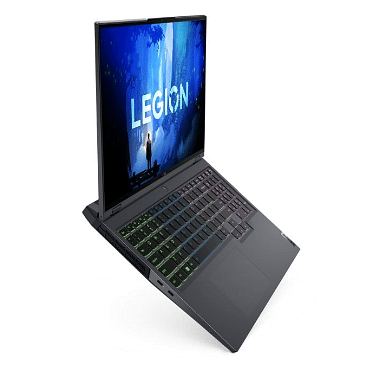
Lenovo has announced the launch of the next-generation Yoga series laptops along with Legion and Idea Pad gaming laptops in the country. Notably, the company has launched Legion 5i, Legion 5i Pro, Legion Slim 7i, and the IdeaPad Gaming 3i, Yoga 9i, Yoga Slim 7 Pro, and Yoga 7i Pro. The newly launched laptops come with a 12th generation Intel Core chipset.

Legion Series Laptops: Details

The newly launched Lenovo Legion laptops comprise Lenovo Legion 5i and 5i Pro. These laptops come with a graphics direct connect technology, a battery capacity of 80Wh and it can reach up to 80 percent of charging in 30 minutes.

The AI engine 2.0 of the laptop offers optimized system performance. In fact, the company claims this can provide 20 percent FPS. In addition, the laptop comes with a pre-loaded three months of Xbox Game Pass along with 100 PC games for three months. Additionally, the Xbox game pass is pre-loaded on all laptops.

Yoga Series Laptops: Details

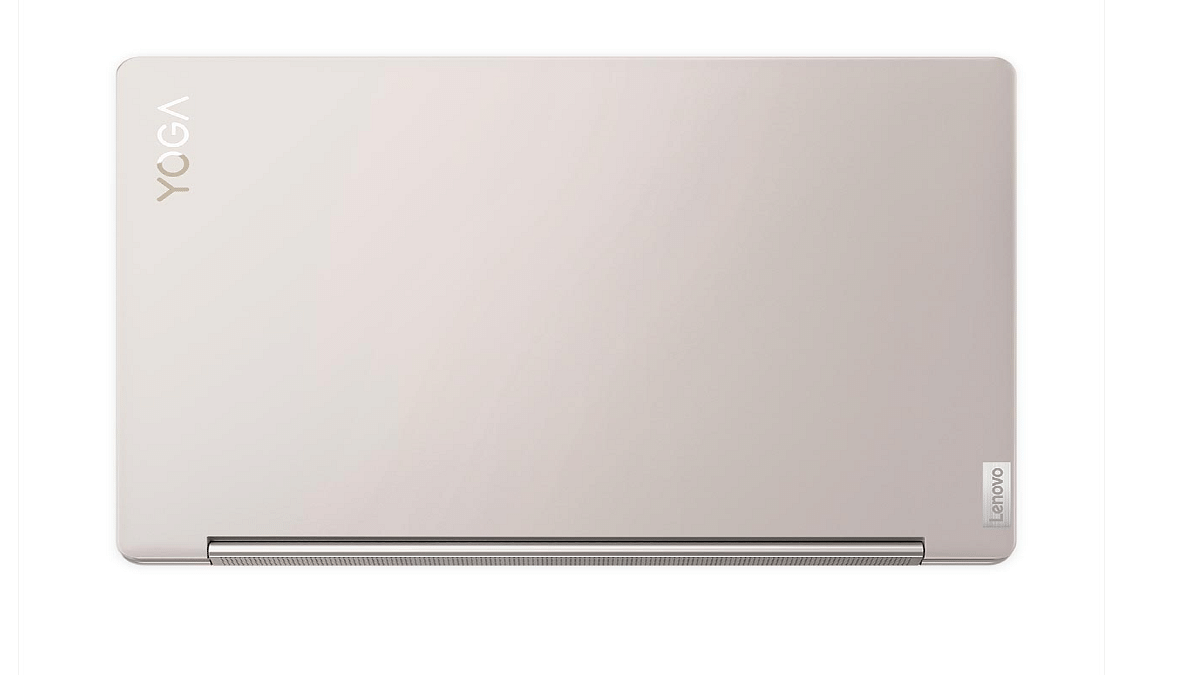
The Yoga series of laptops comprises Yoga 9i, Yoga 7i, and Yoga Slim 7i Pro and comes with a Jewel-toned design. Besides, the Yoga 9i has an arc-shaped design that offers better ergonomics as per the company’s claims.

The laptop comes with a 12th-generation Intel Core processor alning with a third-generation EVO certification. Additionally, smart sensing technology can improve screen quality by adjusting the color temperature for the ambient environment.

Moreover, the Yoga 9i has an OLED screen with a 2.5K resolution and TÜV low blue light eye protection certification 6, which can reduce the harmful blue light.

Pricing & Availability Of The Laptops

The Lenovo Yoga 9i, Yoga Slim 7i Pro, and Yoga 7i will be available in three color options: oatmeal, storm gray, and slate gray. These are priced at Rs. 1,69,990, Rs 1,06,990, and Rs 1,14,990 respectively.

On the other hand, the Legion 5i and the Legion 5i Pro laptop will be available in gray color. These laptops will be priced at Rs. 1,44,990, Rs 1,64,990, and Rs 1,50,990.

The Legion, Yoga, and IdeaPad Gaming laptops will be available from July 13th on pre-order from the company’s exclusive stores, and Lenovo.com. However, the laptops will be available on all offline stores and Amazon from July 23rd, 2022.

Categories
Featured Laptop Leaks

Realme Notebook Air Laptop Launch Slated For July 13; To Flaunt Realme Pad X 5G-Like Design

Highlights

  • Realme Notebook Air laptop launch confirmed on July 13 in China
  • Notebook Air will sport Realme Pad X 5G-like desisgn
  • Features yet to be confirmed

Realme has become a known player in the smartphone industry in a short span and is ramping up its product portfolio with other consumer electronics gadgets as well. The company has also ventured in the smart TV, tablet, smart wearables, audio, and even laptop market. The Realme Book slim was the brand’s first laptop with premium range hardware at affordable pricing. Now, the brand is ready to expand its laptop portfolio with the Notebook Air this month itself. The latest laptop will be debuting alongside the Realme GT 2 Master Explorer Edition next week. Here’s what all the features the upcoming Realme tablet will bring to the table:

Realme Notebook Air Official Launch Date

The Realme Notebook Air is making its debut besides the GT Master Edition on July 13, 2022. The company will be announcing the upcoming laptop in its home country China. This would be the first Realme laptop with the Notebook moniker. There is no announcement by the company if it’s a new laptop lineup and why it isn’t launching this model in the Realme Book series.

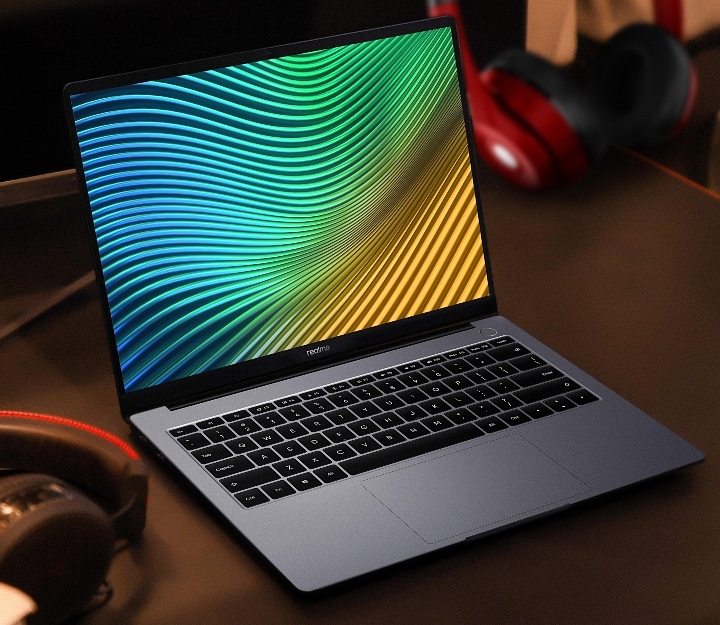
The Realme Notebook Air features are not announced by the brand yet. The company has only confirmed a slim laptop profile with a narrow edge bezel that will measure just 4.9mm. That’s the only information currently confirmed by the brand. But the company could launch the details soon since the official launch is just a few days away. Nevertheless, the rumor mill has shared some information related to the upcoming Realme Notebook Air laptop.

As per the leaks, the Realme Notebook Air will borrow its design from the recently launched Realme Pad X 5G tablet. This means the Notebook Air will also be featuring a green chessboard-like design. Separately, the Realme Notebook Air comes in dual color options including Sea Salt Blue and Star Gray shades.

Currently, that’s the only detail the brand or the leaks have shared on the upcoming Realme Notebook Air laptop. It remains to be seen whether the brand uses an Intel Core chipset or AMD Ryzen series processor to power the upcoming laptop. There is also no word if the company will be launching this laptop with affordable pricing like the previous-gen model. We will update your with all the details once available.

Categories
Featured How To Laptop

Windows 11 Tips And Tricks: How To Change, Reset Old Password In Windows 11-Powered Laptops/ PCs?

Microsoft Windows OS is one of the most commonly used computer operating systems across the globe. The Redmond giant has been upgrading this OS and proactively brings the newer versions each year. Currently, Windows 11 is the latest OS that is being used by the new-generation laptops and PCs across the globe. With the Windows 11 OS, Microsoft has made several improvements with the different services and tools offered by the platform. The security aspects have also been refined with the newer version of the Windows OS.

If you have purchased a new laptop/ PC with the latest Windows 11 OS, you would want to use the different privacy lock options to keep your system at bay from unauthorized access. Specifically, if you want to use your laptop/PC as a shared device, then you would need to activate the privacy features.

Besides the traditional password protection, the Windows 11 OS offers a host of other modern security features. Facial Recognition, a physical fingerprint scanner, and, picture passwords are some of the advanced biometric authentication modes available on the Windows 11 OS. Now, setting up a complex passkey is always crucial to make sure your laptop or PC is secure from unwanted hacks and data thefts.

It is also advised to update your password frequently to enhance the overall security. So, how do you update your password on Windows 11 OS? And is there any way to reset it in case you have forgotten your current password? If that’s something you have been trying to figure out, this article will be your guide:

Steps To Reset Windows 11 Password Without Old Password

Now, the method to reset the password mentioned below will be useful if in case you don’t remember your old password and wish to rest it.

Step 1: When you are trying to log in to your Windows 11-powered laptop or PC and are unsuccessful, you’ll see the Reset Password option. Click on it.

Step 2: If you have set up a PIN for authentication, then you would see the PIN sign-in issues. Select it.

Step 3: You will now see the security question tab once you click on the Reset password option. Answer the security question.

Step 4: Now, you will need to enter a new password. Make sure the password is complex so that unauthorized access becomes difficult.

Step 5: Once you have rest your old password, you’ll be able to log in to your laptop or PC easily.

How To Change Lock Password In Windows 11 OS Laptops/ PCs

Step 1: From the Windows home screen, click on the start menu.

Step 2: Head to the Settings app on your respective devices.

Step 3: Click on the Accounts menu.

Step 4: Select the sign-in option.

Step 5: Tap on the “Password” option and then “change password”.

Step 6: Now, you just need to follow the on-screen steps to change the old password. That’s it. The password on your Windows 11 OS laptop or PC will be updated.

Categories
Featured Laptop

Microsoft Laptop Surface Go 2 With 11th-Gen Intel Core i7 Processor Debuts In India; Price, Key Specifications

Highlights

  • Microsoft Laptop Surface Go 2 series announced in India
  • 11th Gen Intel Core i7 processor
  • Price starts at Rs. 73,999

Microsoft has refreshed its laptop portfolio in India with the launch of new Surface series laptops. The Redmond giant has unveiled the latest Surface Laptop Go 2 series in the country. The brand has announced the new-generation Surface Go 2 series laptops for the affordable masses in the country with the latest 11-th Gen Intel Core i5 processors.  The Surface Go 2 laptop lineup was introduced recently in the international markets and has finally arrived in the Indian market as well.

Microsoft Surface Laptop GO 2 Full Specifications And Features

The Microsoft Surface Laptop Go 2 features a compact and lightweight design. The laptop is just around 1.1 Kg in weight and flaunts a 12.4-inch PixelSense display. The Surface Laptop Go 2’s display features a 1024 x 1536 pixels screen resolution that is perfect for FHD media playback and gaming.

Under its hood, the latest Microsoft Surface Laptop Go 2 uses the 11th-gen Intel Core i5 processor. This high-end processor will allow the Laptop Surface Go 2 to deliver a lag-free performance with basic tasks and gaming. The Microsoft Surface Go 2 laptop has been announced with up to 8GB RAM which will handle all the multitasking with ease. This Microsoft laptop comes with up to 256GB storage option. The configuration can be further expanded for a better user experience.

As for the connectivity options, the Microsoft Surface Laptop Go 2 offers one USB Type-C port and one standard USB port that will allow pairing with external supported devices. For charging and data transfers, the Microsoft Surface Go 2 Laptop still features the standard Surface Connect port as the previous-generation models.

Microsoft has also refreshed the design and has equipped the Surface Go 2 with an improved keyboard and trackpad. The battery backup is also significantly improved with the new-generation model.

Microsoft Surface Laptop Go 2 Price In India

The Microsoft Laptop Surface Go 2 has been announced in India with an asking price of Rs. 73,999. You will get the base model with 8GB RAM and 128GB storage model with this price tag. On the other hand, the Surface GO 2 with 8GB RAM and 256GB storage configuration can be bought at Rs. 80,999. Notably, for business consumers, the Microsoft Laptop Surface Go 2 will be available with a starting price range of Rs. 79,990 in the country.

Categories
Featured Info Laptop

Dell Unveils New Latitude, Precision Series Laptops In India: Check Details

Key Highlights

  • Dell has launched the new Latitude and Precision laptops
  • The new laptops have Intel’s latest 12th-generation CPUs
  • The products come with Nvidia RTX graphics

Dell has released new laptops and PCs for the Indian market. The launches include new laptops in the Dell Latitude series and mobile workstations from the Dell Precision series. The Latitude 9430, Latitude 7430, Latitude 7330, Dell Precision 5570, Precision 5470, and Dell Precision 3470 are three new laptops in the Dell Latitude line.

Dell Latitude Specifications

The new Dell Latitude laptops feature the latest 12th-generation Intel Core processors. It includes GeForce RTX GPUs from Nvidia. The Dell Latitude 7330 weighs under 1kg and has a 13.3-inch display. The brand claims that the Latitude 7330 is the smallest and lightest 13.3-inch premium laptop worldwide currently in use.

On the other hand, the Dell Latitude 7430 has a 14-inch display and a 2-in-1 design. The laptop has up to a 12th-generation Intel Core i7 processor. It features an internal storage capacity of up to 512GB and up to 16GB of RAM.

The Dell Latitude 9430 is an ultra-premium notebook. It packs a 14-inch screen with a 16:10 aspect ratio. For improved video calls, the laptop also has an FHD camera.

Dell Precision Specifications

The Dell Precision 5470 is claimed to be the world’s smallest, thinnest, and most powerful 14-inch MWS (Mobile Workstation). The MWS has up to 12th Gen Intel Core i9 processors, 64GB of DDR5 RAM, 4TB of storage, and a selection of NVIDIA RTX A1000 Graphics.

On the other hand, the Dell Precision 5570 comes as the company’s thinnest and smallest 15-inch MWS. It packs Intel’s 12th Generation Core processors along with Ndivia’s RTX A2000 graphics.

Dell Latitude, Precision Series Laptops Price In India

The new Dell products are now available for sale in India. The Latitude 7430 starts at Rs. 94,990, while the Dell Latitude 7330 costs Rs. 99,990. Besides, the Dell Latitude 9430 is available at Rs. 1,45,990 onwards.

The Precision 3470 is the entry-level model in the Dell Precision series which is priced in India at Rs. 79,990. The Dell Precision 5570 is available at Rs. 1,42,990 and the Dell Precision 5470 will cost you Rs. 1,46,990 onwards.

Categories
Laptop Tech News

Xiaomi Book S 12.4″ Convertible Laptop Launched: See Here Price Specifications, And More

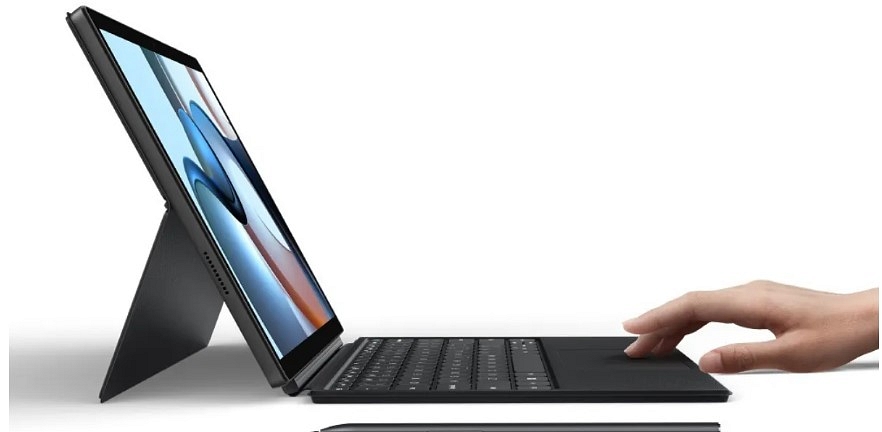
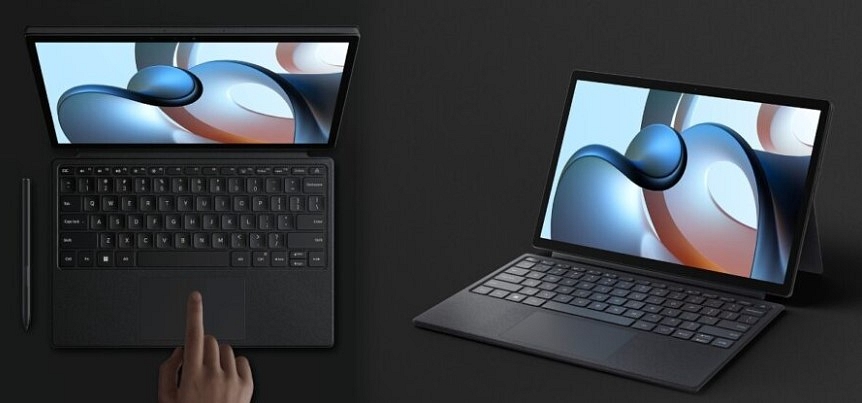
Xiaomi has announced the launch of its first convertible laptop along with the Mi Smart Band 7 in Europe. The Xiaomi Book S 12.4″ laptop comes with a Qualcomm Snapdragon 8cx Gen 2 7nm chipset. Notably, users are allowed to covert a laptop into a tablet that is powered by Windows 11. The laptop supports a keyboard and stylus.

The launch date the laptop for the Indian market has not announced, but it is expected that the company might bring the laptop to Smarter Living 2022 later this year. So, let’s take a look at the details of the newly launched laptop. 

Xiaomi Book S 12.4″ Laptop: Specifications

The Xiaomi Book S 12.4″ has a 2.4-inch display LCD panel, It supports 2560×1600 pixel resolution, 500nits peak brightness, and 16:10 aspect ratio. Besides, the device comes with a Snapdragon 865 generation that is paired with an Adreno 680 GPU, 8GB of RAM, and 256GB of storage. The laptop also supports Wi-Fi 5 and Bluetooth 5.1.

The Xiaomi Book S 12.4″ comes with a 5MP camera on the front for selfies and video chats. Also, there is a 13MP camera on the back panel, dual speakers, a 3.5mm headphone jack, a microSD card slot, two microphones, and a USB Type-C port for charging. Besides, the company claims that the laptop offers 13.4 hours of battery life with a single charge.

Xiaomi Laptop

Xiaomi Book S 12.4″ Laptop: Price And Availability

The laptop is available in Spain, the Netherlands, Germany, and other European regions. In addition, the laptop is priced at EUR 700 which is close to Rs. 57,500; however, as per the introductory offer the laptop will cost you EUR 600 which is close to Rs. 49,500. 

Besides, Xiaomi will ship a 65W charger for EUR 40 which is close to Rs. 3,300 for only two days of the sale. Moreover, the laptop keyboard is priced at EUR 149 which is close to Rs. 12,300, but the company said that the first 250 customers will get a discount of up to Rs. 4,100.

The Xiaomi SmartPen costs EUR 100 which is close to Rs. 8,100, whereas the normal case will cost you EUR 40, which is close to Rs. 3,300.

Categories
Featured Info Laptop Tablet

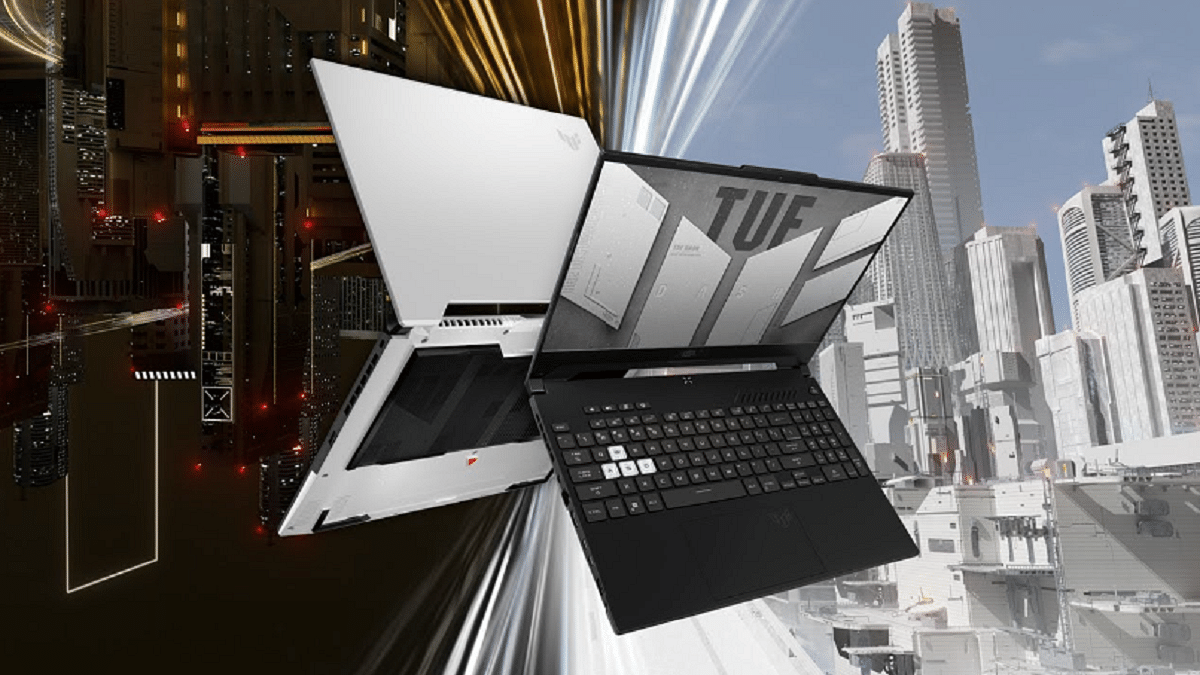
Asus ROG Flow Z13 And TUF Dash F15 Gaming Laptop Unveiled In India: All Details

Key Highlights

  • Asus launched its new ROG Flow 13 2-in-1 gaming tablet
  • The company also unveiled the Asus TUF Dash F15 gaming laptop
  • The TUF Dash F15 price starts at Rs. 90,990 in India

Asus has unveiled its new ROG Flow 13 2-in-1 gaming tablet in India along with the Asus TUF Dash F15 gaming laptop. The new line of gaming devices features NVidia RTX GPUs coupled with Intel’s 12th generation Core processors.

Asus ROG Flow Z13: Specifications

There are two display options available for the Asus ROG Flow Z13 gaming tablet. A 13.4-inch full-HD (1,920×1,200 pixels) panel with 120Hz is the first choice. It has a 16:10 aspect ratio, and 500 nits peak brightness.

The second display option is a 13.4-inch Ultra-HD (3,840×2,400 pixels) display. It has a lower 60Hz refresh rate. Both the displays offer Adaptive-Sync support, Dolby Vision HDR, and touch and stylus support.

The Asus ROG Flow Z13 is powered with up to a 14-core Intel Core i9-12900H CPU. You can choose from the option 512GB or 1TB M.2 NVMe PCIe 4.0 SSD.

The Asus tablet is equipped with up to Nvidia GeForce RTX 3050 Ti GPU for graphics. It has a 4GB DDR6 VRAM and MUX switch which is said to lower in-game lag times and increase performance by up to 10%.

The Asus ROG Flow Z13 has Bluetooth v5.2 and Wi-Fi 6 as connectivity options. The tablet has a Thunderbolt 4 DisplayPort, a ROG XG Mobile Interface, one each of USB Type-A (2.0) and USB Type-C (3.2 Gen 2) port, and a card reader.

Asus ROG TUF F15: Specifications

The Asus ROG TUF F15 has a new revamped design. It comes with a mecha-inspired aluminium lid. It has two display options: a 15.6-inch full-HD IPS-level display with a refresh rate of 144 Hz and a 15.6-inch WQHD IPS-level display with a refresh rate of 165 Hz.

Under the hood, the laptop can be packed with up to a 12th generation Intel Core i7-12650H processor. It has up to 16GB DDR5 SDRAM. Additionally, there are SO-DIMM slots that can support up to 32GB of RAM.

The Asus ROG TUF F15 has 512GB/1TB M.2 NVME PCIe 3.0 SSD. It comes with (up to) Nvidia GeForce RTX 3070 GPU with 8GB GDDR6 VRAM.

The laptop has a Dolby Atmos two-speaker system, a backlit chiclet keyboard, an HD camera with an array microphone, and AI noise cancellation technology.

As for connectivity options, it has Wi-Fi 6 and Bluetooth v5.2. Ports. The Asus ROG TUF F15 includes a Thunderbolt 4 DisplayPort, two each of USB Type-A (3.2), USB Type-C ports as well as an HDMI 2.0b, 3.5mm audio jack combo, and an RJ45 LAN port.

Asus ROG Flow Z13 And Asus ROG TUF F15: Price

The Asus ROG Flow Z13 has been priced in India at Rs. 1,36,990. It will be available for purchase on the Asus online store, Amazon, Flipkart, Croma, ROG Stores, Vijay Sales, and Reliance Digital.

On the other hand, the Asus TUF Dash F15 will cost you Rs. 90,990. It will be accessible through the same channels.

Categories
Featured How To Laptop

Windows 11 Hacks; How To Find Wi-Fi Password Using Windows 11 Laptops/ PCs?

Microsoft officially announced the Windows 11 OS last year with a slew of new features for improved user experience with laptops and PCs. Wireless and mobile internet connectivity with Windows-powered laptops and PCs have also seen major advancements with the newer versions. It is now a hassle-free task to get connected to the internet wirelessly if you are using any laptop or PC.

With the Windows 11 OS, Microsoft has made it easier for users to access forgotten passwords. This comes in handy when you are connecting to your home network and don’t remember the Wi-Fi password. What can be done in such scenarios? Would you need to reset your network password? Or can you check the details via your Windows 11 laptop or PC? Let’s find out:

Steps To Find Wi-Fi Password Using Windows 11 Laptops And PCs?

Step 1: Open your Windows-powered laptop or PC.

Step 2: Click on the Start menu.

Step 3: Now, go to the control panel.

Step 4: From the control panel select the “Network and Internet” option.

Step 5: You will see the “Network and Sharing Center” option. Tap on it.

Step 6: From the available wireless connections, select the Wi-Fi network name whose password you wish to identify and click on the Wi-Fi Status.

Step 7: Tap on the “Wireless Properties” and then the “Security Tab” option.

Step 8: Now, you need to select the “Show Characters” options and the saved Wi-Fi password will be displayed on the screen.

It is worth adding that the process to check the saved Wi-Fi passwords hasn’t been changed majorly compared to the previous version of the Windows OS. The steps are almost identical to the Windows 10 OS.

If in case you are still using the older versions of the Windows OS; specifically, the Windows 10 OS, you can check the Wi-Fi password from the Network and Internet option from the control panel. And you don’t necessarily have to perform these steps on laptops.

The PCs running on the Windows 11 or the Windows 10 OS can also be used to check the Wi-Fi password in case you have misplaced it or don’t remember the exact credentials. Checking the stored Wi-Fi password is less of a hassle compared to the entire password reset process.

Categories
Featured How To Laptop

How To Record/ Capture Screen On Windows 11 Laptops And PCs?

Smartphones and tablets are the current generation’s go-to gadgets, but laptops and Pcs are irreplaceable when it comes to high-level professional tasks. And it’s the Windows operating system that is the driving force behind the majority of the laptops or PCs in the market today. Microsoft has released the Windows 11 OS as the newest operating system for supported computing machines.

Screen recording is one of those features which most commonly used across smartphones and even laptops and PCs. But the process is easier for the former, while for the latter the task could be slightly complicated. Microsoft has been simplifying the screen recording process with the newer versions of the Windows OS.

The newly introduced Windows 11 OS also brings along the improved screen grab feature. But how exactly can you record the screen on Windows 11 OS? Do you need any third-party application for the same or is it possible with the built-in tools? Here in this article, we have shared the step-by-step guide that will help you with Windows 11 screen recording.

How To Record Screen Using Windows 11 OS On Laptops And PCs?

Microsoft has added built-in tools that help with screen recording in Windows-powered laptops and PCs. The Redmond giant had released the Xbox Game Bar which you can access on Windows 10 OS as well. However, with Windows 11 there are certain improvements. There are a bunch of widgets that you can find in the Windows game bar. Below are the steps to access it and also use it to record screen on any laptop and PC (running on Windows 11).


Step 1: Open your Windows 11 laptop or PC and go to the screen you wish to record.

Step 2: Press Windows Key+ G to open the Xbox game bar.

Step 3: A new toolbar will pop up on the top of your laptop/ PC’s screen. You’ll see several options. Click on the camera icon to start with the screen recording. Notably, this is the built-in screen capture option.

Step 4: Make sure you have checked all the screen recording settings including the audio. If in case the mic is off you can turn it on manually. The key shortcut for the same is Windows key+ Alt+ M.

Step 5: Once everything is set, you can click on the “Record” option. This will start recording the screen of your laptop or PC.

Step 6: Once you are done with the screen recording, you can click on the “Stop” recording option. The file will be saved on the device memory that you can access later via the “Show all captures” option from the Xbox game bar itself.

Categories
Accessories Featured Info Laptop Tablet

Father’s Day Gifting Guide: List Of Best Tech Products To Make Your Dad’s Life Easy

Key Highlights

  • Show your dad how special he is by choosing a gadget as a gift
  • Whether it’s a tab or headphones, tech gifts add a unique touch and demonstrate your thoughtfulness
  • If your dad is a tech enthusiast, surprise him with the latest gadget

For the father who has everything, what do you buy? Every June, it is a perennial problem. Father’s Day is almost here and selecting the perfect present for your dad can be challenging. Fortunately, you are at the right place. In this article, we’ve compiled the top Father’s Day gifts that are suitable for all kinds of dads. Also Read | Father’s Day 2023: Best Smart Tech Gadgets That Will Bring A Smile On Your Dad’s Face This Father’s Day

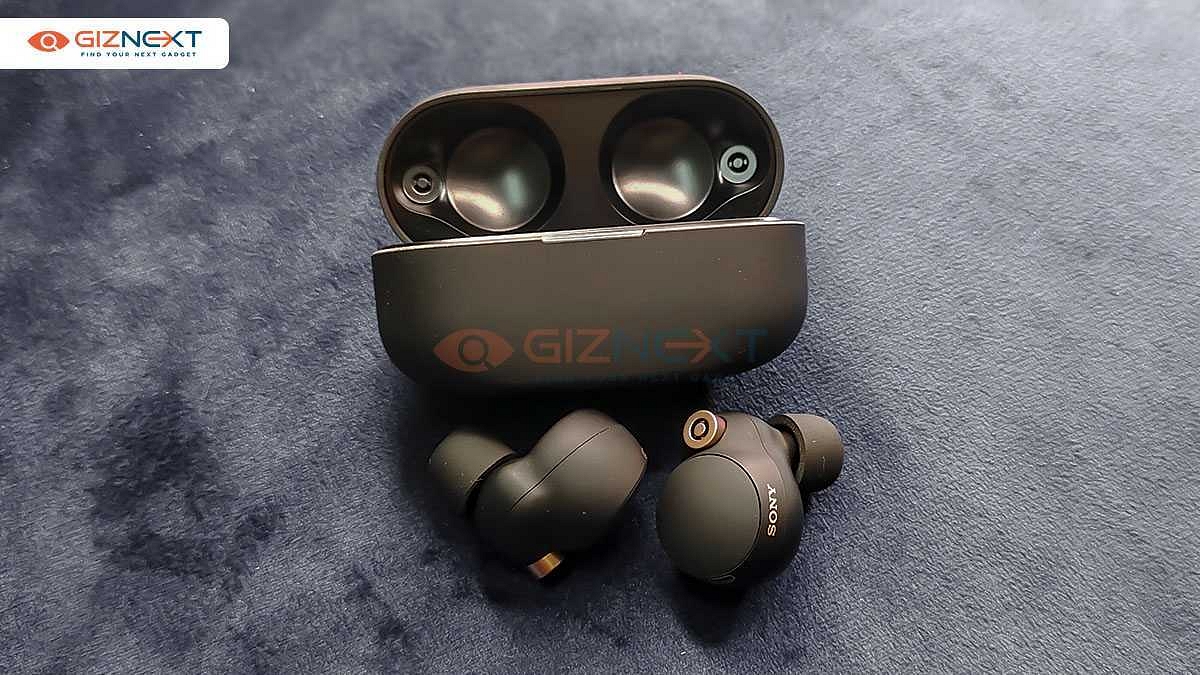
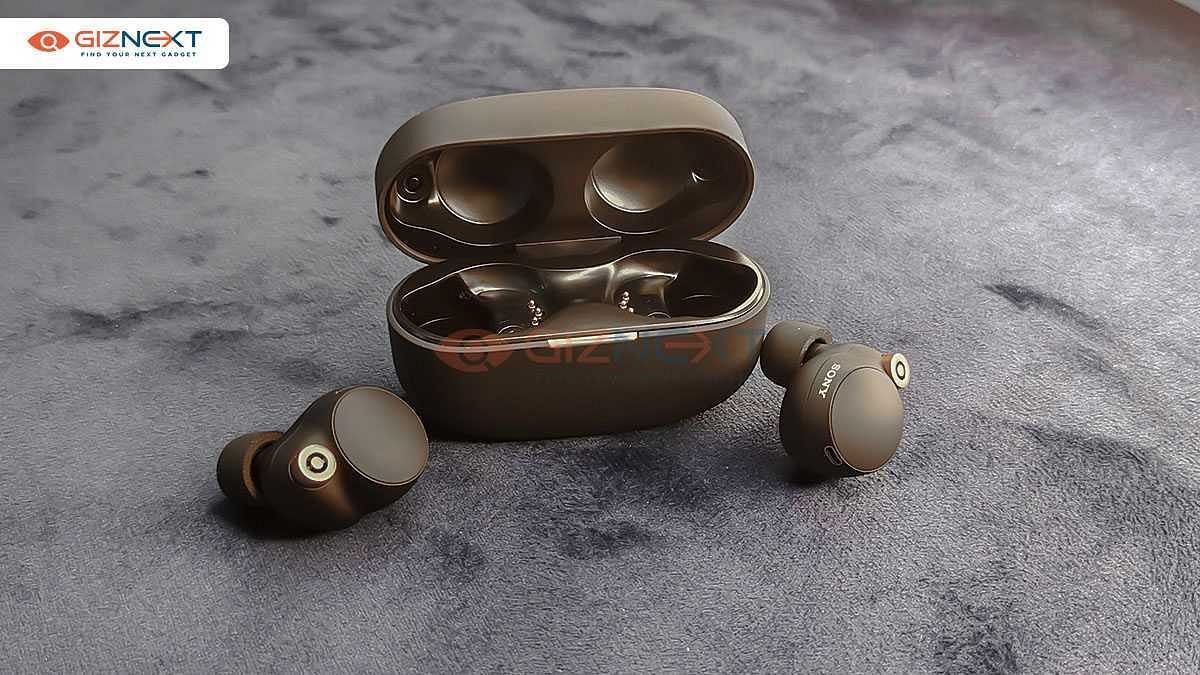
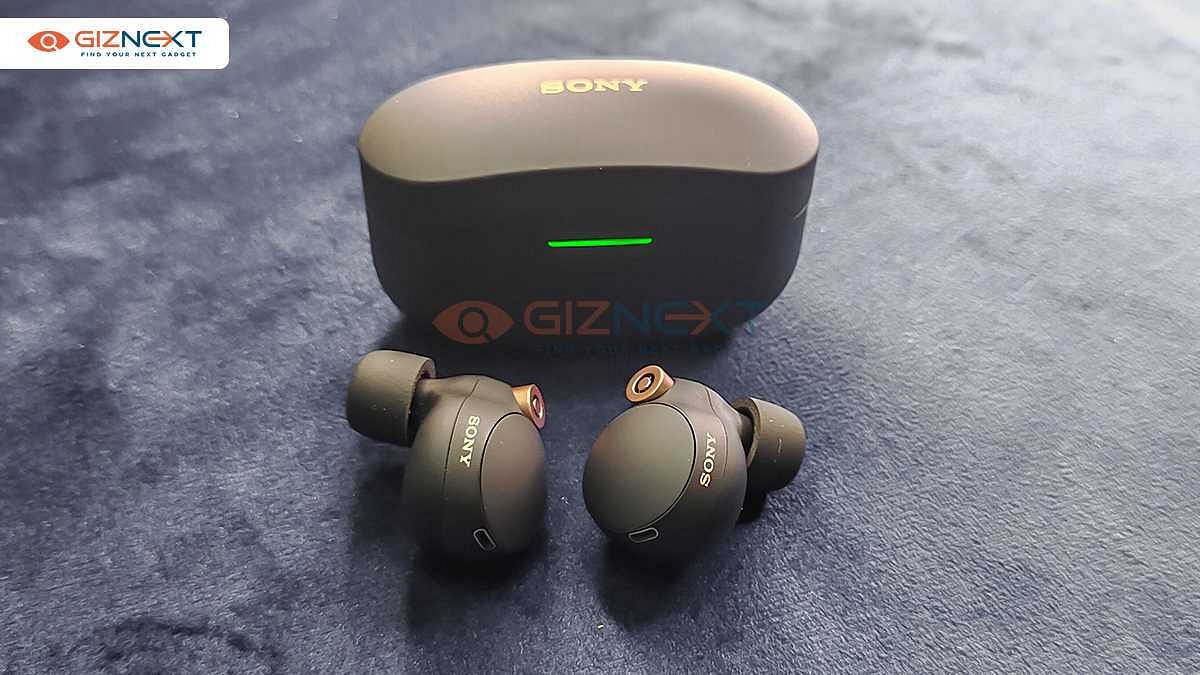
Sony WF-1000XM4

The Sony WF-1000XM4 wireless headphones bring together decent call quality and a smarter listening experience. It has features like Speak-to-Chat, Adaptive Sound Control, intuitive touch control settings, and more. The wireless headphone is priced at Rs. 18,990 in India.

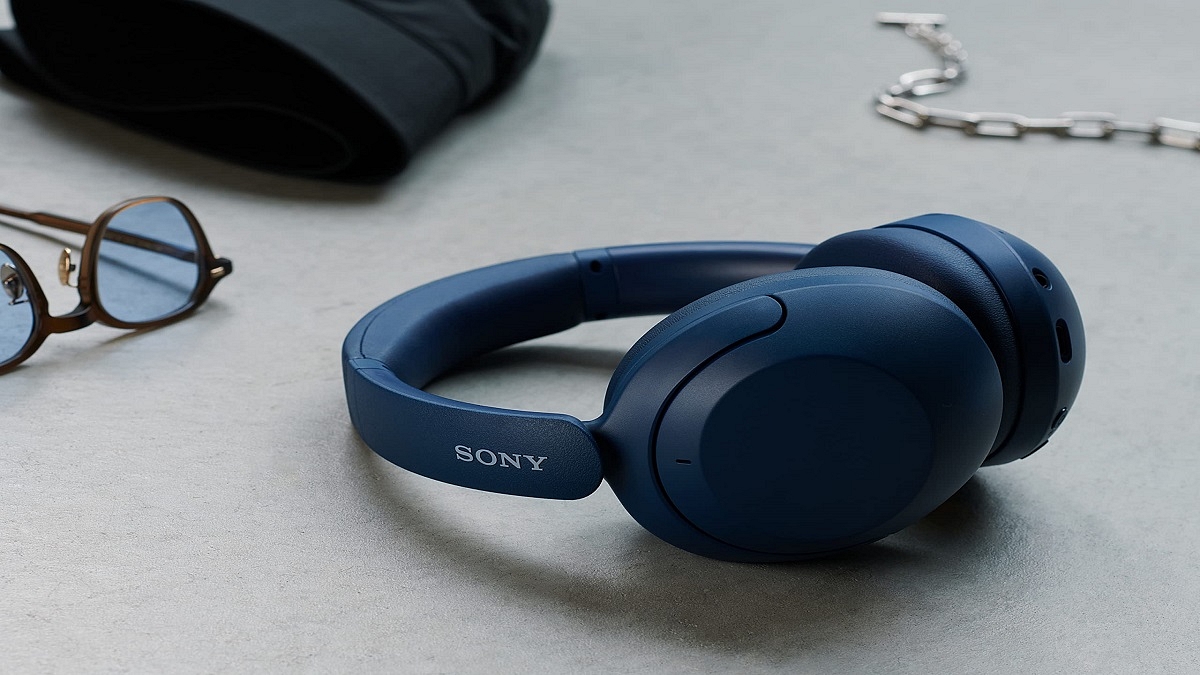
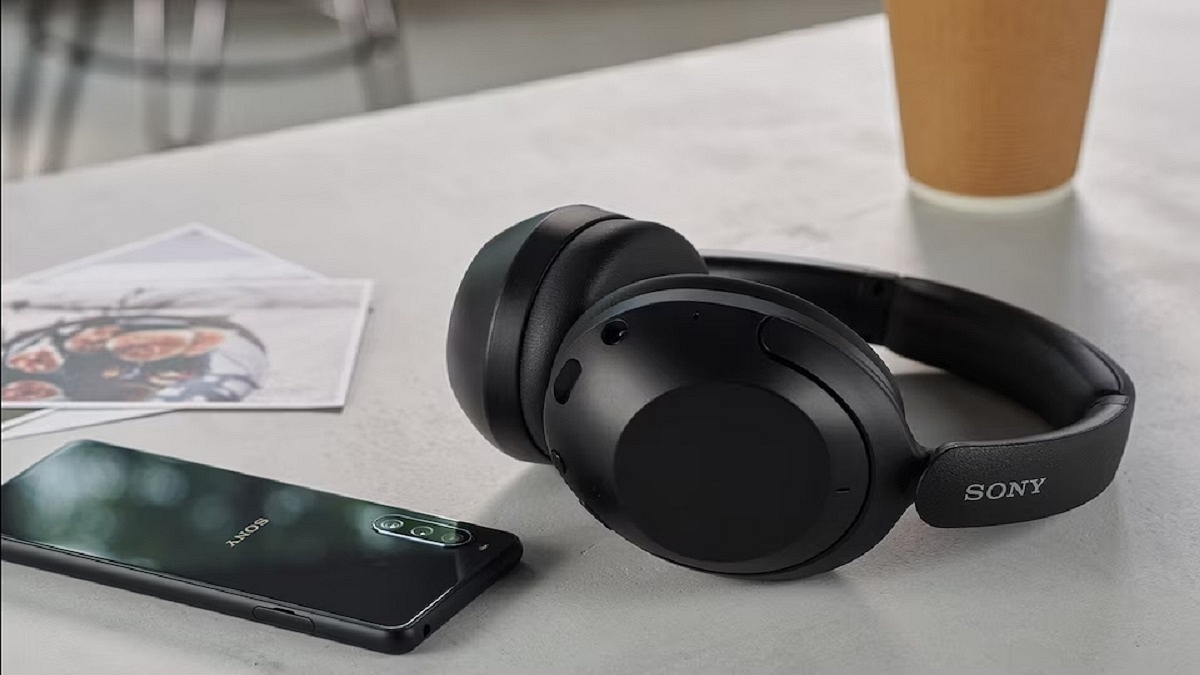
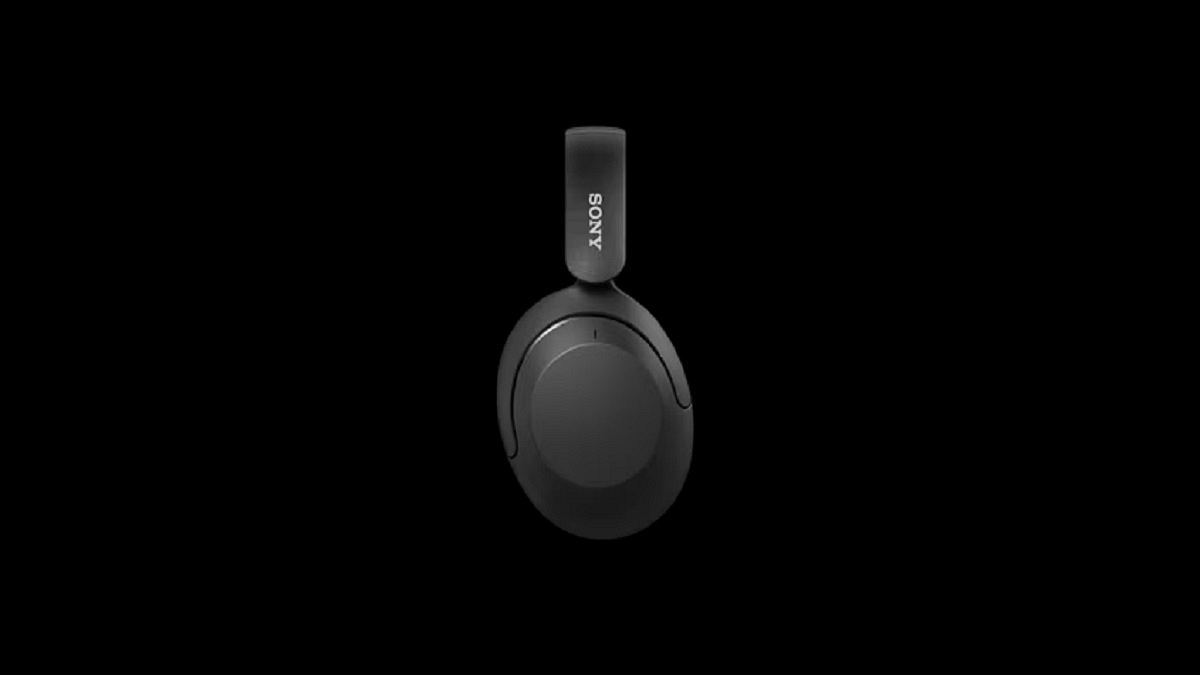
WH-XB910N Headphones

The WH-XB910N wireless headphones have a lightweight design. It comes with Sony’s ‘EXTRA BASS’ technology. The headphones can easily connect to any voice assistant on a smartphone to get directions or make an urgent call to a friend. The Sony WH-XB910N headphones can be purchased for Rs. 14,990.

Also Read | Sony WF-1000XM4 ANC TWS Earbuds Review: Redefining Premium Audio Experience

Lenovo Yoga Tab 11

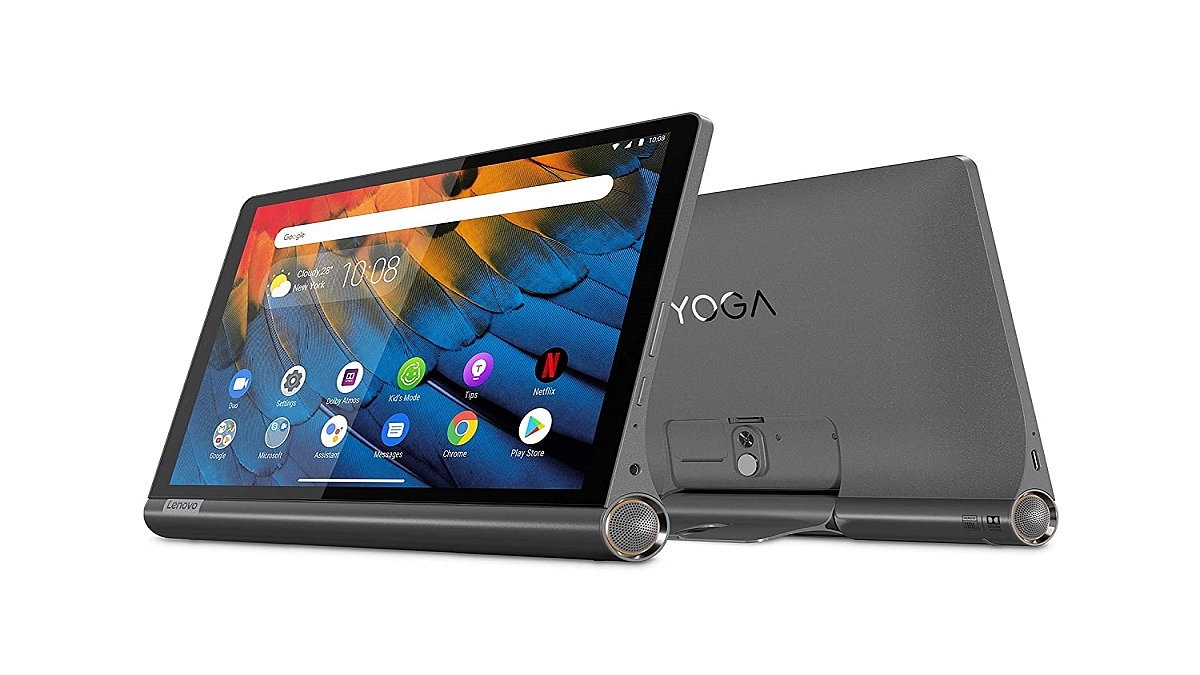
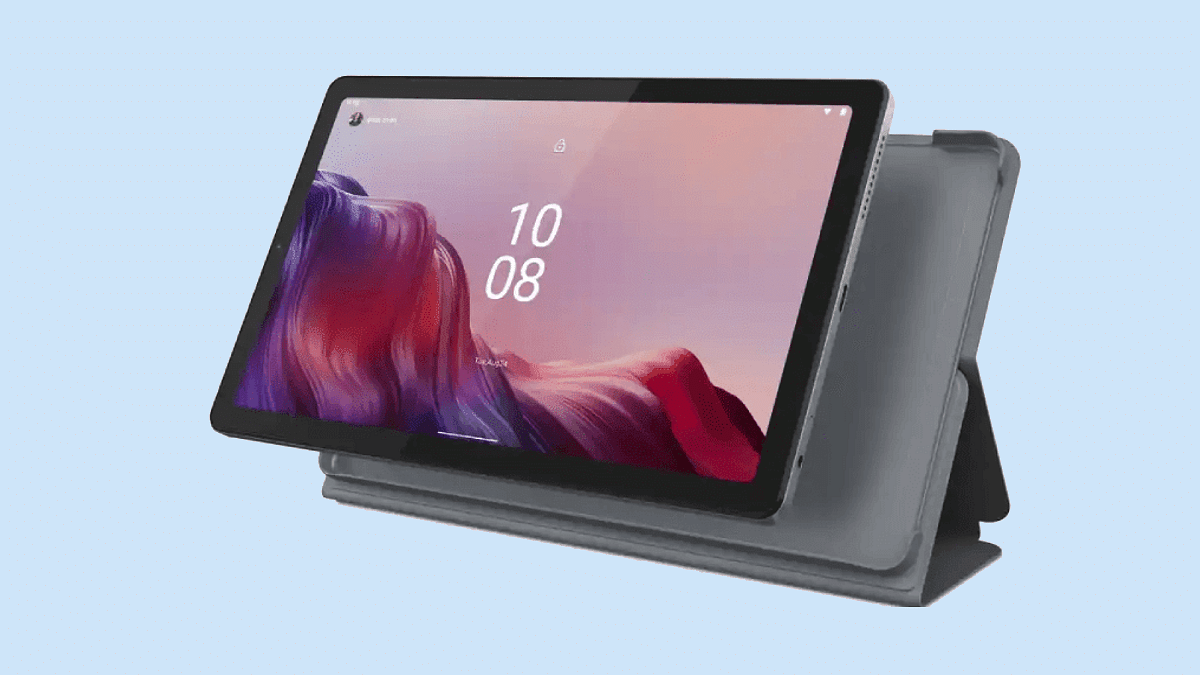
The Lenovo Yoga Tab 11 is the ultimate entertainment tablet that you can choose to gift your dad. It comes with a 2K display, Dolby Vision, UV-certified low blue light, and quad JBL speakers with Dolby Atmos. The Yoga tab 11 will cost you Rs. 27,999.

Lenovo IdeaPad Slim 5i Pro

The Lenovo IdeaPad Slim 5i Pro is equipped with the 11th Gen Intel Core processor. It has a 14-inch QHD display that explodes with color. The Lenovo IdeaPad Slim 5i pro is a perfect gift for those looking to work with the latest technology. It is available at a starting price of Rs. 73,990.

Lenovo Tab P12 Pro

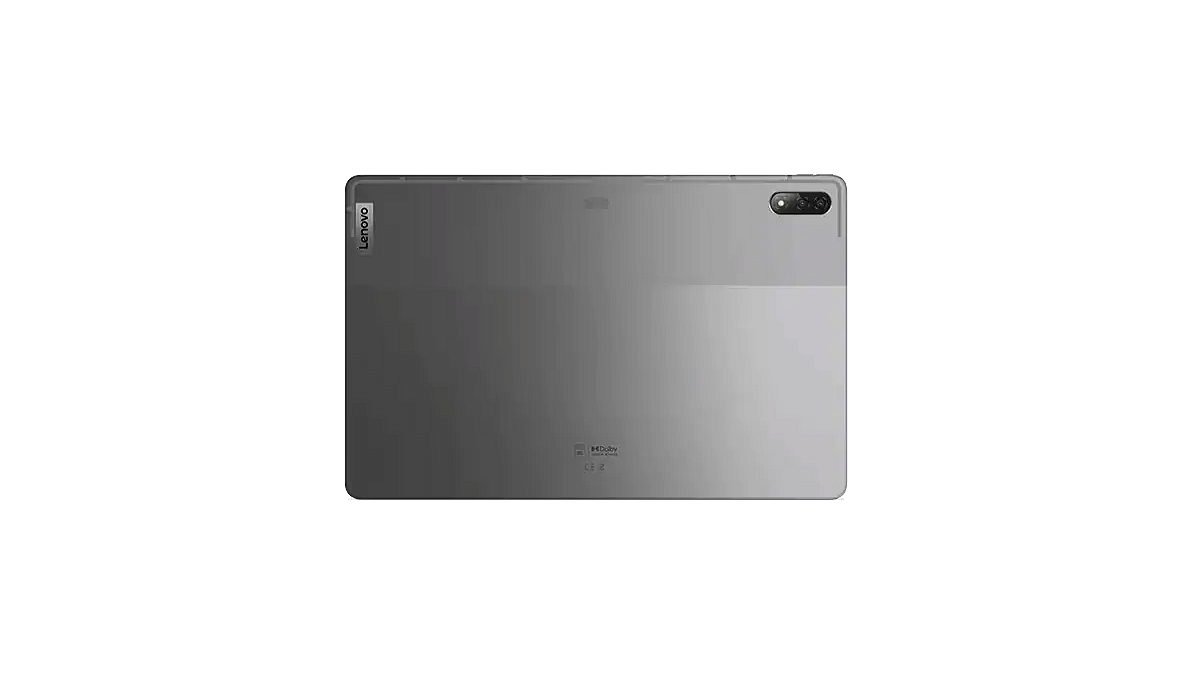
The Lenovo Tab P12 Pro is an ideal gift for your dad. It sports a bright 12.6-inch 2K AMOLED Dolby Vision display on the TUV Rheinland Full Care-certified panel. The tab comes with a JBL quad-speaker system across four audio channels. It is powered by the WiFi 6-certified Qualcomm Snapdragon 870 mobile platform. The Lenovo Tab P12 Pro costs Rs. 69,999.

Echo Dot (3rd Gen)

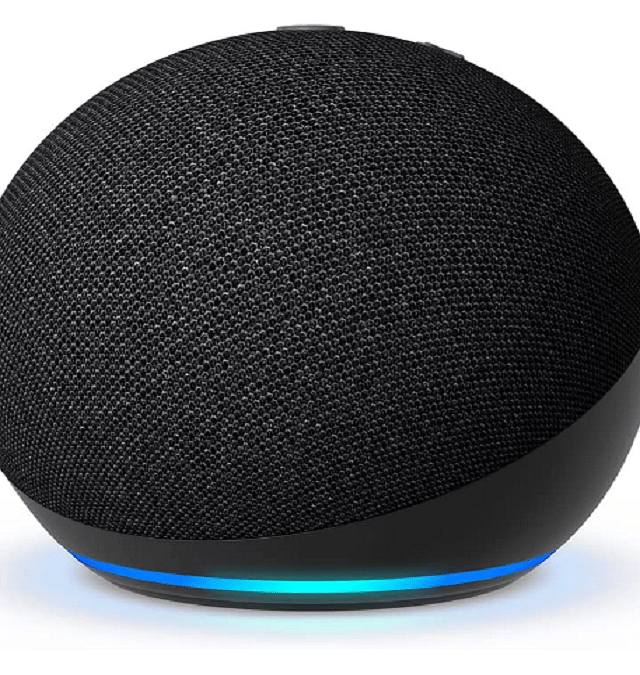
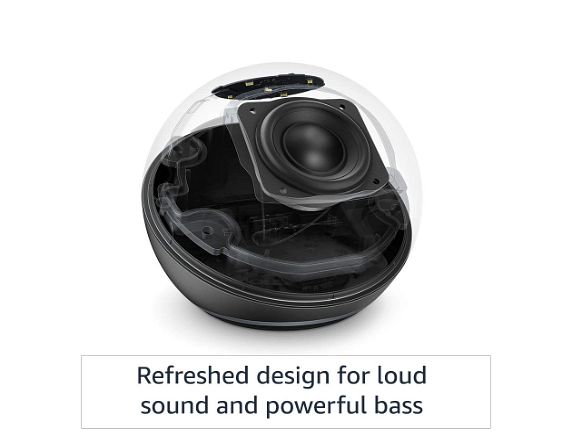
One of the smart gadgets to gift your dad would be the Echo Dot (3rd Gen). This voice-controlled smart speaker with Alexa comes with a crisp and clear built-in speaker. You can ask the device for music, news, recipes, control compatible smart home devices, and more. The Echo Dot (3rd Gen) is available for sale at Rs. 2,499.

Dyson Supersonic Hair Dryer

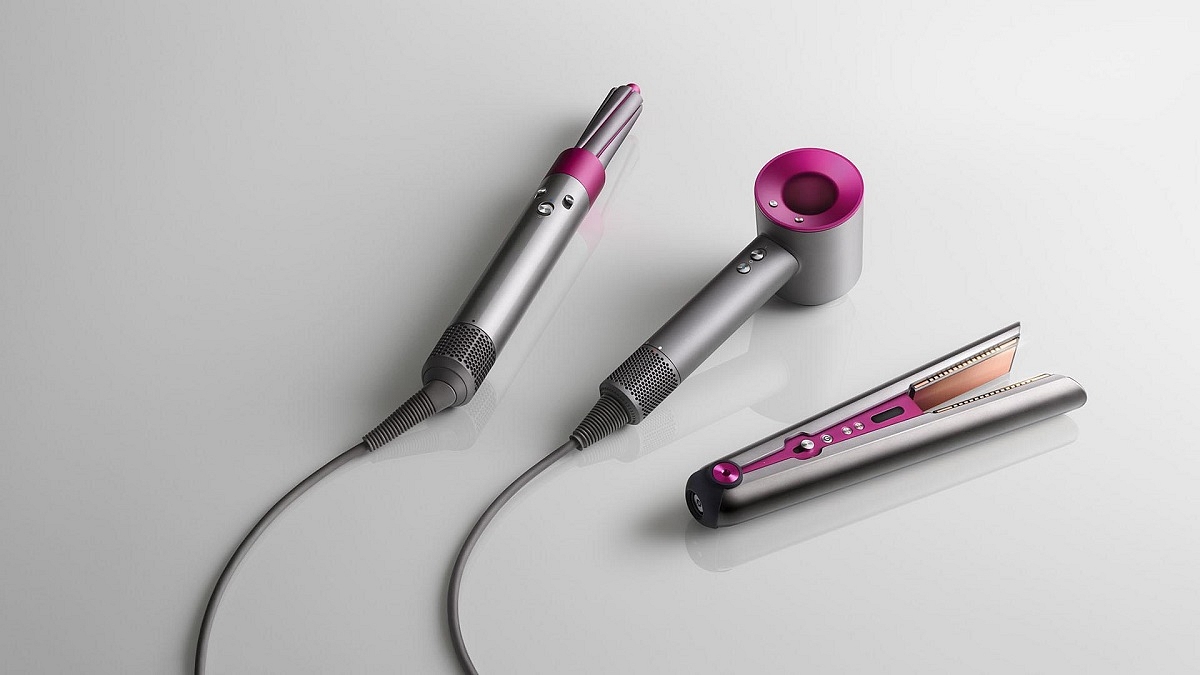
Gift your dad the Dyson Supersonic Hair Dryer this Father’s Day. The product reduces hair drying time with no extreme heat. You can choose from a range of five styling attachments, i.e., flyaway attachment, styling concentrator, diffuser, gentle air attachment, and smoothing nozzle. The Dyson Supersonic Hair Dryer is available for Rs. 34,900.00 at Dyson Demo Stores and on Dyson.in.

Also Read | Father Day’s Gifting Ideas: Best Tech Gifts You Can Get For Your Dad