Categories
Mobile Tech News

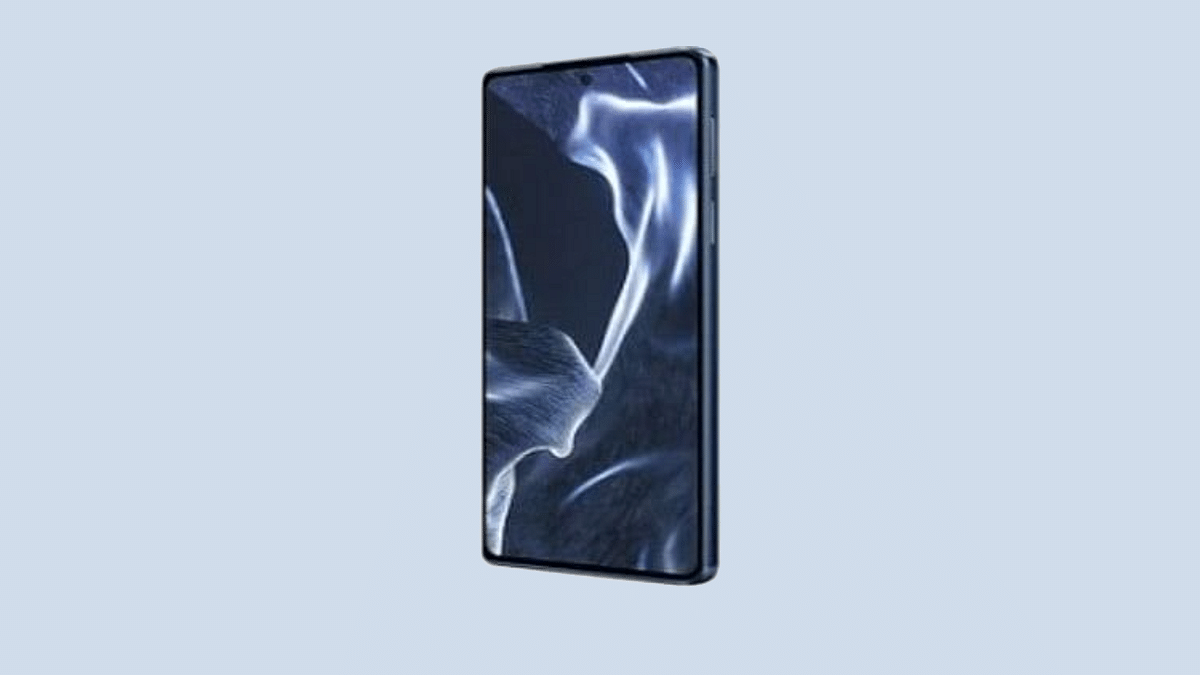
Motorola Edge X30 Under Display Edition Officially Confirmed; What’s Different Than Standard Model?

Motorola became the first-ever smartphone brand to introduce a flagship Snapdragon 8 Gen 1 chipset-powered phone. The brand named this high-end phone the Motorola Edge X30 and is bringing this handset re-labeled as the Motorola Edge 30 Pro in India. Alongside, the Lenovo-backed brand is also working on a special edition which is said to go official next month in the global market. Which is the new Motorola Edge X30 variant is currently under development and what all differences it will offer compared to the standard variant? Read on to know:

Motorola Edge X30 Under Screen Edition Launch Set In March

The upcoming special edition called the Motorola Edge X30 Under Screen Edition has been tipped to be under development by the brand itself. Lenovo China’s Mobile Phone Business General Manager, Chen Gin has confirmed the aforementioned model’s existence and an imminent launch in the global markets.

The company’s chief executive has only suggested next month’s launch. The Motorola Edge X30 Under Screen Edition is making its debut in March in China. The exact date should be announced soon. It is also yet to be revealed if the company will launch the special variant of the Edge X30 in India and the remaining markets in the same month or later.

Motorola Edge X30 Under Screen Edition: What New Hardware We Can Expect?

The Motorola Edge X30 Under Screen Edition is likely to feature the same set of specifications as the standard Edge X30. But what would set this model apart from the previous model would be the presence of an under-display camera for selfies.

Motorola is yet to clear the air surrounding the design and the selfie camera specications of the Edge X30 Under Screen edition. However, the major possibilities is the brand will just shift the selfie camera module’s placement under the screen and keep the sensor specifications same as the standard Motorola Edge X30. This means the company would likely stick to a 60MP selfie snapper on the Moto Edge X30 Under Screen edition.

Other key specs such as the Snadragon 8 Gen 1 processor combined with up to 12GB RAM and 256GB storage confirguration and a 50MP triple rear camera module will also be present on the new model.

We will update you with the further details on the special edition Motorola Edge X30. You can also follow GizNext Tech Enthusiast Telegram group and GizNext Tech Enthusiast WhatsApp group for more latest tech updates.

Categories
Apps Info Tech News

List Of Best Android Apps To Chat With Random Strangers

Smartphones and other gadgets such as tablets and laptops have played a crucial role in shaping modern-gen communication. It has become easier to stay connected with distant peers and family. It’s not all voice calls and handwritten mails now, but video calling is what taking over the app. Third-party developers are coming out with new mobile apps designated for video calling with saved contacts.

But there is a constant rise in demands for video chat apps that allows one to connect with a random stranger. This is a fun social activity whose popularity is on a consistent rise. And thanks to the advanced privacy and security features, using such random video chat apps isn’t now a threat to user safety.

And when you speak of the current market, it is evident Android smartphones make up the majority. Google Play Store is a one-stop destination from where you can download a plethora of apps including random video chat applications. This article has some of the best available random video chat apps which download and use. Take a look:

Top Video Chat Apps On Android To Chat With Strangers

1. Azar- Video Chat App

The first name on the list of the best random video chat apps is Azar. It is a popular live social discovery platform that has 4.0-star ratings in Google Play Store. You would need to register an account to start using the services and make in-house purchases to use additional benefits. This app lets you connect to national as well as international users via video. You can also discover live streams and add effects to your video chat backgrounds.

2. Chatspin- Ramdom Video Chat app

This random video chatting application is created by SMV Co. for Android. The user rating is 4.1 stars. The option to chat anonymously with strangers gives this app an edge over others mentioned in this list. You can add face filters while chatting with strangers or also join live video chatrooms. Most of this app’s services are free to use. But there are some paid subscriptions as well.

3. HOLLA- Live Random Video Chat App

This is another video chat app that you can download on your Android smartphones to start video calls with random users in and outside India. You can either login using your Gmail or Facebook ID and start with random chats with strangers from different regions across the globe. This app has received 3.9 star rating at Google Play Store and weighs around 78MB.

4: Tango- Live Stream & Video Chat

This application is primarily a live streaming app where users can showcase their talents or conduct live sessions based on different topics. But, it also has a provision to connect with strangers for video calling. Of course, you would need to buy subscription plans to get access to all available features.

5: Skout- Meet Chat, Go Live

Another popular random video chat that you can download from Google Play Store is Skout which has been developed by Skout Inc. The app rating is slightly lower compared to the aforementioned chat apps. However, it is one of the oldest Android apps used for video calling which can also be used for live streaming.

6: Omegle Random Chat

One of the oldest and most popular chatting applications designed to talk with random strangers online is Omegle. However, unlike most of the apps in this list, Omegle isn’t available to download as a mobile app on Android and iOS. You would need to use a PC or laptop and access this chatting website using any browser. Over the years, Omegle has improved the privacy aspects and has made this platform safe from NSFW content. This is why this chatting application gets our recommendation.

Categories
How To Mobile

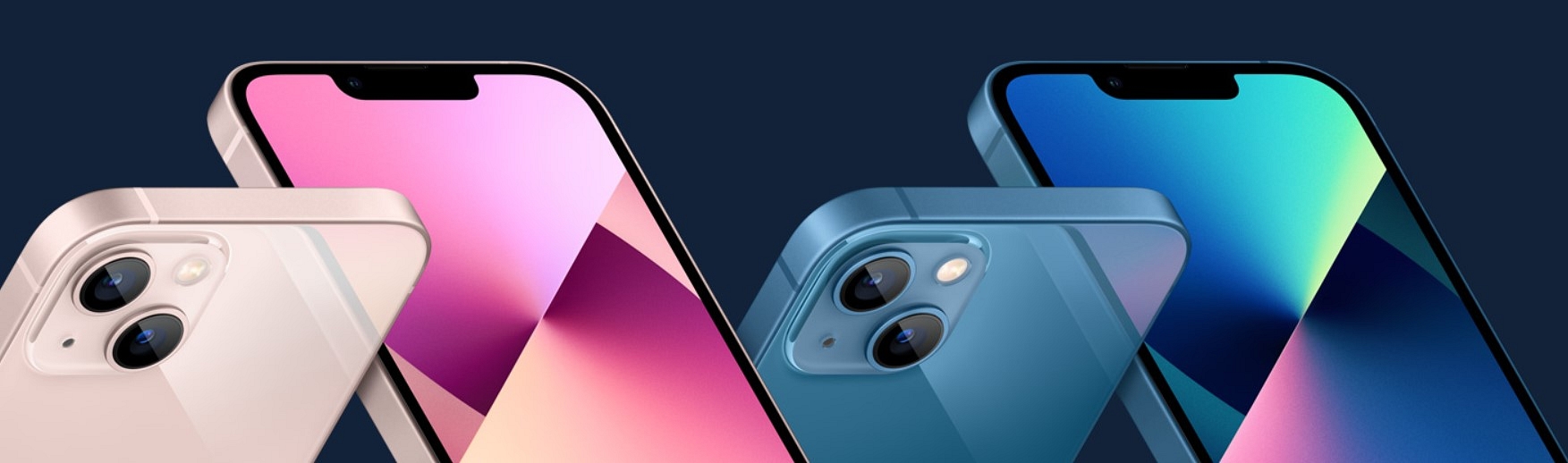
iPhone 13 At Rs. 50, 900 In India: Here’s How To Get It

If in case you are planning to buy or upgrade your existing smartphone to iPhone 13, then there is good news for you as iStore has launched an offer on the same. Notably, iStore, which is an authorized store of Apple is selling a 12GB variant of the iPhone 13 for Rs. 50,900 instead of Rs. 79,900.

For the unaware, the iPhone 13 was launched in September last year and the series includes the vanilla variant, iPhone 13 Pro, and the iPhone 13 Pro Max. Notably, the company is planning to launch a new device this year; but still, the launch might take place in September or October this year. However, the deal seems good as the 128GB variant of the iPhone 13 is available for Rs. 50,900 as against Rs. 79,900 in India.

iStore Offers On iPhone 13

The authorized store of Apple is providing Rs. 5,000 discount along with Rs. 6,000 cashback to users. In addition, the cashback offers include ICICI Bank debit and credit cards, SBI credit cards, Kotak bank debit, and credit cards.

Additionally, iStore is providing an exchange bonus on your old device, where you will get Rs. 18,000 as exchange value. But, if you trade for iPhone 11, iPhone XR, and iPhone 12, then you will get high value. Besides, the company said that if your phone is physically damaged, then you will not get the actual amount after the verification.

It is important to note that the iStore is not only providing discounts and cashback on the 128GB variant as it is available on the 256GB and 512GB models. Furthermore, the 256GB storage of the iPhone 13 will be available at Rs. 60,900 as against Rs. 89,900. The 512GB variant will cost you Rs. 80,900. The deal is also available on MyImagineStore, Aptronixindia, and FutureWorld.

.

Categories
Accessories Tech News

Sony Shows PlayStation VR2 Headset Design: See All Details Here

Sony has introduced a new virtual reality headset for its smash-hit game console PlayStation 5. The next launched headset was teased at CES in January; however, the company has finally introduced PlayStation VR2,which has a VR2 headset and the VR2 gaming controllers.

The company said that the design of the newly launched product has come from the PS5 family. “We already had a lot of positive feedback on the ergonomics of the first PS VR headset by carefully balancing the headset weight and having a simple headband that can be adjustable, so we kept the same concept for the PS VR2 headset,” Hideaki Nishino, Sony’s Senior Vice President of Platform Experience wrote in a blog post.

“Other features such as the headset’s adjustable scope that places the scope area closer or further away from the face and placement of the stereo headphone jack also remain the same, so players will be familiar with it,” he added.

Notably, the company has not made several changes in the design. In fact, it has added some features that will make it more comfortable in case you are using it for a long time. In addition, the company states that it has added a vent design to the newly launched headset. Besides, the headset comes with a lens adjustment dial so that users can match the lens distance between their eyes. The headset is slimmer and light in weight that making it comfortable.

PlayStation VR2: Specifications And Features

The newly launched PlayStation VR2 comes with an OLED display that can offer 4K HDR resolution along with a 110-degree field of view. Additionally, there is an eye-tracking technology that can detect the eyes’ motion.

“This allows players to interact more intuitively in new and lifelike ways, allowing for a heightened emotional response and enhanced expression that provide a new level of realism in gaming,” Sony had said. Furthermore, the company claims that it can track users’ movements through an integrated camera. “Your movements and the direction you look at are reflected in-game without the need for an external camera,” the company said further.

Categories
Apps How To Tech News

WhatsApp Web Tips And Tricks: How To Use Multiple WhatsApp Accounts On Laptops/PCs?

Key Highlights

  • WhatsApp is an end-to-end encrypted instant messaging application available for Android and iOS users
  • Multiple account support on one device is yet to be released for Android, iOS, and desktop version
  • Using a separate web browser is one of the tricks to use more than one account on WhatsApp web

WhatsApp is undeniably the most preferred instant messaging service for smartphone users (Android, iPhone) across the globe. However, the Meta-owned messaging app has been serving desktop users as well as the WhatsApp Web version. The set of features such as the ability to send GIFs, media, contacts, and location, amongst others are available on the desktop version as well.

The availability of numerous user-friendly features along with privacy-centered end-to-end chat encryption makes WhastApp a go-to messaging app for laptop/ PC and smartphone users. Likewise the mobile app, you need one registered mobile number to get started with the WhatsApp web.

Also Read: How To Upload WhatsApp Status In High Quality (Images, Videos) On Android, iOS?

But what WhatsApp isn’t yet allowing users is the ability to use multiple accounts on the web version on a single app. What can you do in such cases? Well, there are a few workarounds with which you can use more than one WhatsApp account on a single laptop or PC. Following are the methods:

Also Read: WhatsApp Web Video Calling On MacBook Laptops: Step By Step Guide

How To Run More Than One Account On WhatsApp Web?

There is no direct way with which you can operate multiple WhatsApp accounts on the web version or a single PC or laptop. However, this doesn’t stop you from using several accounts on WhatsApp web simultaneously while using a laptop or PC. One of the easiest ways is to use a separate web browser altogether and launch WhatsApp web with a different account or mobile number.

If in case you are using Google Chrome or Safari as your default web browser on your respective Windows and macOS laptops/ PCs, launch a different app and get started with WhatsApp (use a different account here). Mozilla Firefox, Internet Edge are some of the options for Windows users.

Also Read: Want To View Instagram Story Secretly Without Notifying Contacts Or Followers: Here’s How

But if in case you would want to use two different WhatsApp Web accounts on the same browser, then you can do so with incognito mode. Using the incognito mode on any Web browser is a way to start a new session altogether. The credentials required to log into the WhatsApp web account wouldn’t be stored in incognito mode. Hence, you can sign in using a different account to the WhatsApp web version on the same web browser.

Also Read: How To Check Number Of Sim Cards Registered On Your Name And ID: How To Block Unauthorized SIM Cards Issued On Your Name?

Categories
Apps How To Tech News

Facebook Reels: What Is It? How To Create And Upload?

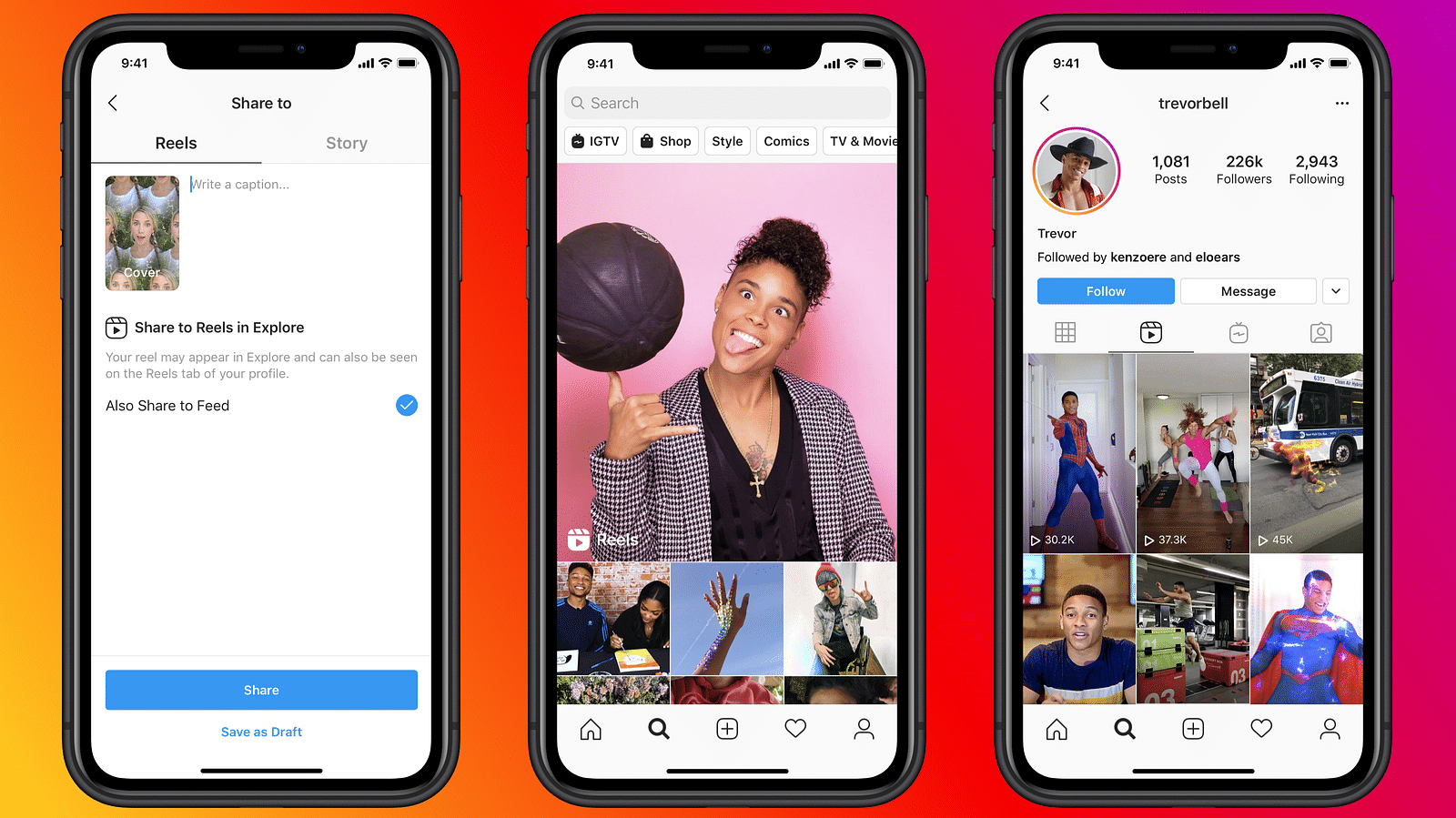
Facebook now called Meta has been the game-changer in the social media market. The company started this online service from the desktop version (for windows and Mac) and had later expanded its venture to the Android and iOS mobile operating systems with a dedicated app. Of late, the brand has been borrowing some features from its other social media arms such as Instagram and Facebook. Reels which is currently a hit amongst content creators on Instagram is one of such features which has made its way to the standard Facebook app.

Announced back in December 2021, Facebook Reels is a rip-off of Instagram’s Reel option allowing users to create and upload short-format videos. So, how exactly do you use the Facebook Reels option to showcase your talent? Read on to know:

Facebook Reels: What Is It? How Is It Different From Instagram Reels?

As mentioned above, Facebook Reels is nothing but the company’s new service for the masses to create and upload short videos. You can also use a series of clicked shots and edit them into a short video. It isn’t any different from what Instagram offers. It is worth mentioning that Facebook Reels is available for both desktops as well we mobile operating systems (Android and iOS). Creating and uploading Facebook Reels isn’t much of a hassle either. Take a look at the steps:

How To Create And Upload Facebook Reels Videos?

If you haven’t yet accessed the Reels section, you can do so by clicking on the menu (three horizontal lines) option. Select ‘Reels’ to get started.

Step 1: Once you are on the Reels section on Facebook, you will be able to see the ‘Create’ tab in the top right corner. Tap on it.

Step 2: You will need to grant access to the Facebook camera to create and share Reels. Click on ‘Allow Access”.

Step 3: You can either record a new video using the Facebook camera app or use previously captured images or videos.

Step 4: Now, add desired effects such as music, frames, etc.

Step 5: Select ‘Next’ once done with the video editing part.

Step 6: To increase the reach, add a good description (short) and then select the audience type for your video.

Step 7: Click on “Share” to upload your Facebook Reel.

Categories
Apps How To Tech News

Reliance Jio Long-Term Prepaid Plans For Disney+ Hotstar: Here’s How To Activate

Reliance Jio has announced the launch of two new premium plans to offer Disney+ Hotstar access to its users. These premium prepaid plans are priced at Rs. 1,499 and Rs. 4,199. The long-term plans offer unlimited calling and data benefits. So, let’s take on the benefits of the newly launched plans.

Reliance Jio Rs. 1,499 Long Term Plan Details

India’s first telecom operator Reliance Jio offer Disney+ Hotstar access for one year. The 2GB of data per day for 84 days. Also, the Rs. 1,499 plan comes with unlimited calling and 100 messages per day. Besides, this pack offers Jio apps access.

Reliance Jio Rs. 4,199 Long Term Plan Details

The Rs. 4,199 plan is an expensive plan and it provides 3GB of data per day, 100 messages per day, and unlimited calling. This pack also ships complimentary access to the Disney+ Hotstar app for one year. In addition, this pack offers Jio application access like users are getting Jio prepaid plans. But, to access both premium plans, you have to follow these steps.

See All Steps To Activate Reliance Jio’s Disney+ Hotstar Long Term Plan

Step 1: First, you have to recharge your number with Rs. 1,499 and Rs. 4,199 plan, then you will get a unique Disney+ Hotstar Premium coupon code on your MyJio account.
Step 2: Then, you have to use the same coupon to get to avail the access to the Disney+ Hotstar Premium membership for one year.
Step 3: After that, you have to activate the subscription and for that, you have to visit https://www.hotstar.com/in/subscribe/promo.

Categories
Leaks Mobile Tech News

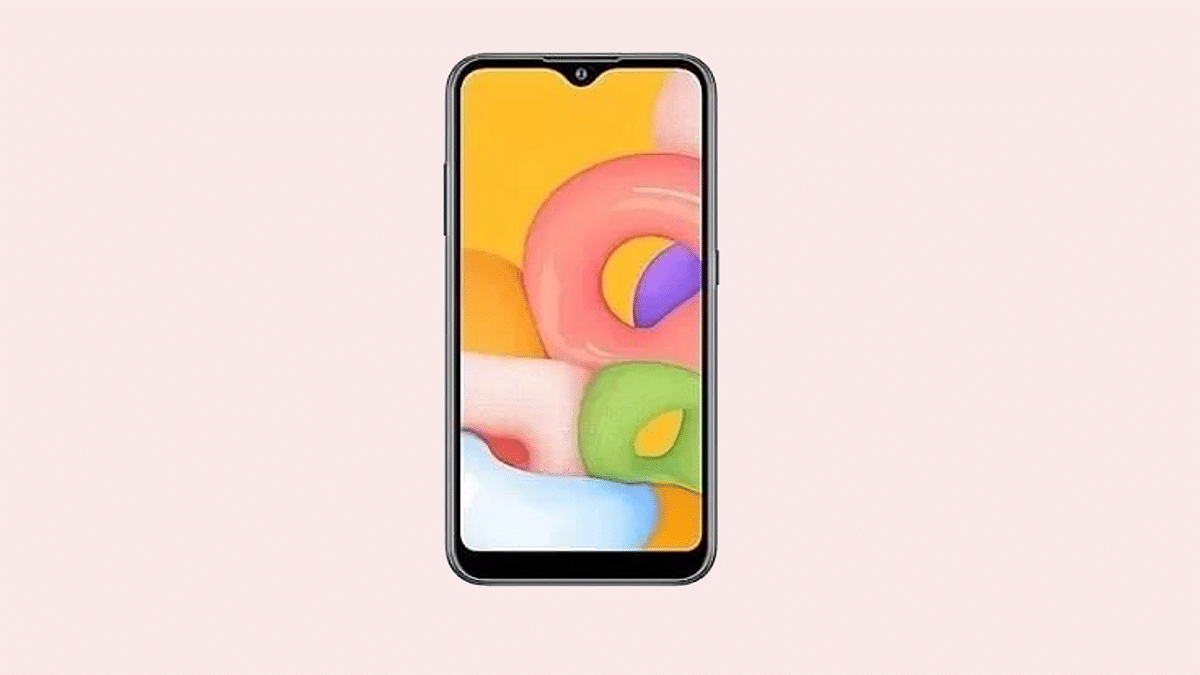
Samsung Galaxy A03 India Price To Start At Rs. 10,499: Report

Samsung has been competing against the Chinese smartphone OEMs in the affordable segment with its Galaxy A and the Galaxy M series. Both these lineups have been refreshed several times over the course of the last few years. The latest budget model heading to the Indian market is the Galaxy A03. The pricing details of the next Galaxy A series phone in India have been leaked in the latest developments. Check out the details below:

Samsung Galaxy A03 Price In India Tipped

The Samsung Galaxy A03 will carry a starting price of Rs. 10,499 in India, cites a fresh report via Mysmartprice. The publication suggests this price tag for the base model that will pack 3GB RAM and 32GB storage configuration.

The report also hints at a 4GB RAM and 64GB storage variant of the Galaxy A03. The high-end variant is tipped to be announced with Rs. 11,999 price tag in the country. Samsung has not yet announced the Galaxy A03 India launch date. However, the expected timeline is by February 2022 end or March first week.

We have got no official confirmation on the arrival, therefore, would suggest you take this information with a grain of salt. Nevertheless, the Galaxy A03 will be shipping with the same color options and internals as the Vietnamese variant. The shades available would likely be black, dark green, and red.

As for the features, the Galaxy A03 is an entry-level Android phone that is driven by the Unisoc T606 octa-core chipset. A bunch of new budget phones such as the Tecno Spark 8C is also powered by the same chipset.

The RAM and storage configurations are already confirmed by the new leak, i.e., up to 4GB RAM and 64GB native storage. The provision for storage expansion would also be present via an external microSD card. The Galaxy A03’s IPS LCD display would measure 6.5-inches.

For optics, this budget Samsung Galaxy A series phone will have a dual rear camera setup featuring a 48MP main camera combined with a 2MP secondary sensor. While for selfies, it will use a 5MP sensor. The Galaxy A03 will pack a big 5,000 mAh battery for power delivery.

Do share your thoughts in the comment section. You can also follow GizNext Tech Enthusiast Telegram group and GizNext Tech Enthusiast WhatsApp group to get all the latest updates on Samsung and other tech brands.

Categories
Comparison Mobile

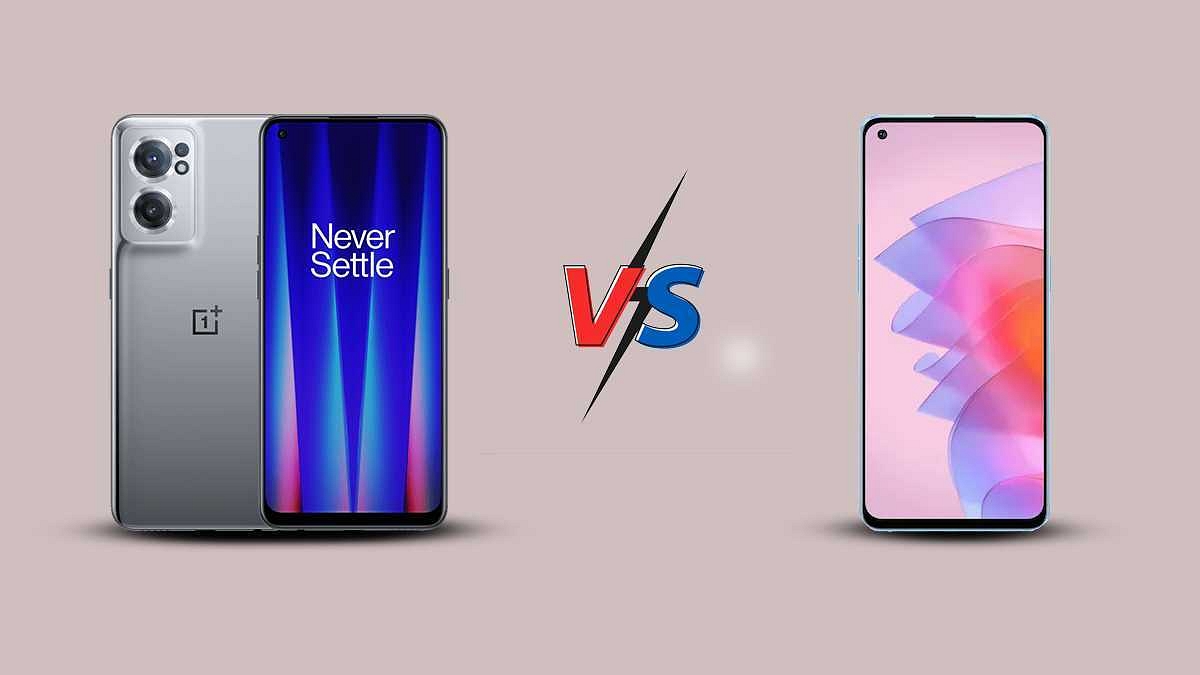
OnePlus Nord CE 2 Vs Oppo Reno7: Spec-Sheet Comparison

OnePlus is ramped up its game in the mid-range smartphone segment in India with the launch of the Nord CE 2 5G. The second-generation Nord CE phone has been introduced as a rival to some of the other recent popular premium mid-tier phones such as the Reno 7 and the Realme 9 Pro.

In one of our previous articles, we did a spec-sheet comparison of the OnePlus Nord CE 2 with the Realme 9 Pro. This time around, we are pitting down the two new-generation OnePlus and Oppo handsets against each other. This is also a hardware-based comparison between the OnePlus Nord CE  and the Oppo Reno7 to help you decide the best fit for yourself.

OnePlus Nord CE 2 Vs Oppo Reno7: Spec Sheet Comparison

Both OnePlus Nord CE 2 and the Oppo Reno7 are equipped with a high-resolution panel that is almost identical in terms of size and specs. The former is packed with a 6.40-inch Fluid AMOLED display that supports 1080 x 2400 pixels screen resolution and 90Hz refresh rate. The Reno7 also has a same-sized (6.40-inch) FHD+ display that supports 1080 x 2400 pixels screen resolution. However, the panel here is AMOLED. The level of detailing and color production by both the OnePlus and Oppo handsets would be high-end and suitable for binge-watching videos.

OnePlus Nord CE 2 Vs Oppo Reno7: Rear, Selfie Camera Comparison

The camera specifications aren’t much different either on both OnePLus Nord CE 2 and the Reno7. The latter takes the lead in the selfie camera department. The Reno7 is packed with a 32MP selfie camera. However, the OnePlus Nord CE 2 features a smaller 16MP snapper for selfies and video chats. The rear camera setup on both devices comprises three lenses.

The OnePlus Nord CE 2 and the Oppo Reno7 5G have a 64MP main camera at the back that supports an f/1.7 aperture. The main camera on both units is combined with an 8MP ultrawide sensor that supports an f/2.2 aperture and a 2MP additional lens with an f/2.4 aperture. You can expect the same level of camera performance from both mid-range phones. We are speaking of good detailings with daylight shots and low-noise night shots with dedicated modes.

OnePlus Nord CE 2 Vs Oppo Reno7: Chipset, Software Differences

This is another common factor between both OnePlus Nord CE 2 and the Oppo Reno7 5G. These two handsets are equipped with the octa-core Dimensity 900 5G processor. This new premium mid-tier MediaTek processor is potent to deliver a lag-free performance with daily tasks such as web browsing, calling, and media playback. Its performance is decent with gaming as well. The Android version is also the same on both smartphones, i.,e Android 11 OS. However, both units feature a custom skin. The Nord CE 2 is pre-installed with OxygenOS 11 UI, while the Reno7 features ColorOS 12 interface.

OnePlus Nord CE 2 Vs Oppo Reno7: Battery Comparison

The OnePlus Nord CE 2 gets its power from a 4,500 mAh battery which supports fast charging technology. The Reno7 5G also packs the same 4,500 mAh battery combined with quick charging support. Overall, both the OnePlus Nord CE 2 and the Reno7 5G have an identical set of features. The primary difference is the selfie camera where the Reno7 5G becomes the winner.

Do let us know your thoughts in the comment section. You can also follow the GizNext Tech Enthusiast Telegram group and GizNext Tech Enthusiast WhatsApp group for more technology updates.

Categories
Tablet Tech News

Samsung Introduces Galaxy Tab S8 In India: See Price, Specifications, And Other Details

Samsung has finally announced its newly launched tablet in India. The Galaxy Tab S series comes with three variants such as S8, S8 Plus, and the S8 Ultra. The newly launched tablet claims to provide a premium Android Tablet experience to users. The tablet will be available between February to March 10, 2022. Plus, it will be available on the company’s website and offline stores.

Samsung Galaxy Tab S8: Price And Availability

The Galaxy Tab S8 Ultra comes in Graphite colour with 12GB of RAM and 128GB of storage variant and it is priced at Rs. 1, 08.999 for the base variant (Wi-Fi). However, the 5G variant will cost you Rs. 1,22,999.

The Galaxy Tab S8 and S8+ models also come with the same storage option and the Wi-Fi variant will cost you Rs. 58,999, whereas the 5G variant is priced at Rs. 87,999. The Wi-Fi variant of the Tab S8 Plus will cost you Rs. 74,999, while the 5G variant will cost you Rs. 87,999.

In addition, customers will get Rs. 10,000 cashback on purchase of the Galaxy Tab S8 Ultra and Rs. 8,000 to HDFC Cards users on the Tab S8+, whereas base model users will get Rs. 7,000 cashback.

Samsung Galaxy Tab S8 Ultra Tablet: Features And Specifications

The Galaxy Tab S8 features14.6-inch an AMOLED display along with 120Hz. The tablet comes with thin bezels, a 12MP selfie camera that allows you to record 4K video calling. Plus, the tablet sports an Armor Aluminum frame that claims to provide 30 percent scratch-resistant and 40 percent less bending. There is also a 4nm octa-core Snapdragon processor and 12GB of RAM.

Besides, the company has introduced the Samsung Health application so that users can check their fitness routine. Furthermore, the Galaxy Tab S8 base variant has a 12MP single lens and 11-inch screen size.

Do follow  our GizNext Tech Enthusiast Telegram group and GizNext Tech Enthusiast WhatsApp group more technology news.