
Key Highlights
- DigiYatra initiative allows seamless and faster air travel process
- Identity veification can be done without any physical ID card or document
- Flight boarding pass can be added to DigiYatra app
The Ministry of Civil Aviation in India has introduced a special initiative to ease the air travel process in India. The DigiYatra app developed by a private non-profit organisation called Digi Yatra Foundation helps the travellers to commute paperless. With this platform, passengers get a smooth air travel exprience where they don’t need to carry physical documents and identities for check-in. We previously explained the DigiYatra app in detail and also shared the steps guide to update your credentials and documents in the app. But are you aware that DigiYatra also allows the consumers to add boarding pass making their flight travels a seamless experience. What all steps you would need to follow to add a flight boarding pass in the DigiYatra app? We have shared the steps below:
For the tech geeks, stay updated with the latest cutting-edge gadgets in the market, exclusive tech updates, gadget reviews, and more right on your phone’s screen. Join Giznext’s WhatsApp channel and receive the industry-first tech updates.
Also Read: Google Maps Detailed Voice Navigation: What It Is & How to Use It on Android and iPhone
How To Add Flight Boarding Pass In DigiYatra App For Seamless Airport Travel Experience
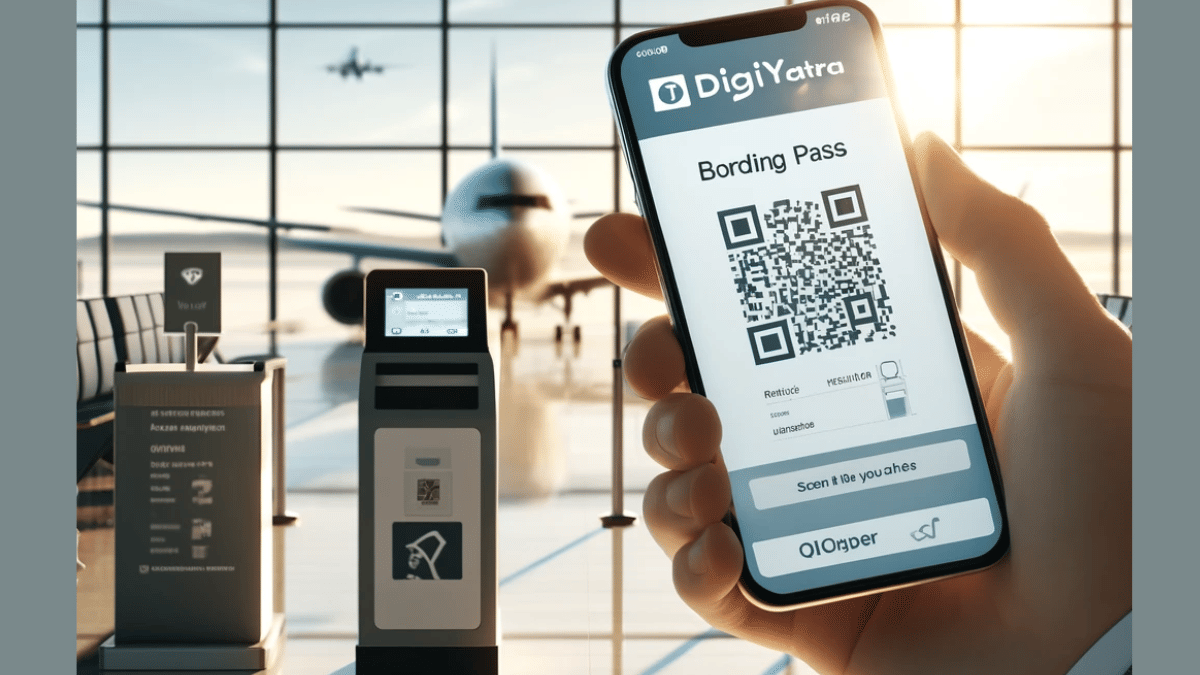
One can easily access DigiYatra services via the mobile app. Both Android and iOS users can download and install the DigiYatra app on their respective smartphones and access all the available services including the option to add a flight’s boarding pass.
Step 1: Launch the DigiYatra app on your respective smartphones
Step 2: Add your credentials (as required)
Step 3: Once the credentials are added and you are logged into your profile tap on the “Add Boarding pass” option
Step 3: Click in the checkbox in front of the “Agree to the terms and conditions”
Step 4: A new option will pop up to add the Boarding Pass PDF. You can also scan the Boarding Pass QR code to add it to the app.
Once the boarding pass is successfully added to the DigiYatra app, you’ll be shown all of the important travel details including the Flight name/ number, booking ID/ PNR, and seat number, etc. All the information will be displayed on the DigiYatra app’s homepage.
