
Key Highlights
- Google Pay allows easy UPI money transfers
- Multiple features available to enhance payment services
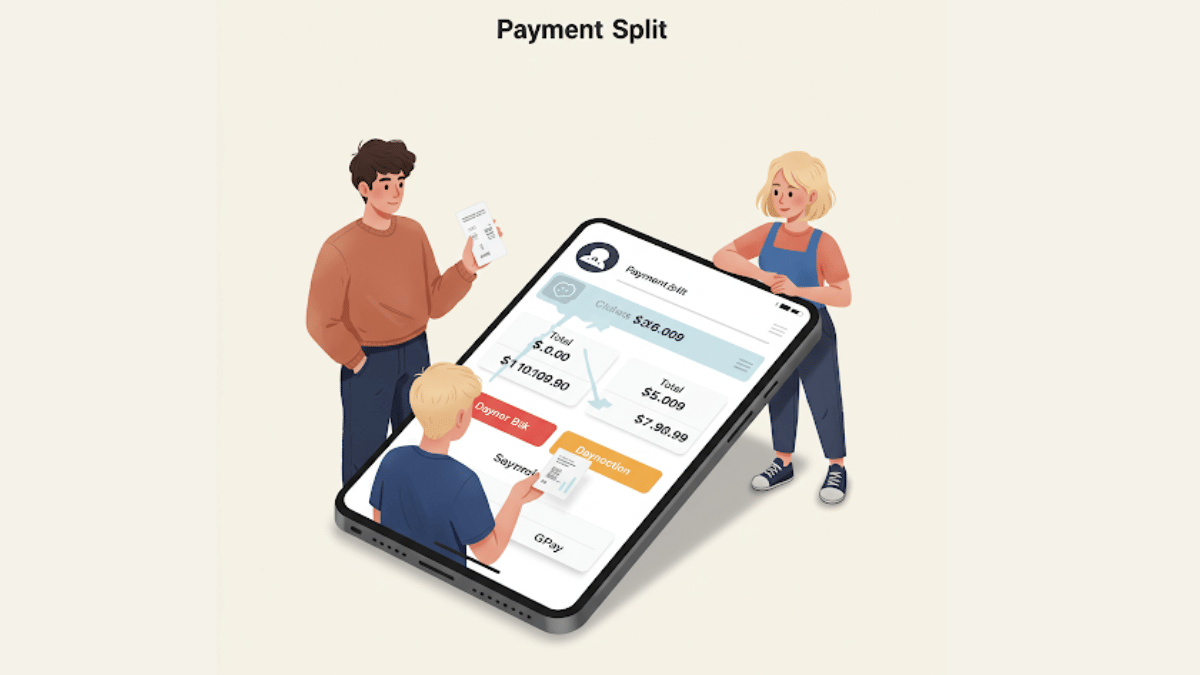
- Payment Split feature available for easy bill splits
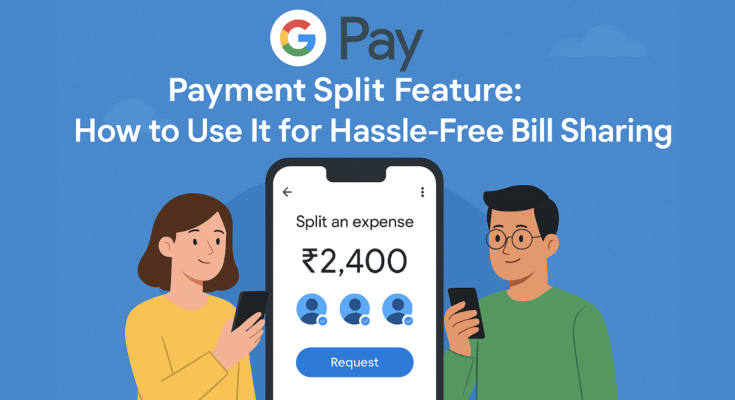
With the arrival of UPI (Unified Payment Interface), India has witnesses a huge shift towards digital payments and money transactions. All you need is a smartphone with active internet connection and a bunch of few UPI apps such as GPay, PhonePe, And Paytm for all digital transactions and payments. Forgetting wallet wouldn’t be a valid excuse if you are out with friends and wish to split bills. But often, it is difficult to keep a track of all the expenses that you have made during a trip and want to share your contribution. While there are dedicated third party apps such as Splitwise that helps you with bill splits, it rather would be easier to keep a track using a UPI app. GPay, the official UPI app from Google also has this feature integrated. So, if you are out dining with your friends or sharing room rent and OTT subscriptions, Google Pay’s Payment Split feature will come to your rescue. Let’s explore the quick ways to access GPay’s payment split feature and use it for hassle free bill payments:
For the tech geeks, stay updated with the latest cutting-edge gadgets in the market, exclusive tech updates, gadget reviews, and more right on your phone’s screen. Join Giznext’s WhatsApp channel and receive the industry-first tech update.
Also Read: How to Check FASTag Toll Payment History and File Complaints for Overcharging
Google Pay Payment Split Feature: Functionality Explained
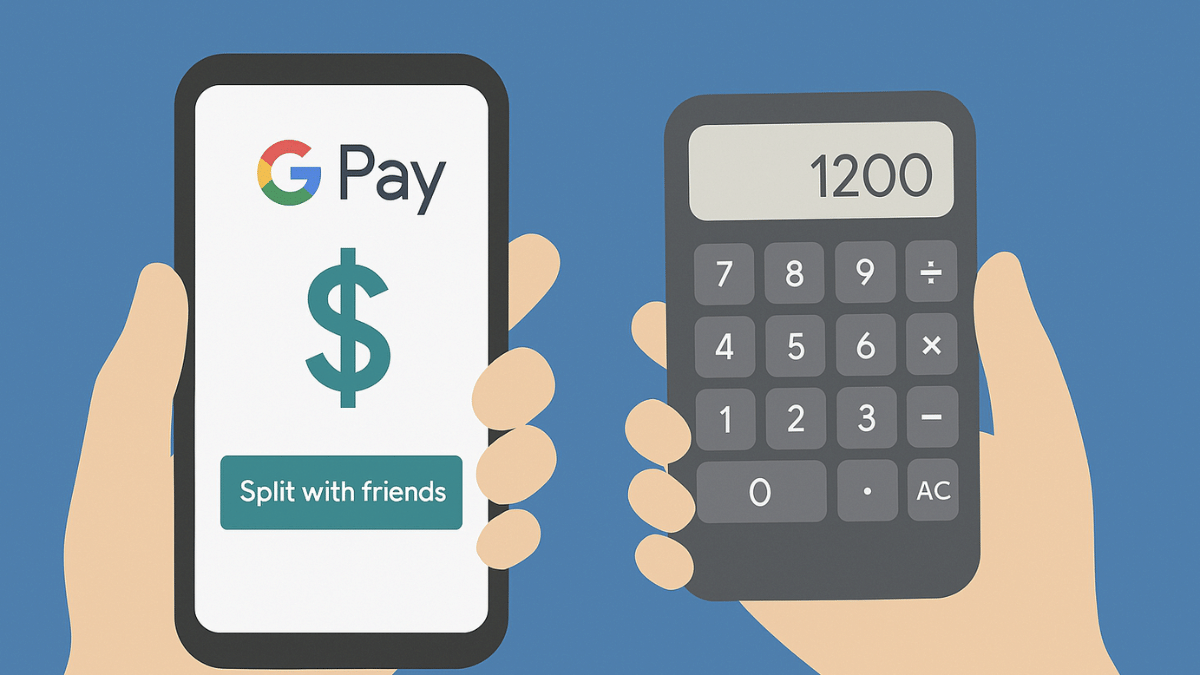
Google Pay’s Payment Split feature is designed to help users with equal payment splits with friends and families. This features simplifies the entire process of dividing payments between multiple people users directly from the app. It further cuts down on the hassle of manual expense tracking for different contacts. This feature is handy when you are out on a road trip with your friends or are planning to share expenses for room rents, groceries, etc.
Benefits Of GPay’s Payment Split Feature
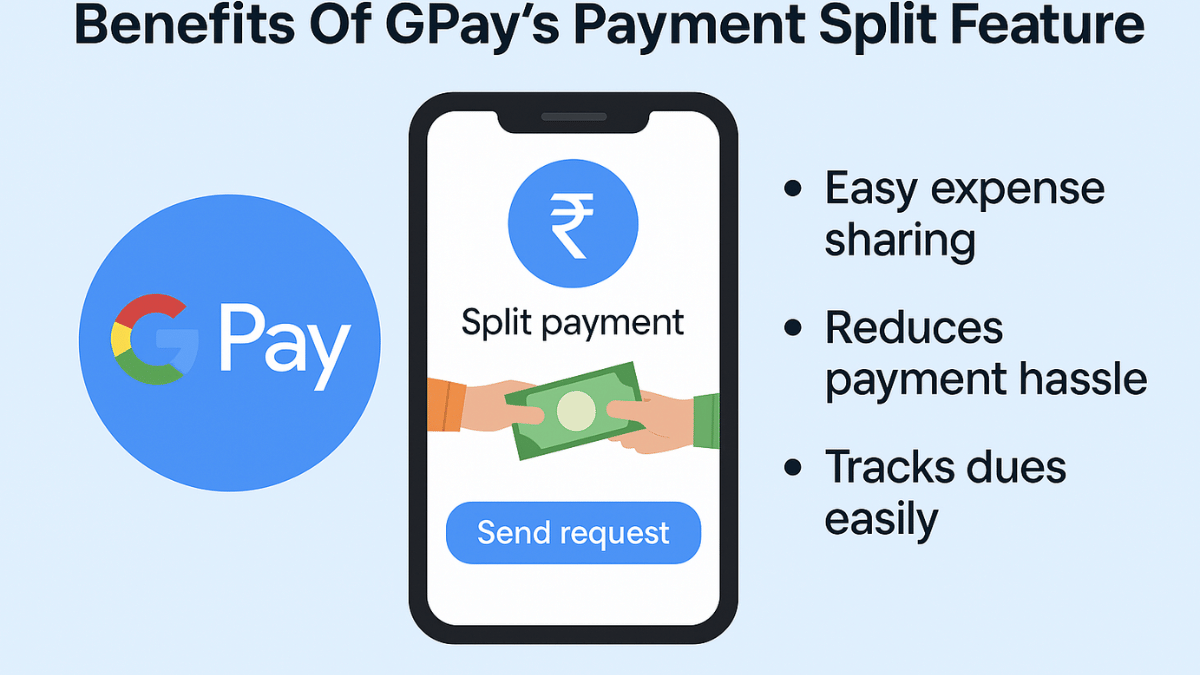
- Send Instant Payment Requests – GPay’s Payment Split feature will allow users to send quick payment request to the contacts with whom you wish to split payment. Just with a single tap, the payment request can be processed.
- Allows Hassle Free Group Management – This feature is extremely helpful in managing and splitting expenses even for large group of users. It can easily keep a track of the payments made by the members.
- Does Automatic Calculation – Helps with automatic expense calculation and evenly distribution. Users can also make custom changes to the amounts to be paid or received.
- Offers Secure Transactions – GPay is a private and secure UPI app. It’s encrypted platforms ensure all the transactions are safe.
Also Read: Incognito Browsing Not So Private! Steps To Check Incognito Mode Browsing History And How To Delete
How to Use Google Pay’s Payment Split Feature On Android, iOS
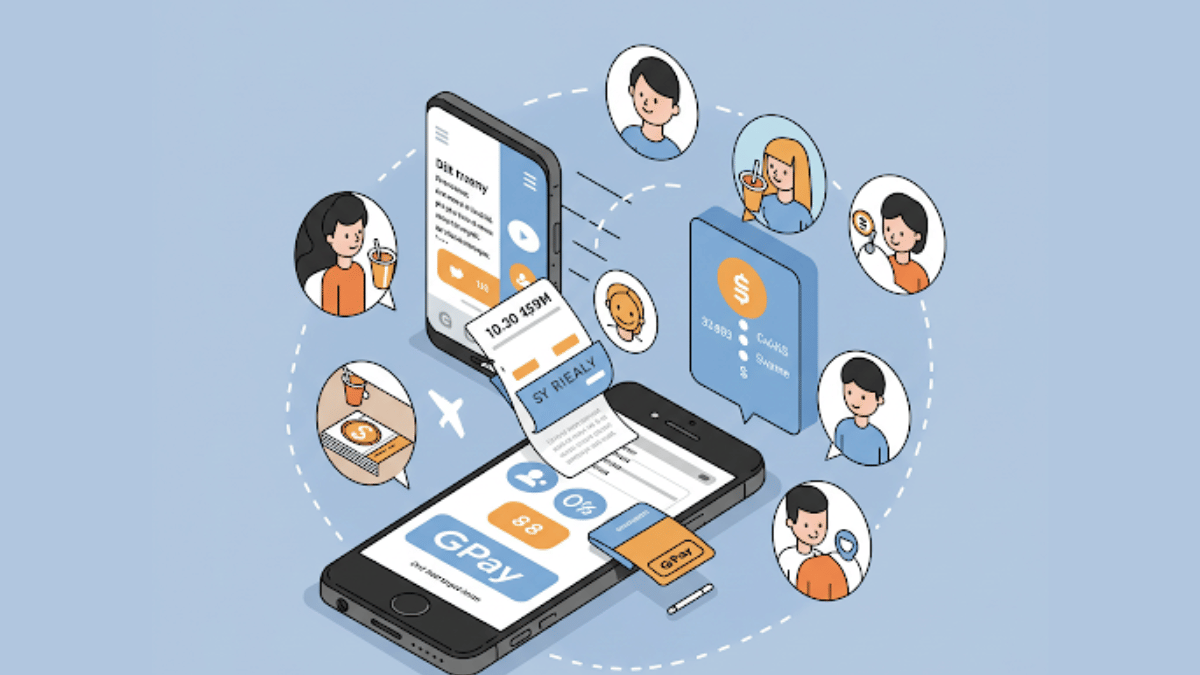
Step 1: Access Payment Split Feature On Android, iOS
- Launch Google Play mobile application
- Ensure Google Pay app installed is updated to the latest version.
- Navigate to the “Transaction History” option
Step 2: Start New Payment Split Request
- Open the transaction history whose payment you wish to split
- Scroll down and locate the “Split with Friends” option. Tap on it.
- Now, select the contacts with whom the bill.
- Tap on Continue
Step 3: Add Bill Amount That Has To Be Split
- Add the total amount of the bill that you want to split.
- Wait for the GPay app to automatically split the bill amount.
- Manual adjustments also allowed
Step 4: Send Payment Requests
- Tap “Request” to allow GPay to send payment notifications to the selected contacts.
Also Read: How To Check Your EPF (Employee Provident Fund) Balance With And Without UAN Number
Who Can Use Google Pay’s Split Payment Feature?
- Android & iPhone Smartphone Users – GPay is available for both Android and iOS smartphone users. This app can be downloaded via Google Play Store and Apple App Store to access the payment split feature.
- Users with an active account on GPay – All the registered GPay users can access the payment split feature on their respective smartphones.
