
Key Highlights
- Telegram is the closest rival to WhatsApp
- Allows instant messaging, media sharing, audio, and video calling
- Can be used without internet
- Limited functionality without active internet connection
While WhatsApp is the most common instant messaging app for Android users, Telegram with a similar end-to-end encrypted platform has made its mark in the instant messaging app space. It’s one of the most versatile apps offering some advanced messaging, calling, and media sharing features. As with other instant messaging apps, you need an active internet connection to use all the features offered by Telegram. But what if we tell you, there are a few ways with which you can use Telegram services even without an active internet connection? And the steps aren’t tricky too. Here in this article we are sharing the methods that will help you use Telegram without an internet connection.
For the tech geeks, stay updated with the latest cutting-edge gadgets in the market, exclusive tech updates, gadget reviews, and more right on your phone’s screen. Join Giznext’s WhatsApp channel and receive the industry-first tech update.
Also Read: How To Use WhatsApp Without Internet And Your Primary Device: Step By Step Guide
Can You Really Use Telegram Without Internet?

Well, directly no; but with workarounds, definitely. Features like schedule messages, multi-device sync, Bluetooth/ Hotspot file sharing, etc. can help with get the work done when there is no active internet. You can use these features on Telegram mobile app which comes handy when you are in not network zone-like situations. Let’s breakdown the methods with which you can use Telegram without internet on your smartphones.
Method 1. Via Scheduled Messages Option

This is just like WhatsApp, where you can pre-schedule a text message for any of your contact on Telegram. Besides texts, you can also schedule media messages to both single contact, groups, or Telegram channel. This feature is useful for businesses where one can stay connected with clients while travelling or in a no internet zone.
- Step 1: Open Telegram mobile app and go the the contact, group, or channel where you want to schedule the message.
- Step 2: Compose the message and long press on the Send icon
- Step 3: Select the “Schedule Message” option.
- Step 4: Set the time, date for the message to be sent
- Step 5: Click on Send
Also Read: Measure Distance Between Two Points With Pinpoint Accuracy On Google Maps: How To Guide
Method 2: Via Multi-Sync Option

This is another feature which is similar to WhatsApp. Using the Multi-Sync option, you can access your Telegram account on a different device (it could be another smartphone, laptop, or PC). Once you log in to the other device using same Telegram account, all the messages and media gets sync in real time. This feature is useful when the primary device on which Telegram is being used is either running out of battery or has some technical issues.
Also Read: No Microsoft Account? No Problem: Here’s How To Install Windows 11 Your Way
Method 3: Use Draft And Sync Mode On Telegram
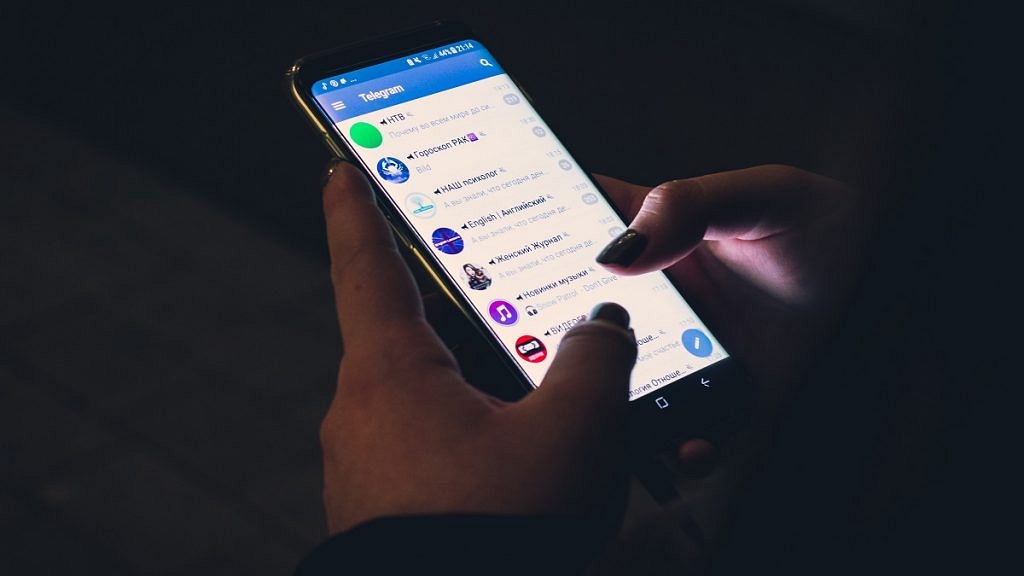
This is another way that allows you using Telegram app services without a working internet connection. Using this method, you can essentially prepare drafts in advance (for both messages and media) beforehand. Once the internet connection has resumed, the messages in draft will be sent automatically by Telegram.
Also Read: Call Merge Scam Alert: Here’s How To Stay Safe From OTP Fraud
Method 4 Via: Use Telegram Bots

Another effective way to use Telegram’s messaging service without an active internet connection is by making use of bots. There are dedicated Telegram bots that can help you execute certain commands like queue or schedule messages for later period. Once the bot have been enabled, the messages in queue will be sent without working internet connection.
Also Read: Three Effective Ways To Restore Deleted Games And Apps On Windows 11 Laptops And PC: How To Guide
Method 5: Media File Transfer/Sharing Via Bluetooth/Mobile Hotspot (Business Nearby Feature)
This is one those advanced features that helps you use Telegram with no internet. Using this option, one can share files and media to nearby users. This feature is called Business Nearby and it allows file transfers over mobile hotspot and Bluetooth. Designed essentially for businesses, this feature is helpful if you want to share media files. To use this feature it is critical for you to create a business account.
