
Key Highlights
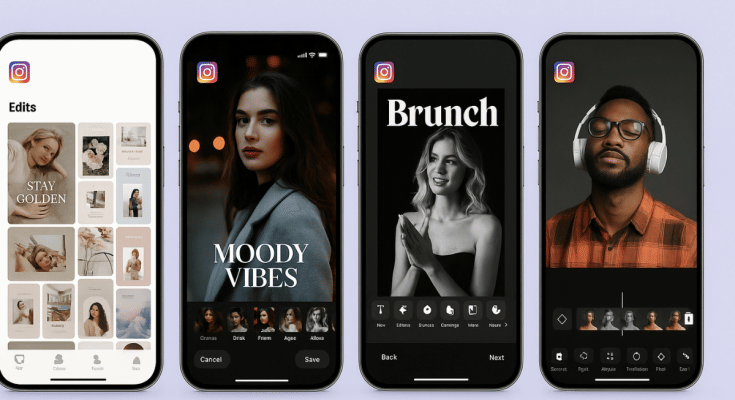
- Instagram launches standalone editing app called Edits
- Introduced for both Android and iOS platforms
- Allows editing videos for reels and more directly
Instagram has emerged as one of the most used platforms for social media engagement. It is one of those multimedia sharing apps where when can get as creative as they can with photo and video uploads. And to provide a consistent and diverse experience, new updates frequently makes way to this social media platform. A new feature rather a standalone app has now been introduced by Instagram that brings along a whole range of comprehensive editing tools for video/ photo editing and also monitoring performance of the uploaded content. What is this latest Instagram Edits app and how can you utilise it as a editing tool and a performance analyser simultaneously. We explain in this article:
For the tech geeks, stay updated with the latest cutting-edge gadgets in the market, exclusive tech updates, gadget reviews, and more right on your phone’s screen. Join Giznext’s WhatsApp channel and receive the industry-first tech updates.
Also Read: How To Use Instagram’s New Song Lyrics Feature In Reels: A Step-By-Step Guide
What Is Instagram’s Edit App?
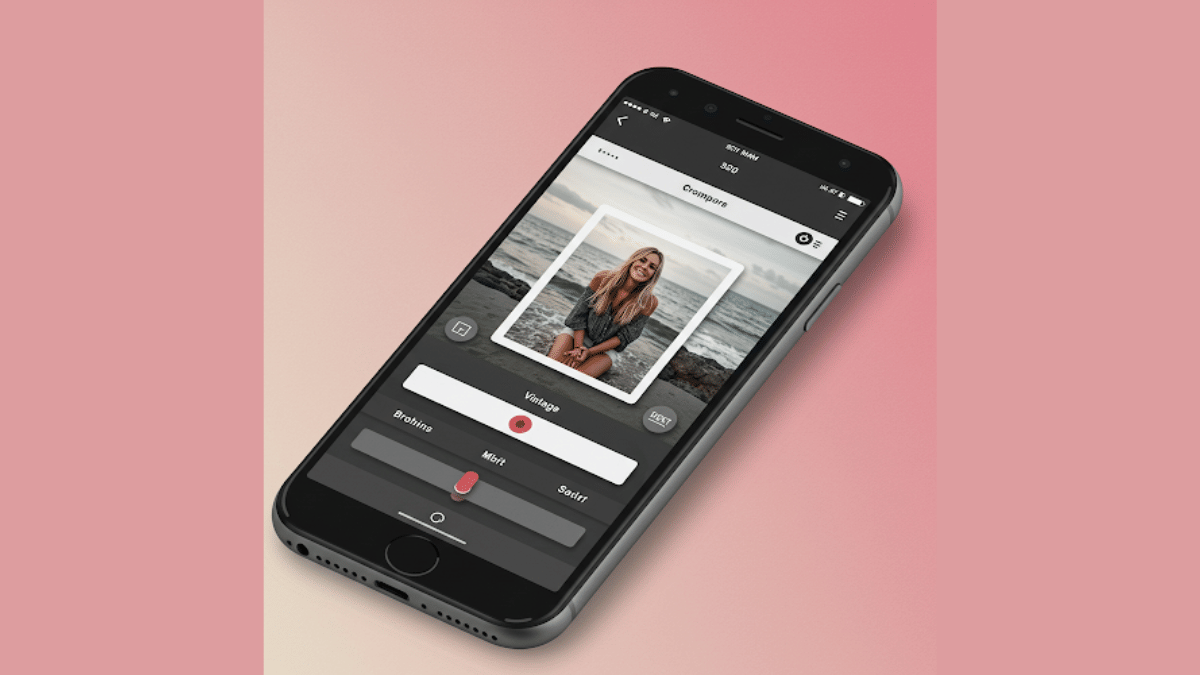
Instagram Edits is the latest Meta-developed app that has been designed to help content creators to improve their quality of content being uploaded on the platform. This AI-backed app brings along a host of features ranging from AI-backgrounds, green screen, sound and visual effects pre-set, and more.
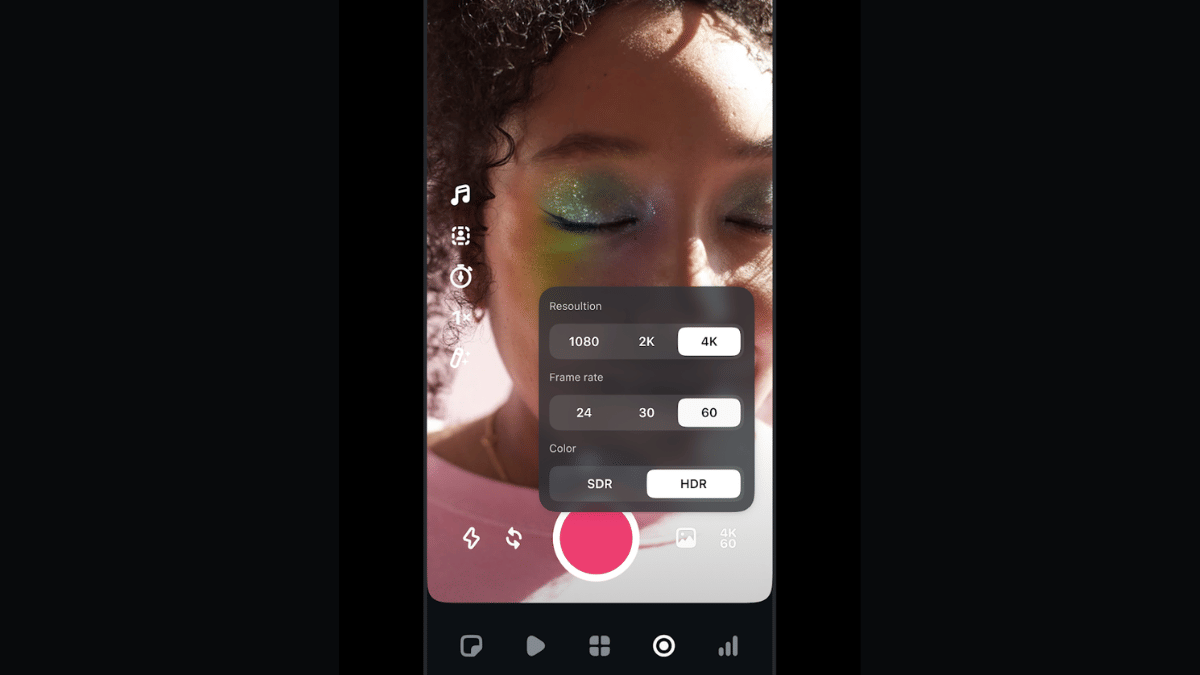
Instagram Edits will also allow users to remove background from a video and replace it with another in real time. Besides using pre-recorded footages from the gallery, Instagram Edits allows recording directly via the app where the videos can be recorded to up to 4K resolution@60fps. Edits currently supports shooting and recording videos of up to 10 mins.
Also Read: Instagram Top Hacks: How To Enable or Disable Sensitive Content From Home Feed
How To Download And Use Instagram Edits On Android and iOS
Step 1: Open Google Play Store or Apple App store on your smartphones
Step 2: Enter Instagram Edits in the search bar and tap on Install
Step 3: Open the Instagram Edits app
Step 4: Use your existing Instagram user ID and password to log-in
Step 5: To start a new project, tap on “+” icon.

Step 6: You can either import an existing video or image for the gallery or start a new recording. Tap on the capture icon for the latter.
Step 7: Toggle between the different lenses and apply if you want while recording a new clip
Step 8: Now, edit the video using AI-backgrounds, filters. You can also merge clips, use transition effects, add music, etc.
Step 9: Once done, tap on Export.
Step 10: You can share this edited video directly on Instagram and Facebook without switching the app.
